
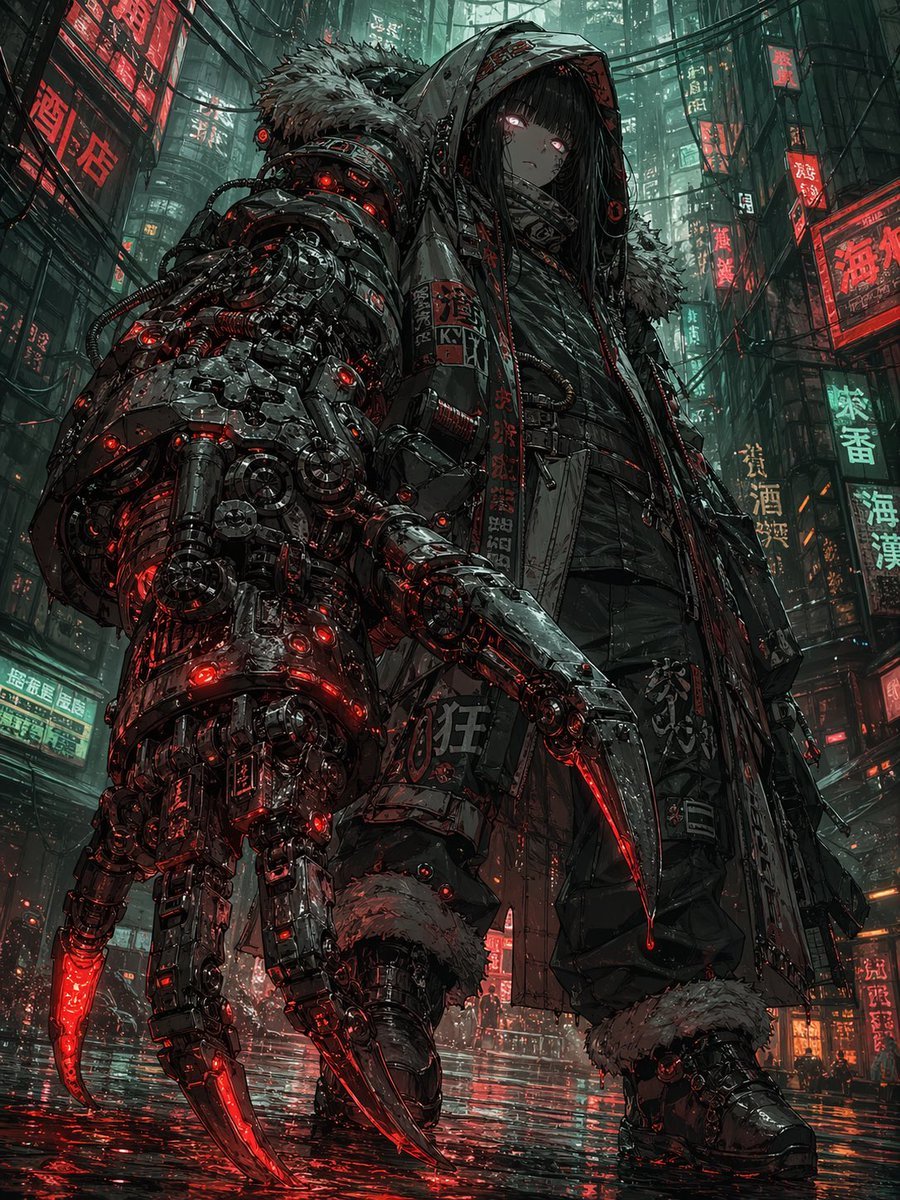
Cyberpunk Girl with Giant Claw Arm
This prompt generates a dramatic anime-style cyberpunk character portrait, ideal for concept art of a lone mechanized antihero in a neon-soaked futuristic city.
- Prompt included
- Model and format preset
- Free template
The prompt behind this image
Copy the exact prompt behind Cyberpunk Girl with Giant Claw Arm, or open it in the studio and make it yours.
A dark cyberpunk anime illustration of a lone young woman with a massive mechanical claw arm standing in a rainy neon-drenched alley at night, viewed from a dramatic low angle that makes her look imposing and dangerous. She has a pale face, long straight black hair partly hiding her eyes, and faintly glowing red eyes with a cold, emotionless expression. She wears an oversized hooded winter-tech coat with a large fur-trimmed hood and fur cuffs, layered black tactical streetwear, straps, belts, and baggy dark pants tucked into heavy boots. Her left arm is replaced by an enormous industrial mech prosthetic that dominates the foreground, packed with dense gears, pistons, tubing, cables, exposed mechanisms, and glowing red indicator lights, ending in 3 long curved talons with razor-sharp tips lit from within by crimson energy. Add small decals, warning labels, and vertical East Asian signage on the coat and machinery. Set her in a narrow futuristic city street filled with towering buildings, hanging cables, mist, and many vertical neon signs with Chinese characters in red and cyan-green. The pavement is wet and mirror-like, reflecting the red lights from the claw and the surrounding signage. Use a gritty, ultra-detailed, high-contrast palette of charcoal black, gunmetal, deep crimson, and sickly teal. The mood is cold, moody, intimidating, intelligent, and slightly melancholic. Highly detailed linework, complex mechanical rendering, cinematic lighting, rain haze, urban density, anime-meets-hard-surface concept art, masterpiece quality.
How to use Cyberpunk Girl with Giant Claw Arm in 3 steps
- 1Upload ImagePNG, JPG or paste
Add your photo
Upload the photo the template builds on. The prompt, model and format are already set.
- 2…a portrait of your subject in softgolden-hour light, 85mm…
Personalize
Edit the subject and creative details for your destination.
- 3Generate
Generate
Press Generate — your image is created in PicX Studio, so you can compare it with the original and refine one variable at a time.
More like this
Templates with the same subject, style or setup. Open one to see its prompt.
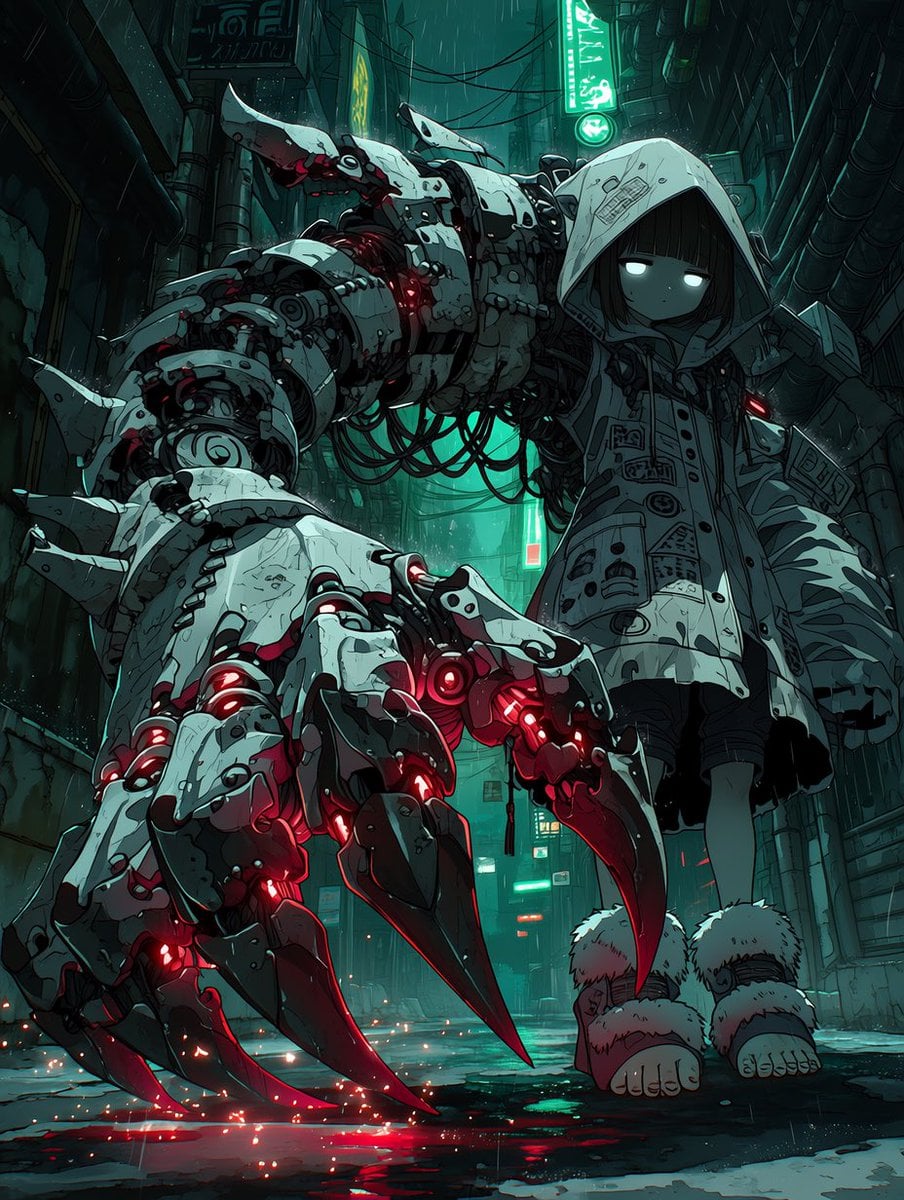
Cyberpunk Girl with Giant Mech Claw

Seedance 2.0 - Anime Girl Fight

Teen Girl Alpine Lake Mountain View

Obscured Cyberpunk Girl Poster
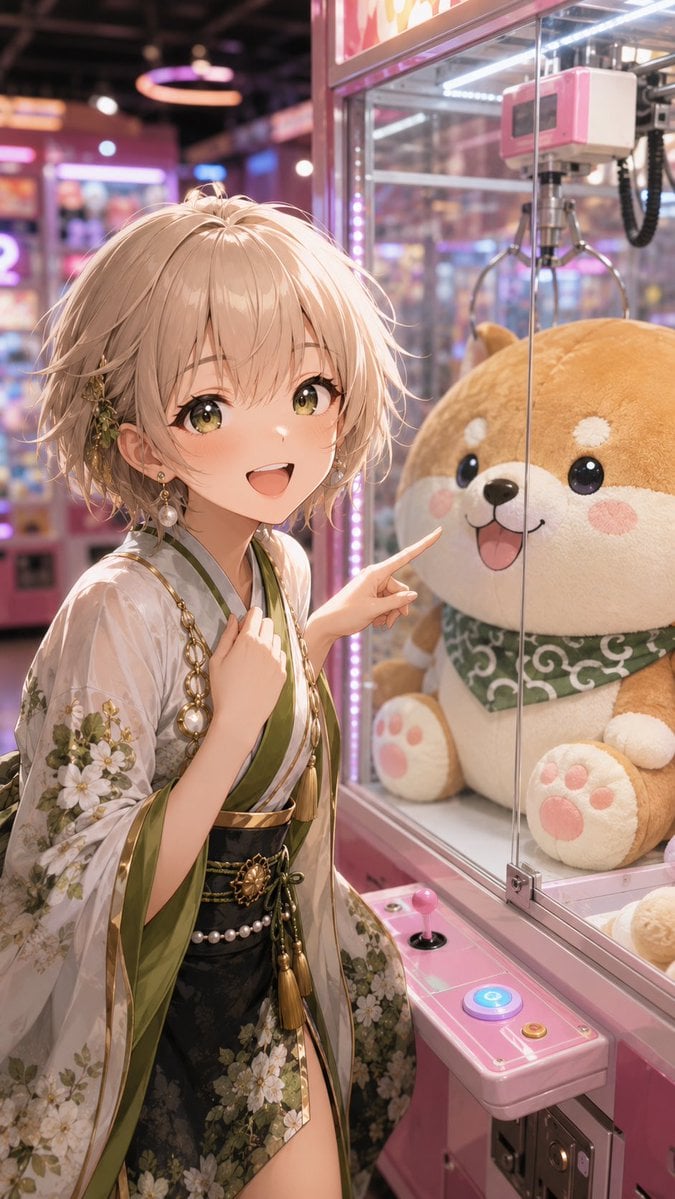
Anime Girl at Claw Machine

Miniature Girl on Giant Smartphone Desk

Rainy Night Android Cyberpunk Portrait

Korean Idol Partial Shadow Editorial Portrait

Cinematic Sci-Fi Interface Side Profile

Cyberpunk Neon Profile Fashion Portrait

Cinematic Neon Light Strip Studio Portrait

Futuristic Studio Neon Ring Minimalist Portrait
Make it yours
Cyberpunk Girl with Giant Claw Arm works as-is. These are the safest ways to change it without losing the look.
Change one field
Copy a single group, rewrite it, and generate again so you can see what that field is doing.
Keep the frame, change the subject
Hold the composition and light of Cyberpunk Girl with Giant Claw Arm, then swap wardrobe, props or the person for a new take.
| If the result… | Why | Fix |
|---|---|---|
| The result drifts from the preview | Too many fields changed at once. | Reuse Cyberpunk Girl with Giant Claw Arm as-is first, then change one group — subject, light, or setting. |
| The model over-stylizes the scene | The prose prompt leaves finish and camera underspecified. | Add one camera or lighting sentence and stay on GPT Image 2. |
More GPT Image 2 templates
Other prompts made for GPT Image 2.

Six VTuber Japanese Logo Sheet

Realistic Portrait of Woman and Deer

The Vista Modular Condo Poster

AI Model Routing Comparison Infographic

2.5D Anime Art Board

Isometric Productivity Desk Scene

New York Double Exposure Poster

Four-Panel AI Landscape Comparison

Japanese Tatami Lifestyle Magazine Cover

NESCAFÉ Coffee Map Poster
More image prompts
Fresh picks from across the catalog.

Banana Song Lyrics and Emojis
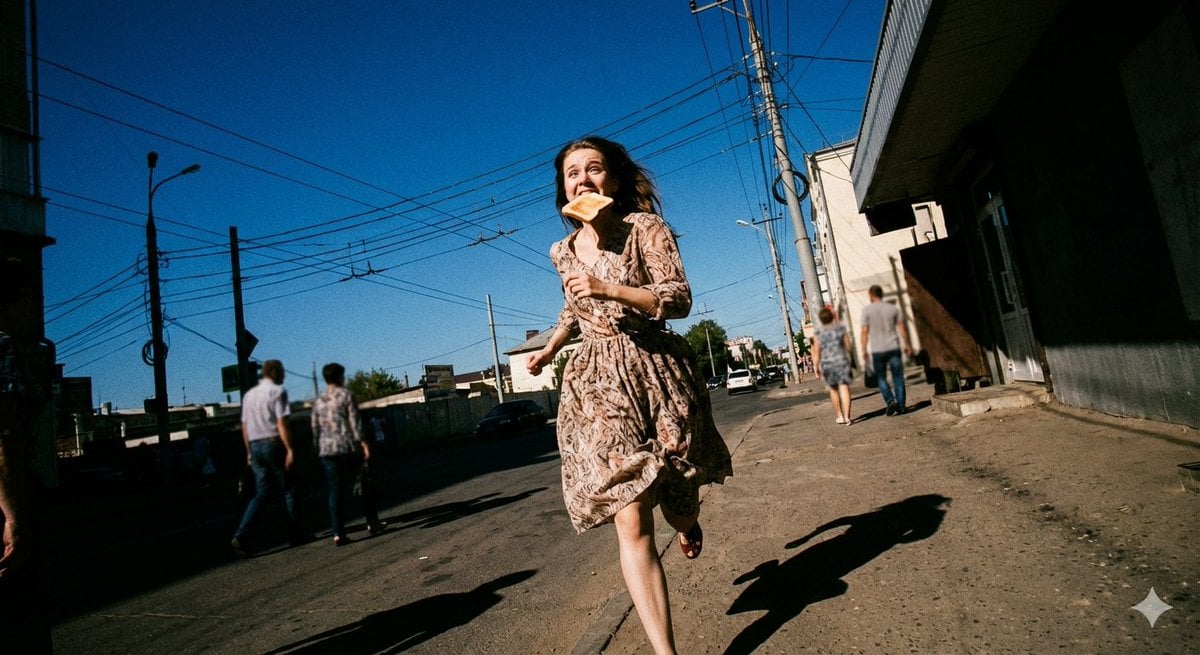
Low-Angle Running Woman Street Photo

Cinematic Storyboard of Woman and Bear in Forest
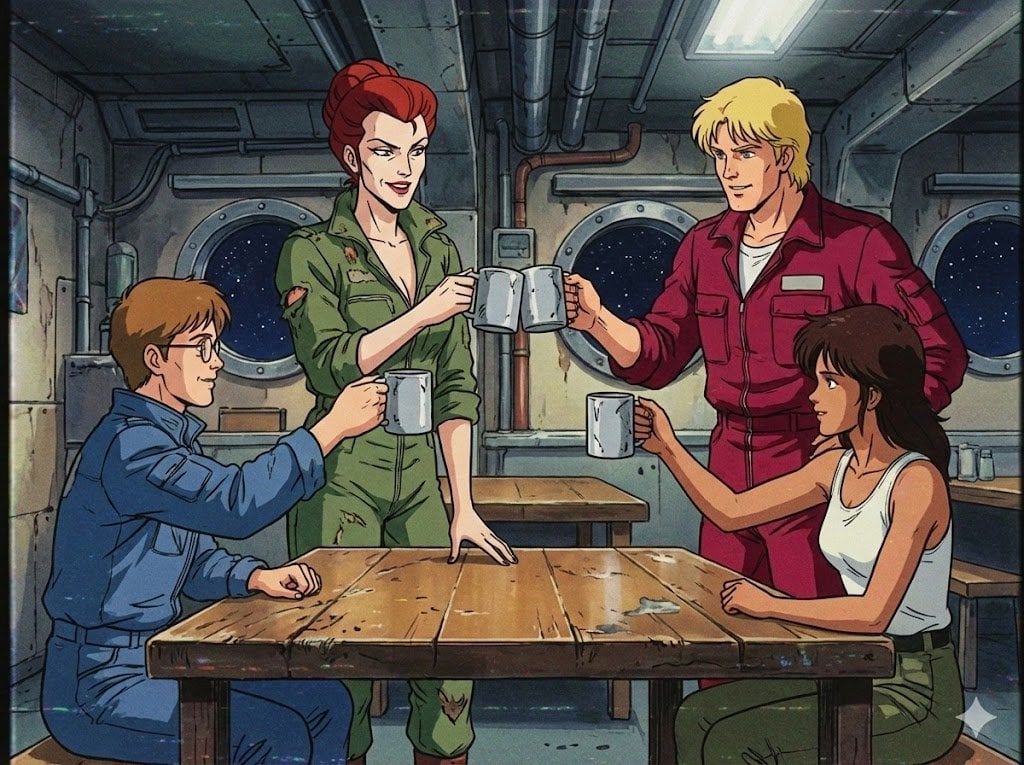
1980s US import TV anime style

The Soft Drink Fortress Prompt Share

Intimate Late Night Bathroom Selfie

MIXUE Dimo Candy Kingdom Poster
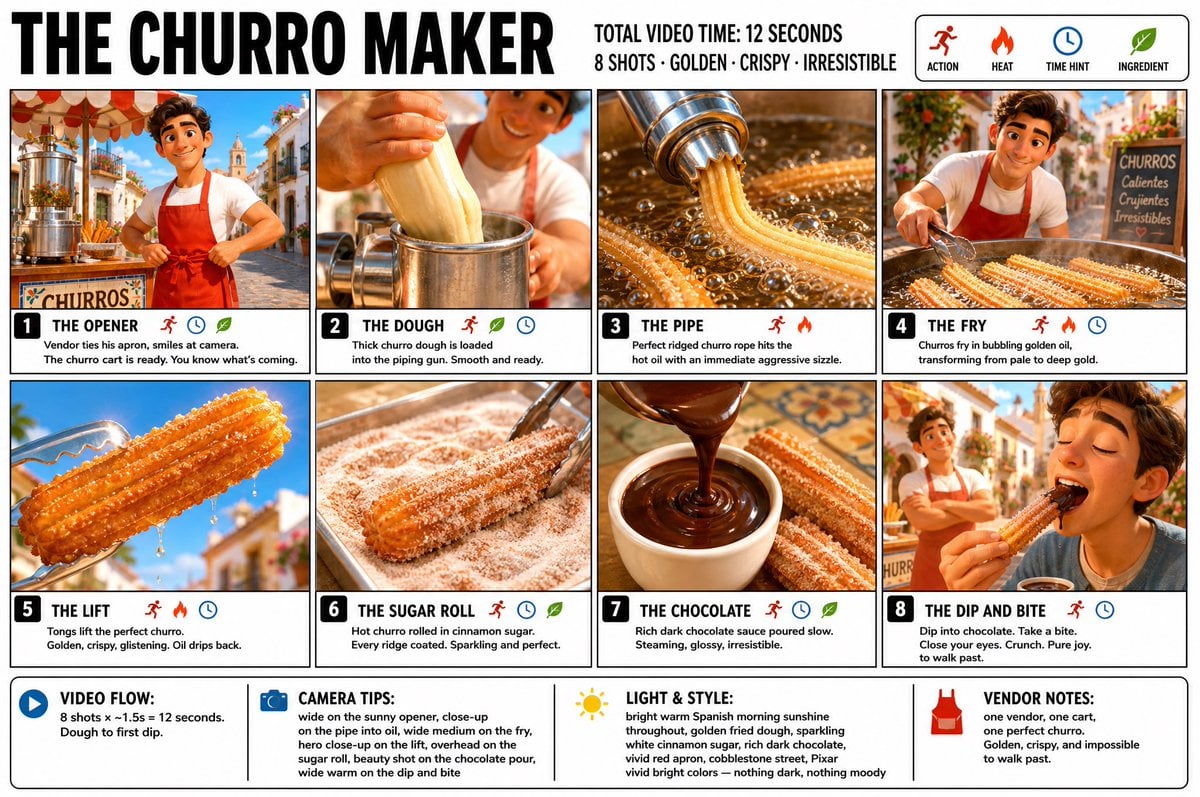
Churro Maker Infographic Storyboard

Cinematic Raining Money Portrait

GPT Image 2 Identity-Preserving Portrait Prompt
Browse template categories
Cyberpunk Girl with Giant Claw Arm questions
How do I use the Cyberpunk Girl with Giant Claw Arm template?
Add your photo if the template asks for one, edit the prompt if you like — the template's model and format are already selected — and press Generate. Your version opens in PicX Studio.
Can I customize the Cyberpunk Girl with Giant Claw Arm template?
Yes. You can change the subject, setting, lighting, mood, format, and available model controls before creating your image.
Is the Cyberpunk Girl with Giant Claw Arm template free?
Opening and editing this template is free. Generating uses credits, shown on the Generate button when you are signed in.
Which AI model should I use?
Start with GPT Image 2, which is the model associated with this template. You can compare another compatible model for a different finish.
Looking for something else? Browse all templates.

Your photo, any look
Thousands of ready templates for every top image and video model, from one credit balance.