
Obscured Cyberpunk Girl Poster
A square anime-style cyberpunk girl poster with glossy cat-ear helmet details, peach hair, pixel title text, and a large muted overlay block for edit-comparison layouts.

- Prompt included
- Model and format preset
- Free template
The prompt behind this image
Copy the exact prompt behind Obscured Cyberpunk Girl Poster, or open it in the studio and make it yours.
Create a square 1:1 cyberpunk anime illustration of {argument name="character name" default="CYBERPUNK GIRL"}, tightly cropped like a poster. Show a young woman with long flowing {argument name="hair color" default="pale peach blonde"} hair wearing a glossy black futuristic helmet or mask with cat-ear-like angular armor. The helmet has exactly 2 large translucent orange triangular ear panels, exactly 2 visible iridescent circular lens details, multiple small gold rivets, black mechanical seams, and dark blue-green reflections on lacquered armor. Use a mint-green background and a refined retro-futuristic manga style with clean ink lines, delicate hair strands, high-gloss highlights, orange accent lighting, and intricate mechanical detailing. Place bold blocky white pixel-style title text across the lower middle reading {argument name="poster text" default="CYBERPUNK GIRL"}, partly hidden by the composition so only the right portion may be fully visible. Add a large opaque muted gray-green square overlay covering the center-left of the image, occupying roughly half the canvas width and height, obscuring the face and much of the text; keep the helmet, hair, and right-side text visible around it. No watermark, no extra characters, no photorealism.
How to use Obscured Cyberpunk Girl Poster in 3 steps
- 1Upload ImagePNG, JPG or paste
Add your photo
Upload the photo the template builds on. The prompt, model and format are already set.
- 2…a portrait of your subject in softgolden-hour light, 85mm…
Personalize
Edit the subject and creative details for your destination.
- 3Generate
Generate
Press Generate — your image is created in PicX Studio, so you can compare it with the original and refine one variable at a time.
More like this
Templates with the same subject, style or setup. Open one to see its prompt.

Neon Glitch Cyber Symbiote Music Poster
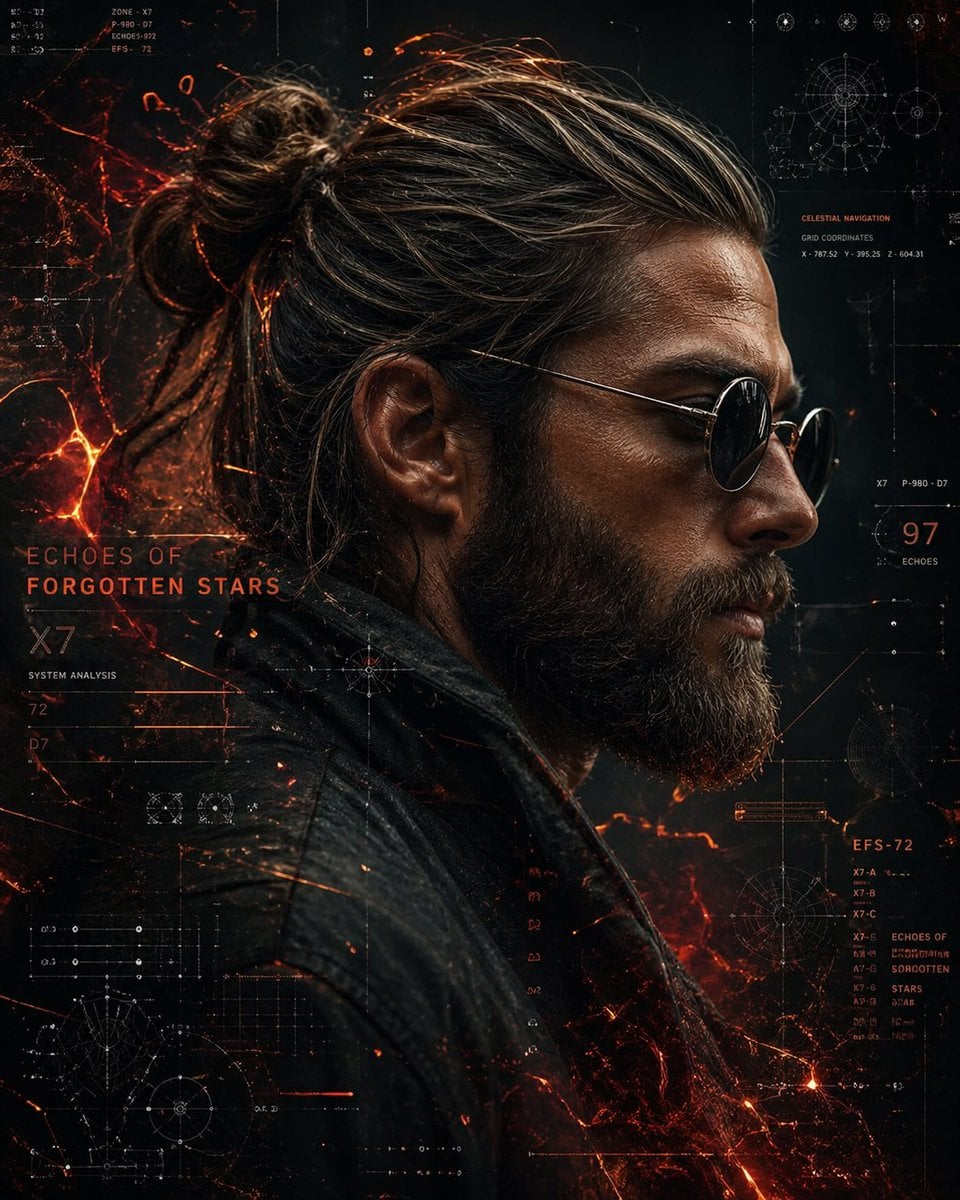
Cinematic Side Profile Cyberpunk Hero Poster

Black Liquid Cyberpunk Portrait Poster

Japan Travel Brochure Poster

Teen Girl Alpine Lake Mountain View
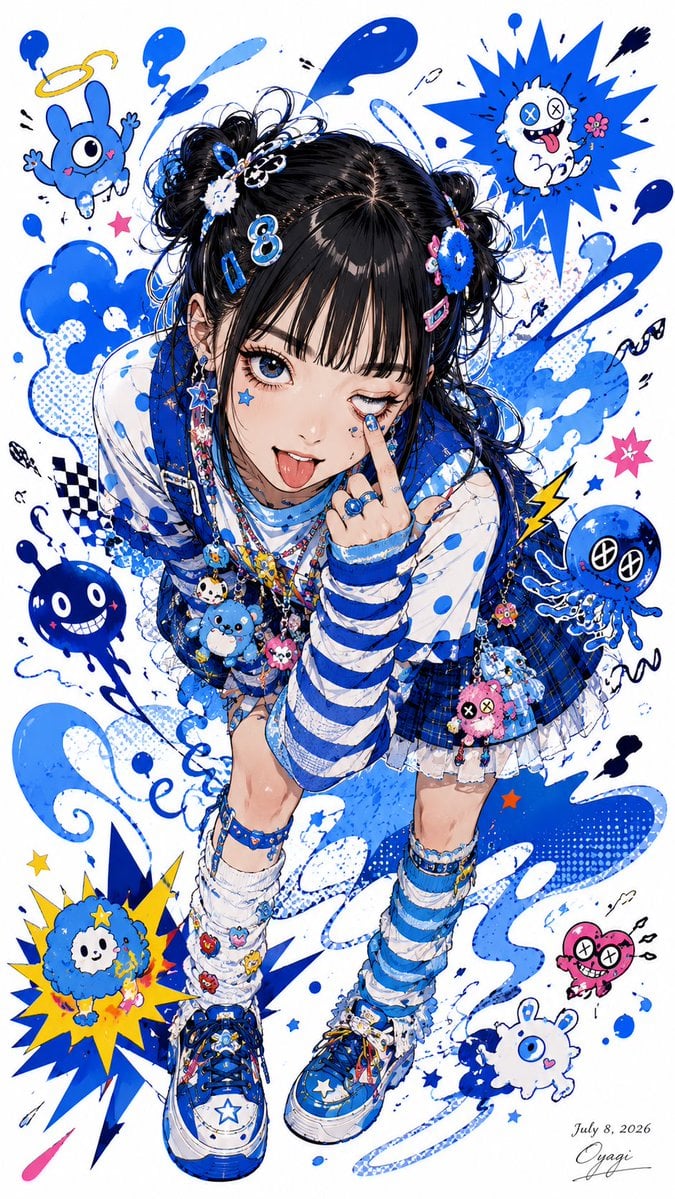
Blue Decora Anime Girl Poster
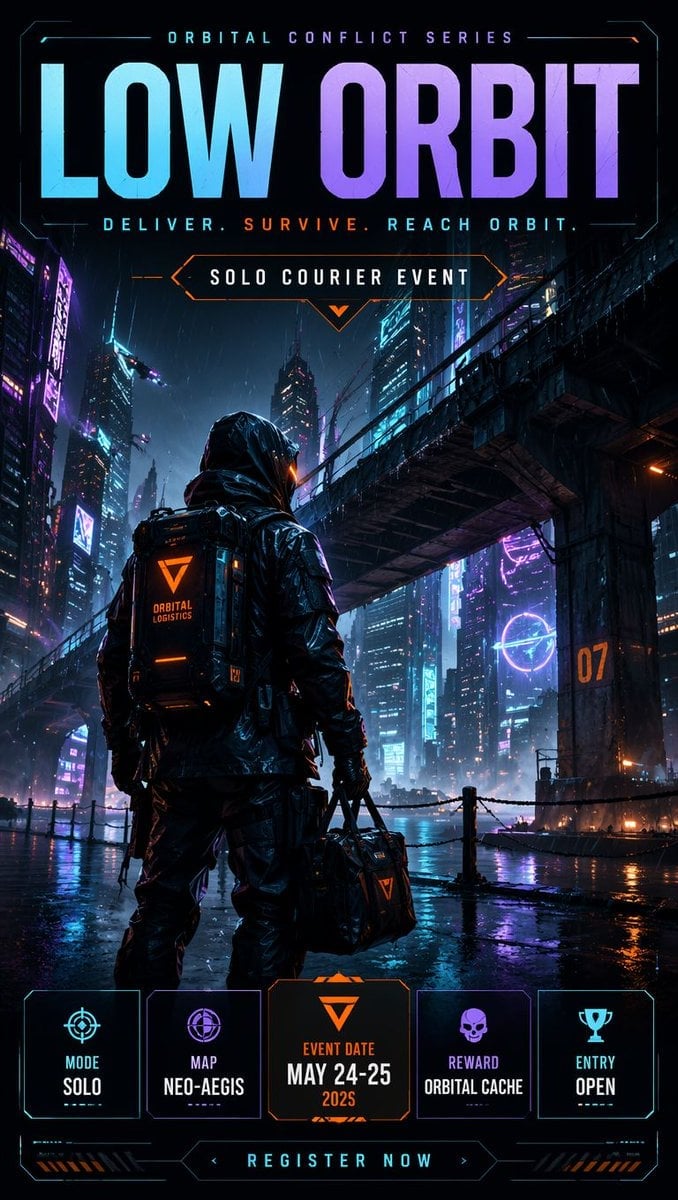
Cyberpunk Esports Courier Poster

Cartoon TV Show Poster Pack

Trendy Cafe Drink Promo Poster

Urban Fashion Editorial Collage Streetwear Poster

Premium Fashion Editorial Cover Layout System

Polo Ralph Lauren Luxury American Heritage Fashion Campaign
Make it yours
Obscured Cyberpunk Girl Poster works as-is. These are the safest ways to change it without losing the look.
Change one field
Copy a single group, rewrite it, and generate again so you can see what that field is doing.
Keep the frame, change the subject
Hold the composition and light of Obscured Cyberpunk Girl Poster, then swap wardrobe, props or the person for a new take.
| If the result… | Why | Fix |
|---|---|---|
| The result drifts from the preview | Too many fields changed at once. | Reuse Obscured Cyberpunk Girl Poster as-is first, then change one group — subject, light, or setting. |
| The model over-stylizes the scene | The prose prompt leaves finish and camera underspecified. | Add one camera or lighting sentence and stay on GPT Image 2. |
More GPT Image 2 templates
Other prompts made for GPT Image 2.

Six VTuber Japanese Logo Sheet

Realistic Portrait of Woman and Deer

The Vista Modular Condo Poster

AI Model Routing Comparison Infographic

2.5D Anime Art Board

Isometric Productivity Desk Scene

New York Double Exposure Poster

Four-Panel AI Landscape Comparison

Japanese Tatami Lifestyle Magazine Cover

NESCAFÉ Coffee Map Poster
More image prompts
Fresh picks from across the catalog.
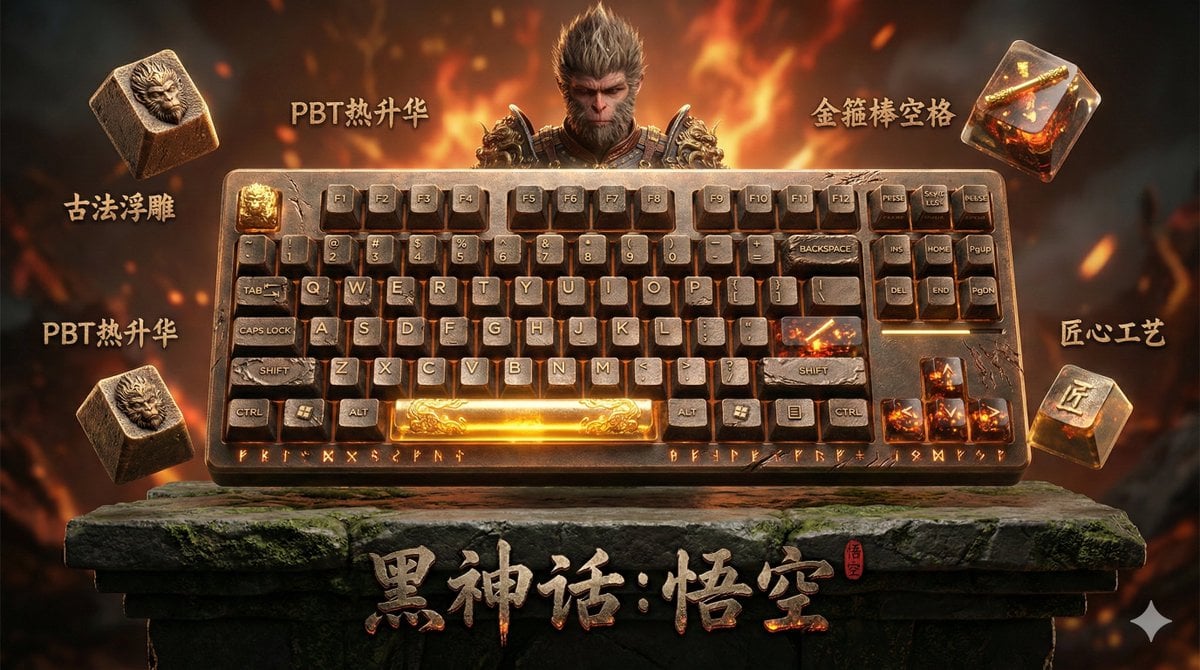
Mechanical Keyboard Themed Art Poster Prompt
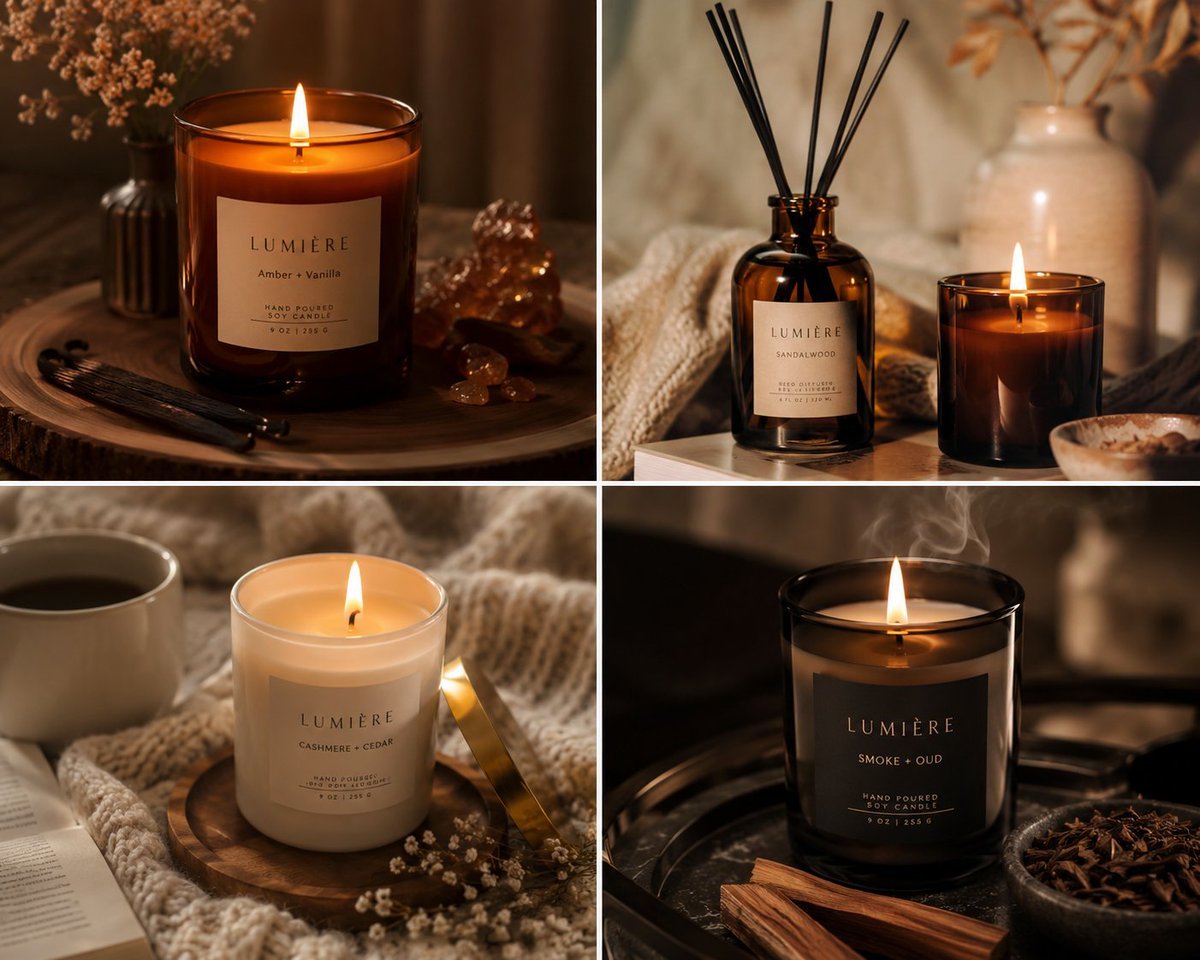
Luxury Candle Product Photography

Cinematic Bookstore Lifestyle Film Still Prompt
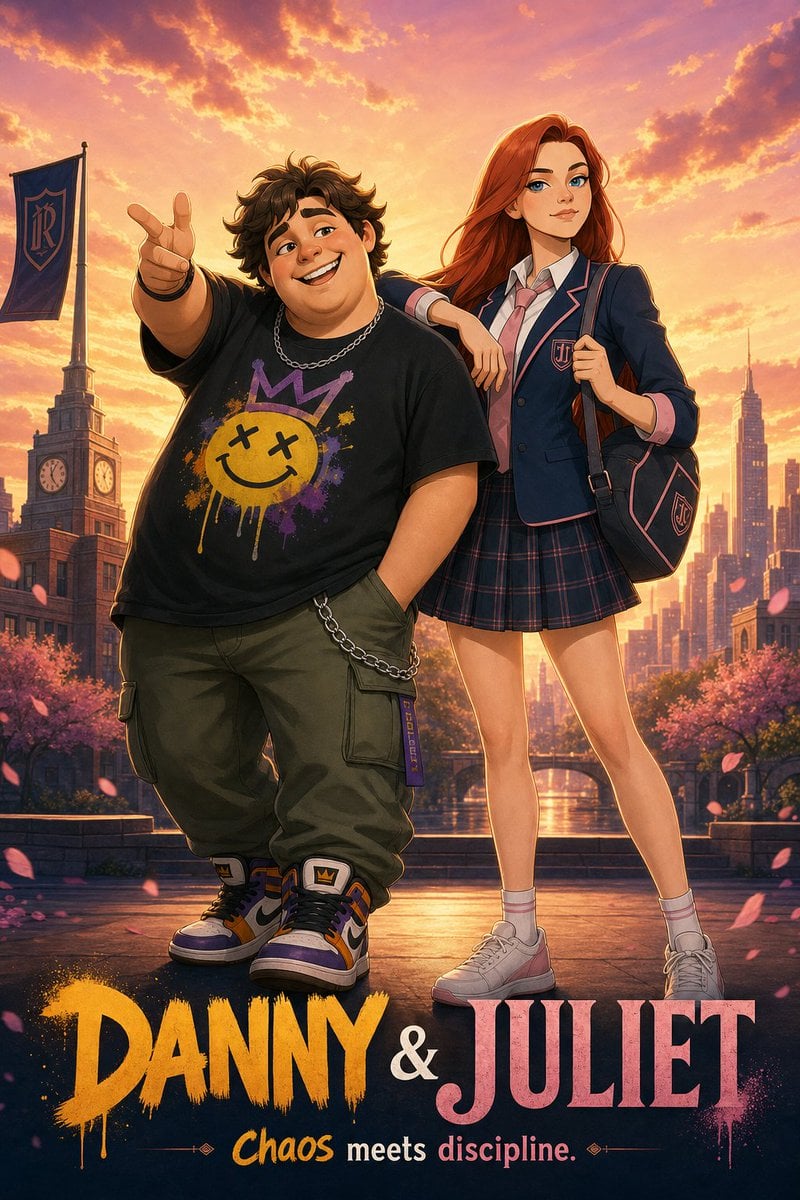
Anime Duo School Poster
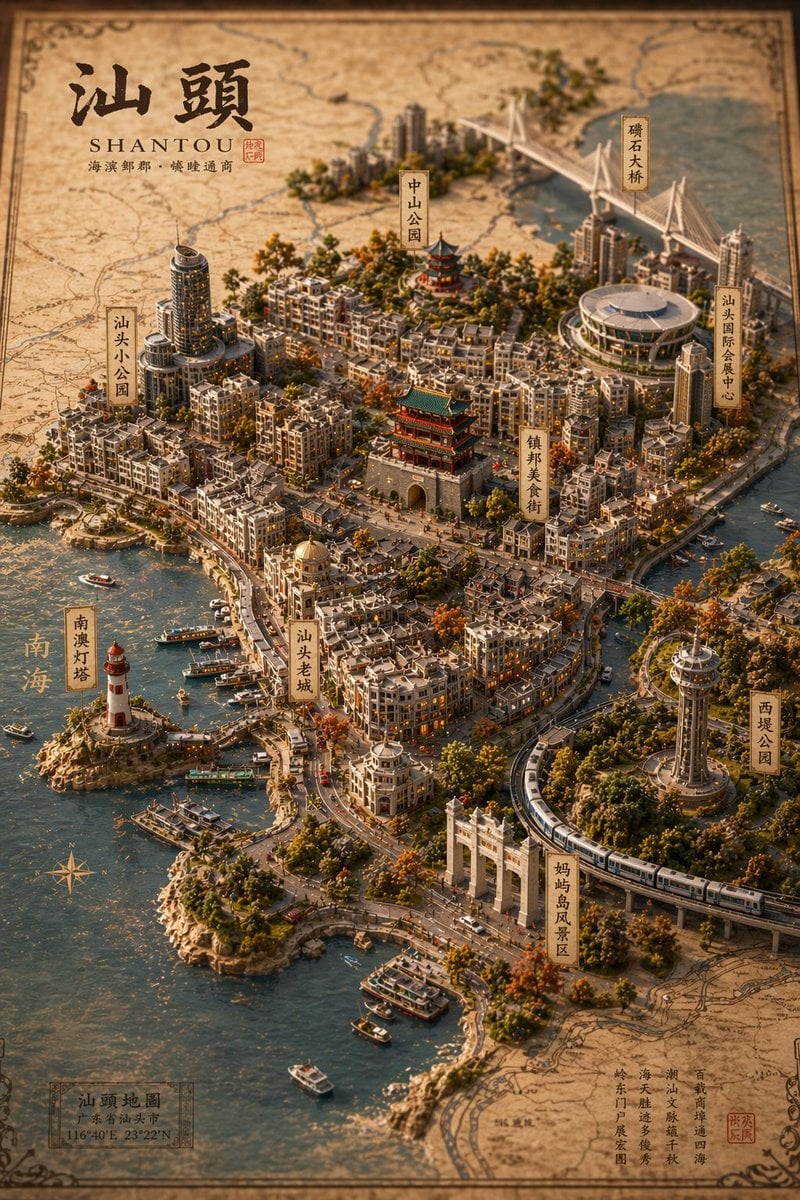
Vintage 3D Miniature City Map
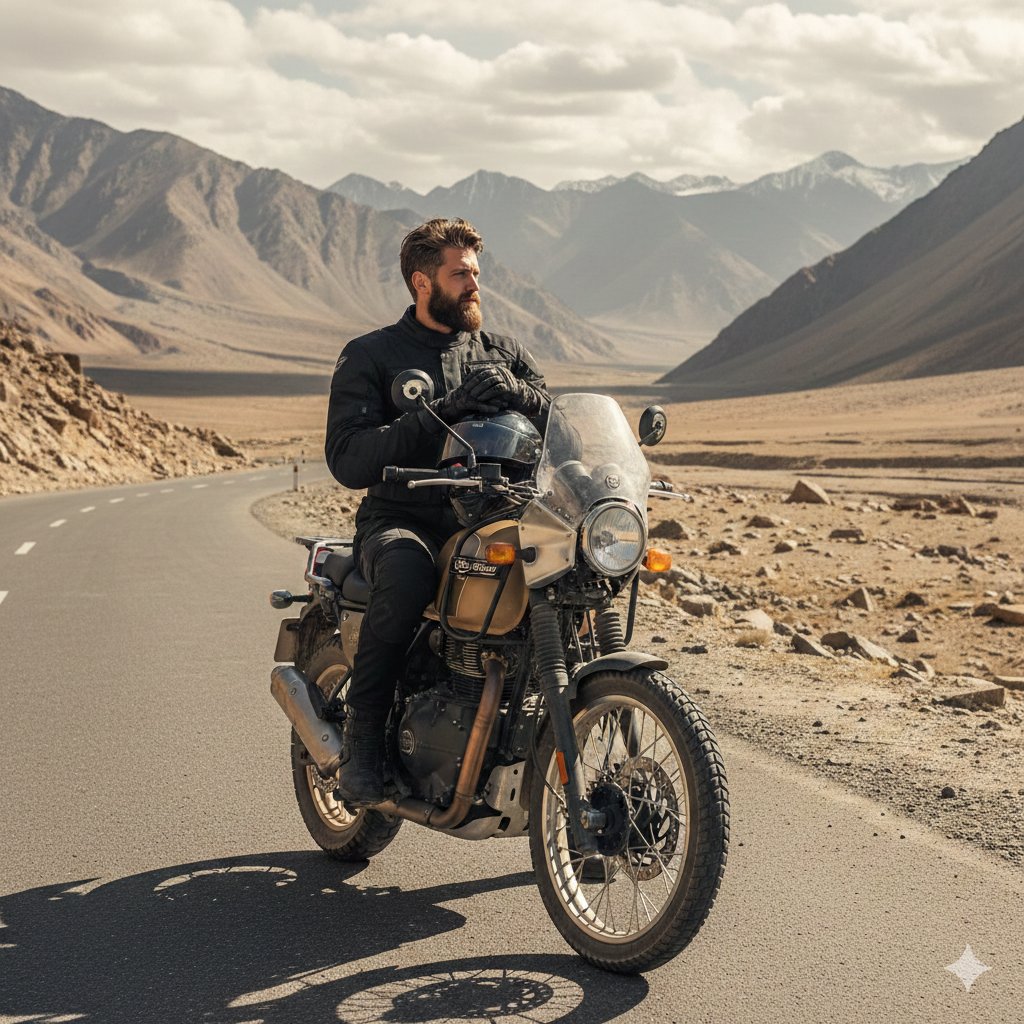
Himalayan Motorcycle Travel Photography

untitled
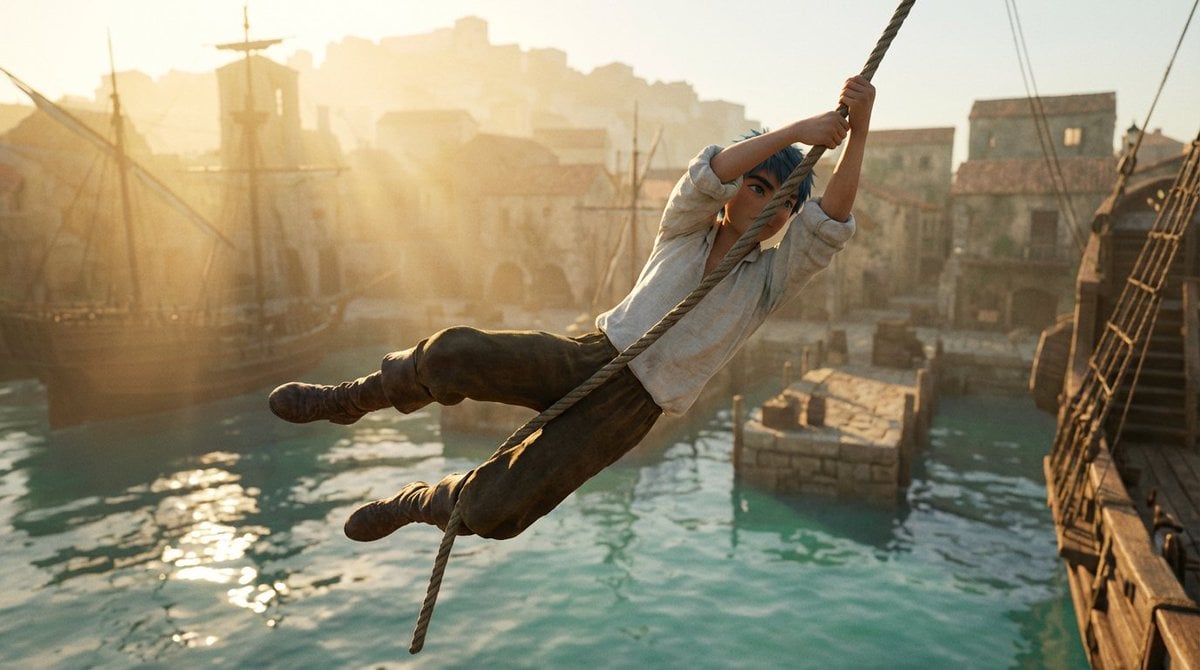
Frozen Action Shot of Character Swinging on a Rope
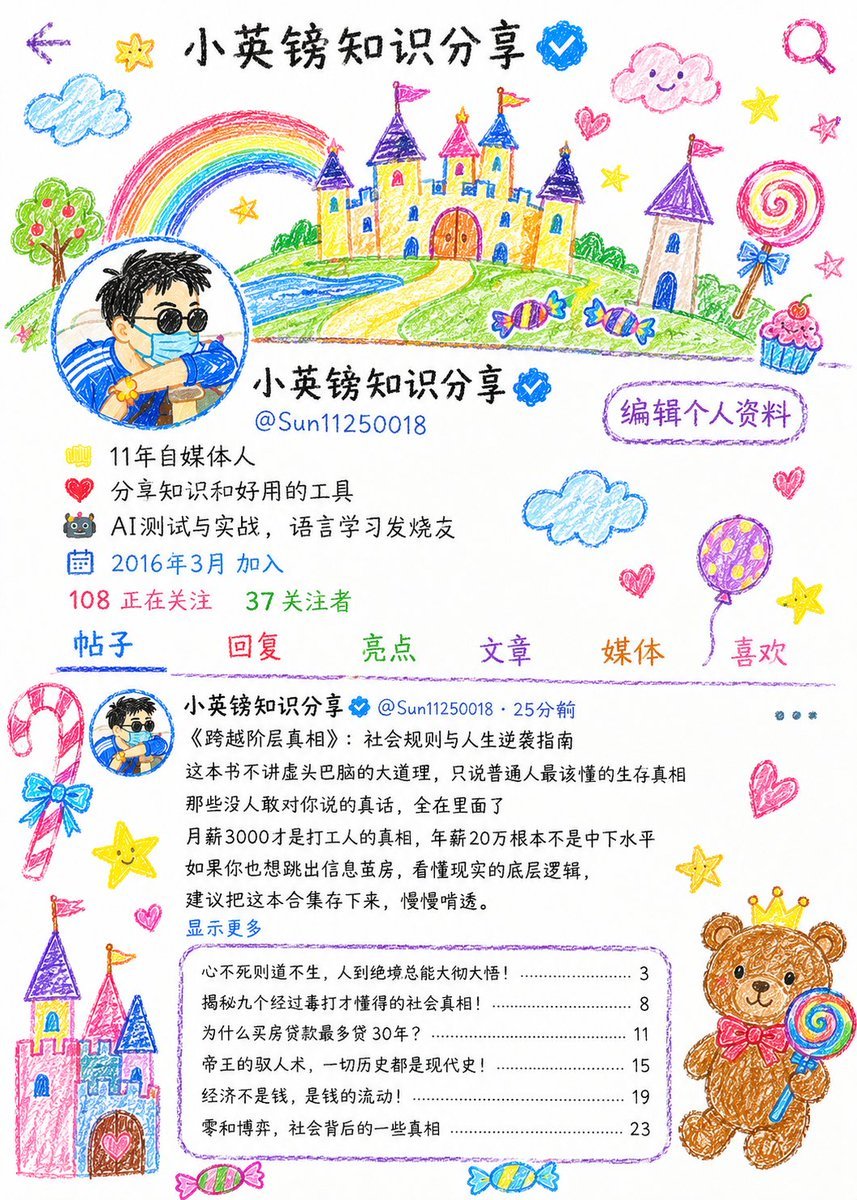
Childlike Crayon Illustration Style

City in Hand Micro-World Prompt
Browse template categories
Obscured Cyberpunk Girl Poster questions
How do I use the Obscured Cyberpunk Girl Poster template?
Add your photo if the template asks for one, edit the prompt if you like — the template's model and format are already selected — and press Generate. Your version opens in PicX Studio.
Can I customize the Obscured Cyberpunk Girl Poster template?
Yes. You can change the subject, setting, lighting, mood, format, and available model controls before creating your image.
Is the Obscured Cyberpunk Girl Poster template free?
Opening and editing this template is free. Generating uses credits, shown on the Generate button when you are signed in.
Which AI model should I use?
Start with GPT Image 2, which is the model associated with this template. You can compare another compatible model for a different finish.
Looking for something else? Browse all templates.

Your photo, any look
Thousands of ready templates for every top image and video model, from one credit balance.