
Mechanical Keyboard Themed Art Poster Prompt
A detailed prompt for Nano Banana Pro to generate a 16:9 horizontal art poster featuring a mechanical keyboard theme, centered around a specific character.
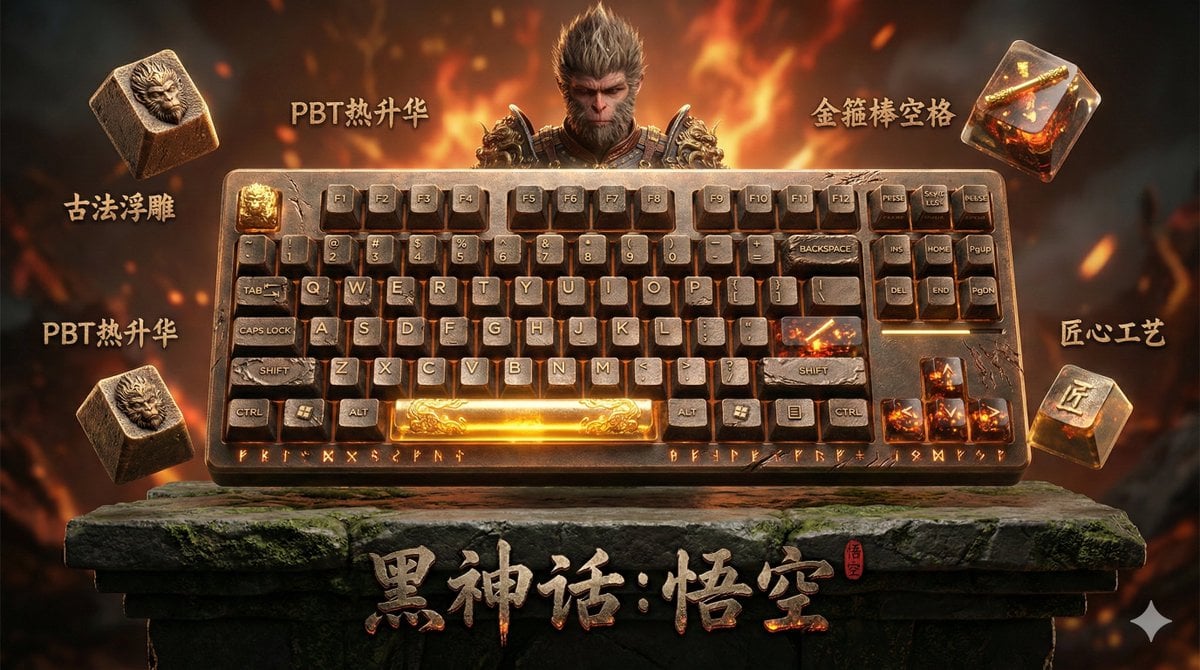
- Prompt included
- Model and format preset
- Premium template
The prompt behind this image
Copy the exact prompt behind Mechanical Keyboard Themed Art Poster Prompt, or open it in the studio and make it yours.
A 16:9 landscape-composition art poster themed around mechanical keyboards. The left side of the frame occupies one quarter of the width, showing a close-up half-body portrait of [{argument name="character name" default="character name"}], with the person shown from the shoulders up, an intense gaze, the edges softly feathered to blend naturally into the background. Light particle effects and color-gradient haze float around the person. The right side of the frame occupies three quarters of the width; the upper portion presents an artistic keycap display: 5 to 7 exquisite mechanical-keyboard keycaps scattered in an elegant arc in the air, each showing a different angle and detail. The keycap color scheme is drawn from the character's [{argument name="primary color 1" default="sakura pink"}], [{argument name="primary color 2" default="cream white"}], [{argument name="accent color" default="coral red"}]. The keycap surfaces are printed with [{argument name="theme element" default="a chibi silhouette of the character / an exclusive icon / a gradient texture"}], rendered in [{argument name="keycap material" default="frosted PBT / translucent resin"}] material. Beside each keycap floats a Chinese artistic-lettering label, using the font Zcool High-End Black or Youshe Title Black, reading "{argument name="label 1" default="樱花粉主键"}", "{argument name="label 2" default="渐变镀膜"}", "{argument name="label 3" default="双色透光"}", "{argument name="label 4" default="角色印刷"}", "{argument name="label 5" default="金属空格"}" — craftsmanship notes like these, with the text carrying a slight glow effect and outline. The lower portion of the right side of the frame is evenly divided into three sections: the left panel shows a full top-down flat-lay of the complete mechanical keyboard, [{argument name="keyboard layout" default="68-key compact layout / anodized aluminum-alloy base"}], labeled at the bottom in Chinese "{argument name="left-panel label" default="完整配列"}"; the middle panel shows a macro close-up of the side of the keyboard, emphasizing craftsmanship detail and material layering under the light, labeled at the bottom "{argument name="middle-panel label" default="匠心工艺"}"; the right panel shows the keyboard styled in a [{argument name="scene 1" default="cozy desk scene / café tabletop / workbench"}] setting, with lifestyle props such as [{argument name="props" default="a coffee cup / a potted plant / a notebook"}], labeled at the bottom "{argument name="right-panel label" default="生活美学"}". The overall background uses a [{argument name="background effect" default="ink-wash bloom / particle light effect / gradient frosted mist"}] effect, with the main color gradient drawn from the character transitioning from [{argument name="color 1" default="color 1"}] to [{argument name="color 2" default="color 2"}], darker on the left and lighter on the right. Delicate light spots and flowing color mist are scattered through the background, creating a [{argument name="mood" default="dreamy and soft / cyber-tech / vintage elegance"}] mood. At the bottom center of the frame is a large title text: "{argument name="main title" default="角色名称主题定制键盘"}", in bold Chinese artistic lettering with a metallic texture or glow effect. There are no obvious dividing lines in the frame; each area transitions naturally through light/shadow interplay and depth-of-field layering. The overall look has the visual quality of a fashion-magazine cover, with moderate color saturation, rich layering, combining both artistry and product-display function. 4K ultra-high-definition resolution, 16:9 landscape composition, with visual impact suited for social-media sharing.
How to use Mechanical Keyboard Themed Art Poster Prompt in 3 steps
- 1
Open
The prompt is already in the box next to the preview, with the template's model and format selected.
- 2…a portrait of your subject in softgolden-hour light, 85mm…
Personalize
Edit the subject and creative details for your destination.
- 3Generate
Generate
Press Generate — your image is created in PicX Studio, so you can compare it with the original and refine one variable at a time.
More like this
Templates with the same subject, style or setup. Open one to see its prompt.
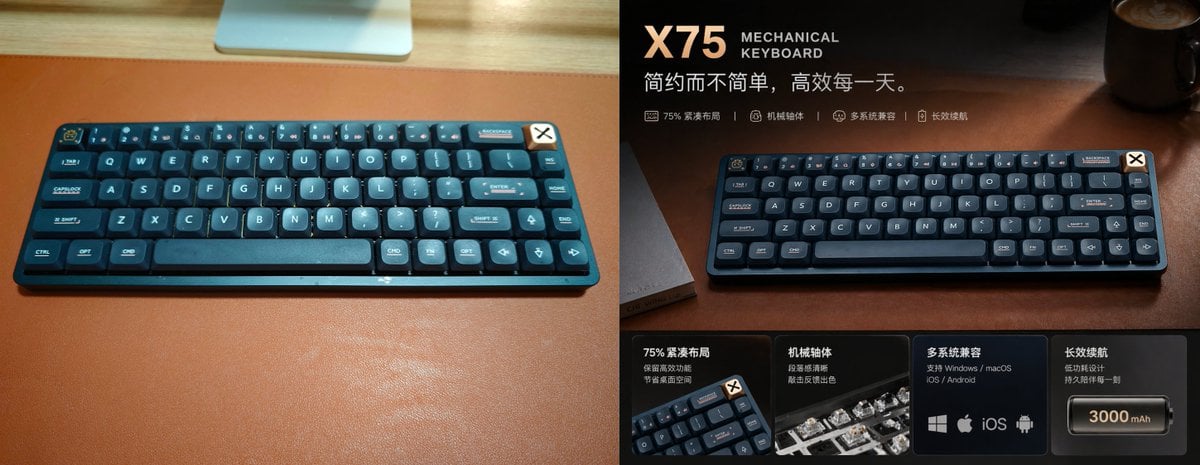
Premium Mechanical Keyboard Ad Poster

Japan Travel Brochure Poster

Cartoon TV Show Poster Pack

Trendy Cafe Drink Promo Poster

Urban Fashion Editorial Collage Streetwear Poster

Premium Fashion Editorial Cover Layout System

Polo Ralph Lauren Luxury American Heritage Fashion Campaign

Monochrome Halftone Editorial Fashion Poster

Retro Mirror Luxury Fashion Campaign Poster

Luxury Fashion Campaign Typography Poster System

Premium Fashion Editorial Campaign Poster System

Ultra-Stylized High-Fashion Streetwear Poster
Make it yours
Mechanical Keyboard Themed Art Poster Prompt works as-is. These are the safest ways to change it without losing the look.
Change one field
Copy a single group, rewrite it, and generate again so you can see what that field is doing.
Keep the frame, change the subject
Hold the composition and light of Mechanical Keyboard Themed Art Poster Prompt, then swap wardrobe, props or the person for a new take.
| If the result… | Why | Fix |
|---|---|---|
| The result drifts from the preview | Too many fields changed at once. | Reuse Mechanical Keyboard Themed Art Poster Prompt as-is first, then change one group — subject, light, or setting. |
| The model over-stylizes the scene | The prose prompt leaves finish and camera underspecified. | Add one camera or lighting sentence and stay on Nano Banana 2. |
More Nano Banana 2 templates
Other prompts made for Nano Banana 2.

Photorealistic Leaf Shaped Like a Dragon

K-Pop Idol Portrait Grid for Rapid Selection

Poetic Rain Forest Portrait During Golden Hour

Urban Street Portrait with Cartoon Inner Self Duo

Candid Nighttime Photo with Cat Prompt

High-Concept 3D Diorama Generation Prompt

Cinematic Futuristic Studio Portrait Template

Skincare Editorial Photography Collage Prompt

Hyper-Realistic Commercial Product Photography (Splash Effect)

Hyper-Realistic Nightclub Portrait Prompt
More image prompts
Fresh picks from across the catalog.
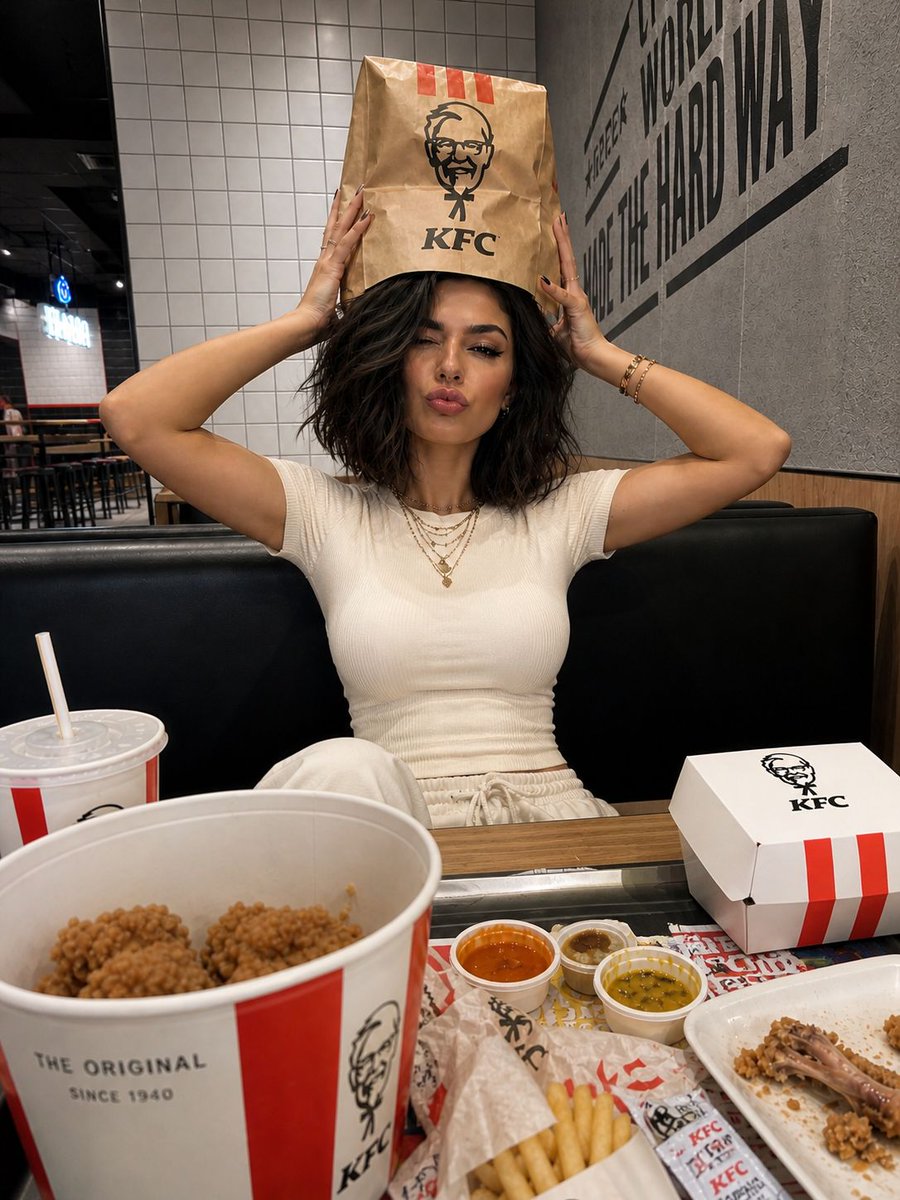
KFC Booth iPhone Snapshot
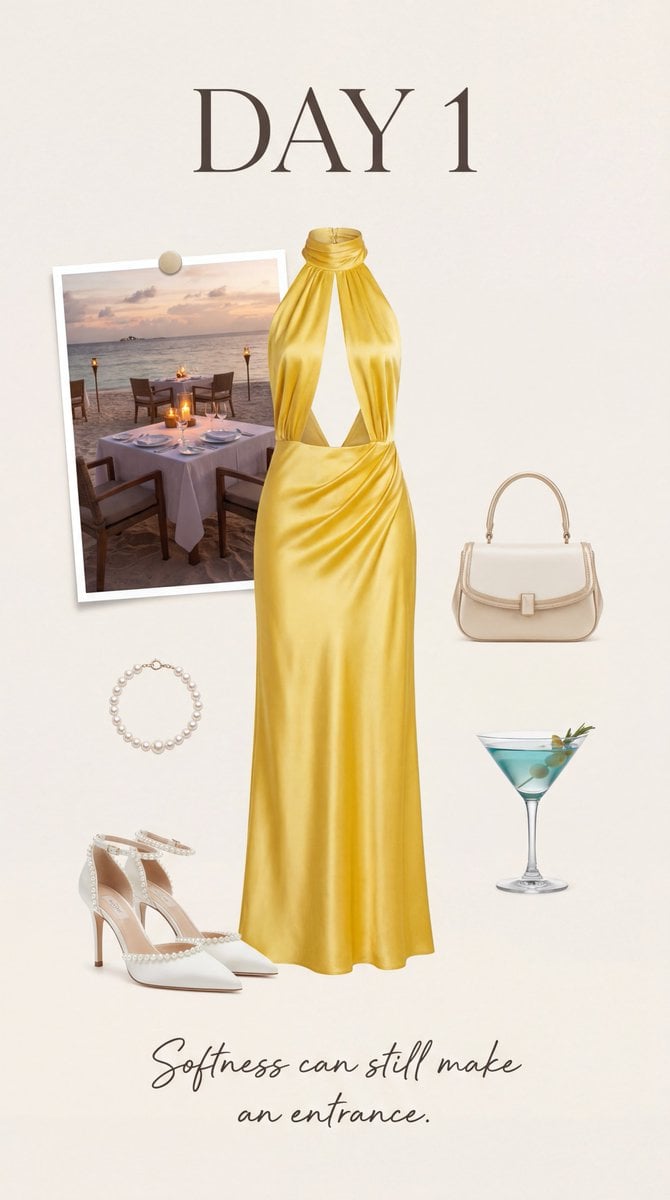
Luxury Fashion Moodboard Editorial Prompt for Nano Banana Pro
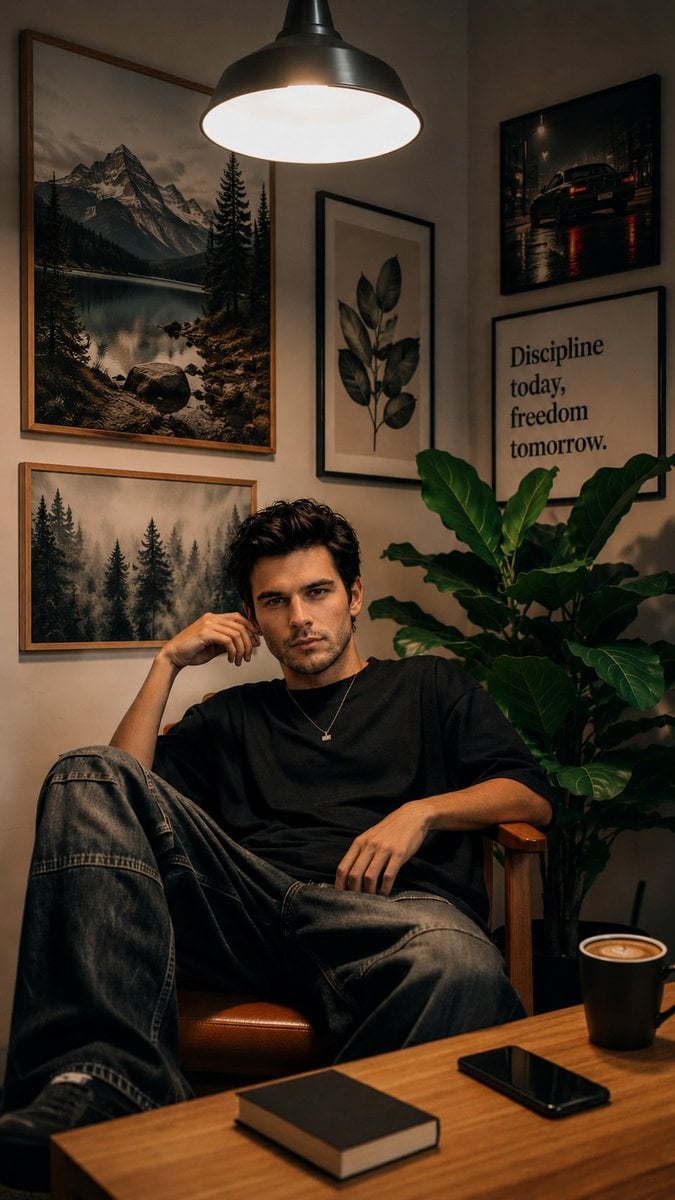
Cozy Workspace Café Portrait
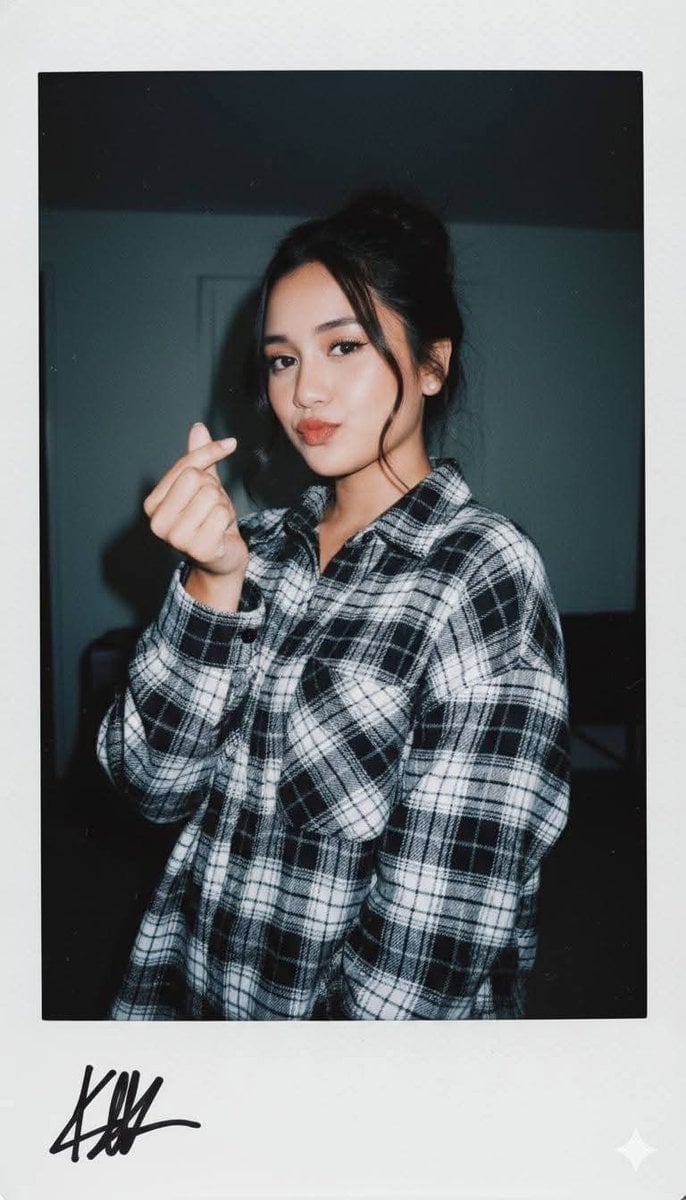
Ultra-Realistic Glamour Polaroid Prompt
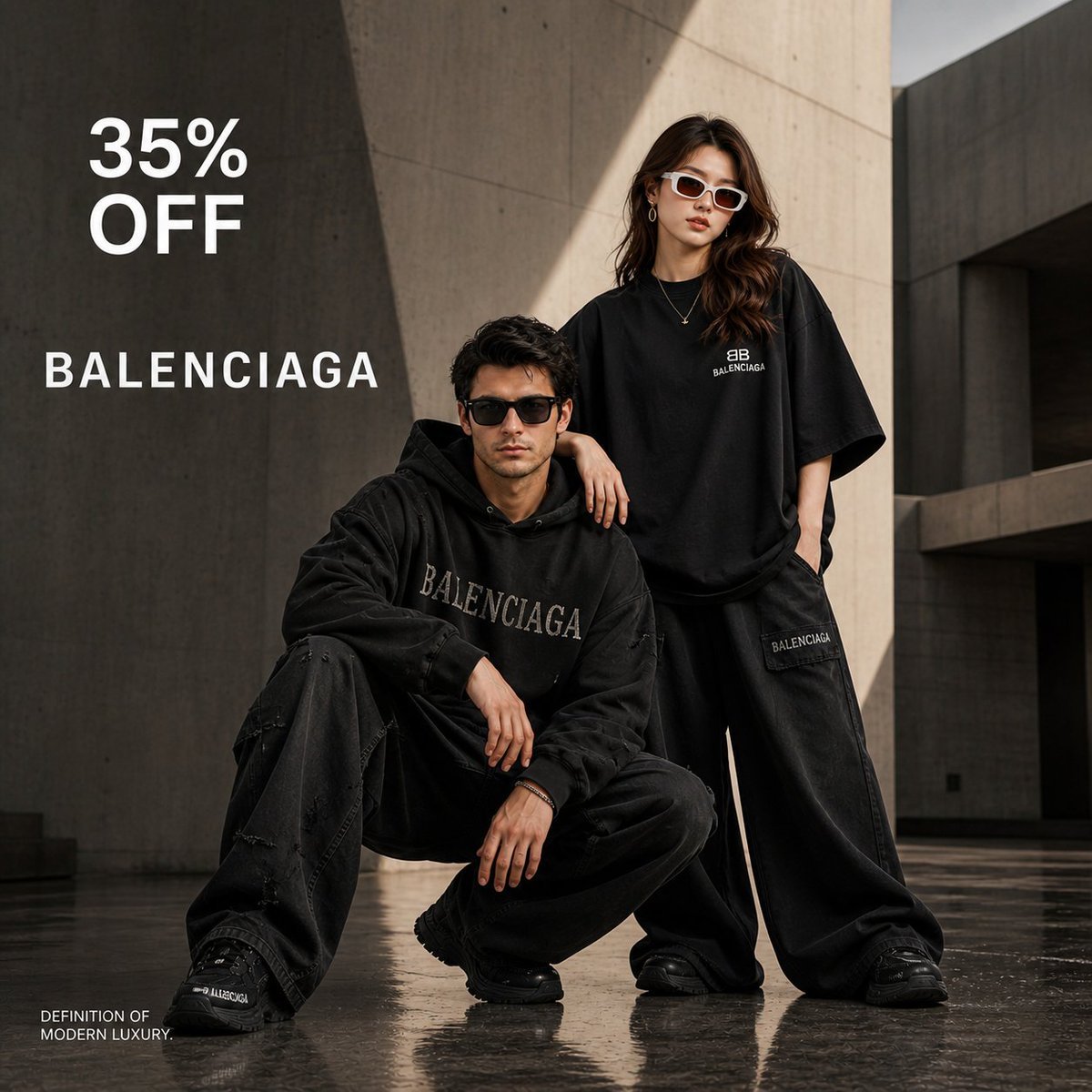
Luxury High-Fashion Brand Advertisement
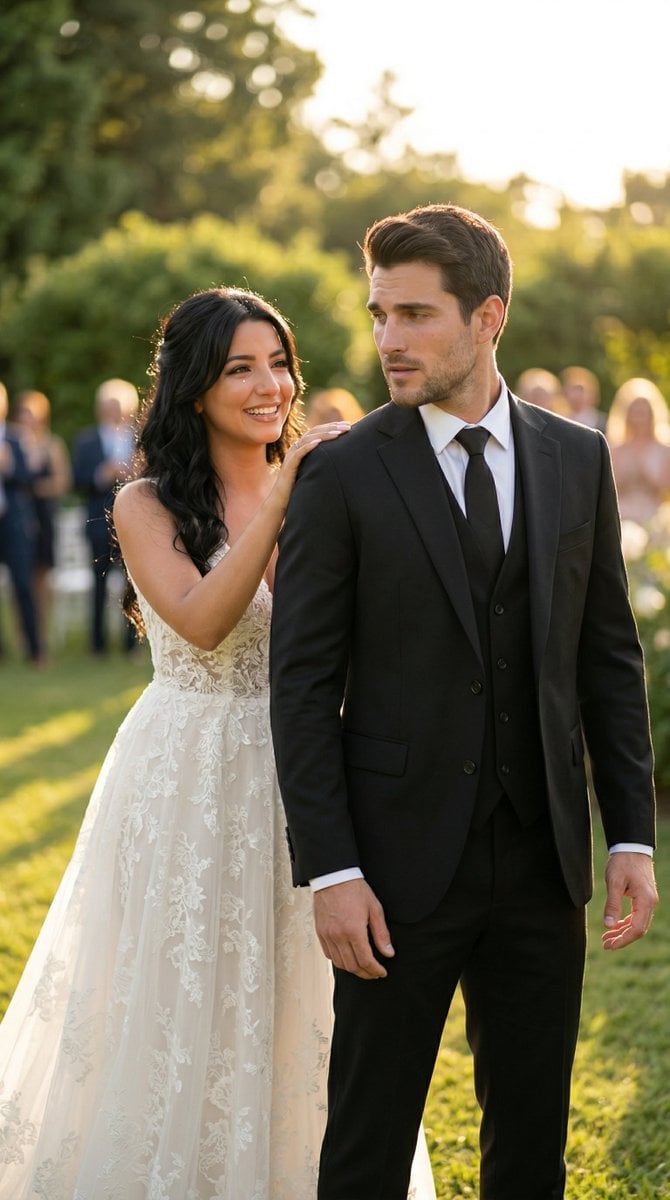
Cinematic Wedding First Look Prompt

Cozy Nostalgic Couple Portrait by Fireplace
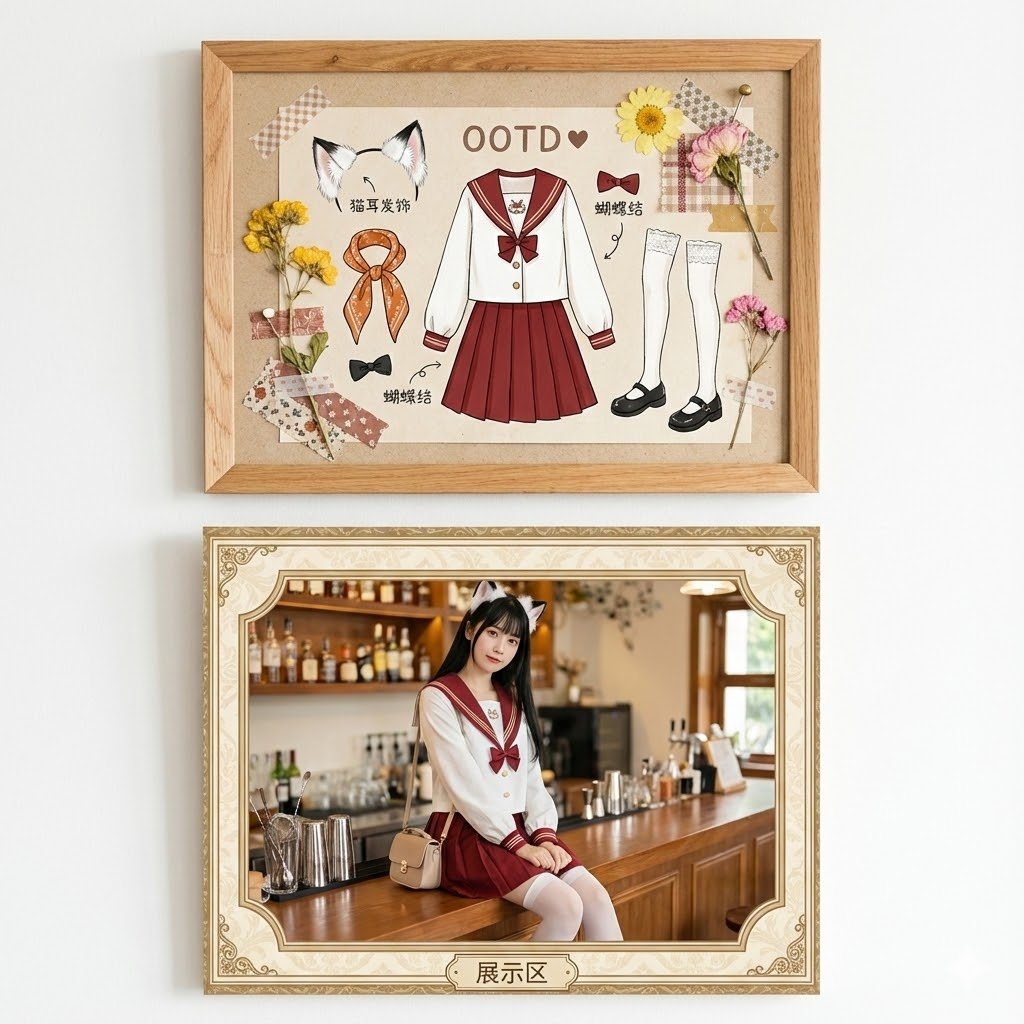
Kawaii Fashion Display Replication
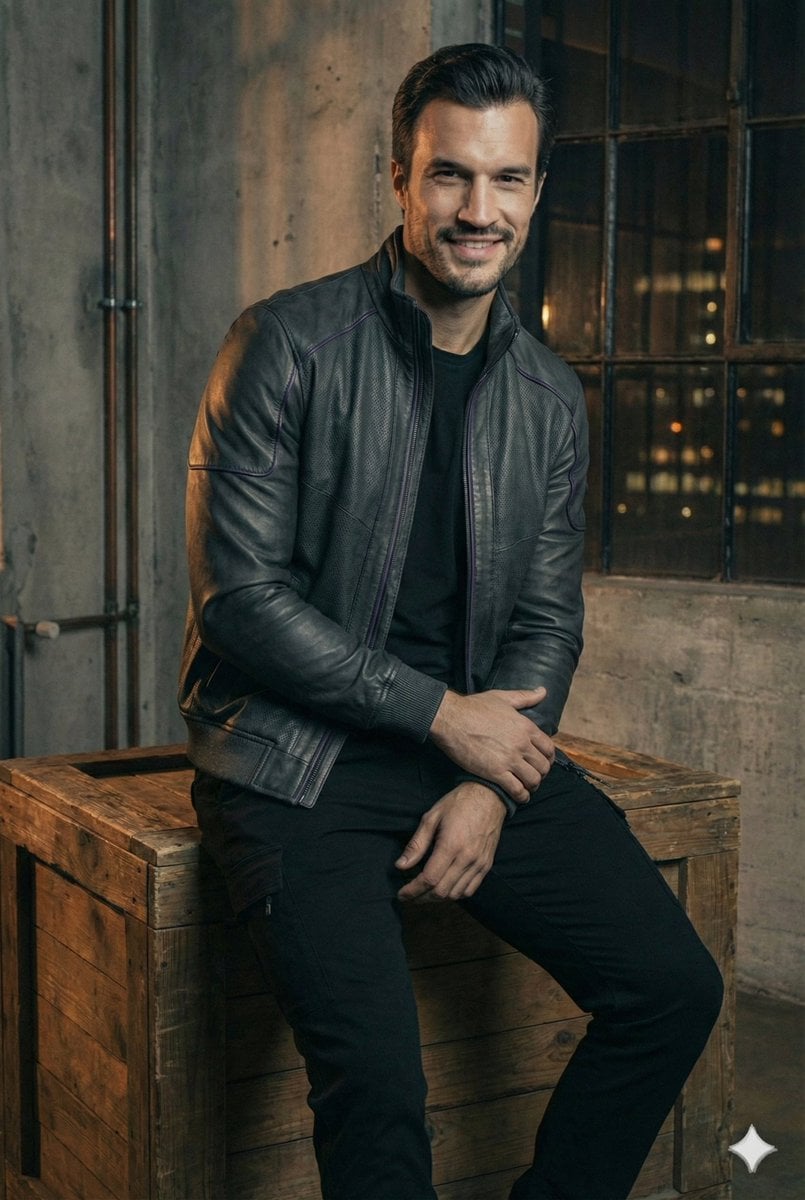
Ultra-Realistic Futuristic Studio Photoshoot
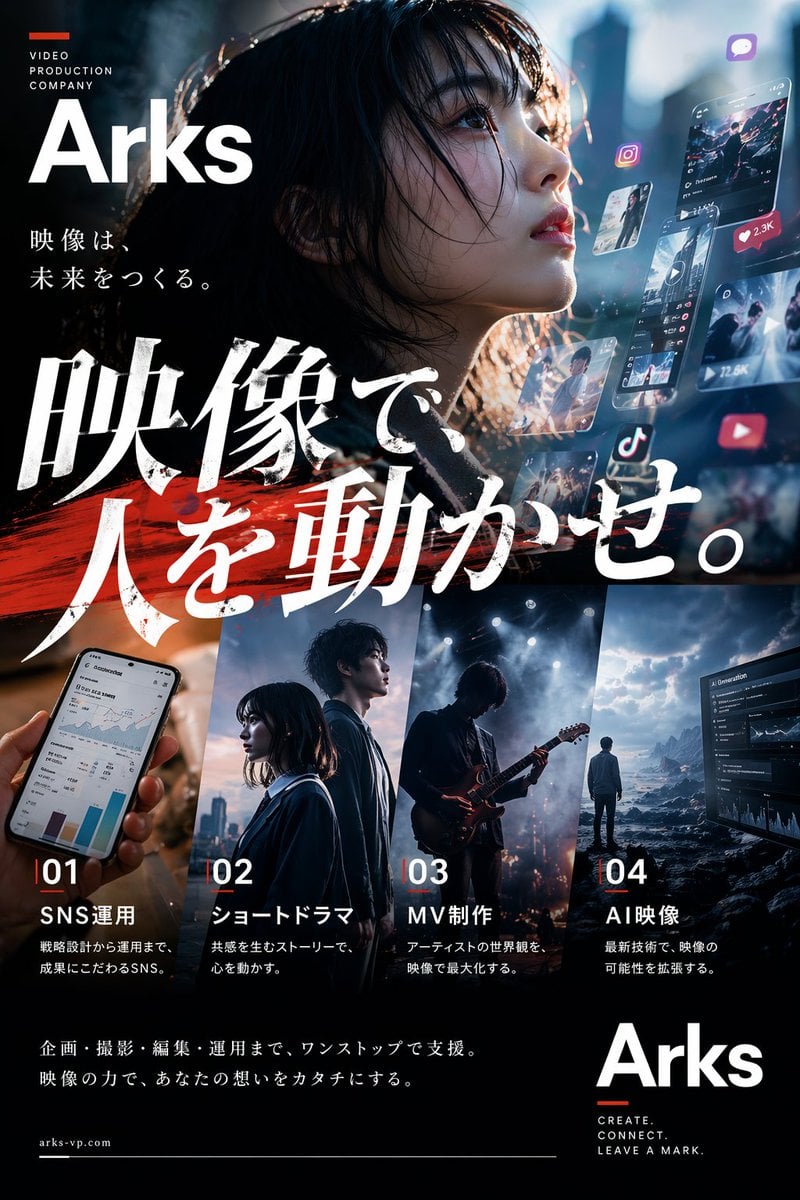
Cinematic Japanese Agency Poster
Browse template categories
Mechanical Keyboard Themed Art Poster Prompt questions
How do I use the Mechanical Keyboard Themed Art Poster Prompt template?
Add your photo if the template asks for one, edit the prompt if you like — the template's model and format are already selected — and press Generate. Your version opens in PicX Studio.
Can I customize the Mechanical Keyboard Themed Art Poster Prompt template?
Yes. You can change the subject, setting, lighting, mood, format, and available model controls before creating your image.
Is the Mechanical Keyboard Themed Art Poster Prompt template free?
Opening and editing this template is free. Generating uses credits, shown on the Generate button when you are signed in.
Which AI model should I use?
Start with Nano Banana 2, which is the model associated with this template. You can compare another compatible model for a different finish.
Looking for something else? Browse all templates.

Your photo, any look
Thousands of ready templates for every top image and video model, from one credit balance.