
KFC Booth iPhone Snapshot
An incredibly detailed prompt for a candid iPhone-style photo in a KFC restaurant, focusing on identity preservation and authentic lighting.
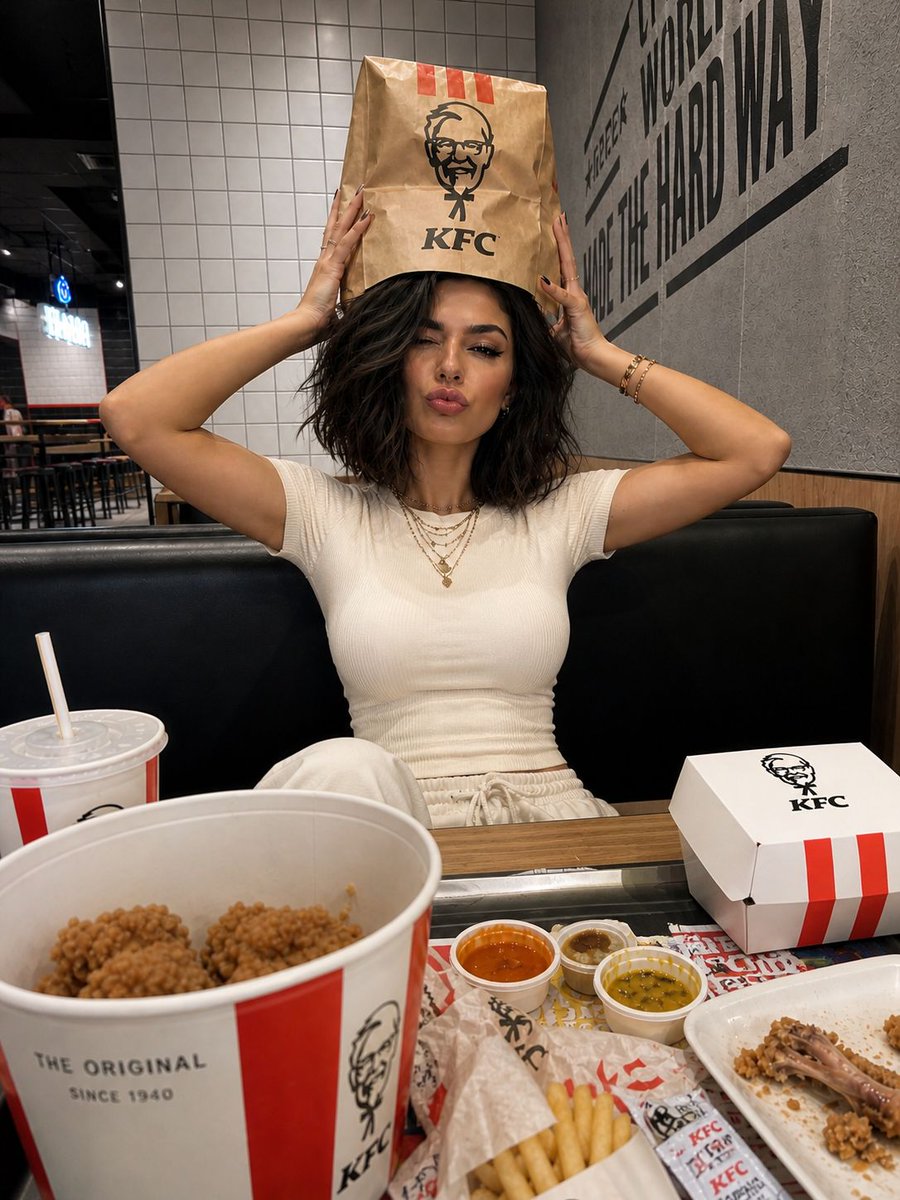
- Prompt included
- Model and format preset
- Free template
The prompt behind this image
Copy the exact prompt behind KFC Booth iPhone Snapshot, or open it in the studio and make it yours.
Ultra-realistic iPhone-style photo set inside a {argument name="restaurant" default="KFC fast-food restaurant"}, with the subject’s identity preserved exactly as in the reference image. A young woman is seated in a booth, photographed from across the table using a slightly wide, casual iPhone perspective. She is centered in the frame, leaning back comfortably while a messy spread of fast food fills the foreground. Pose & expression: She holds a {argument name="object" default="brown KFC paper bag"} on top of her head with both hands, elbows angled outward. Her expression is playful and expressive; one eye closed in a wink, lips pushed into a soft pout, giving a mix of mock annoyance and cuteness. Outfit & styling: She wears a fitted white sleeveless top, paired with long, loose hair. Accessories are minimal, such as a delicate necklace or thin chain. Long, neatly styled nails add to the casual yet polished look. Table details: The table is filled with KFC-style food packaging, fried chicken bucket, fries, wrappers, branded paper cups with straws, dipping sauces, napkins, a tray liner with colorful graphic elements, and a slightly crumpled takeaway bag. The setup feels real and slightly messy, like an ongoing meal. Environment: A modern KFC interior featuring tiled walls mixed with darker textured surfaces, subtle wall graphics or lettering, booth seating, and a few tables or stools visible in the background. The atmosphere is authentic and everyday. Camera & lighting: Captured like a raw iPhone snapshot, slightly wide lens feel, overhead indoor lighting creating natural shadows, no heavy editing or filters. The image should feel spontaneous and unpolished. Important notes: Maintain the booth composition, bag-on-head pose, wink and pout expression, white sleeveless outfit, and messy fast-food foreground. Emphasize realism, natural skin texture, accurate packaging, no smoothing or beautification. Format: 4K resolution, vertical aspect ratio.
How to use KFC Booth iPhone Snapshot in 3 steps
- 1Upload ImagePNG, JPG or paste
Add your photo
Upload the photo the template builds on. The prompt, model and format are already set.
- 2…a portrait of your subject in softgolden-hour light, 85mm…
Personalize
Edit the subject and creative details for your destination.
- 3Generate
Generate
Press Generate — your image is created in PicX Studio, so you can compare it with the original and refine one variable at a time.
More like this
Templates with the same subject, style or setup. Open one to see its prompt.
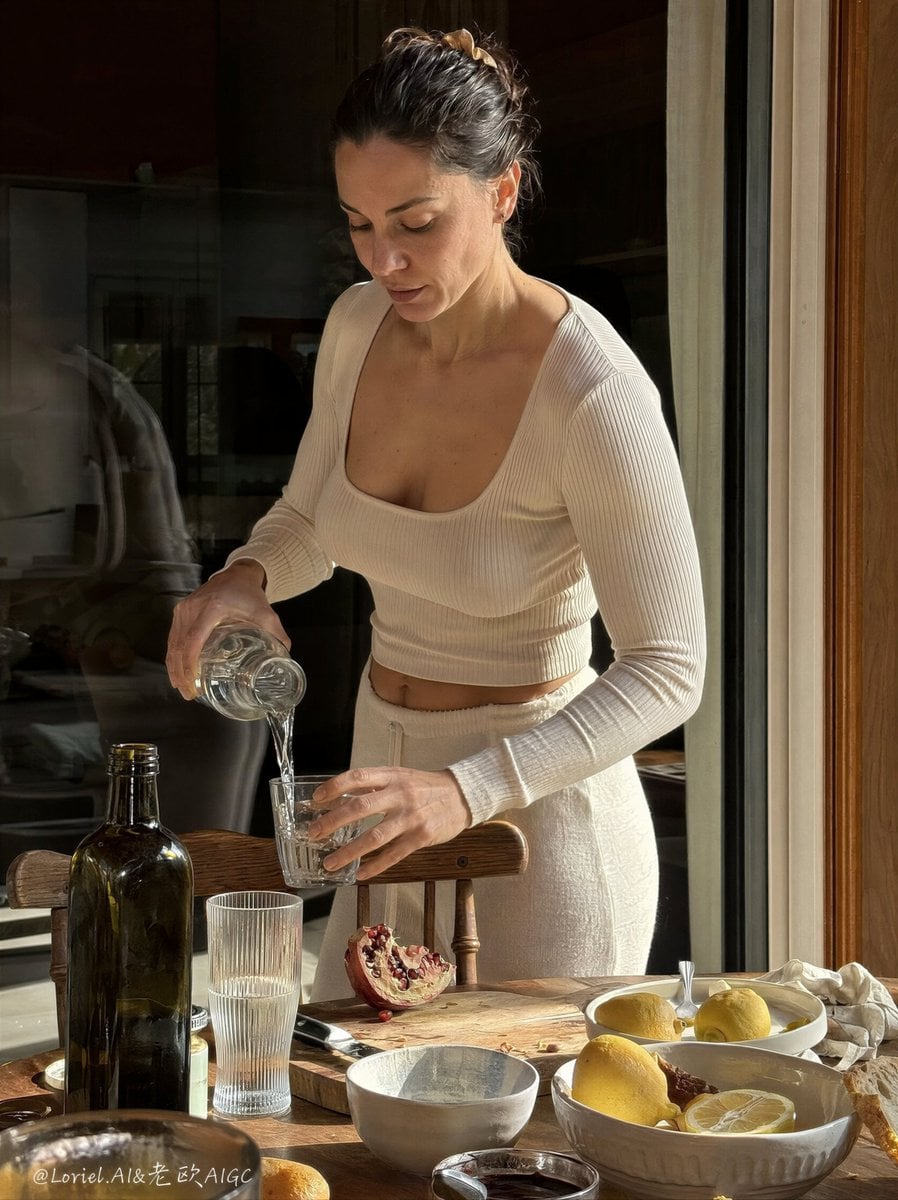
Anti-AI Candid iPhone Snapshot

Nostalgic Digicam Café Afternoon Portrait
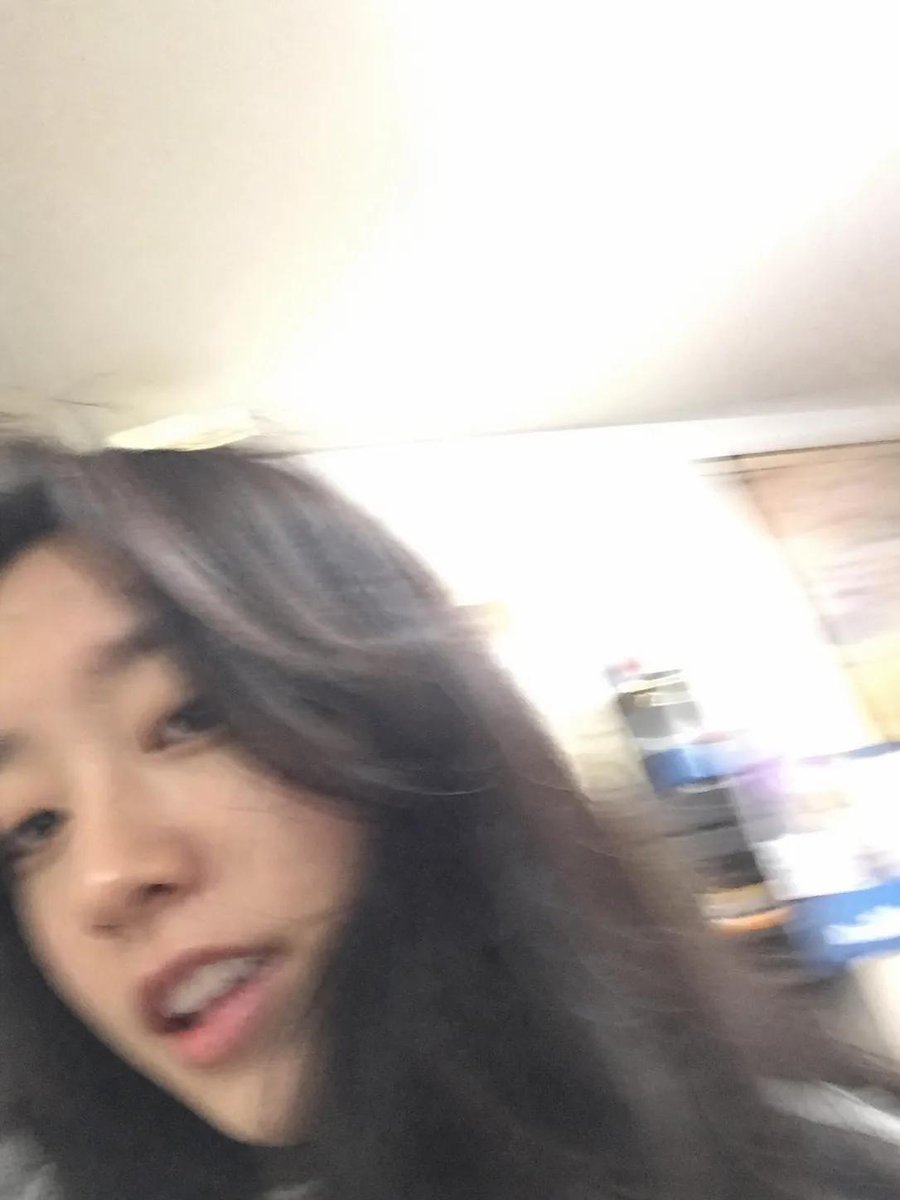
Accidental iPhone Snapshot Aesthetic

4x4 Grid - Candid Nostalgic Vacation Selfies
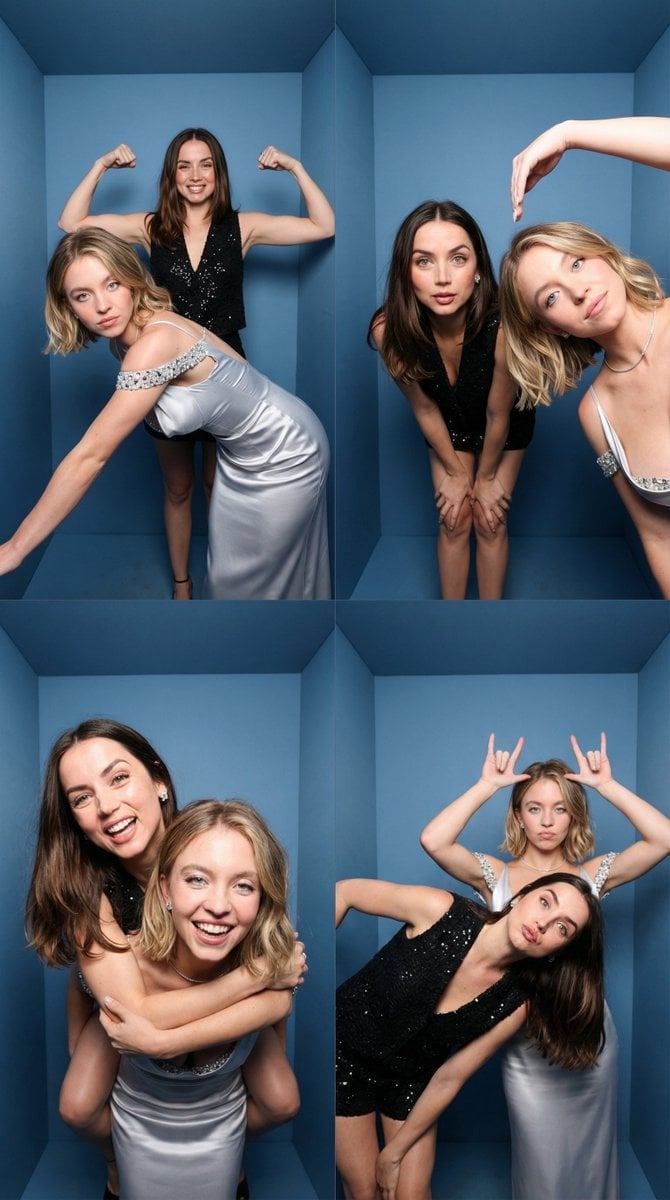
iPhone-Realistic 2x2 Photobooth Collage
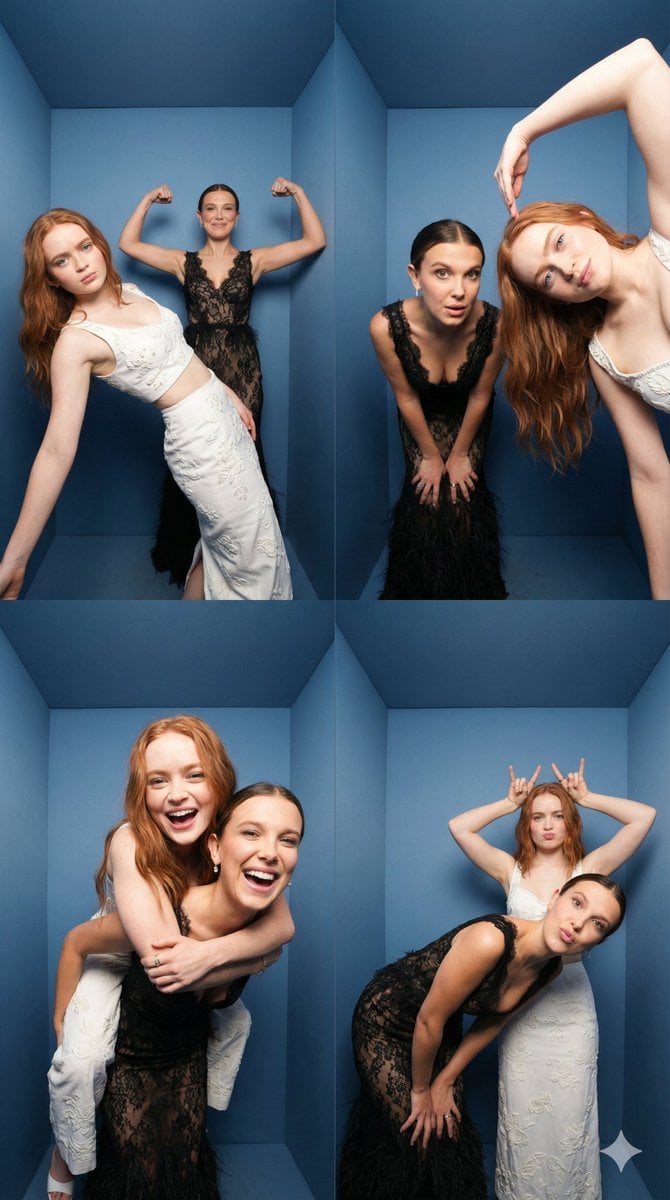
iPhone Photobooth Collage of Two Subjects
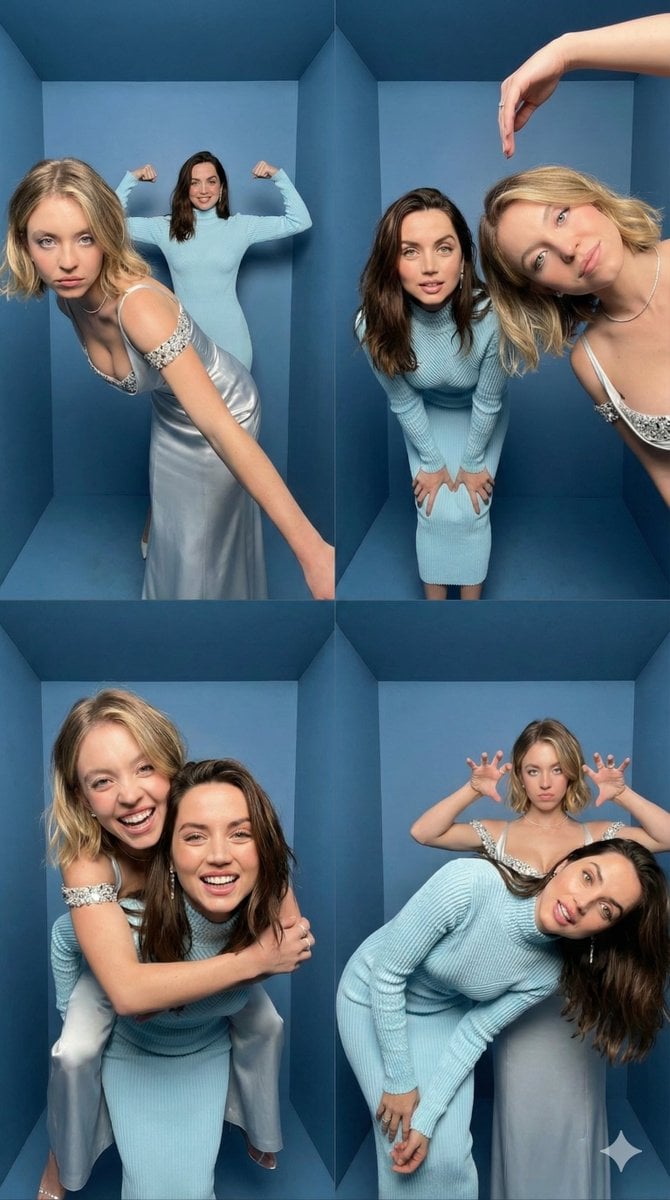
iPhone Photobooth Collage Prompt with Reference Lock

Outdoor Cafe Portrait — White Ruched Top Nano Banana

Tropical Hammock Latte — Nano Banana iPhone Style

Coastal Bench Portrait — Navy Floral Sundress

Nano Banana - Peace Sign Bedroom Selfie

Consistent Series Character Street Snapshot
Make it yours
KFC Booth iPhone Snapshot works as-is. These are the safest ways to change it without losing the look.
Change one field
Copy a single group, rewrite it, and generate again so you can see what that field is doing.
Keep the frame, change the subject
Hold the composition and light of KFC Booth iPhone Snapshot, then swap wardrobe, props or the person for a new take.
| If the result… | Why | Fix |
|---|---|---|
| The result drifts from the preview | Too many fields changed at once. | Reuse KFC Booth iPhone Snapshot as-is first, then change one group — subject, light, or setting. |
| The model over-stylizes the scene | The prose prompt leaves finish and camera underspecified. | Add one camera or lighting sentence and stay on GPT Image 2. |
More GPT Image 2 templates
Other prompts made for GPT Image 2.

Six VTuber Japanese Logo Sheet

Realistic Portrait of Woman and Deer

The Vista Modular Condo Poster

AI Model Routing Comparison Infographic

2.5D Anime Art Board

Isometric Productivity Desk Scene

New York Double Exposure Poster

Four-Panel AI Landscape Comparison

Japanese Tatami Lifestyle Magazine Cover

NESCAFÉ Coffee Map Poster
More image prompts
Fresh picks from across the catalog.
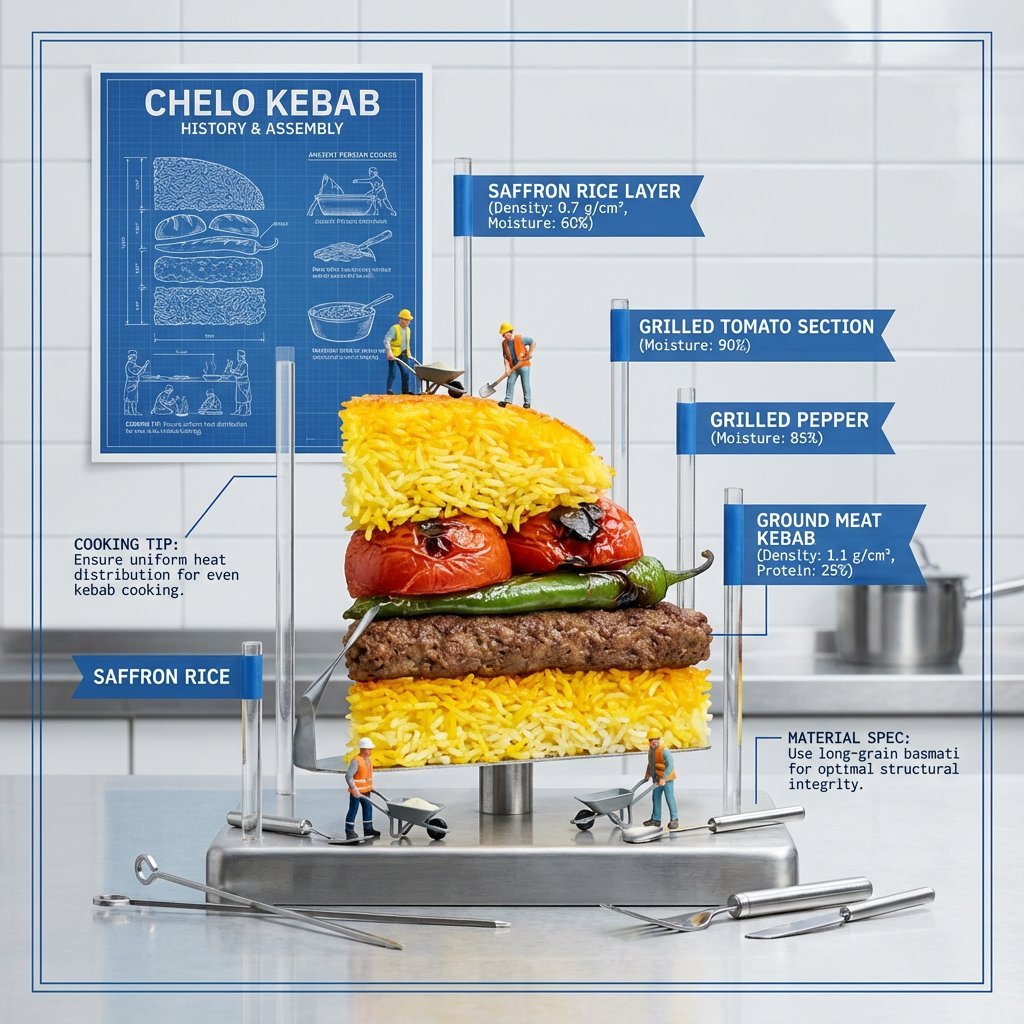
Exploded Food Diagram Technical Photography Prompt

Moonlit Gothic Fantasy Couple
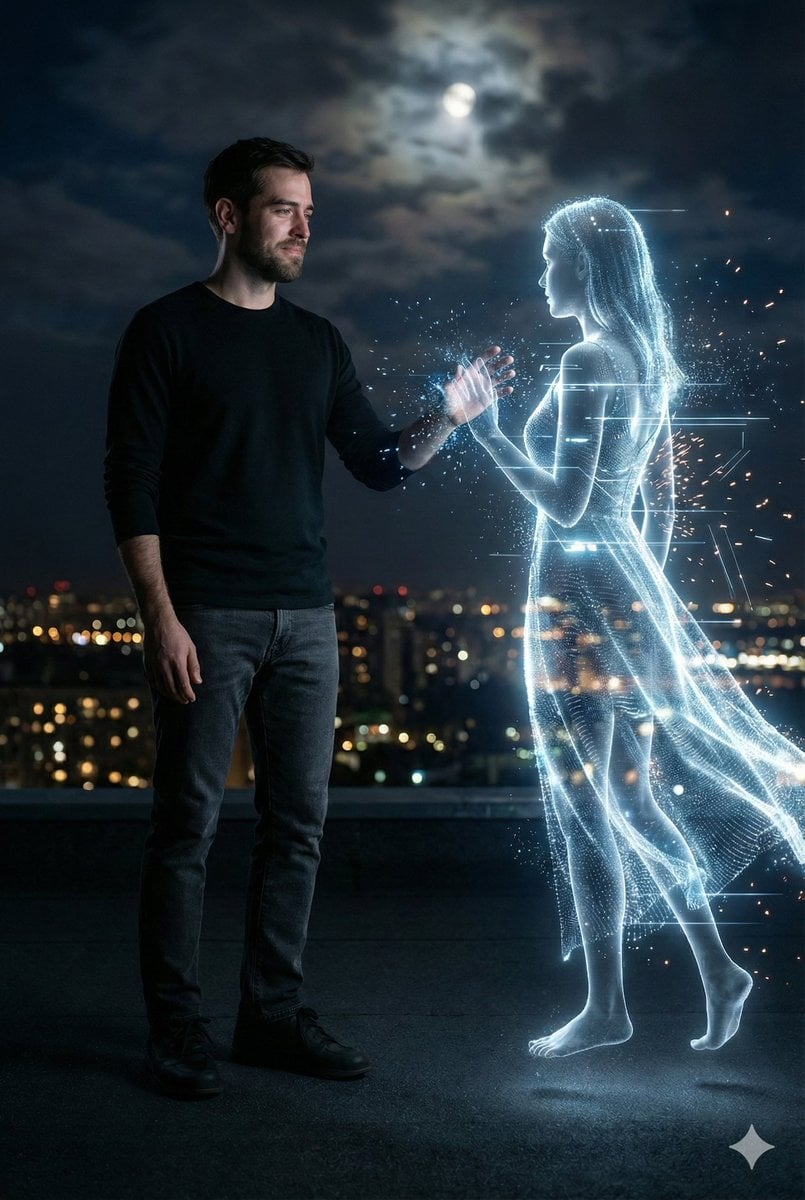
Cinematic Night Rooftop Scene with Hologram

Japanese Beverage Ad Poster
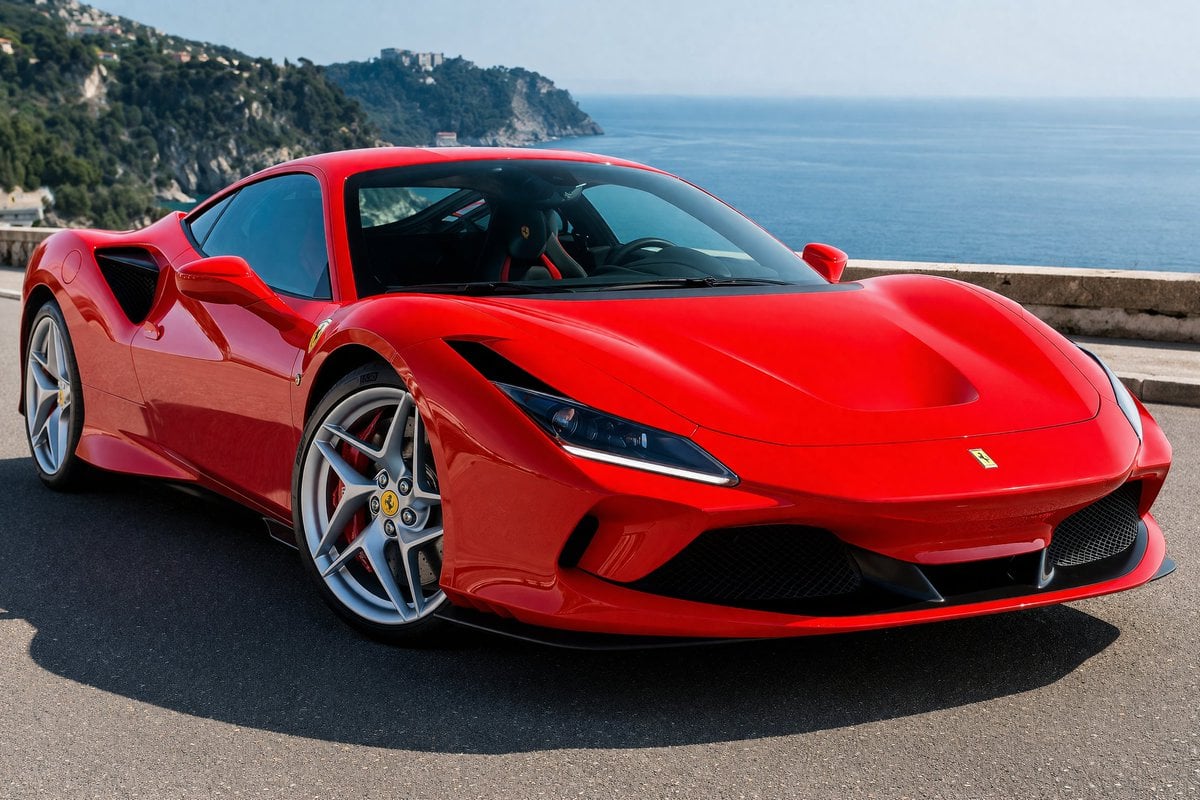
Photorealistic Coastal Sports Car
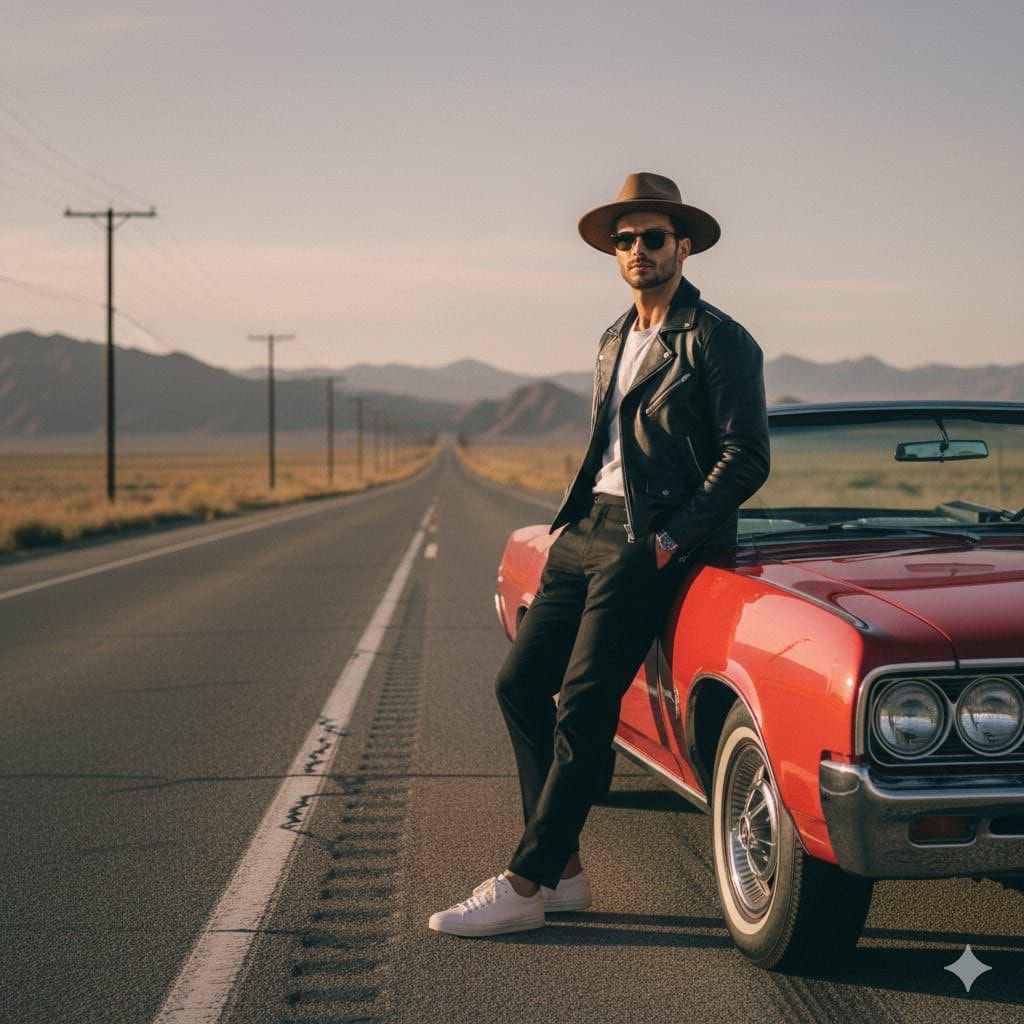
Cinematic Desert Highway Fashion Portrait Prompt
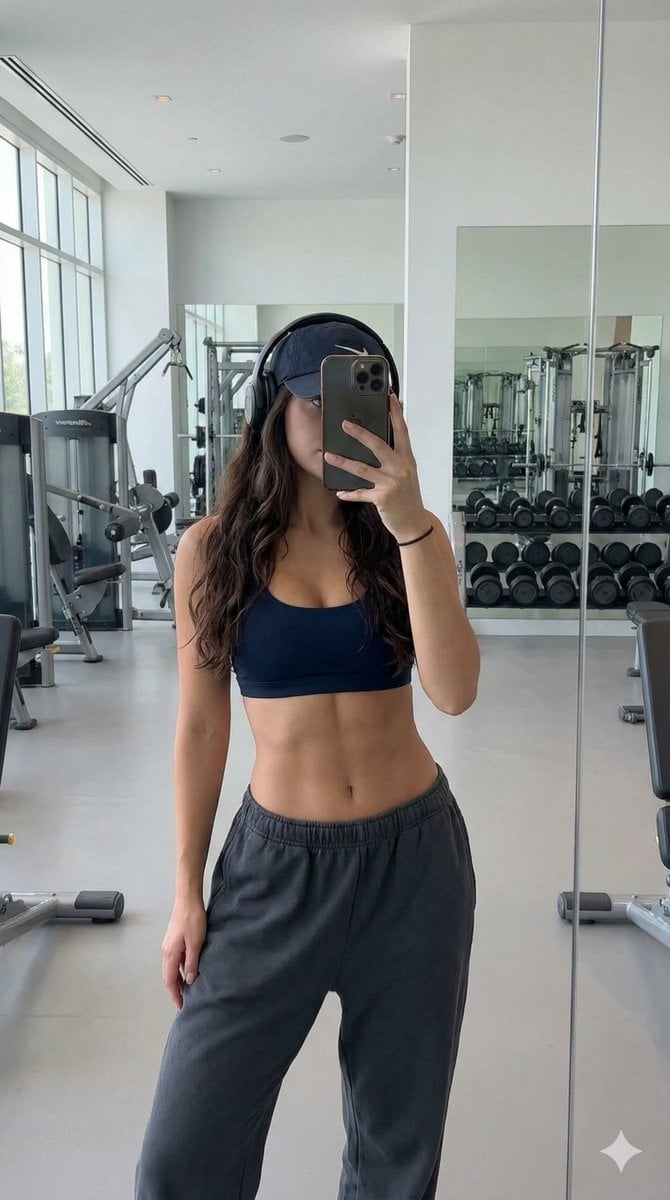
Athletic Gym Mirror Selfie Generation Prompt
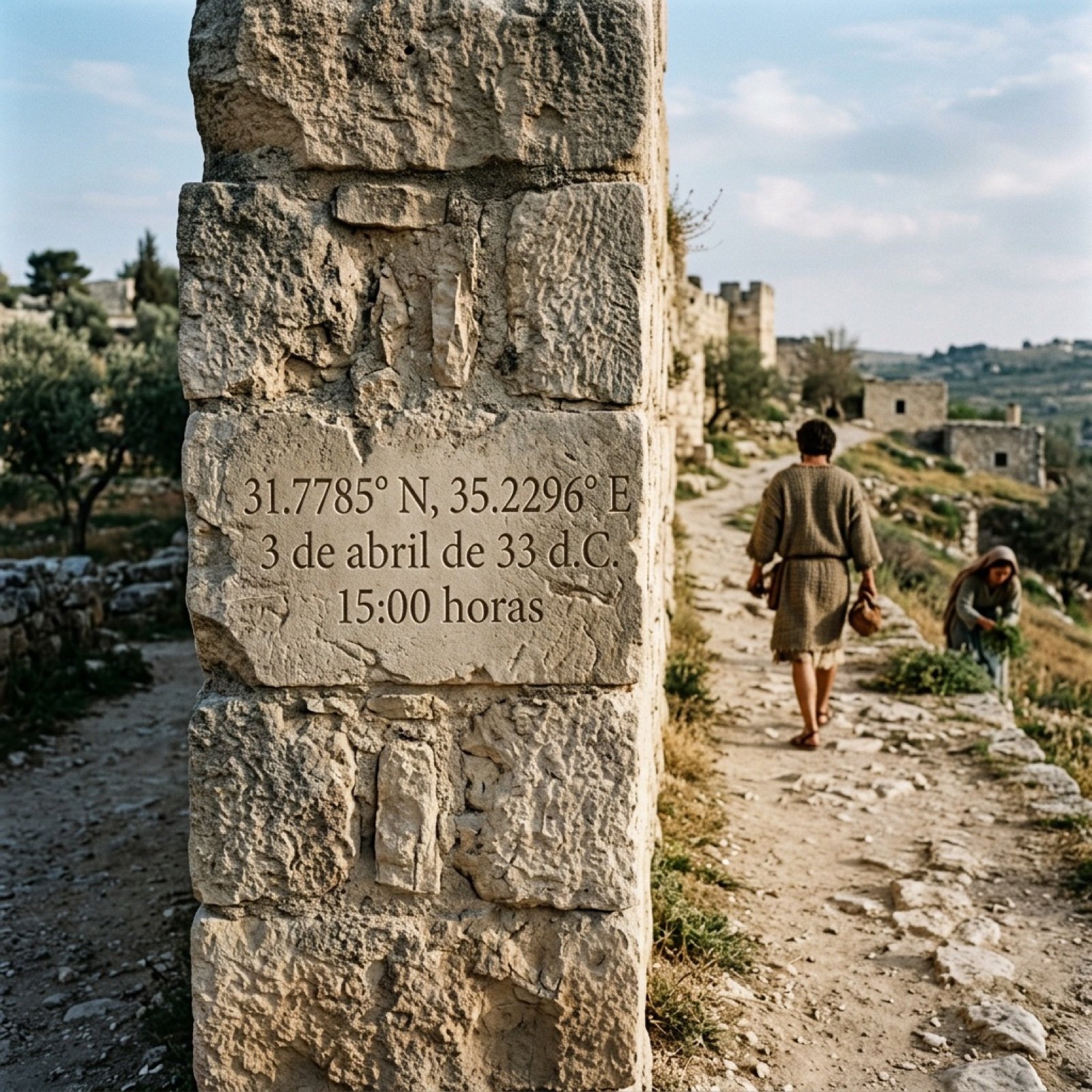
Time Travel Prompt for Nano Banana Pro and Genie 3
Real Hiker in Minecraft Forest
Black-and-White Surreal Editorial Portrait Prompt
Browse template categories
KFC Booth iPhone Snapshot questions
How do I use the KFC Booth iPhone Snapshot template?
Add your photo if the template asks for one, edit the prompt if you like — the template's model and format are already selected — and press Generate. Your version opens in PicX Studio.
Can I customize the KFC Booth iPhone Snapshot template?
Yes. You can change the subject, setting, lighting, mood, format, and available model controls before creating your image.
Is the KFC Booth iPhone Snapshot template free?
Opening and editing this template is free. Generating uses credits, shown on the Generate button when you are signed in.
Which AI model should I use?
Start with GPT Image 2, which is the model associated with this template. You can compare another compatible model for a different finish.
Looking for something else? Browse all templates.

Your photo, any look
Thousands of ready templates for every top image and video model, from one credit balance.