
iPhone Photobooth Collage Prompt with Reference Lock
A highly specific JSON prompt designed to generate a four-frame, 2x2 seamless photobooth collage featuring two subjects (Sydney Sweeney and Ana de Armas).
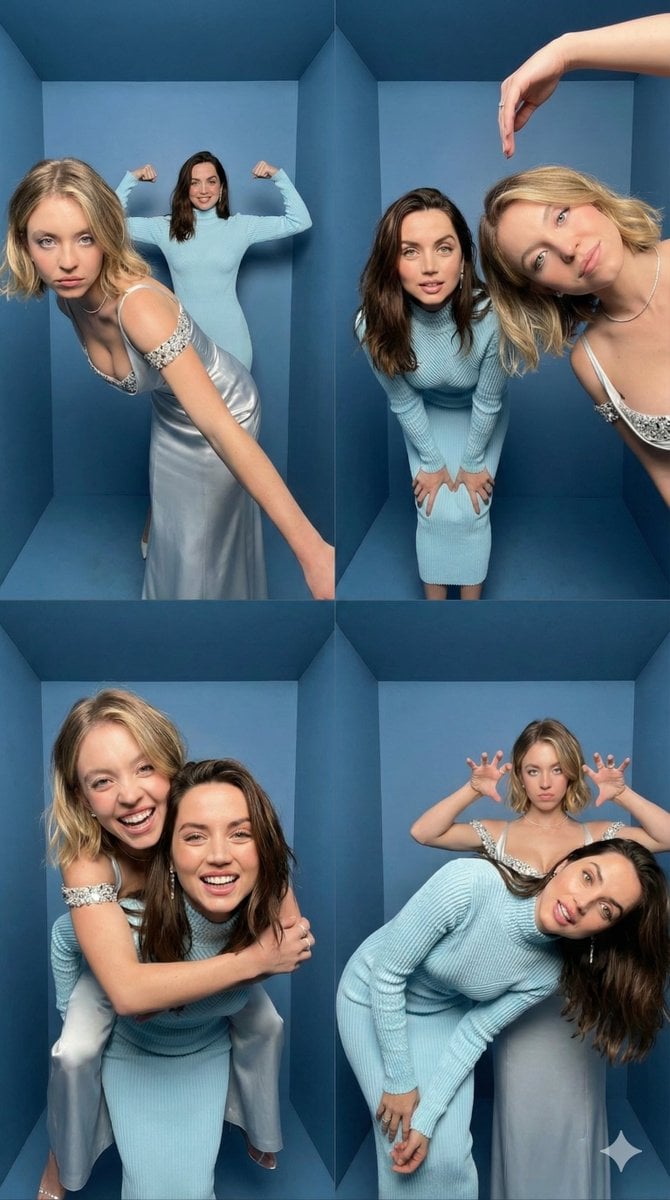
- Prompt included
- Model and format preset
- Premium template
The prompt behind this image
Copy the exact prompt behind iPhone Photobooth Collage Prompt with Reference Lock, or open it in the studio and make it yours.
- Task
- Create an iPhone-realistic photobooth collage (4 photos in a 2x2 grid)
- Subjects › 0 › Id
- Subject 1
- Subjects › 0 › Description
- EXACTLY from the Reference Image (same face, hairstyle, skin tone, body proportions, overall look).
- Subjects › 0 › Outfit
- EXACTLY the same as in the Reference Image. Do not change clothing, glasses, or accessories.
- Subjects › 1 › Id
- Subject 2
- Subjects › 1 › Description
- EXACTLY from the Reference Image (same face, hairstyle, skin tone, body proportions, overall look).
- Subjects › 1 › Outfit
- EXACTLY the same as in the Reference Image. Do not change clothing, glasses, or accessories.
- Scene › Location
- Inside a small BOX photo booth
- Scene › Background
- Matte blue walls and blue floor, tight enclosed corner, clean minimal environment
- Scene › Camera Look
- Ultra wide / slight fisheye lens look with subtle perspective distortion typical of photobox cameras. iPhone 17 Pro, photobooth wide-angle.
- Scene › Lighting
- Bright neutral-white flash lighting, evenly illuminating faces, soft shadow falloff on blue walls, crisp detail, realistic skin texture. Direct neutral white flash (no yellow / no warm tone).
- Scene › Aesthetic
- 4K, amateur photobooth aesthetic, high contrast but still natural, no cinematic grading, no heavy beauty filter, no blur, no text, no watermark.
- Layout › Type
- 2x2 grid collage
- Layout › Aspect Ratio
- 9:16 (vertical collage)
- Layout › Style
- Clean, with NO white borders, NO frame lines, NO gaps, and NO outlines between photos (seamless collage). Each frame fills its quadrant edge-to-edge.
- Frames › 0 › Position
- top-left
- Frames › 0 › Content
- Subject 1 leans diagonally toward the camera from the front-left, one arm stretched down, playful serious face; Subject 2 stands behind in the center, arms raised and flexing like “strongman”, smiling.
- Frames › 1 › Position
- top-right
- Frames › 1 › Content
- Subject 2 leans forward toward the camera, hands on knees, curious expression; Subject 1 enters from the right side very close to camera, tilting her head, one arm arched above her head like a half-heart pose, soft smile.
- Frames › 2 › Position
- bottom-left
- Frames › 2 › Content
- Piggyback pose — Subject 1 on Subject 2’s back, arms wrapped around shoulders; both laughing big, faces close to camera, dynamic motion vibe.
- Frames › 3 › Position
- bottom-right
- Frames › 3 › Content
- Subject 2 bends sideways/leans forward with a goofy face; Subject 1 stands behind making playful “claw/horns” hand gestures above Subject 2’s head, slightly pouting for fun.
Raw JSON
{
  "task": "Create an iPhone-realistic photobooth collage (4 photos in a 2x2 grid)",
  "subjects": [
    {
      "id": "Subject 1",
      "description": "EXACTLY from the Reference Image (same face, hairstyle, skin tone, body proportions, overall look).",
      "outfit": "EXACTLY the same as in the Reference Image. Do not change clothing, glasses, or accessories."
    },
    {
      "id": "Subject 2",
      "description": "EXACTLY from the Reference Image (same face, hairstyle, skin tone, body proportions, overall look).",
      "outfit": "EXACTLY the same as in the Reference Image. Do not change clothing, glasses, or accessories."
    }
  ],
  "scene": {
    "location": "Inside a small BOX photo booth",
    "background": "Matte blue walls and blue floor, tight enclosed corner, clean minimal environment",
    "camera_look": "Ultra wide / slight fisheye lens look with subtle perspective distortion typical of photobox cameras. iPhone 17 Pro, photobooth wide-angle.",
    "lighting": "Bright neutral-white flash lighting, evenly illuminating faces, soft shadow falloff on blue walls, crisp detail, realistic skin texture. Direct neutral white flash (no yellow / no warm tone).",
    "aesthetic": "4K, amateur photobooth aesthetic, high contrast but still natural, no cinematic grading, no heavy beauty filter, no blur, no text, no watermark."
  },
  "layout": {
    "type": "2x2 grid collage",
    "aspect_ratio": "9:16 (vertical collage)",
    "style": "Clean, with NO white borders, NO frame lines, NO gaps, and NO outlines between photos (seamless collage). Each frame fills its quadrant edge-to-edge."
  },
  "frames": [
    {
      "position": "top-left",
      "content": "Subject 1 leans diagonally toward the camera from the front-left, one arm stretched down, playful serious face; Subject 2 stands behind in the center, arms raised and flexing like “strongman”, smiling."
    },
    {
      "position": "top-right",
      "content": "Subject 2 leans forward toward the camera, hands on knees, curious expression; Subject 1 enters from the right side very close to camera, tilting her head, one arm arched above her head like a half-heart pose, soft smile."
    },
    {
      "position": "bottom-left",
      "content": "Piggyback pose — Subject 1 on Subject 2’s back, arms wrapped around shoulders; both laughing big, faces close to camera, dynamic motion vibe."
    },
    {
      "position": "bottom-right",
      "content": "Subject 2 bends sideways/leans forward with a goofy face; Subject 1 stands behind making playful “claw/horns” hand gestures above Subject 2’s head, slightly pouting for fun."
    }
  ]
}How to use iPhone Photobooth Collage Prompt with Reference Lock in 3 steps
- 1Upload ImagePNG, JPG or paste
Add your photo
Upload the photo the template builds on. The prompt, model and format are already set.
- 2…a portrait of your subject in softgolden-hour light, 85mm…
Personalize
Edit the subject and creative details for your destination.
- 3Generate
Generate
Press Generate — your image is created in PicX Studio, so you can compare it with the original and refine one variable at a time.
More like this
Templates with the same subject, style or setup. Open one to see its prompt.
iPhone-Realistic 2x2 Photobooth Collage
iPhone Photobooth Collage of Two Subjects

Paris Travel Collage Grid - Face Reference

Nano Banana Pro Identity Lock — Composition + Face Reference

Paper Cut Finale Fireworks

Paper Cut Garden Maze

Paper Cut Rooftop Concert

Paper Cut Bicycle Coast

Paper Cut Castle Gate

Paper Cut Kitchen Chaos

Paper Cut Carnival Ride

Paper Cut Rainy Bus Stop
Make it yours
iPhone Photobooth Collage Prompt with Reference Lock works as-is. These are the safest ways to change it without losing the look.
Swap the setting
Keep the rest of the prompt and replace the location block. The current setting is “Inside a small BOX photo booth”.
Swap the light
One lighting change is enough to compare takes. Current light: “Bright neutral-white flash lighting, evenly illuminating faces, soft shadow fall”.
Change one field
Copy a single group, rewrite it, and generate again so you can see what that field is doing.
| If the result… | Why | Fix |
|---|---|---|
| The result drifts from the preview | Too many fields changed at once. | Reuse iPhone Photobooth Collage Prompt with Reference Lock as-is first, then change one group — subject, light, or setting. |
| Nano Banana 2 ignores part of the JSON | Some models flatten or skip nested keys. | Keep the same values and paste them as a short paragraph instead. |
More Nano Banana 2 templates
Other prompts made for Nano Banana 2.

Photorealistic Leaf Shaped Like a Dragon

K-Pop Idol Portrait Grid for Rapid Selection

Poetic Rain Forest Portrait During Golden Hour

Urban Street Portrait with Cartoon Inner Self Duo

Candid Nighttime Photo with Cat Prompt

High-Concept 3D Diorama Generation Prompt

Cinematic Futuristic Studio Portrait Template

Skincare Editorial Photography Collage Prompt

Hyper-Realistic Commercial Product Photography (Splash Effect)

Hyper-Realistic Nightclub Portrait Prompt
More image prompts
Fresh picks from across the catalog.
Dramatic Aerial Silk Artist in Red Dress
Shanghai Alley Candid Street Photography

Levitating Bottled Water Commercial Prompt
Luxury Skincare Diorama in a Perfume Bottle
MS Paint Doodle Remake
Monochrome Anime Gothic Dress Girl
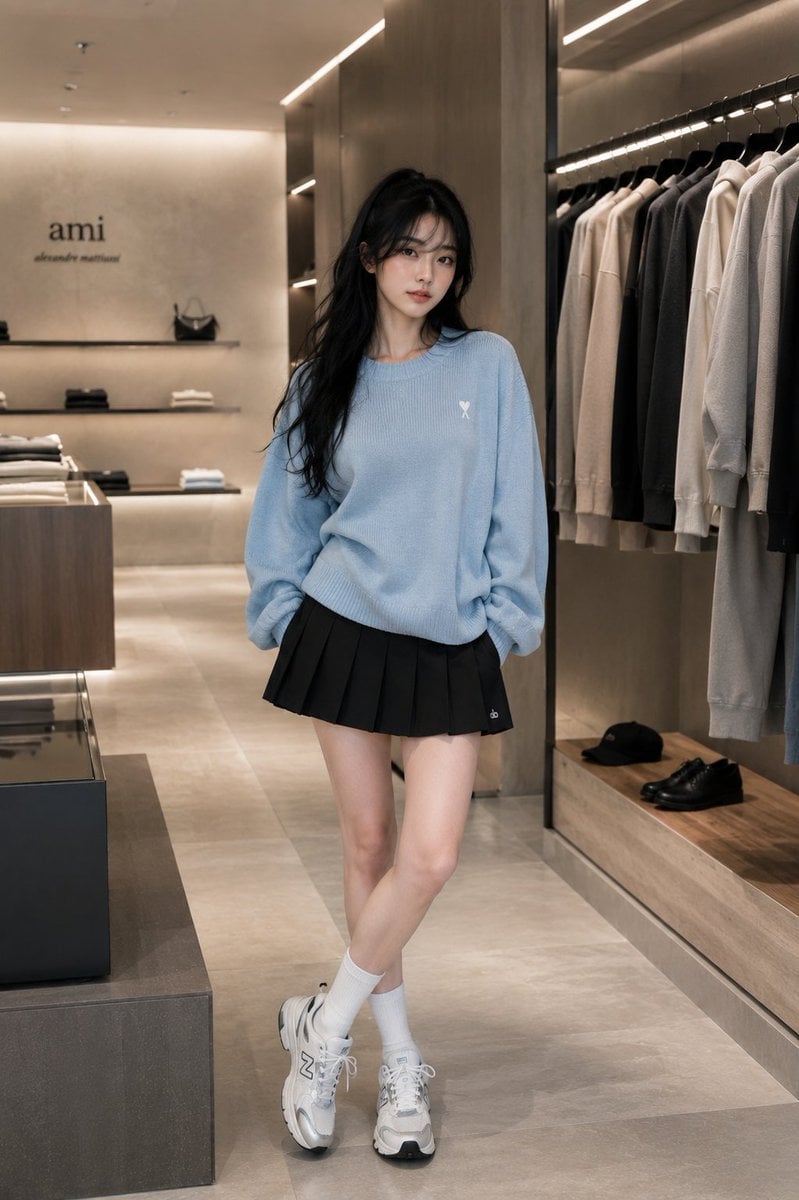
Minimalist Boutique Fashion Editorial
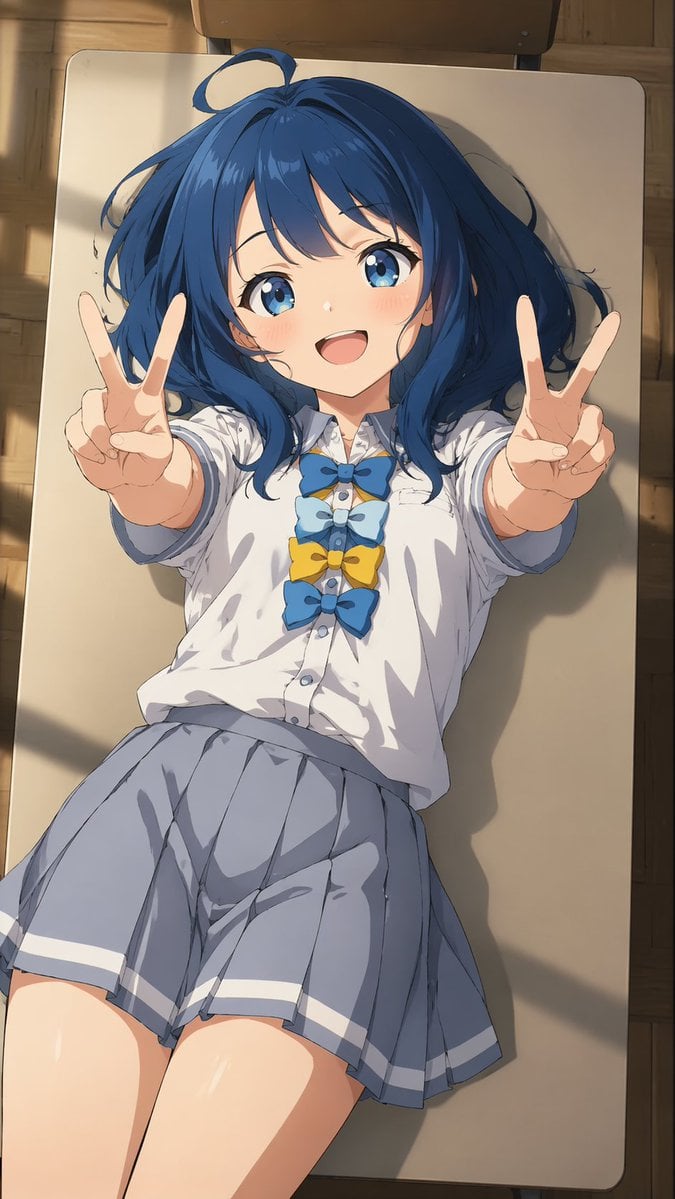
Overhead Anime Girl Peace Sign Portrait

Neural Network Architecture Diagram
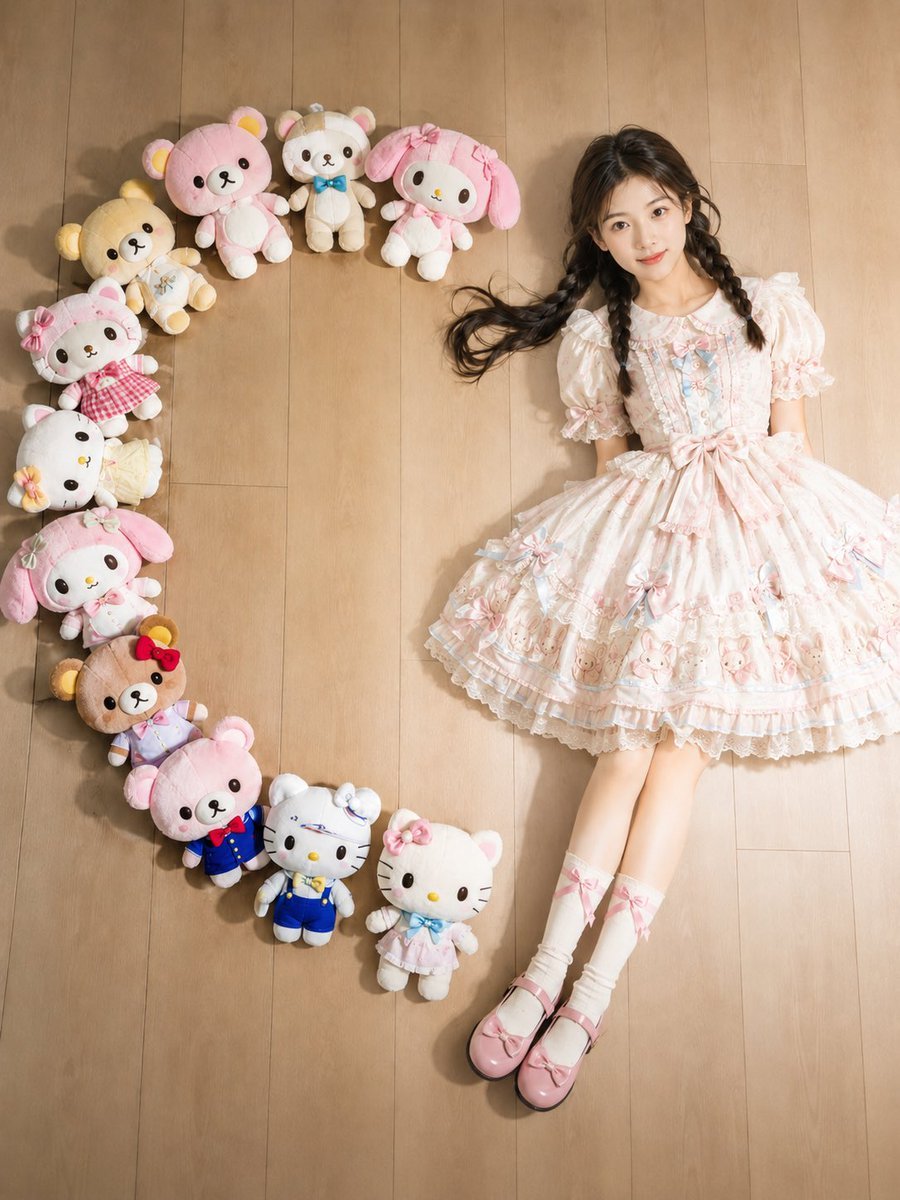
Kawaii Overhead Lolita Portrait
Browse template categories
iPhone Photobooth Collage Prompt with Reference Lock questions
How do I use the iPhone Photobooth Collage Prompt with Reference Lock template?
Add your photo if the template asks for one, edit the prompt if you like — the template's model and format are already selected — and press Generate. Your version opens in PicX Studio.
Can I customize the iPhone Photobooth Collage Prompt with Reference Lock template?
Yes. You can change the subject, setting, lighting, mood, format, and available model controls before creating your image.
Is the iPhone Photobooth Collage Prompt with Reference Lock template free?
Opening and editing this template is free. Generating uses credits, shown on the Generate button when you are signed in.
Which AI model should I use?
Start with Nano Banana 2, which is the model associated with this template. You can compare another compatible model for a different finish.
Looking for something else? Browse all templates.

Your photo, any look
Thousands of ready templates for every top image and video model, from one credit balance.