
Dramatic Aerial Silk Artist in Red Dress
A multi-part JSON prompt for generating a detailed, professional studio photograph of an aerial silk artist in a dynamic, suspended pose.
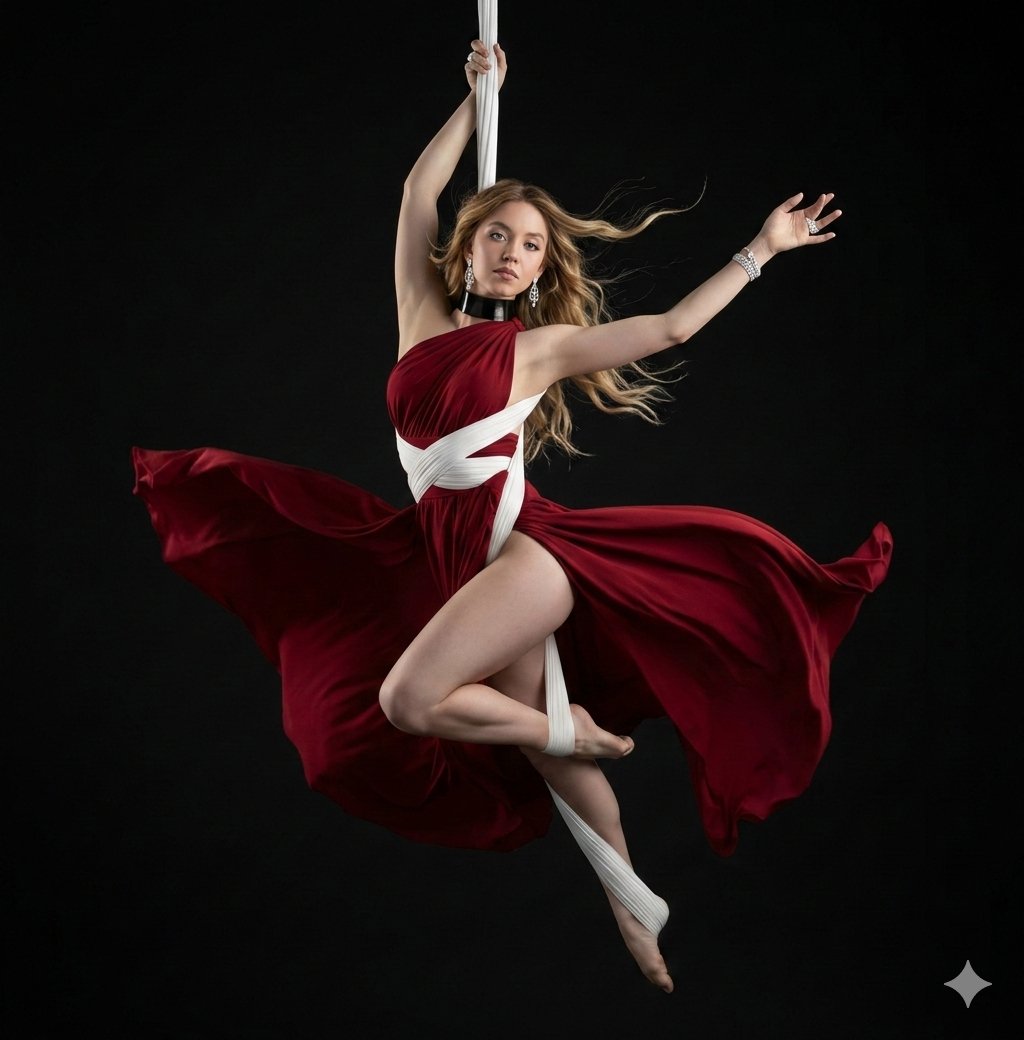
- Prompt included
- Model and format preset
- Premium template
The prompt behind this image
Copy the exact prompt behind Dramatic Aerial Silk Artist in Red Dress, or open it in the studio and make it yours.
[ { "id": "aerial-artist-red-dress", "prompt": "A detailed, professional studio photograph, centered against a dark matte black void background, captures an aerial silk artist in a dynamic, suspended pose. The subject is a female artist with flowing, platinum-silver hair, looking slightly upwards and to the left with a focused, serene expression. She is suspended in mid-air by a single, vertical white aerial silk which she holds firmly with her right hand above her head. Her body is in an open, near-split pose. She is wearing a deep burgundy-red silk or satin flowing dress with a high side slit, which is dramatically billowed outwards by an unseen force, creating a large, dynamic field of color around her lower body. The dress is layered over and accented by intricate white aerial silk fabric wraps that encircle her waist, torso, and are wrapped around her left ankle and foot. She has a thick black choker necklace. Her left arm is extended gracefully upwards and outwards. Her bare feet are pointed, one extended and one with the silk wrap. The dramatic, directional studio lighting (chiaroscuro) creates strong highlights on her skin and the folds of the fabrics, emphasizing the texture of the silk and the definition of her muscles, casting soft shadows. The overall composition is elegant, dramatic, and poetic, focusing on the beauty and control of the pose.", "weight": 1.0, "group_id": "image_content" }, { "id": "composition_details", "prompt": "The composition is a medium full shot, framed to show the entire pose and the dramatic flow of the dress within the dark space. The central white silk hangs straight down, creating a strong vertical line that contrasts with the curved, flowing red fabric. The lighting is focused, like a theatrical spotlight, creating a dramatic halo effect around the edges of her hair and limbs against the deep black background. Every fold and ripple in the burgundy dress is visible, conveying motion and texture. The focus is sharp on her face and core body.", "weight": 0.8, "group_id": "style_and_lighting" }, { "id": "fabric_motion", "prompt": "A close attention to detail is paid to the motion and texture of the fabrics. The red silk dress is shown in high-speed capture, suspended in mid-billow, forming a large, fan-like arc that mirrors the curve of her body. The folds are complex and deep, creating a play of light and shadow. The white wraps are taut against her body, contrasting with the free-flowing red dress, showing the dual nature of aerial silks.", "weight": 0.7, "group_id": "details" }, { "id": "pose_detail", "prompt": "Specific description of the pose: The artist's right hand grips the vertical white silk, her arm taut. Her left arm is free, fingers spread delicately. Her torso is twisted slightly. Her right leg is bent and wrapped, with the white silk coiling down to her foot. Her left leg is st
How to use Dramatic Aerial Silk Artist in Red Dress in 3 steps
- 1
Open
The prompt is already in the box next to the preview, with the template's model and format selected.
- 2…a portrait of your subject in softgolden-hour light, 85mm…
Personalize
Edit the subject and creative details for your destination.
- 3Generate
Generate
Press Generate — your image is created in PicX Studio, so you can compare it with the original and refine one variable at a time.
More like this
Templates with the same subject, style or setup. Open one to see its prompt.

Dancer Character - Four View Reference Sheet
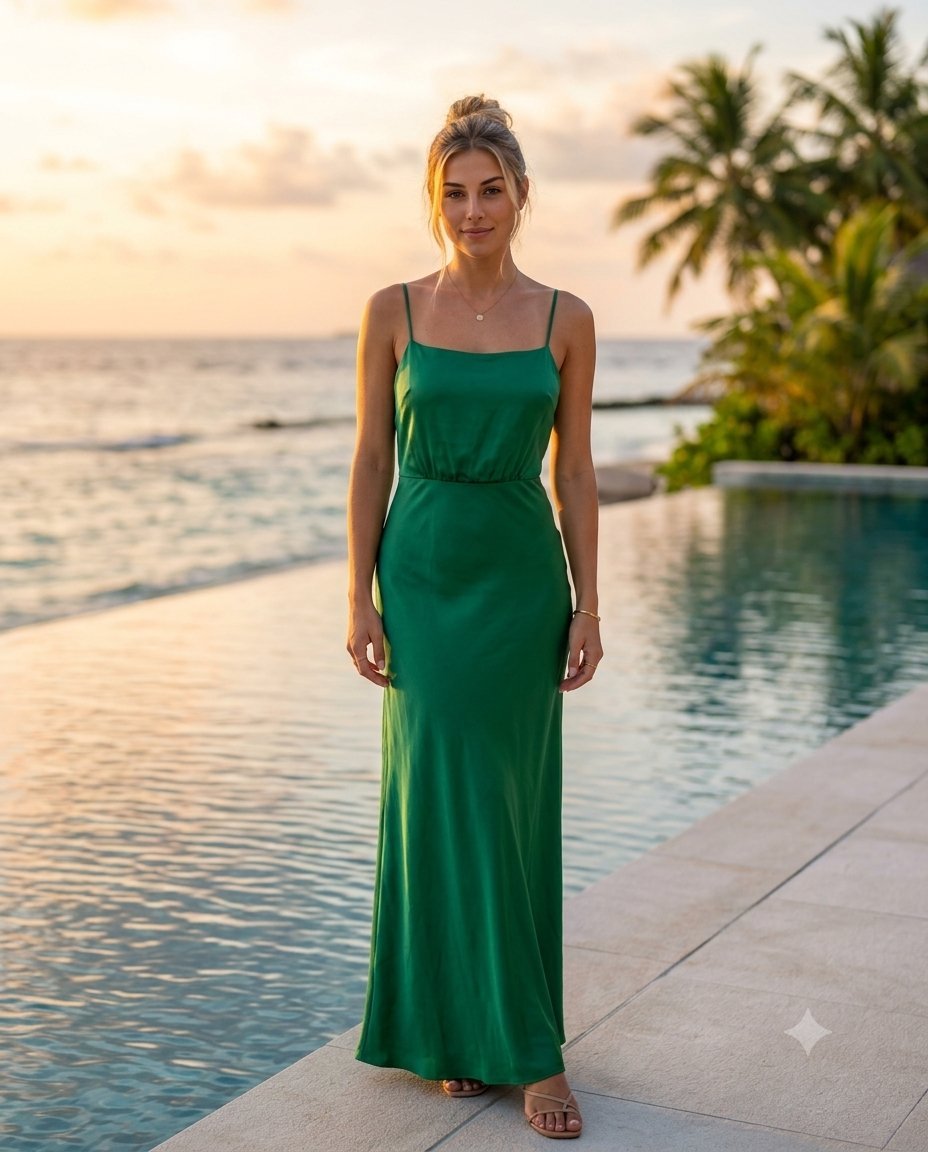
Maldives Resort Silk Dress Portrait
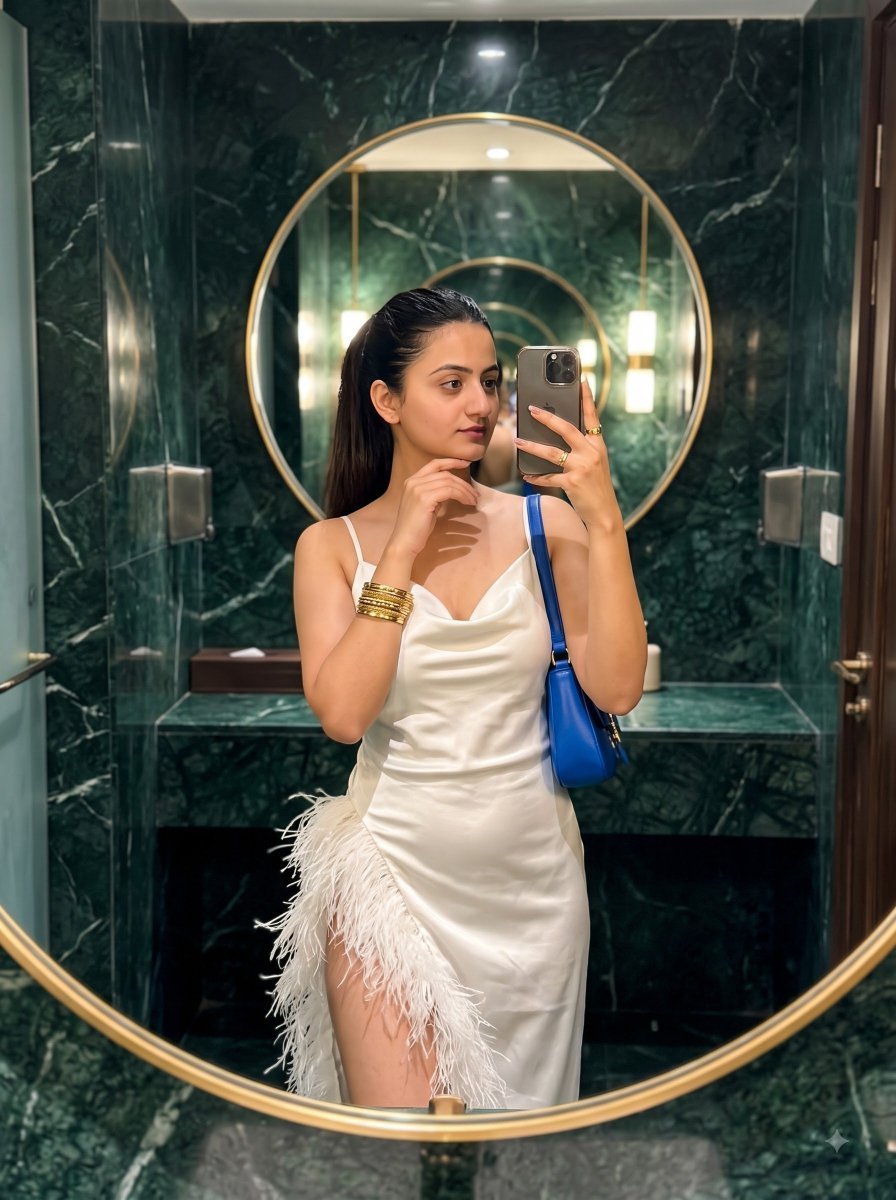
Feather Silk Dress Mirror Selfie
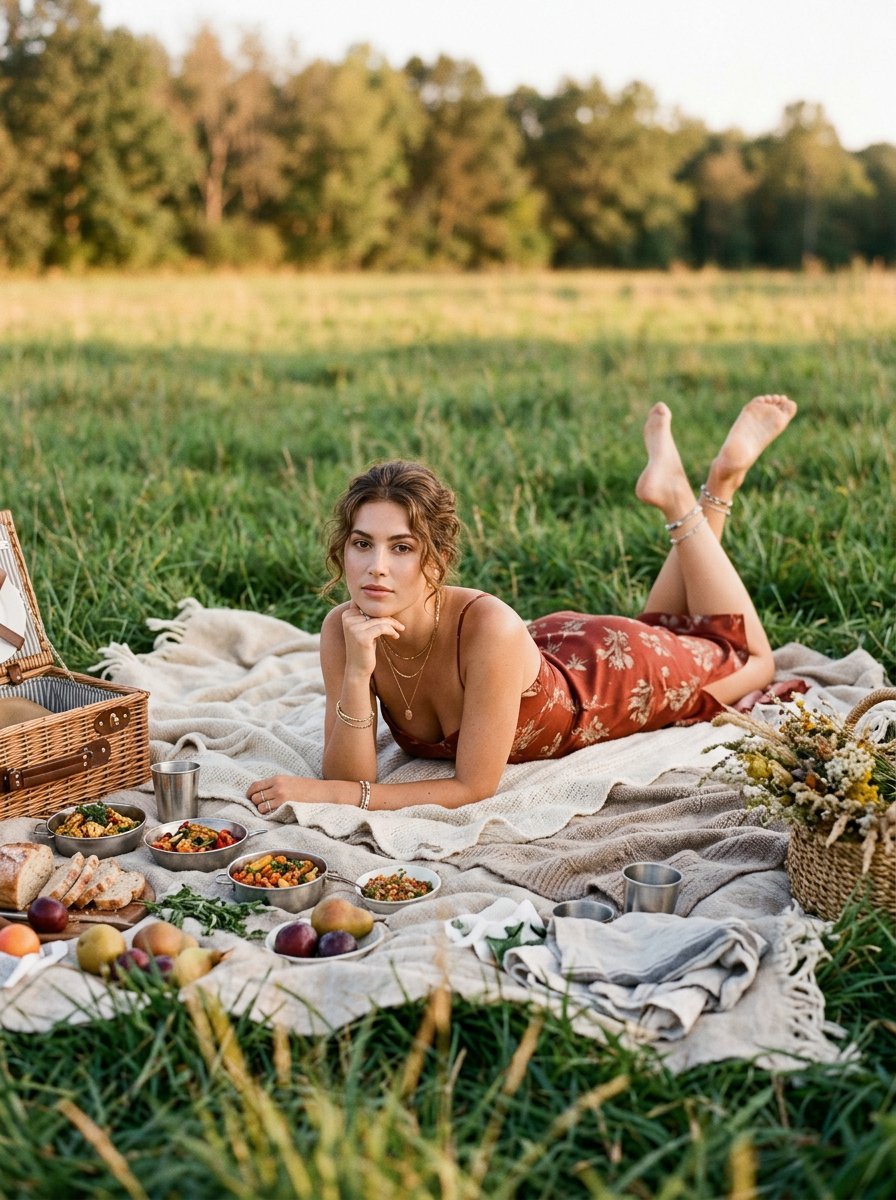
Rust Silk Dress Picnic Editorial

Artistic portrait of an elegant Asian woman wearing a black silk
Ethereal Redhead Portrait in Petal Dress
Multi-Layered Artist Journal Sketch
Dramatic Red Light Man Portrait
Dramatic Red Light Portrait

Bold Red Contrast Fashion Editorial Newspaper Room

Panning Motion Soccer Kick Poster
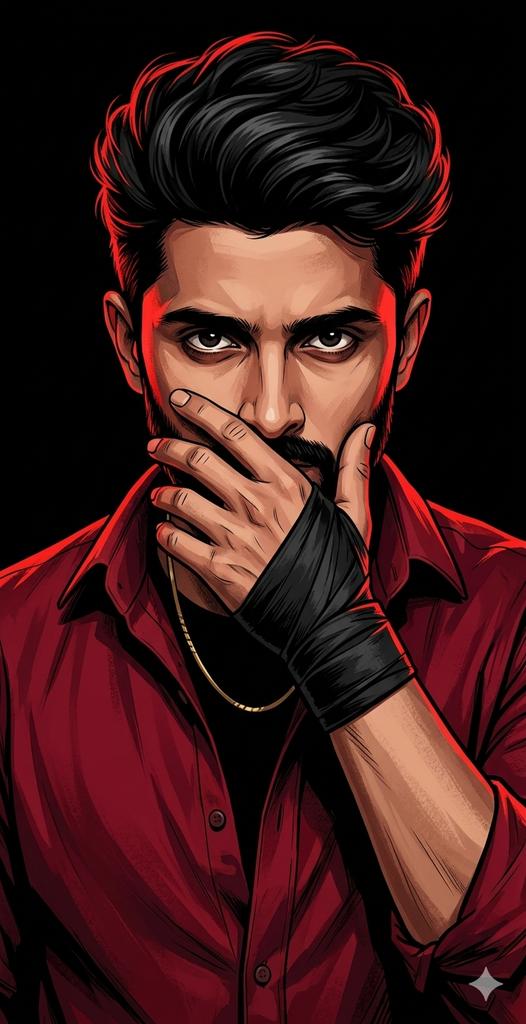
Dramatic Red Rim Lighting Portrait
Make it yours
Dramatic Aerial Silk Artist in Red Dress works as-is. These are the safest ways to change it without losing the look.
Change one field
Copy a single group, rewrite it, and generate again so you can see what that field is doing.
Keep the frame, change the subject
Hold the composition and light of Dramatic Aerial Silk Artist in Red Dress, then swap wardrobe, props or the person for a new take.
| If the result… | Why | Fix |
|---|---|---|
| The result drifts from the preview | Too many fields changed at once. | Reuse Dramatic Aerial Silk Artist in Red Dress as-is first, then change one group — subject, light, or setting. |
| The model over-stylizes the scene | The prose prompt leaves finish and camera underspecified. | Add one camera or lighting sentence and stay on Nano Banana 2. |
More Nano Banana 2 templates
Other prompts made for Nano Banana 2.

Photorealistic Leaf Shaped Like a Dragon

K-Pop Idol Portrait Grid for Rapid Selection

Poetic Rain Forest Portrait During Golden Hour

Urban Street Portrait with Cartoon Inner Self Duo

Candid Nighttime Photo with Cat Prompt

High-Concept 3D Diorama Generation Prompt

Cinematic Futuristic Studio Portrait Template

Skincare Editorial Photography Collage Prompt

Hyper-Realistic Commercial Product Photography (Splash Effect)

Hyper-Realistic Nightclub Portrait Prompt
More image prompts
Fresh picks from across the catalog.
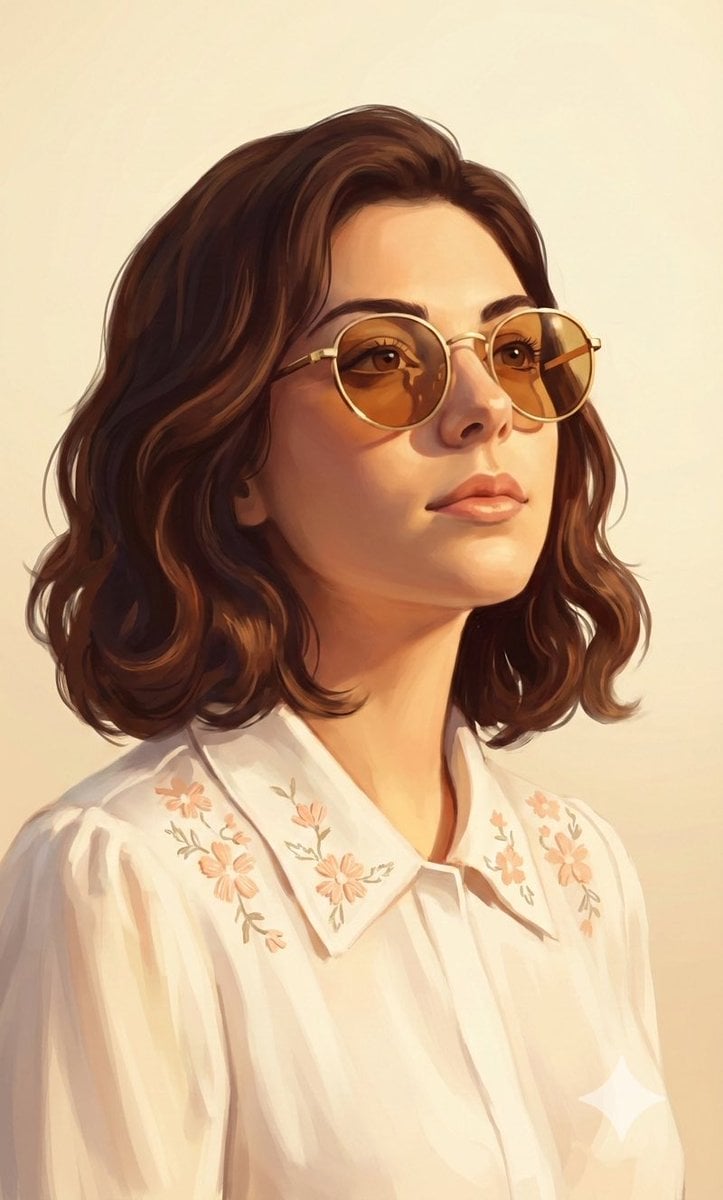
Painterly Portrait in Golden Hour Light
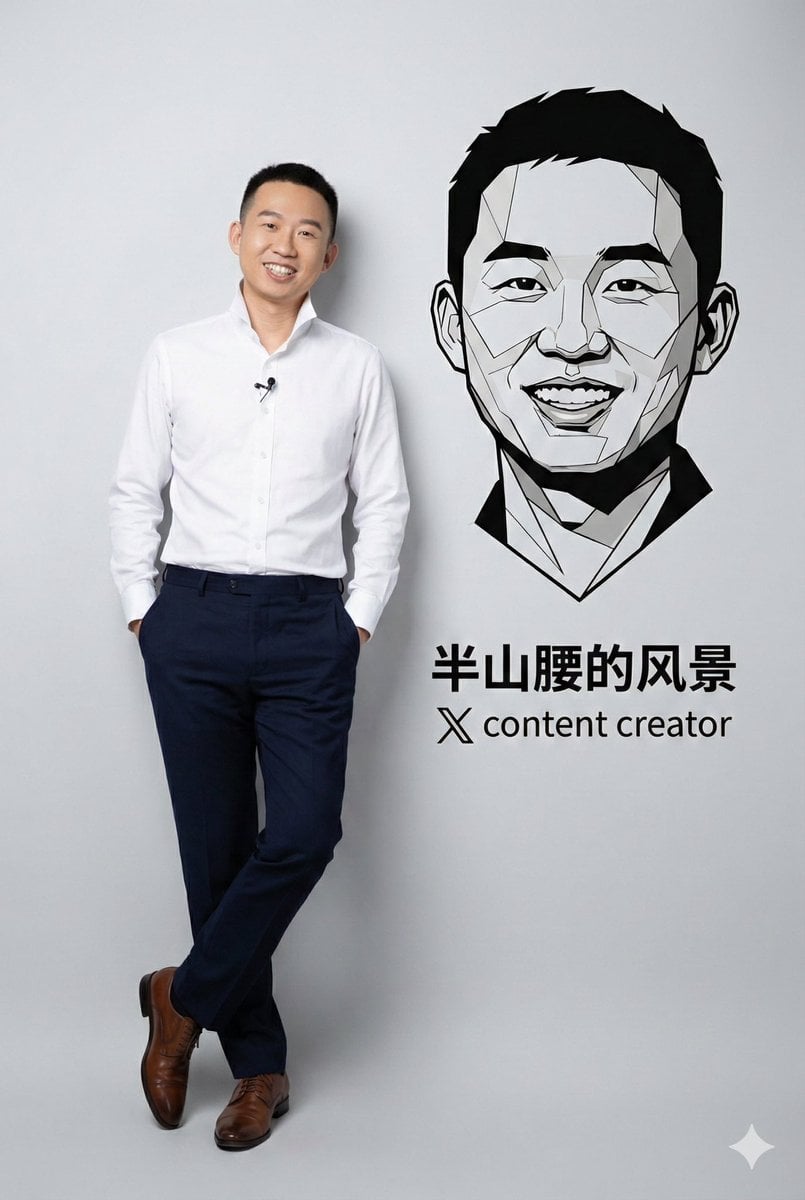
Photorealistic Portrait with Graphic Vector Art
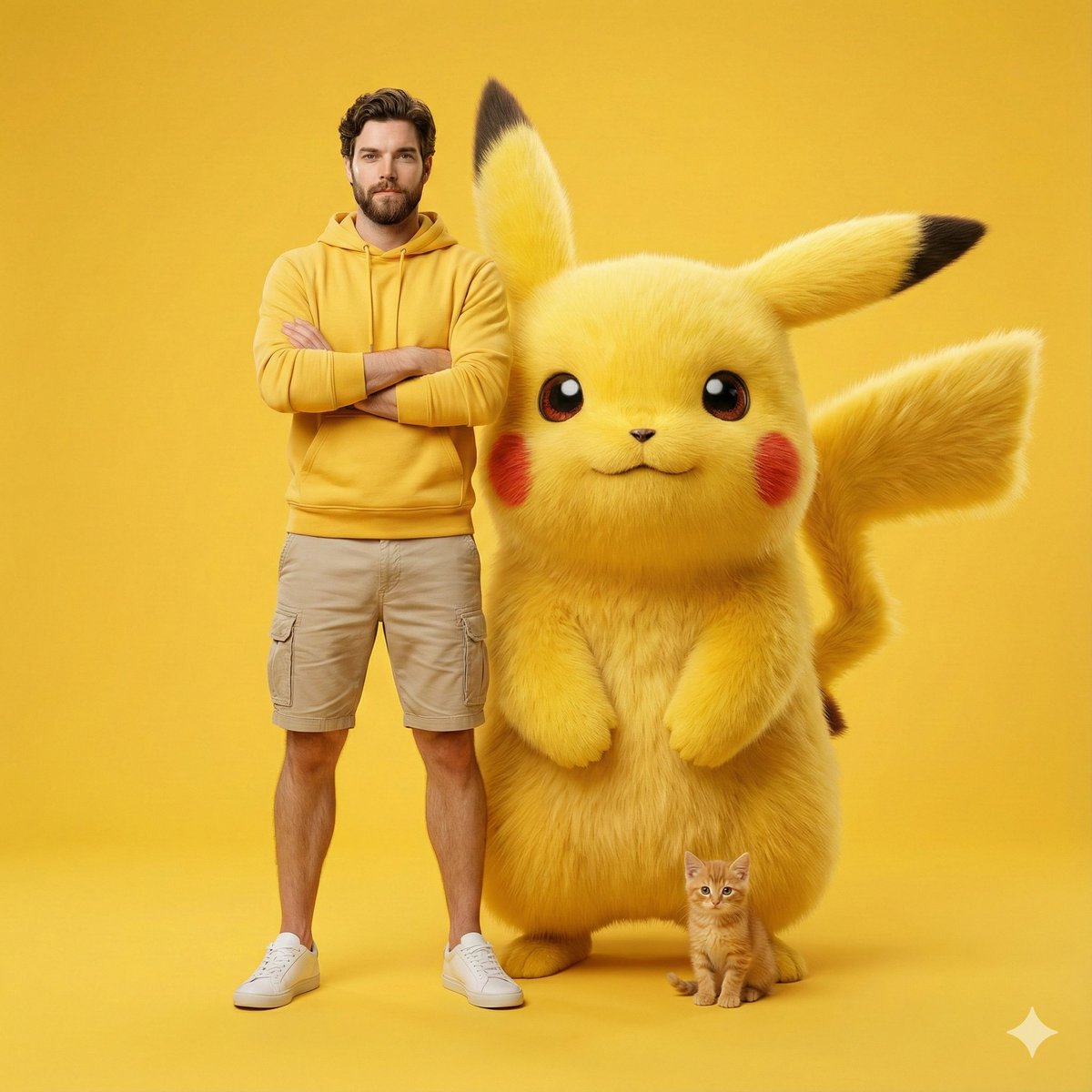
Giant Pikachu Studio Portrait Identity Lock Prompt
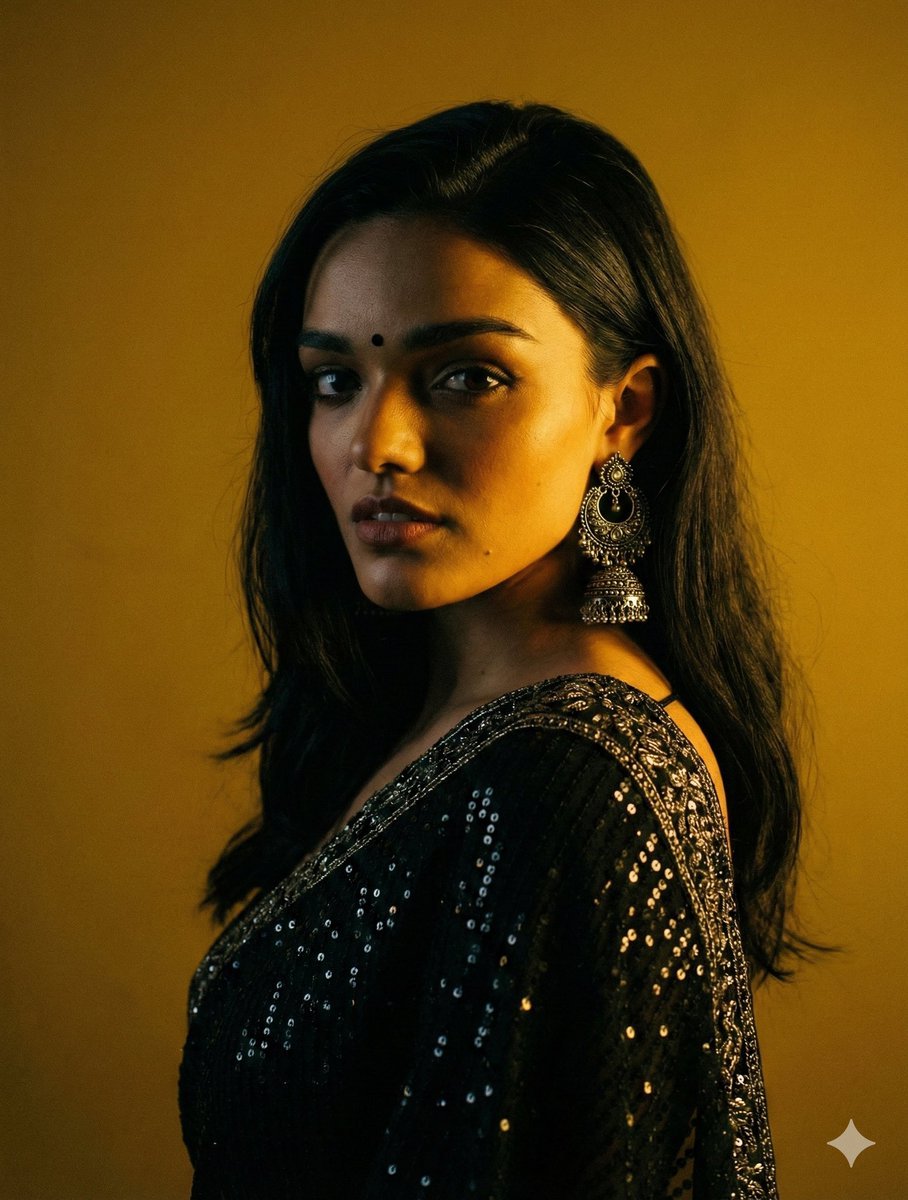
Cinematic Chiaroscuro Portrait in Saree

Stylized 3D Cartoon Man in Streetwear
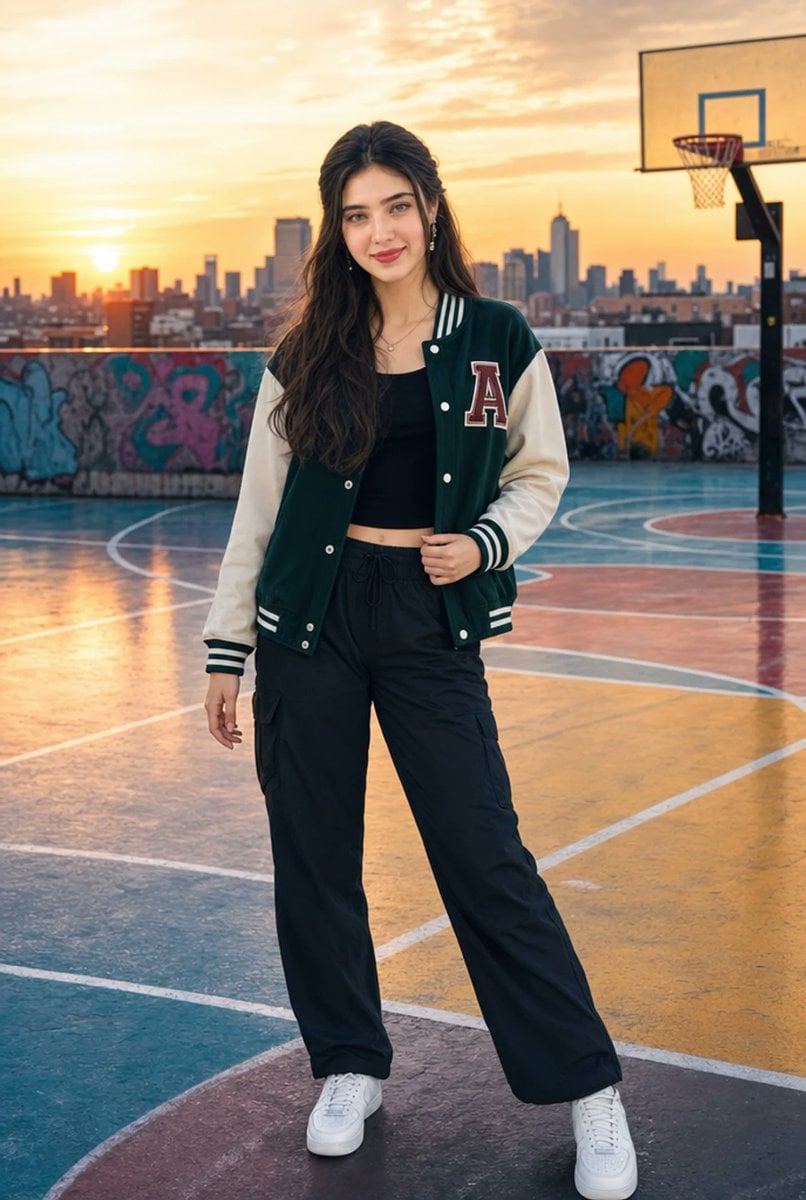
Urban Rooftop Varsity Jacket Portrait
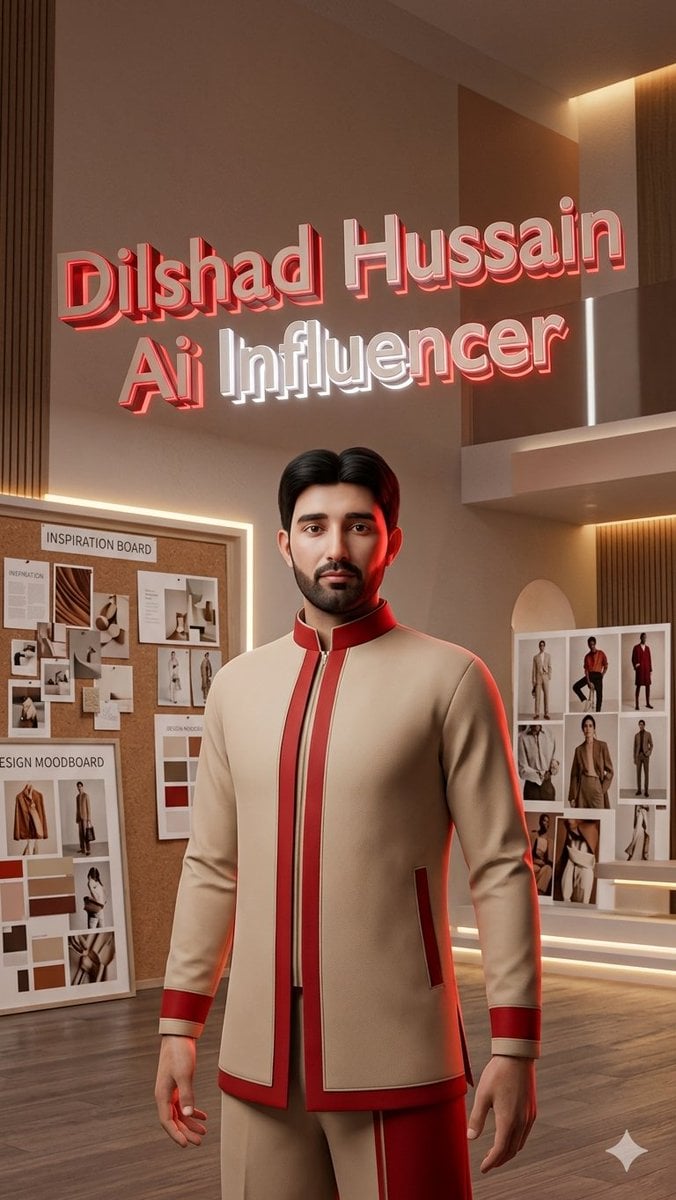
Luxury AI Influencer Workspace Render
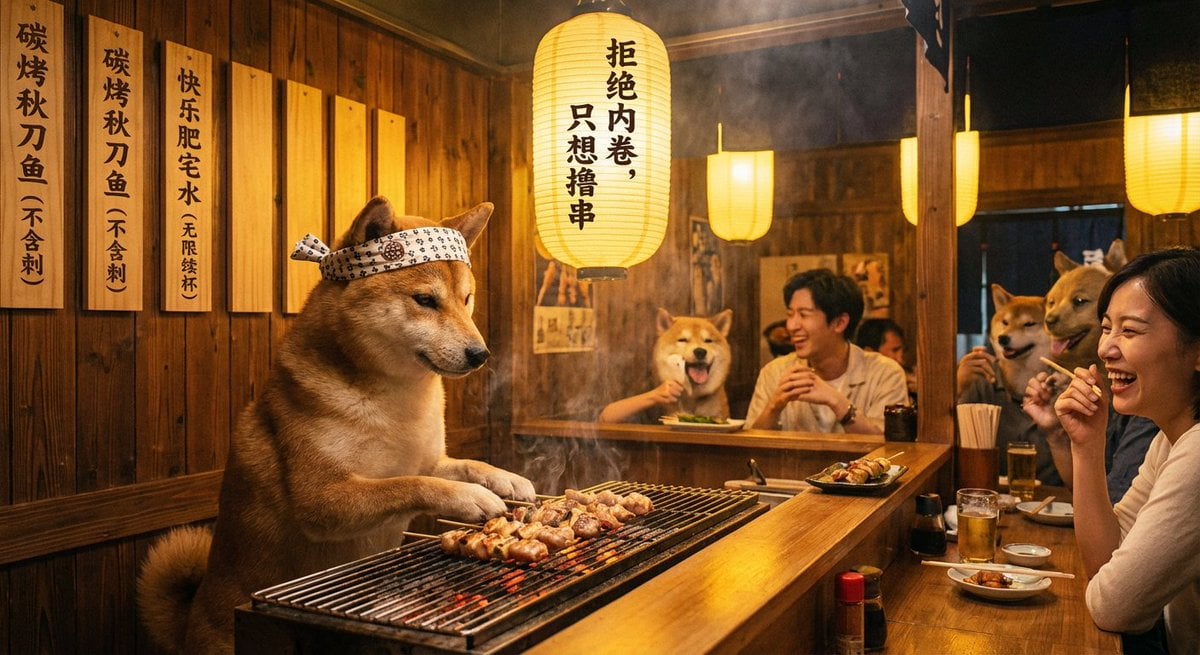
Classical Chinese poem illustration with text (duplicate)
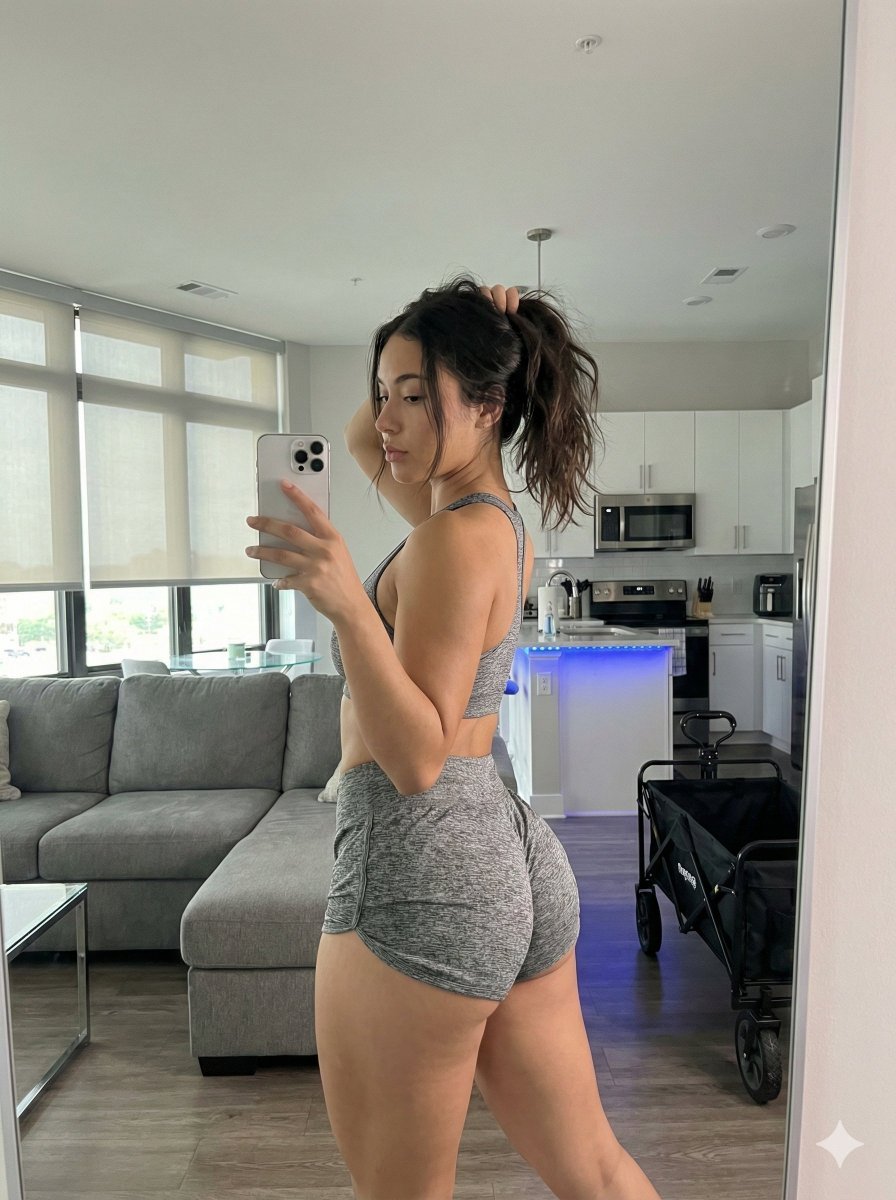
Photorealistic Gym Mirror Selfie Prompt (Curvy Physique)
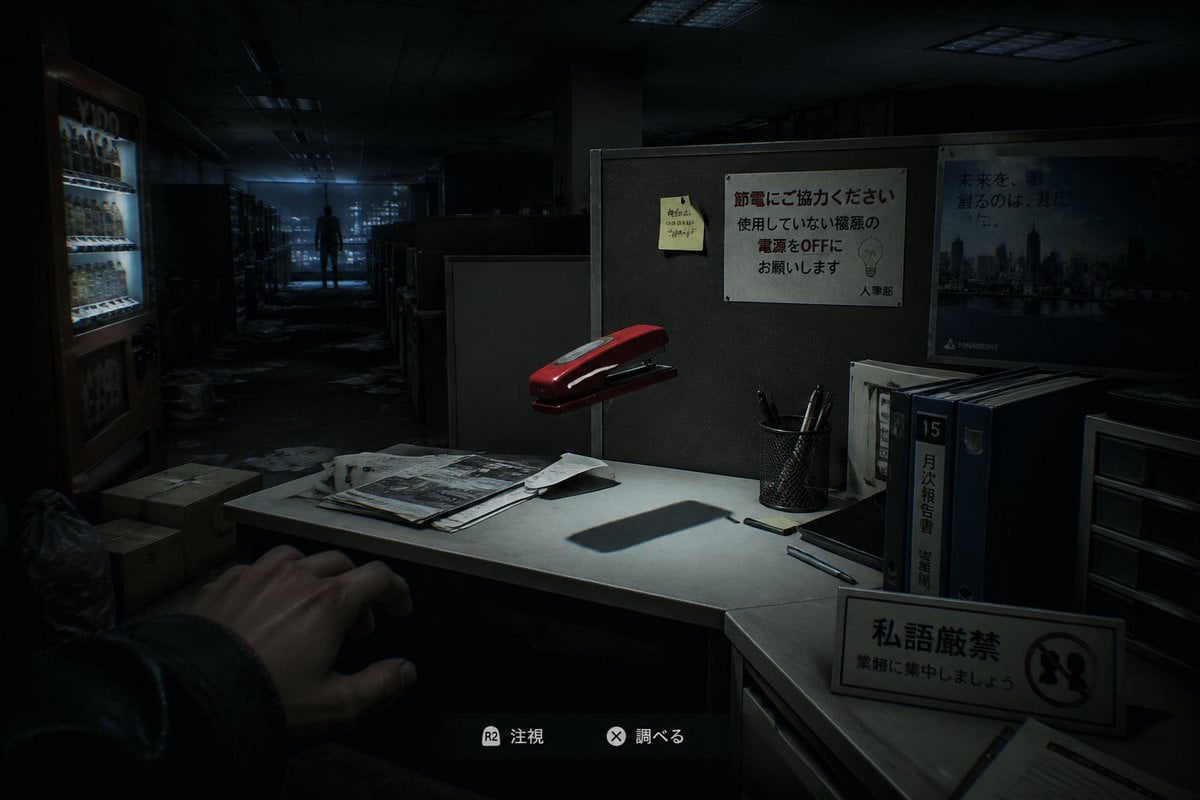
Japanese Office Horror Game Screenshot
Browse template categories
Dramatic Aerial Silk Artist in Red Dress questions
How do I use the Dramatic Aerial Silk Artist in Red Dress template?
Add your photo if the template asks for one, edit the prompt if you like — the template's model and format are already selected — and press Generate. Your version opens in PicX Studio.
Can I customize the Dramatic Aerial Silk Artist in Red Dress template?
Yes. You can change the subject, setting, lighting, mood, format, and available model controls before creating your image.
Is the Dramatic Aerial Silk Artist in Red Dress template free?
Opening and editing this template is free. Generating uses credits, shown on the Generate button when you are signed in.
Which AI model should I use?
Start with Nano Banana 2, which is the model associated with this template. You can compare another compatible model for a different finish.
Looking for something else? Browse all templates.

Your photo, any look
Thousands of ready templates for every top image and video model, from one credit balance.