How do I use the Monochrome Anime Gothic Dress Girl template?
Edit the prompt in the box under the preview — the template's model and format are already selected — and press Generate. Your version appears right on this page.
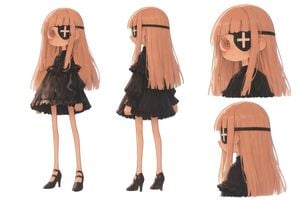
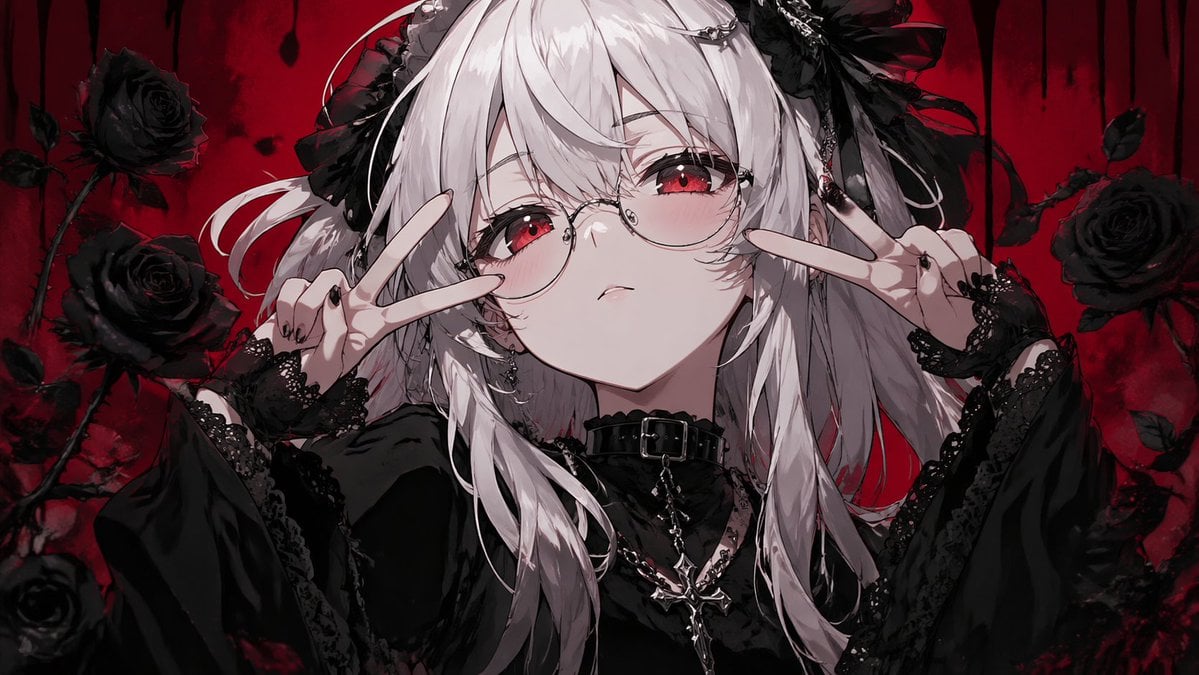
This prompt generates a full-body anime character fashion illustration of an elegant silver-haired girl in a monochrome ruffled gothic-inspired outfit, ideal for character design and costume concept art.

This template uses your photo — add one with the + button.
A full-body anime fashion illustration of a slim young woman standing front-facing in a neutral pose against a clean light gray-white background, centered like a character design sheet. She has very long straight {argument name="hair color" default="silver-white"} hair that falls past her waist, with soft layered bangs covering one eye and long side sections framing the face. The style is refined, soft-shaded, and highly polished with delicate linework, subtle fabric folds, and a modern idol-goth aesthetic. She wears a short white and pale gray ruffled dress with 8 visible black front buttons, puff short sleeves, frilled sleeve hems, frilled shoulder straps, a square neckline with a small black ribbon bow at the chest, and a layered asymmetrical skirt with multiple airy ruffle tiers. Around her neck is a frilled lace choker. At the waist is a wide black belt with a large silver circular ring buckle and 1 hanging strap ending in a metal ring. She wears 2 black fingerless gloves with frilled cuffs and silver bracelet details, 2 white thigh-high stockings, and 2 black garter straps clipped from the skirt to the stockings, one on each thigh. Her shoes are glossy black Mary Jane heels with ankle straps and small bows on the toes. Add a small dangling cross earring on the visible ear. Keep the palette mostly monochrome white, gray, black, and silver, with a soft elegant mood and a clean studio presentation.
A full-body anime fashion illustration of a slim young woman standing front-facing in a neutral pose against a clean light gray-white background, centered like a character design sheet. She has very long straight {argument name="hair color" default="silver-white"} hair that falls past her waist, with soft layered bangs covering one eye and long side sections framing the face. The style is refined, soft-shaded, and highly polished with delicate linework, subtle fabric folds, and a modern idol-goth aesthetic. She wears a short white and pale gray ruffled dress with 8 visible black front buttons, puff short sleeves, frilled sleeve hems, frilled shoulder straps, a square neckline with a small black ribbon bow at the chest, and a layered asymmetrical skirt with multiple airy ruffle tiers. Around her neck is a frilled lace choker. At the waist is a wide black belt with a large silver circular ring buckle and 1 hanging strap ending in a metal ring. She wears 2 black fingerless gloves with frilled cuffs and silver bracelet details, 2 white thigh-high stockings, and 2 black garter straps clipped from the skirt to the stockings, one on each thigh. Her shoes are glossy black Mary Jane heels with ankle straps and small bows on the toes. Add a small dangling cross earring on the visible ear. Keep the palette mostly monochrome white, gray, black, and silver, with a soft elegant mood and a clean studio presentation.
Edit the prompt in the box under the preview — the template's model and format are already selected — and press Generate. Your version appears right on this page.
Yes. You can change the subject, setting, lighting, mood, format, and available model controls before creating your image.
Opening and editing this template is free. Generating uses credits, shown on the Generate button when you are signed in.
Start with GPT Image 2, which is the model associated with this template. You can compare another compatible model for a different finish.
Follow a topic to a crawlable collection of related PicX Studio templates.