
Anti-AI Candid iPhone Snapshot
A sophisticated prompt designed to eliminate the 'AI feel' by simulating real-world imperfections and casual iPhone photography aesthetics with GPT Image 2.
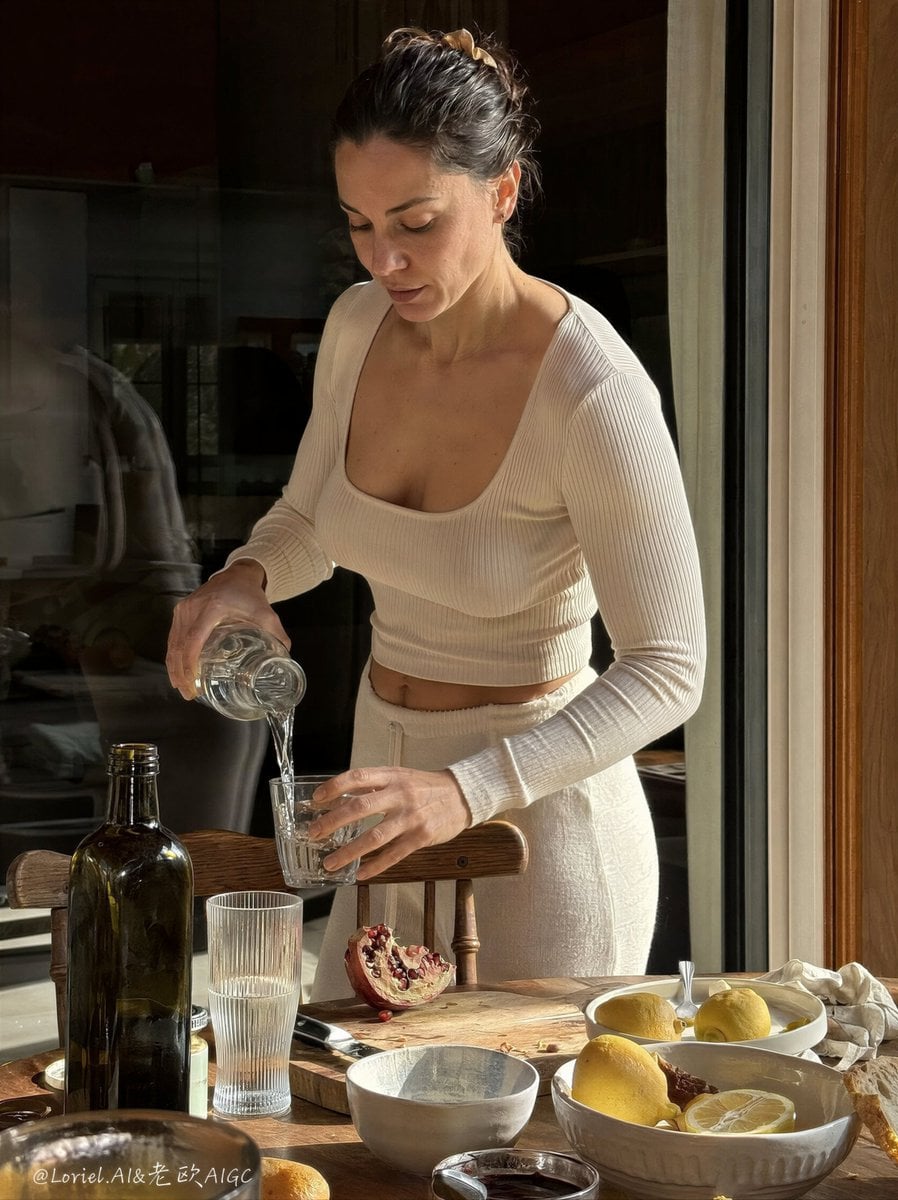
- Prompt included
- Model and format preset
- Premium template
The prompt behind this image
Copy the exact prompt behind Anti-AI Candid iPhone Snapshot, or open it in the studio and make it yours.
Create a hyper-real vertical lifestyle photo that feels completely indistinguishable from a real casual iPhone snapshot taken at home, preserving the same core scene skeleton: a healthy athletic adult European-looking woman with a naturally beautiful, toned figure stands beside a dining table while pouring water from a glass carafe into a drinking glass. Push the realism, naturalness, and anti-AI quality further so the image feels even more like an unplanned real-life moment captured by someone nearby, not a styled campaign, not a generated image, not a perfect composition. The woman must look fully human and unretouched: healthy, fit, elegant, and believable, with subtle muscle tone in the arms, waist, shoulders, and posture, but without exaggerated definition. Her face should show realistic pores, tiny asymmetries, soft under-eye naturalness, real lip texture, slight variation in skin tone, and ordinary human presence. She should feel attractive in a quiet, realistic way, like a real person with excellent natural features rather than a glossy model. Her body shape should be strong, feminine, and authentic, with a naturally outstanding silhouette that still feels completely real. Keep the same domestic dining-table logic, but make the whole moment more spontaneous and more believable. She stands in a relaxed but natural posture, slightly leaning into the pouring action, with realistic hand tension around the carafe and glass. Her expression should be calm, inward, and unposed, as if she is focused only on the water and unaware of being photographed. Hair is tied back simply with believable flyaways, subtle irregular strands, and no salon perfection. Clothing remains soft, minimal, and light-toned: a fitted ribbed cream long-sleeve top and matching light pants or skirt, but with real fabric creases, slight pull tension, natural fit variation, and everyday softness. The dining table should feel more naturally lived-in and less styled. Keep beautiful objects, but arrange them with more believable randomness: lemons, bread, clear and tinted glasses, ceramic bowls, a bottle, fruit, cut pomegranate, folded cloth, and small everyday table disorder. Nothing should look over-curated. Object spacing should feel imperfect in a human way, like a real home meal setup interrupted mid-moment. The water pour must be especially realistic: true glass refraction, slight spill risk tension, accurate stream thickness, subtle distortion through the carafe, and believable reflections in the receiving glass. Preserve the warm interior setting near a window or glass door, but push the available-light realism further. The light should feel like actual sunlight entering a home and moving across the room, not professional lighting. Use uneven sun patches, soft shadow transitions, realistic highlight clipping in bright glass areas, subtle exposure roll-off, mild dynamic-range imperfection, and slight warm-cool imbalance that real phone cameras often produce in mixed light. The background should include dark reflective glass, curtain shadow, vague outdoor reflection, a chair, and softened interior depth, but all rendered with true-to-life phone-camera softness. Make the image more candid and less composed. The framing should feel slightly accidental: a very subtle crop tension, a tiny handheld tilt or off-center balance, maybe a mild closeness inconsistency that makes it feel genuinely photographed rather than perfectly designed. Keep the woman mostly central to the scene logic, but let the framing breathe in an imperfect, human way. Use realistic iPhone-style image behavior: slight computational depth softness, authentic edge sharpness falloff, natural highlight bloom, ordinary white balance imperfection, modest local contrast, and realistic texture handling. Push the anti-AI realism further through small truthful imperfections: a slightly awkward object angle on the table, tiny smudge or water mark on glass, subtle wrinkle at the waistline, ordinary finger placement, mild skin texture variation, imperfect nail appearance, slight unevenness in fruit skin, not-quite-symmetrical composition, and light behaving differently across surfaces. The image should feel like a real memory, not a “beautiful render.” Color palette should remain understated and natural: cream clothing, warm wood, muted lemon yellow, soft pomegranate red, olive-brown bottle glass, transparent drinking glass, linen beige, and warm interior shadow. Keep colors believable and unforced. Do not over-grade, do not cinematicize too much, do not add heavy stylization. The whole picture should feel like a naturally excellent phone photo. Subtle print grain can be present, but realism must come first. Fine detail should be sharp only where naturally focused and softened elsewhere in a believable phone-camera way. The final image must feel intimate, domestic, elegant, healthy, and absolutely real, with zero obvious AI traces. No readable text, no logo, no branding, no ad layout, no typography, no studio glamour, no artificial symmetry, no plastic skin, no exaggerated pose, no luxury-campaign stiffness, no obvious retouching, no overly perfect object placement.
How to use Anti-AI Candid iPhone Snapshot in 3 steps
- 1
Open
The prompt is already in the box next to the preview, with the template's model and format selected.
- 2…a portrait of your subject in softgolden-hour light, 85mm…
Personalize
Edit the subject and creative details for your destination.
- 3Generate
Generate
Press Generate — your image is created in PicX Studio, so you can compare it with the original and refine one variable at a time.
More like this
Templates with the same subject, style or setup. Open one to see its prompt.
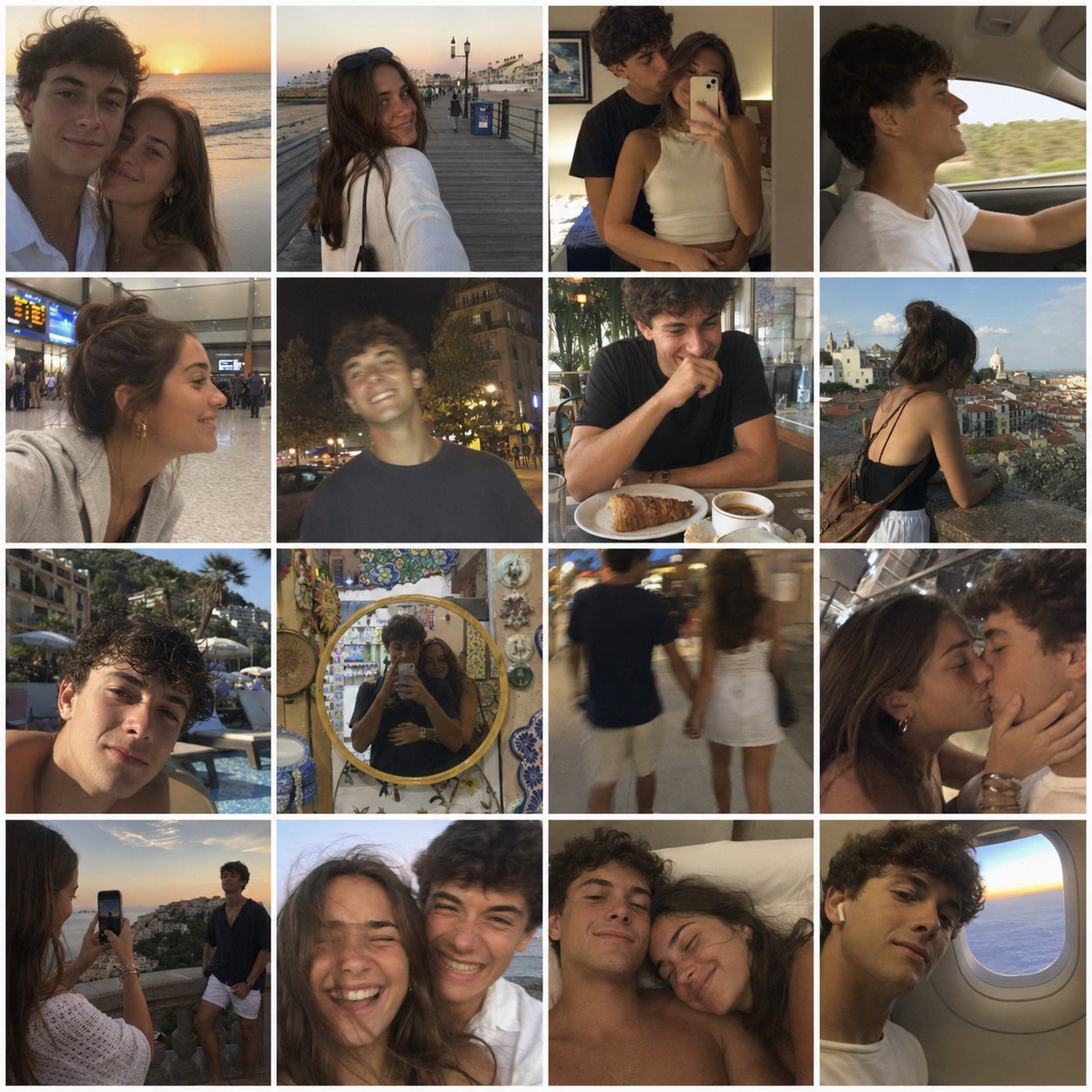
4x4 Grid - Candid Nostalgic Vacation Selfies

Sunday Afternoon, 1988

Our Song was on a Cassette
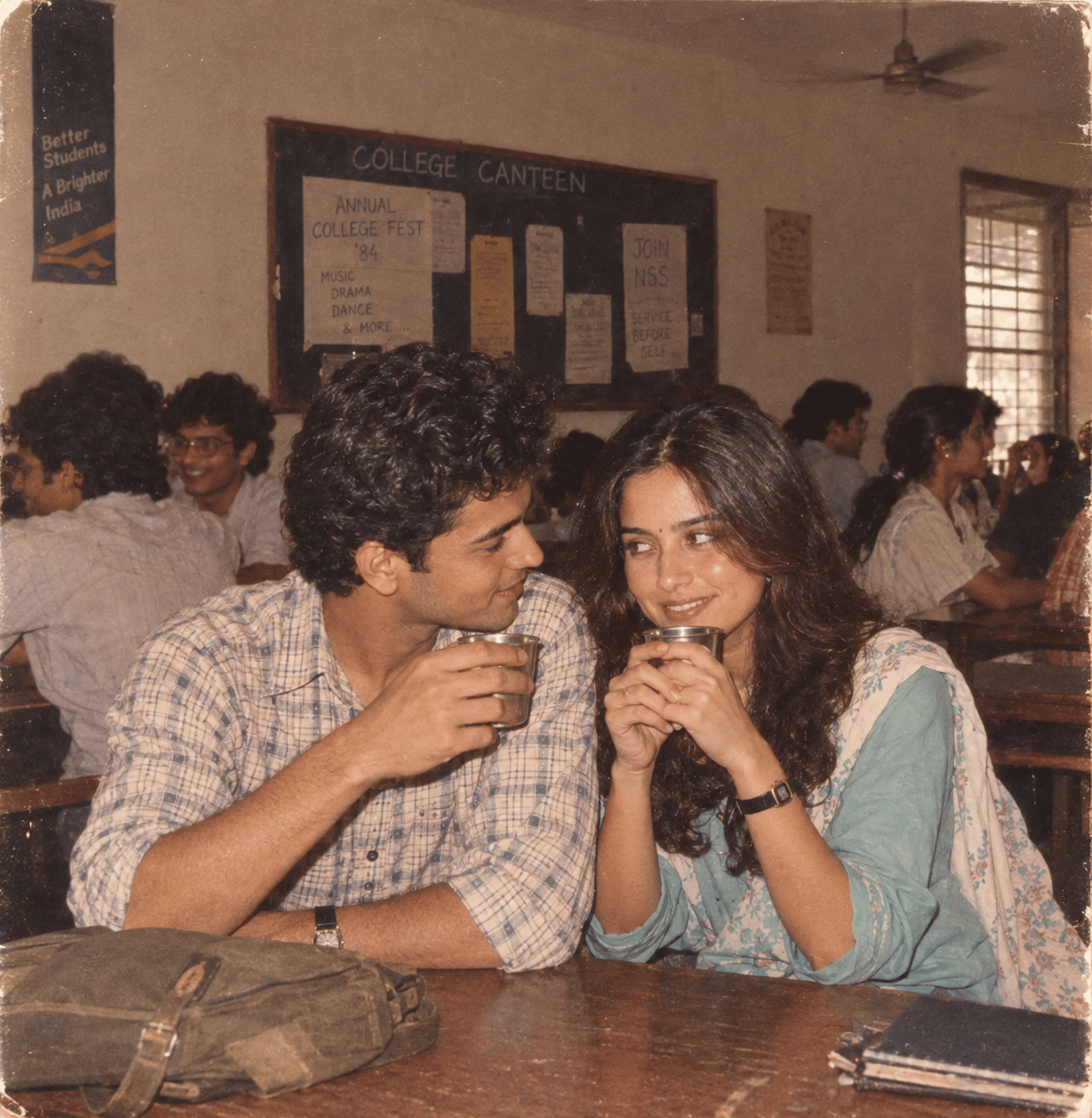
The Date After College

80s College Gate
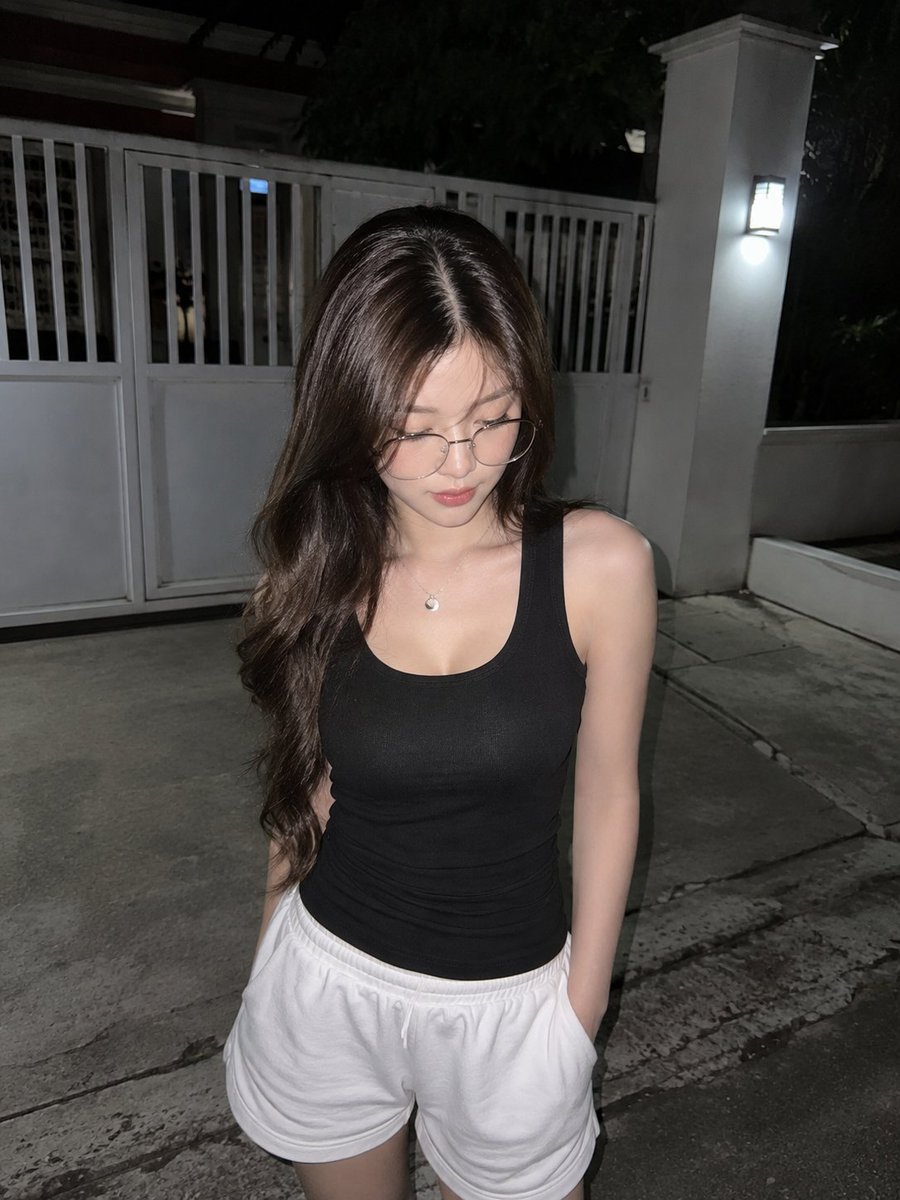
Candid Night Driveway iPhone Photo
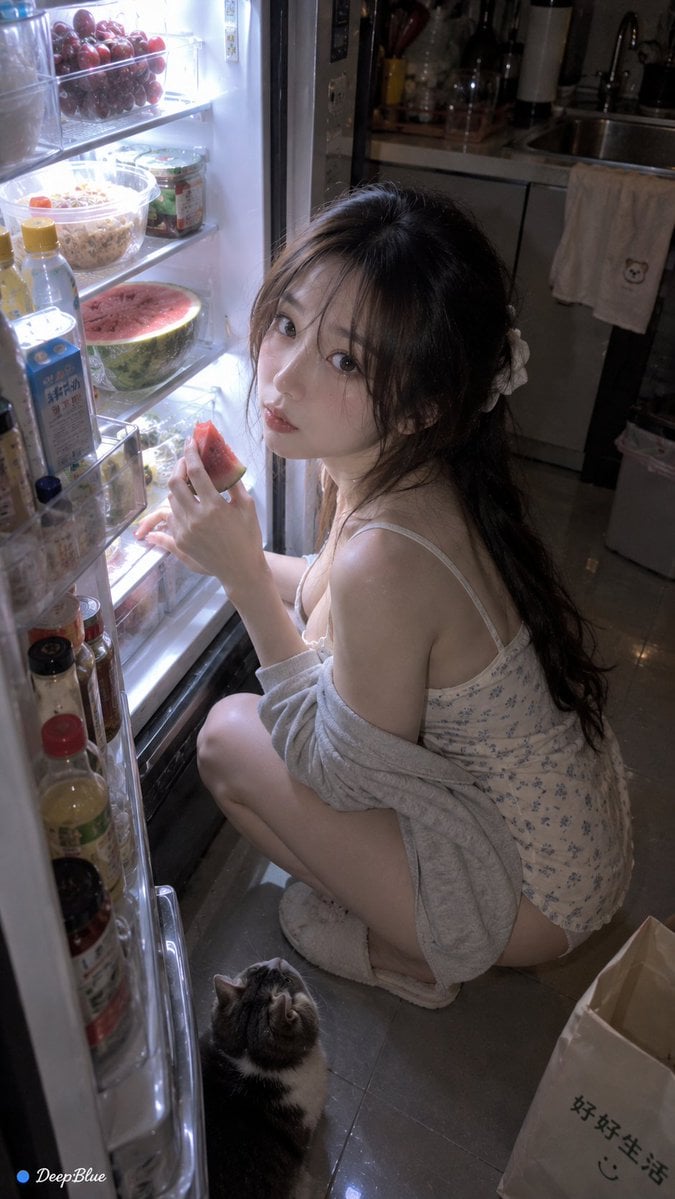
Late Night Fridge Candid Snapshot
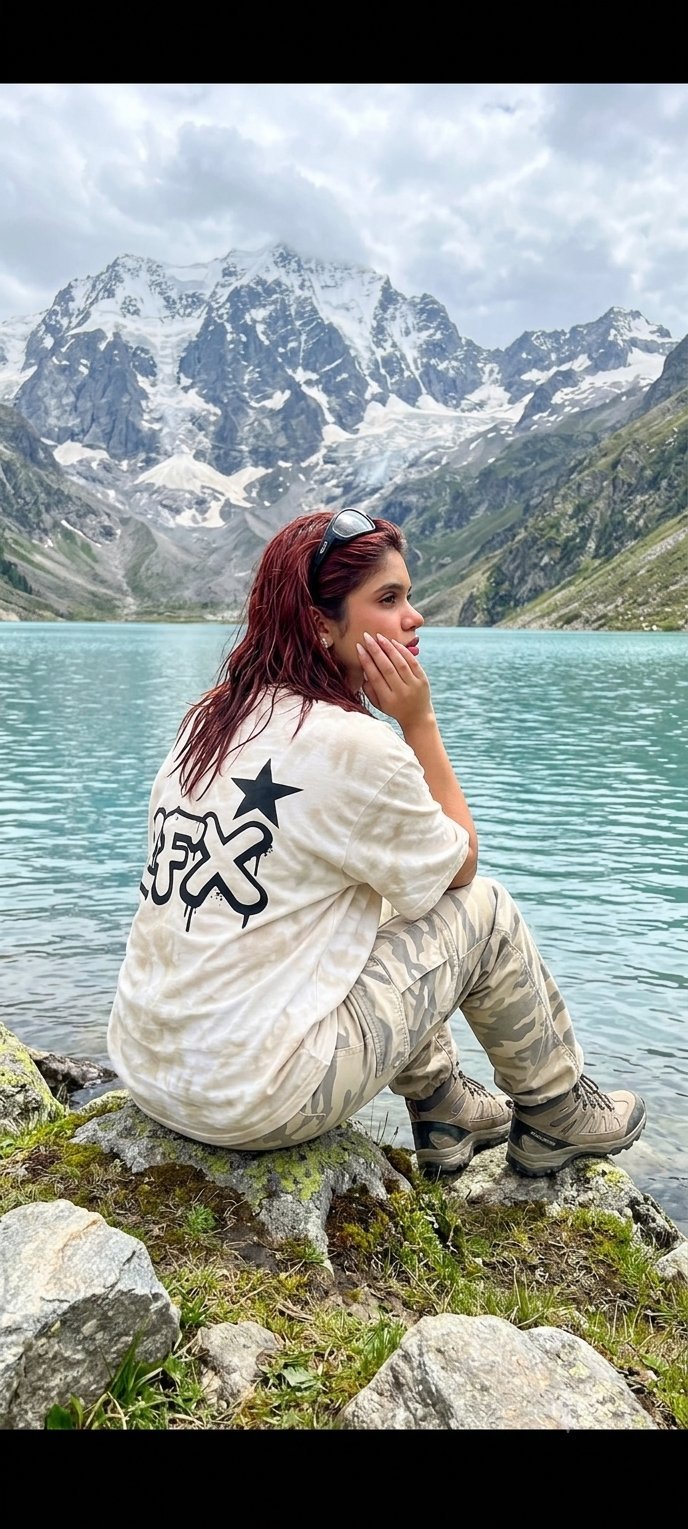
Teen Girl Alpine Lake Mountain View
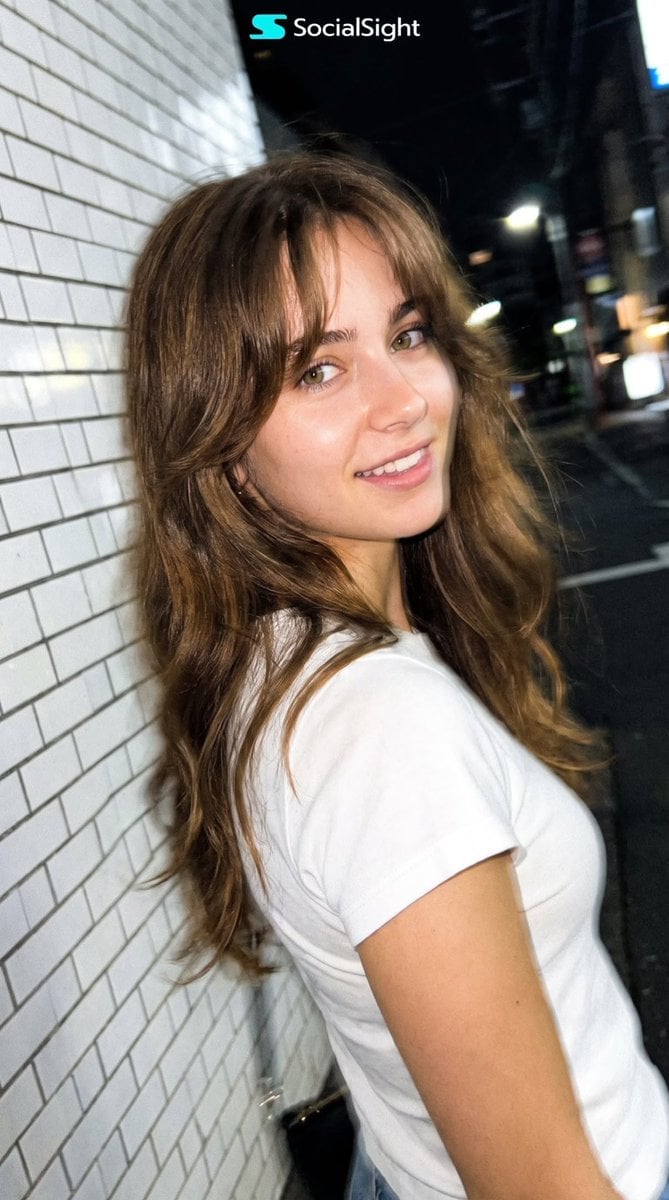
Candid Tokyo Night Smartphone Snapshot
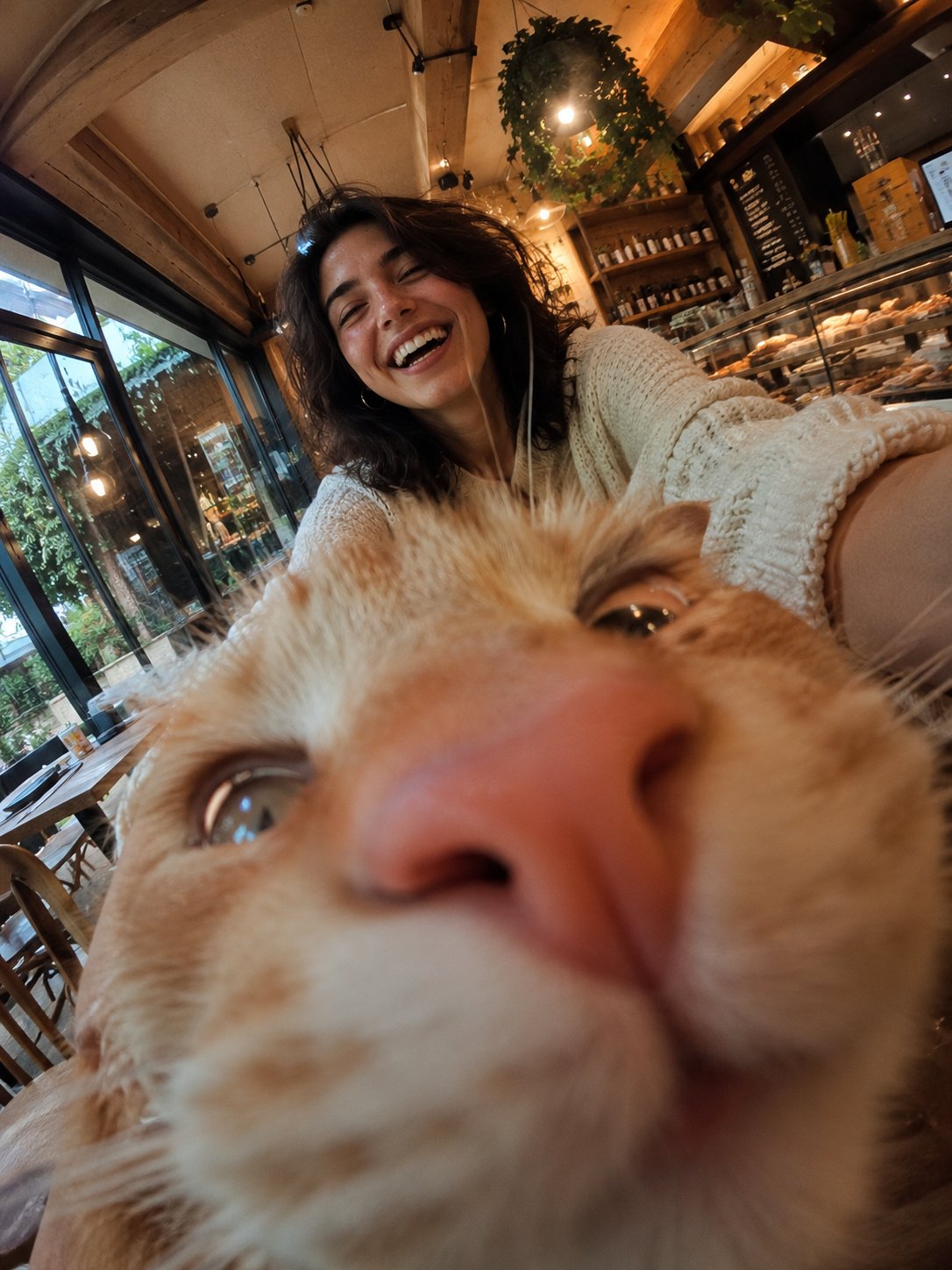
Cat Photobomb Selfie — 0.5x Wide Angle Café Chaos
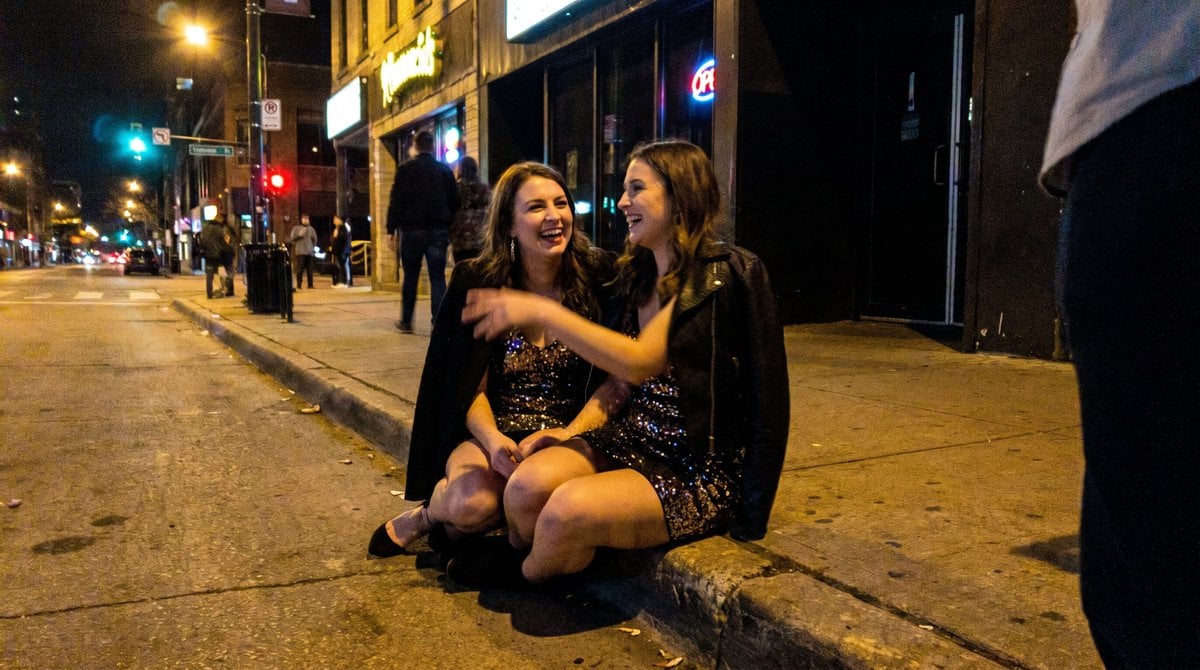
Candid Party Snapshot on Sidewalk
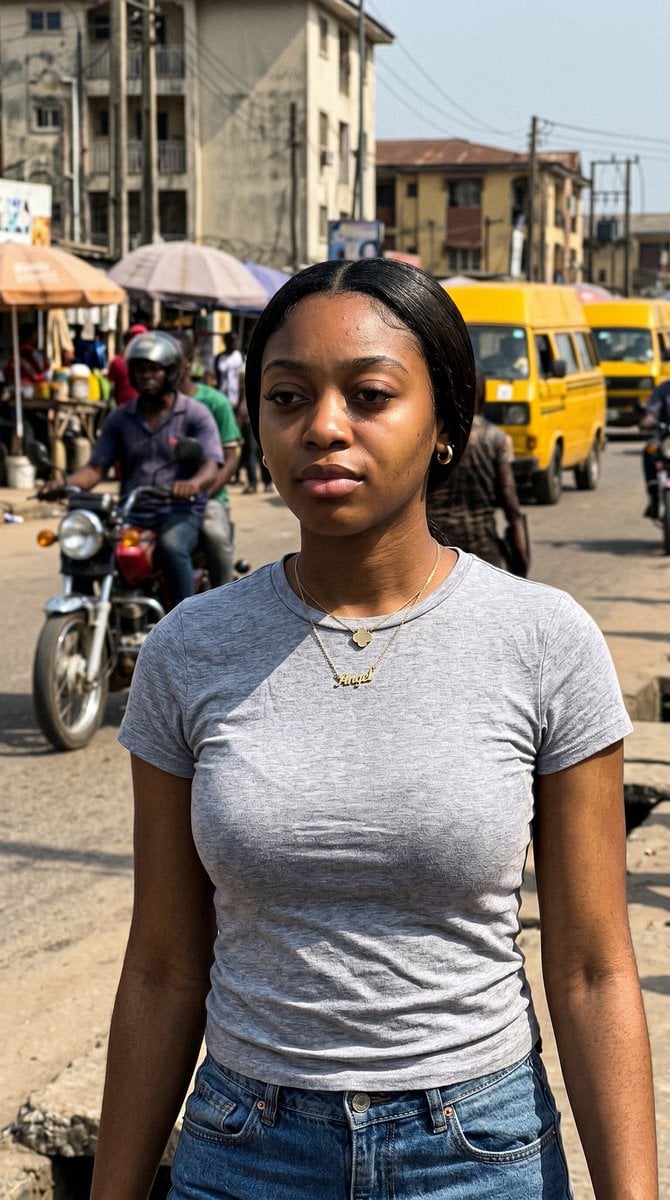
Lagos Street Candid iPhone Shot
Make it yours
Anti-AI Candid iPhone Snapshot works as-is. These are the safest ways to change it without losing the look.
Change one field
Copy a single group, rewrite it, and generate again so you can see what that field is doing.
Keep the frame, change the subject
Hold the composition and light of Anti-AI Candid iPhone Snapshot, then swap wardrobe, props or the person for a new take.
| If the result… | Why | Fix |
|---|---|---|
| The result drifts from the preview | Too many fields changed at once. | Reuse Anti-AI Candid iPhone Snapshot as-is first, then change one group — subject, light, or setting. |
| The model over-stylizes the scene | The prose prompt leaves finish and camera underspecified. | Add one camera or lighting sentence and stay on GPT Image 2. |
More GPT Image 2 templates
Other prompts made for GPT Image 2.

Six VTuber Japanese Logo Sheet

Realistic Portrait of Woman and Deer

The Vista Modular Condo Poster

AI Model Routing Comparison Infographic

2.5D Anime Art Board

Isometric Productivity Desk Scene

New York Double Exposure Poster

Four-Panel AI Landscape Comparison

Japanese Tatami Lifestyle Magazine Cover

NESCAFÉ Coffee Map Poster
More image prompts
Fresh picks from across the catalog.
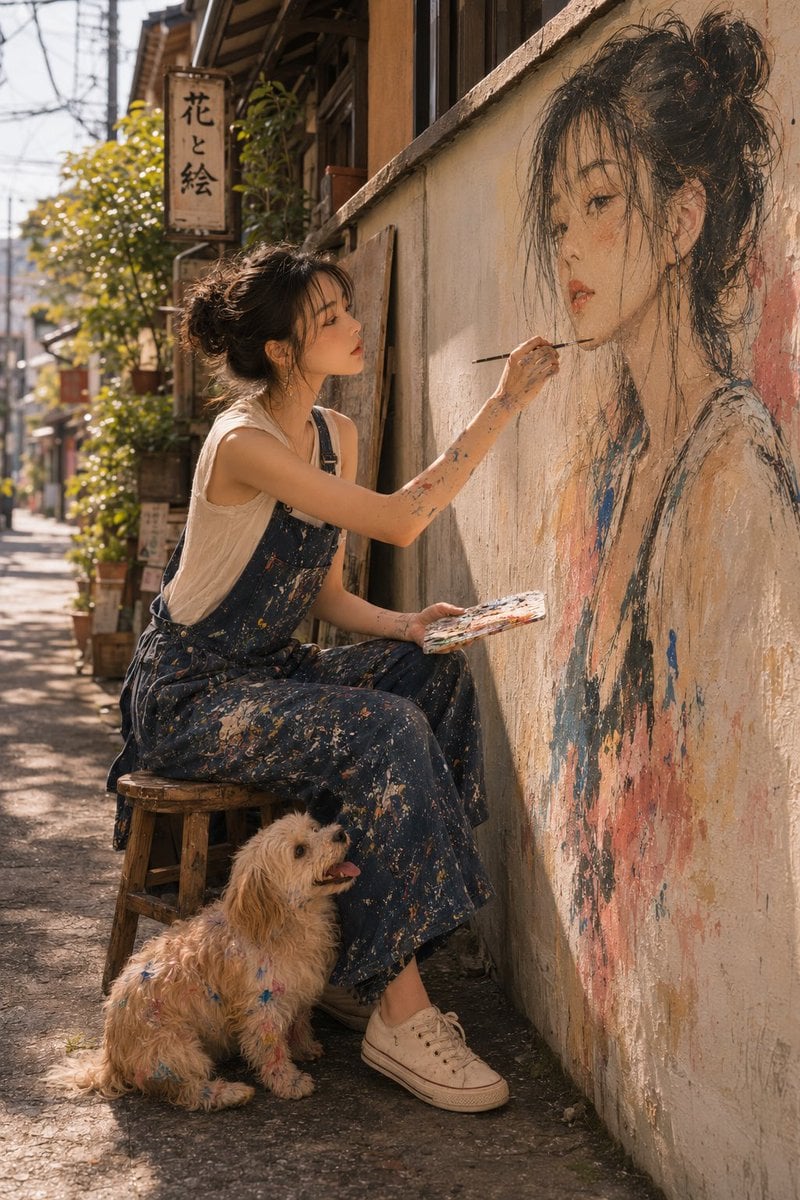
Realistic Outdoor Artist Portrait
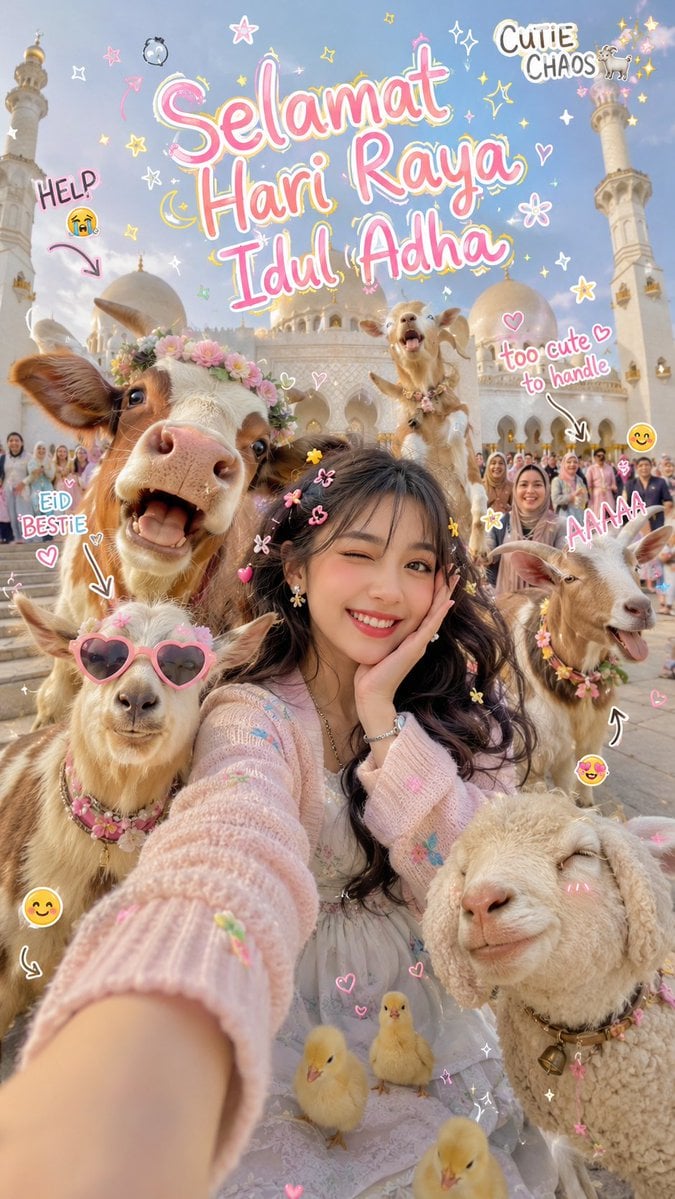
Cinematic Eid al-Adha Fashion Editorial
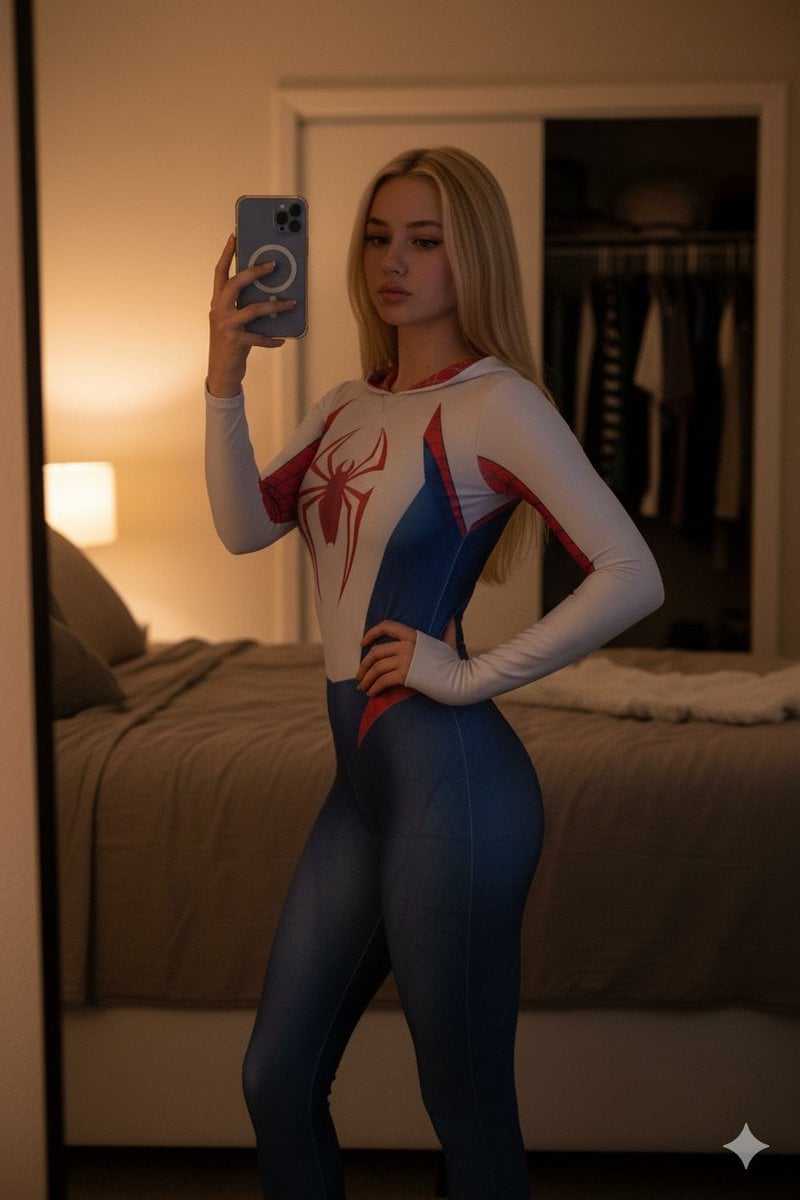
High-Contrast Spider-Gwen Cosplay Mirror Selfie

Hyper-realistic Fashion Editorial with 3D Brand Logo
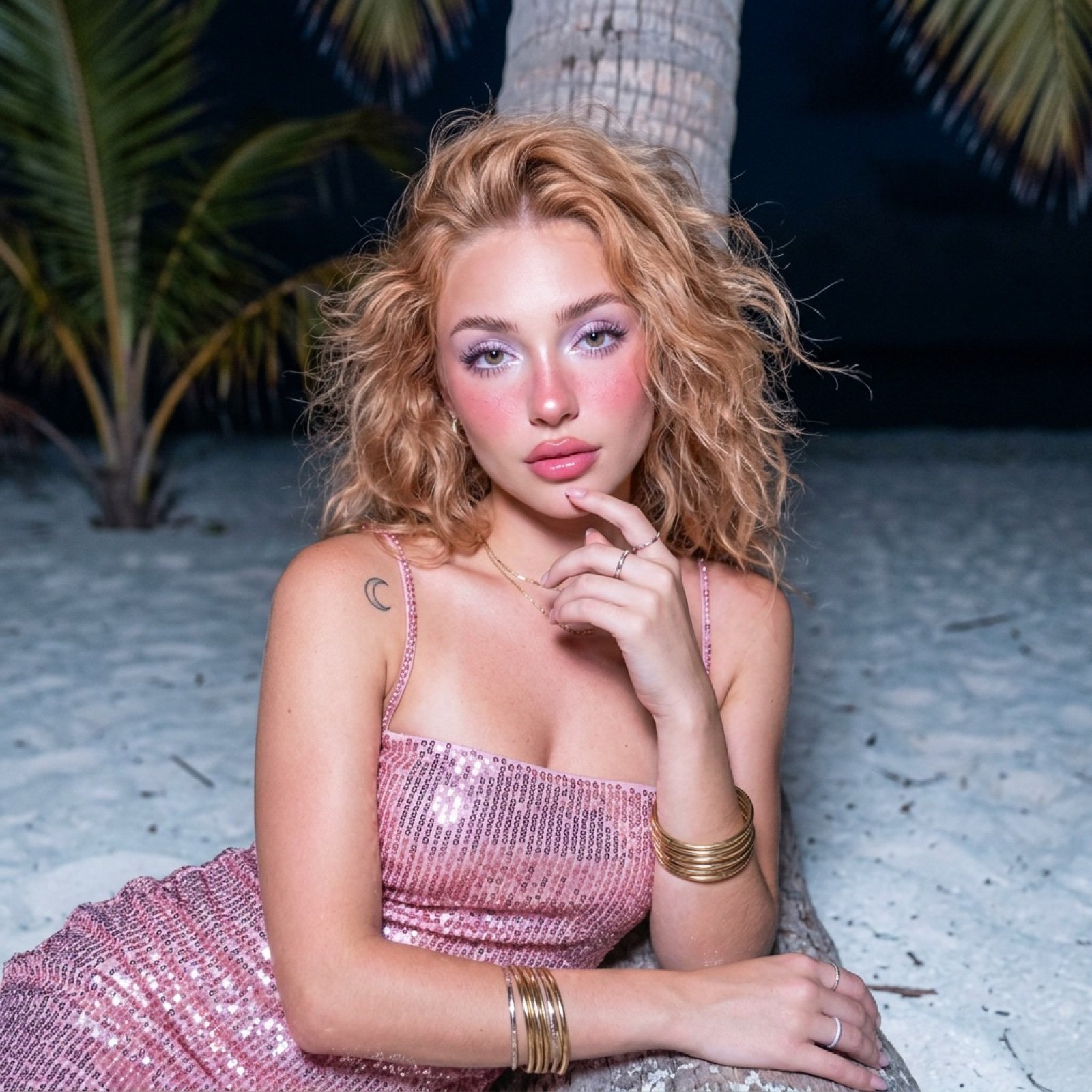
Tropical Beach Night Glamour Shot Prompt
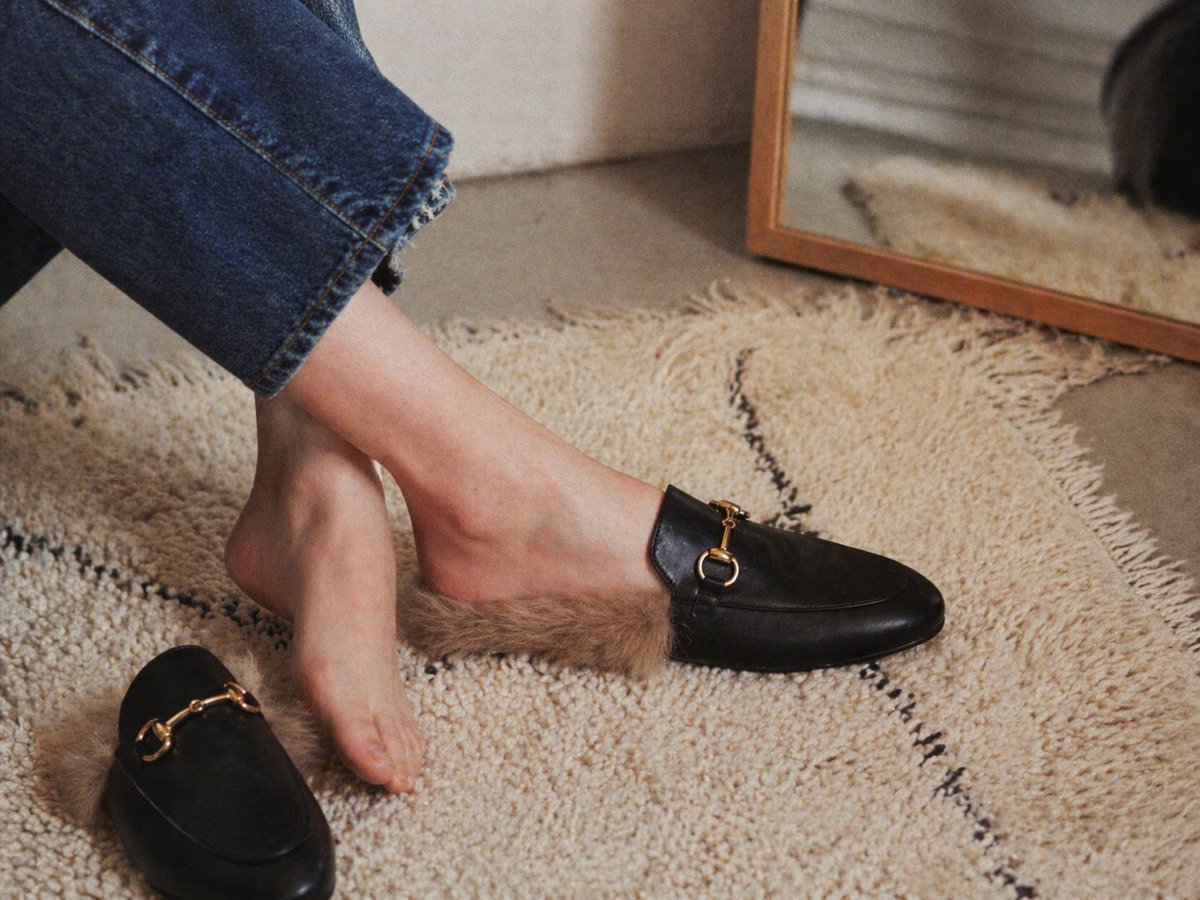
Gpt2 E Commerce Main Image Luxury Fur Lined Loafer Lifestyle Photo
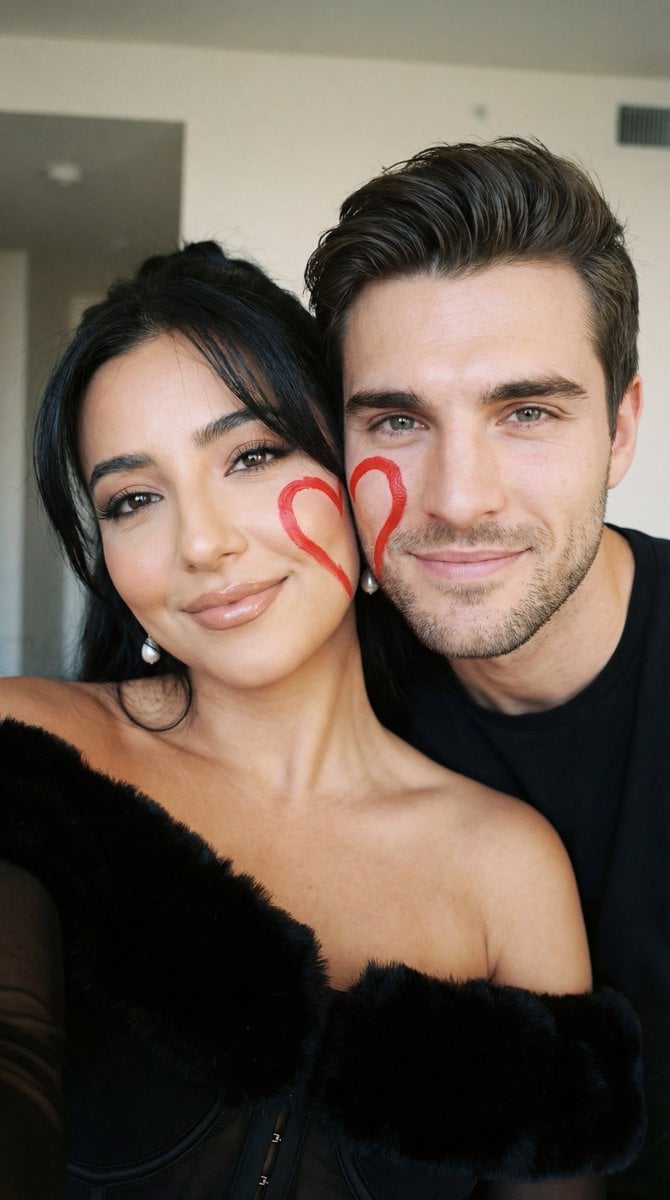
Ultra-Close Photorealistic Couple Selfie with Heart Cheek Paint
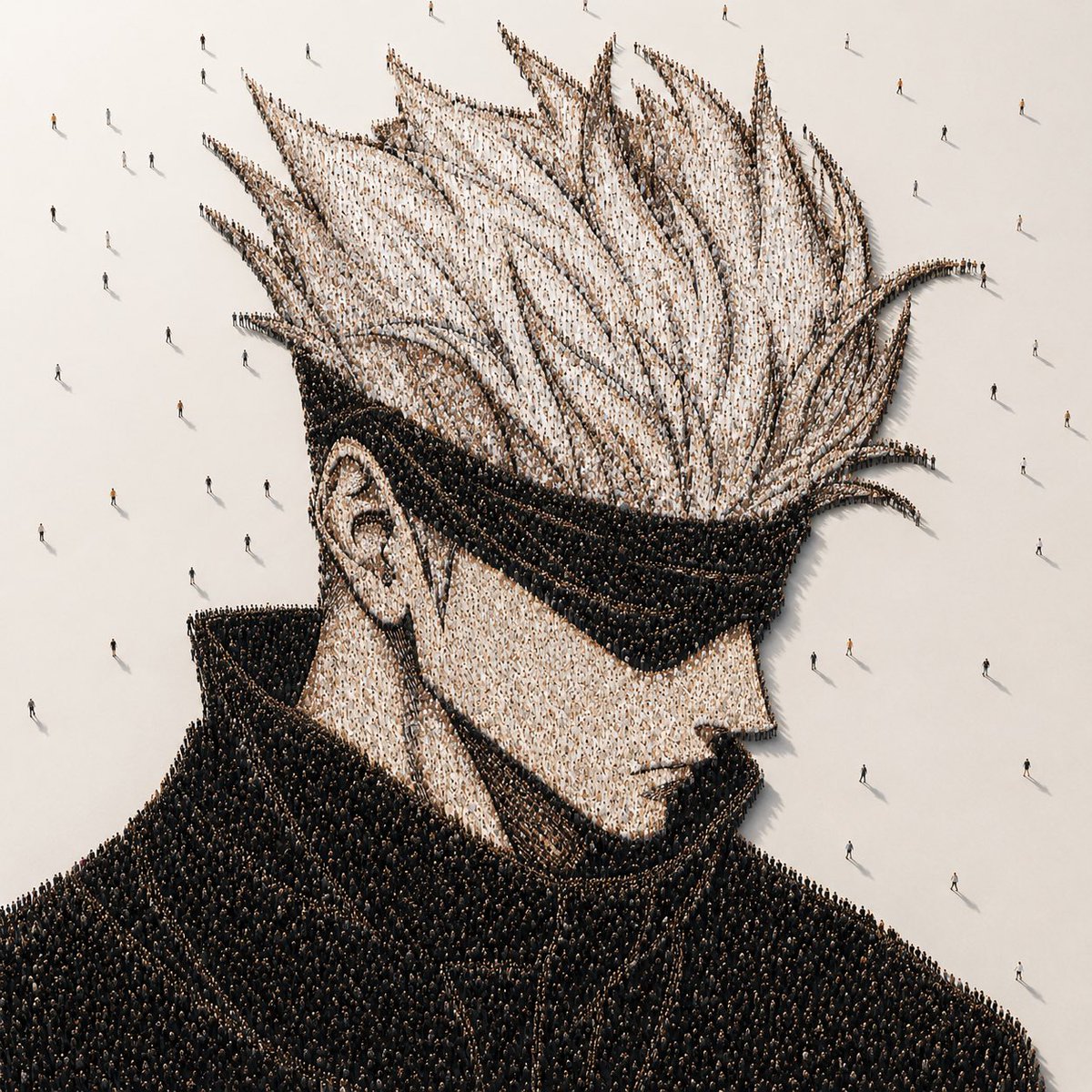
Crowd-Built Anime Portrait

Edo-period Ukiyo-e reinterpretation of a modern scene
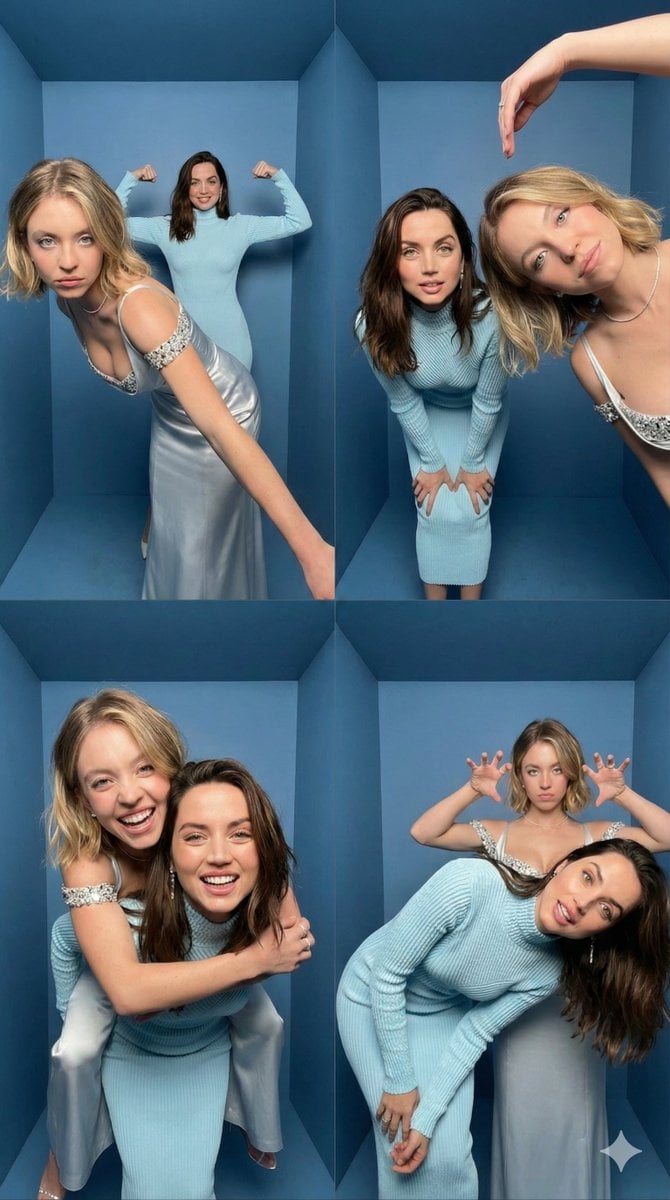
iPhone Photobooth Collage Prompt with Reference Lock
Browse template categories
Anti-AI Candid iPhone Snapshot questions
How do I use the Anti-AI Candid iPhone Snapshot template?
Add your photo if the template asks for one, edit the prompt if you like — the template's model and format are already selected — and press Generate. Your version opens in PicX Studio.
Can I customize the Anti-AI Candid iPhone Snapshot template?
Yes. You can change the subject, setting, lighting, mood, format, and available model controls before creating your image.
Is the Anti-AI Candid iPhone Snapshot template free?
Opening and editing this template is free. Generating uses credits, shown on the Generate button when you are signed in.
Which AI model should I use?
Start with GPT Image 2, which is the model associated with this template. You can compare another compatible model for a different finish.
Looking for something else? Browse all templates.

Your photo, any look
Thousands of ready templates for every top image and video model, from one credit balance.