
Late Night Fridge Candid Snapshot
Generates a candid, life-like smartphone snapshot of someone looking through a refrigerator late at night, featuring realistic lighting and random messy details.
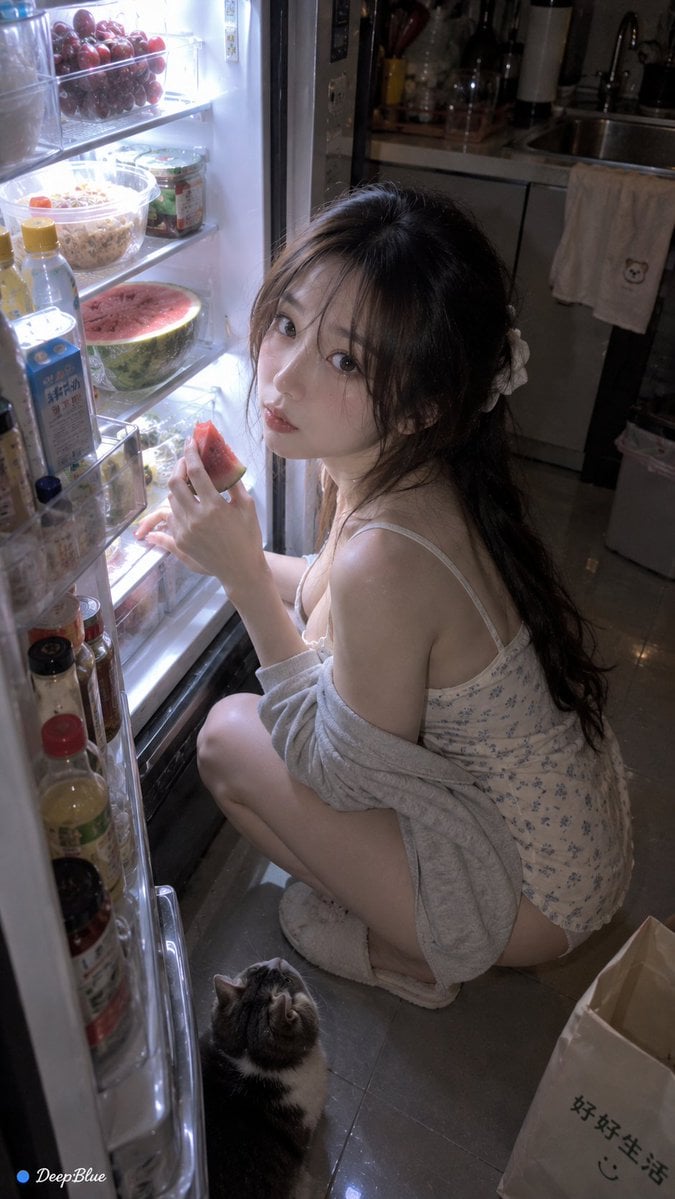
- Prompt included
- Model and format preset
- Free template
The prompt behind this image
Copy the exact prompt behind Late Night Fridge Candid Snapshot, or open it in the studio and make it yours.
竖幅写实手机抓拍,深夜住宅厨房,成年女性打开冰箱寻找食物;整体像室友站在旁边突然拿手机拍下来的生活瞬间。 {argument name="动作" default="随机人物数量、随机站位、随机冰箱内容、随机动作、随机镜头;人物可能蹲着翻冰箱、弯腰查看、拿着饮料发呆、回头看镜头、用手挡冰箱灯、抱着一堆零食。"} 随机镜头,冰箱内部视角、超近距离广角、低机位、侧后方抓拍、门缝遮挡、半脸裁切、冰箱灯过曝、镜面反射、轻微运动模糊;随机选择。 冰箱随机出现{argument name="冰箱内容" default="饮料、剩菜、鸡蛋、塑料盒、酱料、半个西瓜、外卖盒、保鲜袋、奇怪零食"};每张只突出少量真实物品。 厨房背景随机出现水槽、垃圾桶、磁吸贴纸、餐桌、没收好的购物袋、洗好的杯子、晾着的毛巾。 冰箱冷白光成为主要光源,周围环境偏暗,真实手机自动曝光,人物脸部局部高曝光,轻微噪点与压缩,真实生活质感。 抽卡重点:冰箱内容、人物动作、镜头位置、表情随机;允许出现一个轻微荒诞但合理的物件,整体保持真实。 左下签名“● DeepBlue”。 n=10
How to use Late Night Fridge Candid Snapshot in 3 steps
- 1
Open
The prompt is already in the box next to the preview, with the template's model and format selected.
- 2…a portrait of your subject in softgolden-hour light, 85mm…
Personalize
Edit the subject and creative details for your destination.
- 3Generate
Generate
Press Generate — your image is created in PicX Studio, so you can compare it with the original and refine one variable at a time.
More like this
Templates with the same subject, style or setup. Open one to see its prompt.
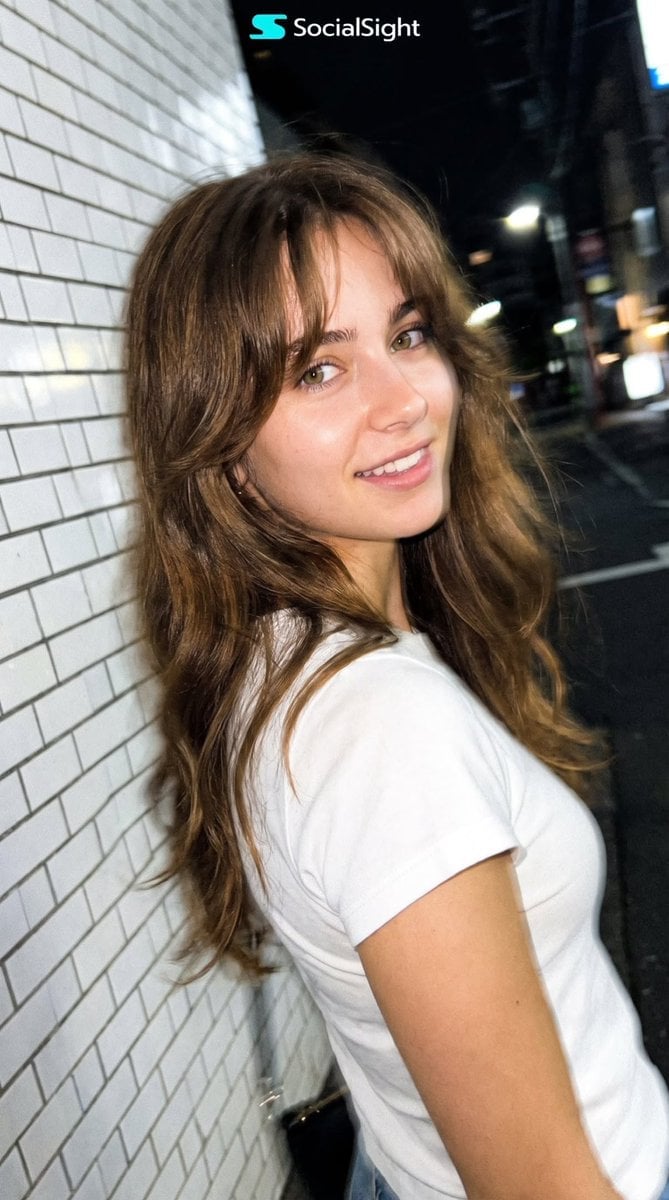
Candid Tokyo Night Smartphone Snapshot

Neon Night Crosswalk Candid Portrait
Neon Night Crosswalk Candid Portrait

Sunday Afternoon, 1988

Our Song was on a Cassette

The Date After College

80s College Gate

Teen Girl Alpine Lake Mountain View
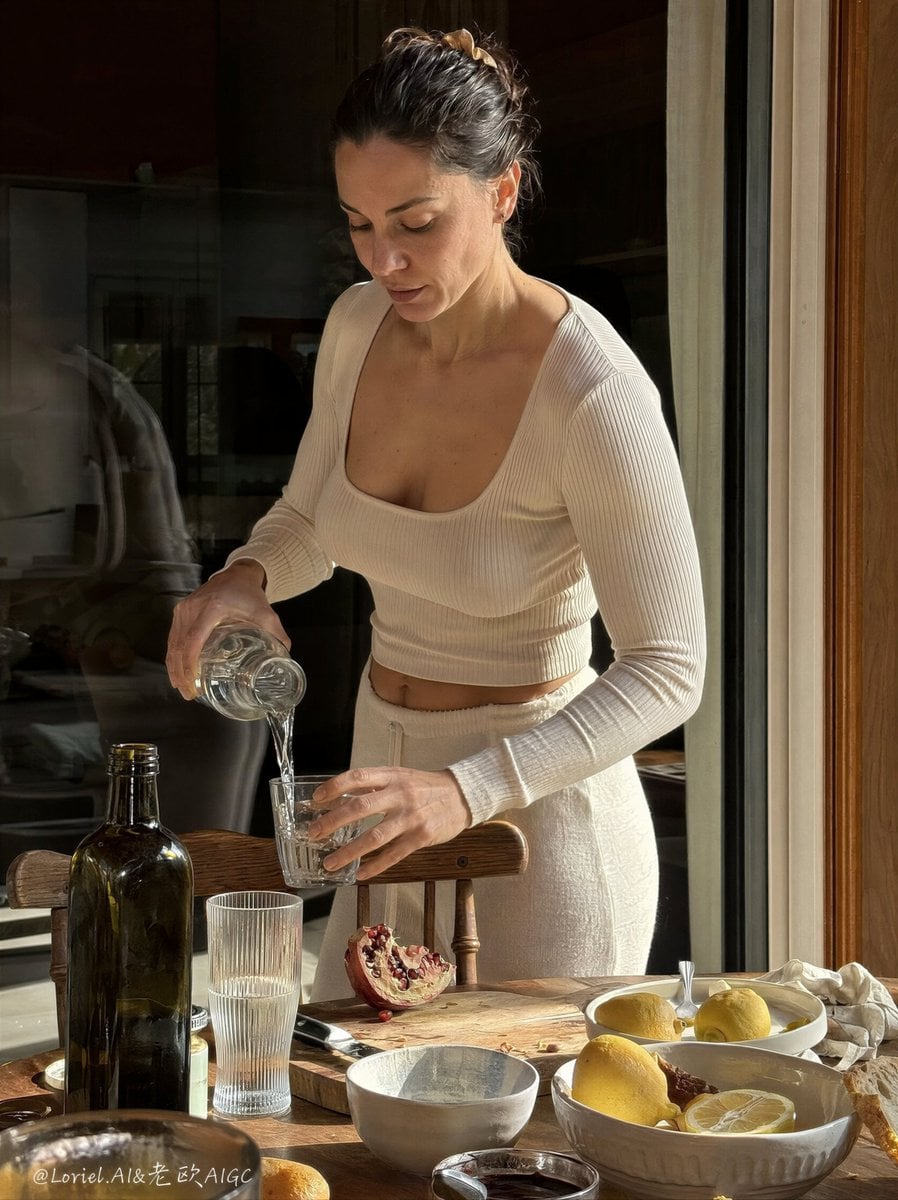
Anti-AI Candid iPhone Snapshot

Cat Photobomb Selfie — 0.5x Wide Angle Café Chaos
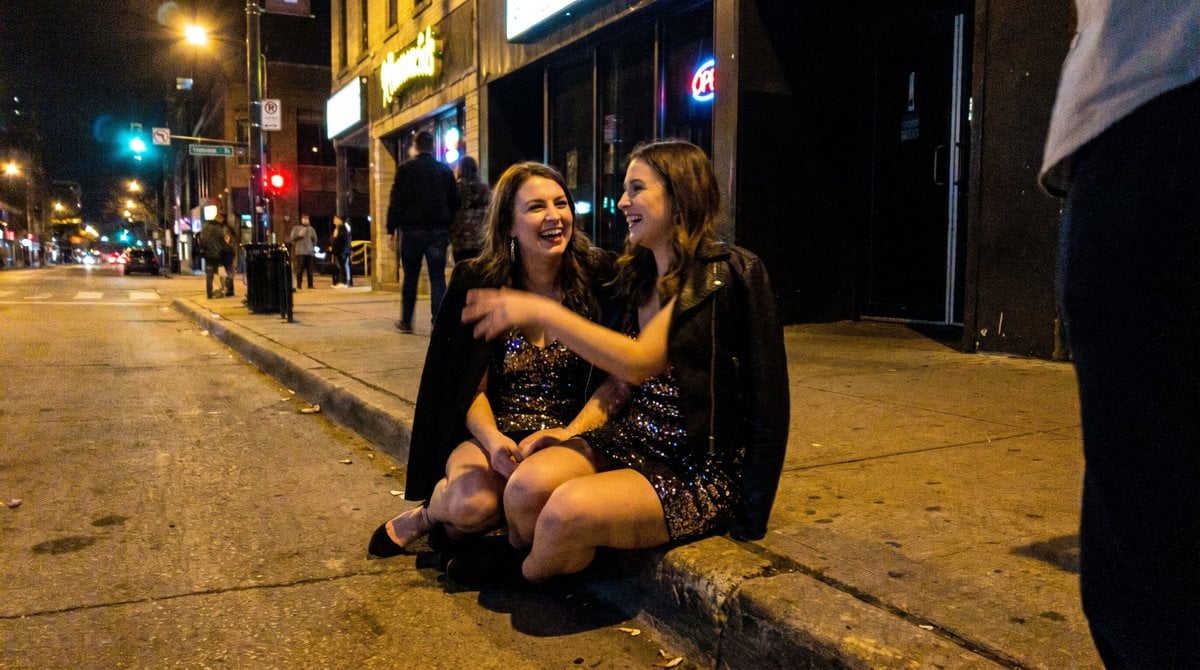
Candid Party Snapshot on Sidewalk

Cinematic Street Fashion Portrait Motion Blur Crowd
Make it yours
Late Night Fridge Candid Snapshot works as-is. These are the safest ways to change it without losing the look.
Change one field
Copy a single group, rewrite it, and generate again so you can see what that field is doing.
Keep the frame, change the subject
Hold the composition and light of Late Night Fridge Candid Snapshot, then swap wardrobe, props or the person for a new take.
| If the result… | Why | Fix |
|---|---|---|
| The result drifts from the preview | Too many fields changed at once. | Reuse Late Night Fridge Candid Snapshot as-is first, then change one group — subject, light, or setting. |
| The model over-stylizes the scene | The prose prompt leaves finish and camera underspecified. | Add one camera or lighting sentence and stay on GPT Image 2. |
More GPT Image 2 templates
Other prompts made for GPT Image 2.

Six VTuber Japanese Logo Sheet

Realistic Portrait of Woman and Deer

The Vista Modular Condo Poster

AI Model Routing Comparison Infographic

2.5D Anime Art Board

Isometric Productivity Desk Scene

New York Double Exposure Poster

Four-Panel AI Landscape Comparison

Japanese Tatami Lifestyle Magazine Cover

NESCAFÉ Coffee Map Poster
More image prompts
Fresh picks from across the catalog.
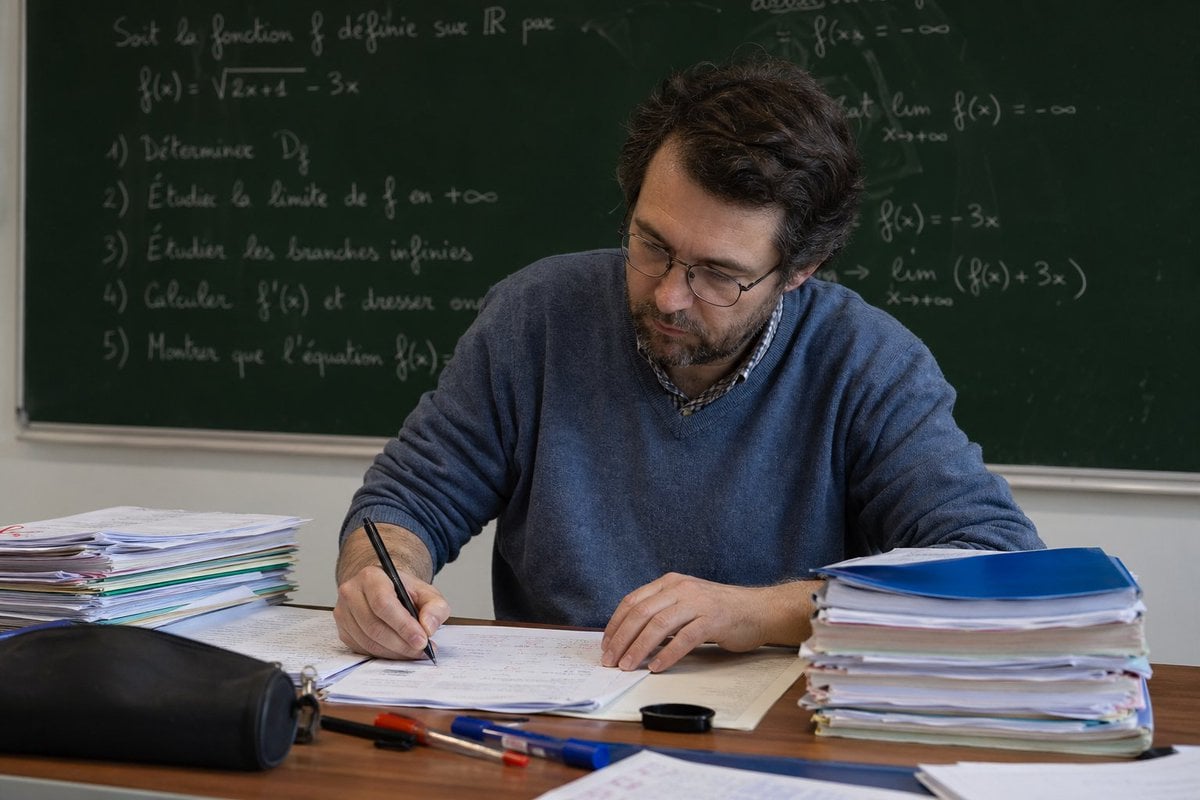
Math Teacher Grading Papers in Classroom
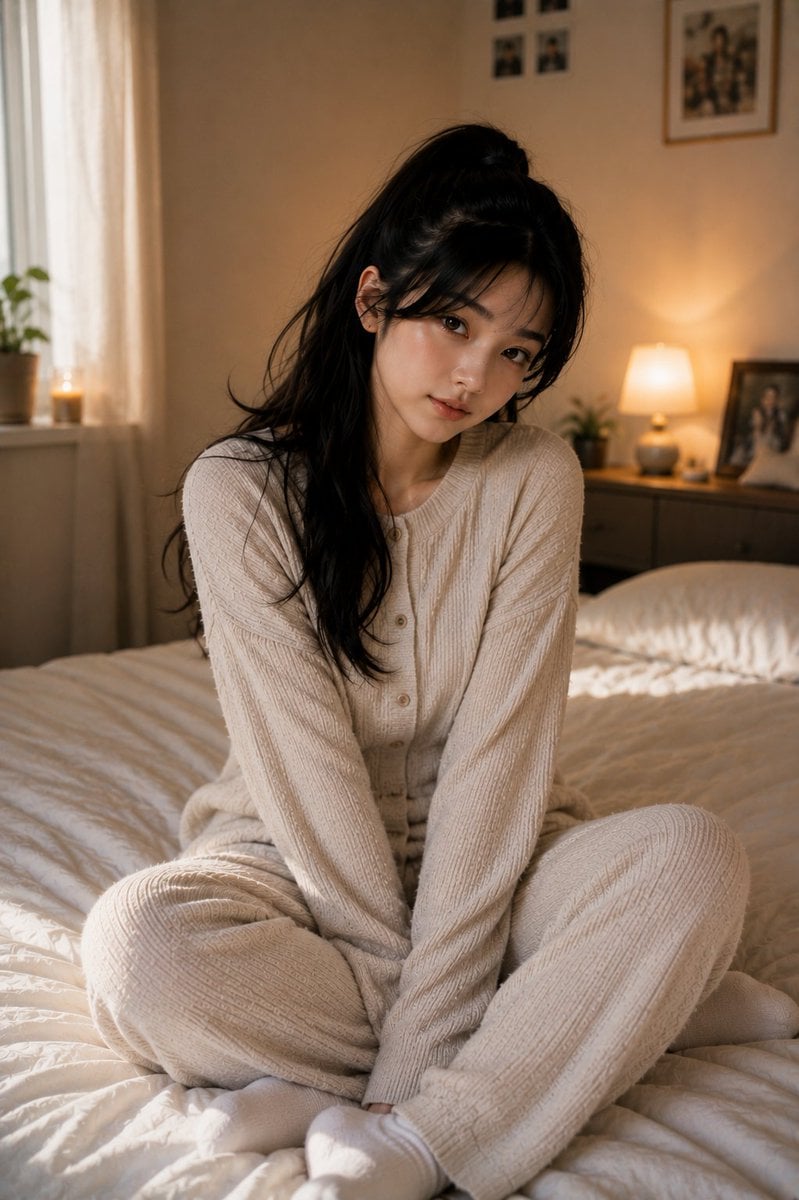
Korean Bedroom Photography

One Piece Straw Hat Crew at Sunset
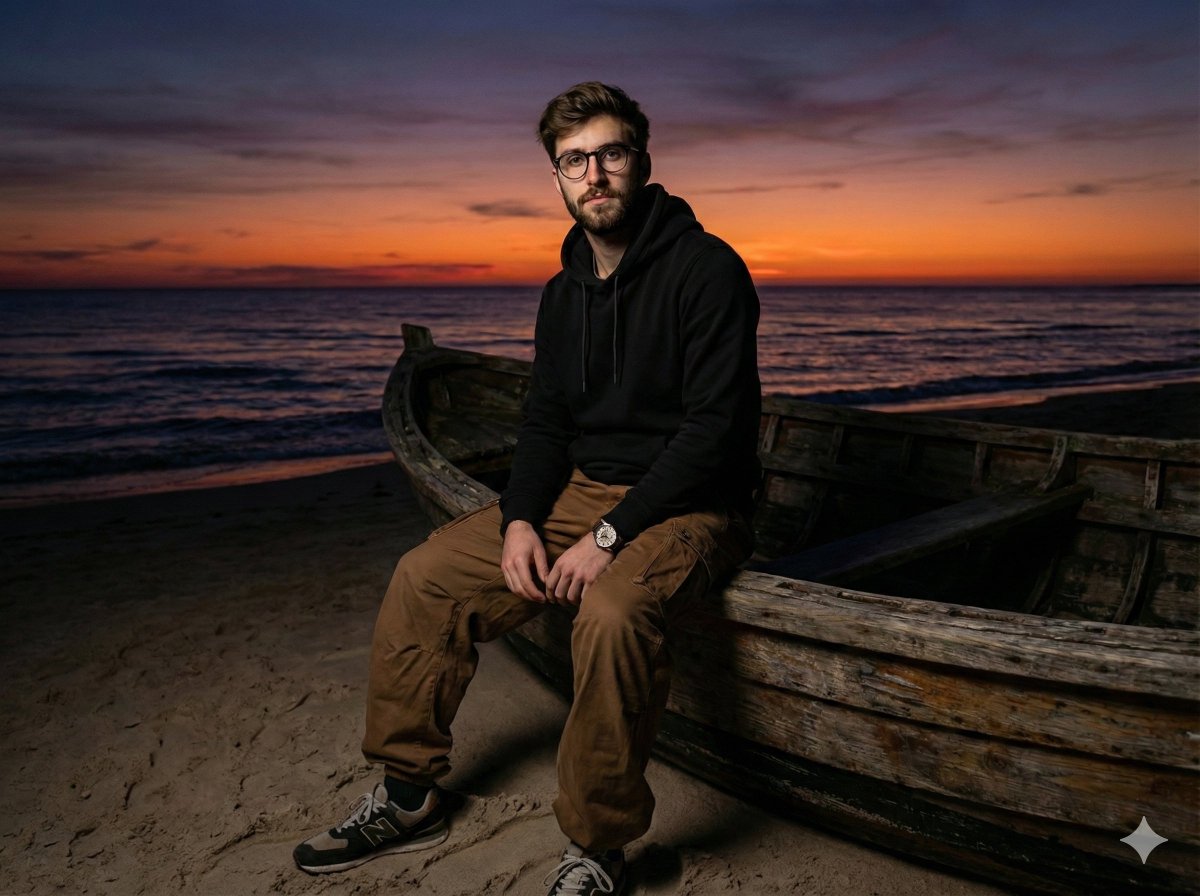
Moody Cinematic Portrait on Stranded Boat at Sunset
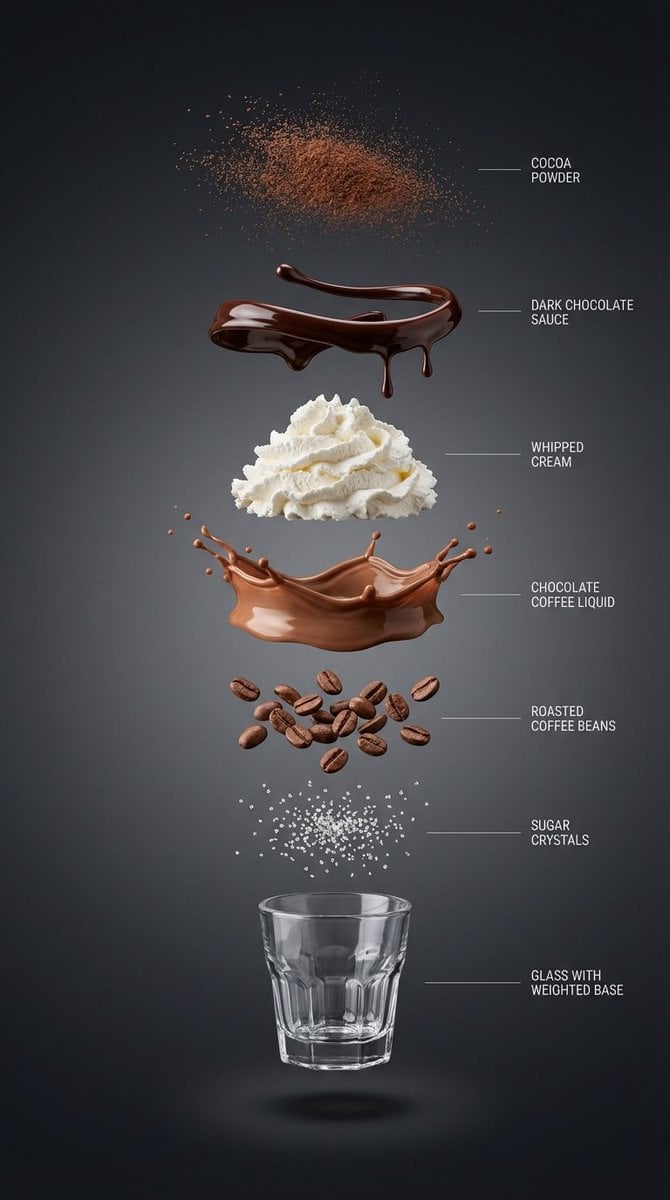
Exploded View Infographic Prompts for Coffee and Milkshakes
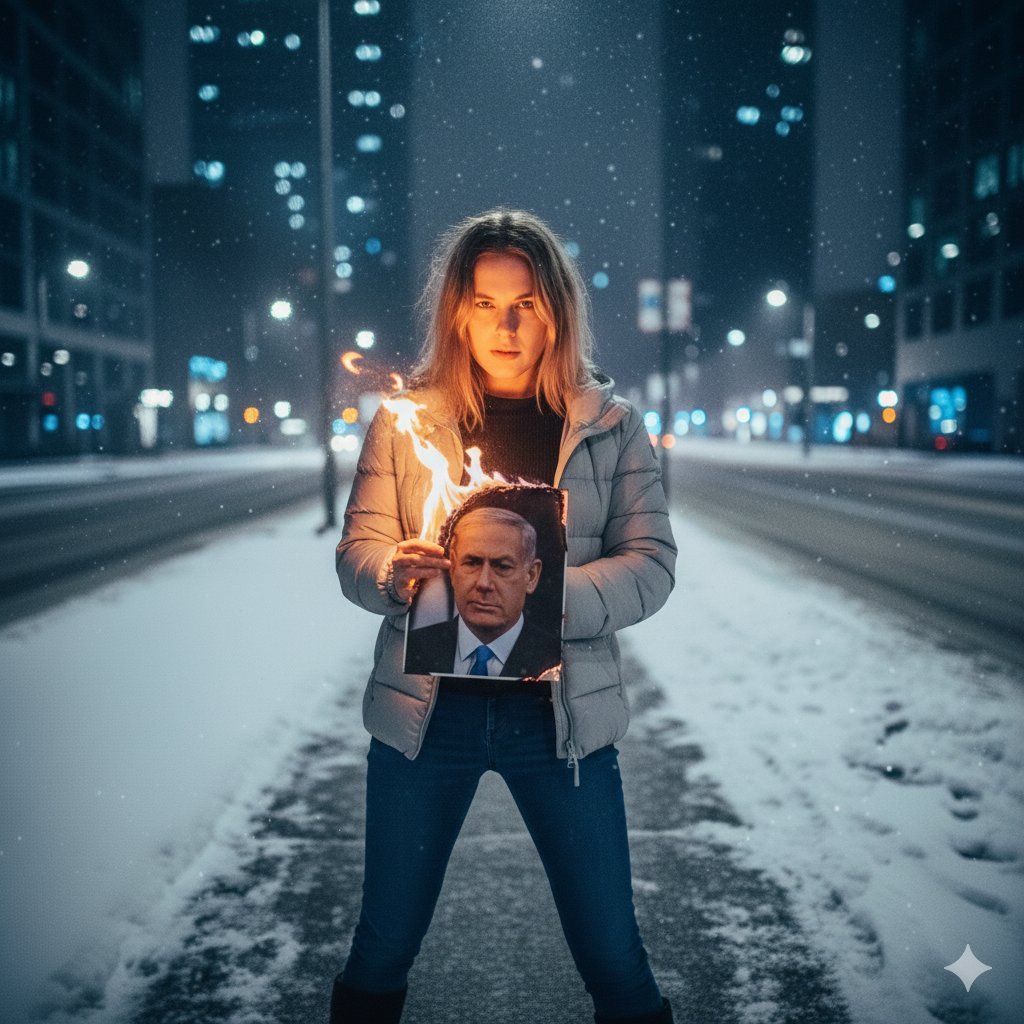
Symbolic Act of Defiance in the Snow
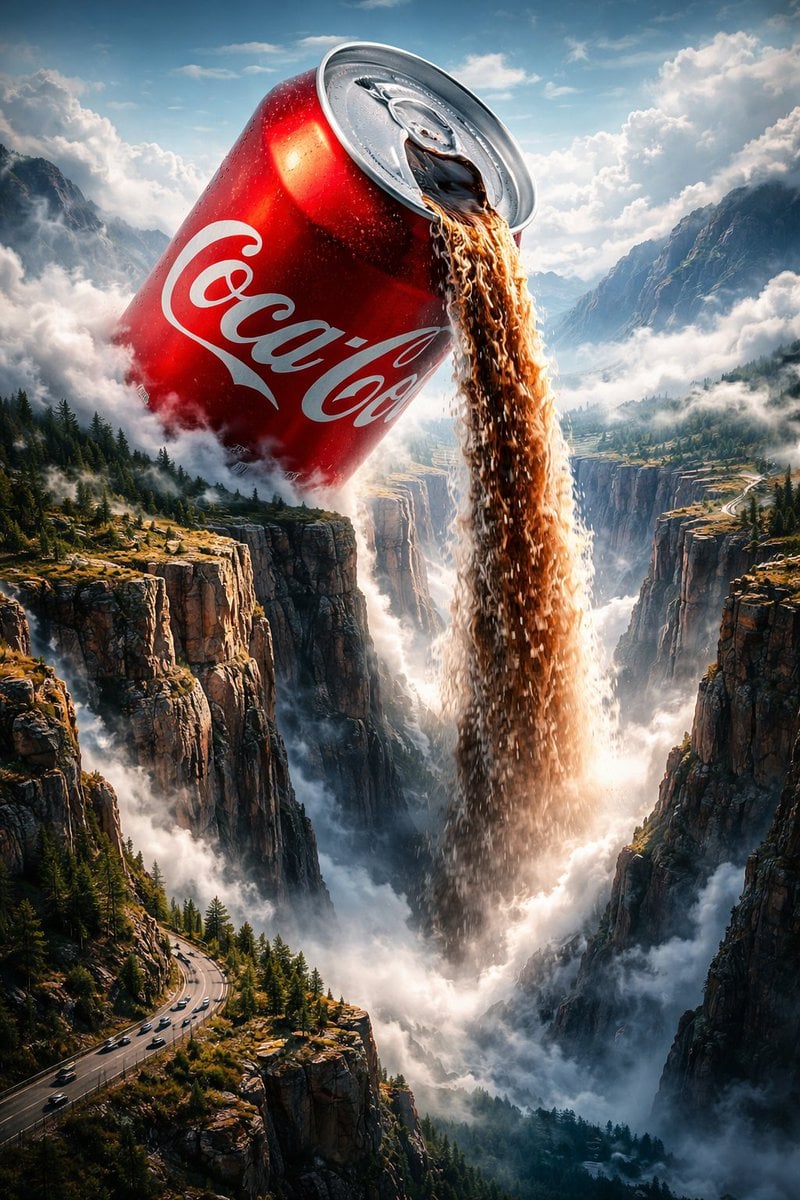
Surreal Epic Coca-Cola Waterfall Landscape

Black and White Dynamic Street Fashion Prompt
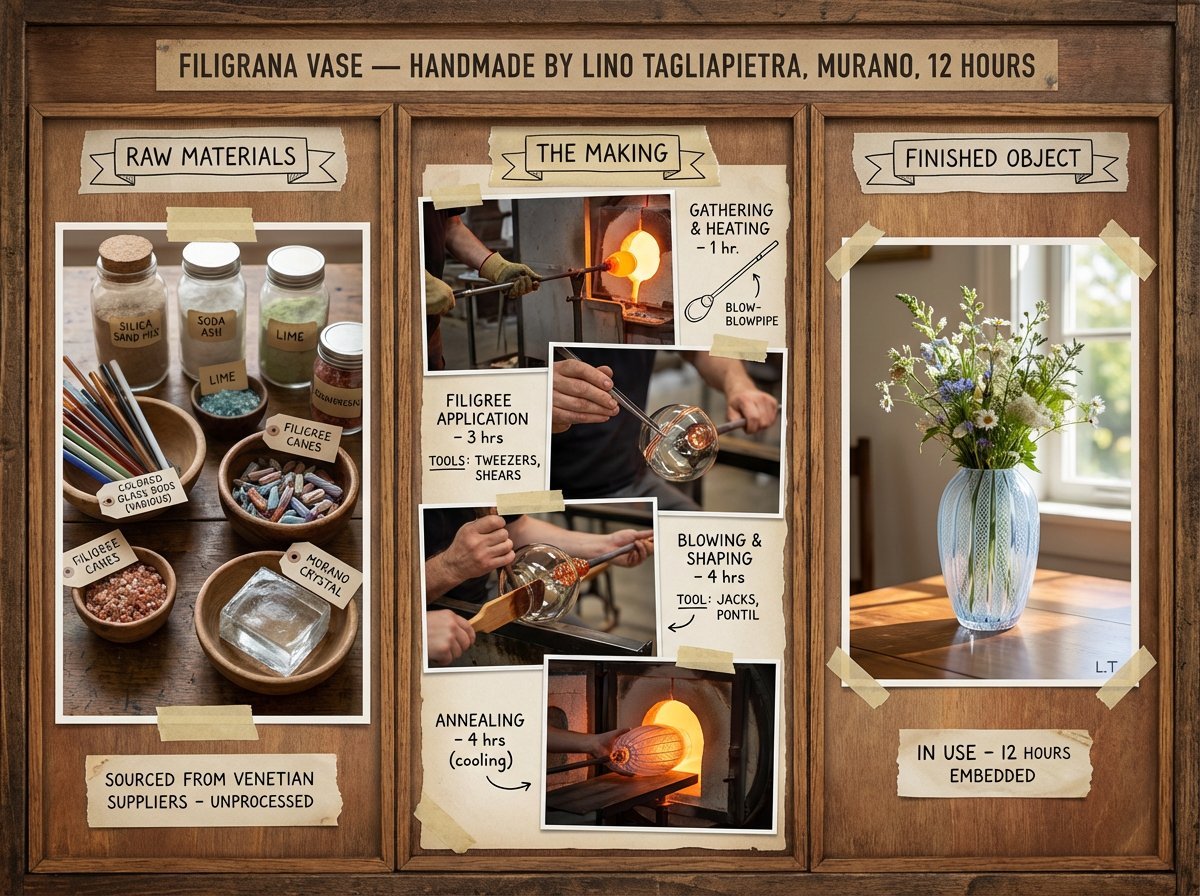
Artisan Craft Process Board for Handmade Objects
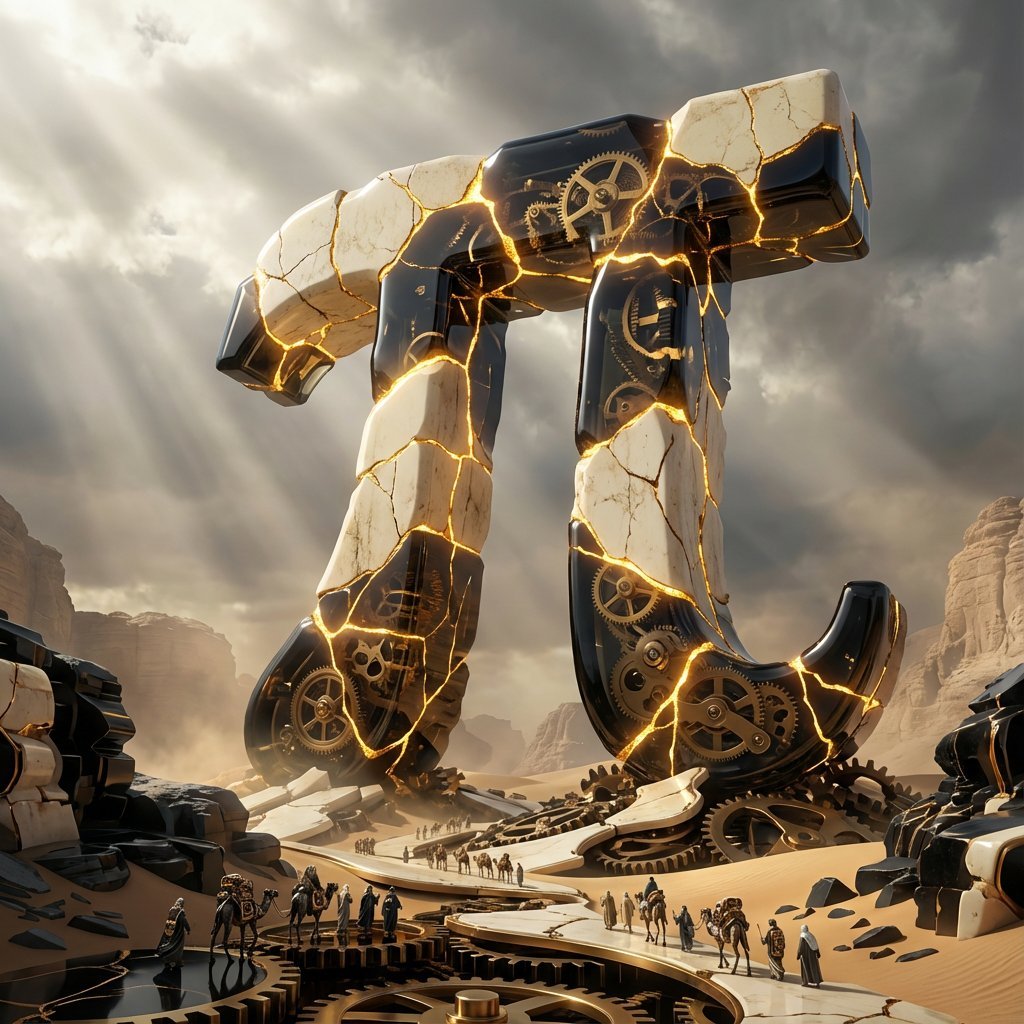
Obsidian Kintsugi Automaton Style Transfer Prompt
Browse template categories
Late Night Fridge Candid Snapshot questions
How do I use the Late Night Fridge Candid Snapshot template?
Add your photo if the template asks for one, edit the prompt if you like — the template's model and format are already selected — and press Generate. Your version opens in PicX Studio.
Can I customize the Late Night Fridge Candid Snapshot template?
Yes. You can change the subject, setting, lighting, mood, format, and available model controls before creating your image.
Is the Late Night Fridge Candid Snapshot template free?
Opening and editing this template is free. Generating uses credits, shown on the Generate button when you are signed in.
Which AI model should I use?
Start with GPT Image 2, which is the model associated with this template. You can compare another compatible model for a different finish.
Looking for something else? Browse all templates.

Your photo, any look
Thousands of ready templates for every top image and video model, from one credit balance.