
Luxury Candle Product Photography
Generates warm and atmospheric product images for candles and home fragrances, focusing on molten wax textures and cozy, high-end lifestyle vibes.
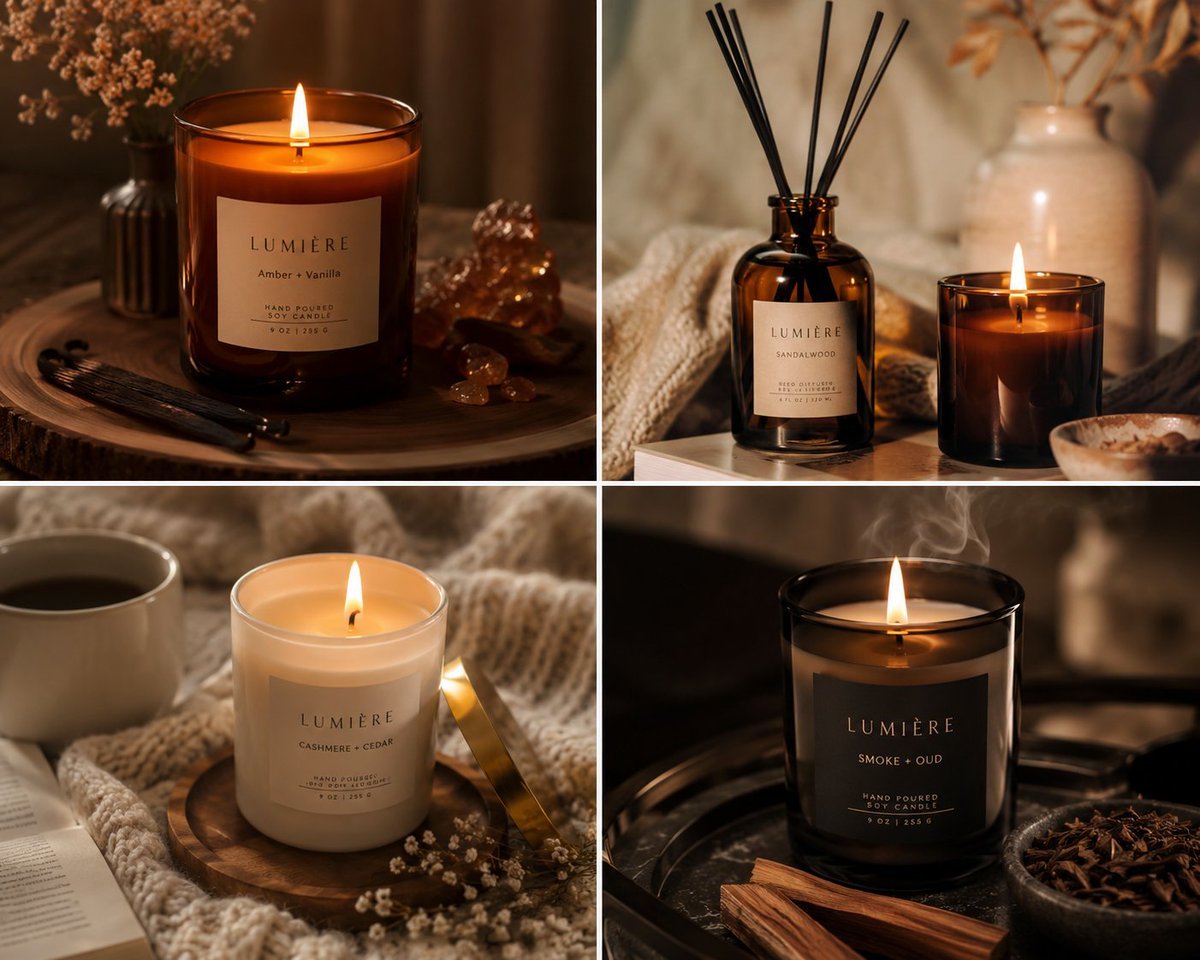
- Prompt included
- Model and format preset
- Free template
The prompt behind this image
Copy the exact prompt behind Luxury Candle Product Photography, or open it in the studio and make it yours.
Produce warm, atmospheric {argument name="product" default="candle and home fragrance"} product images that sell the feeling of luxury, comfort, and calm. This prompt captures glowing flame light, molten wax texture, the warmth of {argument name="material" default="amber glass"}, and all the sensory visual cues that make candle buyers click "purchase." Perfect for candle brands, Etsy candle sellers, home fragrance startups, and lifestyle brands wanting imagery that evokes the full sensory experience of their product
How to use Luxury Candle Product Photography in 3 steps
- 1
Open
The prompt is already in the box next to the preview, with the template's model and format selected.
- 2…a portrait of your subject in softgolden-hour light, 85mm…
Personalize
Edit the subject and creative details for your destination.
- 3Generate
Generate
Press Generate — your image is created in PicX Studio, so you can compare it with the original and refine one variable at a time.
More like this
Templates with the same subject, style or setup. Open one to see its prompt.

A luxury brand advertisement featuring three stylish arranged
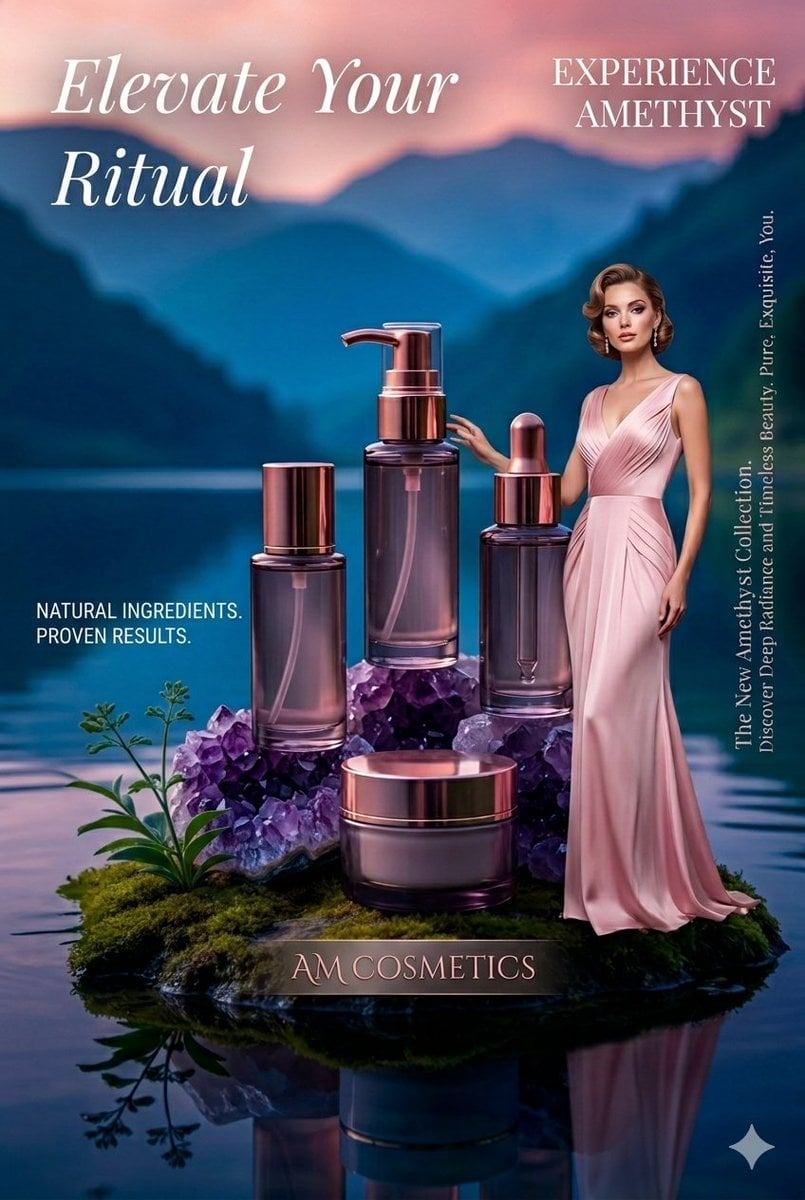
Luxury Skincare Product Photography
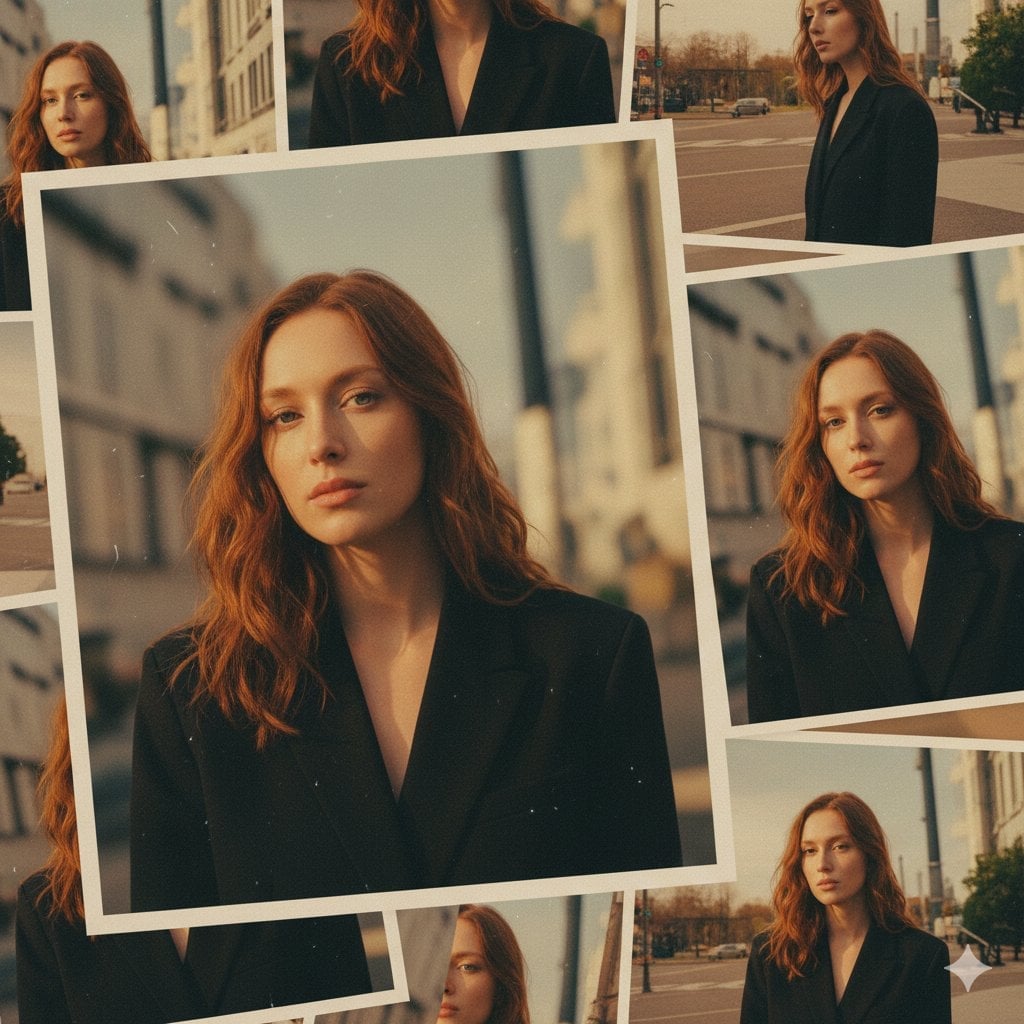
Formal Dining Candle Row
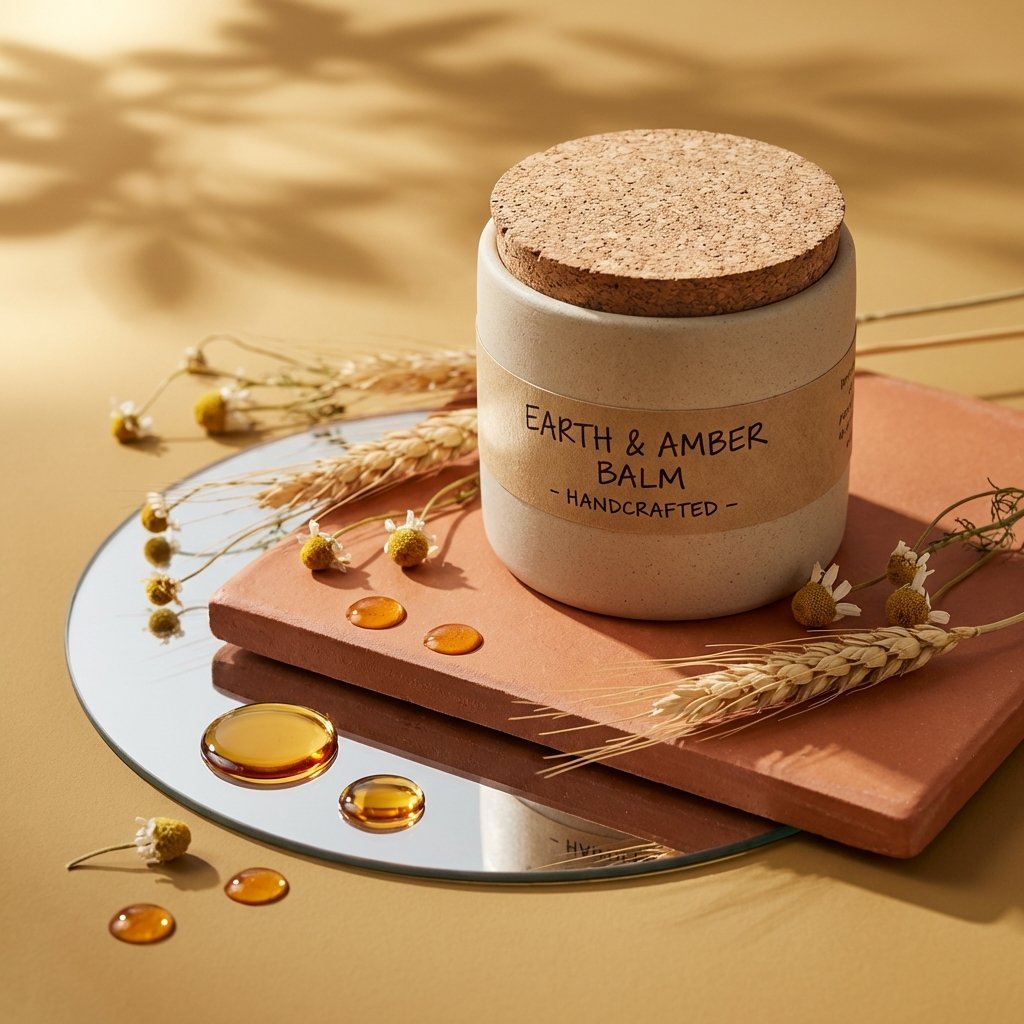
Luxury Product Photography Template

Flower Petal Sunglasses Couture Portrait

Mountain Valley Lifestyle Portrait

青蛇小青写真大片,绿色紧身蛇鳞裙,湿发红唇,妖娆妩媚

Portrait of a young woman in her early 20s walking calmly on a beautiful

Artistic portrait of an elegant Asian woman wearing a black silk

LIGHTING each element still lit by its original source, windows casting

A 3x3 grid storyboard contact sheet comprised of nine candid, cinematic

A high-definition cinematic portrait of a sophisticated woman sitting
Make it yours
Luxury Candle Product Photography works as-is. These are the safest ways to change it without losing the look.
Change one field
Copy a single group, rewrite it, and generate again so you can see what that field is doing.
Keep the frame, change the subject
Hold the composition and light of Luxury Candle Product Photography, then swap wardrobe, props or the person for a new take.
| If the result… | Why | Fix |
|---|---|---|
| The result drifts from the preview | Too many fields changed at once. | Reuse Luxury Candle Product Photography as-is first, then change one group — subject, light, or setting. |
| The model over-stylizes the scene | The prose prompt leaves finish and camera underspecified. | Add one camera or lighting sentence and stay on GPT Image 2. |
More GPT Image 2 templates
Other prompts made for GPT Image 2.

Six VTuber Japanese Logo Sheet

Realistic Portrait of Woman and Deer

The Vista Modular Condo Poster

AI Model Routing Comparison Infographic

2.5D Anime Art Board

Isometric Productivity Desk Scene

New York Double Exposure Poster

Four-Panel AI Landscape Comparison

Japanese Tatami Lifestyle Magazine Cover

NESCAFÉ Coffee Map Poster
More image prompts
Fresh picks from across the catalog.
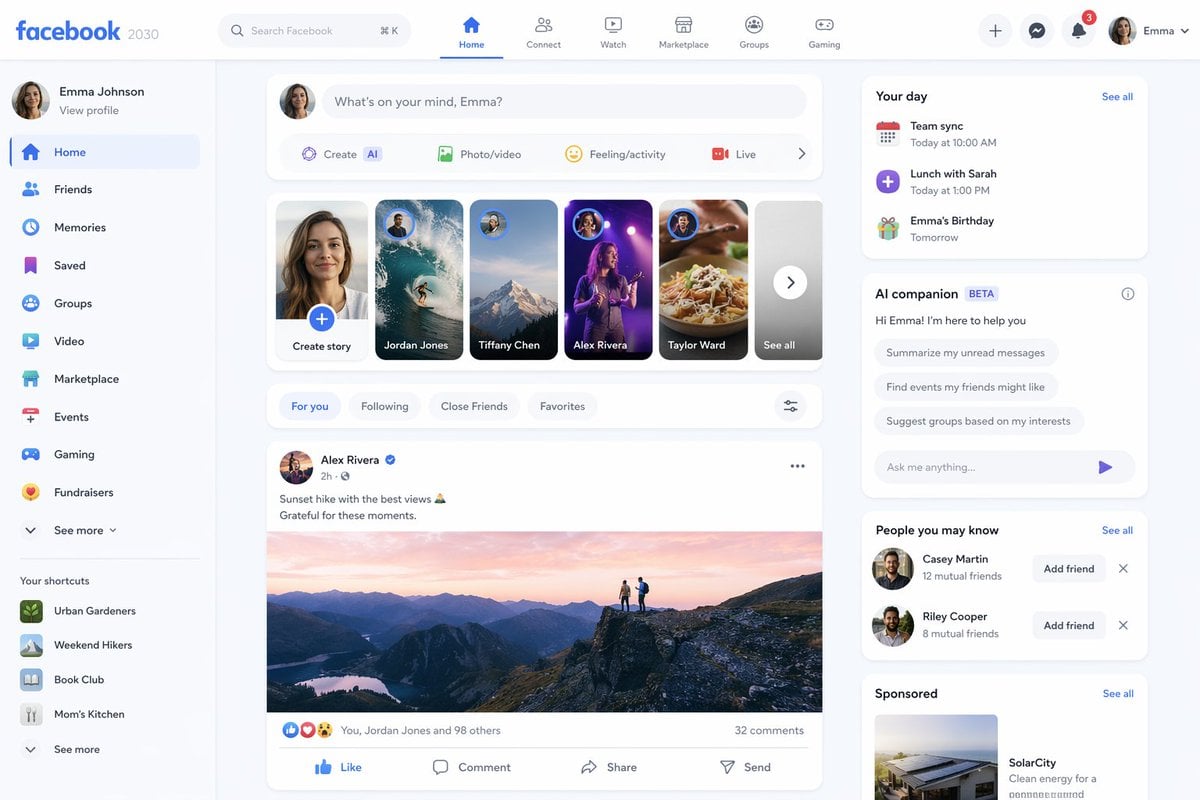
Facebook 2030 Prediction
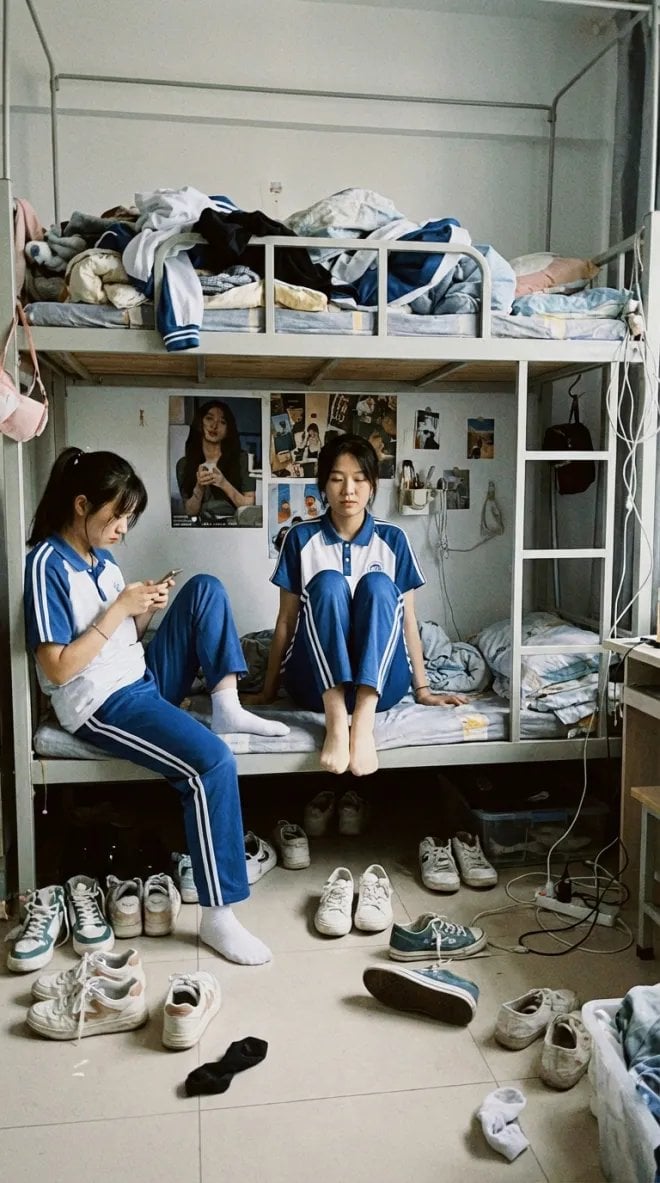
Dorm daily life iPhone shot prompt
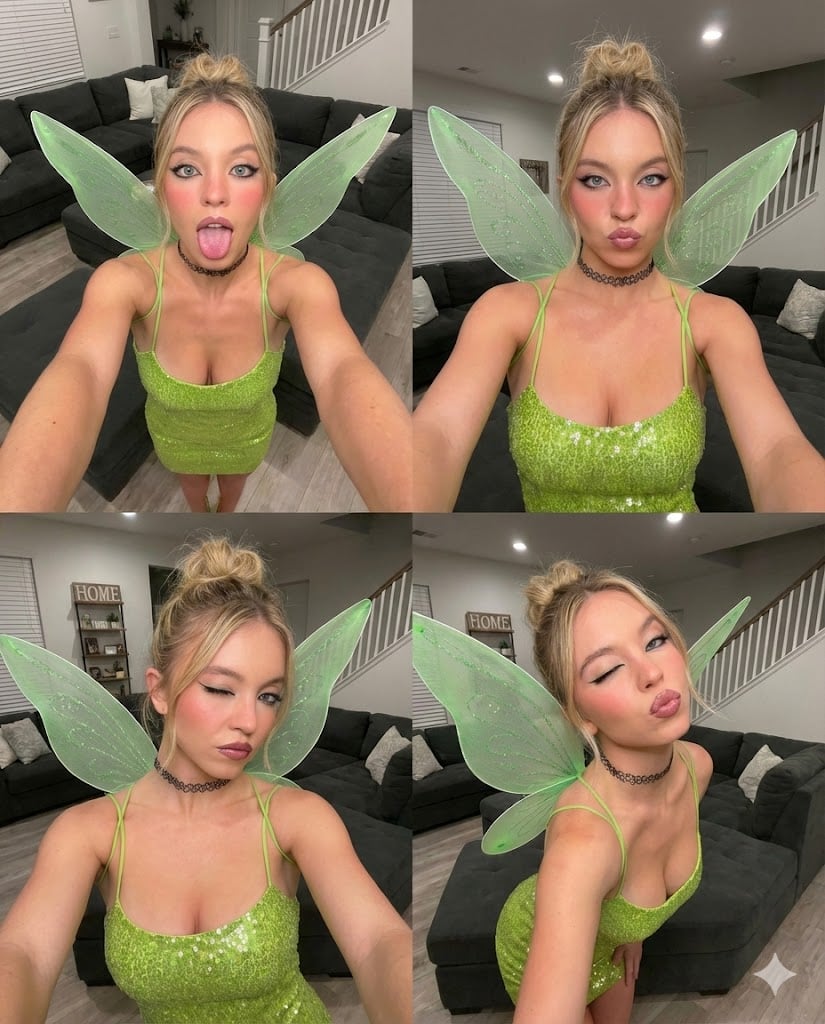
Gen Z Chaotic Fairy Selfie Collage Prompt
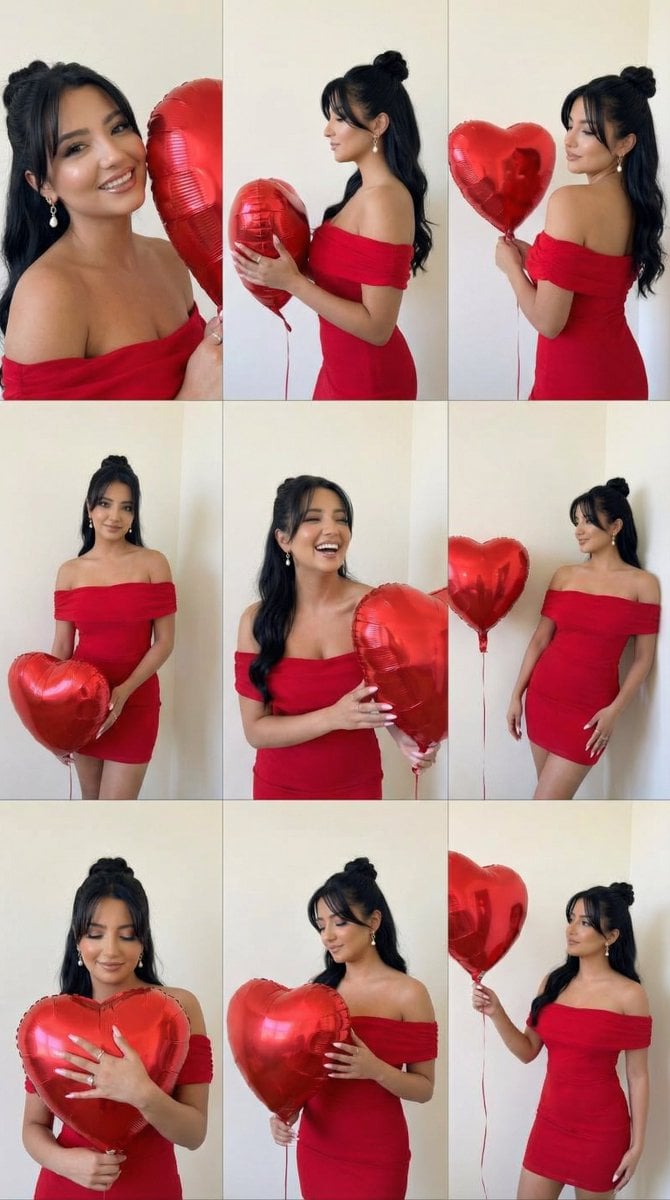
Romantic Rose Editorial 3x3 Grid Prompt

Japanese Self-Care Flower Mark Card
Y2K Japanese Street Editorial Poster
Realistic Girl Mirror Selfie
Stained Glass Rose Raincoat
Y2K Nighttime Selfie with Doodles
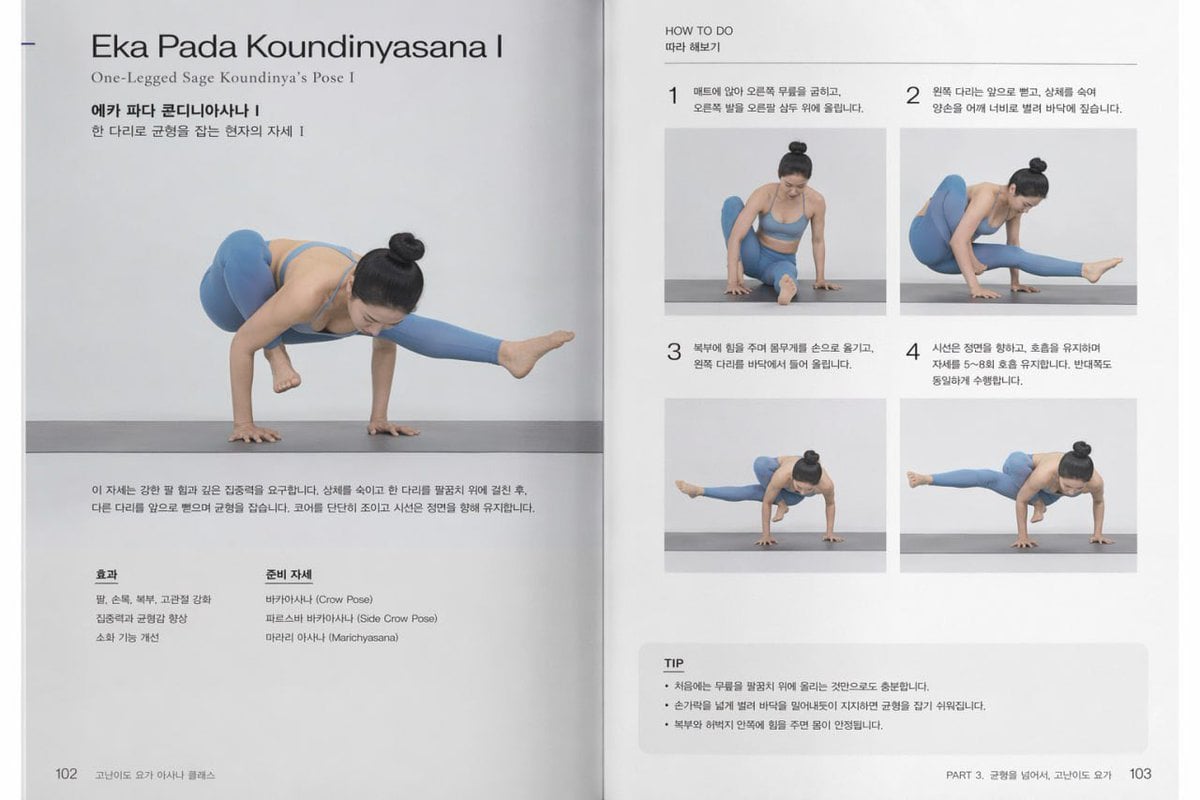
Yoga Book Two-Page Spread
Browse template categories
Luxury Candle Product Photography questions
How do I use the Luxury Candle Product Photography template?
Add your photo if the template asks for one, edit the prompt if you like — the template's model and format are already selected — and press Generate. Your version opens in PicX Studio.
Can I customize the Luxury Candle Product Photography template?
Yes. You can change the subject, setting, lighting, mood, format, and available model controls before creating your image.
Is the Luxury Candle Product Photography template free?
Opening and editing this template is free. Generating uses credits, shown on the Generate button when you are signed in.
Which AI model should I use?
Start with GPT Image 2, which is the model associated with this template. You can compare another compatible model for a different finish.
Looking for something else? Browse all templates.

Your photo, any look
Thousands of ready templates for every top image and video model, from one credit balance.