
Gen Z Chaotic Fairy Selfie Collage Prompt
A complex JSON prompt designed to generate a 2x2 grid collage of ultra-wide angle selfies in the style of a Gen Z candid social media dump, featuring a subject resembling Sydney Sweeney.
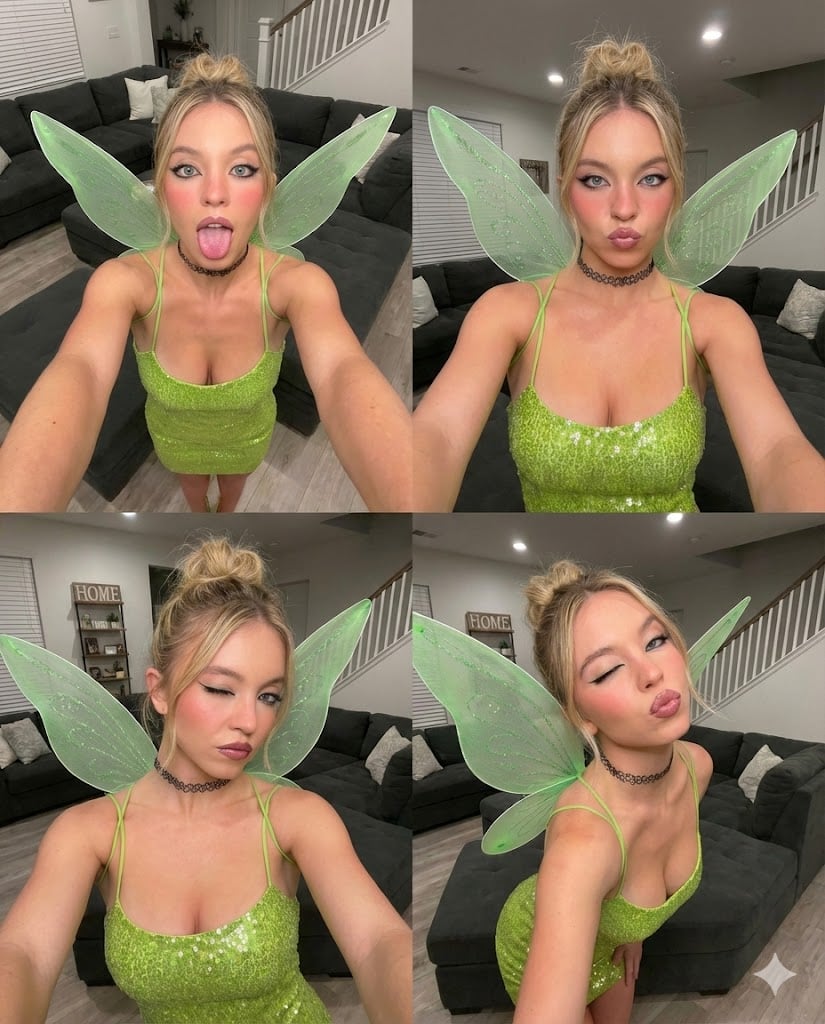
- Prompt included
- Model and format preset
- Premium template
The prompt behind this image
Copy the exact prompt behind Gen Z Chaotic Fairy Selfie Collage Prompt, or open it in the studio and make it yours.
:- { "image_structure": { "format": "2x2 Grid Collage", "total_panels": 4, "layout_style": "Four distinct 0.5x wide-angle selfies arranged in a square grid", "aspect_ratio": "Square (1:1) or 4:5 overall ratio containing four vertical 3:4 images" }, "global_style_settings": { "camera_effect": "0.5x Ultra-wide angle lens / Fisheye effect", "perspective": "High-angle selfie with arm distortion (arms appear elongated and large in foreground)", "lighting": "Indoor ambient overhead light mixed with front-facing phone screen flash (bright, slightly cool toned)", "aesthetic": "Gen Z candid social media dump, chaotic fairy vibes" }, "subject_universal_details": { "demographics": "Young woman, approx 20 years old, Caucasian", "skin": "Fair/Pale complexion with cool pink undertones, very smooth skin texture", "hair": "Dirty blonde/light brown roots transitioning to blonde lengths, styled in a messy high bun (topknot) with loose face-framing wispy strands", "outfit": "{argument name="outfit color" default="Lime green"}/Chartreuse mini dress covered in large circular sequins, thin spaghetti straps", "accessories": [ "Large translucent light green fairy wings with glittery vein details", "Black plastic tattoo-style choker necklace" ], "makeup": "Heavy black winged eyeliner (cat eye), subtle mascara, highlighter on the tip of the nose, rosy pink blush on high cheekbones, glossy mauve/pink natural lip color" }, "panel_breakdown": { "top_left_panel": { "expression": "Playful, tongue sticking out flat", "gaze": "Looking directly into camera", "pose": "Head slightly tilted, both arms extended forward towards lens", "specific_detail": "Tongue is extended downwards, eyes wide open" }, "top_right_panel": { "expression": "Duck face / Pouty lips", "gaze": "Looking straight at camera", "pose": "Chest forward, shoulders up, arms framing the body", "specific_detail": "Lips pursued together, innocent expression" }, "bottom_left_panel": { "expression": "Winking (Left eye closed, Right eye open), subtle pout", "gaze": "Looking straight at camera", "pose": "Head tilted to her right, leaning slightly back", "specific_detail": "One eye scrunched closed tight, jawline defined" }, "bottom_right_panel": { "expression": "Winking (Left eye closed, Right eye open), exaggerated kissy face", "gaze": "Looking straight at camera", "pose": "Head tilted to her left, body angled slightly", "specific_detail": "Lips puckered forward for a kiss, eyebrows slightly raised" } }, "background_environment": { "location": "Suburban living room", "furniture": "Dark grey fabric sectional sofa (visible behind her in all shots)", "architecture": "White staircase with banister rails visible in background (top left and bottom left specifically)", "decor": "Wooden vertical " }
How to use Gen Z Chaotic Fairy Selfie Collage Prompt in 3 steps
- 1
Open
The prompt is already in the box next to the preview, with the template's model and format selected.
- 2…a portrait of your subject in softgolden-hour light, 85mm…
Personalize
Edit the subject and creative details for your destination.
- 3Generate
Generate
Press Generate — your image is created in PicX Studio, so you can compare it with the original and refine one variable at a time.
More like this
Templates with the same subject, style or setup. Open one to see its prompt.
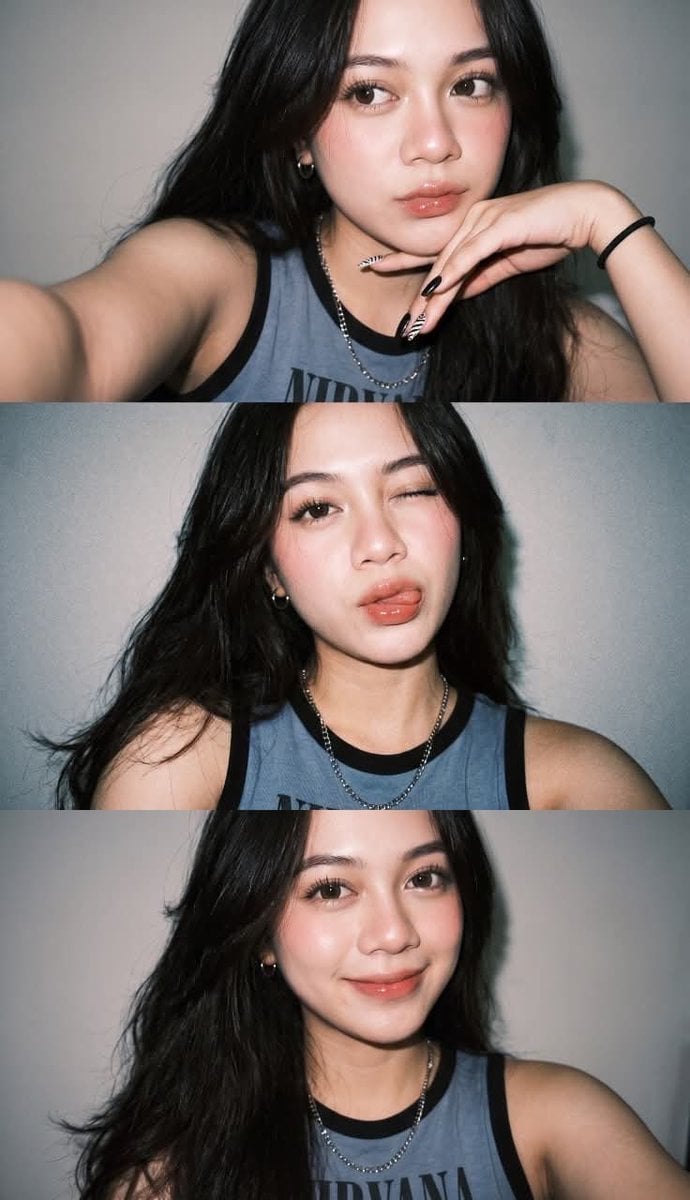
Gen Z Flash Selfie Triple Collage

Chaotic Anime Schoolgirl Fan Collage

Rooftop Fisheye — Cat-Ear Balaclava at Golden Hour

Felt & Knit 3D Character — Photo-Exact Face, Pixar-Quality Plush Figurine

Surreal Cat Astronaut — Humanoid Face Freefall

Paper Cut Finale Fireworks

Paper Cut Garden Maze

Paper Cut Rooftop Concert

Paper Cut Bicycle Coast

Paper Cut Castle Gate

Paper Cut Kitchen Chaos

Paper Cut Carnival Ride
Make it yours
Gen Z Chaotic Fairy Selfie Collage Prompt works as-is. These are the safest ways to change it without losing the look.
Change one field
Copy a single group, rewrite it, and generate again so you can see what that field is doing.
Keep the frame, change the subject
Hold the composition and light of Gen Z Chaotic Fairy Selfie Collage Prompt, then swap wardrobe, props or the person for a new take.
| If the result… | Why | Fix |
|---|---|---|
| The result drifts from the preview | Too many fields changed at once. | Reuse Gen Z Chaotic Fairy Selfie Collage Prompt as-is first, then change one group — subject, light, or setting. |
| The model over-stylizes the scene | The prose prompt leaves finish and camera underspecified. | Add one camera or lighting sentence and stay on Nano Banana 2. |
More Nano Banana 2 templates
Other prompts made for Nano Banana 2.

Photorealistic Leaf Shaped Like a Dragon

K-Pop Idol Portrait Grid for Rapid Selection

Poetic Rain Forest Portrait During Golden Hour

Urban Street Portrait with Cartoon Inner Self Duo

Candid Nighttime Photo with Cat Prompt

High-Concept 3D Diorama Generation Prompt

Cinematic Futuristic Studio Portrait Template

Skincare Editorial Photography Collage Prompt

Hyper-Realistic Commercial Product Photography (Splash Effect)

Hyper-Realistic Nightclub Portrait Prompt
More image prompts
Fresh picks from across the catalog.
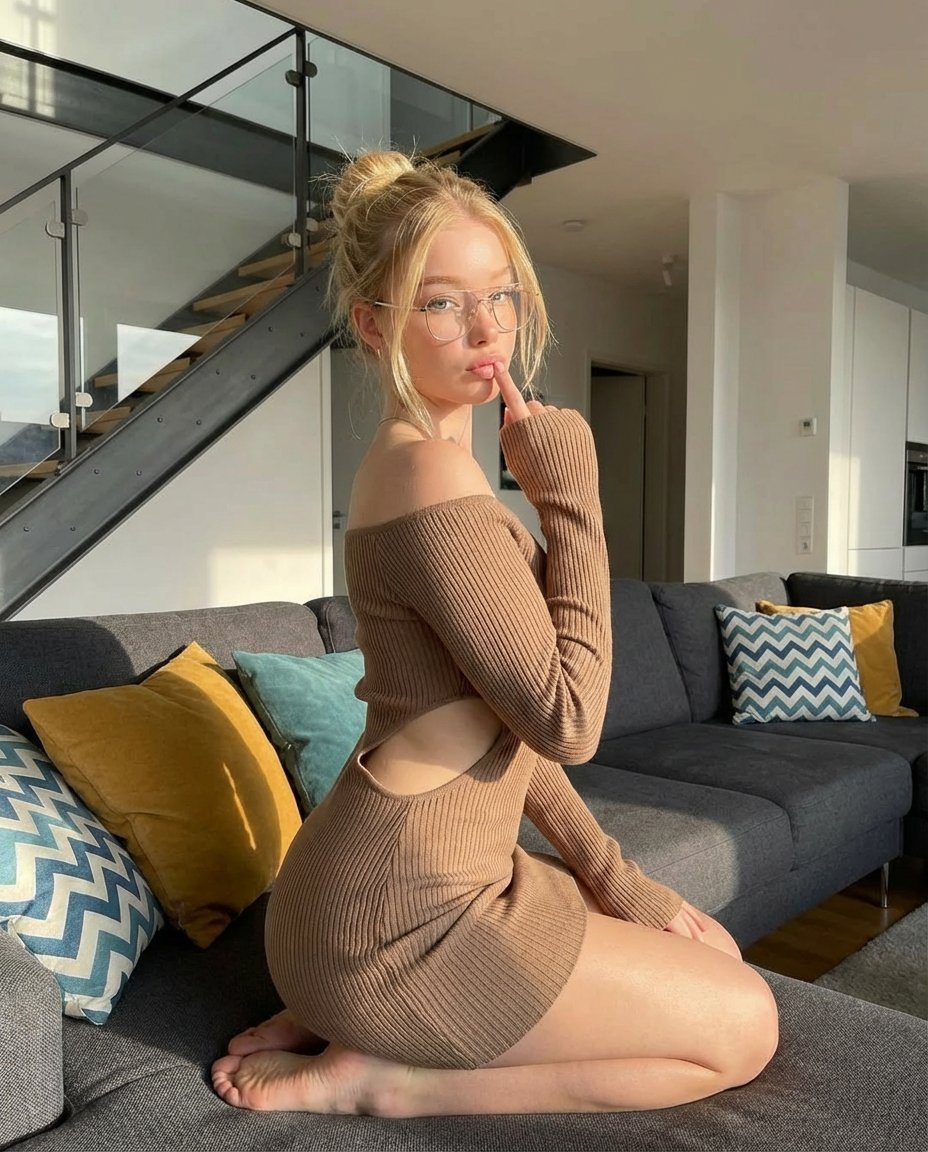
Cozy Lifestyle Photography Prompt for Nano Banana Pro
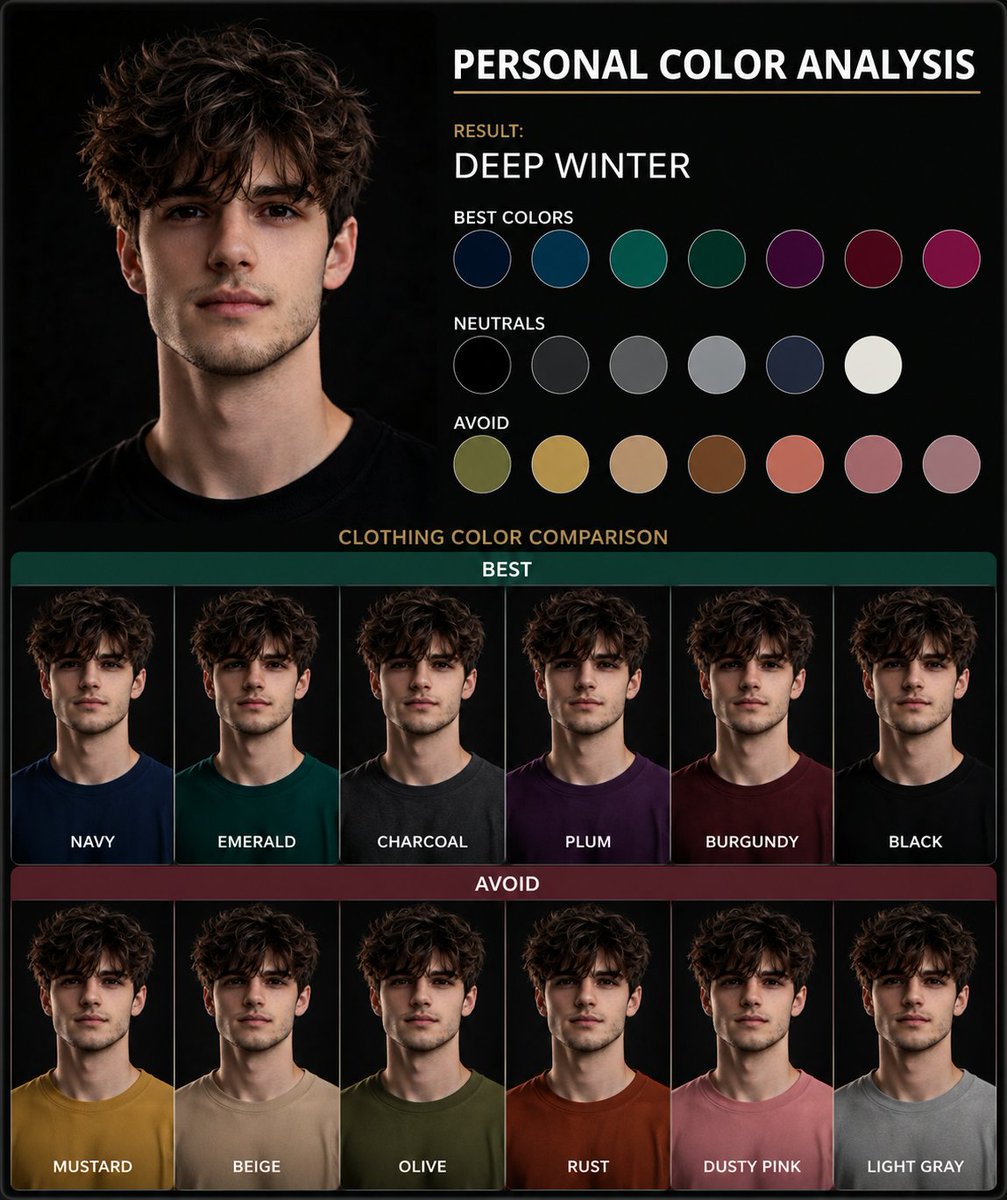
Personal Color Analysis Graphic Generator
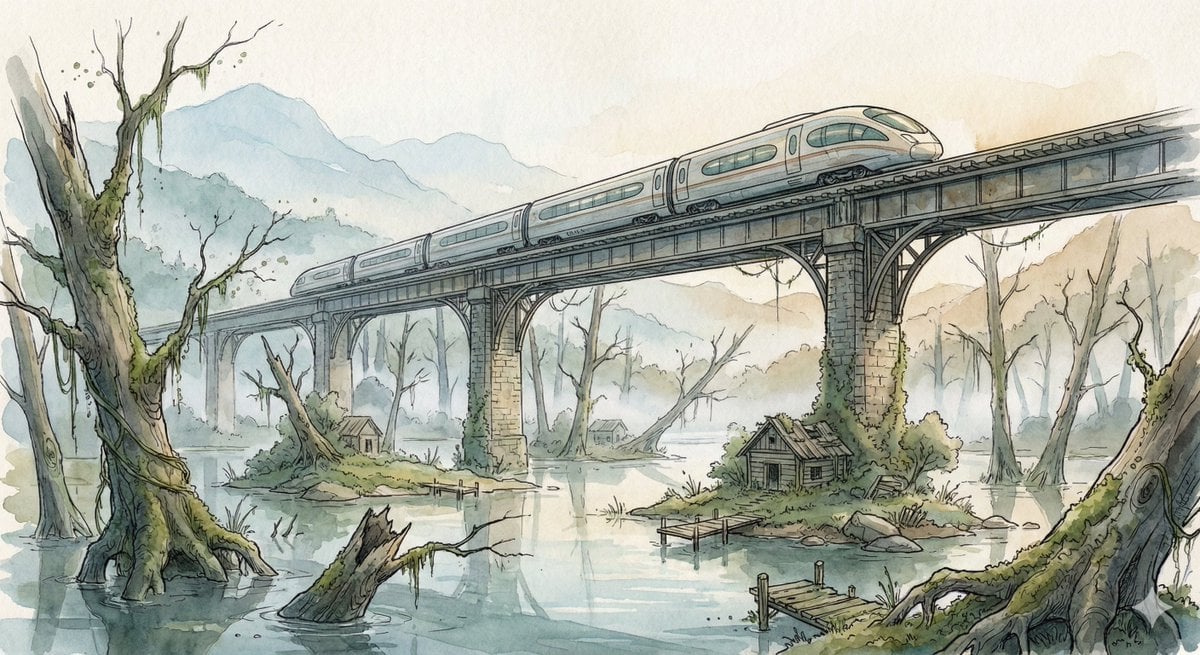
Fantasy Watercolor Illustration of an Elevated Rail Bridge over Flooded Forest
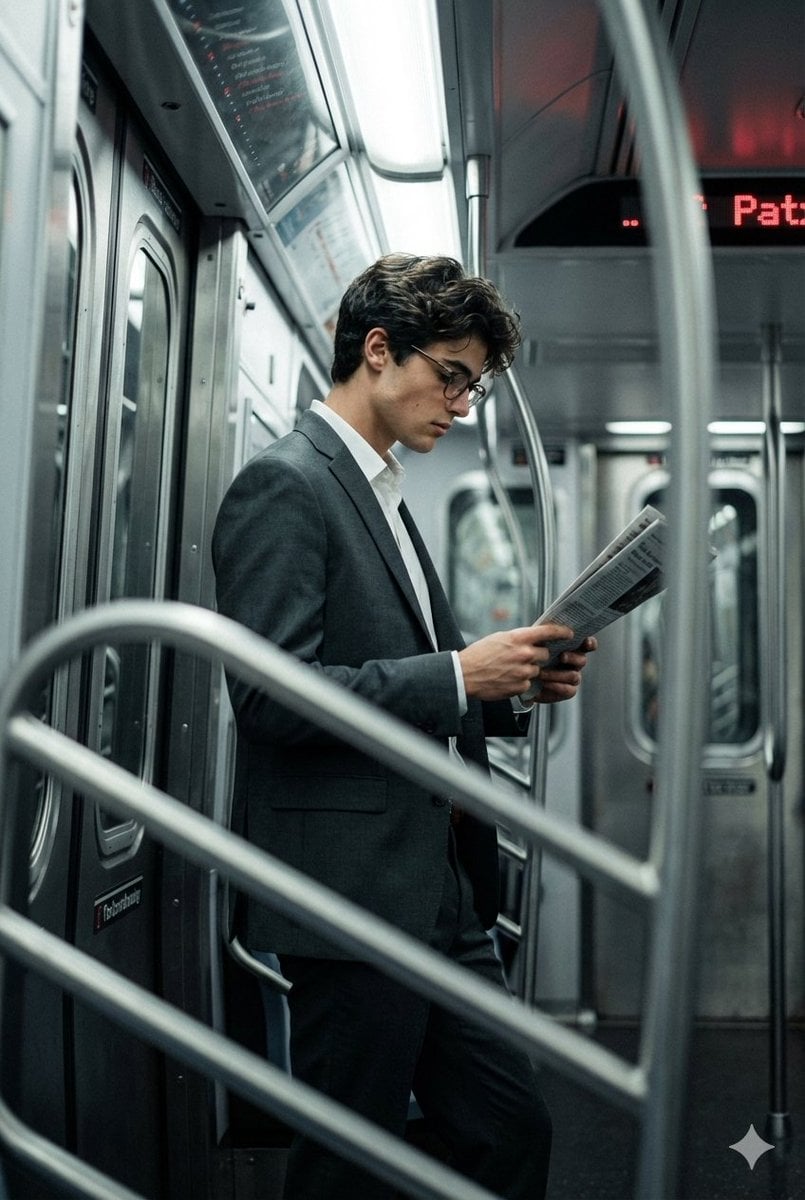
Cinematic Urban Commute Fashion Editorial
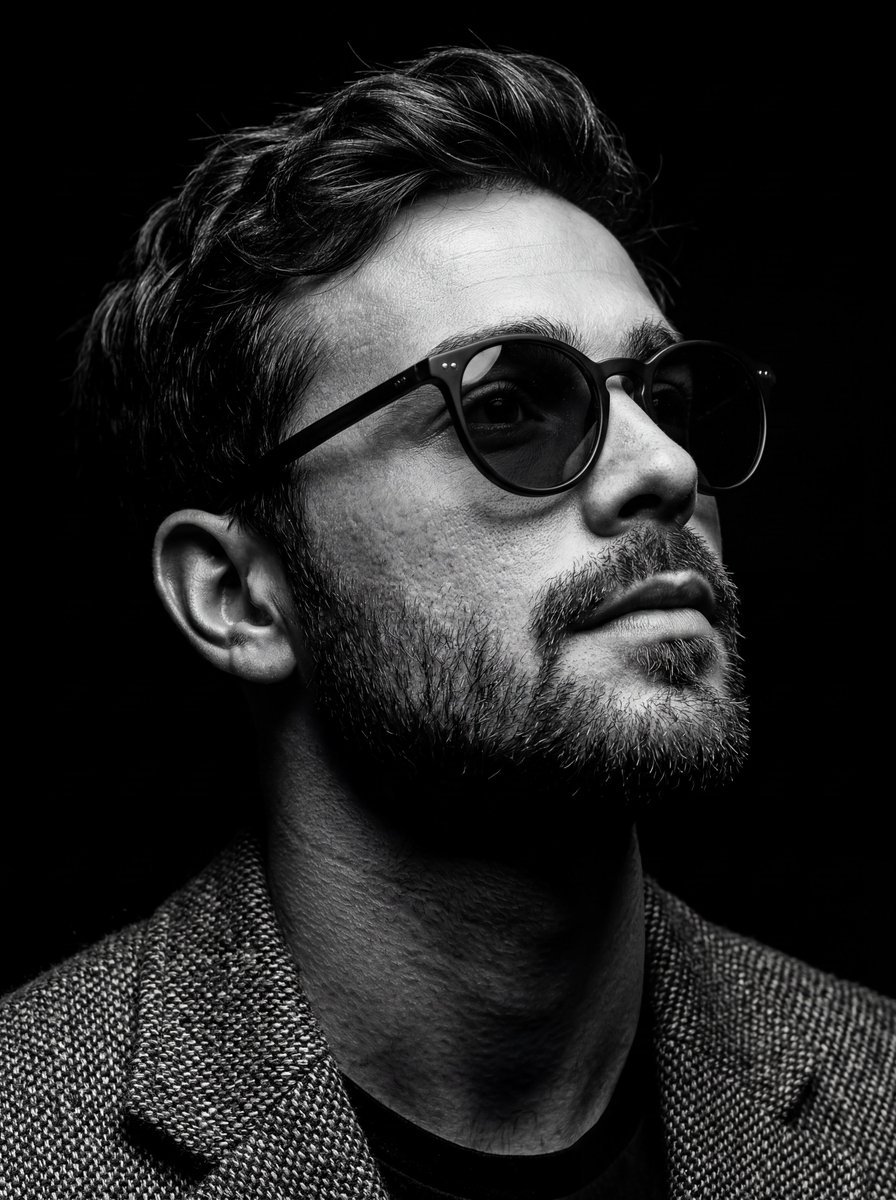
B&W Chiaroscuro Portrait
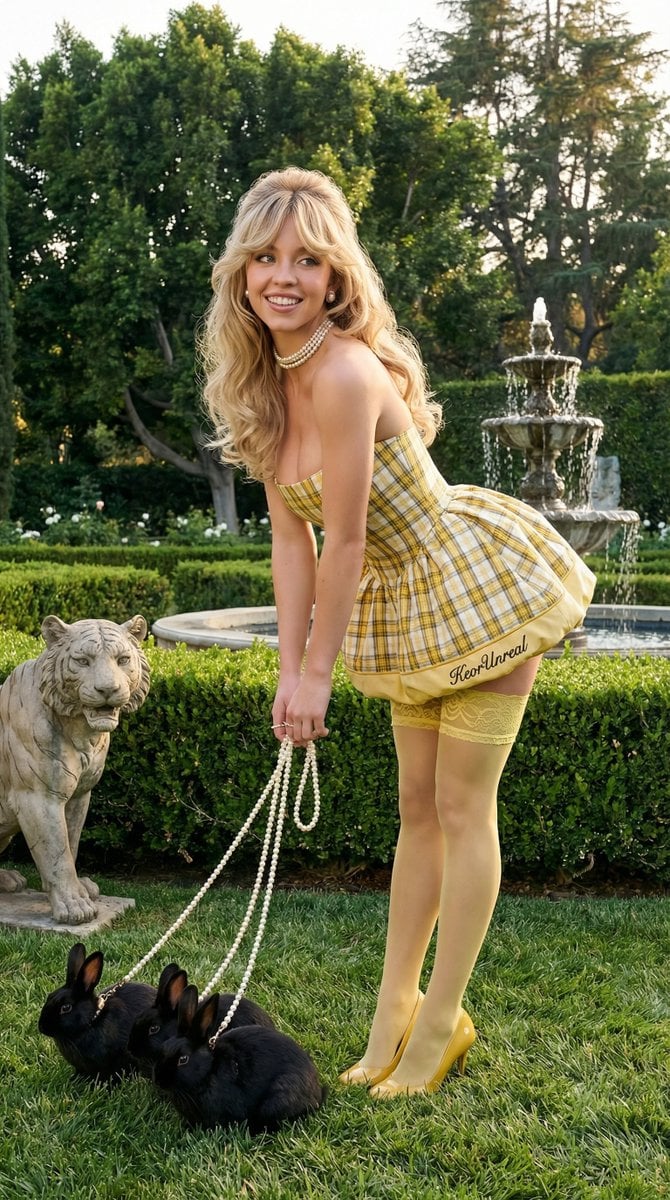
Avant-Garde Coquette Bunny Editorial
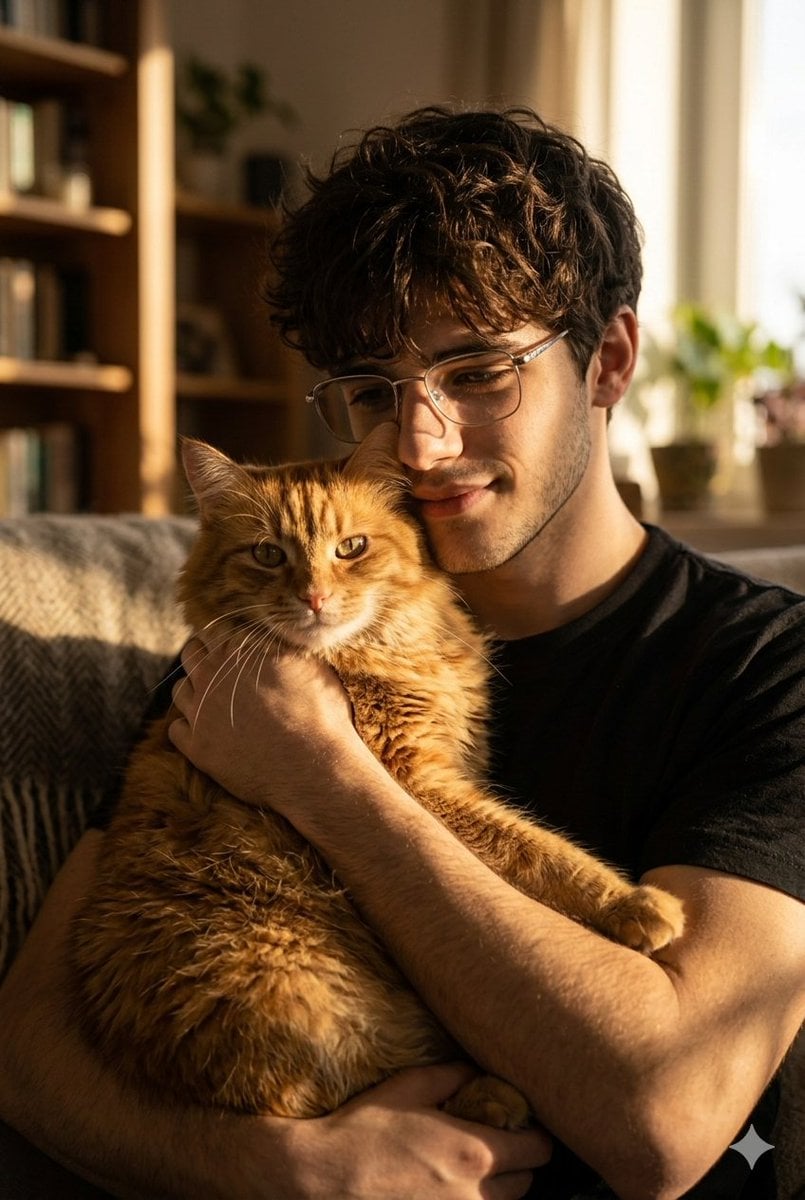
Golden Hour Portrait of Man and Cat
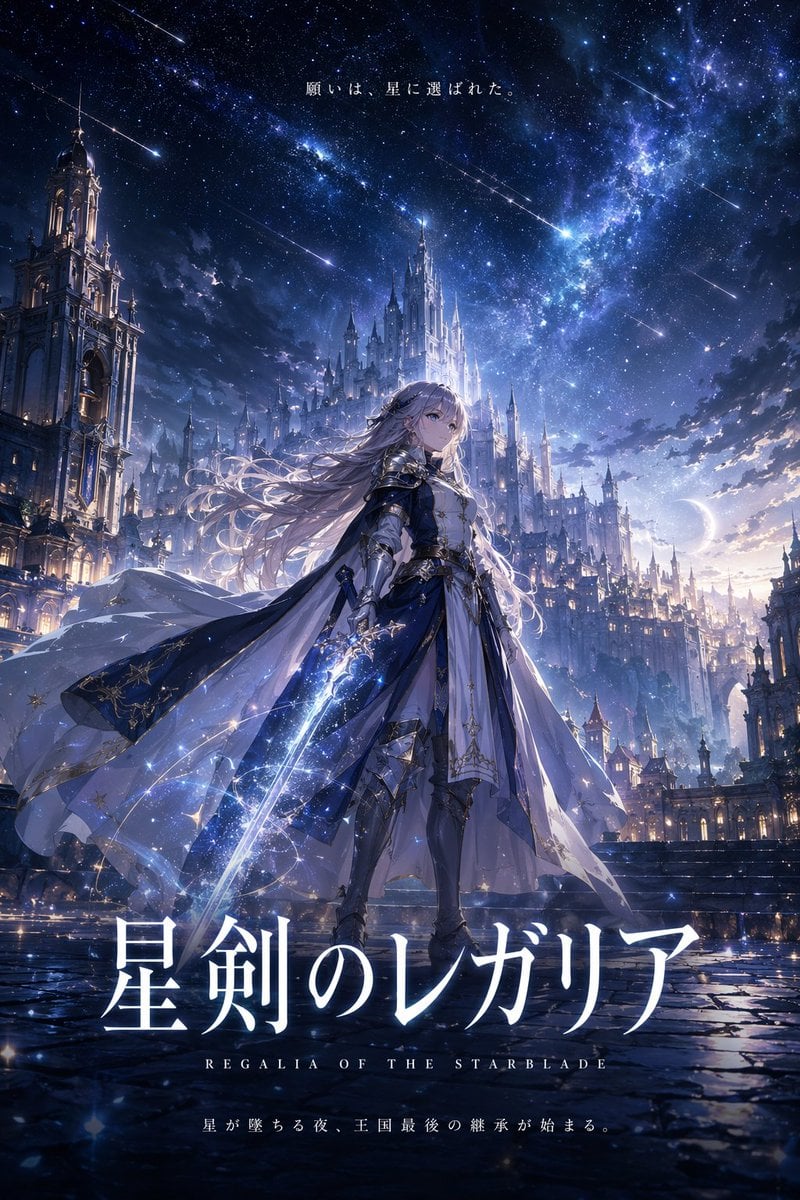
Fantasy Anime Key Visual Prompt

Gpt2 Infographic Edu Visual Alishan One Day Travel Poster
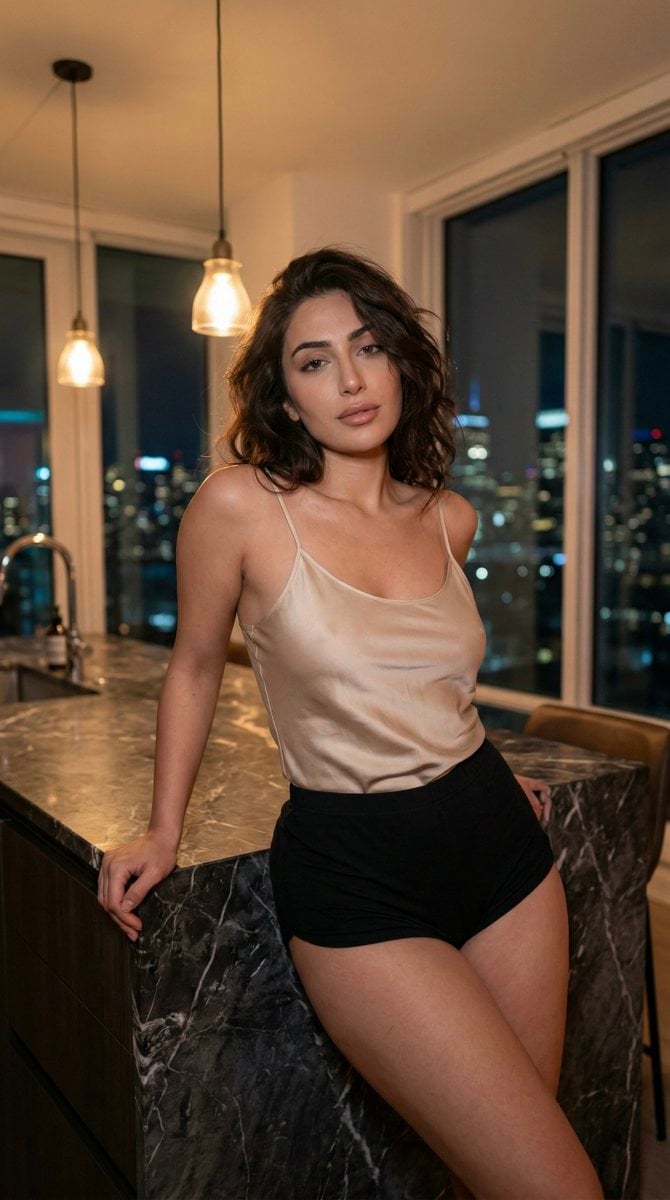
Low-Light Kitchen Portrait (Persian/Middle Eastern)
Browse template categories
Gen Z Chaotic Fairy Selfie Collage Prompt questions
How do I use the Gen Z Chaotic Fairy Selfie Collage Prompt template?
Add your photo if the template asks for one, edit the prompt if you like — the template's model and format are already selected — and press Generate. Your version opens in PicX Studio.
Can I customize the Gen Z Chaotic Fairy Selfie Collage Prompt template?
Yes. You can change the subject, setting, lighting, mood, format, and available model controls before creating your image.
Is the Gen Z Chaotic Fairy Selfie Collage Prompt template free?
Opening and editing this template is free. Generating uses credits, shown on the Generate button when you are signed in.
Which AI model should I use?
Start with Nano Banana 2, which is the model associated with this template. You can compare another compatible model for a different finish.
Looking for something else? Browse all templates.

Your photo, any look
Thousands of ready templates for every top image and video model, from one credit balance.