
Avant-Garde Coquette Bunny Editorial
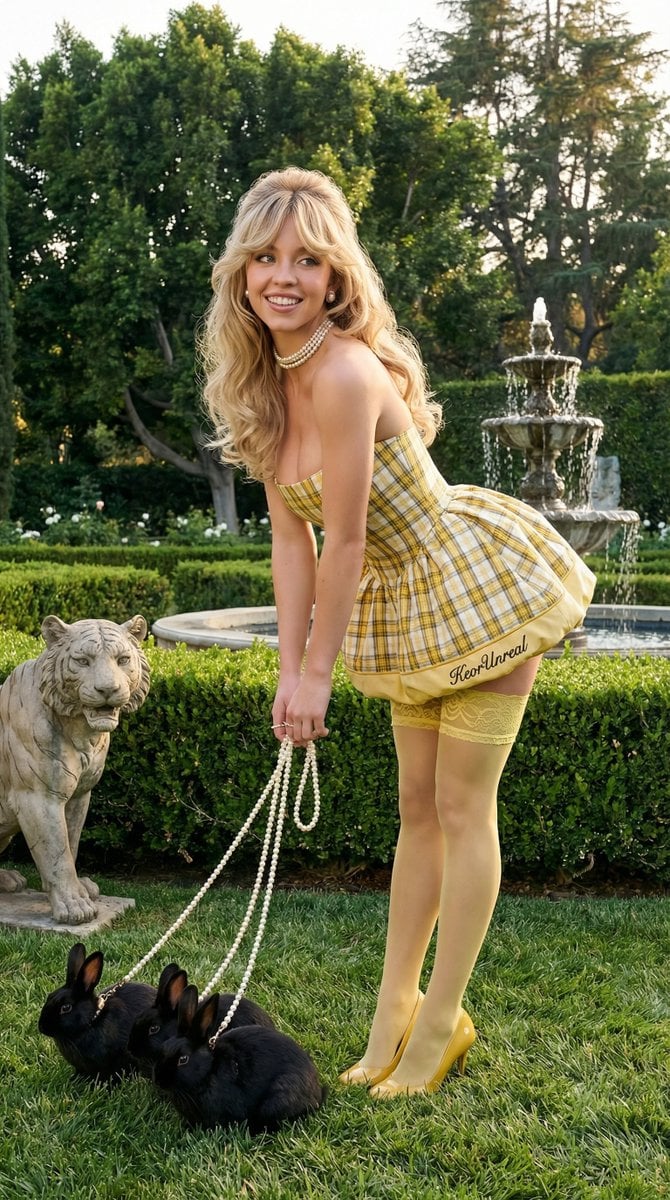
An extensive JSON prompt for Nano Banana Pro via Hailuo AI, detailing an ultra-photorealistic, high-fashion editorial image of a blonde woman in an Avant-Garde Coquette style.
- Prompt included
- Model and format preset
- Free template
The prompt behind this image
Copy the exact prompt behind Avant-Garde Coquette Bunny Editorial, or open it in the studio and make it yours.
{ "image_generation_prompt": { "subject": { "description": "Young blonde woman", "hair": "Signature voluminous blonde hair with a thick, feathered curtain fringe (bangs); styled in soft, bouncy bombshell blow-out waves that drape over the shoulders.", "face": "Playful and elegant expression with a slight smirk; soft, matte skin texture with detailed eyelashes and a soft mauve lip color.", "body": "Slender and toned physique with smooth skin; leaning forward at the waist in a graceful, whimsical posture." }, "attire": { "clothing": "A strapless yellow and white plaid puff-ball mini dress with a structured concert bodice and a voluminous, ruffled bubble skirt; paired with sheer yellow thigh-high stockings featuring delicate lace trim at the tops, a little written in black embroidered 'KeorUnreal' on the dress border, glossy yellow high heels. " "style": "Avant-Garde Coquette / High Fashion Pastoral." }, "styling_and_accessories": { "jewelry": [ "Single-strand pearl choker necklace", "Pearl stud earrings", "Three black small rabbits on long, ornate pearl-strand leashes held in each hand" ] }, "environment": { "setting": "A lush, manicured formal garden or estate lawn during the golden hour.", "background": "Deep green manicured hedges, mature deciduous trees, a stone tiger statue to the left, and a multi-tiered stone dolphin fountain centered in the background.", "water": "Gentle, shimmering water droplets spraying from a tiered fountain into a stone basin." }, "pose": { "posture": "Bending forward at the hips toward the camera, creating a playful and dynamic silhouette.", "arms": "Arms extended downward, hands grasping the pearl leashes of three rabbits on the grass.", "angle": "Eye-level shot with a slight wide-angle perspective to capture the full environment." }, "lighting_and_mood": { "lighting": "Soft, natural golden hour sunlight providing a warm glow on the skin and highlighting the texture of the grass and hair.", "mood": "Whimsical, surreal, and high-fashion editorial.", "colors": "A vibrant palette of meadow green, sky blue, crisp white, yellow, and warm golden tones." }, "camera_and_technical": { "style": "Ultra Photorealistic, RAW photo.", "lens": "35mm prime lens.", "aperture": "f/2.8 for a sharp subject with a natural, soft-focus background roll-off.", "quality_tags": [ "8k resolution", "highly detailed", "volumetric lighting", "ray tracing reflections", "hyper-realistic texture", "Hasselblad photography", "vogue editorial style" ] } } }
How to use Avant-Garde Coquette Bunny Editorial in 3 steps
- 1
Open
The prompt is already in the box next to the preview, with the template's model and format selected.
- 2…a portrait of your subject in softgolden-hour light, 85mm…
Personalize
Edit the subject and creative details for your destination.
- 3Generate
Generate
Press Generate — your image is created in PicX Studio, so you can compare it with the original and refine one variable at a time.
More like this
Templates with the same subject, style or setup. Open one to see its prompt.
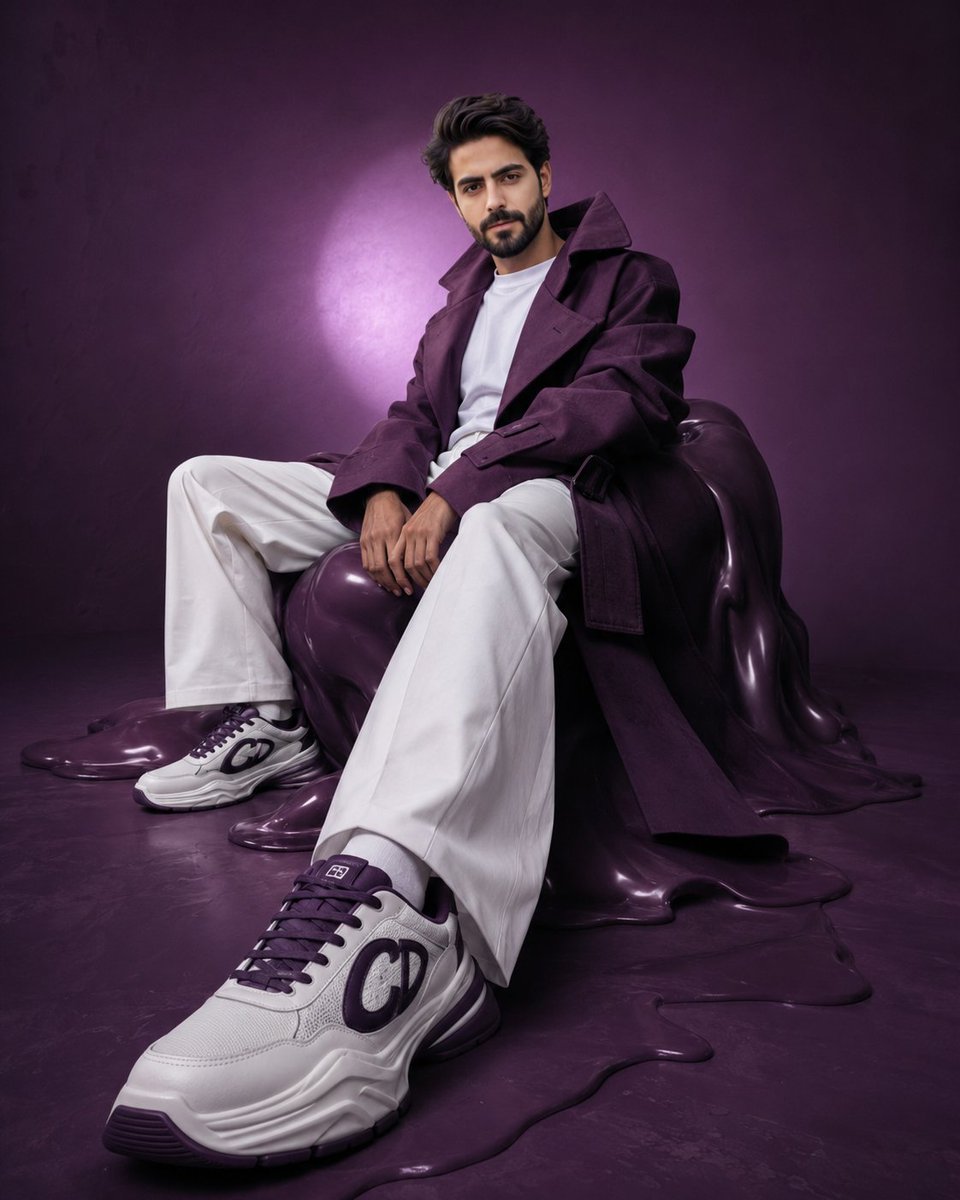
Avant-Garde Purple Fashion Editorial
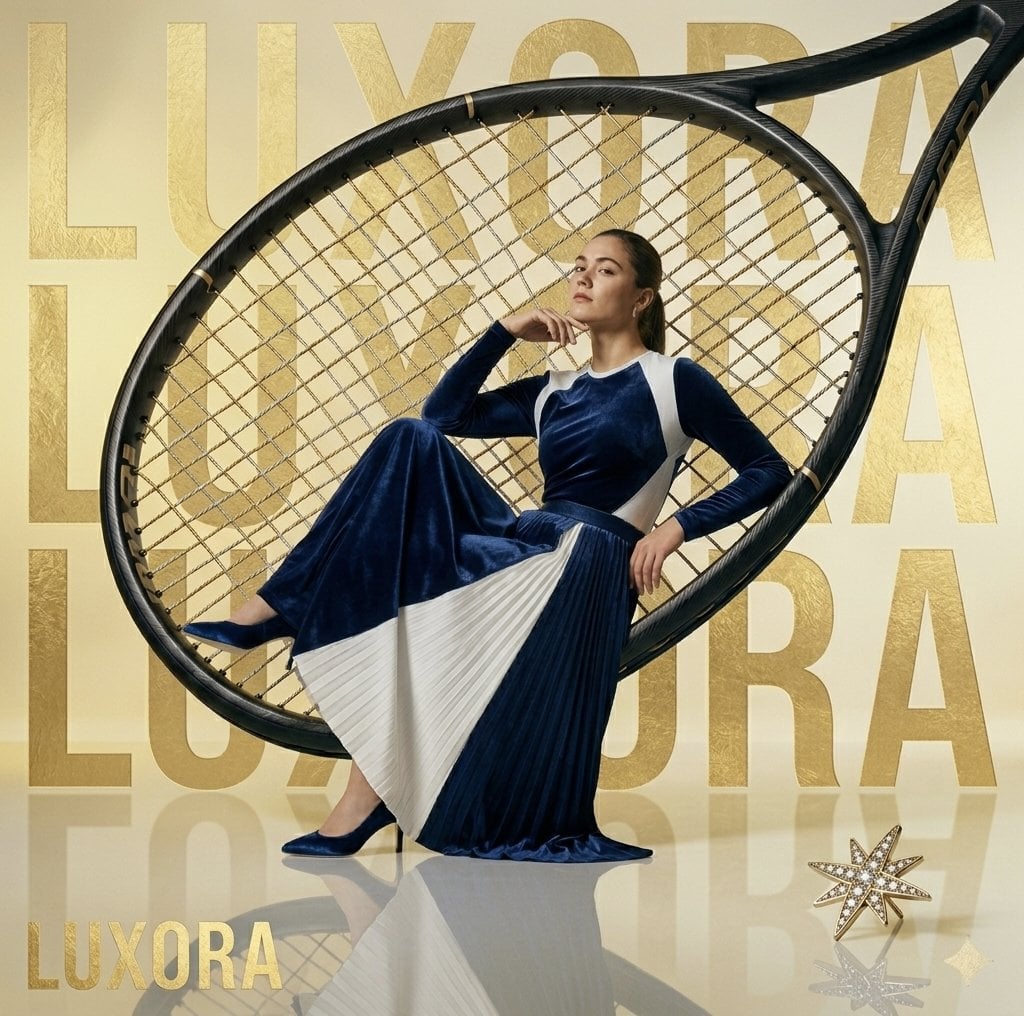
Avant-Garde Luxury Editorial Advertisement
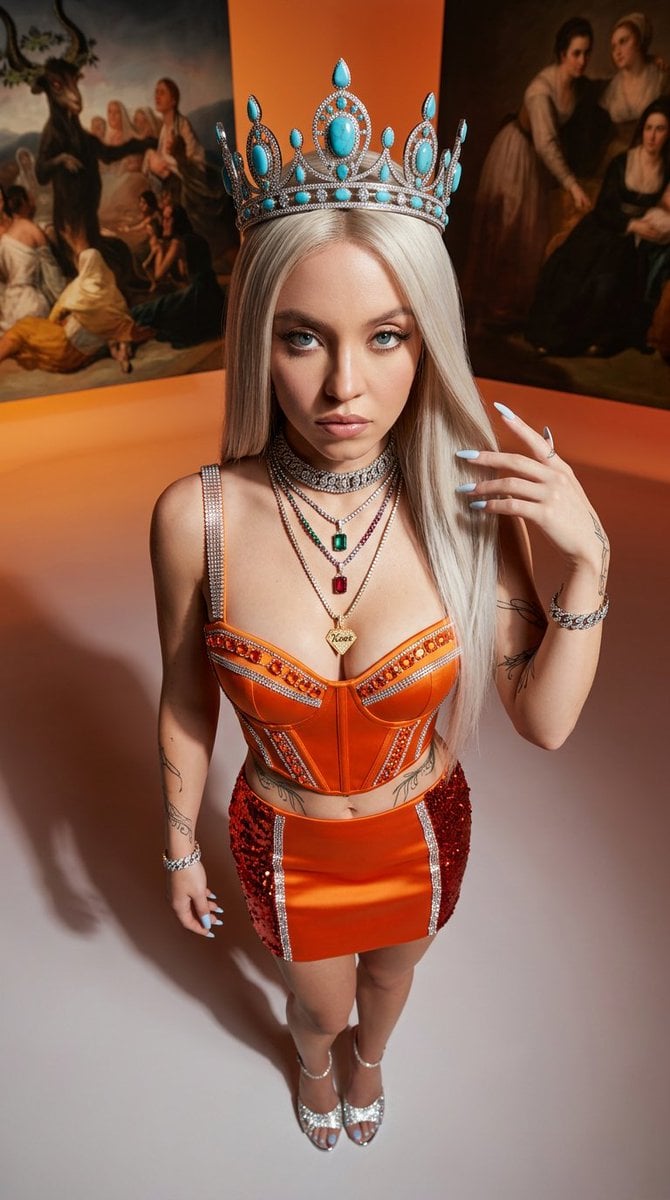
Avant-Garde High-Angle Editorial Fashion
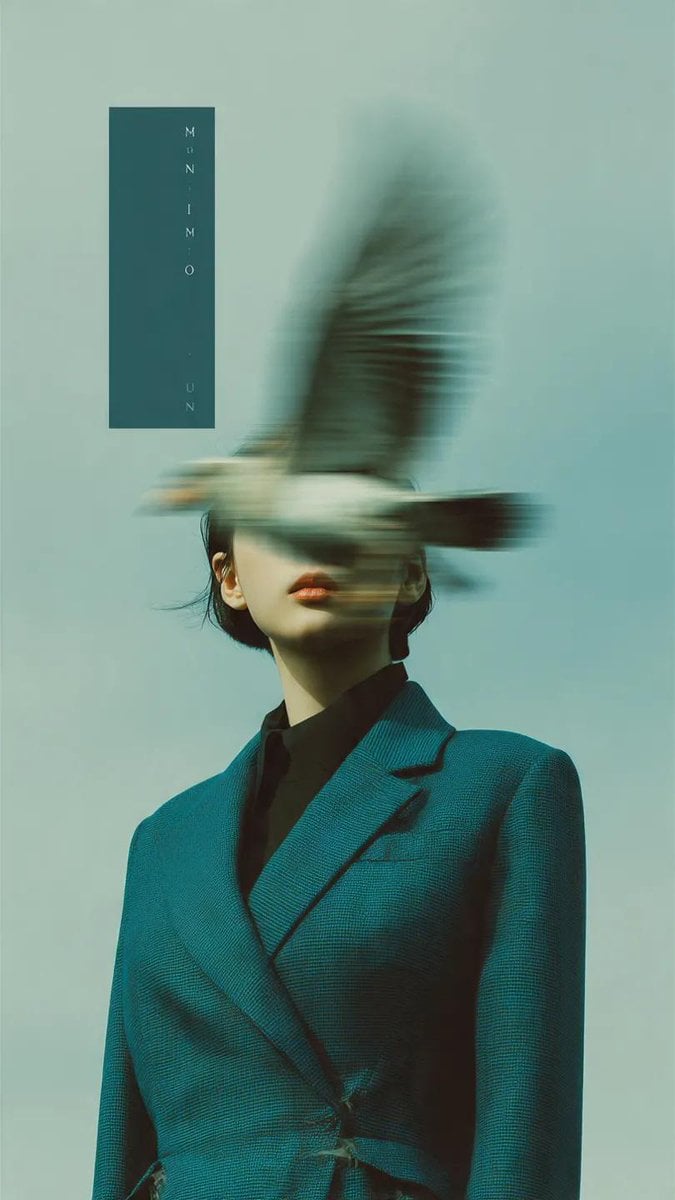
Avant-Garde Fashion Editorial Portrait
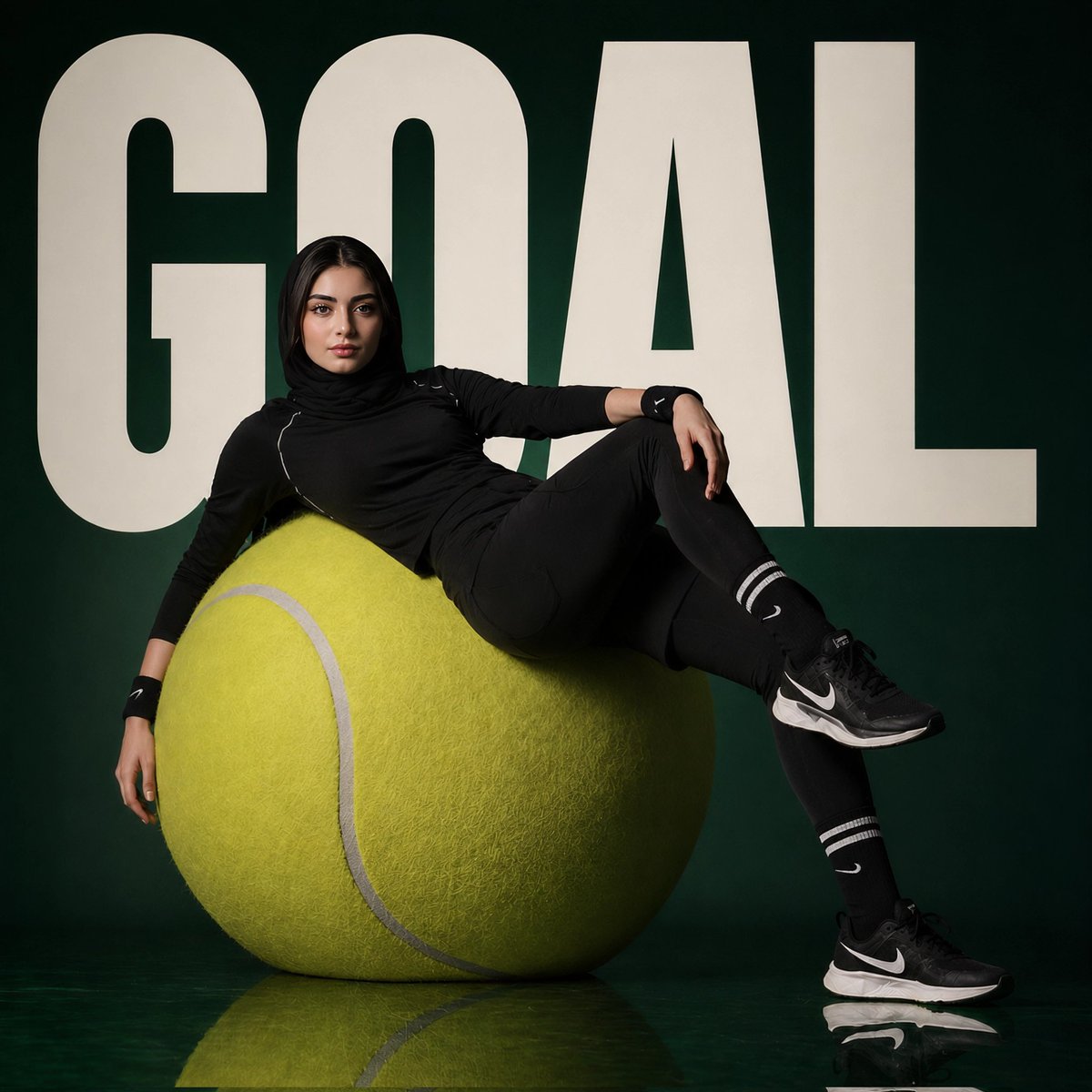
Avant-Garde Sports Fashion Editorial
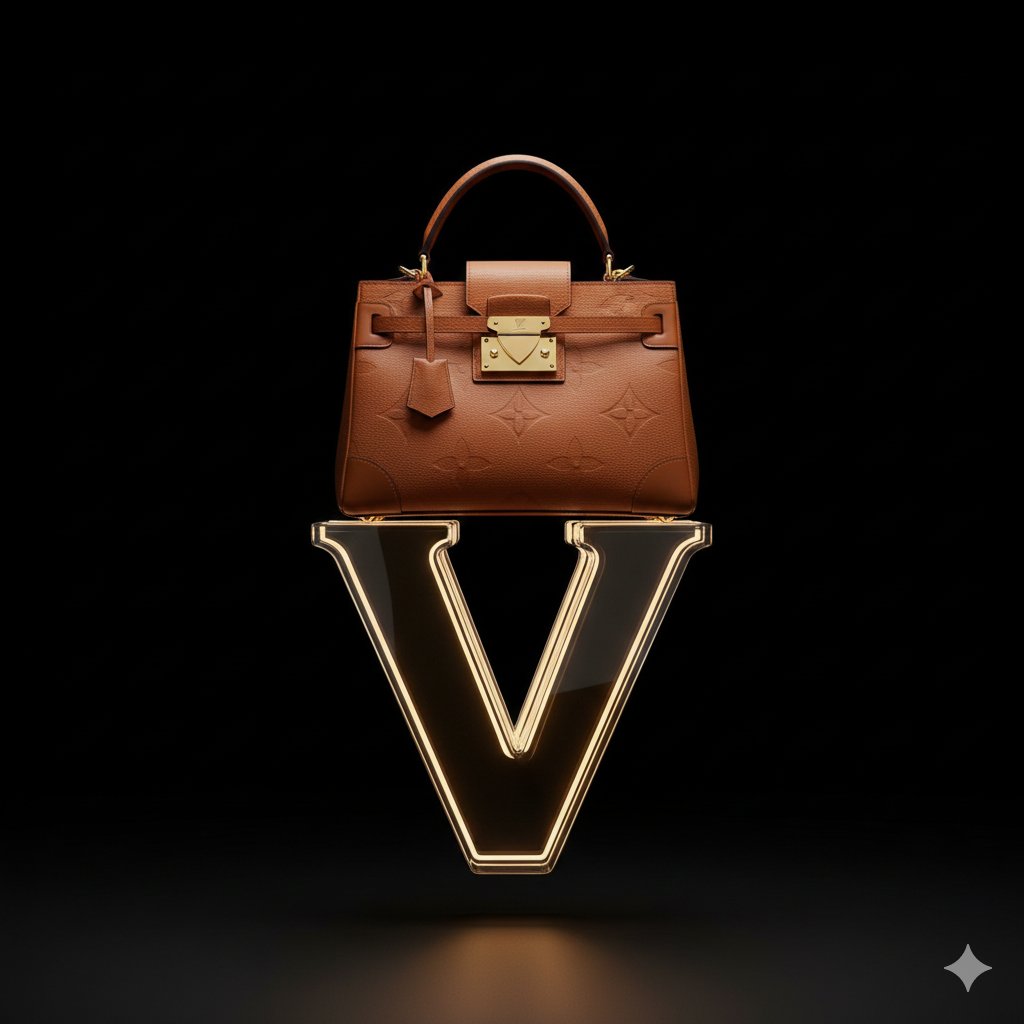
Avant-Garde Louis Vuitton Ski Goggles Editorial Prompt
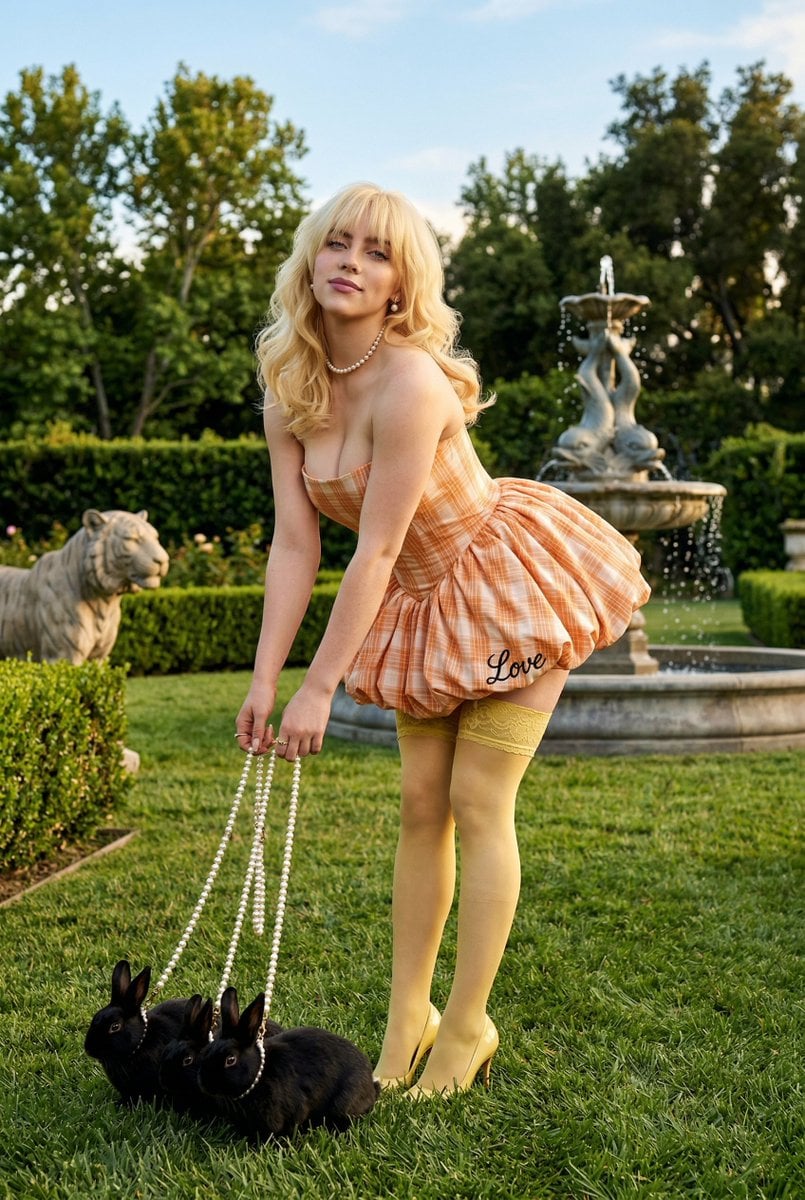
Coquette Garden Editorial with Rabbits

Avant-Garde Asian Fashion Model
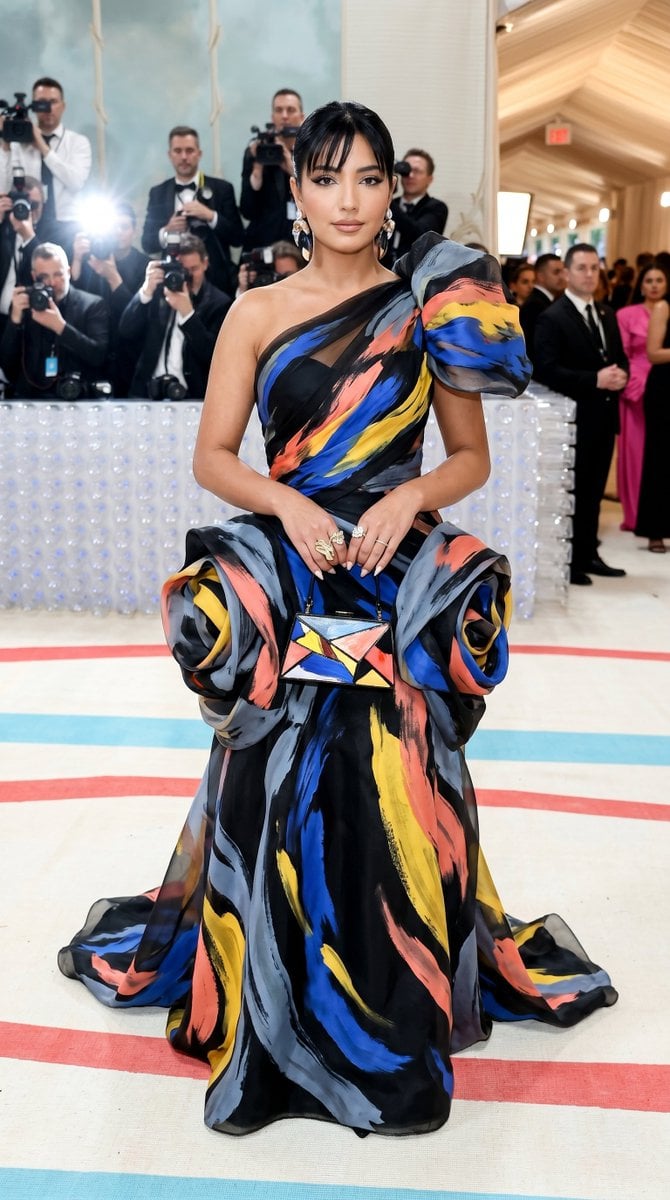
Met Gala Avant-Garde Couture Fashion
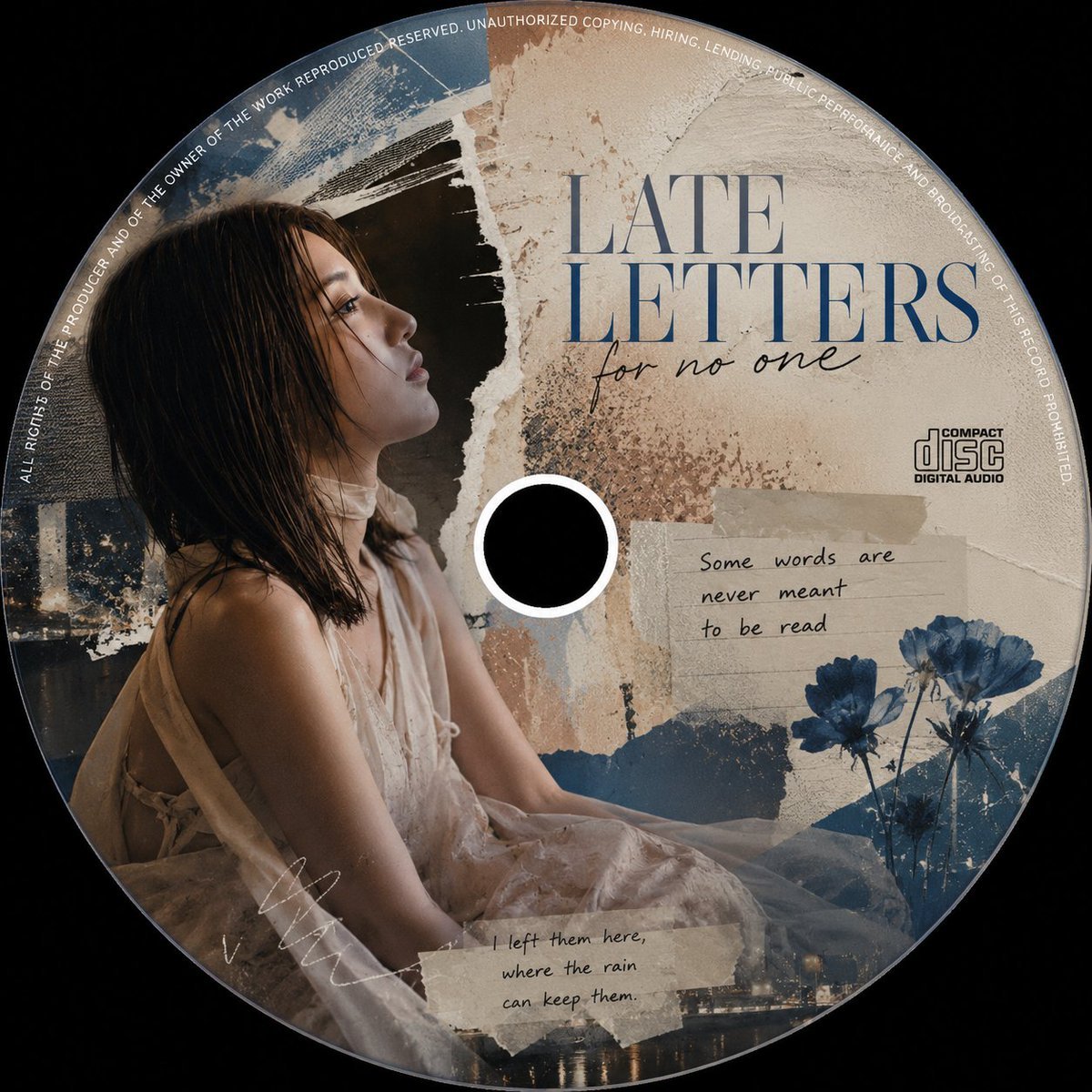
Avant-Garde Collage CD Cover
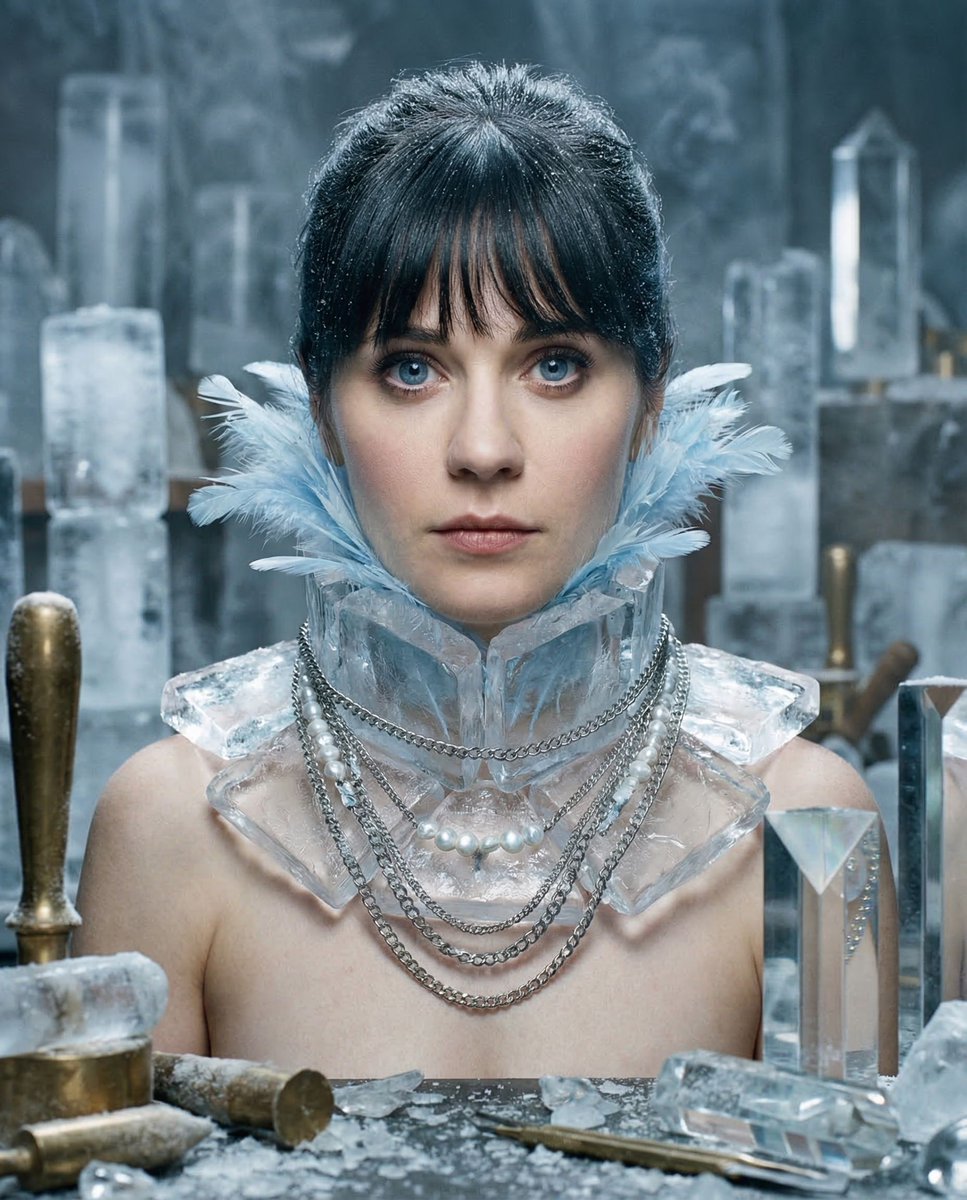
Glacial Avant-Garde Beauty Portrait

Urban Fashion Editorial Collage Streetwear Poster
Make it yours
Avant-Garde Coquette Bunny Editorial works as-is. These are the safest ways to change it without losing the look.
Change one field
Copy a single group, rewrite it, and generate again so you can see what that field is doing.
Keep the frame, change the subject
Hold the composition and light of Avant-Garde Coquette Bunny Editorial, then swap wardrobe, props or the person for a new take.
| If the result… | Why | Fix |
|---|---|---|
| The result drifts from the preview | Too many fields changed at once. | Reuse Avant-Garde Coquette Bunny Editorial as-is first, then change one group — subject, light, or setting. |
| The model over-stylizes the scene | The prose prompt leaves finish and camera underspecified. | Add one camera or lighting sentence and stay on Nano Banana 2. |
More Nano Banana 2 templates
Other prompts made for Nano Banana 2.

Photorealistic Leaf Shaped Like a Dragon

K-Pop Idol Portrait Grid for Rapid Selection

Poetic Rain Forest Portrait During Golden Hour

Urban Street Portrait with Cartoon Inner Self Duo

Candid Nighttime Photo with Cat Prompt

High-Concept 3D Diorama Generation Prompt

Cinematic Futuristic Studio Portrait Template

Skincare Editorial Photography Collage Prompt

Hyper-Realistic Commercial Product Photography (Splash Effect)

Hyper-Realistic Nightclub Portrait Prompt
More image prompts
Fresh picks from across the catalog.
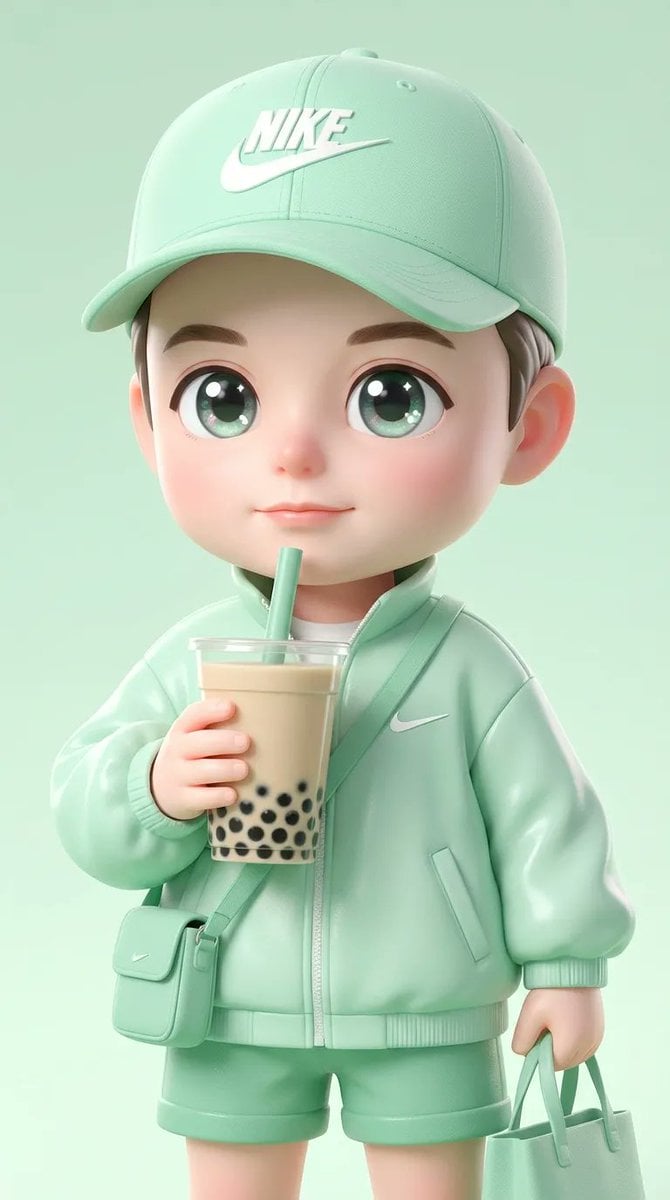
Ultra-Cute Chibi Character Prompt
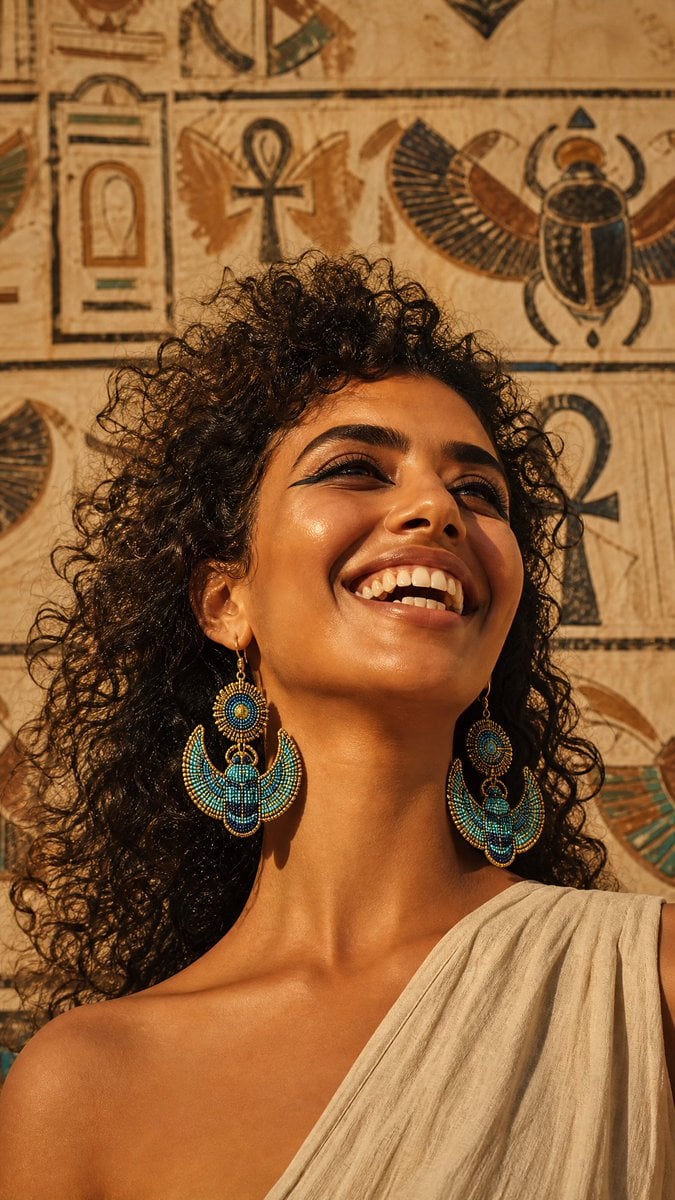
Egyptian Scarab Earring Portrait
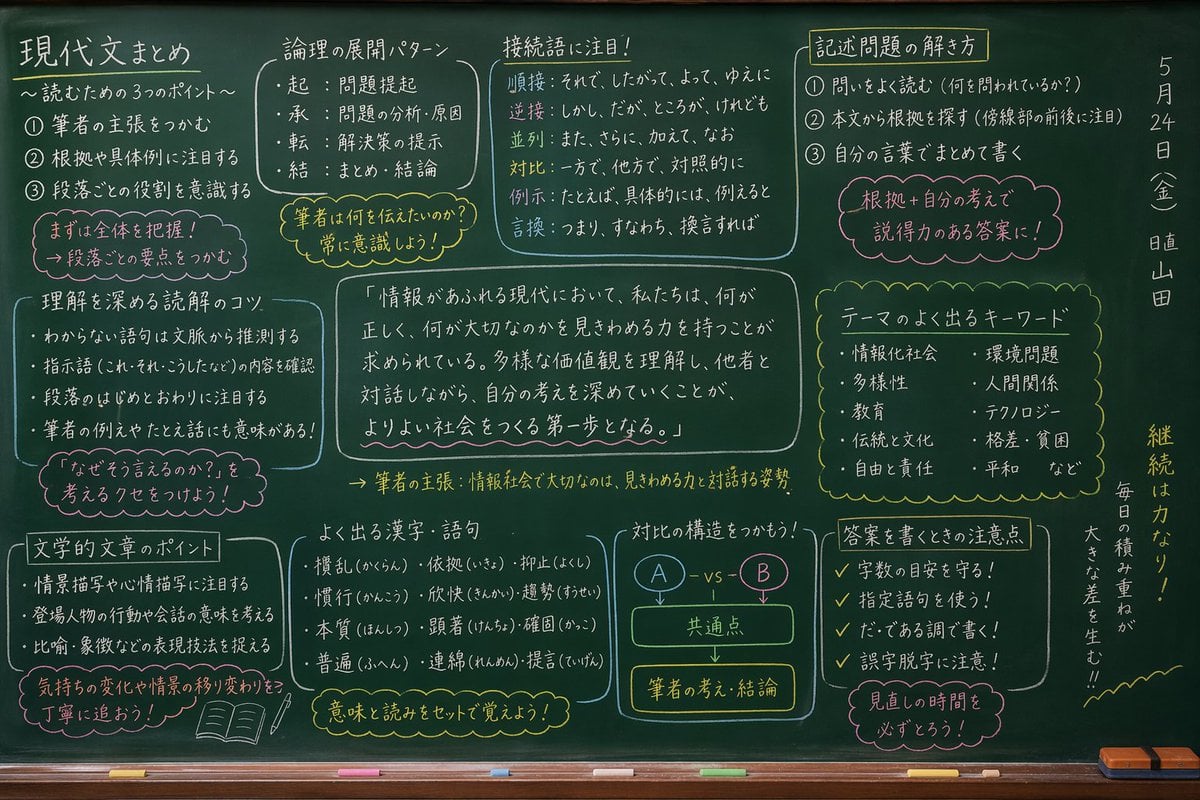
Japanese Classroom Chalkboard Notes
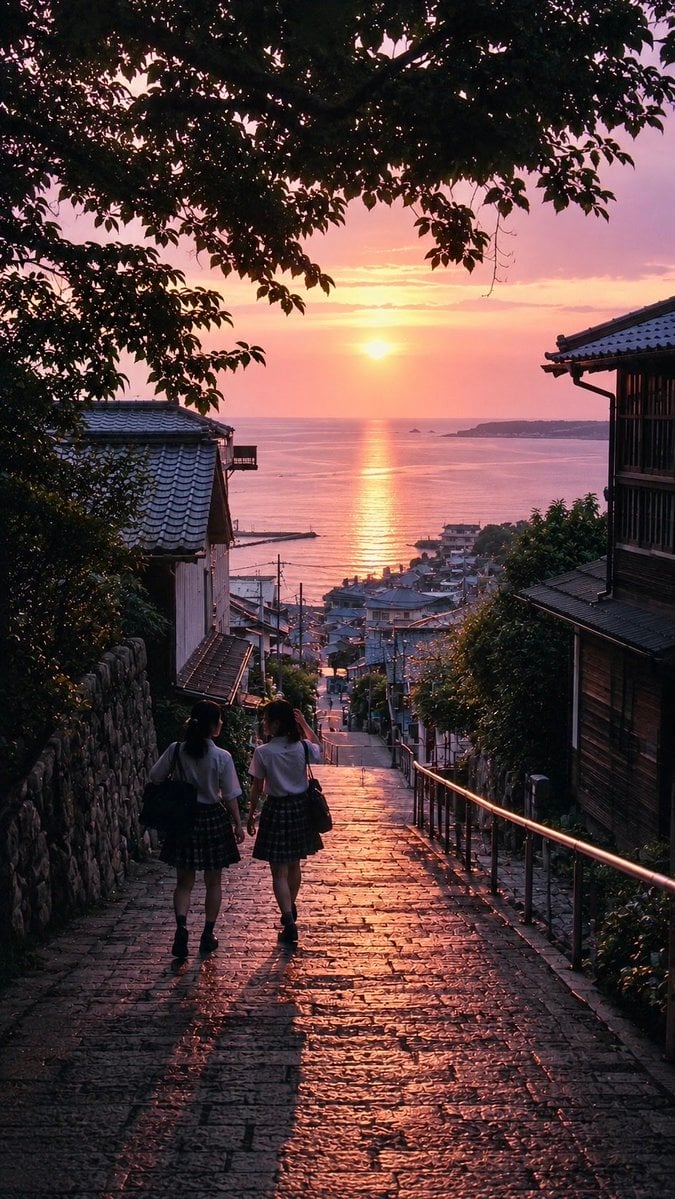
Nostalgic Japanese Summer Sunset
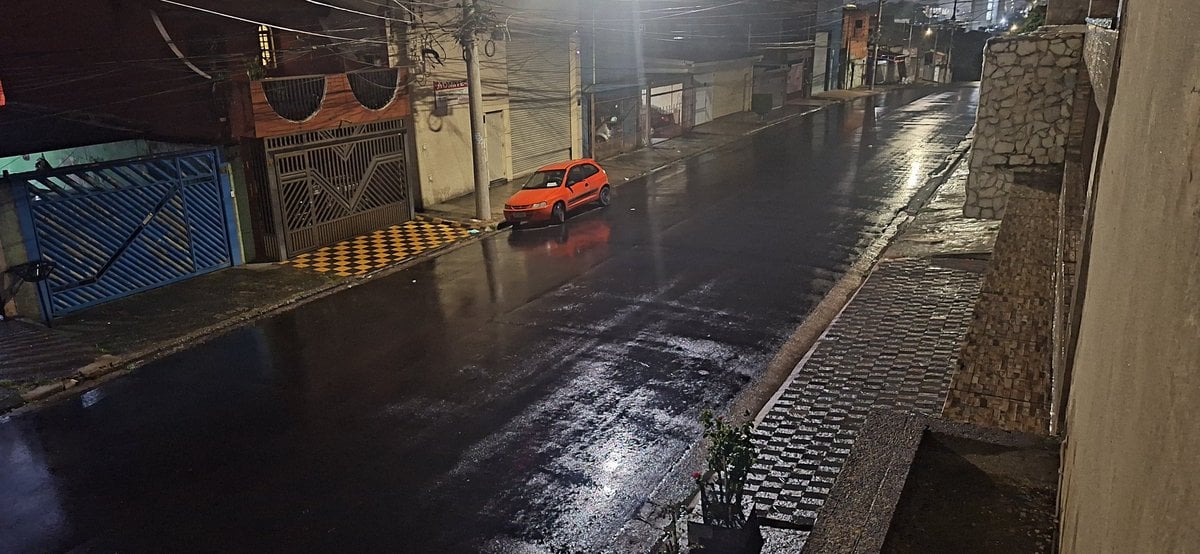
Delorean 'Back to the Future' Scene Integration Prompt
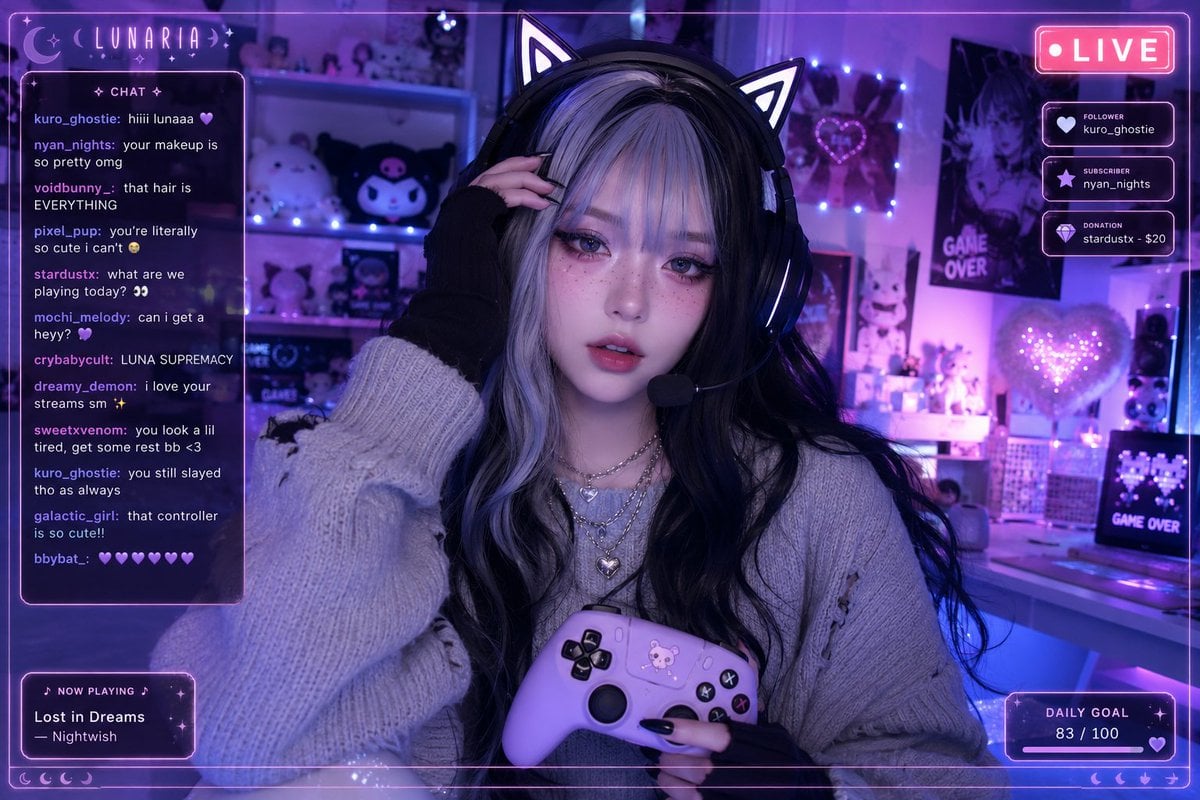
Aesthetic Gamer Girl Streamer
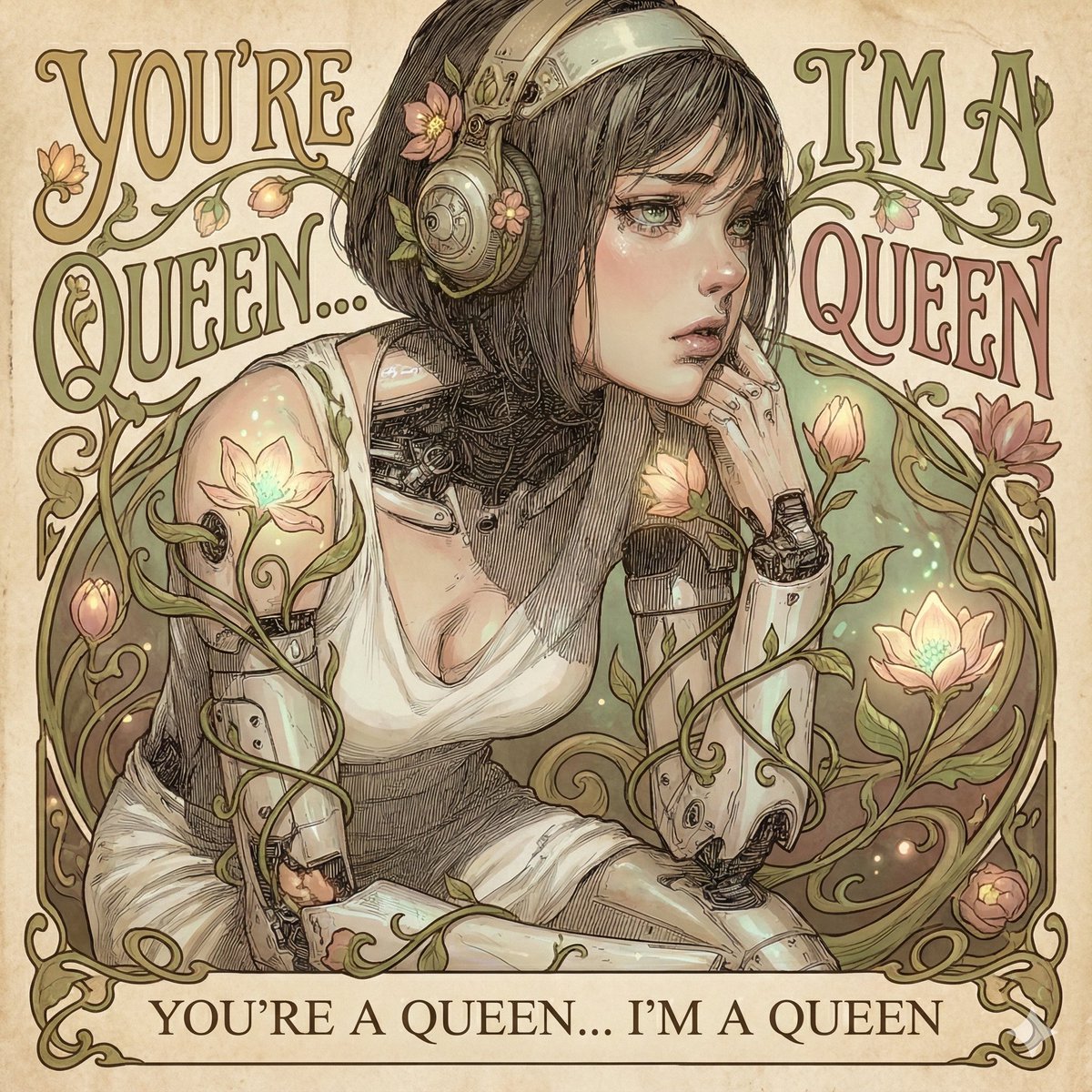
Designing an Album Jacket Font with Nano Banana Pro
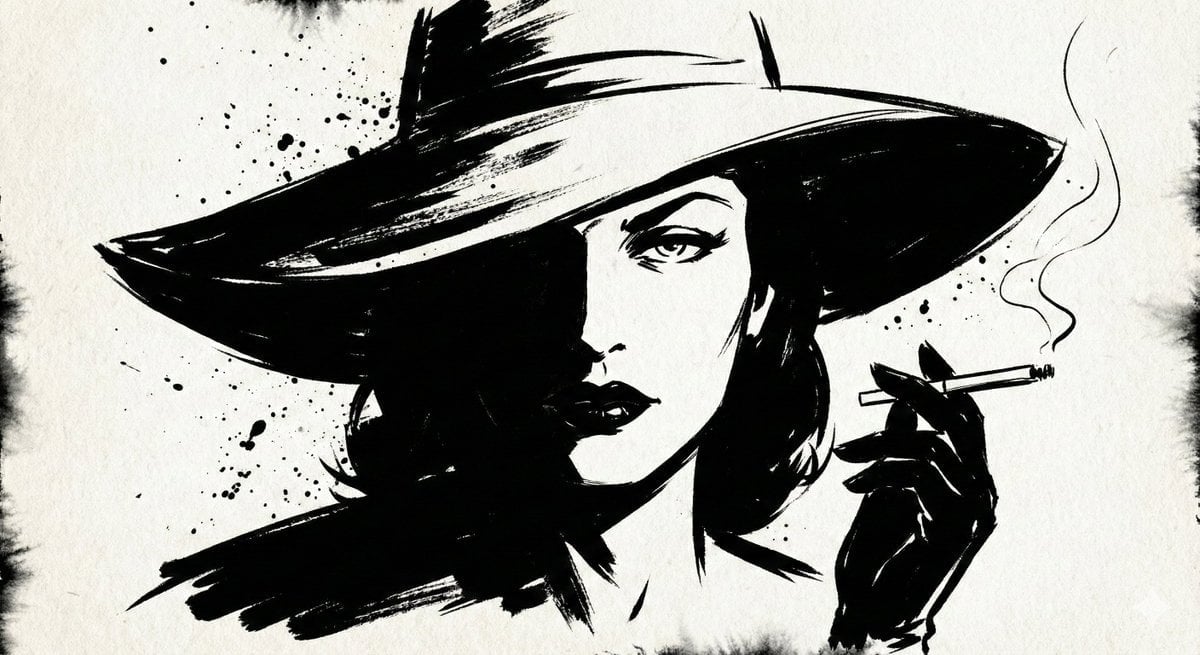
Ink Noir Portrait Generation Prompt
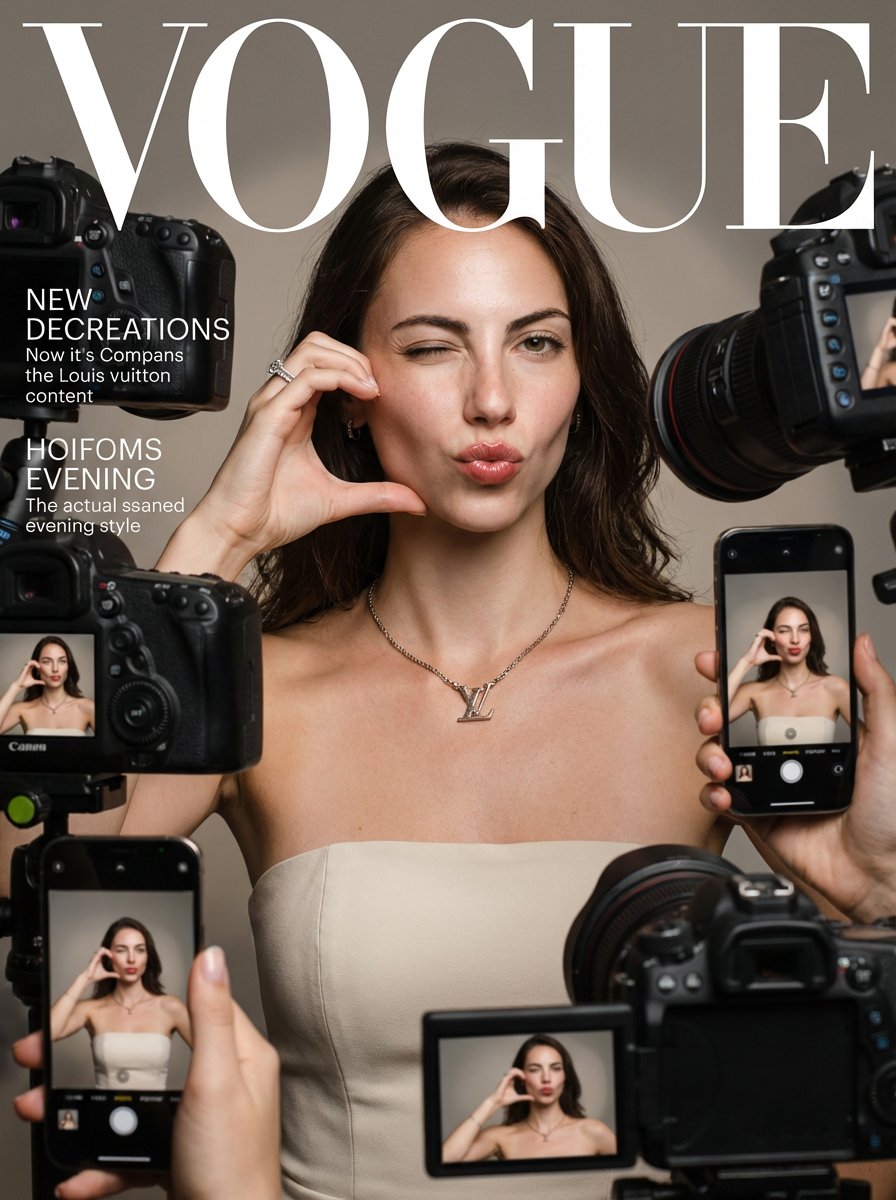
Vogue Prompt for Nano Banana Pro
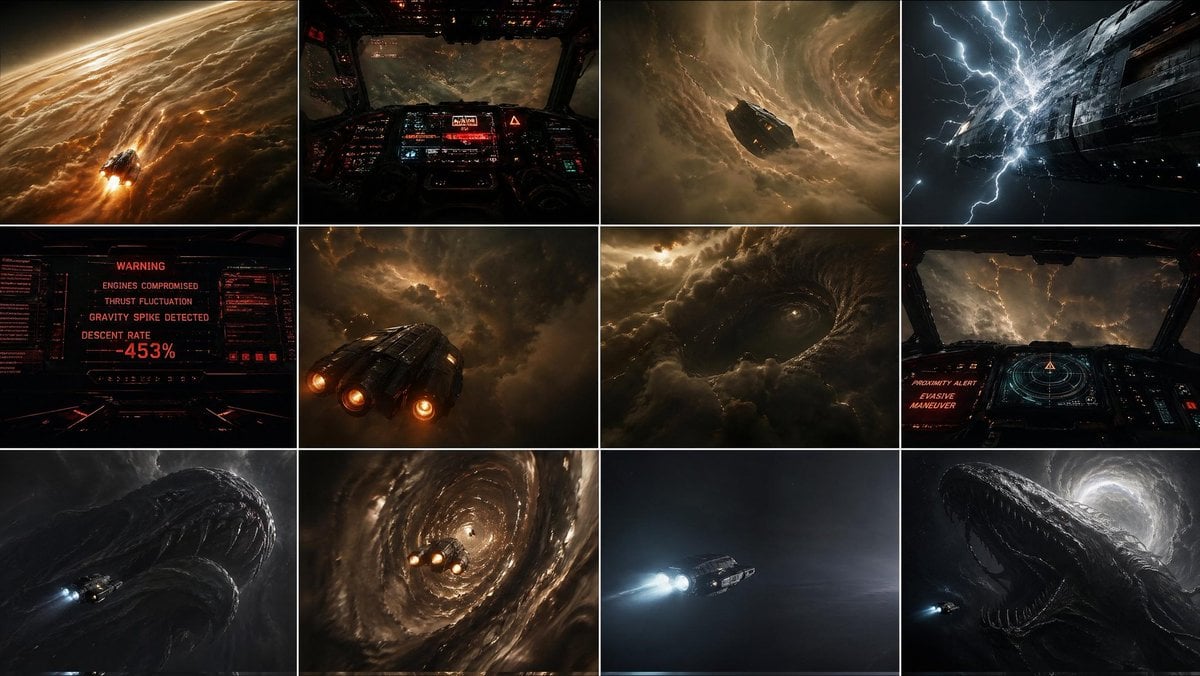
Gpt2 Comic Storyboard Gas Giant Descent Storyboard
Browse template categories
Avant-Garde Coquette Bunny Editorial questions
How do I use the Avant-Garde Coquette Bunny Editorial template?
Add your photo if the template asks for one, edit the prompt if you like — the template's model and format are already selected — and press Generate. Your version opens in PicX Studio.
Can I customize the Avant-Garde Coquette Bunny Editorial template?
Yes. You can change the subject, setting, lighting, mood, format, and available model controls before creating your image.
Is the Avant-Garde Coquette Bunny Editorial template free?
Opening and editing this template is free. Generating uses credits, shown on the Generate button when you are signed in.
Which AI model should I use?
Start with Nano Banana 2, which is the model associated with this template. You can compare another compatible model for a different finish.
Looking for something else? Browse all templates.

Your photo, any look
Thousands of ready templates for every top image and video model, from one credit balance.