
Nostalgic Japanese Summer Sunset
A photorealistic vertical scene of two schoolgirls walking down old stone steps toward a glowing seaside sunset in a nostalgic Japanese town.
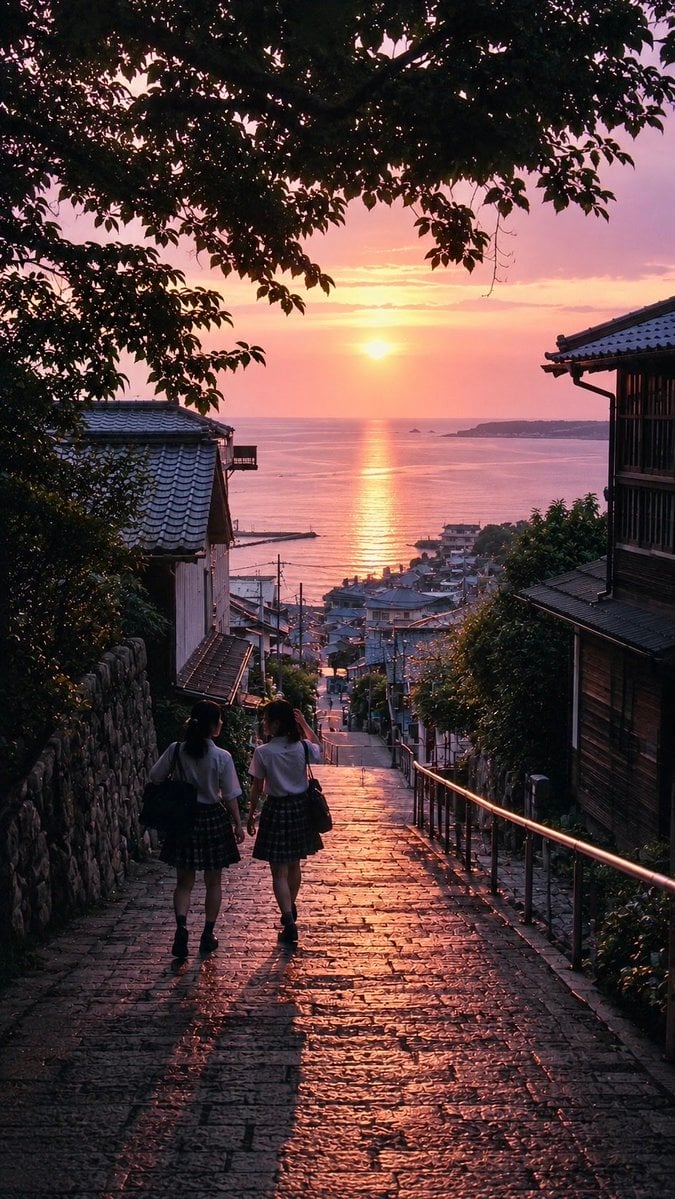
- Prompt included
- Model and format preset
- Free template
The prompt behind this image
Copy the exact prompt behind Nostalgic Japanese Summer Sunset, or open it in the studio and make it yours.
Create a nostalgic, photorealistic vertical scene titled “the beginning of summer”: a steep old stone stairway descending through a quiet Japanese seaside town at sunset, viewed from behind and slightly above as {argument name="number of schoolgirls" default="two"} Japanese schoolgirls walk downhill side by side. The girls wear summer school uniforms: white short-sleeve blouses, dark plaid pleated skirts, dark socks and shoes, each carrying a dark school bag; their long dark hair and relaxed posture suggest an after-school walk home. The wet or glossy stone steps catch strong orange-pink sunset reflections, creating long dark shadows stretching toward the viewer. Frame the path with exactly two prominent traditional houses, one on the left with a gray tiled roof and one on the right with dark wooden siding and a balcony-like facade; include stone walls, metal handrails, utility poles, small rooftops, and dense greenery along the narrow slope. Overhead, dark tree branches and leaves form a natural silhouette canopy across the top of the image. In the distance, show a calm ocean bay with a glowing vertical trail of sunlight on the water, a low sun near the horizon, small islands or headlands, and a compact coastal neighborhood below. Use {argument name="sunset color palette" default="warm pink, peach, lavender, and deep indigo"}, cinematic natural light, high contrast silhouettes, soft haze over the sea, realistic texture in the stones and rooftops, and a quiet nostalgic Japanese summer atmosphere. No text, no watermark, no modern signage, no extra people beyond the two girls.
How to use Nostalgic Japanese Summer Sunset in 3 steps
- 1Upload ImagePNG, JPG or paste
Add your photo
Upload the photo the template builds on. The prompt, model and format are already set.
- 2…a portrait of your subject in softgolden-hour light, 85mm…
Personalize
Edit the subject and creative details for your destination.
- 3Generate
Generate
Press Generate — your image is created in PicX Studio, so you can compare it with the original and refine one variable at a time.
More like this
Templates with the same subject, style or setup. Open one to see its prompt.

Japanese Negative Film Rooftop Summer Portrait
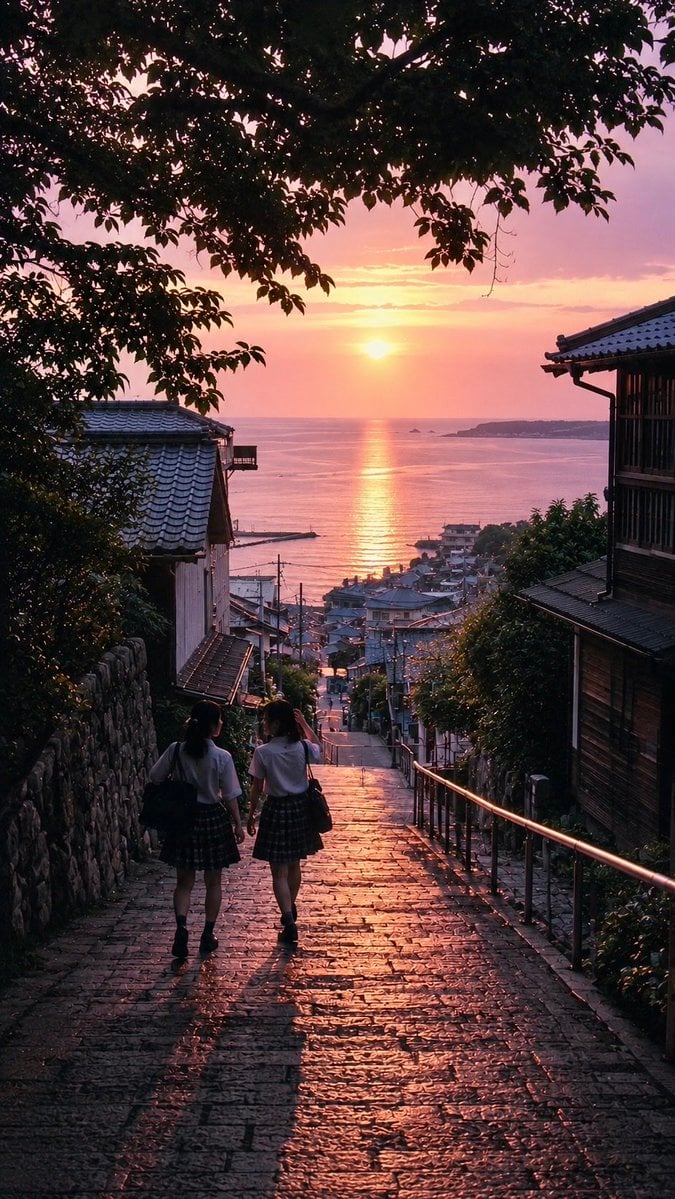
Nostalgic Japanese Seaside Sunset

Minecraft Japanese Research Lab Exploration
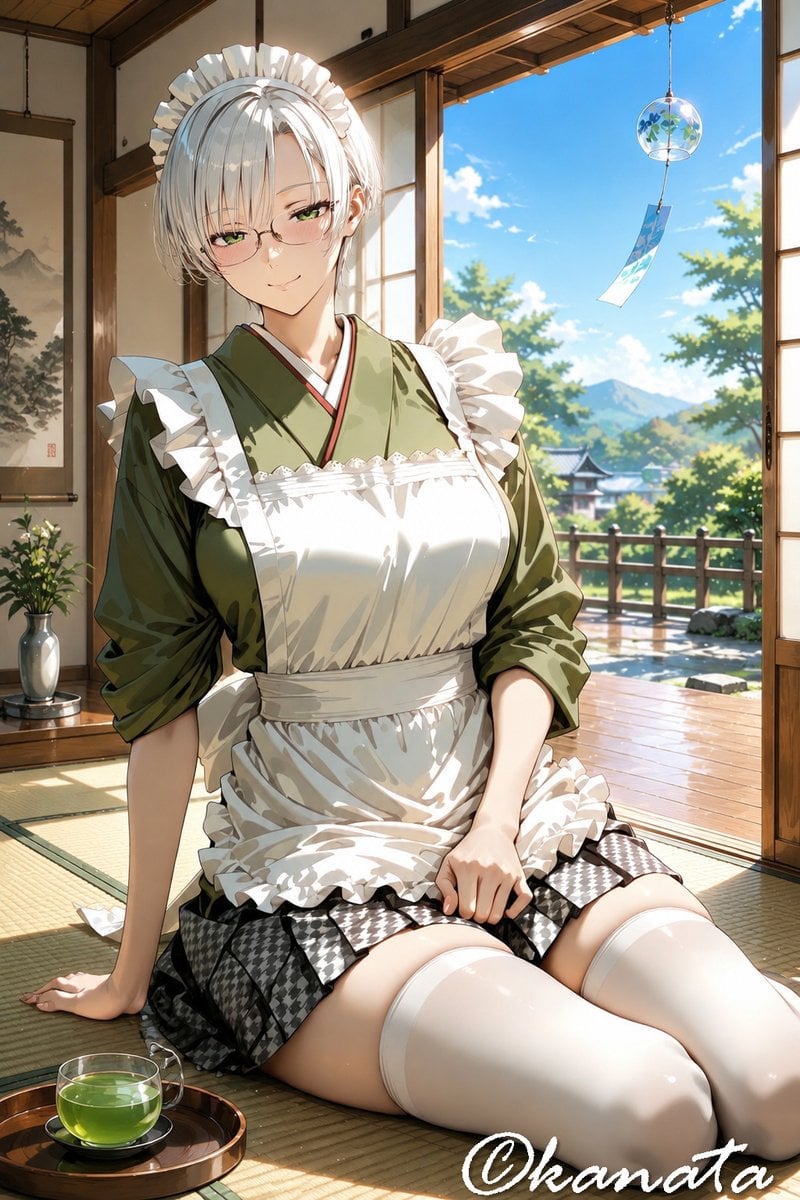
Summer Japanese Maid Resting
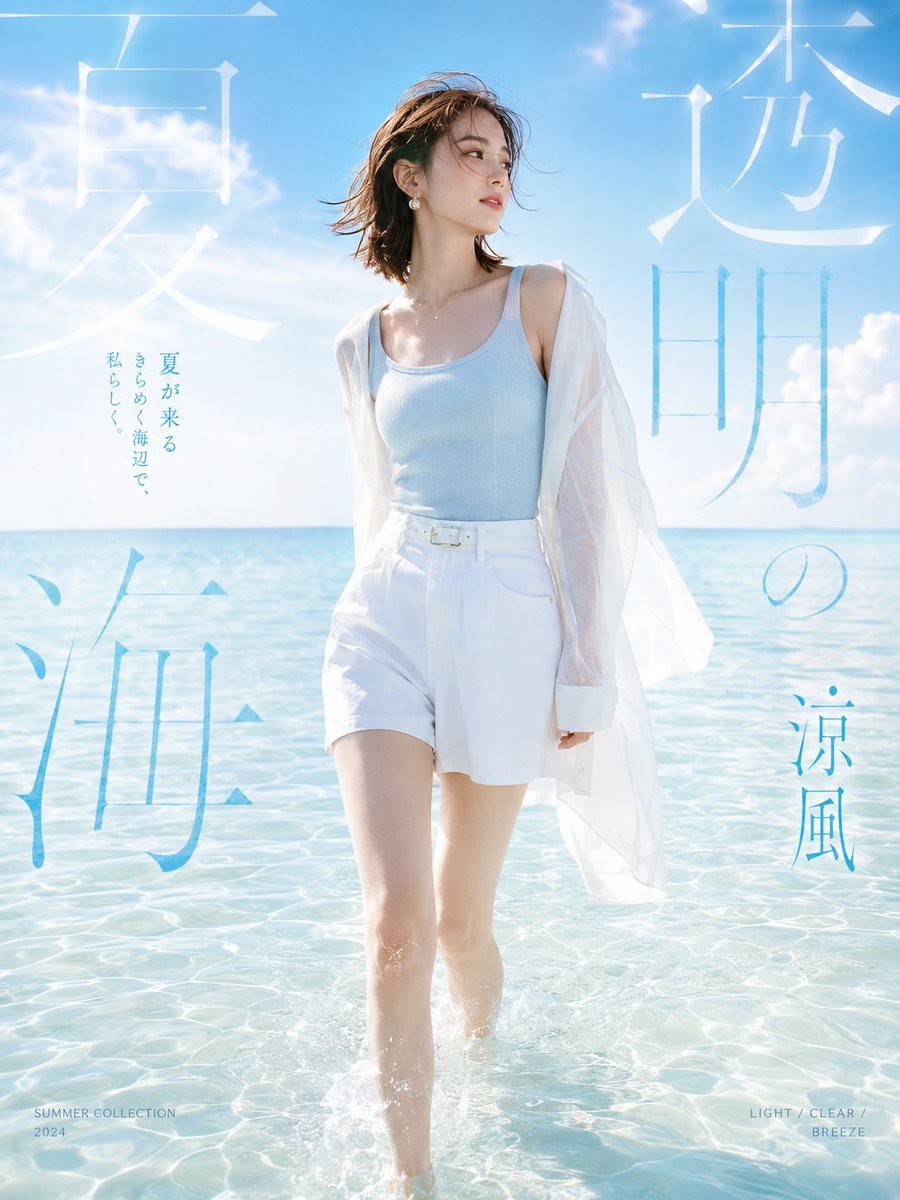
Japanese Summer Beach Fashion Poster
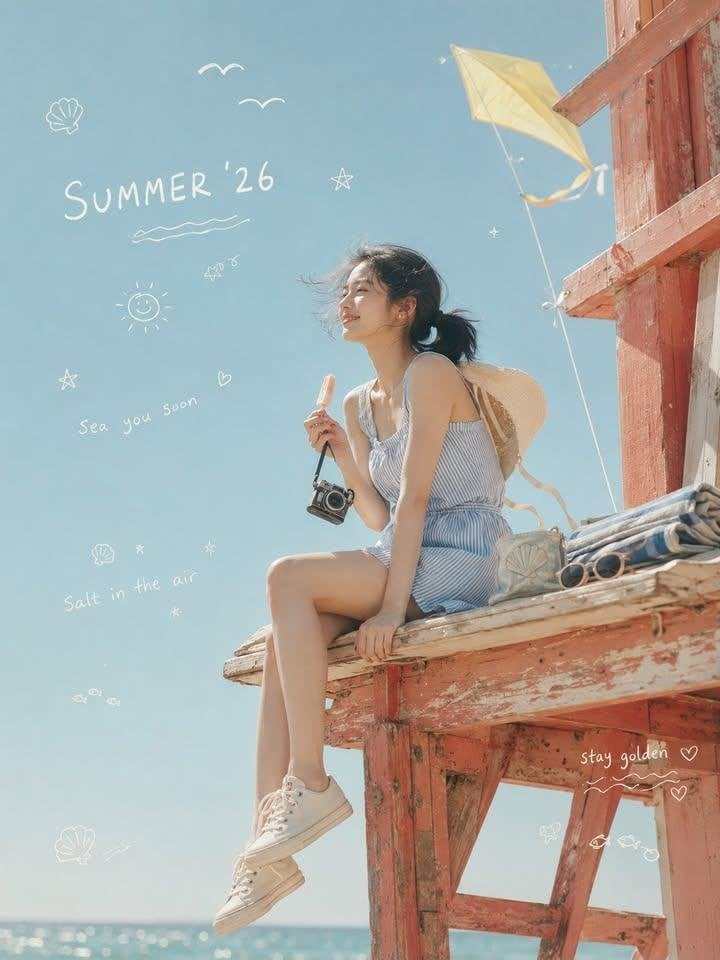
Nostalgic Summer '26 Lifestyle Photo

Mountain Lake Sunset Landscape
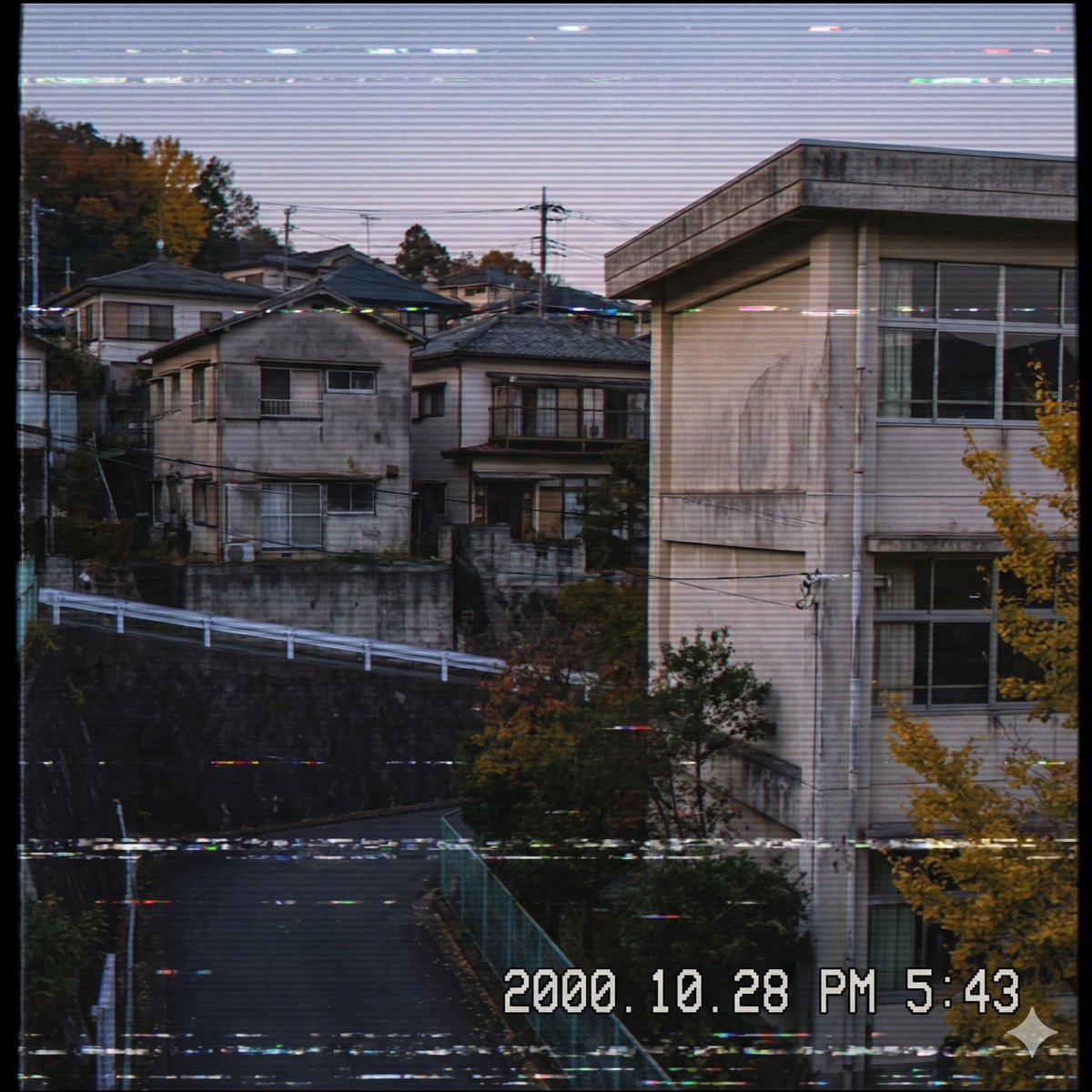
Nostalgic Japanese Suburb Footage

Japanese Architectural Concrete Studio Fashion Campaign

Japanese Minimalist Concrete Studio Fashion Editorial

2000s Retro-Pop Fashion Cinematic Editorial Portrait

Blue Backdrop Luxury Fashion Portrait Campaign
Make it yours
Nostalgic Japanese Summer Sunset works as-is. These are the safest ways to change it without losing the look.
Change one field
Copy a single group, rewrite it, and generate again so you can see what that field is doing.
Keep the frame, change the subject
Hold the composition and light of Nostalgic Japanese Summer Sunset, then swap wardrobe, props or the person for a new take.
| If the result… | Why | Fix |
|---|---|---|
| The result drifts from the preview | Too many fields changed at once. | Reuse Nostalgic Japanese Summer Sunset as-is first, then change one group — subject, light, or setting. |
| The model over-stylizes the scene | The prose prompt leaves finish and camera underspecified. | Add one camera or lighting sentence and stay on GPT Image 2. |
More GPT Image 2 templates
Other prompts made for GPT Image 2.

Six VTuber Japanese Logo Sheet

Realistic Portrait of Woman and Deer

The Vista Modular Condo Poster

AI Model Routing Comparison Infographic

2.5D Anime Art Board

Isometric Productivity Desk Scene

New York Double Exposure Poster

Four-Panel AI Landscape Comparison

Japanese Tatami Lifestyle Magazine Cover

NESCAFÉ Coffee Map Poster
More image prompts
Fresh picks from across the catalog.
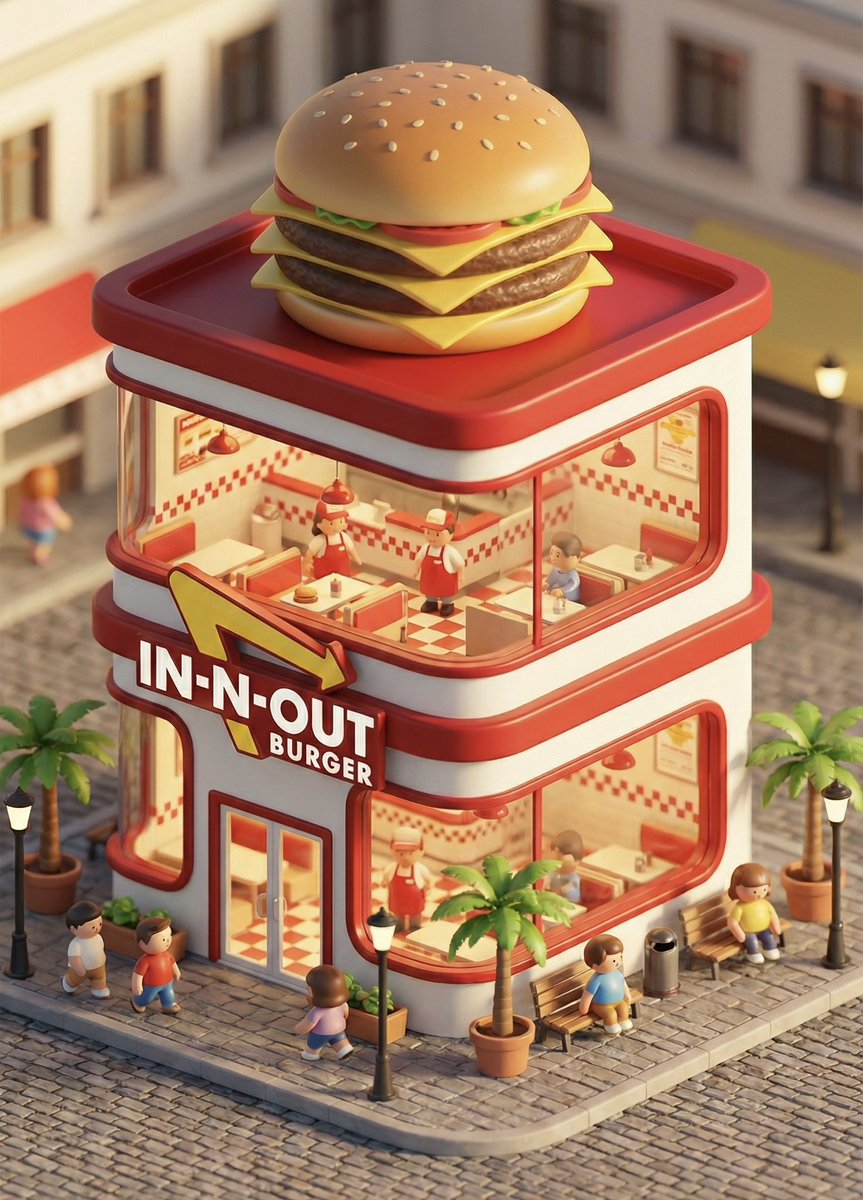
3D chibi concept store brand prompt
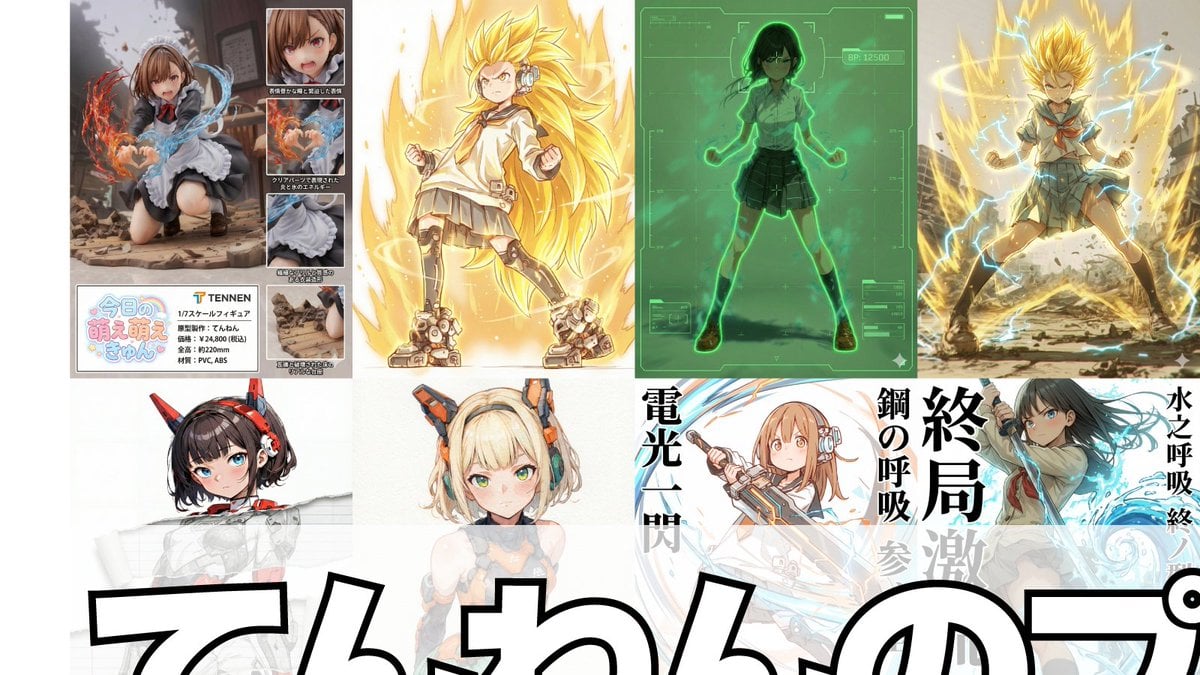
Compilation of 18 Nano Banana Pro Prompts (Tennen's Prompt Festival)

High Fashion Red Carpet Editorial Prompt
Fisheye Staircase Fashion Editorial

Luxury Cinematic Food Photography of Seruit Lampung
Futuristic Smart Mirror Website Mockup

Orthographic Reference Sheet Generation

Nostalgic 80s 90s China Memory Poster
Open-World Action Game HUD Screenshot

90s Fashion Editorial: Boxing Pose
Browse template categories
Nostalgic Japanese Summer Sunset questions
How do I use the Nostalgic Japanese Summer Sunset template?
Add your photo if the template asks for one, edit the prompt if you like — the template's model and format are already selected — and press Generate. Your version opens in PicX Studio.
Can I customize the Nostalgic Japanese Summer Sunset template?
Yes. You can change the subject, setting, lighting, mood, format, and available model controls before creating your image.
Is the Nostalgic Japanese Summer Sunset template free?
Opening and editing this template is free. Generating uses credits, shown on the Generate button when you are signed in.
Which AI model should I use?
Start with GPT Image 2, which is the model associated with this template. You can compare another compatible model for a different finish.
Looking for something else? Browse all templates.

Your photo, any look
Thousands of ready templates for every top image and video model, from one credit balance.