
Nostalgic Japanese Seaside Sunset
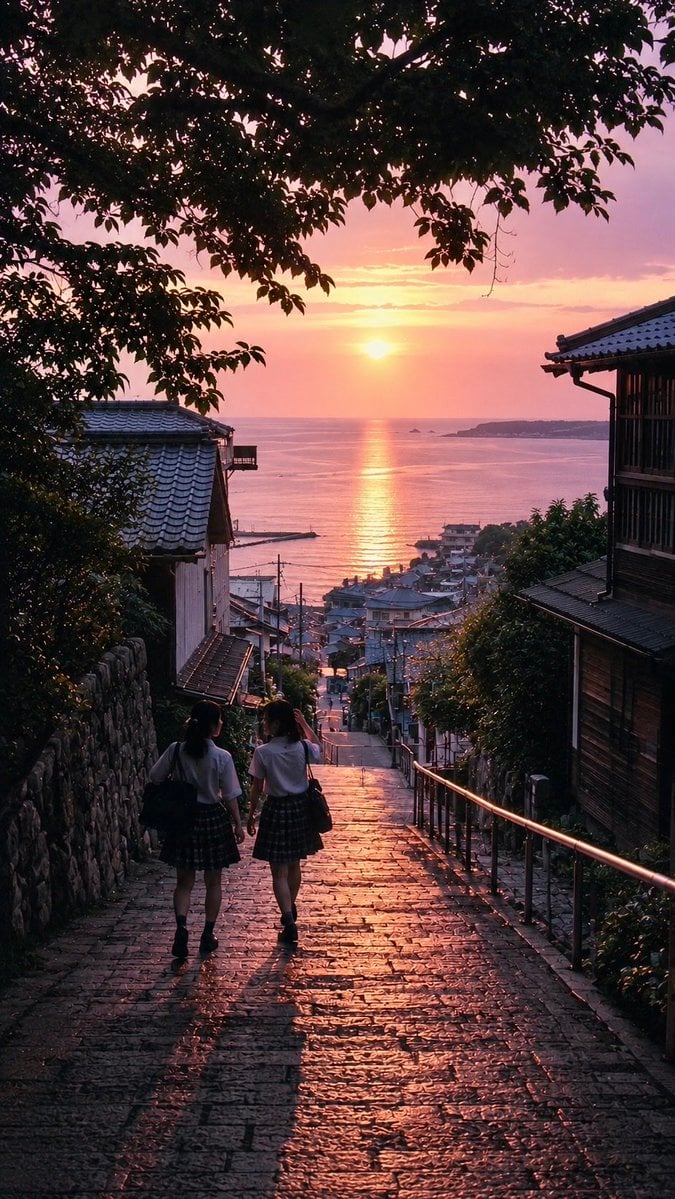
A cinematic vertical photo-style scene of two schoolgirls descending stone steps toward a glowing Japanese coastal sunset.
- Prompt included
- Model and format preset
- Free template
The prompt behind this image
Copy the exact prompt behind Nostalgic Japanese Seaside Sunset, or open it in the studio and make it yours.
Create a nostalgic vertical 9:16 cinematic photograph of {argument name="location" default="a quiet Japanese seaside hillside town"} at sunset, viewed from the top of a steep old stone-paved stairway descending toward the ocean. In the foreground, exactly 2 schoolgirls walk away from the camera side by side down the steps; both wear white short-sleeve blouses, dark plaid skirts, dark socks and shoes, and carry dark school bags, with long soft shadows stretching toward the viewer. The wet-looking cobblestone steps glisten with warm orange-pink sunset reflections. Frame the scene with dark leafy tree branches forming a natural canopy across the top and left side, a stone wall along the left, a metal handrail along the right, and traditional Japanese wooden houses with tiled roofs on both sides. In the distance, show a compact coastal neighborhood, utility poles, rooftops, a calm sea, a small harbor, and a low island or headland on the horizon. The sun sits low over the water, creating a bright vertical golden reflection path across the sea. Use {argument name="mood" default="nostalgic and peaceful"} atmosphere, rich dusk colors of rose, lavender, peach, and gold, deep foreground silhouettes, realistic photographic detail, subtle film grain, high dynamic range, natural lens perspective, no text, no watermark.
How to use Nostalgic Japanese Seaside Sunset in 3 steps
- 1Upload ImagePNG, JPG or paste
Add your photo
Upload the photo the template builds on. The prompt, model and format are already set.
- 2…a portrait of your subject in softgolden-hour light, 85mm…
Personalize
Edit the subject and creative details for your destination.
- 3Generate
Generate
Press Generate — your image is created in PicX Studio, so you can compare it with the original and refine one variable at a time.
More like this
Templates with the same subject, style or setup. Open one to see its prompt.

Japanese Negative Film Rooftop Summer Portrait
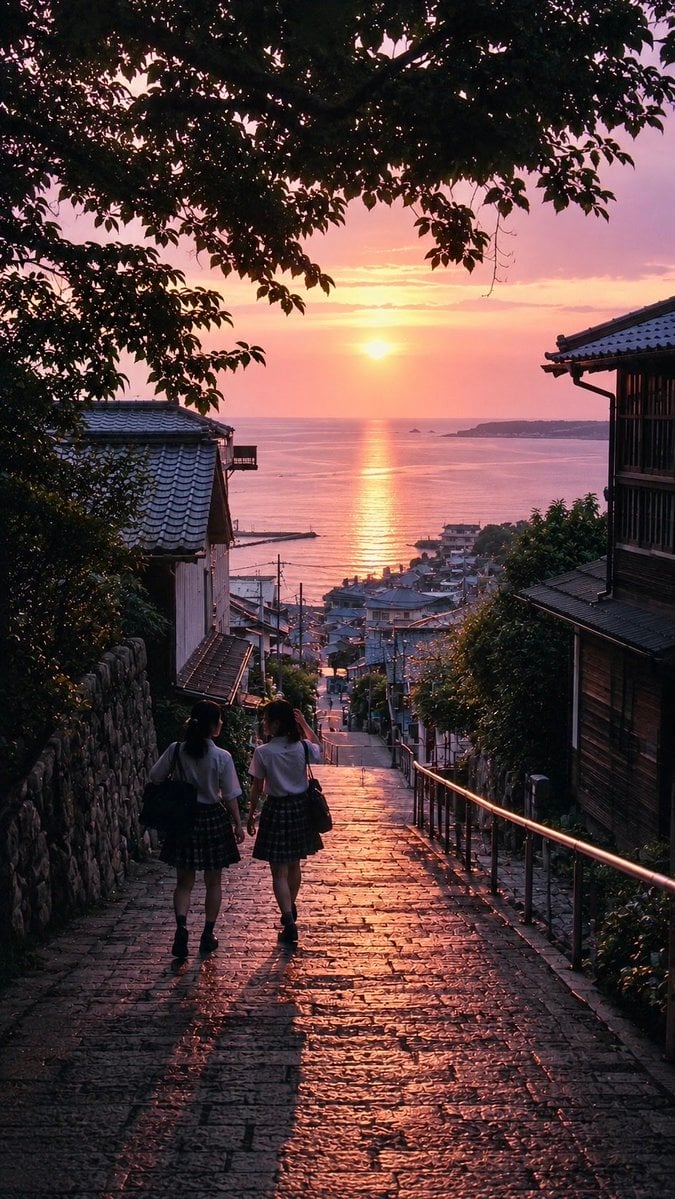
Nostalgic Japanese Summer Sunset

Minecraft Japanese Research Lab Exploration
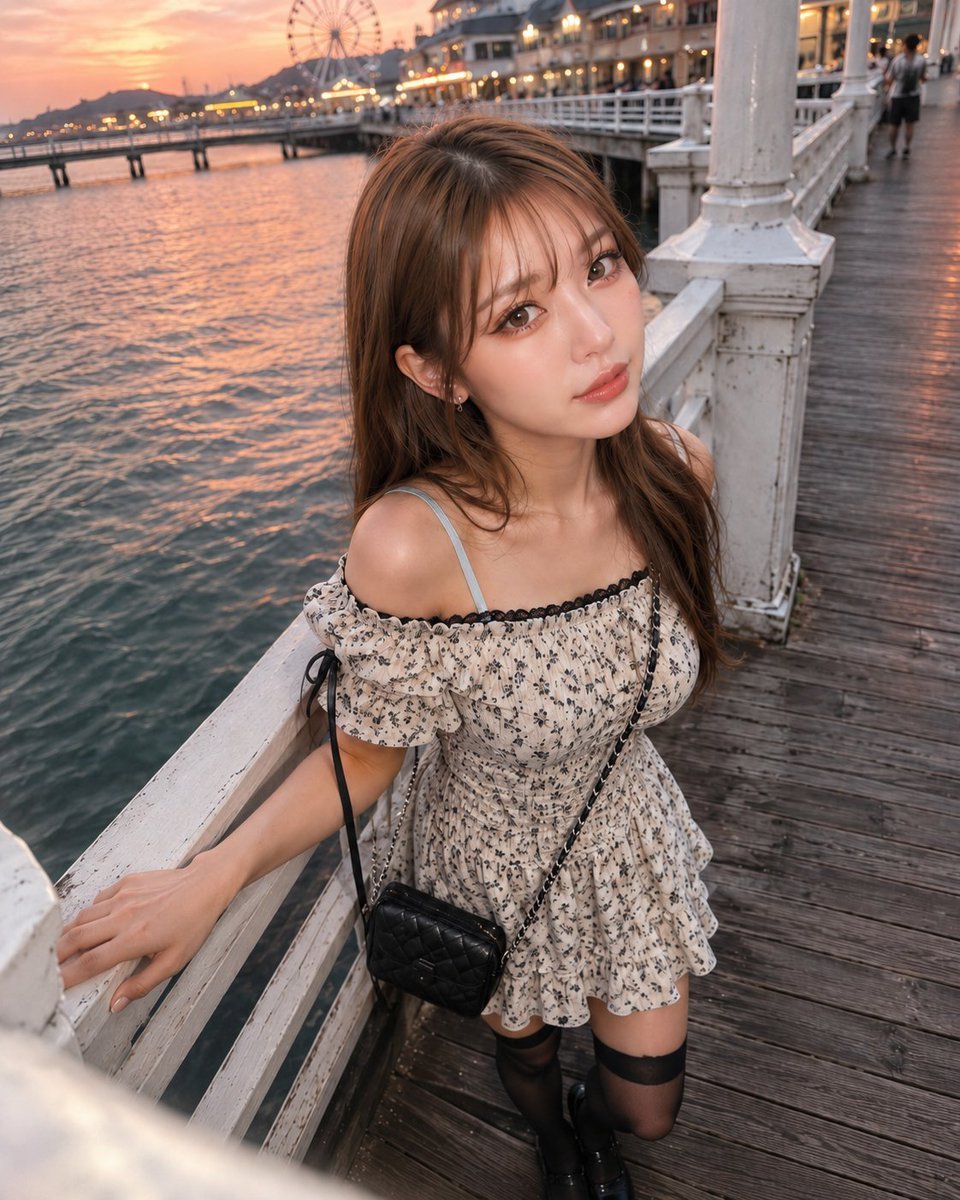
Boyfriend POV Seaside Sunset Date

Mountain Lake Sunset Landscape
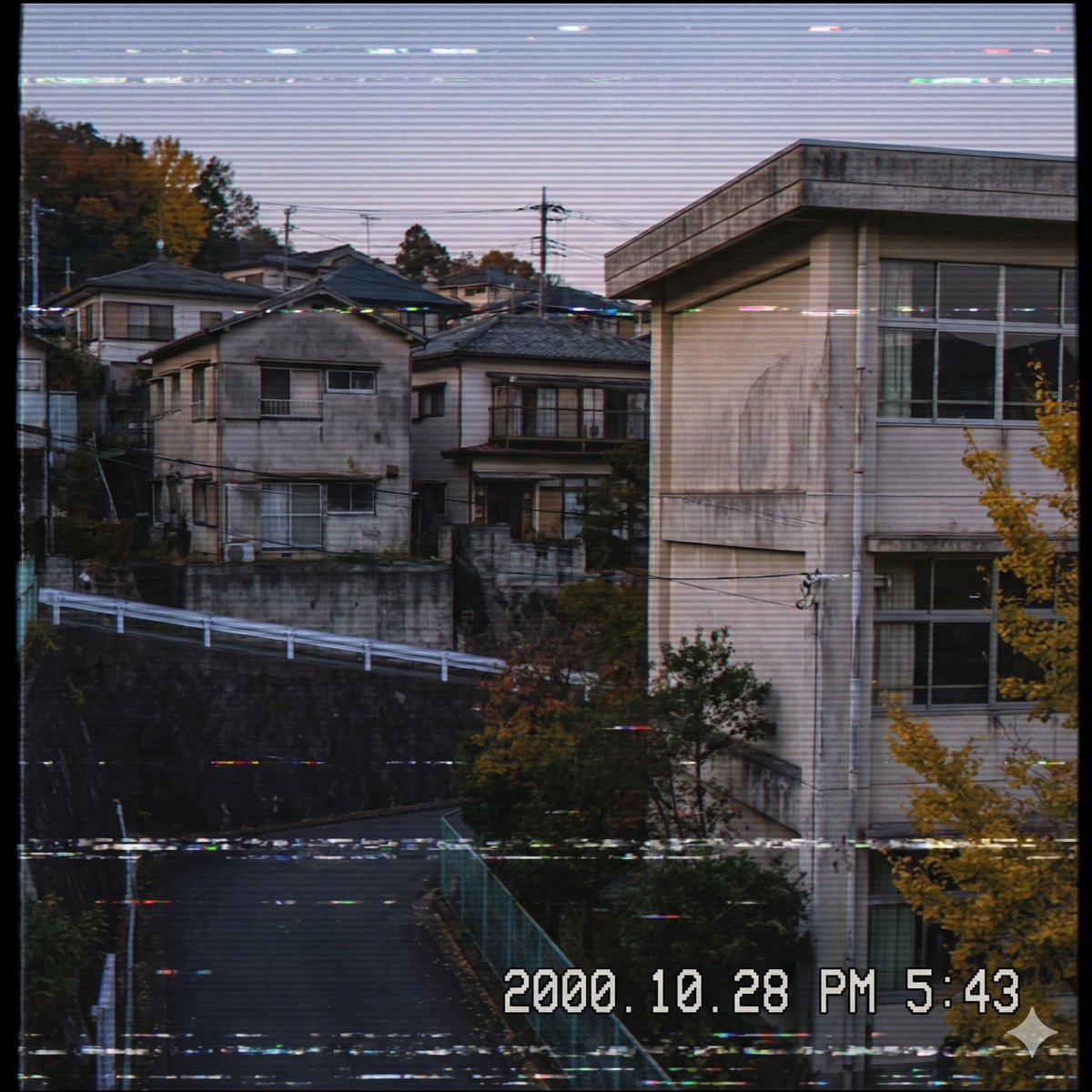
Nostalgic Japanese Suburb Footage

Japanese Architectural Concrete Studio Fashion Campaign

Japanese Minimalist Concrete Studio Fashion Editorial

Blue Backdrop Luxury Fashion Portrait Campaign

Nostalgic Digicam Café Afternoon Portrait

Artistic Arborpunk Garden Observatory Complex
Nostalgic Digicam Café Afternoon Portrait
Make it yours
Nostalgic Japanese Seaside Sunset works as-is. These are the safest ways to change it without losing the look.
Change one field
Copy a single group, rewrite it, and generate again so you can see what that field is doing.
Keep the frame, change the subject
Hold the composition and light of Nostalgic Japanese Seaside Sunset, then swap wardrobe, props or the person for a new take.
| If the result… | Why | Fix |
|---|---|---|
| The result drifts from the preview | Too many fields changed at once. | Reuse Nostalgic Japanese Seaside Sunset as-is first, then change one group — subject, light, or setting. |
| The model over-stylizes the scene | The prose prompt leaves finish and camera underspecified. | Add one camera or lighting sentence and stay on GPT Image 2. |
More GPT Image 2 templates
Other prompts made for GPT Image 2.

Six VTuber Japanese Logo Sheet

Realistic Portrait of Woman and Deer

The Vista Modular Condo Poster

AI Model Routing Comparison Infographic

2.5D Anime Art Board

Isometric Productivity Desk Scene

New York Double Exposure Poster

Four-Panel AI Landscape Comparison

Japanese Tatami Lifestyle Magazine Cover

NESCAFÉ Coffee Map Poster
More image prompts
Fresh picks from across the catalog.

Fiery Angel Warrior

Dark Fantasy Knight Wallpaper Generation with Nano Banana 2

8K Product Photography with Conceptual Cutaway (Borjomi)
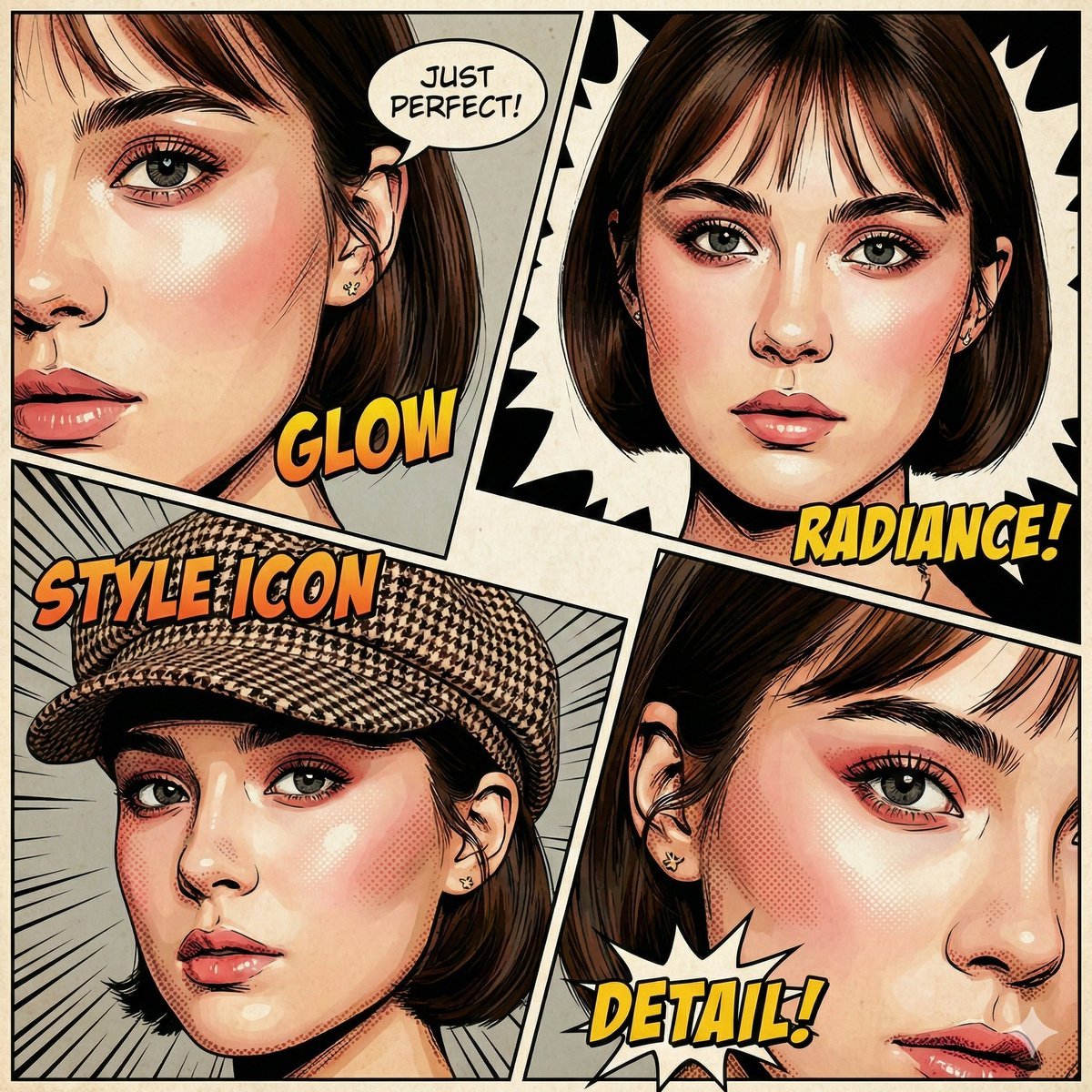
Image-to-Comic Style Conversion Prompt
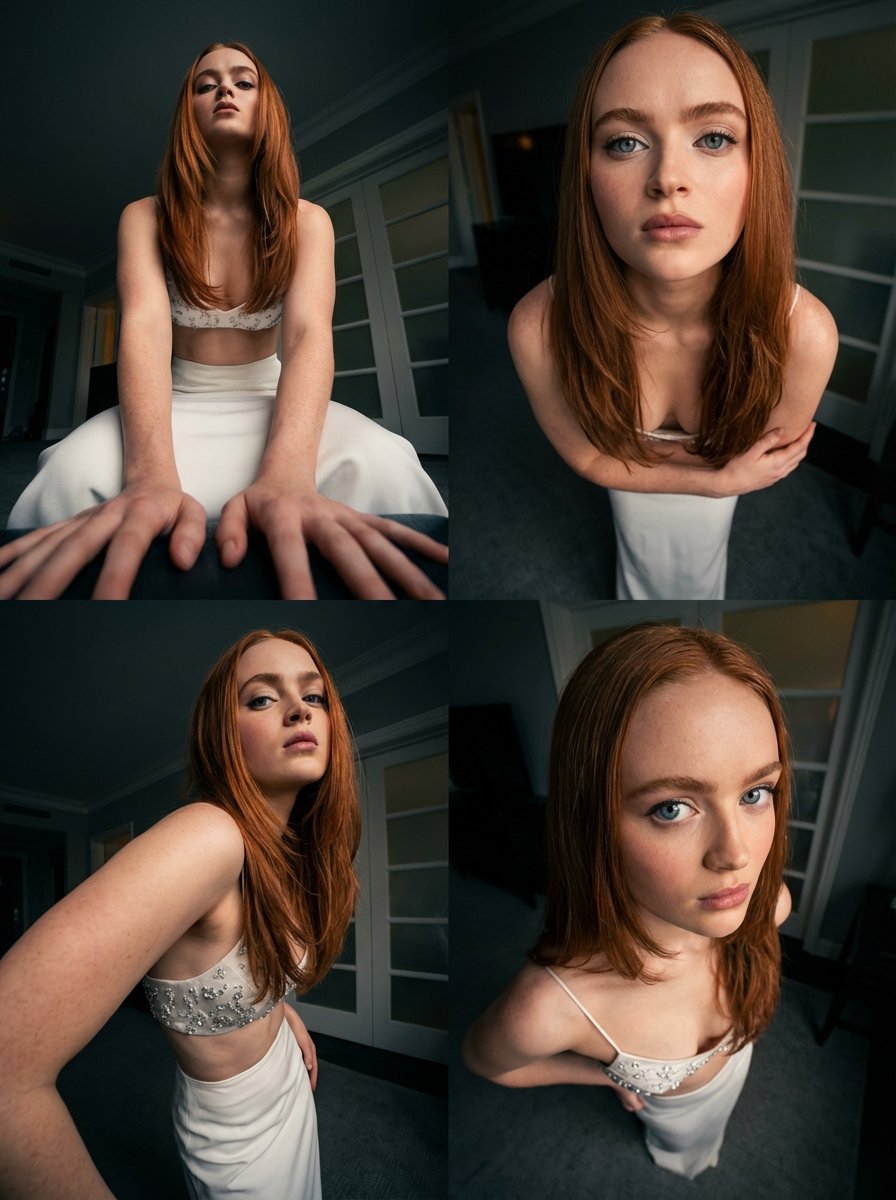
Dynamic Multi-Angle Portrait Grid Generation

Beauty Landing Page Hero Section
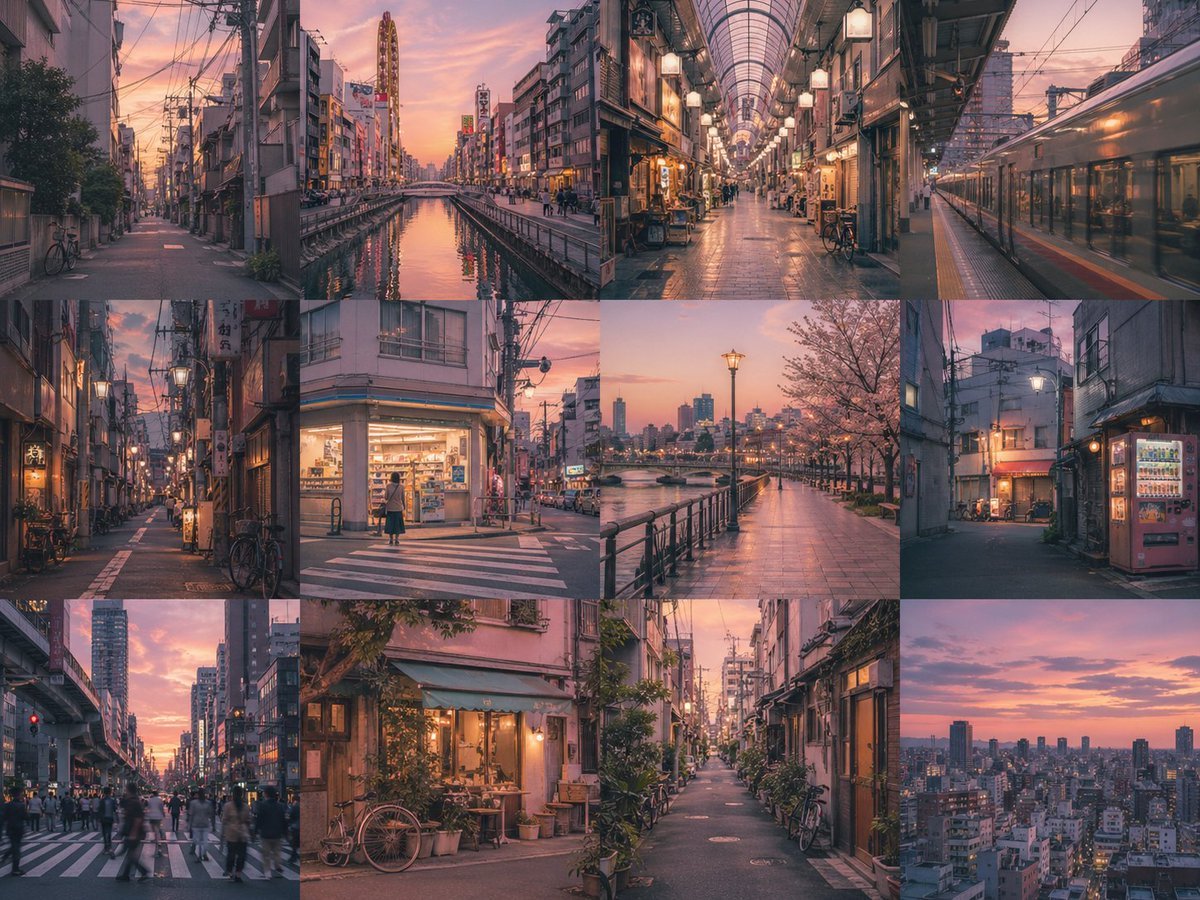
Gpt2 Social Media Post Multi Panel Image Board Template
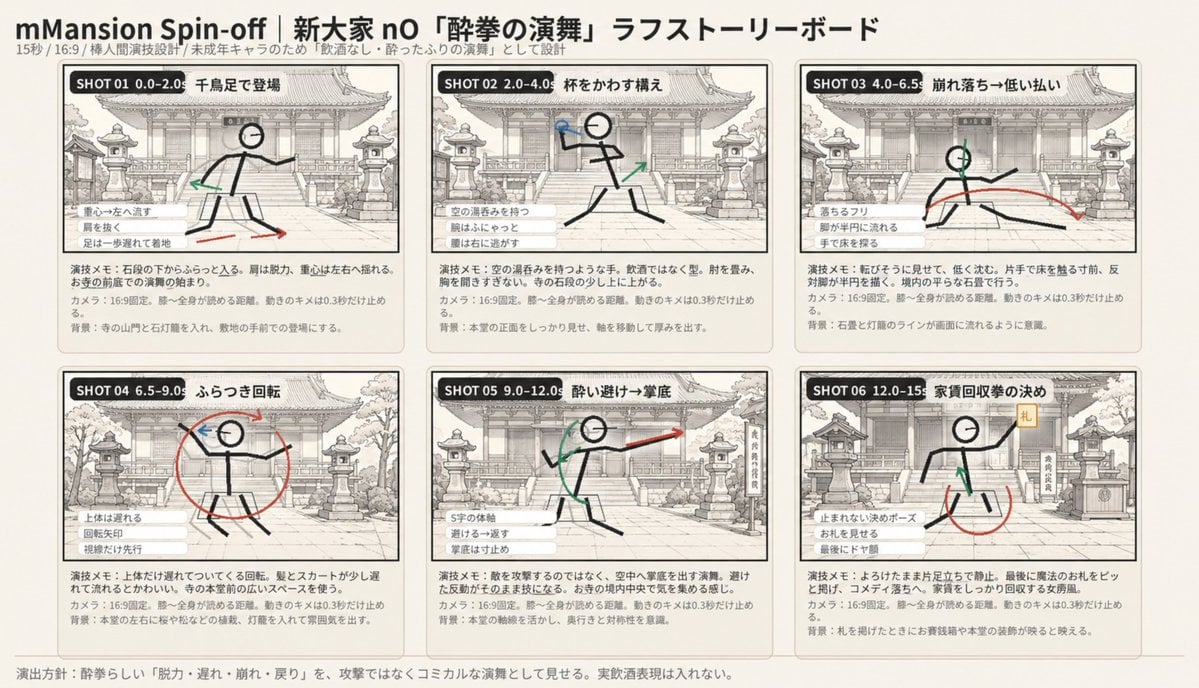
Six-Panel Drunken Kung Fu Storyboard

Kine-Style Multi-Frame Japanese Night Festival Collage
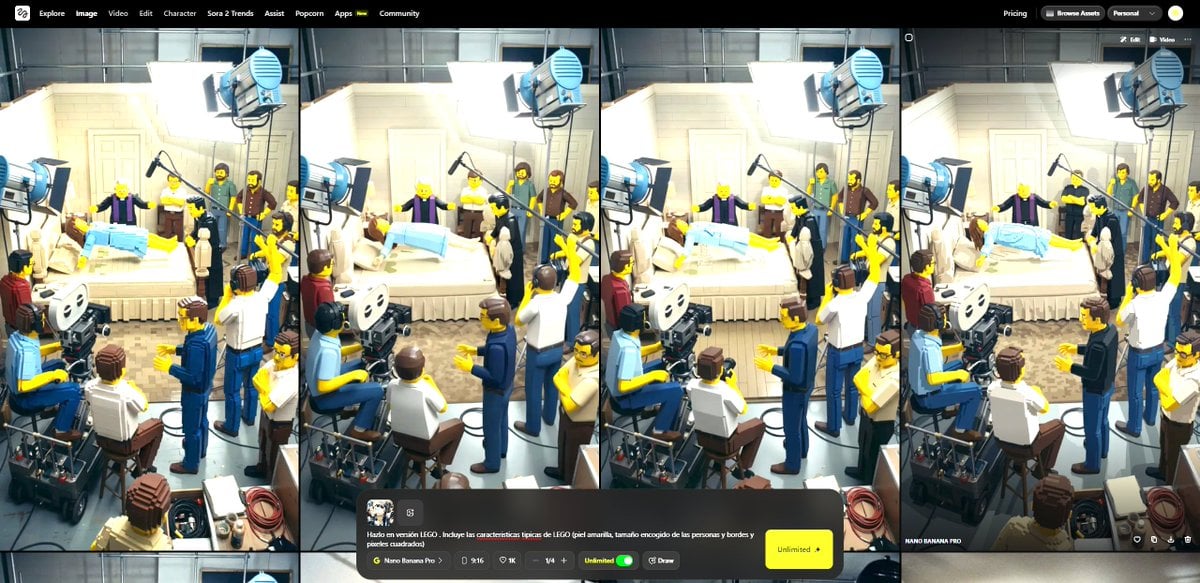
Transform Image into LEGO Version
Browse template categories
Nostalgic Japanese Seaside Sunset questions
How do I use the Nostalgic Japanese Seaside Sunset template?
Add your photo if the template asks for one, edit the prompt if you like — the template's model and format are already selected — and press Generate. Your version opens in PicX Studio.
Can I customize the Nostalgic Japanese Seaside Sunset template?
Yes. You can change the subject, setting, lighting, mood, format, and available model controls before creating your image.
Is the Nostalgic Japanese Seaside Sunset template free?
Opening and editing this template is free. Generating uses credits, shown on the Generate button when you are signed in.
Which AI model should I use?
Start with GPT Image 2, which is the model associated with this template. You can compare another compatible model for a different finish.
Looking for something else? Browse all templates.

Your photo, any look
Thousands of ready templates for every top image and video model, from one credit balance.