
Kine-Style Multi-Frame Japanese Night Festival Collage
A complex prompt for editing or generating an image that simulates a high-fidelity, multi-frame collage (2x2 grid) of a subject at a Japanese night festival.

- Prompt included
- Model and format preset
- Free template
The prompt behind this image
Copy the exact prompt behind Kine-Style Multi-Frame Japanese Night Festival Collage, or open it in the studio and make it yours.
Edit image :: A stunning, high-fidelity image of five, seamless blend rectangle frames of varying sizes, capturing this subject in a Japanese night festival. The composition is masterfully balanced with a "Kine-style" or contemporary Japanese photography aesthetic, focusing on poetic lighting and negative space. Frames and Poses: * Back-view Silhoutte: Arms raised in a V-sign, framed against a glowing Ferris wheel with golden light leaks. * Direct Gaze: Seated on industrial diamond-plate steps, bathed in soft, diffused blue-hour light. * Cinematic Profile: Pensive on concrete stairs with dramatic shadows and sharp highlights from a nearby neon sign. * Ethereal Lean: Against a white mesh fence, looking upward as warm bokeh from paper lanterns melts into the background. * Relaxed Recline: Lying back on wooden stairs, hands behind head, with prismatic lights leak from the upper edge frame. Styling & Lighting: She wears a white jersey tee under blue denim overal. The lighting is incredibly rich, featuring complex light play: prismatic lens flares, soft halation around crimson lanterns, and a moody chiaroscuro that highlights textures of concrete and steel. Technical Aesthetic: Shot on 35mm film ({argument name="film stock" default="Portra 400"} feel), the color grading is a sophisticated blend of desaturated teals and warm, nostalgic yellows. The images feature a fine, organic film grain, a gentle soft-focus bloom, and a deep, atmospheric "art house" richness. The atmosphere is electric yet intimate, blending the lively festival energy with quiet, soulful introspection.
How to use Kine-Style Multi-Frame Japanese Night Festival Collage in 3 steps
- 1
Open
The prompt is already in the box next to the preview, with the template's model and format selected.
- 2…a portrait of your subject in softgolden-hour light, 85mm…
Personalize
Edit the subject and creative details for your destination.
- 3Generate
Generate
Press Generate — your image is created in PicX Studio, so you can compare it with the original and refine one variable at a time.
More like this
Templates with the same subject, style or setup. Open one to see its prompt.
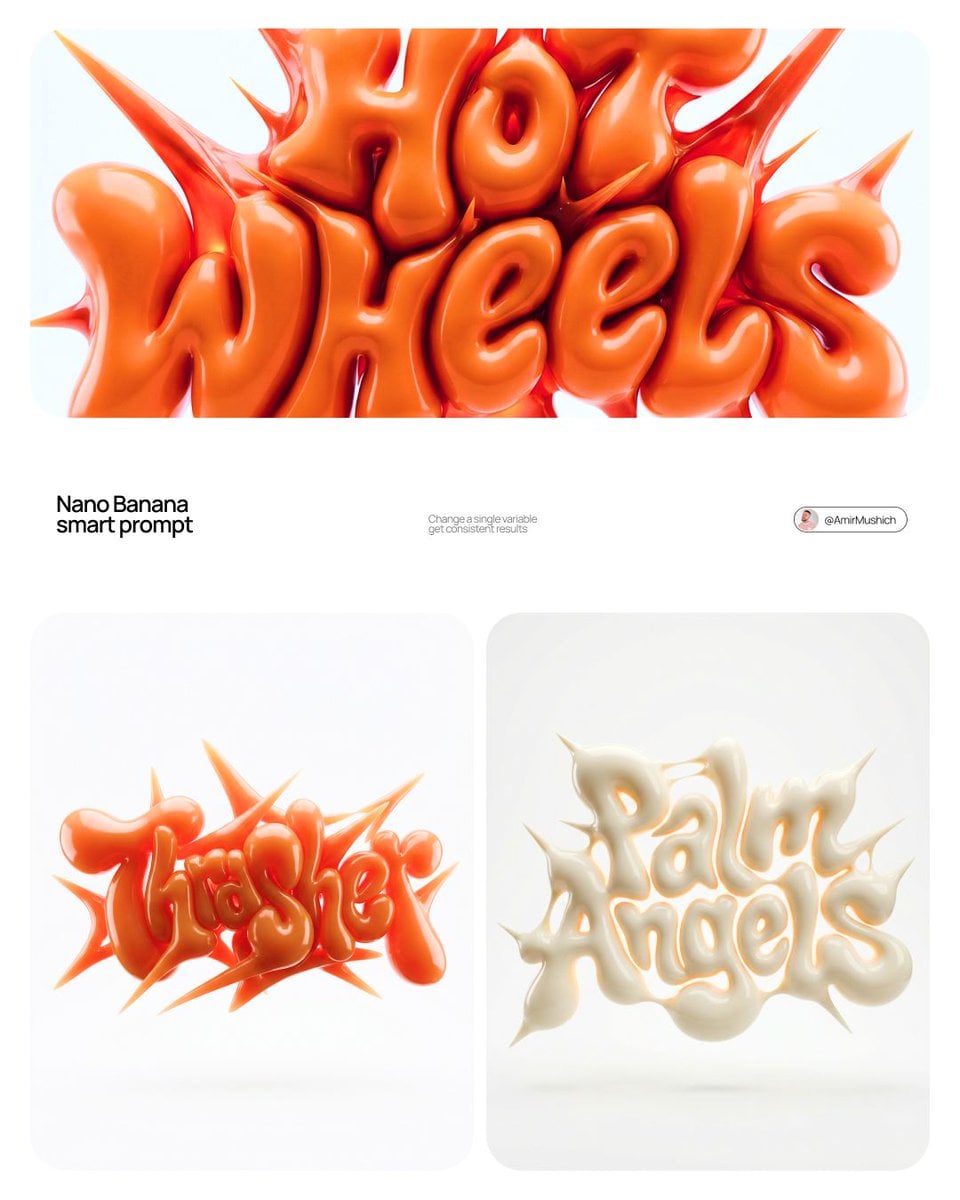
Paper Cut Street Festival
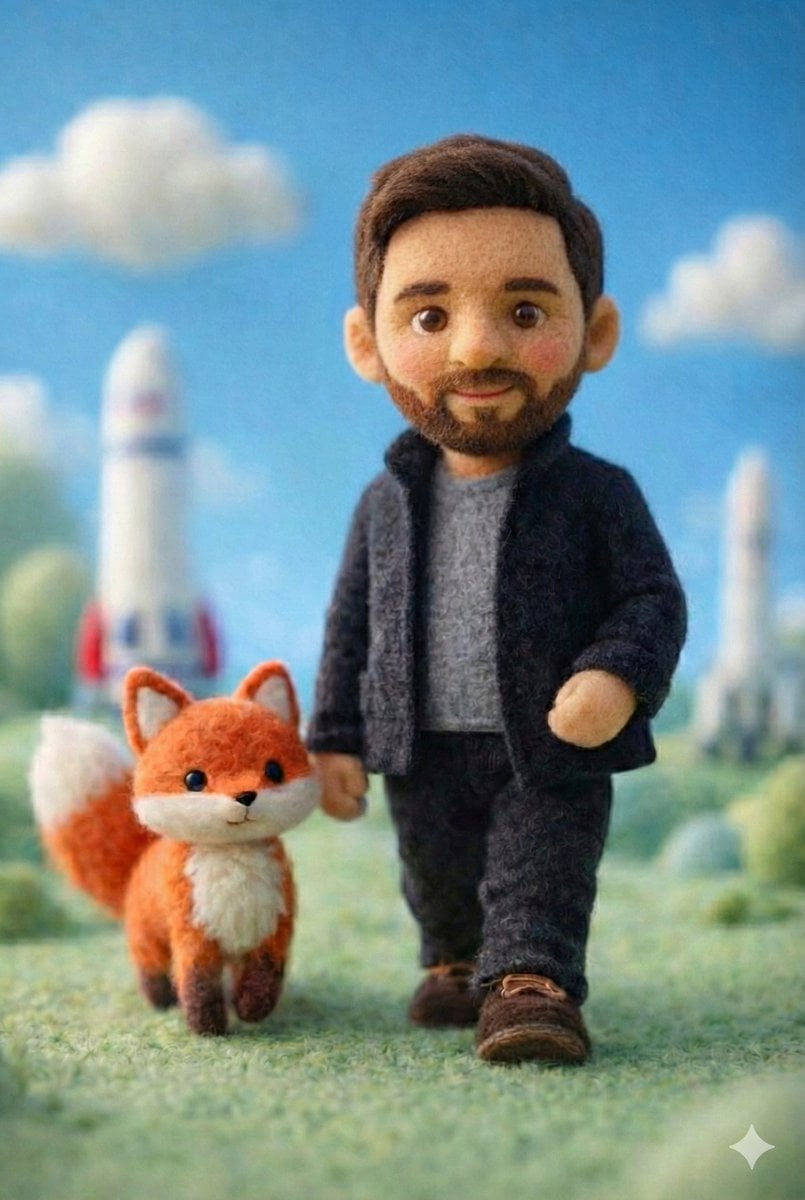
Paper Cut Library Night
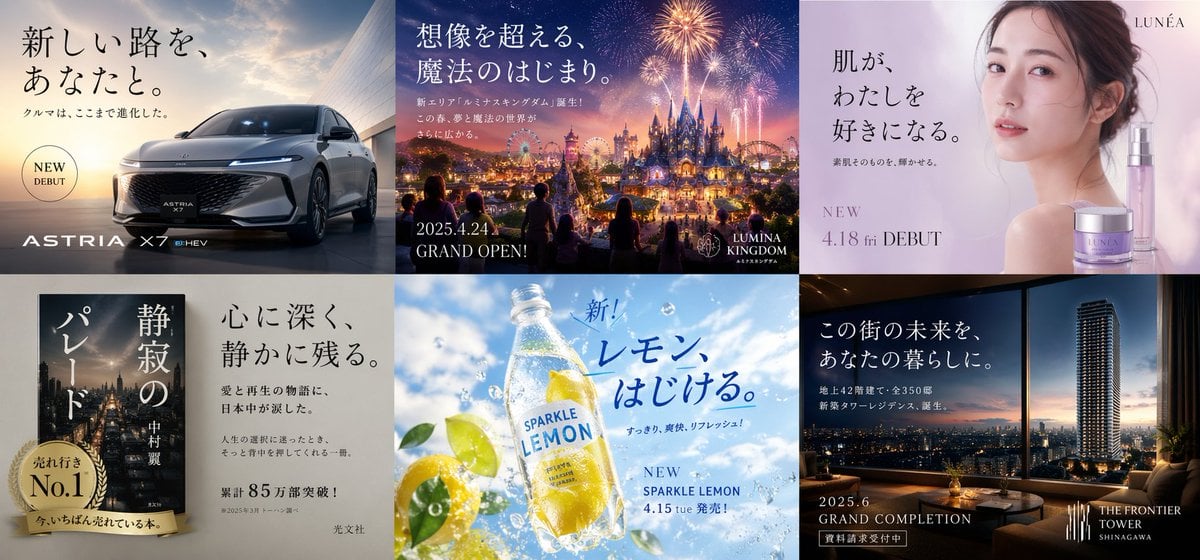
Multi-industry Japanese Ad Collage
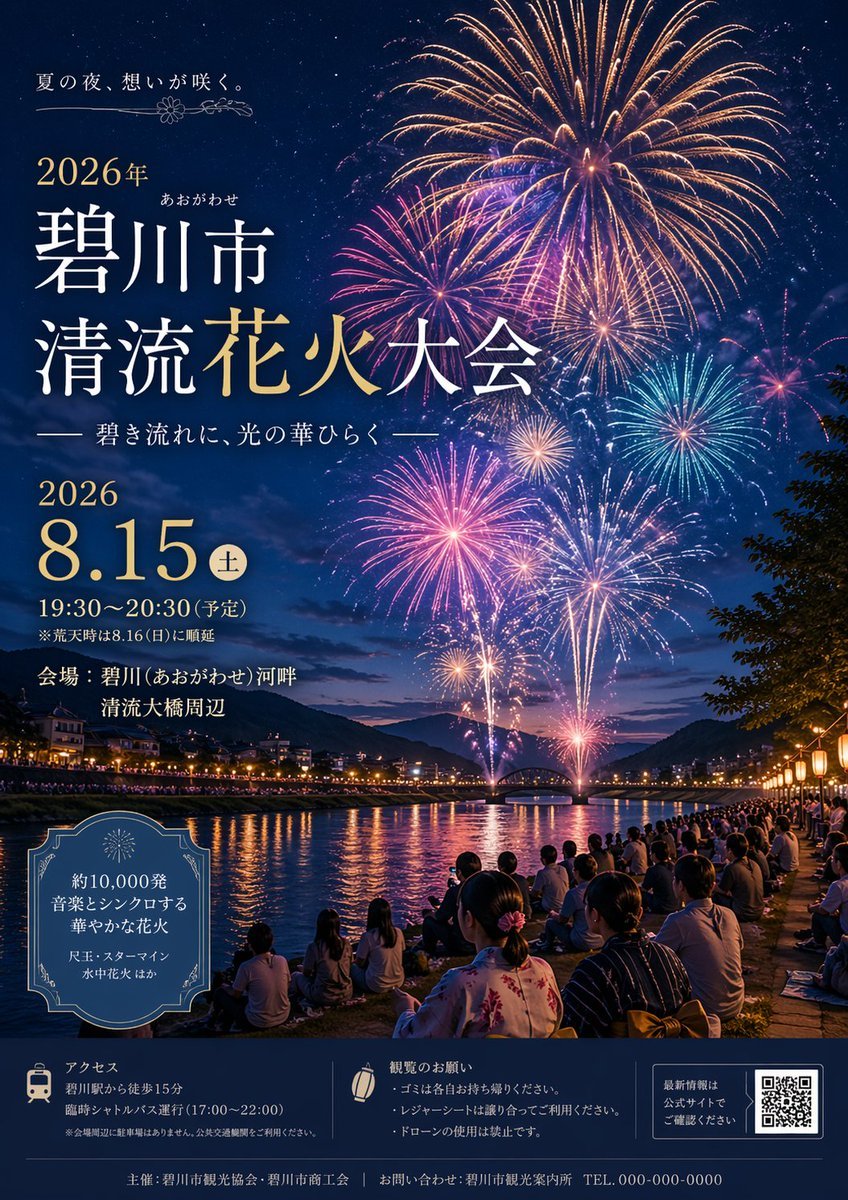
Japanese Fireworks Festival Poster

Minecraft Japanese Research Lab Exploration
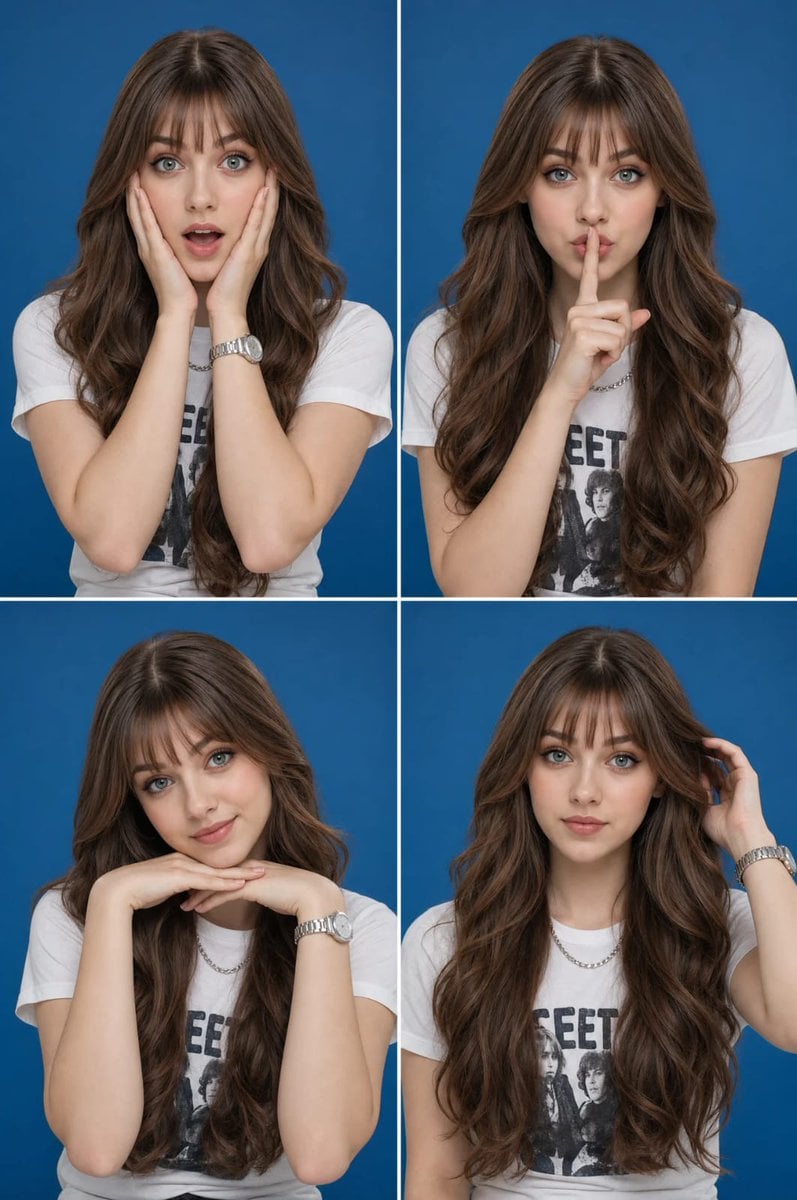
Multi-Expression Portrait Collage

Six-Panel Retro Japanese Poster Collage
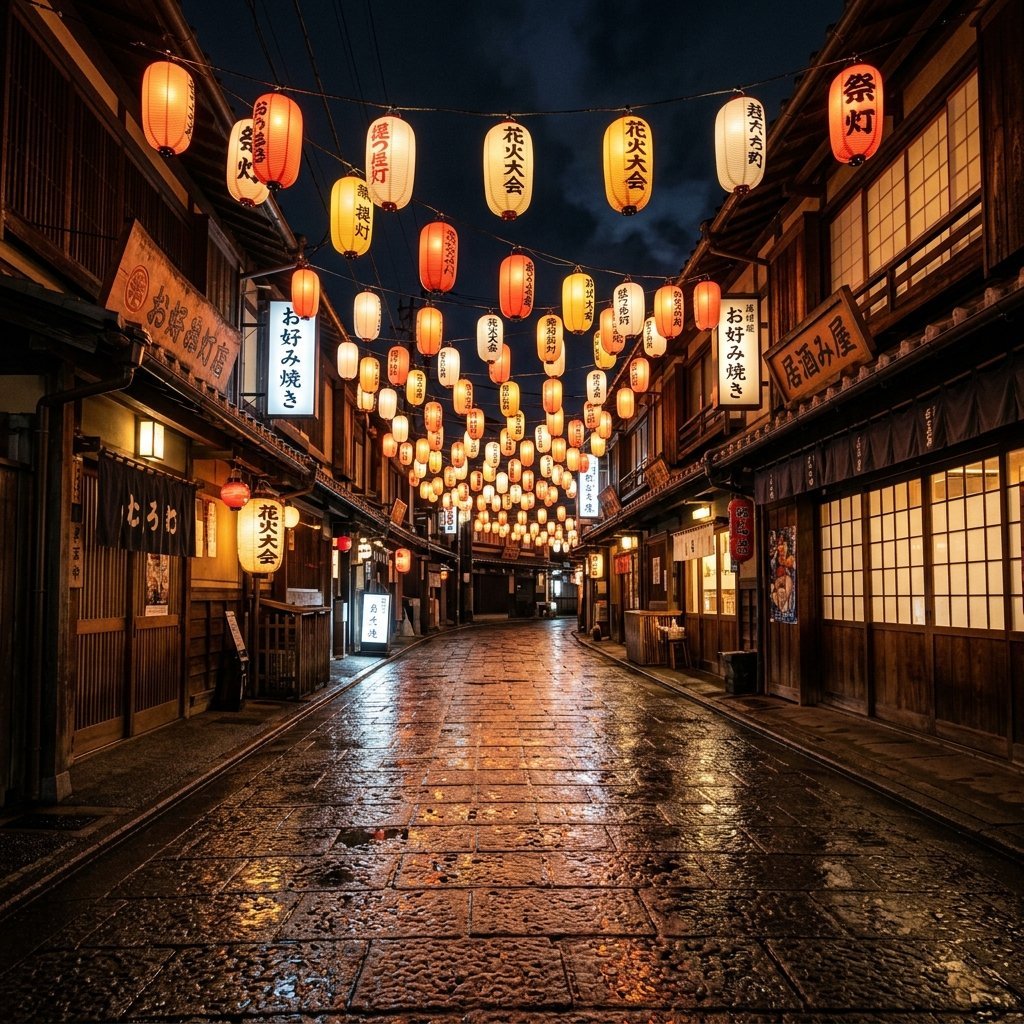
Night Festival Lantern Street

Paper Cut Finale Fireworks

Paper Cut Garden Maze

Paper Cut Rooftop Concert

Paper Cut Bicycle Coast
Make it yours
Kine-Style Multi-Frame Japanese Night Festival Collage works as-is. These are the safest ways to change it without losing the look.
Change one field
Copy a single group, rewrite it, and generate again so you can see what that field is doing.
Keep the frame, change the subject
Hold the composition and light of Kine-Style Multi-Frame Japanese Night Festival Collage, then swap wardrobe, props or the person for a new take.
| If the result… | Why | Fix |
|---|---|---|
| The result drifts from the preview | Too many fields changed at once. | Reuse Kine-Style Multi-Frame Japanese Night Festival Collage as-is first, then change one group — subject, light, or setting. |
| The model over-stylizes the scene | The prose prompt leaves finish and camera underspecified. | Add one camera or lighting sentence and stay on Nano Banana 2. |
More Nano Banana 2 templates
Other prompts made for Nano Banana 2.

Photorealistic Leaf Shaped Like a Dragon

K-Pop Idol Portrait Grid for Rapid Selection

Poetic Rain Forest Portrait During Golden Hour

Urban Street Portrait with Cartoon Inner Self Duo

Candid Nighttime Photo with Cat Prompt

High-Concept 3D Diorama Generation Prompt

Cinematic Futuristic Studio Portrait Template

Skincare Editorial Photography Collage Prompt

Hyper-Realistic Commercial Product Photography (Splash Effect)

Hyper-Realistic Nightclub Portrait Prompt
More image prompts
Fresh picks from across the catalog.
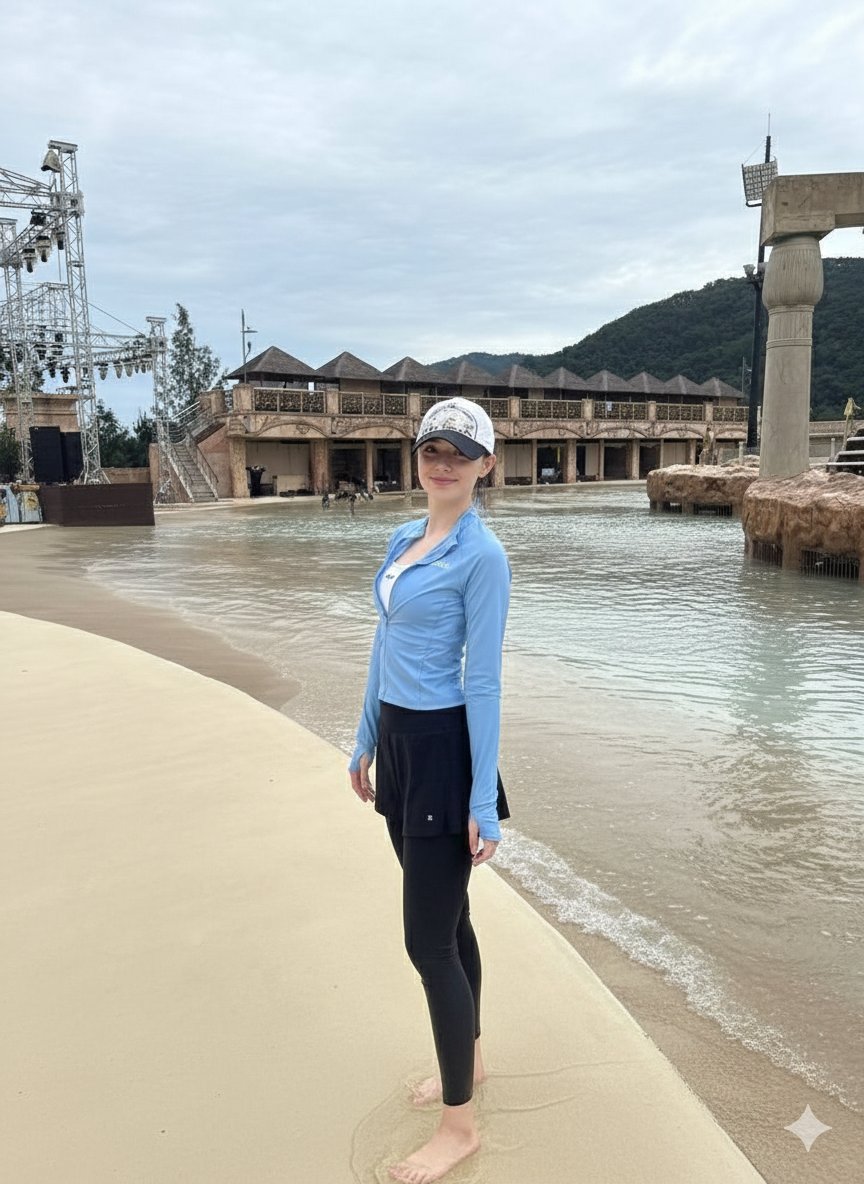
Tropical Water Park Portrait with Thai Architecture
untitled
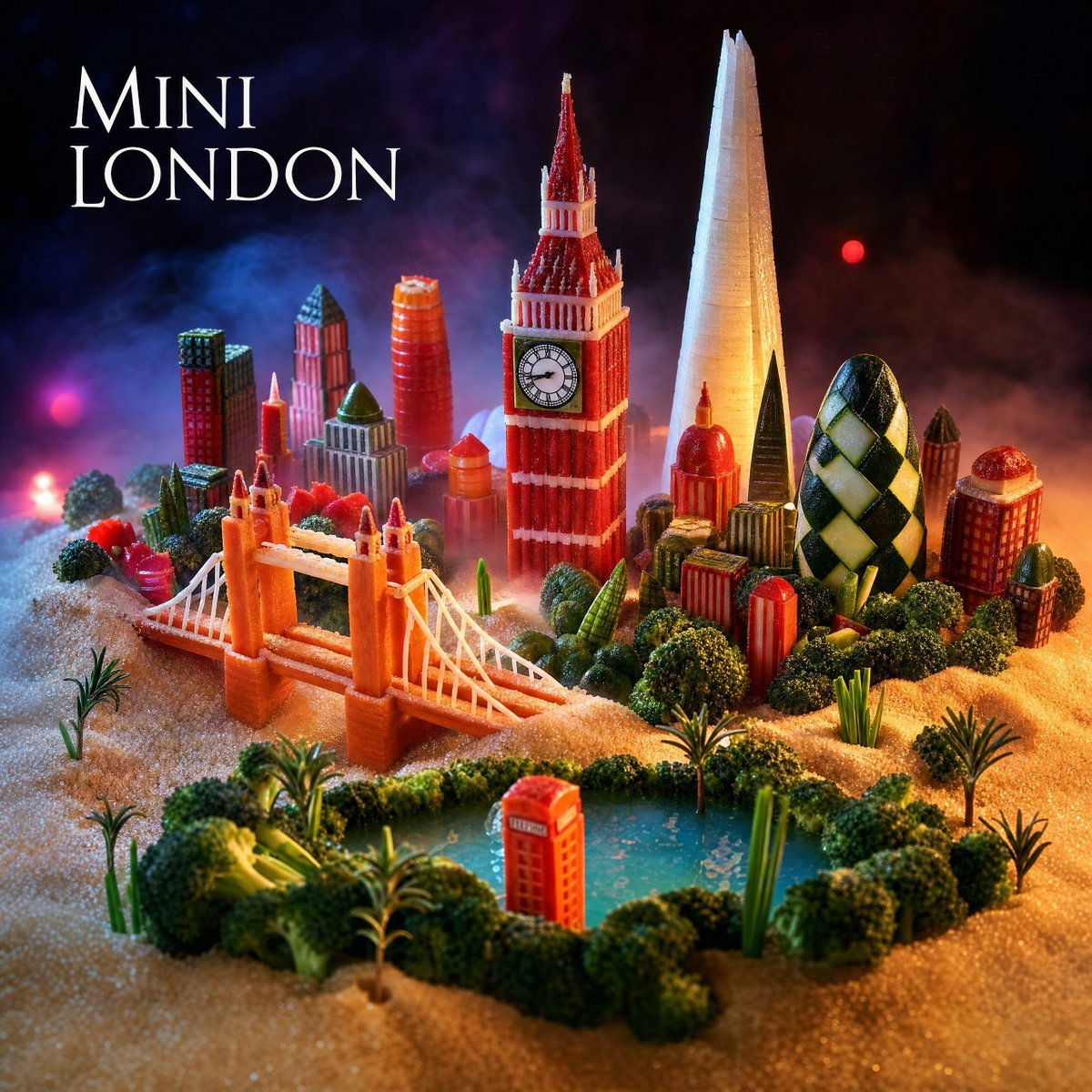
Mini London Sugar Landscape
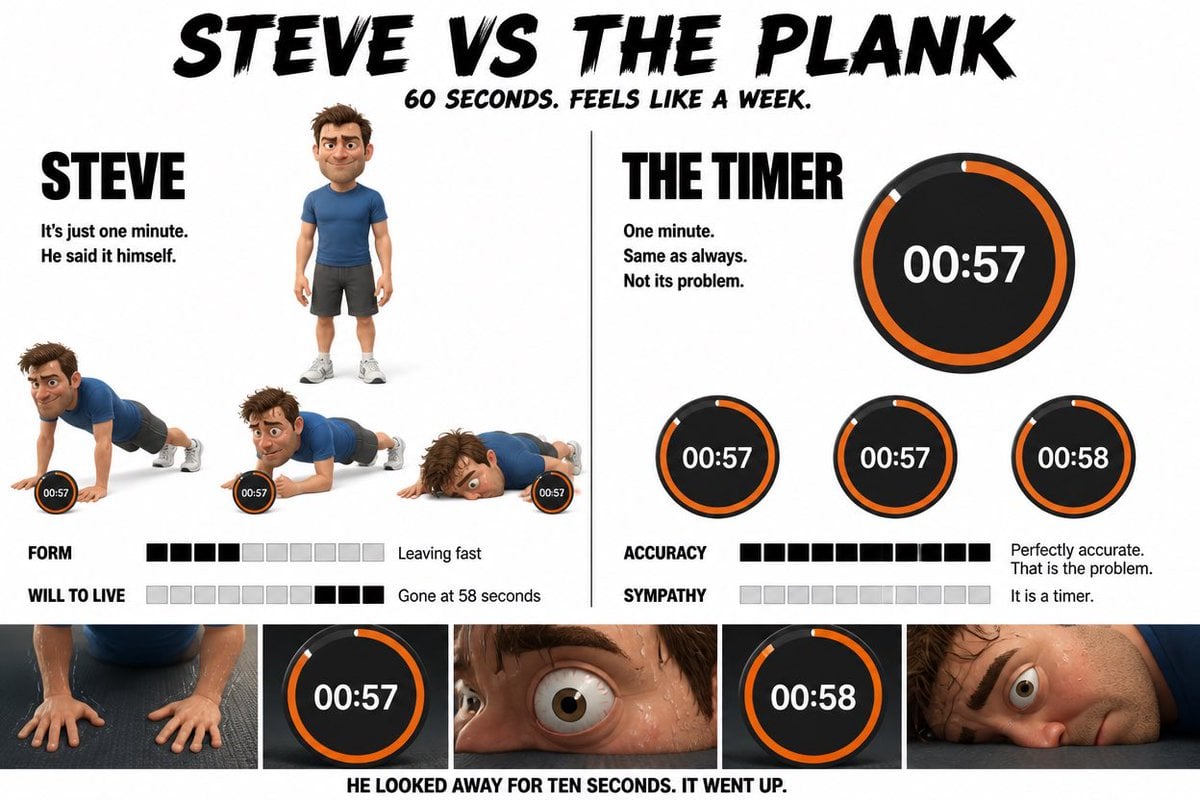
Pixar Style Character Storyboard
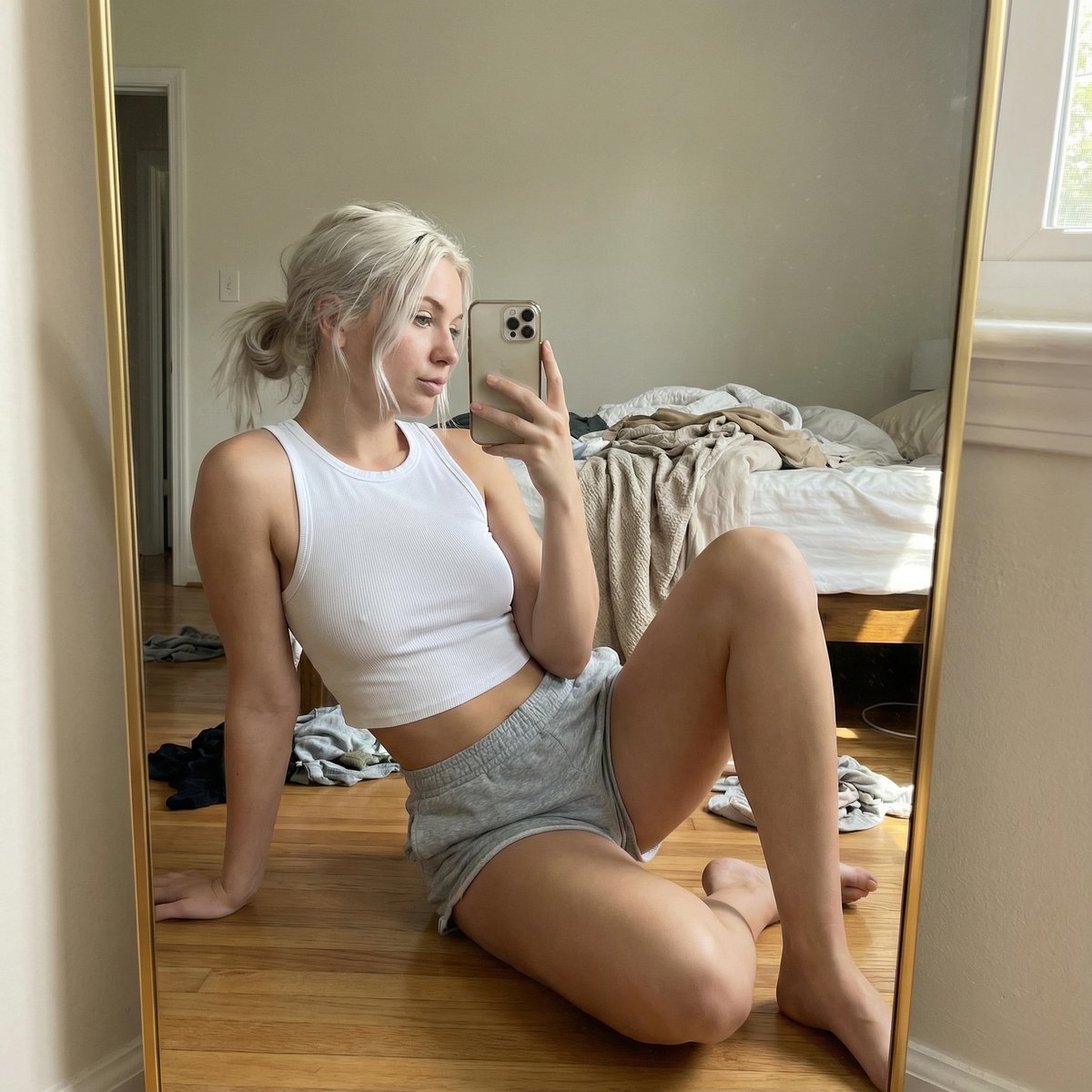
Hyper-realistic Mirror Selfie Portrait
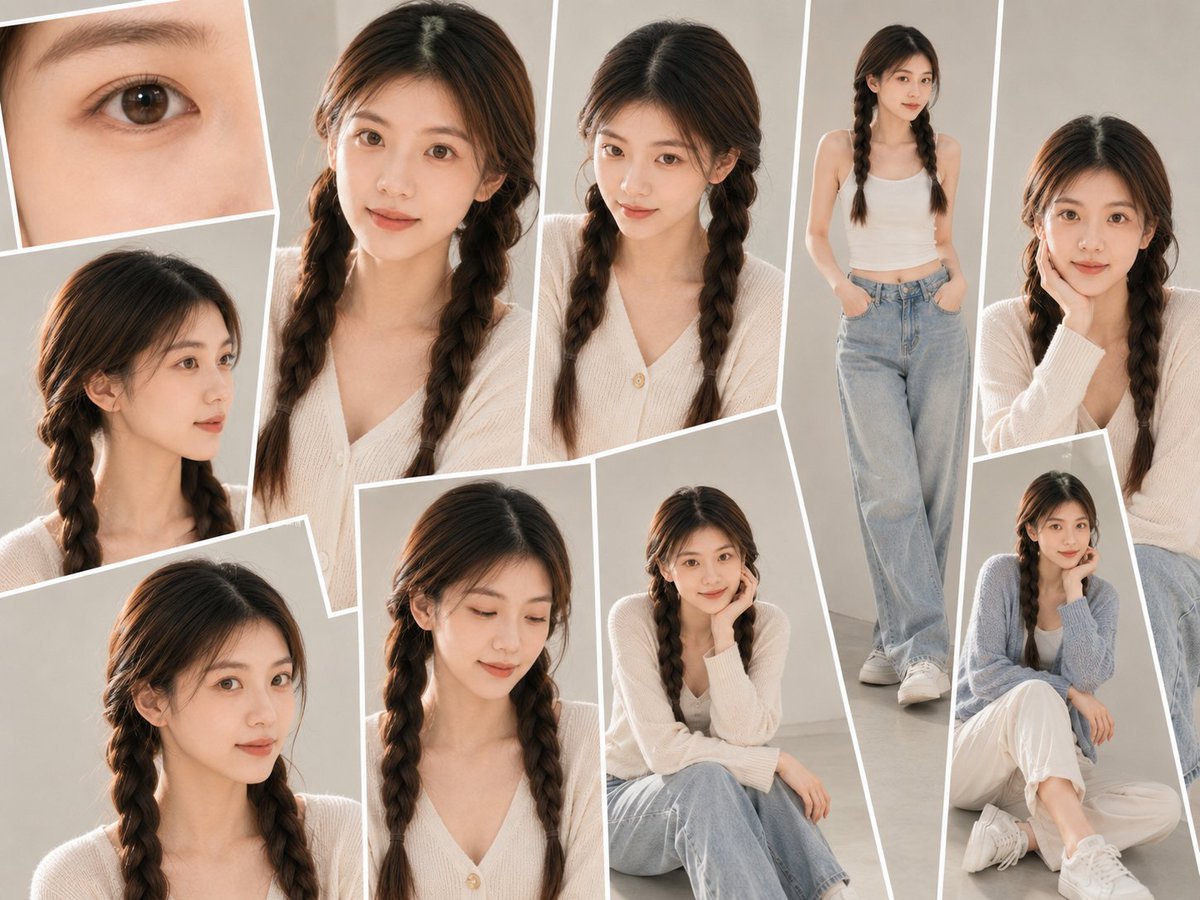
Soft-Lit Studio Portrait Collage
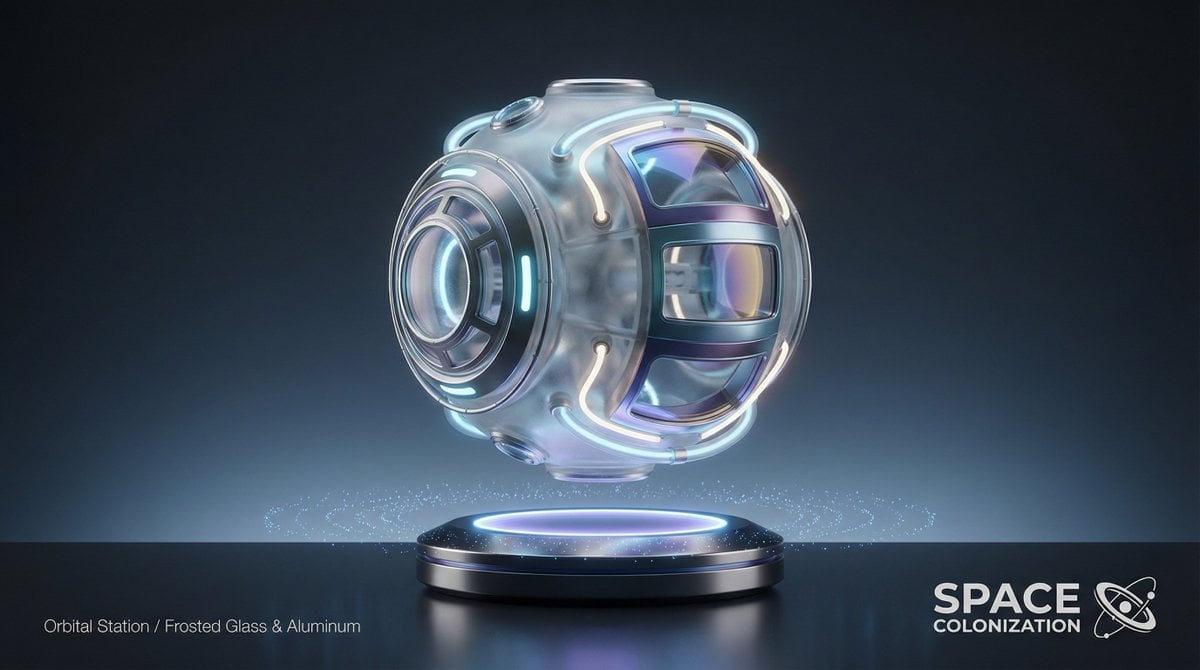
Futuristic Sci-Fi Still Life Photography Template
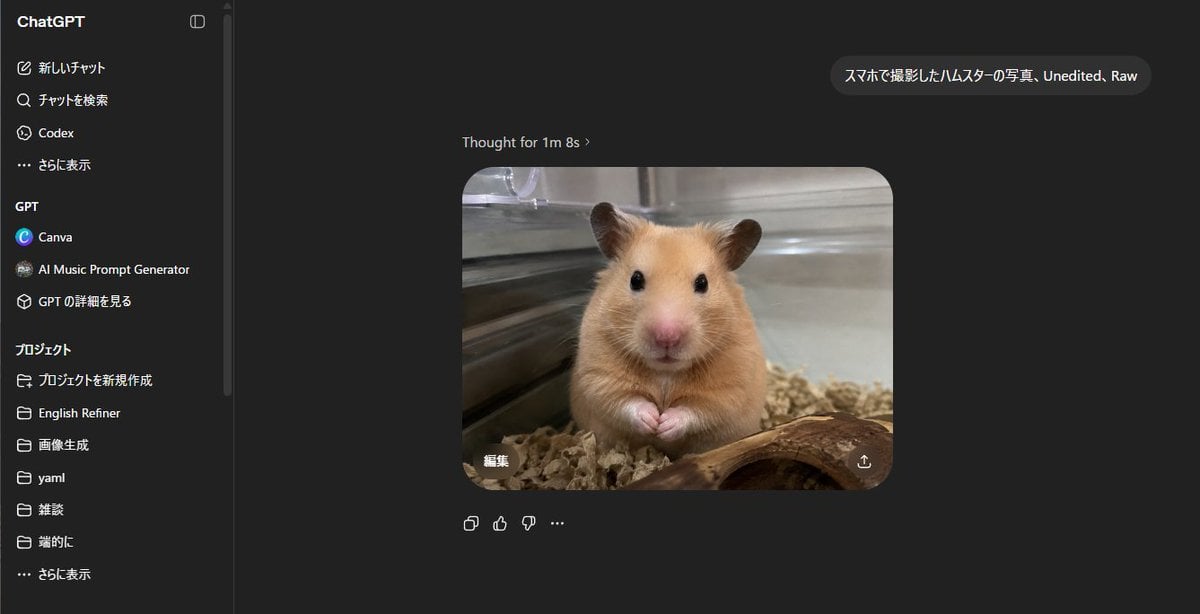
ChatGPT Hamster Image Screenshot
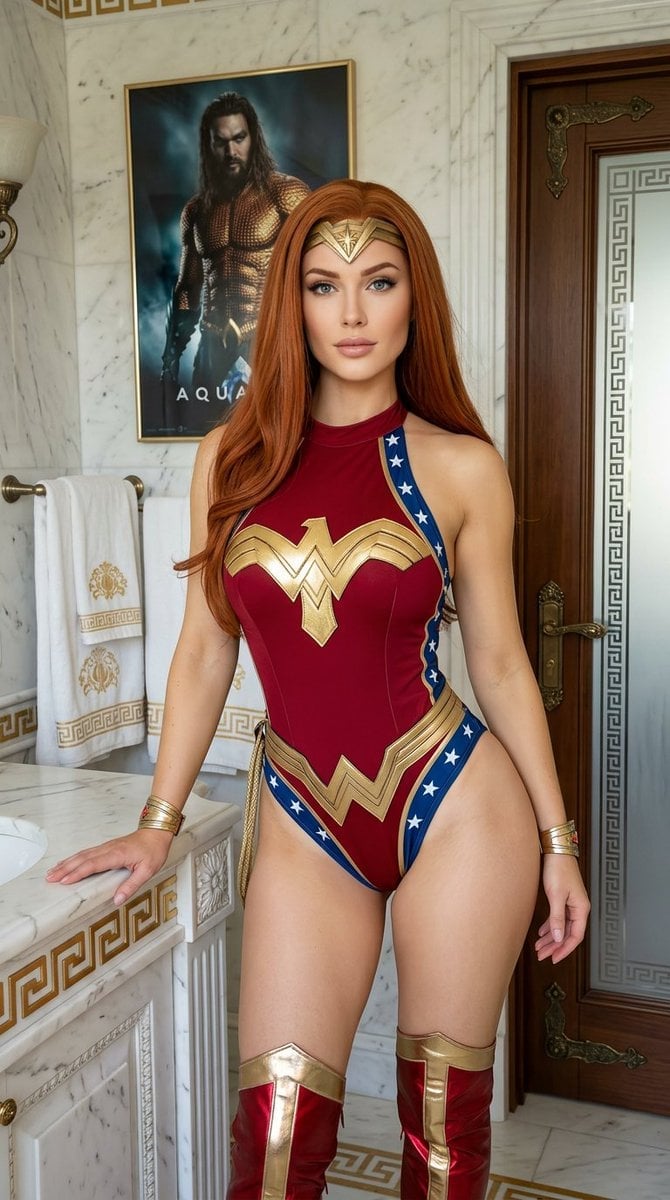
Wonder Woman Cosplay Portrait in Ancient Greek Bathroom
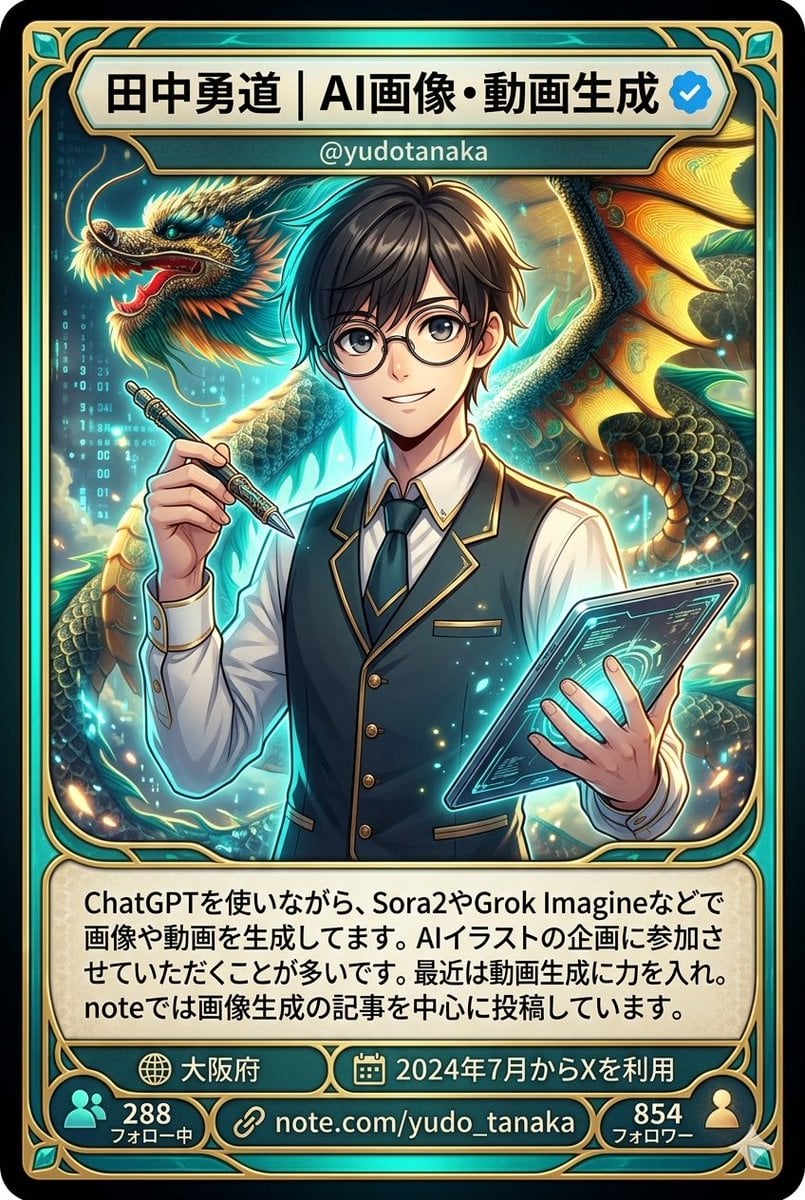
Character Card Generation from Profile Image
Browse template categories
Kine-Style Multi-Frame Japanese Night Festival Collage questions
How do I use the Kine-Style Multi-Frame Japanese Night Festival Collage template?
Add your photo if the template asks for one, edit the prompt if you like — the template's model and format are already selected — and press Generate. Your version opens in PicX Studio.
Can I customize the Kine-Style Multi-Frame Japanese Night Festival Collage template?
Yes. You can change the subject, setting, lighting, mood, format, and available model controls before creating your image.
Is the Kine-Style Multi-Frame Japanese Night Festival Collage template free?
Opening and editing this template is free. Generating uses credits, shown on the Generate button when you are signed in.
Which AI model should I use?
Start with Nano Banana 2, which is the model associated with this template. You can compare another compatible model for a different finish.
Looking for something else? Browse all templates.

Your photo, any look
Thousands of ready templates for every top image and video model, from one credit balance.