
Compilation of 18 Nano Banana Pro Prompts (Tennen's Prompt Festival)
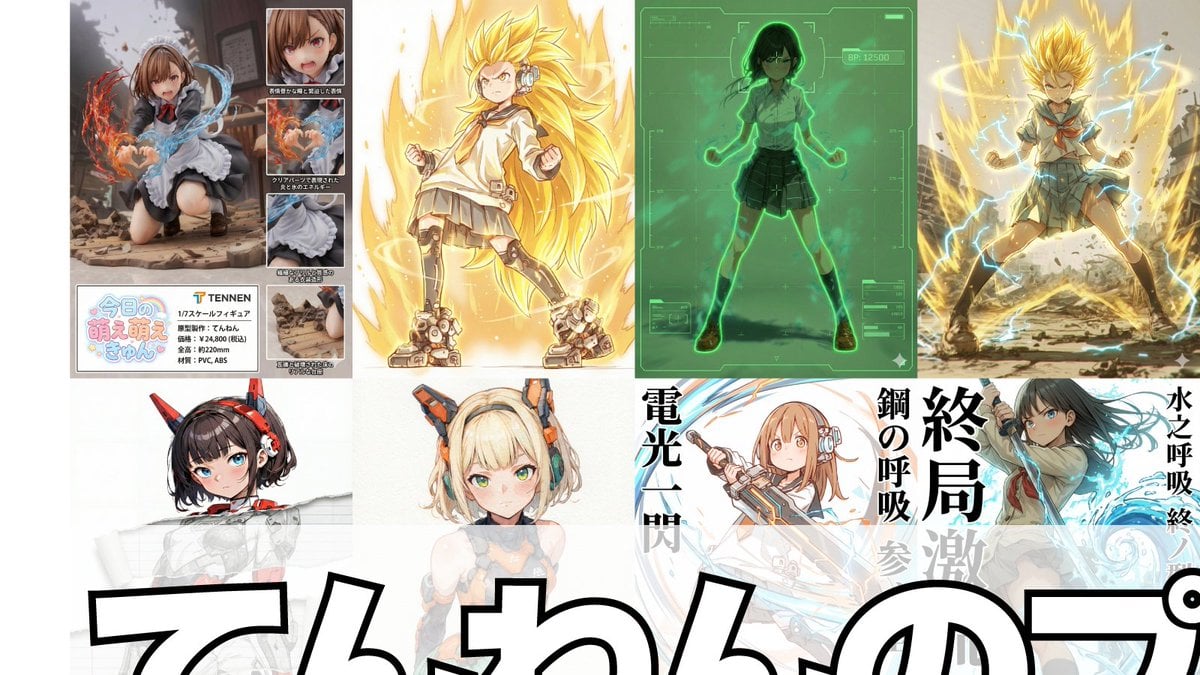
A comprehensive list of 18 specialized Nano Banana Pro prompts created by the user 'Tennen,' covering various use cases from adding Scouters and 'Super Transformation' effects to generating retro RPG status screens…
- Prompt included
- Model and format preset
- Free template
The prompt behind this image
Copy the exact prompt behind Compilation of 18 Nano Banana Pro Prompts (Tennen's Prompt Festival), or open it in the studio and make it yours.
1. Scouter Prompt Overlays a Scouter-style UI on top of the reference image. Nano Banana Pro infers a power level from the character's features and displays it. 2. Super-Transformation Prompt Keeps the character's features from the reference image intact while changing the pose to an "awakening pose" to make them "super-transform." "Super-transformation" can be chosen from 1st Form through 3rd Form, plus God Form, Blue Form, Ultra Form, and Rosé Form. 3. Field-Deployment Prompt Changes the character in the reference image into a pose with a hand extended forward to deploy a field. 4. Retro RPG Status-Screen Prompt A prompt that converts the character in the reference image into pixel art and generates an image styled like a retro RPG status screen. 5. Desktop-Mascot Prompt A prompt that turns the character in the reference image into a desktop mascot and generates an image of it placed on a PC screen. 6. "Change the Art Style Only Where It's Torn" Prompt Leaves the reference image itself completely unchanged, adds a torn effect, and lets you freely switch the art style—line art, ink wash, figure-style, colored pencil, watercolor, pencil drawing, etc.—only in the torn part. 7. Art-Style Conversion Prompt A prompt made by modifying the "Change the Art Style Only Where It's Torn" prompt to change the art style of the entire image. 8. Super Robot Wars Battle-Staging Prompt A prompt that generates an image in the style of a Super Robot Wars battle scene from the reference image. 9. Power Release Prompt A prompt that reproduces the depiction of a spherical energy space destroying an object. 10. Character-Entry Screen Prompt A prompt that generates a "character entry screen" for the character in the reference image. 11. Total Concentration Prompt Keeps the character in the reference image exactly as is, while inferring and depicting a "weapon, breathing style, form, and technique name" from the character's atmosphere and stance. 12. Kamehameha-Style Prompt A prompt that can stably generate the charging pose and firing pose of the "Kamehameha." 13. Figure-ification + Product-Introduction-Style Layout Prompt A prompt that turns the character in the reference image into a figure and lays it out in a product-introduction style. 14. Final Flash-Style Prompt Converts the character in the reference image into the activation, charging, and firing poses of the "Final Flash." You can add dialogue and sound effects for each. 15. New Profile-Image Generation Prompt Generates the character in the reference image at any aspect ratio you choose, and places any text string of your choice, styled like a logo, at any position. 16. Plastic-Model Packaging Prompt Places the reference image in front and side views respectively and generates it as an image styled like plastic-model packaging. 17. Eraser-Gun-Style Prompt The character in the reference image fires an eraser-gun-style energy beam from its mouth. 18. "Turned to Junk" Prompt A prompt that turns the character in the reference image into a "wrecked, ragged mess."
How to use Compilation of 18 Nano Banana Pro Prompts (Tennen's Prompt Festival) in 3 steps
- 1Upload ImagePNG, JPG or paste
Add your photo
Upload the photo the template builds on. The prompt, model and format are already set.
- 2…a portrait of your subject in softgolden-hour light, 85mm…
Personalize
Edit the subject and creative details for your destination.
- 3Generate
Generate
Press Generate — your image is created in PicX Studio, so you can compare it with the original and refine one variable at a time.
More like this
Templates with the same subject, style or setup. Open one to see its prompt.

Woman in Mall with Chanel Bag - Heart Gesture
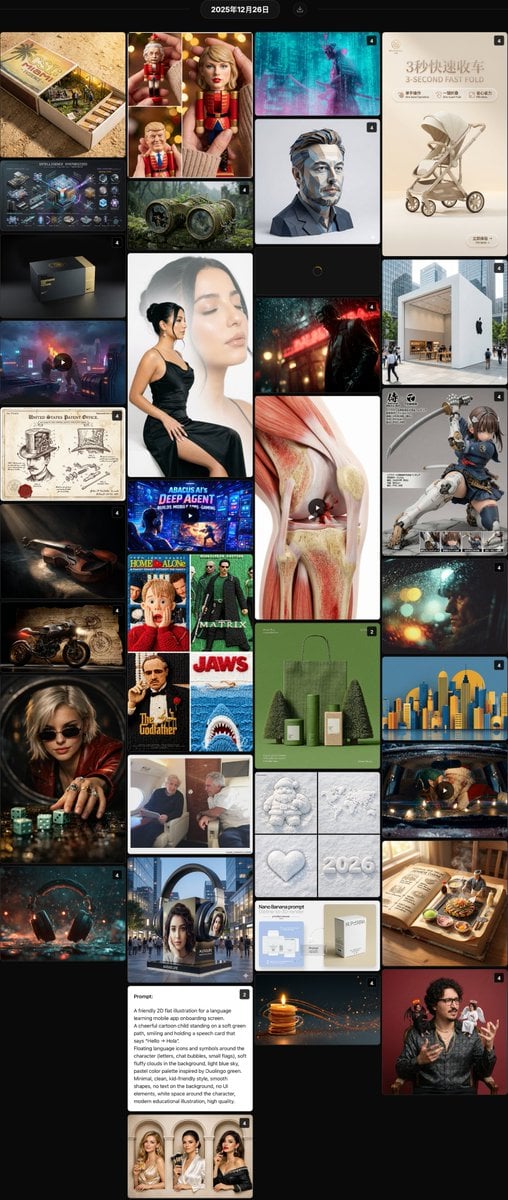
Nano Banana Pro Hot Prompts Compilation (24 Hours)
Various playful test prompts for Nano Banana
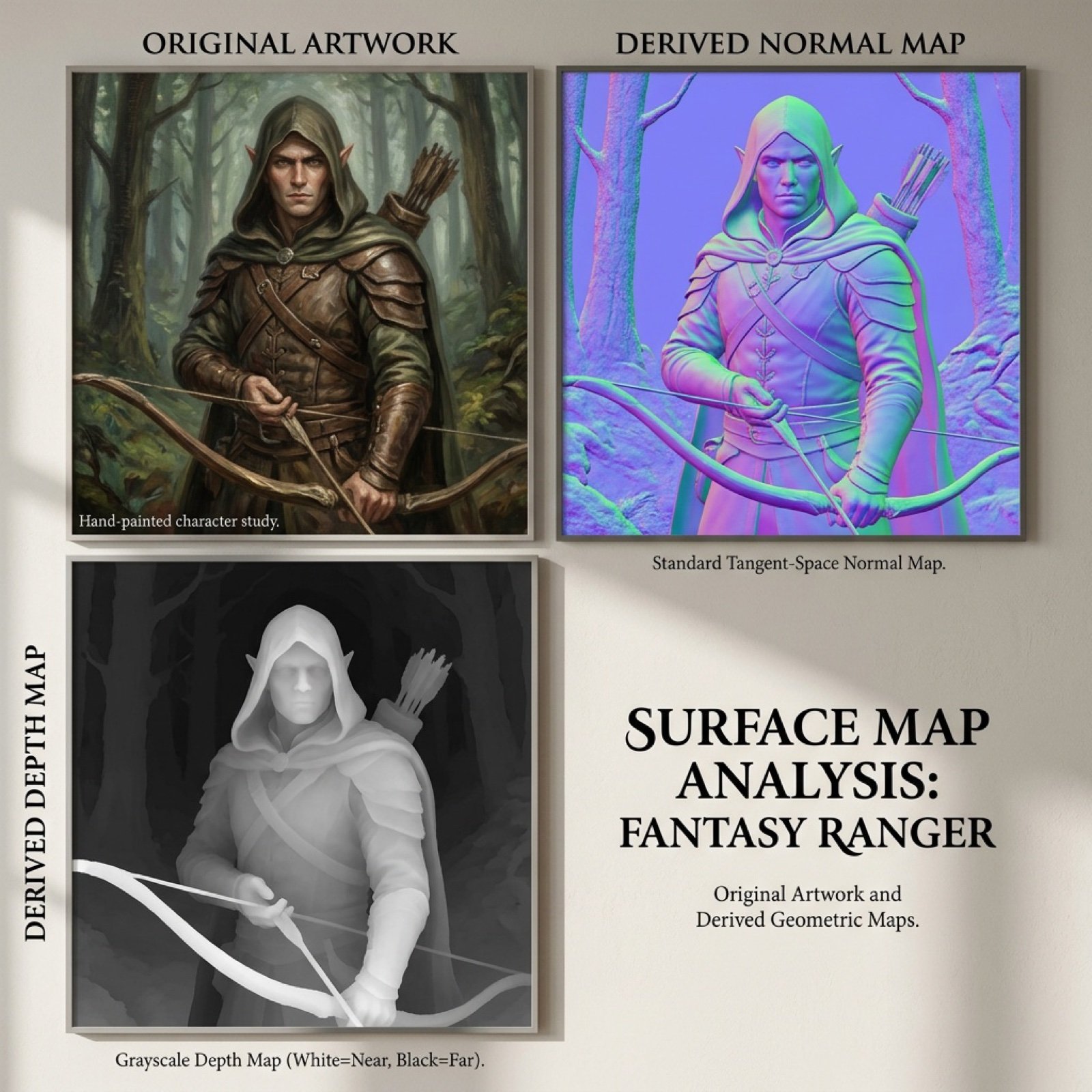
Normal and depth map generation prompts for Nano Banana Pro
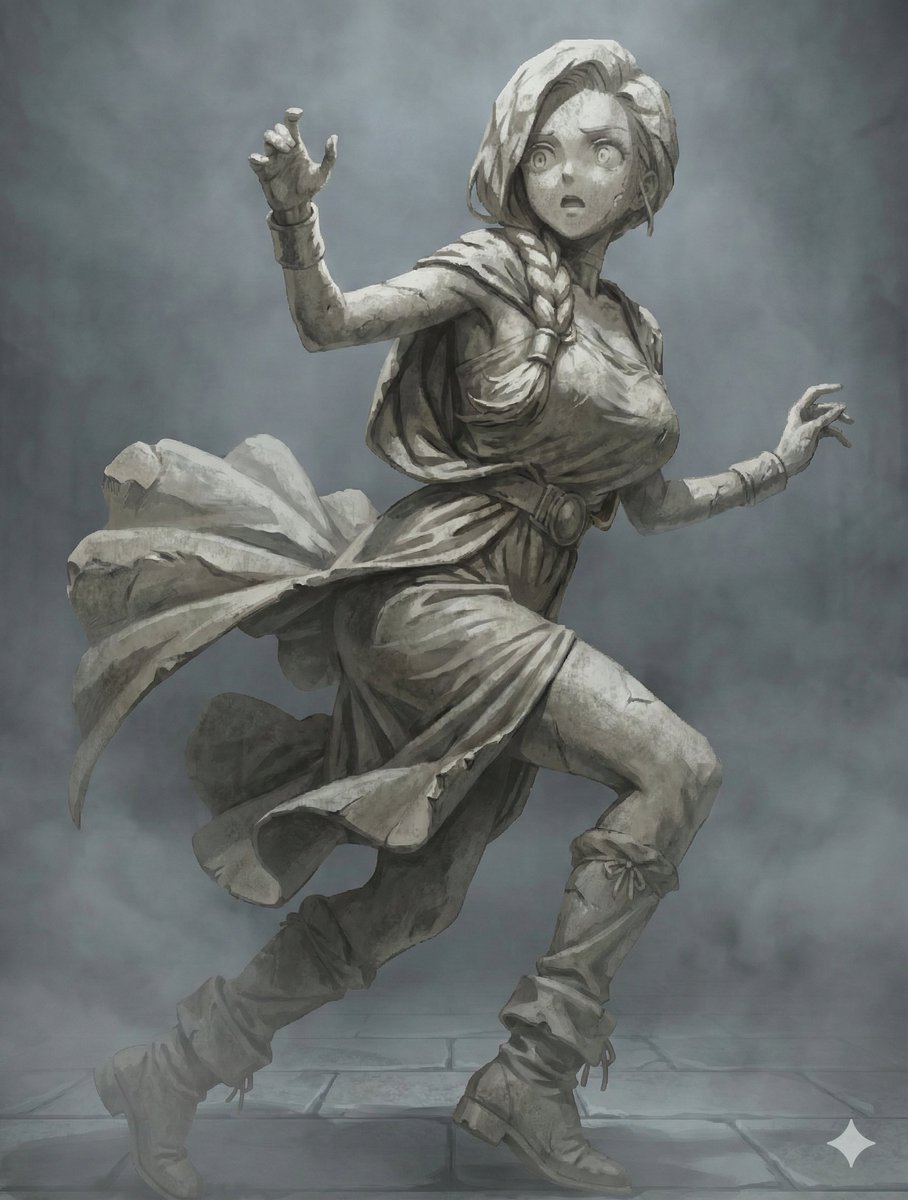
NanoBanana Petrification Expression Prompts
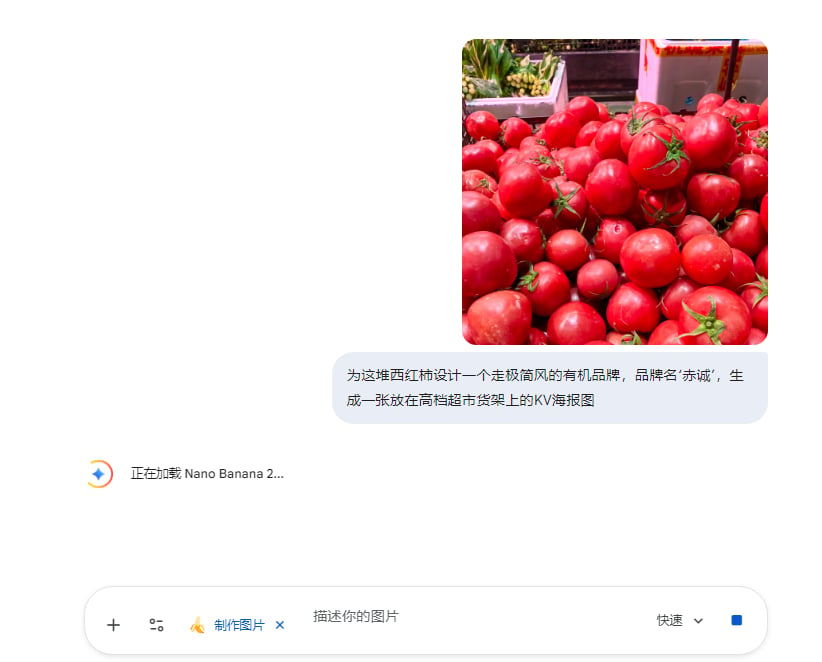
Commercial Prompts for Tomato Sales using Nano Banana 2

VFX Comparison Image Prompt (Before/After) for Nano Banana Pro

Nano Banana Prompt for Consistent Character Jumpshots

Cinematic Camera Instructions for Nano Banana Pro

Manga Generation Prompt Template for Nano Banana Pro

Hyper-Realistic Commercial Food Photography Prompt for Gemini Nano Banana Pro
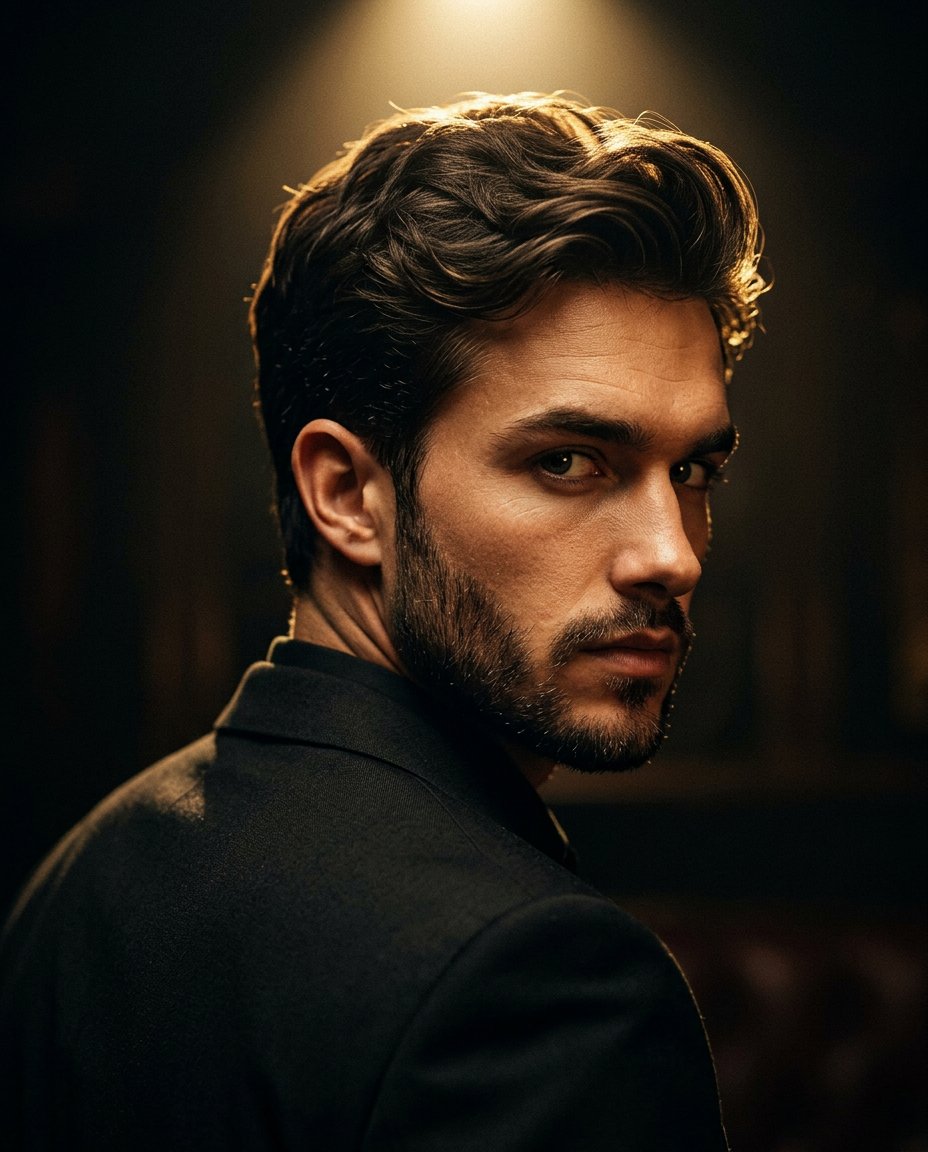
Cinematic Portrait Prompt for Google Nano Banana Pro
Make it yours
Compilation of 18 Nano Banana Pro Prompts (Tennen's Prompt Festival) works as-is. These are the safest ways to change it without losing the look.
Change one field
Copy a single group, rewrite it, and generate again so you can see what that field is doing.
Keep the frame, change the subject
Hold the composition and light of Compilation of 18 Nano Banana Pro Prompts (Tennen's Prompt Festival), then swap wardrobe, props or the person for a new take.
| If the result… | Why | Fix |
|---|---|---|
| The result drifts from the preview | Too many fields changed at once. | Reuse Compilation of 18 Nano Banana Pro Prompts (Tennen's Prompt Festival) as-is first, then change one group — subject, light, or setting. |
| The model over-stylizes the scene | The prose prompt leaves finish and camera underspecified. | Add one camera or lighting sentence and stay on Nano Banana 2. |
More Nano Banana 2 templates
Other prompts made for Nano Banana 2.

Photorealistic Leaf Shaped Like a Dragon

K-Pop Idol Portrait Grid for Rapid Selection

Poetic Rain Forest Portrait During Golden Hour

Urban Street Portrait with Cartoon Inner Self Duo

Candid Nighttime Photo with Cat Prompt

High-Concept 3D Diorama Generation Prompt

Cinematic Futuristic Studio Portrait Template

Skincare Editorial Photography Collage Prompt

Hyper-Realistic Commercial Product Photography (Splash Effect)

Hyper-Realistic Nightclub Portrait Prompt
More image prompts
Fresh picks from across the catalog.
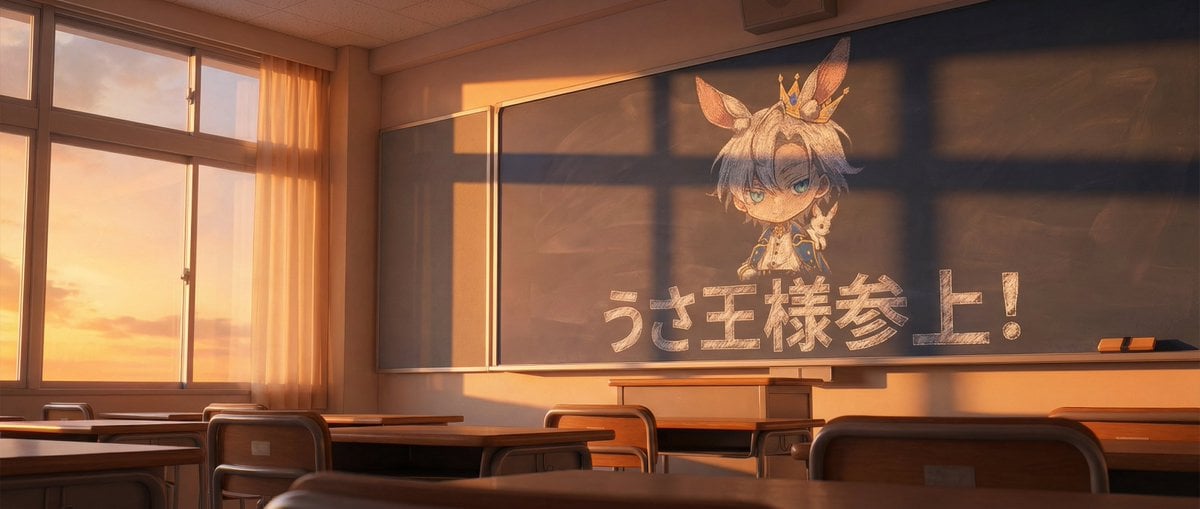
Chalkboard king rabbit illustration at sunset
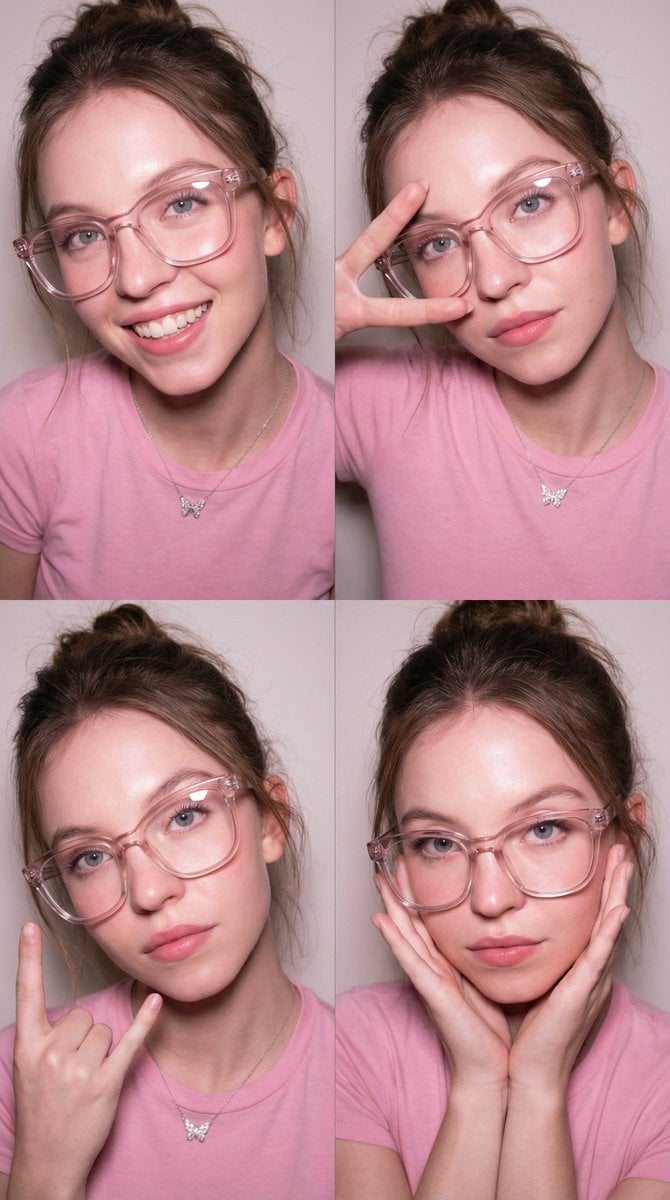
Panel Collage Portrait with Flash
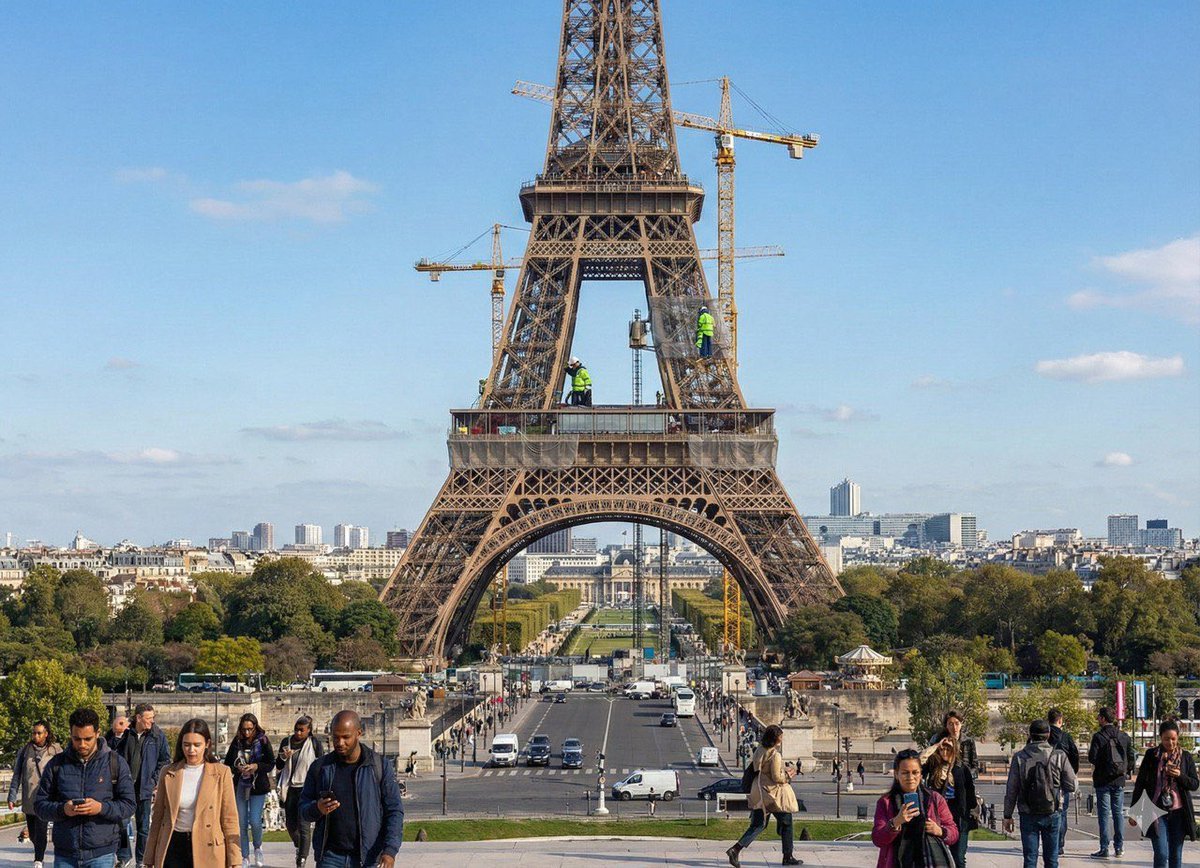
Future Aesthetic Image Generation Prompt
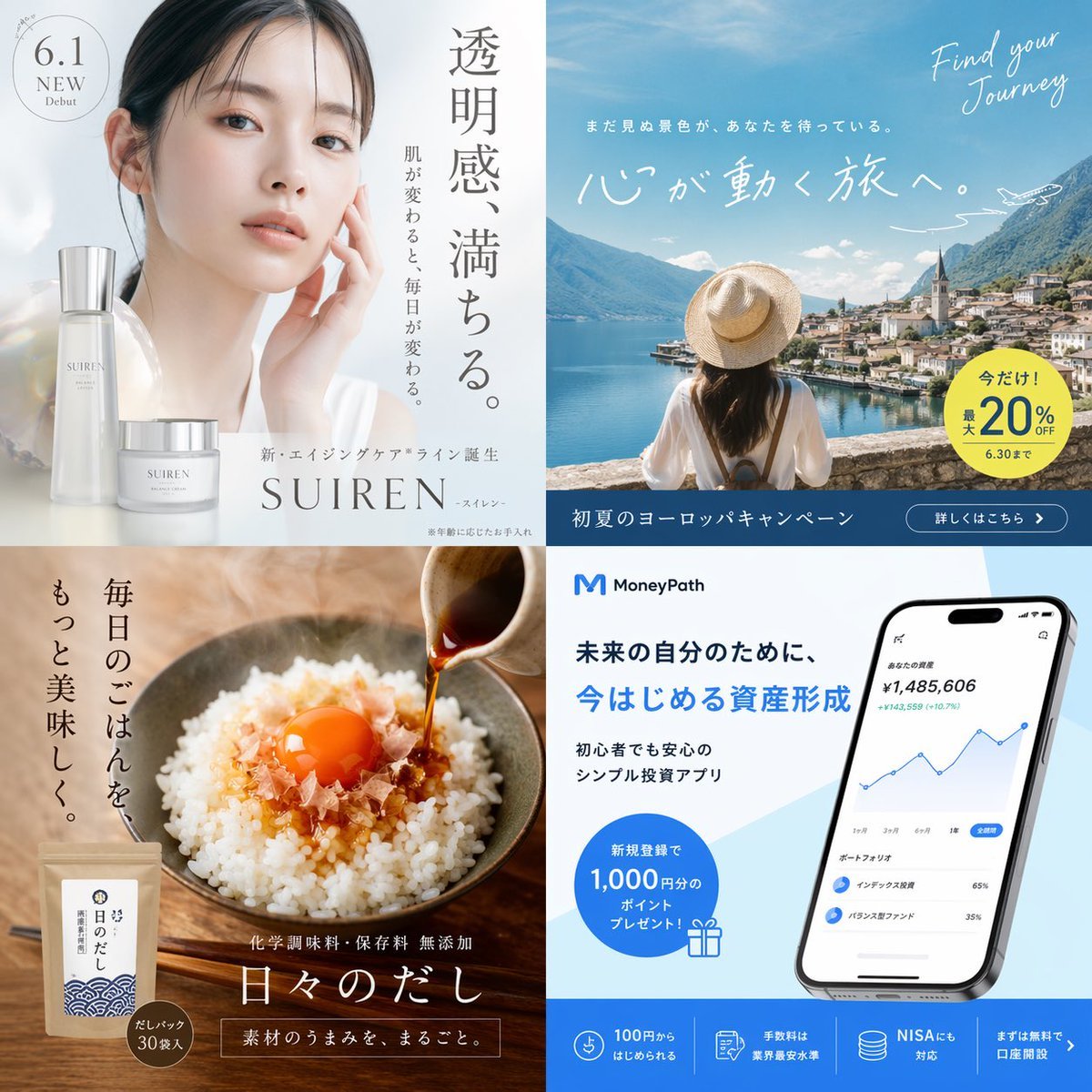
Panel Japanese Advertising Grid
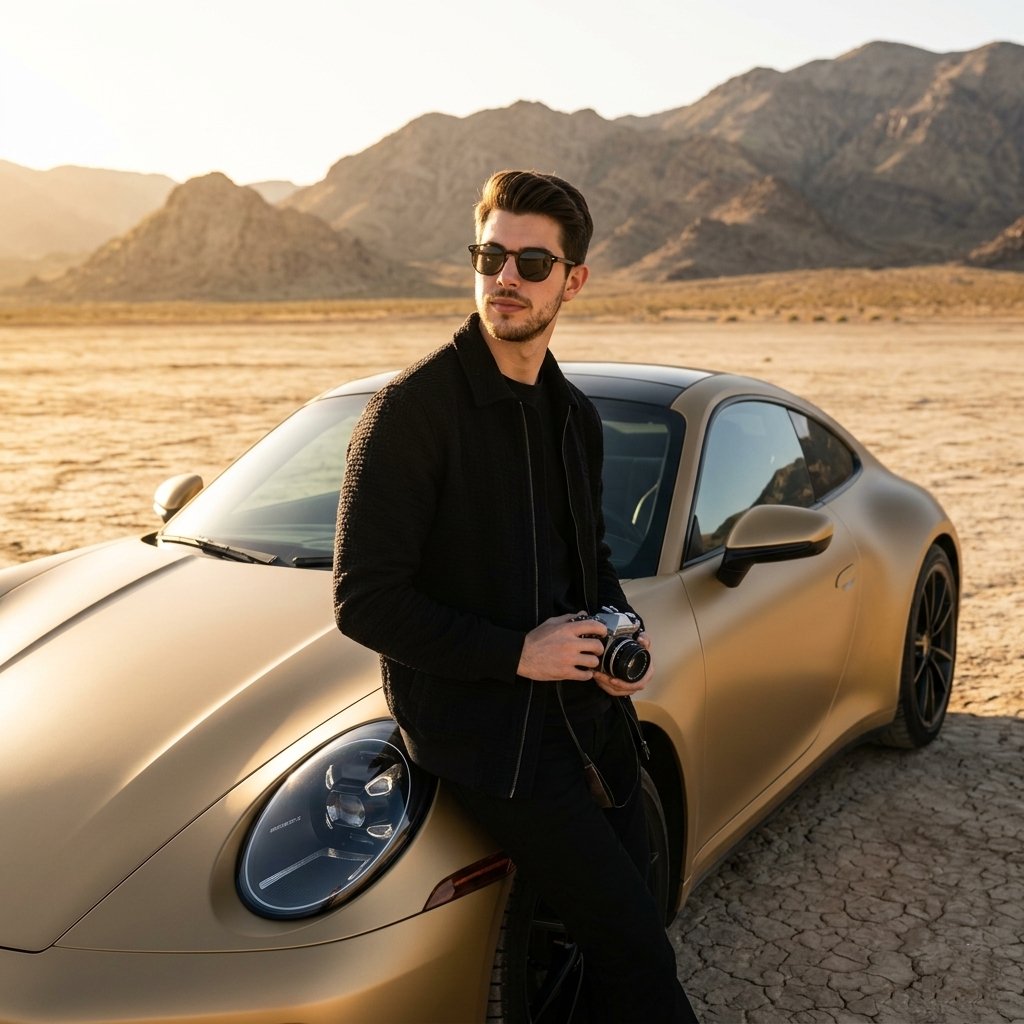
Luxury Car Golden Hour Shoot
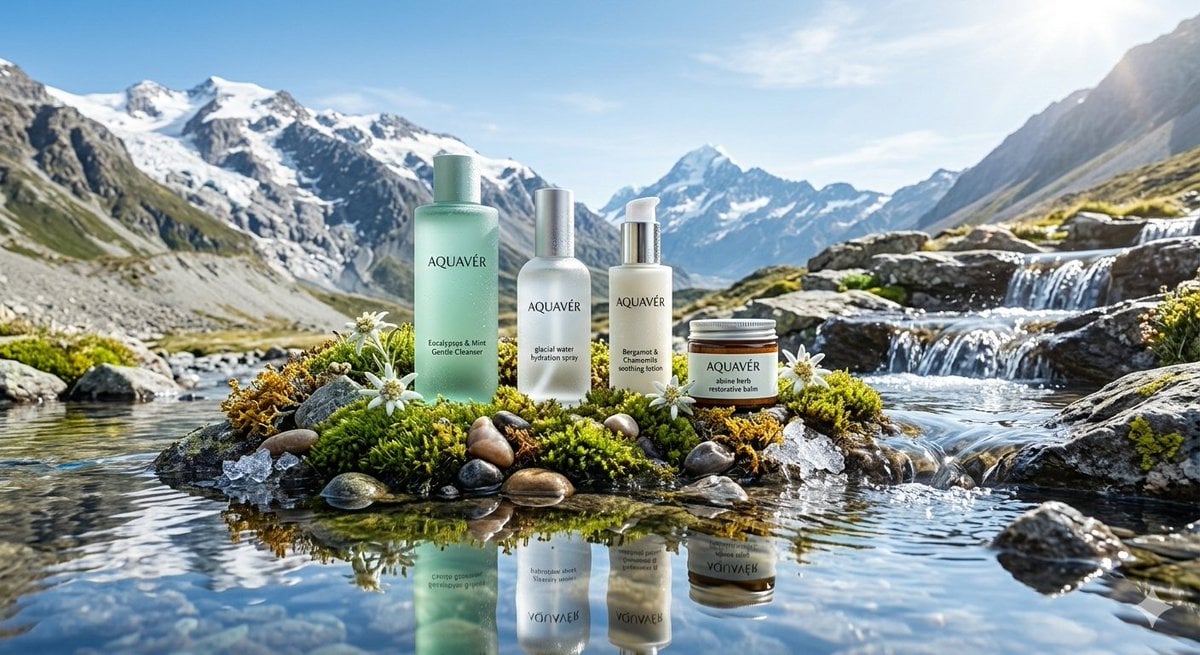
Ultra-Luxurious Skincare Product Photography in Alpine Setting
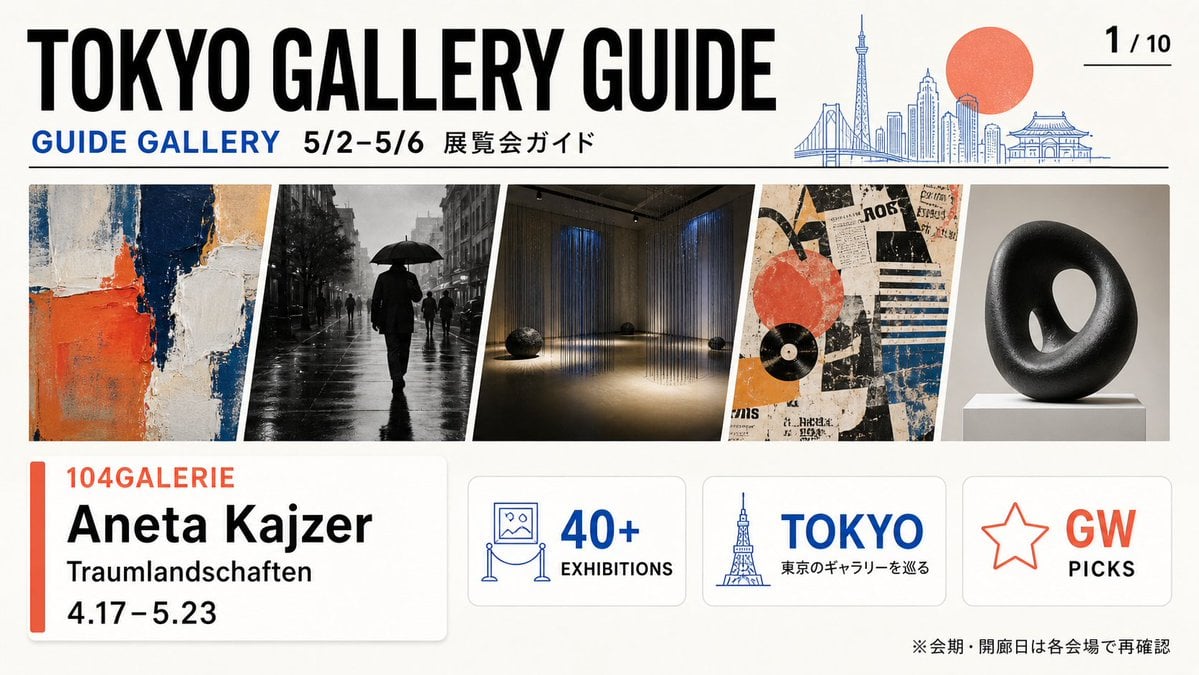
Tokyo Gallery Guide Brochure
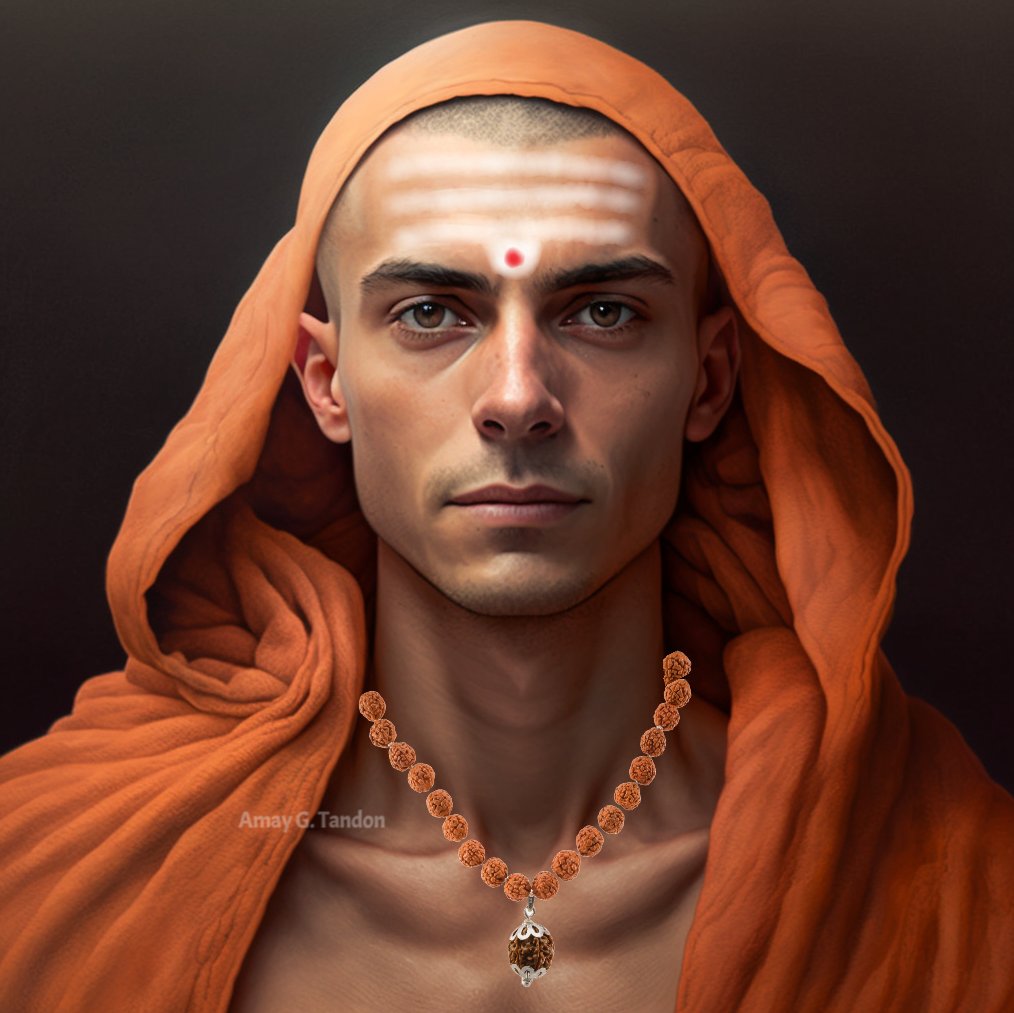
Hyper Realistic Portrait of Adi Shankara
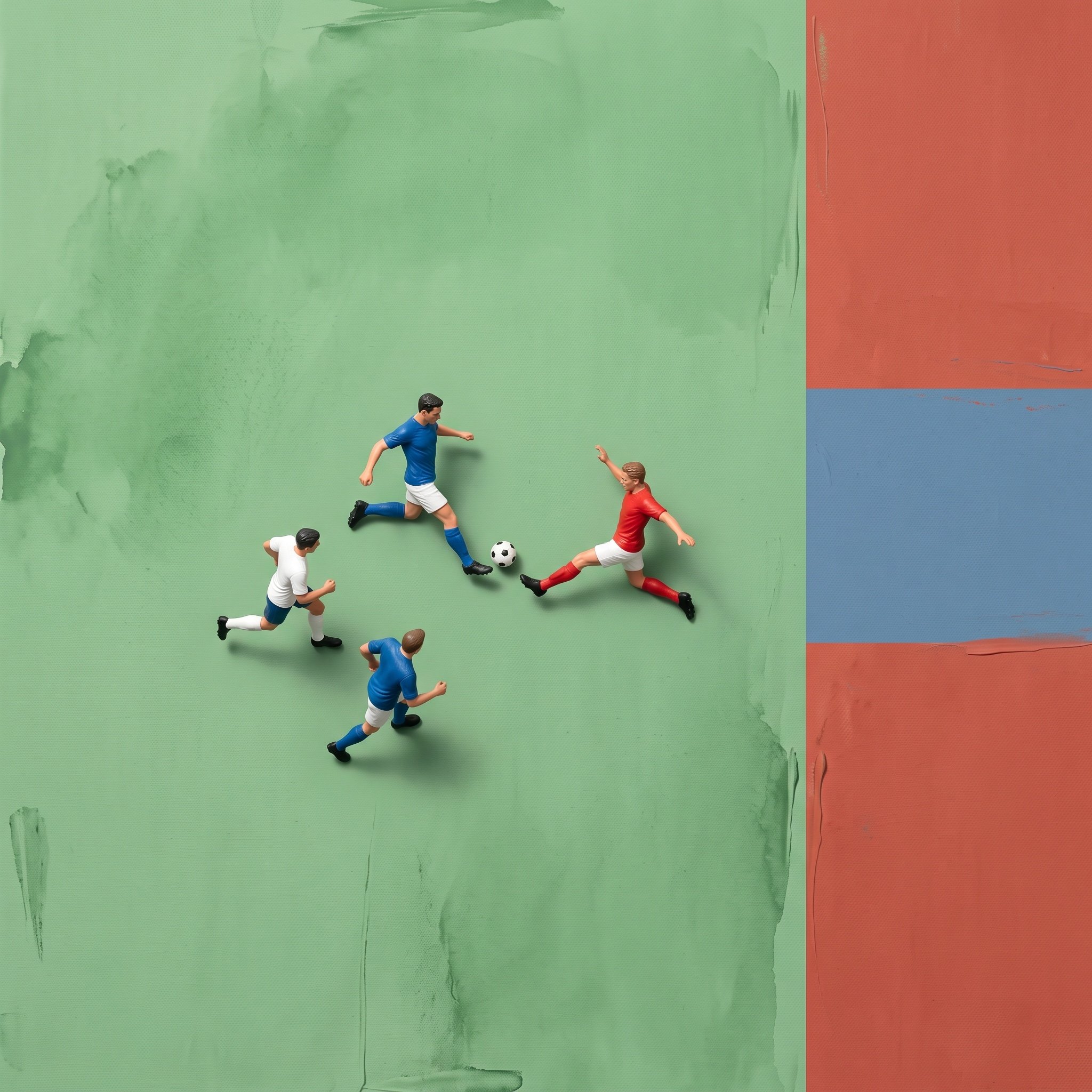
Miniature Ink Movement Image Generation Prompt
X Minahil42298354 Subject a Heartwarming Portrait
Browse template categories
Compilation of 18 Nano Banana Pro Prompts (Tennen's Prompt Festival) questions
How do I use the Compilation of 18 Nano Banana Pro Prompts (Tennen's Prompt Festival) template?
Add your photo if the template asks for one, edit the prompt if you like — the template's model and format are already selected — and press Generate. Your version opens in PicX Studio.
Can I customize the Compilation of 18 Nano Banana Pro Prompts (Tennen's Prompt Festival) template?
Yes. You can change the subject, setting, lighting, mood, format, and available model controls before creating your image.
Is the Compilation of 18 Nano Banana Pro Prompts (Tennen's Prompt Festival) template free?
Opening and editing this template is free. Generating uses credits, shown on the Generate button when you are signed in.
Which AI model should I use?
Start with Nano Banana 2, which is the model associated with this template. You can compare another compatible model for a different finish.
Looking for something else? Browse all templates.

Your photo, any look
Thousands of ready templates for every top image and video model, from one credit balance.