
Tokyo Gallery Guide Brochure
Generates a polished Tokyo gallery exhibition guide cover with image previews, event details, and informational cards for an art pamphlet or social post.
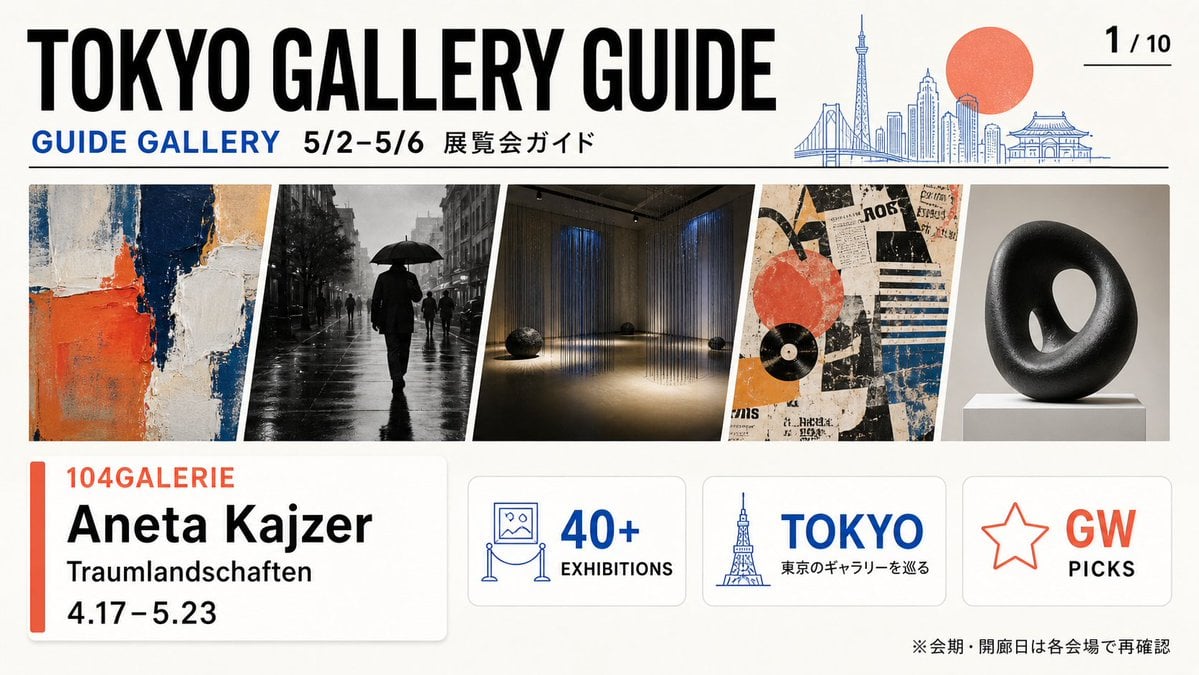
- Prompt included
- Model and format preset
- Free template
The prompt behind this image
Copy the exact prompt behind Tokyo Gallery Guide Brochure, or open it in the studio and make it yours.
- Type
- wide editorial brochure cover for a Tokyo art gallery guide
- Format
- 16:9 landscape flyer, clean print-ready design, off-white paper background, crisp vector typography mixed with photographic art thumbnails
- Style
- modern Japanese magazine layout, bold condensed sans-serif headline, blue and coral accent colors, thin black dividers, rounded information cards, generous margins
- Parameters › Main Headline
- {argument name="main headline" default="TOKYO GALLERY GUIDE"}
- Parameters › Date Range
- {argument name="date range" default="5/2–5/6"}
- Parameters › Featured Gallery
- {argument name="featured gallery" default="104GALERIE"}
- Parameters › Featured Artist
- {argument name="featured artist" default="Aneta Kaizer"}
- Parameters › Featured Exhibition
- {argument name="featured exhibition" default="Traumlandschaften"}
- Layout › Top Header › Position
- top third
- Layout › Top Header › Elements Count
- 5
- Layout › Top Header › Elements
- huge black title text: TOKYO GALLERY GUIDE, blue subheading: GUIDE GALLERY, black date text: 5/2–5/6, Japanese label: 展覧会ガイド, page indicator at top right: 1 / 10 with a short underline
- Layout › Top Header › Illustration
- thin blue line-art Tokyo skyline on the right including Rainbow Bridge, Tokyo Skytree, modern towers, and a temple-like roof, with a large flat coral-red sun behind the skyline
- Layout › Main Image Strip › Position
- middle
- Layout › Main Image Strip › Count
- 5
- Layout › Main Image Strip › Description
- five slanted rectangular exhibition preview images separated by white diagonal gutters
- Layout › Main Image Strip › Items
- abstract impasto painting with cream, navy, orange, and beige blocks, black-and-white rainy street photograph with a silhouetted person holding an umbrella, dim contemporary installation room with vertical hanging light strands and small dark sculptural objects on the floor, collage-style graphic poster with torn paper textures, orange circle, black record shape, blue stripes, and vintage typography, black donut-shaped abstract sculpture on a white pedestal against a gray studio background
- Layout › Bottom Cards › Position
- bottom third
- Layout › Bottom Cards › Count
- 4
- Layout › Bottom Cards › Items › 0 › Type
- large featured exhibition card
- Layout › Bottom Cards › Items › 0 › Position
- bottom left
- Layout › Bottom Cards › Items › 0 › Contents Count
- 5
- Layout › Bottom Cards › Items › 0 › Contents
- vertical coral accent bar, gallery name in coral: 104GALERIE, artist name in large black type: Aneta Kaizer, exhibition title: Traumlandschaften, dates: 4.17–5.23
- Layout › Bottom Cards › Items › 1 › Type
- stat card
- Layout › Bottom Cards › Items › 1 › Position
- bottom center-left
Raw JSON
{"type":"wide editorial brochure cover for a Tokyo art gallery guide","format":"16:9 landscape flyer, clean print-ready design, off-white paper background, crisp vector typography mixed with photographic art thumbnails","style":"modern Japanese magazine layout, bold condensed sans-serif headline, blue and coral accent colors, thin black dividers, rounded information cards, generous margins","parameters":{"main headline":"{argument name=\"main headline\" default=\"TOKYO GALLERY GUIDE\"}","date range":"{argument name=\"date range\" default=\"5/2–5/6\"}","featured gallery":"{argument name=\"featured gallery\" default=\"104GALERIE\"}","featured artist":"{argument name=\"featured artist\" default=\"Aneta Kaizer\"}","featured exhibition":"{argument name=\"featured exhibition\" default=\"Traumlandschaften\"}"},"layout":{"top_header":{"position":"top third","elements_count":5,"elements":["huge black title text: TOKYO GALLERY GUIDE","blue subheading: GUIDE GALLERY","black date text: 5/2–5/6","Japanese label: 展覧会ガイド","page indicator at top right: 1 / 10 with a short underline"],"illustration":"thin blue line-art Tokyo skyline on the right including Rainbow Bridge, Tokyo Skytree, modern towers, and a temple-like roof, with a large flat coral-red sun behind the skyline"},"main_image_strip":{"position":"middle","count":5,"description":"five slanted rectangular exhibition preview images separated by white diagonal gutters","items":["abstract impasto painting with cream, navy, orange, and beige blocks","black-and-white rainy street photograph with a silhouetted person holding an umbrella","dim contemporary installation room with vertical hanging light strands and small dark sculptural objects on the floor","collage-style graphic poster with torn paper textures, orange circle, black record shape, blue stripes, and vintage typography","black donut-shaped abstract sculpture on a white pedestal against a gray studio background"]},"bottom_cards":{"position":"bottom third","count":4,"items":[{"type":"large featured exhibition card","position":"bottom left","contents_count":5,"contents":["vertical coral accent bar","gallery name in coral: 104GALERIE","artist name in large black type: Aneta Kaizer","exhibition title: Traumlandschaften","dates: 4.17–5.23"]},{"type":"stat card","position":"bottom center-left","contents_count":3,"contents":["blue line icon of a framed artwork on a museum rope stand","large blue text: 40+","small black label: EXHIBITIONS"]},{"type":"location card","position":"bottom center-right","contents_count":3,"contents":["blue Tokyo Tower line icon","large blue text: TOKYO","Japanese subtitle: 東京のギャラリーを巡る"]},{"type":"recommendation card","position":"bottom right","contents_count":3,"contents":["coral outlined star icon","large coral text: GW","black text: PICKS"]}]},"footer_note":{"position":"bottom right edge","text":"※会期・開廊日は各会場で再確認"}},"composition_notes":"Use precise alignment and high contrast. The header spans nearly the full width, the image strip occupies a long horizontal band, and the four rounded cards sit evenly along the bottom with subtle shadows. Keep the overall look like a curated gallery event pamphlet cover, professional and information-rich."}How to use Tokyo Gallery Guide Brochure in 3 steps
- 1Upload ImagePNG, JPG or paste
Add your photo
Upload the photo the template builds on. The prompt, model and format are already set.
- 2…a portrait of your subject in softgolden-hour light, 85mm…
Personalize
Edit the subject and creative details for your destination.
- 3Generate
Generate
Press Generate — your image is created in PicX Studio, so you can compare it with the original and refine one variable at a time.
More like this
Templates with the same subject, style or setup. Open one to see its prompt.

City Posters by Nano Banana Pro
Photography Scheme Reference Guide

Japan Travel Brochure Poster

Japanese High School Brochure Design
Tokyo Night Crosswalk Fashion Portrait
Anime Girl in Rainy Tokyo Alley
Korean GPT Image Prompt Gallery
Dark Fantasy AI Gallery UI
Surreal Marble Gallery Portals
Candid Tokyo Night Smartphone Snapshot

Candid Tokyo Smartphone Night Photo
Cinematic Istanbul Gallery Website Hero
Make it yours
Tokyo Gallery Guide Brochure works as-is. These are the safest ways to change it without losing the look.
Change one field
Copy a single group, rewrite it, and generate again so you can see what that field is doing.
Keep the frame, change the subject
Hold the composition and light of Tokyo Gallery Guide Brochure, then swap wardrobe, props or the person for a new take.
| If the result… | Why | Fix |
|---|---|---|
| The result drifts from the preview | Too many fields changed at once. | Reuse Tokyo Gallery Guide Brochure as-is first, then change one group — subject, light, or setting. |
| GPT Image 2 ignores part of the JSON | Some models flatten or skip nested keys. | Keep the same values and paste them as a short paragraph instead. |
More GPT Image 2 templates
Other prompts made for GPT Image 2.

Six VTuber Japanese Logo Sheet

Realistic Portrait of Woman and Deer

The Vista Modular Condo Poster

AI Model Routing Comparison Infographic

2.5D Anime Art Board

Isometric Productivity Desk Scene

New York Double Exposure Poster

Four-Panel AI Landscape Comparison

Japanese Tatami Lifestyle Magazine Cover

NESCAFÉ Coffee Map Poster
More image prompts
Fresh picks from across the catalog.

Energy Drink Product Explosion Commercial Prompt Template
Anime AI Studio Girls at Sunset
3D Render of Edible Letters Candy

Soft Glam Close-Up Portrait Prompt (Indian Woman)
Culinary Poster with Split Photo/Illustration Design

Magical Sketchbook Art Coming to Life

Lime Green Fashion Portrait
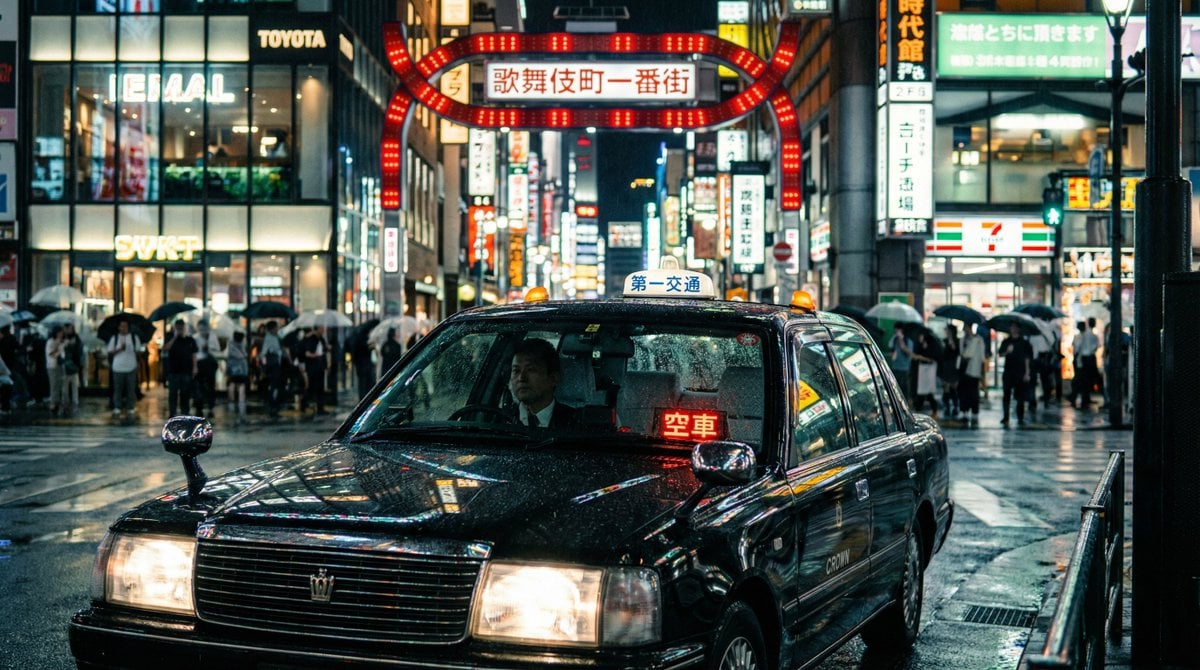
Cinematic taxi in rainy Kabukicho at night
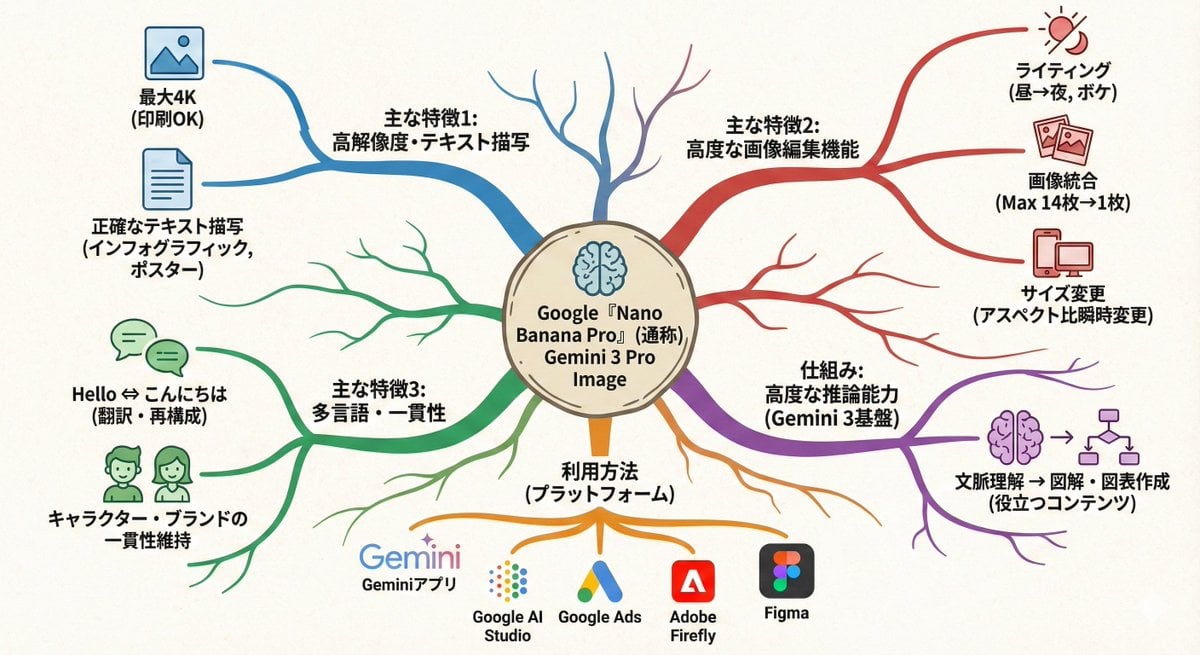
Text-to-mindmap graphic
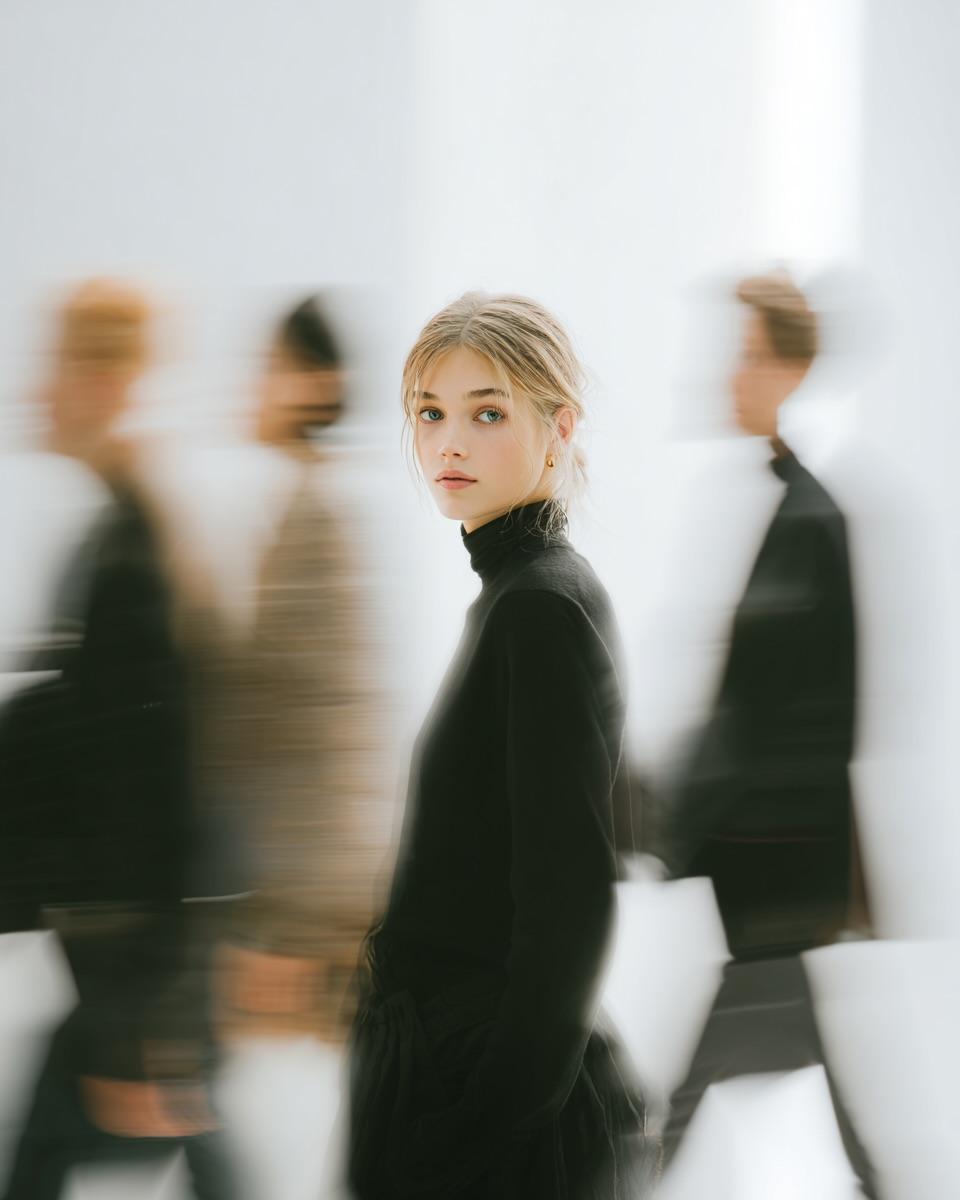
High Fashion Pictorial with Motion Blur
Browse template categories
Tokyo Gallery Guide Brochure questions
How do I use the Tokyo Gallery Guide Brochure template?
Add your photo if the template asks for one, edit the prompt if you like — the template's model and format are already selected — and press Generate. Your version opens in PicX Studio.
Can I customize the Tokyo Gallery Guide Brochure template?
Yes. You can change the subject, setting, lighting, mood, format, and available model controls before creating your image.
Is the Tokyo Gallery Guide Brochure template free?
Opening and editing this template is free. Generating uses credits, shown on the Generate button when you are signed in.
Which AI model should I use?
Start with GPT Image 2, which is the model associated with this template. You can compare another compatible model for a different finish.
Looking for something else? Browse all templates.

Your photo, any look
Thousands of ready templates for every top image and video model, from one credit balance.