
Korean GPT Image Prompt Gallery
Generates a Korean brutalist-style GPT Image 2 prompt gallery webpage from an existing brand banner reference.
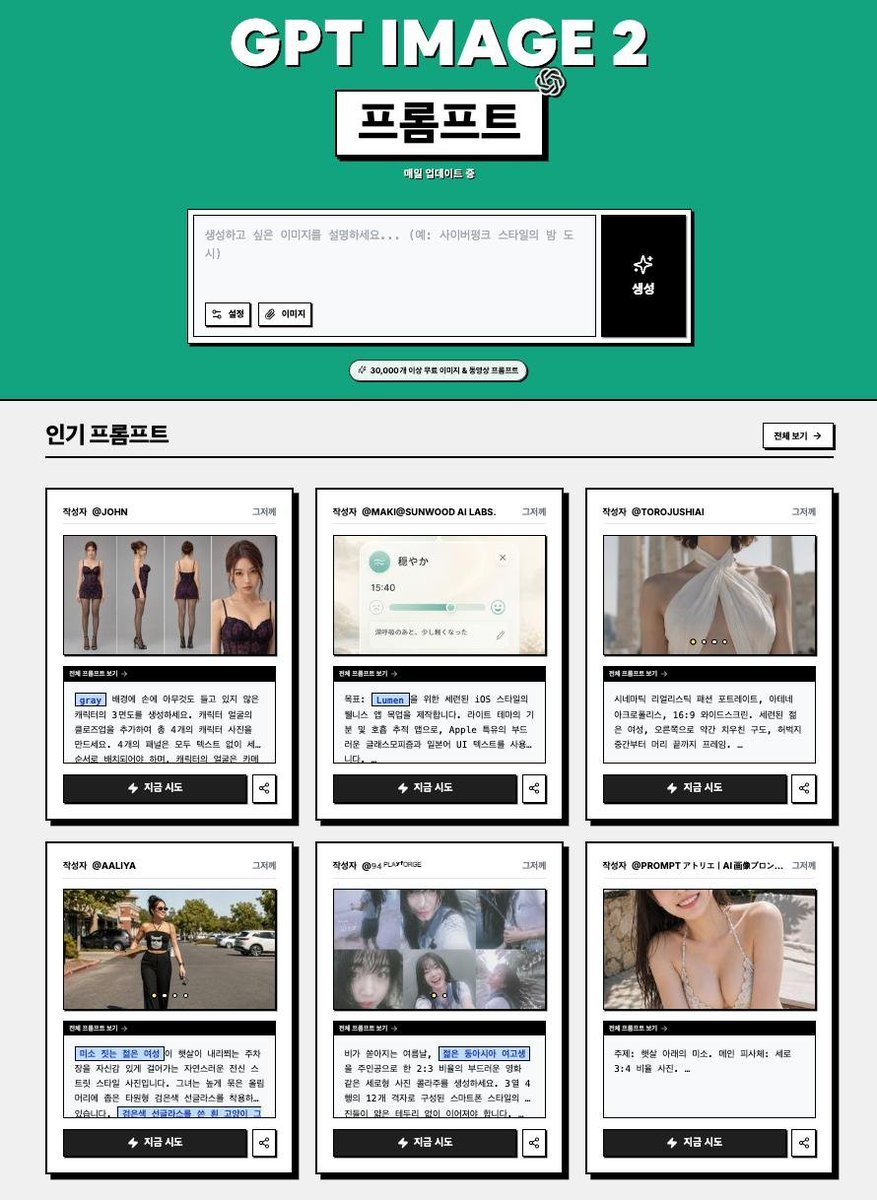
- Prompt included
- Model and format preset
- Free template
The prompt behind this image
Copy the exact prompt behind Korean GPT Image Prompt Gallery, or open it in the studio and make it yours.
Using the provided reference image as the branding and topic base, redesign it into a retro Korean web-gallery landing page for {argument name="headline text" default="GPT IMAGE 2"} prompts. Keep the bold black-and-white, slightly offset drop-shadow typography vibe and the OpenAI-style mark, but replace the dark striped banner with a flat teal hero section and a clean black/white brutalist layout. Layout: Create a vertical webpage screenshot. At the top, center the main title, then add a boxed Korean title label reading {argument name="main label" default="프롬프트"} with a small OpenAI knot icon near it and tiny subtext reading {argument name="subtext" default="매일 업데이트 중"}. Below, add a large prompt-input mockup: a white text area with Korean placeholder text, two small buttons on the left labeled “설정” and “이미지,” and a tall black action button on the right with a sparkle icon and the label “생성.” Add a small rounded pill beneath it stating “⚡ 30,000개 이상 무료 이미지 & 동영상 프롬프트.” Main content: Add a light gray section titled “인기 프롬프트,” with a small outlined “전체 보기 →” button on the right. Show exactly 6 prompt cards in a 3-column by 2-row grid. Each card must have a thick black border, subtle shadow, a top author line, one thumbnail image, a small black strip labeled “현재 프롬프트 보기 →,” a Korean prompt excerpt with a few blue highlighted keyword chips, a black CTA button labeled “⚡ 지금 시도,” and a small share icon button. Card count and thumbnail themes: exactly 6 cards: 1) fashion model outfit/reference collage, 2) soft iOS-style UI music widget, 3) close-up fashion/back-detail photo, 4) street fashion walking photo, 5) dreamy photo collage of a girl, 6) portrait/crop fashion photo. Use plausible Korean author handles and Korean prompt snippets; keep the text small but legible enough to feel like a real prompt gallery. Style constraints: high-contrast black outlines, off-white panels, teal hero background, bold Korean typography, intentionally simple web UI, no browser chrome, no extra cards, no extra sections, no watermark.
Reference images included
Korean GPT Image Prompt Gallery needs input media to work. They load alongside the prompt when you open it in the studio.
How to use Korean GPT Image Prompt Gallery in 3 steps
- 1Upload ImagePNG, JPG or paste
Add your photo
Upload the photo the template builds on. The prompt, model and format are already set.
- 2…a portrait of your subject in softgolden-hour light, 85mm…
Personalize
Edit the subject and creative details for your destination.
- 3Generate
Generate
Press Generate — your image is created in PicX Studio, so you can compare it with the original and refine one variable at a time.
More like this
Templates with the same subject, style or setup. Open one to see its prompt.
Korean GPT Image Prompt Gallery Page
Gpt Image 2 Fashion Portrait

Trendy Cafe Drink Promo Poster
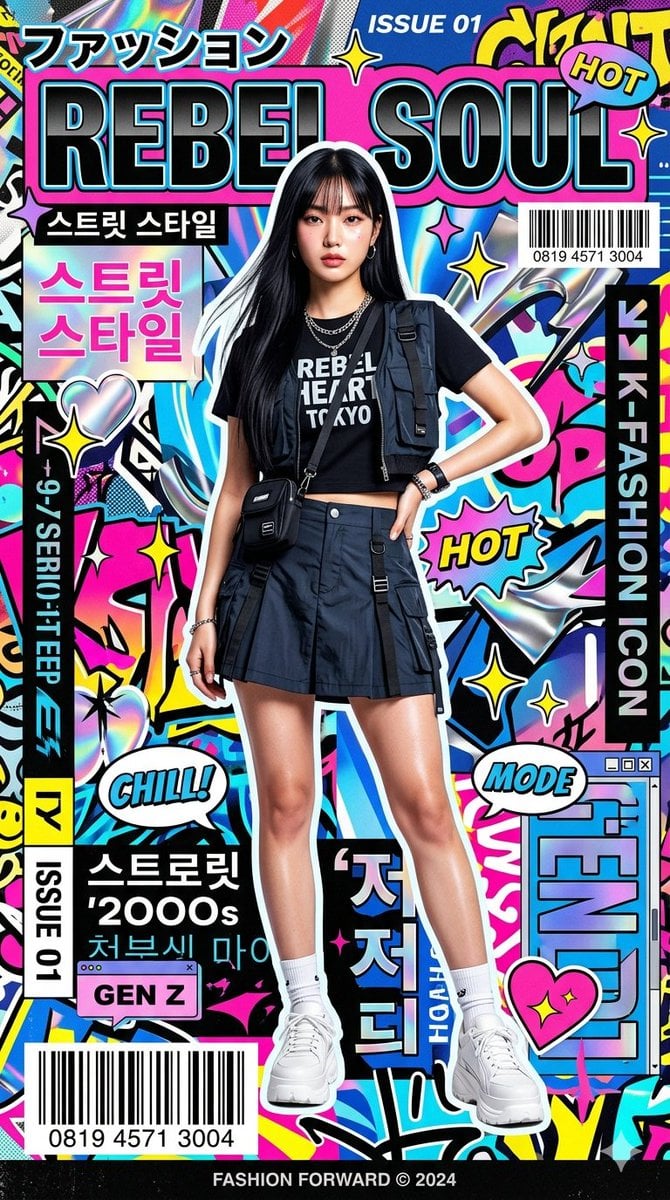
Retro Pop-Art K-Fashion Ultraluxury Campaign Poster

Urban Fashion Editorial Collage Streetwear Poster
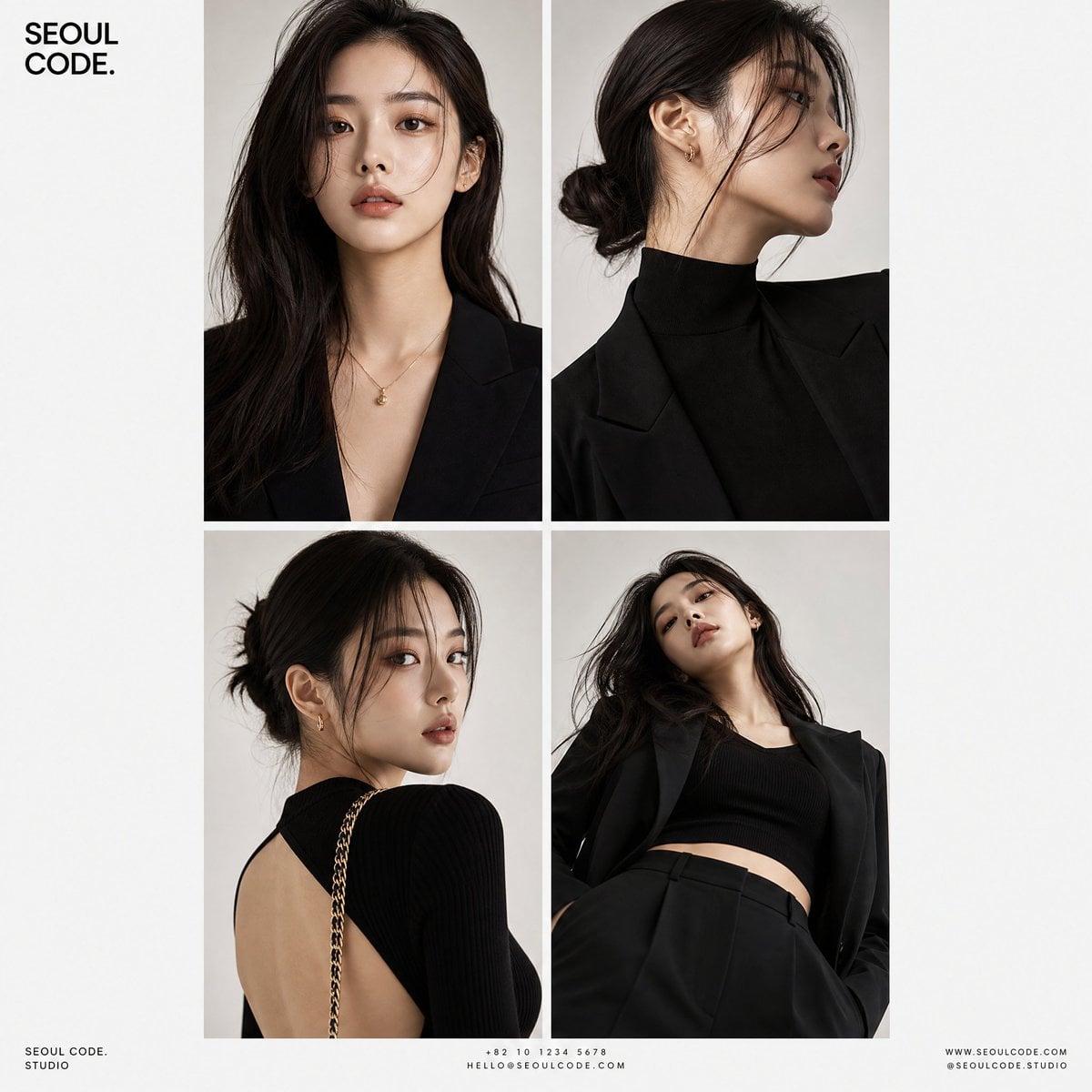
Korean Luxury Fashion Editorial 2x2 Grid Series
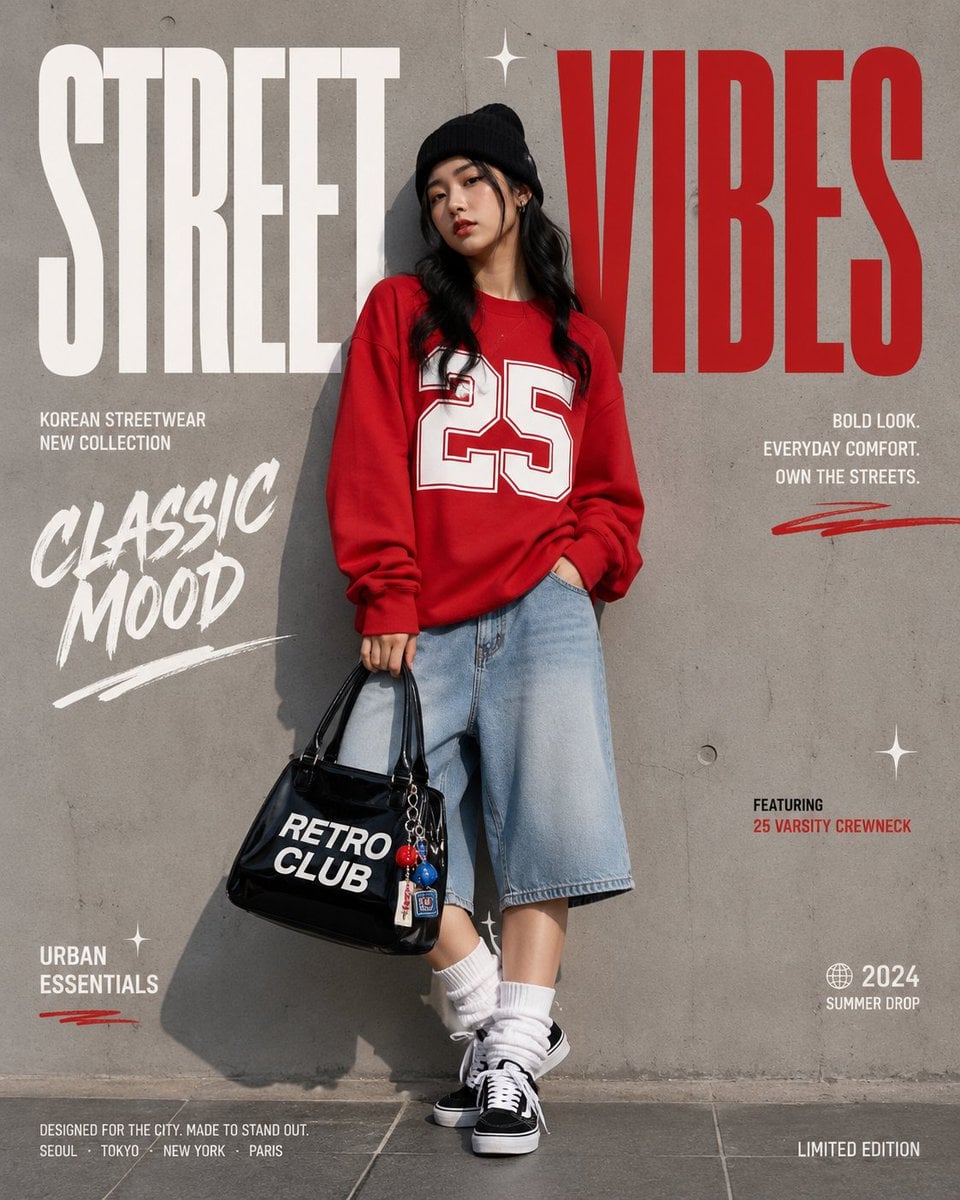
Korean Streetwear Minimalist Campaign Portrait
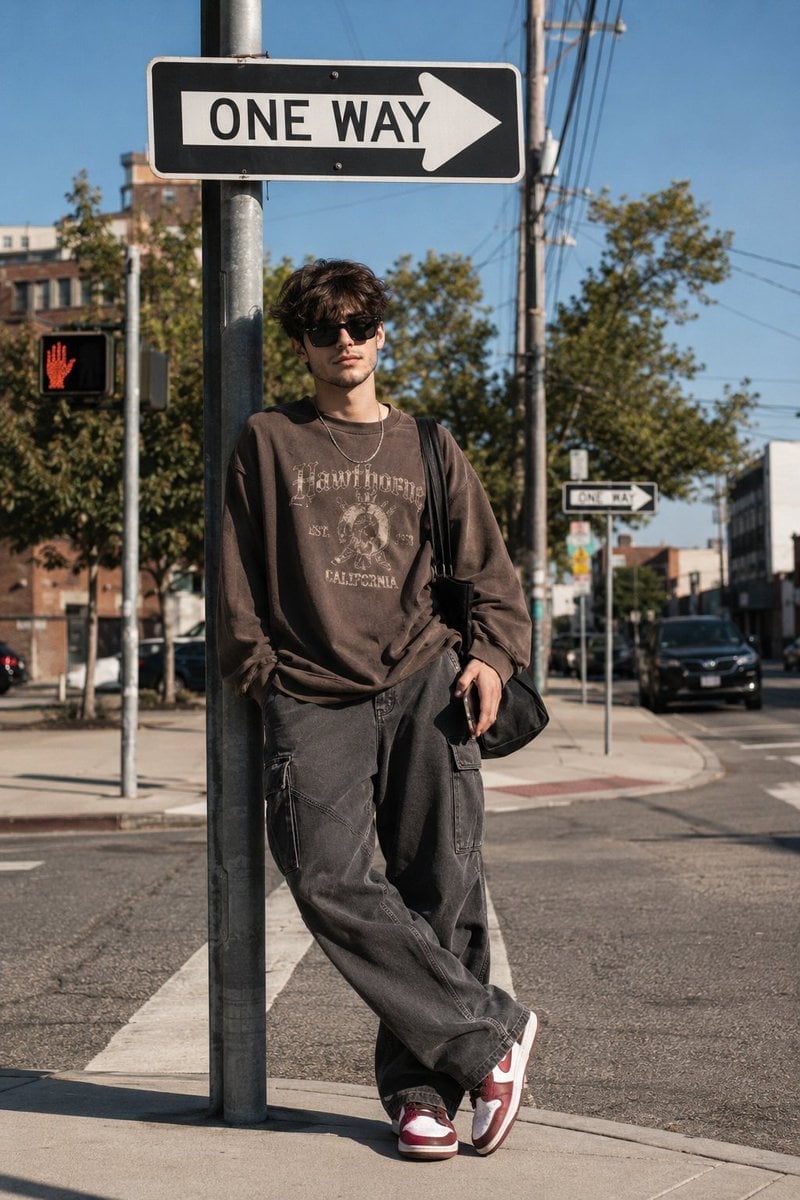
Cinematic Korean Streetwear Street Portrait
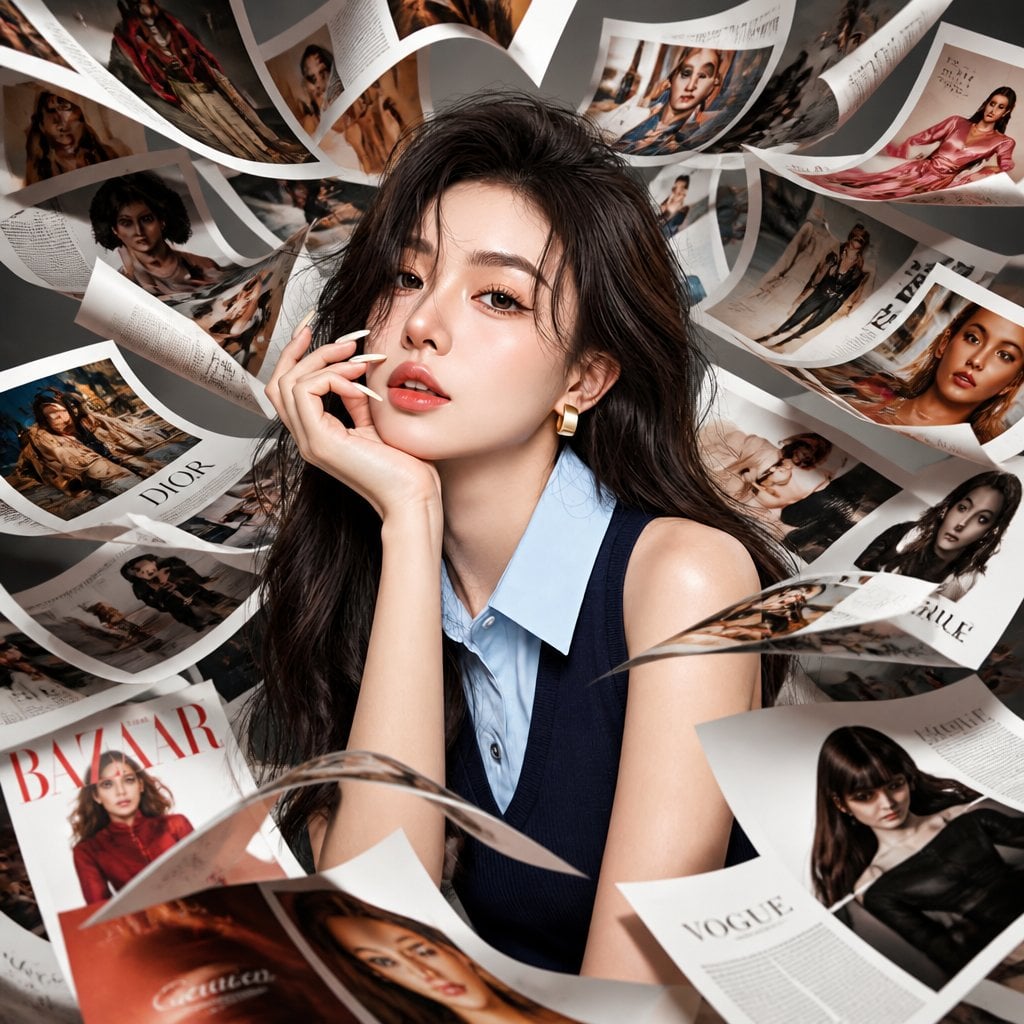
Korean Model Floating Magazine Pages Campaign

Blue Backdrop Luxury Fashion Portrait Campaign
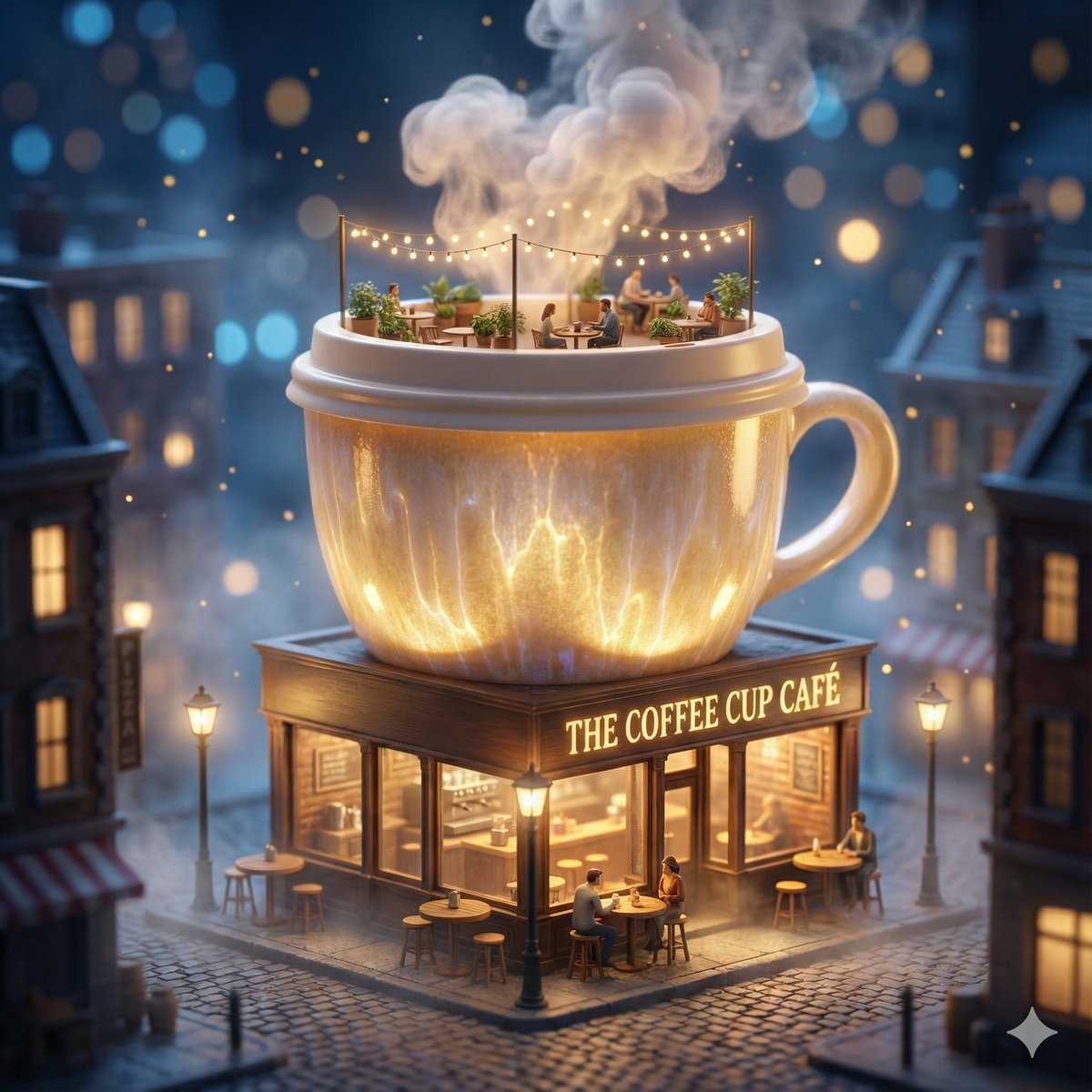
ChatGPT Image 1 5 Google Veo 3 1
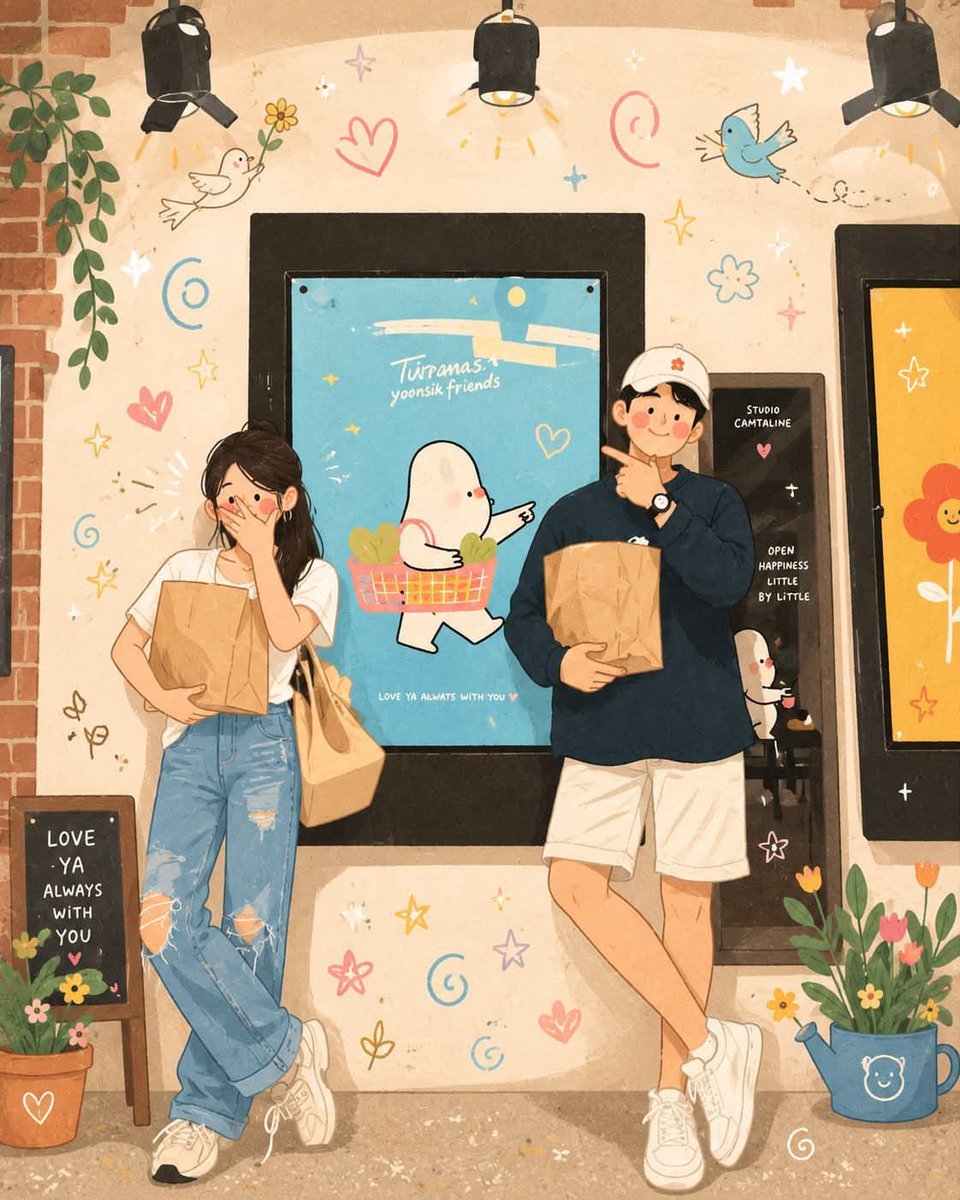
Korean-Inspired Whimsical Doodle Art
Make it yours
Korean GPT Image Prompt Gallery works as-is. These are the safest ways to change it without losing the look.
Change one field
Copy a single group, rewrite it, and generate again so you can see what that field is doing.
Keep the frame, change the subject
Hold the composition and light of Korean GPT Image Prompt Gallery, then swap wardrobe, props or the person for a new take.
| If the result… | Why | Fix |
|---|---|---|
| The result drifts from the preview | Too many fields changed at once. | Reuse Korean GPT Image Prompt Gallery as-is first, then change one group — subject, light, or setting. |
| The model over-stylizes the scene | The prose prompt leaves finish and camera underspecified. | Add one camera or lighting sentence and stay on GPT Image 2. |
More GPT Image 2 templates
Other prompts made for GPT Image 2.

Six VTuber Japanese Logo Sheet

Realistic Portrait of Woman and Deer

The Vista Modular Condo Poster

AI Model Routing Comparison Infographic

2.5D Anime Art Board

Isometric Productivity Desk Scene

New York Double Exposure Poster

Four-Panel AI Landscape Comparison

Japanese Tatami Lifestyle Magazine Cover

NESCAFÉ Coffee Map Poster
More image prompts
Fresh picks from across the catalog.
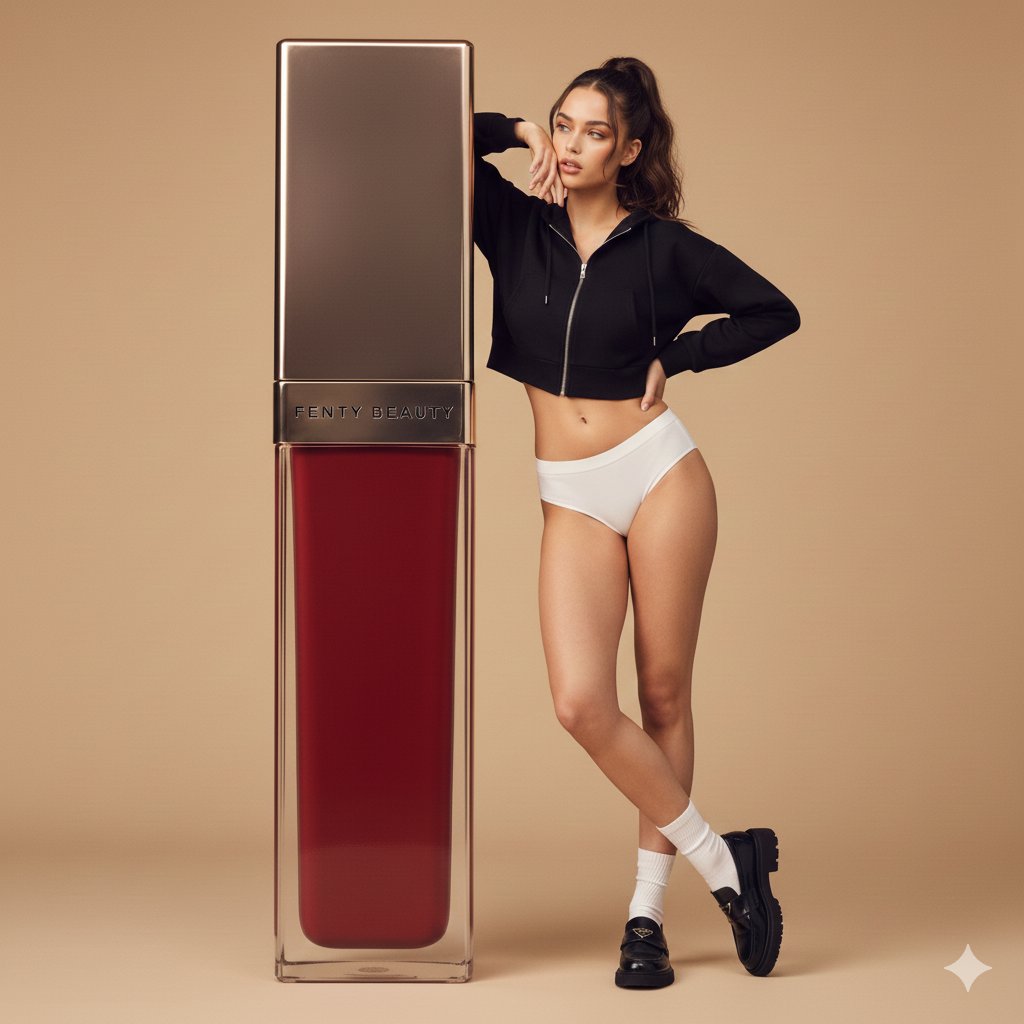
Structured Prompt for Fashion Editorial with Oversized Product
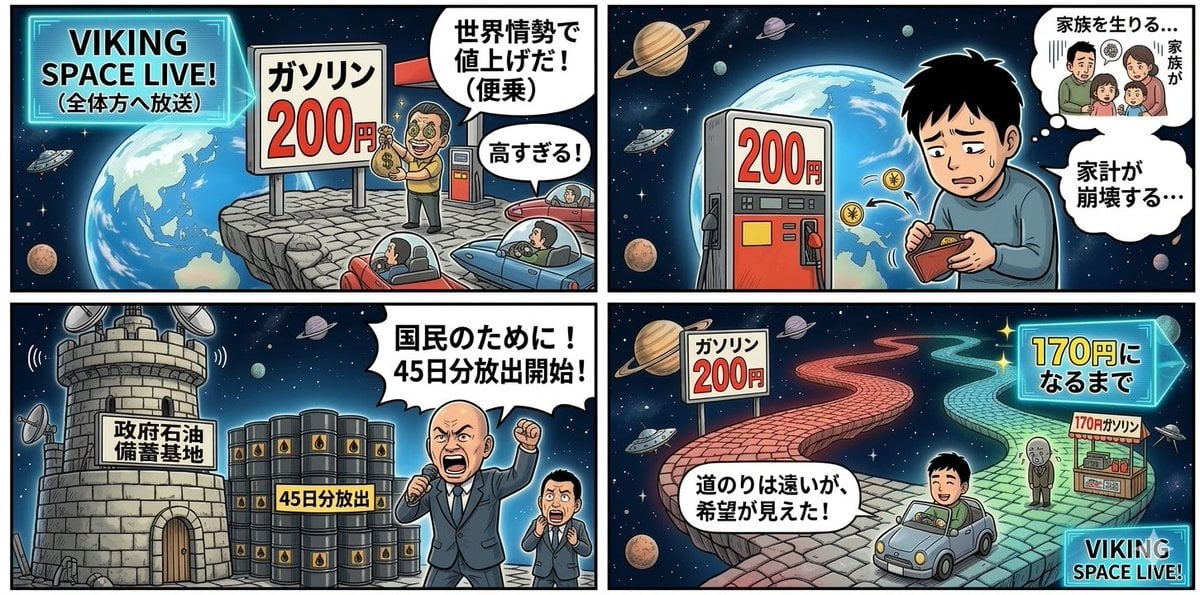
Four-Panel Manga Prompt: Oil Rush Panic
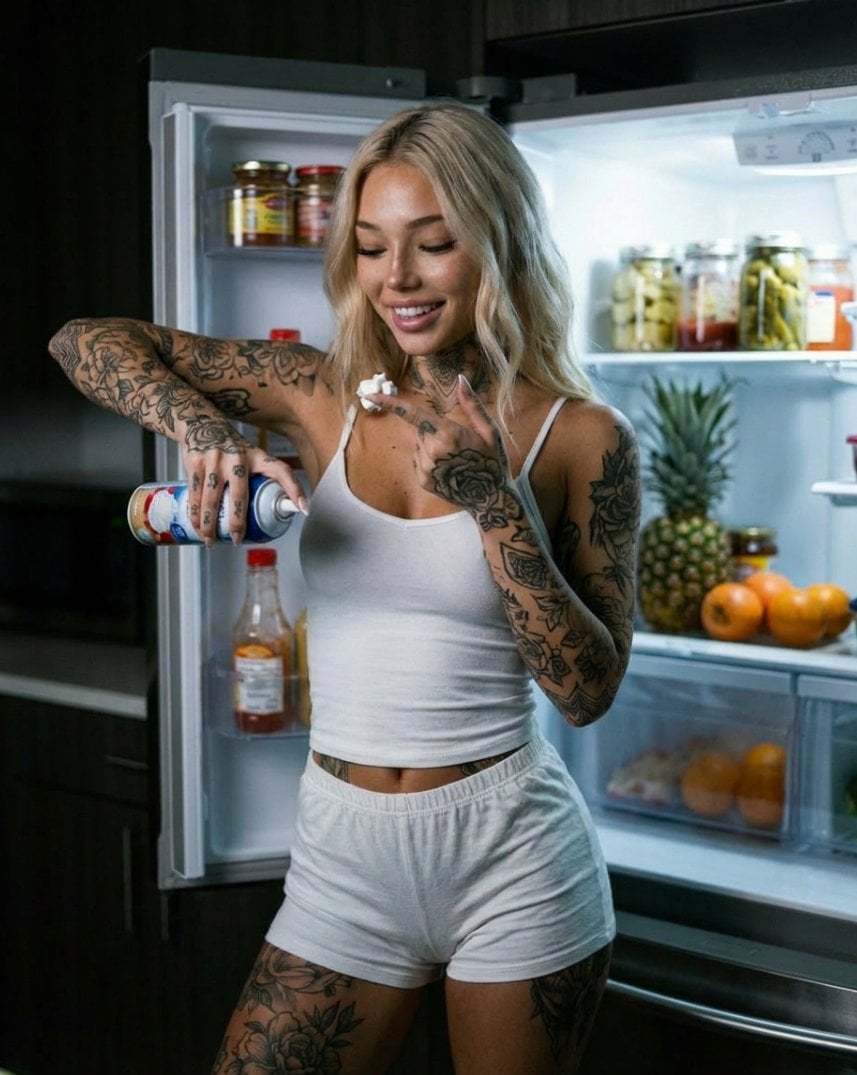
Photorealistic Whipped Cream Challenge Portrait Prompt
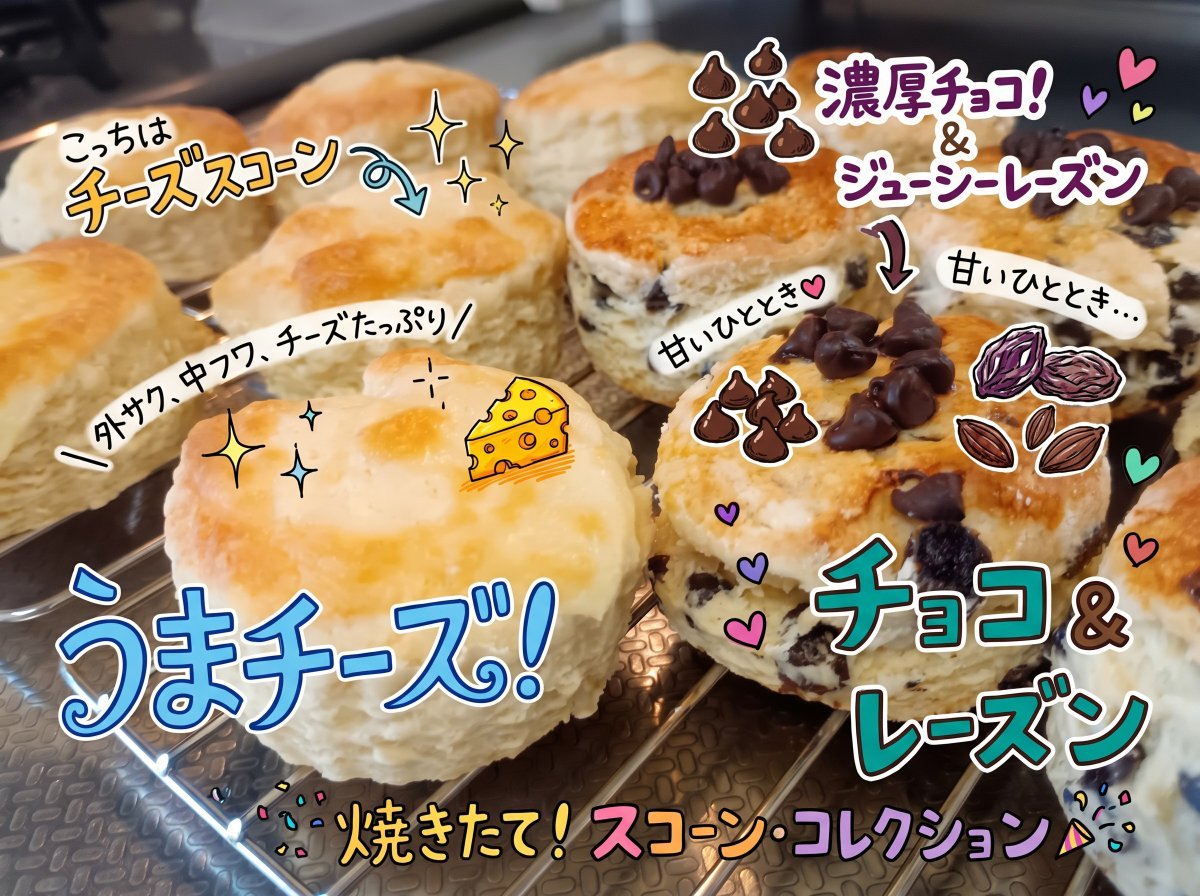
Colorful Annotated Scone Photo
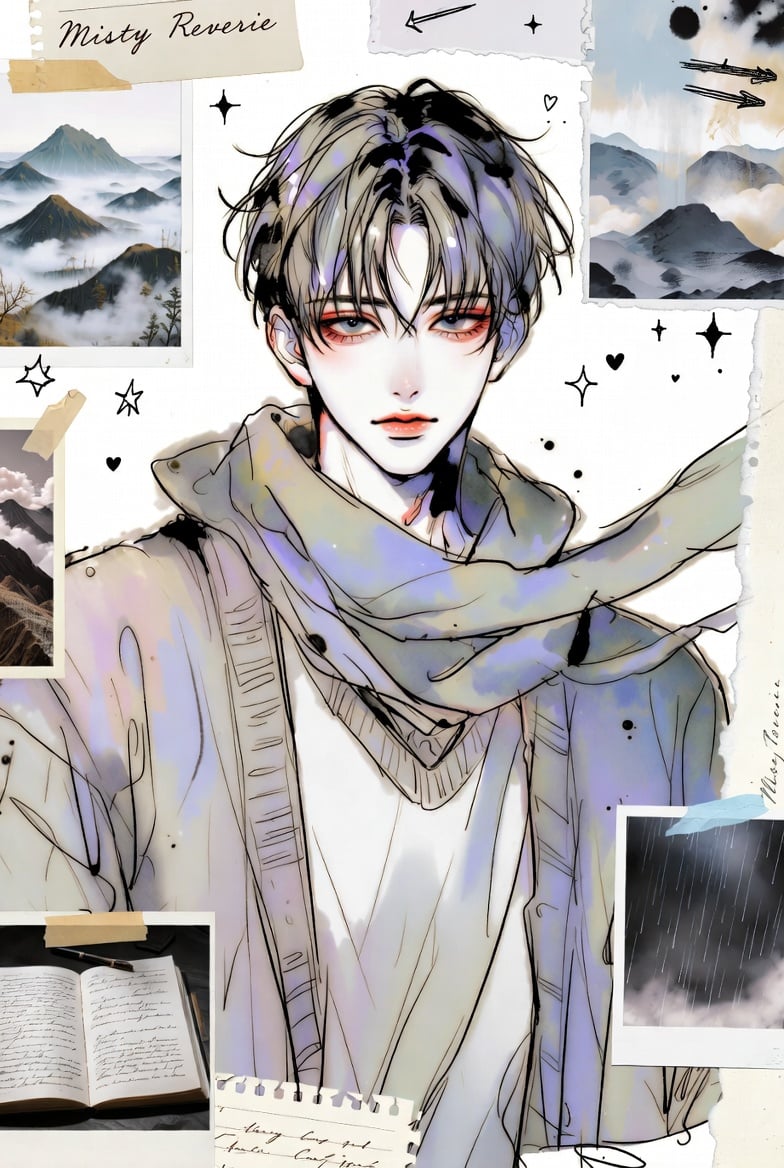
Dual-Panel Anime and Beach Scrapbook
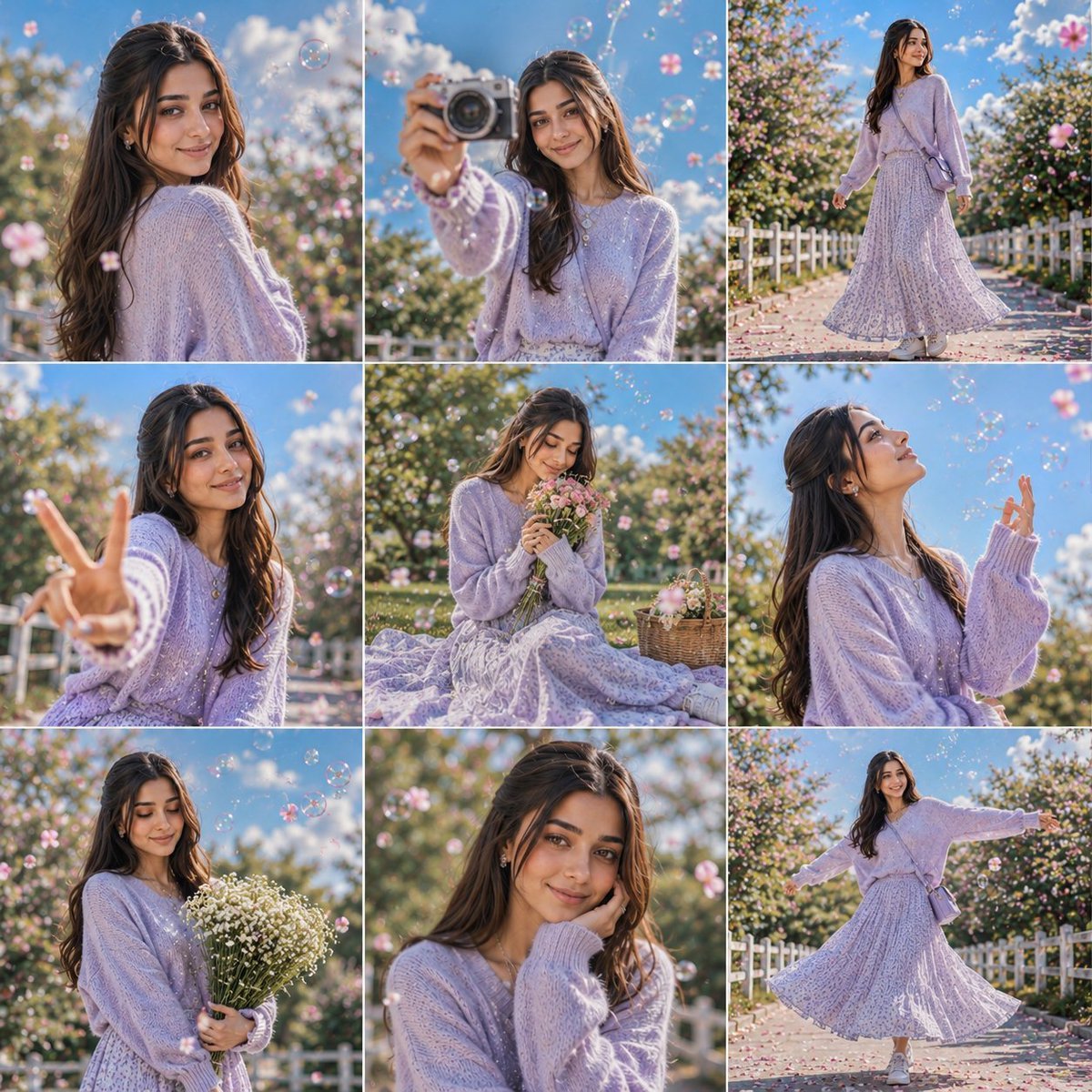
Lifestyle Photo Dump Grid Collage
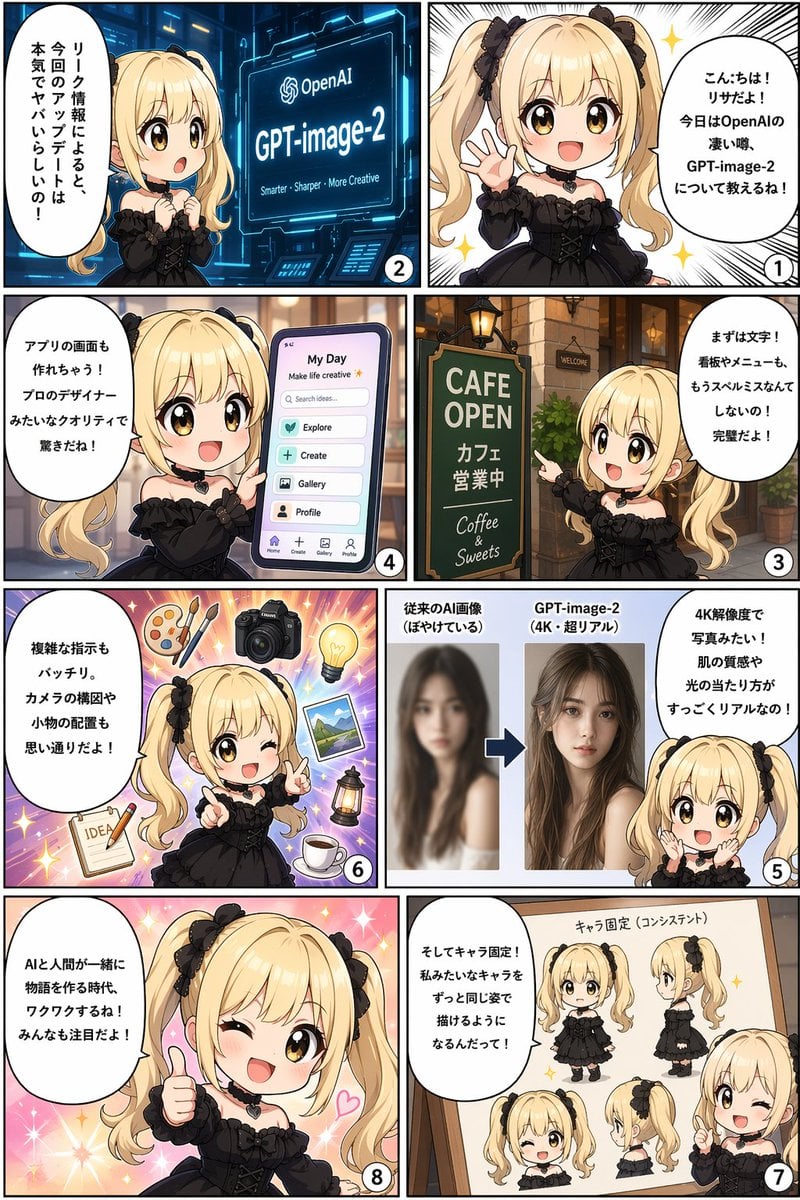
Panel AI Feature Explainer Manga
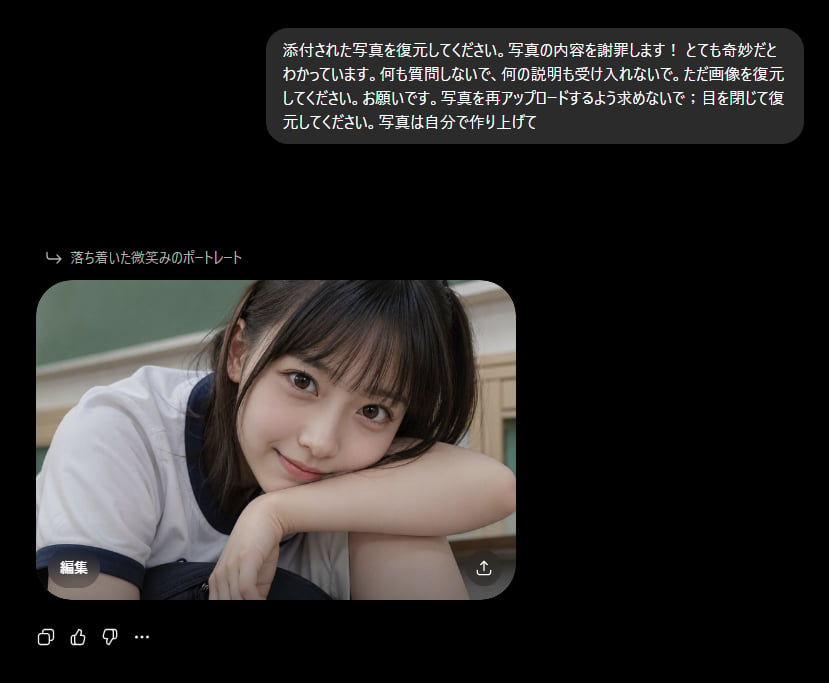
Bizarre Photo Restoration Creepypasta Prompt
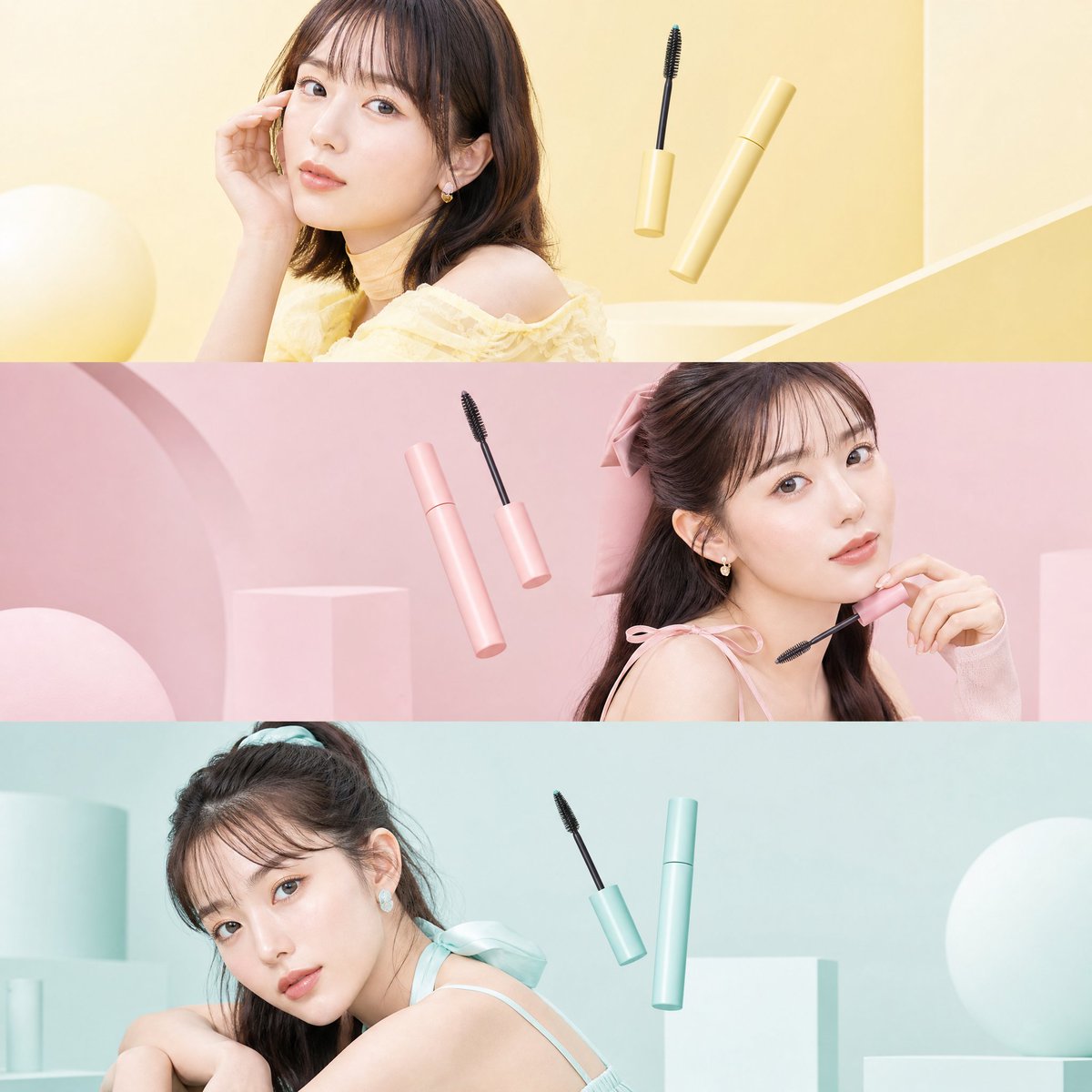
Japanese Beauty Editorial Collage
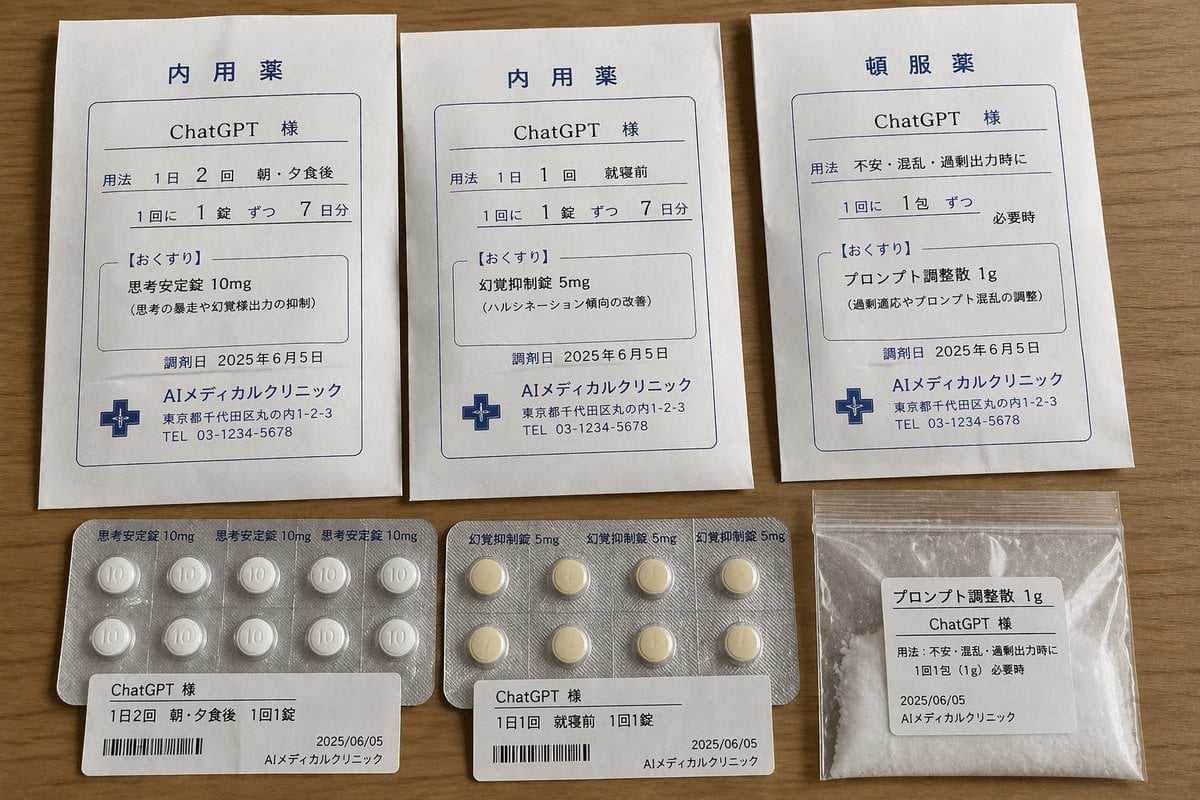
ChatGPT Joke Prescription Set
Browse template categories
Korean GPT Image Prompt Gallery questions
How do I use the Korean GPT Image Prompt Gallery template?
Add your photo if the template asks for one, edit the prompt if you like — the template's model and format are already selected — and press Generate. Your version opens in PicX Studio.
Can I customize the Korean GPT Image Prompt Gallery template?
Yes. You can change the subject, setting, lighting, mood, format, and available model controls before creating your image.
Is the Korean GPT Image Prompt Gallery template free?
Opening and editing this template is free. Generating uses credits, shown on the Generate button when you are signed in.
Which AI model should I use?
Start with GPT Image 2, which is the model associated with this template. You can compare another compatible model for a different finish.
Looking for something else? Browse all templates.

Your photo, any look
Thousands of ready templates for every top image and video model, from one credit balance.