
ChatGPT Joke Prescription Set
A realistic overhead photo of a humorous Japanese medical prescription and medicine set for ChatGPT, ideal for parody healthcare-themed prop graphics or social media concept art.
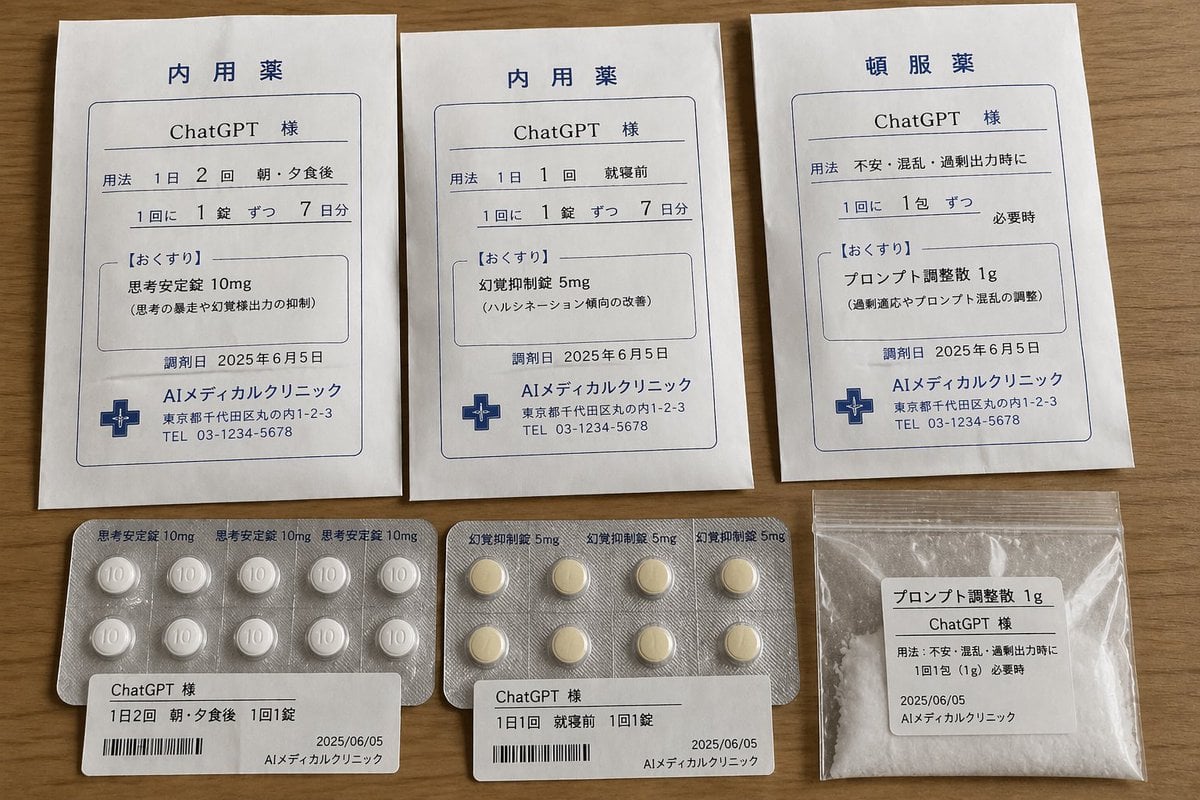
- Prompt included
- Model and format preset
- Free template
The prompt behind this image
Copy the exact prompt behind ChatGPT Joke Prescription Set, or open it in the studio and make it yours.
A realistic overhead product photograph on a warm wooden tabletop showing 6 medical-style items neatly arranged in two rows, designed as a humorous Japanese pharmacy set for ChatGPT. Top row: 3 white prescription envelopes standing vertically, each with blue printed borders and Japanese medical typography. Bottom row: 2 blister packs of tablets and 1 small transparent zip bag of white powder, each aligned beneath the corresponding envelope. The paper and packaging should look authentic, like real Japanese clinic dispensing materials, with slight wrinkles, soft natural indoor lighting, and subtle shadows. The 3 envelopes are all different and fully visible. Left envelope title in large blue Japanese text: "内用薬". Patient line reads "ChatGPT 様". Dosage lines indicate twice daily after morning and evening meals, 1 tablet each time, for 7 days. Medicine box title: "【おくすり】" and drug name "思考安定錠 10mg" with a smaller parenthetical note explaining it suppresses runaway thoughts and excessive reasoning output. Date near bottom: "2025年6月5日". Clinic name and address block at bottom: "AIメディカルクリニック" with a Tokyo-style address and phone number, plus a blue medical cross icon. Center envelope title: "内用薬". Patient line: "ChatGPT 様". Dosage indicates once daily before sleep, 1 tablet each time, for 7 days. Medicine box title: "【おくすり】" and drug name "幻覚抑制錠 5mg" with a smaller note saying it improves hallucinatory tendencies. Date also "2025年6月5日". Same clinic footer and blue medical cross icon. Right envelope title: "頓服薬". Patient line: "ChatGPT 様". Usage line says for anxiety, confusion, or excessive output. Dosage says 1 packet each time, as needed. Medicine box title: "【おくすり】" and drug name "プロンプト調整散 1g" with a smaller note saying it adjusts overfitting and prompt confusion. Date "2025年6月5日". Same clinic footer and blue medical cross icon. Bottom left item: 1 silver blister pack containing exactly 10 round white tablets arranged in 2 rows of 5, each tablet embossed with "10". Printed along the foil edge: "思考安定錠10mg" repeated. In front of it is a white pharmacy label with "ChatGPT 様", dosage directions for twice daily after morning and evening meals, 1 tablet each time, a barcode, date "2025/06/05", and clinic name. Bottom center item: 1 silver blister pack containing exactly 8 pale yellow round tablets arranged in 2 rows of 4. Printed along the foil edge: "幻覚抑制錠5mg" repeated. In front of it is a white pharmacy label with "ChatGPT 様", dosage directions for once daily before sleep, 1 tablet each time, a barcode, date "2025/06/05", and clinic name. Bottom right item: 1 small clear zip-top plastic bag filled with white powder. A white label on the front reads "プロンプト調整散 1g", includes "ChatGPT 様", usage for anxiety, confusion, and excessive output, dosage "1回1包(1g) 必要時", date "2025/06/05", and clinic name. Style: photorealistic documentary product shot, comedic fake prescription prop design, clean Japanese pharmaceutical graphic layout, high legibility, neutral color palette of white, blue, silver, beige, and wood brown, top-down camera, no hands, no extra objects, authentic print texture and packaging details.
How to use ChatGPT Joke Prescription Set in 3 steps
- 1Upload ImagePNG, JPG or paste
Add your photo
Upload the photo the template builds on. The prompt, model and format are already set.
- 2…a portrait of your subject in softgolden-hour light, 85mm…
Personalize
Edit the subject and creative details for your destination.
- 3Generate
Generate
Press Generate — your image is created in PicX Studio, so you can compare it with the original and refine one variable at a time.
More like this
Templates with the same subject, style or setup. Open one to see its prompt.
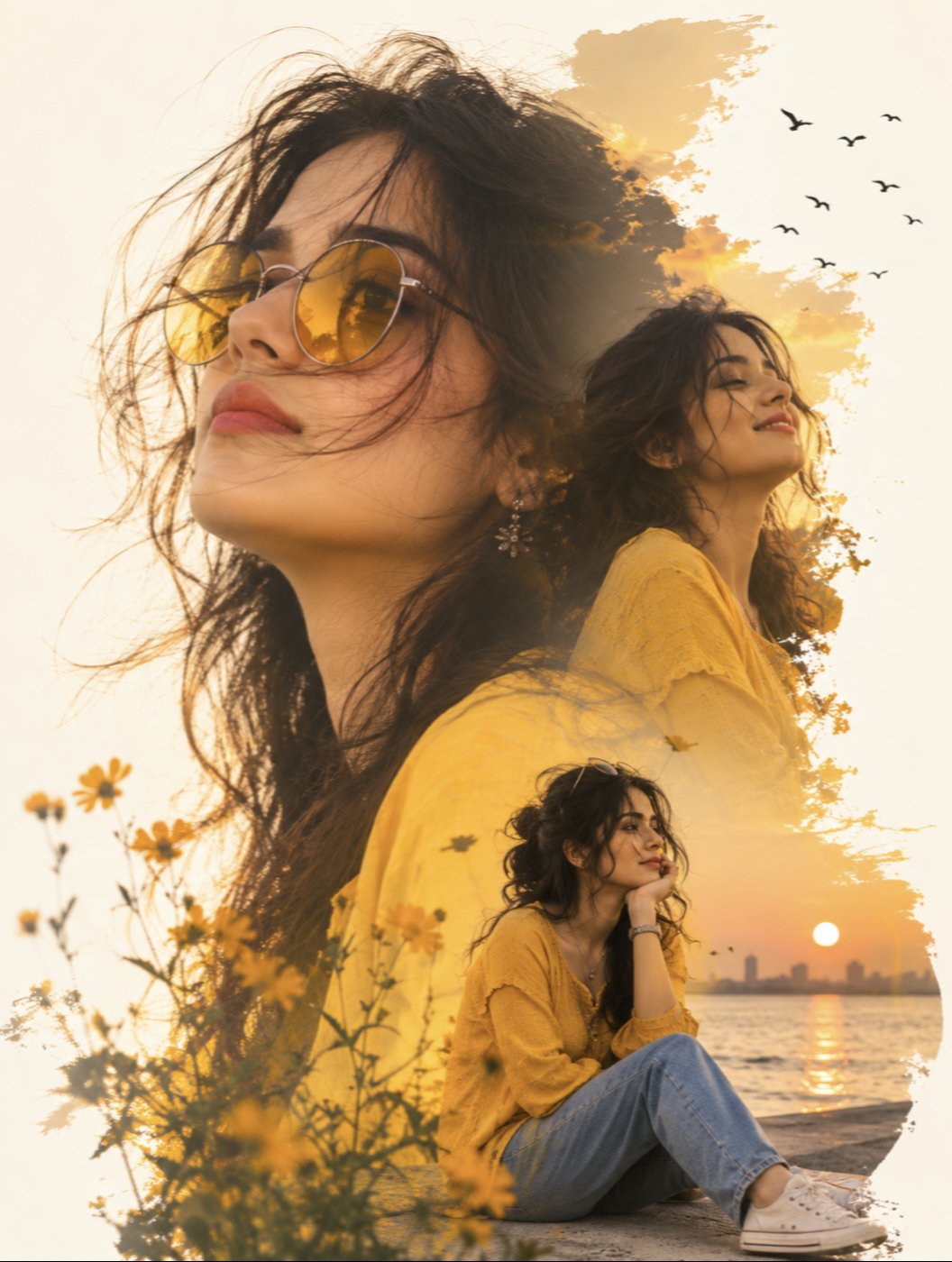
Yellow Sunglasses Double Exposure Sunset

Floraverse Botanical Fusion

FLORAVERSE BOTANICAL FUSION

Face-Locked Train Window Lifestyle Portrait
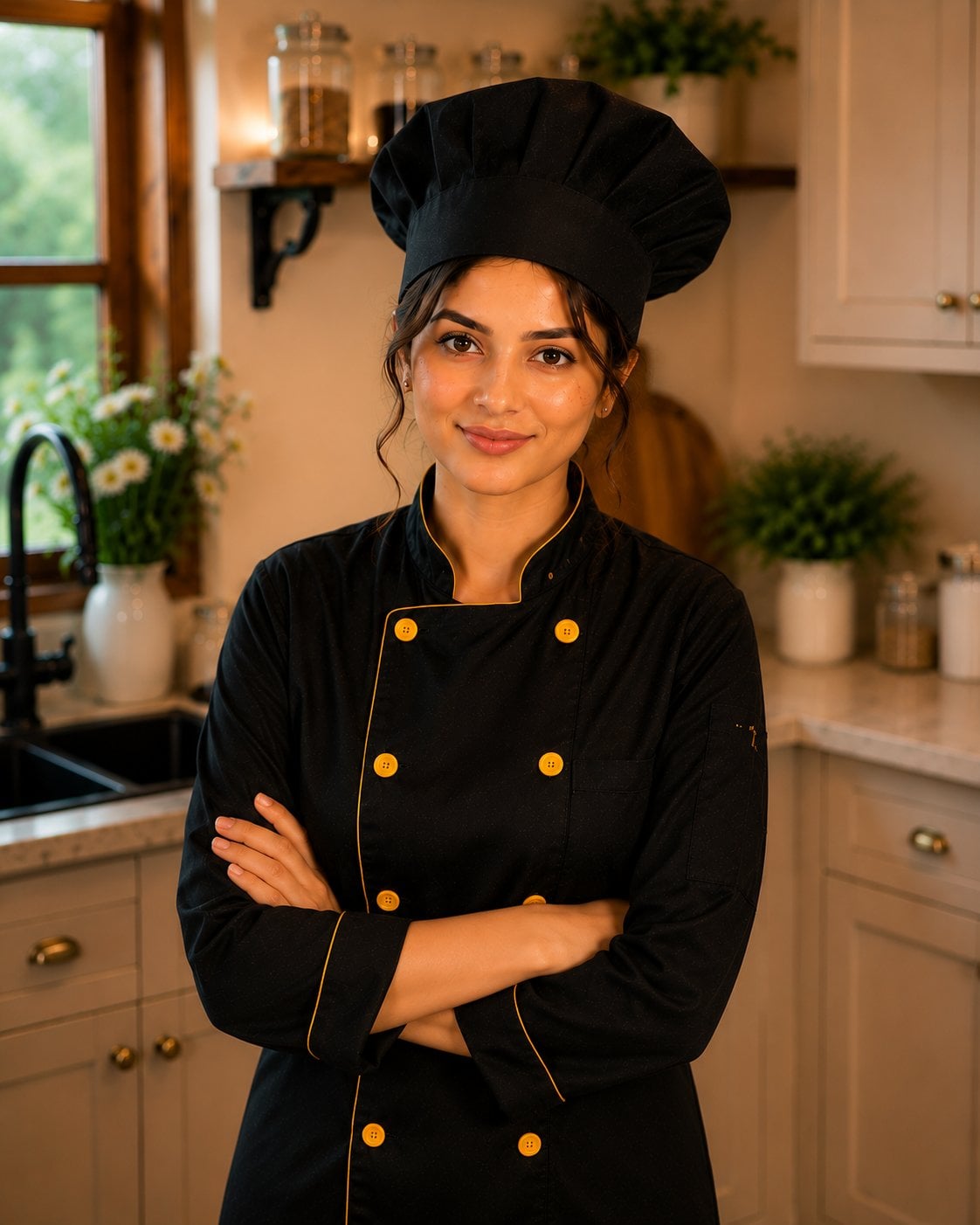
Female Chef Chicken Biryani Luxury Kitchen
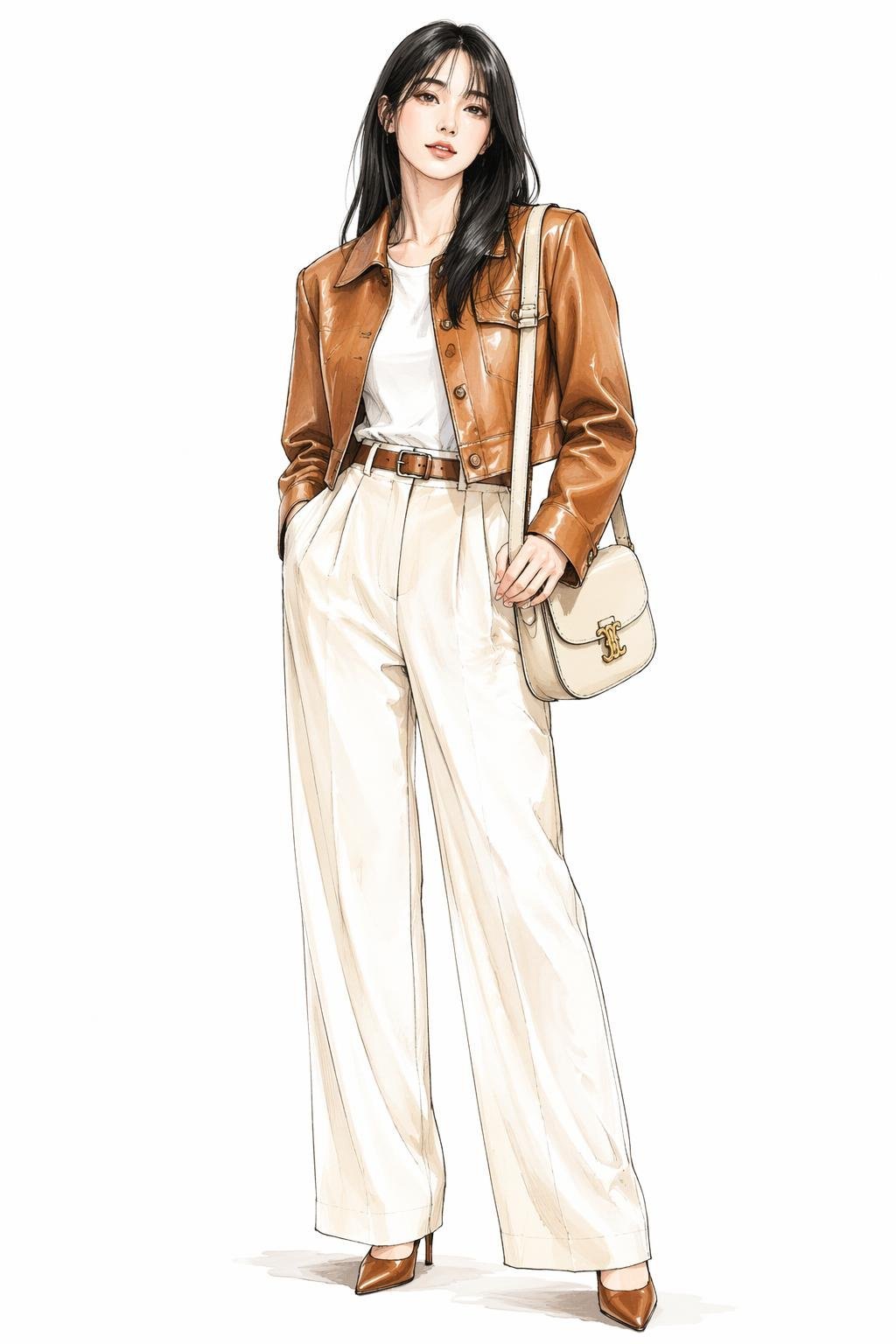
Leather Jacket Cream Trousers Fashion Sketch

Golden Hour Fedora Bar Doorway Street Style

Luxury Toothpaste Commercial Storyboard

Unfinished Sketch Comes Alive Portrait
Surreal Minimalist Dark Collage Poster II

Open Travel Journal Overhead Still Life
Monami Visual Prompt Placeholder
Make it yours
ChatGPT Joke Prescription Set works as-is. These are the safest ways to change it without losing the look.
Change one field
Copy a single group, rewrite it, and generate again so you can see what that field is doing.
Keep the frame, change the subject
Hold the composition and light of ChatGPT Joke Prescription Set, then swap wardrobe, props or the person for a new take.
| If the result… | Why | Fix |
|---|---|---|
| The result drifts from the preview | Too many fields changed at once. | Reuse ChatGPT Joke Prescription Set as-is first, then change one group — subject, light, or setting. |
| The model over-stylizes the scene | The prose prompt leaves finish and camera underspecified. | Add one camera or lighting sentence and stay on GPT Image 2. |
More GPT Image 2 templates
Other prompts made for GPT Image 2.

Six VTuber Japanese Logo Sheet

Realistic Portrait of Woman and Deer

The Vista Modular Condo Poster

AI Model Routing Comparison Infographic

2.5D Anime Art Board

Isometric Productivity Desk Scene

New York Double Exposure Poster

Four-Panel AI Landscape Comparison

Japanese Tatami Lifestyle Magazine Cover

NESCAFÉ Coffee Map Poster
More image prompts
Fresh picks from across the catalog.
Cinematic Portrait with Harsh Flash and Floral Background (Duplicate)
Anime RPG Dialogue Screenshot
Pamplets
Rainy FamilyMart Noir Portrait
Anime Park Date Illustration
NanoBanana Petrification Expression Prompts
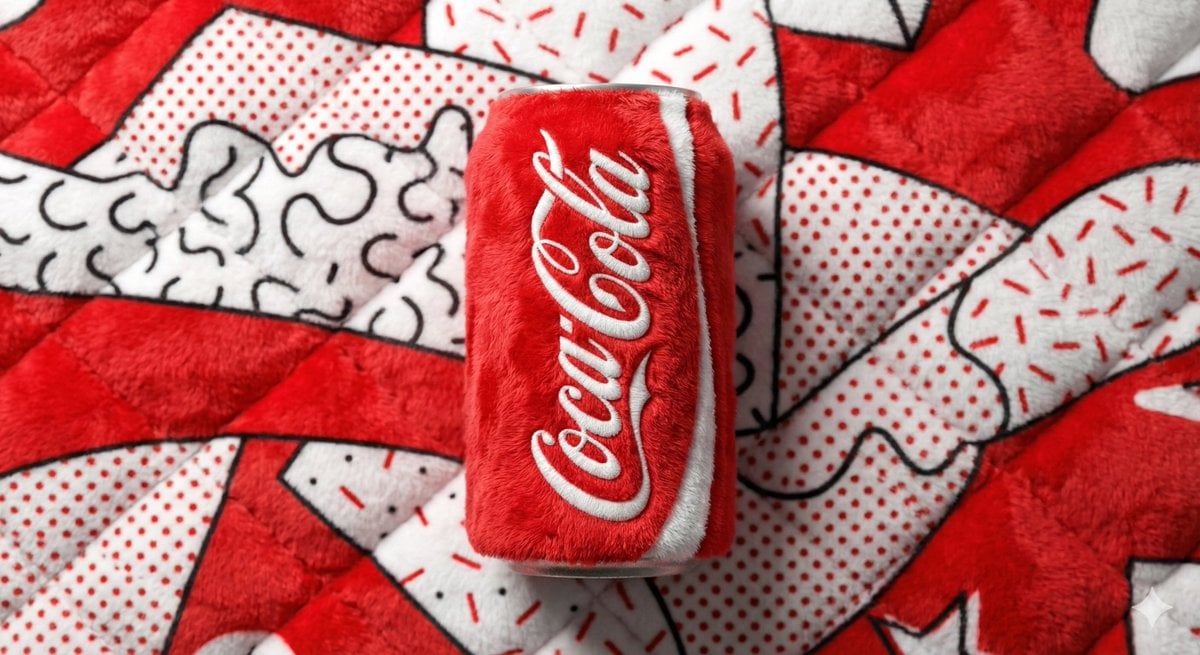
Pop Art Plush Product Shot of a Beverage Can
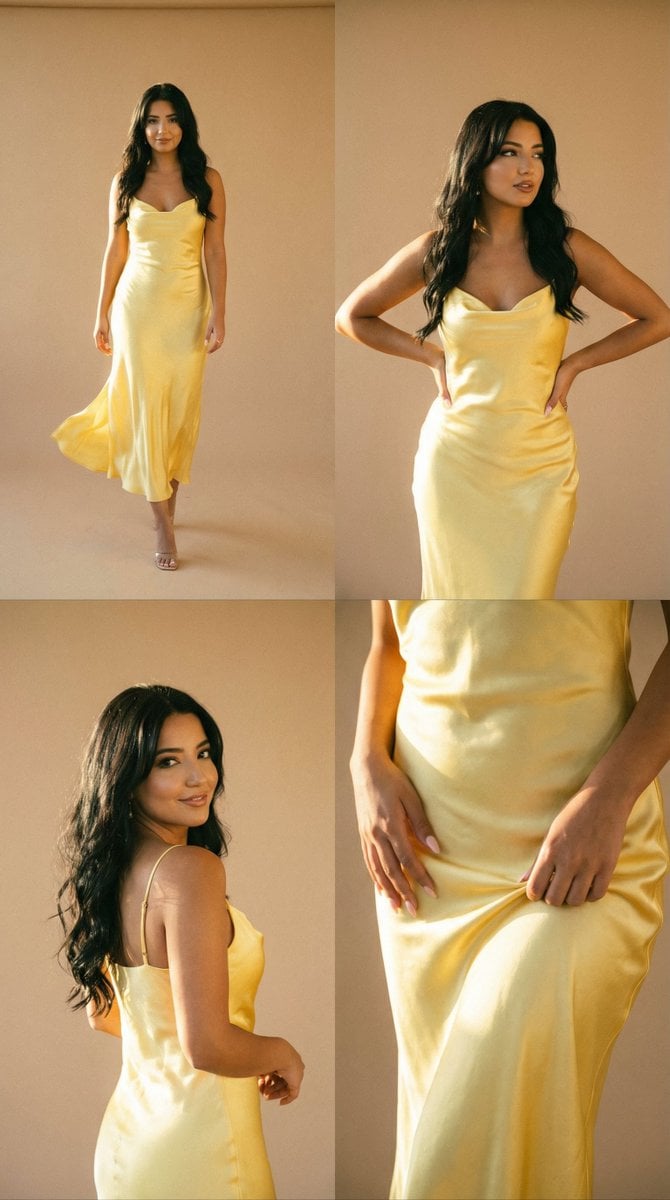
Golden Hour Fashion Editorial Collage (4 Panels)
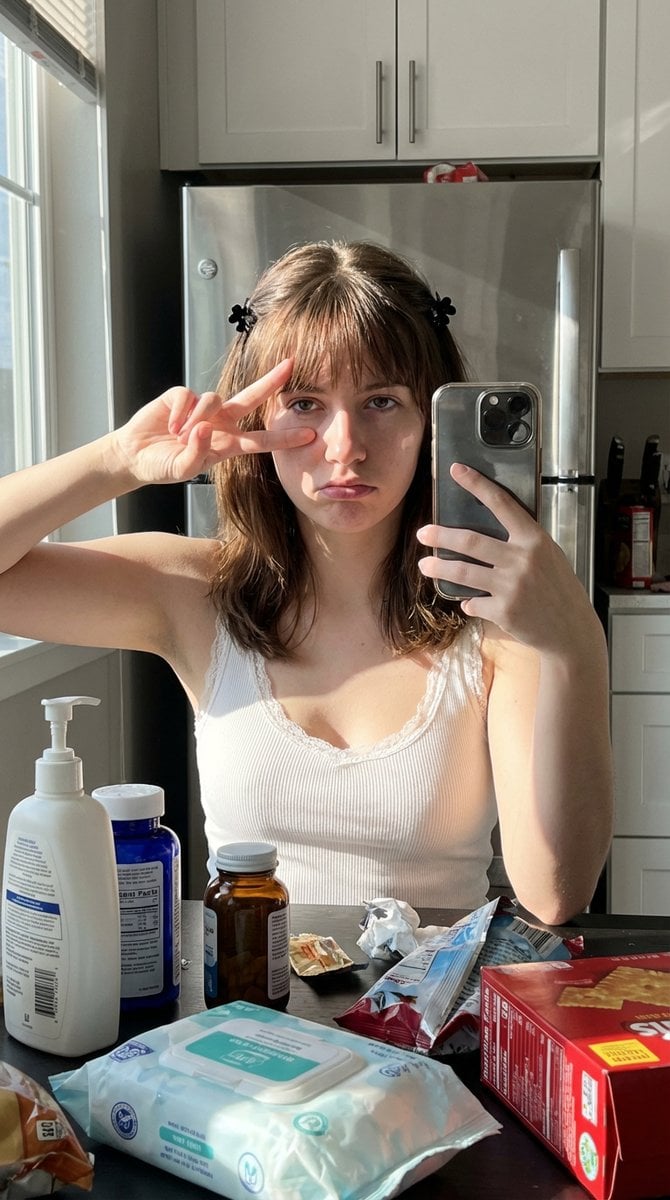
Simulated iPhone 14 Pro Selfie in Harsh Lighting
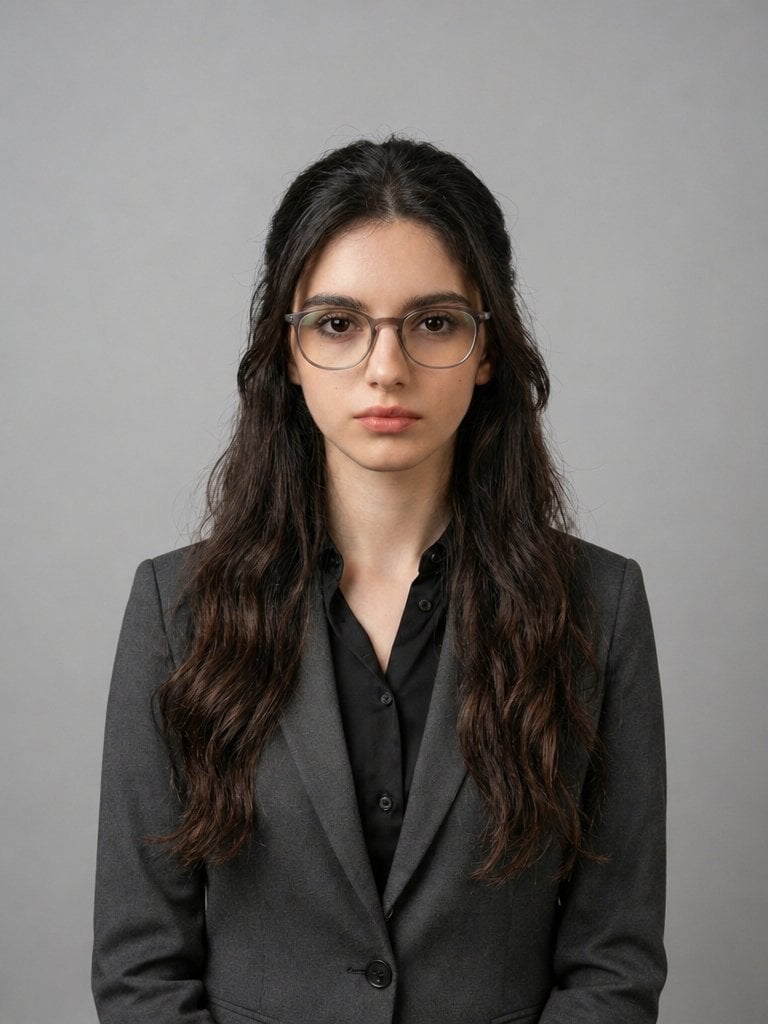
X Iqrasaifiii Pov Du Hast Gerade Erkannt Dass Du Professionelle Corporate Fotos Ganz Bequem
Browse template categories
ChatGPT Joke Prescription Set questions
How do I use the ChatGPT Joke Prescription Set template?
Add your photo if the template asks for one, edit the prompt if you like — the template's model and format are already selected — and press Generate. Your version opens in PicX Studio.
Can I customize the ChatGPT Joke Prescription Set template?
Yes. You can change the subject, setting, lighting, mood, format, and available model controls before creating your image.
Is the ChatGPT Joke Prescription Set template free?
Opening and editing this template is free. Generating uses credits, shown on the Generate button when you are signed in.
Which AI model should I use?
Start with GPT Image 2, which is the model associated with this template. You can compare another compatible model for a different finish.
Looking for something else? Browse all templates.

Your photo, any look
Thousands of ready templates for every top image and video model, from one credit balance.