
Rainy FamilyMart Noir Portrait
Generates a cinematic rainy-night Japanese convenience store street scene with a suited figure under a transparent umbrella, ideal for moody urban photography concepts.
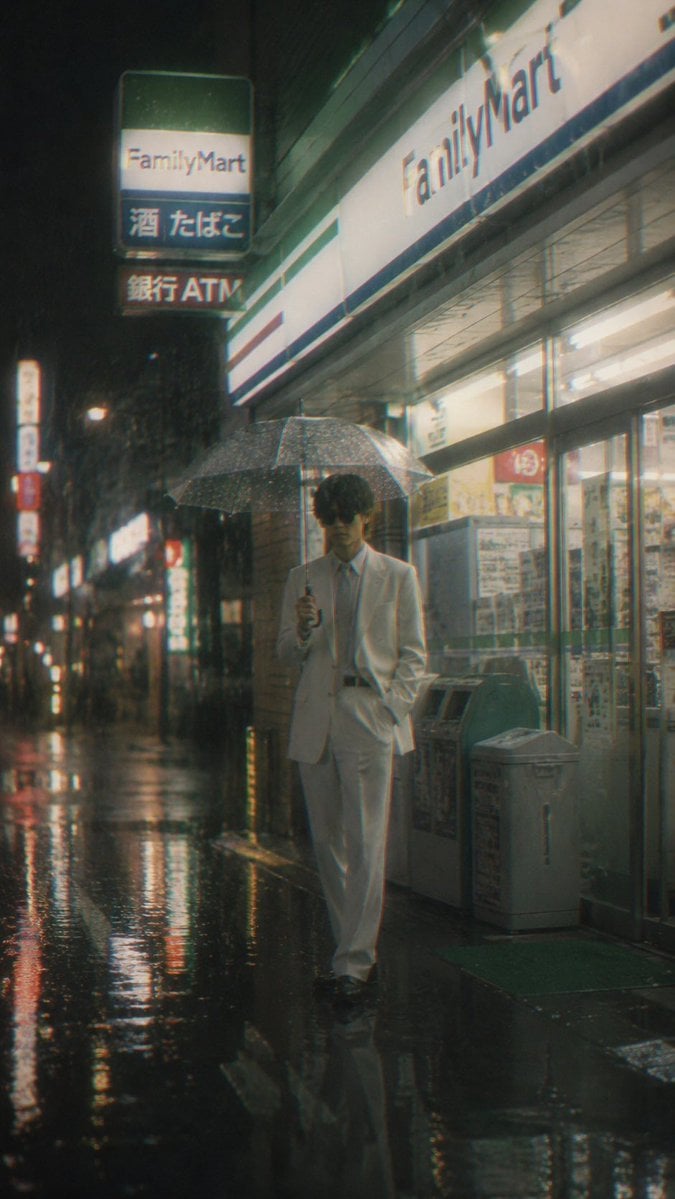
- Prompt included
- Model and format preset
- Free template
The prompt behind this image
Copy the exact prompt behind Rainy FamilyMart Noir Portrait, or open it in the studio and make it yours.
Create a vertical cinematic night street photograph in rainy urban Japan, showing a {argument name="main subject" default="faceless young man in a white suit"} standing and walking slowly outside a brightly lit {argument name="store name" default="FamilyMart"} convenience store. He holds a transparent umbrella in one hand, with his other hand in his trouser pocket, wearing a white blazer, white slacks, white shirt, pale tie, and dark shoes; his face is intentionally blurred or obscured for anonymity. The scene is shot from sidewalk level with a slight wide-angle perspective, wet black pavement filling the foreground and reflecting neon signs, store lights, and street lamps. The storefront occupies the right side with glass doors, posters, trash bins, vending or ATM-like machines, and a green entrance mat; the large facade sign reads “FamilyMart.” On the upper left, include one hanging illuminated sign made of exactly 3 stacked panels labeled “FamilyMart,” “酒 たばこ,” and “銀行ATM.” Add a receding row of blurry illuminated shop signs and streetlights down the left side for depth. Use a moody neo-noir atmosphere, heavy rain, visible raindrops on the umbrella, glossy reflections, soft haze, analog film grain, slight chromatic aberration, muted teal-green and warm fluorescent tones, shallow depth of field, realistic photography, 35mm film look, subtle motion blur, high contrast, vertical 9:16 composition.
How to use Rainy FamilyMart Noir Portrait in 3 steps
- 1Upload ImagePNG, JPG or paste
Add your photo
Upload the photo the template builds on. The prompt, model and format are already set.
- 2…a portrait of your subject in softgolden-hour light, 85mm…
Personalize
Edit the subject and creative details for your destination.
- 3Generate
Generate
Press Generate — your image is created in PicX Studio, so you can compare it with the original and refine one variable at a time.
More like this
Templates with the same subject, style or setup. Open one to see its prompt.











Make it yours
Rainy FamilyMart Noir Portrait works as-is. These are the safest ways to change it without losing the look.
Change one field
Copy a single group, rewrite it, and generate again so you can see what that field is doing.
Keep the frame, change the subject
Hold the composition and light of Rainy FamilyMart Noir Portrait, then swap wardrobe, props or the person for a new take.
| If the result… | Why | Fix |
|---|---|---|
| The result drifts from the preview | Too many fields changed at once. | Reuse Rainy FamilyMart Noir Portrait as-is first, then change one group — subject, light, or setting. |
| The model over-stylizes the scene | The prose prompt leaves finish and camera underspecified. | Add one camera or lighting sentence and stay on GPT Image 2. |
More GPT Image 2 templates
Other prompts made for GPT Image 2.

Six VTuber Japanese Logo Sheet

Realistic Portrait of Woman and Deer

The Vista Modular Condo Poster

AI Model Routing Comparison Infographic

2.5D Anime Art Board

Isometric Productivity Desk Scene

New York Double Exposure Poster

Four-Panel AI Landscape Comparison

Japanese Tatami Lifestyle Magazine Cover

NESCAFÉ Coffee Map Poster
More image prompts
Fresh picks from across the catalog.
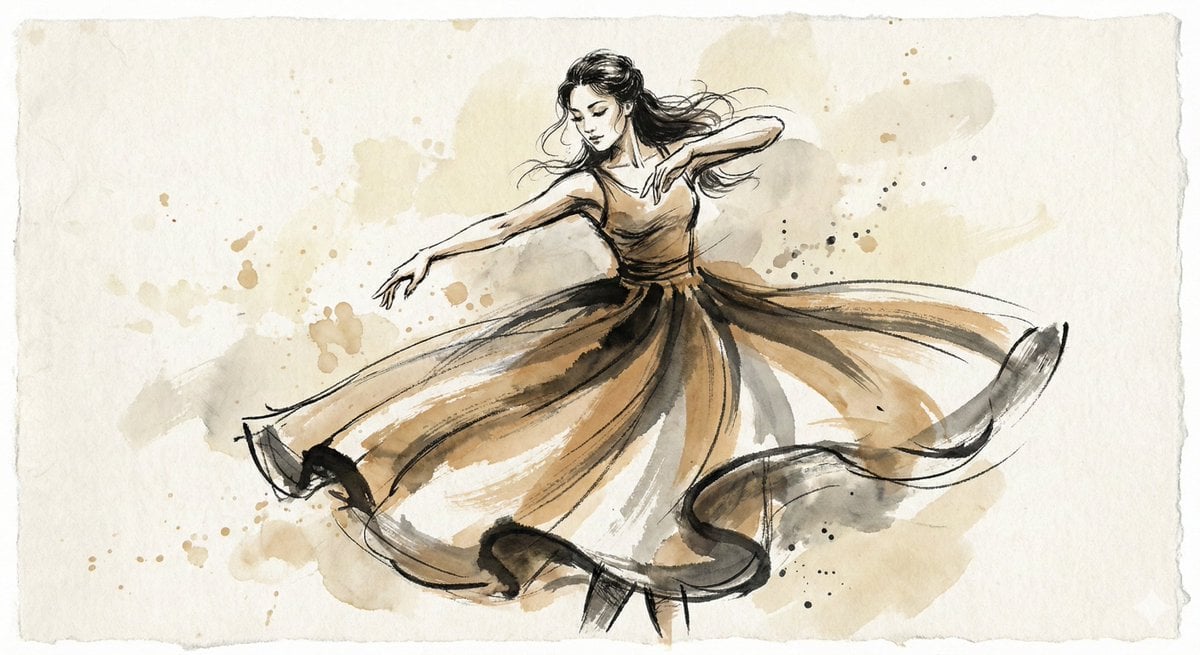
Ink and Wash Illustration Generator
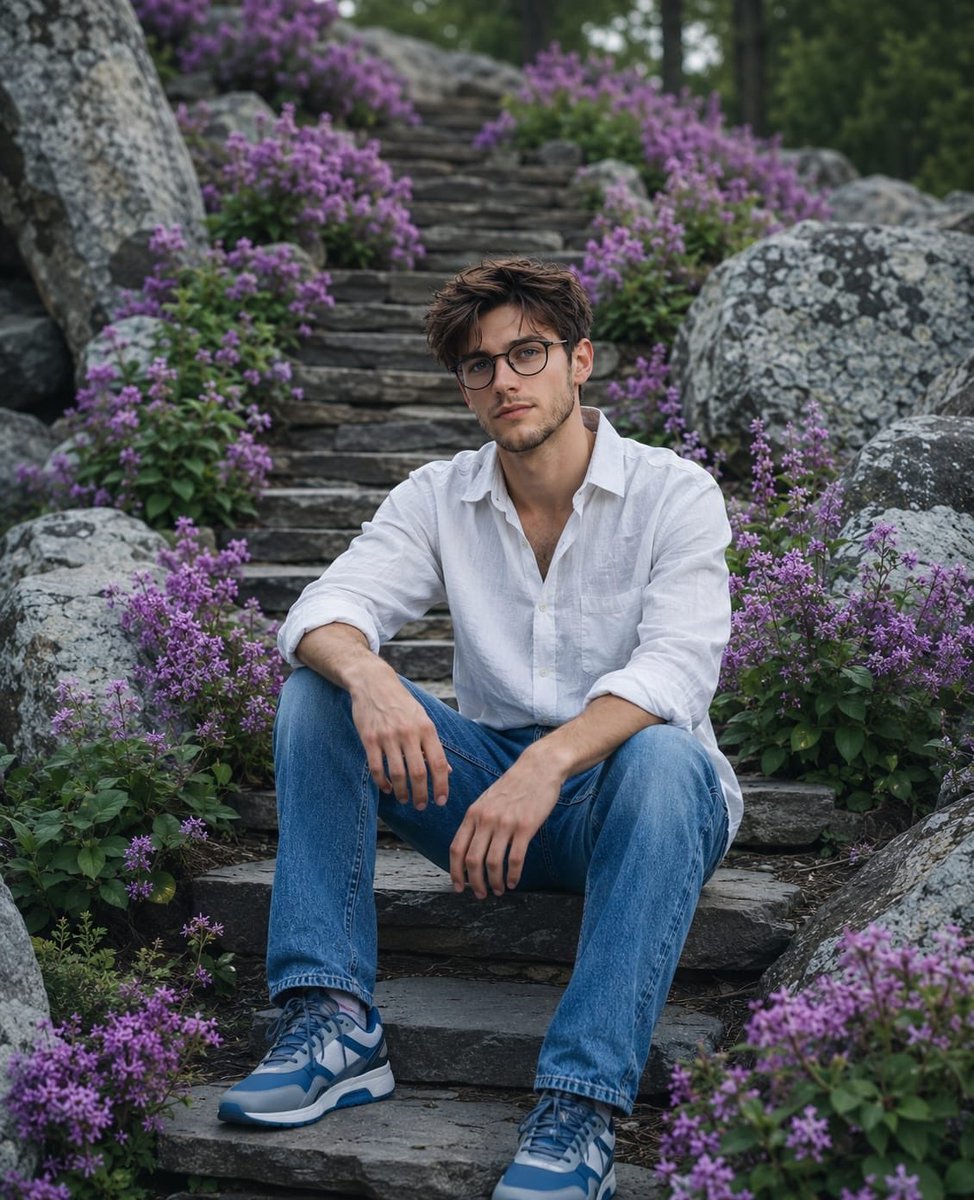
Cinematic Mountain Garden Portrait
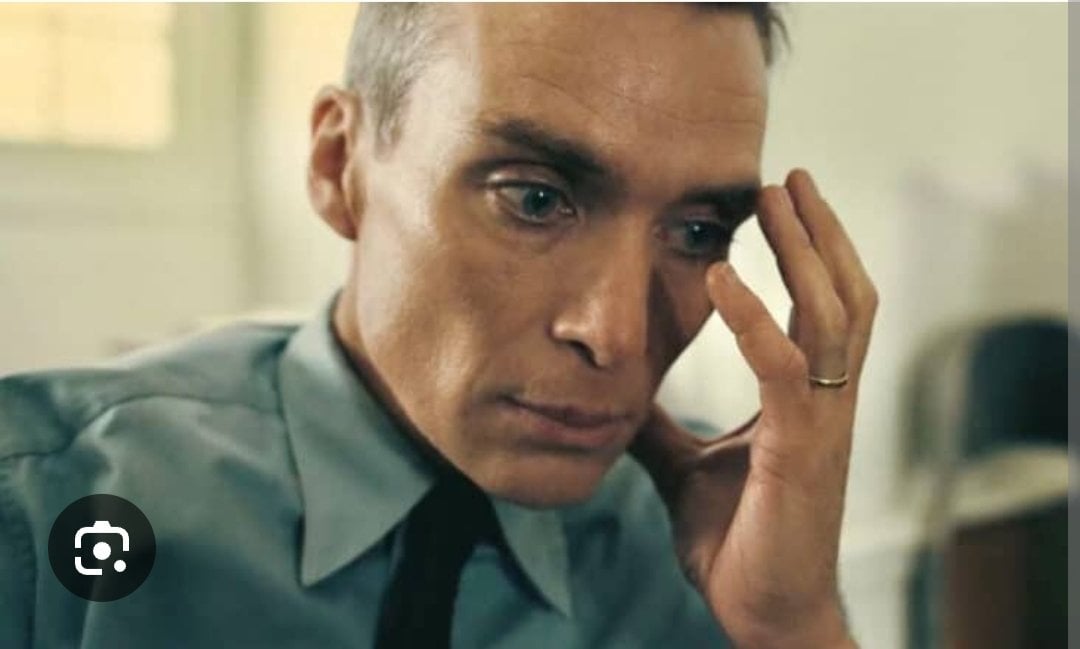
Oppenheimer Scene Face Swap and Restoration
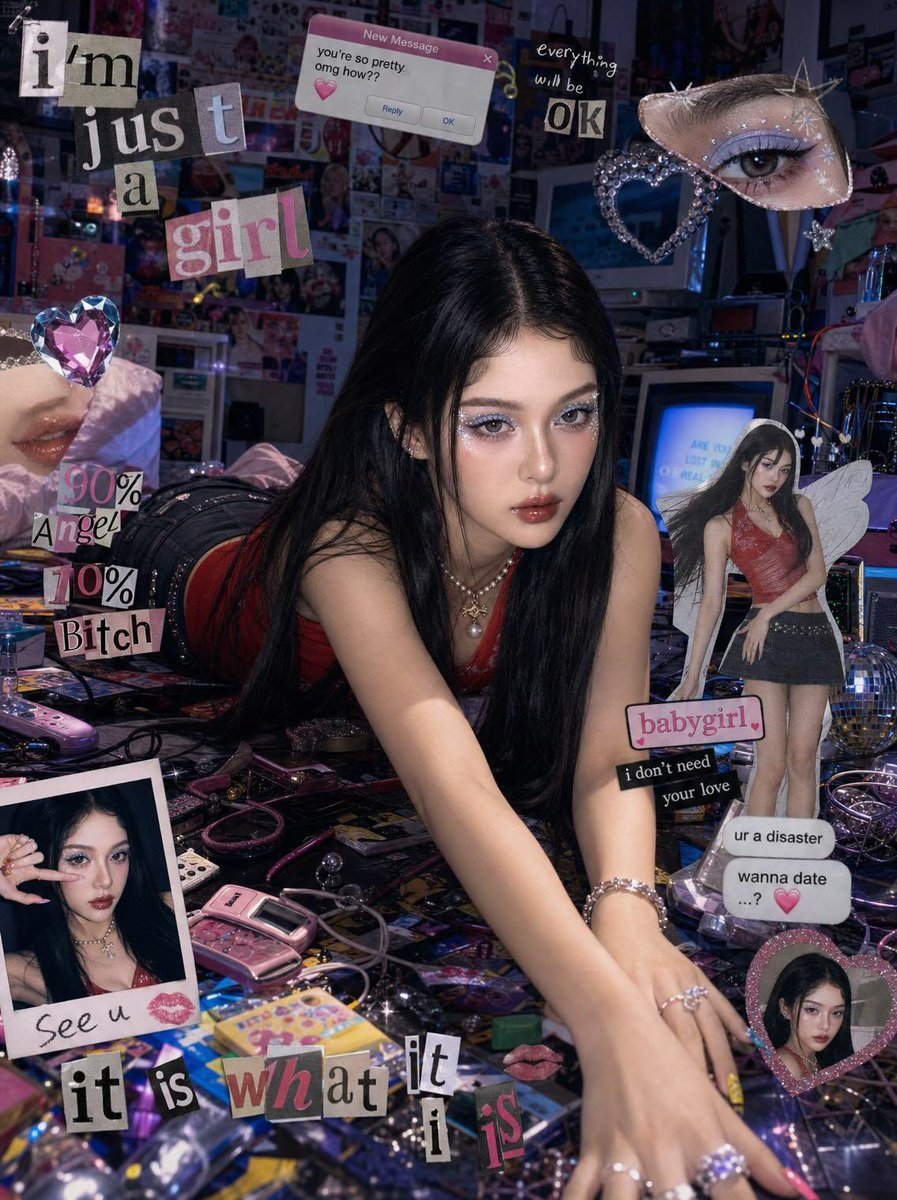
Chaotic Y2K Cyber-Pop Editorial Portrait

Historical Moment Capture Prompt
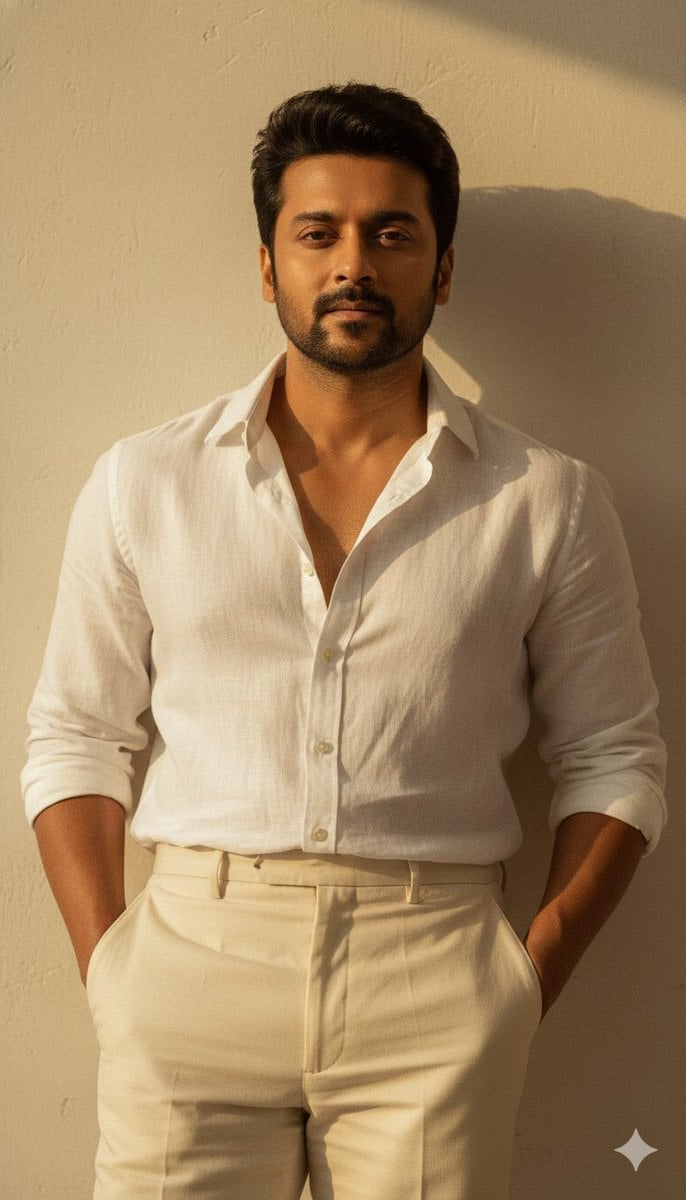
Warm Vintage Aesthetic Portrait with Identity Lock
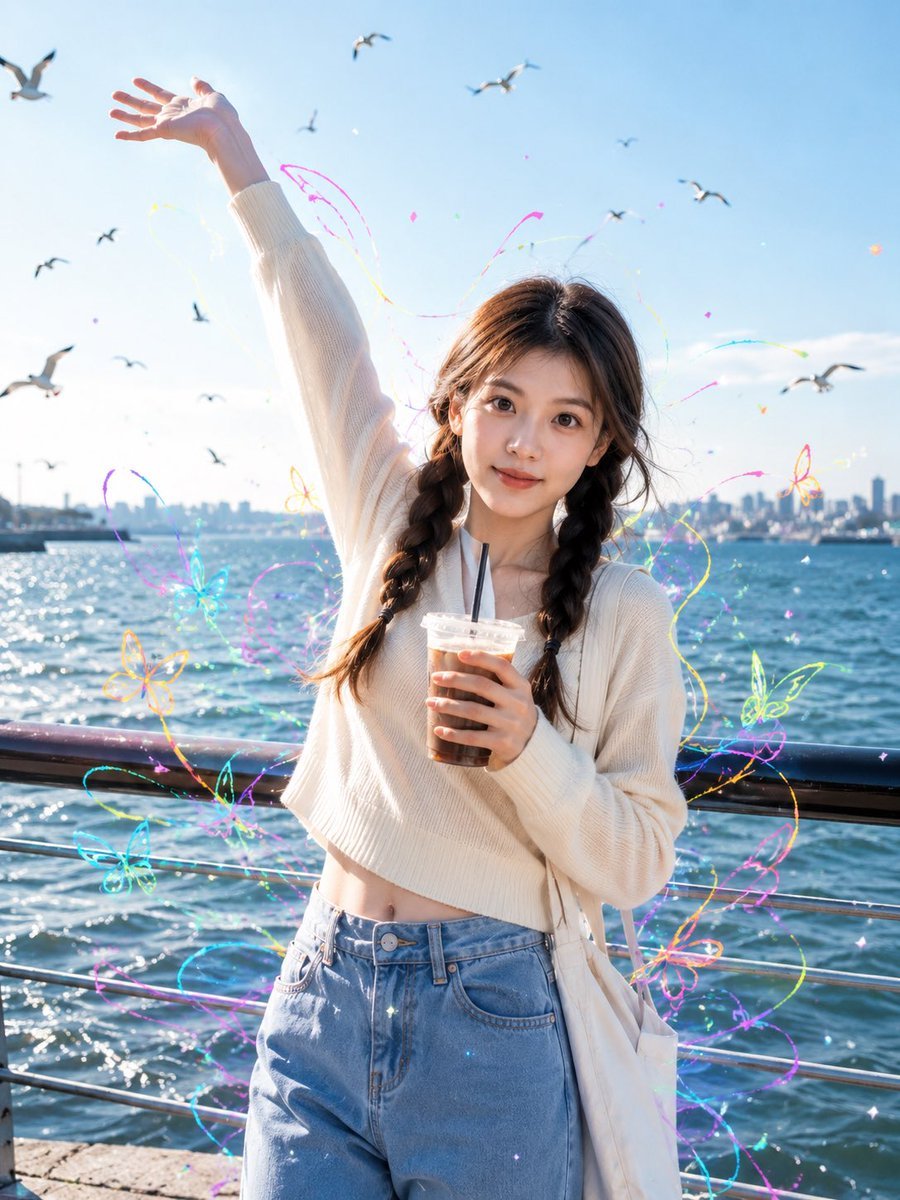
Seaside Street Photography with Neon Doodles
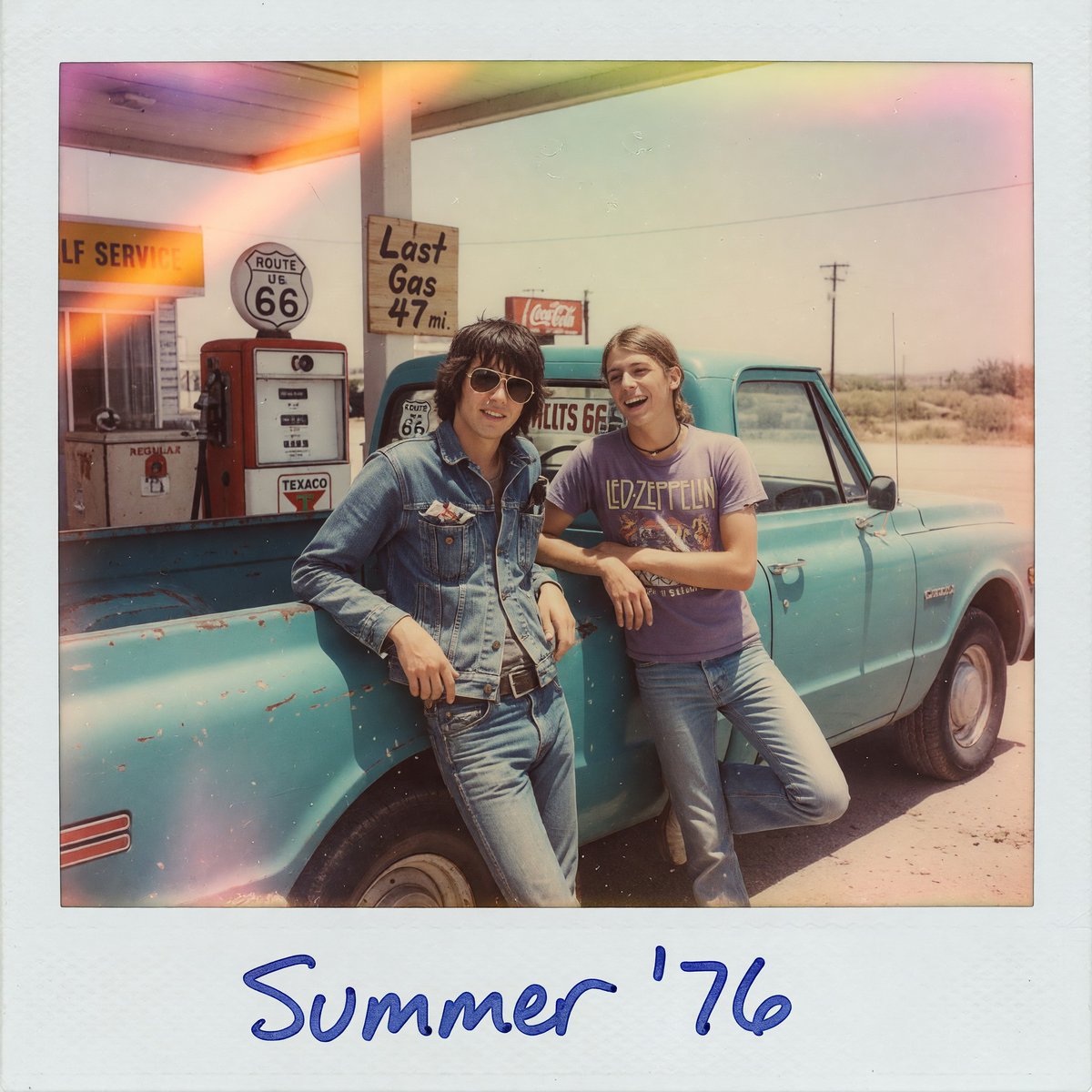
1970s Route 66 Polaroid
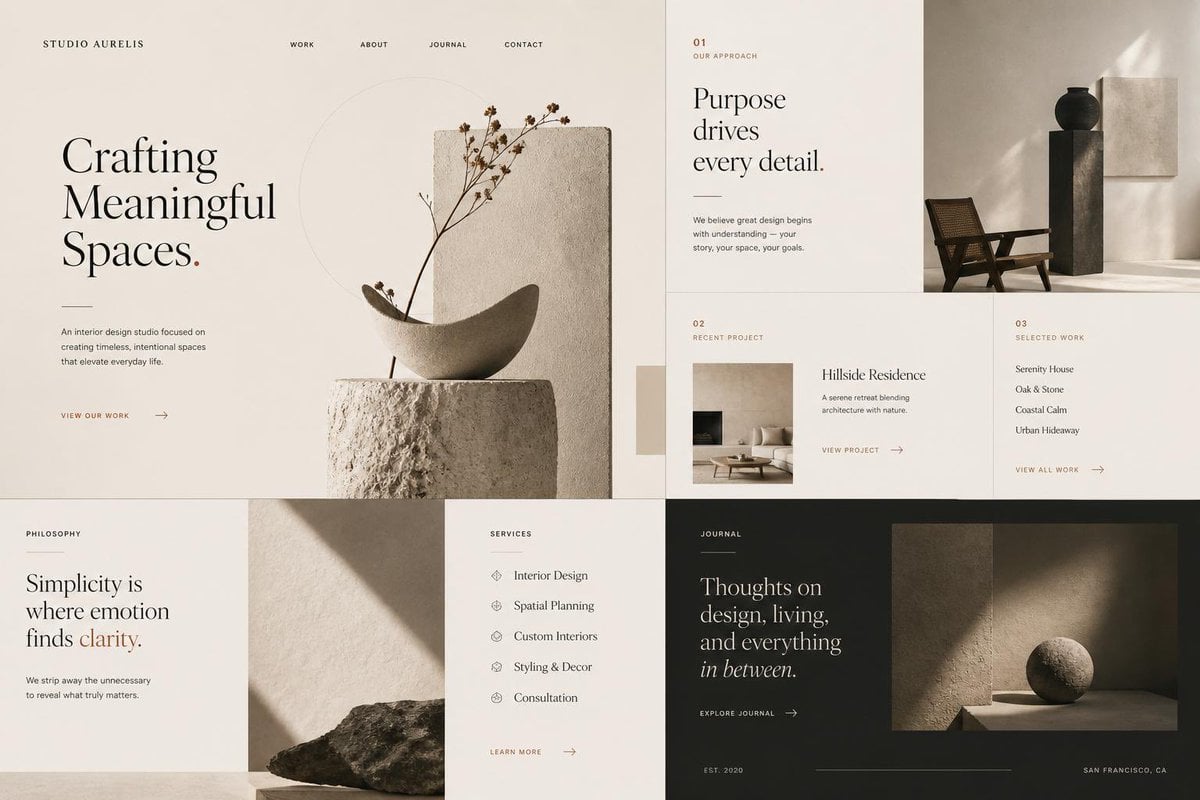
Minimal Interior Studio Website
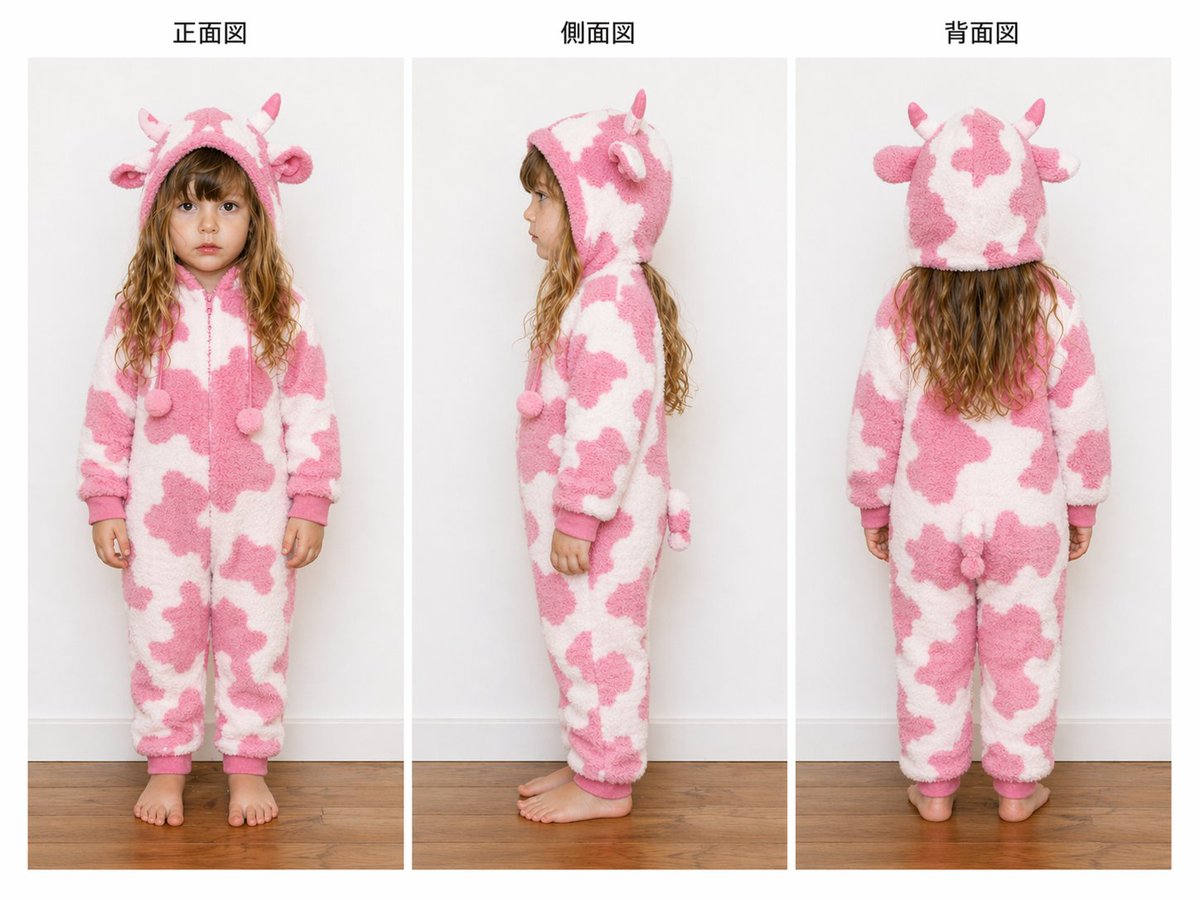
Child Cow Onesie Three-View Sheet
Browse template categories
Rainy FamilyMart Noir Portrait questions
How do I use the Rainy FamilyMart Noir Portrait template?
Add your photo if the template asks for one, edit the prompt if you like — the template's model and format are already selected — and press Generate. Your version opens in PicX Studio.
Can I customize the Rainy FamilyMart Noir Portrait template?
Yes. You can change the subject, setting, lighting, mood, format, and available model controls before creating your image.
Is the Rainy FamilyMart Noir Portrait template free?
Opening and editing this template is free. Generating uses credits, shown on the Generate button when you are signed in.
Which AI model should I use?
Start with GPT Image 2, which is the model associated with this template. You can compare another compatible model for a different finish.
Looking for something else? Browse all templates.

Your photo, any look
Thousands of ready templates for every top image and video model, from one credit balance.