How do I use the Rainy Tokyo Noir Woman template?
Edit the prompt in the box under the preview — the template's model and format are already selected — and press Generate. Your version appears right on this page.
This prompt generates a single-panel anime noir street portrait of a smoking woman in a trench coat walking through a rain-soaked Tokyo night, ideal for cinematic character art and moody cover-style illustrations.

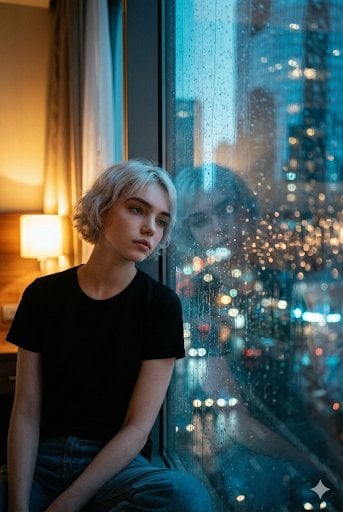
This template uses your photo — add one with the + button.
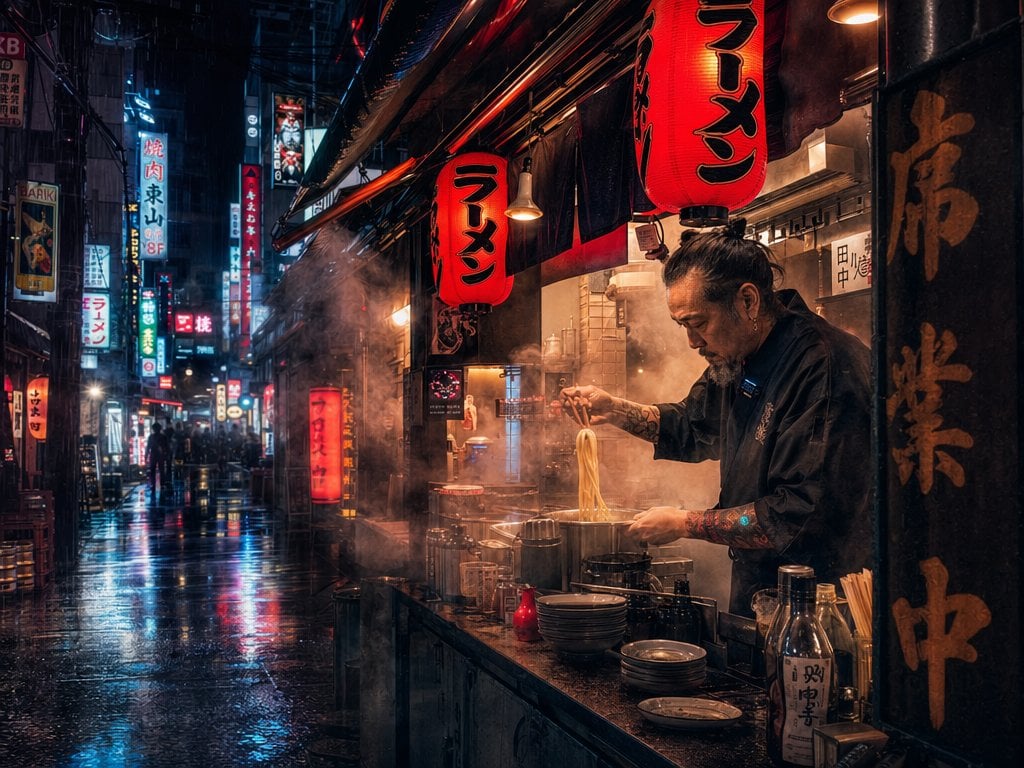
A moody cinematic anime noir illustration of a lone young woman walking straight toward the viewer on a rainy Tokyo street at night, centered in frame, full body visible. She has shoulder-length muted pink hair with straight bangs and slightly tucked sides, and her face is intentionally obscured by a soft rectangular blur. She is smoking 1 cigarette held near her mouth with her right hand, with a pale ribbon of smoke curling upward beside her head. She wears a long gray trench coat blowing open to the left, a white button-up dress shirt, a black necktie, and slim dark trousers, creating a sharp urban detective or office-worker silhouette. The street is wet and highly reflective, with heavy rain streaks falling through the whole scene, glossy pavement reflections, dark buildings on both sides, metal railings along the right side, and a gritty monochrome palette with only subtle color accents in the hair and clothing. Include 3 clearly visible street signs in the background: a tall vertical illuminated sign on the left reading "時事通信", a circular speed-limit sign showing "30", and a tall weathered post on the right reading "中央区 京橋 2丁目 / Chuo-ku Kyobashi 2-chome / 17". The atmosphere should feel bleak, mature, introspective, and stylish, like a manga panel fused with realistic urban photography, with detailed ink-like linework, textured shading, subdued contrast, and dramatic rain-soaked noir lighting.
A moody cinematic anime noir illustration of a lone young woman walking straight toward the viewer on a rainy Tokyo street at night, centered in frame, full body visible. She has shoulder-length muted pink hair with straight bangs and slightly tucked sides, and her face is intentionally obscured by a soft rectangular blur. She is smoking 1 cigarette held near her mouth with her right hand, with a pale ribbon of smoke curling upward beside her head. She wears a long gray trench coat blowing open to the left, a white button-up dress shirt, a black necktie, and slim dark trousers, creating a sharp urban detective or office-worker silhouette. The street is wet and highly reflective, with heavy rain streaks falling through the whole scene, glossy pavement reflections, dark buildings on both sides, metal railings along the right side, and a gritty monochrome palette with only subtle color accents in the hair and clothing. Include 3 clearly visible street signs in the background: a tall vertical illuminated sign on the left reading "時事通信", a circular speed-limit sign showing "30", and a tall weathered post on the right reading "中央区 京橋 2丁目 / Chuo-ku Kyobashi 2-chome / 17". The atmosphere should feel bleak, mature, introspective, and stylish, like a manga panel fused with realistic urban photography, with detailed ink-like linework, textured shading, subdued contrast, and dramatic rain-soaked noir lighting.
Edit the prompt in the box under the preview — the template's model and format are already selected — and press Generate. Your version appears right on this page.
Yes. You can change the subject, setting, lighting, mood, format, and available model controls before creating your image.
Opening and editing this template is free. Generating uses credits, shown on the Generate button when you are signed in.
Start with GPT Image 2, which is the model associated with this template. You can compare another compatible model for a different finish.
Follow a topic to a crawlable collection of related PicX Studio templates.