
Rainy Tokyo Ramen Alley
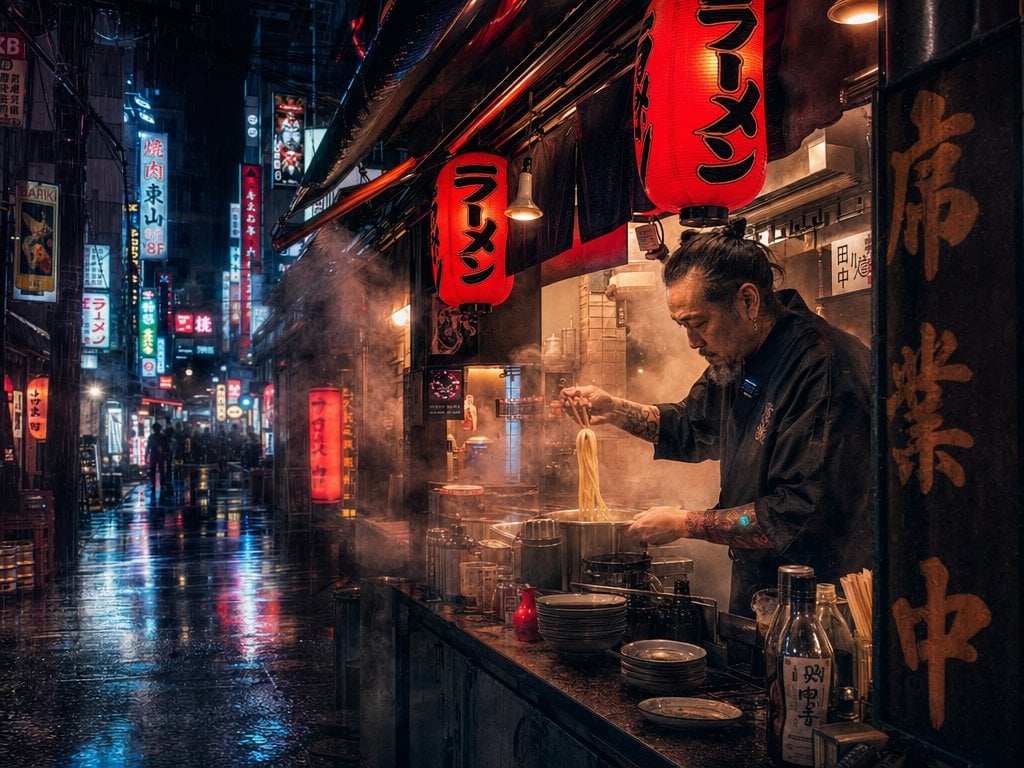
Generates a cinematic photorealistic rainy Tokyo ramen alley with neon reflections, steam, lanterns, and a chef cooking noodles.
- Prompt included
- Model and format preset
- Free template
The prompt behind this image
Copy the exact prompt behind Rainy Tokyo Ramen Alley, or open it in the studio and make it yours.
Create an ultra-realistic cinematic night street scene in {argument name="city" default="Tokyo"}, showing a narrow rainy alley lined with ramen shops and dense vertical neon signs. The camera is at street level with a wide-angle documentary feel, looking down the wet pavement where blue, red, and white neon reflections stretch across puddles. In the right foreground, an open-air ramen counter glows with warm amber light and heavy steam; a chef in a dark work shirt with tattooed forearms lifts noodles from a boiling pot with chopsticks, his face obscured by a soft rectangular anonymizing blur. Hang exactly two prominent red paper lanterns over the stall, both with bold black Japanese text {argument name="lantern text" default="ラーメン"}. Add stainless pots, stacked bowls, chopsticks, condiment bottles, hanging lamps, dark noren curtains, and a tall black wooden signboard with large gold Japanese calligraphy beside the counter. The background alley should contain distant silhouettes of pedestrians, countless small illuminated storefront signs, rain streaks, mist, and atmospheric steam drifting through the scene. Style: photorealistic but clearly AI-generated, high dynamic range, moody cyberpunk-noir color palette, wet asphalt, volumetric lighting, sharp foreground detail, deep perspective, 16:9 composition, dramatic contrast, shot as if with a 24mm lens at night after rainfall.
How to use Rainy Tokyo Ramen Alley in 3 steps
- 1Upload ImagePNG, JPG or paste
Add your photo
Upload the photo the template builds on. The prompt, model and format are already set.
- 2…a portrait of your subject in softgolden-hour light, 85mm…
Personalize
Edit the subject and creative details for your destination.
- 3Generate
Generate
Press Generate — your image is created in PicX Studio, so you can compare it with the original and refine one variable at a time.
More like this
Templates with the same subject, style or setup. Open one to see its prompt.
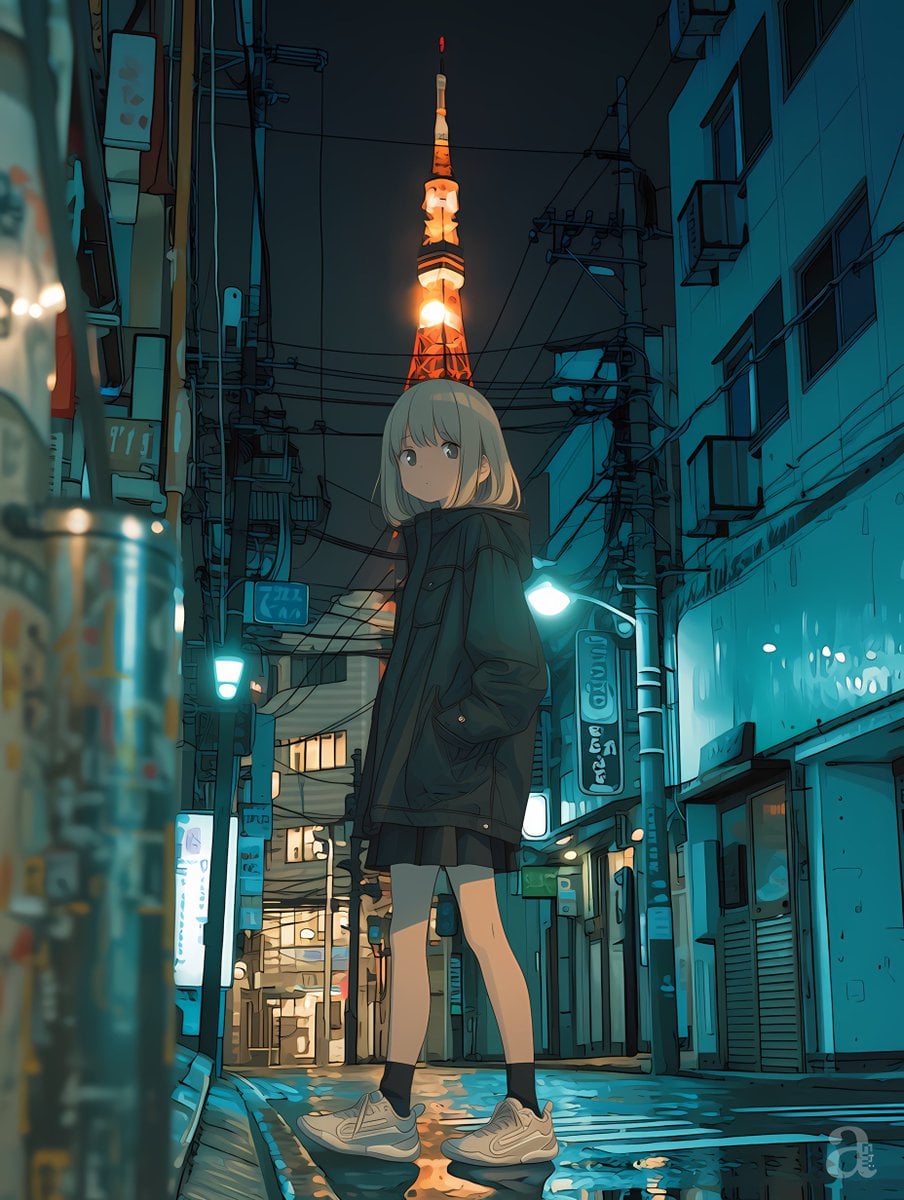
Anime Girl in Rainy Tokyo Alley
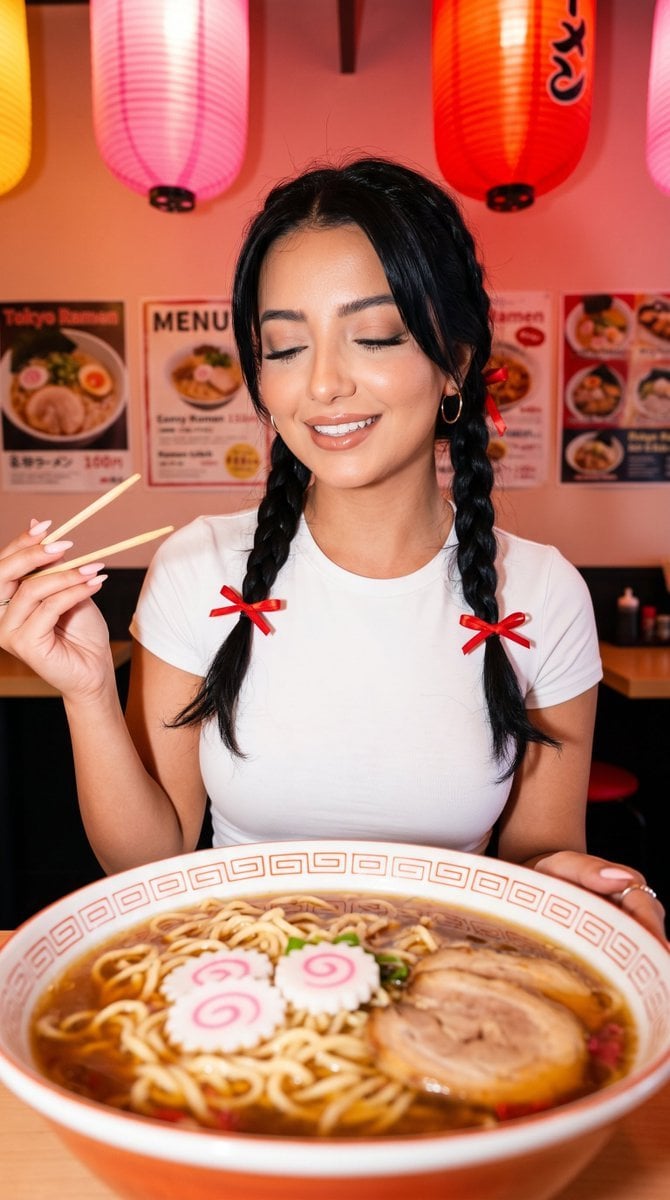
Tokyo Ramen Bar Candid Portrait
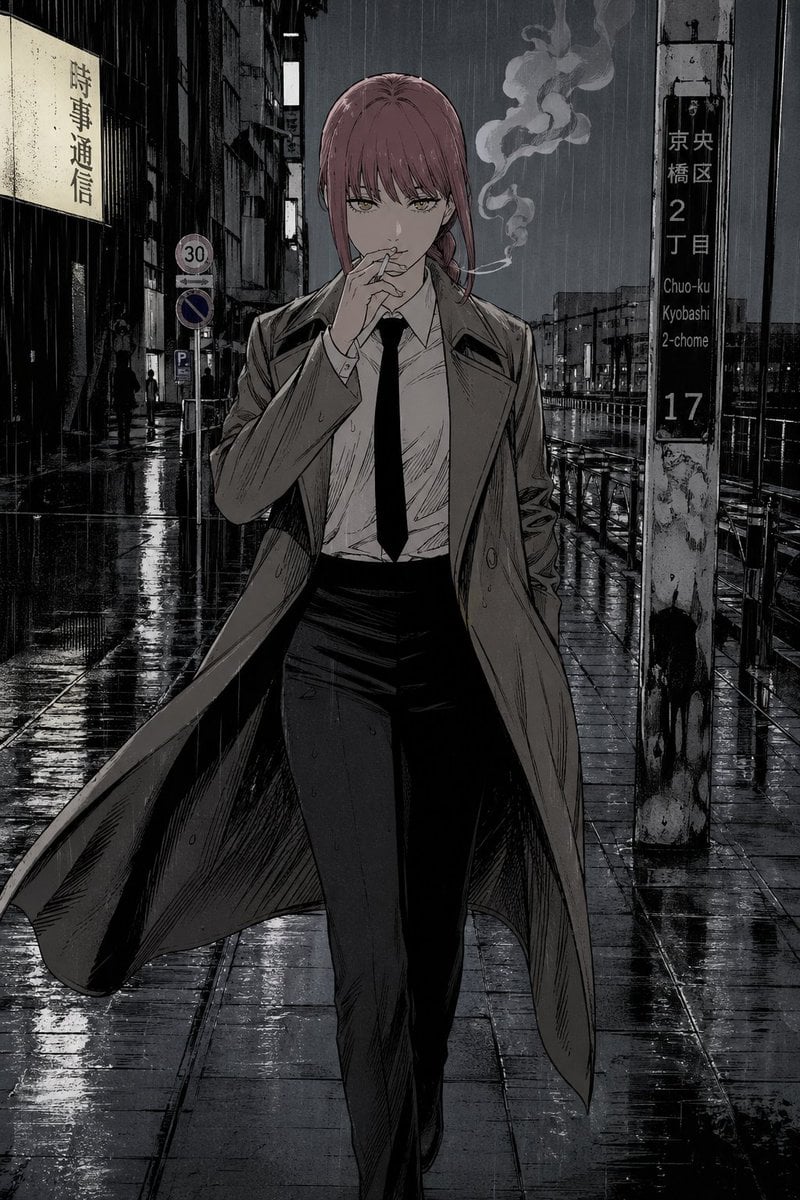
Rainy Tokyo Noir Woman
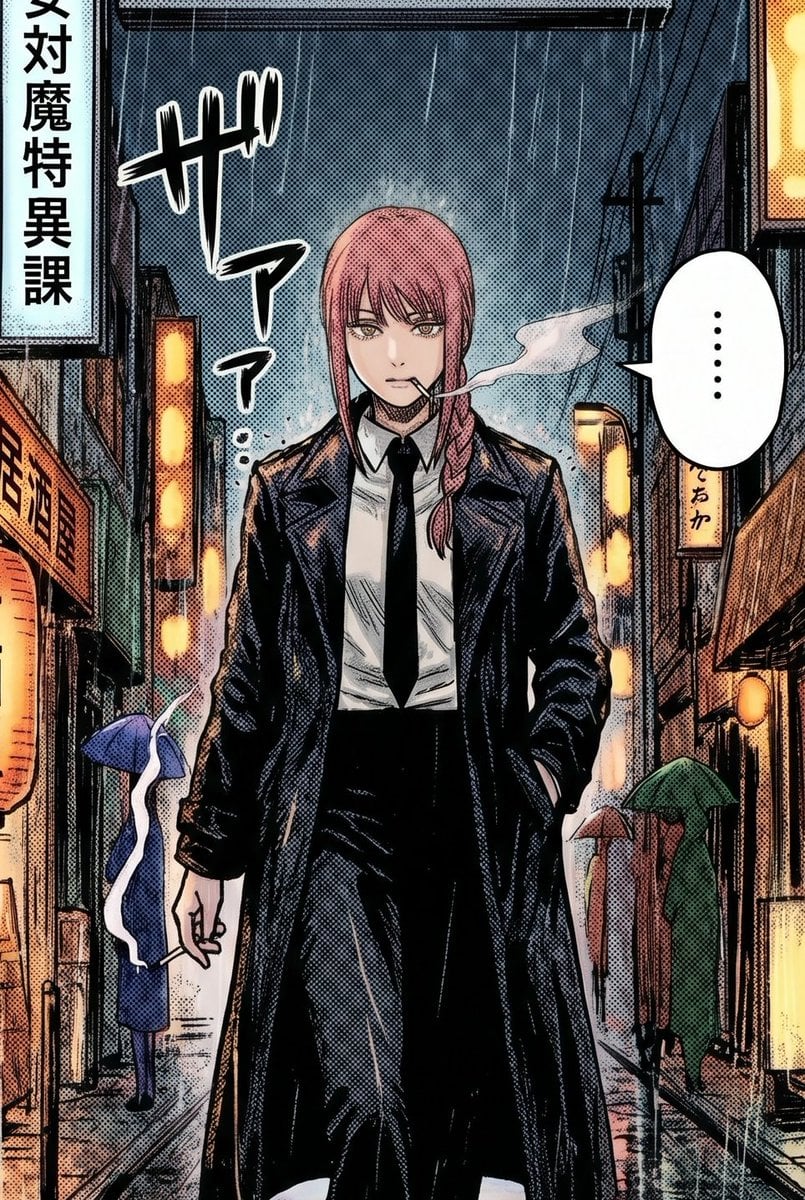
Rainy Manga Alley Woman Portrait
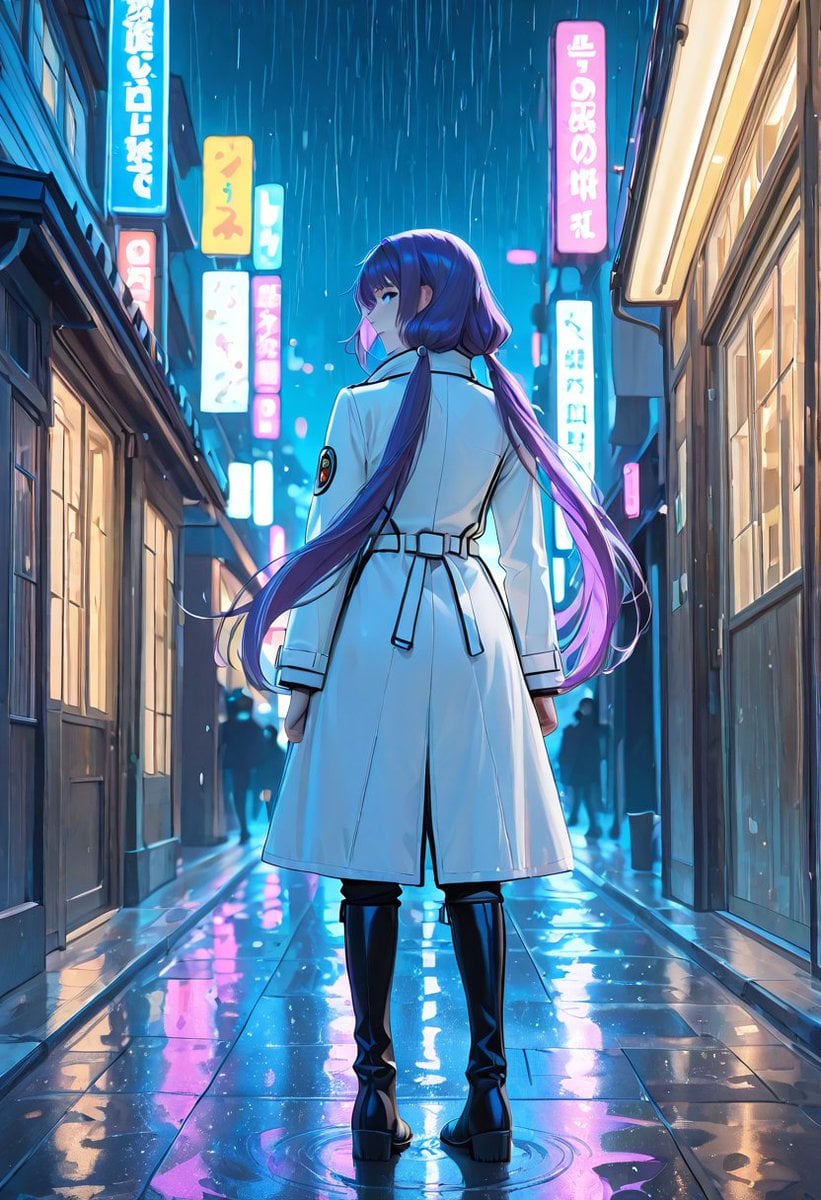
Rainy Neon Anime Alley Woman
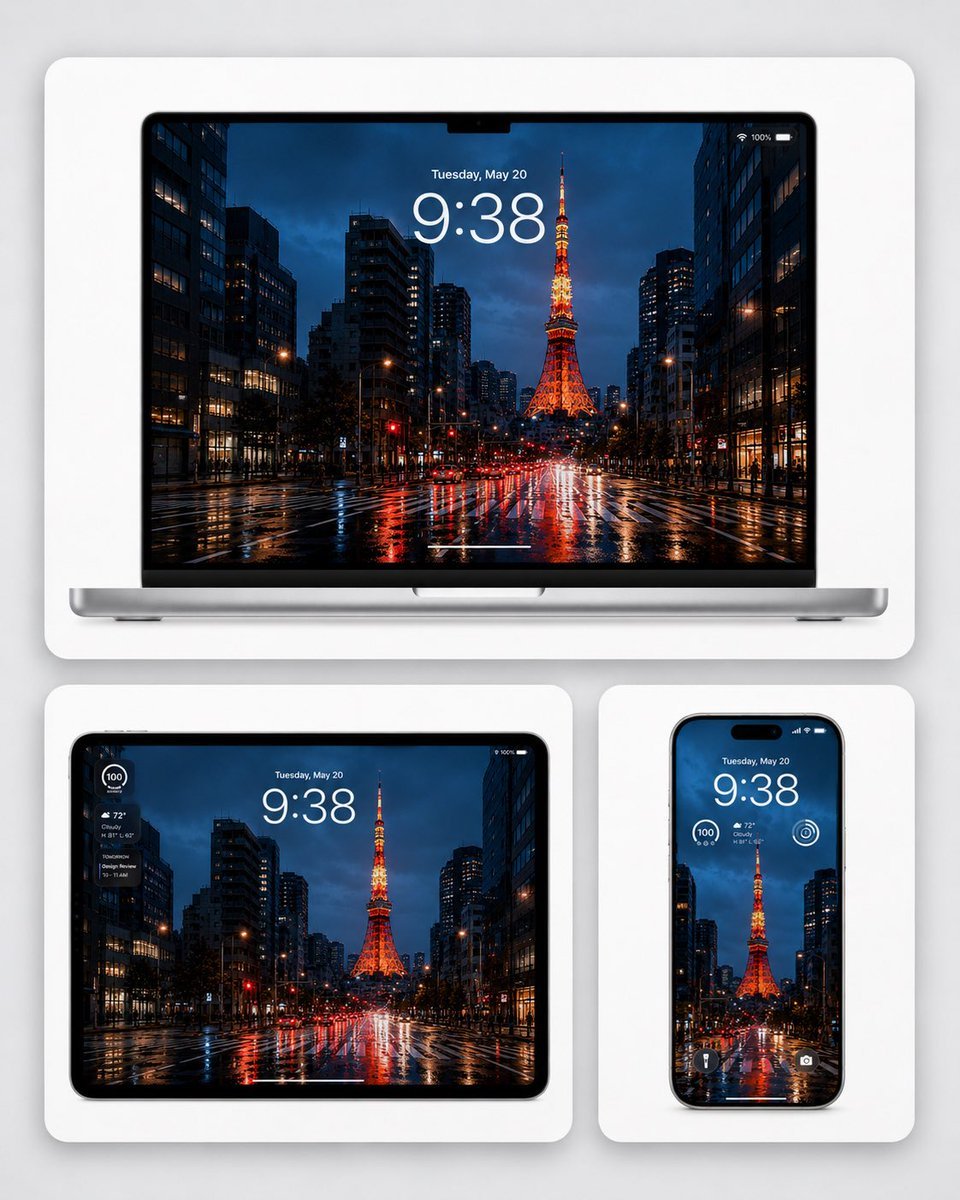
Rainy Tokyo Tower Device Mockup
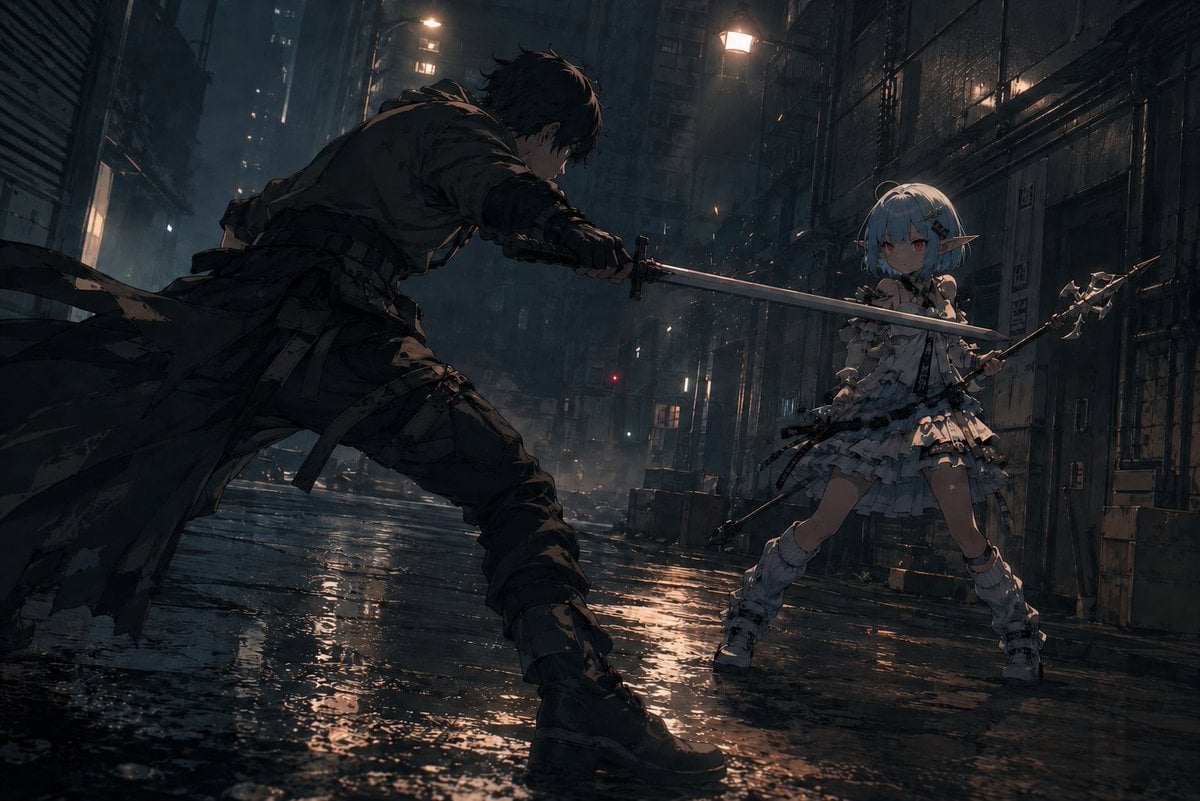
Rainy Cyberpunk Alley Sword Duel
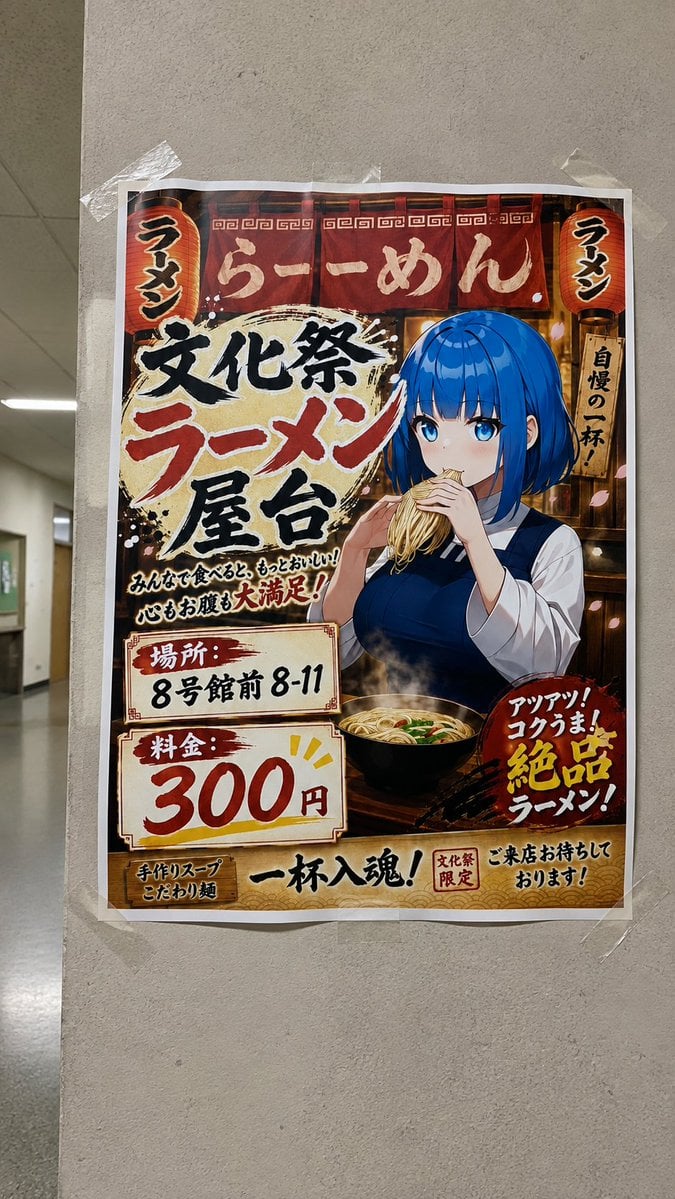
Taped Anime Ramen Festival Poster
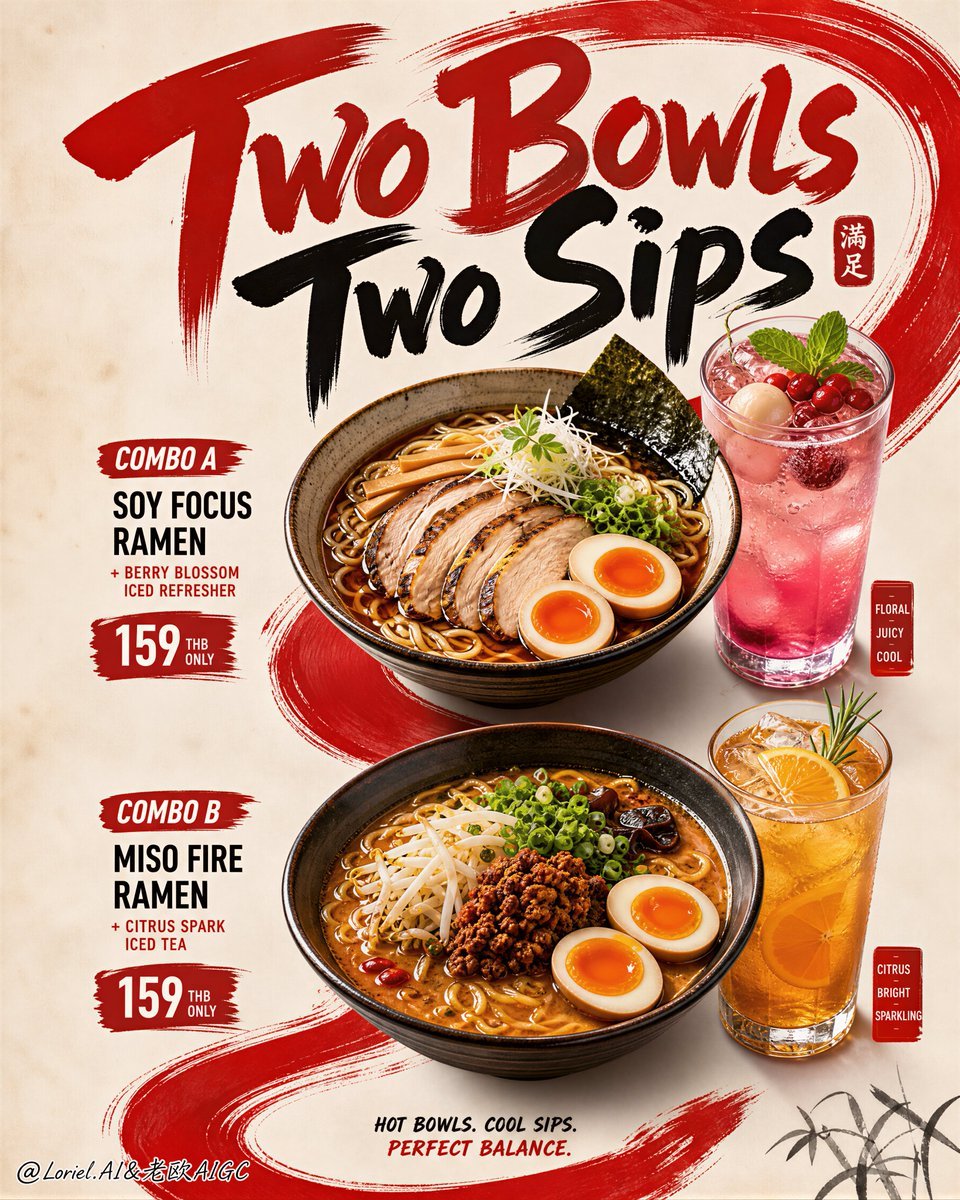
Luxury Ramen Combo Restaurant Poster
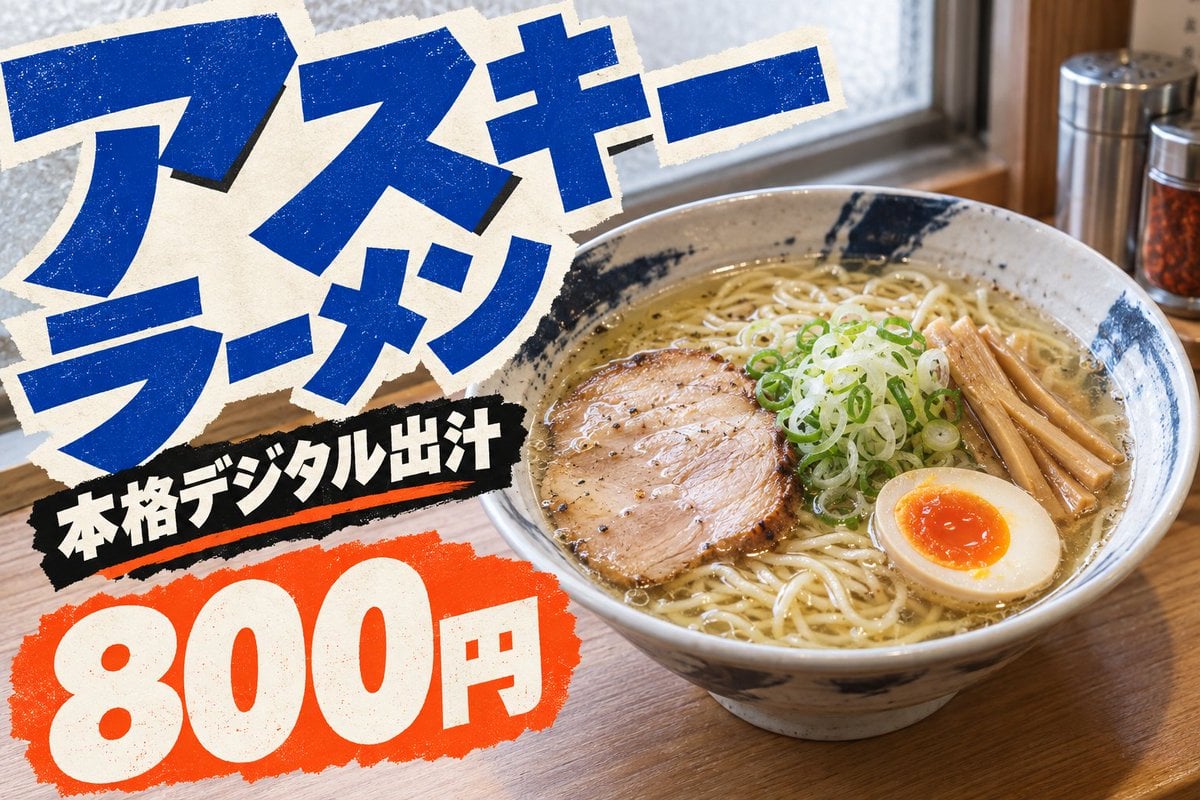
Natural Ramen Advertisement Pop
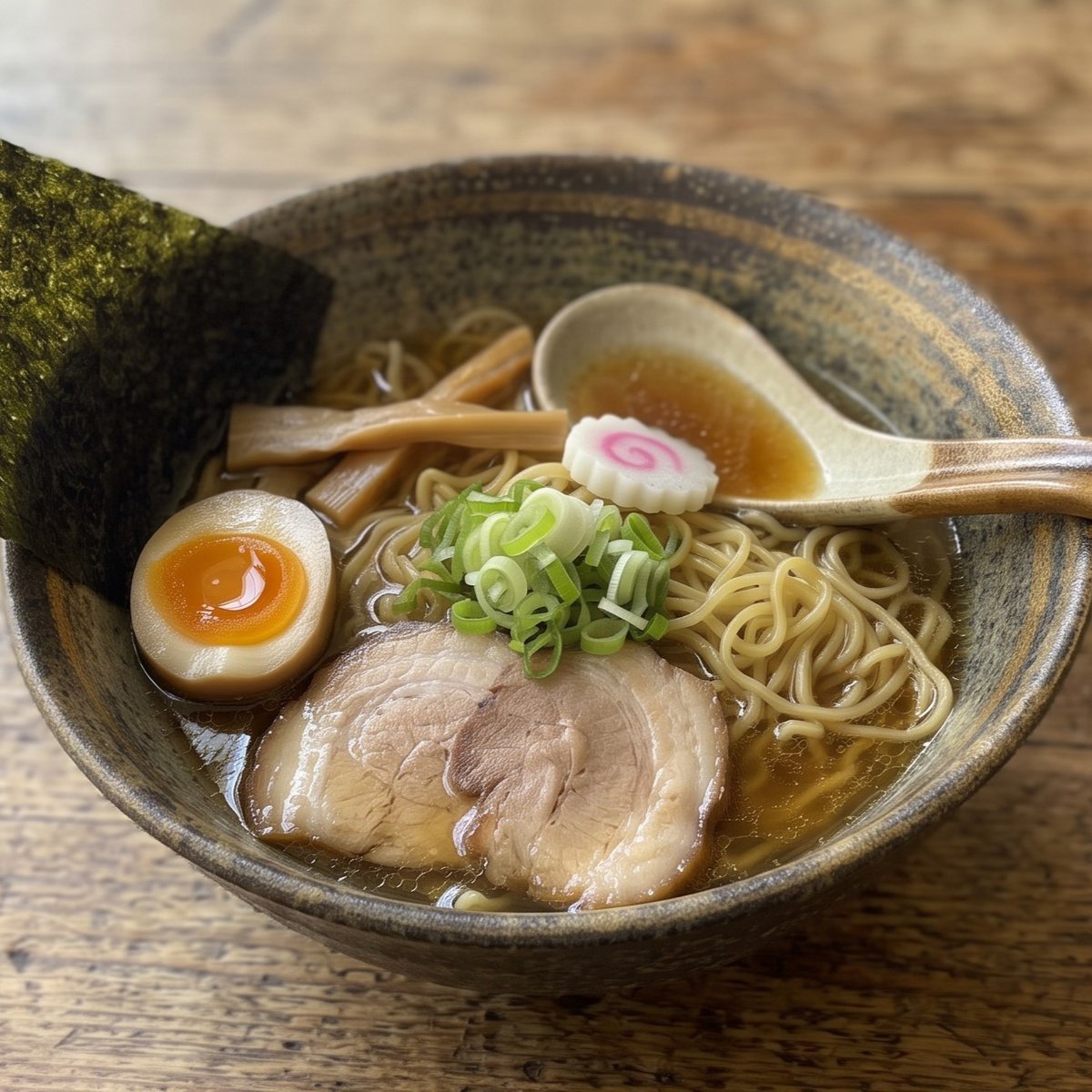
Realistic Shoyu Ramen Bowl
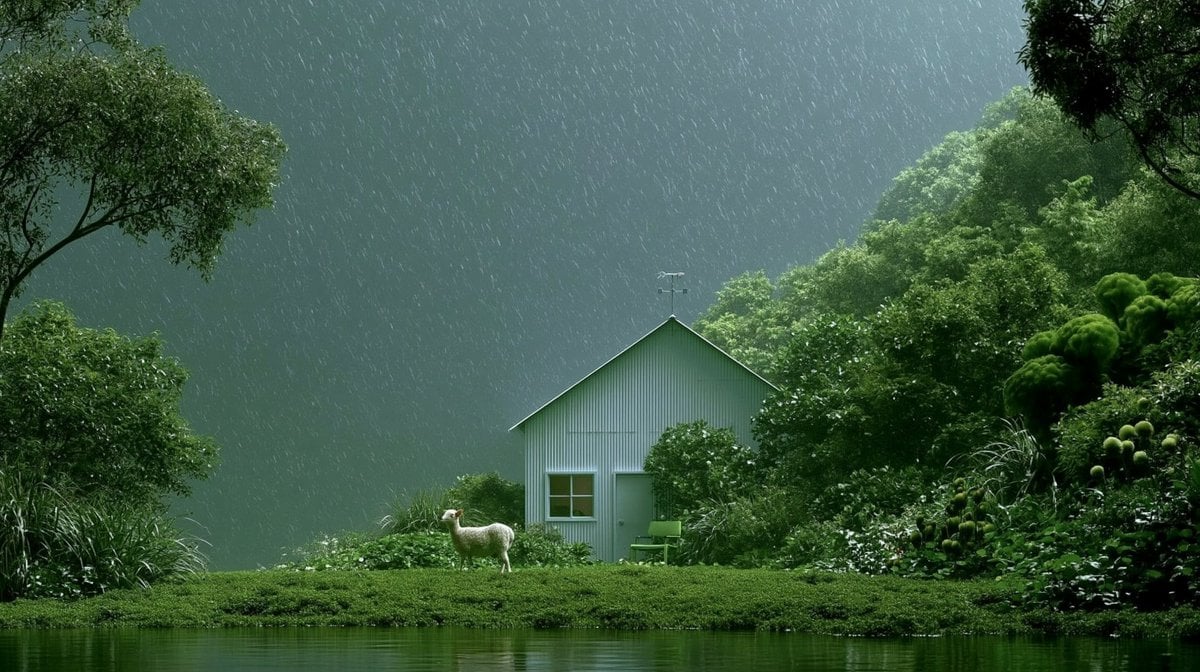
Rainy Cottage Garden With Sheep
Make it yours
Rainy Tokyo Ramen Alley works as-is. These are the safest ways to change it without losing the look.
Change one field
Copy a single group, rewrite it, and generate again so you can see what that field is doing.
Keep the frame, change the subject
Hold the composition and light of Rainy Tokyo Ramen Alley, then swap wardrobe, props or the person for a new take.
| If the result… | Why | Fix |
|---|---|---|
| The result drifts from the preview | Too many fields changed at once. | Reuse Rainy Tokyo Ramen Alley as-is first, then change one group — subject, light, or setting. |
| The model over-stylizes the scene | The prose prompt leaves finish and camera underspecified. | Add one camera or lighting sentence and stay on GPT Image 2. |
More GPT Image 2 templates
Other prompts made for GPT Image 2.

Six VTuber Japanese Logo Sheet

Realistic Portrait of Woman and Deer

The Vista Modular Condo Poster

AI Model Routing Comparison Infographic

2.5D Anime Art Board

Isometric Productivity Desk Scene

New York Double Exposure Poster

Four-Panel AI Landscape Comparison

Japanese Tatami Lifestyle Magazine Cover

NESCAFÉ Coffee Map Poster
More image prompts
Fresh picks from across the catalog.
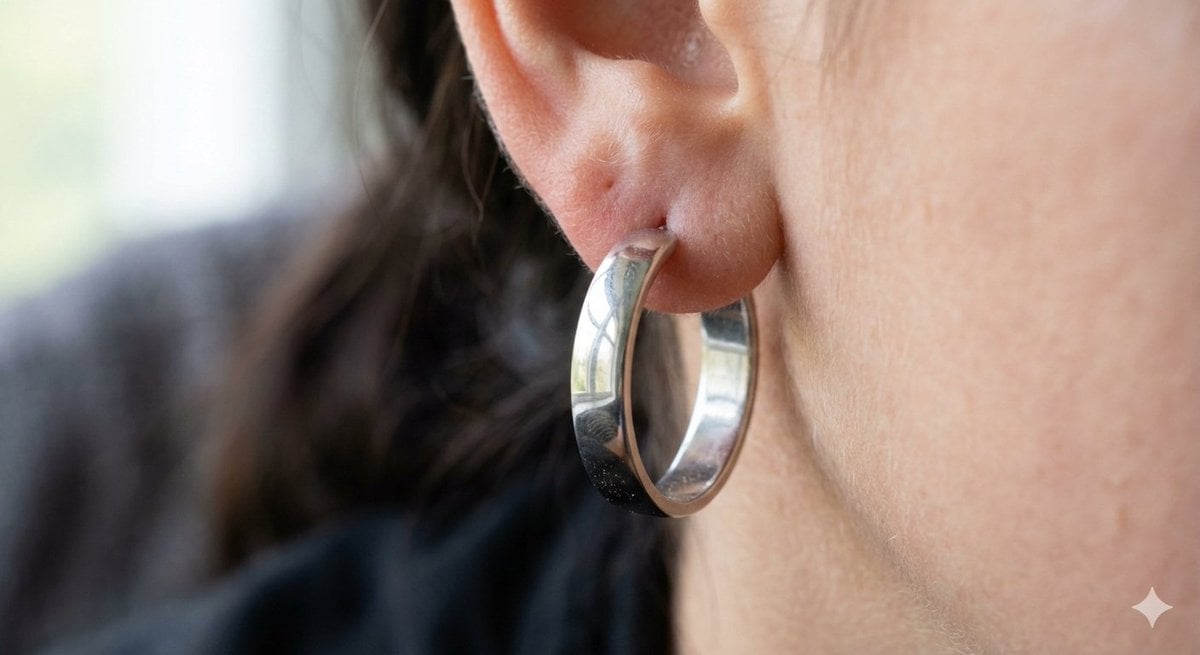
Realistic Macro Photograph of an Ear with Earring
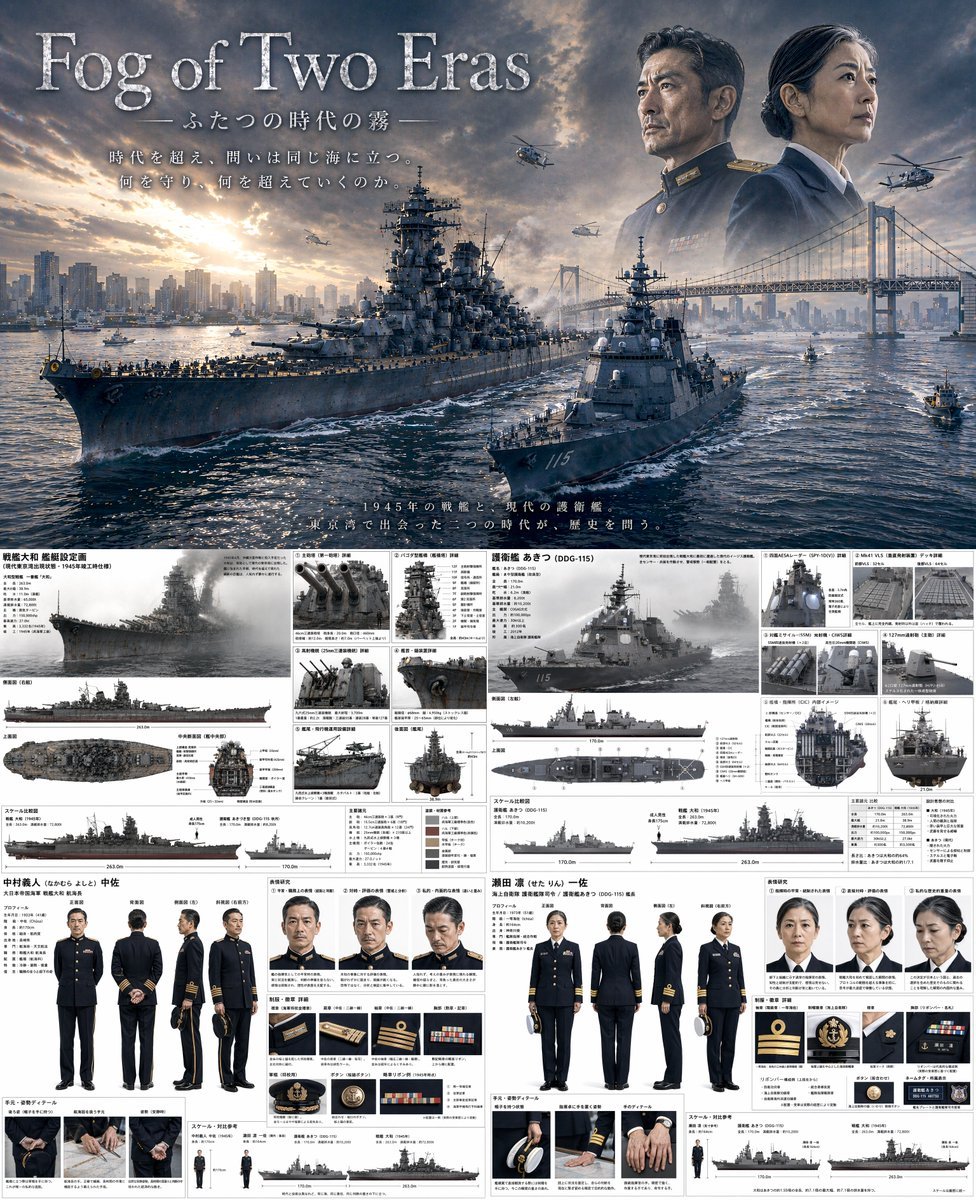
Dual-Era Naval Drama Poster & Spec Sheet
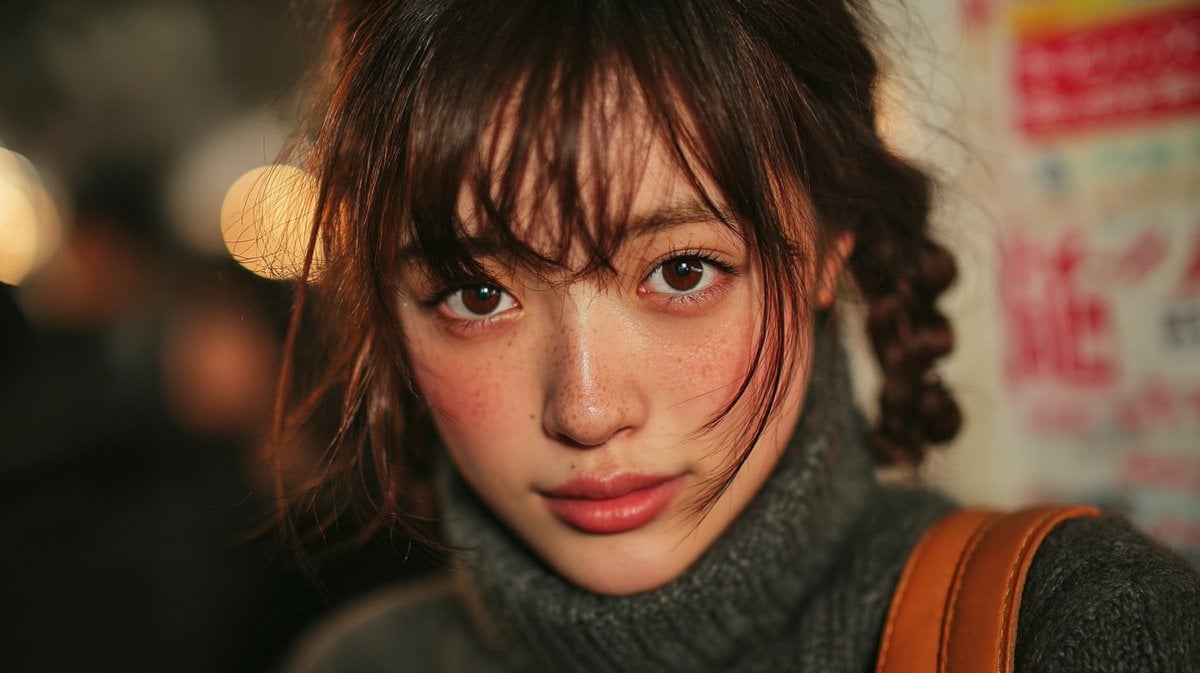
2000s Compact Digital Camera Texture Prompt
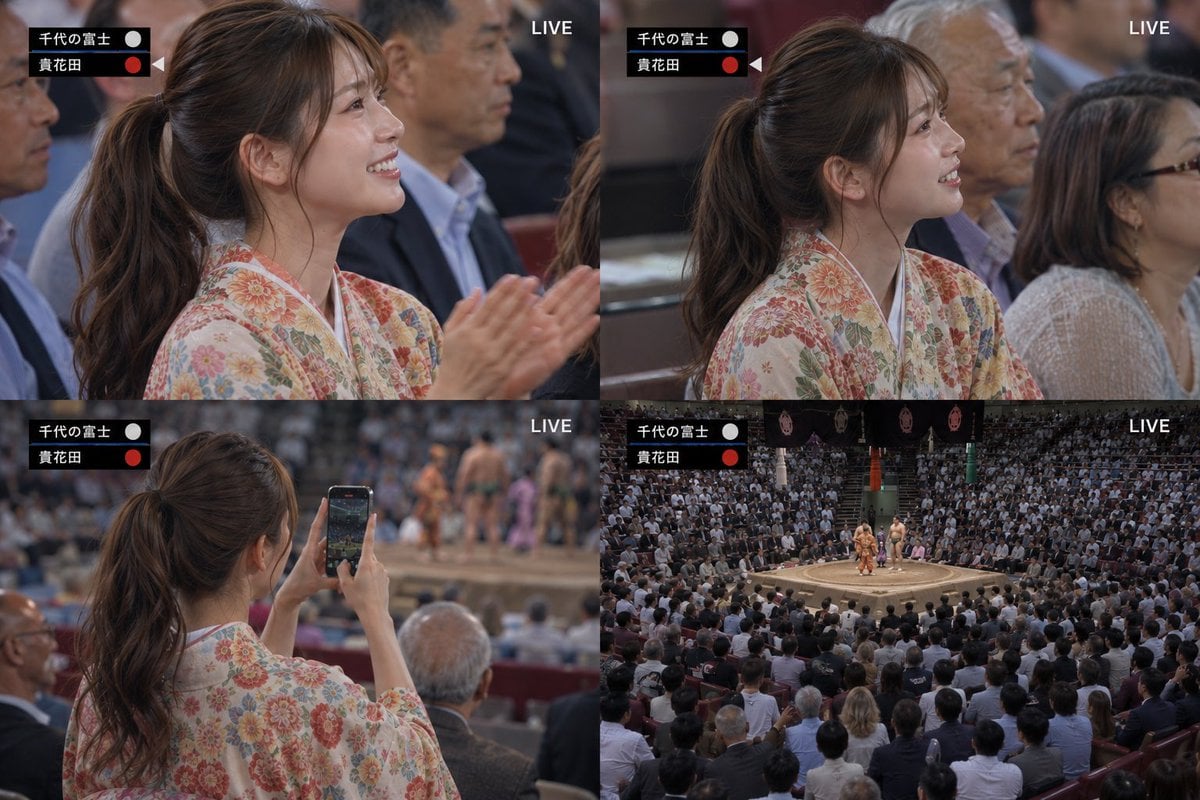
Live Sumo Broadcast Collage
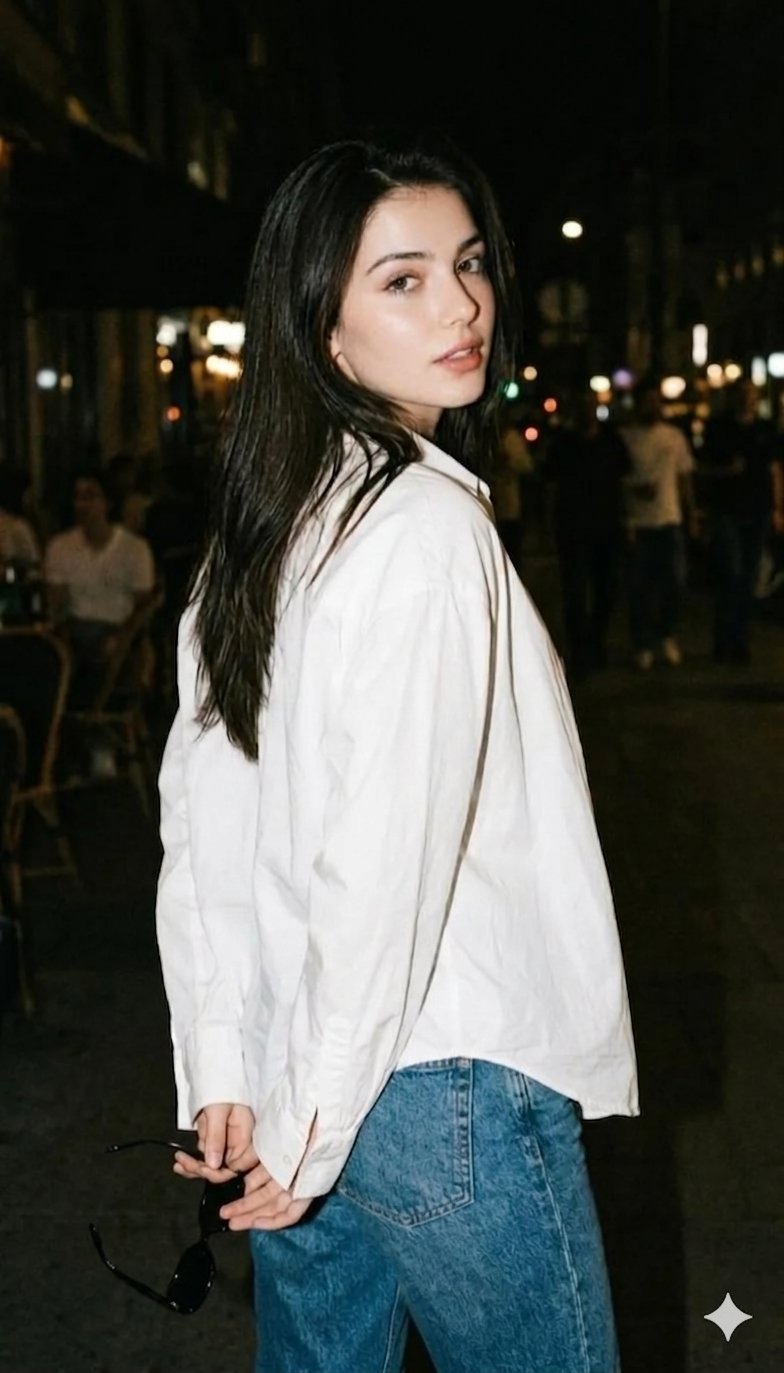
Gemini Night Flash Portrait
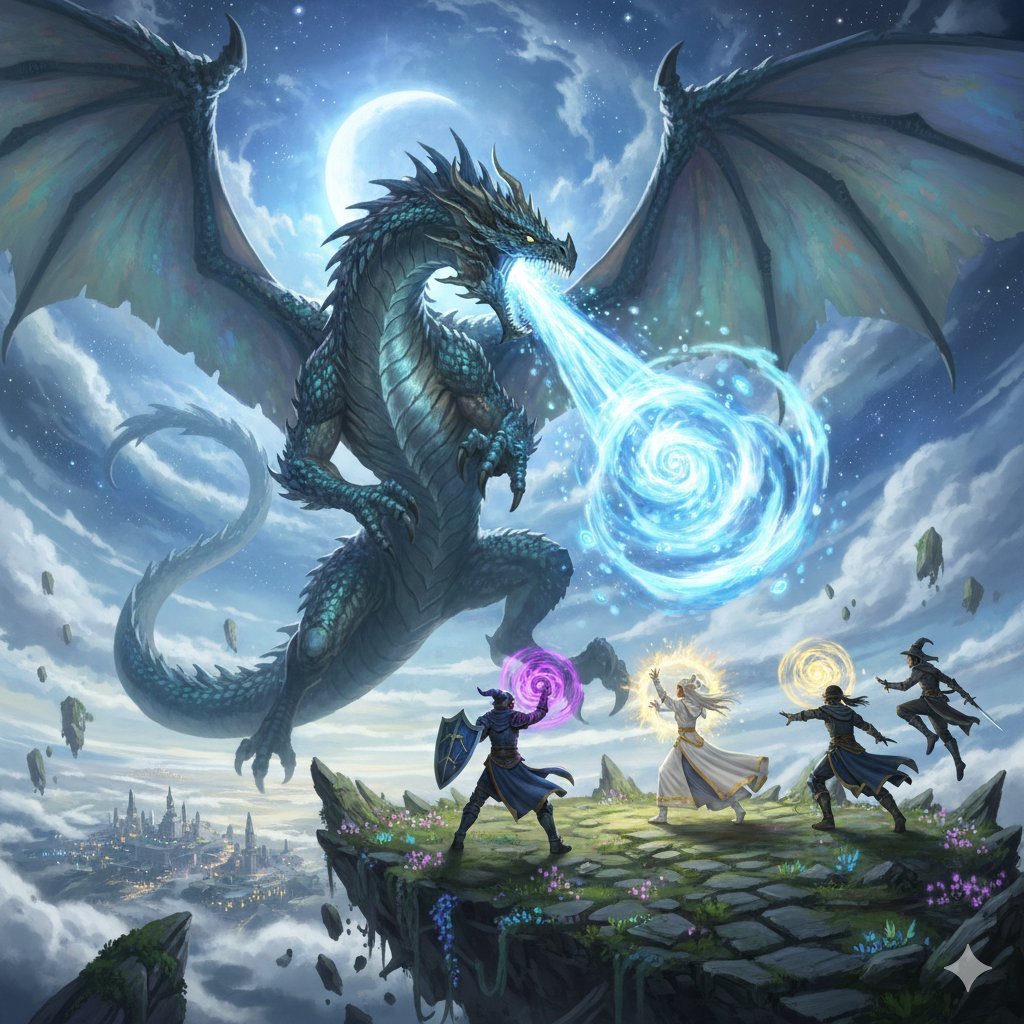
Final Fantasy Bahamut VS Player Generation
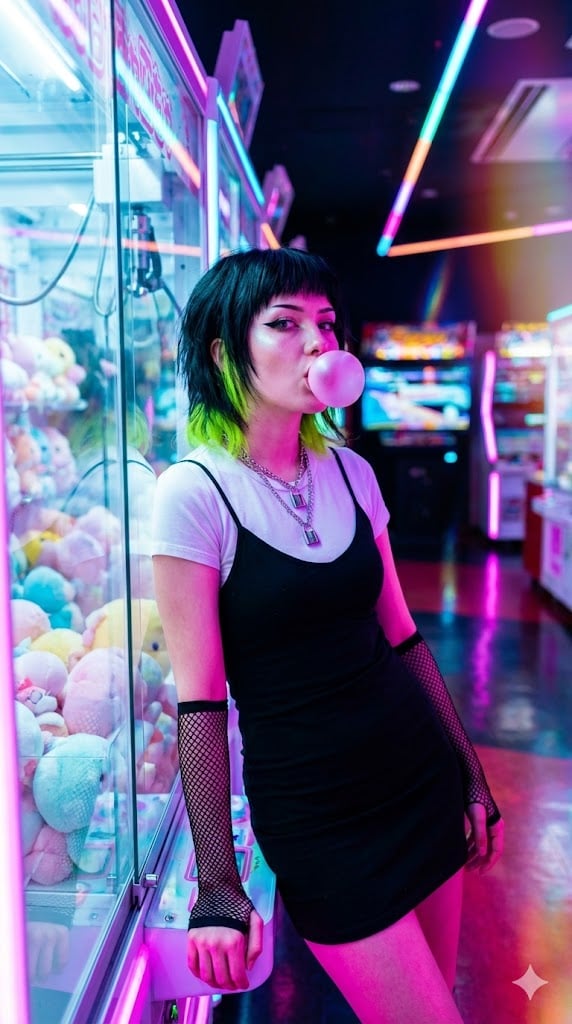
Cyber-Pop E-Girl in Neon Arcade
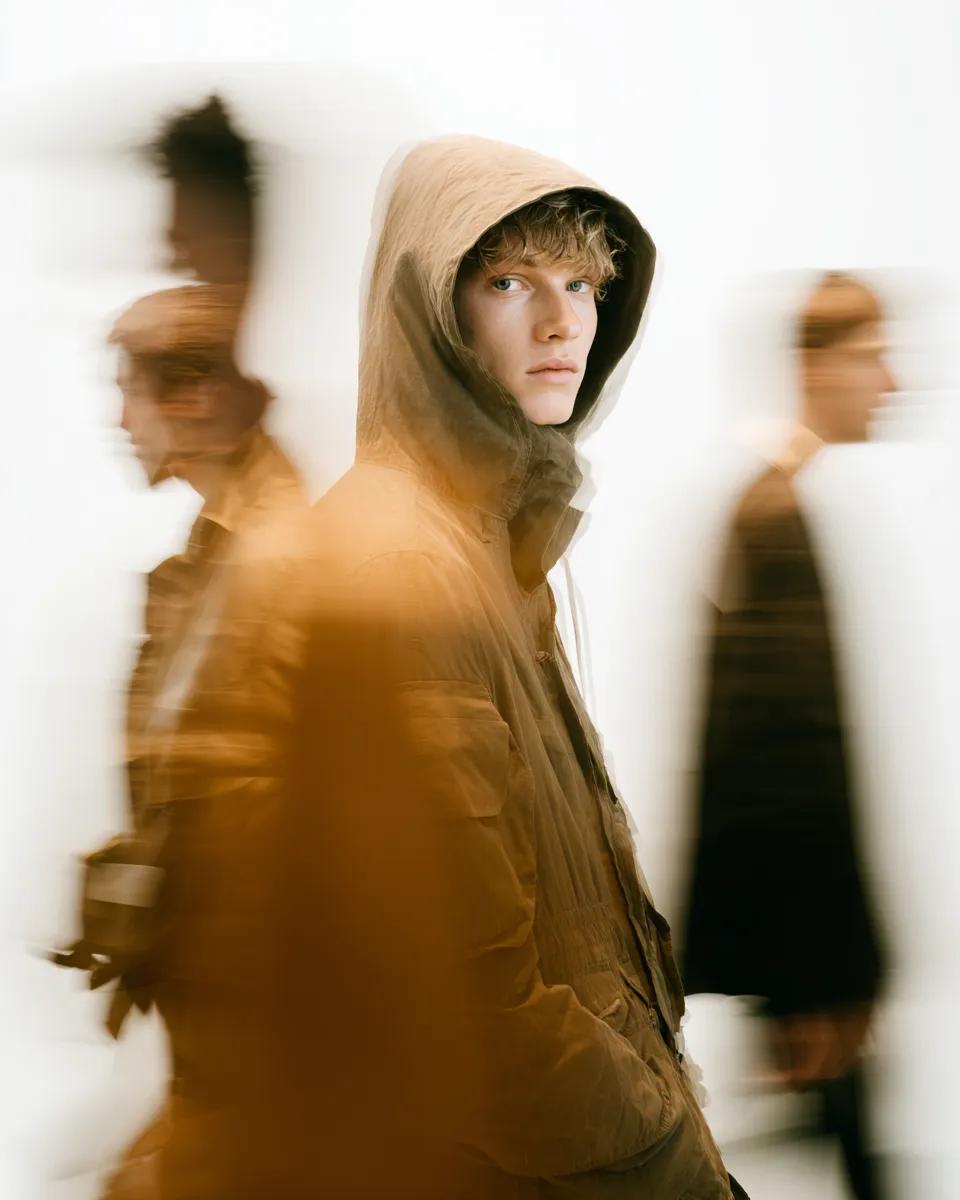
High Fashion Pictorial with Motion Blur

Desert Rally Commercial Movie Poster

Cozy Isometric Bathroom Diorama
Browse template categories
Rainy Tokyo Ramen Alley questions
How do I use the Rainy Tokyo Ramen Alley template?
Add your photo if the template asks for one, edit the prompt if you like — the template's model and format are already selected — and press Generate. Your version opens in PicX Studio.
Can I customize the Rainy Tokyo Ramen Alley template?
Yes. You can change the subject, setting, lighting, mood, format, and available model controls before creating your image.
Is the Rainy Tokyo Ramen Alley template free?
Opening and editing this template is free. Generating uses credits, shown on the Generate button when you are signed in.
Which AI model should I use?
Start with GPT Image 2, which is the model associated with this template. You can compare another compatible model for a different finish.
Looking for something else? Browse all templates.

Your photo, any look
Thousands of ready templates for every top image and video model, from one credit balance.