
Desert Rally Commercial Movie Poster
A highly detailed prompt for creating a realistic rally racing movie poster based on a reference portrait, featuring dust effects and golden hour lighting.
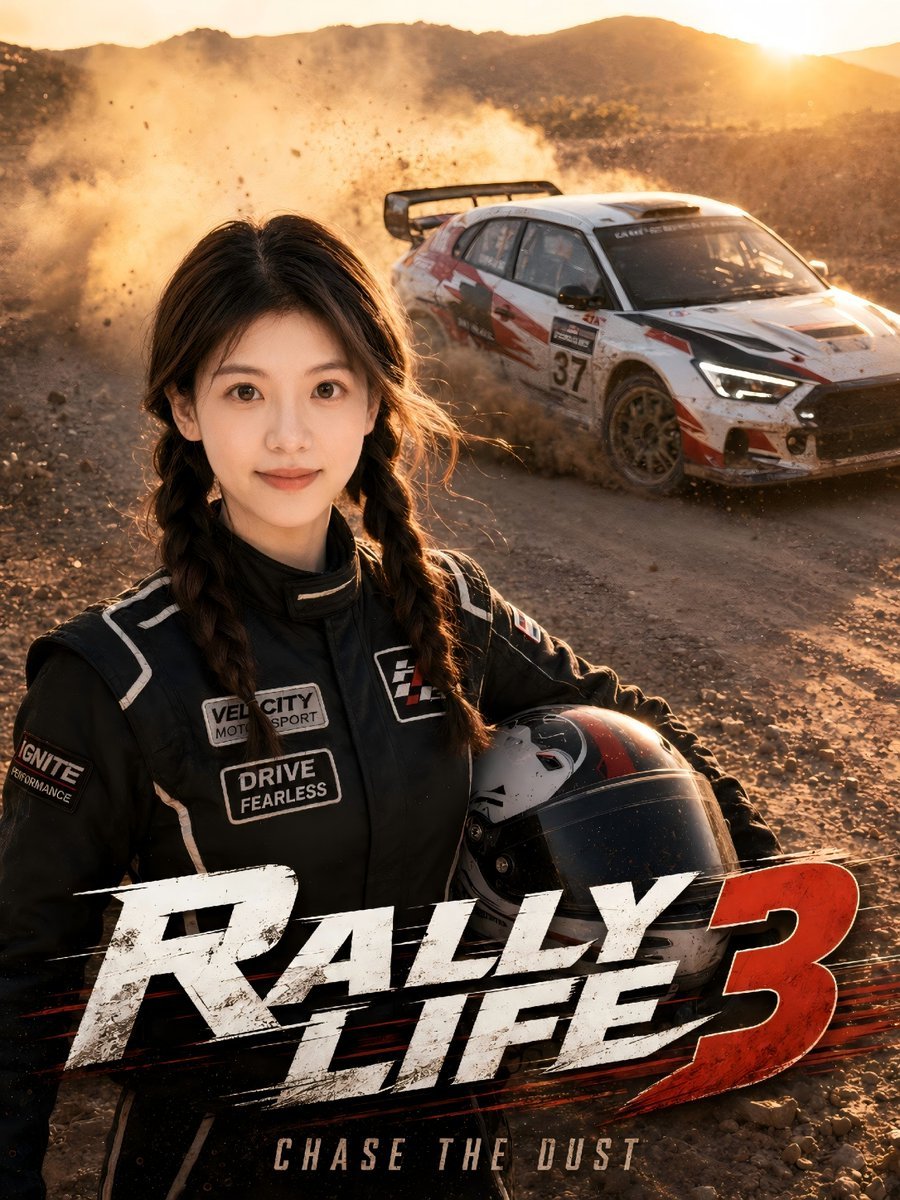
- Prompt included
- Model and format preset
- Free template
The prompt behind this image
Copy the exact prompt behind Desert Rally Commercial Movie Poster, or open it in the studio and make it yours.
Use the uploaded portrait only as the reference for the person’s facial structure, facial features, hairstyle, skin tone, body proportions, and overall personal aura. Do not copy the original portrait’s clothing, background, lighting, pose, expression, or image quality. The final image should only keep the person recognizable through face shape and hairstyle, while all other elements follow the prompt below. Do not recreate the reference image exactly; create a similar realistic rally movie-poster style scene with a new composition and English text. Create a vertical 3:4 ultra-realistic live-action commercial movie poster. A young person based on the uploaded portrait is standing in the foreground at a dusty desert rally track during golden hour. Preserve the uploaded person’s facial identity, face shape, hairstyle, skin tone, body proportions, and natural charisma, but create a new confident expression and a new natural pose. The subject wears a {argument name="outfit" default="professional black racing suit"} with clean fictional rally sponsor patches and subtle white racing stripes. The clothing should look high-end, realistic, and fitted, but do not copy any exact outfit from the reference image. The subject holds a racing helmet naturally at the waist or under one arm. Behind the subject, a white professional rally car is drifting on a dirt road, kicking up a large cloud of dust and gravel. The car should look powerful, realistic, and cinematic, with a large rear wing, racing number decals, red and black graphic stripes, dirt stains, tire marks, and motion blur. Use fictional racing team branding only, no real car logos or real sponsor logos. The background is an open desert rally environment with dry gravel, dust, warm sunlight, and a dramatic orange sunset sky. The image should feel like a real outdoor commercial photoshoot mixed with a high-budget racing film poster. Use cinematic golden-hour lighting, warm rim light on the hair and shoulders, realistic dust particles, natural skin texture, detailed fabric wrinkles, realistic helmet reflections, shallow depth of field, dynamic motion, high contrast, editorial composition, premium sports advertising quality, real camera look, 35mm cinematic photography, crisp foreground subject, slightly blurred drifting rally car in the background. Add clean, bold English title typography at the bottom of the poster: “{argument name="movie title" default="RALLY LIFE 3"}”. The text should look like a professional action movie title, metallic white and red, dynamic brush-stroke racing style, integrated naturally into the poster design. Add small English supporting text if needed, such as “{argument name="slogan" default="CHASE THE DUST"}” or “FULL SPEED AHEAD”. All visible text must be in English. No Chinese text. No watermark. No AI-generated label. Negative Prompt: anime, manga, cartoon, illustration, 3D render, game CGI, plastic skin, waxy face, over-smoothed skin, beauty filter, fake face, distorte
How to use Desert Rally Commercial Movie Poster in 3 steps
- 1Upload ImagePNG, JPG or paste
Add your photo
Upload the photo the template builds on. The prompt, model and format are already set.
- 2…a portrait of your subject in softgolden-hour light, 85mm…
Personalize
Edit the subject and creative details for your destination.
- 3Generate
Generate
Press Generate — your image is created in PicX Studio, so you can compare it with the original and refine one variable at a time.
More like this
Templates with the same subject, style or setup. Open one to see its prompt.

Gpt2 Youtube Thumbnail Wuxia Movie Character Posters

Saudi Arabia Paper Cut Travel Poster

Japan Travel Brochure Poster

Cartoon TV Show Poster Pack

Trendy Cafe Drink Promo Poster

Urban Fashion Editorial Collage Streetwear Poster

Premium Fashion Editorial Cover Layout System

Polo Ralph Lauren Luxury American Heritage Fashion Campaign

Monochrome Halftone Editorial Fashion Poster

Retro Mirror Luxury Fashion Campaign Poster

Luxury Fashion Campaign Typography Poster System

Premium Fashion Editorial Campaign Poster System
Make it yours
Desert Rally Commercial Movie Poster works as-is. These are the safest ways to change it without losing the look.
Change one field
Copy a single group, rewrite it, and generate again so you can see what that field is doing.
Keep the frame, change the subject
Hold the composition and light of Desert Rally Commercial Movie Poster, then swap wardrobe, props or the person for a new take.
| If the result… | Why | Fix |
|---|---|---|
| The result drifts from the preview | Too many fields changed at once. | Reuse Desert Rally Commercial Movie Poster as-is first, then change one group — subject, light, or setting. |
| The model over-stylizes the scene | The prose prompt leaves finish and camera underspecified. | Add one camera or lighting sentence and stay on GPT Image 2. |
More GPT Image 2 templates
Other prompts made for GPT Image 2.

Six VTuber Japanese Logo Sheet

Realistic Portrait of Woman and Deer

The Vista Modular Condo Poster

AI Model Routing Comparison Infographic

2.5D Anime Art Board

Isometric Productivity Desk Scene

New York Double Exposure Poster

Four-Panel AI Landscape Comparison

Japanese Tatami Lifestyle Magazine Cover

NESCAFÉ Coffee Map Poster
More image prompts
Fresh picks from across the catalog.
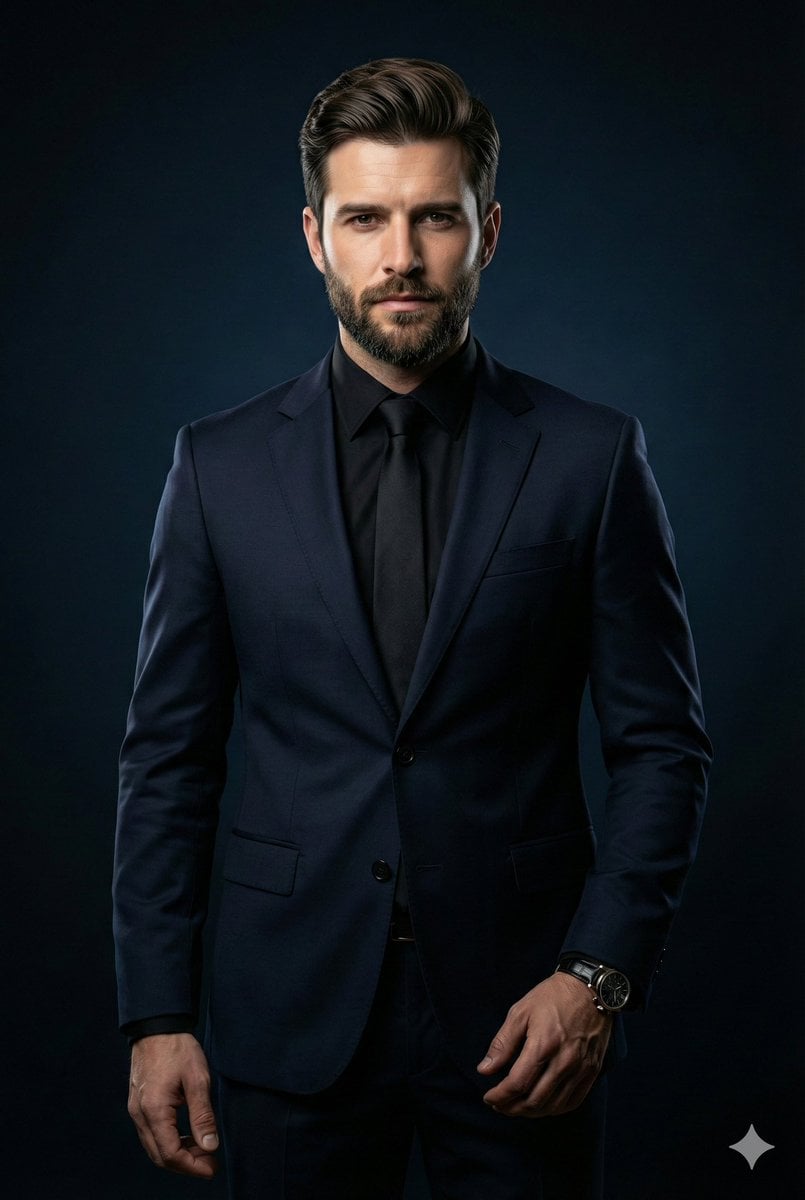
Cinematic Portrait of Middle-Aged Man in Suit
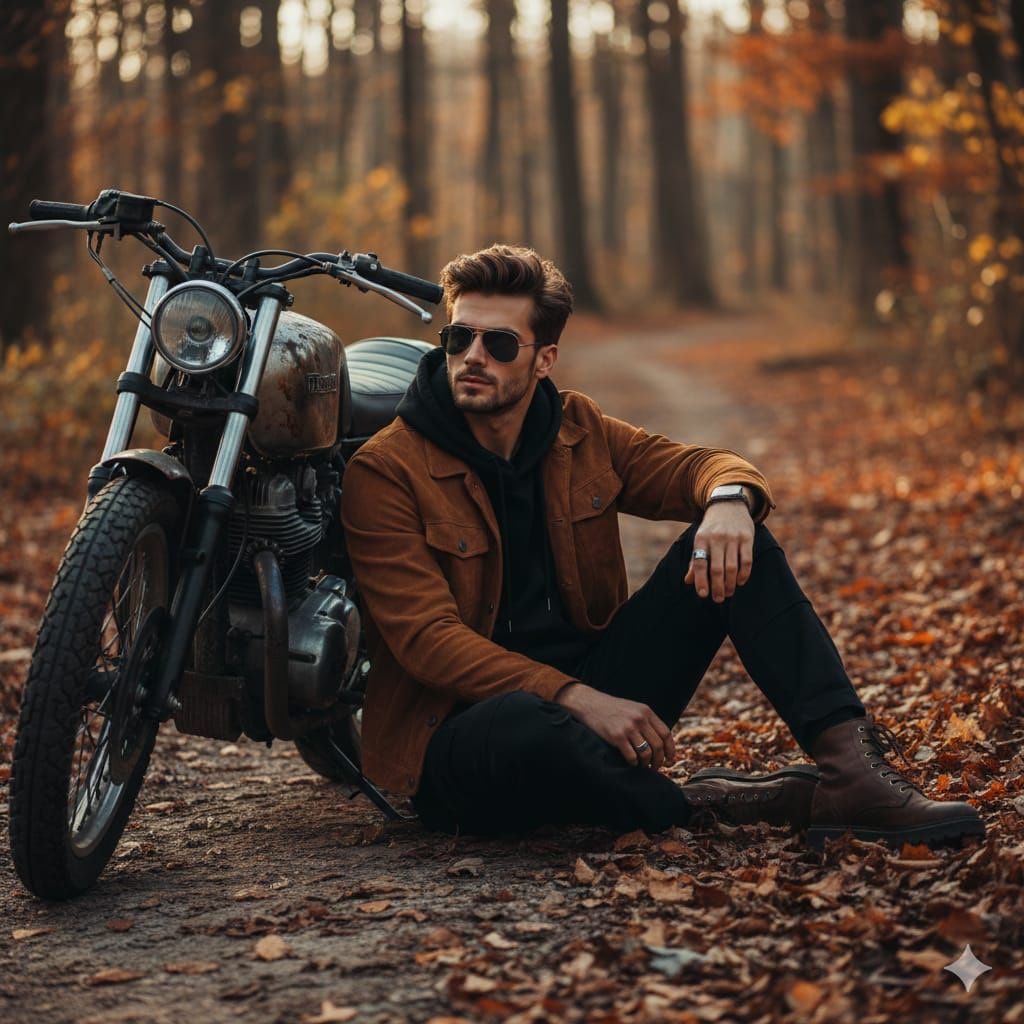
Cinematic Autumn Portrait of Man with Vintage Motorcycle
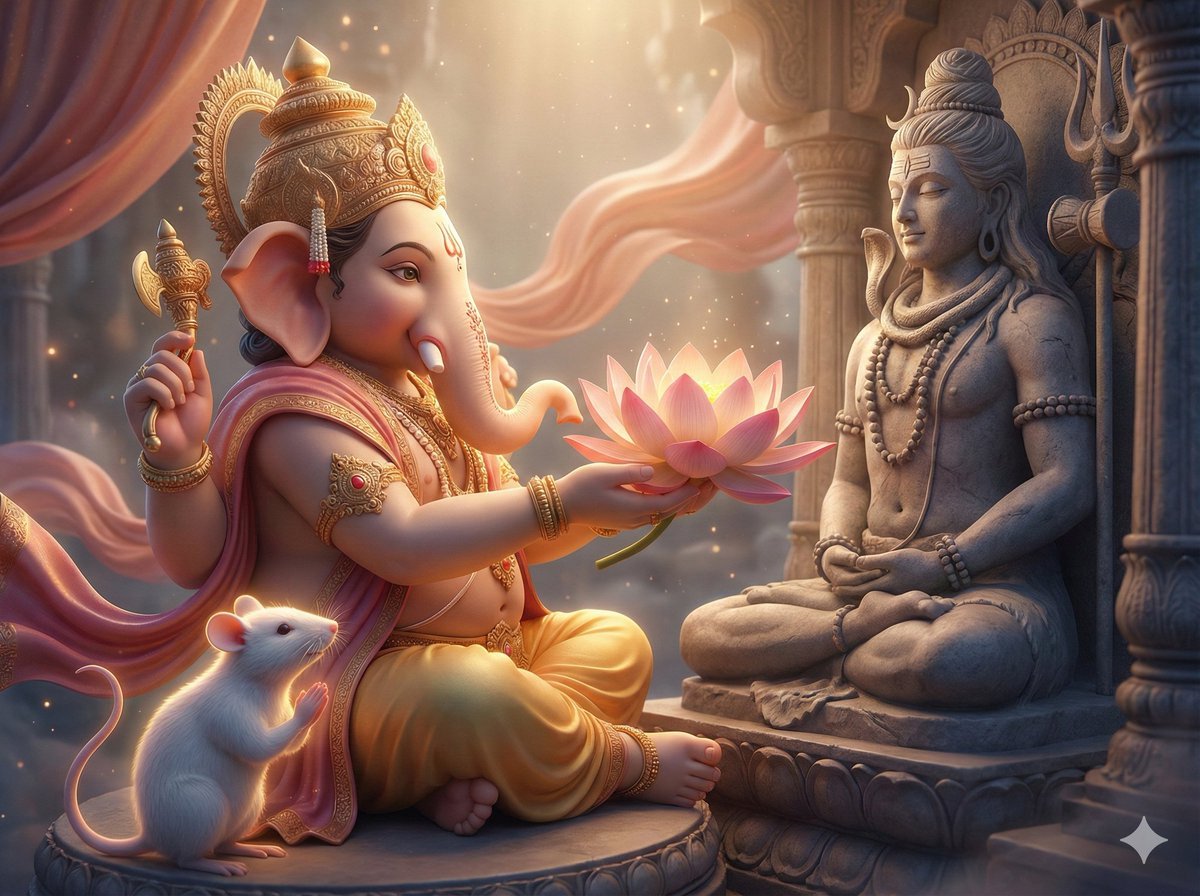
3D image generation prompt for God Ganesh worshipping God Mahadev

Candid Train Photo to Studio Portrait
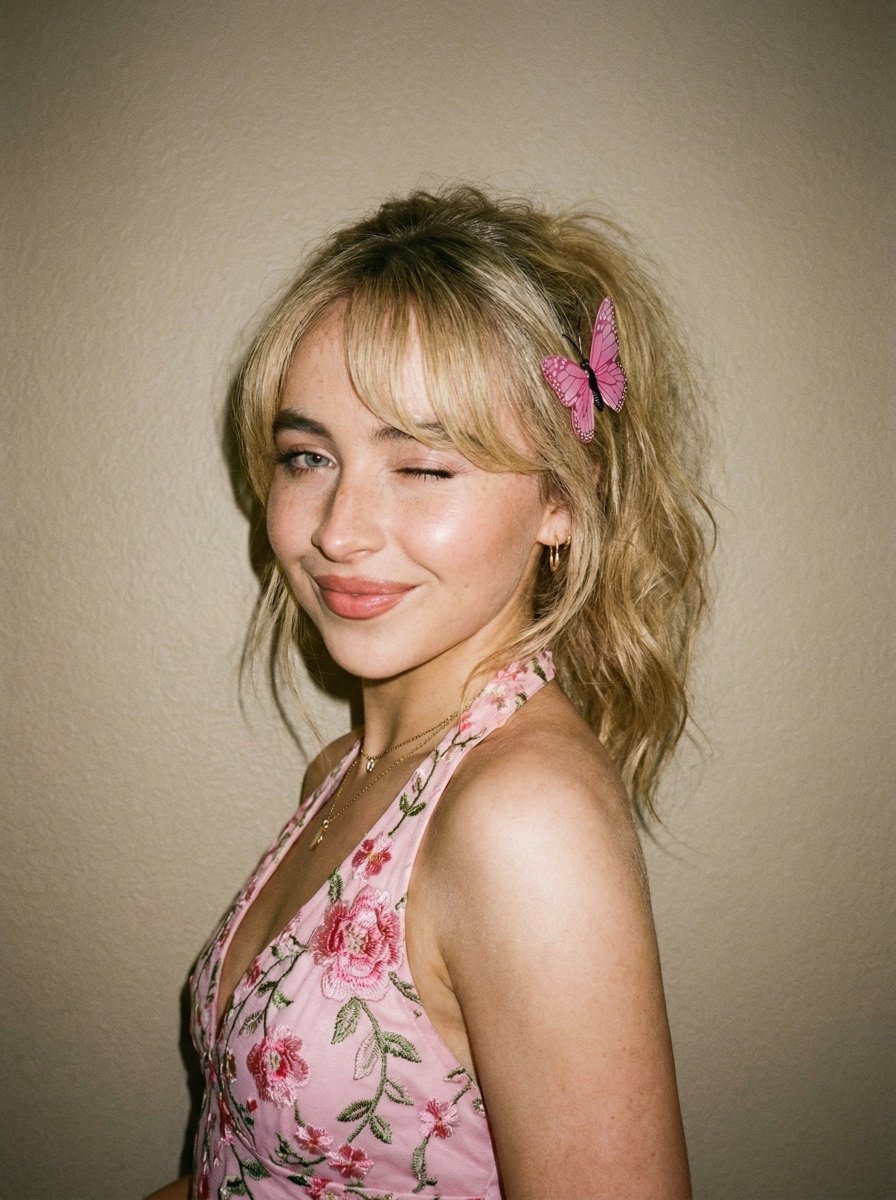
Soft Flash Portrait with Coquette Aesthetic
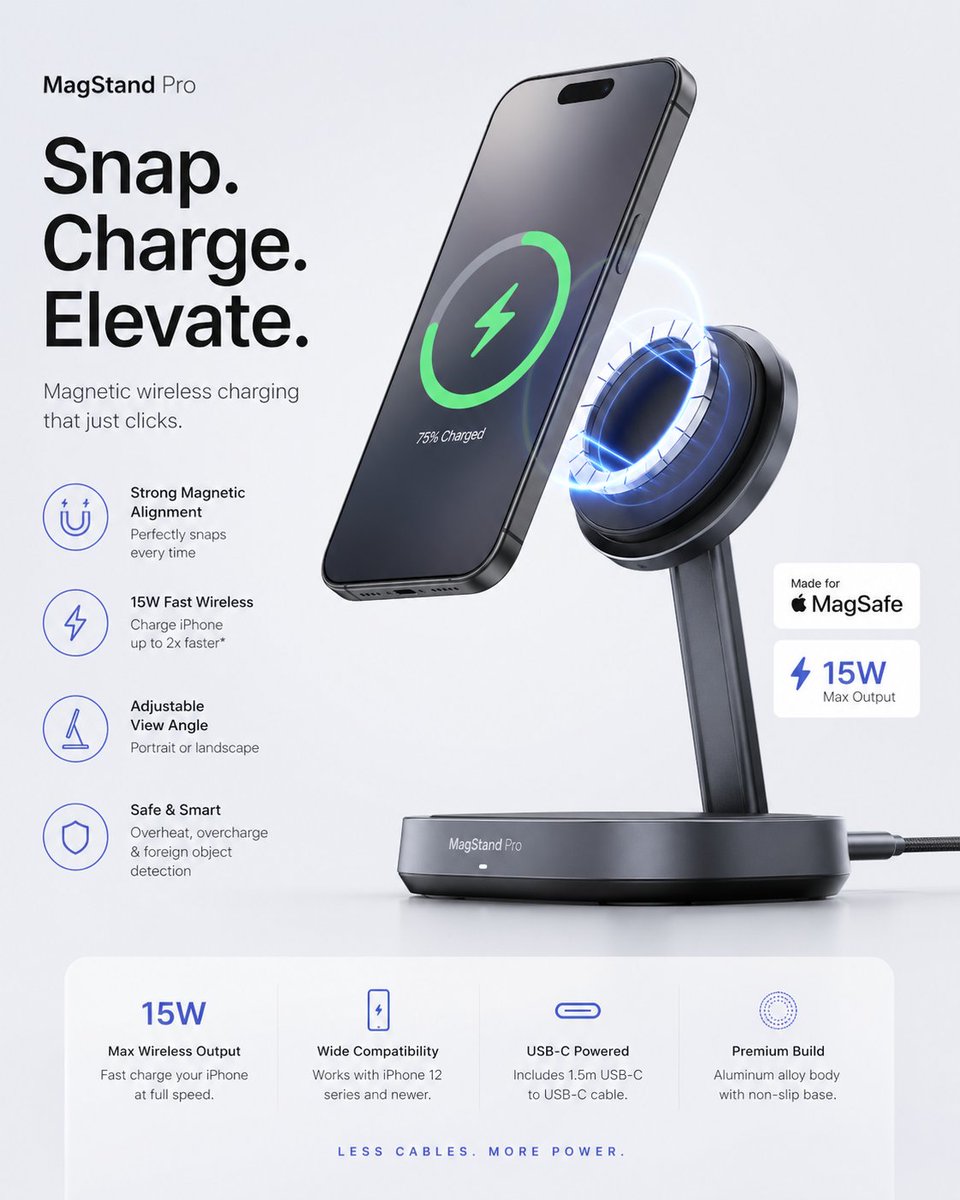
Minimalist Tech Accessory Advertisement
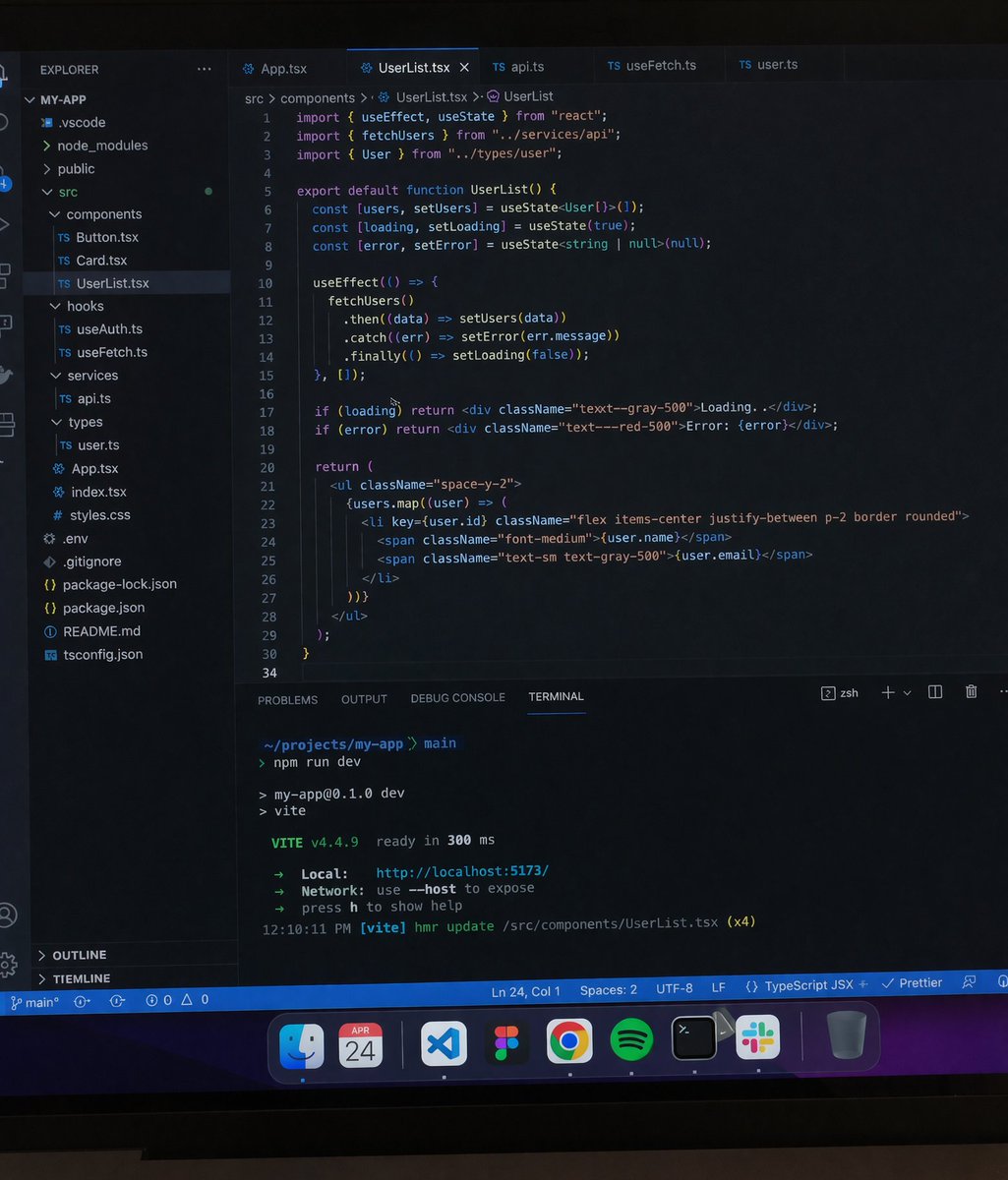
Professional workstation screen prompt
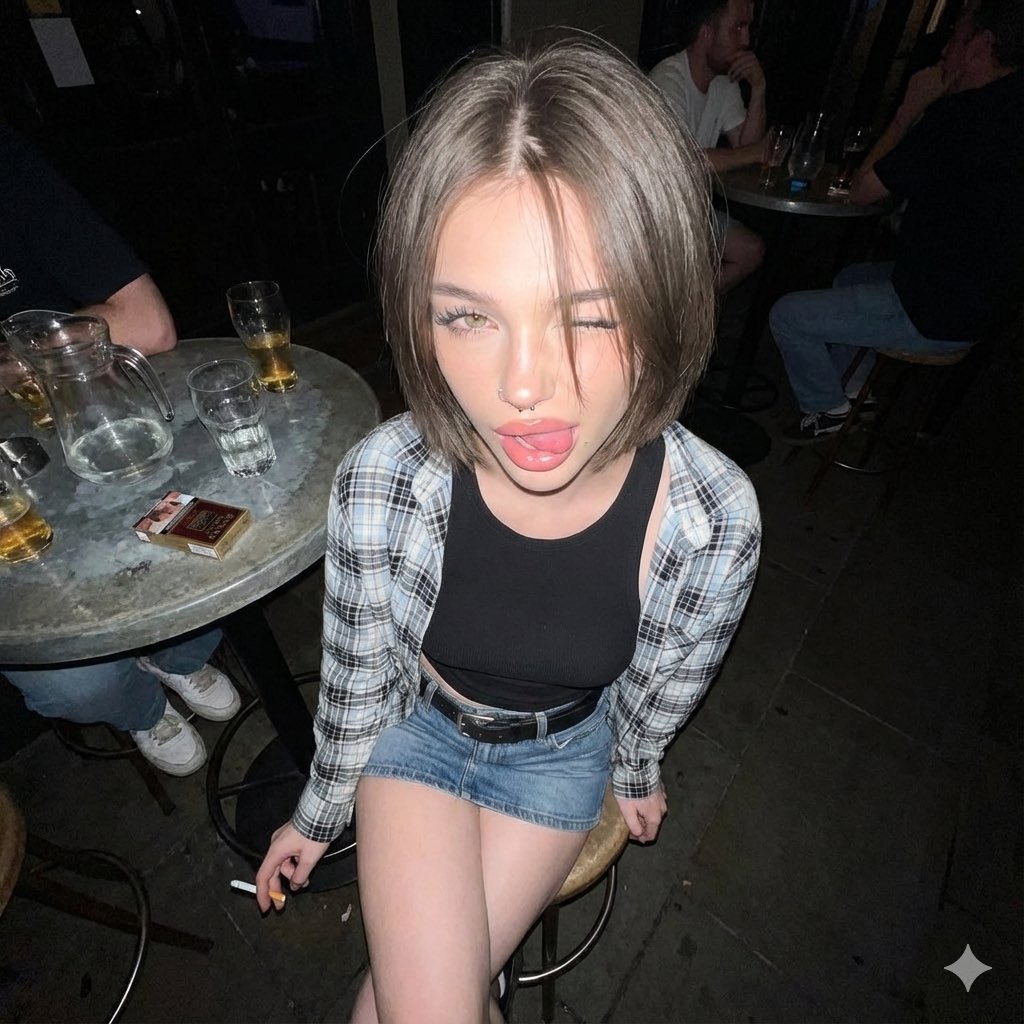
Y2K Grunge Flash Photography Portrait JSON

Minimalist Oriental Commercial Illustration
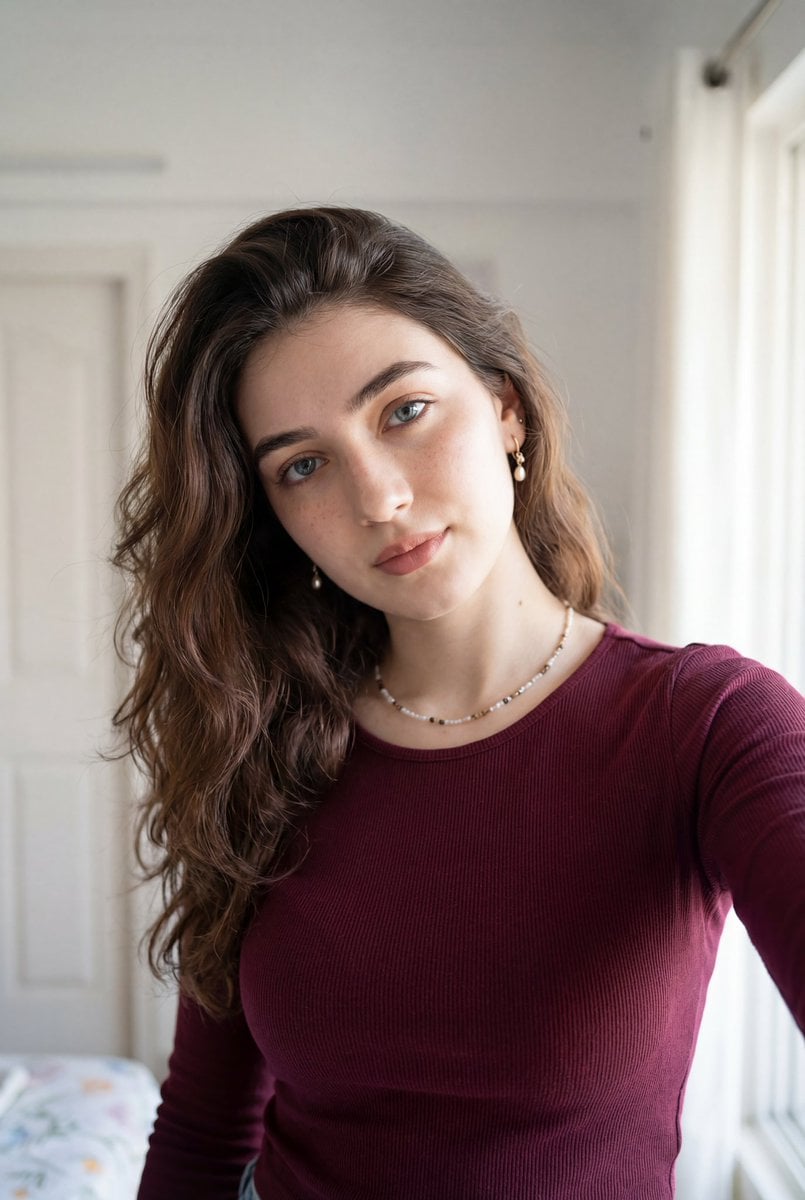
Ultra-Realistic Indoor Selfie Portrait
Browse template categories
Desert Rally Commercial Movie Poster questions
How do I use the Desert Rally Commercial Movie Poster template?
Add your photo if the template asks for one, edit the prompt if you like — the template's model and format are already selected — and press Generate. Your version opens in PicX Studio.
Can I customize the Desert Rally Commercial Movie Poster template?
Yes. You can change the subject, setting, lighting, mood, format, and available model controls before creating your image.
Is the Desert Rally Commercial Movie Poster template free?
Opening and editing this template is free. Generating uses credits, shown on the Generate button when you are signed in.
Which AI model should I use?
Start with GPT Image 2, which is the model associated with this template. You can compare another compatible model for a different finish.
Looking for something else? Browse all templates.

Your photo, any look
Thousands of ready templates for every top image and video model, from one credit balance.