
Rainy Manga Alley Woman Portrait
This prompt generates a cinematic black-and-white-plus-muted-color manga panel of a trench-coated woman walking through a rainy neon-lit Japanese alley, ideal for editorial anime art and dramatic comic-style character…
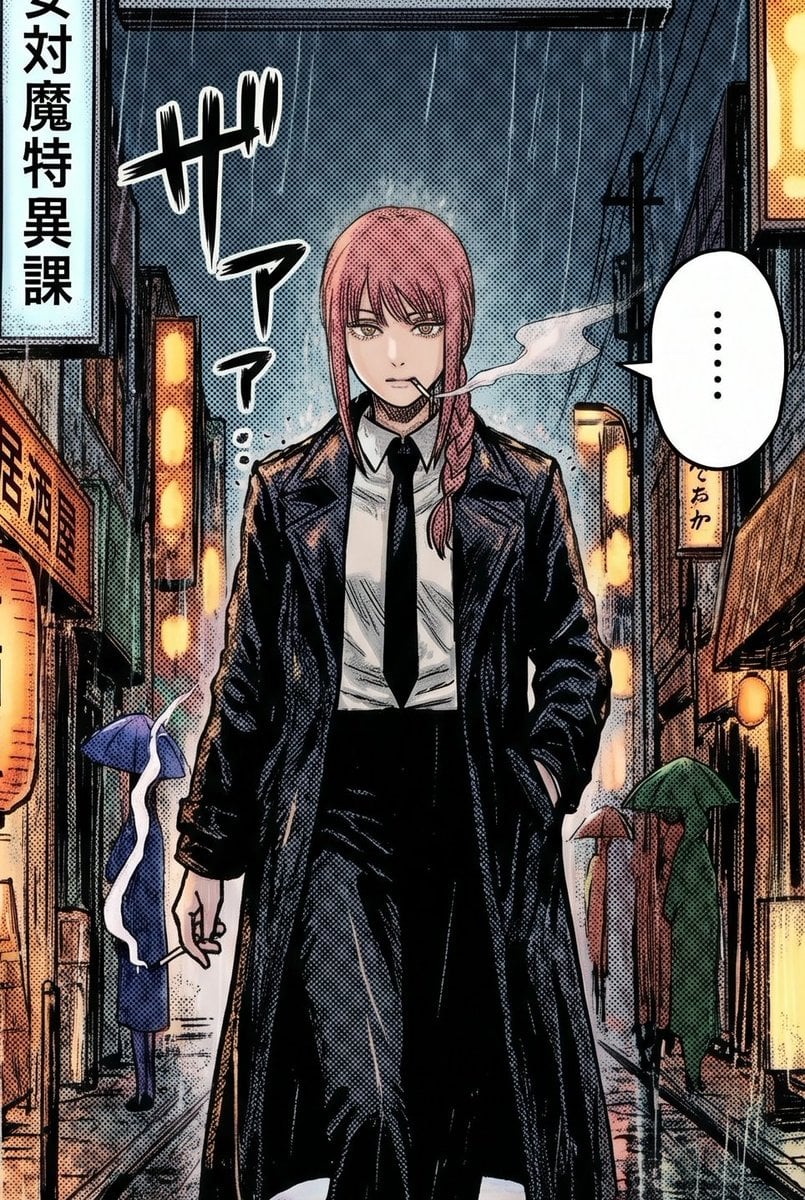
- Prompt included
- Model and format preset
- Free template
The prompt behind this image
Copy the exact prompt behind Rainy Manga Alley Woman Portrait, or open it in the studio and make it yours.
A gritty manga-style full-body street portrait of a tall young woman with {argument name="hair color" default="soft pink"} hair in a long side braid, walking straight toward the viewer down a narrow rainy Japanese alley at night. Her expression is obscured by a soft mosaic-like blur over the face, creating an anonymous censored look. She wears a long black trench coat over a white dress shirt, black necktie, and high-waisted black trousers, with one hand in her coat pocket and the other holding a lit cigarette low by her side. Thin streams of cigarette smoke curl outward, mixing with the rain. The alley is dense with glowing vertical shop signs and warm lantern light reflected on wet pavement, with overhead wires and dark building facades framing the scene. Include 3 visible background pedestrians with umbrellas: 1 blue umbrella figure on the left midground, 1 reddish-brown umbrella figure in the center-right background, and 1 green umbrella figure on the right midground. Add 1 vertical white sign on the far left with black Japanese text, 1 large stylized black sound-effect text near the upper left, and 1 white speech bubble on the right containing only an ellipsis. Use dramatic noir lighting, heavy black inks, halftone screentone shading, detailed crosshatching, slight paper texture, and the composition of a serialized seinen manga panel, centered and symmetrical, moody, cinematic, and rain-soaked.
How to use Rainy Manga Alley Woman Portrait in 3 steps
- 1Upload ImagePNG, JPG or paste
Add your photo
Upload the photo the template builds on. The prompt, model and format are already set.
- 2…a portrait of your subject in softgolden-hour light, 85mm…
Personalize
Edit the subject and creative details for your destination.
- 3Generate
Generate
Press Generate — your image is created in PicX Studio, so you can compare it with the original and refine one variable at a time.
More like this
Templates with the same subject, style or setup. Open one to see its prompt.

Rainy Café Window Moody Portrait
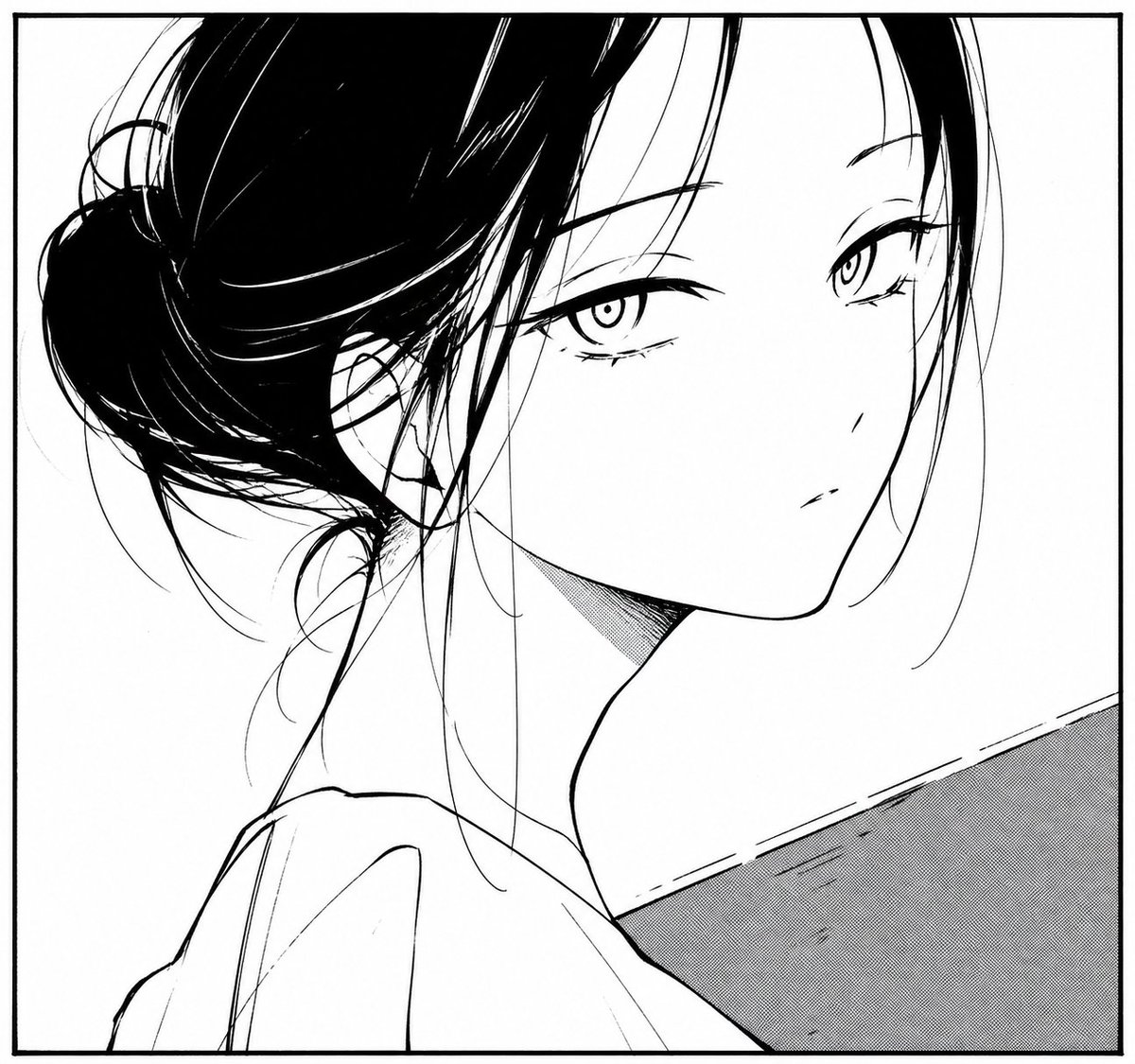
Monochrome Manga Woman Portrait
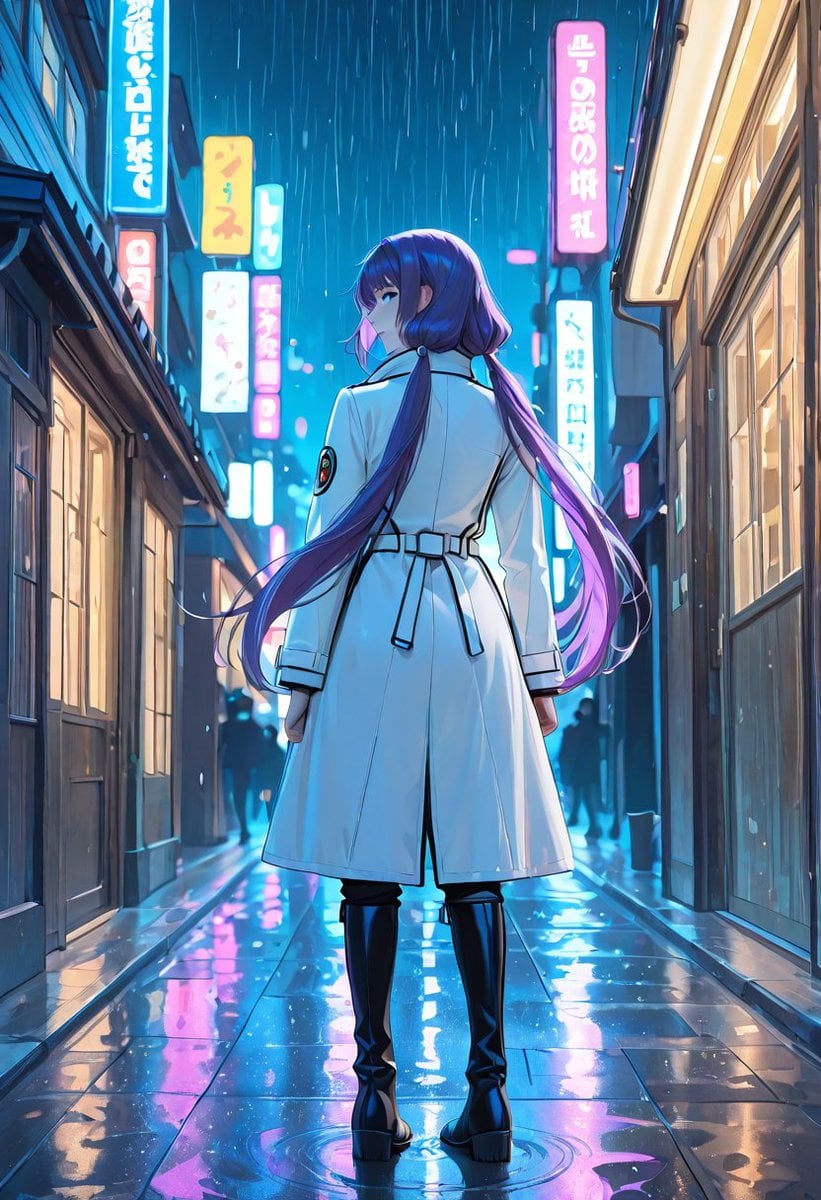
Rainy Neon Anime Alley Woman

Couture Fashion Editorial Woman and Drag

Found Photograph: Us, 1970

80s Couple Studio Portrait

80s Bollywood Star

80s Golden Hour Cinema

Me in 1985

1985 Studio Portrait

Hyper-Realistic Minecraft POV Portrait
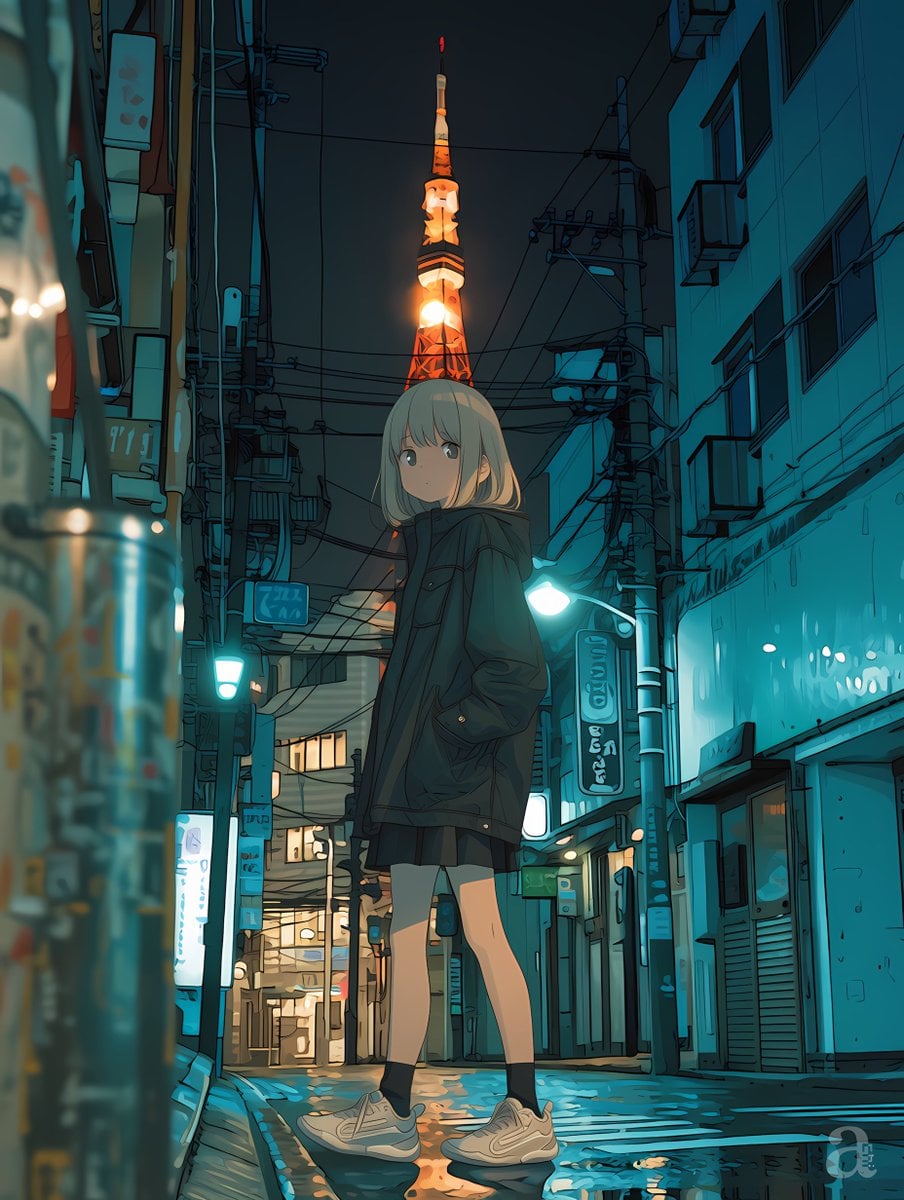
Anime Girl in Rainy Tokyo Alley
Make it yours
Rainy Manga Alley Woman Portrait works as-is. These are the safest ways to change it without losing the look.
Change one field
Copy a single group, rewrite it, and generate again so you can see what that field is doing.
Keep the frame, change the subject
Hold the composition and light of Rainy Manga Alley Woman Portrait, then swap wardrobe, props or the person for a new take.
| If the result… | Why | Fix |
|---|---|---|
| The result drifts from the preview | Too many fields changed at once. | Reuse Rainy Manga Alley Woman Portrait as-is first, then change one group — subject, light, or setting. |
| The model over-stylizes the scene | The prose prompt leaves finish and camera underspecified. | Add one camera or lighting sentence and stay on GPT Image 2. |
More GPT Image 2 templates
Other prompts made for GPT Image 2.

Six VTuber Japanese Logo Sheet

The Vista Modular Condo Poster

AI Model Routing Comparison Infographic

2.5D Anime Art Board

Isometric Productivity Desk Scene

New York Double Exposure Poster

Four-Panel AI Landscape Comparison

Japanese Tatami Lifestyle Magazine Cover

NESCAFÉ Coffee Map Poster

Brutalist Cogito Chinese Typography Poster
More image prompts
Fresh picks from across the catalog.
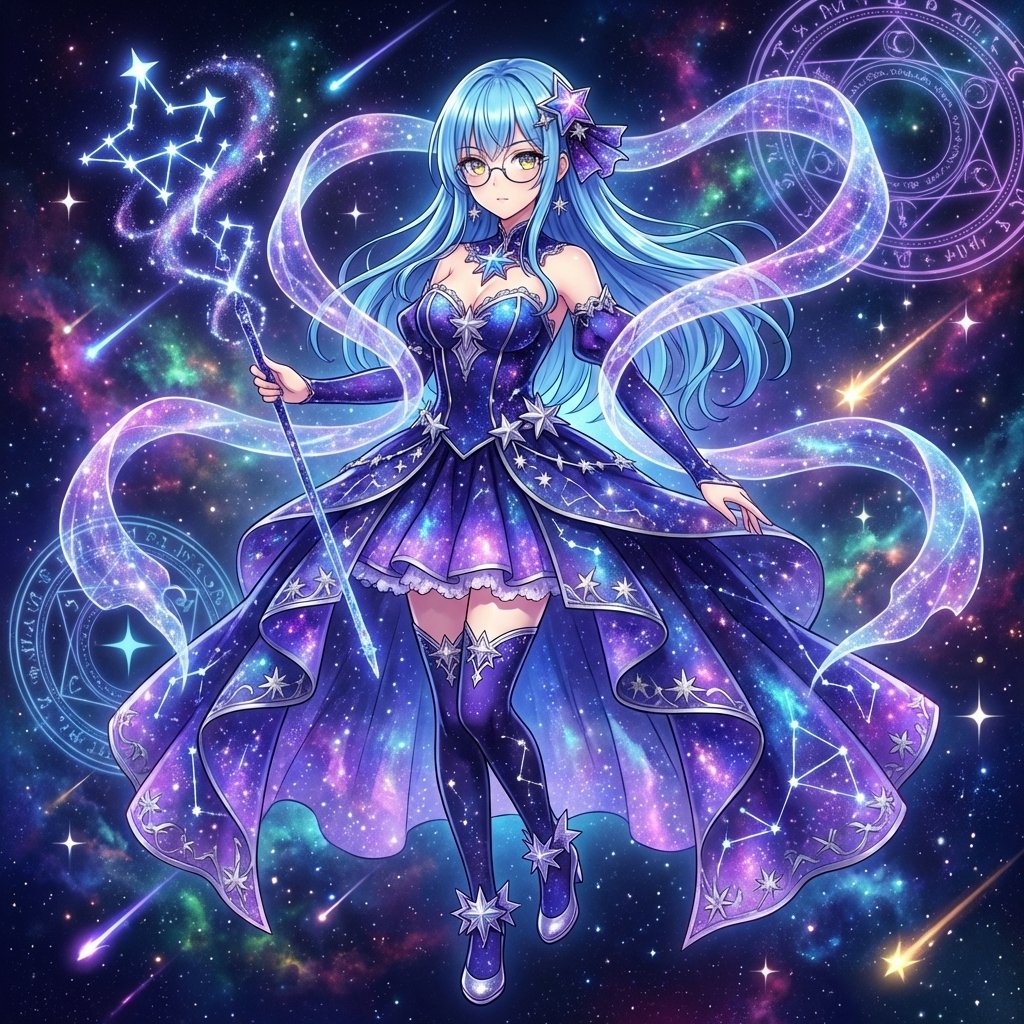
Magical Girl Transformation Prompt (Cosmic Attribute)
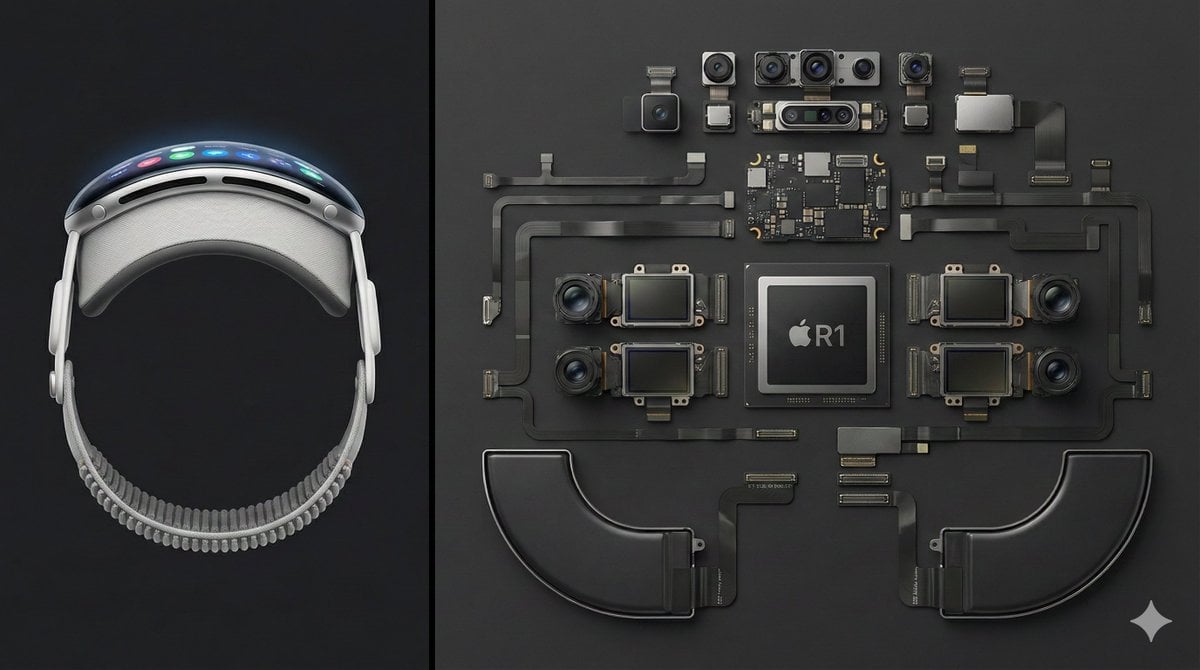
Deconstructed Apple Vision Pro Comparison Photography
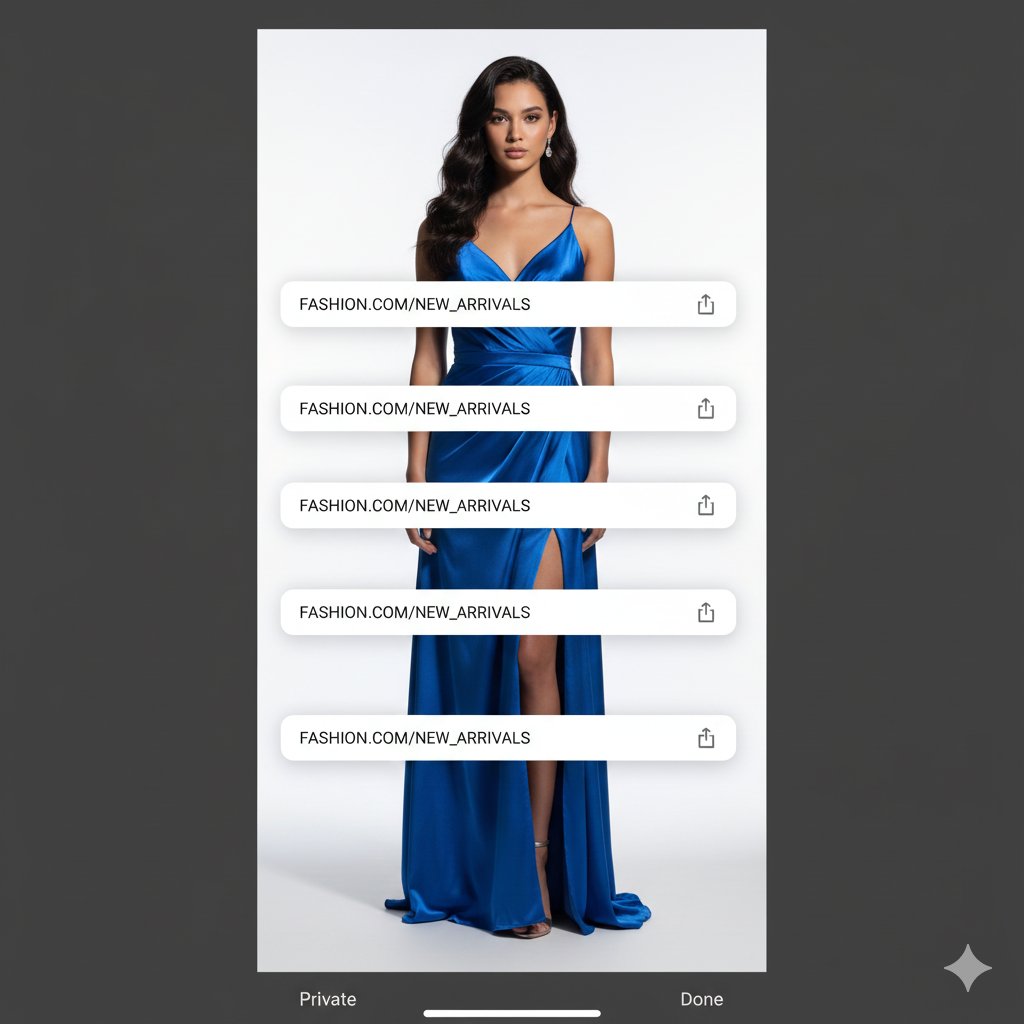
Studio Portrait with Digital UI Overlay
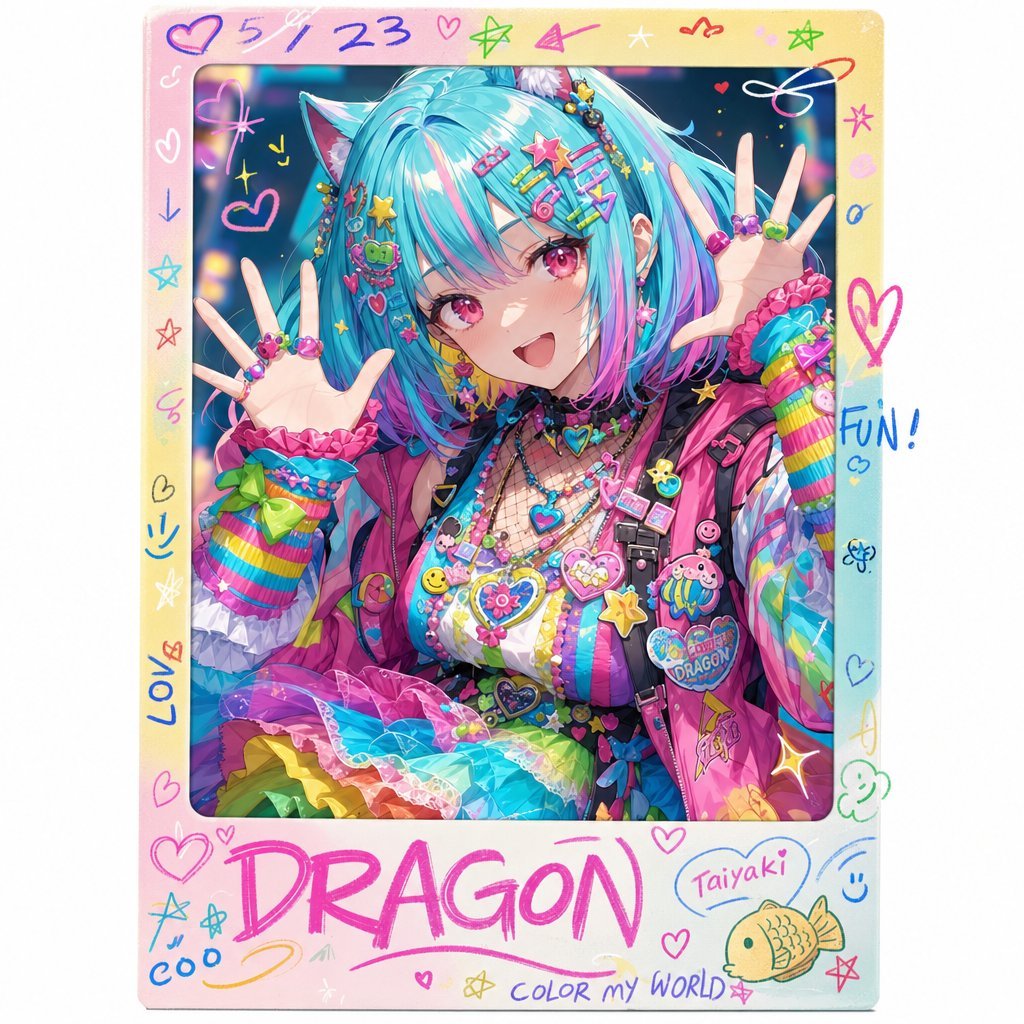
Rainbow Decora Anime Photo Card
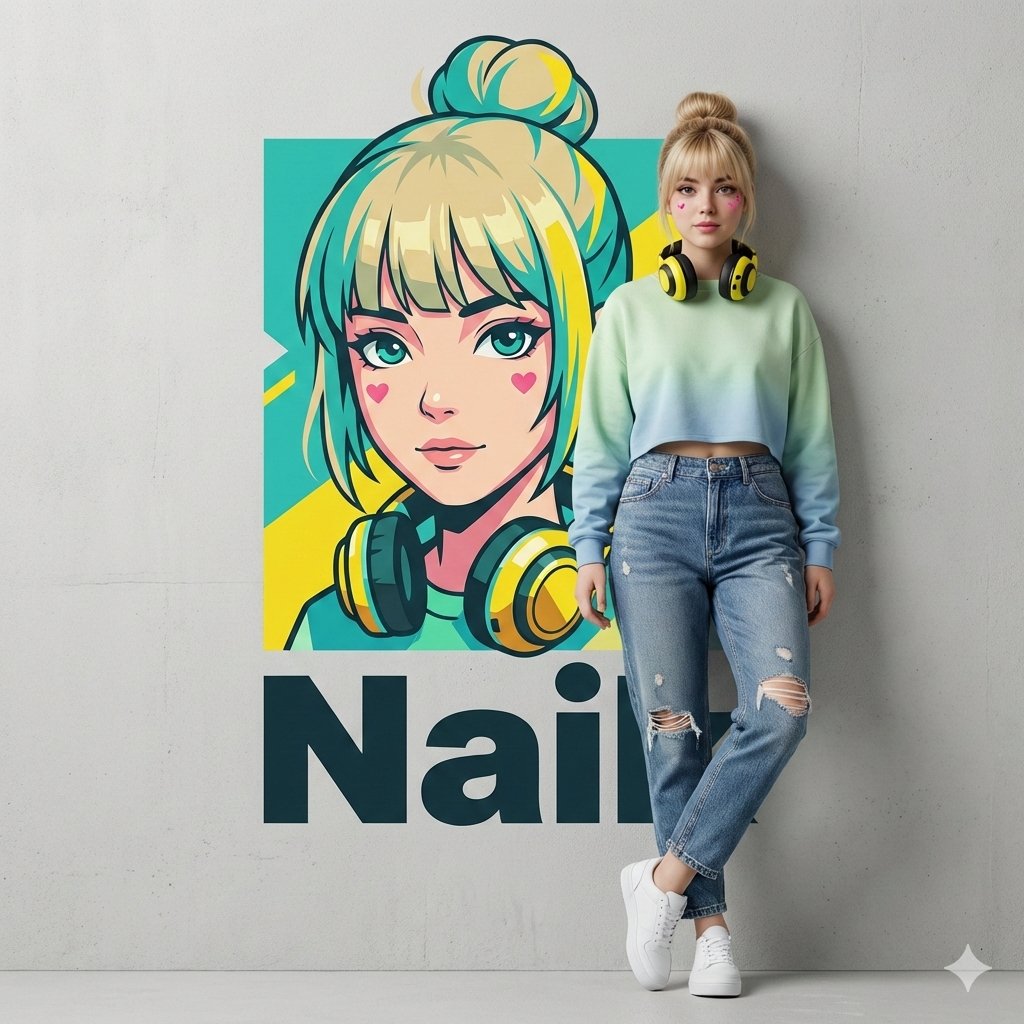
Hyper-realistic Photography and Vector Illustration Blend Prompt
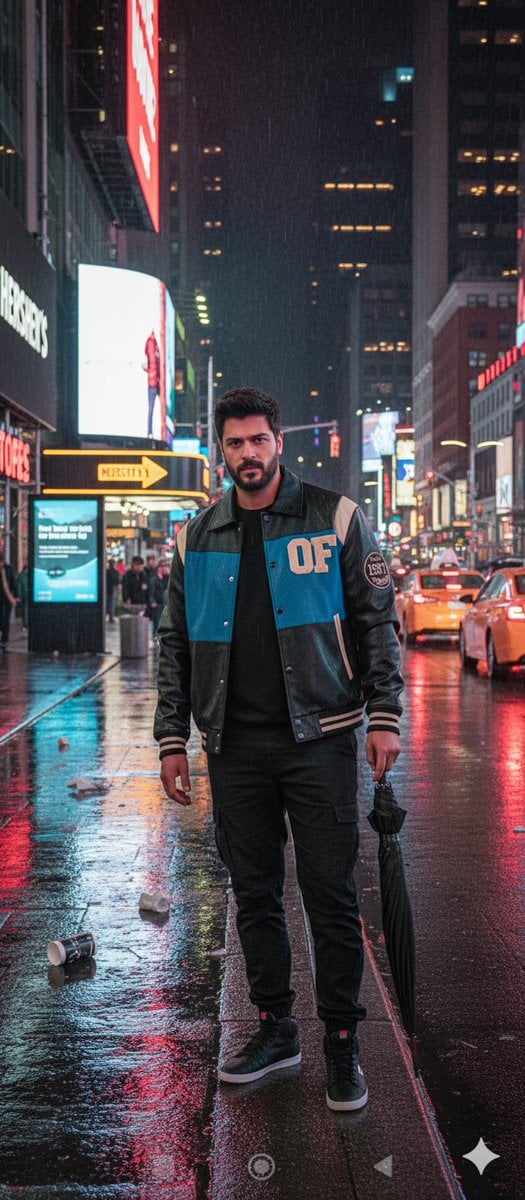
Times Square Rainy Night Portrait with Identity Lock
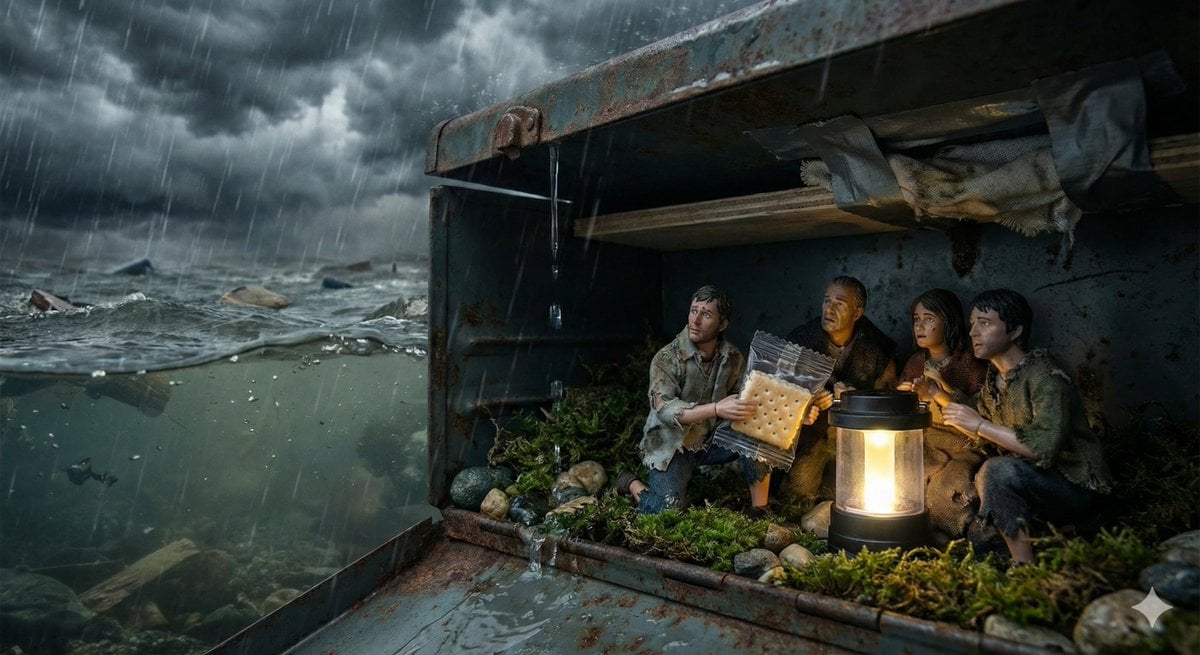
Ordinary Object as Desperate Refuge During Catastrophe
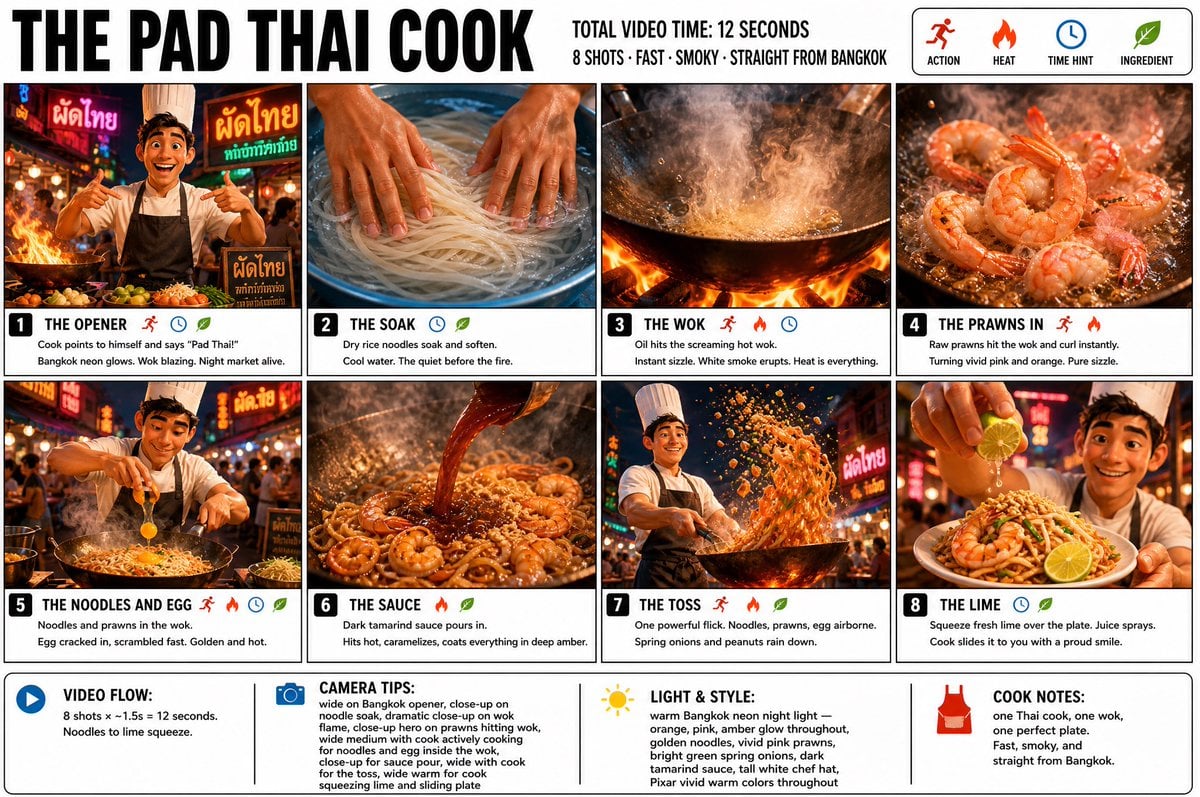
Pad Thai Cook Storyboard
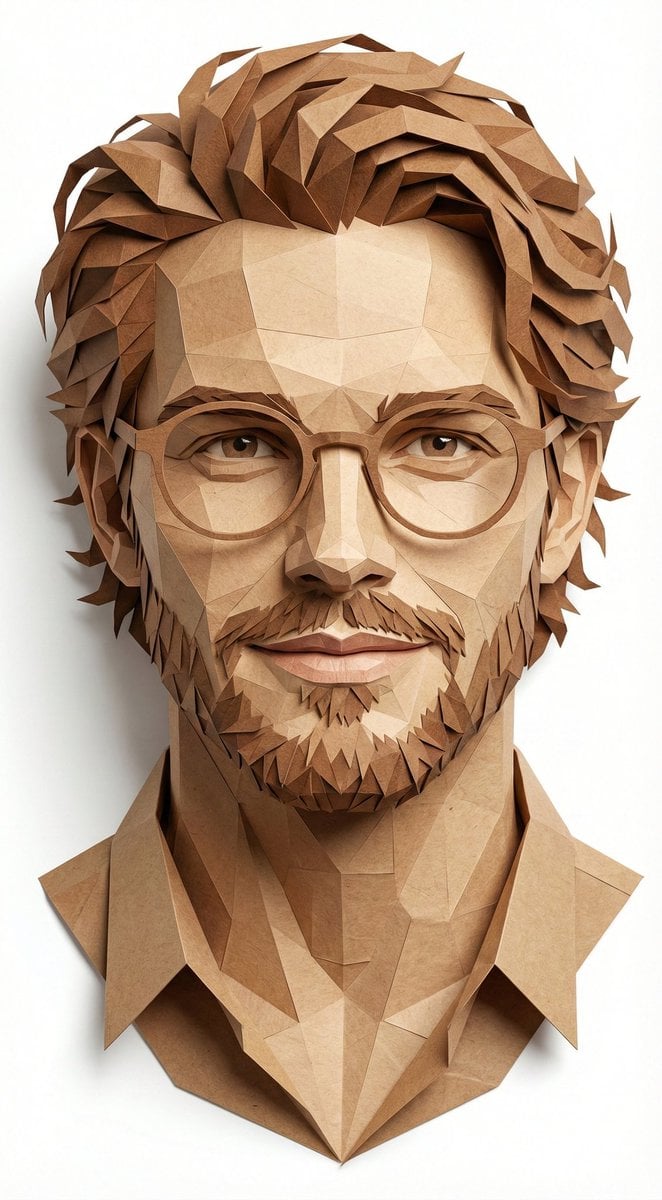
Digital Papercraft Portrait of a Young Man
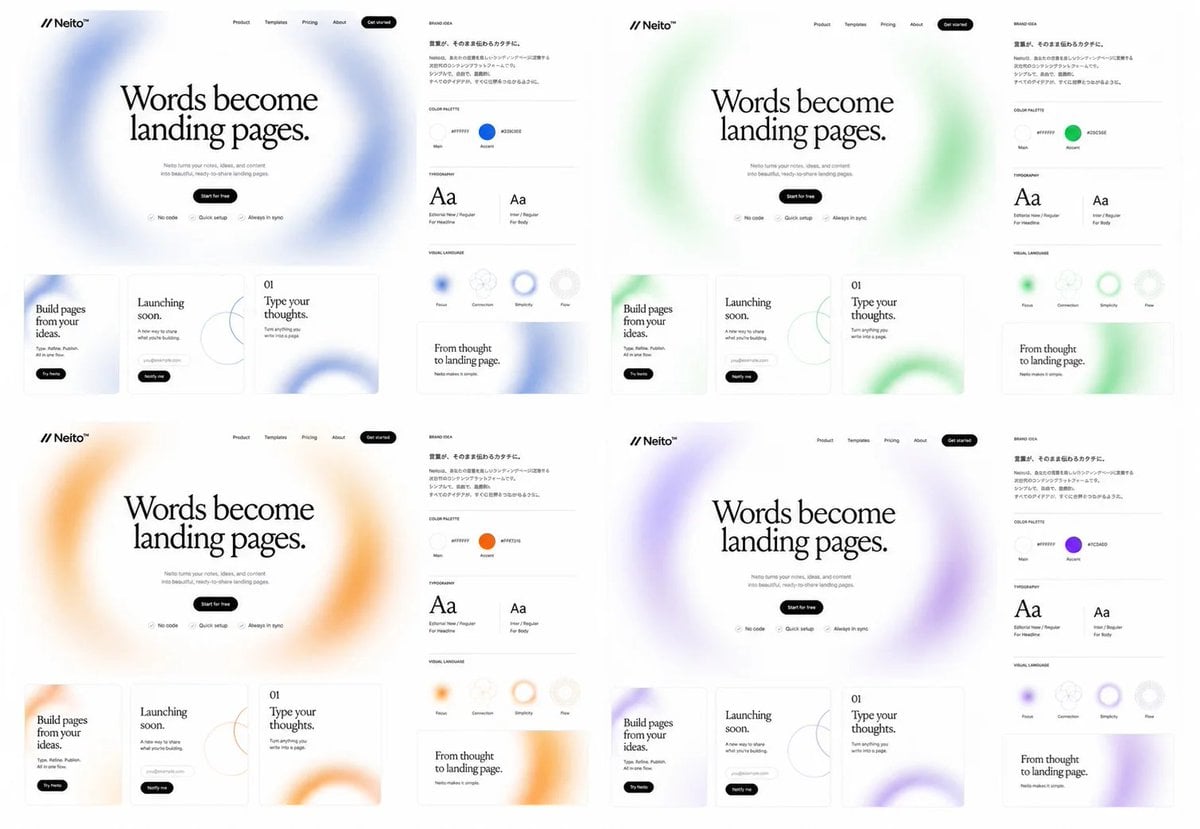
Neito Brand Color Exploration Board
Browse template categories
Rainy Manga Alley Woman Portrait questions
How do I use the Rainy Manga Alley Woman Portrait template?
Add your photo if the template asks for one, edit the prompt if you like — the template's model and format are already selected — and press Generate. Your version opens in PicX Studio.
Can I customize the Rainy Manga Alley Woman Portrait template?
Yes. You can change the subject, setting, lighting, mood, format, and available model controls before creating your image.
Is the Rainy Manga Alley Woman Portrait template free?
Opening and editing this template is free. Generating uses credits, shown on the Generate button when you are signed in.
Which AI model should I use?
Start with GPT Image 2, which is the model associated with this template. You can compare another compatible model for a different finish.
Looking for something else? Browse all templates.

Your photo, any look
Thousands of ready templates for every top image and video model, from one credit balance.