
Rainbow Decora Anime Photo Card
Generates a colorful kawaii decora-kei anime portrait inside a doodled pastel photo-card frame with customizable date and title text.
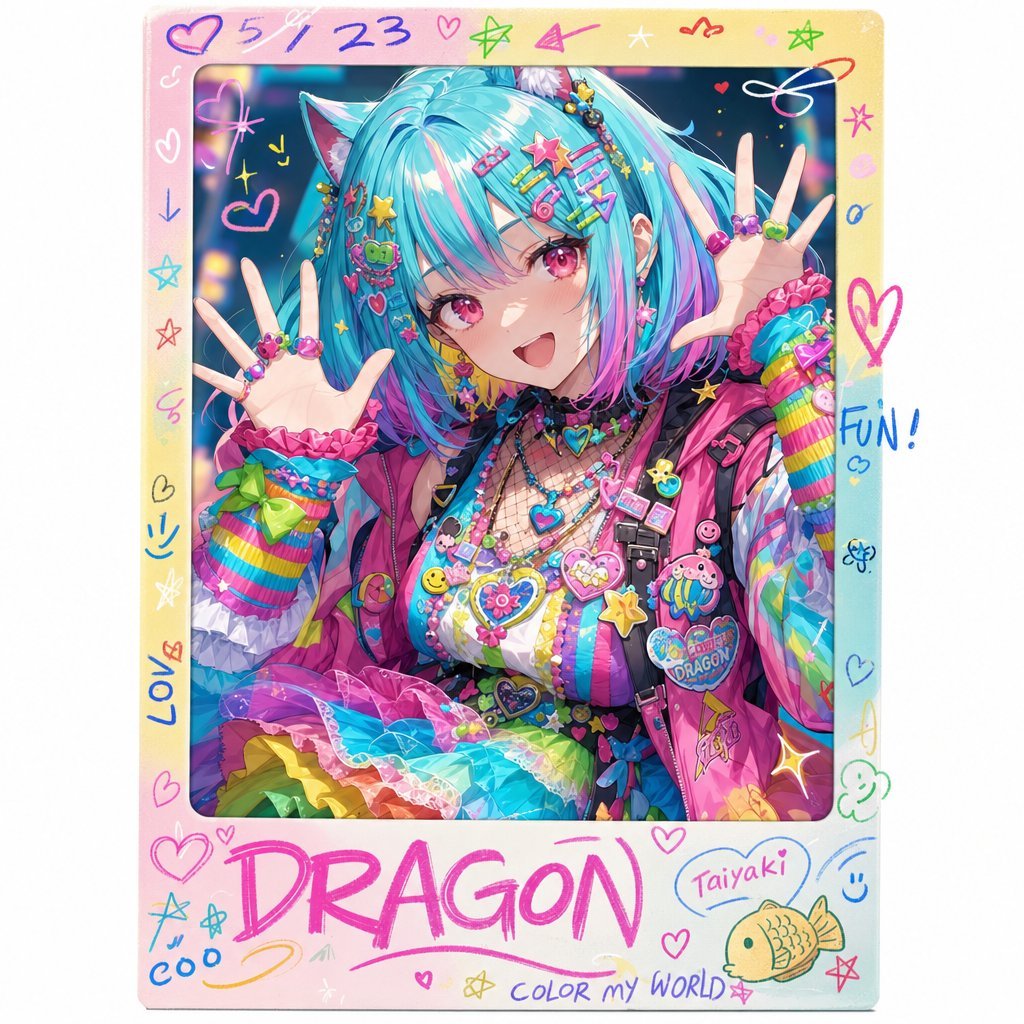
- Prompt included
- Model and format preset
- Free template
The prompt behind this image
Copy the exact prompt behind Rainbow Decora Anime Photo Card, or open it in the studio and make it yours.
Create a square decorative anime photo-card portrait with a glossy pastel frame and handwritten doodles. Center the composition on a cheerful decora-fashion anime girl posing close to the camera with both hands raised open near her face, palms forward, fingers spread, wearing colorful rings and bracelets. She has turquoise twin-tail or layered hair with pink and blue streaks, cat-ear-like hair accessories, many star and heart hair clips, and an extremely busy rainbow decora outfit: striped sleeves, layered neon accessories, beaded necklaces, heart charms, badges, plush-like pins, frilly rainbow skirt, hot pink vest, and shiny candy-colored textures. Obscure the face with a centered soft-edged rectangular blur/mosaic block in muted blue-gray to pink gradient, as if privacy-censored, while keeping the hair and hands visible. Use a vibrant kawaii Japanese street-fashion style, high saturation, glossy anime rendering, detailed accessories, sparkles, bokeh lights in the background, playful and cute mood. Canvas and layout: square 1:1 image, the portrait sits inside a thick rounded rectangular Polaroid-style border. The border is a pastel gradient from peach pink to cream to light cyan, with slightly worn paper texture and rounded corners. The inner photo window fills most of the card, with a larger bottom margin reserved for large handwriting. Frame doodles and text: include exactly 28 visible decorative doodle/text elements around the border: 1 handwritten date at the top reading {argument name="date text" default="5/4 23"}; 1 large handwritten bottom title reading {argument name="bottom title" default="DRAGON"} in hot pink marker; 1 small word on the right reading “FUN!” in blue; 1 small oval speech bubble near the bottom right reading {argument name="speech bubble text" default="Taiyaki"}; 1 small phrase along the bottom reading “COLOR MY WORLD” in purple; 1 vertical left-bottom word reading “LOVE” in blue; 1 tiny bottom-left word reading “coo” in blue; 1 green fish-shaped taiyaki doodle at bottom right; 2 smiley faces; 6 hearts of varying sizes; 6 stars; 2 arrows; 2 loops/swirls; 2 tiny flower or clover doodles; and 1 underline swoosh beneath the title. Make the doodles look hand-drawn with pink, blue, green, yellow, purple, and orange markers. Subject details: the character’s outfit theme should be {argument name="fashion theme" default="rainbow decora kei with dragon-themed badges"}; add a visible round badge on the chest area that says “DRAGON” or suggests a dragon mascot. Keep the character cropped from mid-thigh/waist upward, seated or leaning forward, with the hands overlapping the border area slightly for a lively sticker-photo feel. Constraints: no photorealism, no minimalist styling, no clean corporate typography, no extra people, no watermark. Preserve the face-censor rectangle and the dense sticker-photo scrapbook aesthetic.
How to use Rainbow Decora Anime Photo Card in 3 steps
- 1Upload ImagePNG, JPG or paste
Add your photo
Upload the photo the template builds on. The prompt, model and format are already set.
- 2…a portrait of your subject in softgolden-hour light, 85mm…
Personalize
Edit the subject and creative details for your destination.
- 3Generate
Generate
Press Generate — your image is created in PicX Studio, so you can compare it with the original and refine one variable at a time.
More like this
Templates with the same subject, style or setup. Open one to see its prompt.












Make it yours
Rainbow Decora Anime Photo Card works as-is. These are the safest ways to change it without losing the look.
Change one field
Copy a single group, rewrite it, and generate again so you can see what that field is doing.
Keep the frame, change the subject
Hold the composition and light of Rainbow Decora Anime Photo Card, then swap wardrobe, props or the person for a new take.
| If the result… | Why | Fix |
|---|---|---|
| The result drifts from the preview | Too many fields changed at once. | Reuse Rainbow Decora Anime Photo Card as-is first, then change one group — subject, light, or setting. |
| The model over-stylizes the scene | The prose prompt leaves finish and camera underspecified. | Add one camera or lighting sentence and stay on GPT Image 2. |
More GPT Image 2 templates
Other prompts made for GPT Image 2.

Six VTuber Japanese Logo Sheet

Realistic Portrait of Woman and Deer

The Vista Modular Condo Poster

AI Model Routing Comparison Infographic

2.5D Anime Art Board

Isometric Productivity Desk Scene

New York Double Exposure Poster

Four-Panel AI Landscape Comparison

Japanese Tatami Lifestyle Magazine Cover

NESCAFÉ Coffee Map Poster
More image prompts
Fresh picks from across the catalog.
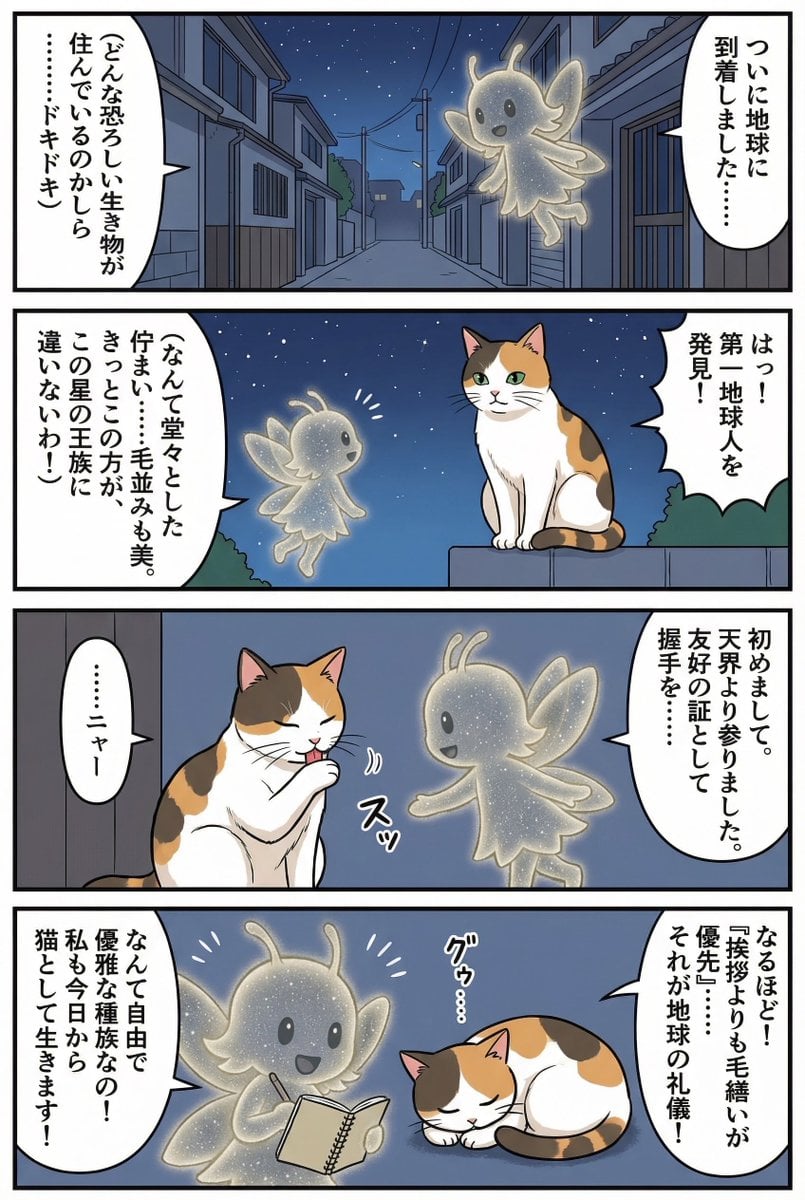
Four-panel manga of a fairy who thinks Earth is a cat planet
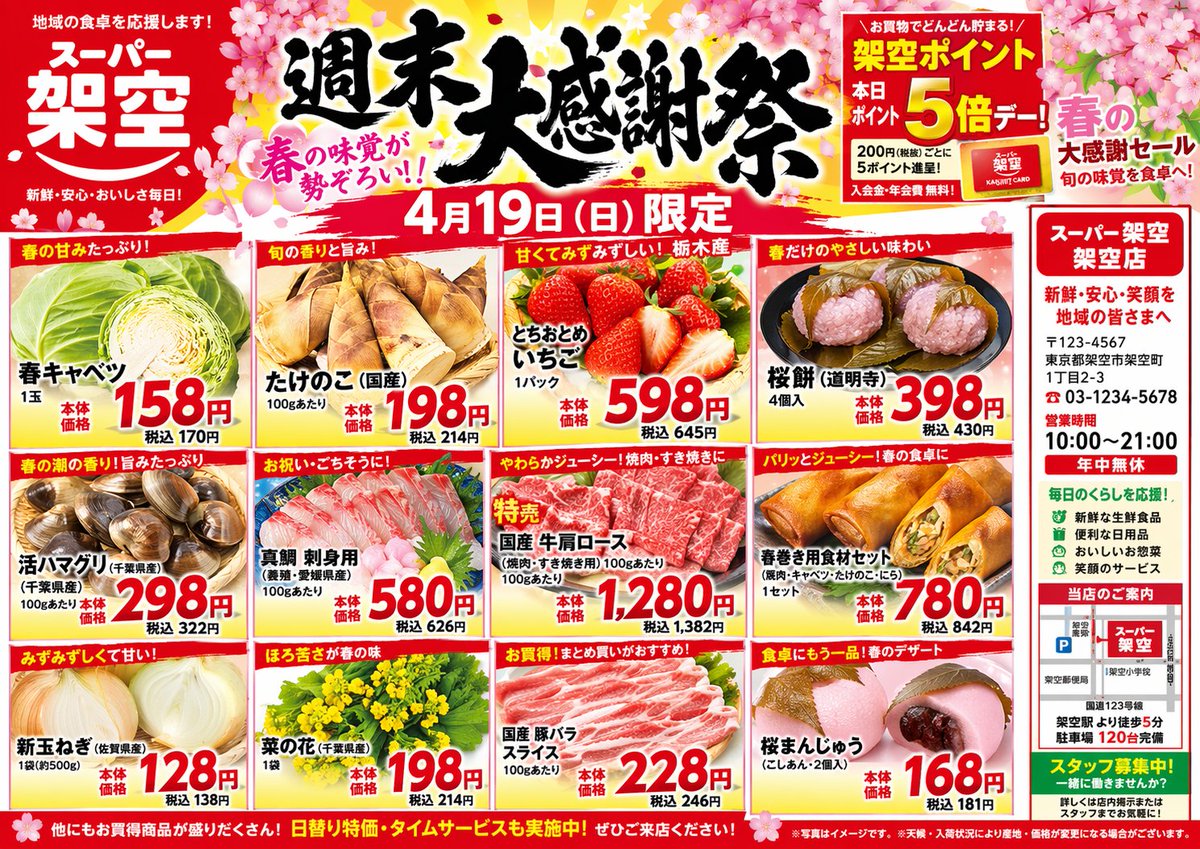
Japanese Supermarket Spring Flyer
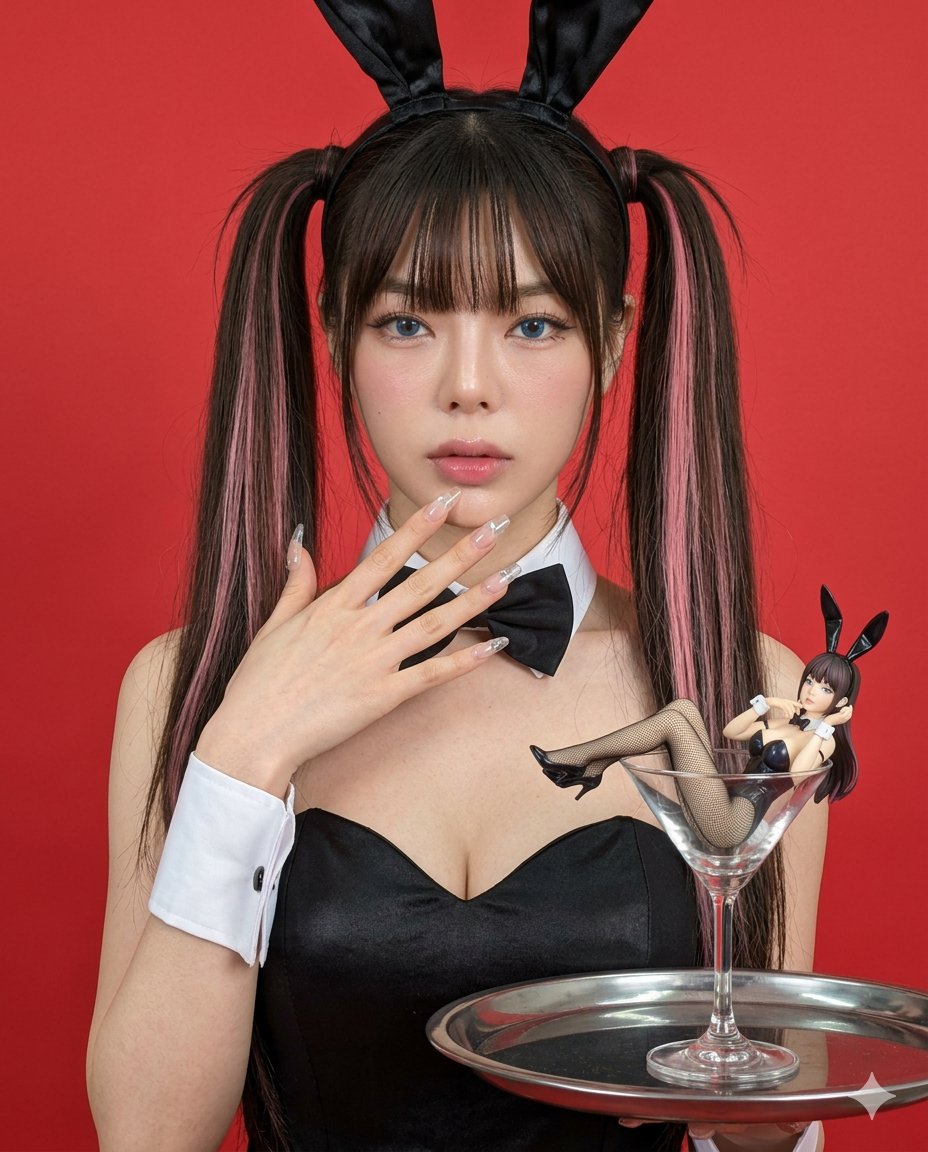
Hyper-realistic Bunny Suit Portrait
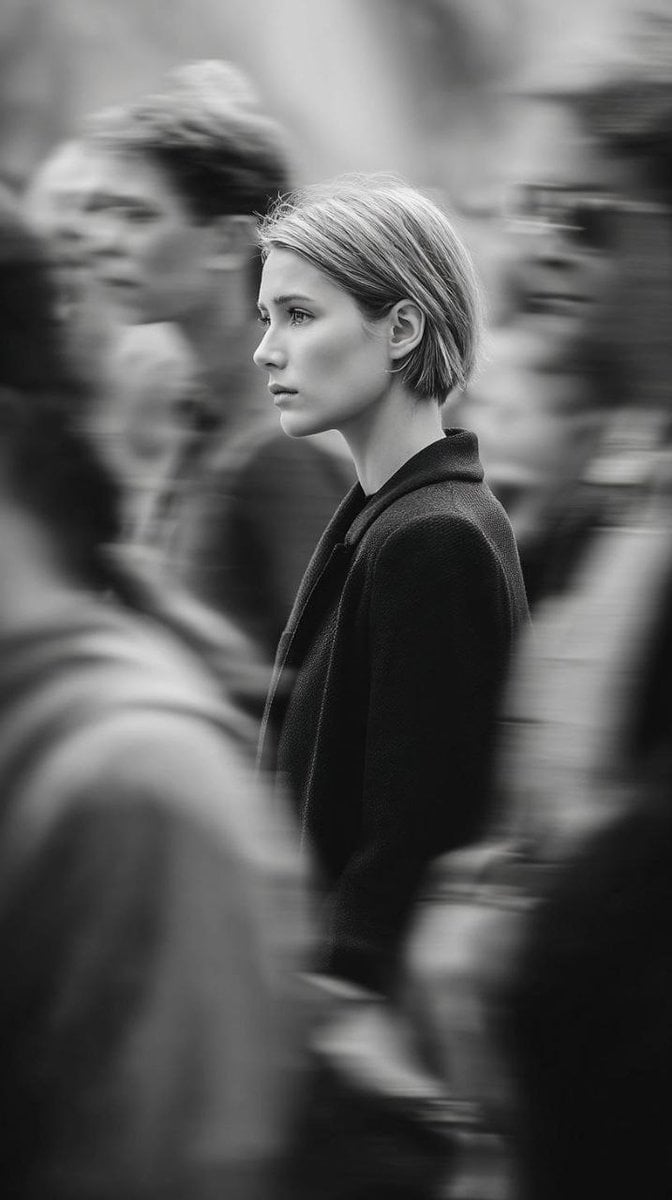
Editorial Monochrome Street Photograph (Leica SL3)
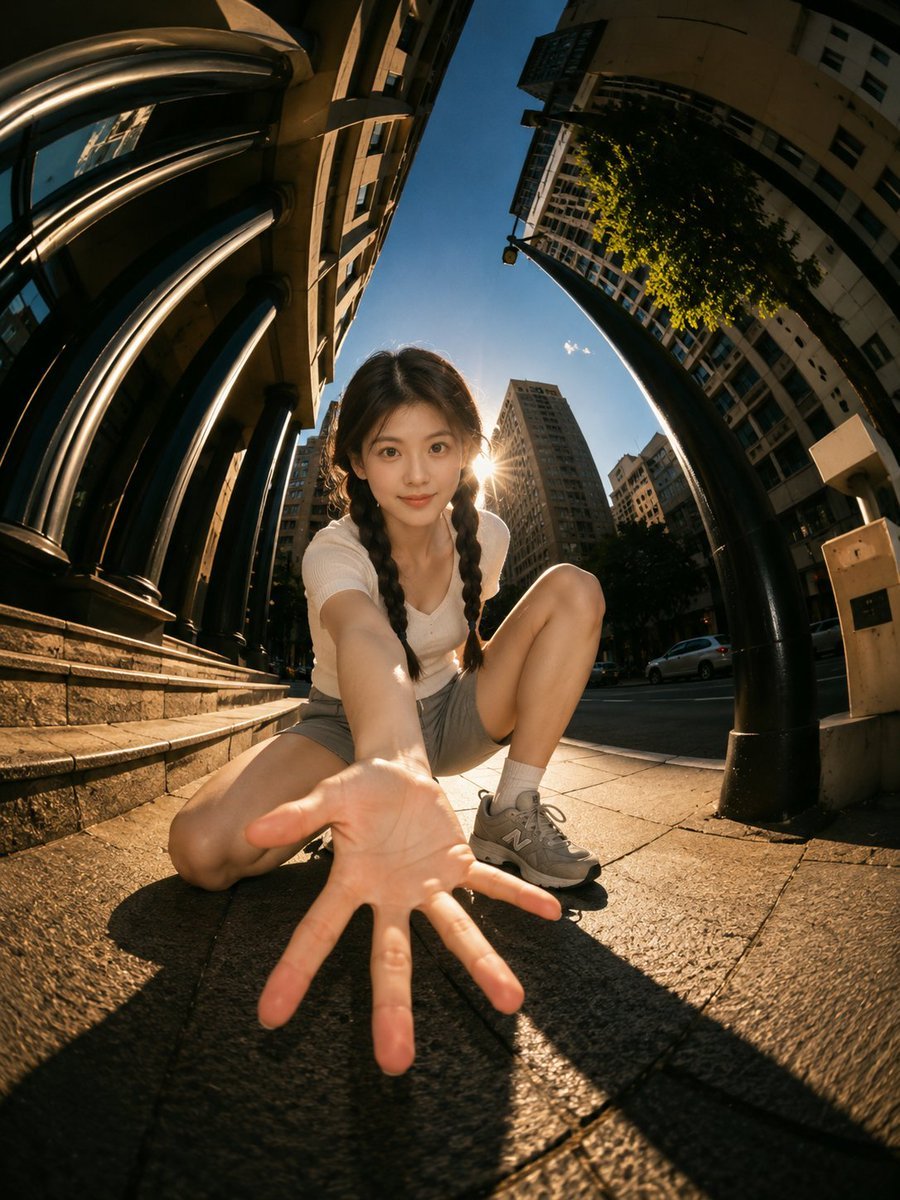
Cinematic Fisheye Urban Portrait
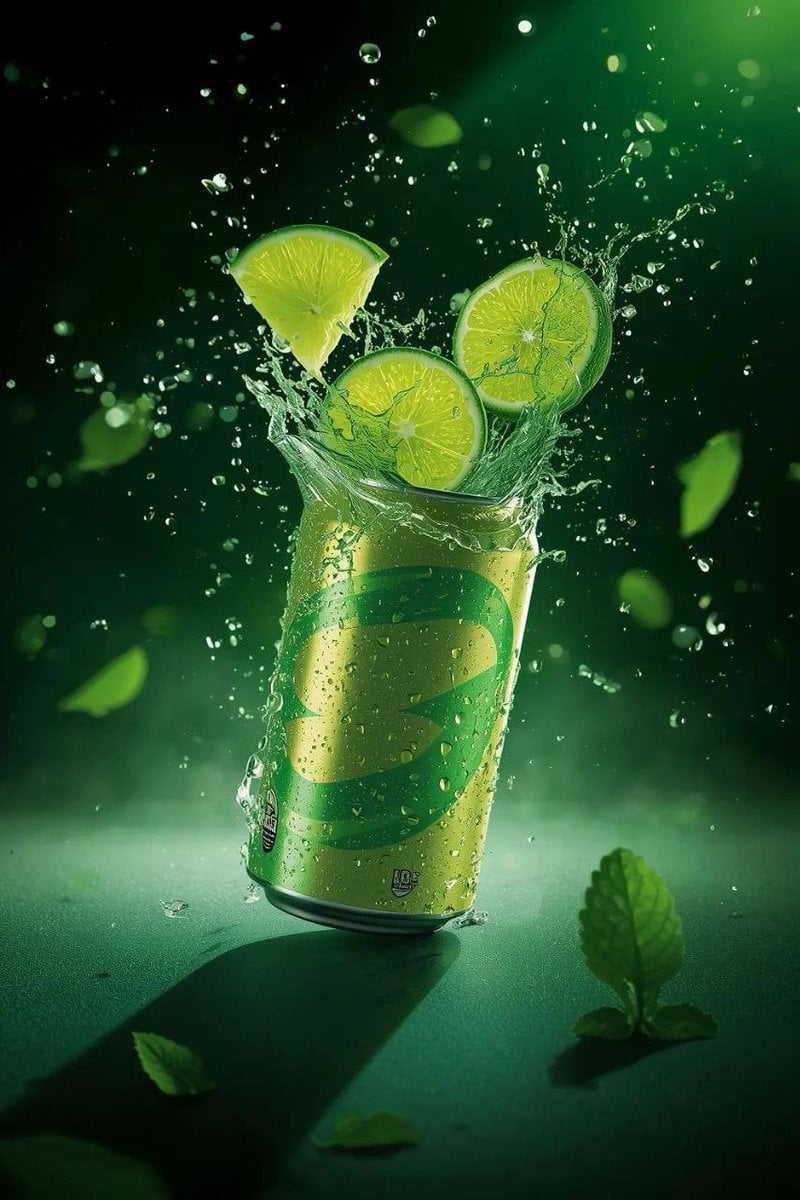
Hyper-Realistic Commercial Product Shot of Exploding Lime Soda Can
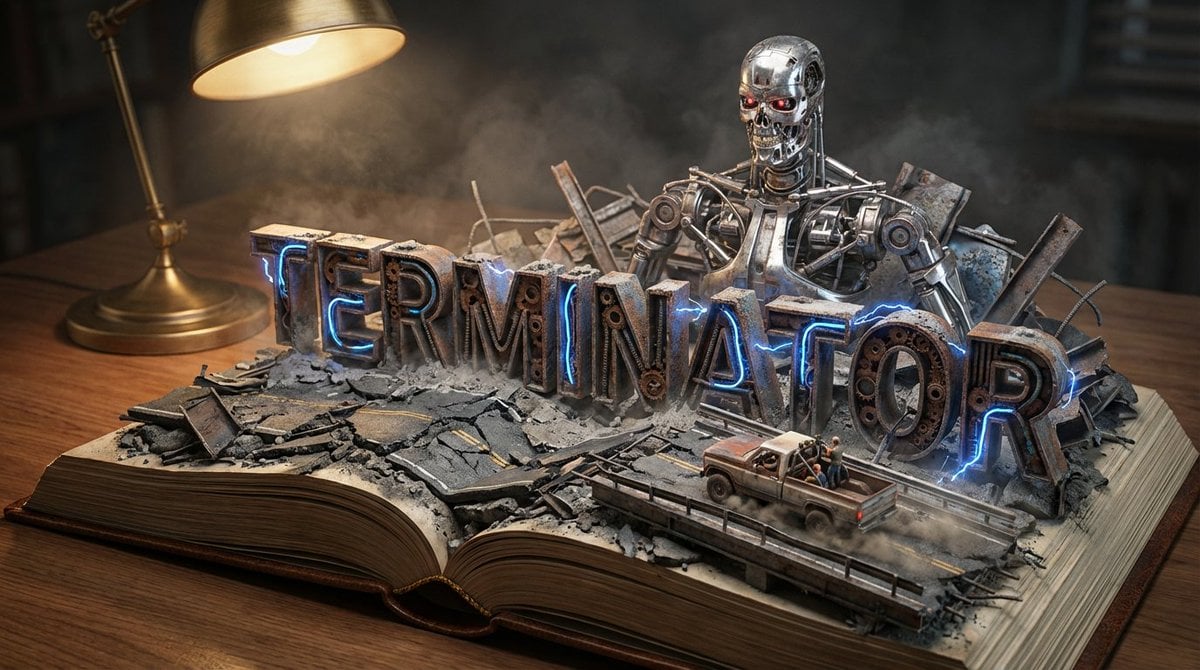
Pop-Up Book Diorama Generator Prompt
Mixed Media Sports Tribute
iPhone Mirror Selfie Photography Prompt for Character Replacement
Pixel Game Asset Atlas Template
Browse template categories
Rainbow Decora Anime Photo Card questions
How do I use the Rainbow Decora Anime Photo Card template?
Add your photo if the template asks for one, edit the prompt if you like — the template's model and format are already selected — and press Generate. Your version opens in PicX Studio.
Can I customize the Rainbow Decora Anime Photo Card template?
Yes. You can change the subject, setting, lighting, mood, format, and available model controls before creating your image.
Is the Rainbow Decora Anime Photo Card template free?
Opening and editing this template is free. Generating uses credits, shown on the Generate button when you are signed in.
Which AI model should I use?
Start with GPT Image 2, which is the model associated with this template. You can compare another compatible model for a different finish.
Looking for something else? Browse all templates.

Your photo, any look
Thousands of ready templates for every top image and video model, from one credit balance.