
Japanese Supermarket Spring Flyer
Generates a highly detailed, realistic Japanese supermarket promotional flyer featuring a grid of seasonal grocery items with prices.
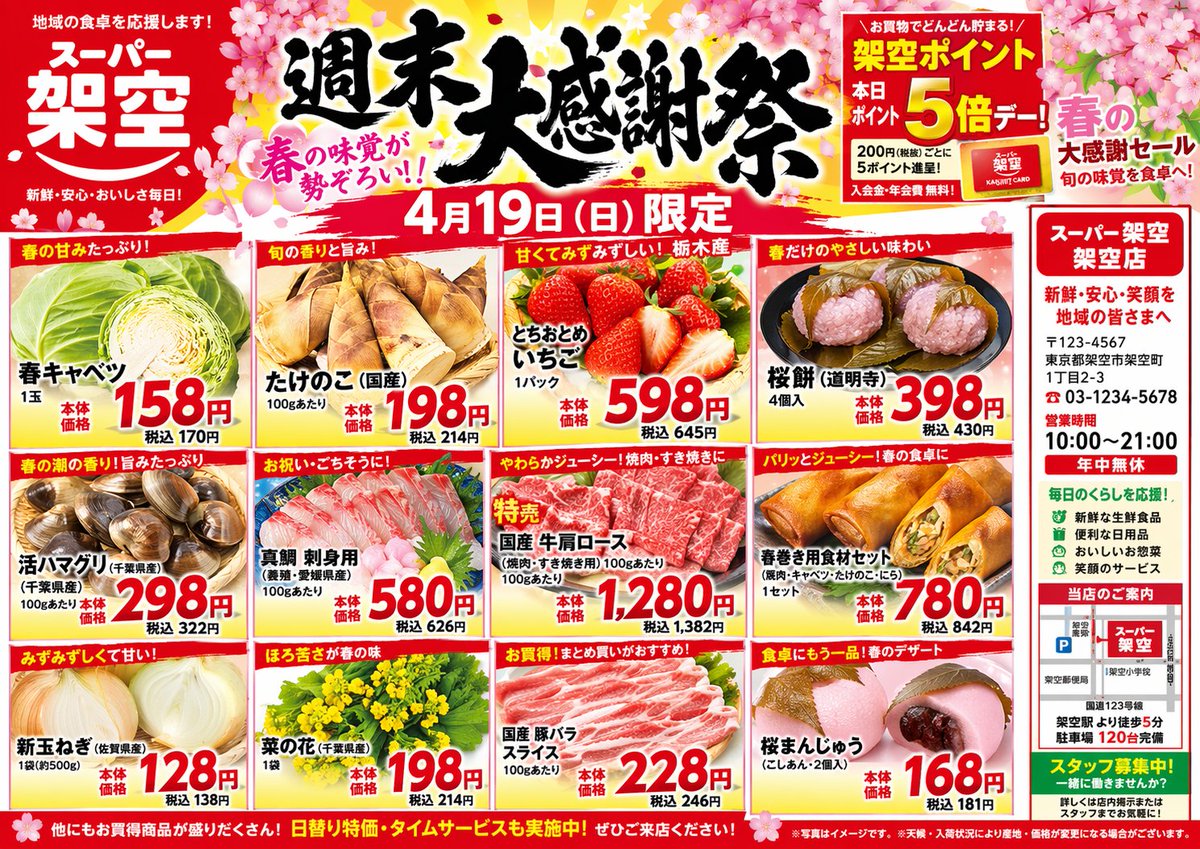
- Prompt included
- Model and format preset
- Free template
The prompt behind this image
Copy the exact prompt behind Japanese Supermarket Spring Flyer, or open it in the studio and make it yours.
- Type
- Japanese supermarket promotional flyer
- Theme
- Spring festival, cherry blossom graphics, vibrant red and yellow color palette
- Header › Store Name
- {argument name="store name" default="スーパー 架空"}
- Header › Main Title
- {argument name="main headline" default="週末大感謝祭"}
- Header › Date
- {argument name="sale date" default="4月19日 (日) 限定"}
- Header › Badges
- Point card 5x multiplier, Spring flavor catchphrase
- Layout › Structure
- Grid with 12 product panels (3 rows by 4 columns) and a right-side vertical sidebar
- Layout › Product Panels › Count
- 12
- Layout › Product Panels › Items
- Spring Cabbage with red price tag 158, Bamboo Shoots with red price tag 198, Strawberries with red price tag 598, Sakura Mochi with red price tag 398, Live Clams with red price tag 298, Sea Bream Sashimi with red price tag 580, Beef Shoulder Roast with red price tag 1280, Spring Roll Ingredients with red price tag 780, New Onions with red price tag 128, Canola Flower with red price tag 198, Pork Belly Slices with red price tag 228, Sakura Manju with red price tag 168
- Layout › Sidebar › Position
- right
- Layout › Sidebar › Section Count
- 4
- Layout › Sidebar › Sections
- Store address, phone number, and hours, Green bulleted list of store features, Small local map with parking info, Green staff recruitment banner
- Layout › Footer
- Full-width red banner with white promotional text and fine print
Raw JSON
{
  "type": "Japanese supermarket promotional flyer",
  "theme": "Spring festival, cherry blossom graphics, vibrant red and yellow color palette",
  "header": {
    "store_name": "{argument name=\"store name\" default=\"スーパー 架空\"}",
    "main_title": "{argument name=\"main headline\" default=\"週末大感謝祭\"}",
    "date": "{argument name=\"sale date\" default=\"4月19日 (日) 限定\"}",
    "badges": ["Point card 5x multiplier", "Spring flavor catchphrase"]
  },
  "layout": {
    "structure": "Grid with 12 product panels (3 rows by 4 columns) and a right-side vertical sidebar",
    "product_panels": {
      "count": 12,
      "items": [
        "Spring Cabbage with red price tag 158",
        "Bamboo Shoots with red price tag 198",
        "Strawberries with red price tag 598",
        "Sakura Mochi with red price tag 398",
        "Live Clams with red price tag 298",
        "Sea Bream Sashimi with red price tag 580",
        "Beef Shoulder Roast with red price tag 1280",
        "Spring Roll Ingredients with red price tag 780",
        "New Onions with red price tag 128",
        "Canola Flower with red price tag 198",
        "Pork Belly Slices with red price tag 228",
        "Sakura Manju with red price tag 168"
      ]
    },
    "sidebar": {
      "position": "right",
      "section_count": 4,
      "sections": [
        "Store address, phone number, and hours",
        "Green bulleted list of store features",
        "Small local map with parking info",
        "Green staff recruitment banner"
      ]
    },
    "footer": "Full-width red banner with white promotional text and fine print"
  }
}How to use Japanese Supermarket Spring Flyer in 3 steps
- 1Upload ImagePNG, JPG or paste
Add your photo
Upload the photo the template builds on. The prompt, model and format are already set.
- 2…a portrait of your subject in softgolden-hour light, 85mm…
Personalize
Edit the subject and creative details for your destination.
- 3Generate
Generate
Press Generate — your image is created in PicX Studio, so you can compare it with the original and refine one variable at a time.
More like this
Templates with the same subject, style or setup. Open one to see its prompt.
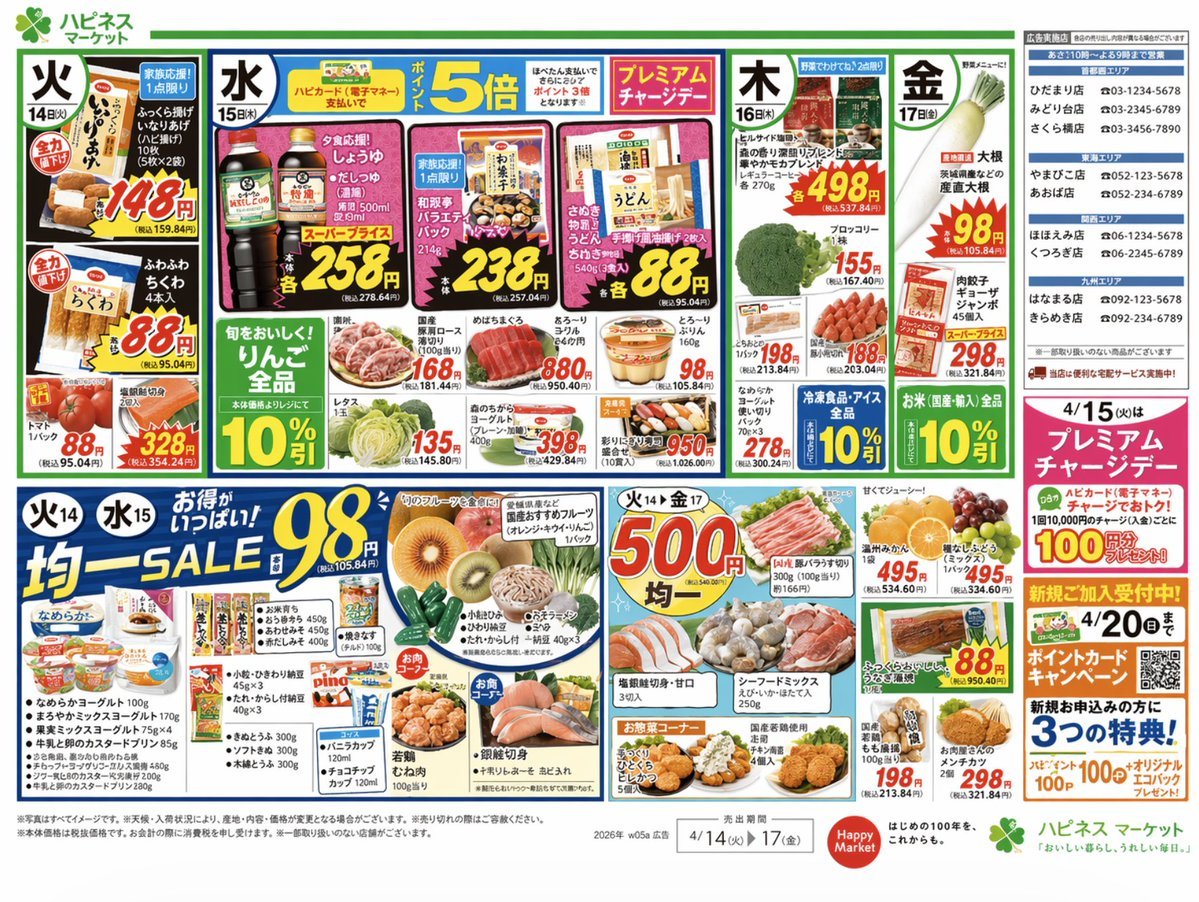
Japanese Supermarket Promotional Flyer
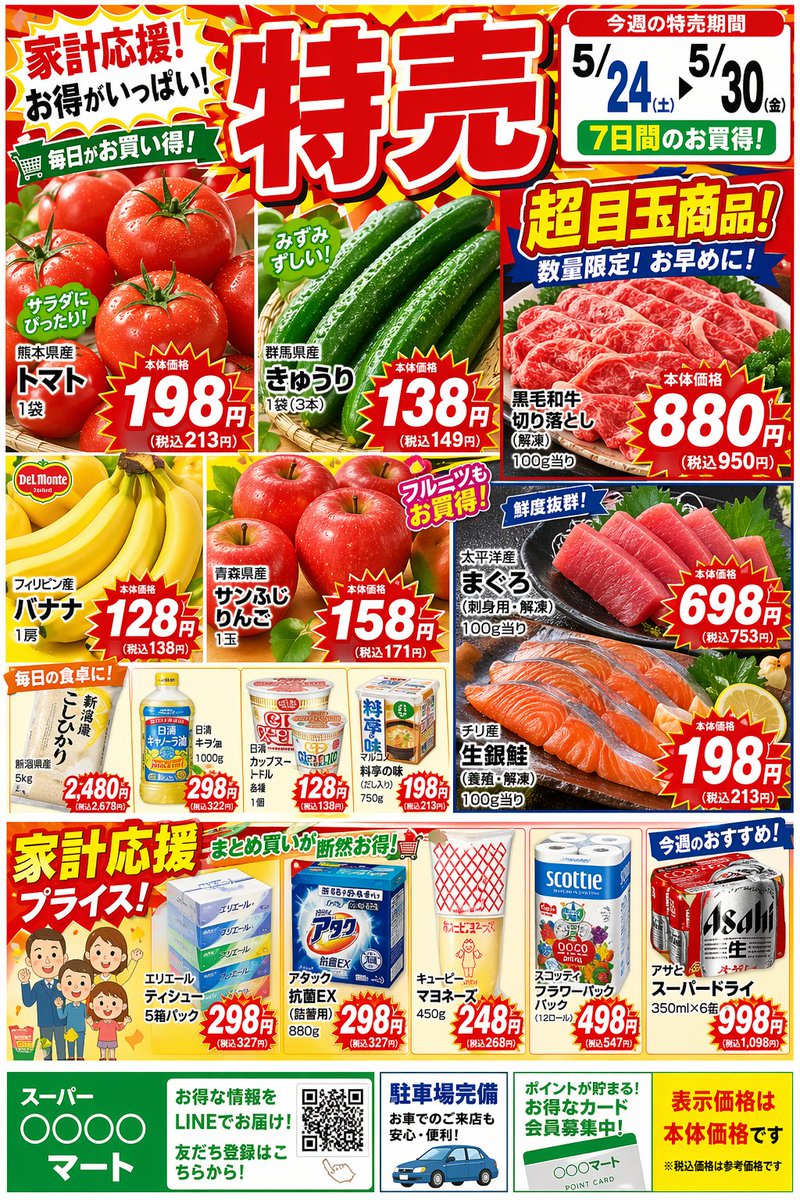
Japanese Supermarket Sale Flyer
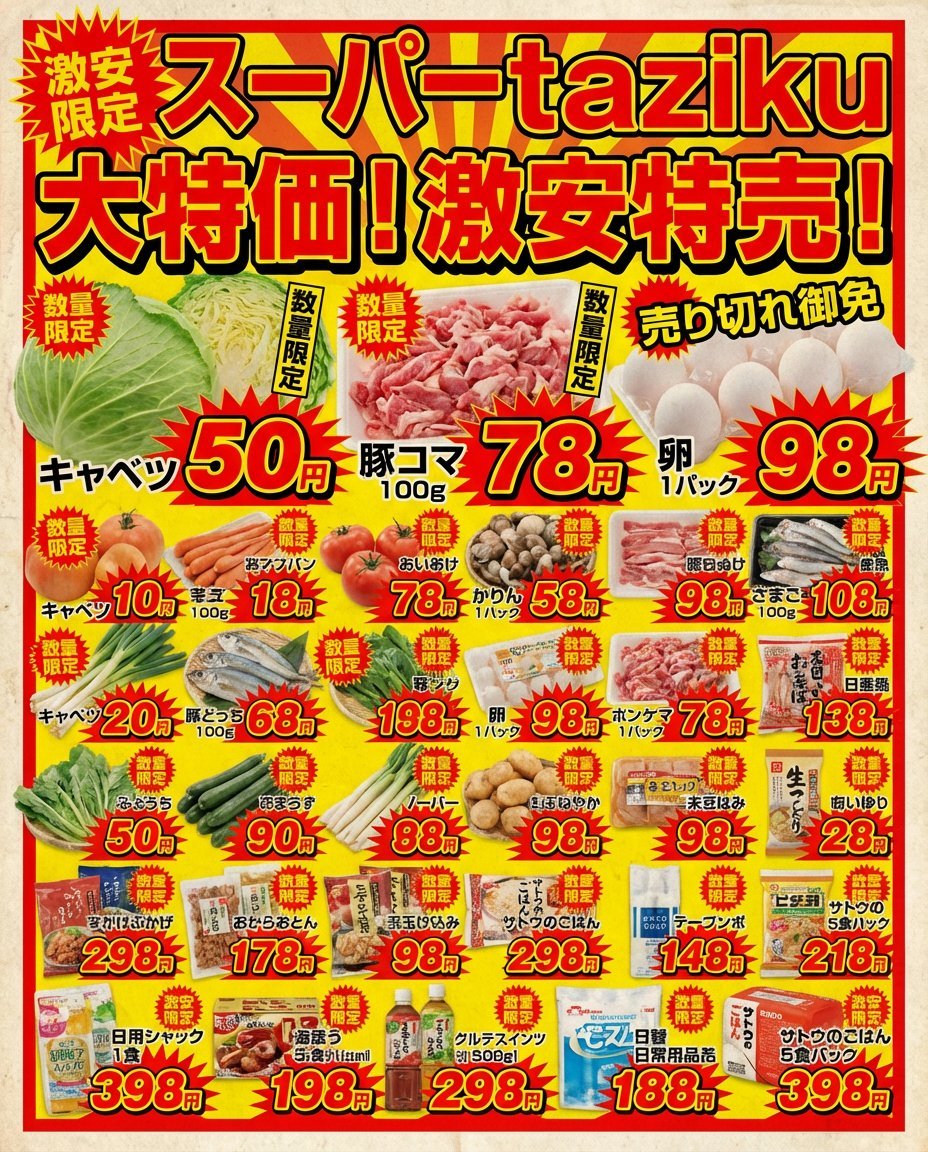
Supermarket sale flyer in Japanese

Minecraft Japanese Research Lab Exploration
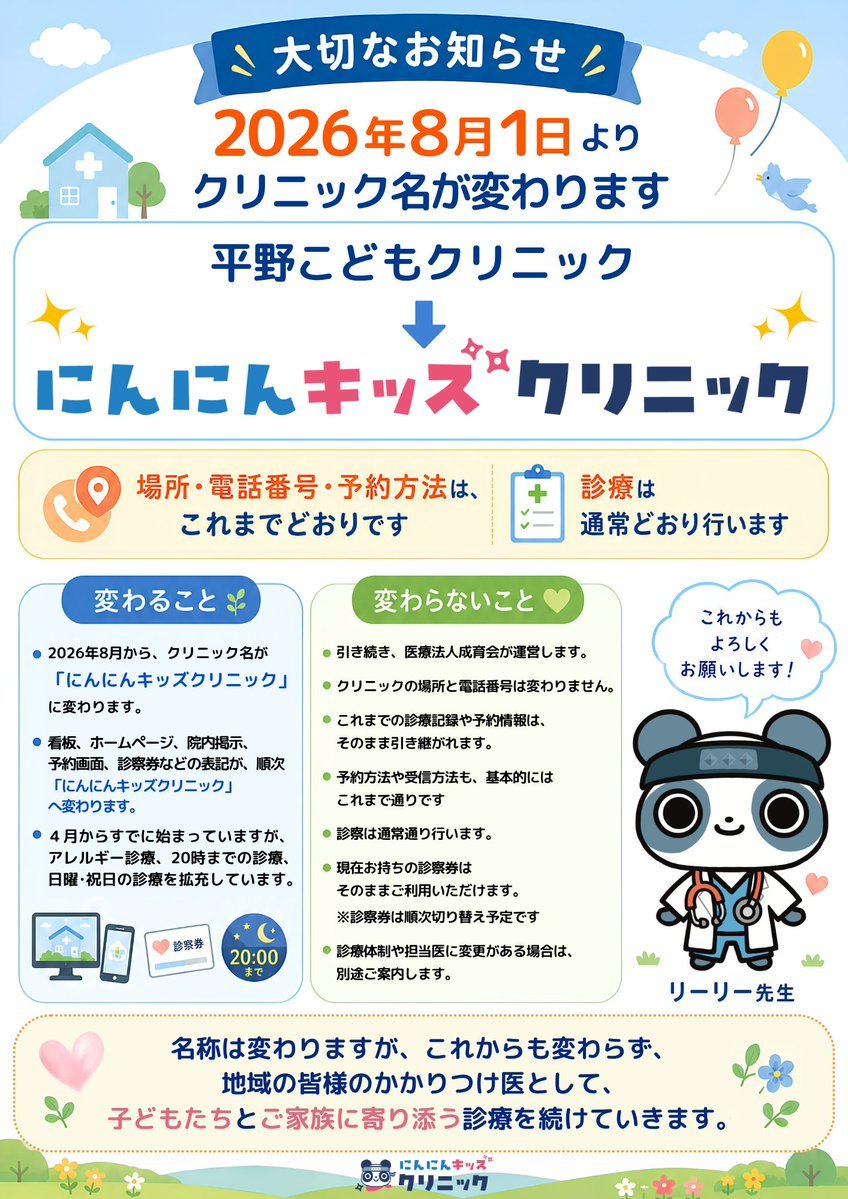
Japanese Pediatric Clinic Name Change Flyer
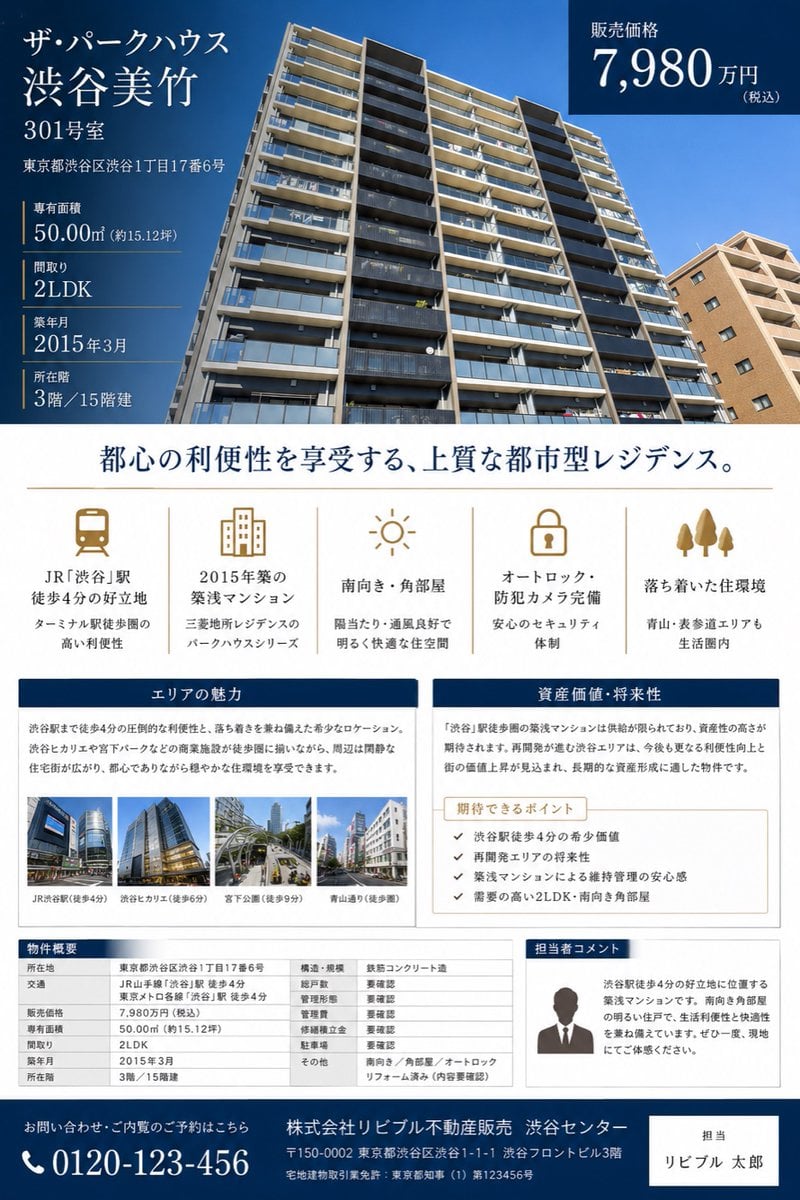
Japanese Luxury Condo Sales Flyer

Japanese Architectural Concrete Studio Fashion Campaign

Japanese Minimalist Concrete Studio Fashion Editorial

Blue Backdrop Luxury Fashion Portrait Campaign
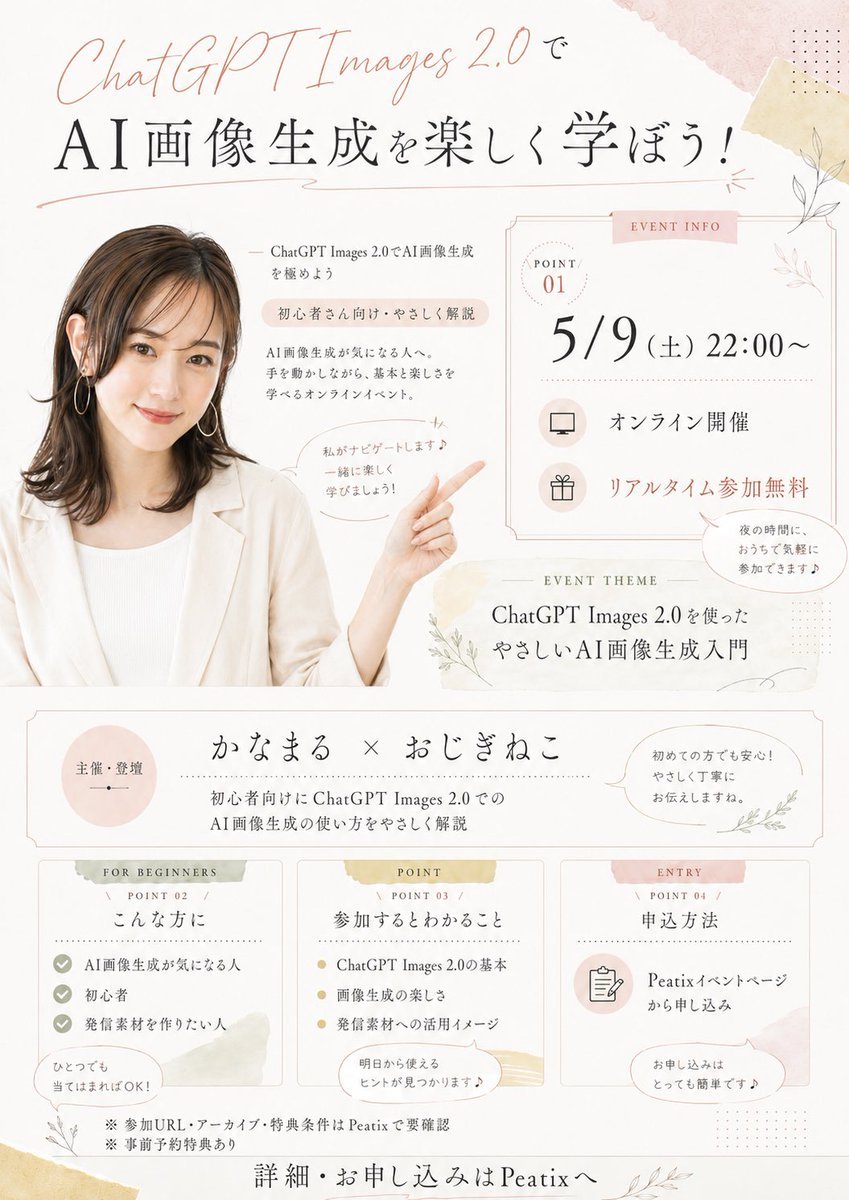
Japanese AI Seminar Flyer
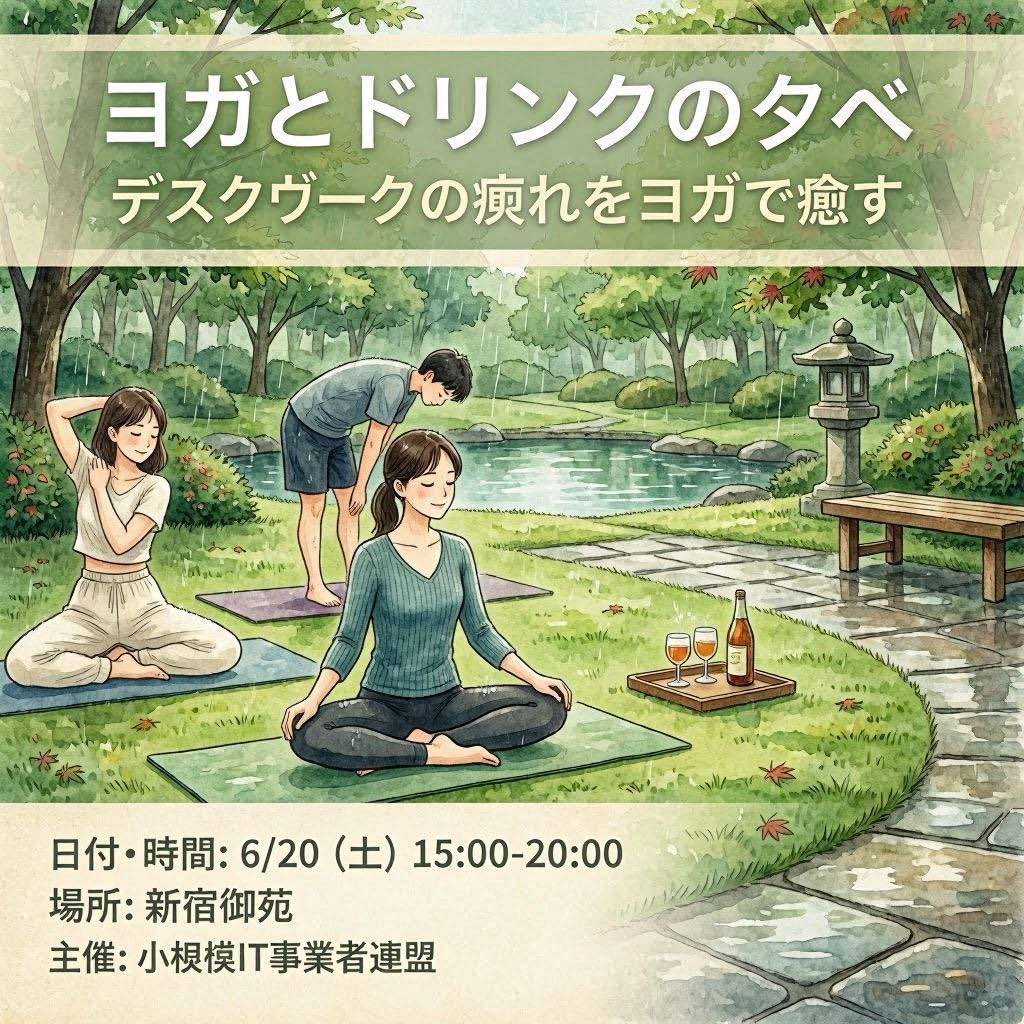
Japanese Yoga and Drinks Event Flyer
Japanese Coworking Pricing Flyer
Make it yours
Japanese Supermarket Spring Flyer works as-is. These are the safest ways to change it without losing the look.
Change one field
Copy a single group, rewrite it, and generate again so you can see what that field is doing.
Keep the frame, change the subject
Hold the composition and light of Japanese Supermarket Spring Flyer, then swap wardrobe, props or the person for a new take.
| If the result… | Why | Fix |
|---|---|---|
| The result drifts from the preview | Too many fields changed at once. | Reuse Japanese Supermarket Spring Flyer as-is first, then change one group — subject, light, or setting. |
| GPT Image 2 ignores part of the JSON | Some models flatten or skip nested keys. | Keep the same values and paste them as a short paragraph instead. |
More GPT Image 2 templates
Other prompts made for GPT Image 2.

Six VTuber Japanese Logo Sheet

Realistic Portrait of Woman and Deer

The Vista Modular Condo Poster

AI Model Routing Comparison Infographic

2.5D Anime Art Board

Isometric Productivity Desk Scene

New York Double Exposure Poster

Four-Panel AI Landscape Comparison

Japanese Tatami Lifestyle Magazine Cover

NESCAFÉ Coffee Map Poster
More image prompts
Fresh picks from across the catalog.
Skincare Product Flat Lay Photography
Fantasy Blind Box Character Series Poster
Videogame Cinematic Trailer - Seedance 2.0

Cluttered Bedroom Mirror Selfie with Exaggerated Physique

Movie Poster Style Ad Generation Prompt

Contrast Street Art Mural

Hyper-Realistic Commercial Beverage Photography

Experimental Typographic Poster

Spider-Woman Symbiote Mirror Selfie Prompt

Moody Black and White Portrait with Cat
Browse template categories
Japanese Supermarket Spring Flyer questions
How do I use the Japanese Supermarket Spring Flyer template?
Add your photo if the template asks for one, edit the prompt if you like — the template's model and format are already selected — and press Generate. Your version opens in PicX Studio.
Can I customize the Japanese Supermarket Spring Flyer template?
Yes. You can change the subject, setting, lighting, mood, format, and available model controls before creating your image.
Is the Japanese Supermarket Spring Flyer template free?
Opening and editing this template is free. Generating uses credits, shown on the Generate button when you are signed in.
Which AI model should I use?
Start with GPT Image 2, which is the model associated with this template. You can compare another compatible model for a different finish.
Looking for something else? Browse all templates.

Your photo, any look
Thousands of ready templates for every top image and video model, from one credit balance.