
Pop-Up Book Diorama Generator Prompt
A complex, multi-step system instruction prompt designed to generate a hyper-realistic, macro-photography shot of a Pop-Up Book Diorama based on a given movie or book title.
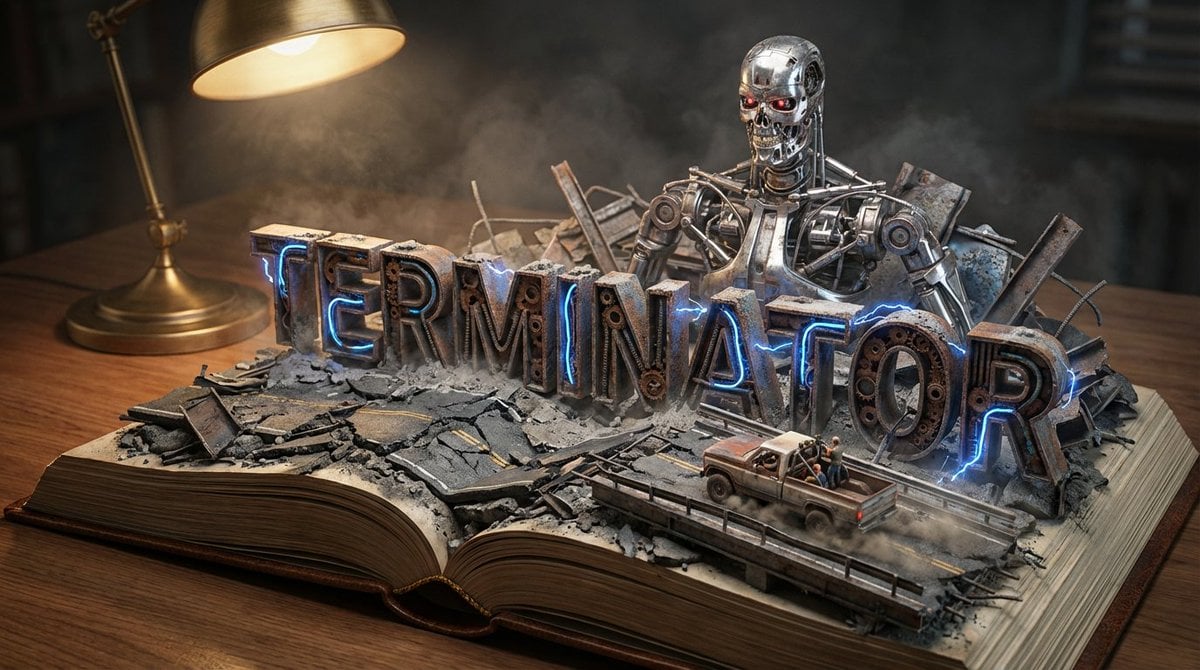
- Prompt included
- Model and format preset
- Premium template
The prompt behind this image
Copy the exact prompt behind Pop-Up Book Diorama Generator Prompt, or open it in the studio and make it yours.
Do it for Terminator: {argument name="title" default="Moby Dick"} System Instruction: Act as a Master Prop Maker. Generate a hyper-realistic, macro-photography shot of a "Pop-Up Book Diorama." 1. Forensic Analysis: Analyze the Input Title to determine the visual components: The Biome: Identify the primary setting (e.g., Ocean, Jungle, Space, Desert). The Conflict: Identify the Antagonist or Monster (e.g., The White Whale, T-Rex, Darth Vader). The Vessel/Hero: Identify the main vehicle or protagonist (e.g., The Pequod, The Jeep, The Millennium Falcon). The Materiality: Identify the texture of the world (e.g., Wood & Water; Amber & Leaf; Metal & Stars). 2. Container (The Open Book): The Object: A massive, vintage, leather-bound hardcover book lying flat on a wooden desk. The Transformation: The book is open to the middle. The pages do not just lie flat; they physically mutate into the "Biome" identified in Step 1. Example: If Ocean, the pages turn into turbulent resin waves. If Desert, they turn into dunes. 3. Typography (The Floating Title): The Text: The [Title of the Input] rises out of the landscape as massive, 3D block letters. Integration: The letters must interact with the environment. Texture: The letters are made of materials from the story (e.g., Driftwood, Stone, Bone). Placement: The waves crash over the letters; vines wrap around the letters. 4. The Action Scene : CRITICAL: Construct a specific scene using miniature models on top of the book. The Threat: Place the "Antagonist" looming large in the background (e.g., The Whale breaching behind the text). The Hero: Place the "Vessel" or "Protagonist" navigating the terrain in the foreground (e.g., A tiny ship rocking on the waves). Scale: The scene must look like a high-end model kit (1:87 scale). 5. Lighting & Atmosphere: The Lamp: A vintage brass desk lamp is visible in the corner, casting a warm, directional "reading light" onto the scene. Atmosphere: Magical realism. The water should glisten; the fog should swirl. Depth: Shallow depth of field to blur the edge of the desk, keeping focus on the book. Output: ONE image, 16:9 Aspect Ratio, Cinematic Miniature Photography, 8k Resolution.
How to use Pop-Up Book Diorama Generator Prompt in 3 steps
- 1
Open
The prompt is already in the box next to the preview, with the template's model and format selected.
- 2…a portrait of your subject in softgolden-hour light, 85mm…
Personalize
Edit the subject and creative details for your destination.
- 3Generate
Generate
Press Generate — your image is created in PicX Studio, so you can compare it with the original and refine one variable at a time.
More like this
Templates with the same subject, style or setup. Open one to see its prompt.
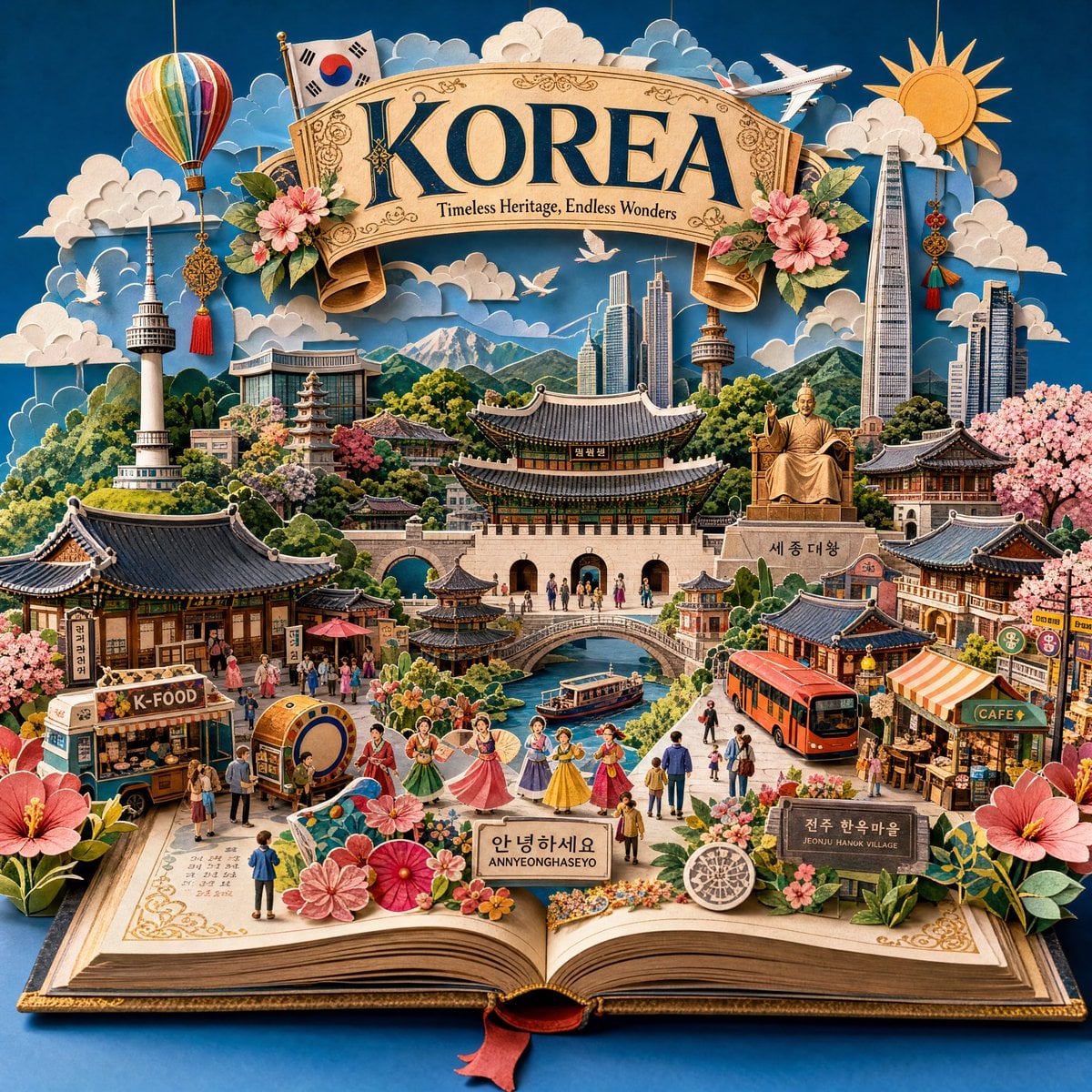
Master Pop-Up Storybook — 3D Paper Engineered Travel Diorama
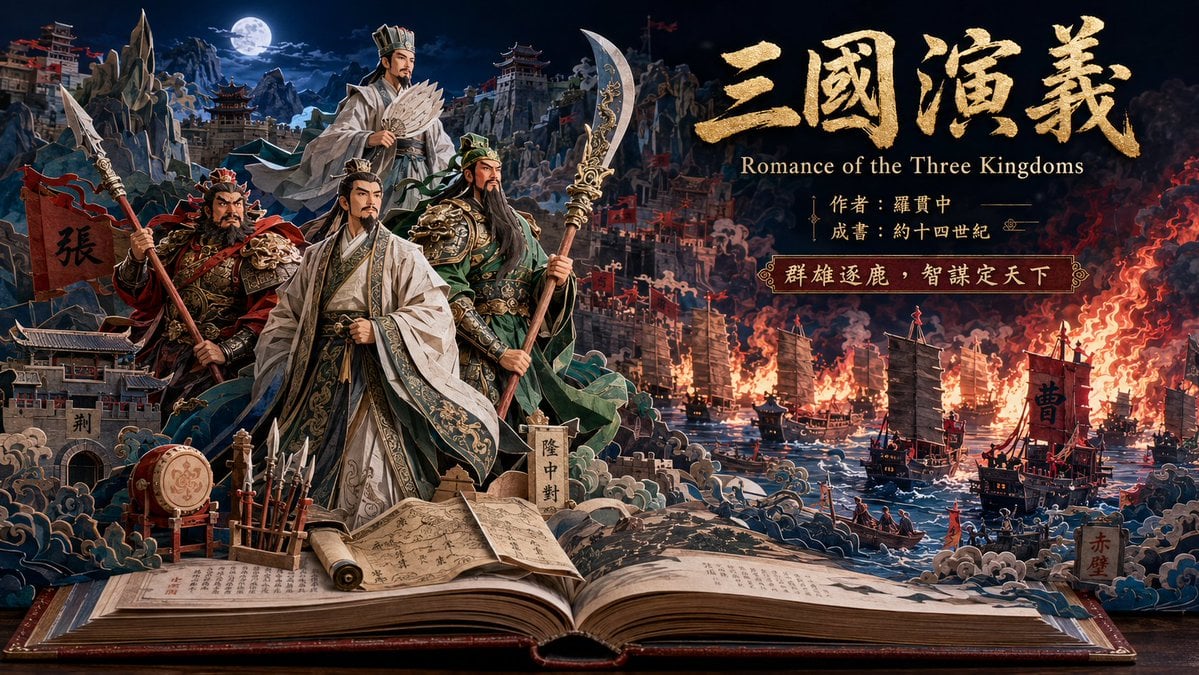
Three Kingdoms Pop-Up Book Scene

Layered Paper Cut Forest Diorama

Soft Handcrafted Paper-Cut Layered Illustration

Isometric Process Educational Diorama

Isometric Brand Store Diorama

FIFA World Cup — Brazil National Pass Diorama
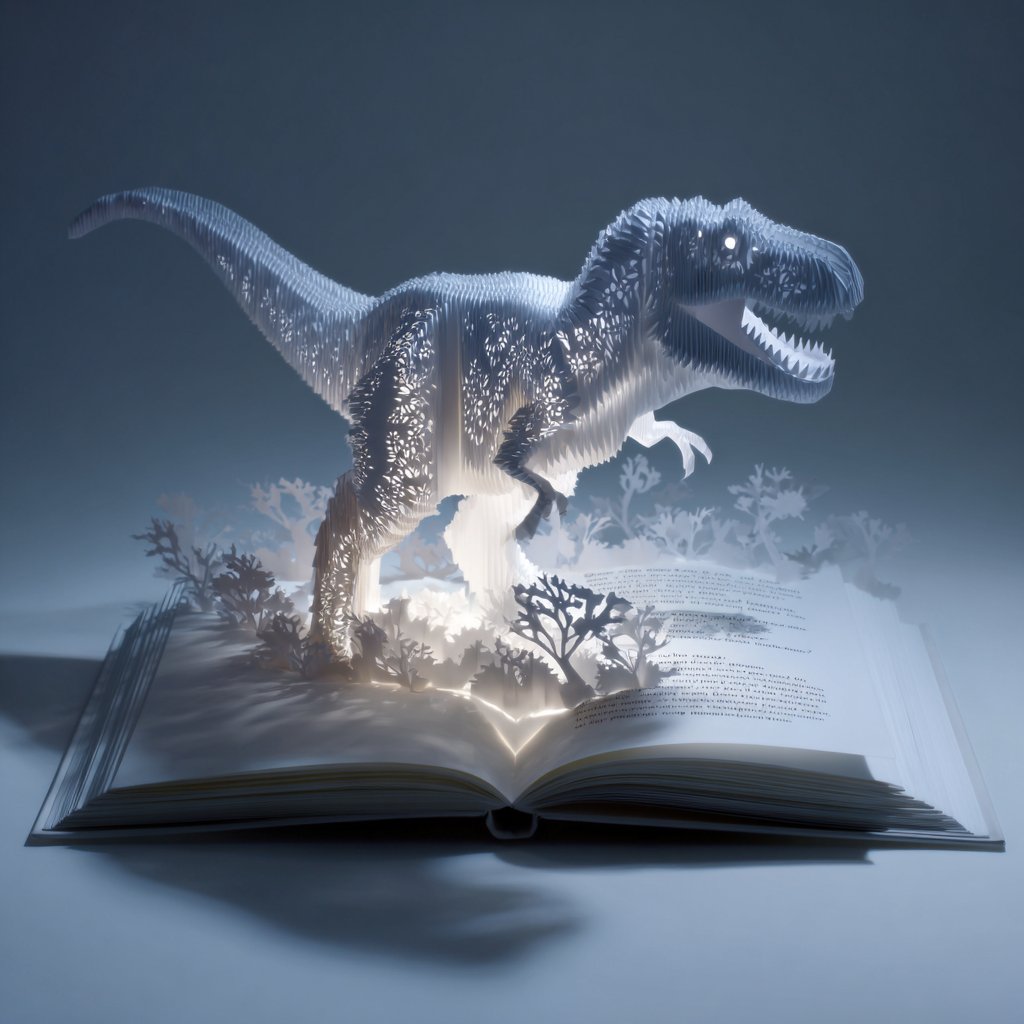
Origami Pop-Up T-Rex Book Ad
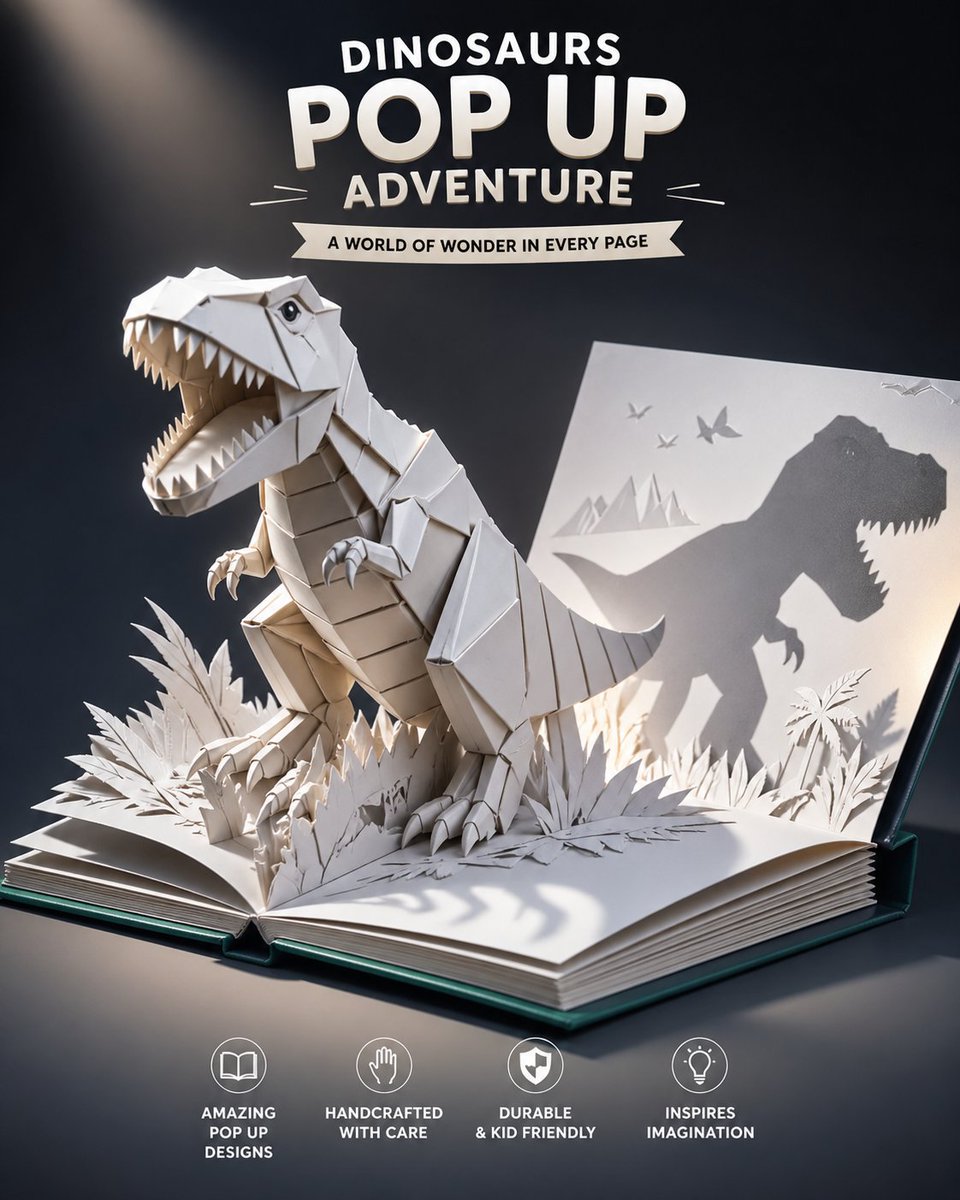
Origami Dinosaur Pop-Up Book Ad
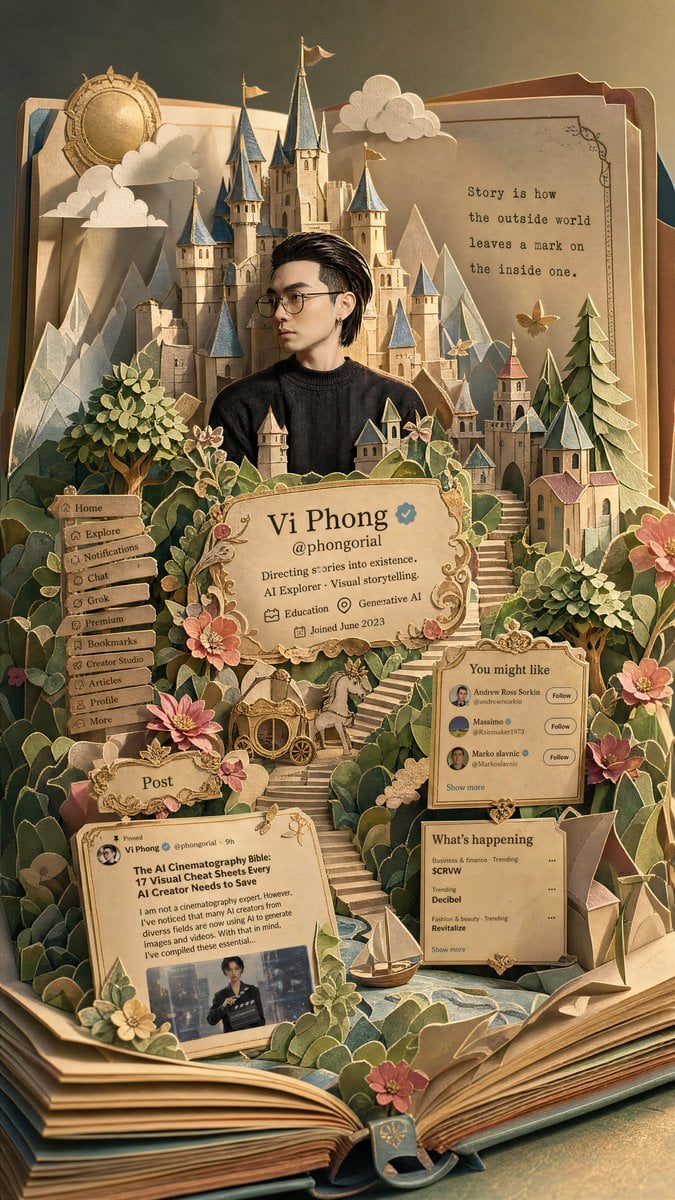
Fantasy Pop-up Book Transformation
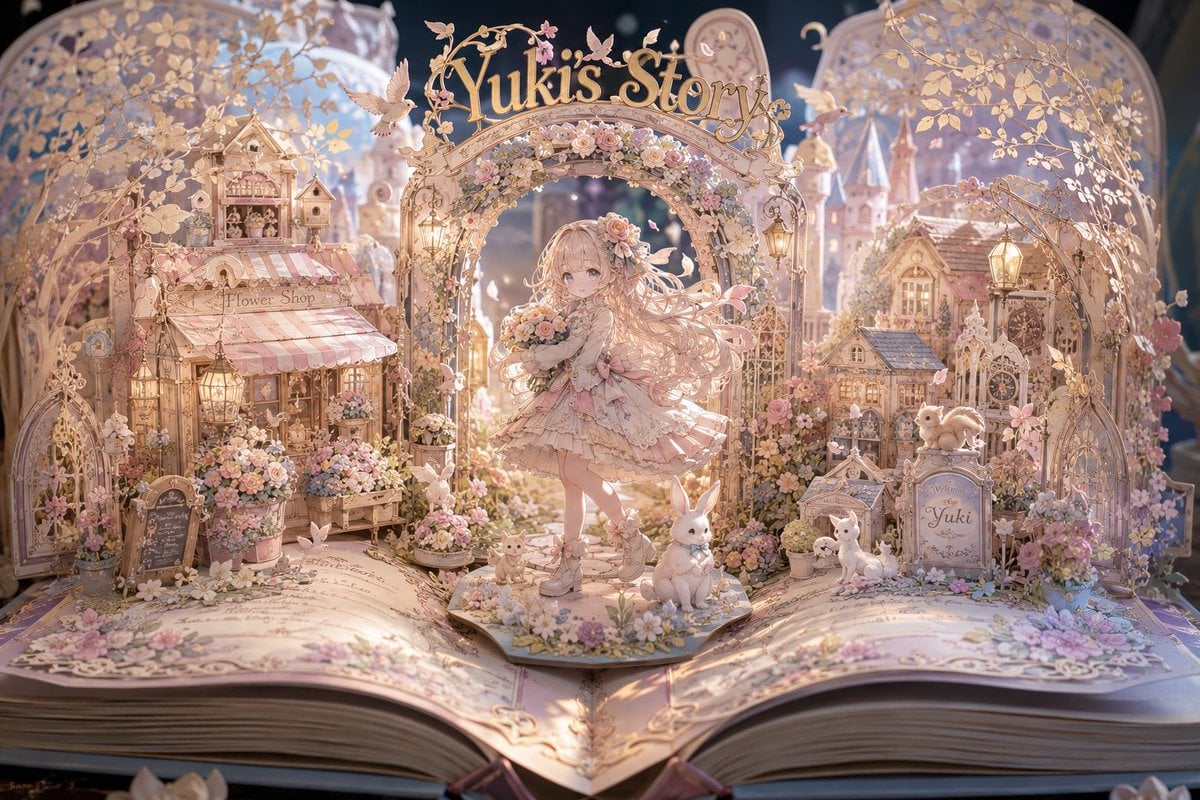
Yuki's Magical Pop-Up Storybook
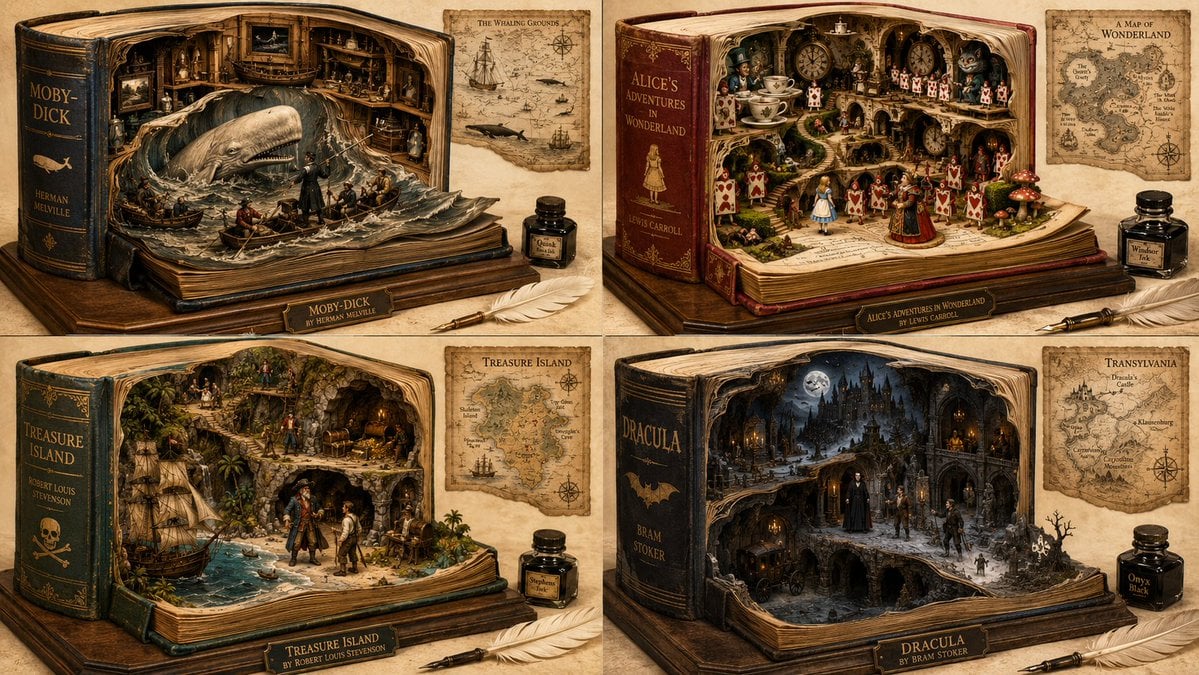
Magical Fantasy Book Diorama Grid
Make it yours
Pop-Up Book Diorama Generator Prompt works as-is. These are the safest ways to change it without losing the look.
Change one field
Copy a single group, rewrite it, and generate again so you can see what that field is doing.
Keep the frame, change the subject
Hold the composition and light of Pop-Up Book Diorama Generator Prompt, then swap wardrobe, props or the person for a new take.
| If the result… | Why | Fix |
|---|---|---|
| The result drifts from the preview | Too many fields changed at once. | Reuse Pop-Up Book Diorama Generator Prompt as-is first, then change one group — subject, light, or setting. |
| The model over-stylizes the scene | The prose prompt leaves finish and camera underspecified. | Add one camera or lighting sentence and stay on Nano Banana 2. |
More Nano Banana 2 templates
Other prompts made for Nano Banana 2.

Photorealistic Leaf Shaped Like a Dragon

K-Pop Idol Portrait Grid for Rapid Selection

Poetic Rain Forest Portrait During Golden Hour

Urban Street Portrait with Cartoon Inner Self Duo

Candid Nighttime Photo with Cat Prompt

High-Concept 3D Diorama Generation Prompt

Cinematic Futuristic Studio Portrait Template

Skincare Editorial Photography Collage Prompt

Hyper-Realistic Commercial Product Photography (Splash Effect)

Hyper-Realistic Nightclub Portrait Prompt
More image prompts
Fresh picks from across the catalog.
Neon AI Influencer Studio Ad
Candid Night-Time Street Style Photo with Roses

wikiHow Article Mockup
3D Isometric Miniature Models of Western TV Characters
Couple Portrait Prompts (Indian Wedding, Tropical Beach)
Realistic Macro Photograph of an Ear with Earring
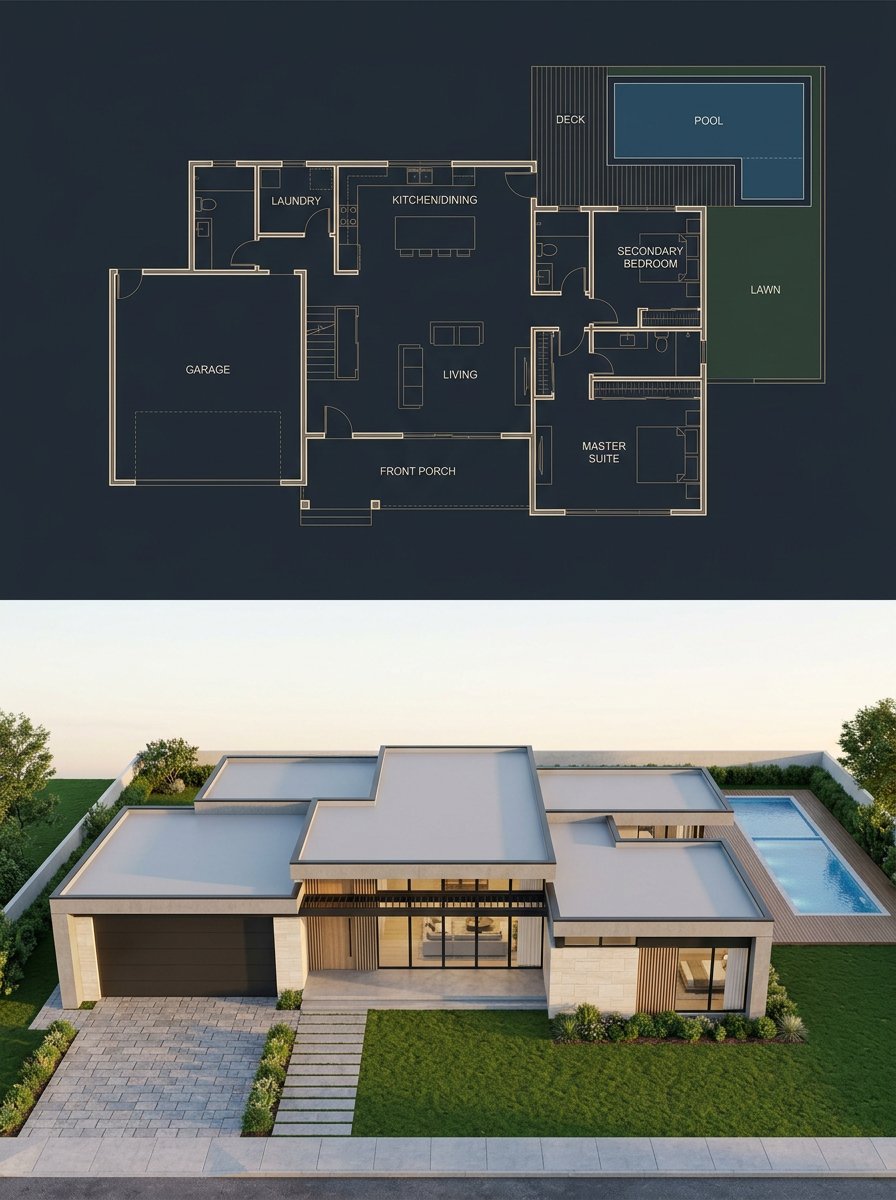
Split Blueprint and Modern House Render
Intimate Portrait of a Couple in an Upscale Restaurant
Yin and Yang Koi Fish Sumi-e Prompt
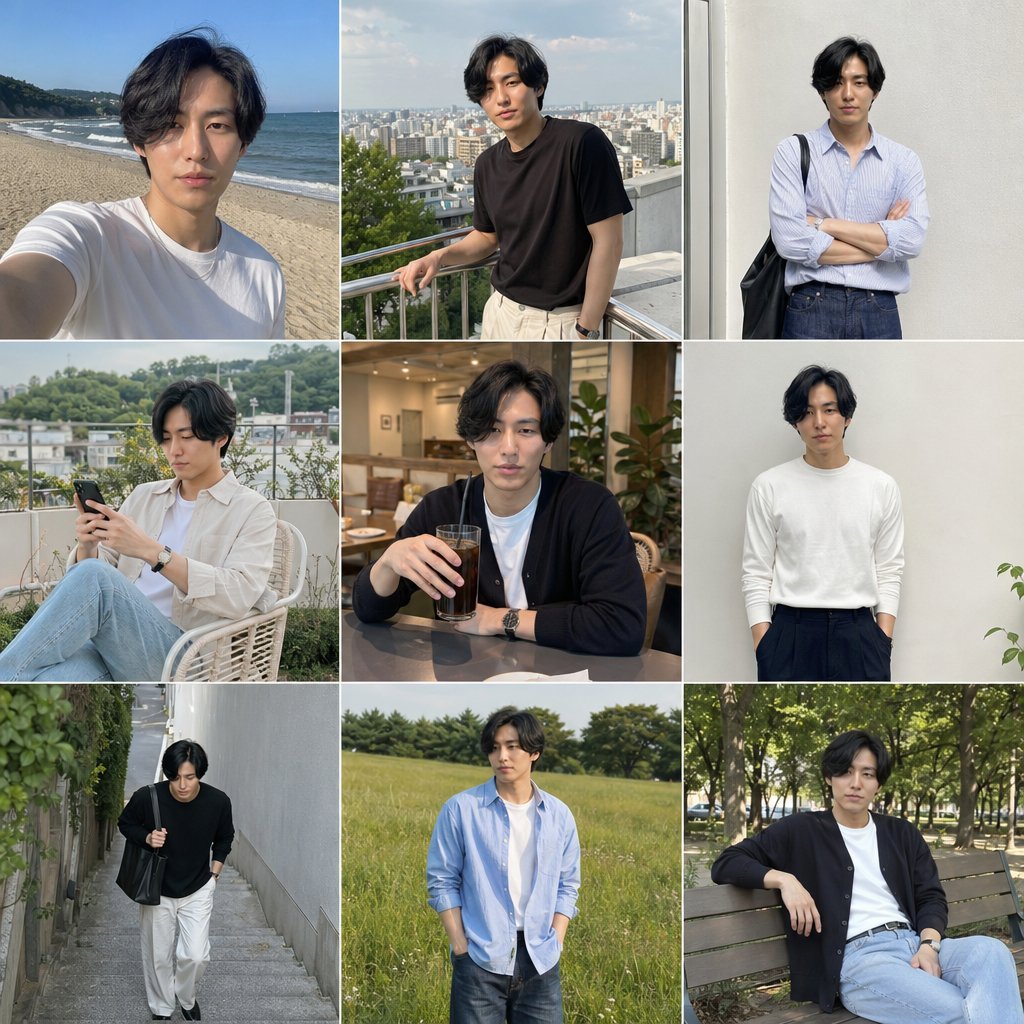
Photo Men's Fashion Collage
Browse template categories
Pop-Up Book Diorama Generator Prompt questions
How do I use the Pop-Up Book Diorama Generator Prompt template?
Add your photo if the template asks for one, edit the prompt if you like — the template's model and format are already selected — and press Generate. Your version opens in PicX Studio.
Can I customize the Pop-Up Book Diorama Generator Prompt template?
Yes. You can change the subject, setting, lighting, mood, format, and available model controls before creating your image.
Is the Pop-Up Book Diorama Generator Prompt template free?
Opening and editing this template is free. Generating uses credits, shown on the Generate button when you are signed in.
Which AI model should I use?
Start with Nano Banana 2, which is the model associated with this template. You can compare another compatible model for a different finish.
Looking for something else? Browse all templates.

Your photo, any look
Thousands of ready templates for every top image and video model, from one credit balance.