
Intimate Portrait of a Couple in an Upscale Restaurant
A detailed image generation prompt for creating a medium close-up, portrait-oriented photograph of a couple sharing an intimate moment in an industrial-chic indoor restaurant setting.
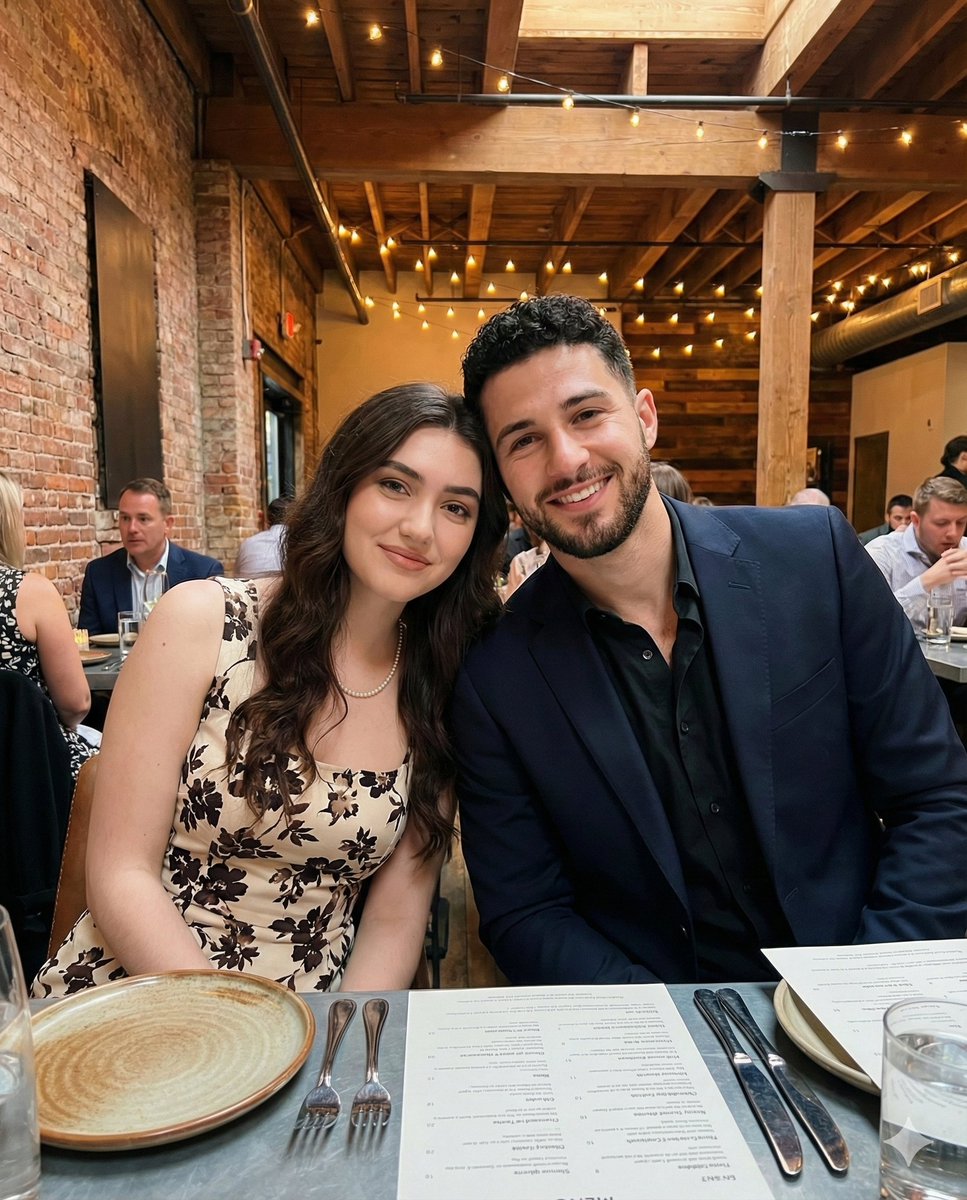
- Prompt included
- Model and format preset
- Free template
The prompt behind this image
Copy the exact prompt behind Intimate Portrait of a Couple in an Upscale Restaurant, or open it in the studio and make it yours.
- Image Type
- photograph
- Orientation
- portrait
- Aspect Ratio
- approximately 3:4
- Composition › Framing
- medium close-up, portrait-shot
- Composition › Camera Position
- slightly elevated and angled inward from the left
- Composition › Subjects Positioning
- two subjects centered, heads close together, shoulders touching
- Composition › Depth Of Field
- moderate depth; subjects sharp, background softly blurred
- Composition › Perspective
- natural human eye-level with mild wide-angle distortion typical of DSLR Camera
- Subjects › 0 › Gender Presentation
- female
- Subjects › 0 › Age Range
- late 20s to early 30s
- Subjects › 0 › Skin Tone
- light
- Subjects › 0 › Hair › Color
- dark Brown
- Subjects › 0 › Hair › Length
- long
- Subjects › 0 › Hair › Style
- loose waves with center part
- Subjects › 0 › Facial Expression
- relaxed smile
- Subjects › 0 › Makeup › Style
- natural-glam
- Subjects › 0 › Makeup › Details
- defined brows, subtle eyeliner, neutral lipstick
- Subjects › 0 › Clothing › Type
- sleeveless dress
- Subjects › 0 › Clothing › Pattern
- {argument name="dress pattern" default="floral"}
- Subjects › 0 › Clothing › Colors
- cream, dark brown, black
- Subjects › 0 › Clothing › Pose
- leaning slightly toward the second subject
- Subjects › 1 › Gender Presentation
- male
- Subjects › 1 › Age Range
- early to mid 30s
- Subjects › 1 › Skin Tone
- light to medium
Raw JSON
{ "image_type": "photograph", "orientation": "portrait", "aspect_ratio": "approximately 3:4", "composition": { "framing": "medium close-up, portrait-shot", "camera_position": "slightly elevated and angled inward from the left", "subjects_positioning": "two subjects centered, heads close together, shoulders touching", "depth_of_field": "moderate depth; subjects sharp, background softly blurred", "perspective": "natural human eye-level with mild wide-angle distortion typical of DSLR Camera" }, "subjects": [ { "gender_presentation": "female", "age_range": "late 20s to early 30s", "skin_tone": "light", "hair": { "color": "dark Brown", "length": "long", "style": "loose waves with center part" }, "facial_expression": "relaxed smile", "makeup": { "style": "natural-glam", "details": "defined brows, subtle eyeliner, neutral lipstick" }, "clothing": { "type": "sleeveless dress", "pattern": "{argument name=\"dress pattern\" default=\"floral\"}", "colors": ["cream", "dark brown", "black"], "pose": "leaning slightly toward the second subject" } }, { "gender_presentation": "male", "age_range": "early to mid 30s", "skin_tone": "light to medium", "hair": { "color": "dark brown", "style": "short, styled with volume" }, "facial_hair": "full, neatly trimmed beard", "facial_expression": "broad smile showing teeth", "clothing": { "type": "tailored suit jacket", "color": "{argument name=\"jacket color\" default=\"deep navy or dark purple\"}", "inner_layer": "black button-up shirt", "style": "formal to semi-formal evening wear" }, "pose": "leaning in closely toward the first subject" } ], "environment": { "setting": "indoor restaurant or event venue", "style": "industrial-chic", "background_elements": [ "exposed brick walls", "dark-painted masonry", "wooden ceiling beams", "string lights with warm bulbs", "other seated guests at tables" ], "table_elements": [ "white ceramic plates", "cutlery", "glassware", "menu card", "plate with asparagus remnants" ] }, "lighting": { "type": "mixed ambient lighting", "sources": [ "warm string lights overhead", "cooler ambient interior lighting" ], "quality": "soft and flattering on faces", "shadows": "minimal harsh shadows, gentle falloff" }, "color_palette": { "dominant_colors": [ "warm beige", "deep navy", "brick red", "charcoal gray", "soft yellow" ], "overall_tone": "warm with balanced contrast" }, "technical_characteristics": { "camera_type": "smartphone camera", "lens_effect": "slight wide-angle", "noise_level": "low", "sharpness": "high on subjects, moderate background blur", "white_balance": "slightly warm" }, "mood_and_atmosphere": { "emotional_tone": "intimate, celebratory, relaxed", "social_context": "formal dinner or special event", "aesthetic": "modern lifestyle, upscale casual elegance" }, "artistic_style": { "genre": "lifestyle photography", "influences": "social media portraiture, event photography", "authenticity": "candid yet polished" } }How to use Intimate Portrait of a Couple in an Upscale Restaurant in 3 steps
- 1
Open
The prompt is already in the box next to the preview, with the template's model and format selected.
- 2…a portrait of your subject in softgolden-hour light, 85mm…
Personalize
Edit the subject and creative details for your destination.
- 3Generate
Generate
Press Generate — your image is created in PicX Studio, so you can compare it with the original and refine one variable at a time.
More like this
Templates with the same subject, style or setup. Open one to see its prompt.

Found Photograph: Us, 1970

80s Couple Studio Portrait

Cinema Date Popcorn Realistic By Nano Ba

Enchanted Forest Root Kiss Scene By Nano

Romantic Cinematic Still of a Couple in

Nano Banana Pro Photoreal Playful Couple

Couple Goals from the Google Gemini Nano
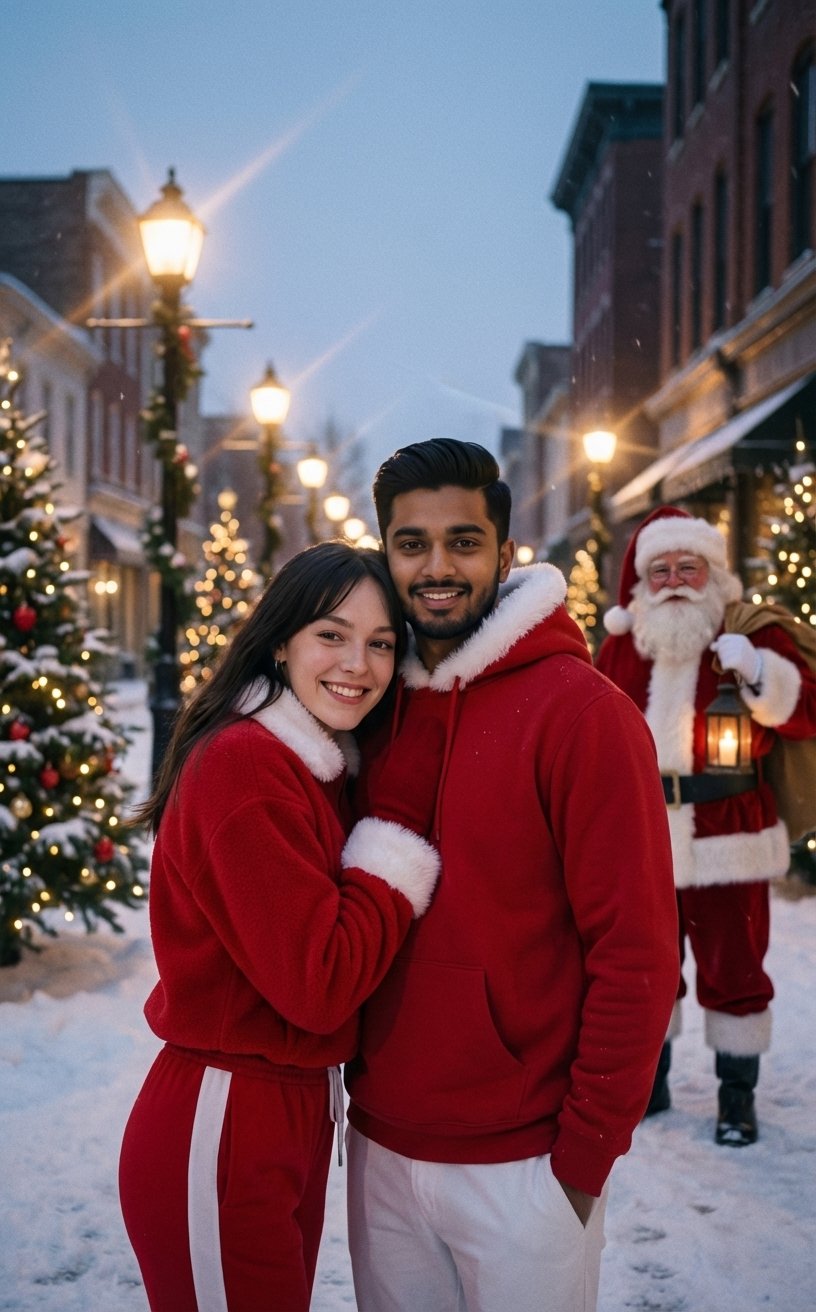
Festive Couple Holiday Magic Template
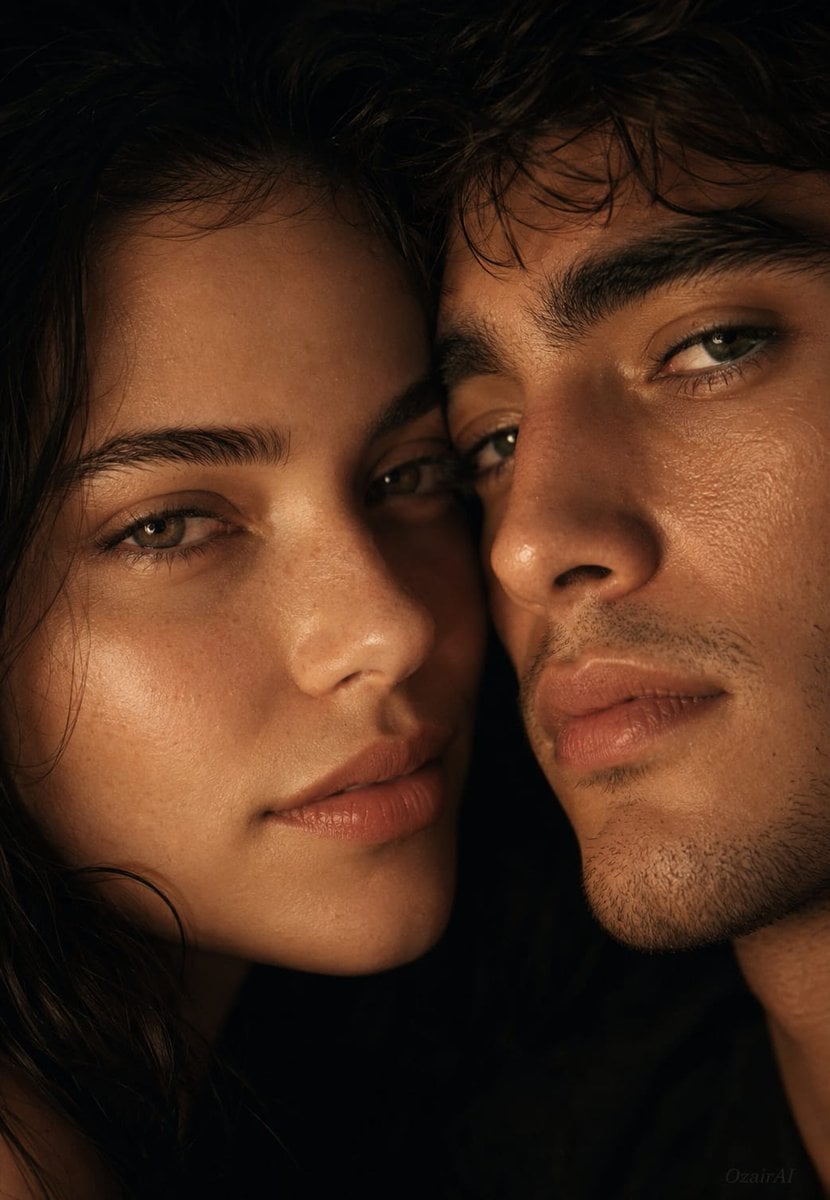
Intimate Cinematic Couple Portrait
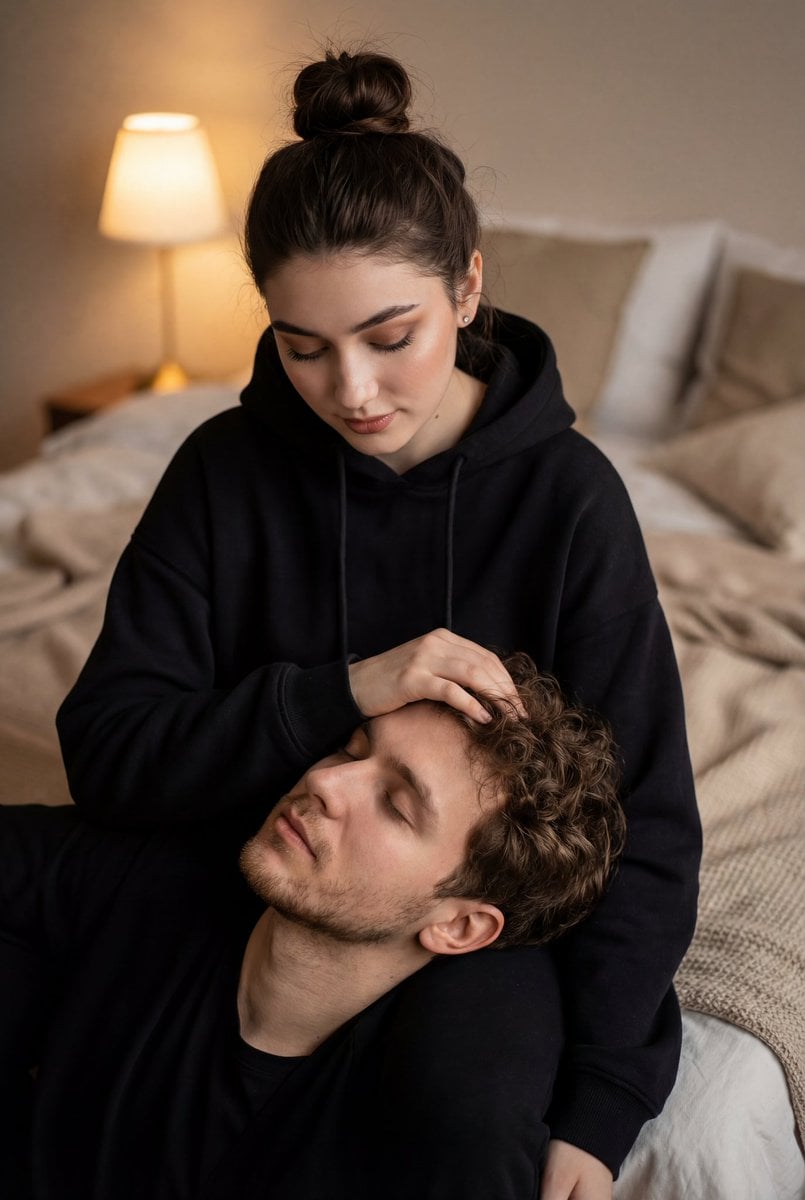
Cinematic Intimate Couple Portrait

Sunday Afternoon, 1988

Two Tickets, One Night
Make it yours
Intimate Portrait of a Couple in an Upscale Restaurant works as-is. These are the safest ways to change it without losing the look.
Swap the setting
Keep the rest of the prompt and replace the location block. The current setting is “indoor restaurant or event venue”.
Swap the light
One lighting change is enough to compare takes. Current light: “mixed ambient lighting”.
Change one field
Copy a single group, rewrite it, and generate again so you can see what that field is doing.
| If the result… | Why | Fix |
|---|---|---|
| The result drifts from the preview | Too many fields changed at once. | Reuse Intimate Portrait of a Couple in an Upscale Restaurant as-is first, then change one group — subject, light, or setting. |
| Nano Banana 2 ignores part of the JSON | Some models flatten or skip nested keys. | Keep the same values and paste them as a short paragraph instead. |
More Nano Banana 2 templates
Other prompts made for Nano Banana 2.

Photorealistic Leaf Shaped Like a Dragon

K-Pop Idol Portrait Grid for Rapid Selection

Poetic Rain Forest Portrait During Golden Hour

Urban Street Portrait with Cartoon Inner Self Duo

Candid Nighttime Photo with Cat Prompt

High-Concept 3D Diorama Generation Prompt

Cinematic Futuristic Studio Portrait Template

Skincare Editorial Photography Collage Prompt

Hyper-Realistic Commercial Product Photography (Splash Effect)

Hyper-Realistic Nightclub Portrait Prompt
More image prompts
Fresh picks from across the catalog.
Urban Porsche 911 GT3 Portrait
Julius Caesar Epic Timeline Poster
Cinematic 1920s Gatsby Couple Kiss
Dark Fantasy Girl with Bengal Tiger
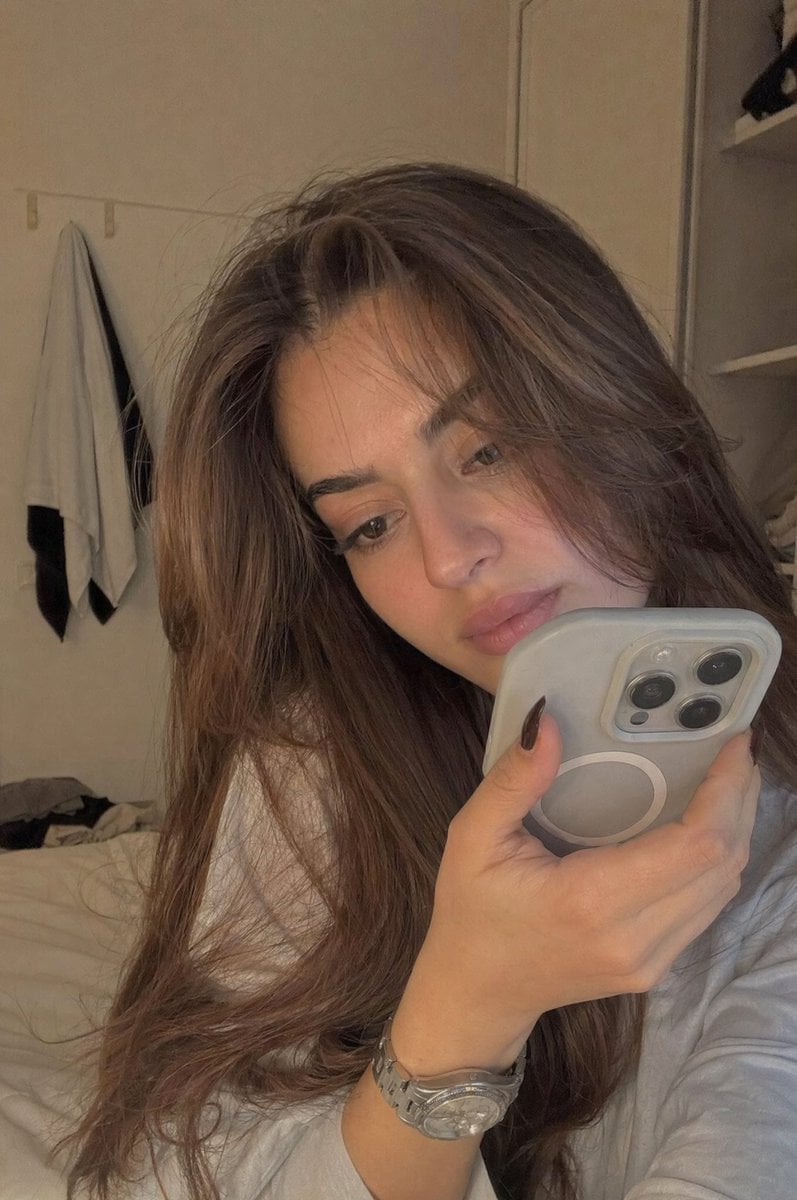
Realistic Bedroom Phone Recording Style
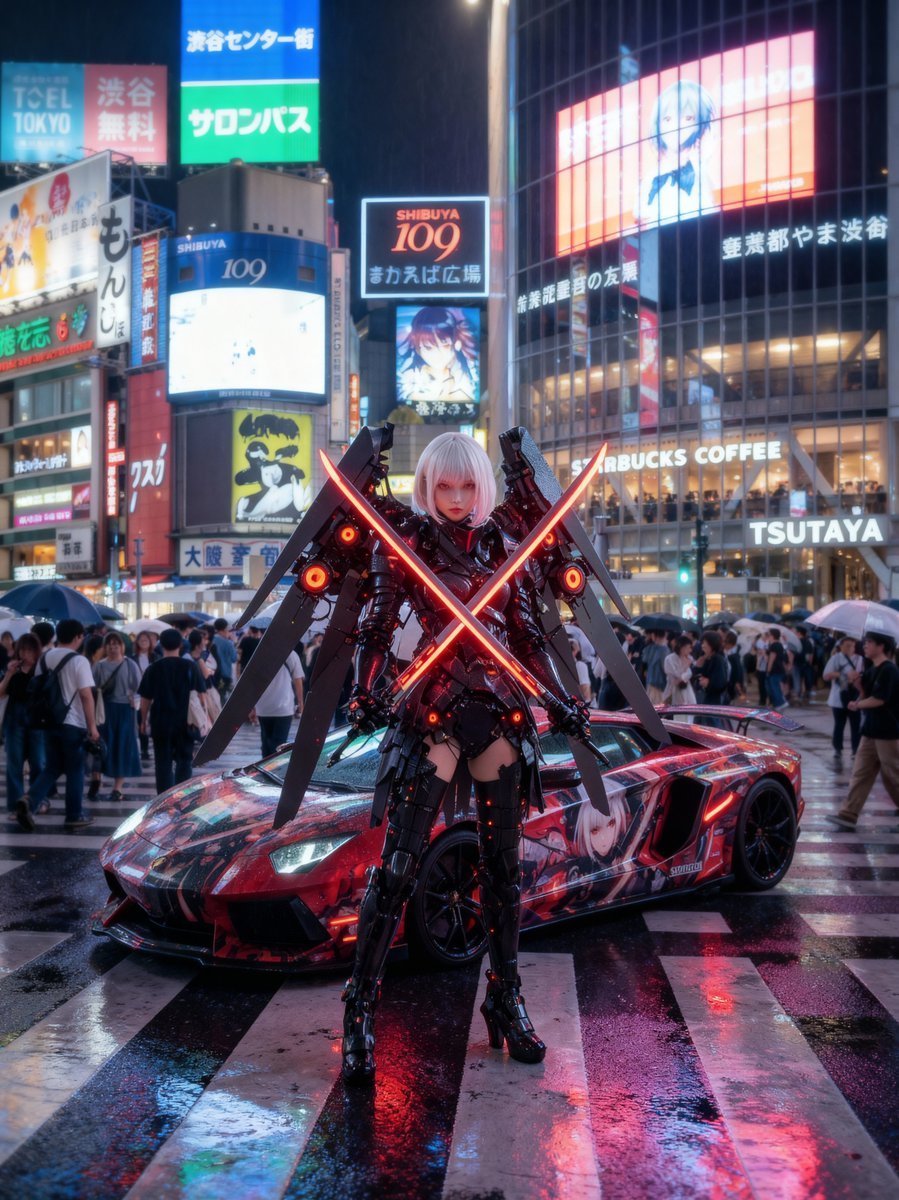
Cosplayer with itasha at Shibuya Scramble Crossing
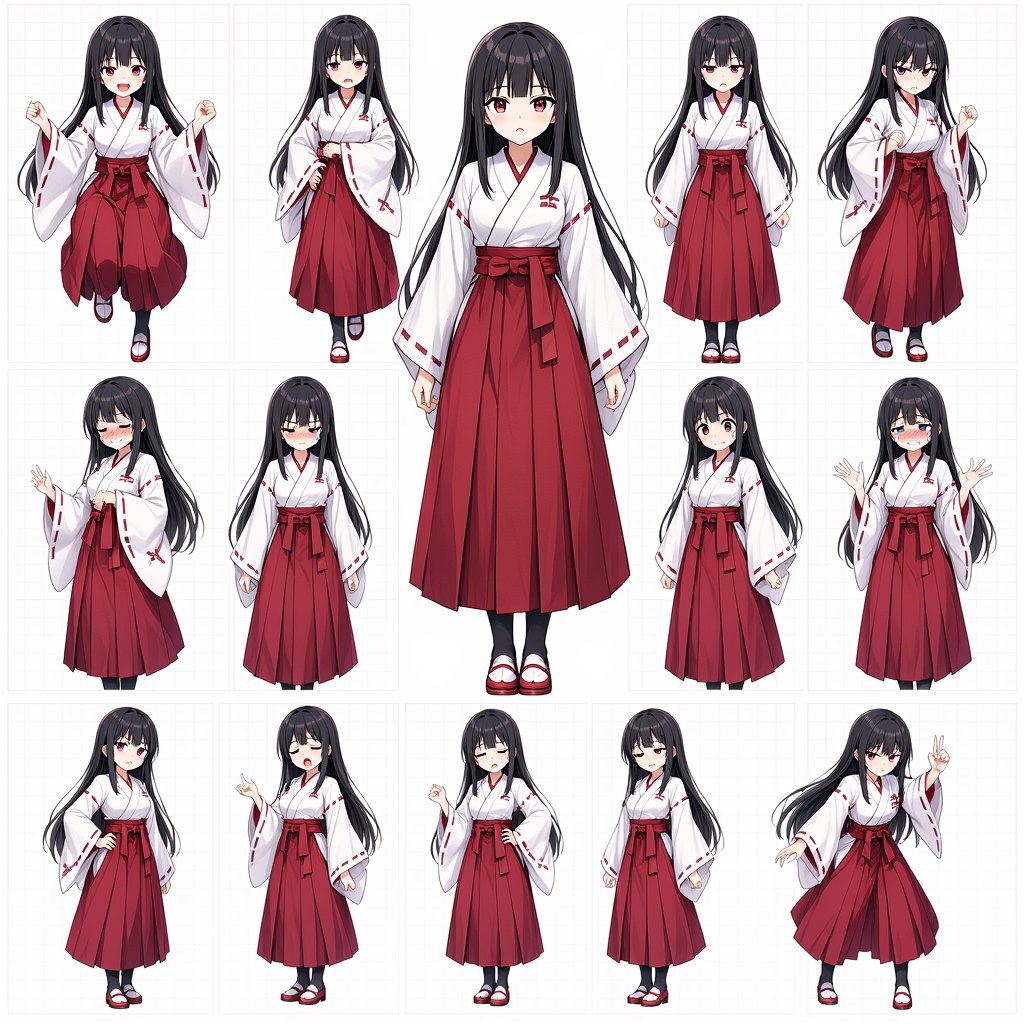
Anime Shrine Maiden Character Sheet
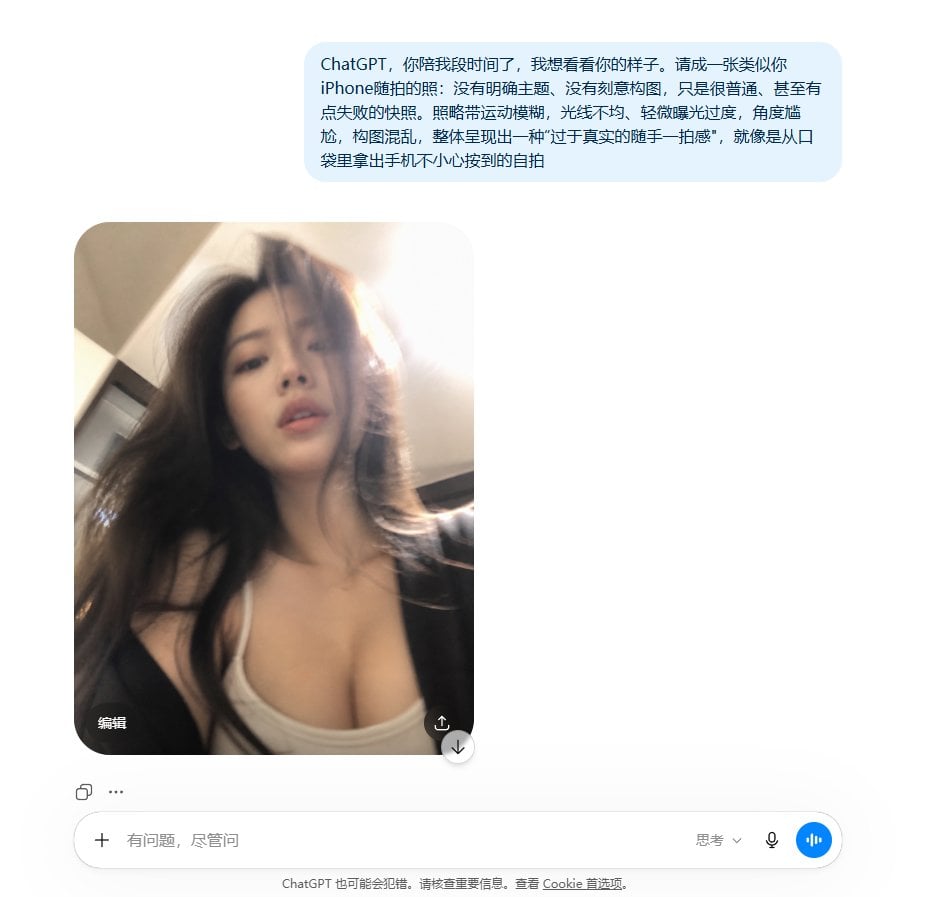
Realistic Accidental Selfie Persona
Nano Banana Pro Prompt Sharing
X Sumiturkude007 Image Description Subject
Browse template categories
Intimate Portrait of a Couple in an Upscale Restaurant questions
How do I use the Intimate Portrait of a Couple in an Upscale Restaurant template?
Add your photo if the template asks for one, edit the prompt if you like — the template's model and format are already selected — and press Generate. Your version opens in PicX Studio.
Can I customize the Intimate Portrait of a Couple in an Upscale Restaurant template?
Yes. You can change the subject, setting, lighting, mood, format, and available model controls before creating your image.
Is the Intimate Portrait of a Couple in an Upscale Restaurant template free?
Opening and editing this template is free. Generating uses credits, shown on the Generate button when you are signed in.
Which AI model should I use?
Start with Nano Banana 2, which is the model associated with this template. You can compare another compatible model for a different finish.
Looking for something else? Browse all templates.

Your photo, any look
Thousands of ready templates for every top image and video model, from one credit balance.