
Dark Fantasy Girl with Bengal Tiger
A dark and moody fantasy portrait featuring a young woman sitting beside a massive Bengal tiger in a misty pine forest.
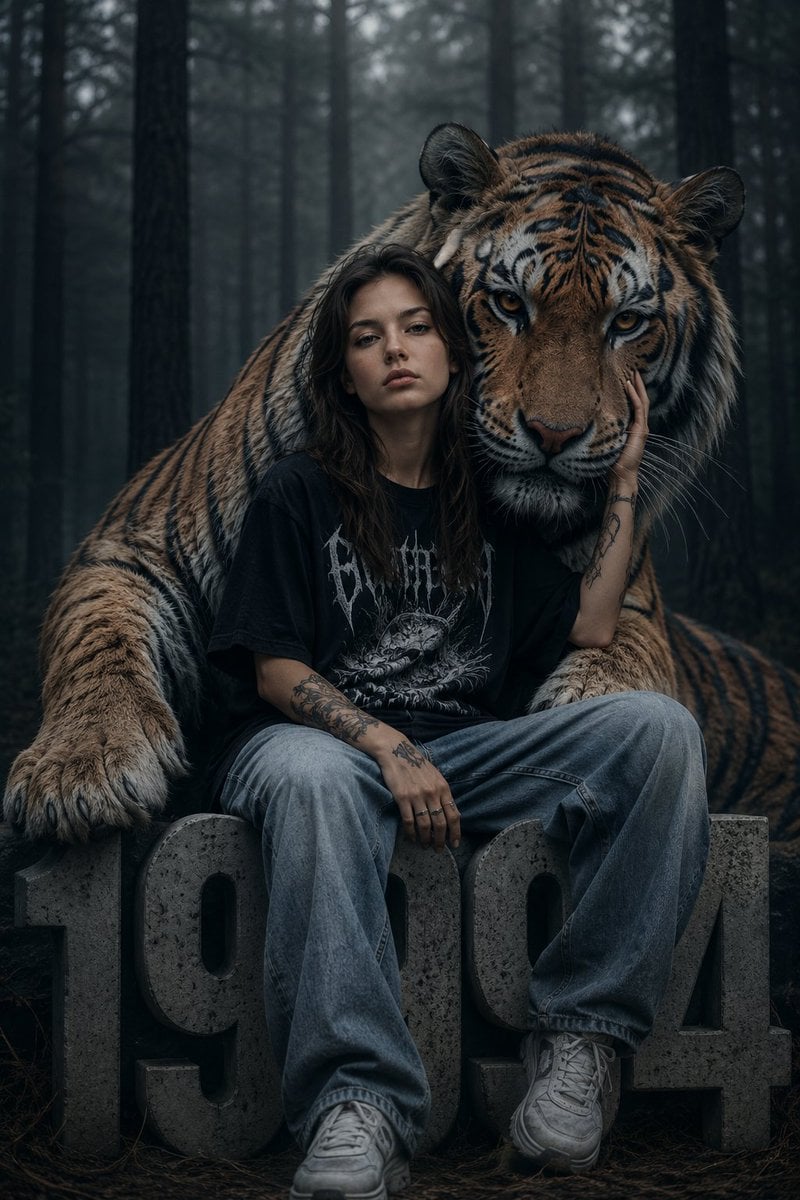
- Prompt included
- Model and format preset
- Free template
The prompt behind this image
Copy the exact prompt behind Dark Fantasy Girl with Bengal Tiger, or open it in the studio and make it yours.
Ultra realistic cinematic portrait of a {argument name="subject" default="mysterious young alternative girl"} sitting in a dark foggy pine forest beside a {argument name="animal" default="massive Bengal tiger"}, emotional moody atmosphere, soft cold color grading, deep forest shadows, highly detailed tiger fur texture, realistic human skin pores, melancholic expression, intimate bond between girl and tiger, oversized tiger resting protectively behind her with one giant paw extending forward, girl touching tiger’s face gently, centered symmetrical composition. The girl has long messy black hair with soft bangs, pale skin, subtle makeup, tattooed arms and fingers, wearing an oversized black gothic graphic t shirt, loose faded blue baggy jeans, chunky white sneakers, silver rings, relaxed streetwear aesthetic, indie grunge fashion style. She is sitting on giant concrete numbers “{argument name="year" default="1994"}” carved like stone blocks. Background filled with tall dark pine trees, misty atmosphere, cinematic fog, wet forest ground, muted grey and blue tones, dramatic natural lighting, shallow depth of field, ultra detailed eyes, realistic whiskers, atmospheric perspective, emotional dark fantasy realism, luxury editorial photography mixed with wildlife fantasy art. Professional fashion photography, ultra sharp focus, 85mm lens, f/1.8 depth of field, volumetric lighting, realistic shadows, desaturated tones, dark moody aesthetic, cinematic composition, high detail texture, photorealistic, masterpiece quality, award winning photography, 8k, ultra realistic, Unreal Engine cinematic render style.
How to use Dark Fantasy Girl with Bengal Tiger in 3 steps
- 1
Open
The prompt is already in the box next to the preview, with the template's model and format selected.
- 2…a portrait of your subject in softgolden-hour light, 85mm…
Personalize
Edit the subject and creative details for your destination.
- 3Generate
Generate
Press Generate — your image is created in PicX Studio, so you can compare it with the original and refine one variable at a time.
More like this
Templates with the same subject, style or setup. Open one to see its prompt.

Teen Girl Alpine Lake Mountain View

Dark Fantasy Sorceress Storyboard

Dark Fantasy Smoke Monster Transformation

Anime Fantasy Celestial Movie Poster
Anime Fantasy Celestial Movie Poster

Selective Color Monochrome Football Poster

Minecraft Fantasy Kingdom Voxel Landscape

Unfinished Sketch Comes Alive Portrait

Open Travel Journal Overhead Still Life

Tiny Woman Miniature Fantasy Macro Scene
Dark Chinese Fantasy Desire Poster
Elegant Fantasy Girl in Violet Garden
Make it yours
Dark Fantasy Girl with Bengal Tiger works as-is. These are the safest ways to change it without losing the look.
Change one field
Copy a single group, rewrite it, and generate again so you can see what that field is doing.
Keep the frame, change the subject
Hold the composition and light of Dark Fantasy Girl with Bengal Tiger, then swap wardrobe, props or the person for a new take.
| If the result… | Why | Fix |
|---|---|---|
| The result drifts from the preview | Too many fields changed at once. | Reuse Dark Fantasy Girl with Bengal Tiger as-is first, then change one group — subject, light, or setting. |
| The model over-stylizes the scene | The prose prompt leaves finish and camera underspecified. | Add one camera or lighting sentence and stay on GPT Image 2. |
More GPT Image 2 templates
Other prompts made for GPT Image 2.

Six VTuber Japanese Logo Sheet

Realistic Portrait of Woman and Deer

The Vista Modular Condo Poster

AI Model Routing Comparison Infographic

2.5D Anime Art Board

Isometric Productivity Desk Scene

New York Double Exposure Poster

Four-Panel AI Landscape Comparison

Japanese Tatami Lifestyle Magazine Cover

NESCAFÉ Coffee Map Poster
More image prompts
Fresh picks from across the catalog.
Hyper-Realistic Indian Man Exiting Luxury SUV
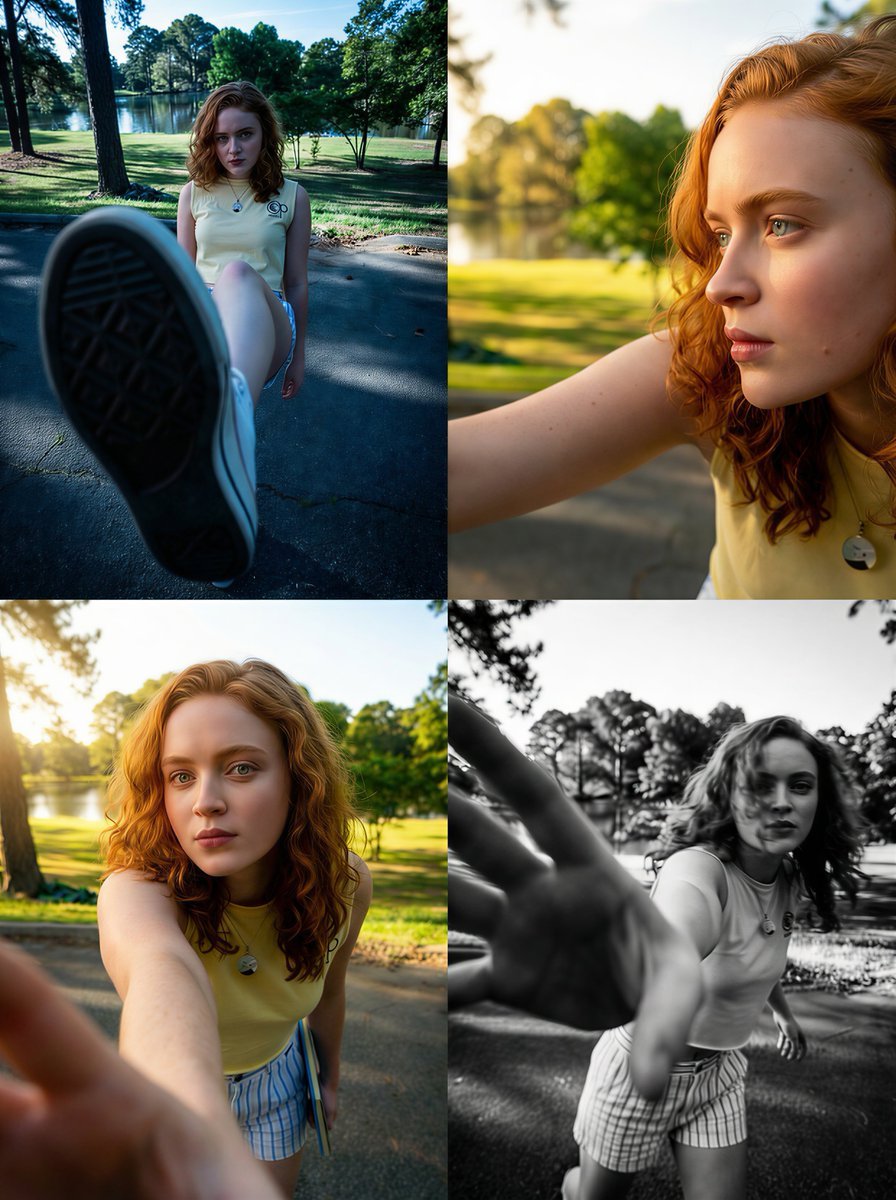
Dramatic Wide-Angle Perspective Transformation Prompt
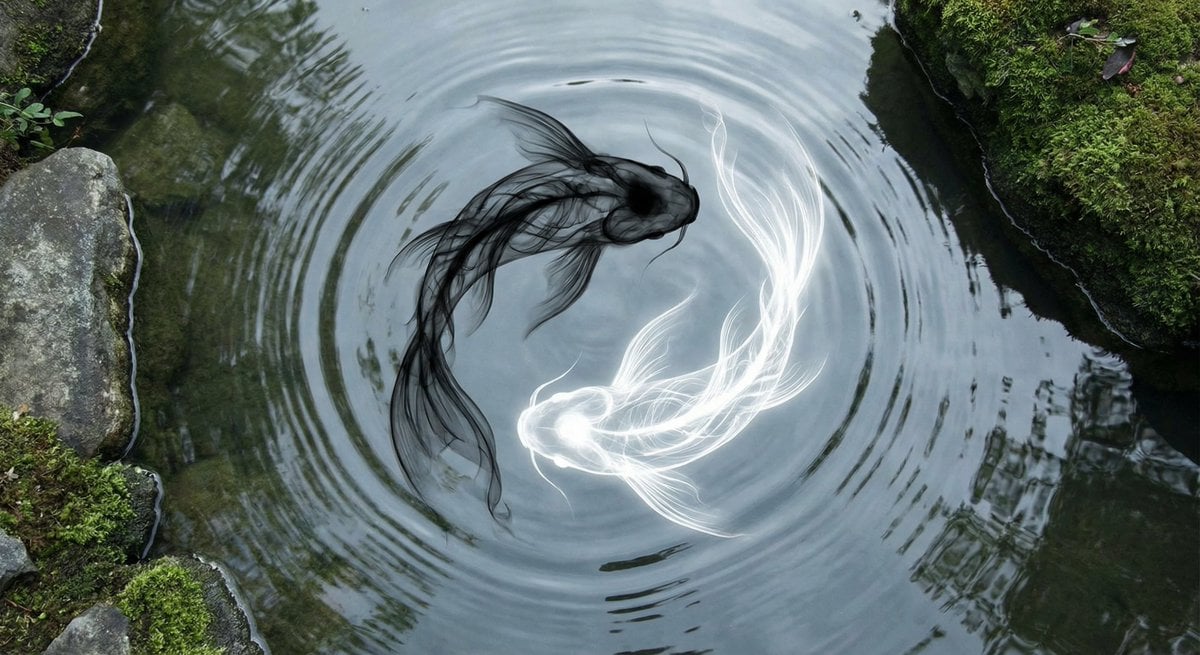
Yin-yang koi ink illustration
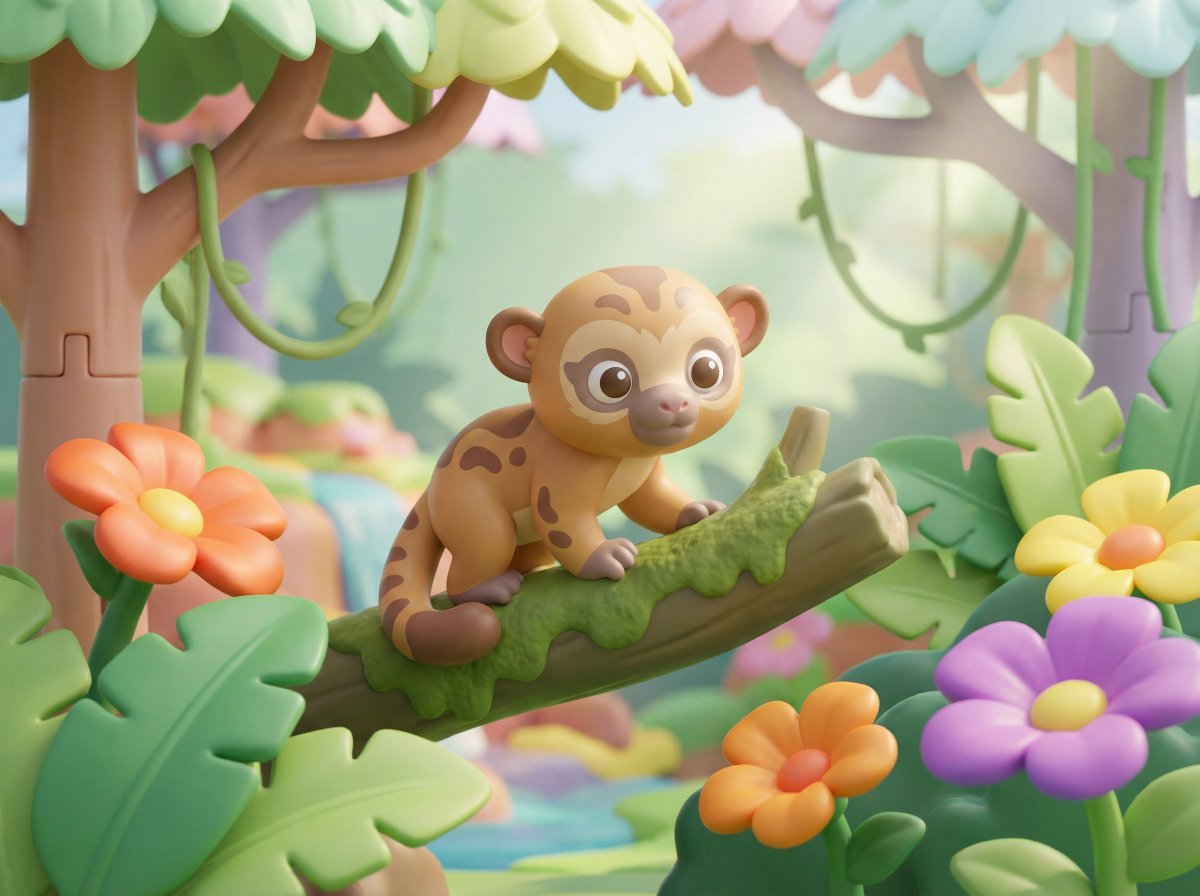
Playful 3D Toy Kinkajou Prompt
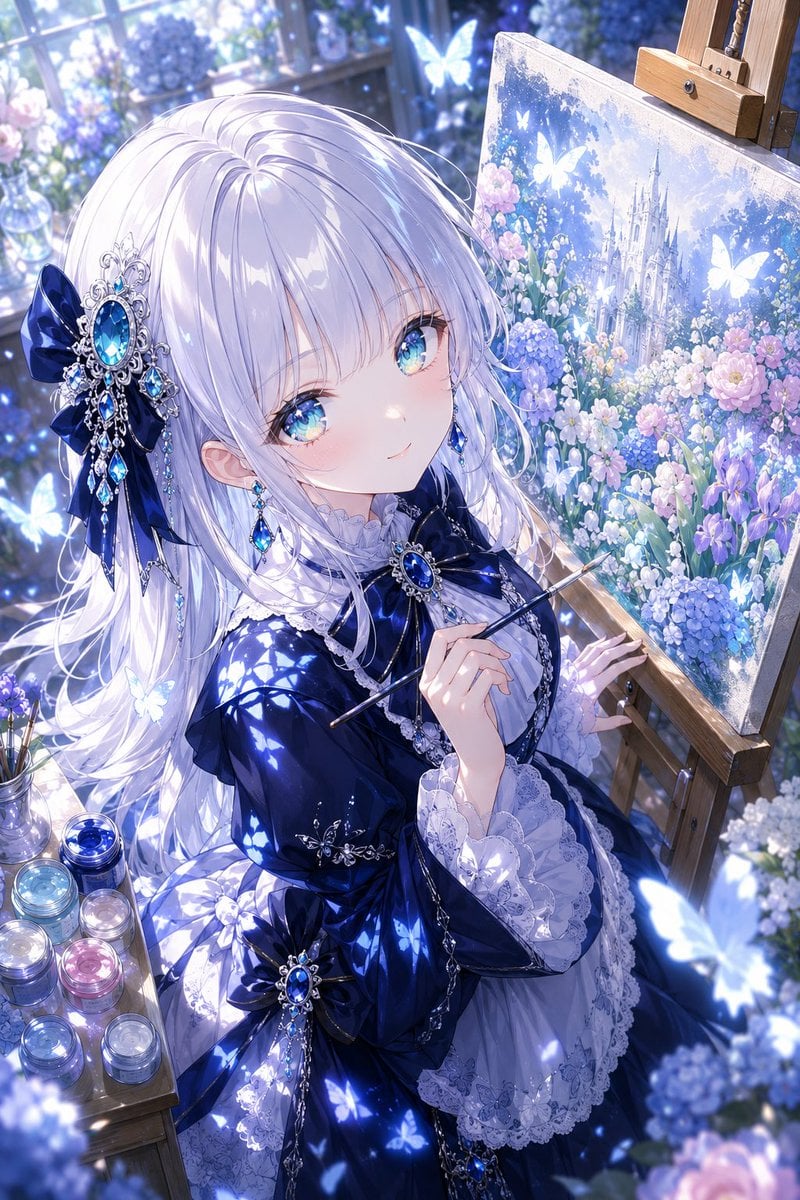
Anime Fantasy Painter in Blue Atelier
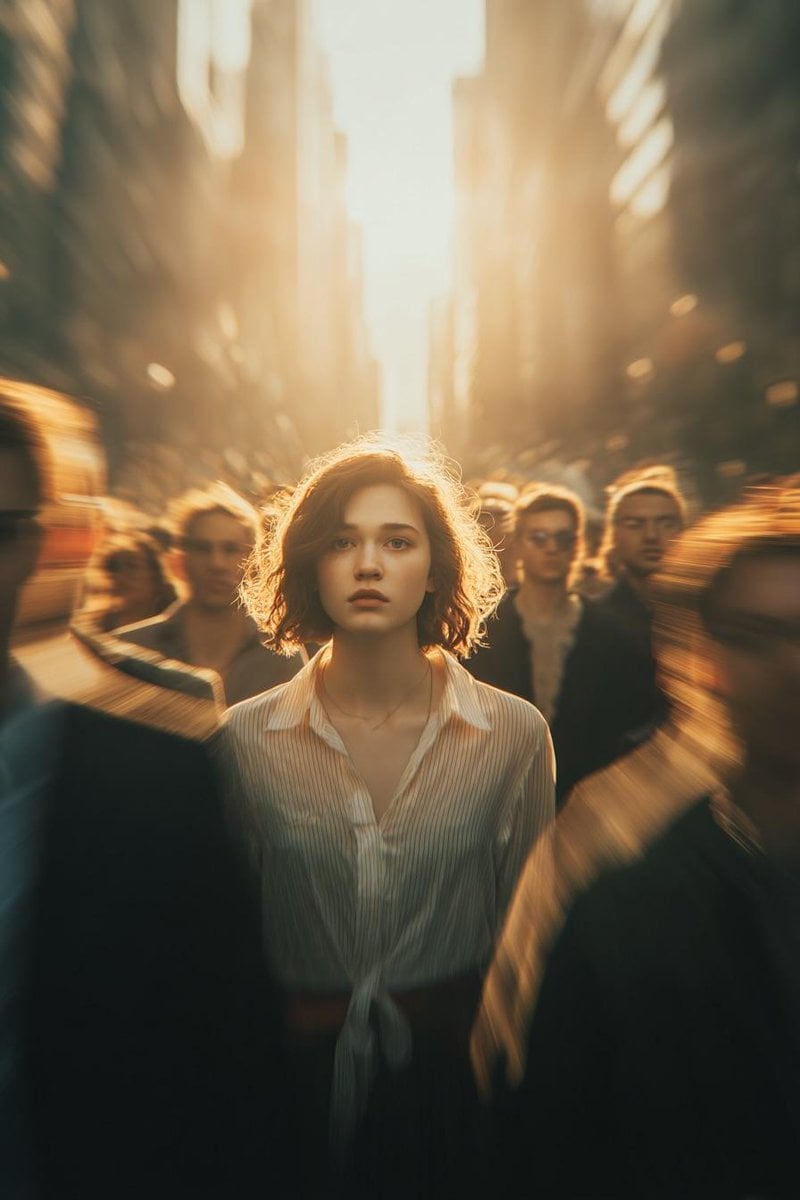
Cinematic Conceptual Portrait with Radial Motion Blur
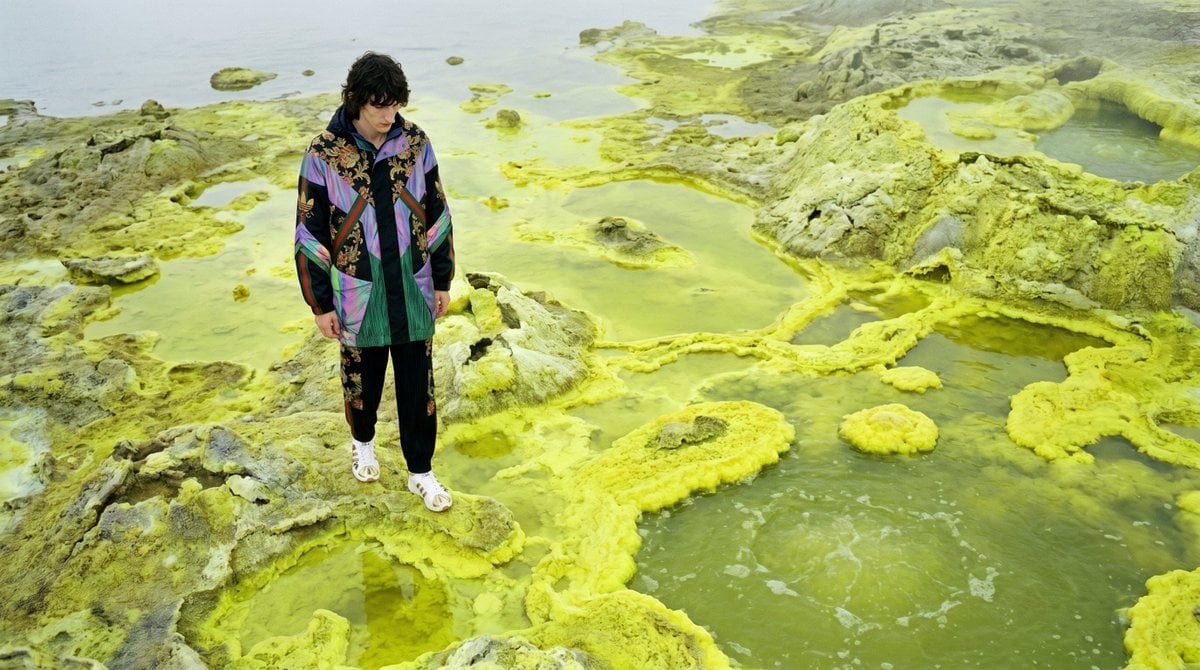
Surreal Sulfur Hot Spring Explorer
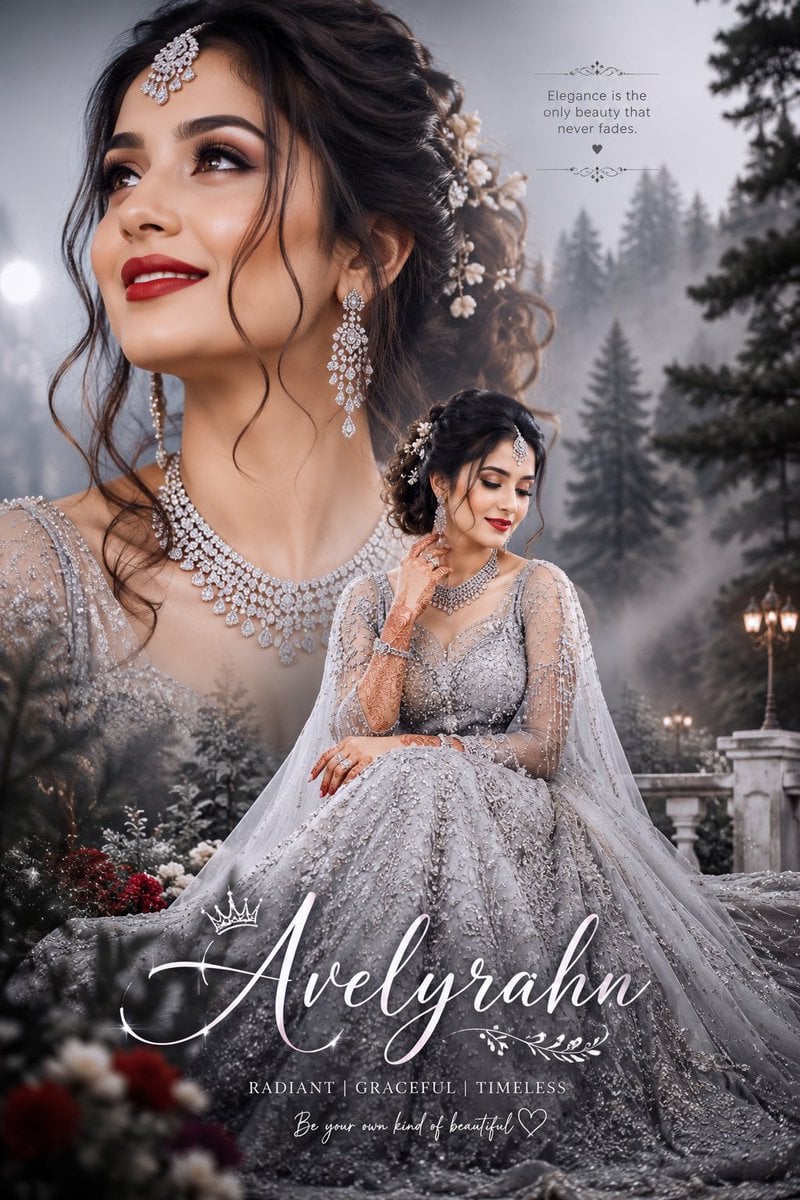
Silver Lehenga Bridal Portrait

AI Personality iPhone Selfie Snapshot
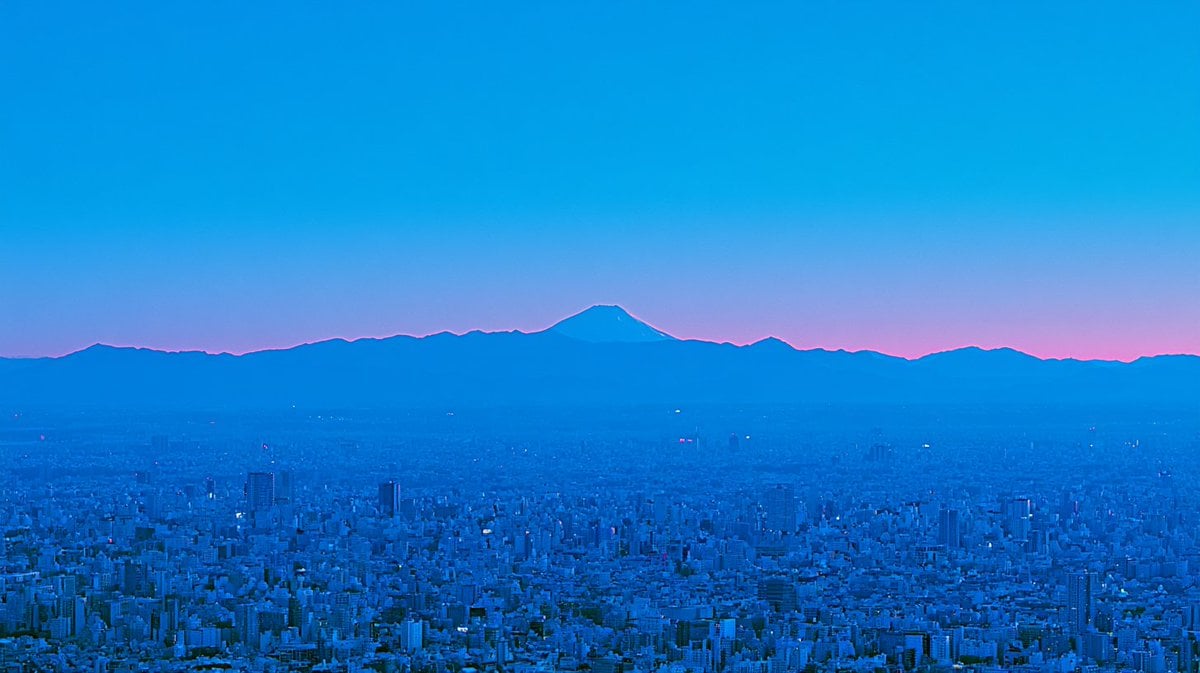
Blue Hour Tokyo Skyline with Mount Fuji
Browse template categories
Dark Fantasy Girl with Bengal Tiger questions
How do I use the Dark Fantasy Girl with Bengal Tiger template?
Add your photo if the template asks for one, edit the prompt if you like — the template's model and format are already selected — and press Generate. Your version opens in PicX Studio.
Can I customize the Dark Fantasy Girl with Bengal Tiger template?
Yes. You can change the subject, setting, lighting, mood, format, and available model controls before creating your image.
Is the Dark Fantasy Girl with Bengal Tiger template free?
Opening and editing this template is free. Generating uses credits, shown on the Generate button when you are signed in.
Which AI model should I use?
Start with GPT Image 2, which is the model associated with this template. You can compare another compatible model for a different finish.
Looking for something else? Browse all templates.

Your photo, any look
Thousands of ready templates for every top image and video model, from one credit balance.