
Neon AI Influencer Studio Ad
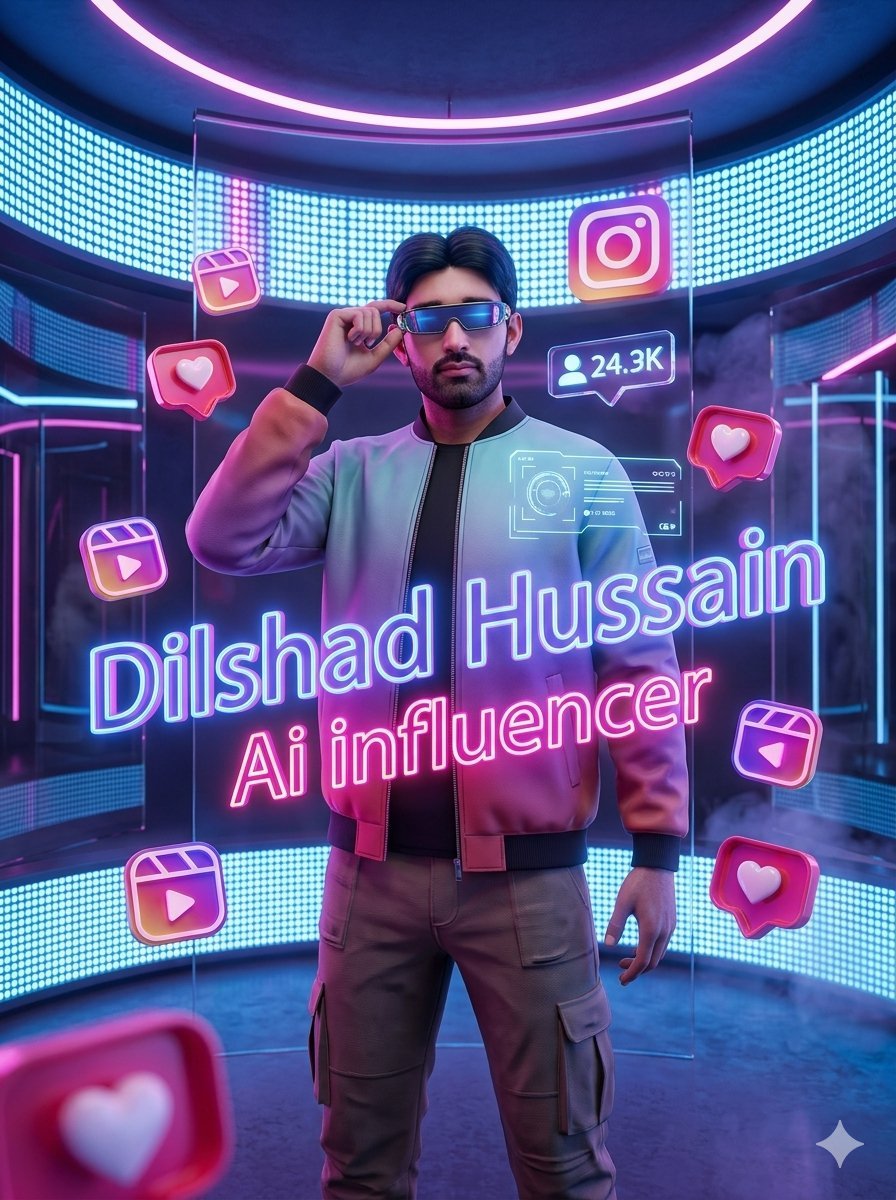
A cinematic 3D Instagram-style creator studio advertisement featuring a stylish AI influencer surrounded by neon social media icons.
- Prompt included
- Model and format preset
- Free template
The prompt behind this image
Copy the exact prompt behind Neon AI Influencer Studio Ad, or open it in the studio and make it yours.
Create a visually explosive vertical 3D social media advertisement render of a stylish young male AI influencer standing confidently in a futuristic Instagram-inspired creator studio. The central subject is {argument name="character name" default="Dilshad Hussain"}, full body from head to thighs, facing forward, one hand lifted to an earpiece near his ear, wearing a glossy gradient bomber jacket in cyan, lavender, and pink over a black shirt, with taupe cargo pants and black cuffs. Use realistic 3D character proportions and cinematic lighting; keep the face centered and realistic, or use an uploaded facial reference if provided. The studio is a circular high-tech room with curved cyan LED dot-matrix walls, transparent glass panels, magenta neon trim, a glowing pink circular ceiling ring, smoky atmosphere, reflective dark floor, and strong blue-pink rim lighting. Add large floating neon typography across the lower center in two lines: the first line says {argument name="headline text" default="Dilshad Hussain"} in bright cyan outlined glow, and the second line says {argument name="subtitle text" default="Ai influencer"} in hot pink neon glow, angled slightly across the subject. Surround him with exactly 10 floating social media UI elements: 1 Instagram app logo near the upper right, 1 follower count speech bubble reading {argument name="follower count" default="24.3K"} near the upper right chest area, 4 pink heart notification bubbles placed left middle, right middle, bottom right, and a large blurred foreground one at bottom left, and 4 Reels/play icons placed upper left, lower left, bottom left, and lower right. Include a subtle futuristic holographic HUD panel glowing on the subject’s chest. Make the image vibrant, glossy, premium, high contrast, depth-of-field, volumetric haze, and suitable for a social media promotion poster. Avoid extra text, avoid watermarks, and keep the composition centered and dramatic.
How to use Neon AI Influencer Studio Ad in 3 steps
- 1Upload ImagePNG, JPG or paste
Add your photo
Upload the photo the template builds on. The prompt, model and format are already set.
- 2…a portrait of your subject in softgolden-hour light, 85mm…
Personalize
Edit the subject and creative details for your destination.
- 3Generate
Generate
Press Generate — your image is created in PicX Studio, so you can compare it with the original and refine one variable at a time.
More like this
Templates with the same subject, style or setup. Open one to see its prompt.

Cinematic Neon Light Strip Studio Portrait

Neon Violet Streetwear Fashion Portrait

Futuristic Studio Neon Ring Minimalist Portrait
Futuristic Studio Neon Ring Minimalist Portrait
Neon Studio Fitness Influencer

80s Couple Studio Portrait

80s Neon Disco Night

1985 Studio Portrait
Neon Gel Lighting Studio Portrait

Cartoon TV Show Poster Pack

Cinematic Low-Angle Fashion Portrait Smoke Editorial

Japanese Architectural Concrete Studio Fashion Campaign
Make it yours
Neon AI Influencer Studio Ad works as-is. These are the safest ways to change it without losing the look.
Change one field
Copy a single group, rewrite it, and generate again so you can see what that field is doing.
Keep the frame, change the subject
Hold the composition and light of Neon AI Influencer Studio Ad, then swap wardrobe, props or the person for a new take.
| If the result… | Why | Fix |
|---|---|---|
| The result drifts from the preview | Too many fields changed at once. | Reuse Neon AI Influencer Studio Ad as-is first, then change one group — subject, light, or setting. |
| The model over-stylizes the scene | The prose prompt leaves finish and camera underspecified. | Add one camera or lighting sentence and stay on GPT Image 2. |
More GPT Image 2 templates
Other prompts made for GPT Image 2.

Six VTuber Japanese Logo Sheet

Realistic Portrait of Woman and Deer

The Vista Modular Condo Poster

AI Model Routing Comparison Infographic

2.5D Anime Art Board

Isometric Productivity Desk Scene

New York Double Exposure Poster

Four-Panel AI Landscape Comparison

Japanese Tatami Lifestyle Magazine Cover

NESCAFÉ Coffee Map Poster
More image prompts
Fresh picks from across the catalog.
Character Emotional Performance Grid
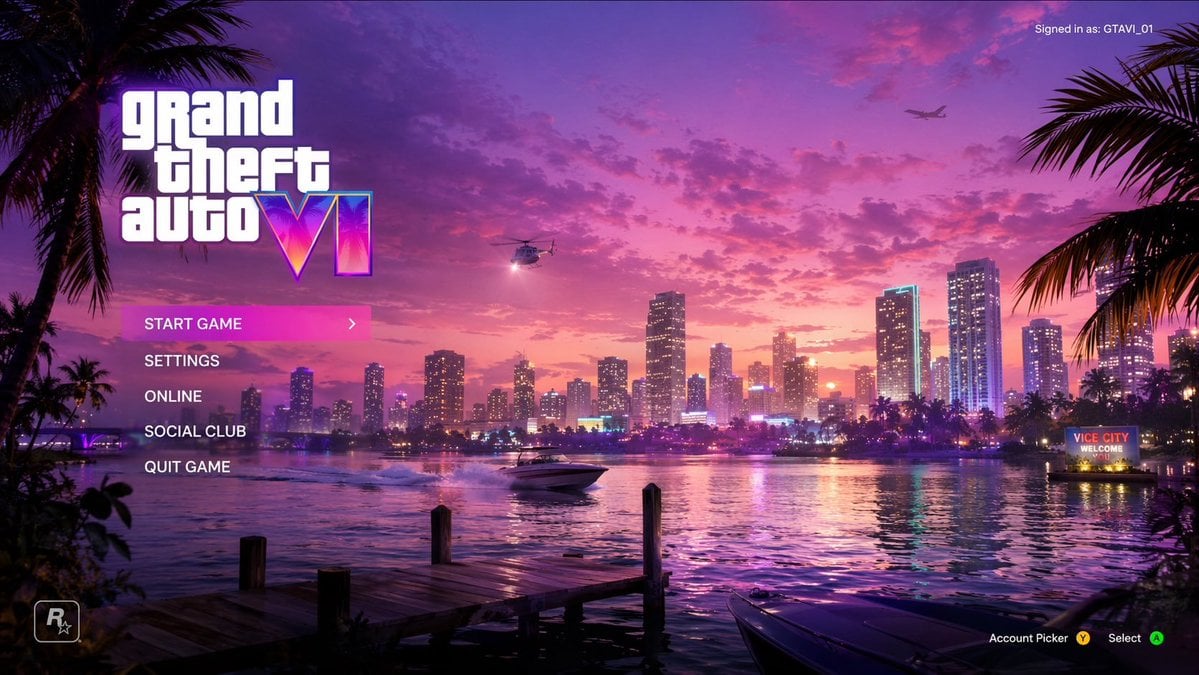
Video Game Main Menu UI Mockup
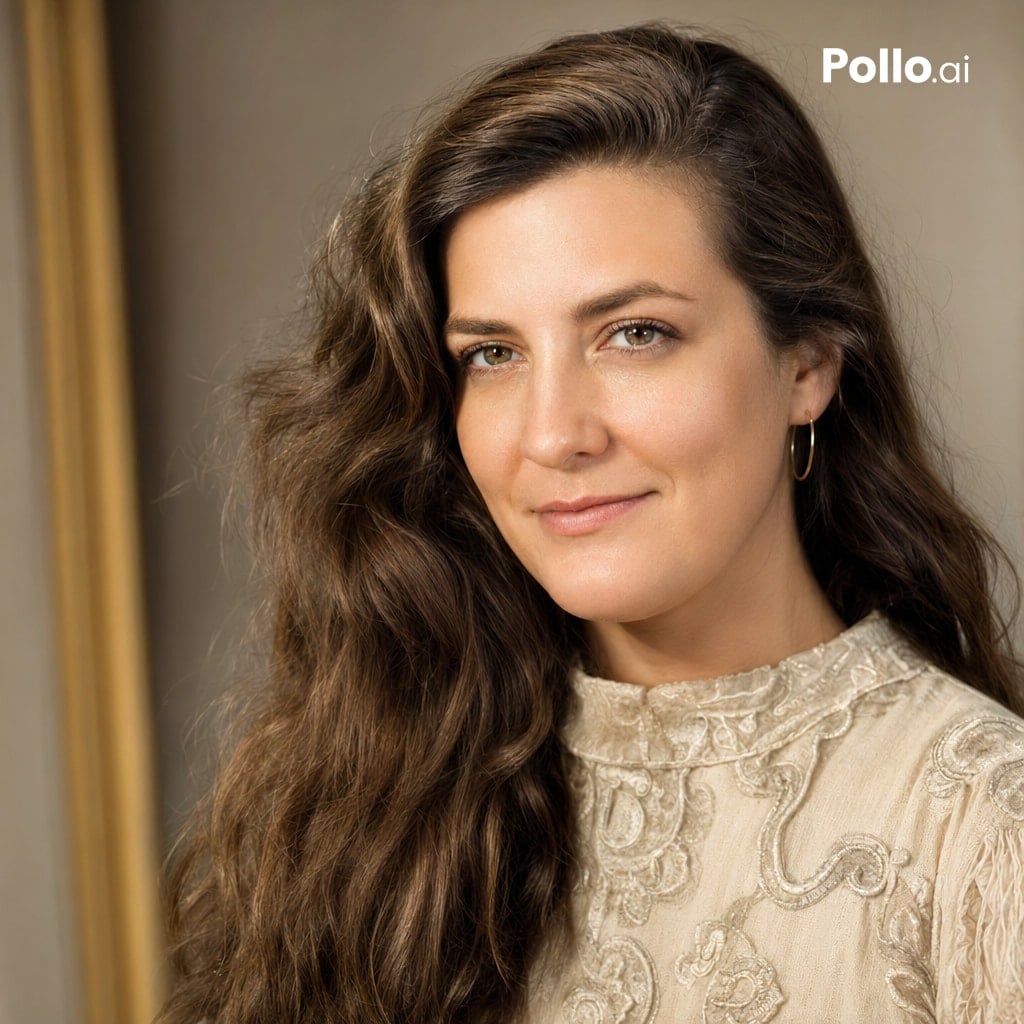
High-Quality Portrait Restoration
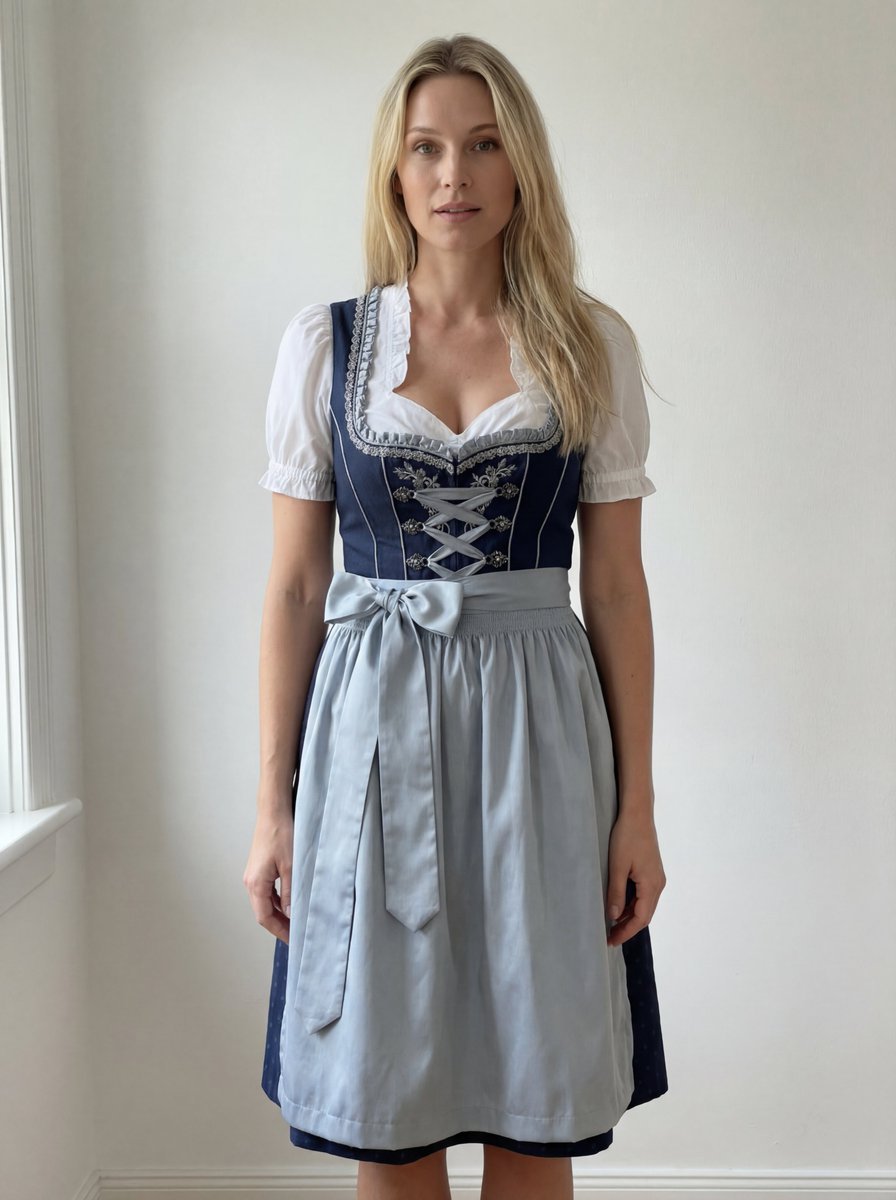
Edit Prompt: Woman in Bavarian Dirndl (Strict Background Preservation)
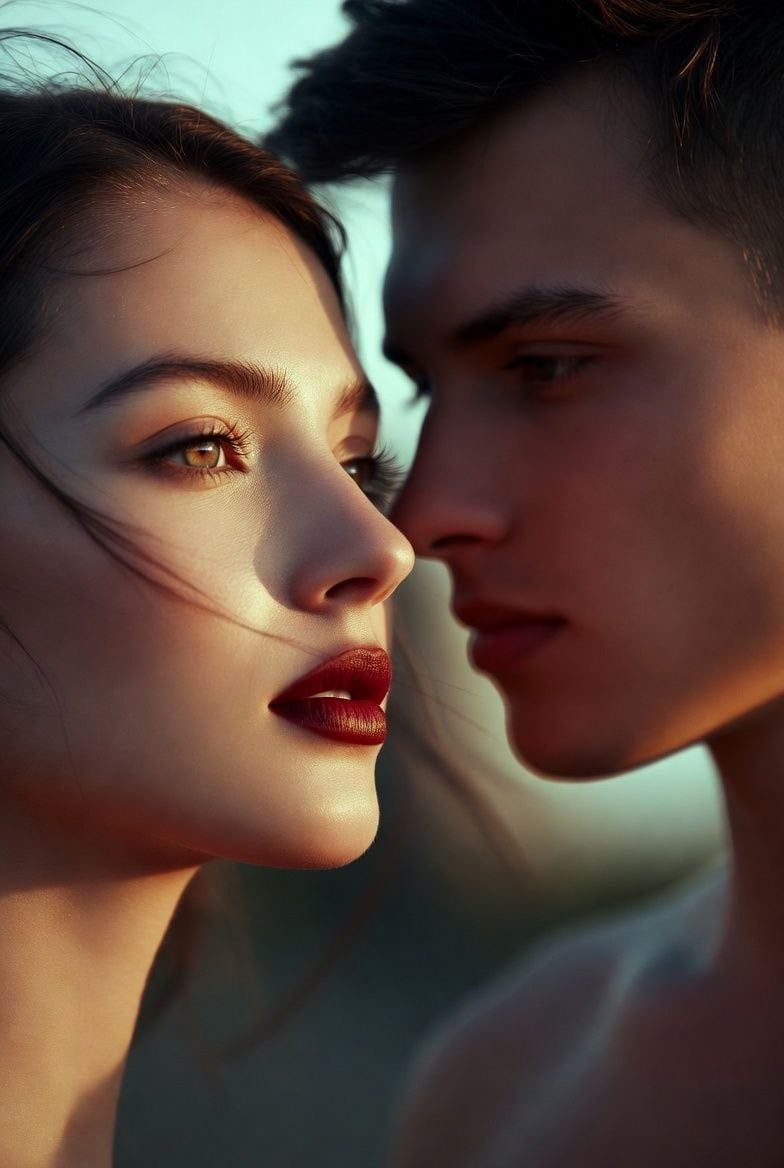
Couple Goals from the Google Gemini Nano
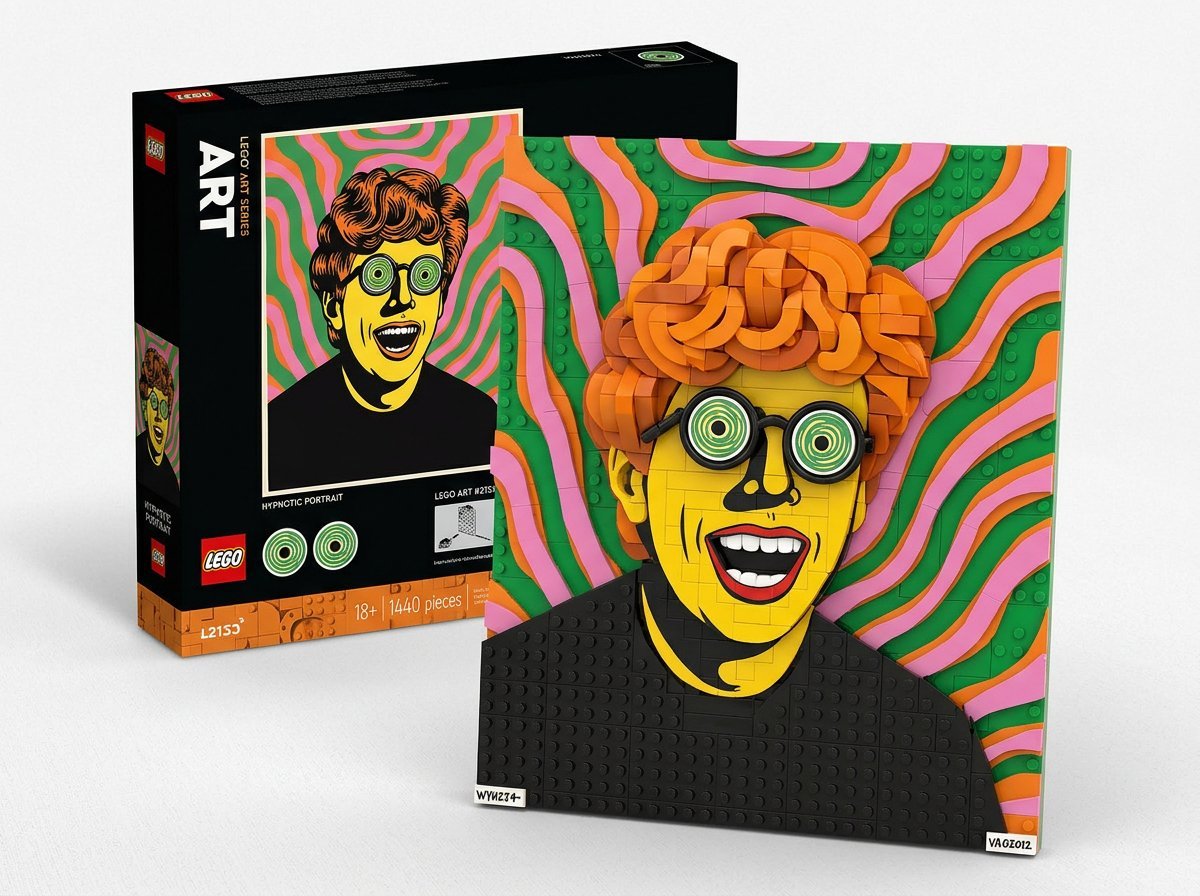
LEGO Set Recreation Prompt for Nano Banana Pro
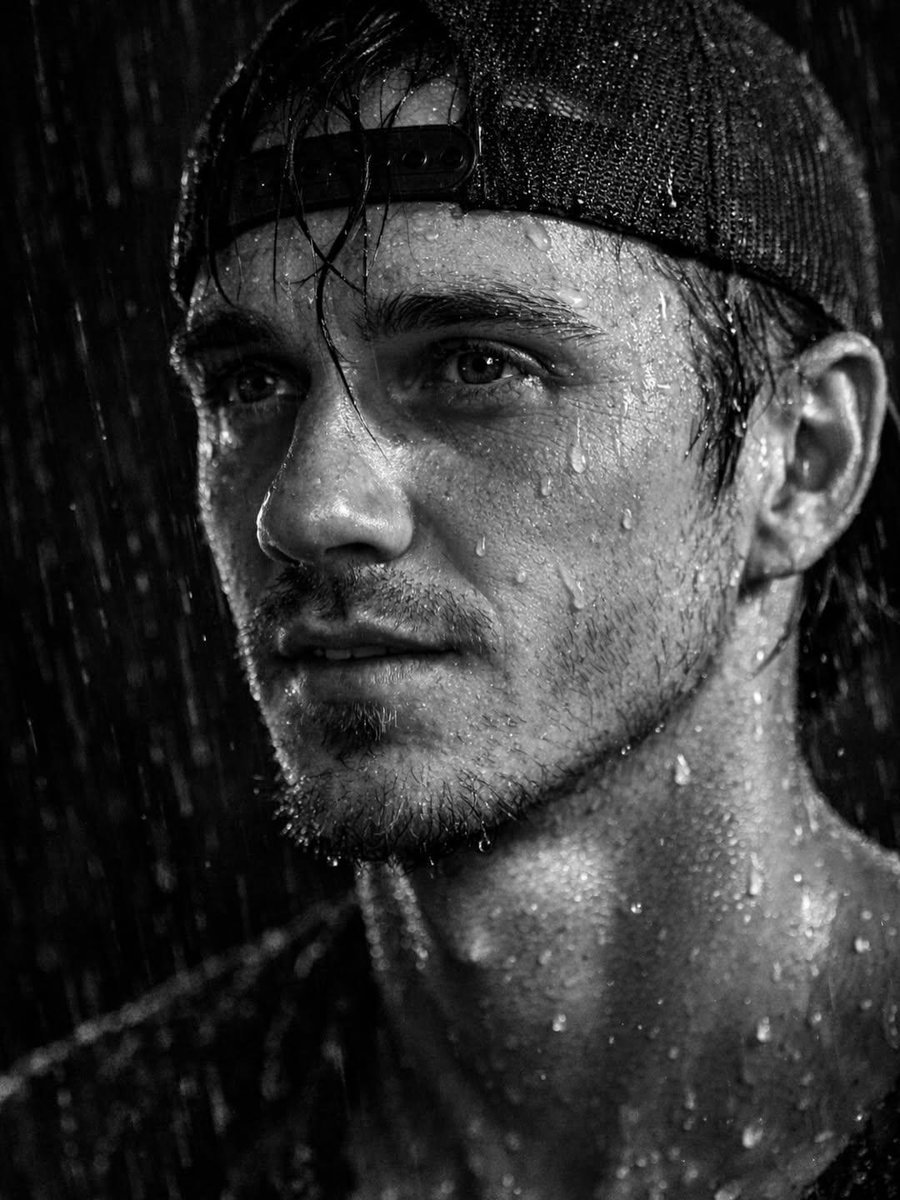
Ultra-Realistic Cinematic Portrait Prompt
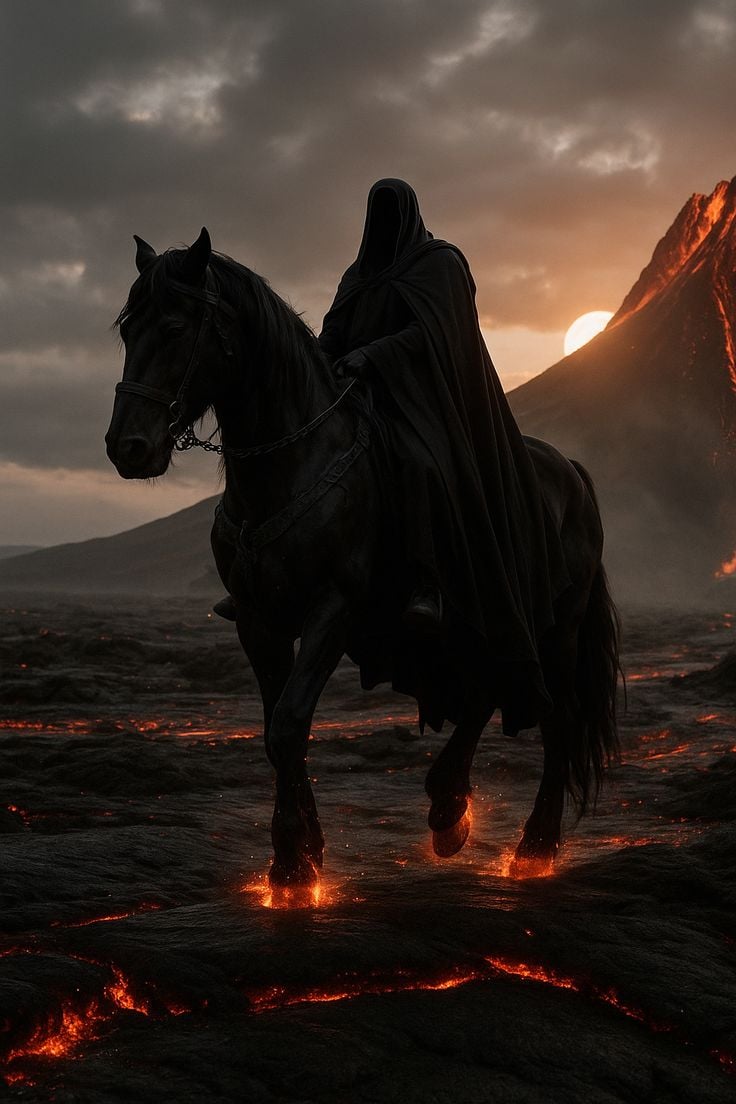
Faceless Rider Volcanic Keyframe
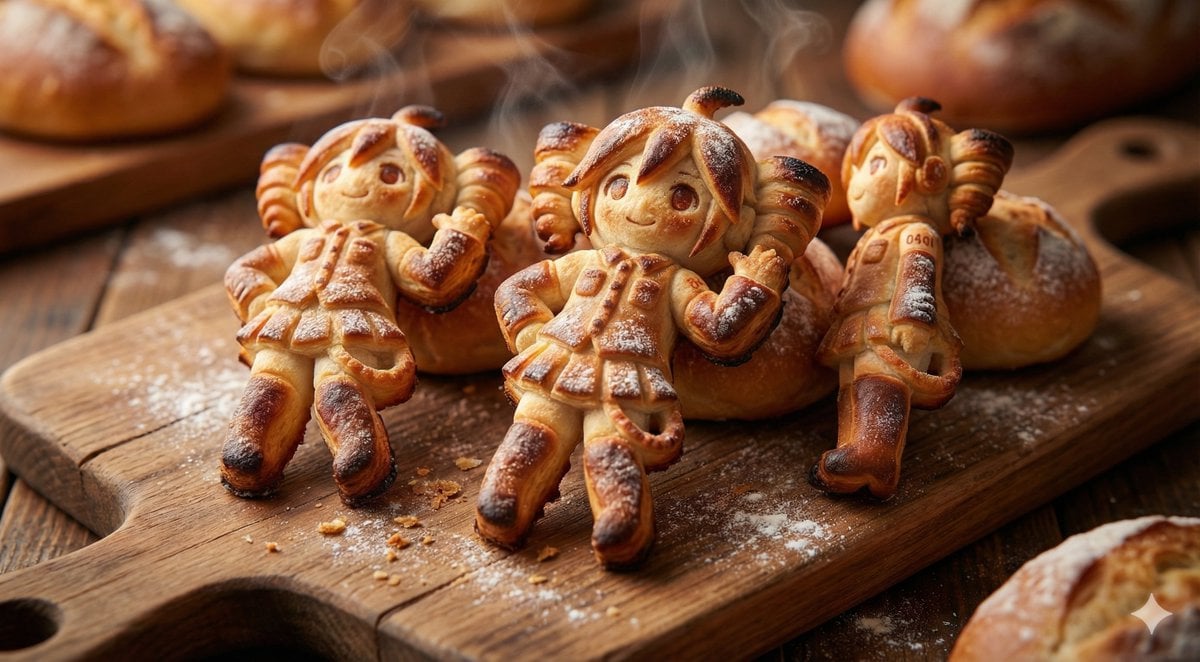
Everything is Freshly Baked Bread
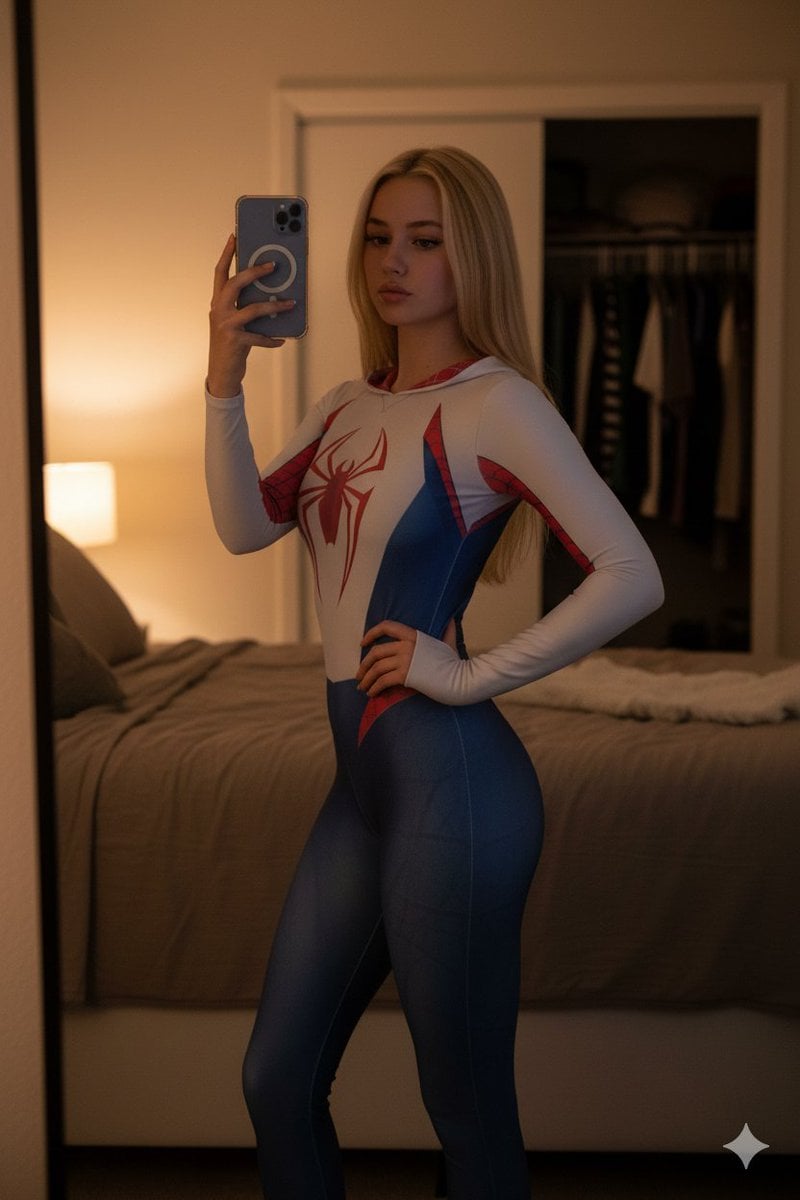
High-Contrast Spider-Gwen Cosplay Mirror Selfie
Browse template categories
Neon AI Influencer Studio Ad questions
How do I use the Neon AI Influencer Studio Ad template?
Add your photo if the template asks for one, edit the prompt if you like — the template's model and format are already selected — and press Generate. Your version opens in PicX Studio.
Can I customize the Neon AI Influencer Studio Ad template?
Yes. You can change the subject, setting, lighting, mood, format, and available model controls before creating your image.
Is the Neon AI Influencer Studio Ad template free?
Opening and editing this template is free. Generating uses credits, shown on the Generate button when you are signed in.
Which AI model should I use?
Start with GPT Image 2, which is the model associated with this template. You can compare another compatible model for a different finish.
Looking for something else? Browse all templates.

Your photo, any look
Thousands of ready templates for every top image and video model, from one credit balance.