
Faceless Rider Volcanic Keyframe
Creates a cinematic dark fantasy keyframe of the referenced hooded rider and black horse crossing a lava-cracked volcanic wasteland.
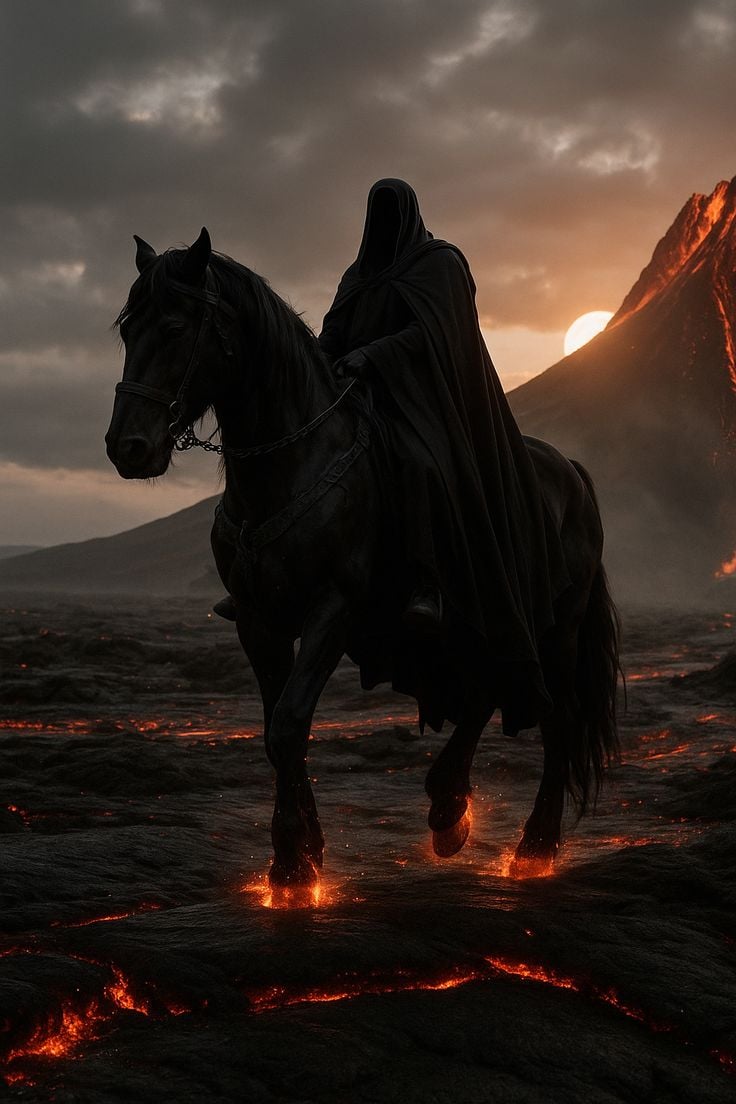
- Prompt included
- Model and format preset
- Free template
The prompt behind this image
Copy the exact prompt behind Faceless Rider Volcanic Keyframe, or open it in the studio and make it yours.
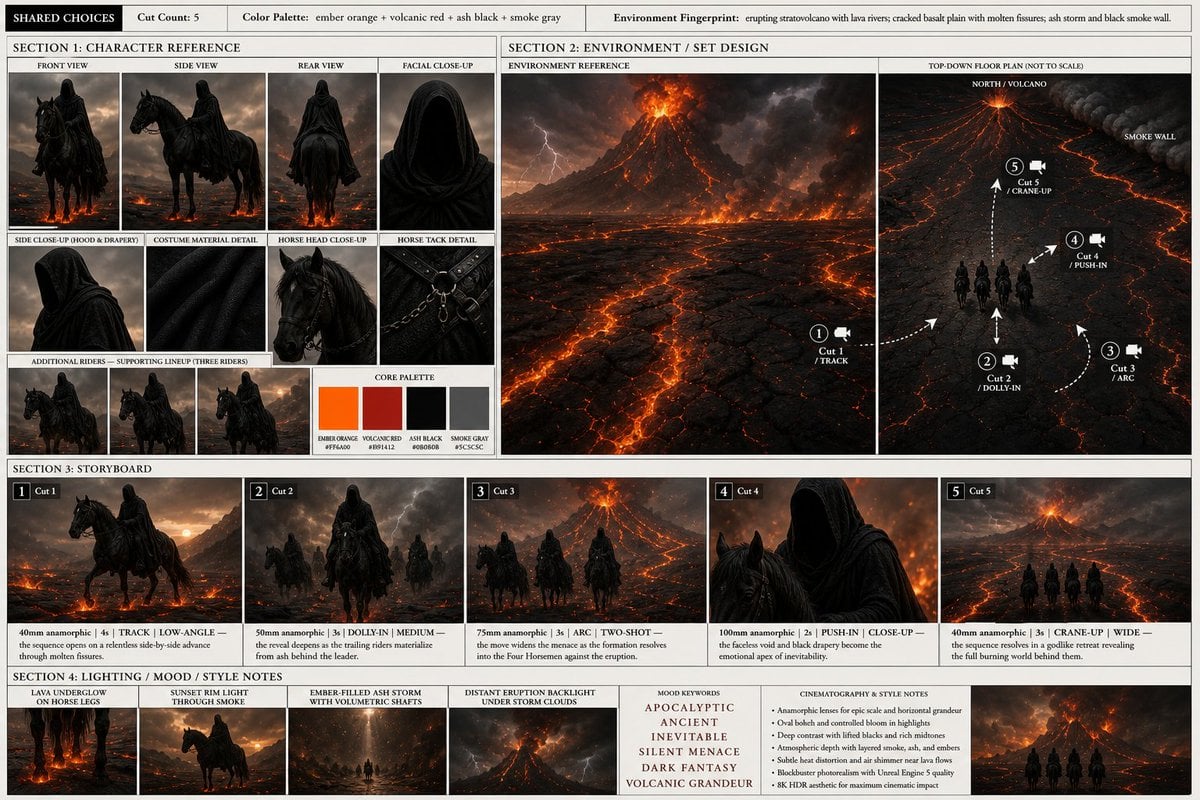
Using REFERENCE_0 as the visual bible, generate a single cinematic keyframe from the storyboard rather than the full reference sheet. Focus on Cut 1: a mysterious faceless hooded rider on the massive black horse crossing the volcanic wasteland. Preserve the rider and horse design, black cloak, faceless hood, dark tack, ember-orange lava glow, ash-black terrain, smoke-gray storm sky, and volcanic dark fantasy mood. Composition: Vertical portrait frame, low-angle tracking shot with the rider and horse large in the foreground, moving toward the viewer from left-center to center. Show exactly 1 rider and exactly 1 horse; remove all supporting riders, storyboard panels, labels, borders, diagrams, palette swatches, and text. Environment additions/changes: Convert the sheet into a photoreal cinematic scene at {argument name="time of day" default="sunset"}. Place the erupting volcano on the right background with glowing lava streaks, a low sun partially hidden behind the volcano slope, heavy storm clouds overhead, ash haze, smoke, and a cracked basalt plain with molten fissures. Action and effects: Make the horse mid-stride with glowing molten lava under each visible hoofstep, sparks and ember light reflecting on the legs and ground. Add subtle drifting ash and heat haze, but keep the scene solemn and menacing rather than explosive. Style: {argument name="visual style" default="dark fantasy cinematic photorealism"}, high contrast, deep blacks, warm ember highlights, volumetric smoke, realistic horse anatomy, dramatic backlighting, shallow atmospheric depth, epic movie still quality. No typography, no UI, no collage layout, no extra characters, no watermark.
Reference images included
Faceless Rider Volcanic Keyframe needs input media to work. They load alongside the prompt when you open it in the studio.
How to use Faceless Rider Volcanic Keyframe in 3 steps
- 1Upload ImagePNG, JPG or paste
Add your photo
Upload the photo the template builds on. The prompt, model and format are already set.
- 2…a portrait of your subject in softgolden-hour light, 85mm…
Personalize
Edit the subject and creative details for your destination.
- 3Generate
Generate
Press Generate — your image is created in PicX Studio, so you can compare it with the original and refine one variable at a time.
More like this
Templates with the same subject, style or setup. Open one to see its prompt.

Cinematic Glass Brand Logo Volcanic Landscape
Imperial Research Bunker on Volcanic Planet
Cyberpunk Megastructure Rider

Personalized Rider-Waite Tarot Card

Squirrel Girl Dragon Rider
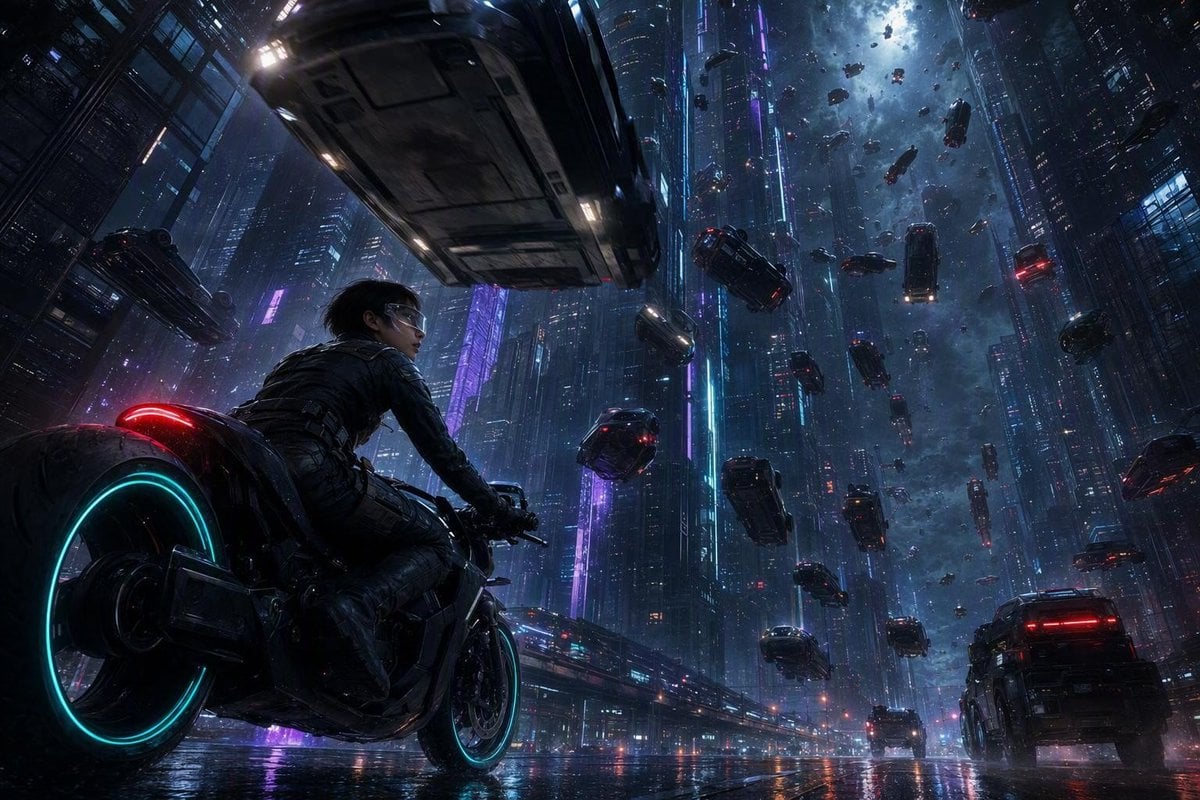
Futuristic Sci-Fi Gravity Reversal Keyframe
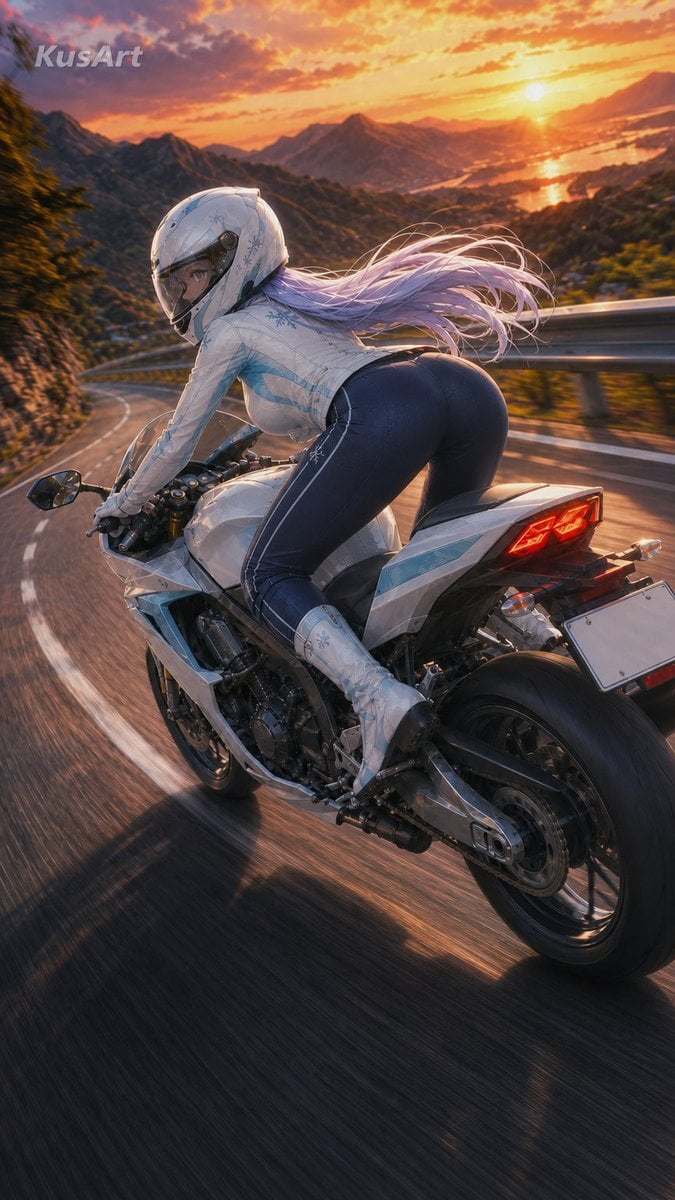
Sunset Mountain Sportbike Rider
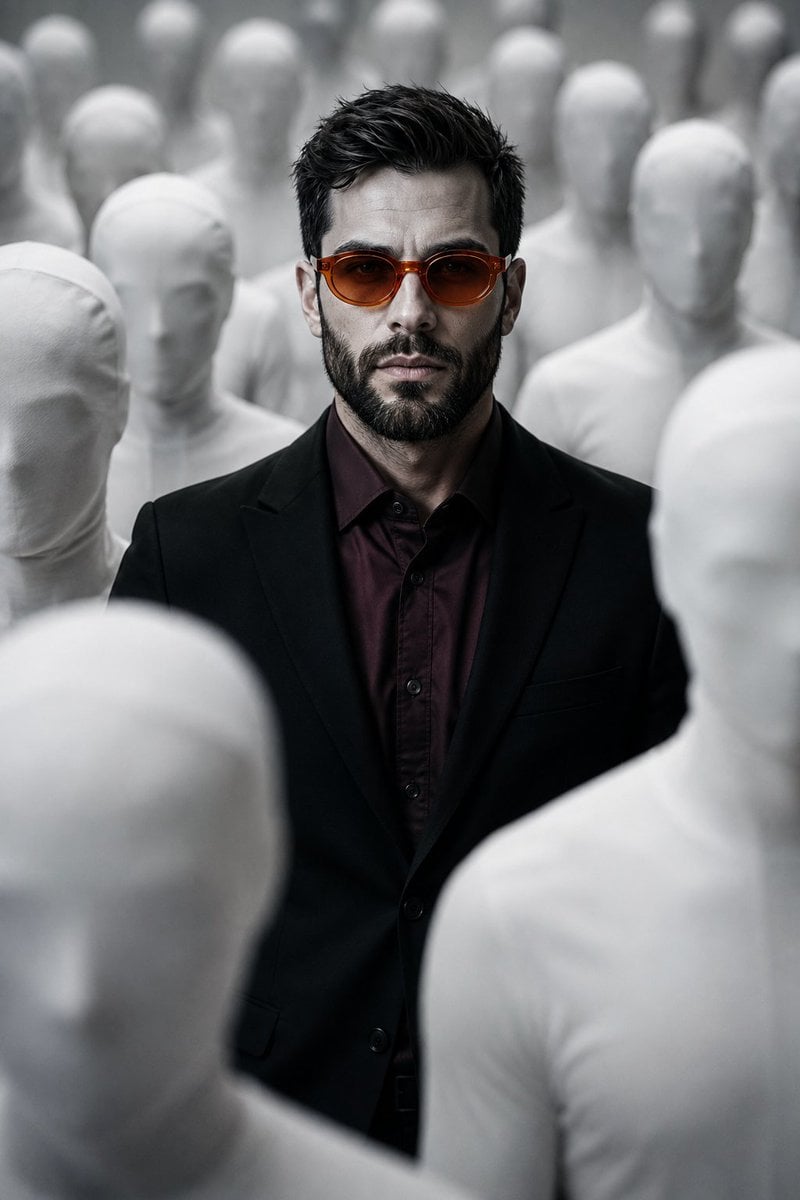
Surreal Faceless Figures Portrait
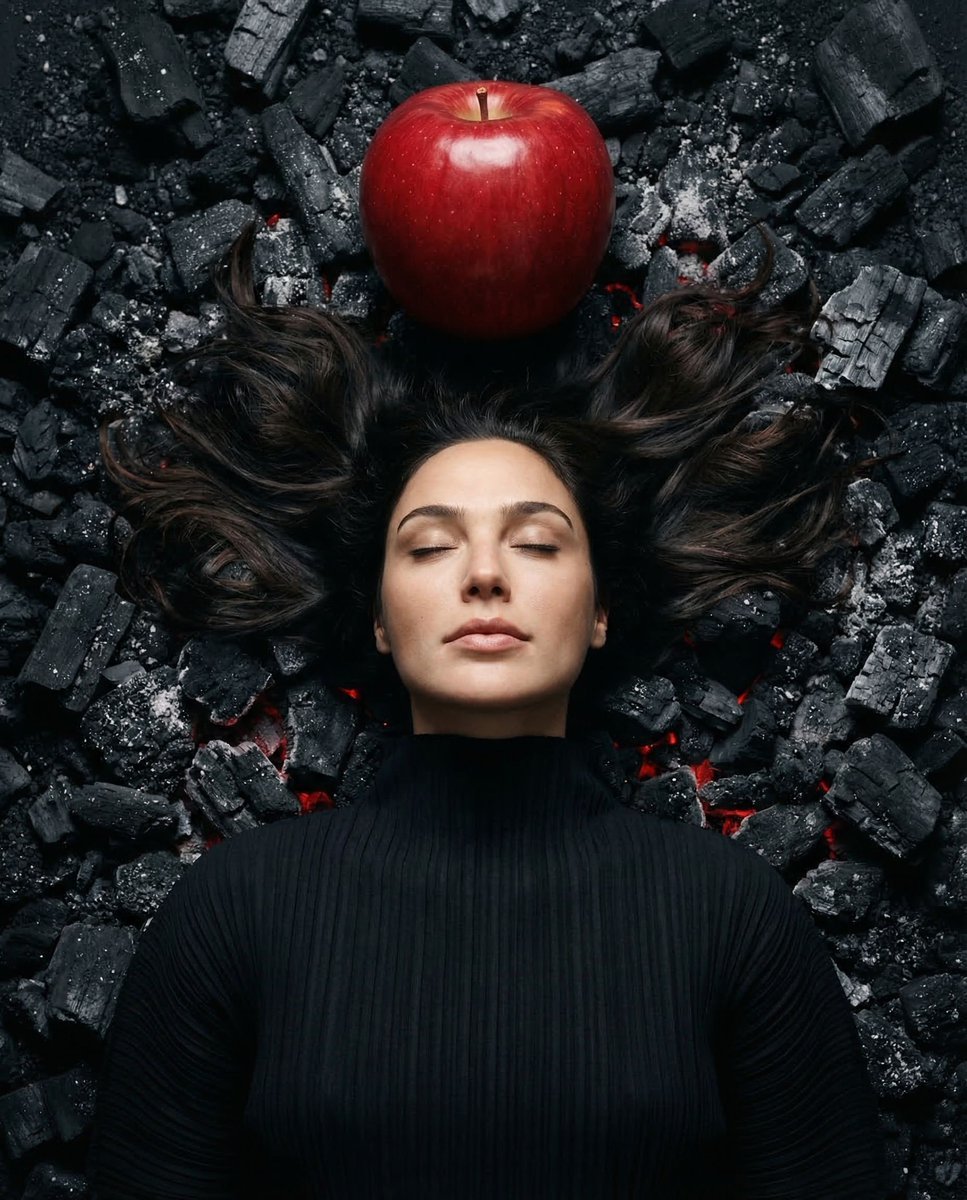
Gal Gadot Volcanic Portrait

Cinematic Norway Story World Keyframe

Faceless Wolf Cut Fashion Portrait
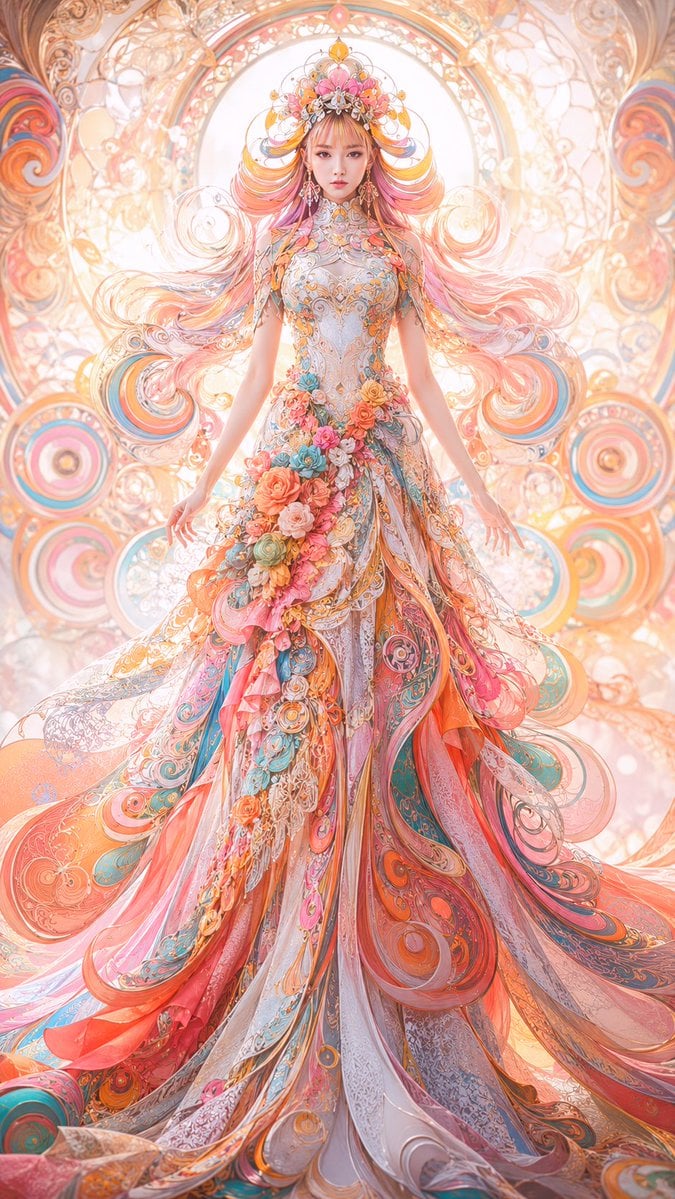
Faceless Art Nouveau Fantasy Princess
Make it yours
Faceless Rider Volcanic Keyframe works as-is. These are the safest ways to change it without losing the look.
Change one field
Copy a single group, rewrite it, and generate again so you can see what that field is doing.
Keep the frame, change the subject
Hold the composition and light of Faceless Rider Volcanic Keyframe, then swap wardrobe, props or the person for a new take.
| If the result… | Why | Fix |
|---|---|---|
| The result drifts from the preview | Too many fields changed at once. | Reuse Faceless Rider Volcanic Keyframe as-is first, then change one group — subject, light, or setting. |
| The model over-stylizes the scene | The prose prompt leaves finish and camera underspecified. | Add one camera or lighting sentence and stay on GPT Image 2. |
More GPT Image 2 templates
Other prompts made for GPT Image 2.

Six VTuber Japanese Logo Sheet

Realistic Portrait of Woman and Deer

The Vista Modular Condo Poster

AI Model Routing Comparison Infographic

2.5D Anime Art Board

Isometric Productivity Desk Scene

New York Double Exposure Poster

Four-Panel AI Landscape Comparison

Japanese Tatami Lifestyle Magazine Cover

NESCAFÉ Coffee Map Poster
More image prompts
Fresh picks from across the catalog.
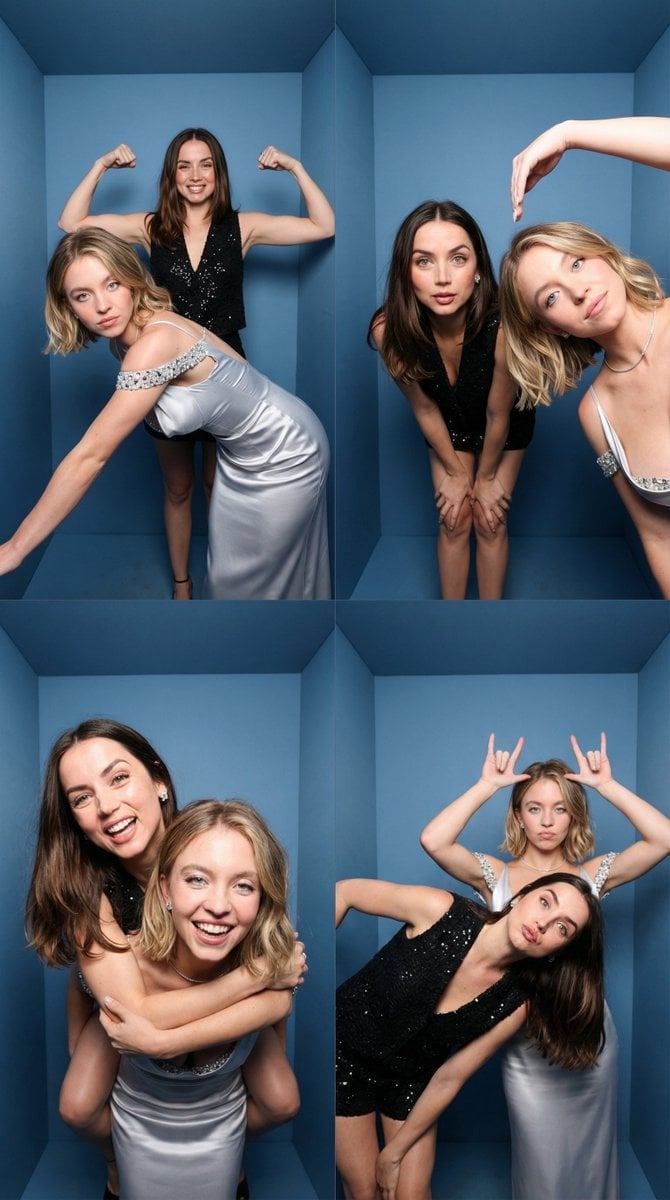
iPhone-Realistic 2x2 Photobooth Collage
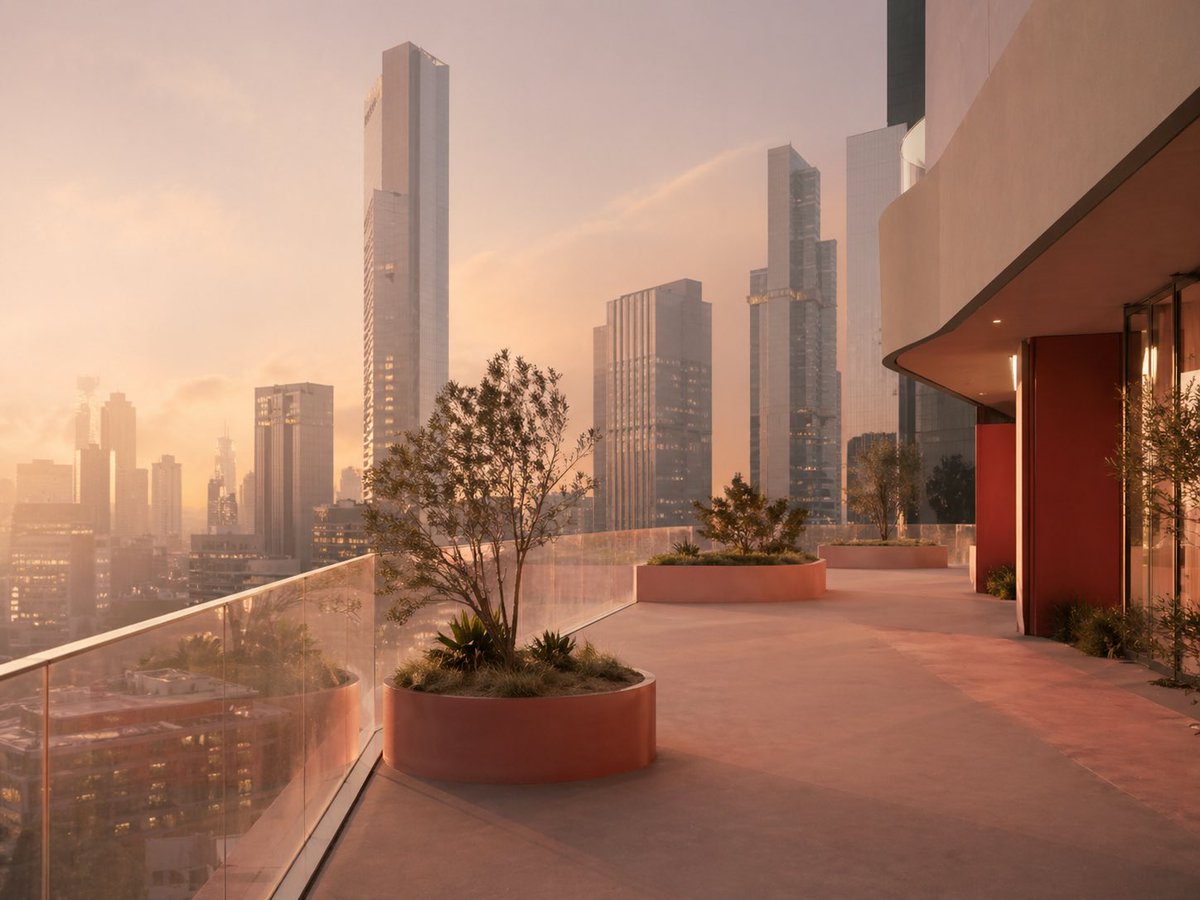
Luxury Sunset Rooftop Terrace
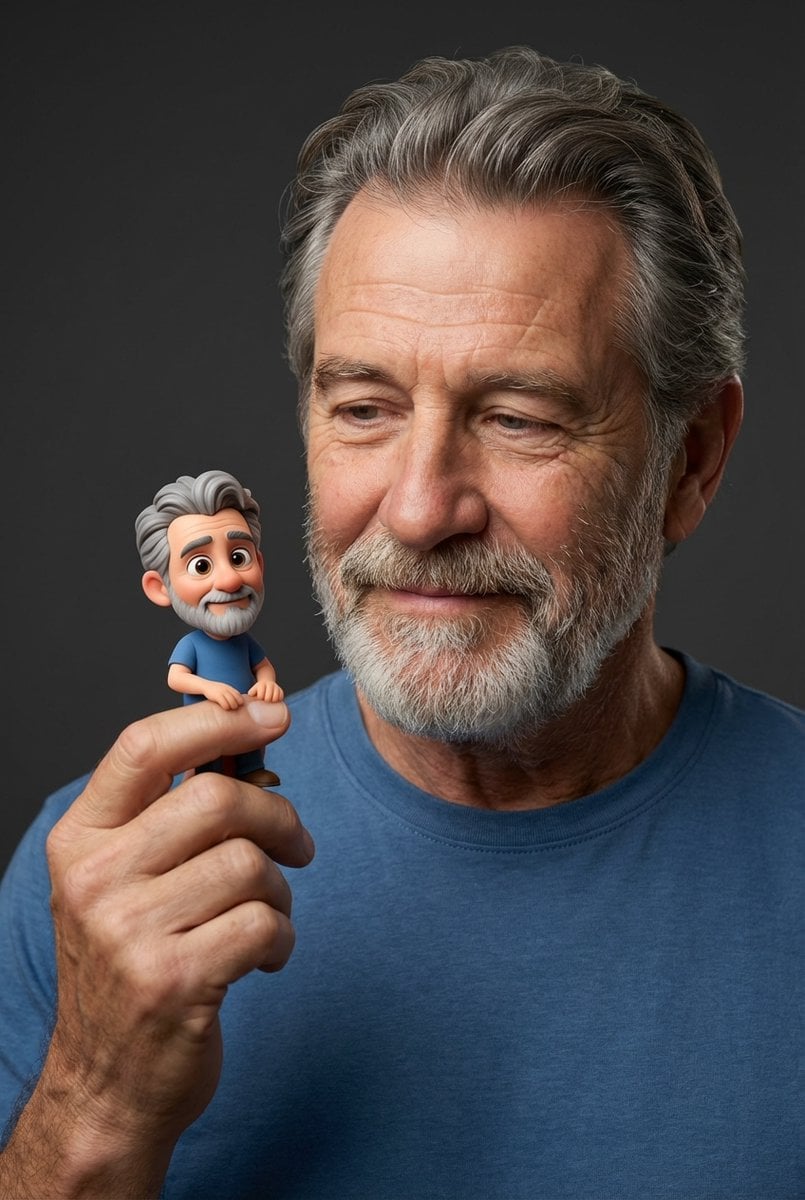
Photorealistic Portrait with Whimsical 3D Cartoon Clone Prompt
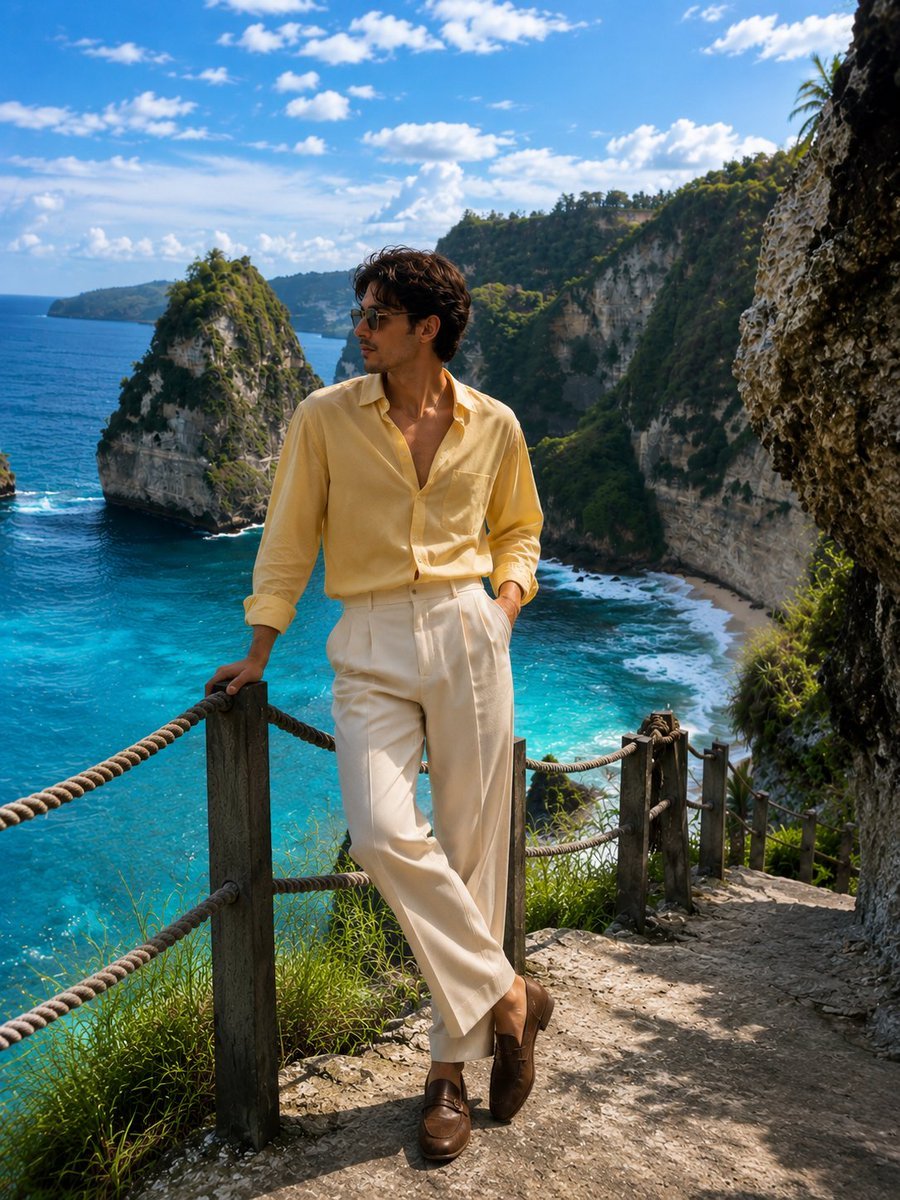
Luxury Travel Fashion Editorial

Cinematic Balcony Ballgown Portrait at Golden Hour

Textbook-style illustration for the poem “Linjiangxian”

Heartwarming Woman and Cat Portrait

Sequential Motion Sports Poster
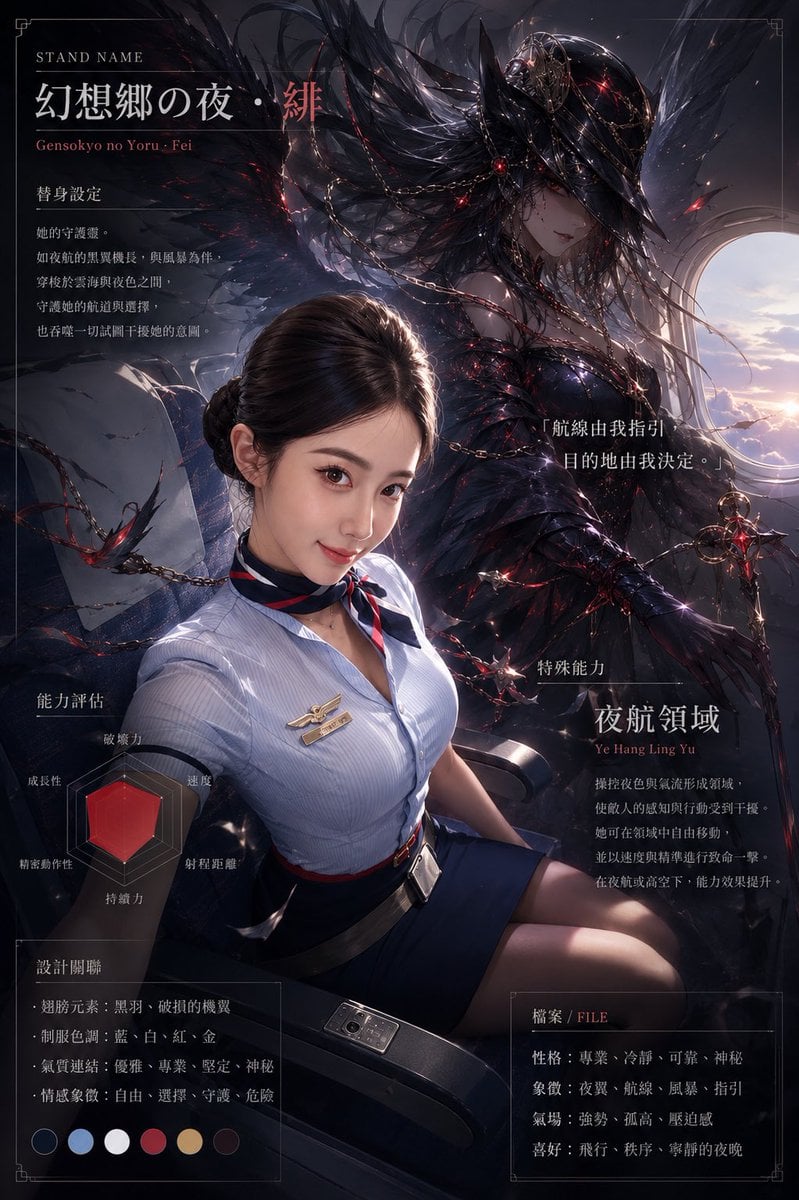
Dark Stand Guardian Profile Poster

Gold Gmail AI Risk Infographic
Browse template categories
Faceless Rider Volcanic Keyframe questions
How do I use the Faceless Rider Volcanic Keyframe template?
Add your photo if the template asks for one, edit the prompt if you like — the template's model and format are already selected — and press Generate. Your version opens in PicX Studio.
Can I customize the Faceless Rider Volcanic Keyframe template?
Yes. You can change the subject, setting, lighting, mood, format, and available model controls before creating your image.
Is the Faceless Rider Volcanic Keyframe template free?
Opening and editing this template is free. Generating uses credits, shown on the Generate button when you are signed in.
Which AI model should I use?
Start with GPT Image 2, which is the model associated with this template. You can compare another compatible model for a different finish.
Looking for something else? Browse all templates.

Your photo, any look
Thousands of ready templates for every top image and video model, from one credit balance.