
Luxury Sunset Rooftop Terrace
This prompt generates a photorealistic modern residential terrace with planters and a city skyline at golden hour, ideal for architectural visualization or luxury real estate imagery.
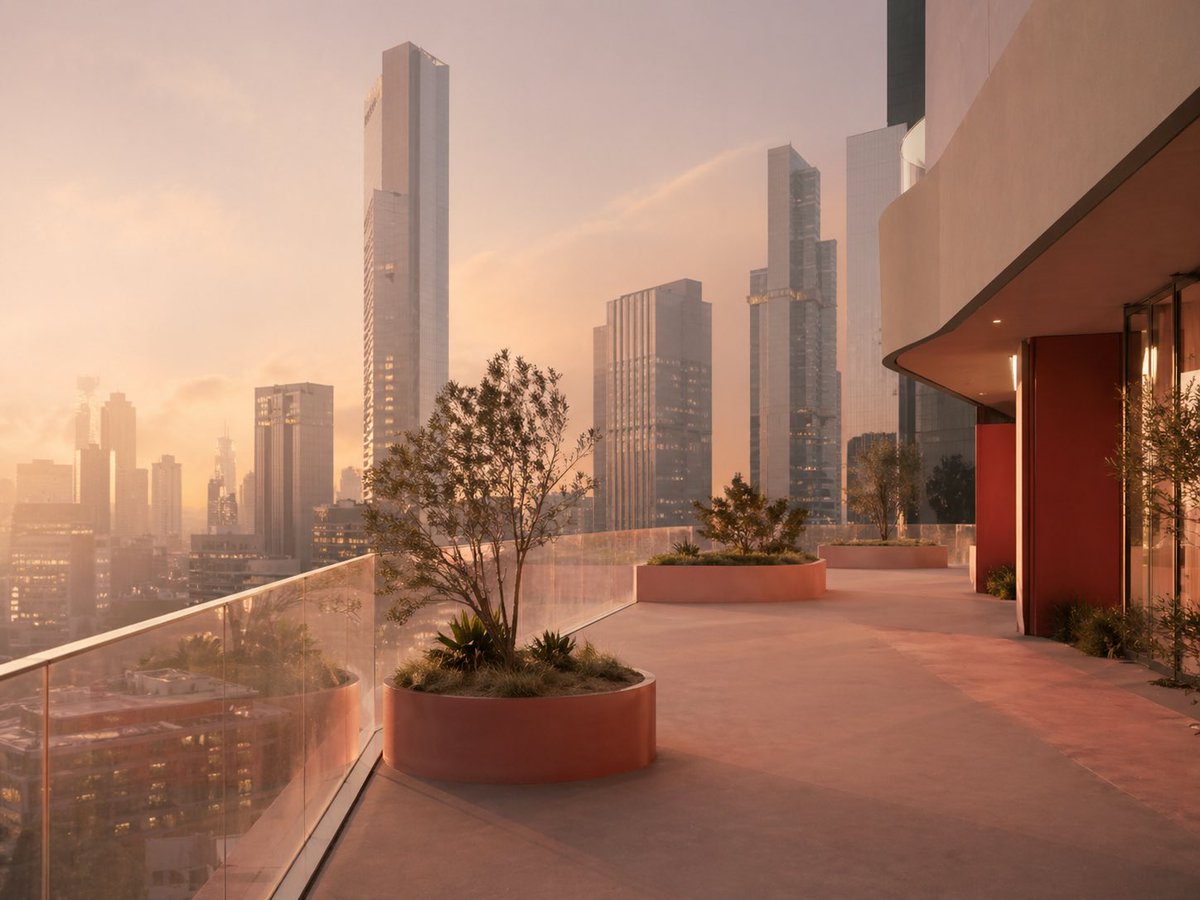
- Prompt included
- Model and format preset
- Free template
The prompt behind this image
Copy the exact prompt behind Luxury Sunset Rooftop Terrace, or open it in the studio and make it yours.
A photorealistic luxury high-rise terrace at sunset overlooking a dense modern skyline, viewed from a wide-angle perspective along a curved outdoor walkway. The scene is empty of people and bathed in warm peach, blush, and golden-hour light with gentle atmospheric haze. On the right, a contemporary building facade with smooth beige concrete, a deep overhang, floor-to-ceiling glass, and bold rust-red wall panels curves into the frame. On the left, a clear glass safety railing runs diagonally toward the distance, revealing the city below. Include exactly 3 large circular built-in planters along the terrace edge, each in a muted terracotta tone and filled with ornamental grasses, low shrubs, and small sculptural trees; the nearest planter is prominent in the foreground. In the background, show a cluster of sleek skyscrapers with reflective glass and clean rectangular forms, including 1 especially tall, slender central tower and several slightly shorter towers around it. The floor is smooth pale concrete with long soft shadows and a calm minimalist feel. Architectural photography style, ultra-detailed, realistic materials, subtle reflections, elegant luxury residential design, serene upscale urban atmosphere.
How to use Luxury Sunset Rooftop Terrace in 3 steps
- 1Upload ImagePNG, JPG or paste
Add your photo
Upload the photo the template builds on. The prompt, model and format are already set.
- 2…a portrait of your subject in softgolden-hour light, 85mm…
Personalize
Edit the subject and creative details for your destination.
- 3Generate
Generate
Press Generate — your image is created in PicX Studio, so you can compare it with the original and refine one variable at a time.
More like this
Templates with the same subject, style or setup. Open one to see its prompt.
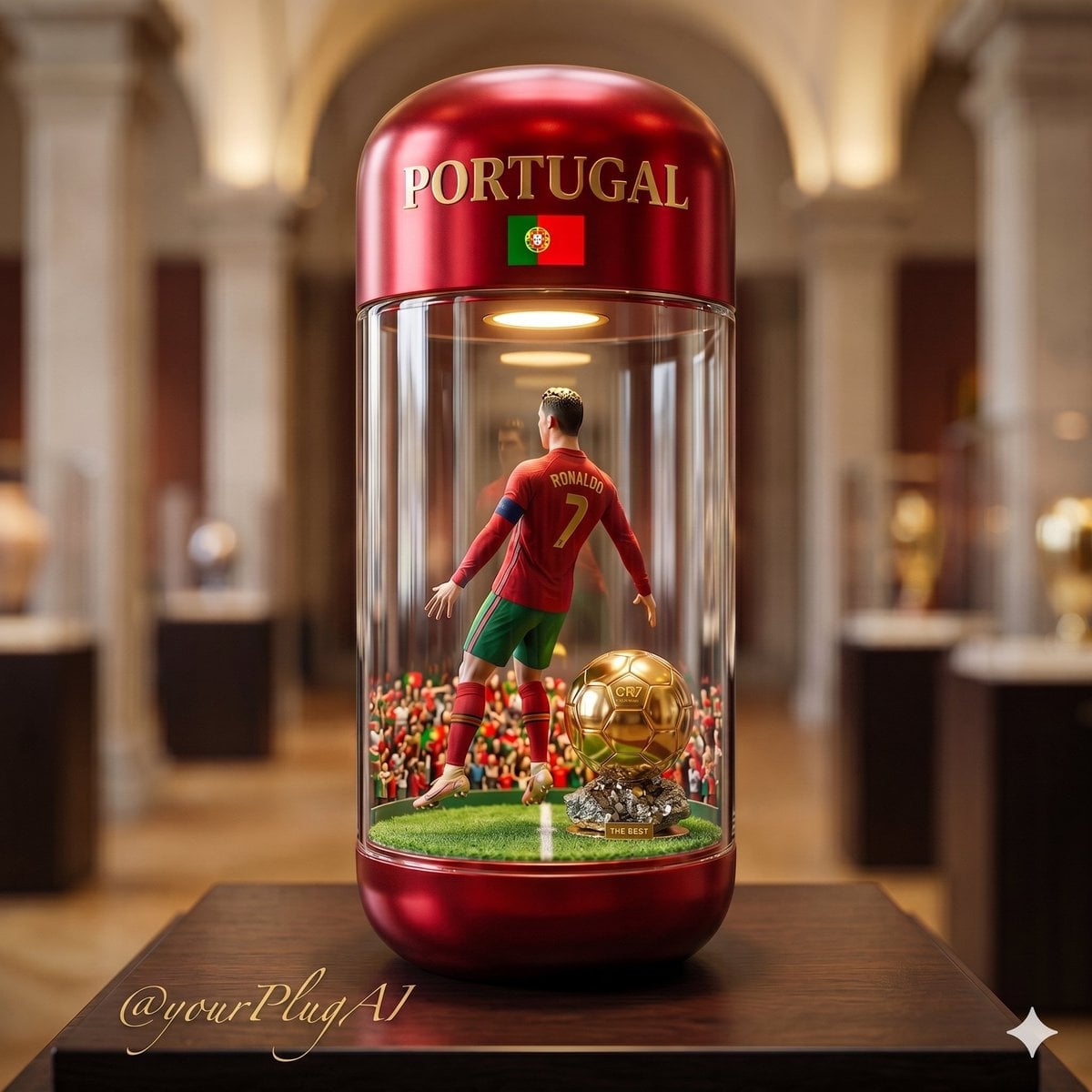
Rooftop Helipad Wealth

If We Met in 1985
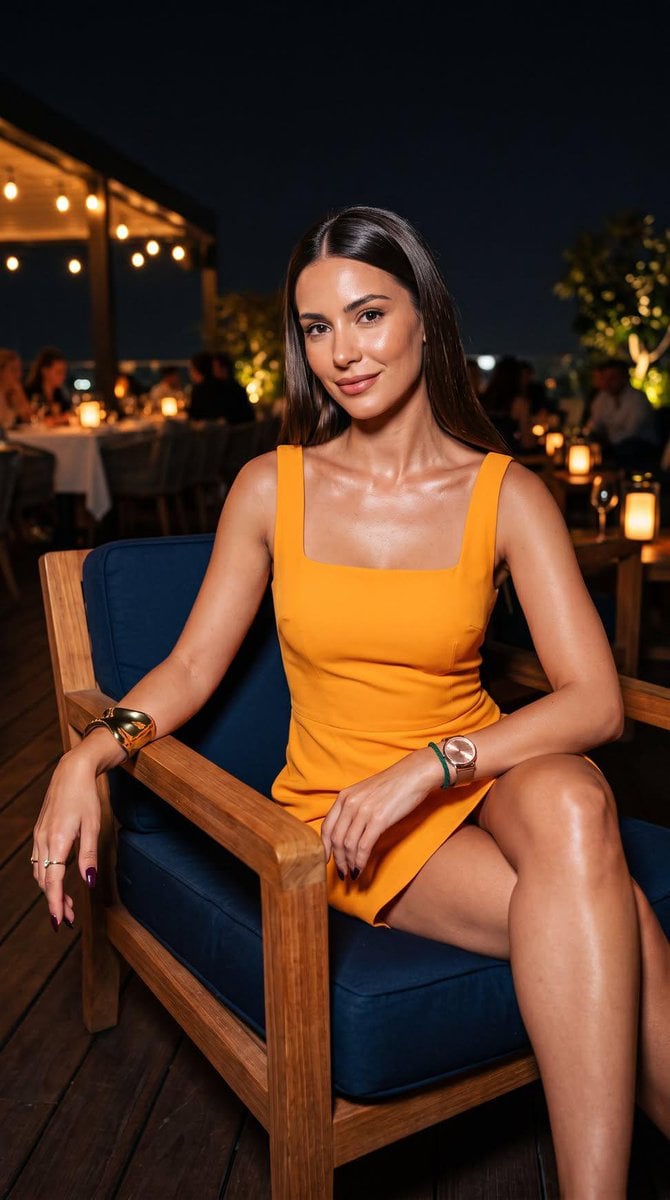
Rooftop Terrace Night Fashion Portrait
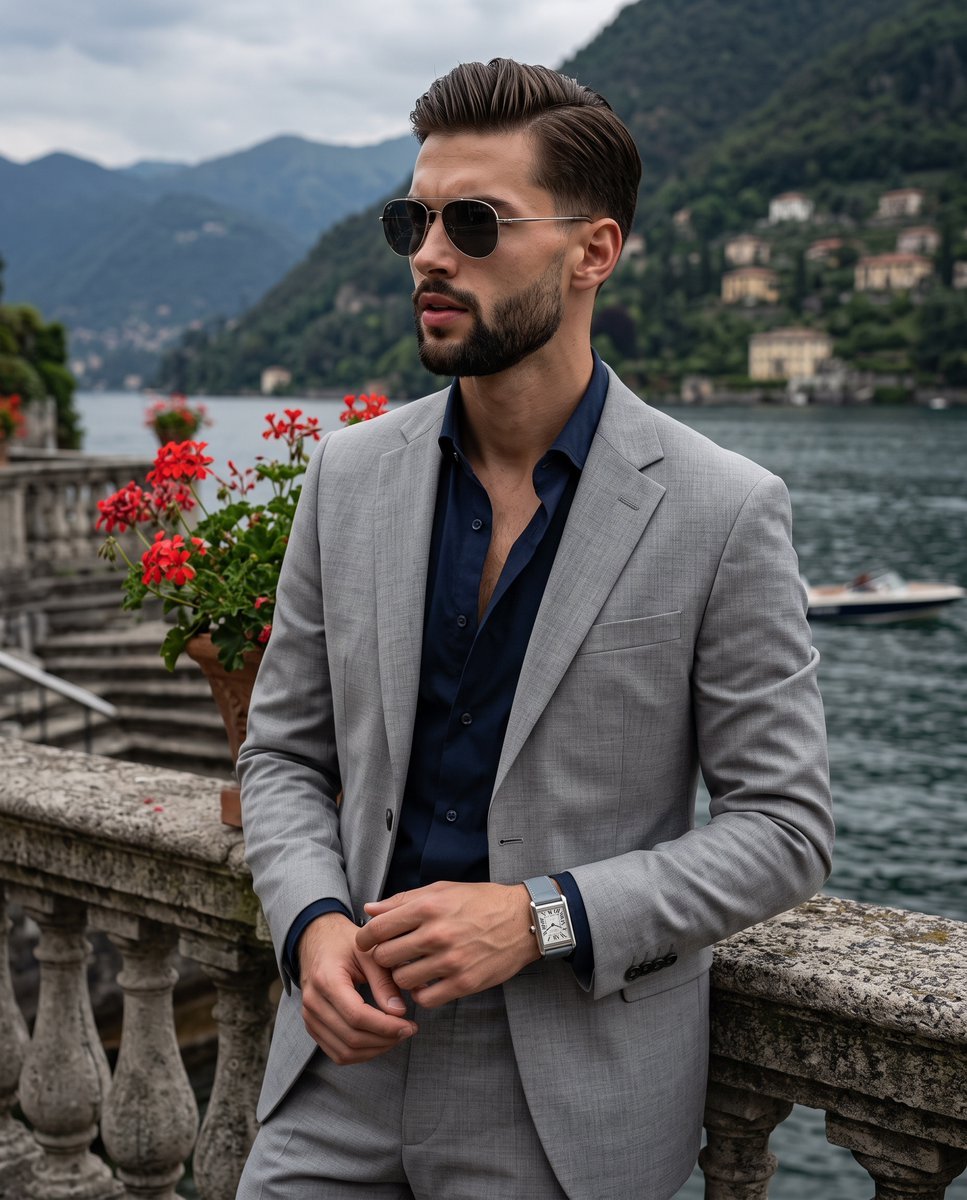
Lakeside Terrace Luxury Portrait
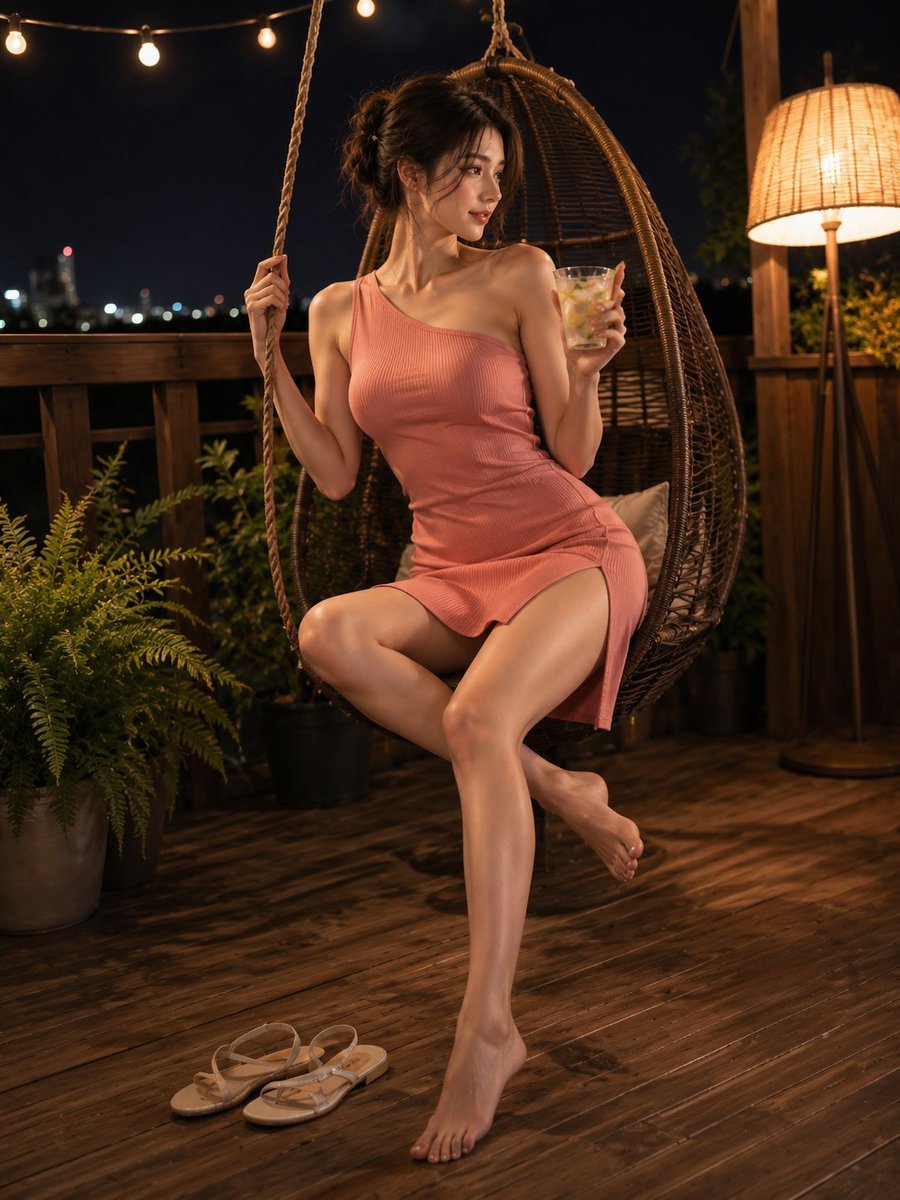
Summer Night Rooftop Terrace Portrait

Cinematic Luxury Terrace Portrait

Rooftop Fisheye — Cat-Ear Balaclava at Golden Hour
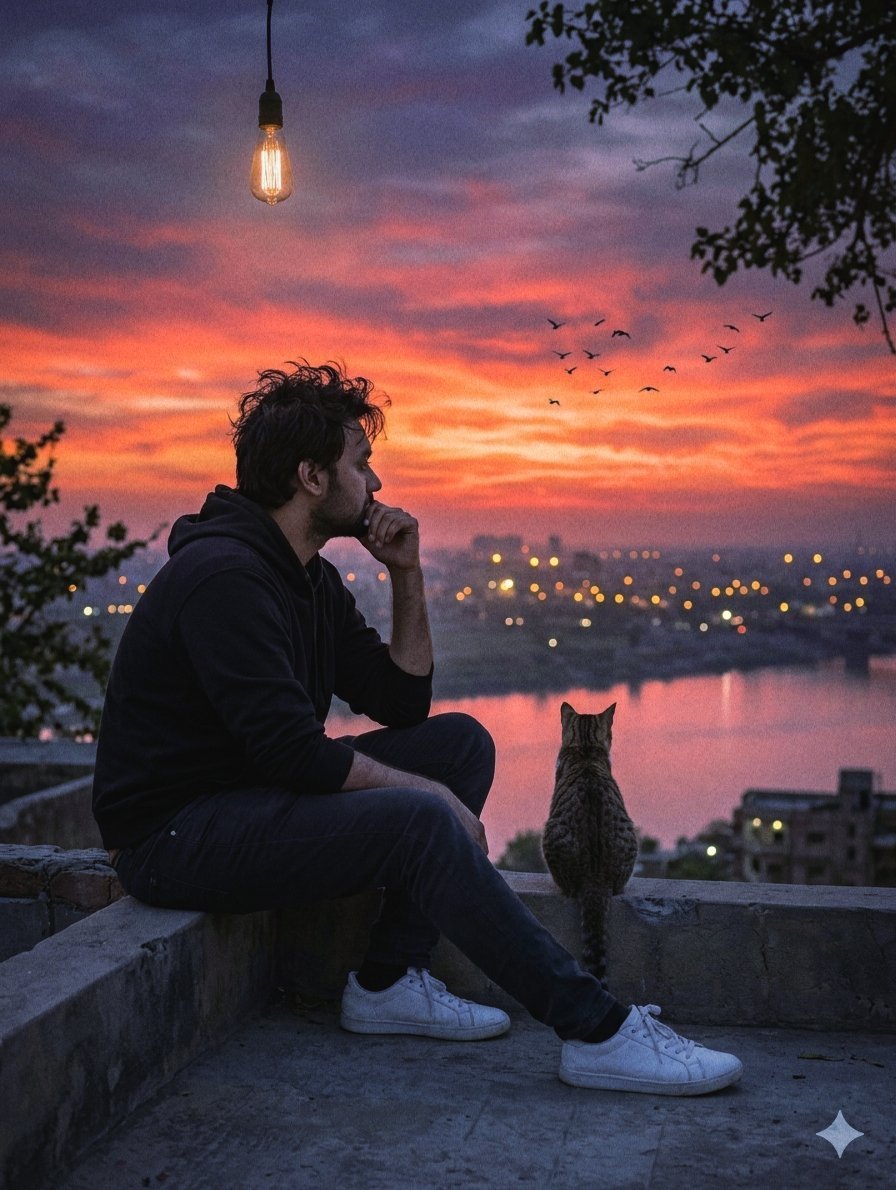
Melancholic Rooftop City Sunset

Sealing Wax Letter Desk

Ballroom Floor Reflections

Vintage Camera Leather Case

Hedge Maze Aerial Dawn
Make it yours
Luxury Sunset Rooftop Terrace works as-is. These are the safest ways to change it without losing the look.
Change one field
Copy a single group, rewrite it, and generate again so you can see what that field is doing.
Keep the frame, change the subject
Hold the composition and light of Luxury Sunset Rooftop Terrace, then swap wardrobe, props or the person for a new take.
| If the result… | Why | Fix |
|---|---|---|
| The result drifts from the preview | Too many fields changed at once. | Reuse Luxury Sunset Rooftop Terrace as-is first, then change one group — subject, light, or setting. |
| The model over-stylizes the scene | The prose prompt leaves finish and camera underspecified. | Add one camera or lighting sentence and stay on GPT Image 2. |
More GPT Image 2 templates
Other prompts made for GPT Image 2.

Six VTuber Japanese Logo Sheet

Realistic Portrait of Woman and Deer

The Vista Modular Condo Poster

AI Model Routing Comparison Infographic

2.5D Anime Art Board

Isometric Productivity Desk Scene

New York Double Exposure Poster

Four-Panel AI Landscape Comparison

Japanese Tatami Lifestyle Magazine Cover

NESCAFÉ Coffee Map Poster
More image prompts
Fresh picks from across the catalog.

Realistic Portrait of Man with Teddy Bear

ASCII Cat Meme to Manga Illustration
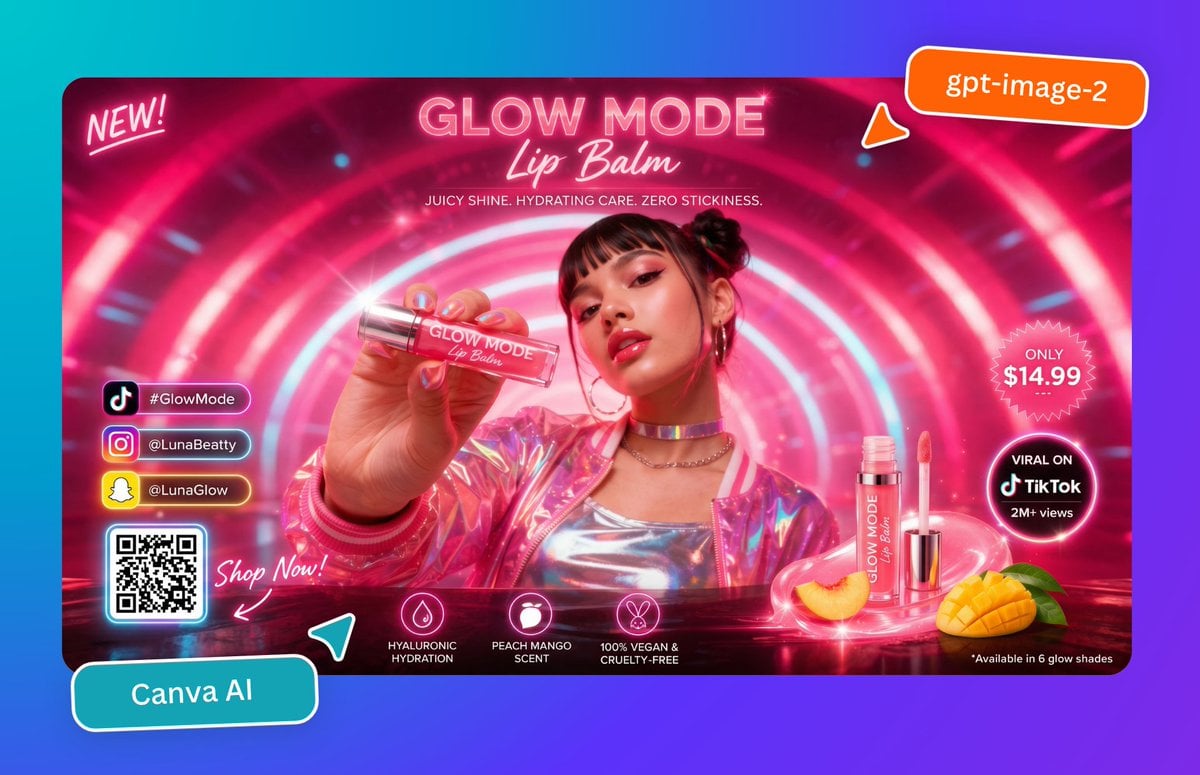
Neon Lip Balm Launch Ad
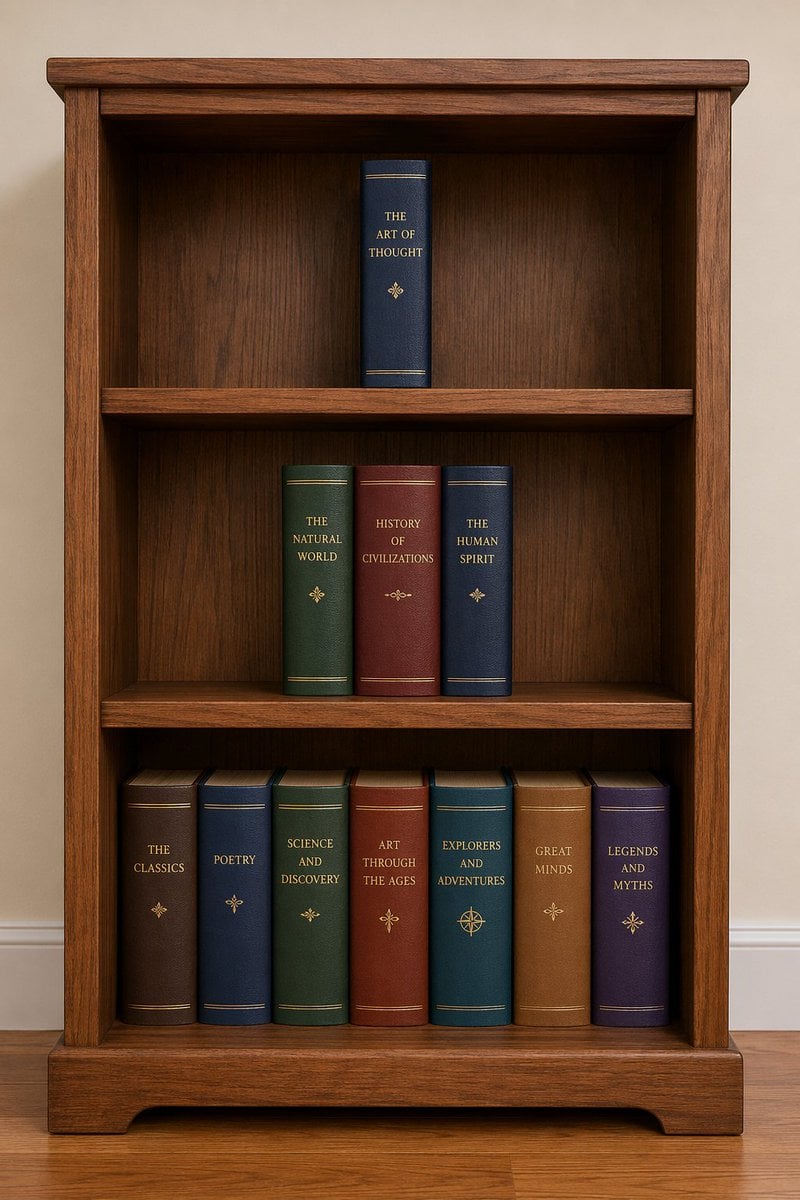
Bookshelf Logic and Spatial Reasoning Prompt
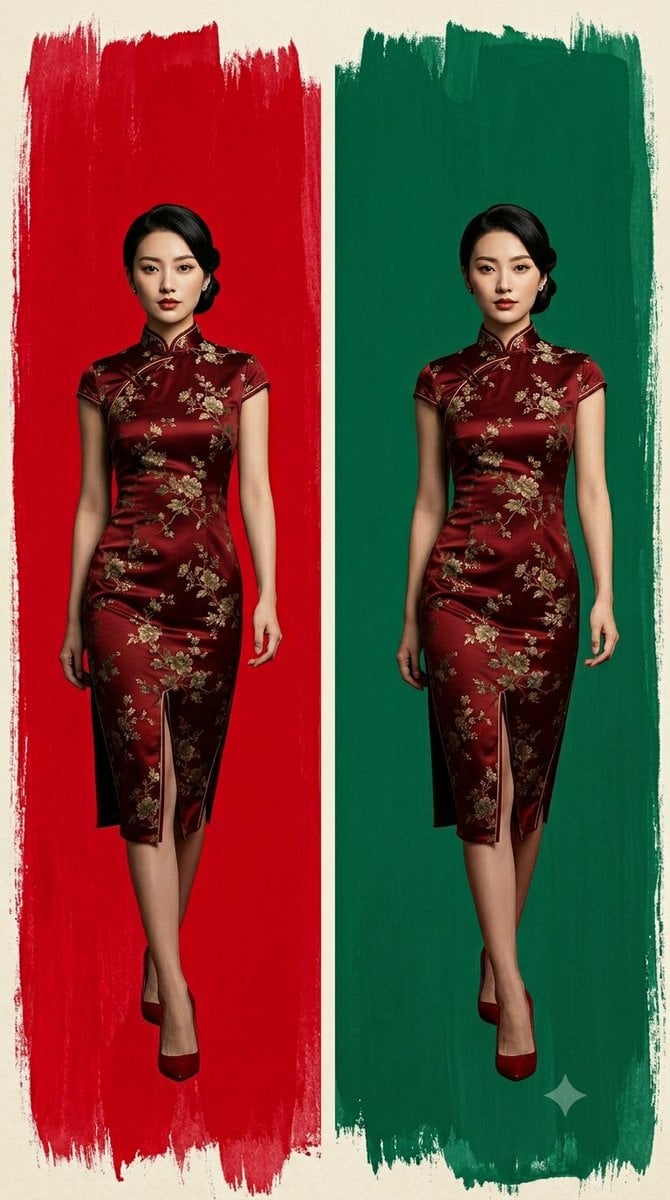
Cheongsam Fashion Diptych

Chinese AI Prompt Comparison Poster
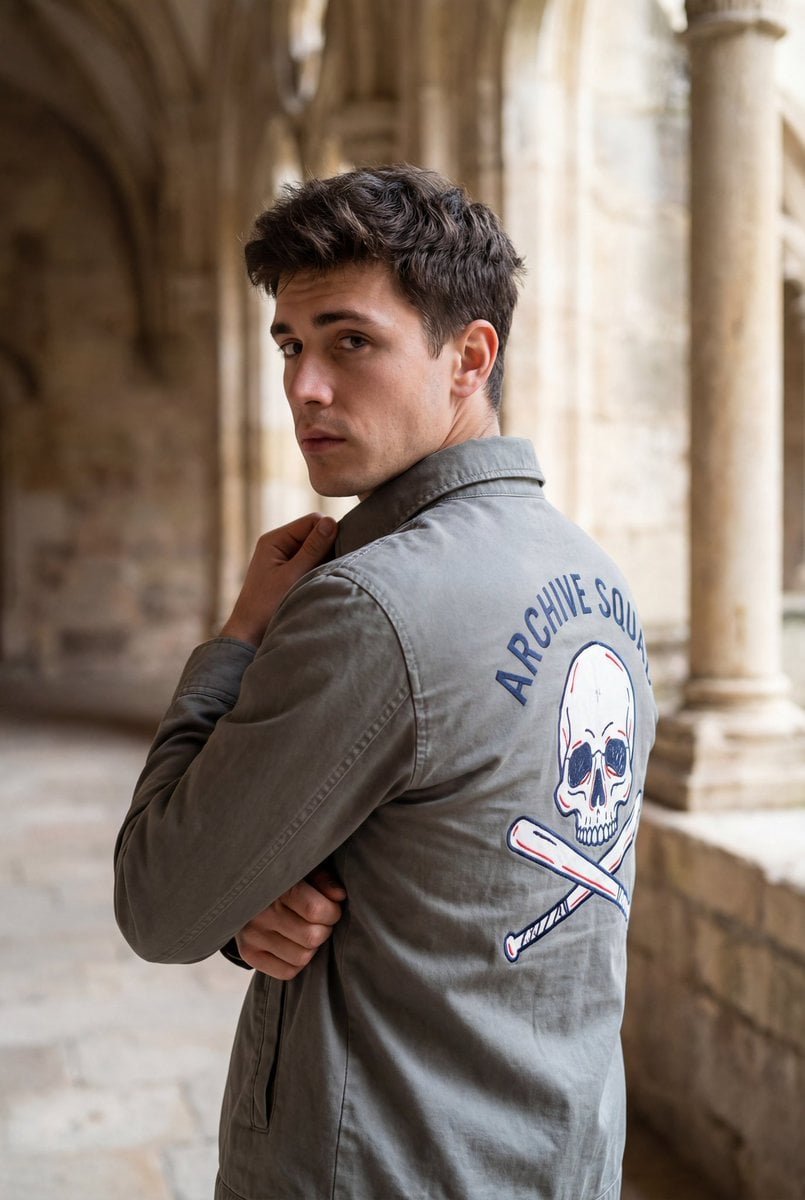
Editorial Portrait with Architectural Backdrop
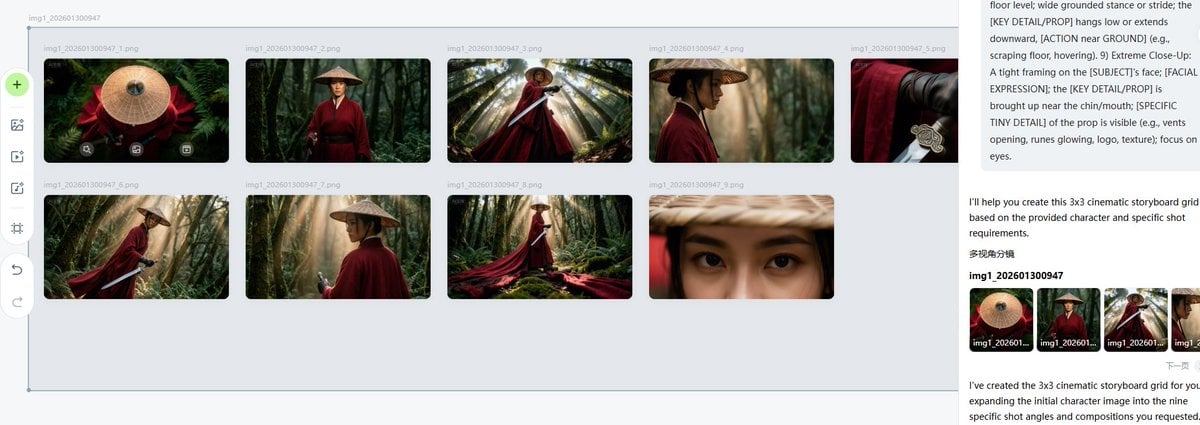
Cinematic Female Warrior Portrait Prompt
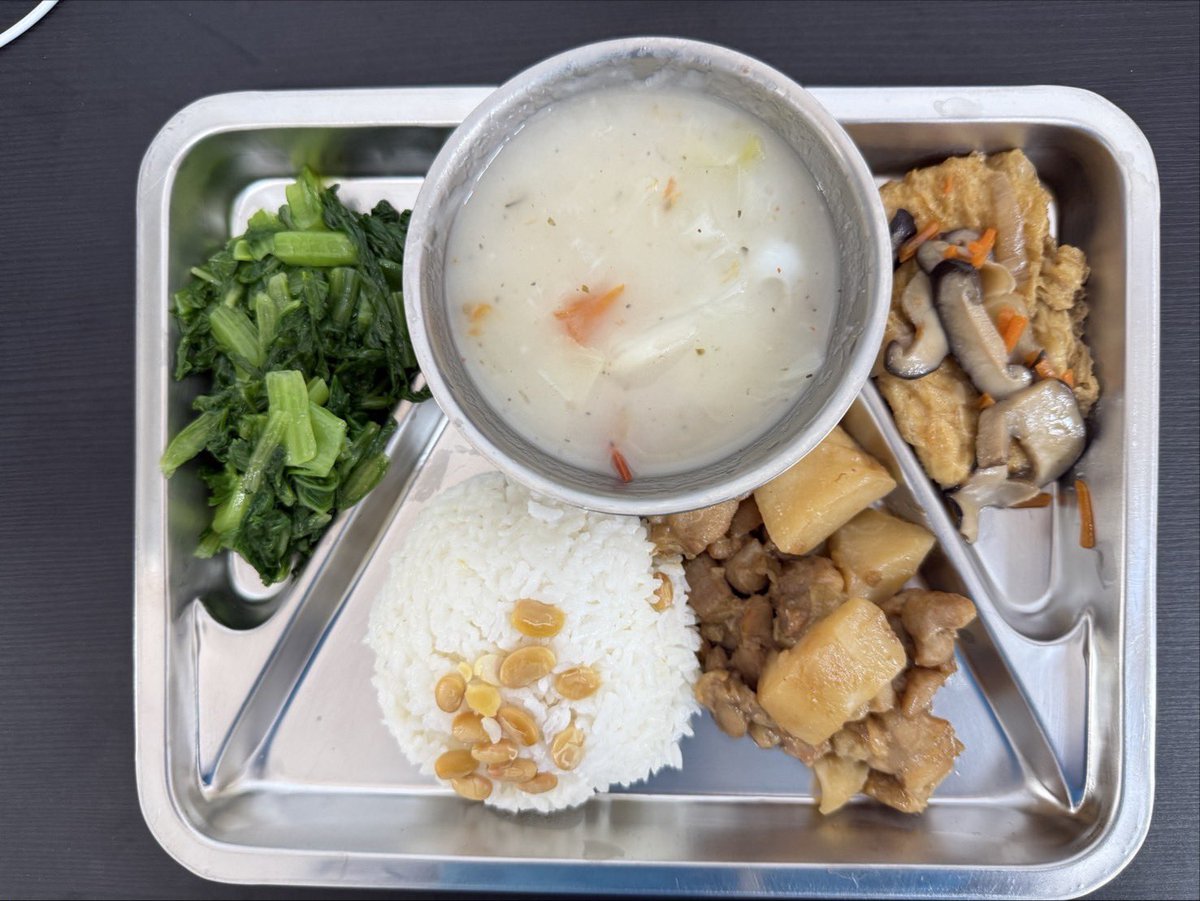
Prompt for Exploding or Static Food Photography
iPhone Screen Reflection Portrait
Browse template categories
Luxury Sunset Rooftop Terrace questions
How do I use the Luxury Sunset Rooftop Terrace template?
Add your photo if the template asks for one, edit the prompt if you like — the template's model and format are already selected — and press Generate. Your version opens in PicX Studio.
Can I customize the Luxury Sunset Rooftop Terrace template?
Yes. You can change the subject, setting, lighting, mood, format, and available model controls before creating your image.
Is the Luxury Sunset Rooftop Terrace template free?
Opening and editing this template is free. Generating uses credits, shown on the Generate button when you are signed in.
Which AI model should I use?
Start with GPT Image 2, which is the model associated with this template. You can compare another compatible model for a different finish.
Looking for something else? Browse all templates.

Your photo, any look
Thousands of ready templates for every top image and video model, from one credit balance.