
Editorial Portrait with Architectural Backdrop
A detailed JSON prompt for generating a warm, cinematic, lifestyle/fashion editorial photograph of a young male subject in a muted gray-green jacket, set against an aged stone architectural interior with columns.
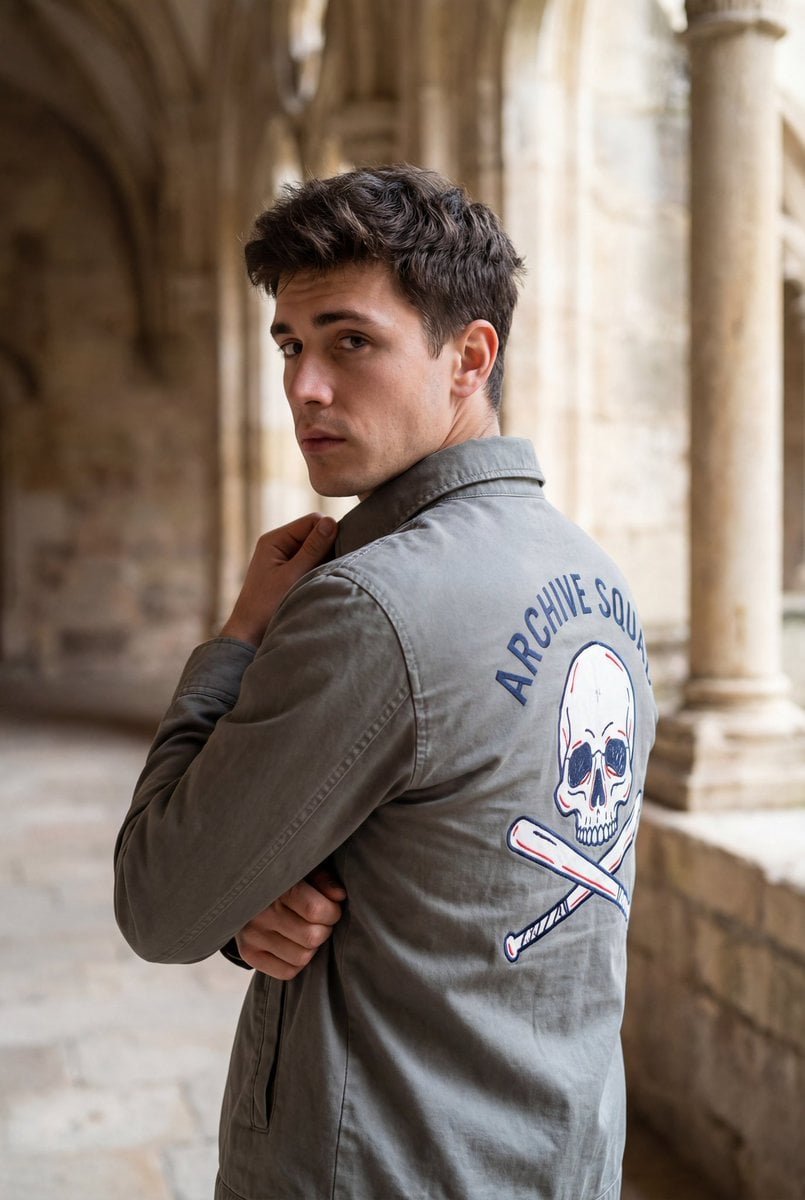
- Prompt included
- Model and format preset
- Free template
The prompt behind this image
Copy the exact prompt behind Editorial Portrait with Architectural Backdrop, or open it in the studio and make it yours.
{ "image_type": "photograph", "orientation": "vertical", "composition": { "framing": "medium close-up from mid-torso upward", "camera_angle": "eye-level with slight rear three-quarter angle", "subject_position": "center-right of frame", "pose": "subject turned away from camera, head rotated back over shoulder", "leading_lines": "architectural columns creating vertical rhythm and depth", "depth_of_field": "shallow to moderate, subject in focus with softly blurred background" }, "subject": { "count": 1, "description": "young male-presenting individual", "posture": "arms crossed with one hand gripping jacket collar", "expression": "neutral to mildly contemplative", "gaze": "directed toward camera", "hair": { "color": "dark brown", "style": "short, tousled, slightly wavy", "texture": "soft, natural volume" }, "skin_tone": "light to medium with warm undertones" }, "clothing": { "upper_garment": { "type": "lightweight jacket", "fit": "regular fit", "color": "{argument name="jacket color" default="muted gray-green"}", "material": "cotton or cotton-blend with matte finish", "back_graphic": { "elements": [ "stylized skull illustration", "crossed tools or batons beneath skull" ], "colors": [ "dark blue outline", "red accents", "white negative space" ], "text": "curved text above graphic in dark blue", "style": "hand-drawn or graphic emblem aesthetic" } } }, "environment": { "location_type": "historic architectural interior or cloister", "background_elements": [ "stone columns", "arched or recessed stone walls" ], "materials": "aged stone with visible texture and patina", "color_palette": "warm beige, tan, sandstone hues" }, "lighting": { "type": "natural light", "direction": "side-lit from right side of frame", "quality": "soft and diffused", "contrast": "moderate", "highlights": "gentle highlights on face and jacket folds", "shadows": "soft shadows enhancing depth without harsh edges" }, "color_grading": { "overall_tone": "warm, cinematic", "saturation": "moderate", "contrast_curve": "slightly lifted shadows with controlled highlights", "mood": "calm, reflective, editorial" }, "technical_traits": { "lens_look": "portrait lens aesthetic (approx. 35–50mm equivalent)", "aperture_effect": "background separation with natural bokeh", "sharpness": "high on subject, softer on background", "noise": "minimal, clean image" }, "artistic_style": { "genre": "lifestyle / fashion editorial", "aesthetic": "casual cinematic realism", "era_feel": "modern with timeless architectural backdrop" }, "typography": { "presence": "yes, on clothing only", "style": "hand-drawn or casual sans-serif lettering", "integration": "part of garment design, not overlaid on image" }, "overall_impression": { "focus": "subject attitude and jacket graphic", "visual_story": "introspective moment set against historic surroundings", "use_case": [ "fashion content", "UGC-style editorial", "social media portrait" ] } }
How to use Editorial Portrait with Architectural Backdrop in 3 steps
- 1
Open
The prompt is already in the box next to the preview, with the template's model and format selected.
- 2…a portrait of your subject in softgolden-hour light, 85mm…
Personalize
Edit the subject and creative details for your destination.
- 3Generate
Generate
Press Generate — your image is created in PicX Studio, so you can compare it with the original and refine one variable at a time.
More like this
Templates with the same subject, style or setup. Open one to see its prompt.

Blue Backdrop Luxury Fashion Portrait Campaign

untitled

Gpt Image 2 Fashion Portrait

Caution Tape Fashion — Industrial Editorial

Couture Fashion Editorial Woman and Drag

Nano Banana 2 Editorial Fashion Portrait

Found Photograph: Us, 1970

80s Couple Studio Portrait

80s Bollywood Star

80s Golden Hour Cinema

Me in 1985

1985 Studio Portrait
Make it yours
Editorial Portrait with Architectural Backdrop works as-is. These are the safest ways to change it without losing the look.
Change one field
Copy a single group, rewrite it, and generate again so you can see what that field is doing.
Keep the frame, change the subject
Hold the composition and light of Editorial Portrait with Architectural Backdrop, then swap wardrobe, props or the person for a new take.
| If the result… | Why | Fix |
|---|---|---|
| The result drifts from the preview | Too many fields changed at once. | Reuse Editorial Portrait with Architectural Backdrop as-is first, then change one group — subject, light, or setting. |
| The model over-stylizes the scene | The prose prompt leaves finish and camera underspecified. | Add one camera or lighting sentence and stay on Nano Banana 2. |
More Nano Banana 2 templates
Other prompts made for Nano Banana 2.

Photorealistic Leaf Shaped Like a Dragon

K-Pop Idol Portrait Grid for Rapid Selection

Poetic Rain Forest Portrait During Golden Hour

Urban Street Portrait with Cartoon Inner Self Duo

Candid Nighttime Photo with Cat Prompt

High-Concept 3D Diorama Generation Prompt

Cinematic Futuristic Studio Portrait Template

Skincare Editorial Photography Collage Prompt

Hyper-Realistic Commercial Product Photography (Splash Effect)

Hyper-Realistic Nightclub Portrait Prompt
More image prompts
Fresh picks from across the catalog.
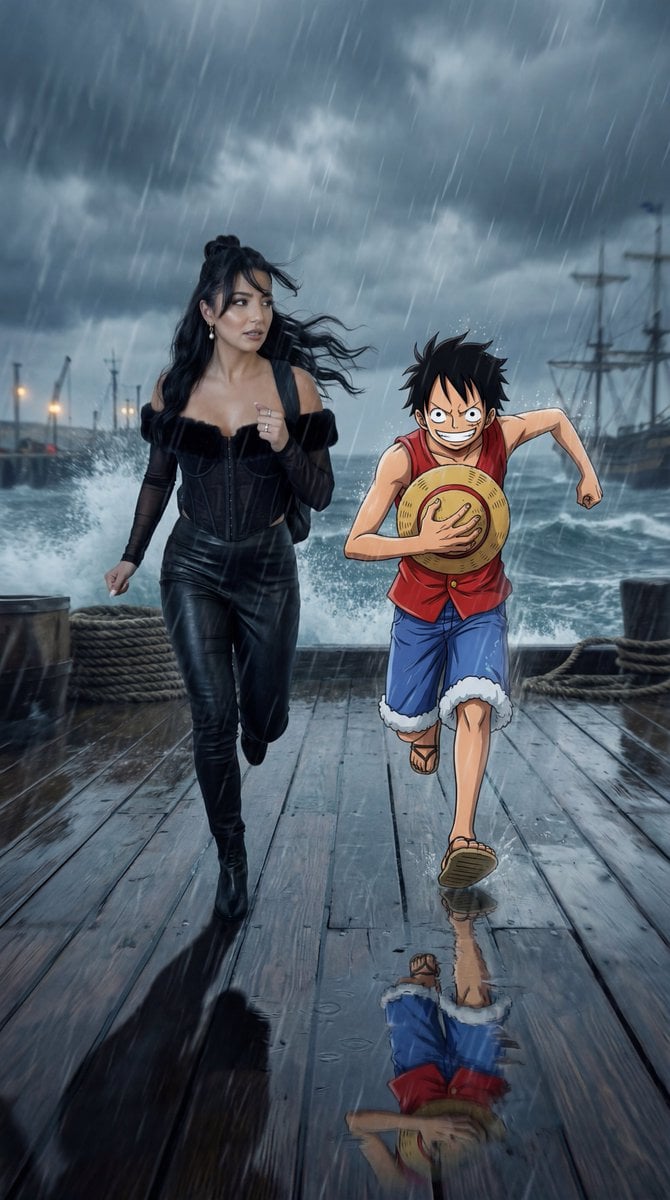
Cinematic Anime/Reality Action Blend Prompt

Luxury Saint Potato Chips Package
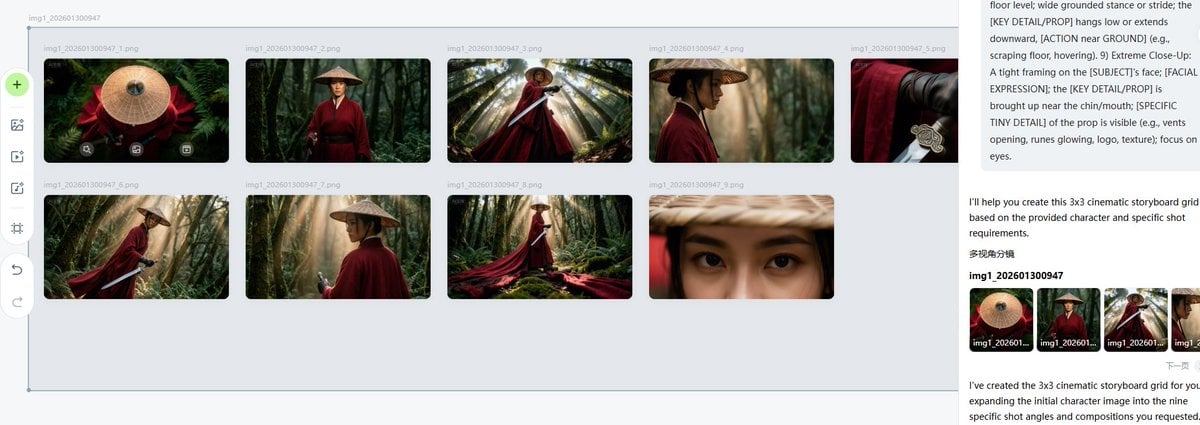
Cinematic Female Warrior Portrait Prompt

Couple Goals from the Google Gemini Nano
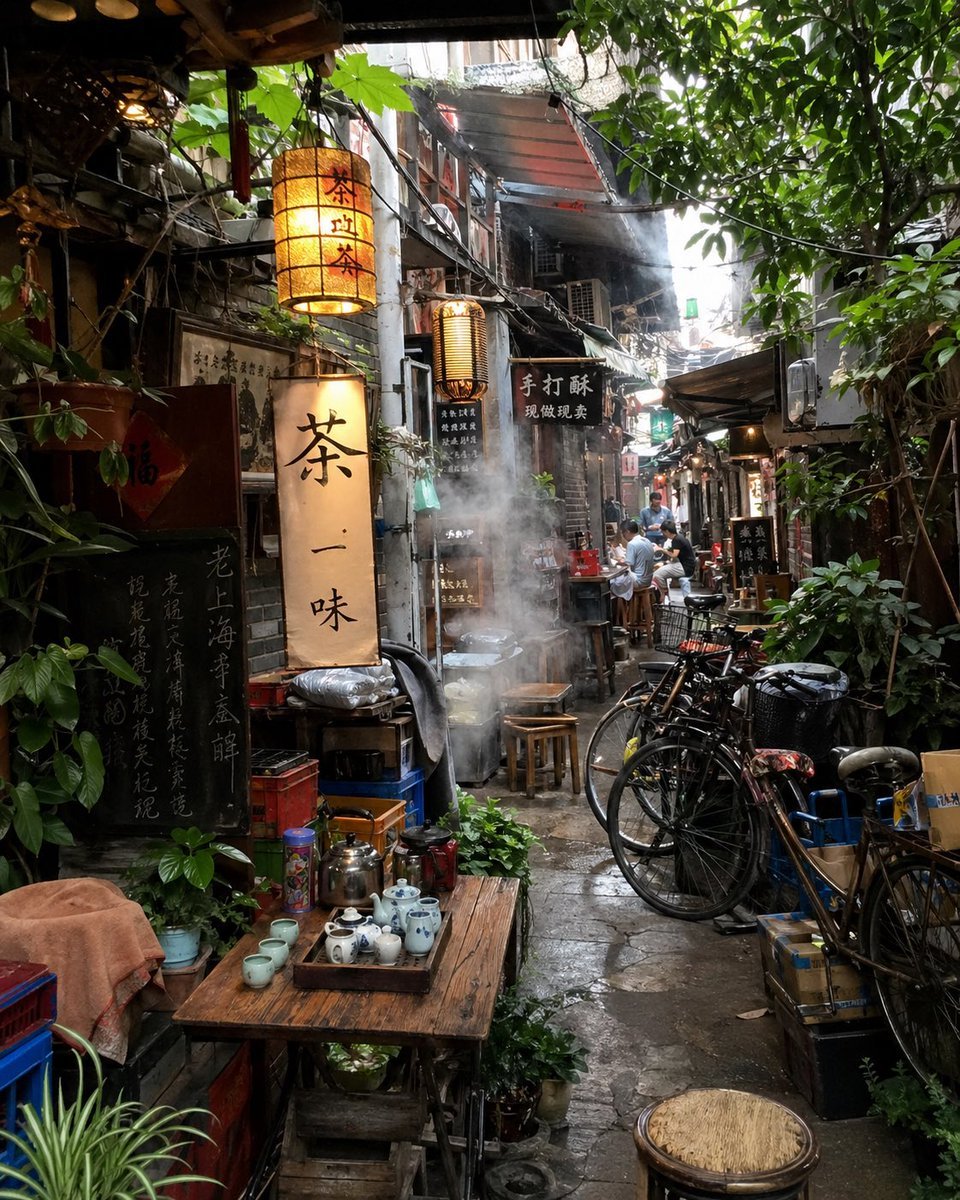
Atmospheric Tea Alley Street Scene
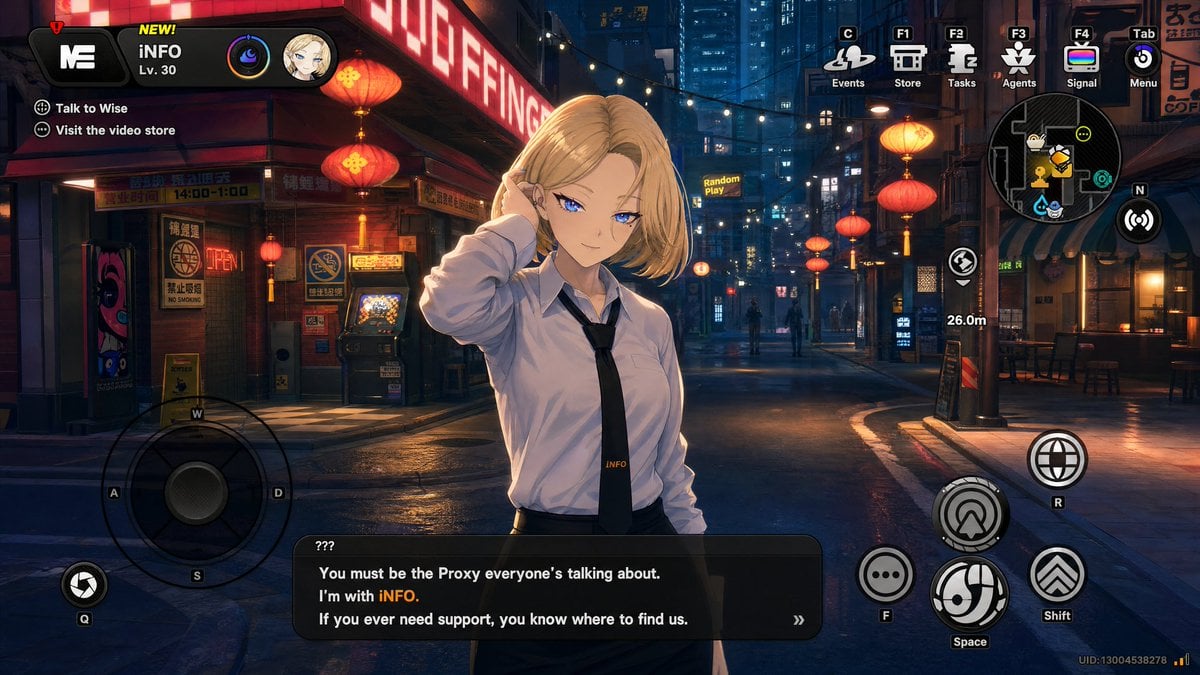
Cyberpunk Gacha Game Dialogue Screenshot
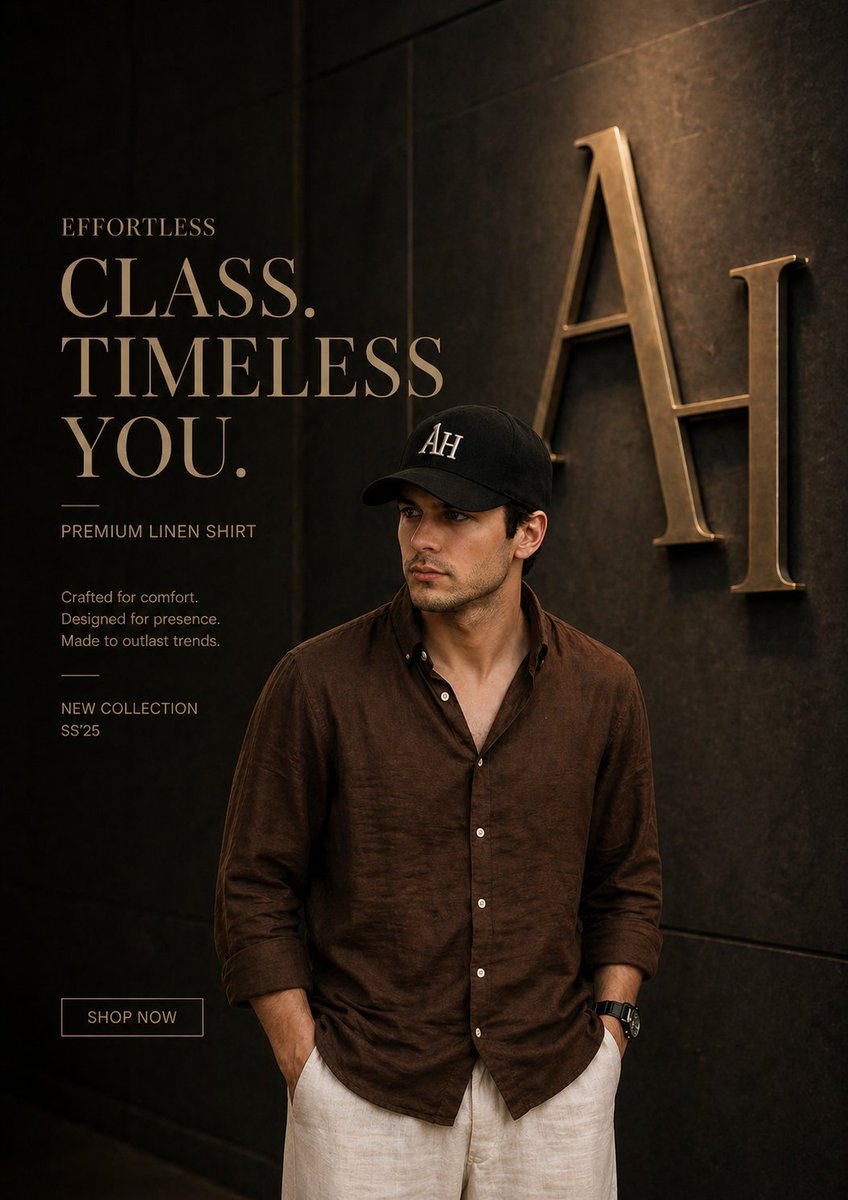
Luxury Fashion Ad Poster

Japanese Lawson Milk Can Thumbnail
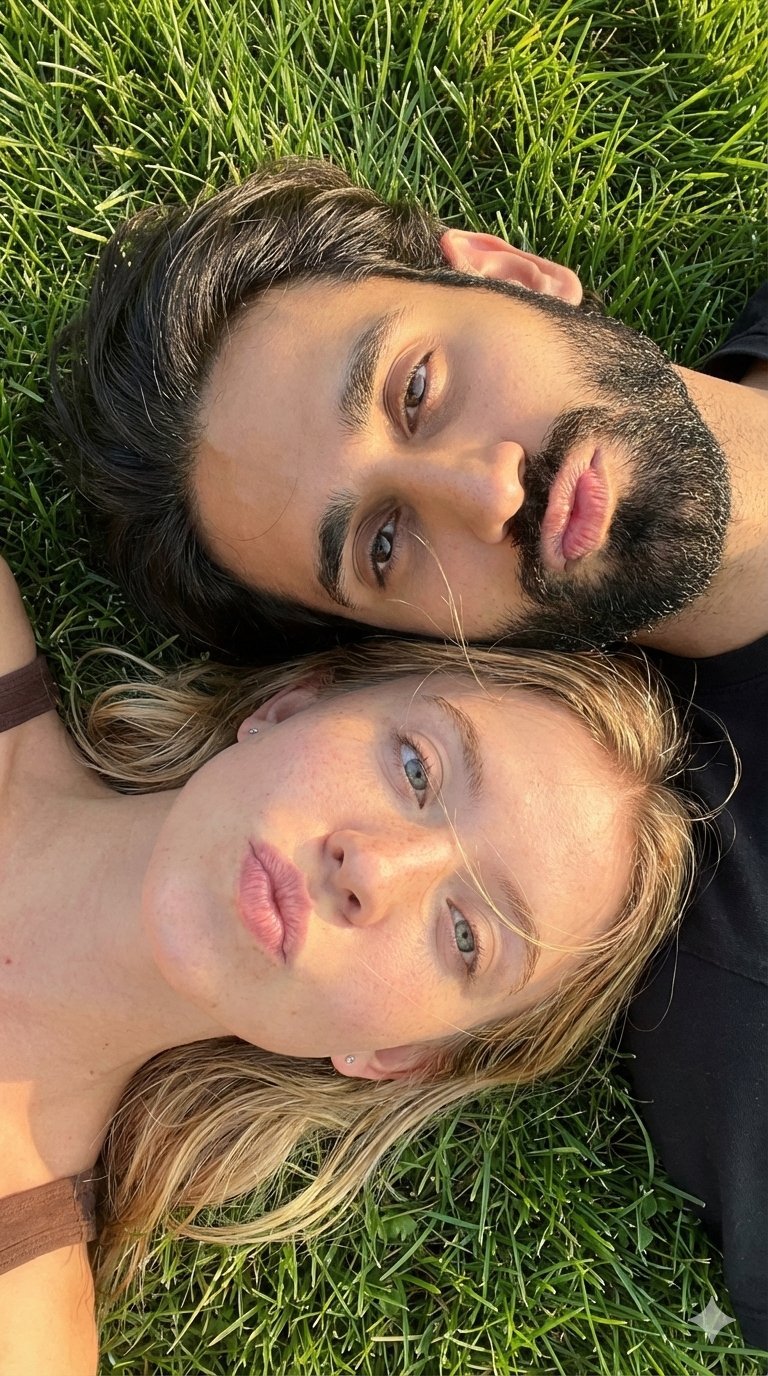
9 Grid Travel Profile Photo Series
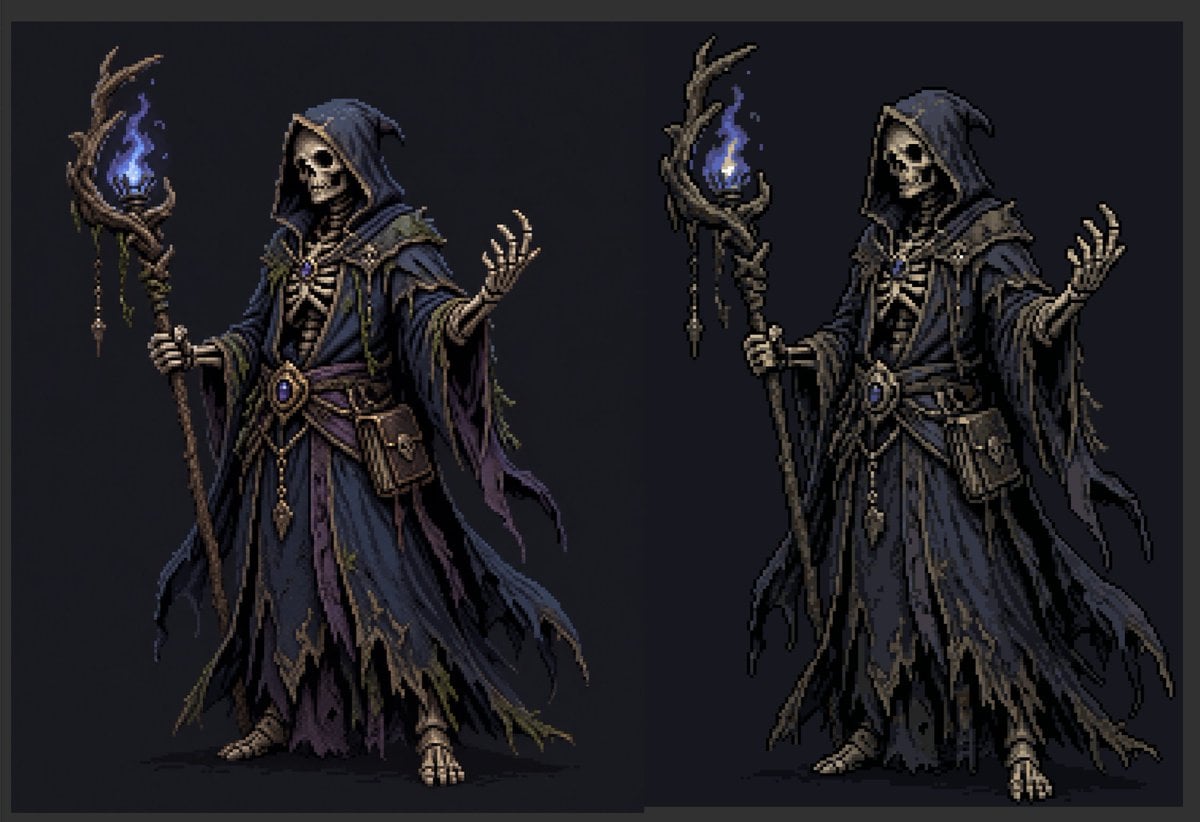
Necromancer Pixel Art Comparison
Browse template categories
Editorial Portrait with Architectural Backdrop questions
How do I use the Editorial Portrait with Architectural Backdrop template?
Add your photo if the template asks for one, edit the prompt if you like — the template's model and format are already selected — and press Generate. Your version opens in PicX Studio.
Can I customize the Editorial Portrait with Architectural Backdrop template?
Yes. You can change the subject, setting, lighting, mood, format, and available model controls before creating your image.
Is the Editorial Portrait with Architectural Backdrop template free?
Opening and editing this template is free. Generating uses credits, shown on the Generate button when you are signed in.
Which AI model should I use?
Start with Nano Banana 2, which is the model associated with this template. You can compare another compatible model for a different finish.
Looking for something else? Browse all templates.

Your photo, any look
Thousands of ready templates for every top image and video model, from one credit balance.