
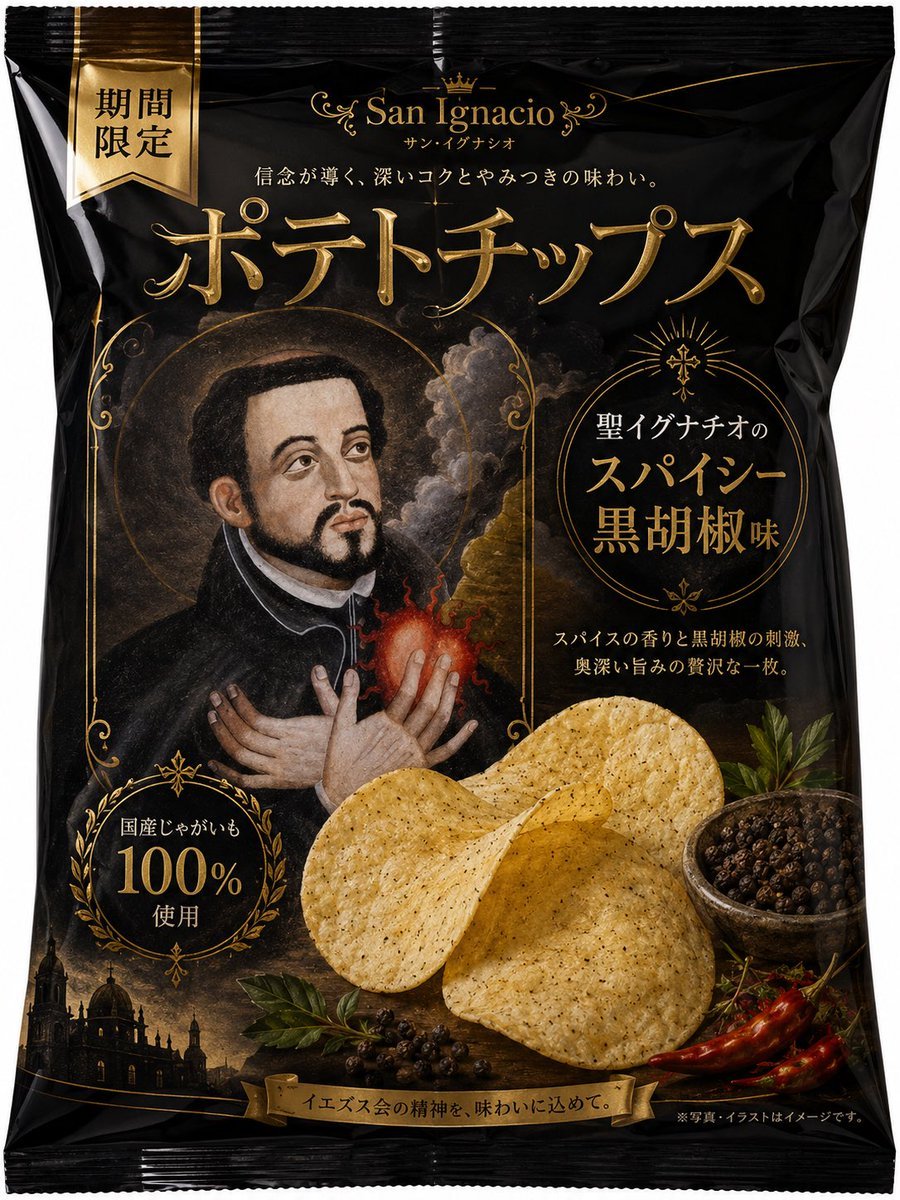
Luxury Saint Potato Chips Package
A prompt for generating a premium black-and-gold Japanese potato chips bag mockup with saintly Baroque artwork and spicy black pepper flavor branding.
- Prompt included
- Model and format preset
- Premium template
The prompt behind this image
Copy the exact prompt behind Luxury Saint Potato Chips Package, or open it in the studio and make it yours.
Goal: Create a premium Japanese potato chips package mockup inspired by a dark Catholic/European saint painting, using a black glossy snack bag with ornate gold typography and luxury limited-edition branding. Canvas: Front-facing vertical product package, centered on a clean white background, realistic crinkled plastic potato chip bag with serrated sealed edges at top and bottom. Use a tall 3:4 composition, slightly rounded pillow-pack shape, glossy black material with strong highlights and folds. Layout: At the very top center place a refined gold brand mark with a small crown and decorative flourishes reading {argument name="brand name" default="San Ignacio"}, with small katakana beneath it. Under that, add a short Japanese tagline in small white-gold text. Across the upper middle, place a very large embossed metallic-gold Japanese product title reading {argument name="product title" default="ポテトチップス"}. In the upper-left corner, add one vertical gold ribbon label reading {argument name="limited label" default="期間限定"}. The central-left area contains a framed religious oil-painting style portrait of Saint Ignatius in a black robe, halo, smoky clouds, and glowing sacred heart; place a neutral blurred rectangular mask over the face. The right middle contains a circular gold ornamental flavor badge with Japanese text reading {argument name="flavor text" default="聖イグナチオの スパイシー 黒胡椒味"}. The lower-left has one circular laurel badge reading "国産じゃがいも 100% 使用". The lower center foreground contains exactly 3 large golden ridged potato chips overlapping each other. The lower-right foreground contains exactly 1 small bowl filled with black peppercorns, plus exactly 2 red chili peppers and sprigs of green herbs. Along the bottom-left background, add a dark silhouette of a European church or cathedral at sunset. At the very bottom center, add one gold ribbon banner reading {argument name="bottom slogan" default="イエズス会の精神を、味わいに込めて。"}, and add tiny disclaimer-style Japanese text at bottom right. Visual style: Ultra-realistic commercial packaging design, luxury black-and-gold palette, embossed foil lettering, Baroque religious ornament, fine gold filigree borders, dramatic chiaroscuro lighting, realistic chip texture with black pepper speckles, premium limited-edition snack branding. Keep all text integrated onto the bag surface with perspective and plastic wrinkles. Constraints: Show exactly 1 product bag, 1 left ribbon label, 1 central saint portrait, 1 right circular flavor badge, 1 lower-left 100% badge, 3 visible potato chips, 1 peppercorn bowl, 2 red chili peppers, and 1 bottom banner. Do not add hands, people outside the illustration, extra packages, watermarks, or English replacement text for the Japanese package copy.
How to use Luxury Saint Potato Chips Package in 3 steps
- 1Upload ImagePNG, JPG or paste
Add your photo
Upload the photo the template builds on. The prompt, model and format are already set.
- 2…a portrait of your subject in softgolden-hour light, 85mm…
Personalize
Edit the subject and creative details for your destination.
- 3Generate
Generate
Press Generate — your image is created in PicX Studio, so you can compare it with the original and refine one variable at a time.
More like this
Templates with the same subject, style or setup. Open one to see its prompt.











Make it yours
Luxury Saint Potato Chips Package works as-is. These are the safest ways to change it without losing the look.
Change one field
Copy a single group, rewrite it, and generate again so you can see what that field is doing.
Keep the frame, change the subject
Hold the composition and light of Luxury Saint Potato Chips Package, then swap wardrobe, props or the person for a new take.
| If the result… | Why | Fix |
|---|---|---|
| The result drifts from the preview | Too many fields changed at once. | Reuse Luxury Saint Potato Chips Package as-is first, then change one group — subject, light, or setting. |
| The model over-stylizes the scene | The prose prompt leaves finish and camera underspecified. | Add one camera or lighting sentence and stay on GPT Image 2. |
More GPT Image 2 templates
Other prompts made for GPT Image 2.

Six VTuber Japanese Logo Sheet

Realistic Portrait of Woman and Deer

The Vista Modular Condo Poster

AI Model Routing Comparison Infographic

2.5D Anime Art Board

Isometric Productivity Desk Scene

New York Double Exposure Poster

Four-Panel AI Landscape Comparison

Japanese Tatami Lifestyle Magazine Cover

NESCAFÉ Coffee Map Poster
More image prompts
Fresh picks from across the catalog.
NanoBanana2
Minimalist Fashion Portrait Prompt for Google Gemini Nano Banana Pro
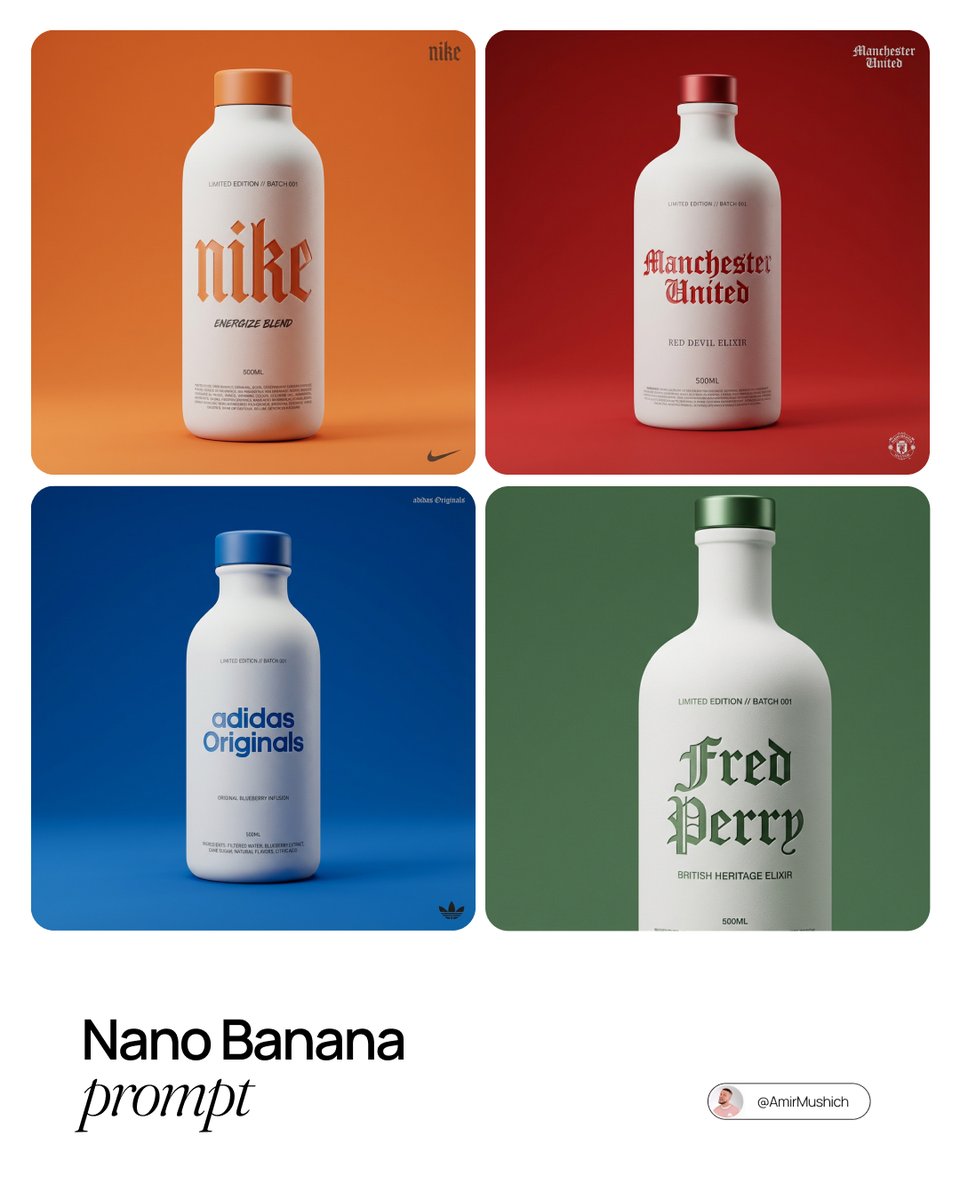
Premium Beverage Package Design Prompt
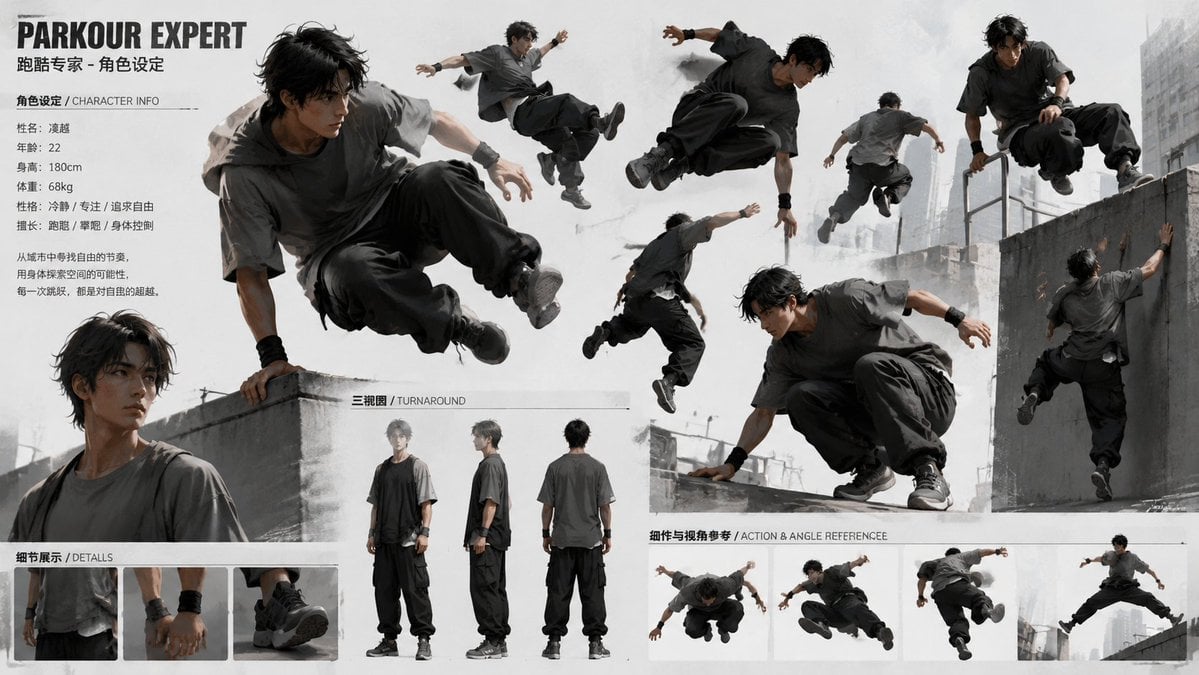
Parkour Character Montage Page
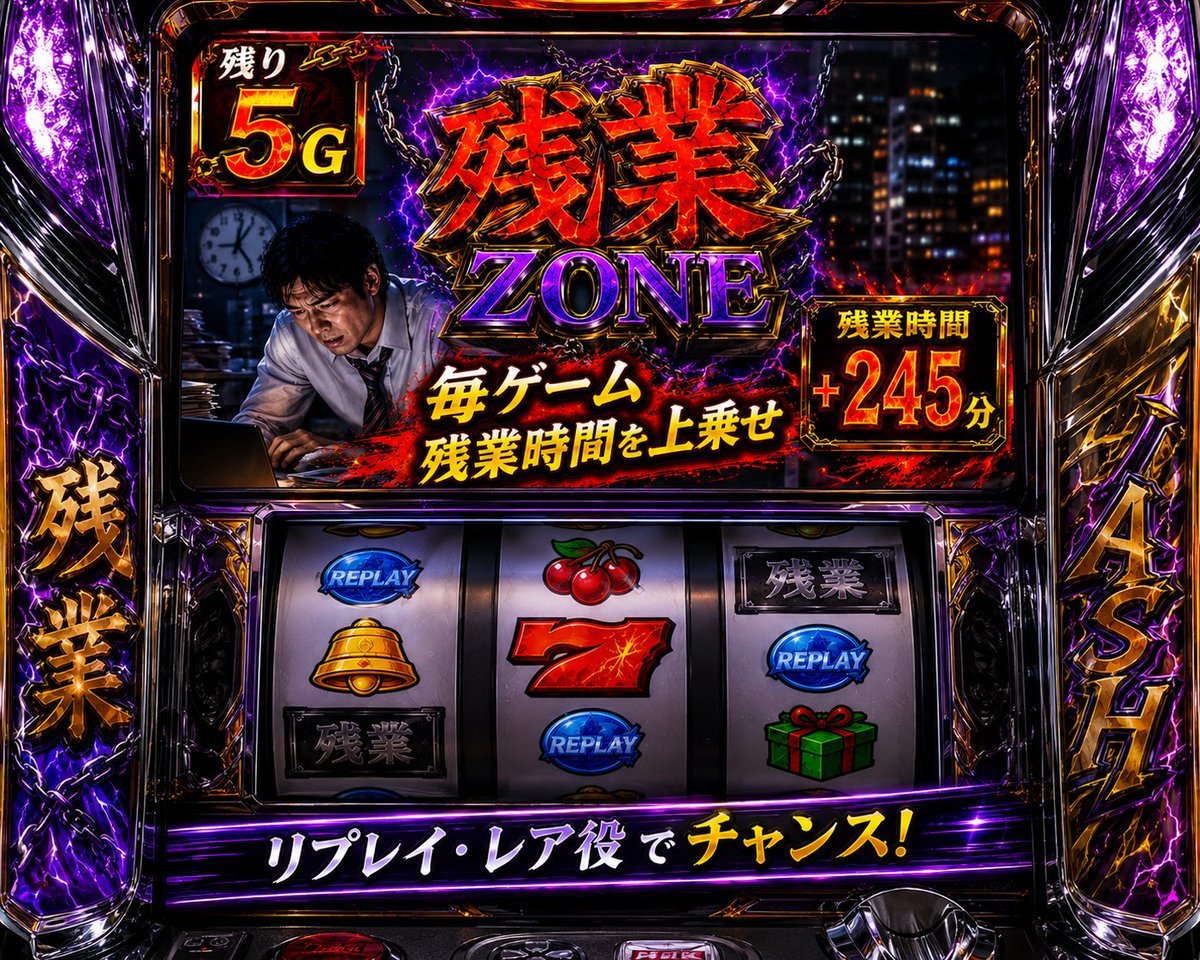
Overtime Zone Pachislot Machine
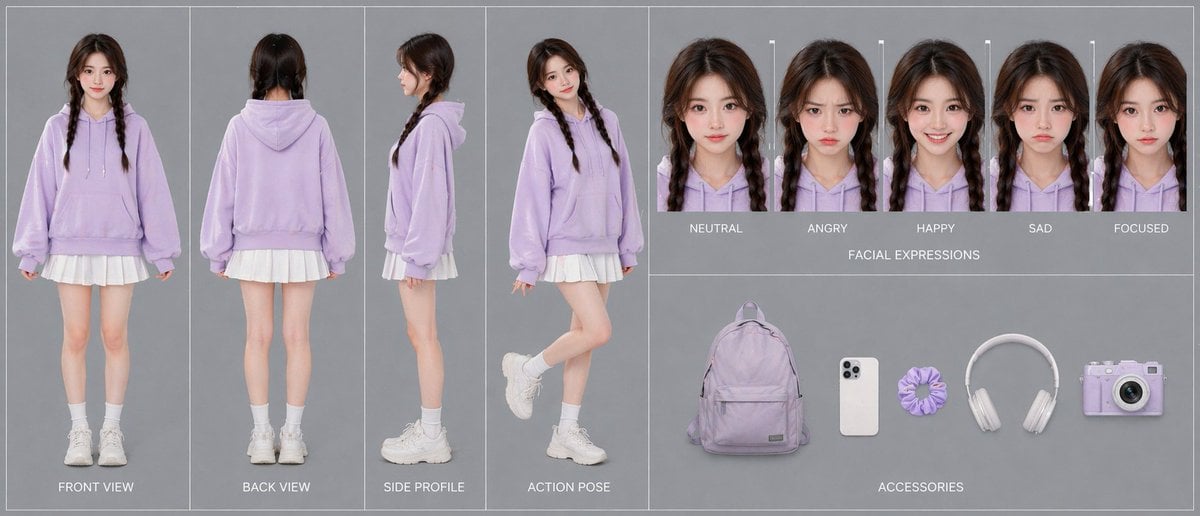
Lavender Hoodie Character Reference Sheet
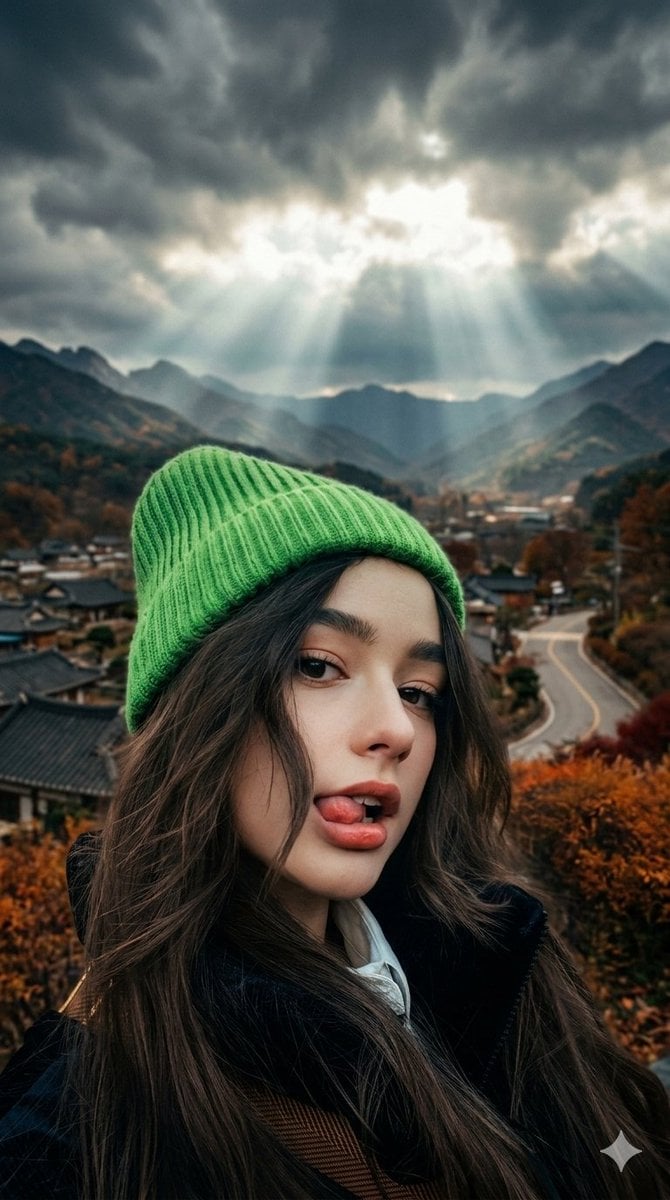
Cinematic Close-up of Woman with Neon Beanie
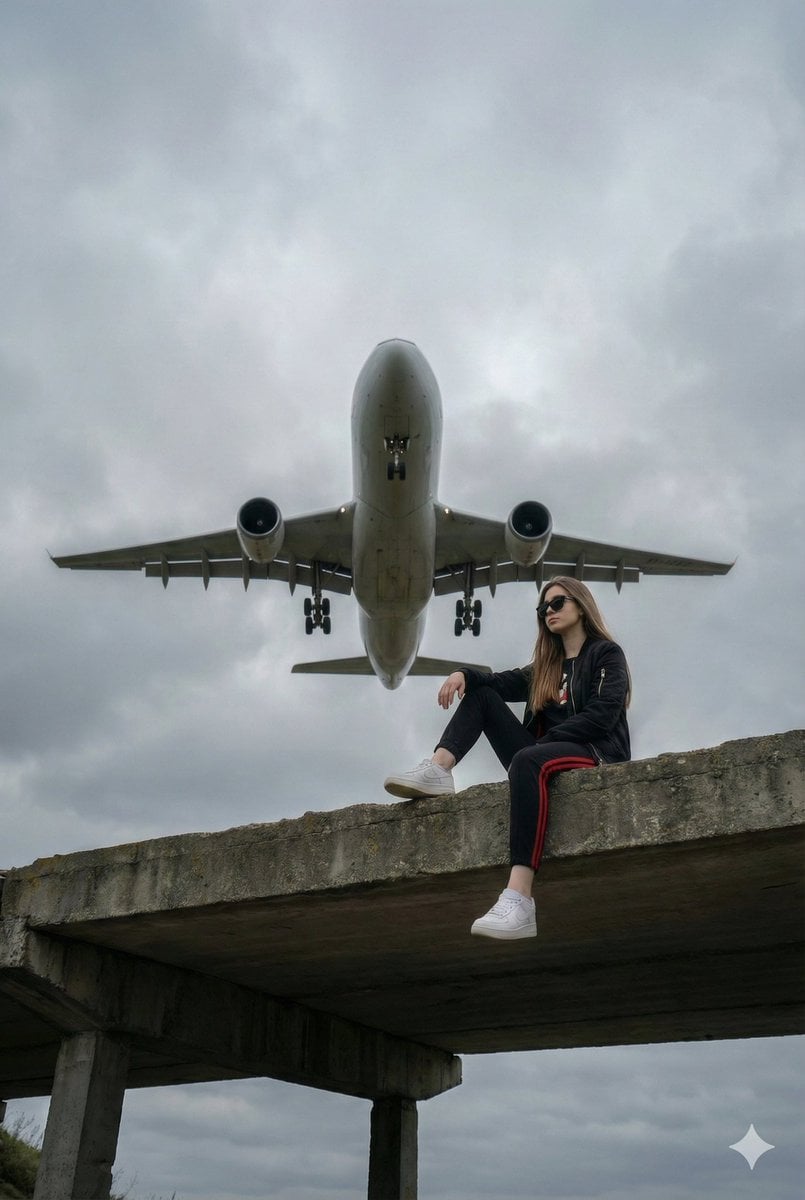
Surreal Low-Angle Portrait with Low-Flying Airplane Prompt
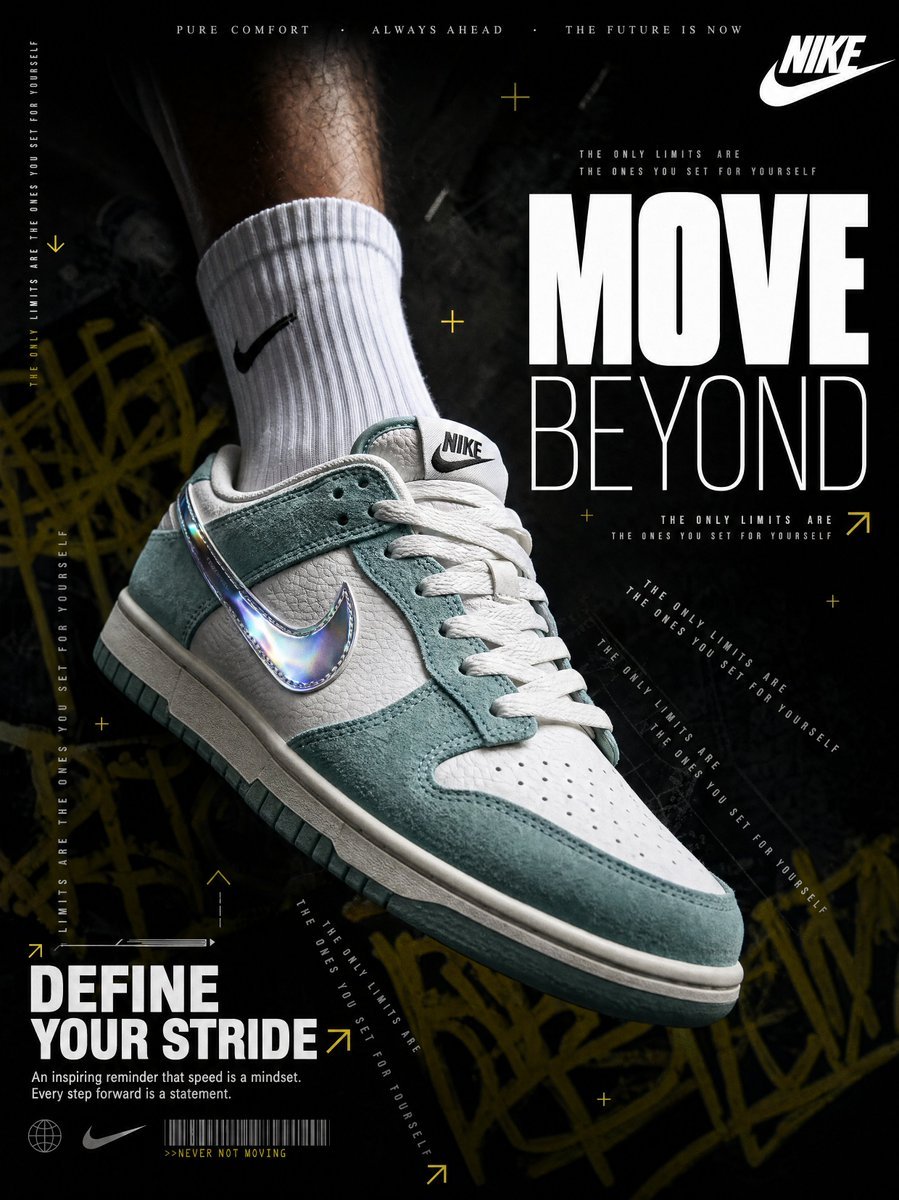
4K Nike Sneaker Advertisement Prompt
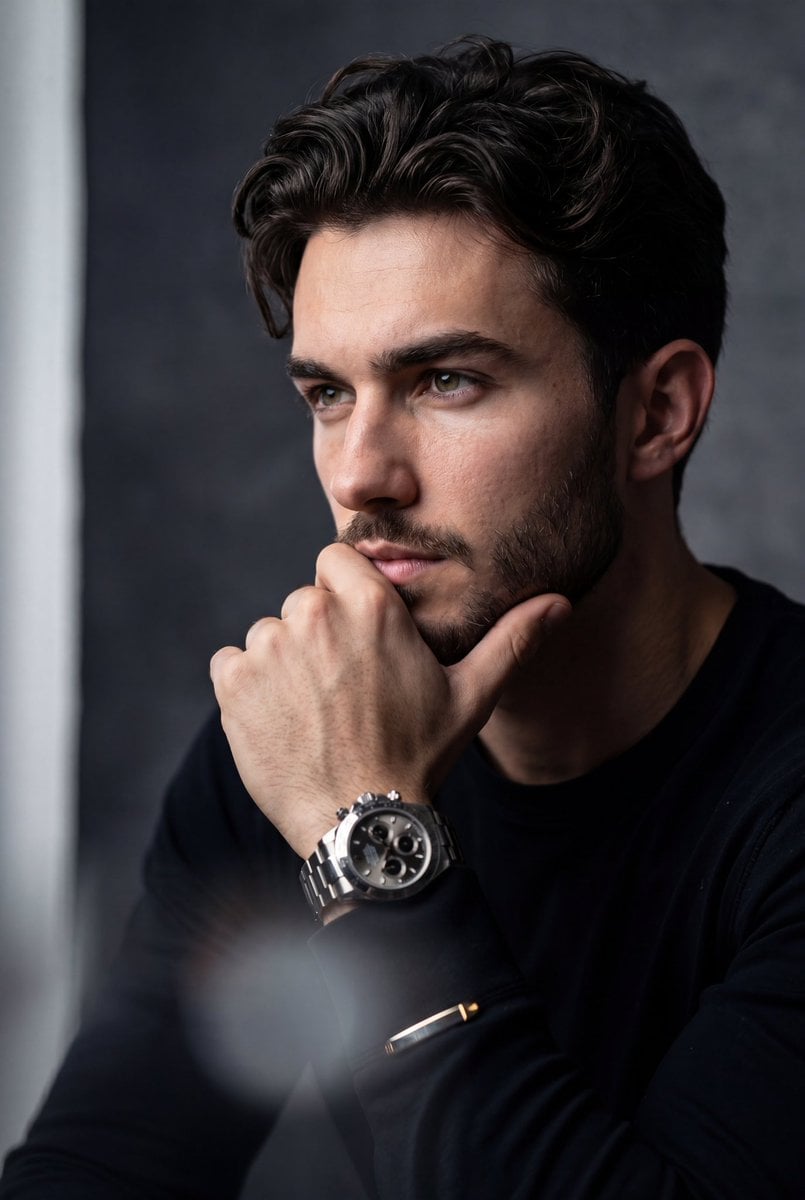
Hyper-Realistic Stoic Portrait
Browse template categories
Luxury Saint Potato Chips Package questions
How do I use the Luxury Saint Potato Chips Package template?
Add your photo if the template asks for one, edit the prompt if you like — the template's model and format are already selected — and press Generate. Your version opens in PicX Studio.
Can I customize the Luxury Saint Potato Chips Package template?
Yes. You can change the subject, setting, lighting, mood, format, and available model controls before creating your image.
Is the Luxury Saint Potato Chips Package template free?
Opening and editing this template is free. Generating uses credits, shown on the Generate button when you are signed in.
Which AI model should I use?
Start with GPT Image 2, which is the model associated with this template. You can compare another compatible model for a different finish.
Looking for something else? Browse all templates.

Your photo, any look
Thousands of ready templates for every top image and video model, from one credit balance.