
Cyberpunk Gacha Game Dialogue Screenshot
Generates a Zenless Zone Zero-style urban night dialogue screenshot with a blonde support-agent character and dense mobile/PC game HUD overlays.
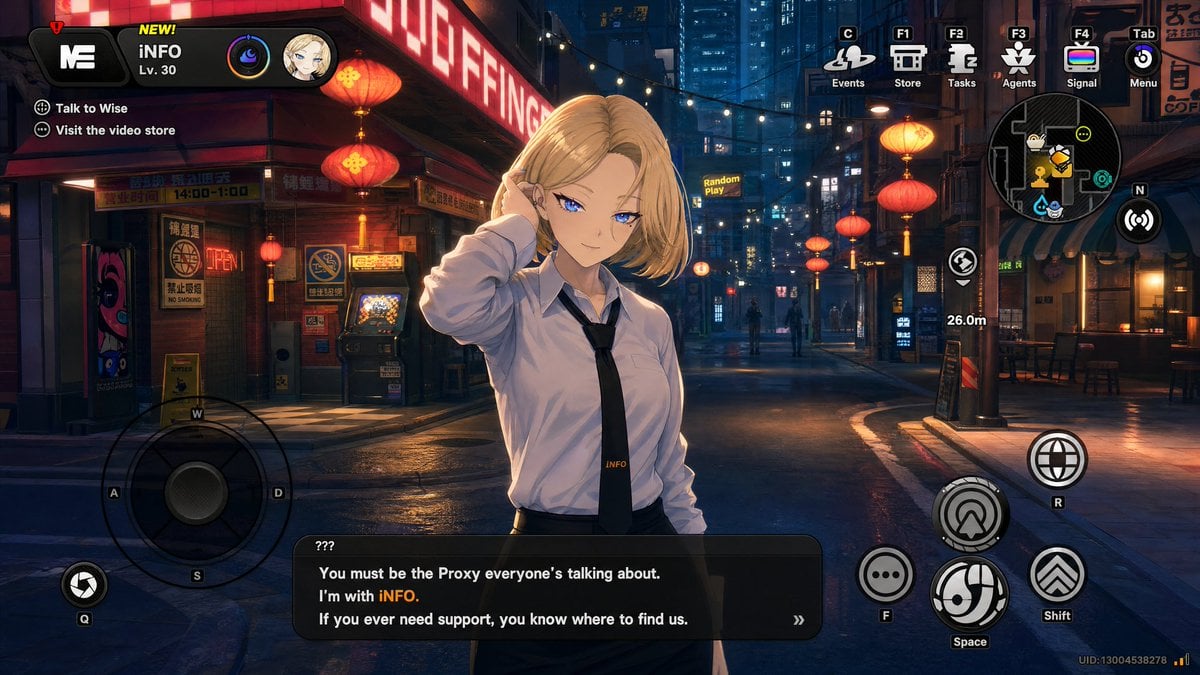
- Prompt included
- Model and format preset
- Free template
The prompt behind this image
Copy the exact prompt behind Cyberpunk Gacha Game Dialogue Screenshot, or open it in the studio and make it yours.
- Type
- gacha game urban exploration screenshot
- Style
- highly polished anime 3D render, cyberpunk action RPG UI, Zenless Zone Zero inspired, cinematic night lighting, detailed wet pavement reflections, neon signs, lantern glow, depth of field, 16:9 widescreen game capture
- Scene › Setting
- narrow futuristic Asian city street at night with restaurants, storefronts, alleys, high-rise buildings, overhead string lights, red paper lanterns, glowing shop signs, arcade machine, street signs, café tables, and damp reflective asphalt
- Scene › Mood
- moody but vibrant, cozy neon nightlife, immersive open-world hub area
- Scene › Camera
- third-person dialogue view, eye-level camera, character centered slightly left, street receding into the distance
- Main Character › Name
- {argument name="character name" default="INFO"}
- Main Character › Position
- foreground center-left
- Main Character › Appearance
- young adult blonde woman with shoulder-length bob hair, slim build, wearing a loose white button-up dress shirt, black necktie with small yellow INFO lettering, dark skirt or trousers, one hand raised to her ear as if speaking through an earpiece
- Main Character › Face
- covered by a flat tan rectangular censor block with no facial features
- Main Character › Pose
- casual support-agent introduction pose, shoulders angled toward viewer
- Visible Text › Top Left Profile
- NEW! INFO Lv. 30
- Visible Text › Quest Objectives Count
- 2
- Visible Text › Quest Objectives
- Talk to Wise, Visit the video store
- Visible Text › Dialogue Speaker
- ???
- Visible Text › Dialogue Lines Count
- 3
- Visible Text › Dialogue Lines
- You must be the Proxy everyone’s talking about., I’m with INFO., If you ever need support, you know where to find us.
- Visible Text › Distance Marker
- 26.0m
- Visible Text › Small Sign
- Random Play
- Visible Text › Uid
- UID:13004538278
- Hud Layout › Top Left › Components Count
- 4
- Hud Layout › Top Left › Components
- black rounded main menu tile with white ME-like logo and red exclamation badge, yellow NEW! label above player name, player name and level block, two circular character/status icons
- Hud Layout › Top Right › Components Count
- 6
- Hud Layout › Top Right › Components
- Events icon labeled C, Store icon labeled F1, Tasks icon labeled F2, Agents icon labeled F3, Signal icon labeled F4, Menu icon labeled Tab
- Hud Layout › Right Side › Components Count
- 4
Raw JSON
{"type":"gacha game urban exploration screenshot","style":"highly polished anime 3D render, cyberpunk action RPG UI, Zenless Zone Zero inspired, cinematic night lighting, detailed wet pavement reflections, neon signs, lantern glow, depth of field, 16:9 widescreen game capture","scene":{"setting":"narrow futuristic Asian city street at night with restaurants, storefronts, alleys, high-rise buildings, overhead string lights, red paper lanterns, glowing shop signs, arcade machine, street signs, café tables, and damp reflective asphalt","mood":"moody but vibrant, cozy neon nightlife, immersive open-world hub area","camera":"third-person dialogue view, eye-level camera, character centered slightly left, street receding into the distance"},"main character":{"name":"{argument name=\"character name\" default=\"INFO\"}","position":"foreground center-left","appearance":"young adult blonde woman with shoulder-length bob hair, slim build, wearing a loose white button-up dress shirt, black necktie with small yellow INFO lettering, dark skirt or trousers, one hand raised to her ear as if speaking through an earpiece","face":"covered by a flat tan rectangular censor block with no facial features","pose":"casual support-agent introduction pose, shoulders angled toward viewer"},"visible text":{"top left profile":"NEW! INFO Lv. 30","quest objectives count":2,"quest objectives":["Talk to Wise","Visit the video store"],"dialogue speaker":"???","dialogue lines count":3,"dialogue lines":["You must be the Proxy everyone’s talking about.","I’m with INFO.","If you ever need support, you know where to find us."],"distance marker":"26.0m","small sign":"Random Play","uid":"UID:13004538278"},"hud layout":{"top left":{"components count":4,"components":["black rounded main menu tile with white ME-like logo and red exclamation badge","yellow NEW! label above player name","player name and level block","two circular character/status icons"]},"top right":{"components count":6,"components":["Events icon labeled C","Store icon labeled F1","Tasks icon labeled F2","Agents icon labeled F3","Signal icon labeled F4","Menu icon labeled Tab"]},"right side":{"components count":4,"components":["circular minimap with compass N and quest icons","wireless scan button","objective navigation icon","26.0m distance label"]},"bottom left":{"components count":2,"components":["large transparent virtual joystick with W A S D labels","small camera shutter button labeled Q"]},"bottom right":{"components count":6,"components":["globe interaction button labeled R","large circular movement/skill button","ellipsis chat button labeled F","large swirl action button labeled Space","double-chevron dash button labeled Shift","small network bars beside UID"]},"bottom center":{"components count":1,"components":["black rounded dialogue box with white text, yellow highlighted character name, and double-chevron continue symbol"]}},"composition requirements":"Make it look like an authentic playable gacha-game screenshot rather than a poster. Keep the UI crisp and layered over the scene, with consistent icon styling, small keyboard shortcut tags, and game-like dialogue typography. Use {argument name=\"city color palette\" default=\"deep blue shadows, warm red lanterns, amber shop lights, and white neon highlights\"}. Dialogue should read exactly: {argument name=\"dialogue text\" default=\"You must be the Proxy everyone’s talking about. I’m with INFO. If you ever need support, you know where to find us.\"}. Render in {argument name=\"aspect ratio\" default=\"16:9\"}."}How to use Cyberpunk Gacha Game Dialogue Screenshot in 3 steps
- 1Upload ImagePNG, JPG or paste
Add your photo
Upload the photo the template builds on. The prompt, model and format are already set.
- 2…a portrait of your subject in softgolden-hour light, 85mm…
Personalize
Edit the subject and creative details for your destination.
- 3Generate
Generate
Press Generate — your image is created in PicX Studio, so you can compare it with the original and refine one variable at a time.
More like this
Templates with the same subject, style or setup. Open one to see its prompt.
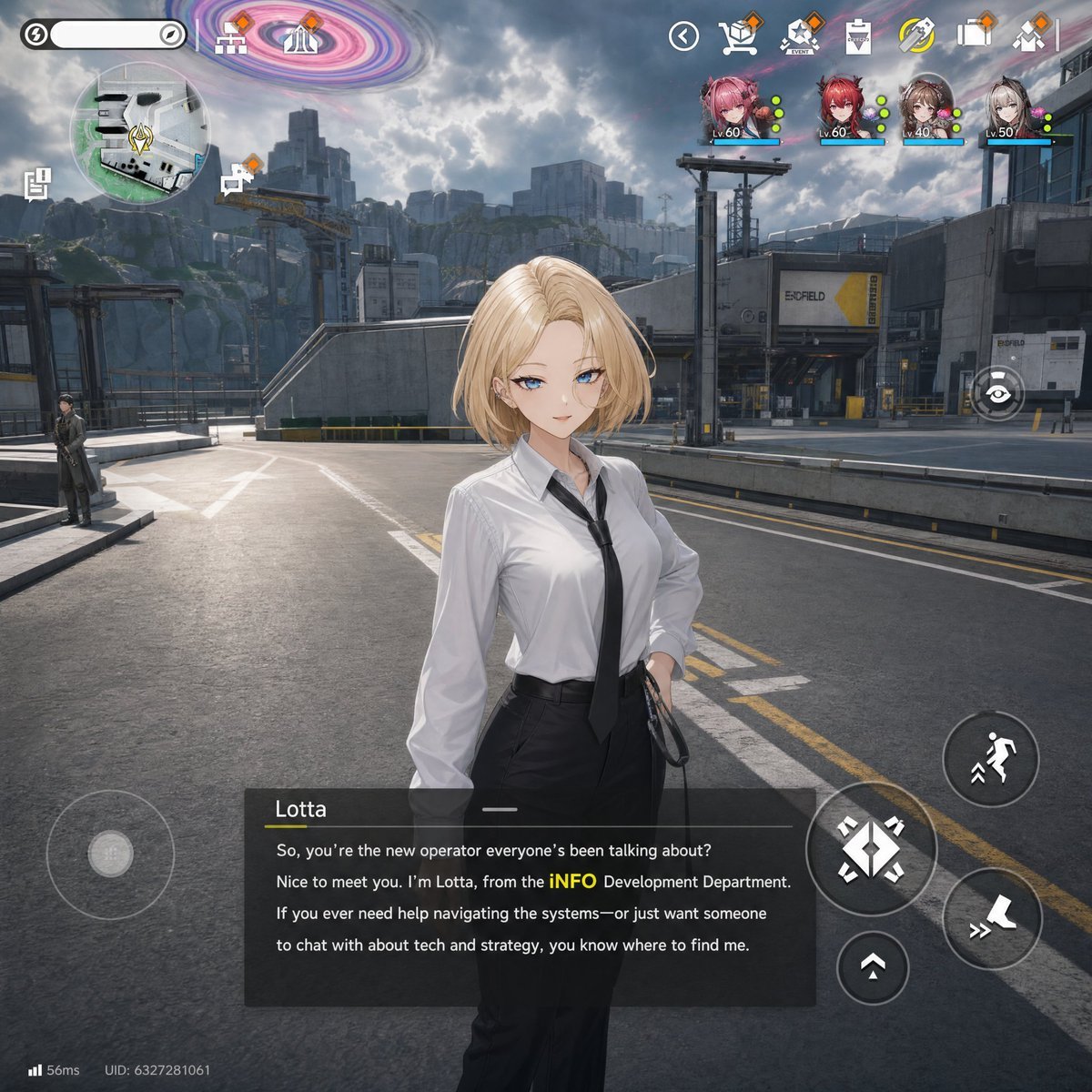
Sci-Fi Gacha RPG Dialogue Screenshot
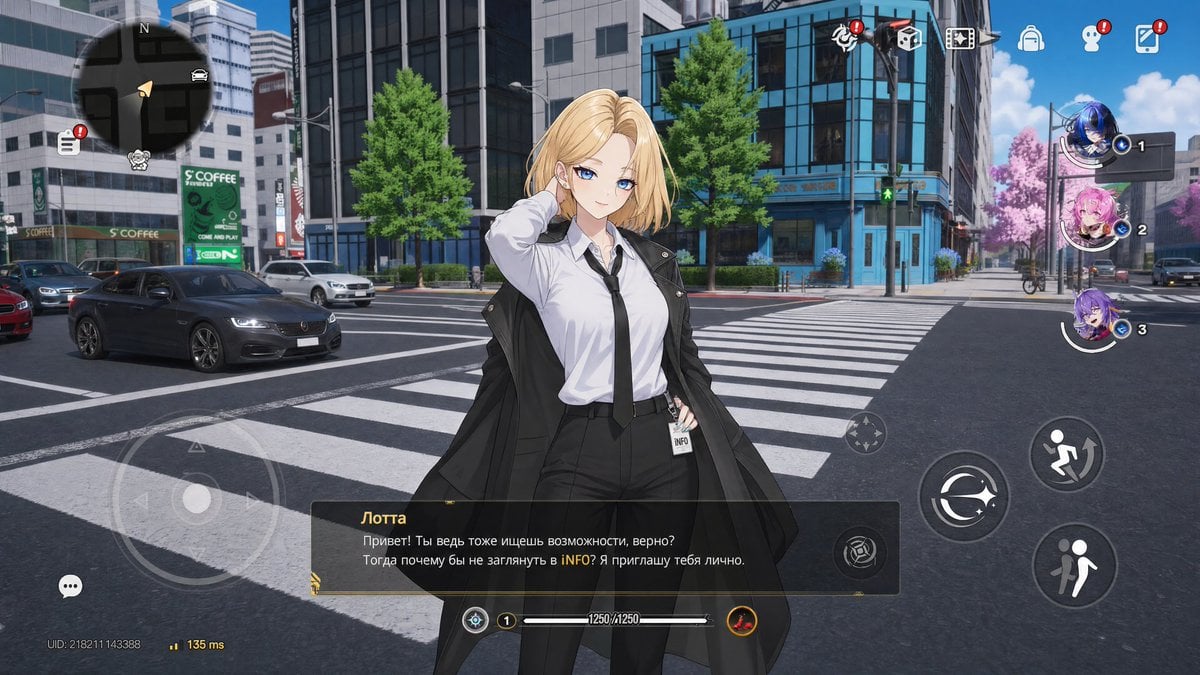
Open-World Gacha Dialogue Screenshot

Minecraft Next-Gen Voxel World Screenshot

Rainy Night Android Cyberpunk Portrait

Korean Idol Partial Shadow Editorial Portrait

Cinematic Sci-Fi Interface Side Profile

Cyberpunk Neon Profile Fashion Portrait

Cinematic Neon Light Strip Studio Portrait

Futuristic Studio Neon Ring Minimalist Portrait

Neon Violet Streetwear Fashion Portrait

Neon Night Crosswalk Candid Portrait

Red Futuristic Sport Motorcycle POV
Make it yours
Cyberpunk Gacha Game Dialogue Screenshot works as-is. These are the safest ways to change it without losing the look.
Swap the setting
Keep the rest of the prompt and replace the location block. The current setting is “narrow futuristic Asian city street at night with restaurants, storefronts, alle”.
Change one field
Copy a single group, rewrite it, and generate again so you can see what that field is doing.
Keep the frame, change the subject
Hold the composition and light of Cyberpunk Gacha Game Dialogue Screenshot, then swap wardrobe, props or the person for a new take.
| If the result… | Why | Fix |
|---|---|---|
| The result drifts from the preview | Too many fields changed at once. | Reuse Cyberpunk Gacha Game Dialogue Screenshot as-is first, then change one group — subject, light, or setting. |
| GPT Image 2 ignores part of the JSON | Some models flatten or skip nested keys. | Keep the same values and paste them as a short paragraph instead. |
More GPT Image 2 templates
Other prompts made for GPT Image 2.

Six VTuber Japanese Logo Sheet

Realistic Portrait of Woman and Deer

The Vista Modular Condo Poster

AI Model Routing Comparison Infographic

2.5D Anime Art Board

Isometric Productivity Desk Scene

New York Double Exposure Poster

Four-Panel AI Landscape Comparison

Japanese Tatami Lifestyle Magazine Cover

NESCAFÉ Coffee Map Poster
More image prompts
Fresh picks from across the catalog.
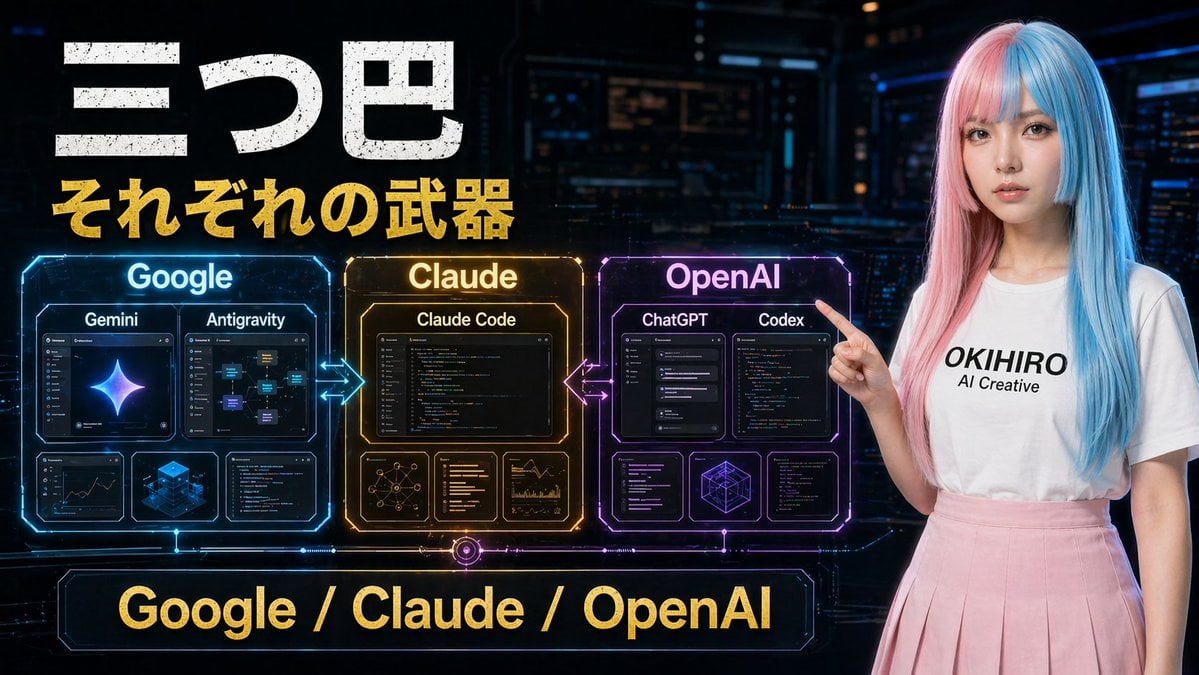
Gpt2 Youtube Thumbnail Cyberpunk Ai Tools Comparison Poster
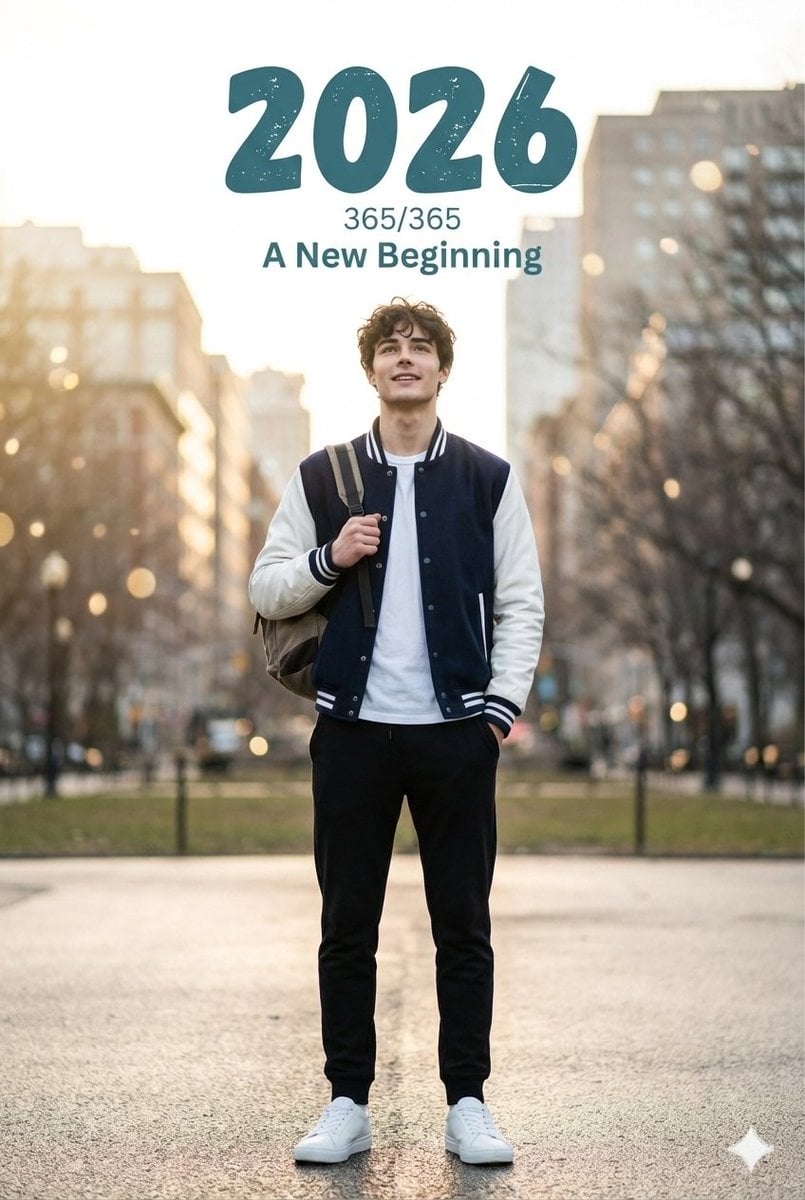
Cinematic New Year's Portrait with Typography
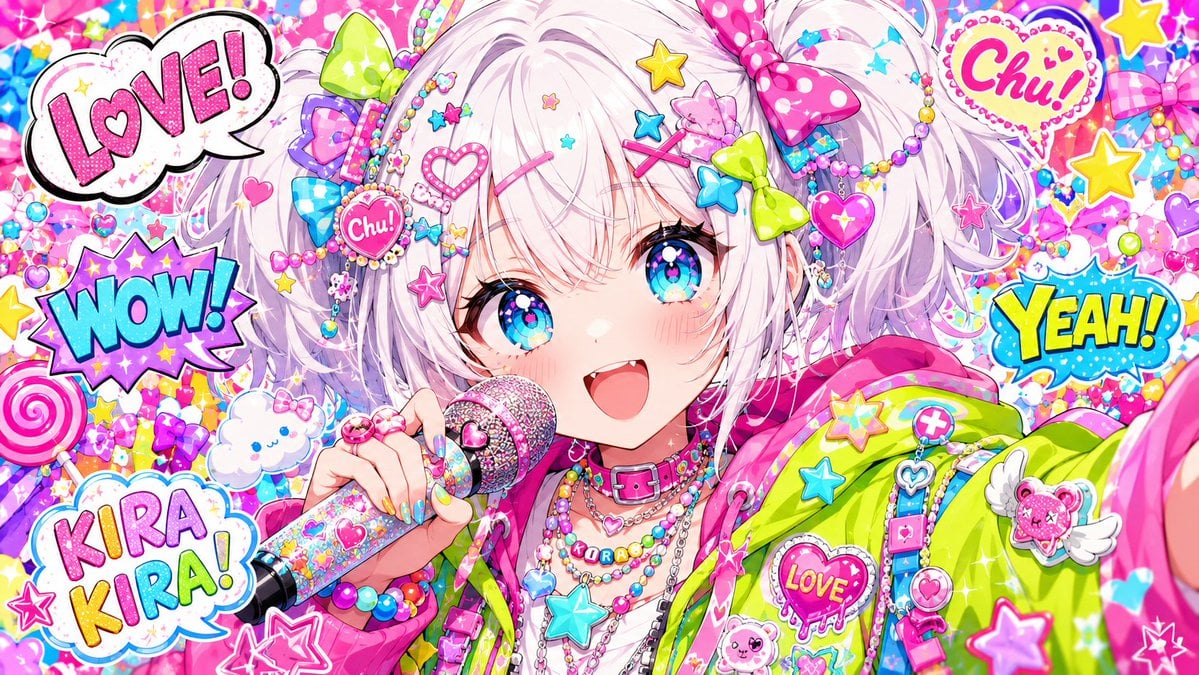
Harajuku Kawaii Pop Idol
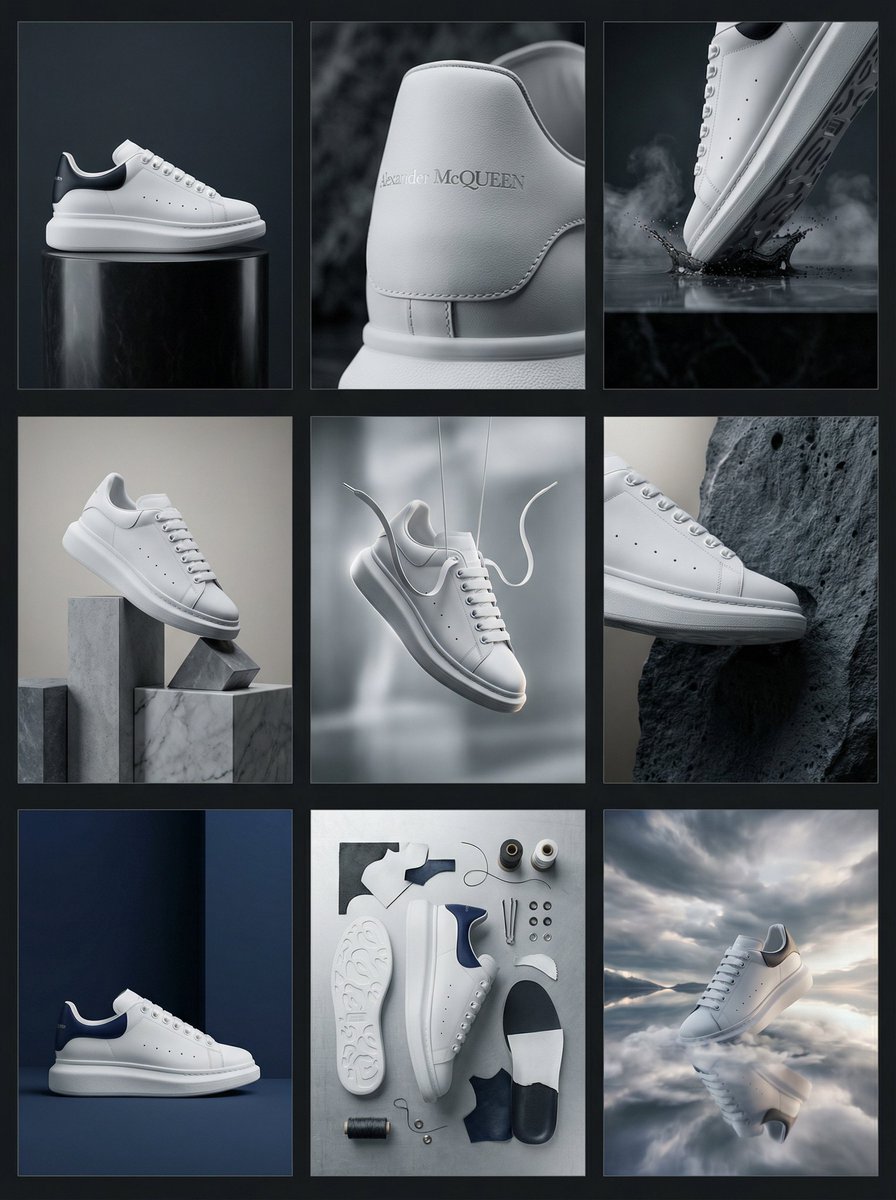
Alexander McQueen Sneaker Commercial Grid Prompt (3x3)
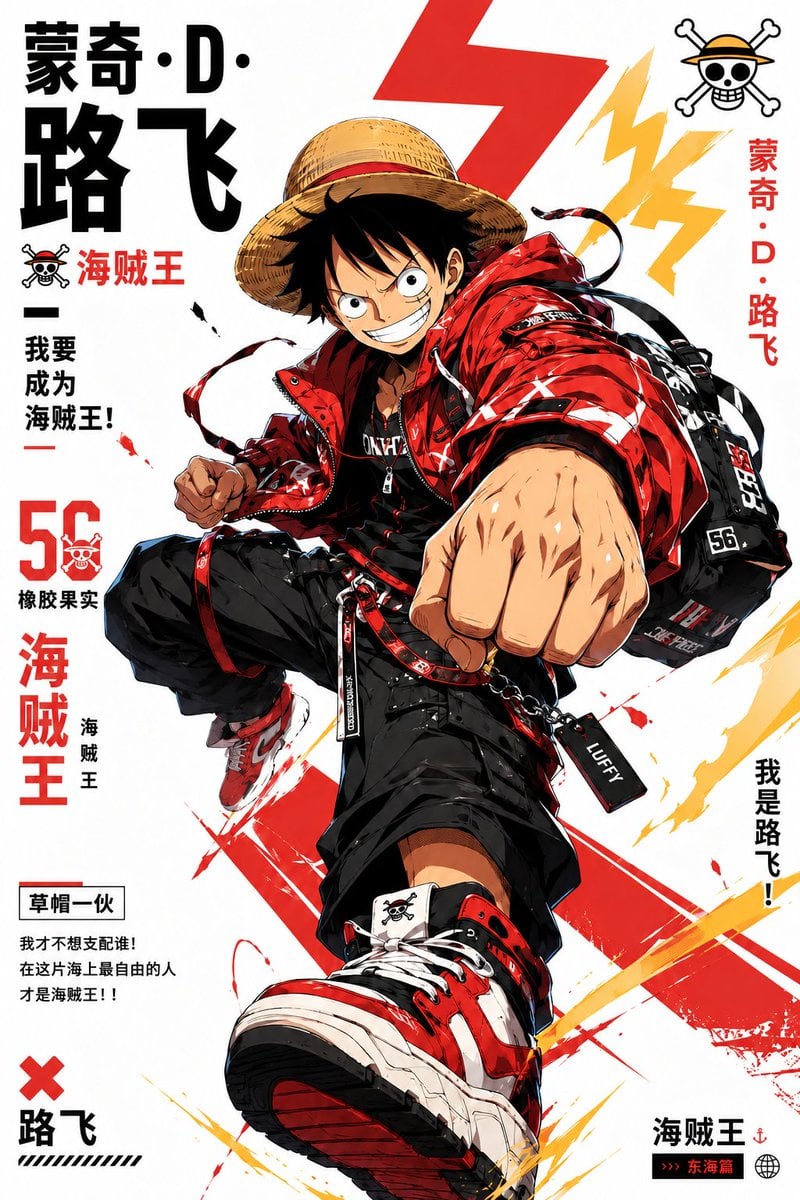
Stylized Character Poster Illustration

Cinematic Portrait of a Confident Young Man in an Urban Setting
Exploding Fanta Goiaba Soda Can Product Shot
Pastel Anime Inner Monologue Poster
Commercial Product Photography: Soda Splash Series
Candid 8K Bedroom Portrait with Playful Expression
Browse template categories
Cyberpunk Gacha Game Dialogue Screenshot questions
How do I use the Cyberpunk Gacha Game Dialogue Screenshot template?
Add your photo if the template asks for one, edit the prompt if you like — the template's model and format are already selected — and press Generate. Your version opens in PicX Studio.
Can I customize the Cyberpunk Gacha Game Dialogue Screenshot template?
Yes. You can change the subject, setting, lighting, mood, format, and available model controls before creating your image.
Is the Cyberpunk Gacha Game Dialogue Screenshot template free?
Opening and editing this template is free. Generating uses credits, shown on the Generate button when you are signed in.
Which AI model should I use?
Start with GPT Image 2, which is the model associated with this template. You can compare another compatible model for a different finish.
Looking for something else? Browse all templates.

Your photo, any look
Thousands of ready templates for every top image and video model, from one credit balance.