
Open-World Gacha Dialogue Screenshot
Generates a polished anime gacha RPG city dialogue scene with a central NPC, Russian dialogue box, and full mobile game HUD.
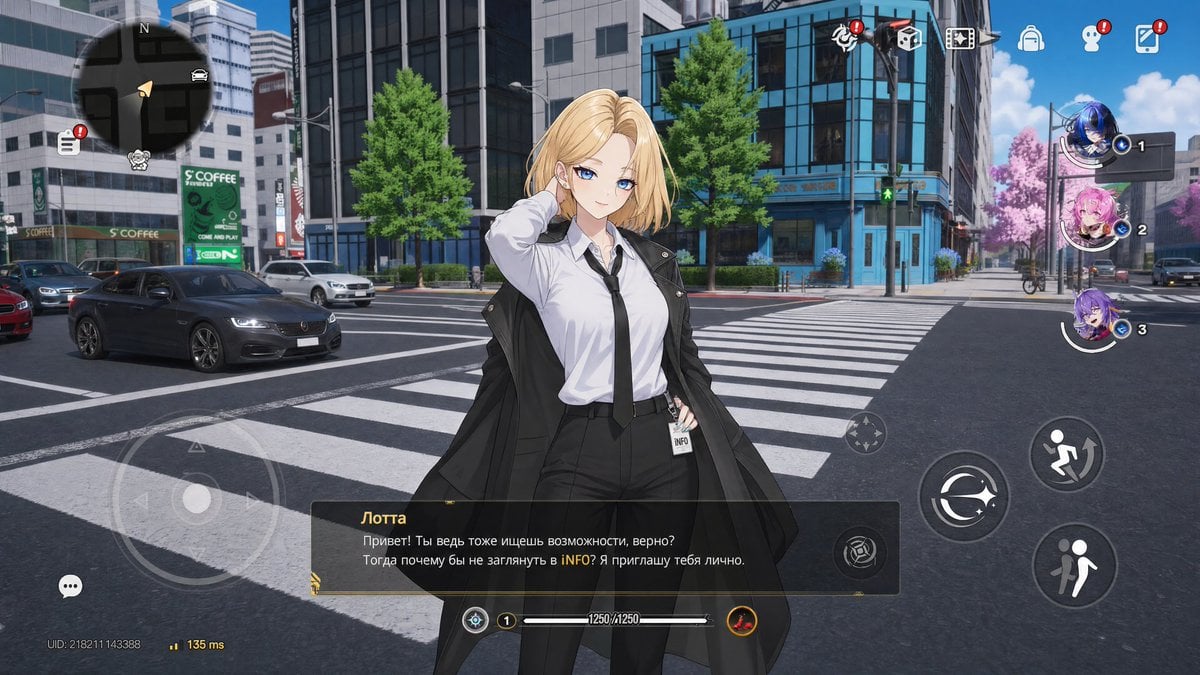
- Prompt included
- Model and format preset
- Premium template
The prompt behind this image
Copy the exact prompt behind Open-World Gacha Dialogue Screenshot, or open it in the studio and make it yours.
- Type
- open-world gacha game dialogue screenshot
- Style
- high-fidelity anime character over realistic 3D urban environment, glossy mobile game UI, cinematic midday lighting, inspired by modern gacha RPGs such as Zenless Zone Zero, Wuthering Waves, Neverness to Everness and Arknights: Endfield
- Scene › Location
- wide city intersection with zebra crosswalk, glass office towers, storefronts, traffic lights, parked and moving cars, leafy green street trees, one distant pink flowering tree, clean asphalt road, bright blue sky with scattered clouds
- Scene › Camera
- third-person dialogue view, waist-up to thigh-up character centered slightly left, 16:9 landscape mobile screenshot
- Scene › Mood
- polished futuristic urban adventure, playable open-world RPG interface
- Main Character › Name In Dialogue
- {argument name="character name" default="Лотта"}
- Main Character › Appearance
- adult anime woman with shoulder-length blonde hair parted near the center, slim build, confident posture, one hand raised behind her head, face intentionally covered by a soft beige rectangular blur with no facial features
- Main Character › Outfit
- white button-up dress shirt, loose black necktie, black high-waisted trousers, long black coat draped open over her shoulders, small ID badge clipped at the waist reading INFO, office-agent aesthetic
- Main Character › Hair Color
- {argument name="hair color" default="blonde"}
- Layout › Foreground
- large anime NPC standing on the crosswalk, overlapping the street scene and UI
- Layout › Dialogue Box › Position
- bottom center
- Layout › Dialogue Box › Style
- dark translucent rectangular box with thin gold accents and small decorative corner ornament
- Layout › Dialogue Box › Speaker Name
- {argument name="speaker label" default="Лотта"}
- Layout › Dialogue Box › Dialogue Text
- {argument name="dialogue text" default="Привет! Ты ведь тоже ищешь возможности, верно? Тогда почему бы не заглянуть в iNFO? Я приглашаю тебя лично."}
- Layout › Hud Components Count
- 11
- Layout › Hud Components
- 1 large circular minimap in the top-left corner with compass N, road grid, triangular player marker, car icon, menu icon with red notification badge, and small mascot icon, 1 bottom-left translucent virtual joystick with directional arrows, 1 small chat bubble button near the lower-left edge, 1 network and user ID readout at the bottom-left showing UID and latency, 1 top-right horizontal row of 7 small feature icons, several with red exclamation notification badges, 1 right-side vertical party list with exactly 3 circular anime character portraits labeled 1, 2, and 3, 1 center-right small translucent movement/look control circle, 3 large circular action buttons on the lower-right: one orbit/sprint-like icon, one running figure icon, and one two-person interaction icon, 1 smaller circular ability button attached near the right side of the dialogue box, 1 bottom-center status bar with level badge 1 and HP text 1250/1250, 1 small round red-gold skill icon at the bottom-right of the HP bar
- Layout › Party Portraits Count
- 3
- Layout › Party Portraits
- slot 1: blue-haired anime character portrait with active highlight and small number 1, slot 2: pink-haired anime character portrait with number 2, slot 3: purple-haired anime character portrait with number 3
- Text Details › Store Sign
- S COFFEE on a green storefront sign in the left background
- Text Details › Badge Text
- INFO on the character's waist badge
- Text Details › Ui Language
- Russian dialogue text, otherwise mostly icon-based interface
- Rendering Instructions
- Create a convincing fake mobile game screenshot, not a poster. Keep the interface crisp and layered over the 3D city, with realistic perspective, screen-space transparency, sharp iconography, and the anime NPC composited naturally into the street environment.
Raw JSON
{
  "type": "open-world gacha game dialogue screenshot",
  "style": "high-fidelity anime character over realistic 3D urban environment, glossy mobile game UI, cinematic midday lighting, inspired by modern gacha RPGs such as Zenless Zone Zero, Wuthering Waves, Neverness to Everness and Arknights: Endfield",
  "scene": {
    "location": "wide city intersection with zebra crosswalk, glass office towers, storefronts, traffic lights, parked and moving cars, leafy green street trees, one distant pink flowering tree, clean asphalt road, bright blue sky with scattered clouds",
    "camera": "third-person dialogue view, waist-up to thigh-up character centered slightly left, 16:9 landscape mobile screenshot",
    "mood": "polished futuristic urban adventure, playable open-world RPG interface"
  },
  "main character": {
    "name in dialogue": "{argument name=\"character name\" default=\"Лотта\"}",
    "appearance": "adult anime woman with shoulder-length blonde hair parted near the center, slim build, confident posture, one hand raised behind her head, face intentionally covered by a soft beige rectangular blur with no facial features",
    "outfit": "white button-up dress shirt, loose black necktie, black high-waisted trousers, long black coat draped open over her shoulders, small ID badge clipped at the waist reading INFO, office-agent aesthetic",
    "hair color": "{argument name=\"hair color\" default=\"blonde\"}"
  },
  "layout": {
    "foreground": "large anime NPC standing on the crosswalk, overlapping the street scene and UI",
    "dialogue box": {
      "position": "bottom center",
      "style": "dark translucent rectangular box with thin gold accents and small decorative corner ornament",
      "speaker name": "{argument name=\"speaker label\" default=\"Лотта\"}",
      "dialogue text": "{argument name=\"dialogue text\" default=\"Привет! Ты ведь тоже ищешь возможности, верно? Тогда почему бы не заглянуть в iNFO? Я приглашаю тебя лично.\"}"
    },
    "hud components count": 11,
    "hud components": [
      "1 large circular minimap in the top-left corner with compass N, road grid, triangular player marker, car icon, menu icon with red notification badge, and small mascot icon",
      "1 bottom-left translucent virtual joystick with directional arrows",
      "1 small chat bubble button near the lower-left edge",
      "1 network and user ID readout at the bottom-left showing UID and latency",
      "1 top-right horizontal row of 7 small feature icons, several with red exclamation notification badges",
      "1 right-side vertical party list with exactly 3 circular anime character portraits labeled 1, 2, and 3",
      "1 center-right small translucent movement/look control circle",
      "3 large circular action buttons on the lower-right: one orbit/sprint-like icon, one running figure icon, and one two-person interaction icon",
      "1 smaller circular ability button attached near the right side of the dialogue box",
      "1 bottom-center status bar with level badge 1 and HP text 1250/1250",
      "1 small round red-gold skill icon at the bottom-right of the HP bar"
    ],
    "party portraits count": 3,
    "party portraits": [
      "slot 1: blue-haired anime character portrait with active highlight and small number 1",
      "slot 2: pink-haired anime character portrait with number 2",
      "slot 3: purple-haired anime character portrait with number 3"
    ]
  },
  "text details": {
    "store sign": "S COFFEE on a green storefront sign in the left background",
    "badge text": "INFO on the character's waist badge",
    "ui language": "Russian dialogue text, otherwise mostly icon-based interface"
  },
  "rendering instructions": "Create a convincing fake mobile game screenshot, not a poster. Keep the interface crisp and layered over the 3D city, with realistic perspective, screen-space transparency, sharp iconography, and the anime NPC composited naturally into the street environment."
}How to use Open-World Gacha Dialogue Screenshot in 3 steps
- 1Upload ImagePNG, JPG or paste
Add your photo
Upload the photo the template builds on. The prompt, model and format are already set.
- 2…a portrait of your subject in softgolden-hour light, 85mm…
Personalize
Edit the subject and creative details for your destination.
- 3Generate
Generate
Press Generate — your image is created in PicX Studio, so you can compare it with the original and refine one variable at a time.
More like this
Templates with the same subject, style or setup. Open one to see its prompt.

Minecraft Next-Gen Voxel World Screenshot
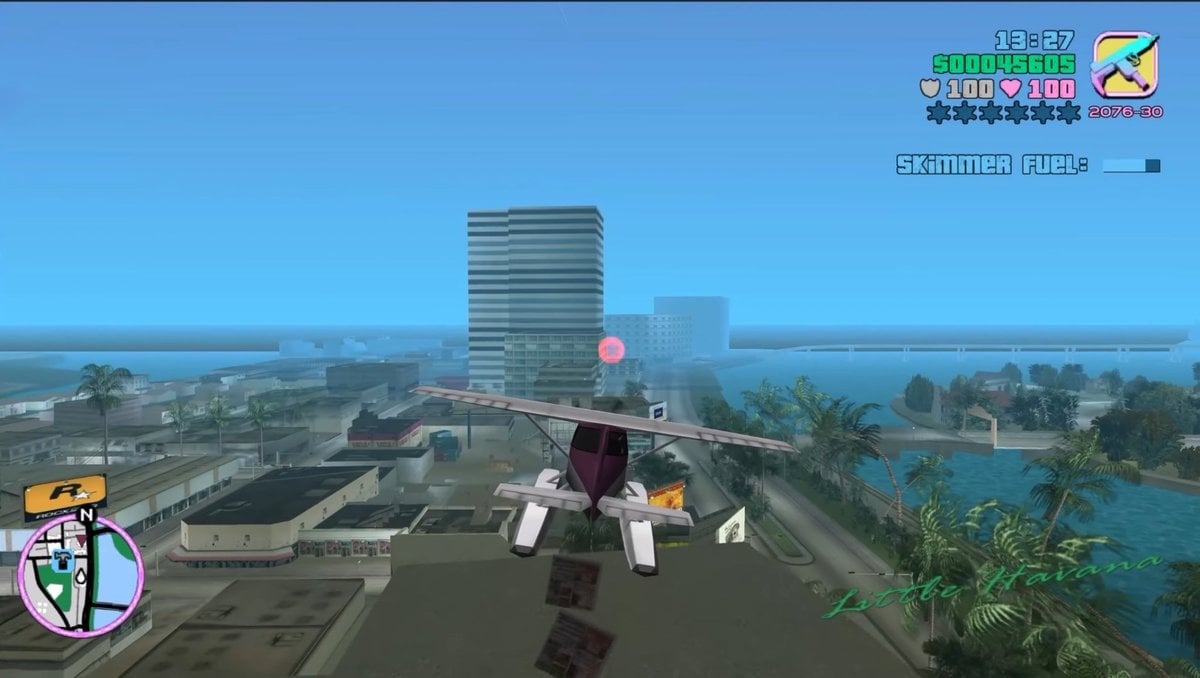
Retro Open-World Seaplane Screenshot
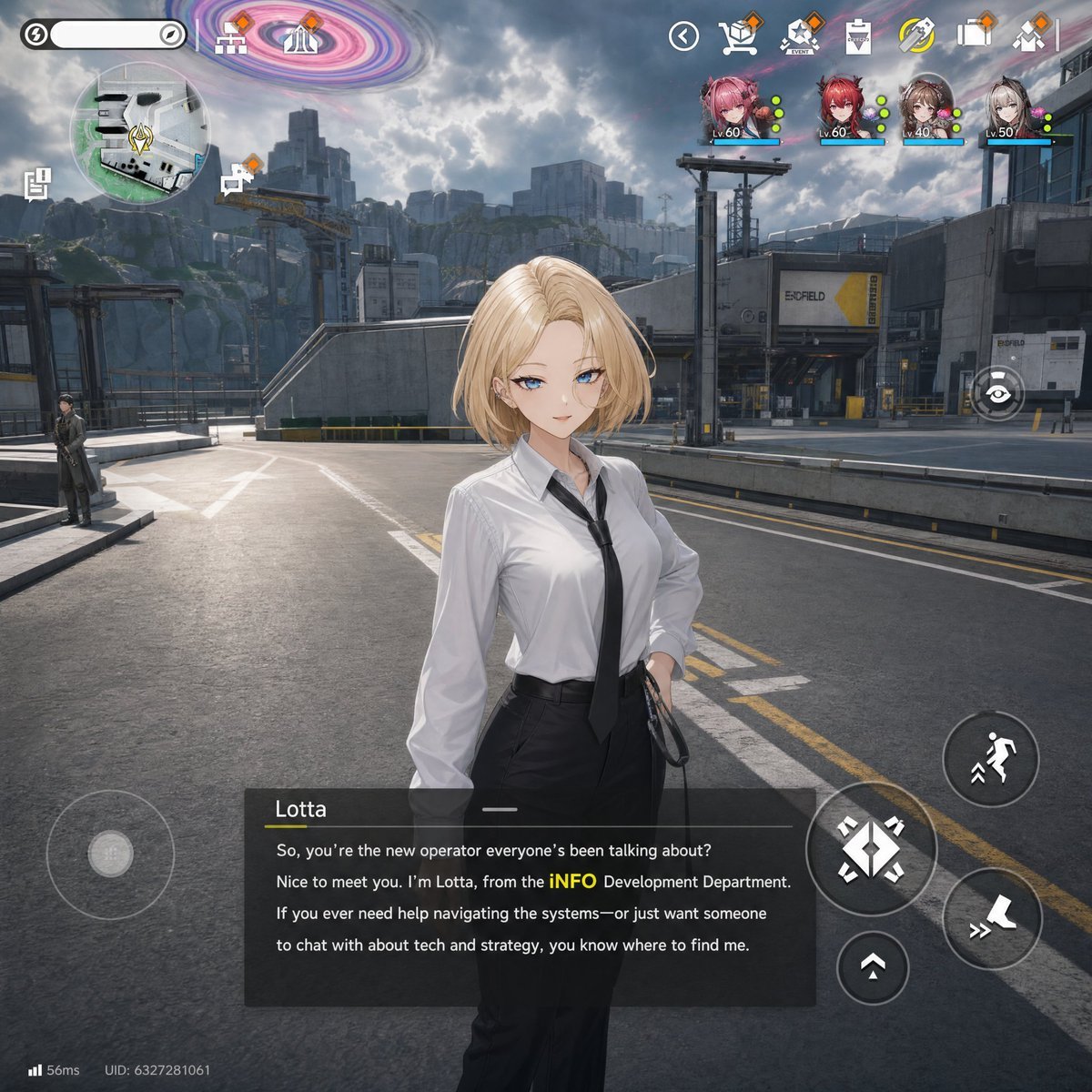
Sci-Fi Gacha RPG Dialogue Screenshot
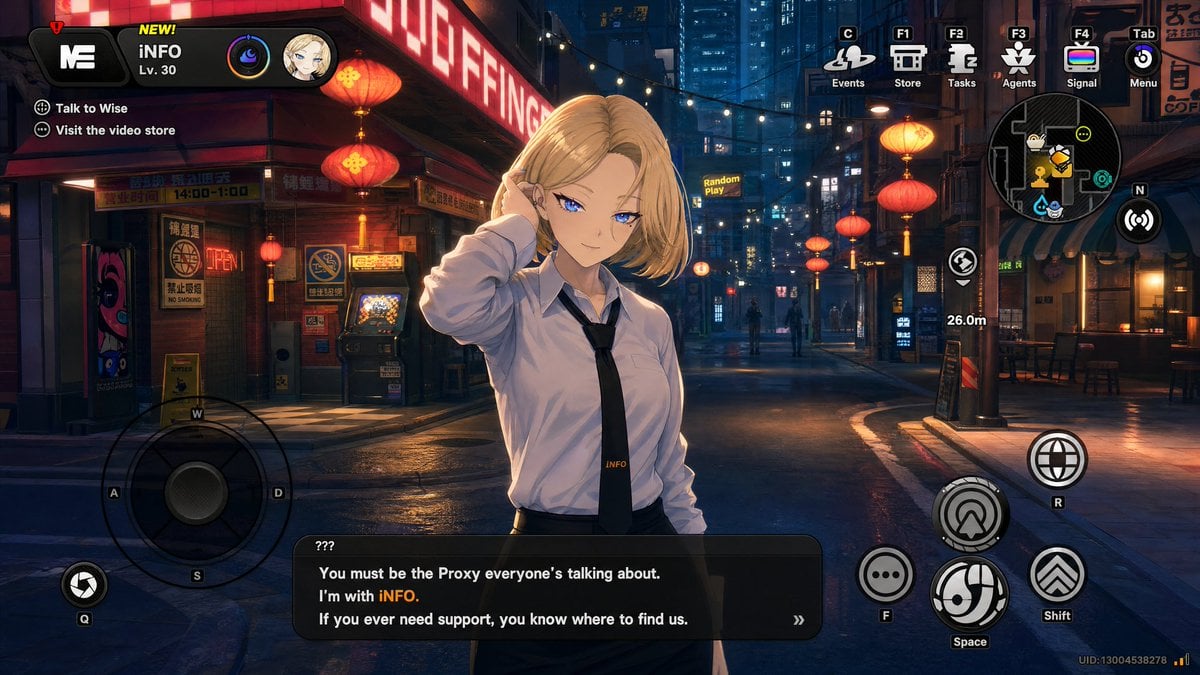
Cyberpunk Gacha Game Dialogue Screenshot
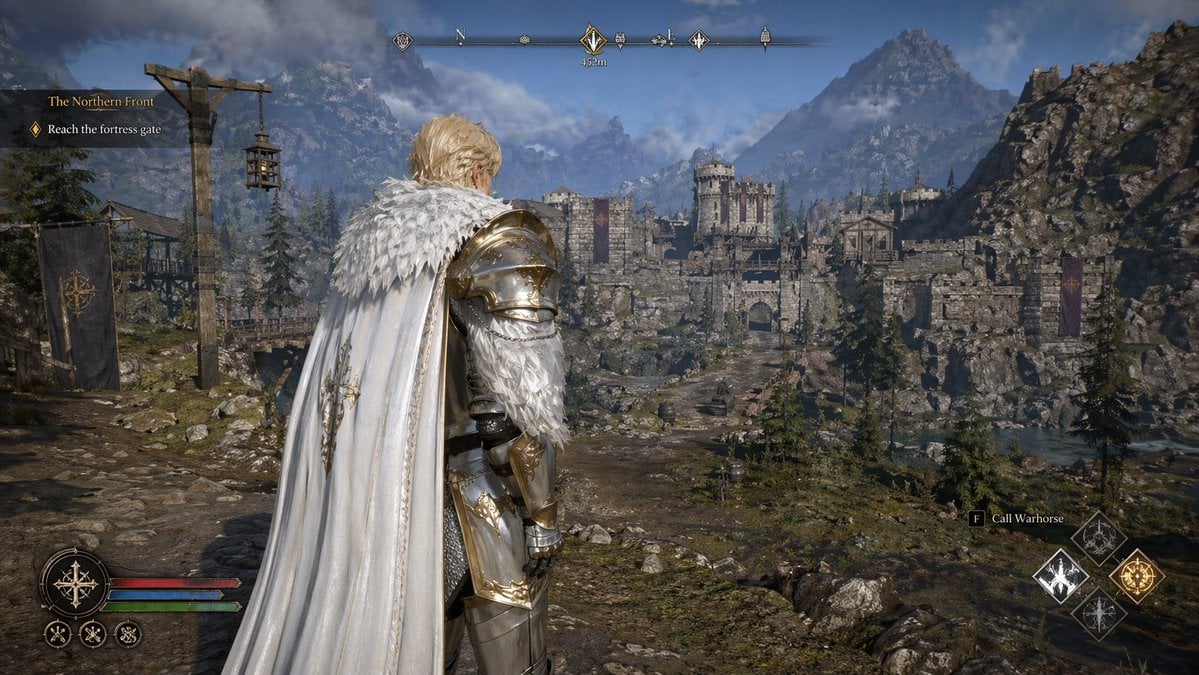
Open-world RPG screenshot style
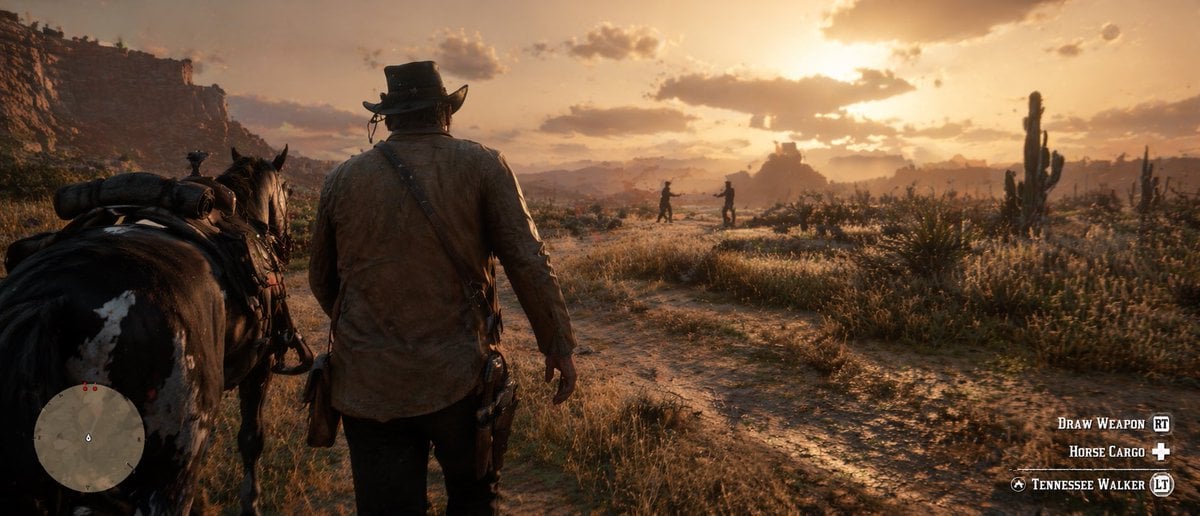
Western Open-World Game Screenshot
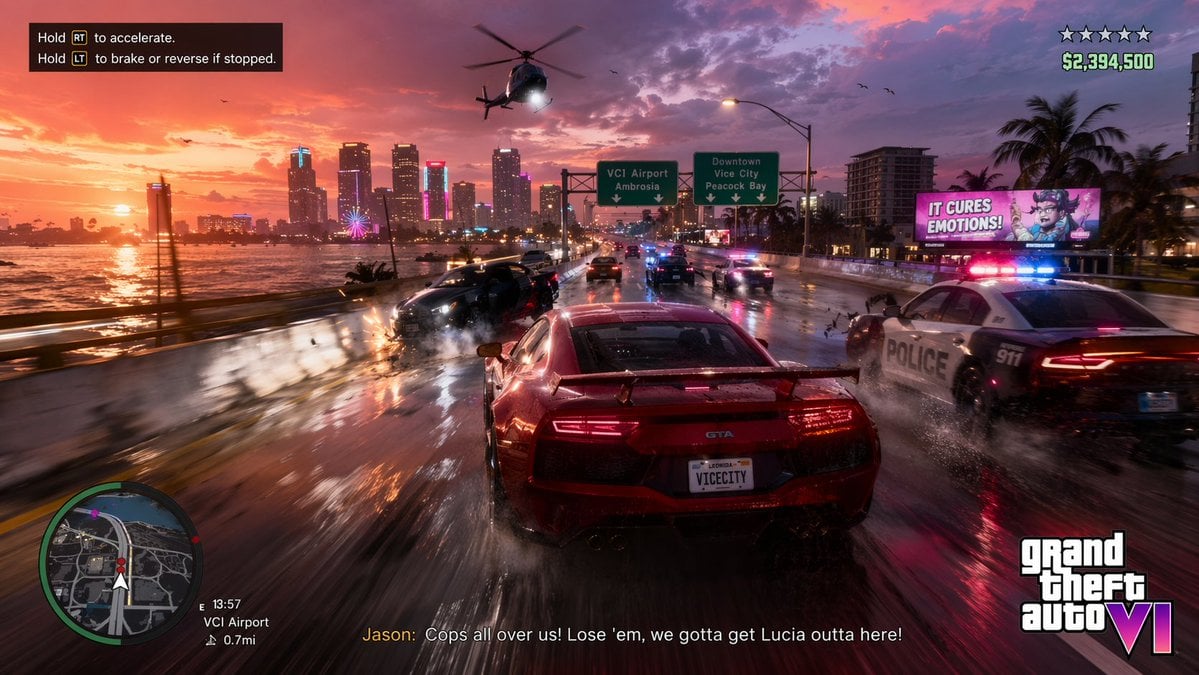
Open-World Action Game HUD Screenshot
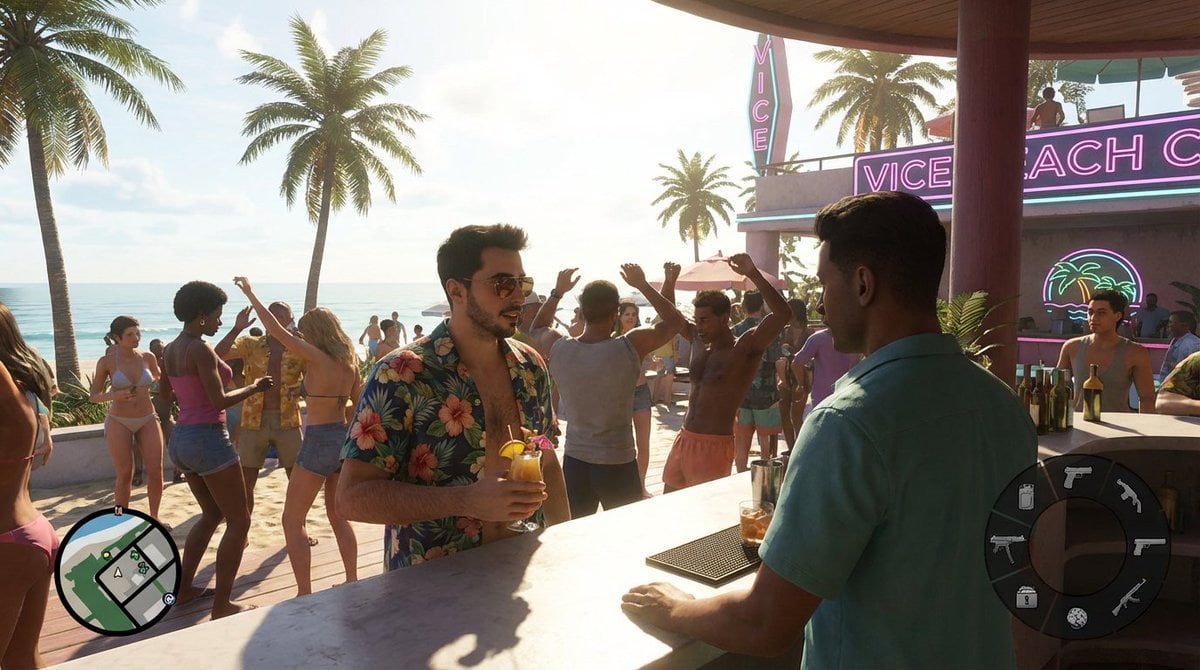
Beach Club Open-World Game Screenshot
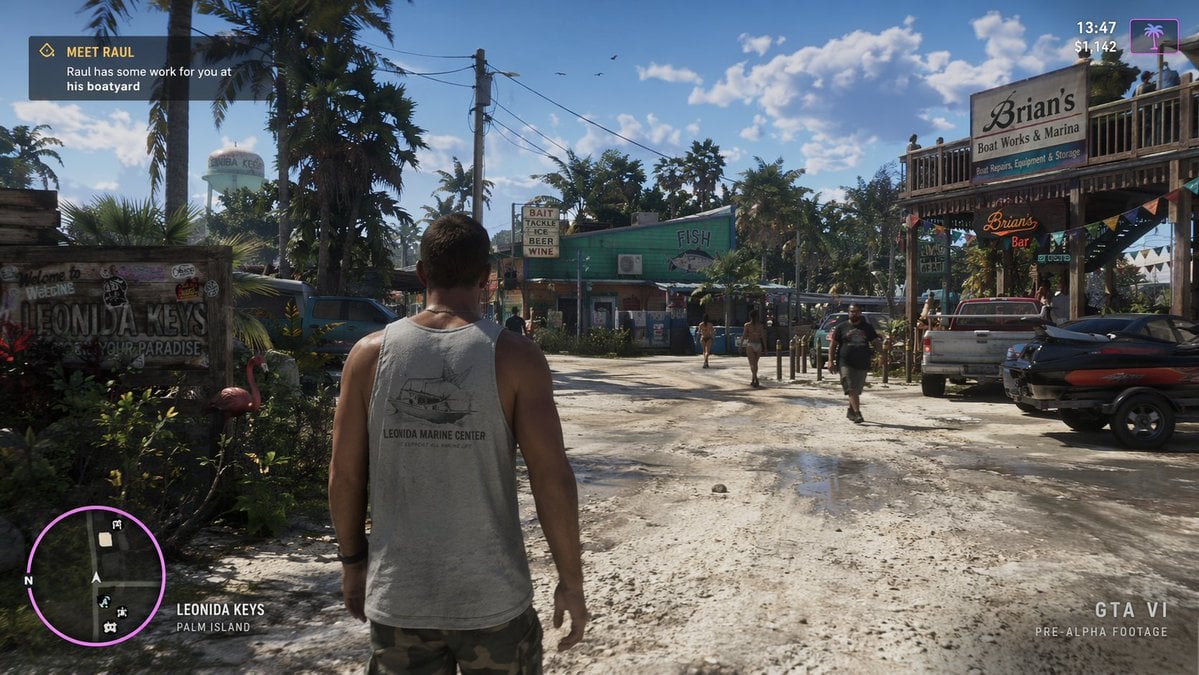
Open-World Game Screenshot Mockup
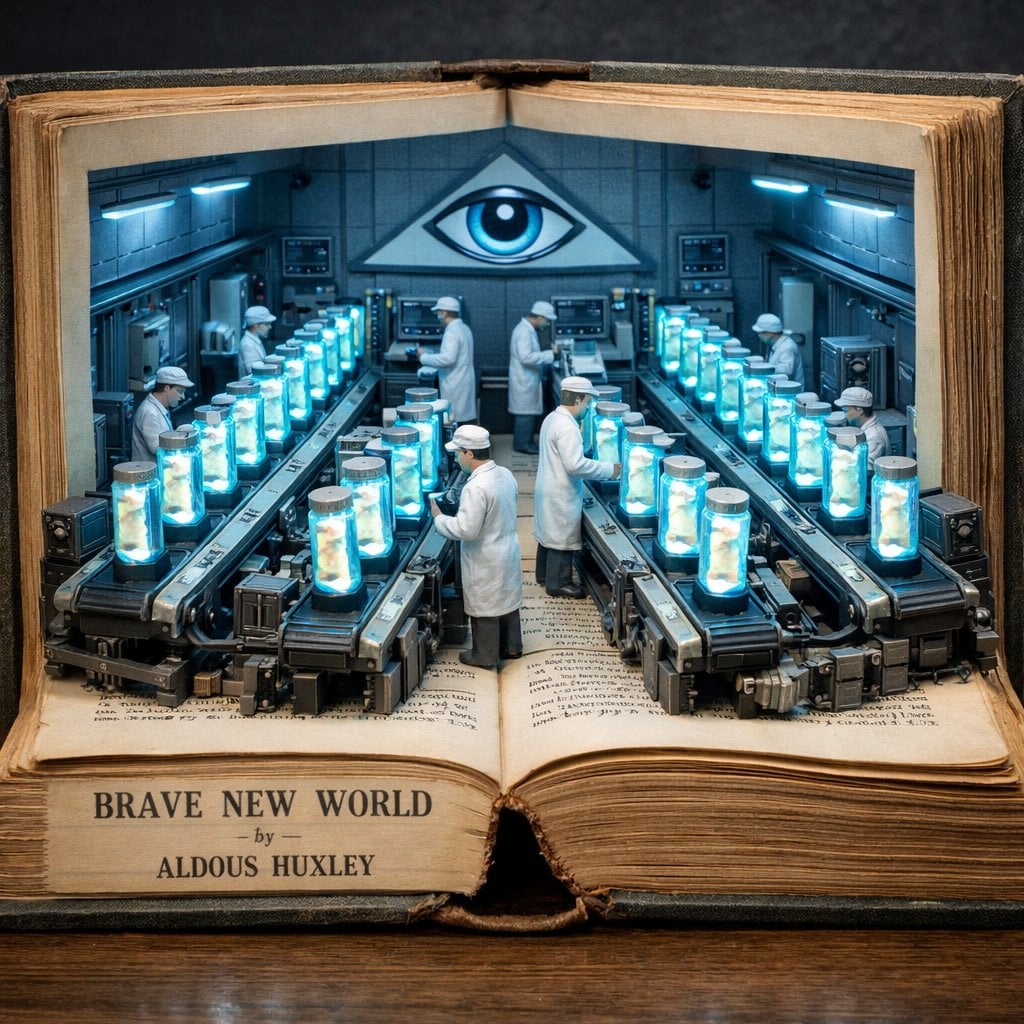
Surreal diorama emerging from an open vintage book of Brave New World
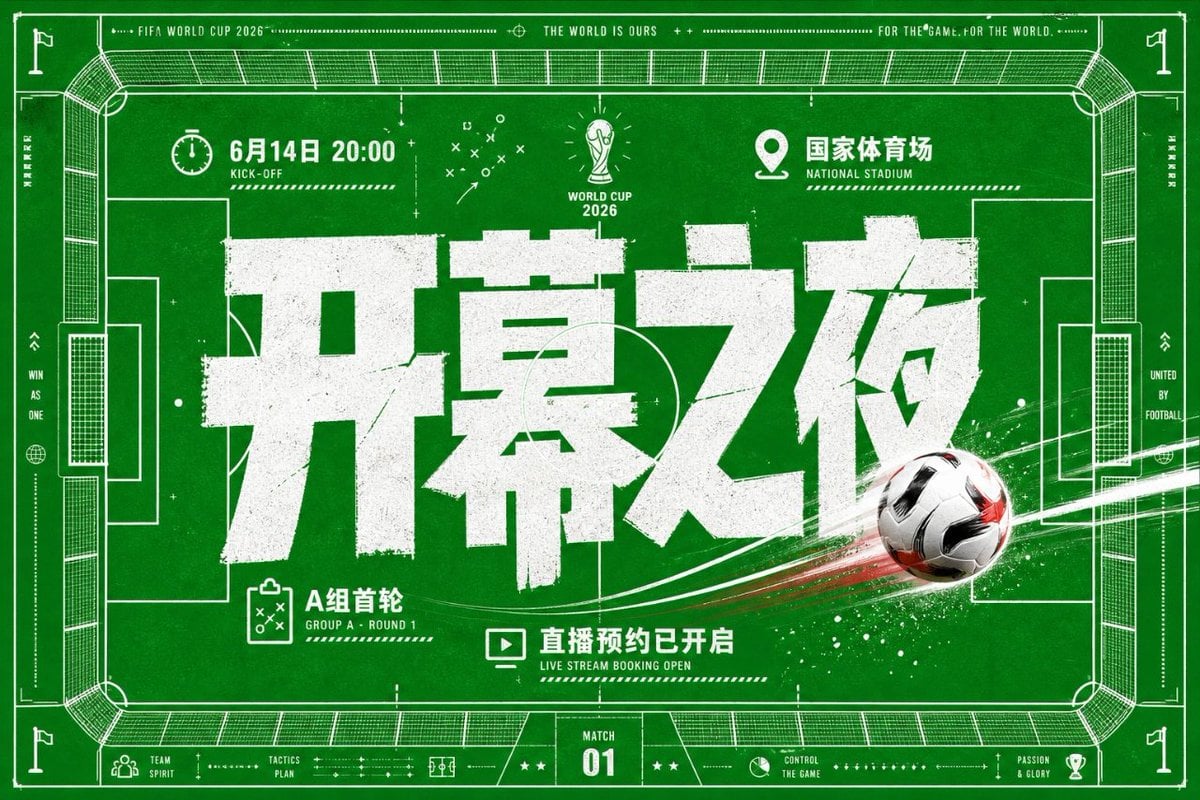
World Cup Opening Night Poster
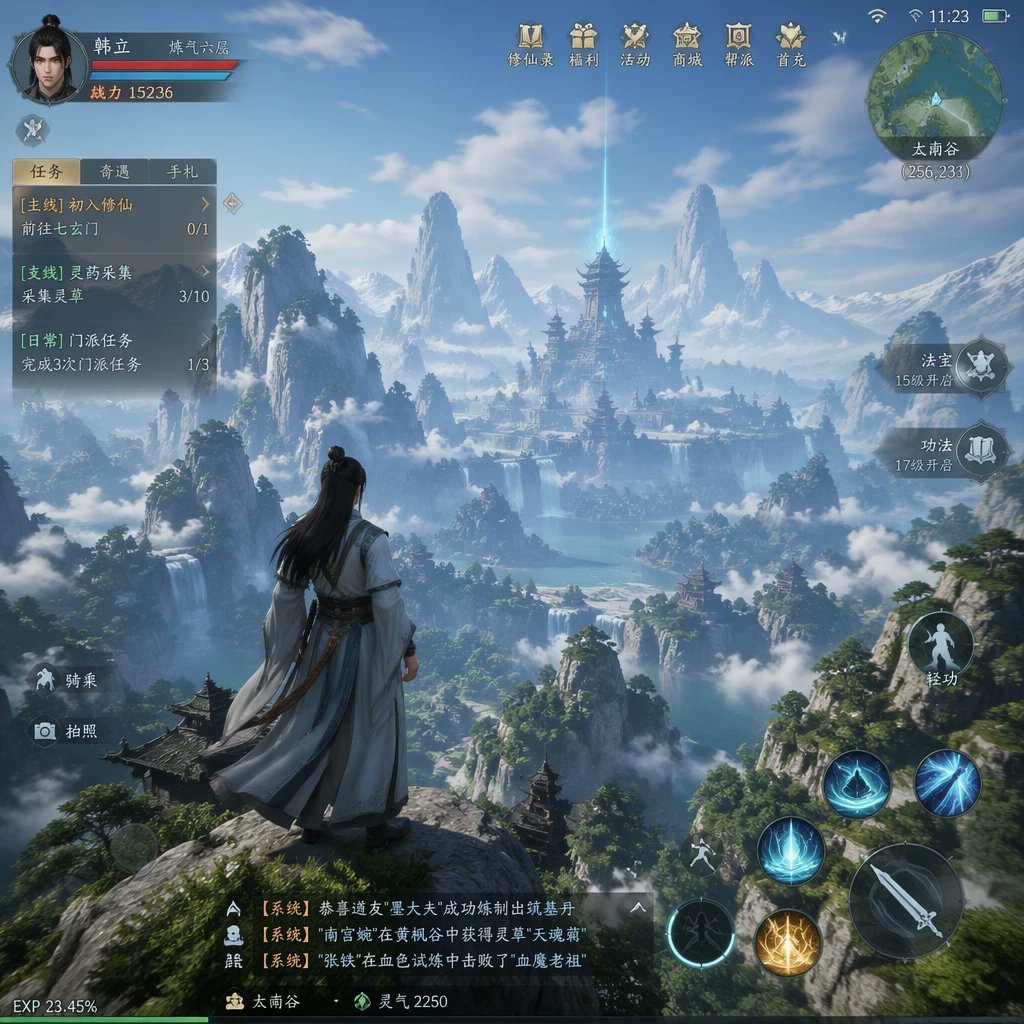
MMO Game World Screenshot
Make it yours
Open-World Gacha Dialogue Screenshot works as-is. These are the safest ways to change it without losing the look.
Swap the setting
Keep the rest of the prompt and replace the location block. The current setting is “wide city intersection with zebra crosswalk, glass office towers, storefronts, t”.
Change one field
Copy a single group, rewrite it, and generate again so you can see what that field is doing.
Keep the frame, change the subject
Hold the composition and light of Open-World Gacha Dialogue Screenshot, then swap wardrobe, props or the person for a new take.
| If the result… | Why | Fix |
|---|---|---|
| The result drifts from the preview | Too many fields changed at once. | Reuse Open-World Gacha Dialogue Screenshot as-is first, then change one group — subject, light, or setting. |
| GPT Image 2 ignores part of the JSON | Some models flatten or skip nested keys. | Keep the same values and paste them as a short paragraph instead. |
More GPT Image 2 templates
Other prompts made for GPT Image 2.

Six VTuber Japanese Logo Sheet

Realistic Portrait of Woman and Deer

The Vista Modular Condo Poster

AI Model Routing Comparison Infographic

2.5D Anime Art Board

Isometric Productivity Desk Scene

New York Double Exposure Poster

Four-Panel AI Landscape Comparison

Japanese Tatami Lifestyle Magazine Cover

NESCAFÉ Coffee Map Poster
More image prompts
Fresh picks from across the catalog.
Surreal Symbolic Head Prompt
Black-and-White Surreal Editorial Portrait
Image Sharpening and Resolution Improvement Prompt for Google Gemini A.I.
Phone-friendly mate-in-one chess puzzle image
Unplanned Paparazzi-Style Portrait Prompt
Dual Portrait Arrangement with Location Context
Swat Takedown Seedance 2 0 Cinematic

Enchanted Forest Root Kiss Scene By Nano
Forced Perspective Idol Portrait
Future Aesthetic Image Generation Prompt (2025)
Browse template categories
Open-World Gacha Dialogue Screenshot questions
How do I use the Open-World Gacha Dialogue Screenshot template?
Add your photo if the template asks for one, edit the prompt if you like — the template's model and format are already selected — and press Generate. Your version opens in PicX Studio.
Can I customize the Open-World Gacha Dialogue Screenshot template?
Yes. You can change the subject, setting, lighting, mood, format, and available model controls before creating your image.
Is the Open-World Gacha Dialogue Screenshot template free?
Opening and editing this template is free. Generating uses credits, shown on the Generate button when you are signed in.
Which AI model should I use?
Start with GPT Image 2, which is the model associated with this template. You can compare another compatible model for a different finish.
Looking for something else? Browse all templates.

Your photo, any look
Thousands of ready templates for every top image and video model, from one credit balance.