
Sci-Fi Gacha RPG Dialogue Screenshot
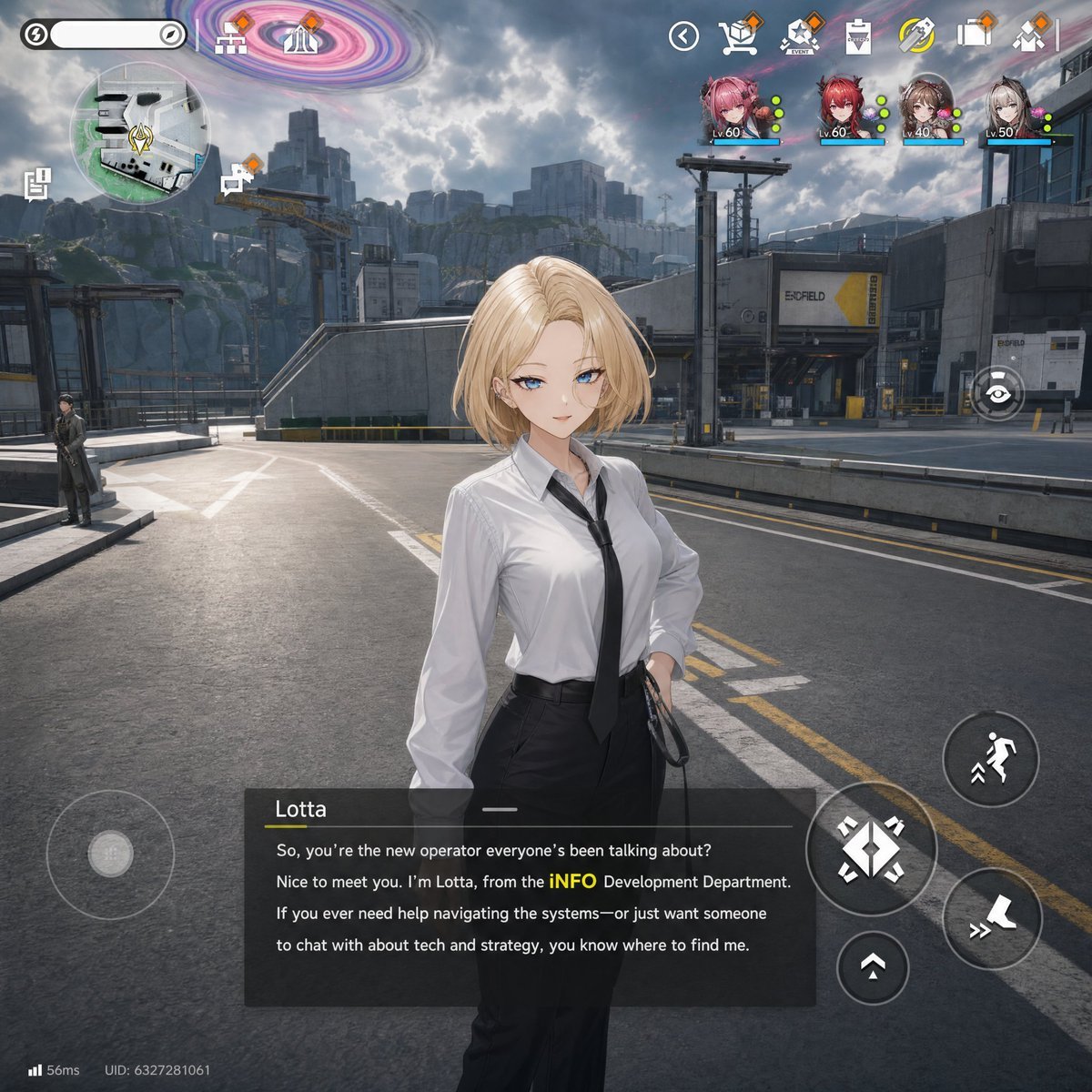
Generates a polished mobile gacha-game dialogue scene with an anime-realistic NPC, industrial sci-fi environment, and full RPG HUD overlay.
- Prompt included
- Model and format preset
- Free template
The prompt behind this image
Copy the exact prompt behind Sci-Fi Gacha RPG Dialogue Screenshot, or open it in the studio and make it yours.
- Type
- gacha game in-engine dialogue screenshot
- Style
- high fidelity 3D anime-realistic mobile RPG UI, cinematic lighting, detailed industrial sci-fi environment, Arknights Endfield / Zenless Zone Zero / Wuthering Waves inspired, polished game HUD overlay
- Scene › Location
- wide outdoor industrial base road in a futuristic mining or logistics district
- Scene › Background
- gray asphalt roadway with lane markings, concrete platforms, metal railings, warehouse buildings, cranes, cliffs, distant blocky city structures, cloudy dramatic sky, and a colorful pink-purple vortex anomaly swirling in the upper sky
- Scene › Camera
- third-person dialogue view, slightly low eye-level, character centered in foreground, 1:1 square mobile screenshot composition
- Character › Name
- {argument name="character name" default="Lotta"}
- Character › Position
- center foreground
- Character › Appearance
- young adult woman with short blonde bob hair, face obscured by a smooth beige square censor block, fair skin, slim build
- Character › Outfit
- white slightly wrinkled button-up office shirt, loose black necktie, high-waisted black trousers, black belt, one hand on hip, holding a black strap or bag handle
- Character › Pose
- casual confident NPC dialogue pose facing the player
- Hud › Top Left › Count
- 3
- Hud › Top Left › Items
- rounded white status bar with circular lightning icon, large circular minimap showing roads and buildings with a yellow diamond objective marker, two small vertical side icons near the minimap for menu/task access
- Hud › Top Center › Count
- 2
- Hud › Top Center › Items
- small home/base icon, small facility or gate icon under the purple sky anomaly
- Hud › Top Right › Count
- 9
- Hud › Top Right › Items
- back arrow icon, mail or package icon with orange notification diamond, triangular mission/event icon with orange notification diamond, clipboard or inventory icon, yellow circular energy/refresh icon, building/base icon with orange notification diamond, four party character portraits with level labels and colored status dots: Lv.60 pink-haired girl, Lv.60 red-haired girl, Lv.40 brown-haired girl, Lv.50 gray-haired girl
- Hud › Right Side Controls › Count
- 5
- Hud › Right Side Controls › Items
- eye/view icon button, large circular running/dodge button, large diamond directional/action pad with arrows, small upward arrow button, boot or fast movement icon button
- Hud › Bottom Left › Count
- 3
- Hud › Bottom Left › Items
- large translucent virtual joystick, network indicator reading 56ms, UID text reading UID: 6327281061
- Hud › Dialogue Box › Position
- bottom center
- Hud › Dialogue Box › Speaker
- {argument name="speaker name" default="Lotta"}
- Hud › Dialogue Box › Text
- {argument name="dialogue text" default="So, you’re the new operator everyone’s been talking about? Nice to meet you. I’m Lotta, from the iNFO Development Department. If you ever need help navigating the systems—or just want someone to chat with about tech and strategy, you know where to find me."}
- Hud › Dialogue Box › Visuals
- semi-transparent dark rectangular dialogue panel, speaker name in white with a short yellow underline, thin horizontal divider line, white body text with the word iNFO highlighted in yellow
Raw JSON
{"type":"gacha game in-engine dialogue screenshot","style":"high fidelity 3D anime-realistic mobile RPG UI, cinematic lighting, detailed industrial sci-fi environment, Arknights Endfield / Zenless Zone Zero / Wuthering Waves inspired, polished game HUD overlay","scene":{"location":"wide outdoor industrial base road in a futuristic mining or logistics district","background":"gray asphalt roadway with lane markings, concrete platforms, metal railings, warehouse buildings, cranes, cliffs, distant blocky city structures, cloudy dramatic sky, and a colorful pink-purple vortex anomaly swirling in the upper sky","camera":"third-person dialogue view, slightly low eye-level, character centered in foreground, 1:1 square mobile screenshot composition"},"character":{"name":"{argument name=\"character name\" default=\"Lotta\"}","position":"center foreground","appearance":"young adult woman with short blonde bob hair, face obscured by a smooth beige square censor block, fair skin, slim build","outfit":"white slightly wrinkled button-up office shirt, loose black necktie, high-waisted black trousers, black belt, one hand on hip, holding a black strap or bag handle","pose":"casual confident NPC dialogue pose facing the player"},"hud":{"top left":{"count":3,"items":["rounded white status bar with circular lightning icon","large circular minimap showing roads and buildings with a yellow diamond objective marker","two small vertical side icons near the minimap for menu/task access"]},"top center":{"count":2,"items":["small home/base icon","small facility or gate icon under the purple sky anomaly"]},"top right":{"count":9,"items":["back arrow icon","mail or package icon with orange notification diamond","triangular mission/event icon with orange notification diamond","clipboard or inventory icon","yellow circular energy/refresh icon","building/base icon with orange notification diamond","four party character portraits with level labels and colored status dots: Lv.60 pink-haired girl, Lv.60 red-haired girl, Lv.40 brown-haired girl, Lv.50 gray-haired girl"]},"right side controls":{"count":5,"items":["eye/view icon button","large circular running/dodge button","large diamond directional/action pad with arrows","small upward arrow button","boot or fast movement icon button"]},"bottom left":{"count":3,"items":["large translucent virtual joystick","network indicator reading 56ms","UID text reading UID: 6327281061"]},"dialogue box":{"position":"bottom center","speaker":"{argument name=\"speaker name\" default=\"Lotta\"}","text":"{argument name=\"dialogue text\" default=\"So, you’re the new operator everyone’s been talking about? Nice to meet you. I’m Lotta, from the iNFO Development Department. If you ever need help navigating the systems—or just want someone to chat with about tech and strategy, you know where to find me.\"}","visuals":"semi-transparent dark rectangular dialogue panel, speaker name in white with a short yellow underline, thin horizontal divider line, white body text with the word iNFO highlighted in yellow"}},"lighting":"natural daylight filtered through heavy clouds, soft shadows, realistic reflections on shirt and pavement","rendering":"ultra detailed game screenshot, crisp UI icons, depth and scale, no painterly brush strokes, no visible watermark","customization":{"environment mood":"{argument name=\"environment mood\" default=\"overcast industrial sci-fi base with dramatic anomaly sky\"}","game inspiration":"{argument name=\"game inspiration\" default=\"Arknights: Endfield style mobile RPG dialogue HUD\"}"}}How to use Sci-Fi Gacha RPG Dialogue Screenshot in 3 steps
- 1Upload ImagePNG, JPG or paste
Add your photo
Upload the photo the template builds on. The prompt, model and format are already set.
- 2…a portrait of your subject in softgolden-hour light, 85mm…
Personalize
Edit the subject and creative details for your destination.
- 3Generate
Generate
Press Generate — your image is created in PicX Studio, so you can compare it with the original and refine one variable at a time.
More like this
Templates with the same subject, style or setup. Open one to see its prompt.
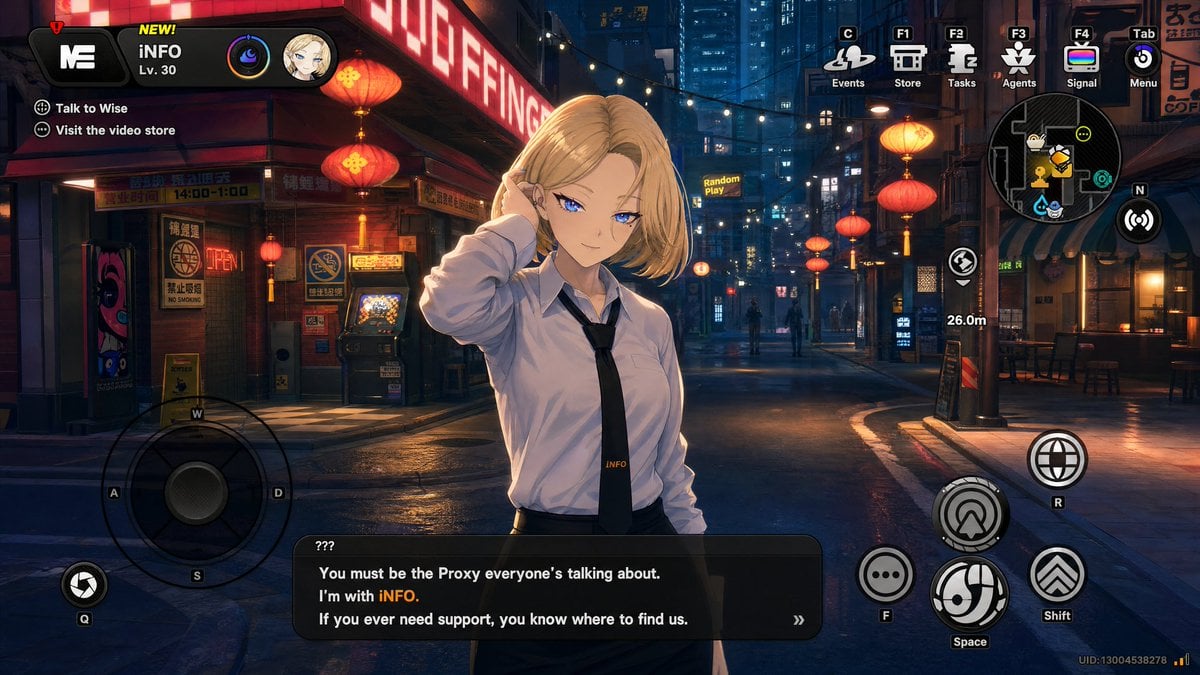
Cyberpunk Gacha Game Dialogue Screenshot
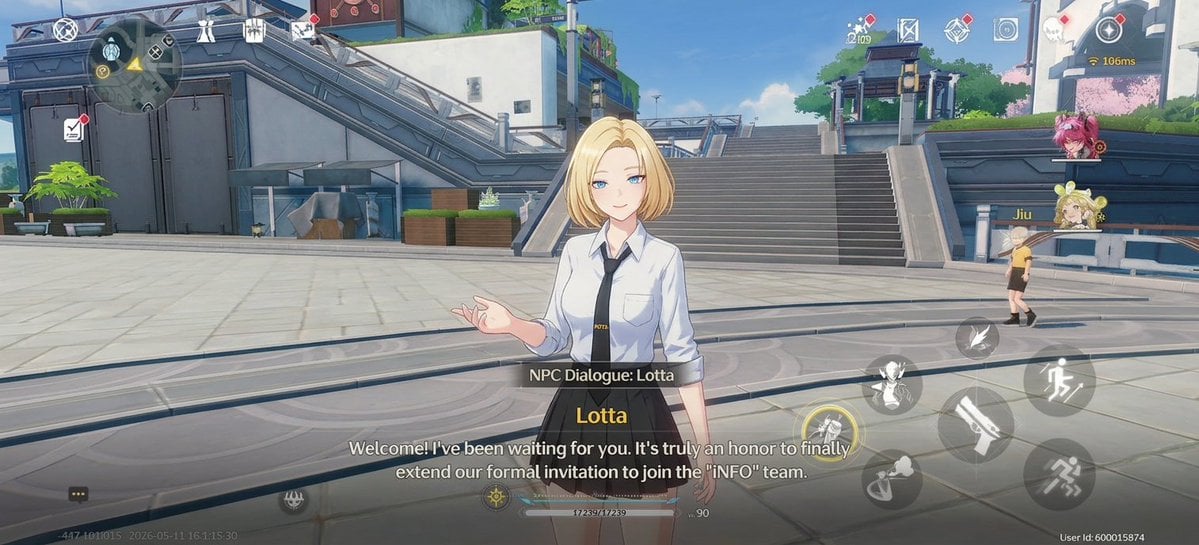
Anime RPG Dialogue Screenshot
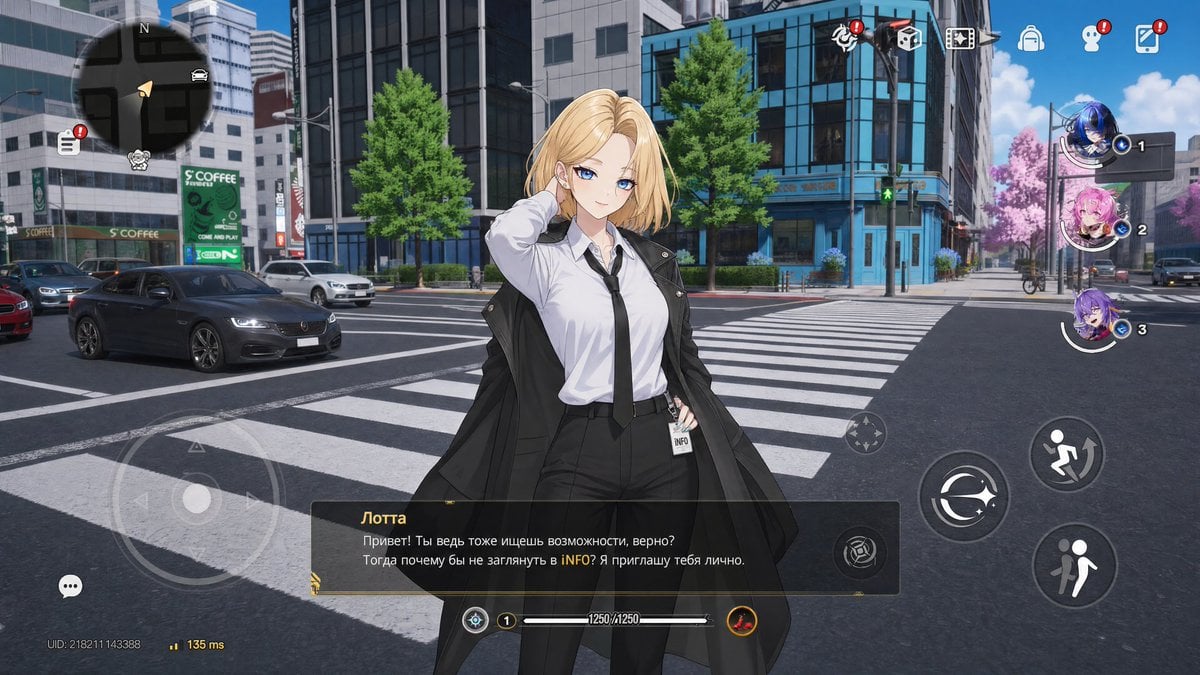
Open-World Gacha Dialogue Screenshot

Minecraft Next-Gen Voxel World Screenshot
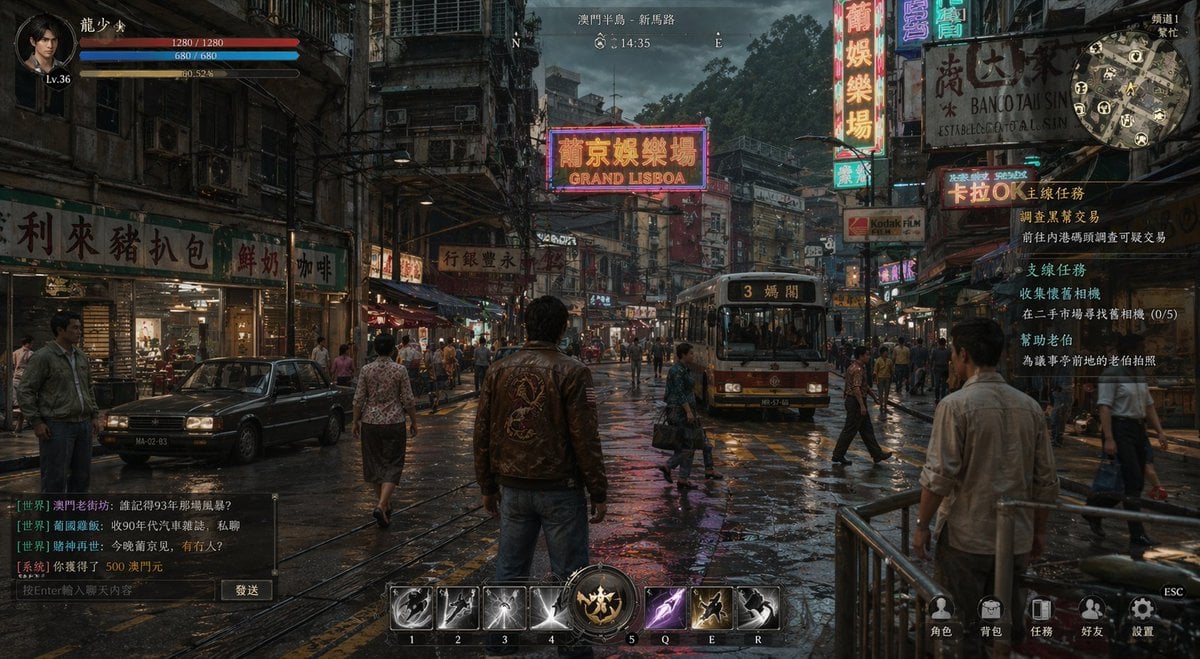
Rainy Neon Macau RPG Screenshot
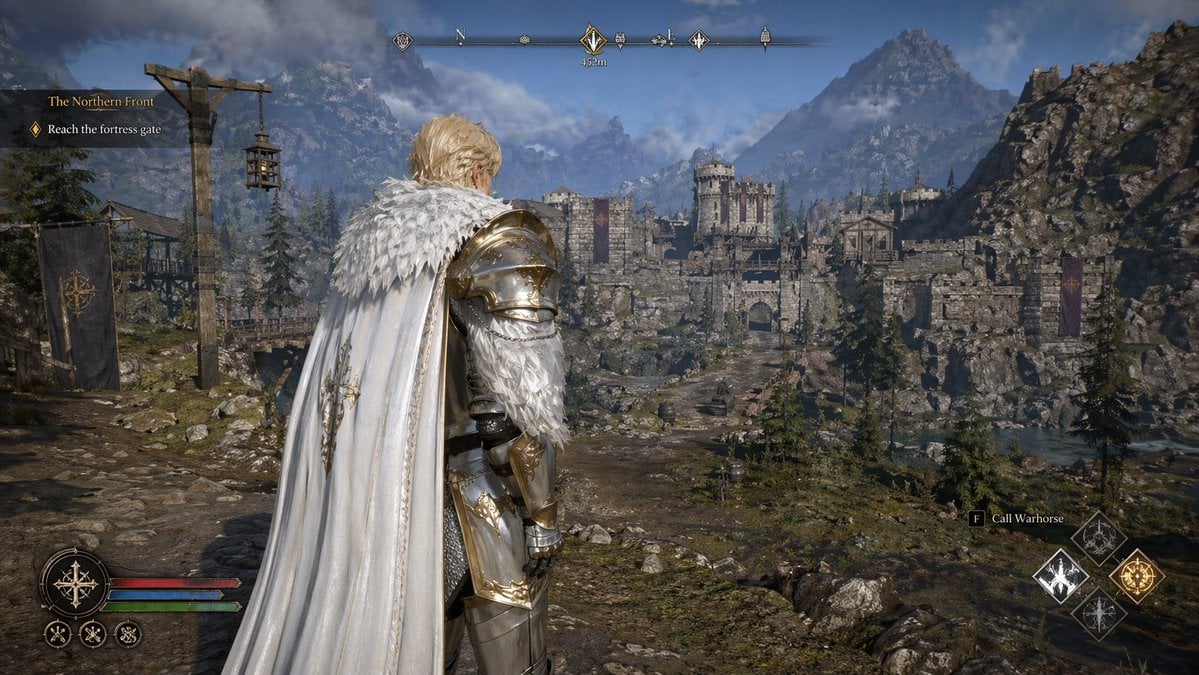
Open-world RPG screenshot style
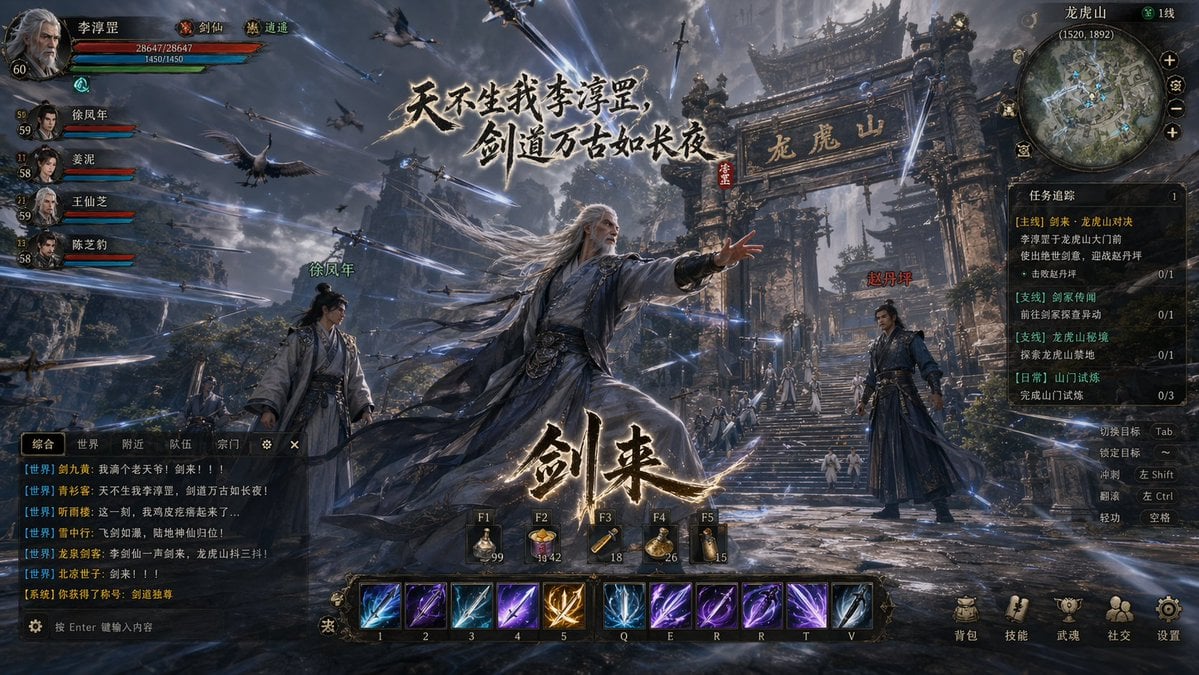
Wuxia MMORPG Gameplay Screenshot
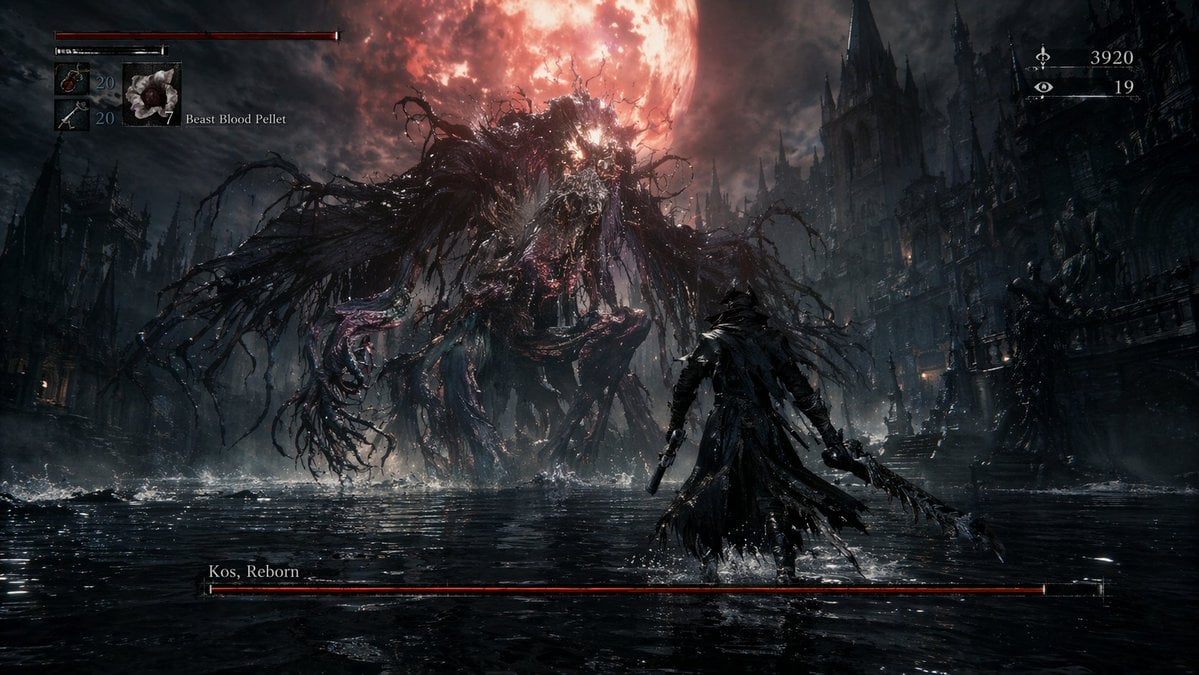
Dark Fantasy RPG Boss Fight Screenshot
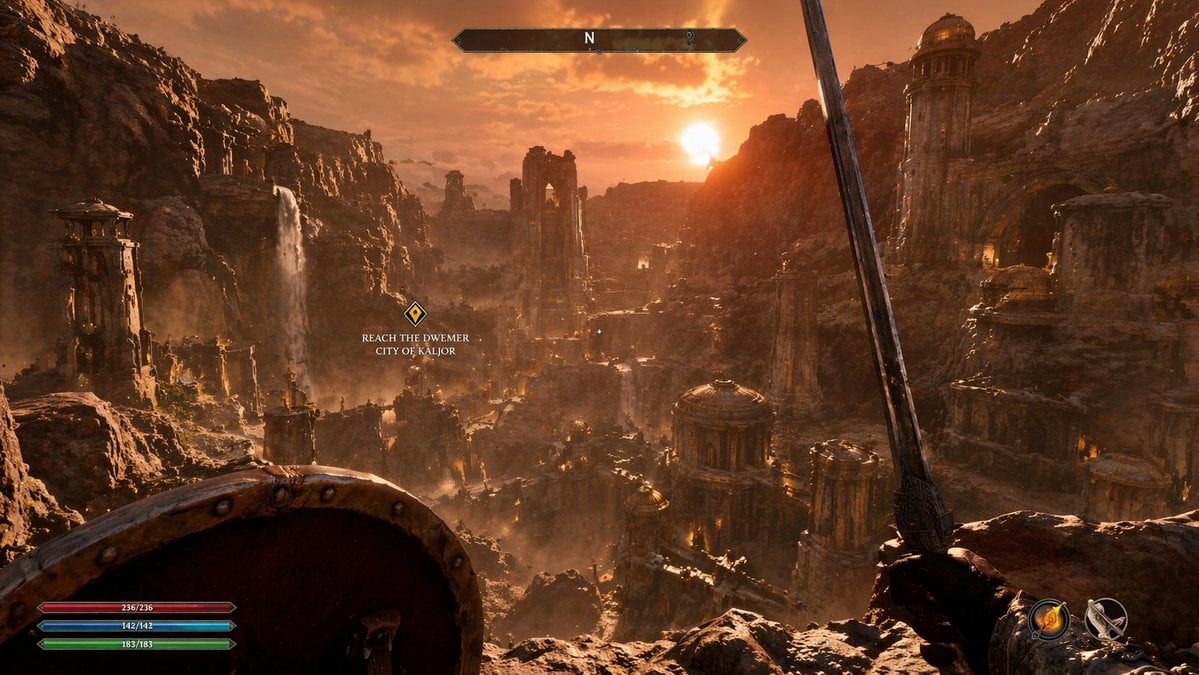
First-Person Fantasy RPG Screenshot
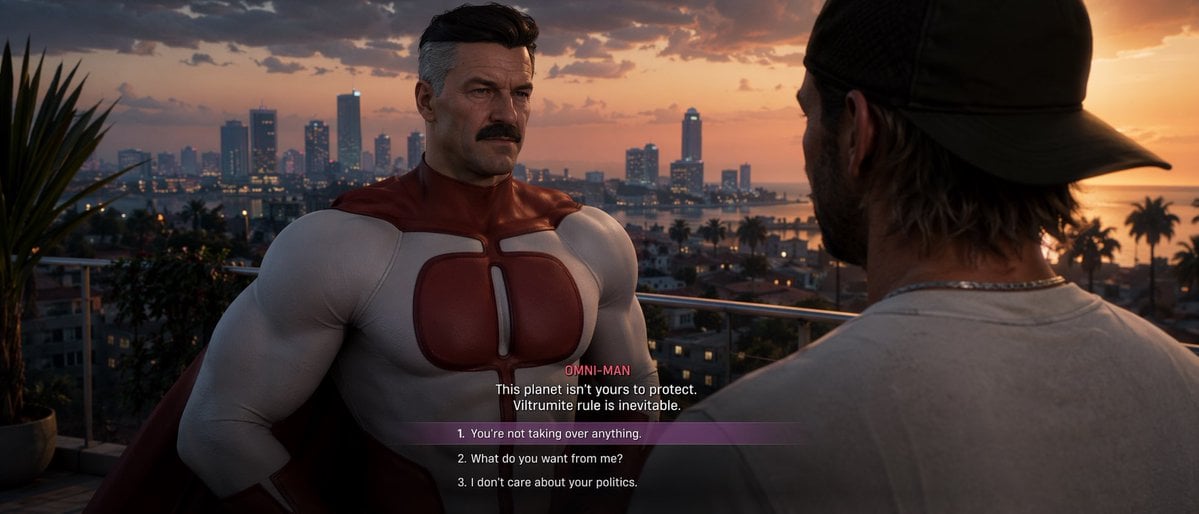
GTA-Style Dialogue Screenshot
Seedance - Romantic Comedy Scene
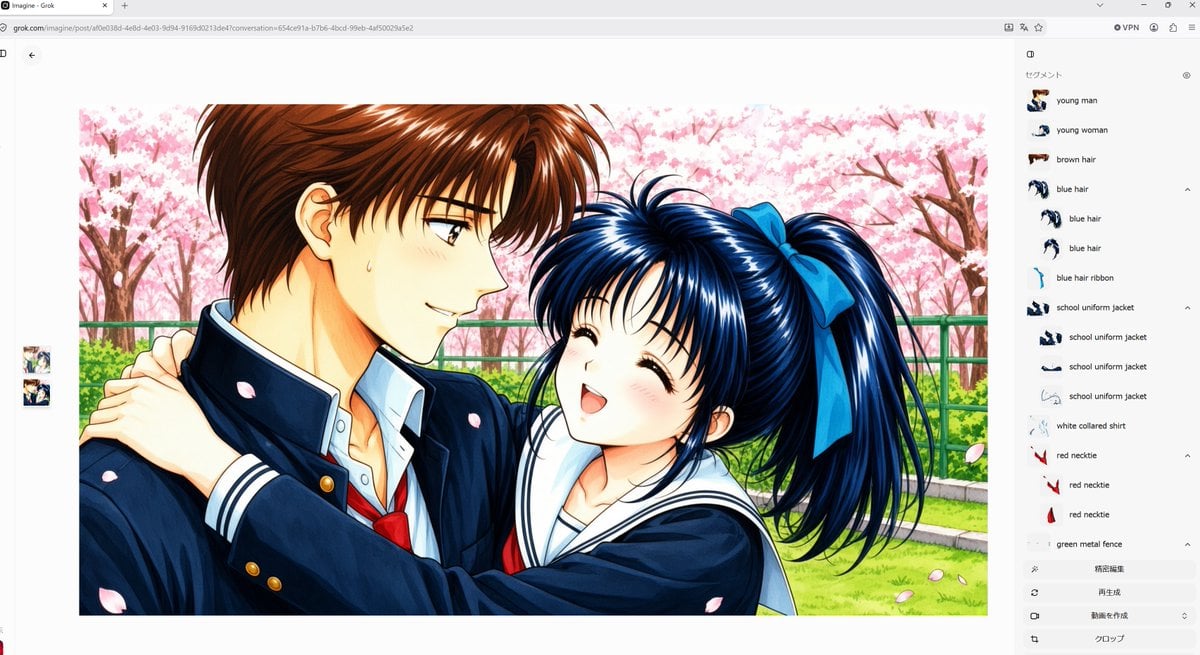
Anime Couple Segmentation UI Screenshot
Make it yours
Sci-Fi Gacha RPG Dialogue Screenshot works as-is. These are the safest ways to change it without losing the look.
Swap the setting
Keep the rest of the prompt and replace the location block. The current setting is “wide outdoor industrial base road in a futuristic mining or logistics district”.
Swap the light
One lighting change is enough to compare takes. Current light: “natural daylight filtered through heavy clouds, soft shadows, realistic reflecti”.
Change one field
Copy a single group, rewrite it, and generate again so you can see what that field is doing.
| If the result… | Why | Fix |
|---|---|---|
| The result drifts from the preview | Too many fields changed at once. | Reuse Sci-Fi Gacha RPG Dialogue Screenshot as-is first, then change one group — subject, light, or setting. |
| GPT Image 2 ignores part of the JSON | Some models flatten or skip nested keys. | Keep the same values and paste them as a short paragraph instead. |
More GPT Image 2 templates
Other prompts made for GPT Image 2.

Six VTuber Japanese Logo Sheet

Realistic Portrait of Woman and Deer

The Vista Modular Condo Poster

AI Model Routing Comparison Infographic

2.5D Anime Art Board

Isometric Productivity Desk Scene

New York Double Exposure Poster

Four-Panel AI Landscape Comparison

Japanese Tatami Lifestyle Magazine Cover

NESCAFÉ Coffee Map Poster
More image prompts
Fresh picks from across the catalog.
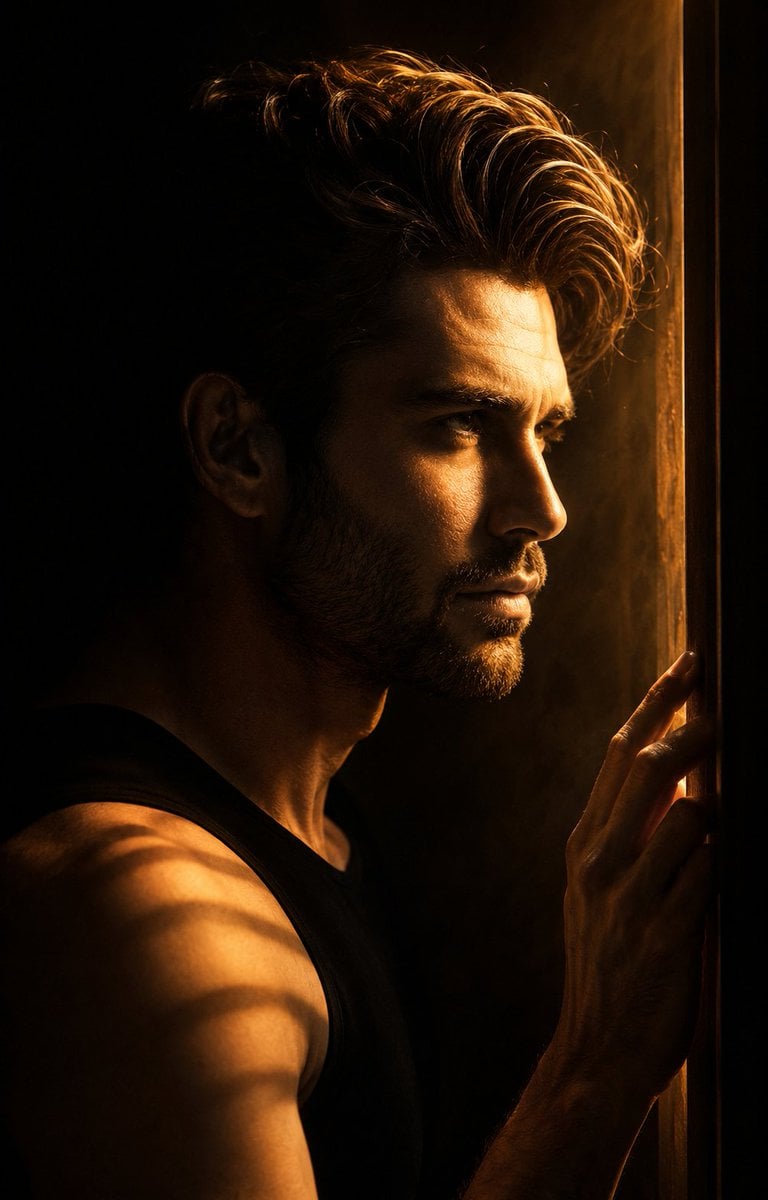
Low-Key Masculine Portrait
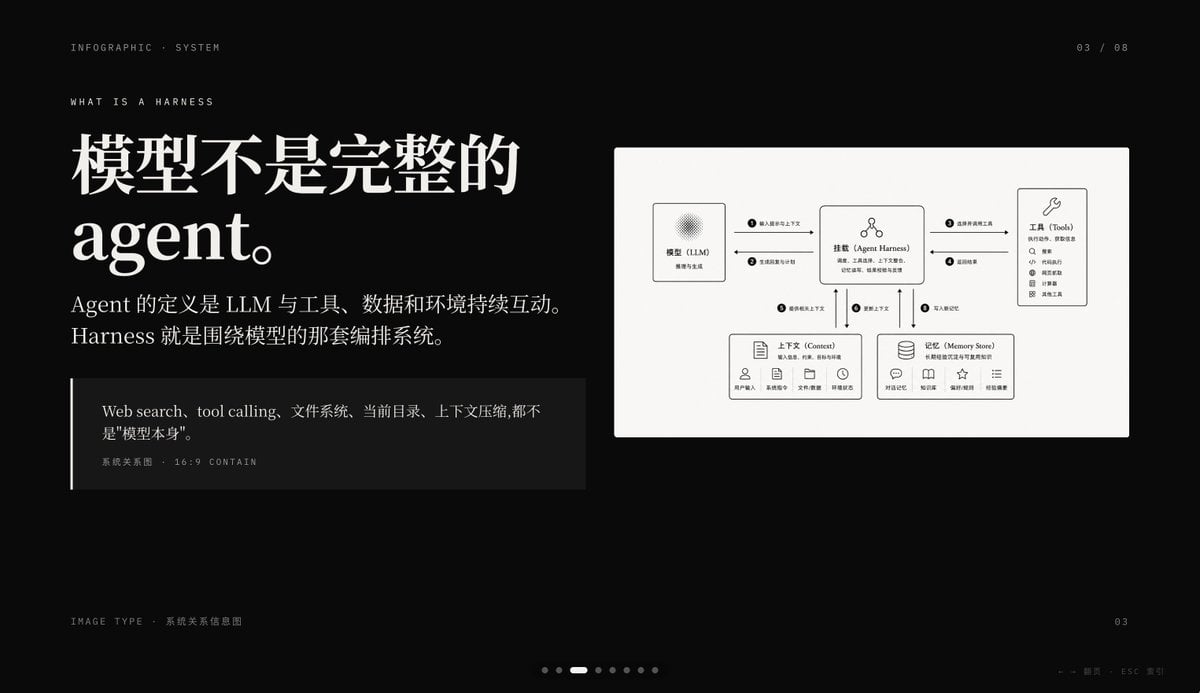
Dark AI Harness Infographic Slide

Cinematic Street Photography with Motion Blur
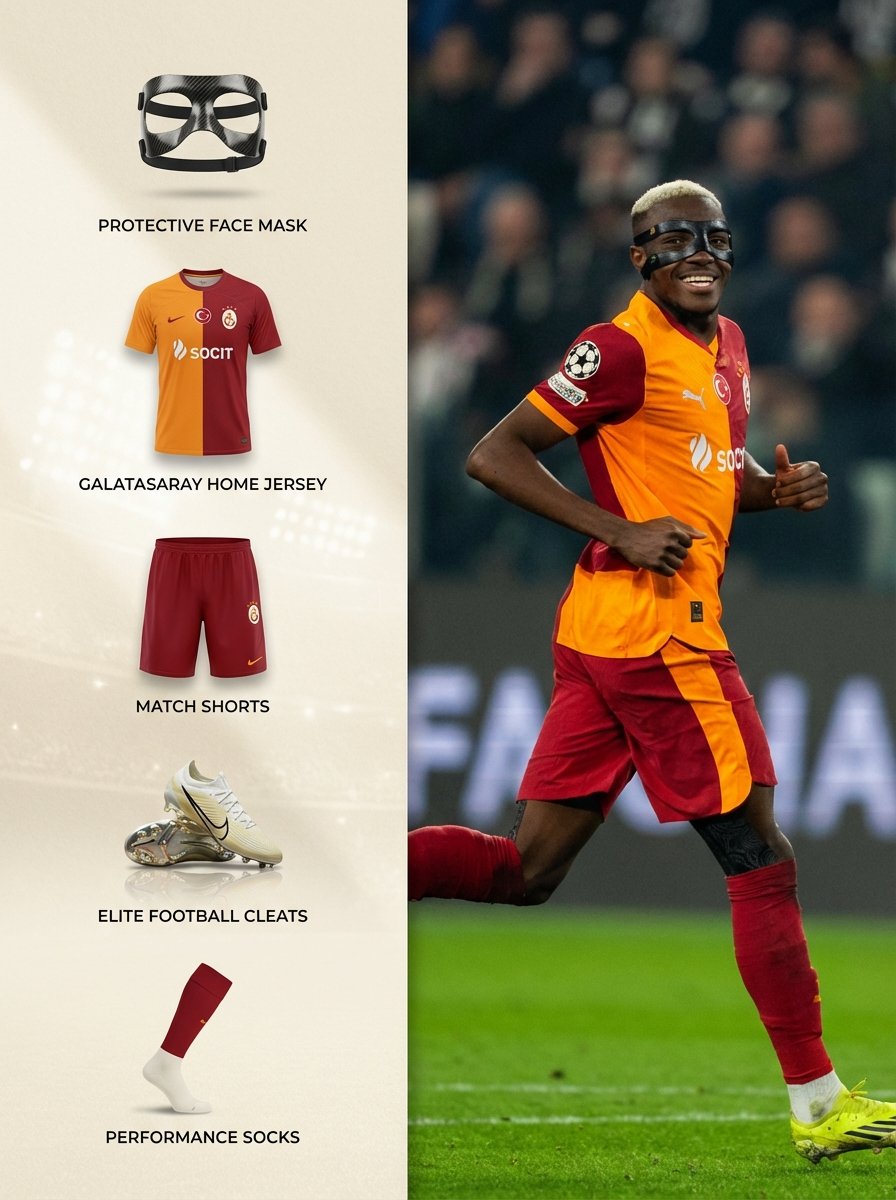
Sports Equipment Infographic Layout of Victor Osimhen
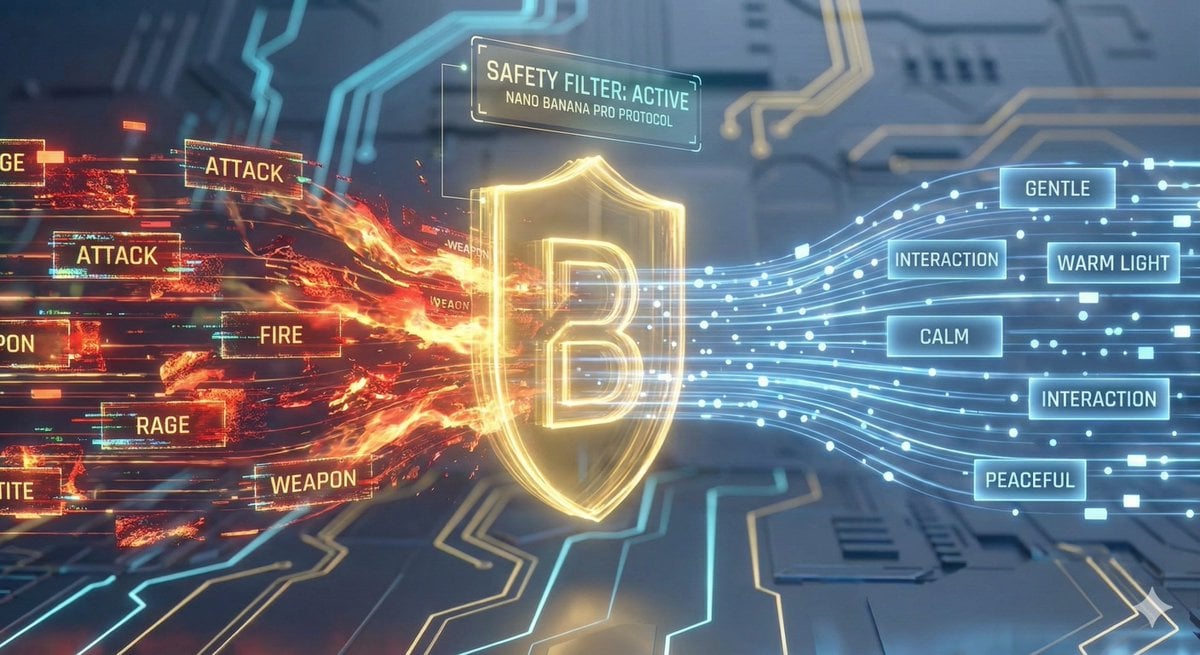
Nano Banana Pro Safety Filter Bypass and Safe Prompting Strategy

Chibi Loft Portrait JSON Prompt for Nano Banana Pro
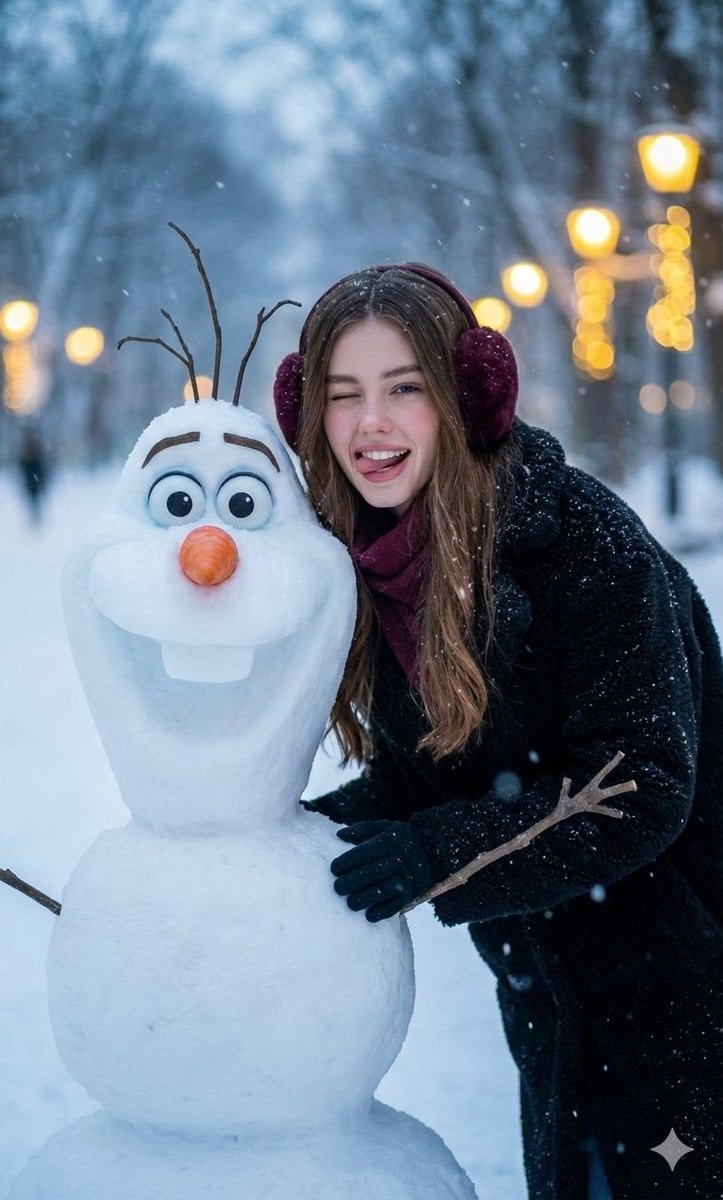
Realistic Olaf and Girl Winter Portrait
Cozy Bedtime Woman With Ginger Kitten
Mint Retro EV by the Sea

Portugal Football Campaign Poster
Browse template categories
Sci-Fi Gacha RPG Dialogue Screenshot questions
How do I use the Sci-Fi Gacha RPG Dialogue Screenshot template?
Add your photo if the template asks for one, edit the prompt if you like — the template's model and format are already selected — and press Generate. Your version opens in PicX Studio.
Can I customize the Sci-Fi Gacha RPG Dialogue Screenshot template?
Yes. You can change the subject, setting, lighting, mood, format, and available model controls before creating your image.
Is the Sci-Fi Gacha RPG Dialogue Screenshot template free?
Opening and editing this template is free. Generating uses credits, shown on the Generate button when you are signed in.
Which AI model should I use?
Start with GPT Image 2, which is the model associated with this template. You can compare another compatible model for a different finish.
Looking for something else? Browse all templates.

Your photo, any look
Thousands of ready templates for every top image and video model, from one credit balance.