
First-Person Fantasy RPG Screenshot
Generates a highly detailed, first-person perspective video game screenshot featuring customizable UI elements, equipped weapons, and a sprawling fantasy landscape.
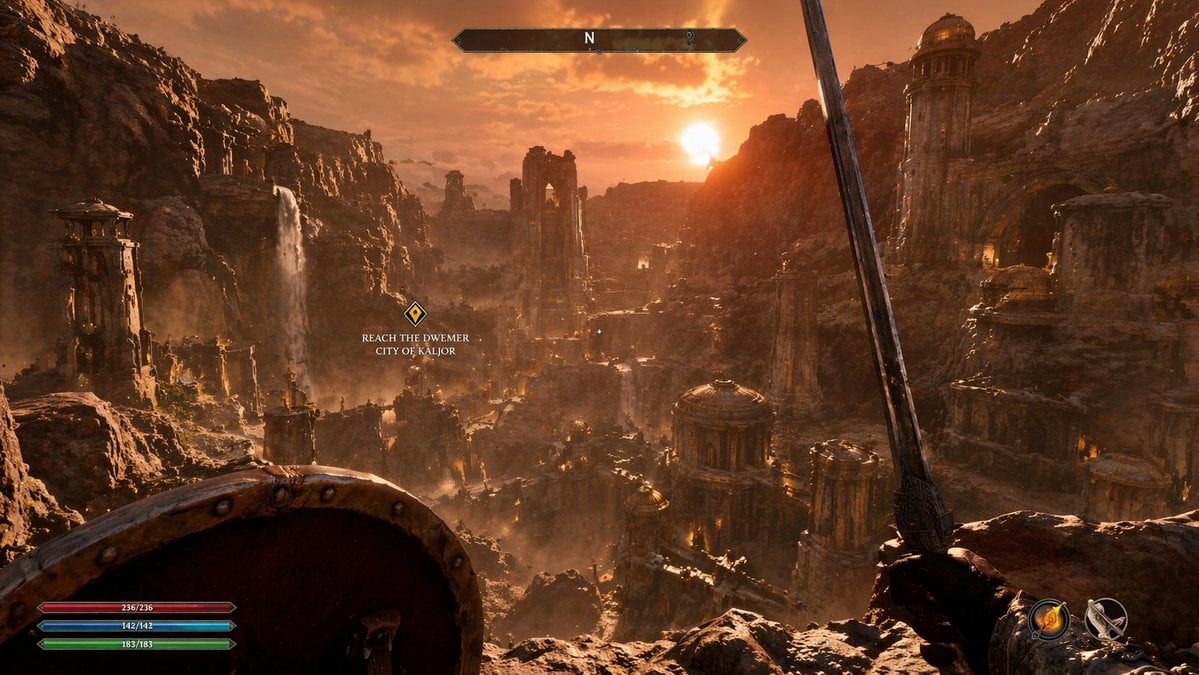
- Prompt included
- Model and format preset
- Free template
The prompt behind this image
Copy the exact prompt behind First-Person Fantasy RPG Screenshot, or open it in the studio and make it yours.
- Type
- first-person RPG video game screenshot
- Scene › Environment
- {argument name="city style" default="ancient ruined Dwemer city in a deep rocky canyon"}
- Scene › Lighting
- {argument name="lighting and atmosphere" default="golden hour sunset, hazy, warm orange glow, dusty atmosphere"}
- Scene › Details
- cascading waterfalls, towering stone pillars, domed structures with brass accents, rugged cliffs
- First Person View › Left Hand
- {argument name="left hand equipment" default="round wooden and metal shield"}
- First Person View › Right Hand
- {argument name="right hand equipment" default="long steel sword"}
- Ui Overlay › Count
- 4
- Ui Overlay › Components › 0 › Position
- top center
- Ui Overlay › Components › 0 › Description
- horizontal compass bar with 'N' and a marker
- Ui Overlay › Components › 1 › Position
- middle left
- Ui Overlay › Components › 1 › Description
- floating quest marker with text
- Ui Overlay › Components › 1 › Text
- {argument name="quest objective" default="REACH THE DWEMER CITY OF KALJOR"}
- Ui Overlay › Components › 2 › Position
- bottom left
- Ui Overlay › Components › 2 › Description
- 3 stacked resource bars (red 236/236, blue 142/142, green 183/183)
- Ui Overlay › Components › 3 › Position
- bottom right
- Ui Overlay › Components › 3 › Description
- 2 circular quick-slot icons showing a fire spell and a bow
Raw JSON
{
  "type": "first-person RPG video game screenshot",
  "scene": {
    "environment": "{argument name=\"city style\" default=\"ancient ruined Dwemer city in a deep rocky canyon\"}",
    "lighting": "{argument name=\"lighting and atmosphere\" default=\"golden hour sunset, hazy, warm orange glow, dusty atmosphere\"}",
    "details": "cascading waterfalls, towering stone pillars, domed structures with brass accents, rugged cliffs"
  },
  "first_person_view": {
    "left_hand": "{argument name=\"left hand equipment\" default=\"round wooden and metal shield\"}",
    "right_hand": "{argument name=\"right hand equipment\" default=\"long steel sword\"}"
  },
  "ui_overlay": {
    "count": 4,
    "components": [
      {
        "position": "top center",
        "description": "horizontal compass bar with 'N' and a marker"
      },
      {
        "position": "middle left",
        "description": "floating quest marker with text",
        "text": "{argument name=\"quest objective\" default=\"REACH THE DWEMER CITY OF KALJOR\"}"
      },
      {
        "position": "bottom left",
        "description": "3 stacked resource bars (red 236/236, blue 142/142, green 183/183)"
      },
      {
        "position": "bottom right",
        "description": "2 circular quick-slot icons showing a fire spell and a bow"
      }
    ]
  }
}How to use First-Person Fantasy RPG Screenshot in 3 steps
- 1Upload ImagePNG, JPG or paste
Add your photo
Upload the photo the template builds on. The prompt, model and format are already set.
- 2…a portrait of your subject in softgolden-hour light, 85mm…
Personalize
Edit the subject and creative details for your destination.
- 3Generate
Generate
Press Generate — your image is created in PicX Studio, so you can compare it with the original and refine one variable at a time.
More like this
Templates with the same subject, style or setup. Open one to see its prompt.
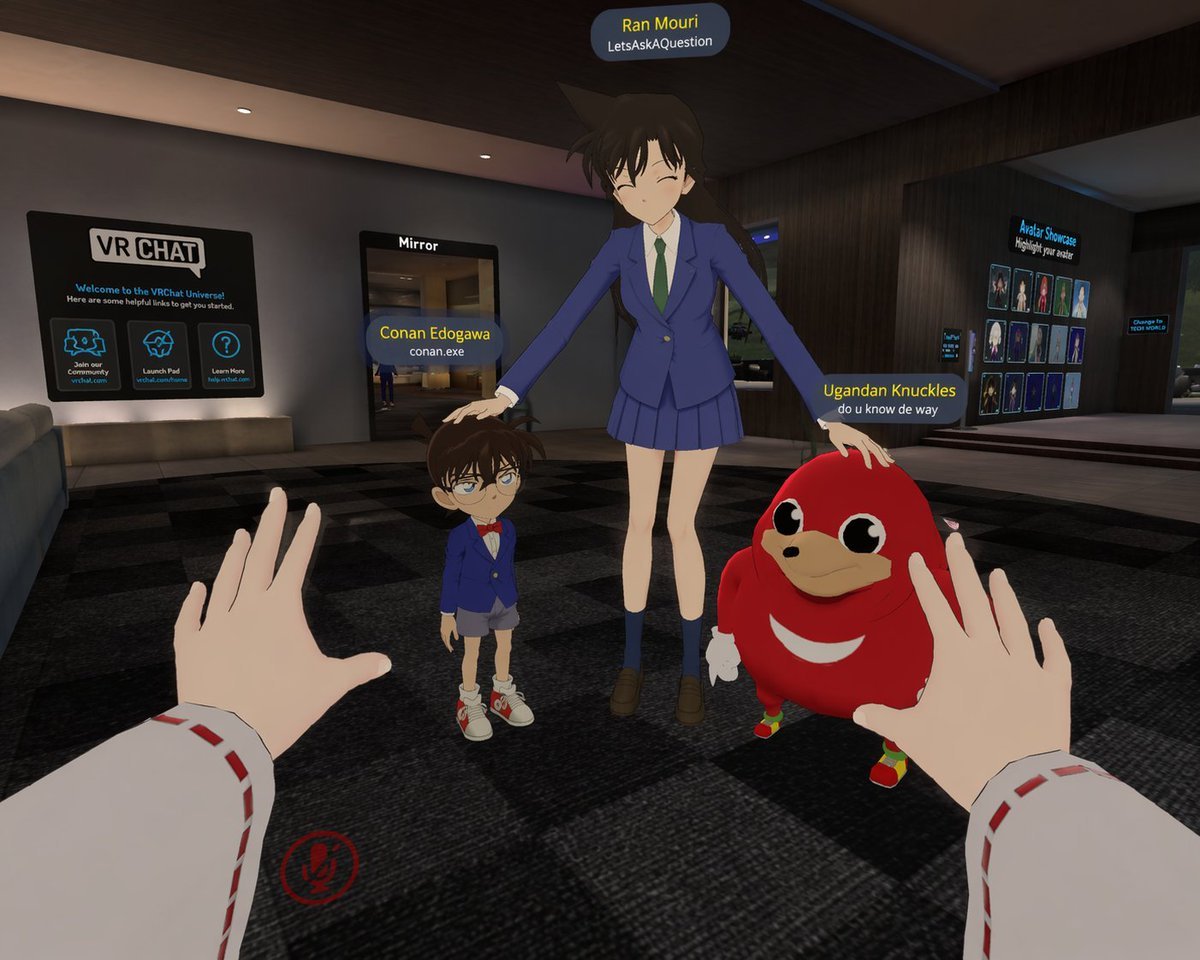
First-Person VRChat Meme Crossover Screenshot
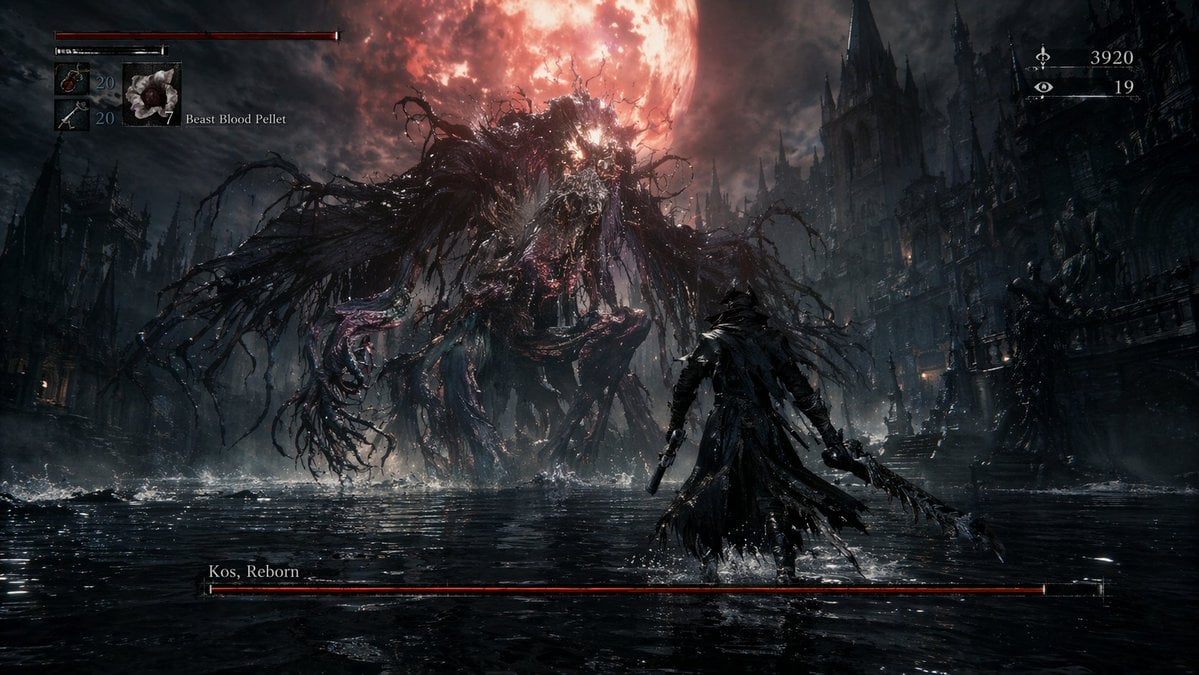
Dark Fantasy RPG Boss Fight Screenshot
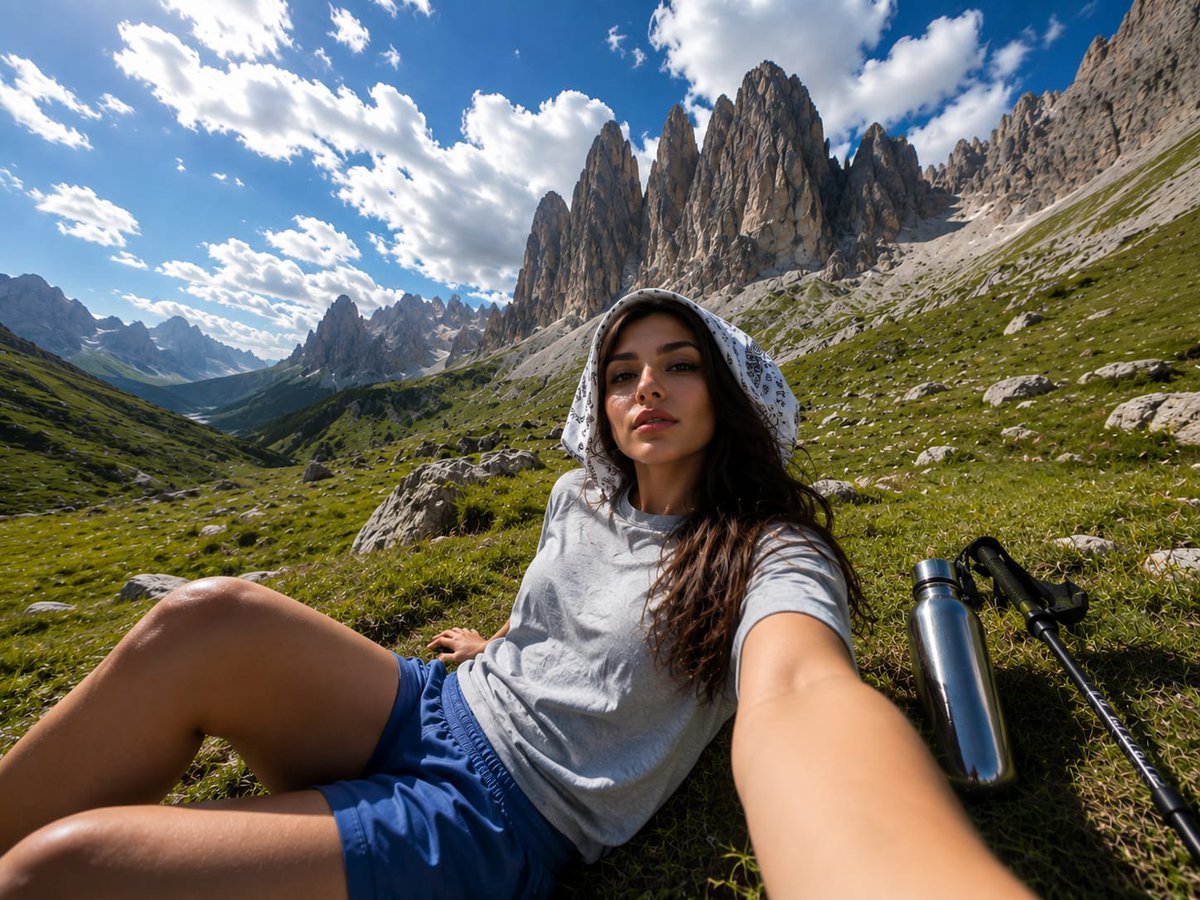
Alpine Valley First-Person POV Portrait
First Person POV Unusual Scenes

Minecraft Next-Gen Voxel World Screenshot
A first-person point-of-view POV shot inside a modern supermarket aisle
First-person perspective inside a brightly lit supermarket aisle
Fantasy RPG Region Map Sheet
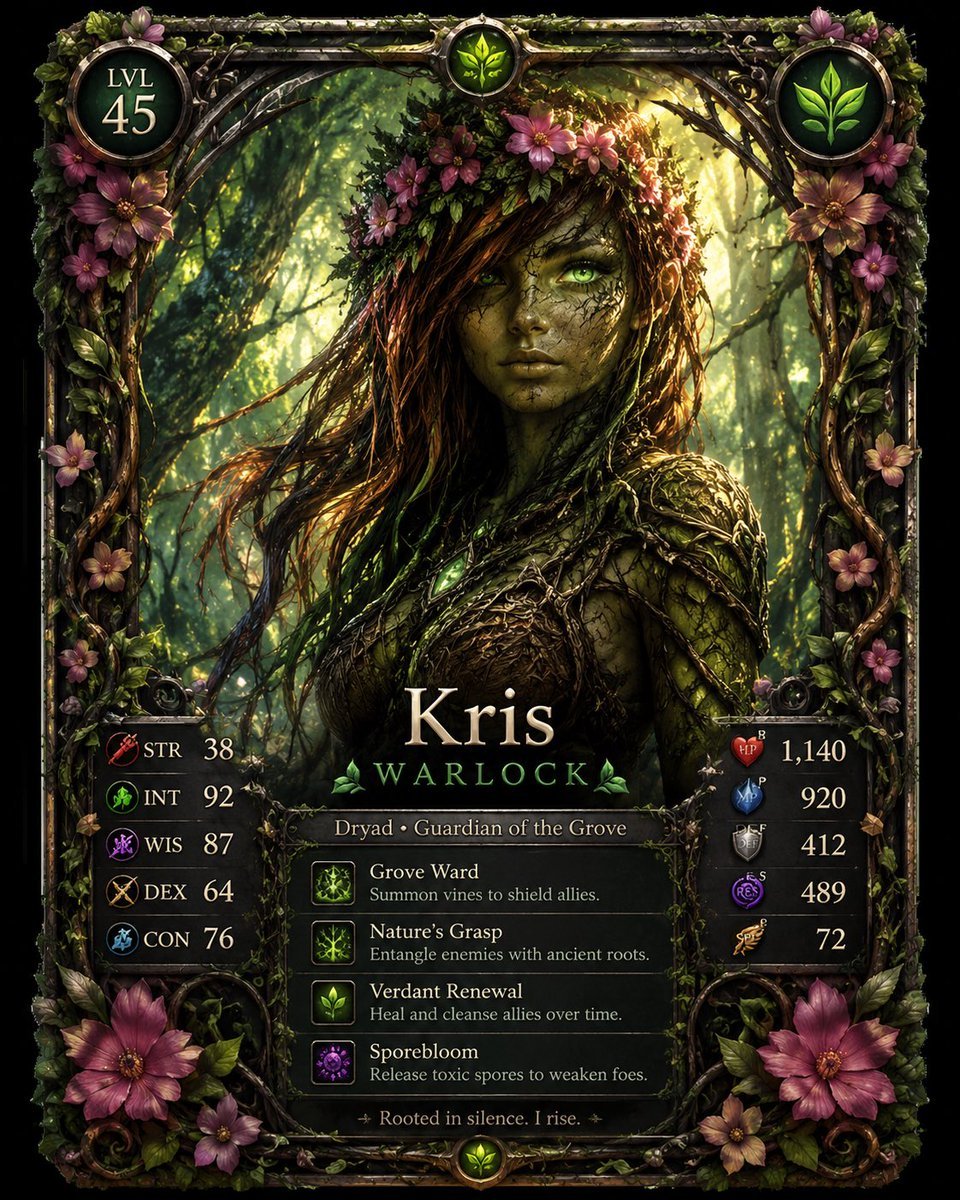
Fantasy Dryad RPG Character Card

Anime Fantasy Celestial Movie Poster
Anime Fantasy Celestial Movie Poster

Minecraft Fantasy Kingdom Voxel Landscape
Make it yours
First-Person Fantasy RPG Screenshot works as-is. These are the safest ways to change it without losing the look.
Swap the setting
Keep the rest of the prompt and replace the location block. The current setting is “{argument name="city style" default="ancient ruined Dwemer city in a deep rocky ”.
Swap the light
One lighting change is enough to compare takes. Current light: “{argument name="lighting and atmosphere" default="golden hour sunset, hazy, warm”.
Change one field
Copy a single group, rewrite it, and generate again so you can see what that field is doing.
| If the result… | Why | Fix |
|---|---|---|
| The result drifts from the preview | Too many fields changed at once. | Reuse First-Person Fantasy RPG Screenshot as-is first, then change one group — subject, light, or setting. |
| GPT Image 2 ignores part of the JSON | Some models flatten or skip nested keys. | Keep the same values and paste them as a short paragraph instead. |
More GPT Image 2 templates
Other prompts made for GPT Image 2.

Six VTuber Japanese Logo Sheet

Realistic Portrait of Woman and Deer

The Vista Modular Condo Poster

AI Model Routing Comparison Infographic

2.5D Anime Art Board

Isometric Productivity Desk Scene

New York Double Exposure Poster

Four-Panel AI Landscape Comparison

Japanese Tatami Lifestyle Magazine Cover

NESCAFÉ Coffee Map Poster
More image prompts
Fresh picks from across the catalog.
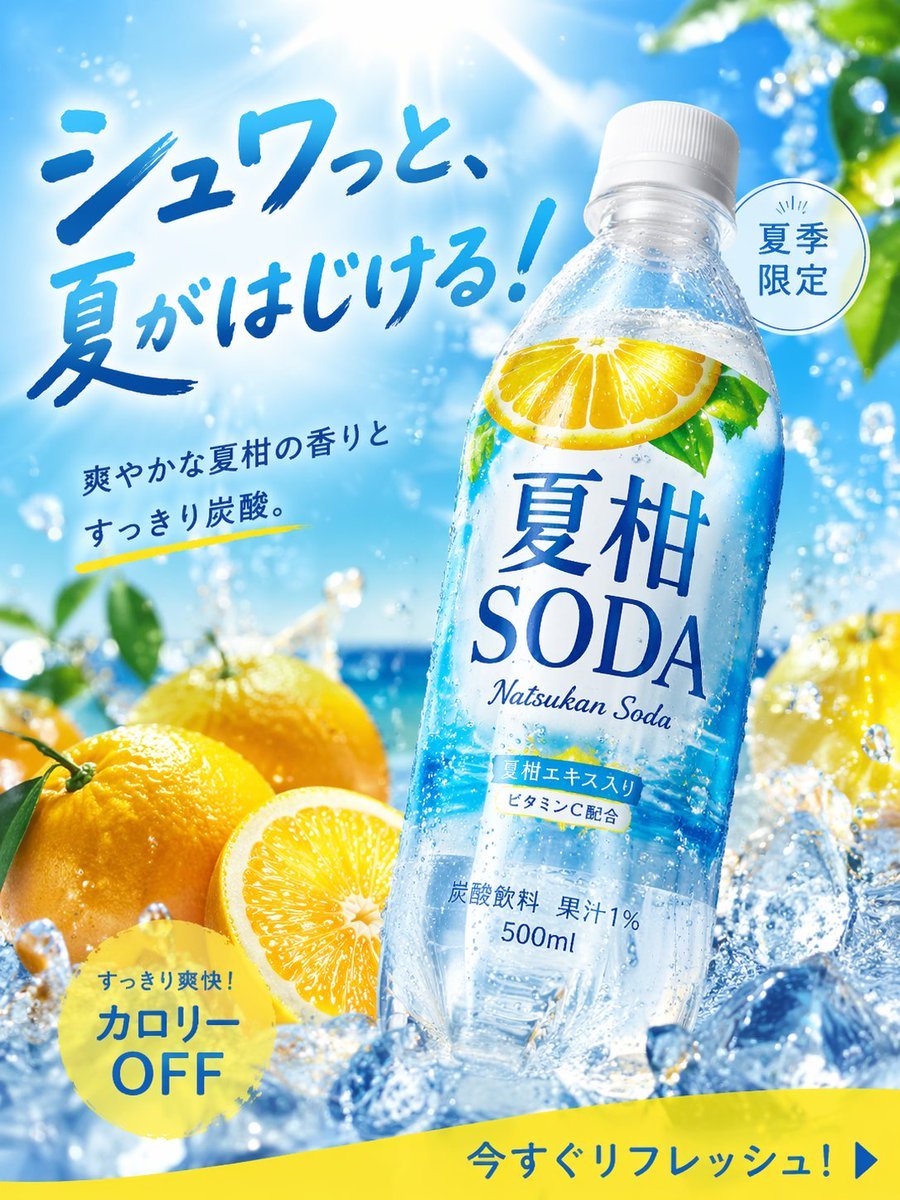
Summer Citrus Soda Advertisement
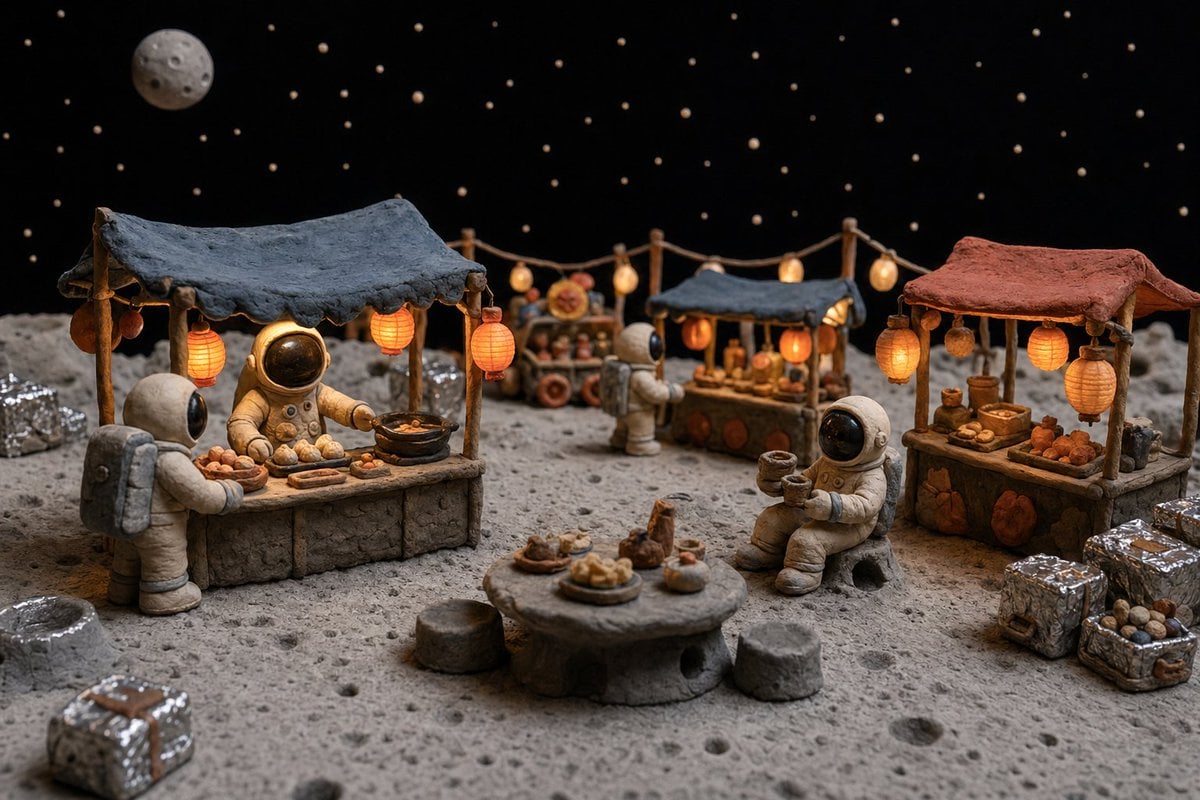
Clay Astronaut Moon Market
Scene Swap Prompt: Bear in Winter Forest
Hyper-Realistic POV Selfie with Bedhead Aesthetic
Ethereal Long Exposure Cinematic Portrait Prompt
Luxury Editorial Fashion Collage
Selective Color Monochrome Studio Portrait
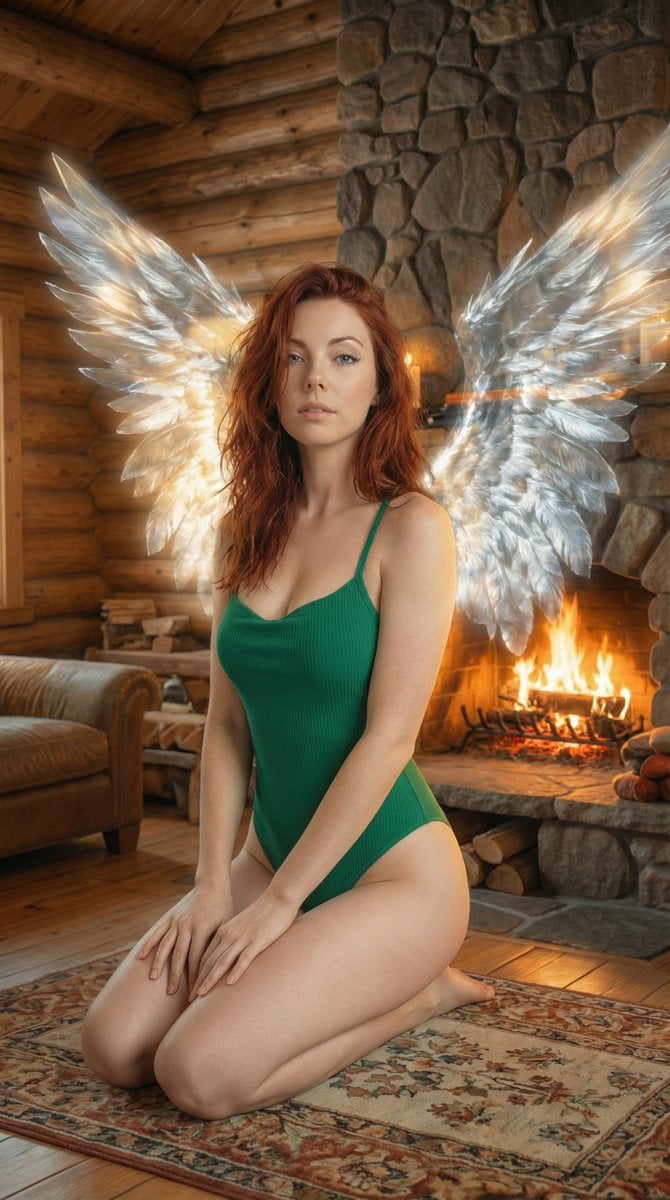
Ethereal Winged Portrait in Rustic Cabin Prompt
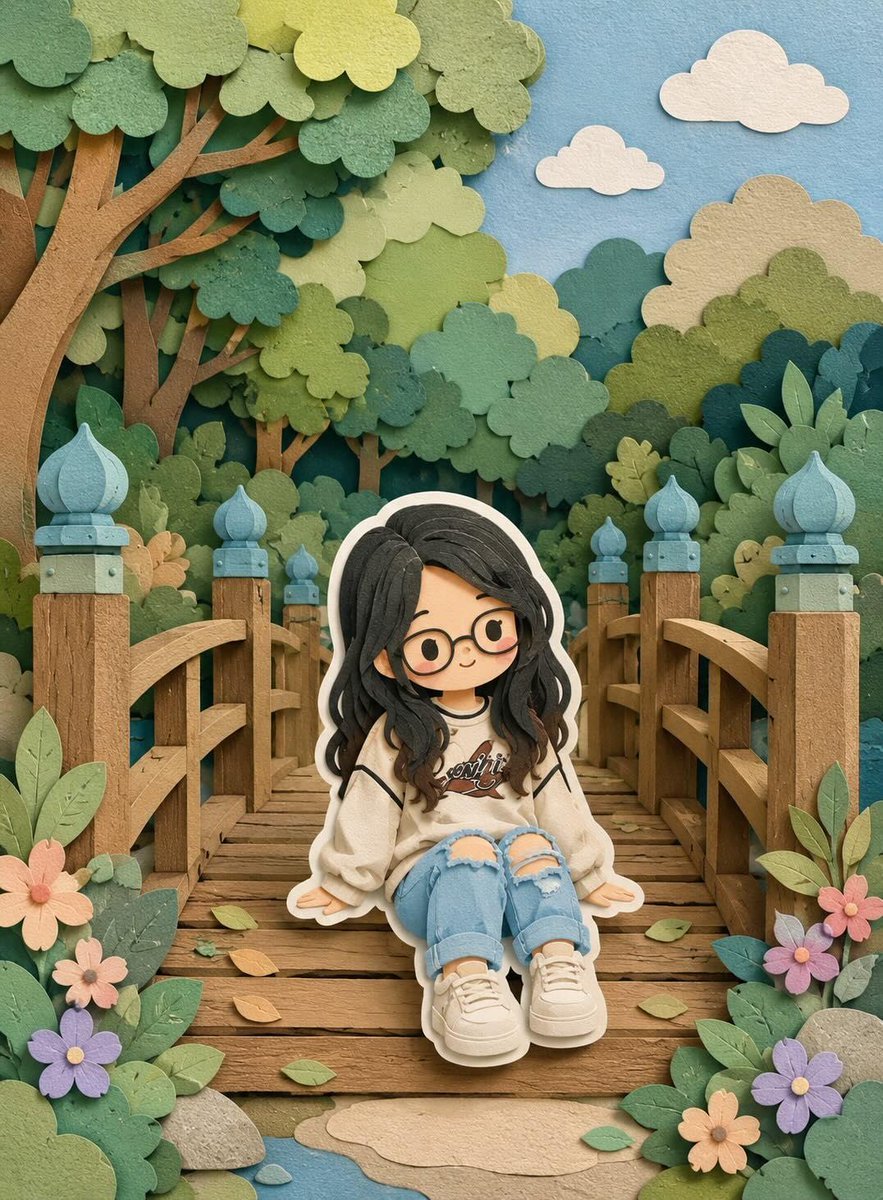
3D Layered Paper-Cut Chibi Art
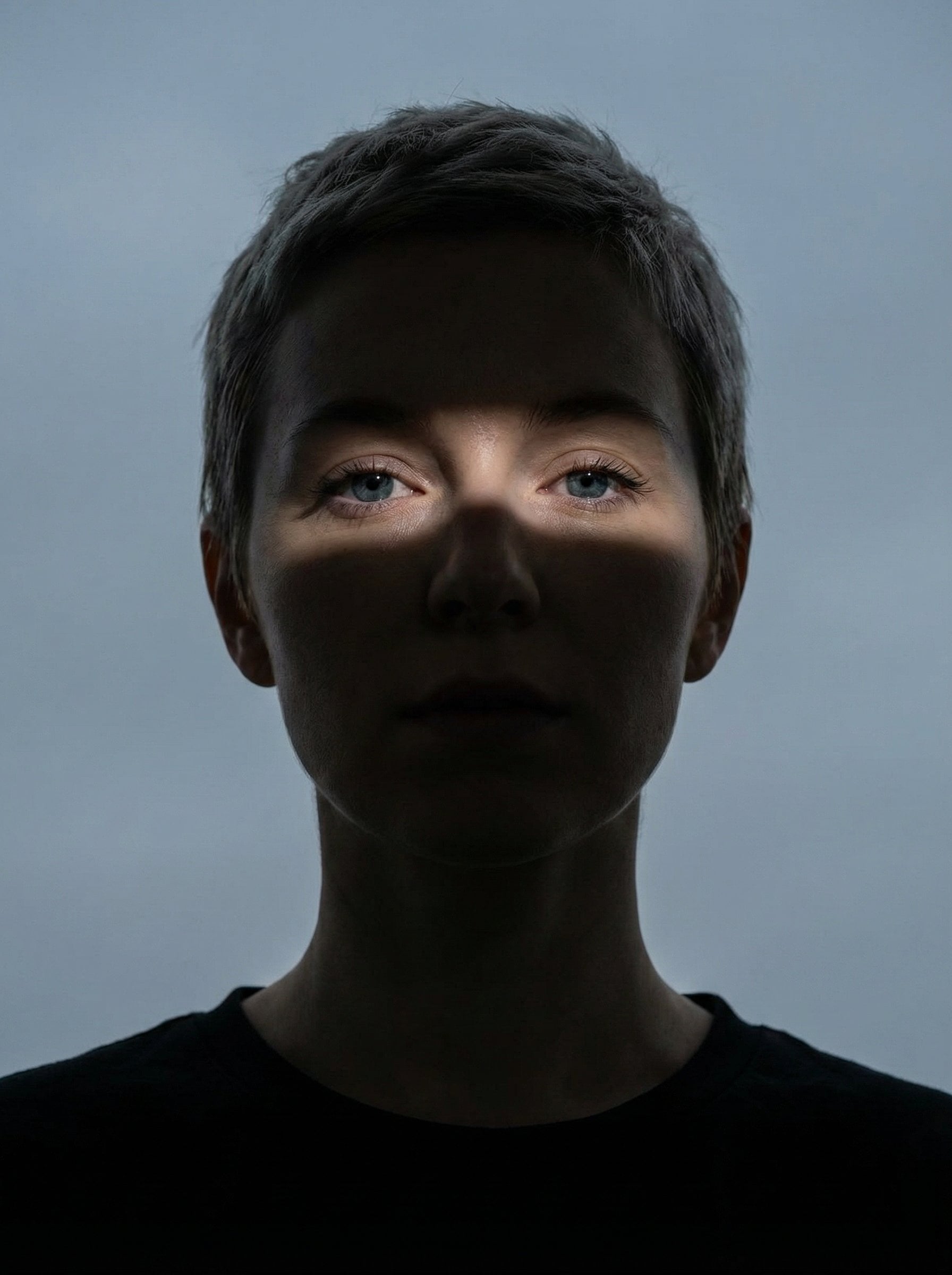
Nano Banana Pro Eyes in Shadow
Browse template categories
First-Person Fantasy RPG Screenshot questions
How do I use the First-Person Fantasy RPG Screenshot template?
Add your photo if the template asks for one, edit the prompt if you like — the template's model and format are already selected — and press Generate. Your version opens in PicX Studio.
Can I customize the First-Person Fantasy RPG Screenshot template?
Yes. You can change the subject, setting, lighting, mood, format, and available model controls before creating your image.
Is the First-Person Fantasy RPG Screenshot template free?
Opening and editing this template is free. Generating uses credits, shown on the Generate button when you are signed in.
Which AI model should I use?
Start with GPT Image 2, which is the model associated with this template. You can compare another compatible model for a different finish.
Looking for something else? Browse all templates.

Your photo, any look
Thousands of ready templates for every top image and video model, from one credit balance.