
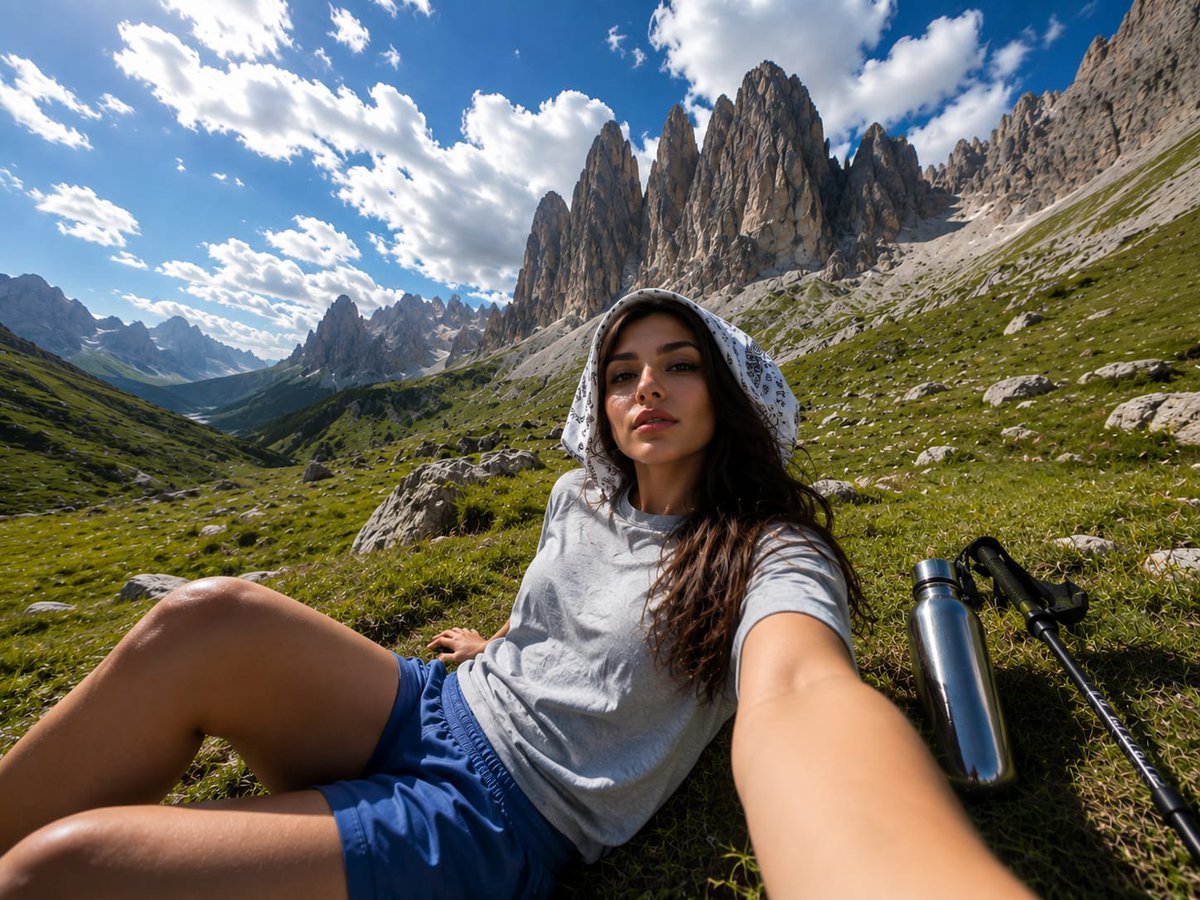
Alpine Valley First-Person POV Portrait
An ultra-photorealistic prompt for generating a wide-angle, first-person perspective shot of a woman relaxing in a mountain valley, focusing on natural lighting and high-quality textures.
- Prompt included
- Model and format preset
- Free template
The prompt behind this image
Copy the exact prompt behind Alpine Valley First-Person POV Portrait, or open it in the studio and make it yours.
Wide-angle first-person POV outdoor photograph: The {argument name="subject" default="same young woman from the reference image"}, preserving her facial identity and overall appearance, is relaxing on her back in a {argument name="setting" default="lush alpine valley"} surrounded by vivid green grass, scattered rocks, and towering rugged mountain formations. She wears a {argument name="outfit detail" default="white paisley bandana-style scarf"} over her head, a relaxed light-gray short-sleeve T-shirt, and blue athletic shorts. A metallic stainless-steel water bottle and a hiking pole rest naturally beside her. The camera is positioned low near ground level, creating an immersive wide-angle perspective as she looks toward the surrounding scenery. Dramatic rocky peaks dominate the distance beneath a rich blue summer sky filled with large soft white clouds, with warm sunlight glowing through gaps in the clouds. Natural daylight, authentic outdoor textures, realistic skin and fabric detail, cinematic depth, vibrant yet natural summer colors, ultra-photorealistic, highly detailed, 8K.
How to use Alpine Valley First-Person POV Portrait in 3 steps
- 1Upload ImagePNG, JPG or paste
Add your photo
Upload the photo the template builds on. The prompt, model and format are already set.
- 2…a portrait of your subject in softgolden-hour light, 85mm…
Personalize
Edit the subject and creative details for your destination.
- 3Generate
Generate
Press Generate — your image is created in PicX Studio, so you can compare it with the original and refine one variable at a time.
More like this
Templates with the same subject, style or setup. Open one to see its prompt.

Hyper-Realistic Minecraft POV Portrait
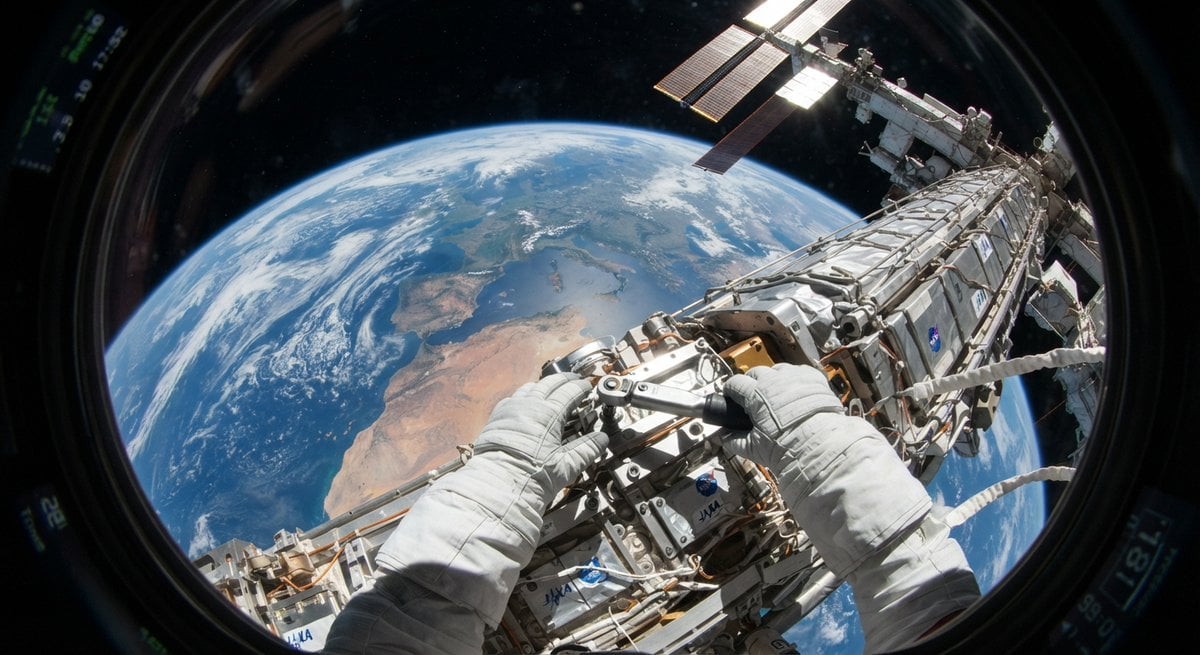
First Person POV Unusual Scenes
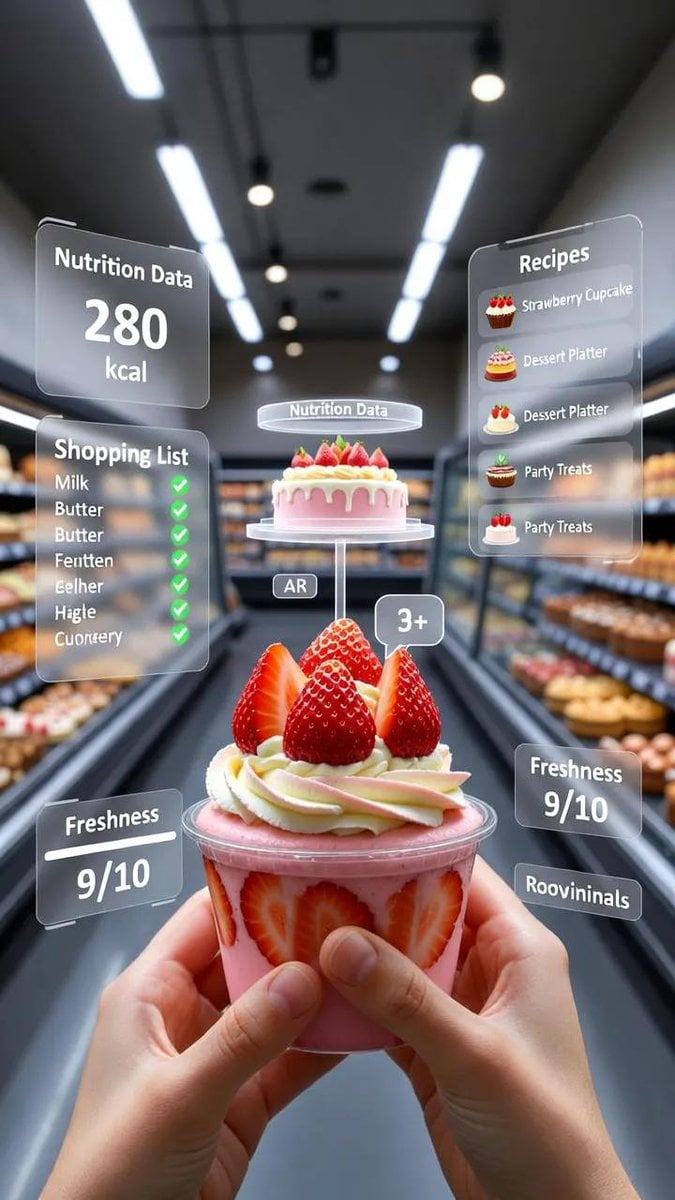
A first-person point-of-view POV shot inside a modern supermarket aisle
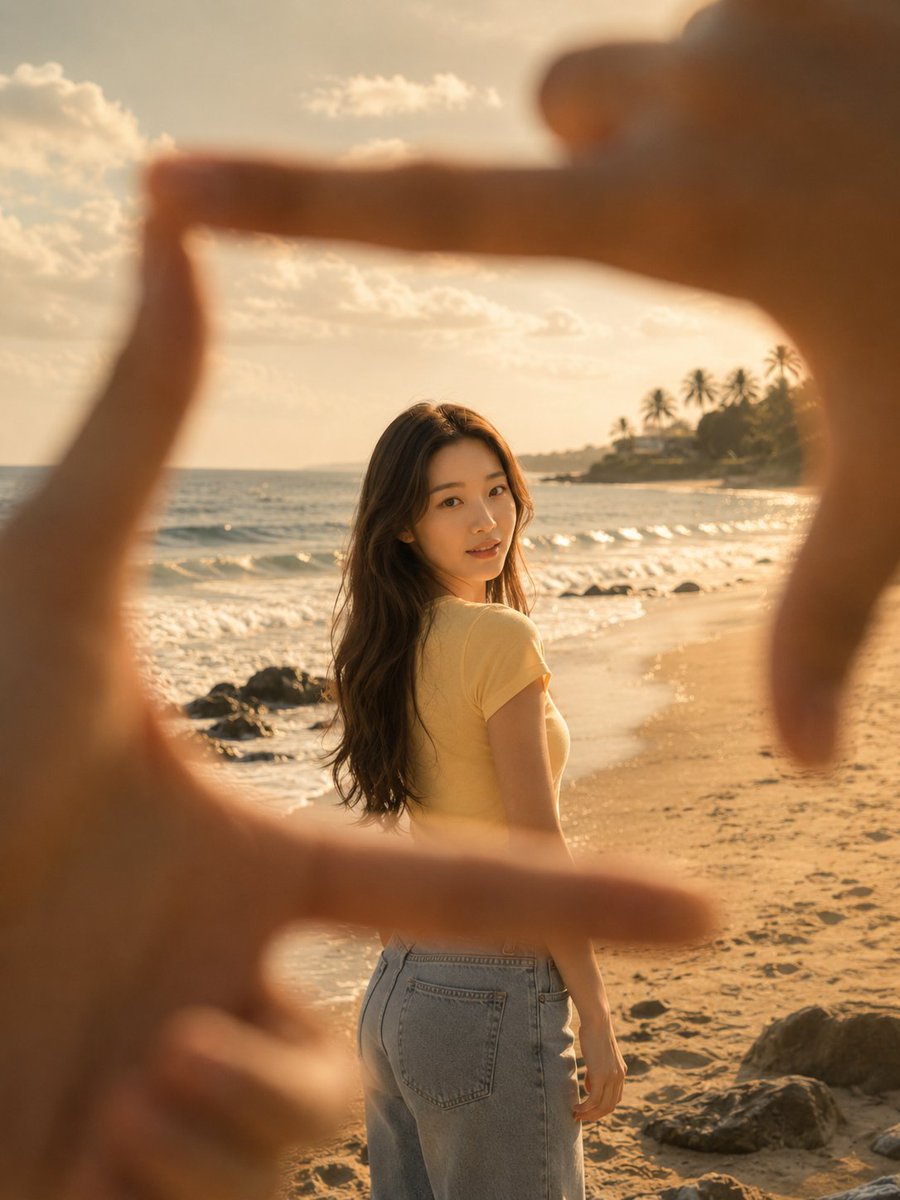
First-Person Beach Finger Frame Portrait

Toddler Version of a Person in 3d Pixar

Found Photograph: Us, 1970

80s Couple Studio Portrait

80s Bollywood Star

80s Golden Hour Cinema

Me in 1985

1985 Studio Portrait

Mountain Valley Lifestyle Portrait
Make it yours
Alpine Valley First-Person POV Portrait works as-is. These are the safest ways to change it without losing the look.
Change one field
Copy a single group, rewrite it, and generate again so you can see what that field is doing.
Keep the frame, change the subject
Hold the composition and light of Alpine Valley First-Person POV Portrait, then swap wardrobe, props or the person for a new take.
| If the result… | Why | Fix |
|---|---|---|
| The result drifts from the preview | Too many fields changed at once. | Reuse Alpine Valley First-Person POV Portrait as-is first, then change one group — subject, light, or setting. |
| The model over-stylizes the scene | The prose prompt leaves finish and camera underspecified. | Add one camera or lighting sentence and stay on GPT Image 2. |
More GPT Image 2 templates
Other prompts made for GPT Image 2.

Six VTuber Japanese Logo Sheet

Realistic Portrait of Woman and Deer

The Vista Modular Condo Poster

AI Model Routing Comparison Infographic

2.5D Anime Art Board

Isometric Productivity Desk Scene

New York Double Exposure Poster

Four-Panel AI Landscape Comparison

Japanese Tatami Lifestyle Magazine Cover

NESCAFÉ Coffee Map Poster
More image prompts
Fresh picks from across the catalog.
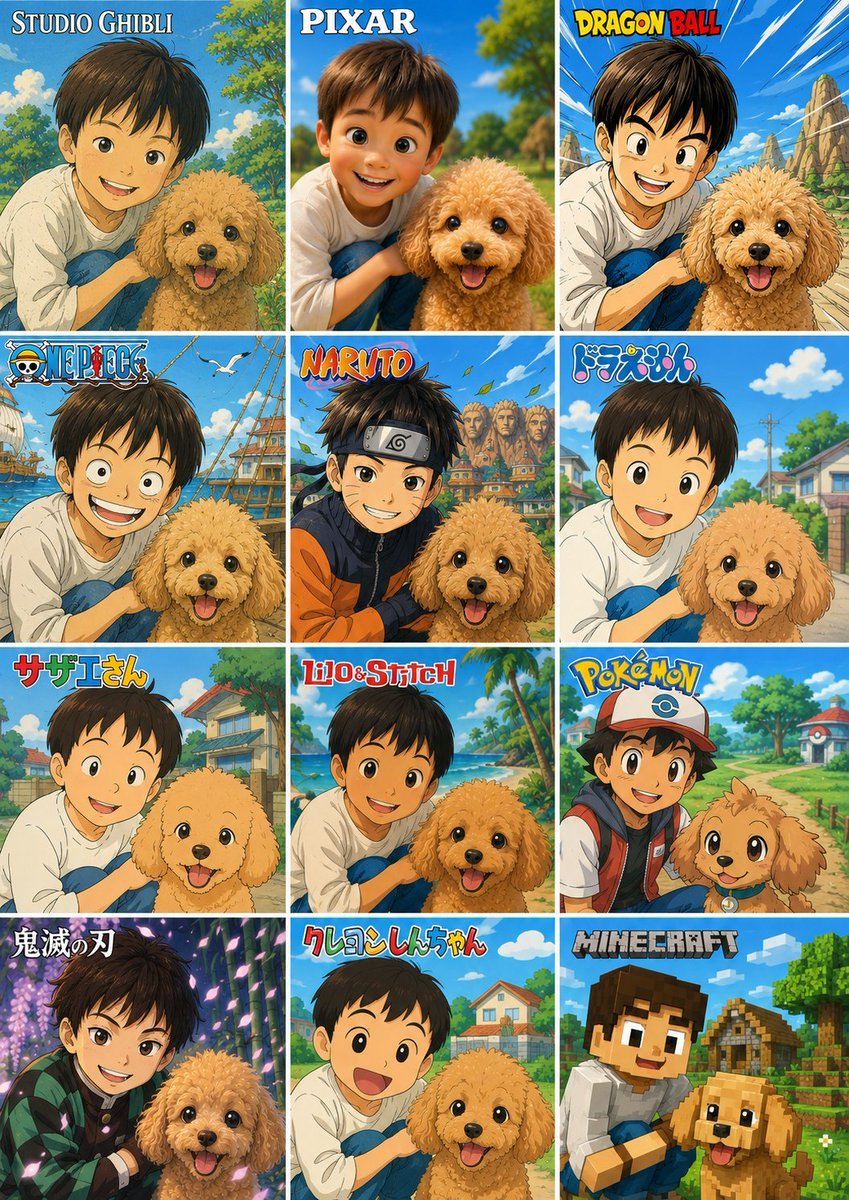
Style Anime Pet Collage
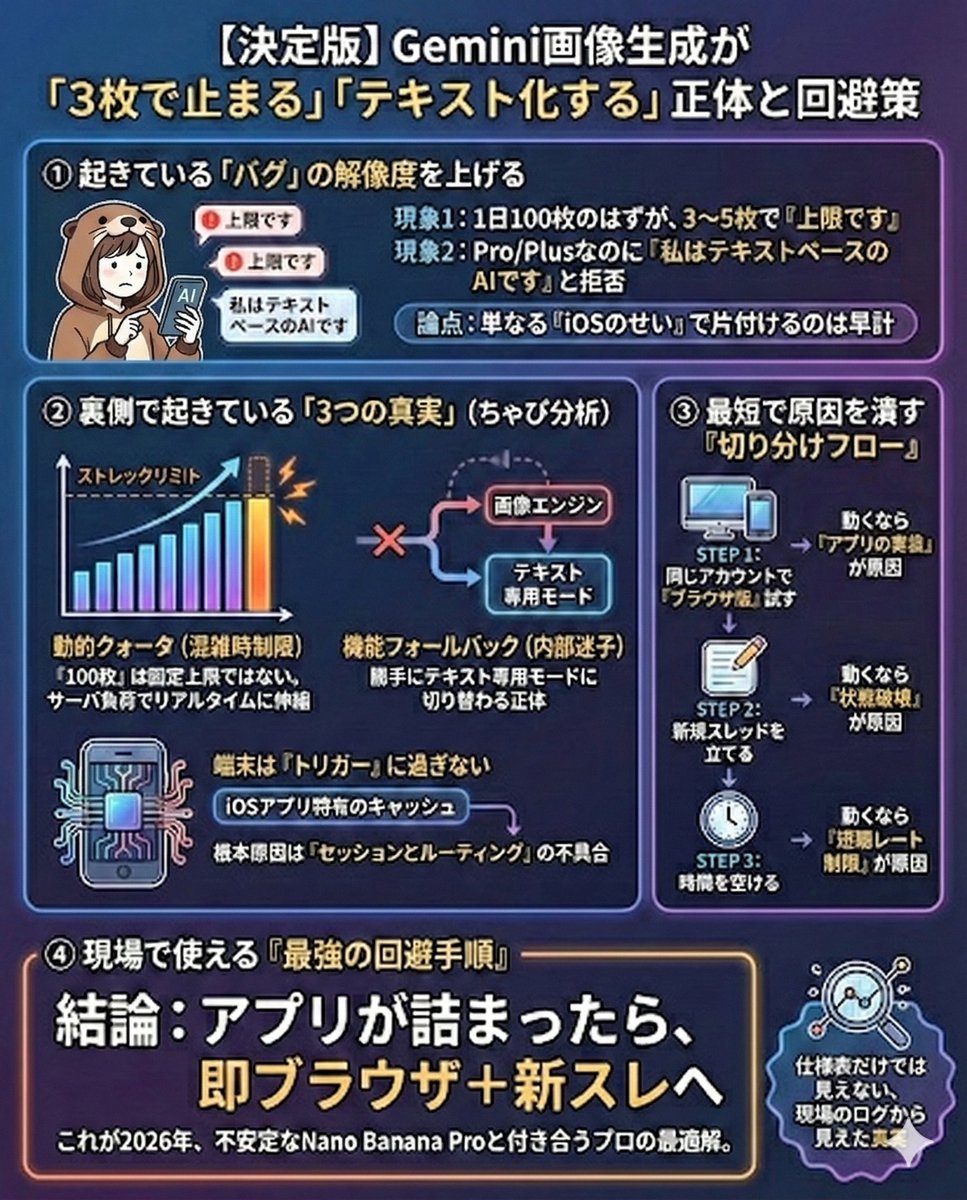
Gemini Model Troubleshooting Prompt
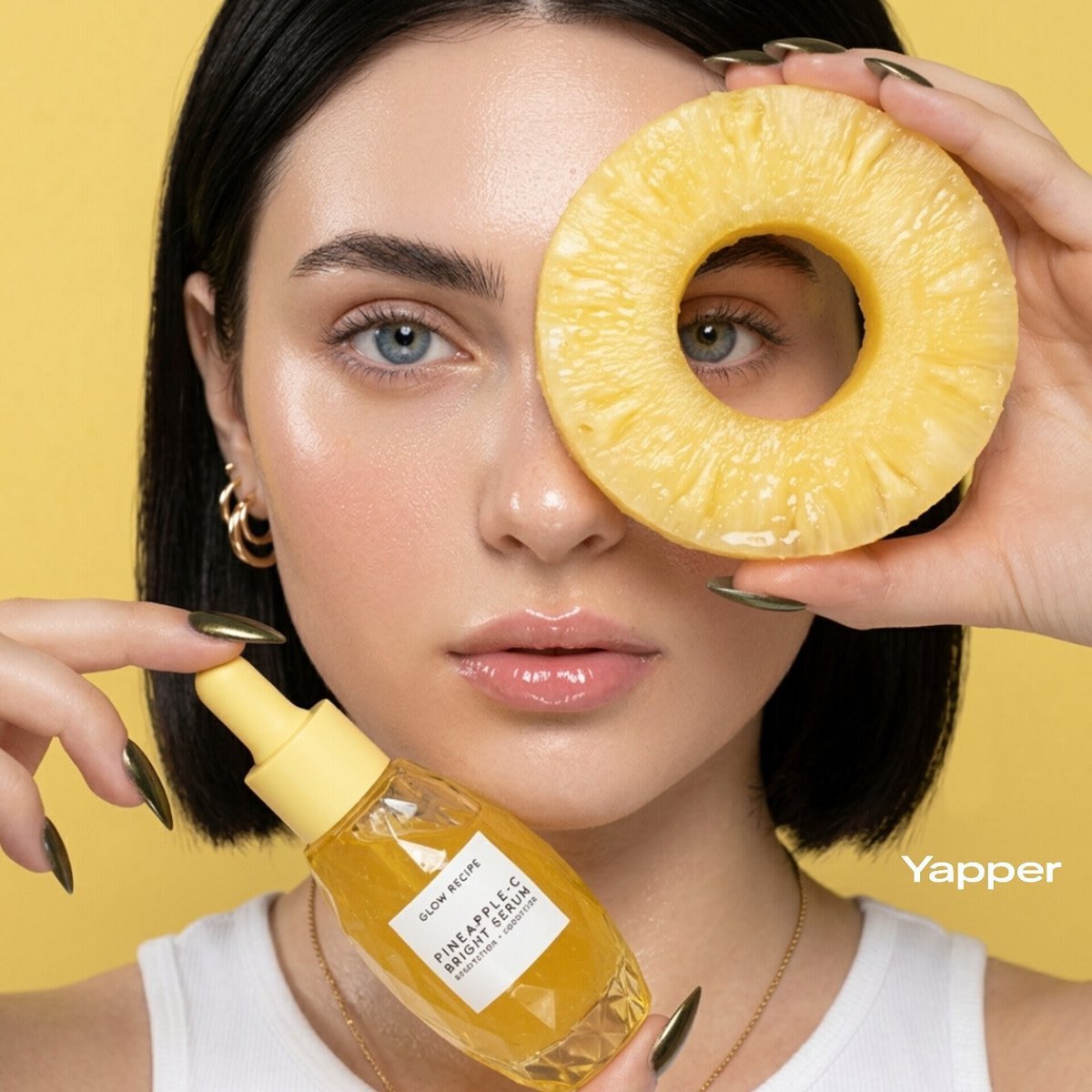
Tropical Skincare Product Photography
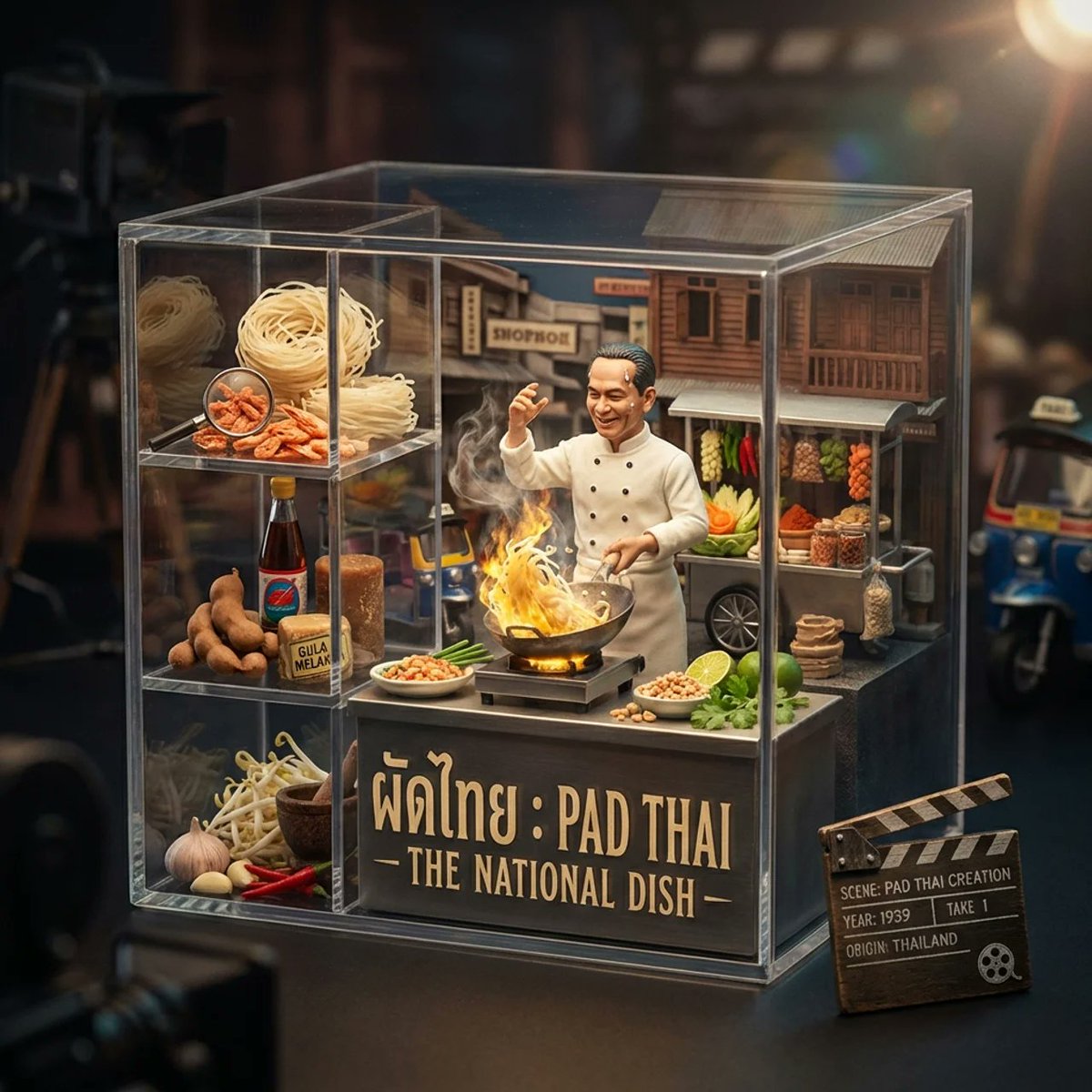
Gourmet Collectible Cinematic Dish Visualization
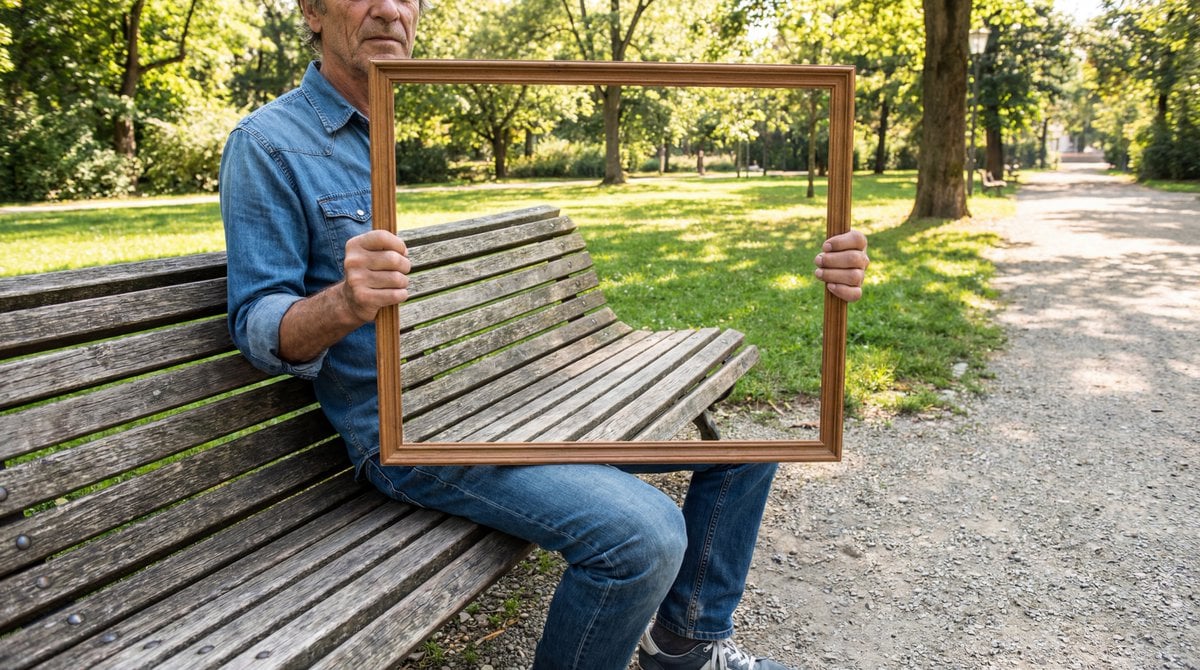
Illusion Image: Invisible Torso Cut-Out
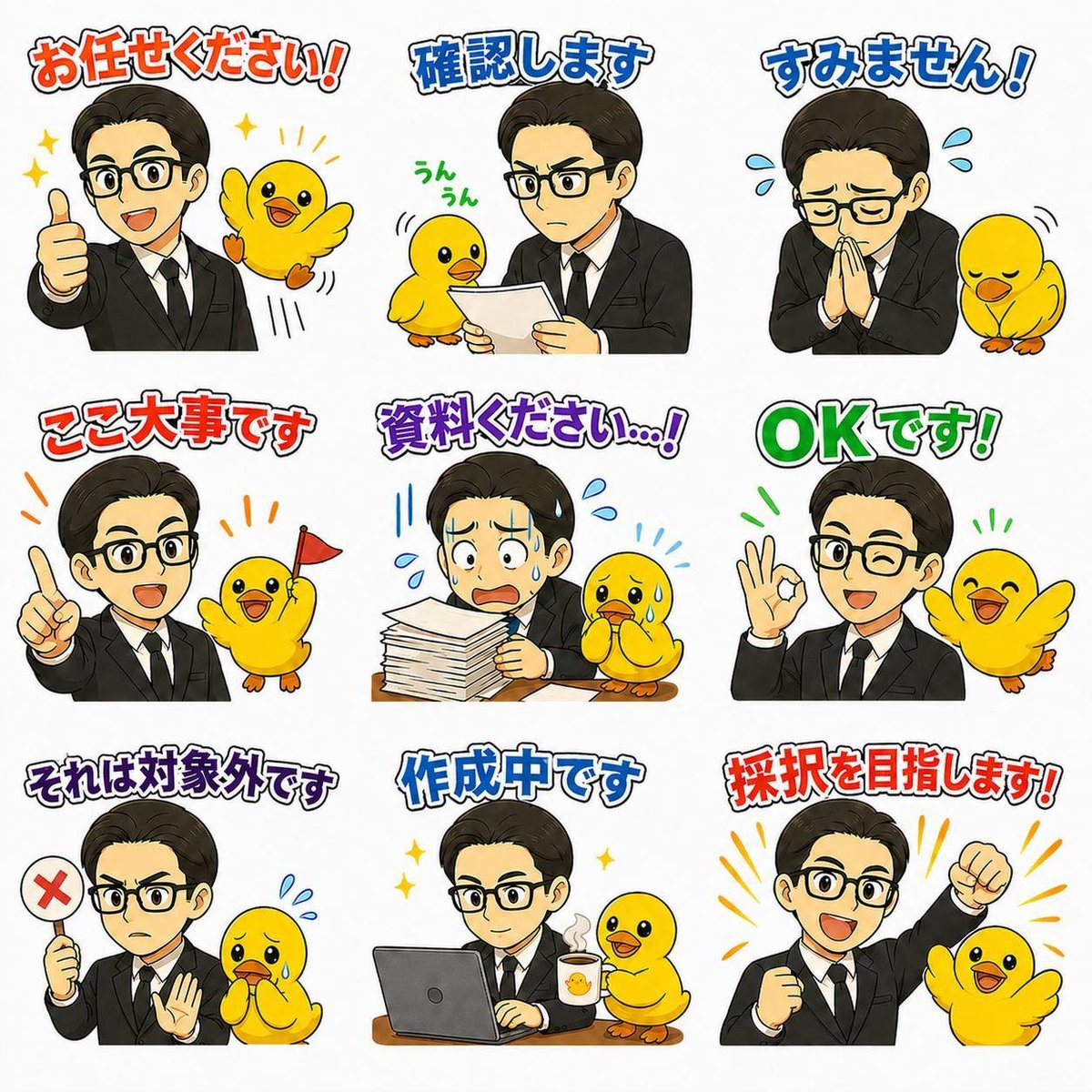
Japanese Office LINE Sticker Sheet
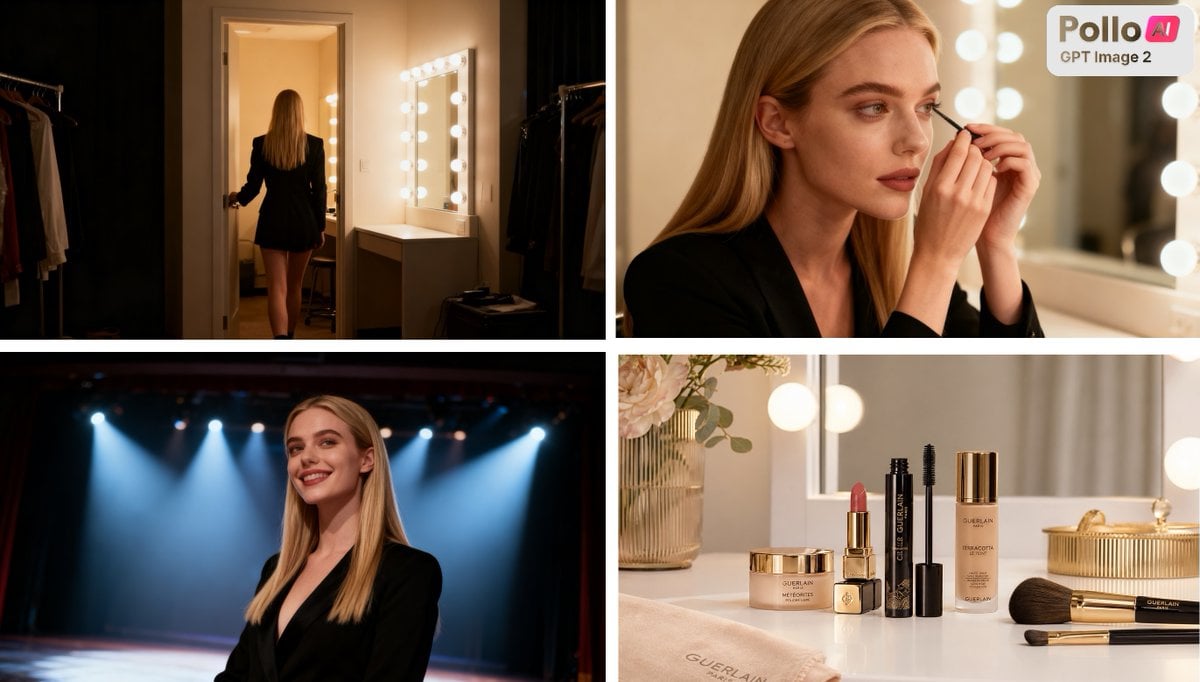
Luxury Beauty Ad Storyboard
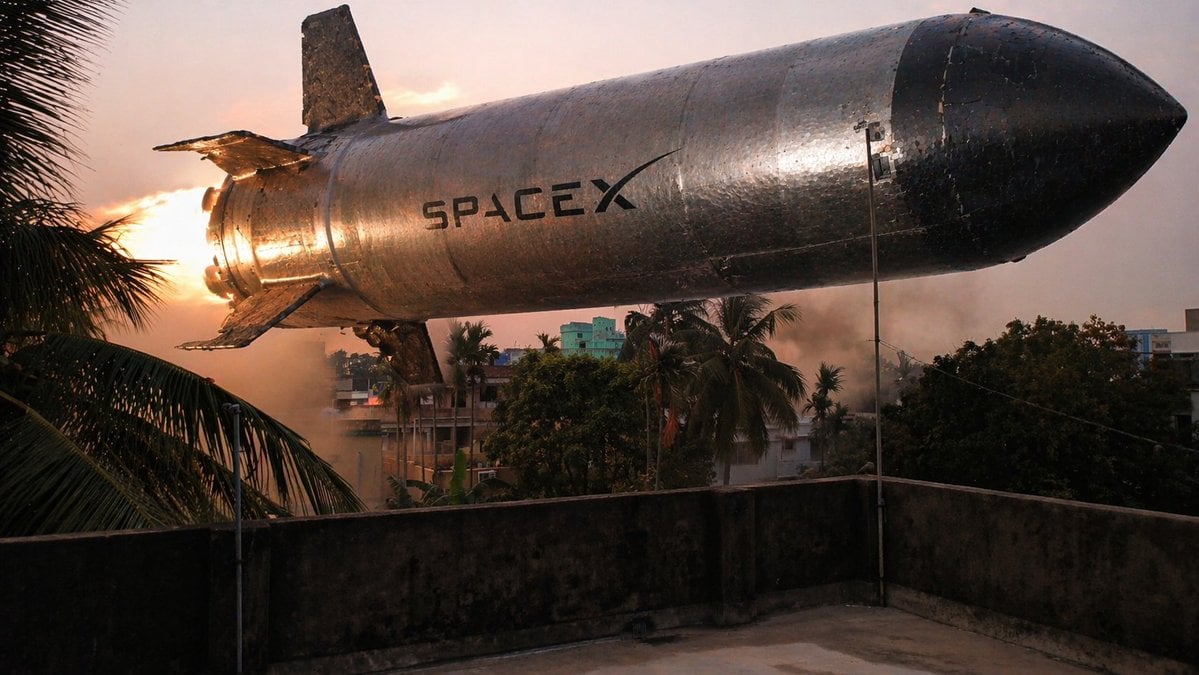
Low-Hovering Spacecraft Over Neighborhood
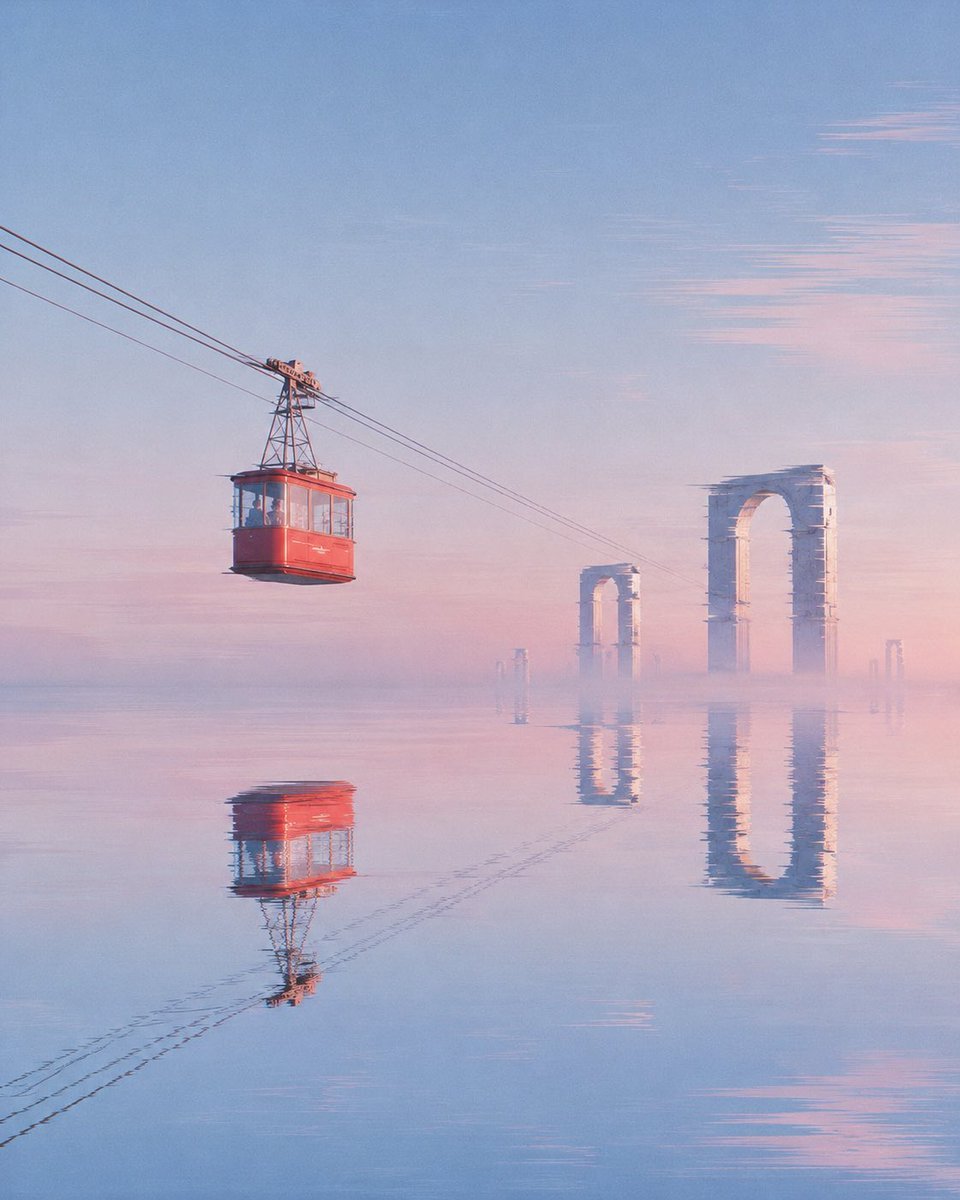
Red Cable Car Over Misty Water
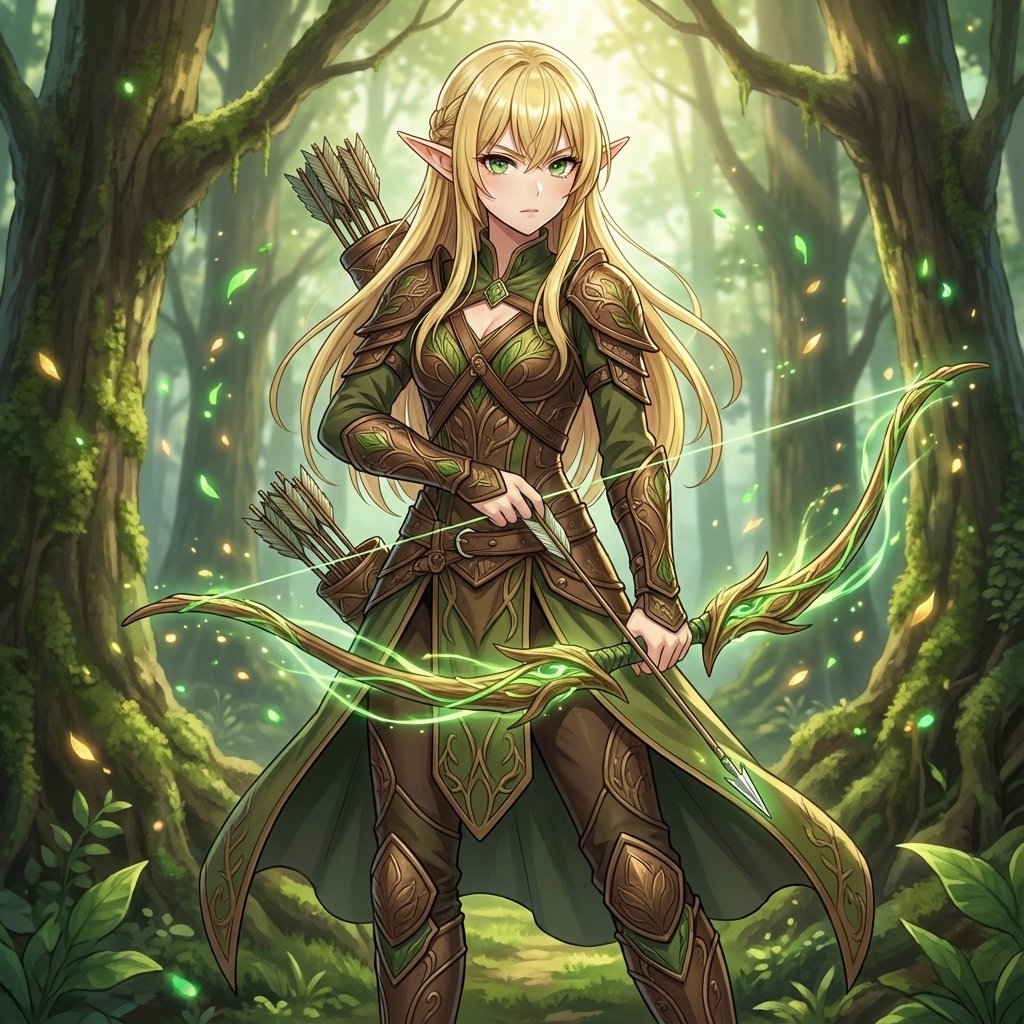
Elven Archer Transformation Prompt
Browse template categories
Alpine Valley First-Person POV Portrait questions
How do I use the Alpine Valley First-Person POV Portrait template?
Add your photo if the template asks for one, edit the prompt if you like — the template's model and format are already selected — and press Generate. Your version opens in PicX Studio.
Can I customize the Alpine Valley First-Person POV Portrait template?
Yes. You can change the subject, setting, lighting, mood, format, and available model controls before creating your image.
Is the Alpine Valley First-Person POV Portrait template free?
Opening and editing this template is free. Generating uses credits, shown on the Generate button when you are signed in.
Which AI model should I use?
Start with GPT Image 2, which is the model associated with this template. You can compare another compatible model for a different finish.
Looking for something else? Browse all templates.

Your photo, any look
Thousands of ready templates for every top image and video model, from one credit balance.