
Style Anime Pet Collage
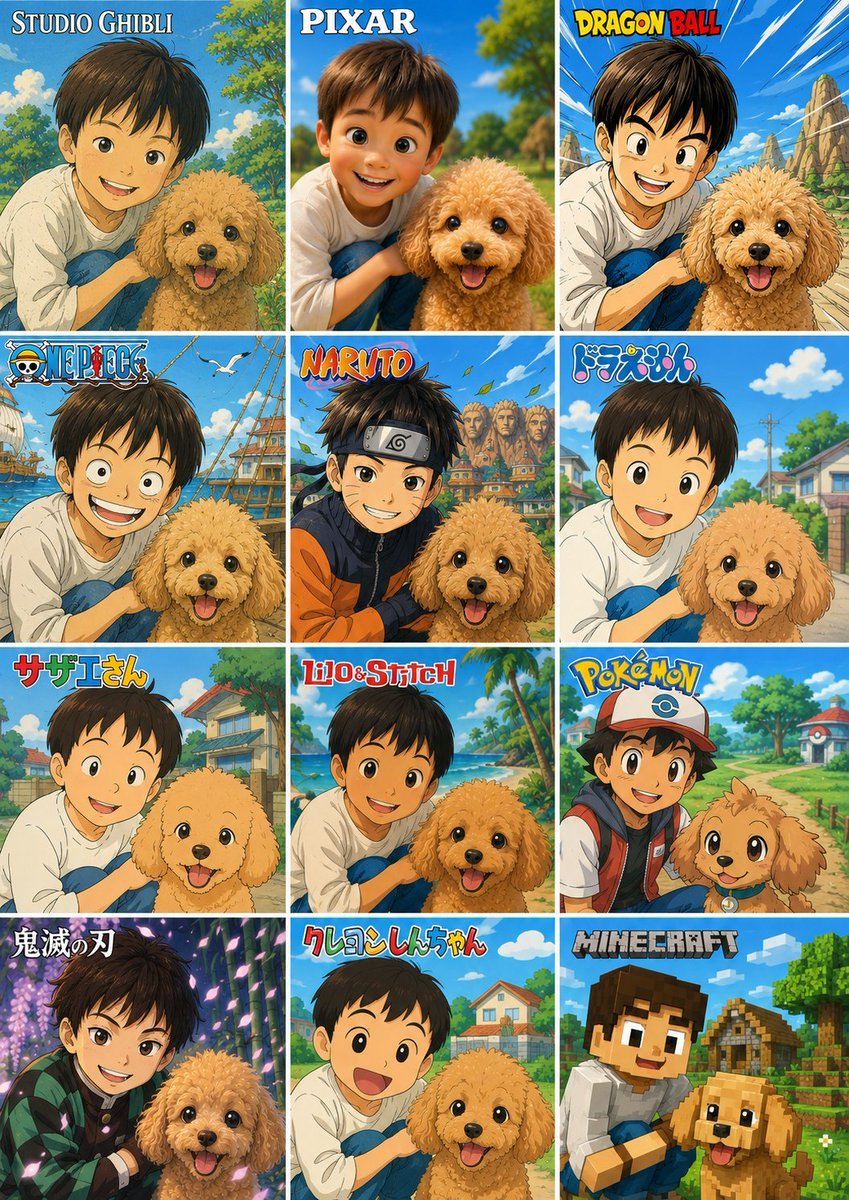
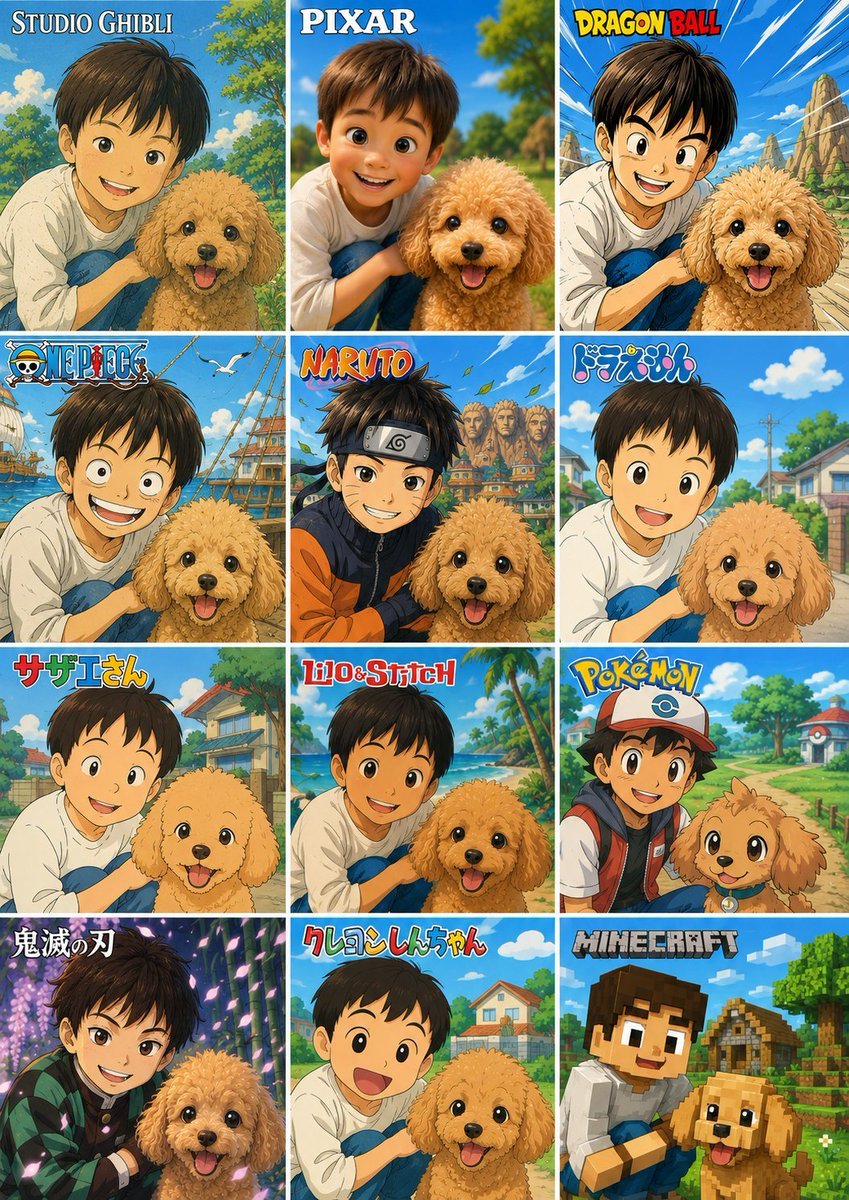
Creates a 12-panel style comparison collage from a child-and-pet reference photo while preserving the original pose and privacy masking.
- Prompt included
- Model and format preset
- Free template
The prompt behind this image
Copy the exact prompt behind Style Anime Pet Collage, or open it in the studio and make it yours.
Using the provided reference image as the subject base, transform it into a 3-column by 4-row comparison collage showing the same child-and-dog pose reimagined in exactly 12 different famous animation/game-inspired visual styles. Preserve the composition relationship between the child and the dog, and preserve any existing face-obscuring privacy blocks rather than revealing or inventing facial details. Canvas and layout: Create a vertical poster collage with 12 equal square panels, thin white dividers, bright cheerful colors, and each panel labeled at the top with the corresponding style title. Panels, in order from left to right, top to bottom: 1. {argument name="style label 1" default="STUDIO GHIBLI"} — soft hand-painted Japanese fantasy animation look with lush park greenery. 2. {argument name="style label 2" default="PIXAR"} — polished 3D family animation look, closest to the original photo composition. 3. {argument name="style label 3" default="DRAGON BALL"} — bold action-anime lines, dynamic blue sky and rocky background. 4. ONE PIECE — adventurous pirate-anime style with ships, seagulls, and ocean elements. 5. NARUTO — ninja-anime style with orange/black outfit accents, village rooftops, leaves in the air. 6. ドラえもん — clean rounded children’s anime style with a sunny suburban street. 7. サザエさん — retro family-anime style with simple expressive linework and neighborhood houses. 8. Lilo & Stitch — tropical island cartoon style with beach, palm trees, and bright ocean colors. 9. Pokémon — monster-adventure anime style with a trainer-like cap and backpack, path and Poké Ball-like scenery details. 10. 鬼滅の刃 — dramatic dark fantasy anime style with glowing purple forest lighting and patterned cloak accents. 11. クレヨンしんちゃん — simple playful children’s cartoon style with rounded faces and suburban background. 12. {argument name="style label 12" default="MINECRAFT"} — voxel/blocky game style with cubic characters, blocky dog, village and trees. Constraints: Keep the child and dog recognizable from the reference in every panel, keep the dog cheerful, do not add extra panels, do not change the 3x4 grid, and make the style names large and readable.
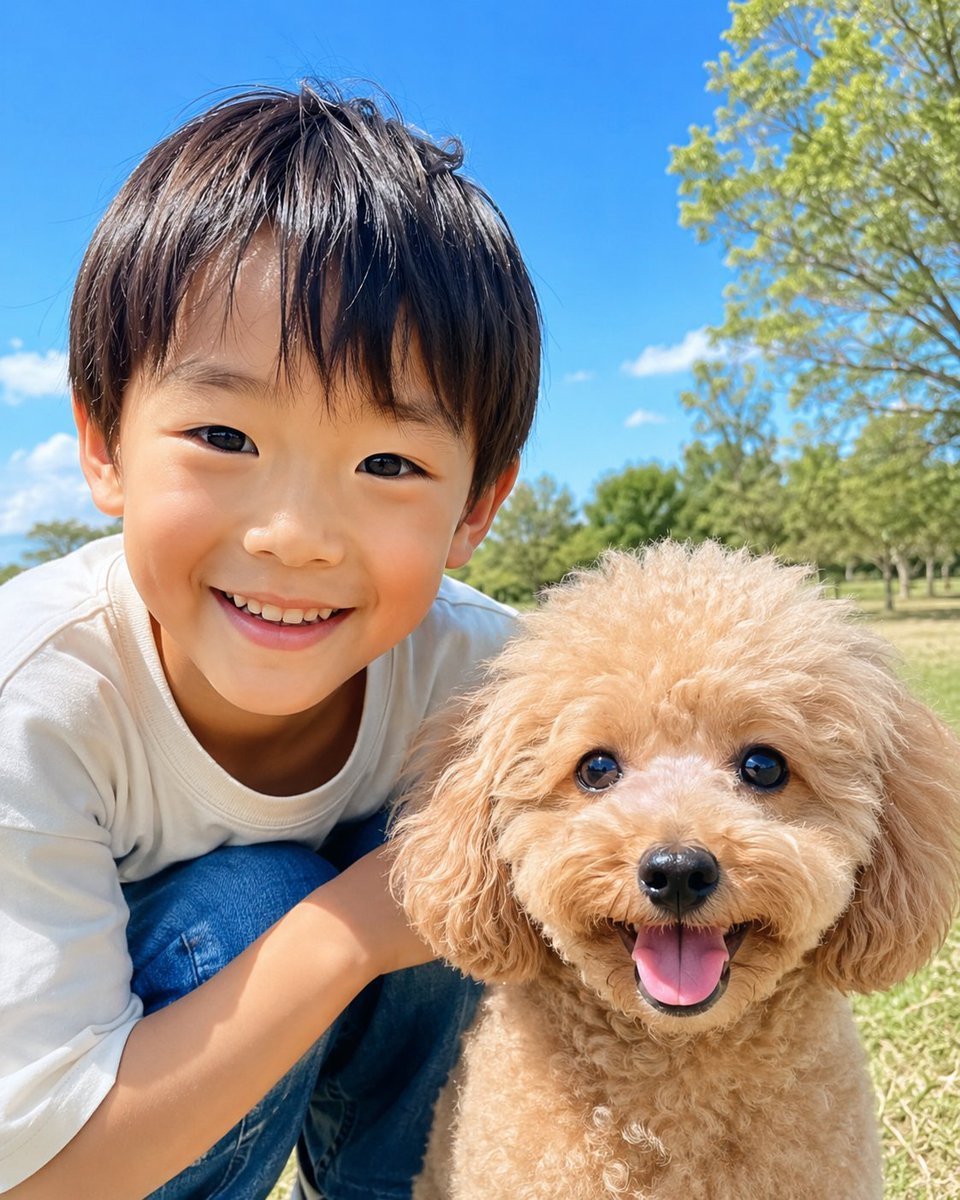
Reference images included
Style Anime Pet Collage needs input media to work. They load alongside the prompt when you open it in the studio.
How to use Style Anime Pet Collage in 3 steps
- 1Upload ImagePNG, JPG or paste
Add your photo
Upload the photo the template builds on. The prompt, model and format are already set.
- 2…a portrait of your subject in softgolden-hour light, 85mm…
Personalize
Edit the subject and creative details for your destination.
- 3Generate
Generate
Press Generate — your image is created in PicX Studio, so you can compare it with the original and refine one variable at a time.
More like this
Templates with the same subject, style or setup. Open one to see its prompt.











Make it yours
Style Anime Pet Collage works as-is. These are the safest ways to change it without losing the look.
Change one field
Copy a single group, rewrite it, and generate again so you can see what that field is doing.
Keep the frame, change the subject
Hold the composition and light of 12-Style Anime Pet Collage, then swap wardrobe, props or the person for a new take.
| If the result… | Why | Fix |
|---|---|---|
| The result drifts from the preview | Too many fields changed at once. | Reuse 12-Style Anime Pet Collage as-is first, then change one group — subject, light, or setting. |
| The model over-stylizes the scene | The prose prompt leaves finish and camera underspecified. | Add one camera or lighting sentence and stay on GPT Image 2. |
More GPT Image 2 templates
Other prompts made for GPT Image 2.

Six VTuber Japanese Logo Sheet

Realistic Portrait of Woman and Deer

The Vista Modular Condo Poster

AI Model Routing Comparison Infographic

2.5D Anime Art Board

Isometric Productivity Desk Scene

New York Double Exposure Poster

Four-Panel AI Landscape Comparison

Japanese Tatami Lifestyle Magazine Cover

NESCAFÉ Coffee Map Poster
More image prompts
Fresh picks from across the catalog.
Monochrome Woodblock Character Postcard
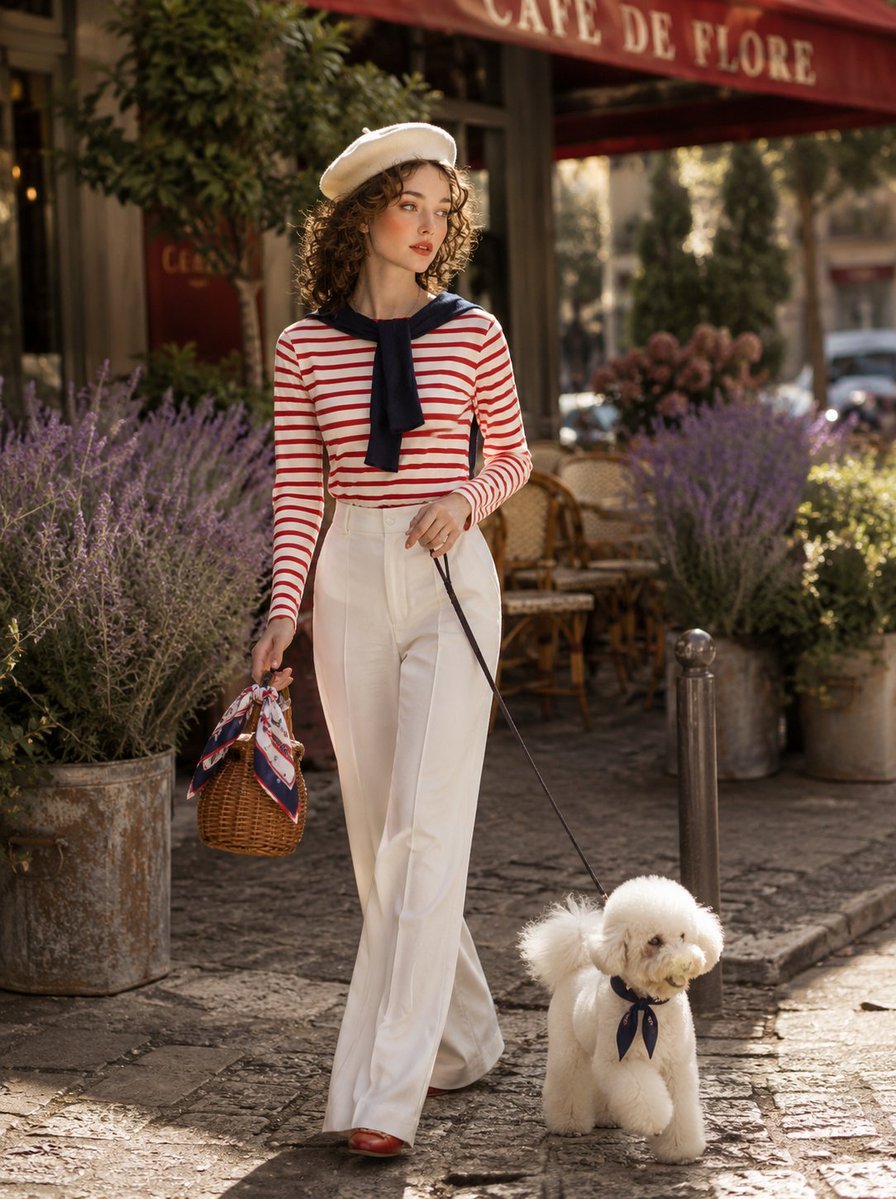
Parisian Café Lifestyle Photography
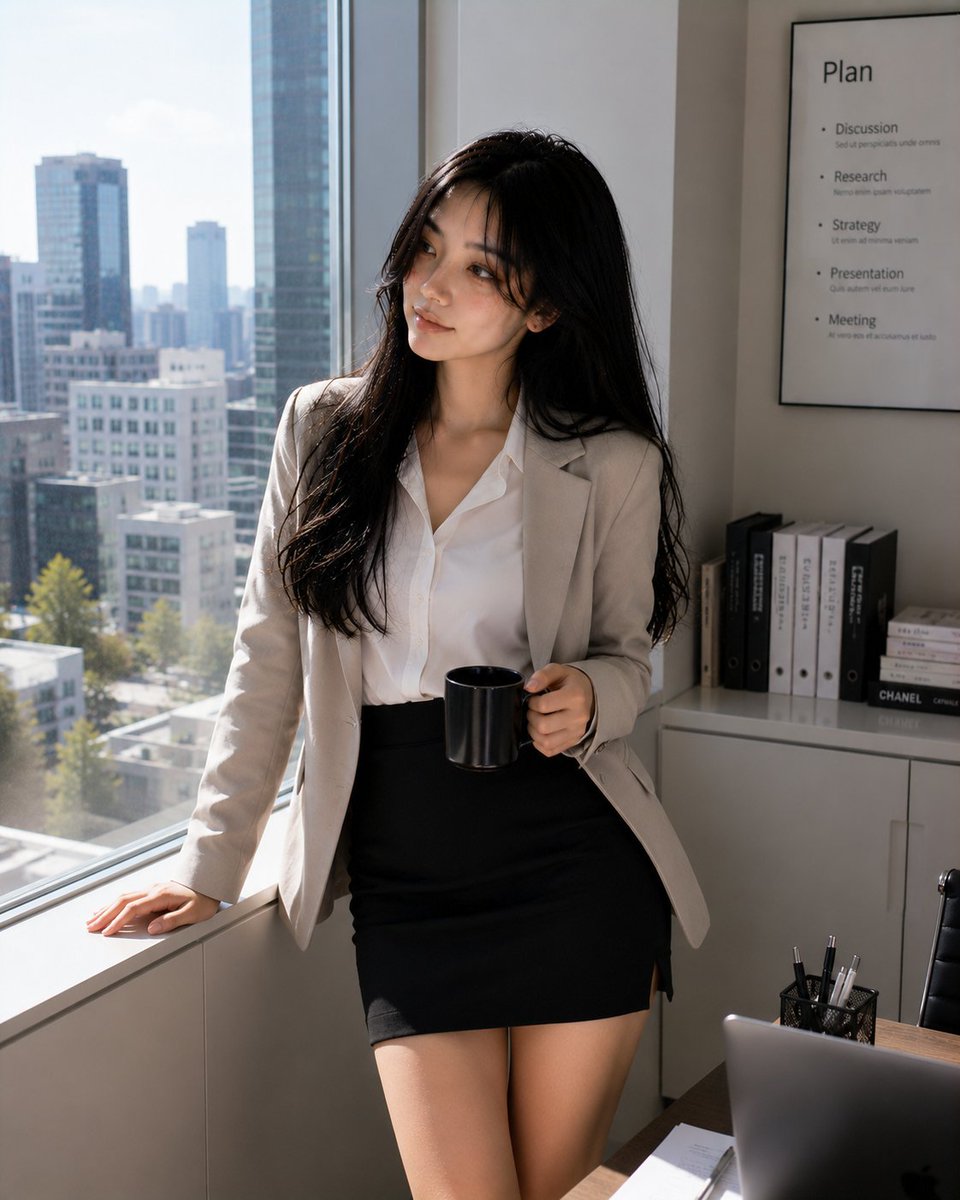
Professional Korean Office Portrait
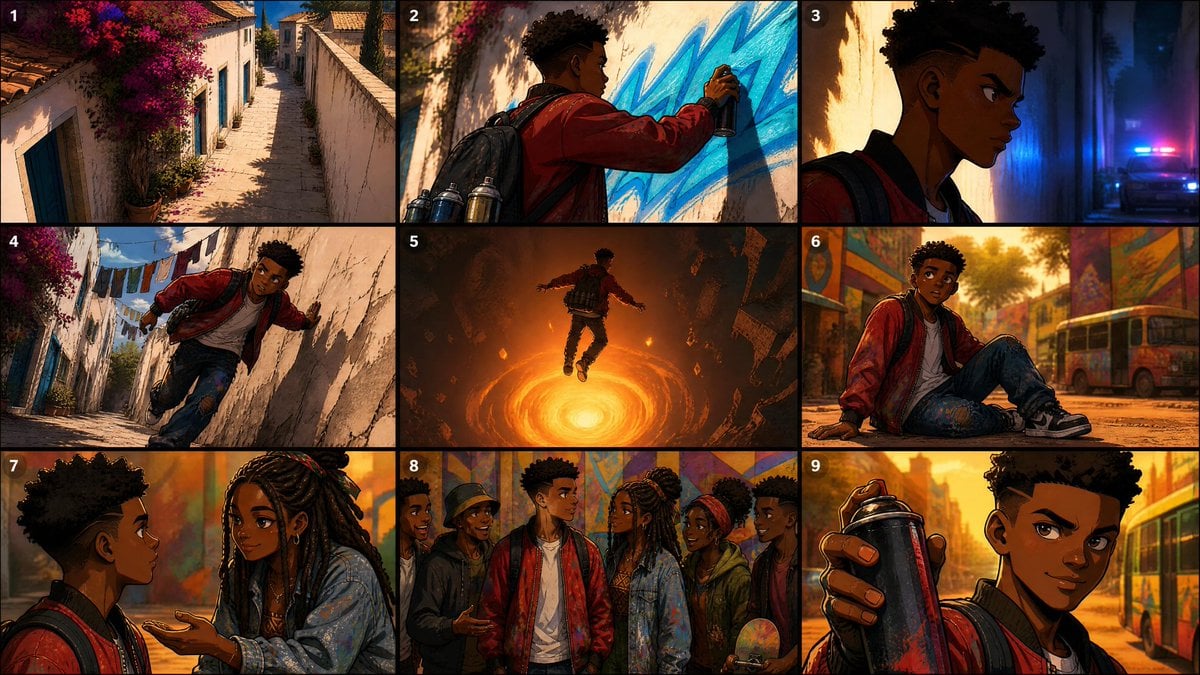
Seedance Prompt: Create a 2.5D animation, cinemat
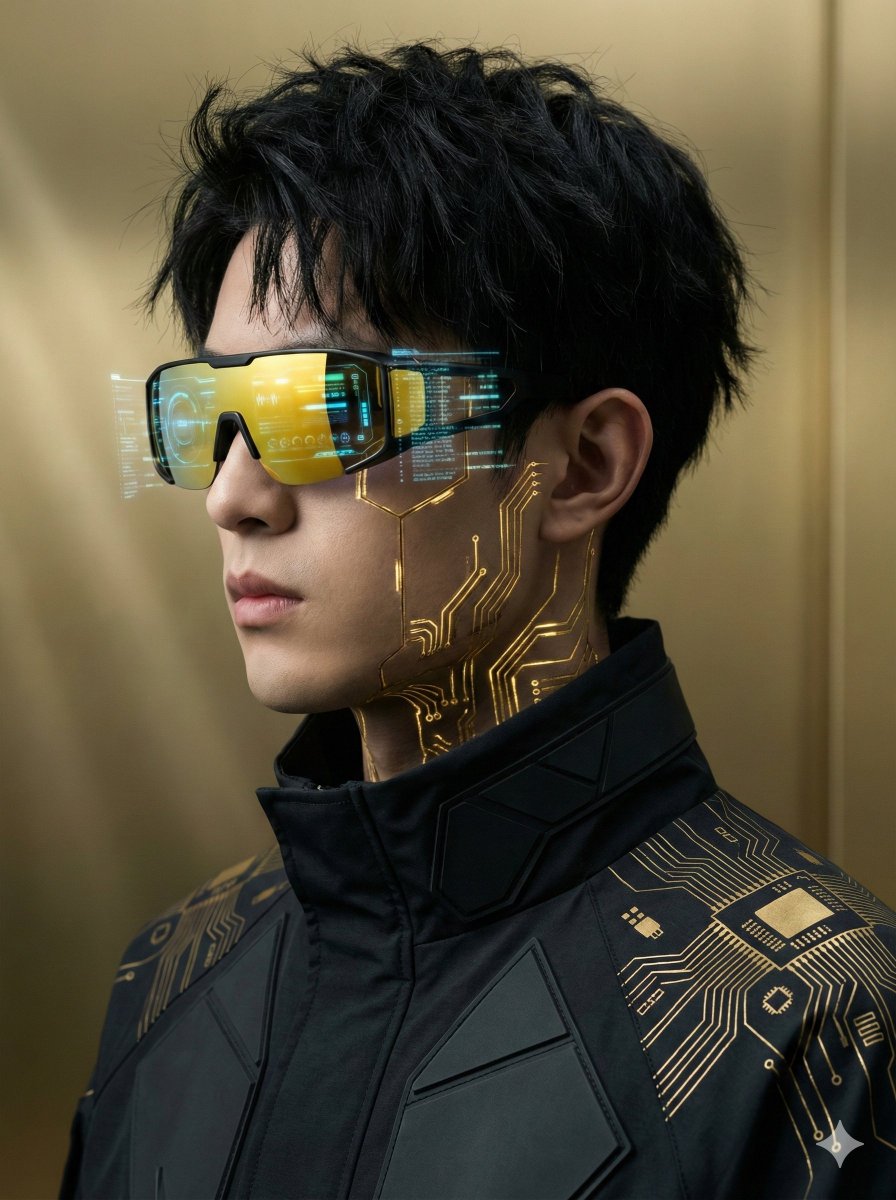
Futuristic Cyberpunk Portrait with Golden Circuitry
Top-Down Romantic Cottagecore Portrait
Gpt2 Comic Storyboard Rpg Map to Anime Event Scene
Ultra-Realistic Fashion Model Studio Photoshoot
Minimal Comic Style Greeting Card
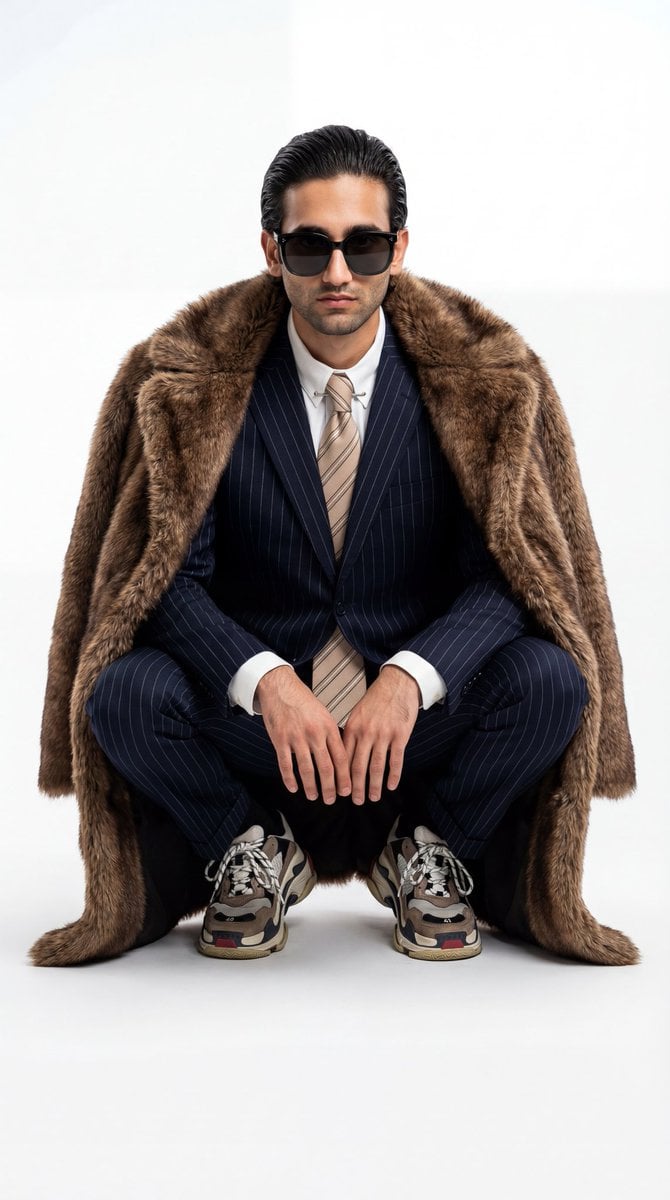
Ultra-Realistic Luxury Fashion Editorial Portrait
Browse template categories
Style Anime Pet Collage questions
How do I use the 12-Style Anime Pet Collage template?
Add your photo if the template asks for one, edit the prompt if you like — the template's model and format are already selected — and press Generate. Your version opens in PicX Studio.
Can I customize the 12-Style Anime Pet Collage template?
Yes. You can change the subject, setting, lighting, mood, format, and available model controls before creating your image.
Is the 12-Style Anime Pet Collage template free?
Opening and editing this template is free. Generating uses credits, shown on the Generate button when you are signed in.
Which AI model should I use?
Start with GPT Image 2, which is the model associated with this template. You can compare another compatible model for a different finish.
Looking for something else? Browse all templates.

Your photo, any look
Thousands of ready templates for every top image and video model, from one credit balance.