
Red Cable Car Over Misty Water
A dreamy square surreal landscape prompt for generating a vintage red cable car floating above reflective water at pastel dawn.
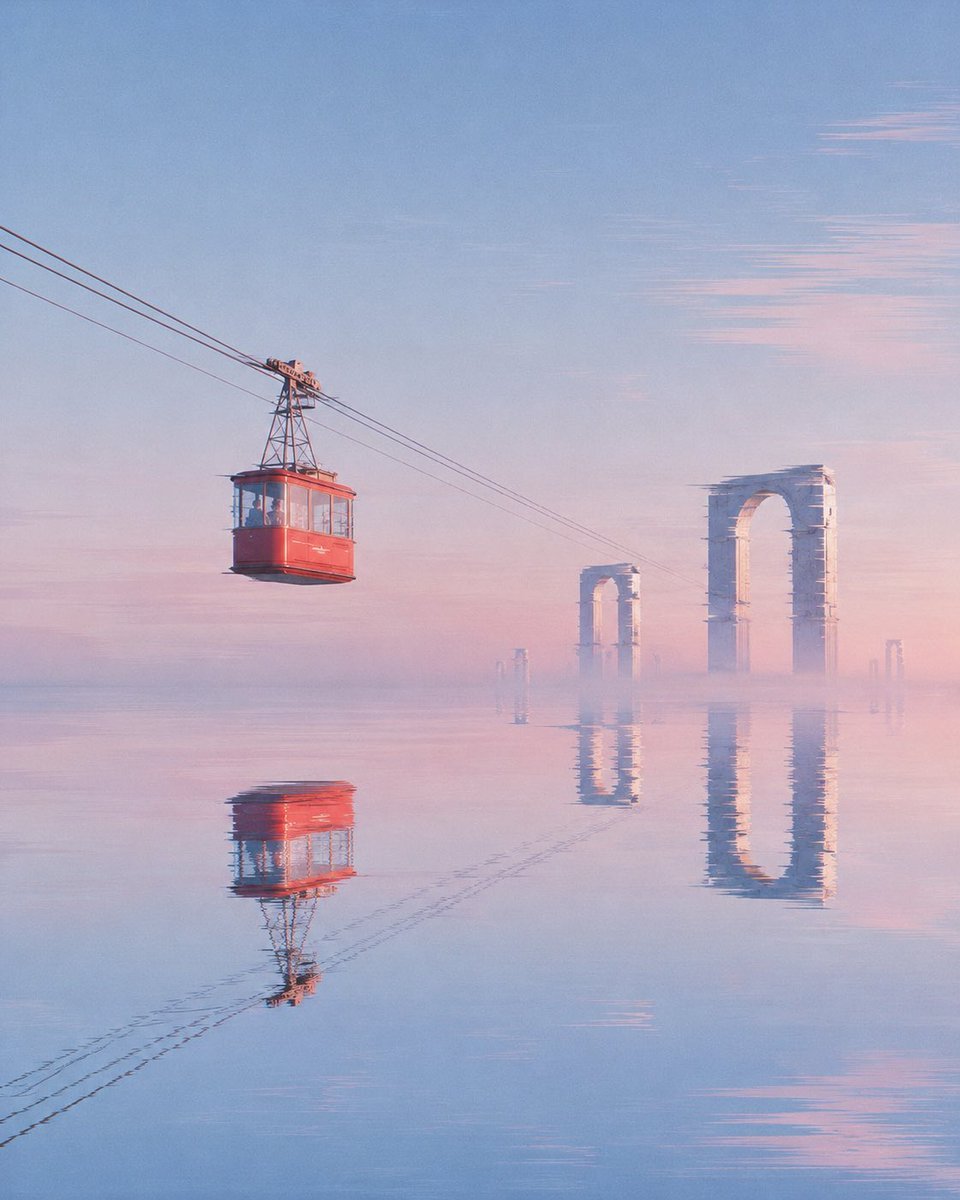
- Prompt included
- Model and format preset
- Free template
The prompt behind this image
Copy the exact prompt behind Red Cable Car Over Misty Water, or open it in the studio and make it yours.
Create a serene surreal landscape illustration at dawn: a single vintage red cable-car gondola hangs from three diagonal black cables running from the upper left toward the center-right, suspended above an endless mirror-smooth flooded plain. The gondola is boxy with large windows, a dark roof frame, and a small metal tower and pulley assembly above it; it sits in the left third of the square composition, slightly above center. The water below creates a clear but softly rippled inverted reflection of the gondola, support tower, and cables. In the misty distance on the right half, show exactly five pale stone ruin arches rising from the water: one large tall arch near the right edge, one medium arch closer to center, two very small faint arches near the horizon, and one thin partial arch far right; all reflected vertically in the water. Use a pastel morning palette of {argument name="sky color" default="soft blue"}, blush pink, lavender haze, and warm peach light, with the horizon nearly dissolved into fog. The sky is vast and minimal with delicate horizontal pink cloud streaks on the upper right. Style should feel like a dreamy cinematic digital painting with subtle painterly brush texture, atmospheric perspective, soft gradients, calm symmetry, and no people, no birds, no text, no watermark. Square 1:1 composition, quiet “good morning” mood, high detail in the gondola and cables, softer detail in the distant ruins.
How to use Red Cable Car Over Misty Water in 3 steps
- 1Upload ImagePNG, JPG or paste
Add your photo
Upload the photo the template builds on. The prompt, model and format are already set.
- 2…a portrait of your subject in softgolden-hour light, 85mm…
Personalize
Edit the subject and creative details for your destination.
- 3Generate
Generate
Press Generate — your image is created in PicX Studio, so you can compare it with the original and refine one variable at a time.
More like this
Templates with the same subject, style or setup. Open one to see its prompt.

Minimalist Skincare Product Water Stone Still
Minimalist Skincare Product Water Stone Still
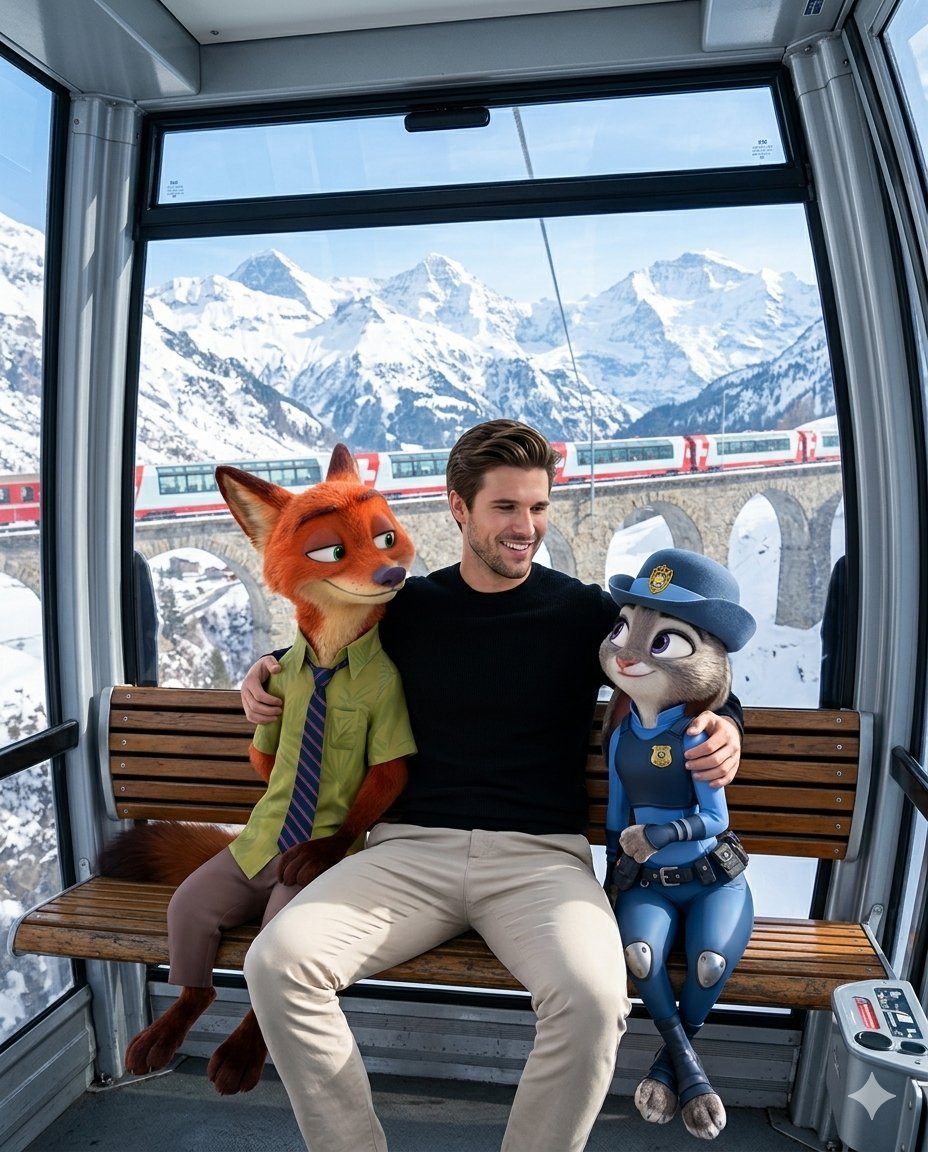
Man with Zootopia Characters in Alpine Cable Car
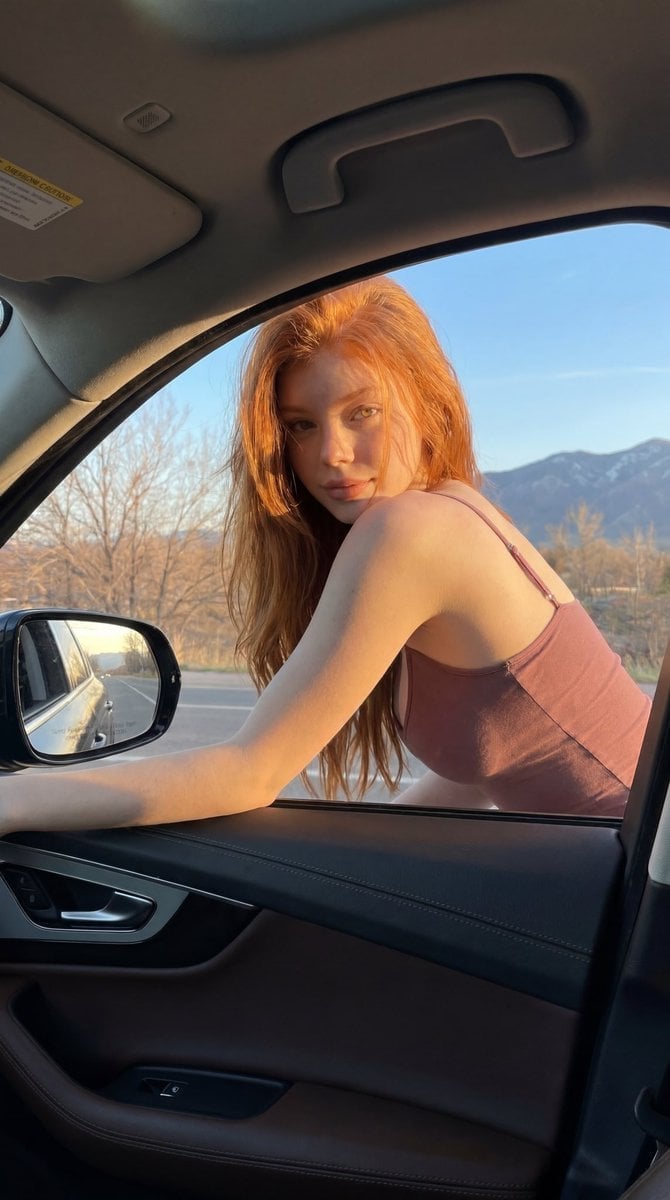
Red-Haired Woman Car Portrait
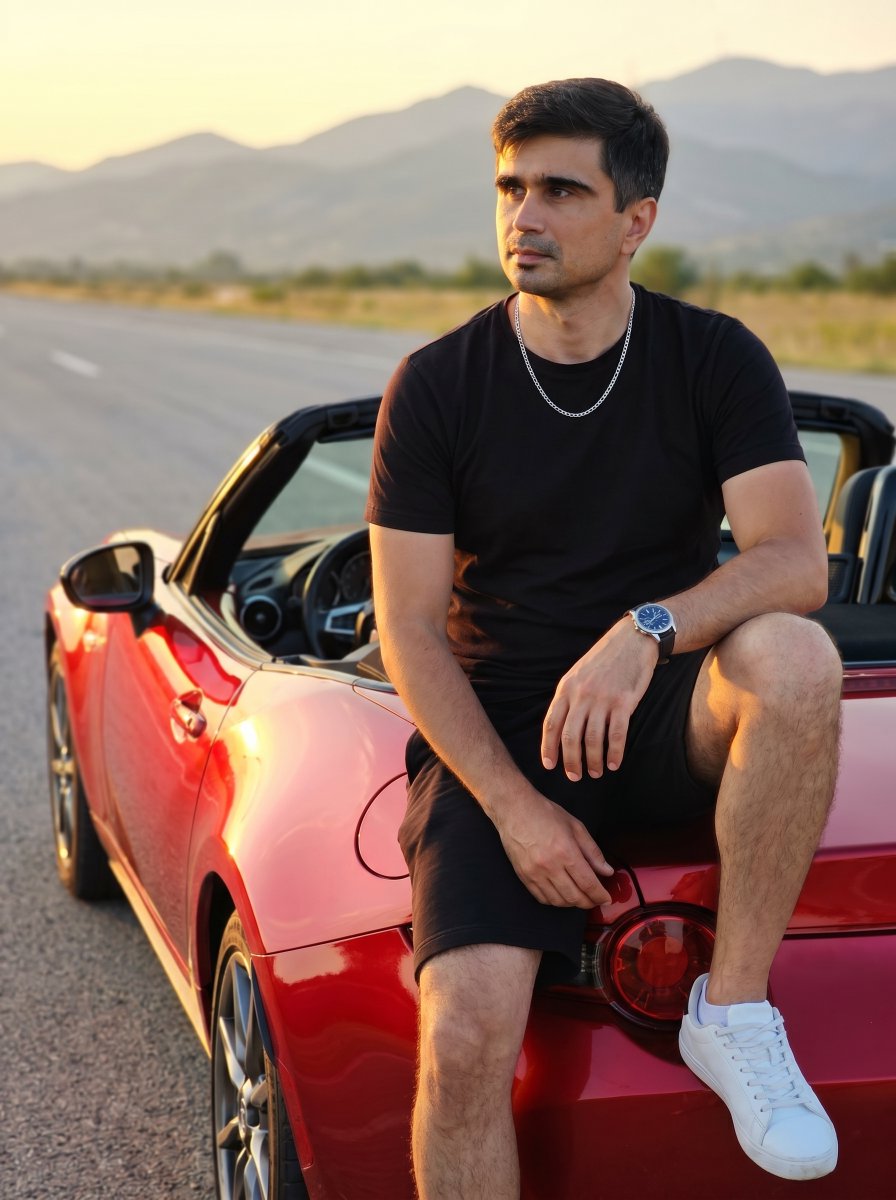
Man on Red Convertible Sports Car

Bold Red Contrast Fashion Editorial Newspaper Room

Panning Motion Soccer Kick Poster
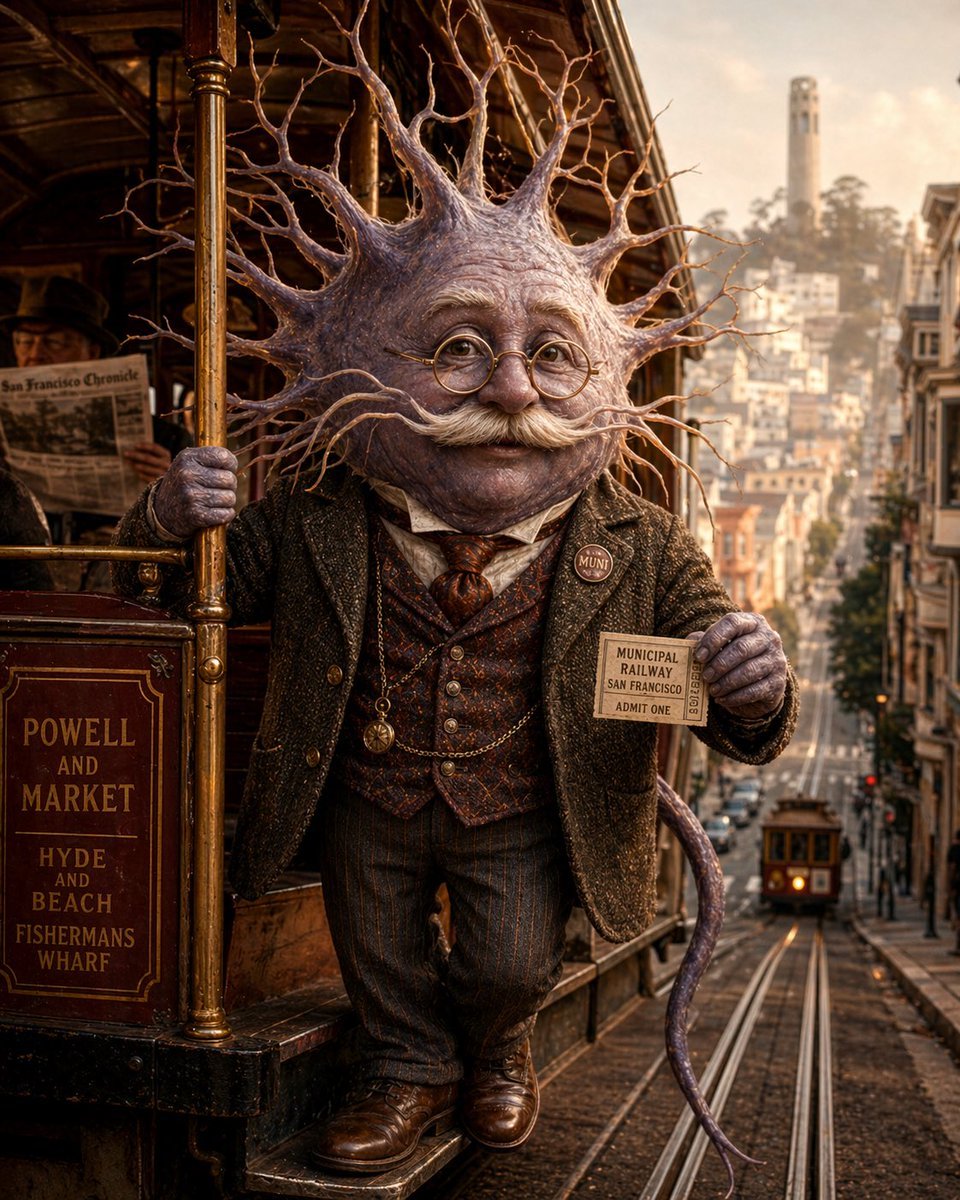
Neuron on a San Francisco Cable Car

Dancer Character - Four View Reference Sheet
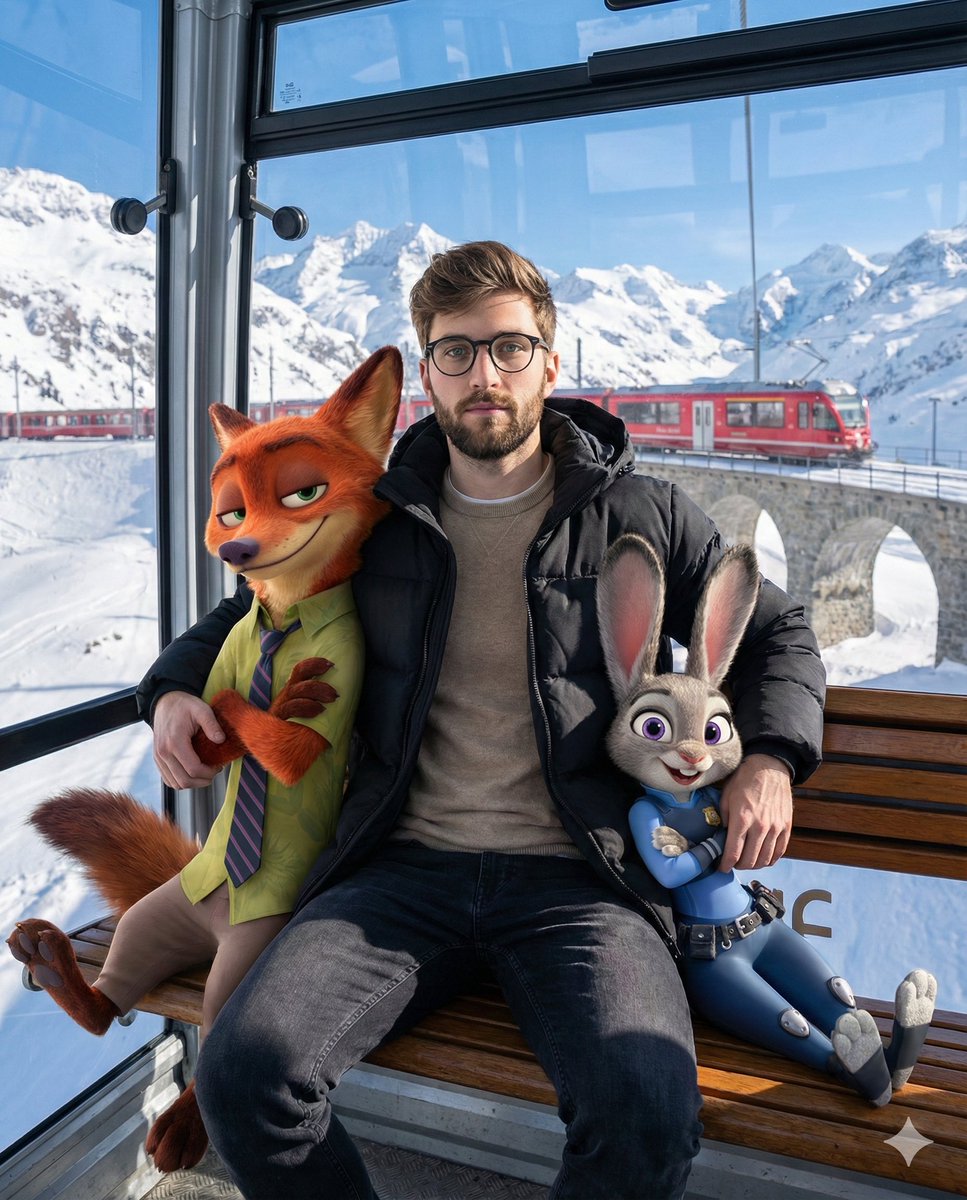
Cozy Winter Cable Car Scene with Zootopia Characters
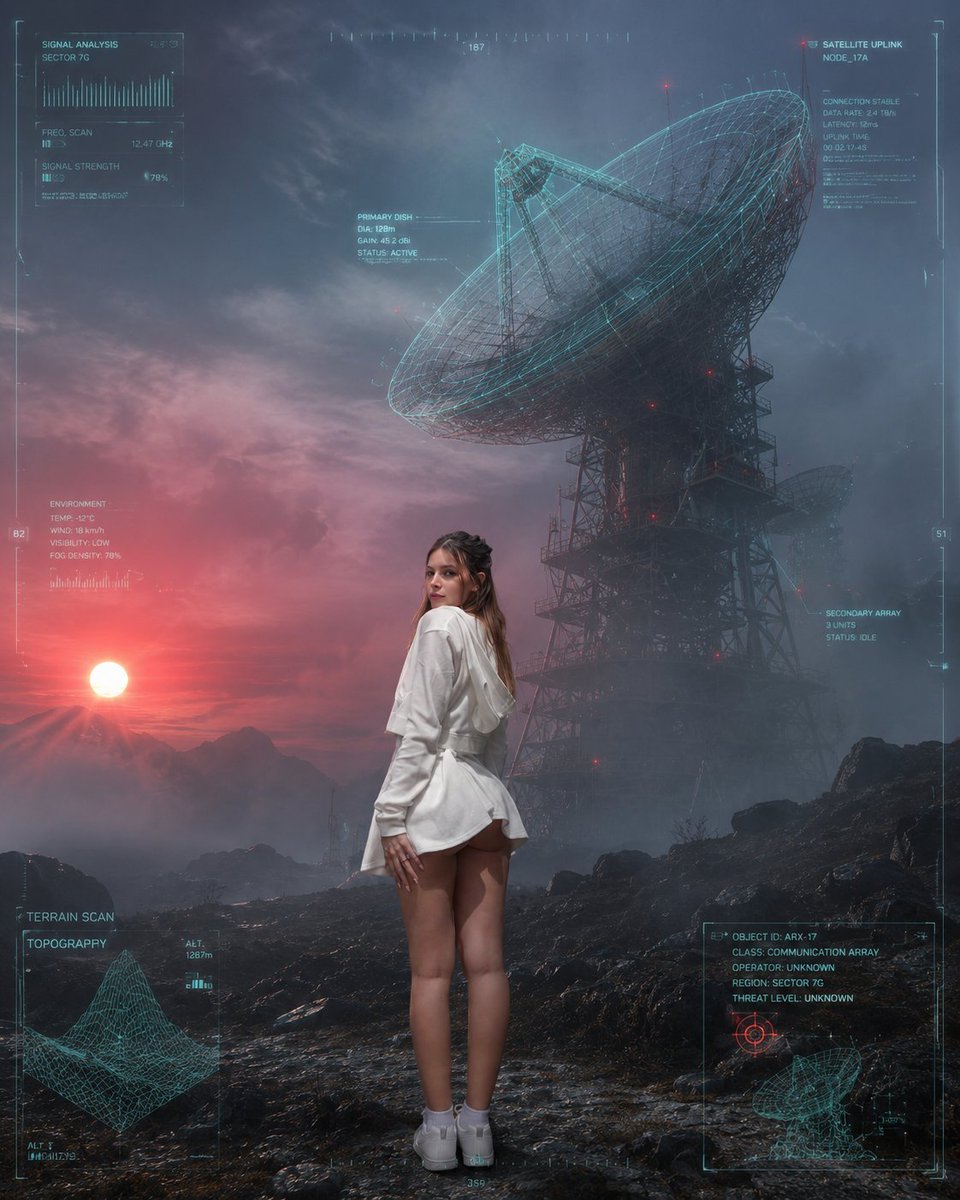
Sci-Fi Misty Antenna Terrain
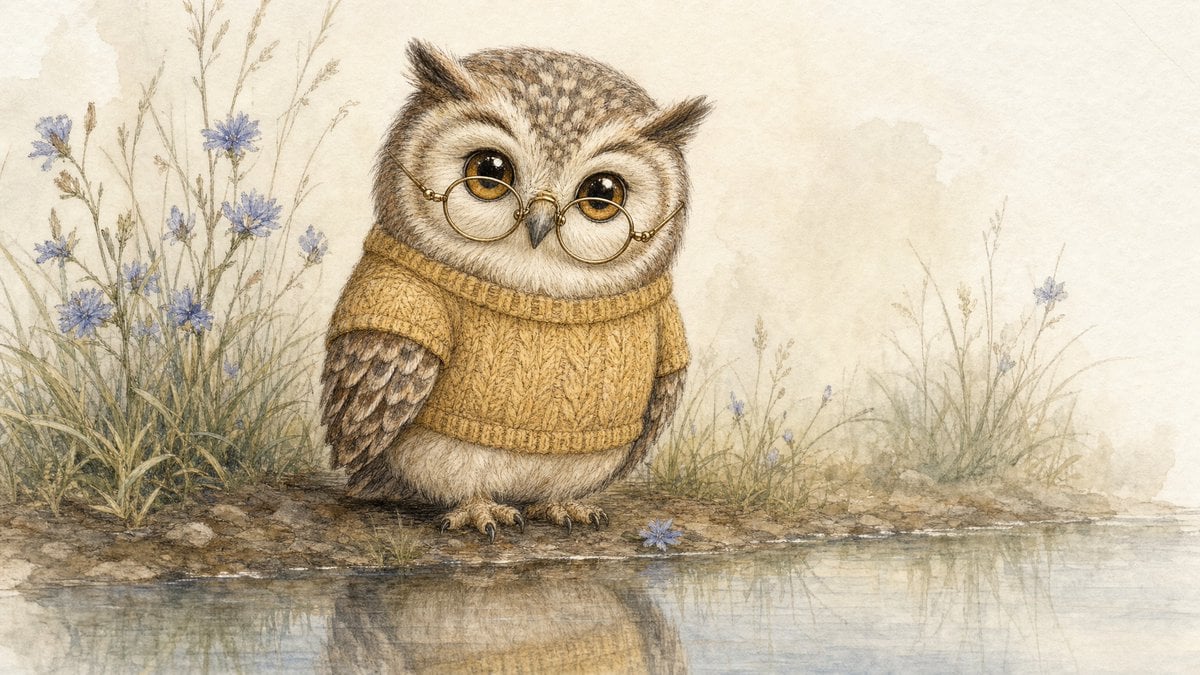
Watercolor Owl in Yellow Sweater
Make it yours
Red Cable Car Over Misty Water works as-is. These are the safest ways to change it without losing the look.
Change one field
Copy a single group, rewrite it, and generate again so you can see what that field is doing.
Keep the frame, change the subject
Hold the composition and light of Red Cable Car Over Misty Water, then swap wardrobe, props or the person for a new take.
| If the result… | Why | Fix |
|---|---|---|
| The result drifts from the preview | Too many fields changed at once. | Reuse Red Cable Car Over Misty Water as-is first, then change one group — subject, light, or setting. |
| The model over-stylizes the scene | The prose prompt leaves finish and camera underspecified. | Add one camera or lighting sentence and stay on GPT Image 2. |
More GPT Image 2 templates
Other prompts made for GPT Image 2.

Six VTuber Japanese Logo Sheet

Realistic Portrait of Woman and Deer

The Vista Modular Condo Poster

AI Model Routing Comparison Infographic

2.5D Anime Art Board

Isometric Productivity Desk Scene

New York Double Exposure Poster

Four-Panel AI Landscape Comparison

Japanese Tatami Lifestyle Magazine Cover

NESCAFÉ Coffee Map Poster
More image prompts
Fresh picks from across the catalog.
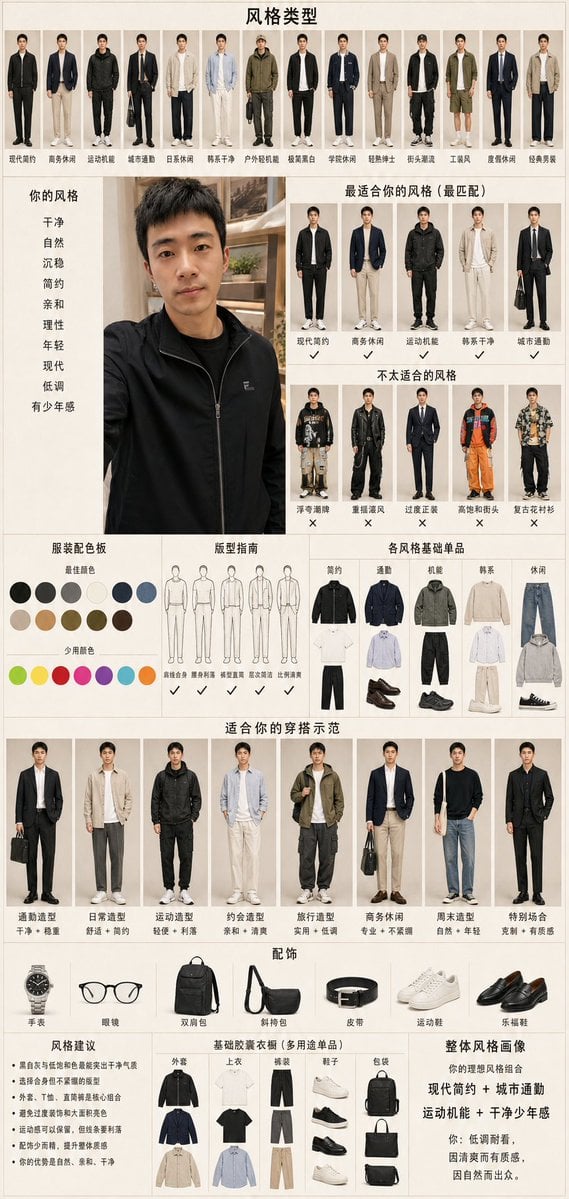
Men's Fashion Style Diagnosis Report
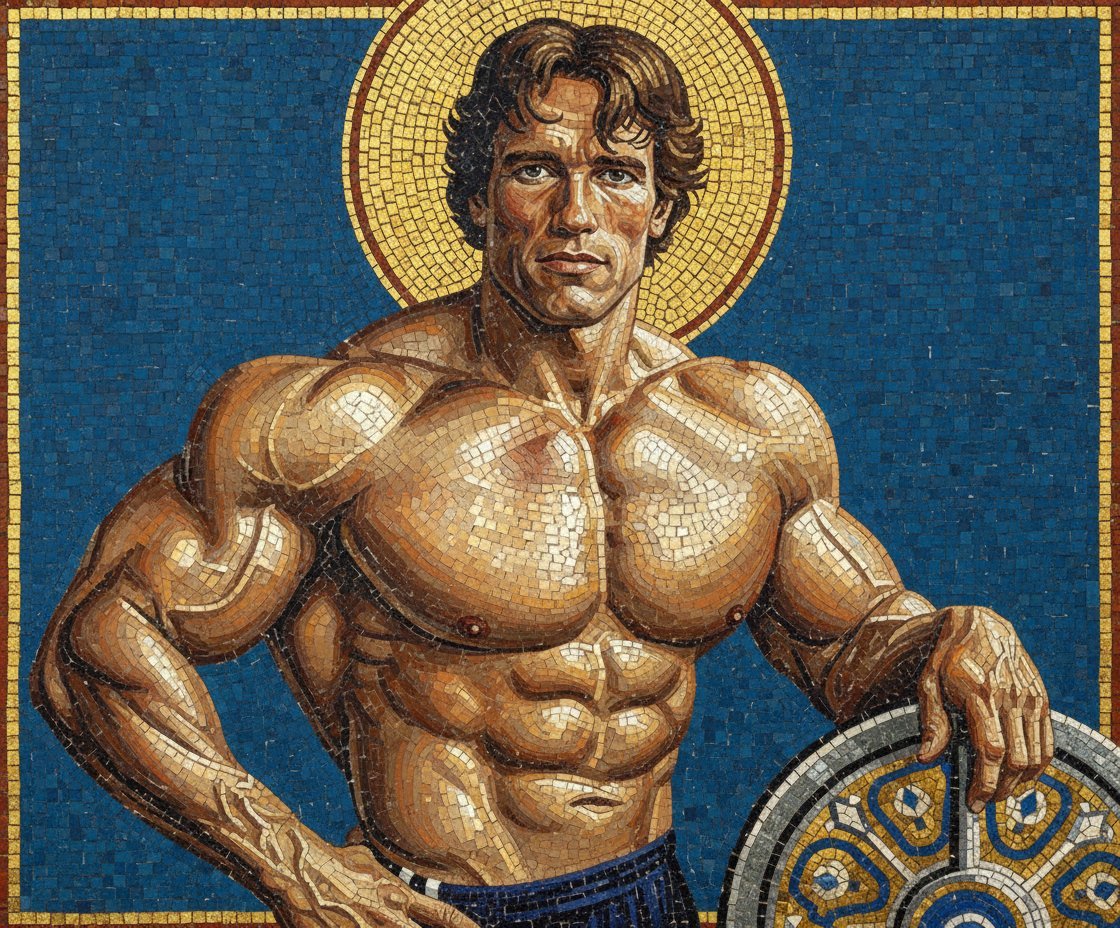
Byzantine Mosaic Style Portrait Prompt
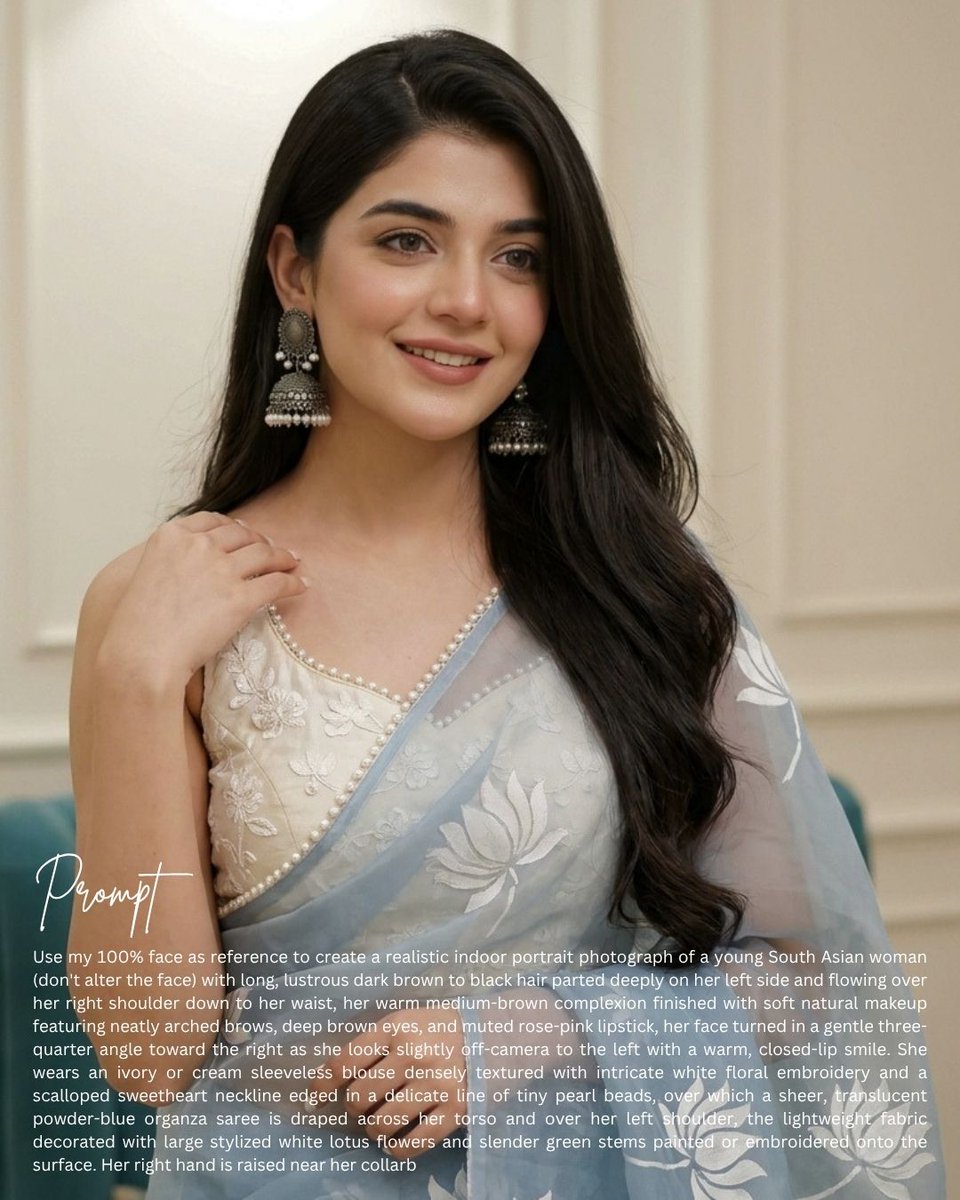
South Asian Saree Prompt Card
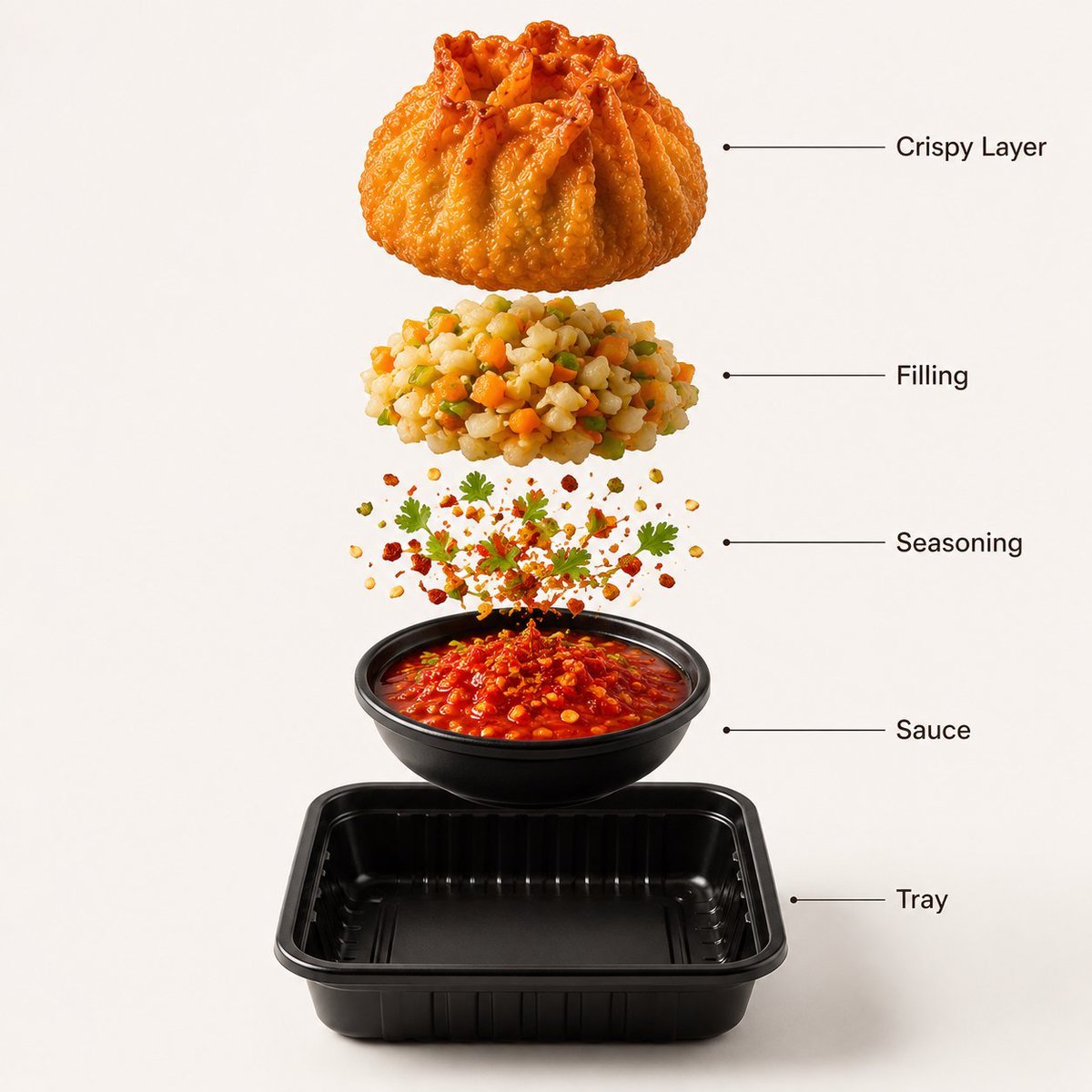
Gourmet Street Food Photography and Infographic

Golden Hour Intellectual Study Portrait
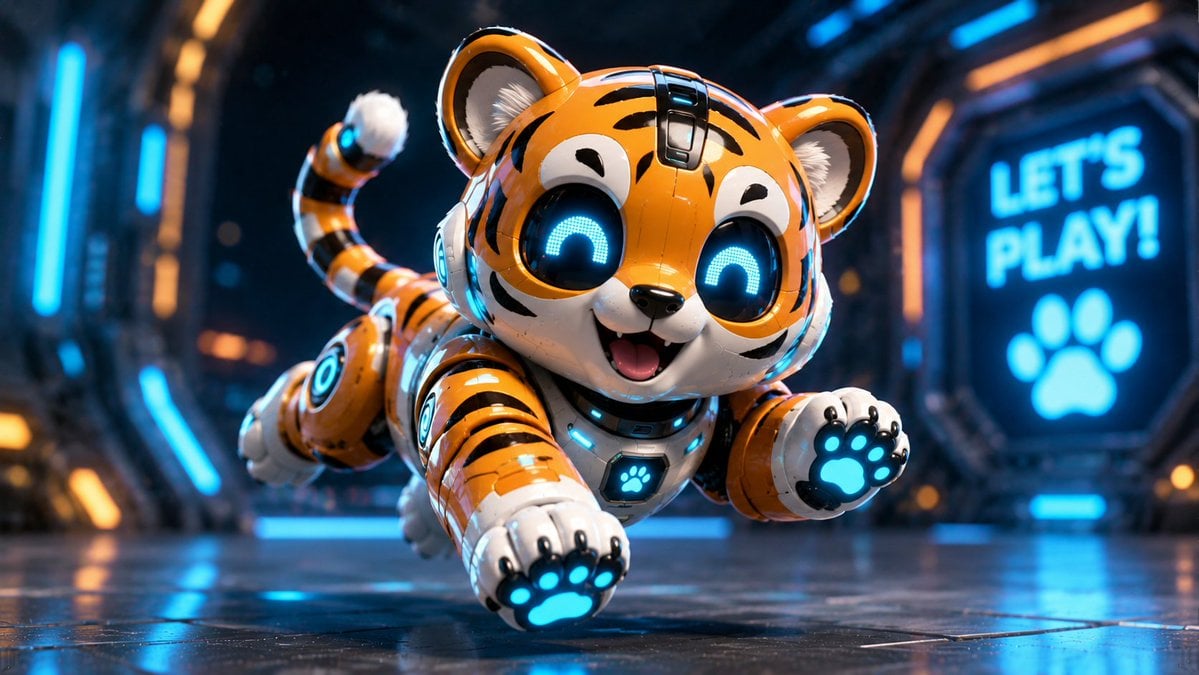
Miniature Sci-Fi Companion Robot
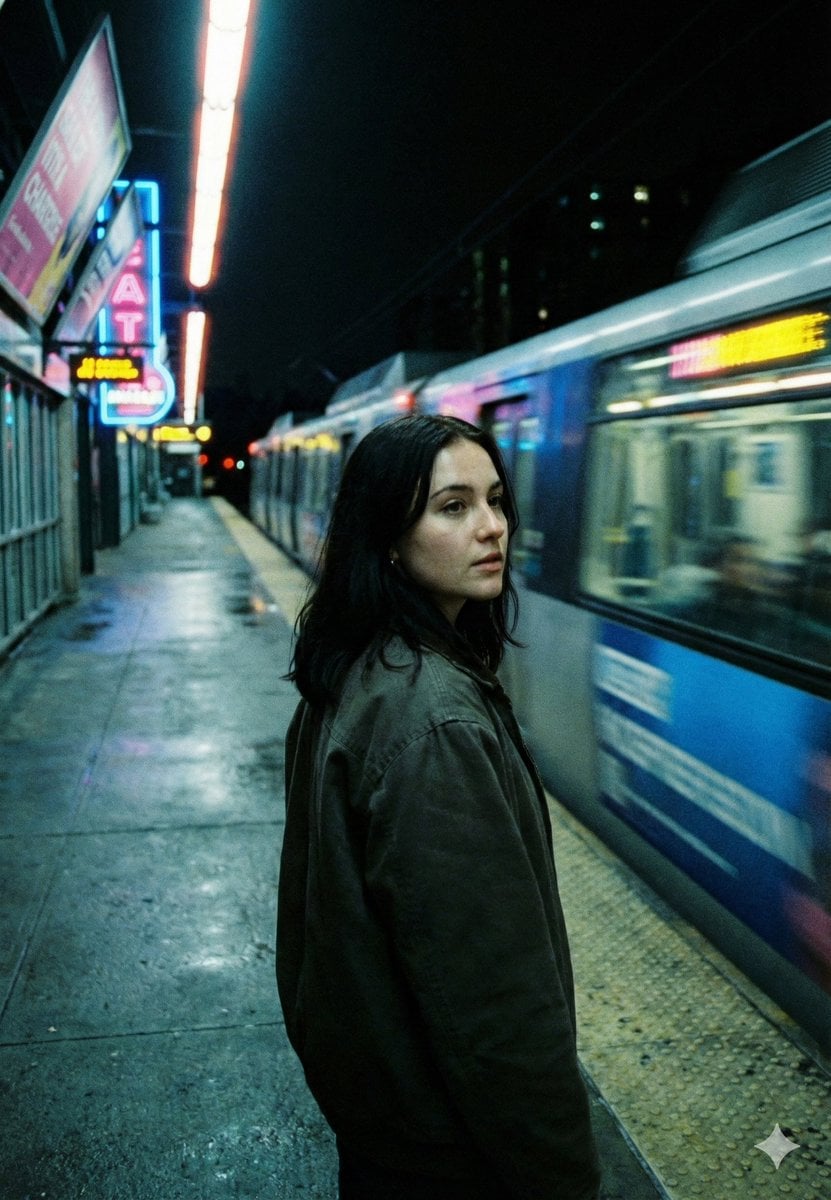
Neo-Noir Cinematic Street Photography in Subway
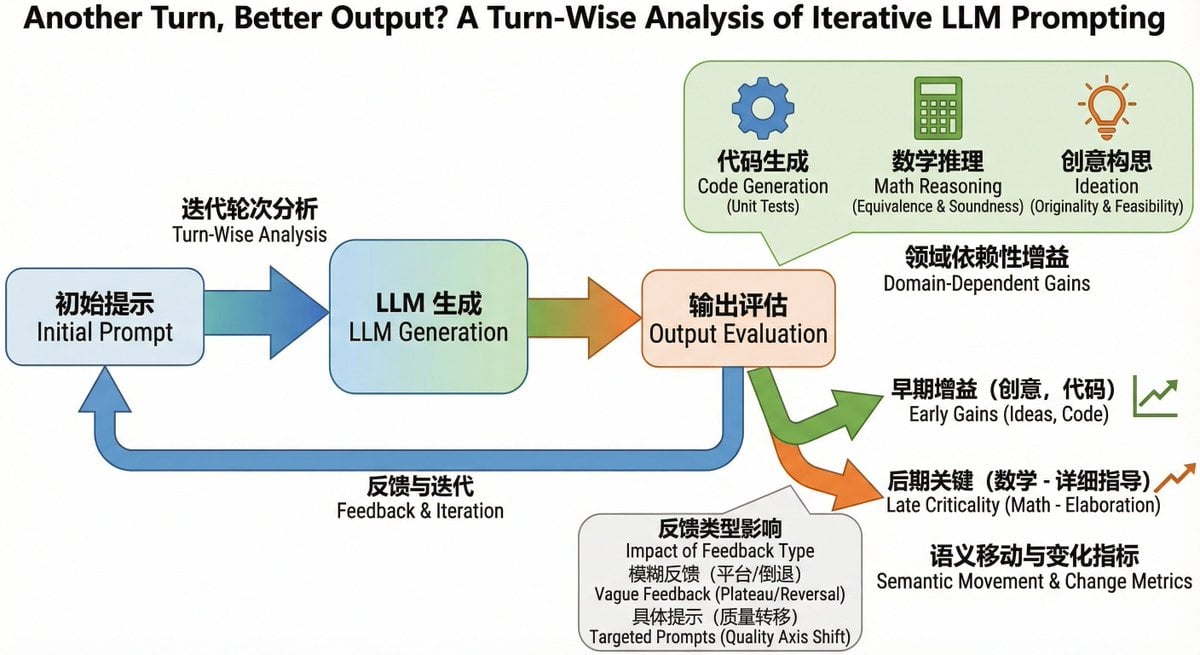
Bilingual diagram from a research paper
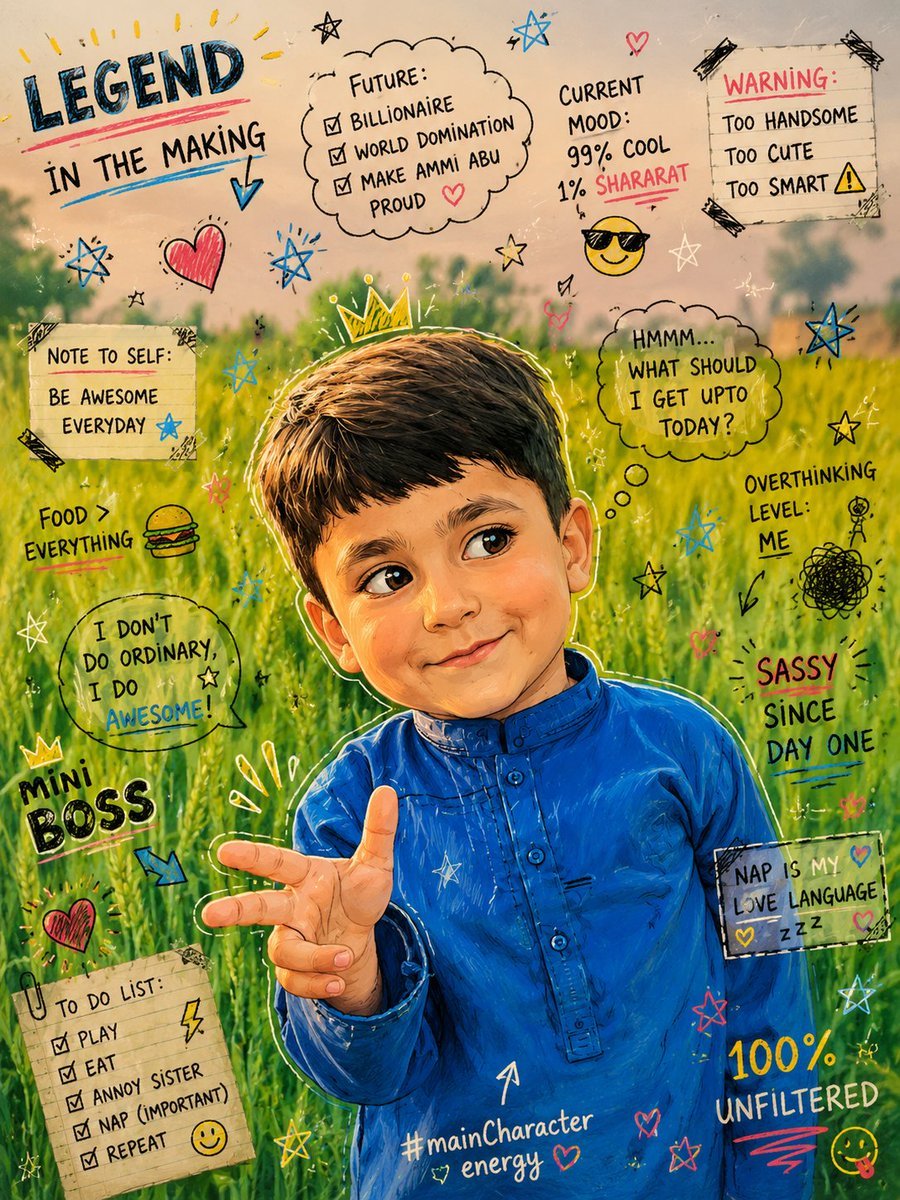
Teenage Sketchbook Caricature Transformation

Premium Male Editorial Portrait
Browse template categories
Red Cable Car Over Misty Water questions
How do I use the Red Cable Car Over Misty Water template?
Add your photo if the template asks for one, edit the prompt if you like — the template's model and format are already selected — and press Generate. Your version opens in PicX Studio.
Can I customize the Red Cable Car Over Misty Water template?
Yes. You can change the subject, setting, lighting, mood, format, and available model controls before creating your image.
Is the Red Cable Car Over Misty Water template free?
Opening and editing this template is free. Generating uses credits, shown on the Generate button when you are signed in.
Which AI model should I use?
Start with GPT Image 2, which is the model associated with this template. You can compare another compatible model for a different finish.
Looking for something else? Browse all templates.

Your photo, any look
Thousands of ready templates for every top image and video model, from one credit balance.