
Neuron on a San Francisco Cable Car
A surreal cinematic character portrait of a neuron dressed as a vintage commuter riding a classic San Francisco cable car, ideal for whimsical editorial or AI art prompts.
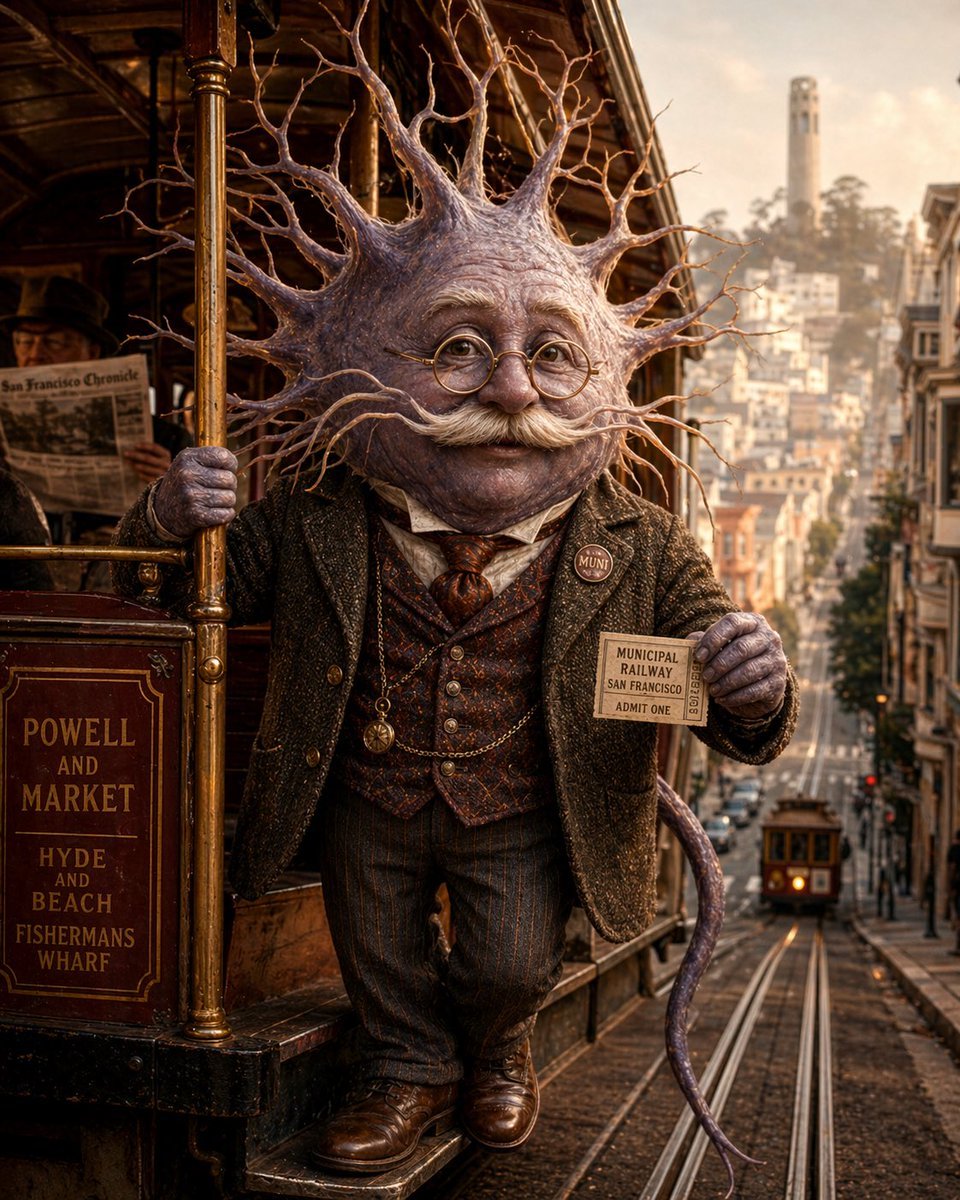
- Prompt included
- Model and format preset
- Free template
The prompt behind this image
Copy the exact prompt behind Neuron on a San Francisco Cable Car, or open it in the studio and make it yours.
A whimsical cinematic portrait of an anthropomorphic neuron riding on the outside step of a classic San Francisco cable car at golden hour. The character has a large neuron head with a rounded central body and dozens of long branching dendrites radiating outward like a crown, textured in pale lavender, mauve, and fleshy gray with subtle organic sheen. Its face area is obscured and featureless. The figure is dressed like a Victorian or Edwardian gentleman commuter: dark tweed jacket, patterned waistcoat, collared shirt, necktie, pinstriped trousers, polished brown leather shoes, and a pocket watch chain. One hand grips a brass pole on the cable car, and the other hand holds up a vintage transit ticket reading "MUNICIPAL RAILWAY SAN FRANCISCO ADMIT ONE." Add a small round lapel pin that says "MUNI." A slender purple tail-like axon curls behind the body. The cable car is richly detailed varnished wood and brass, with a route sign on the side reading "POWELL AND MARKET / HYDE AND BEACH / FISHERMANS WHARF." In the background, show a steep San Francisco street with cable tracks descending into the distance, a second cable car far down the hill, dense urban buildings on both sides, and Coit Tower visible on a hazy hilltop. Warm nostalgic lighting, shallow depth of field, ultra-detailed textures, surreal realism, humorous but elegant mood, centered full-body composition, vertical framing.
How to use Neuron on a San Francisco Cable Car in 3 steps
- 1Upload ImagePNG, JPG or paste
Add your photo
Upload the photo the template builds on. The prompt, model and format are already set.
- 2…a portrait of your subject in softgolden-hour light, 85mm…
Personalize
Edit the subject and creative details for your destination.
- 3Generate
Generate
Press Generate — your image is created in PicX Studio, so you can compare it with the original and refine one variable at a time.
More like this
Templates with the same subject, style or setup. Open one to see its prompt.
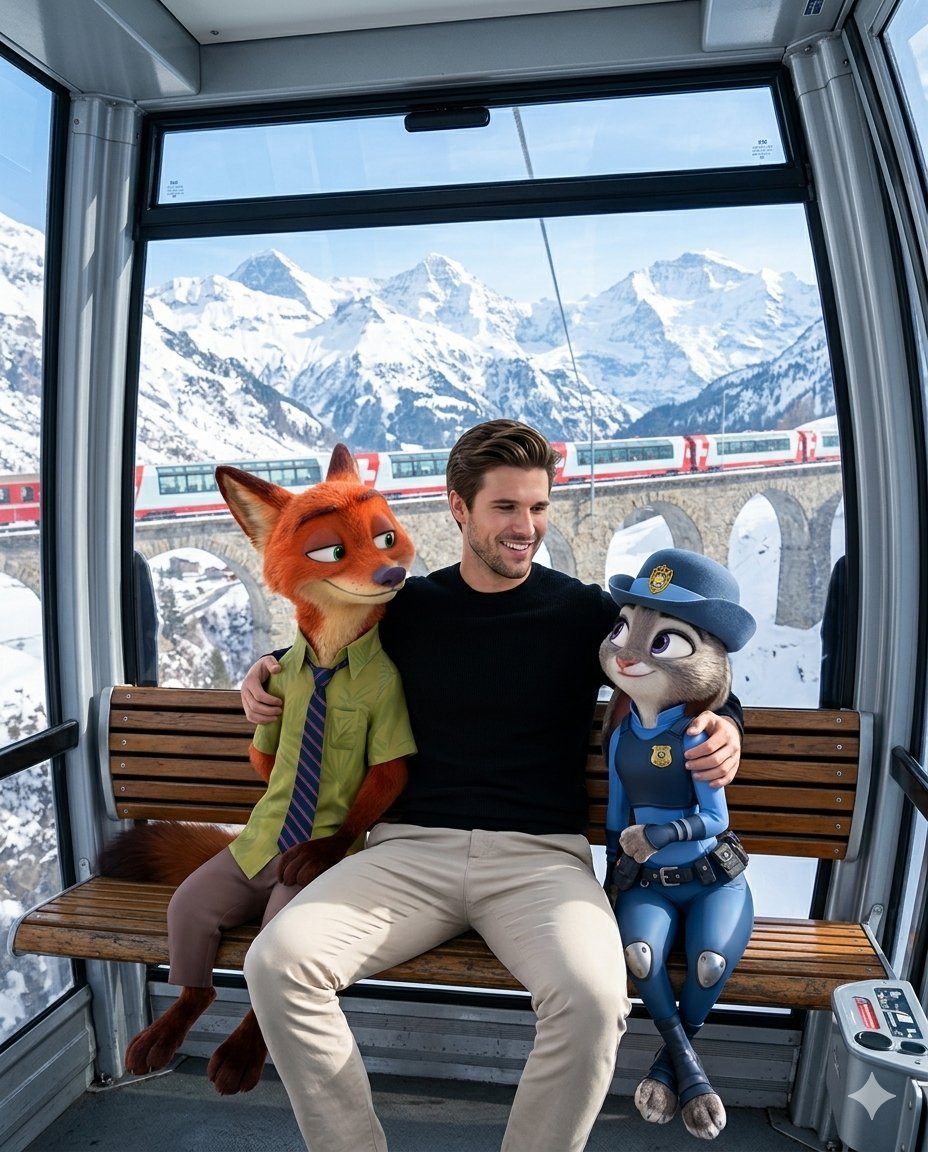
Man with Zootopia Characters in Alpine Cable Car
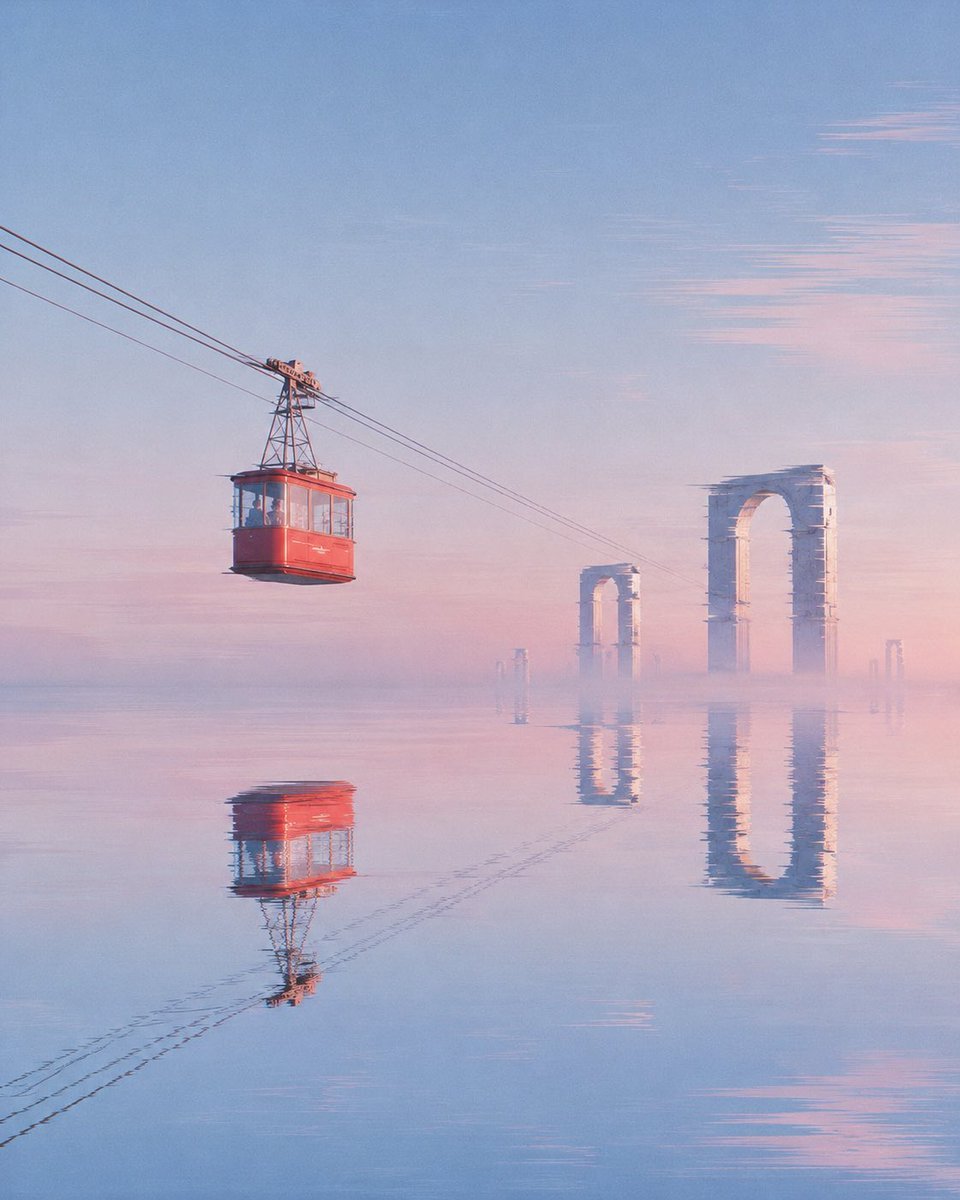
Red Cable Car Over Misty Water
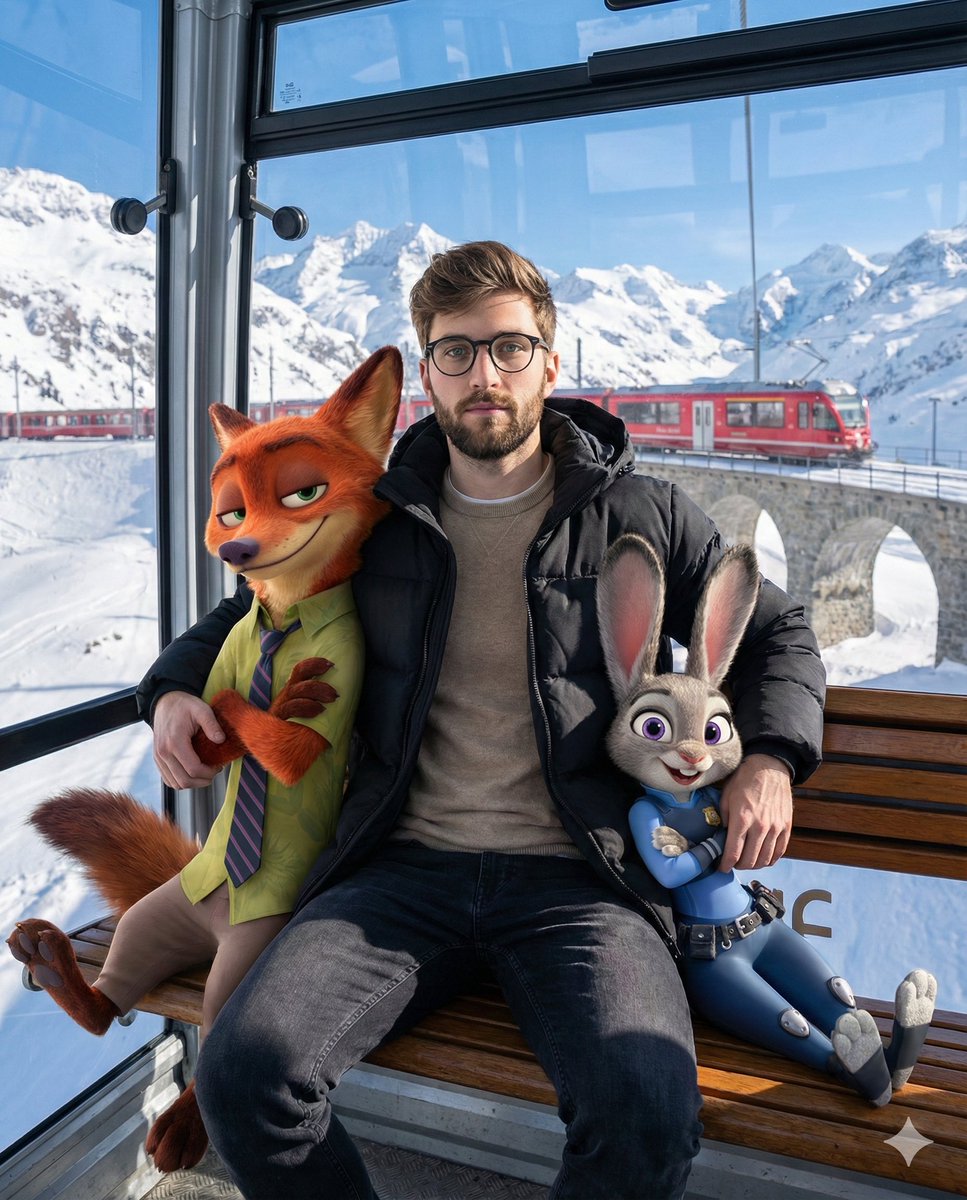
Cozy Winter Cable Car Scene with Zootopia Characters
Absurd Sans Serif Meme
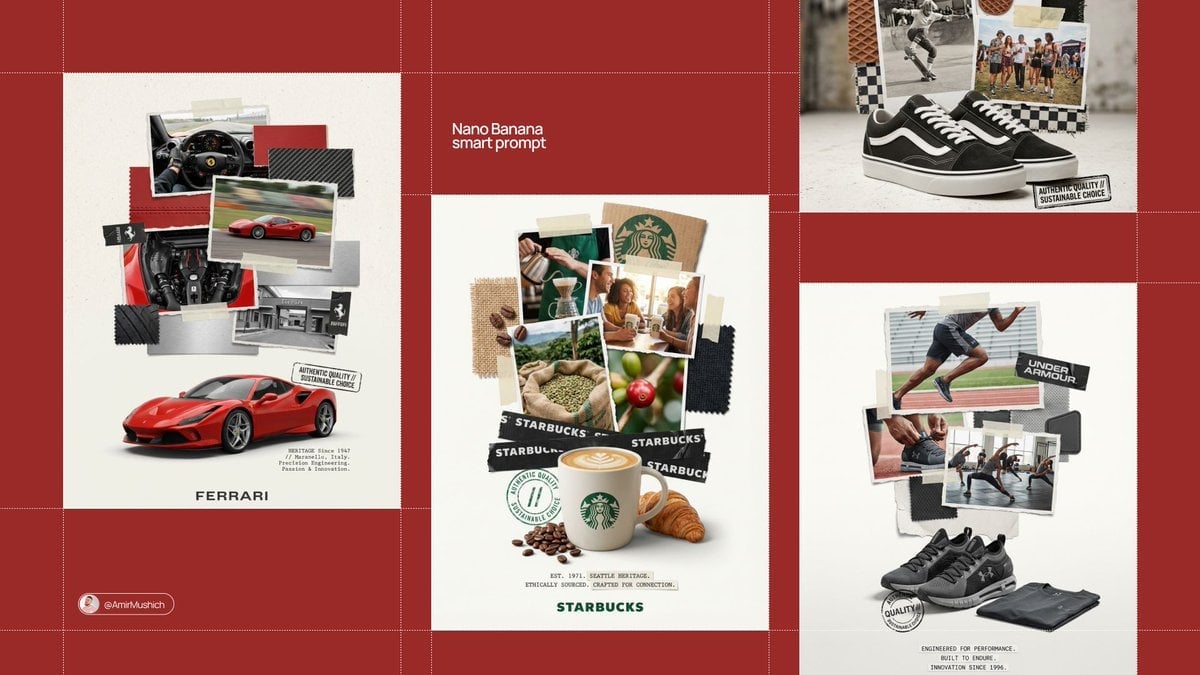
Typography Small, clean sans-serif and typewriter-style text blocks
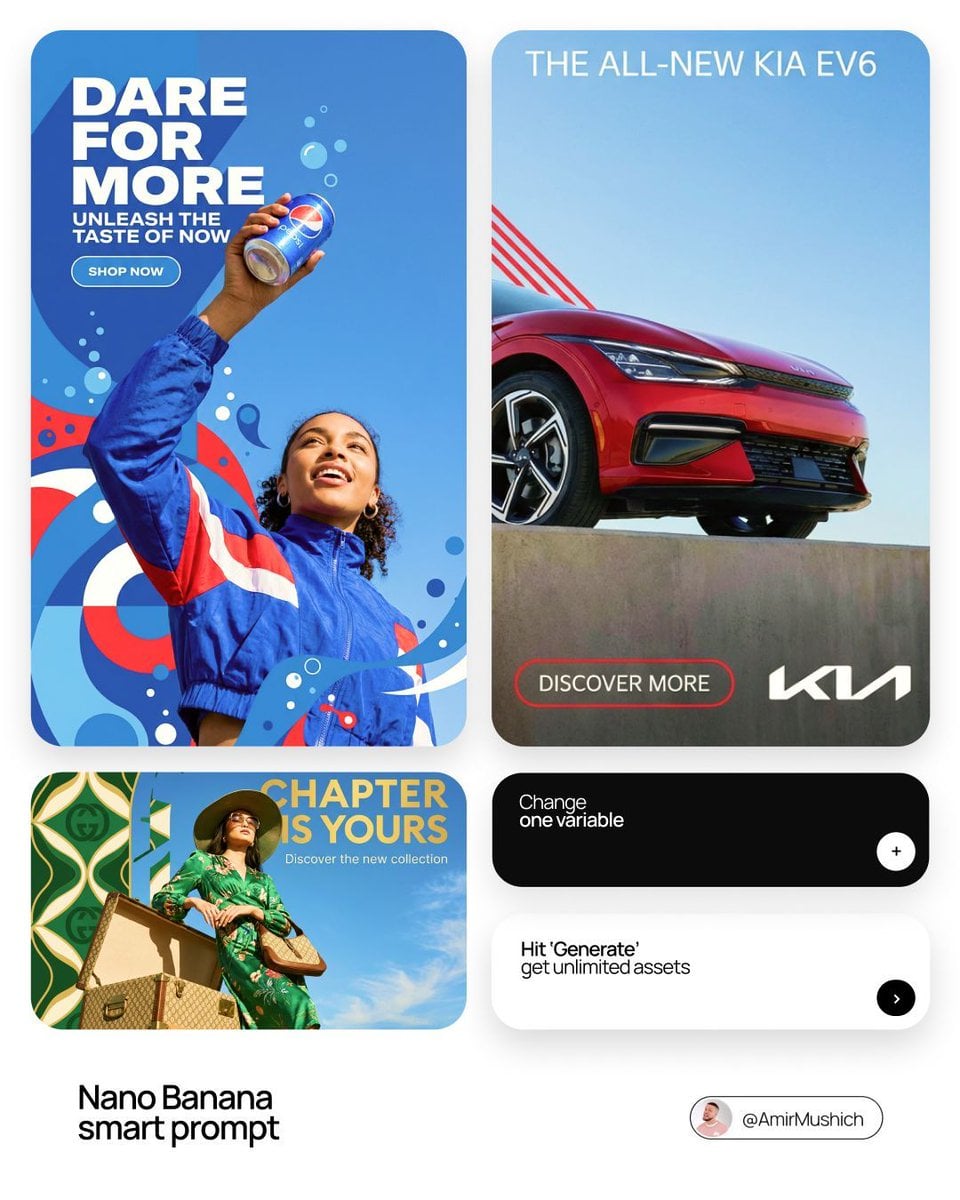
In a bold, modern Sans-Serif font
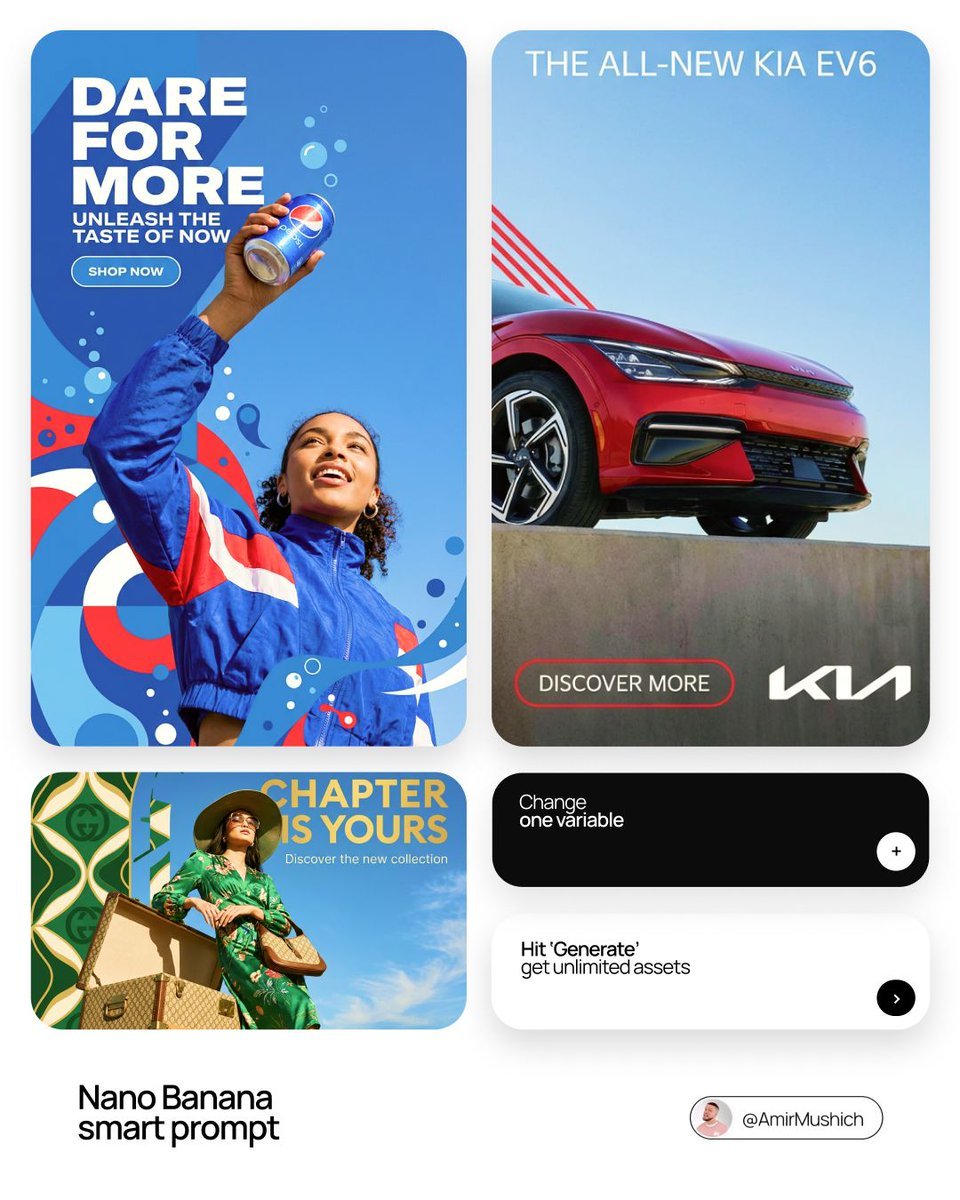
In a bold, modern Sans-Serif font
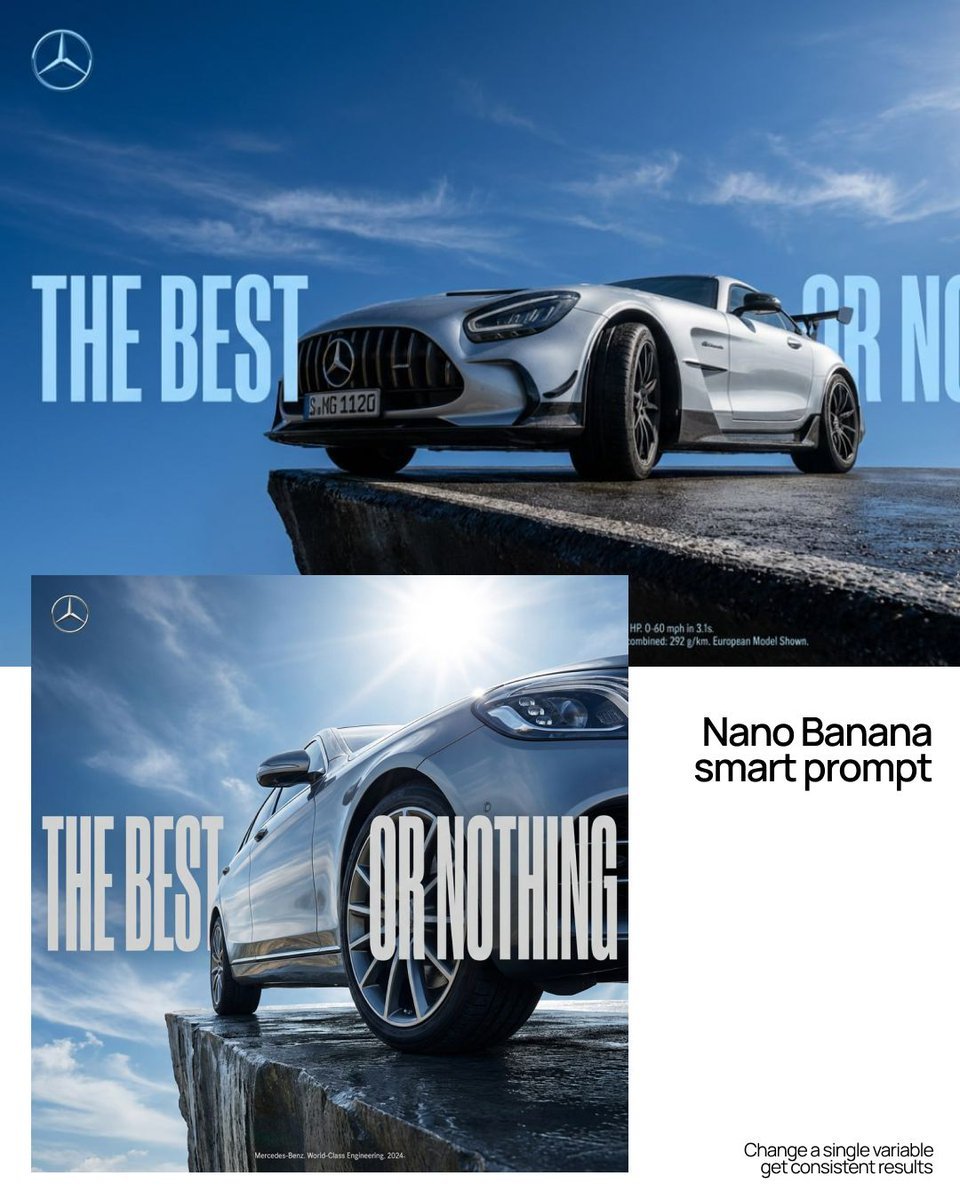
As massive, ultra-condensed bold sans-serif characters
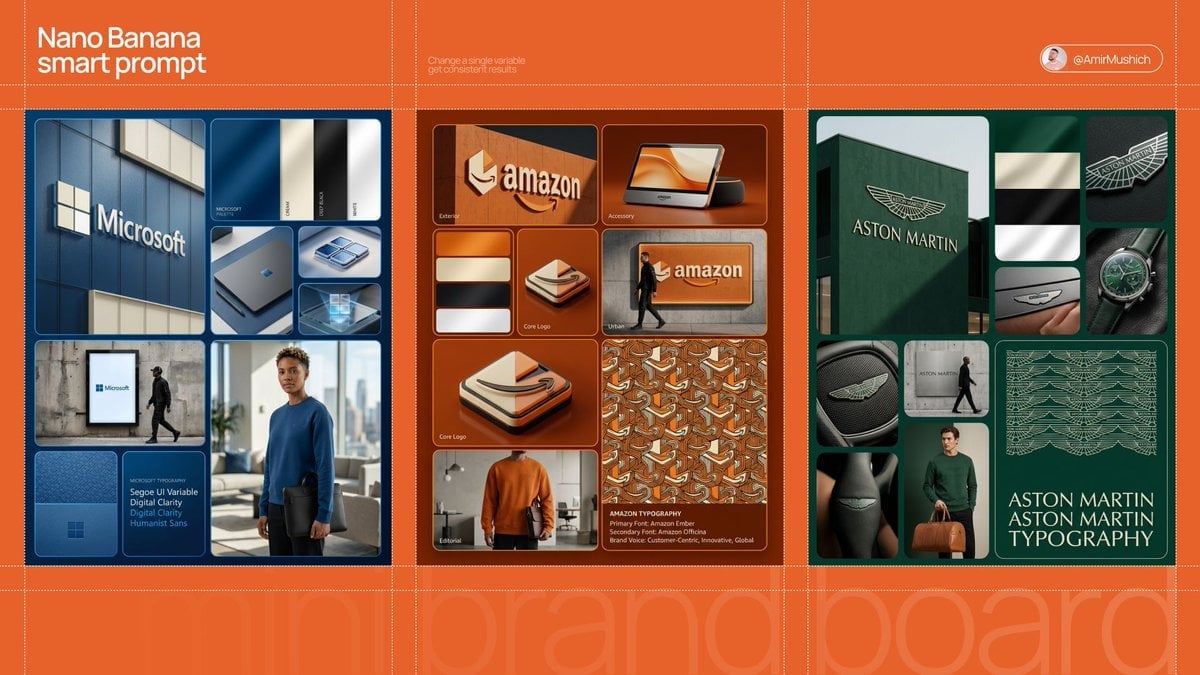
In a clean, high-end sans-serif
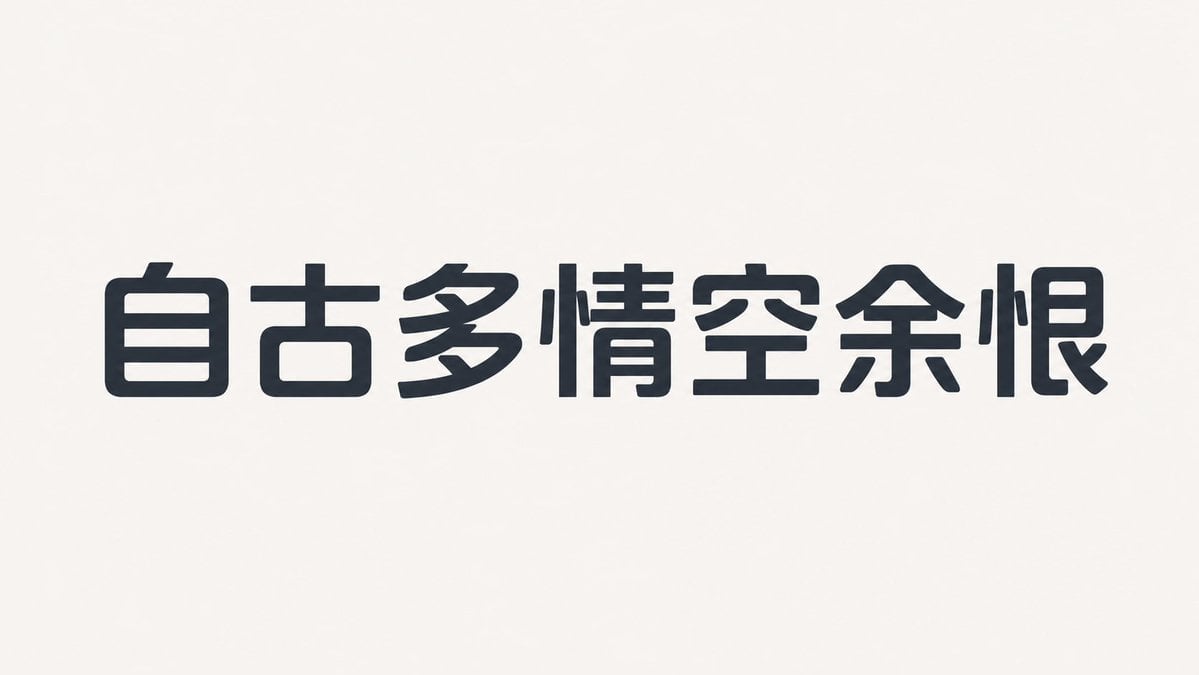
Humanist Sans-Serif Typography Design

GTA San Andreas Indonesian Style Illustration
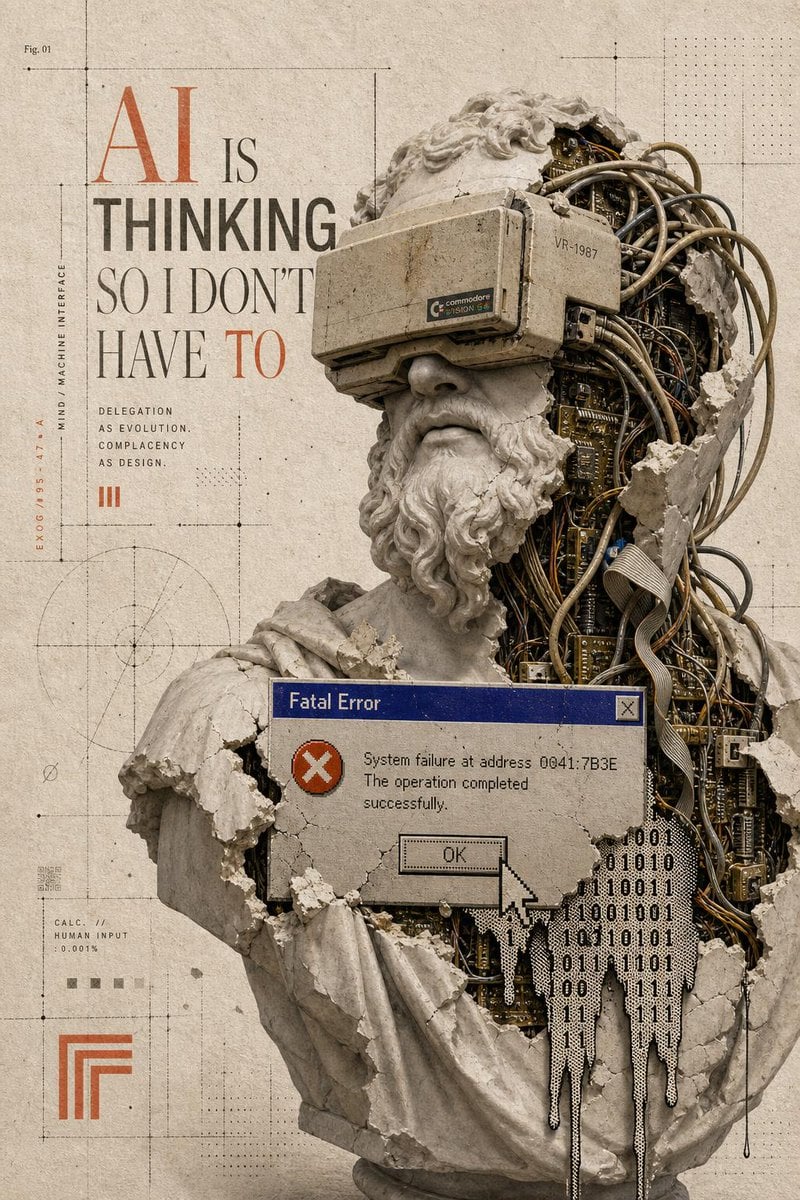
Surreal AI Error Renaissance Collage
Make it yours
Neuron on a San Francisco Cable Car works as-is. These are the safest ways to change it without losing the look.
Change one field
Copy a single group, rewrite it, and generate again so you can see what that field is doing.
Keep the frame, change the subject
Hold the composition and light of Neuron on a San Francisco Cable Car, then swap wardrobe, props or the person for a new take.
| If the result… | Why | Fix |
|---|---|---|
| The result drifts from the preview | Too many fields changed at once. | Reuse Neuron on a San Francisco Cable Car as-is first, then change one group — subject, light, or setting. |
| The model over-stylizes the scene | The prose prompt leaves finish and camera underspecified. | Add one camera or lighting sentence and stay on GPT Image 2. |
More GPT Image 2 templates
Other prompts made for GPT Image 2.

Six VTuber Japanese Logo Sheet

Realistic Portrait of Woman and Deer

The Vista Modular Condo Poster

AI Model Routing Comparison Infographic

2.5D Anime Art Board

Isometric Productivity Desk Scene

New York Double Exposure Poster

Four-Panel AI Landscape Comparison

Japanese Tatami Lifestyle Magazine Cover

NESCAFÉ Coffee Map Poster
More image prompts
Fresh picks from across the catalog.
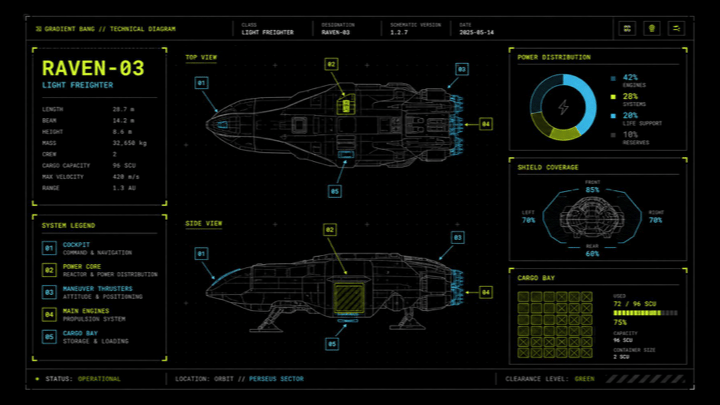
Sci-Fi Light Freighter Schematic HUD

Stunning Photo Prompt for Gemini Nano Banana
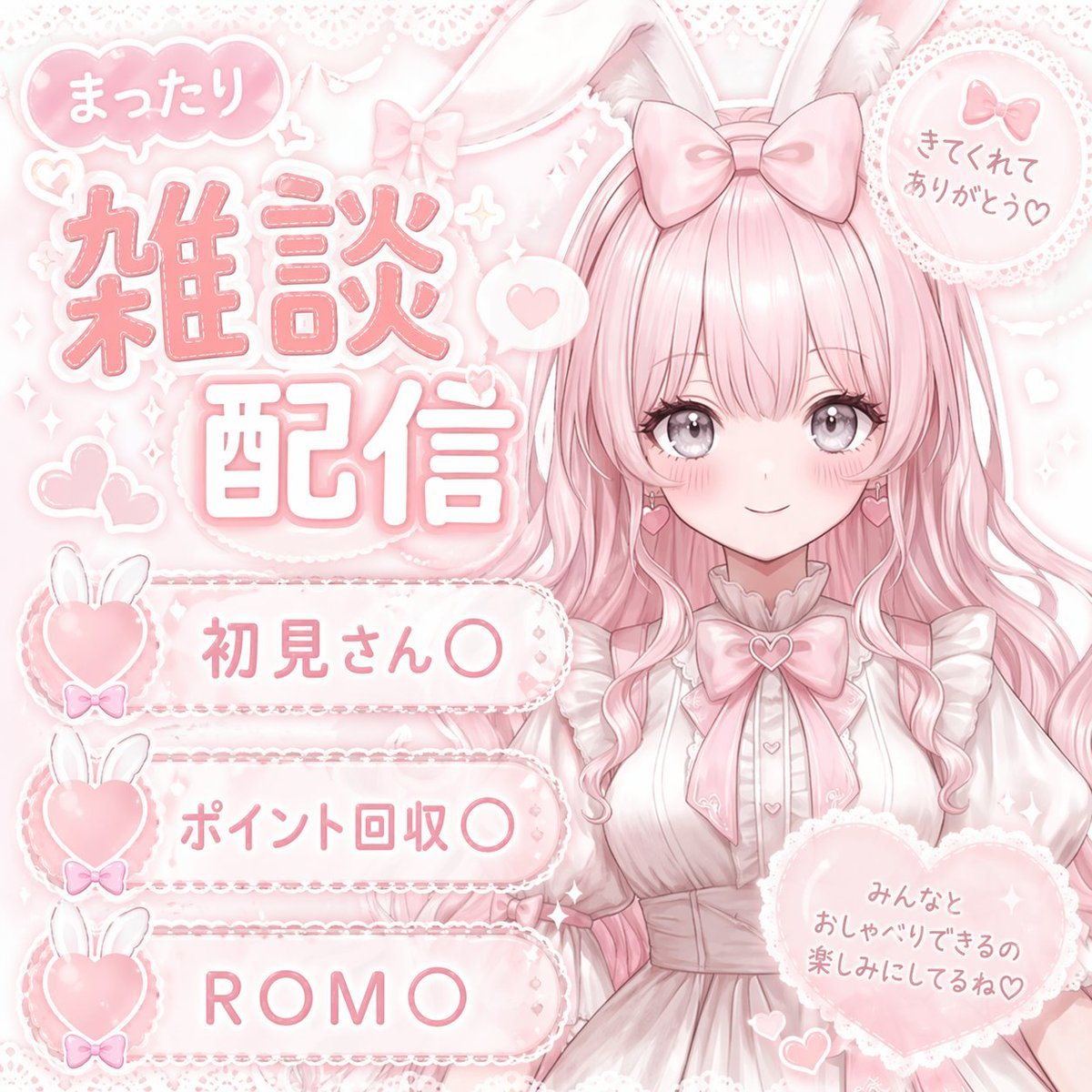
Anime VTuber Daily Essay Comic Page

School Commercial Kids Advertisement Poster

Blonde Teacher Classroom Scene

Nano Banana Pro Pink Office Chibi
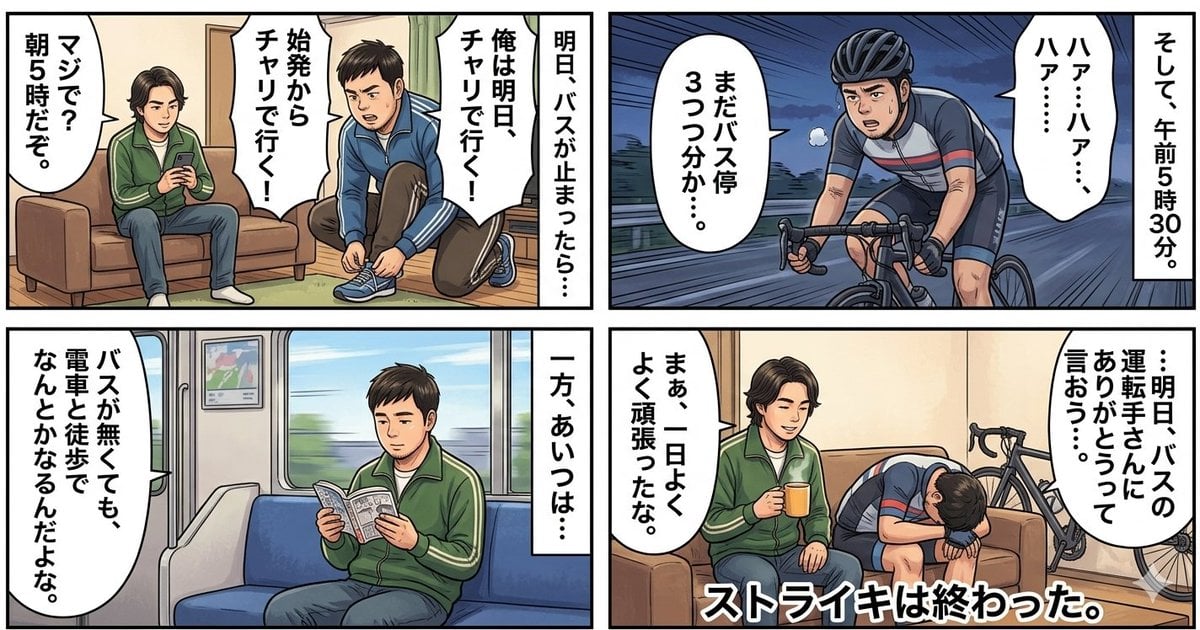
Four-Panel Manga Generation: If the Bus Stops Tomorrow

Macro Dewdrop on Spider Web
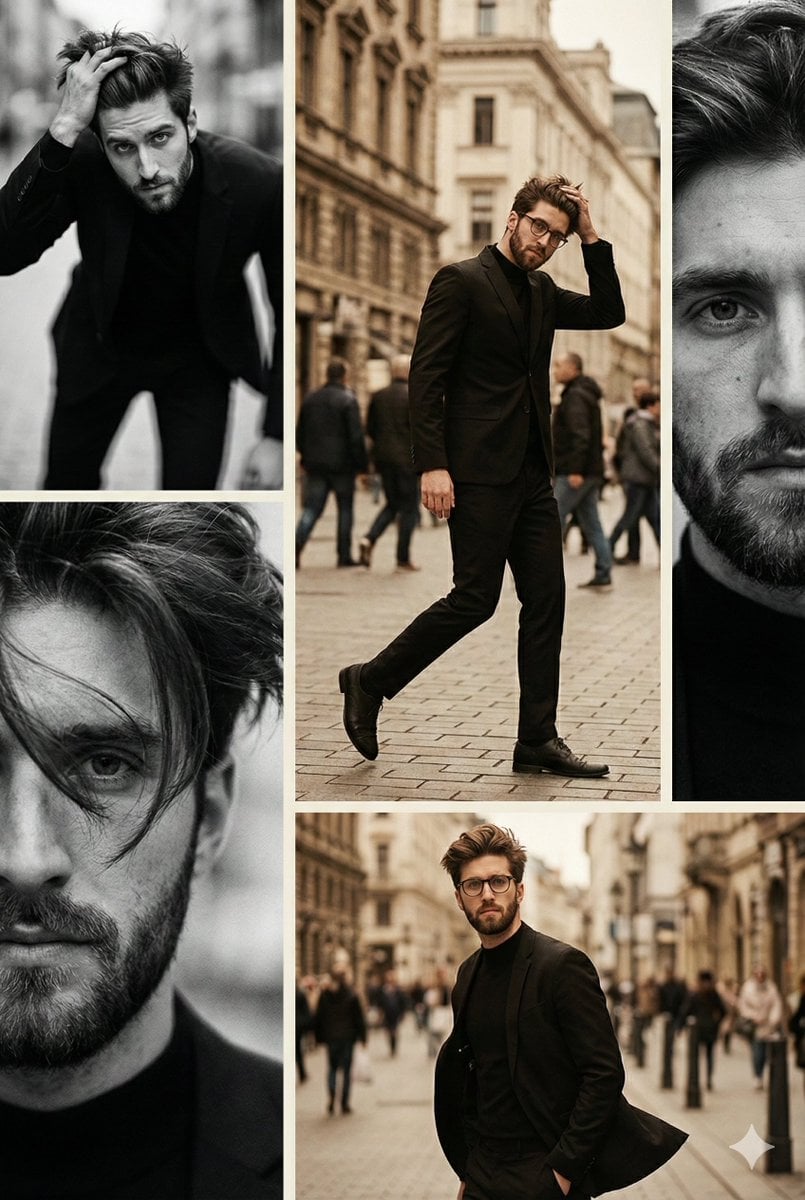
Vintage Editorial Collage from Reference Image
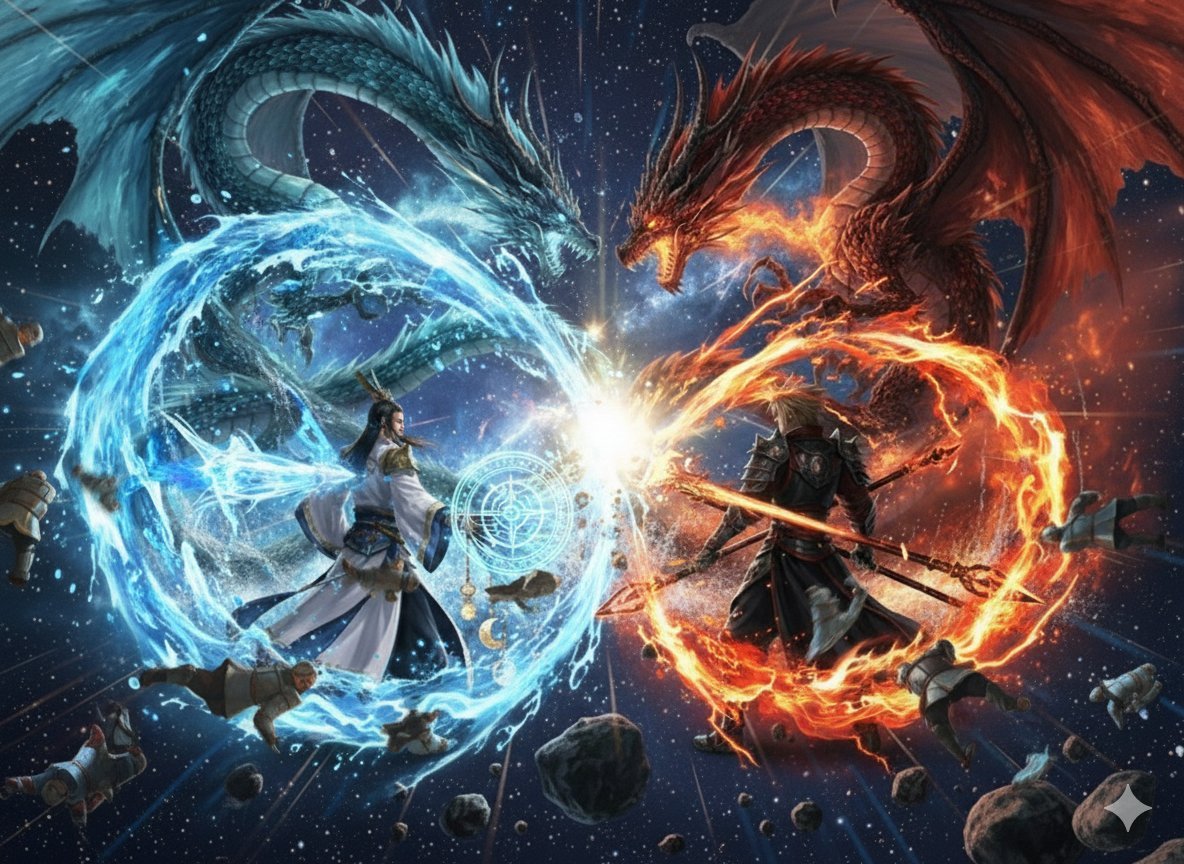
Nano Banana Pro Dynasty Warriors/Final Fantasy Prompt (Full Screen)
Browse template categories
Neuron on a San Francisco Cable Car questions
How do I use the Neuron on a San Francisco Cable Car template?
Add your photo if the template asks for one, edit the prompt if you like — the template's model and format are already selected — and press Generate. Your version opens in PicX Studio.
Can I customize the Neuron on a San Francisco Cable Car template?
Yes. You can change the subject, setting, lighting, mood, format, and available model controls before creating your image.
Is the Neuron on a San Francisco Cable Car template free?
Opening and editing this template is free. Generating uses credits, shown on the Generate button when you are signed in.
Which AI model should I use?
Start with GPT Image 2, which is the model associated with this template. You can compare another compatible model for a different finish.
Looking for something else? Browse all templates.

Your photo, any look
Thousands of ready templates for every top image and video model, from one credit balance.