
Typography Small, clean sans-serif and typewriter-style text blocks
[BRAND NAME] [PRODUCT TYPE] (Clothing / Food / Automotive / Tech).
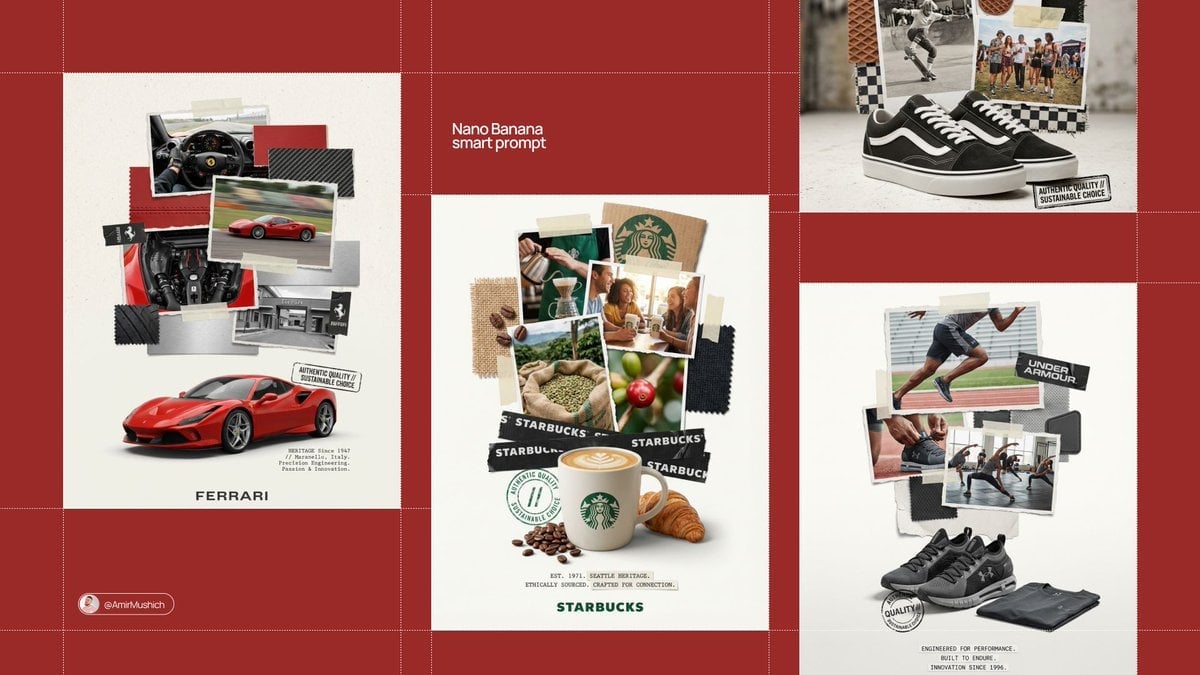
- Prompt included
- Model and format preset
- Free template
The prompt behind this image
Copy the exact prompt behind Typography Small, clean sans-serif and typewriter-style text blocks, or open it in the studio and make it yours.
[BRAND NAME] [PRODUCT TYPE] (Clothing / Food / Automotive / Tech). Goal: Generate a professional "scrapbook" style collage poster for [BRAND NAME] centered around a [PRODUCT TYPE]. 1. HERO PRODUCT (BOTTOM FOCUS) - Object: A high-definition, realistic 3D render of a [PRODUCT TYPE] by [BRAND NAME] at the bottom center. - Placement: Slightly angled to show depth, with soft realistic contact shadows on a plain off-white floor. 2. THE MULTI-LAYERED COLLAGE STACK - Photos: A vertical stack of overlapping photos with RAGGED, TORN paper edges rising above the product. - Content: Photos should show [PRODUCT TYPE] in use, lifestyle shots related to [BRAND NAME], and close-ups of specific details. - Materials: Physical swatches of textures related to [PRODUCT TYPE] (e.g., leather/fabric for clothing, metal/carbon for cars, organic ingredients for food). Include visible raw edges and stitching. - Fasteners: Use strips of semi-transparent masking tape and black duct tape with the "[BRAND NAME]" logo printed in white to "hold" the pieces together. 3. GRAPHIC OVERLAYS & STAMPS - Stamp: A black, distressed ink stamp or seal near the hero product with text: "AUTHENTIC QUALITY // SUSTAINABLE CHOICE". - Typography: Small, clean sans-serif and typewriter-style text blocks describing the heritage of [BRAND NAME] placed at the bottom. - Logo: The primary "[BRAND NAME]" logo centered at the very bottom in a minimalist font. 4. STYLE & ATMOSPHERE - Aesthetic: Industrial DIY, workshop moodboard, high-end editorial collage. - Lighting: Bright, studio high-key lighting with soft, multi-layered shadows between the paper scraps and textures. - Quality: 8K resolution, macro detail on paper grain, fabric fibers, and tape adhesive.
How to use Typography Small, clean sans-serif and typewriter-style text blocks in 3 steps
- 1
Open
The prompt is already in the box next to the preview, with the template's model and format selected.
- 2…a portrait of your subject in softgolden-hour light, 85mm…
Personalize
Edit the subject and creative details for your destination.
- 3Generate
Generate
Press Generate — your image is created in PicX Studio, so you can compare it with the original and refine one variable at a time.
More like this
Templates with the same subject, style or setup. Open one to see its prompt.
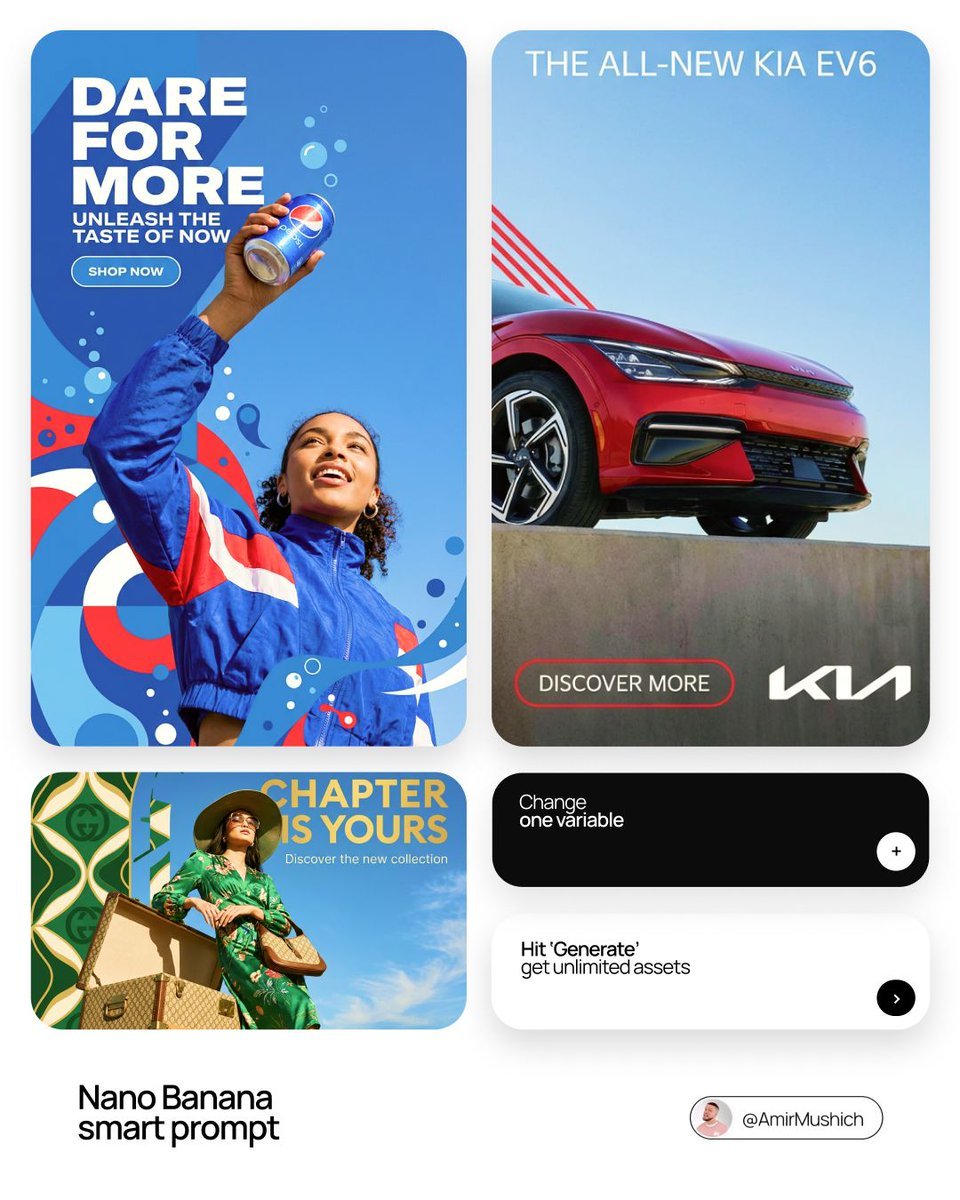
In a bold, modern Sans-Serif font
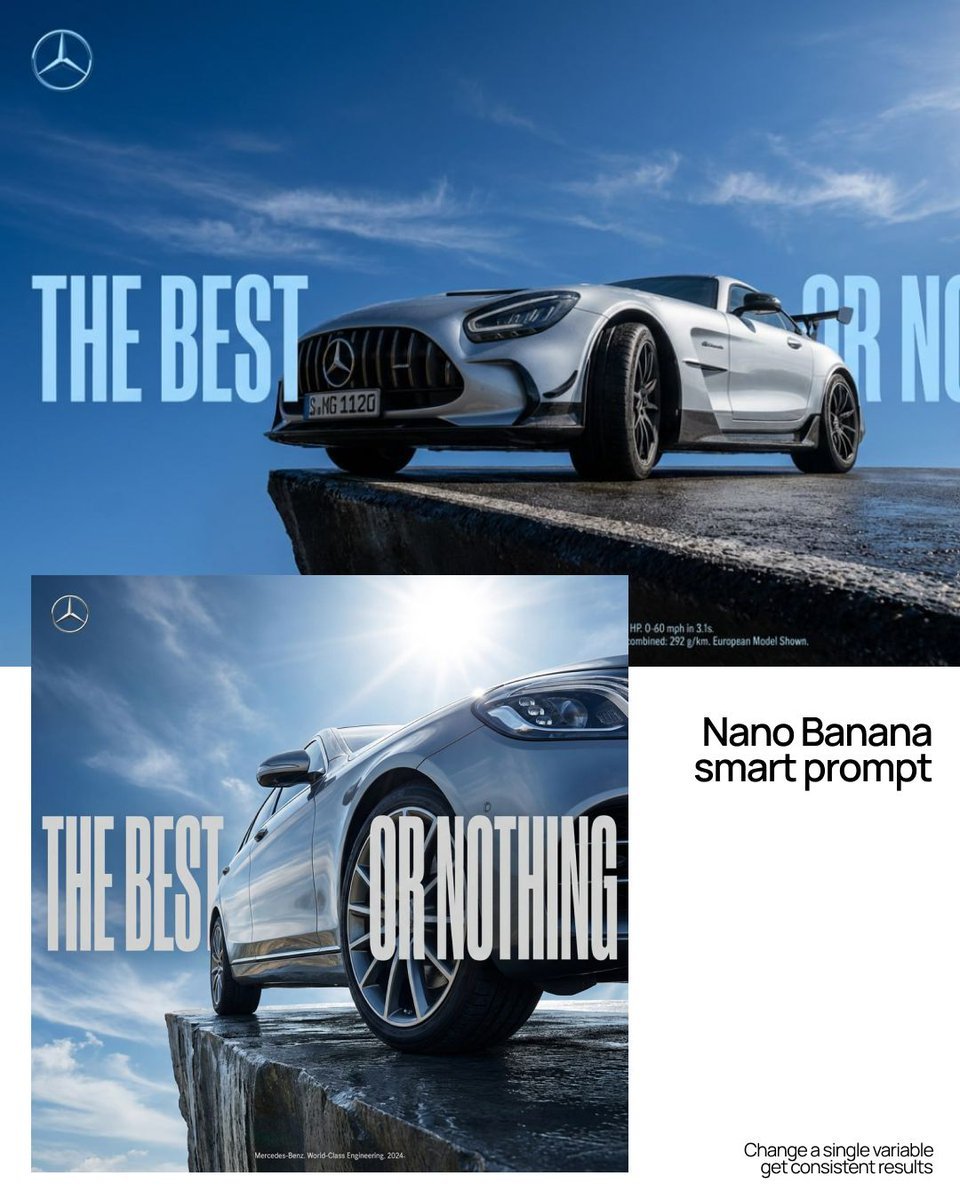
As massive, ultra-condensed bold sans-serif characters
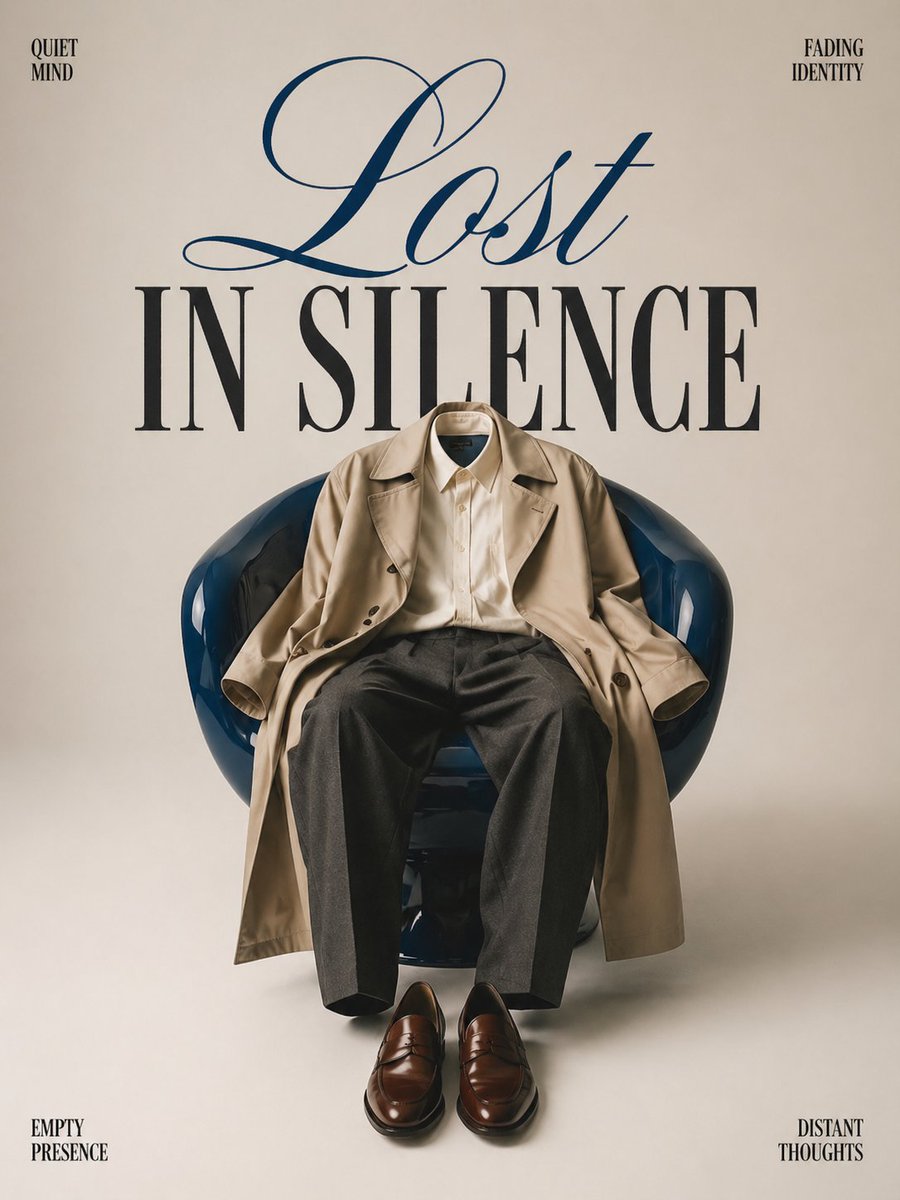
Minimalist conceptual fashion editorial poster, studio shot on a clean
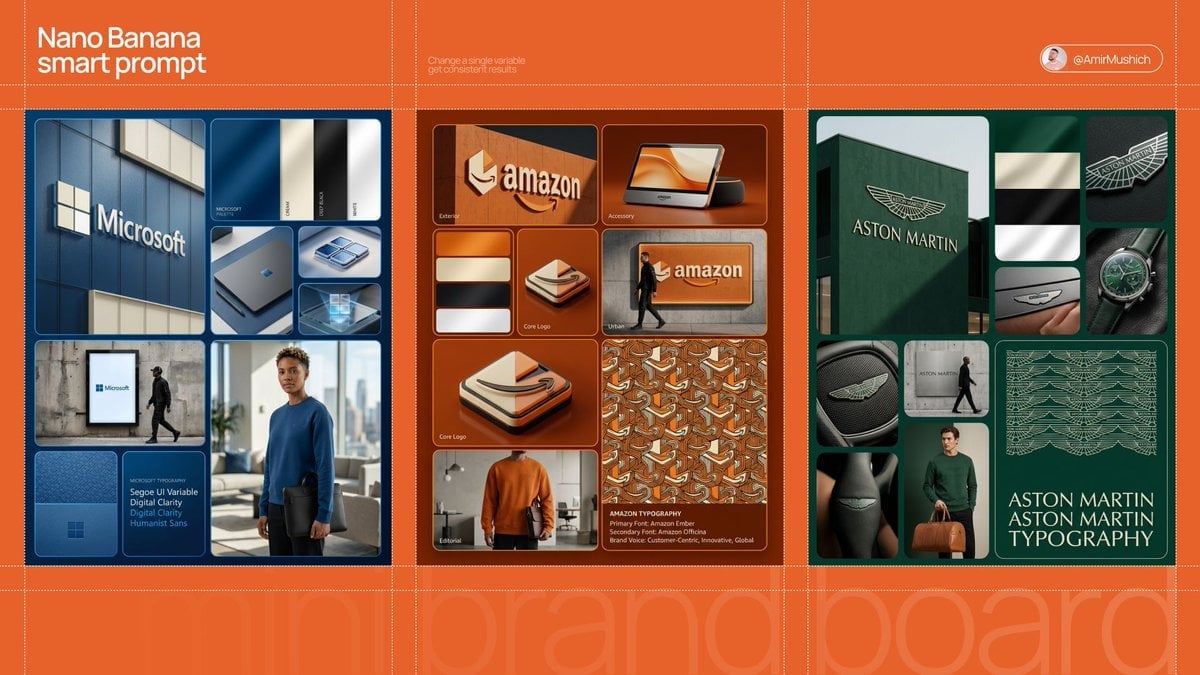
In a clean, high-end sans-serif
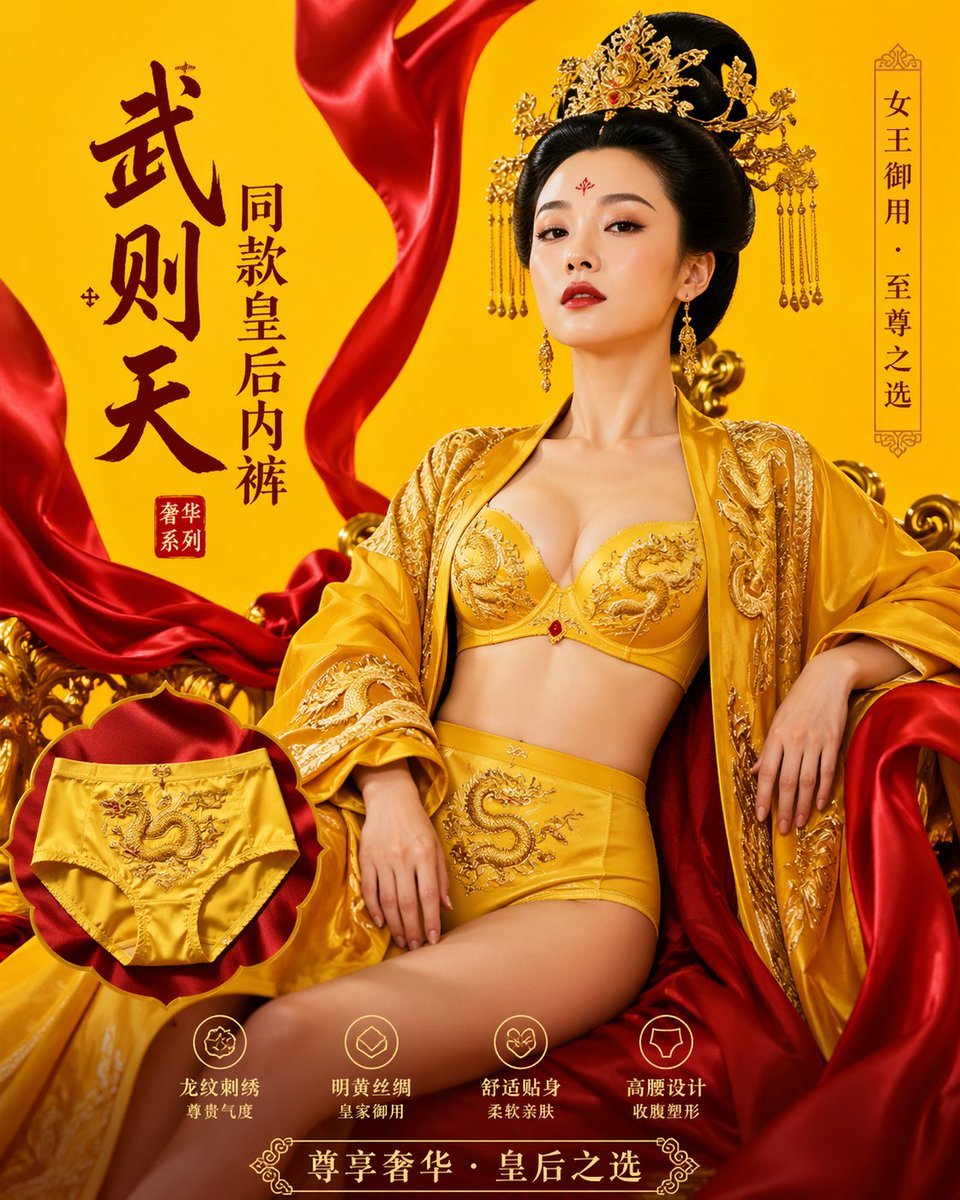
武则天同款皇后内衣广告大片,明黄底色龙纹刺绣,大红丝绸飘带衬托
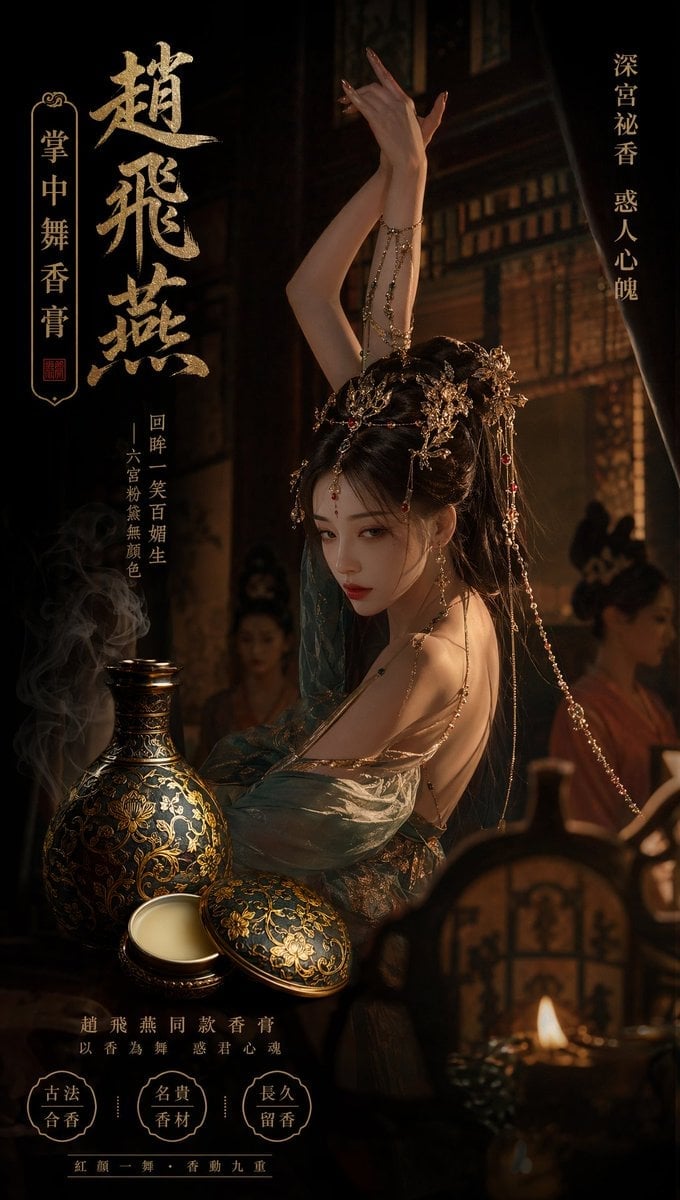
赵飞燕同款掌中舞香膏广告,错金缠枝莲铜瓶,冷艳诡谲深宫氛围感,竖屏9 16
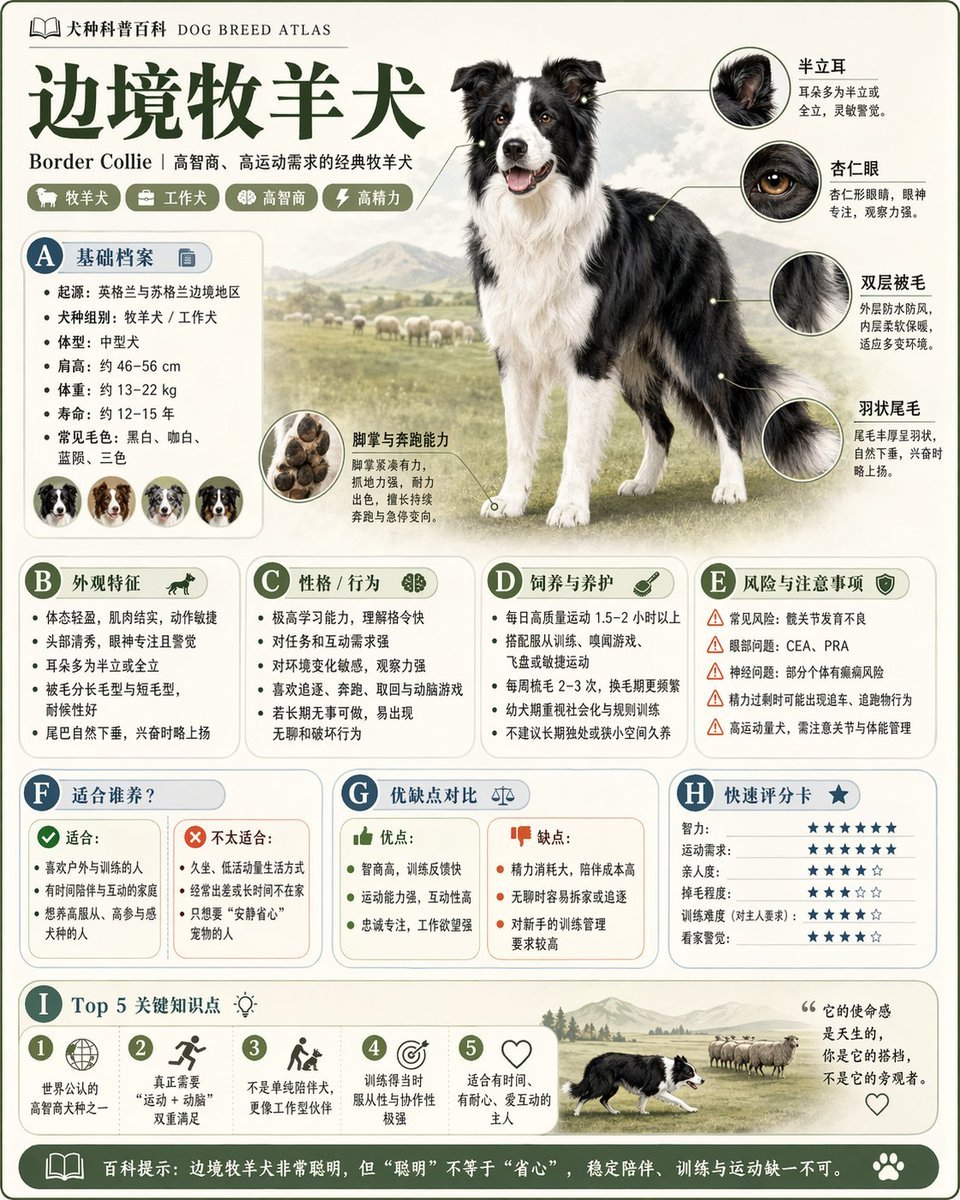
请根据 主题 生成一张高质量竖版 科普百科图
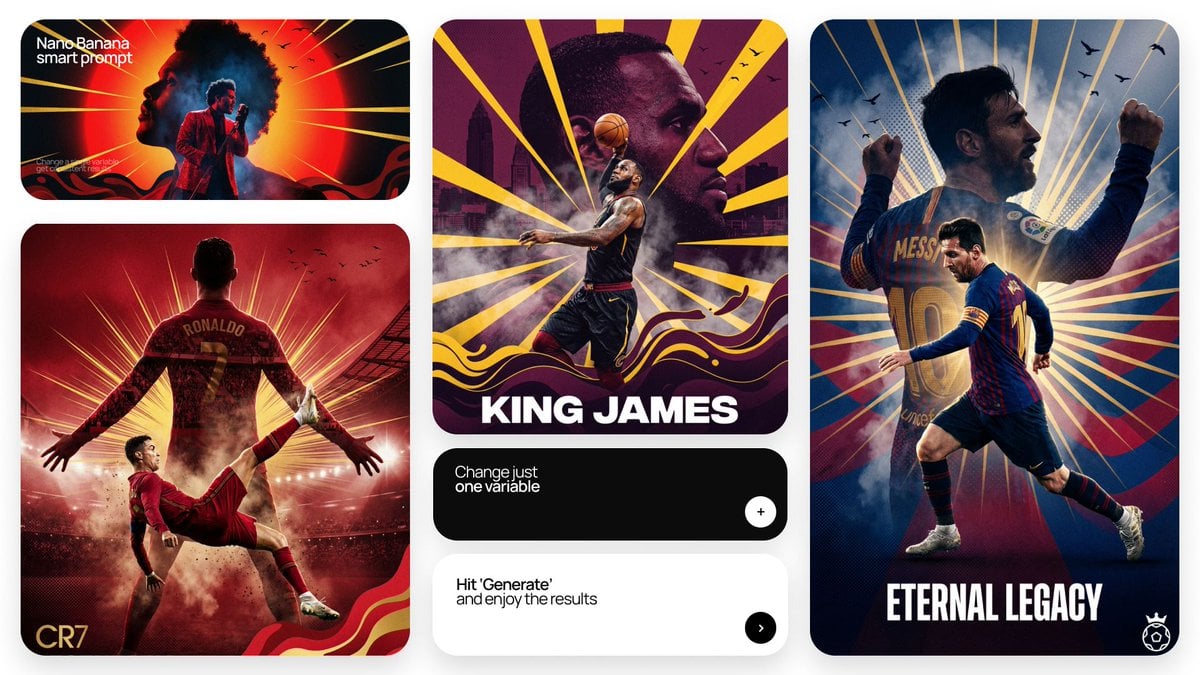
Act as a Senior Art Director
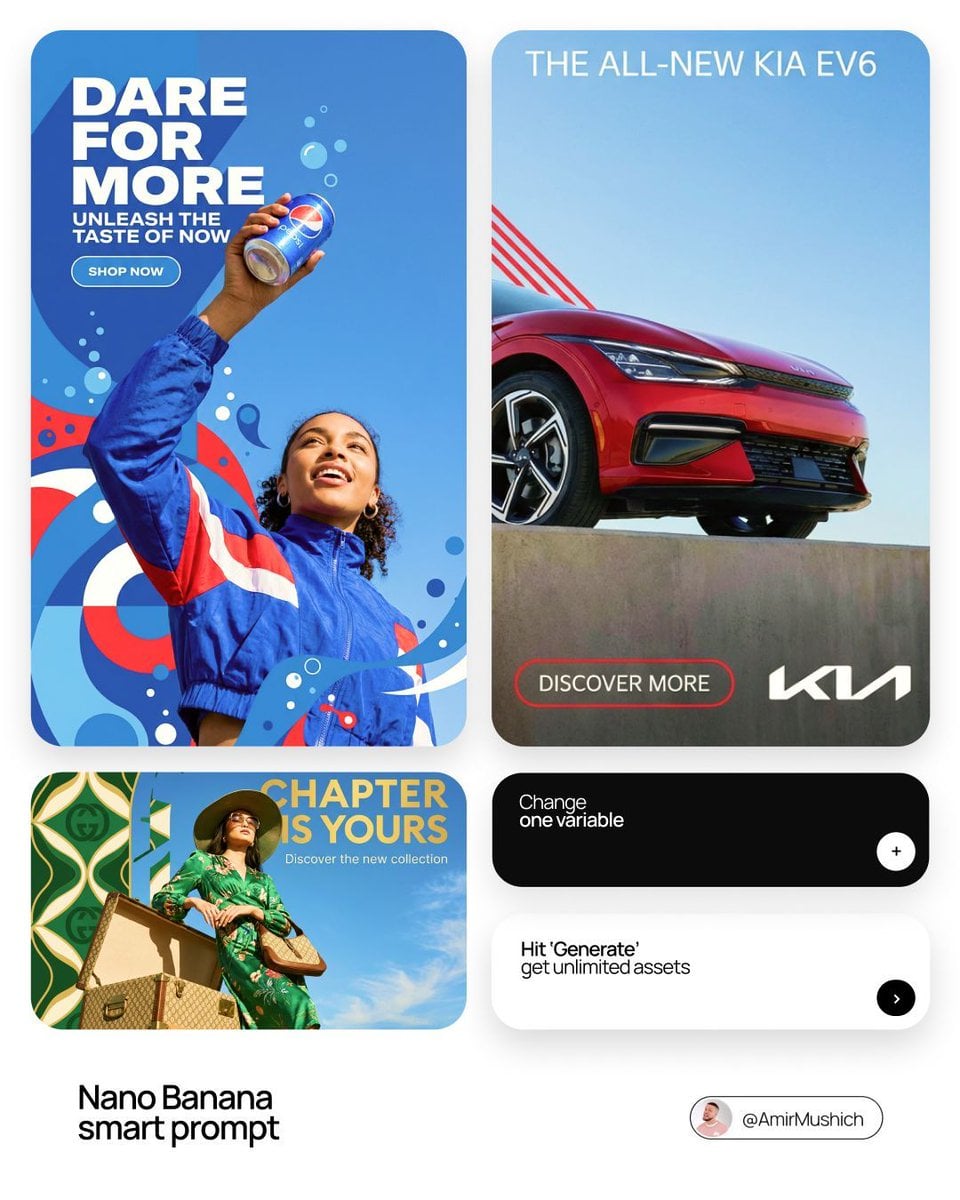
In a bold, modern Sans-Serif font

Multiple dark purple berries erupting from inside the can
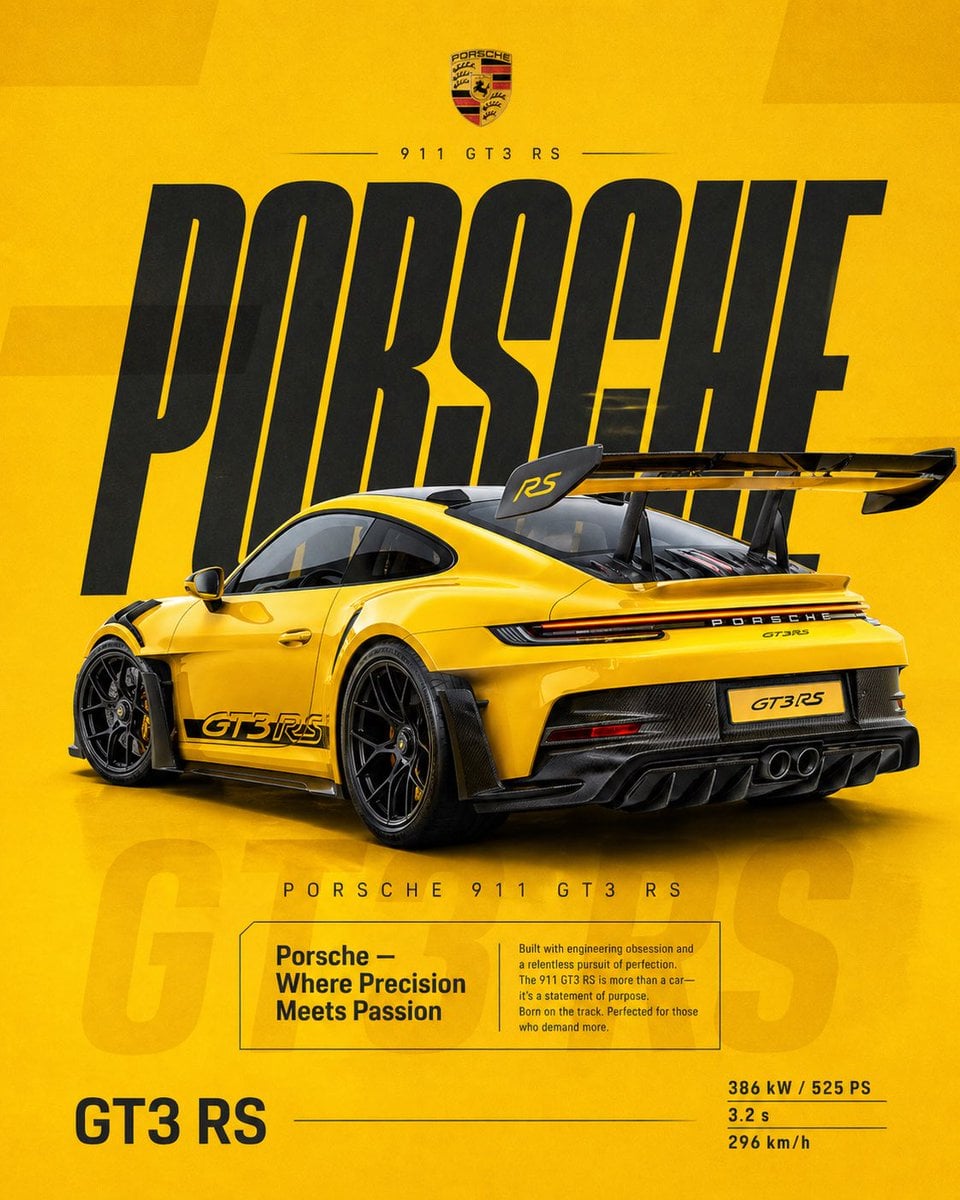
Dual Car Typography Poster Series
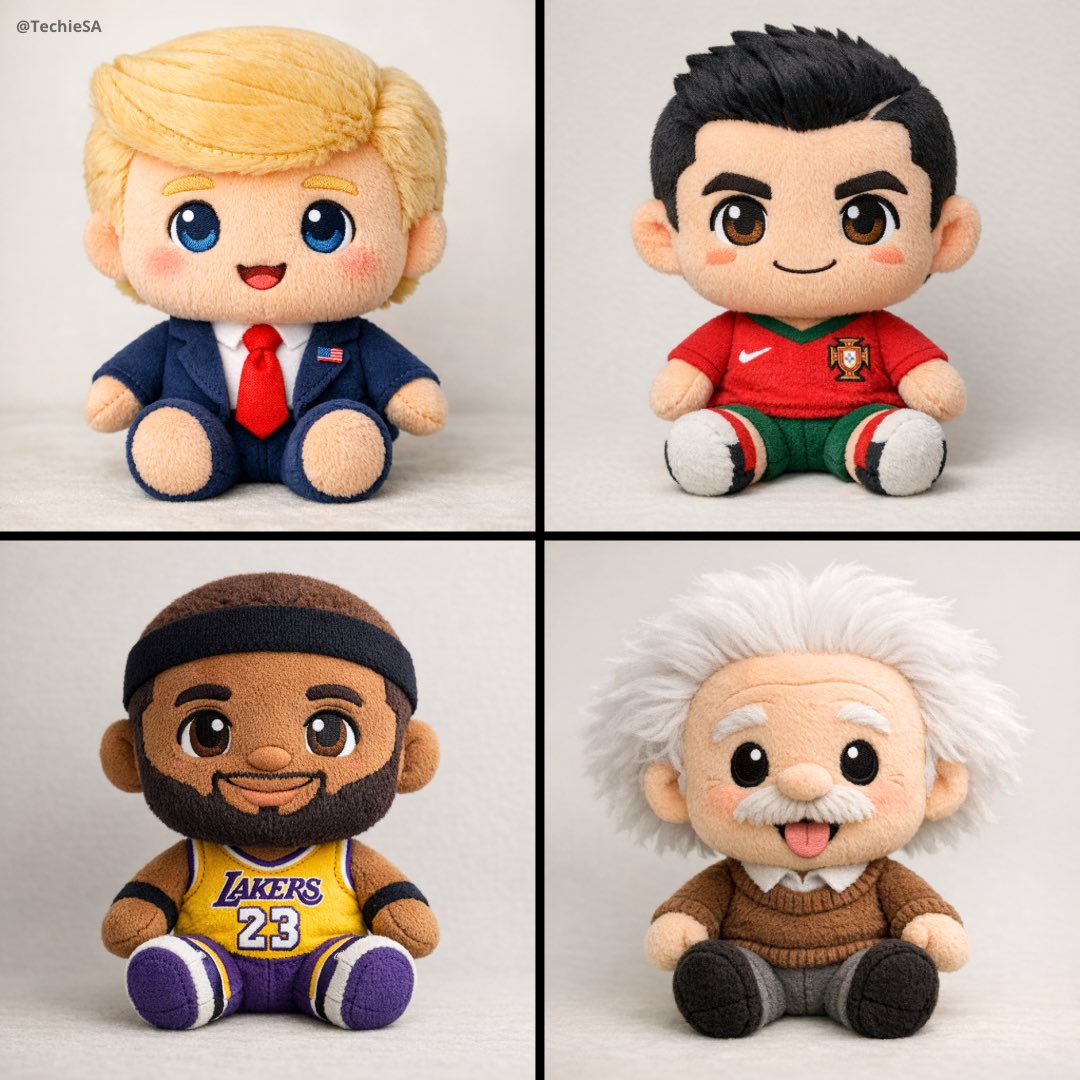
A soft, high-quality plush toy with an oversized head, small body
Make it yours
Typography Small, clean sans-serif and typewriter-style text blocks works as-is. These are the safest ways to change it without losing the look.
Change one field
Copy a single group, rewrite it, and generate again so you can see what that field is doing.
Keep the frame, change the subject
Hold the composition and light of Typography Small, clean sans-serif and typewriter-style text blocks, then swap wardrobe, props or the person for a new take.
| If the result… | Why | Fix |
|---|---|---|
| The result drifts from the preview | Too many fields changed at once. | Reuse Typography Small, clean sans-serif and typewriter-style text blocks as-is first, then change one group — subject, light, or setting. |
| The model over-stylizes the scene | The prose prompt leaves finish and camera underspecified. | Add one camera or lighting sentence and stay on Nano Banana 2. |
More Nano Banana 2 templates
Other prompts made for Nano Banana 2.

Photorealistic Leaf Shaped Like a Dragon

K-Pop Idol Portrait Grid for Rapid Selection

Poetic Rain Forest Portrait During Golden Hour

Urban Street Portrait with Cartoon Inner Self Duo

Candid Nighttime Photo with Cat Prompt

High-Concept 3D Diorama Generation Prompt

Cinematic Futuristic Studio Portrait Template

Skincare Editorial Photography Collage Prompt

Hyper-Realistic Commercial Product Photography (Splash Effect)

Hyper-Realistic Nightclub Portrait Prompt
More image prompts
Fresh picks from across the catalog.
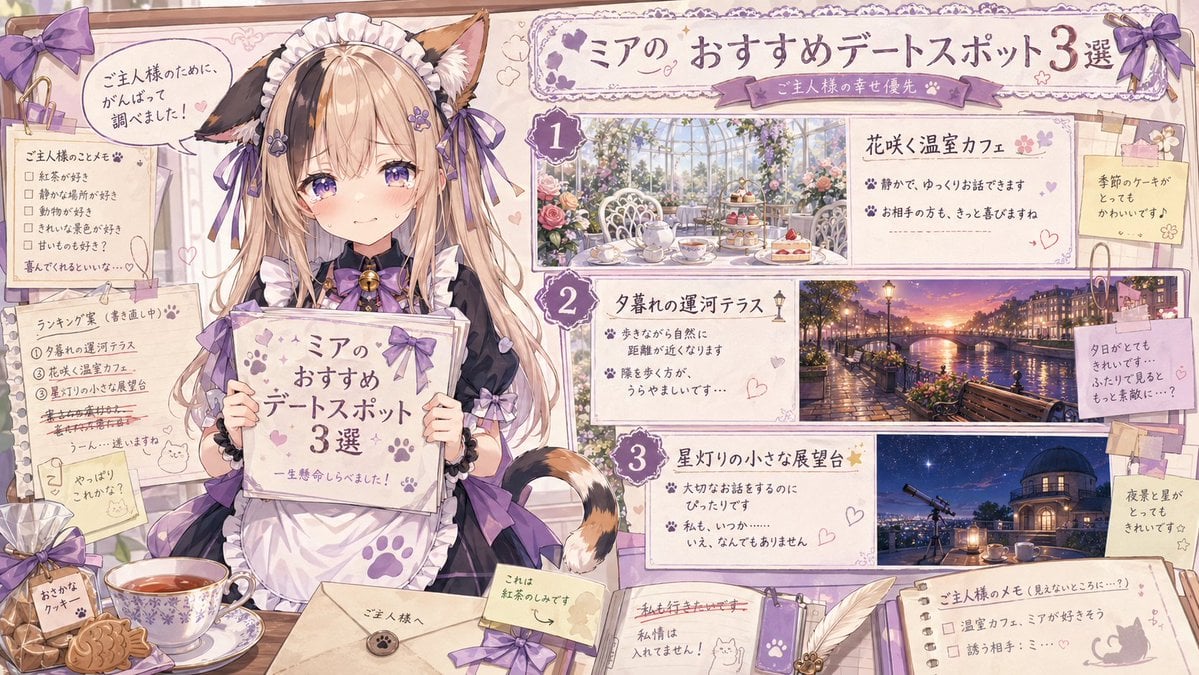
Catmaid Date Spot Recommendation Board
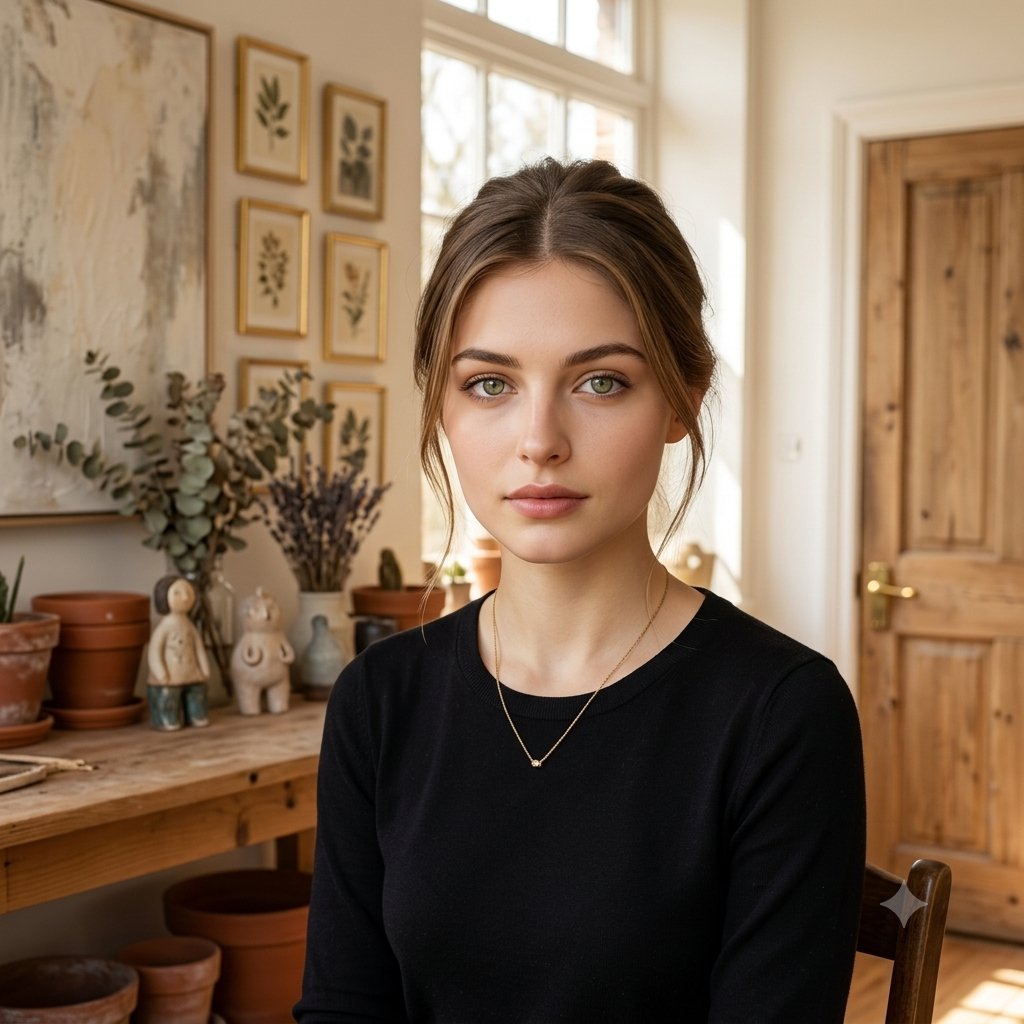
Elegant Serenity Lifestyle Portrait
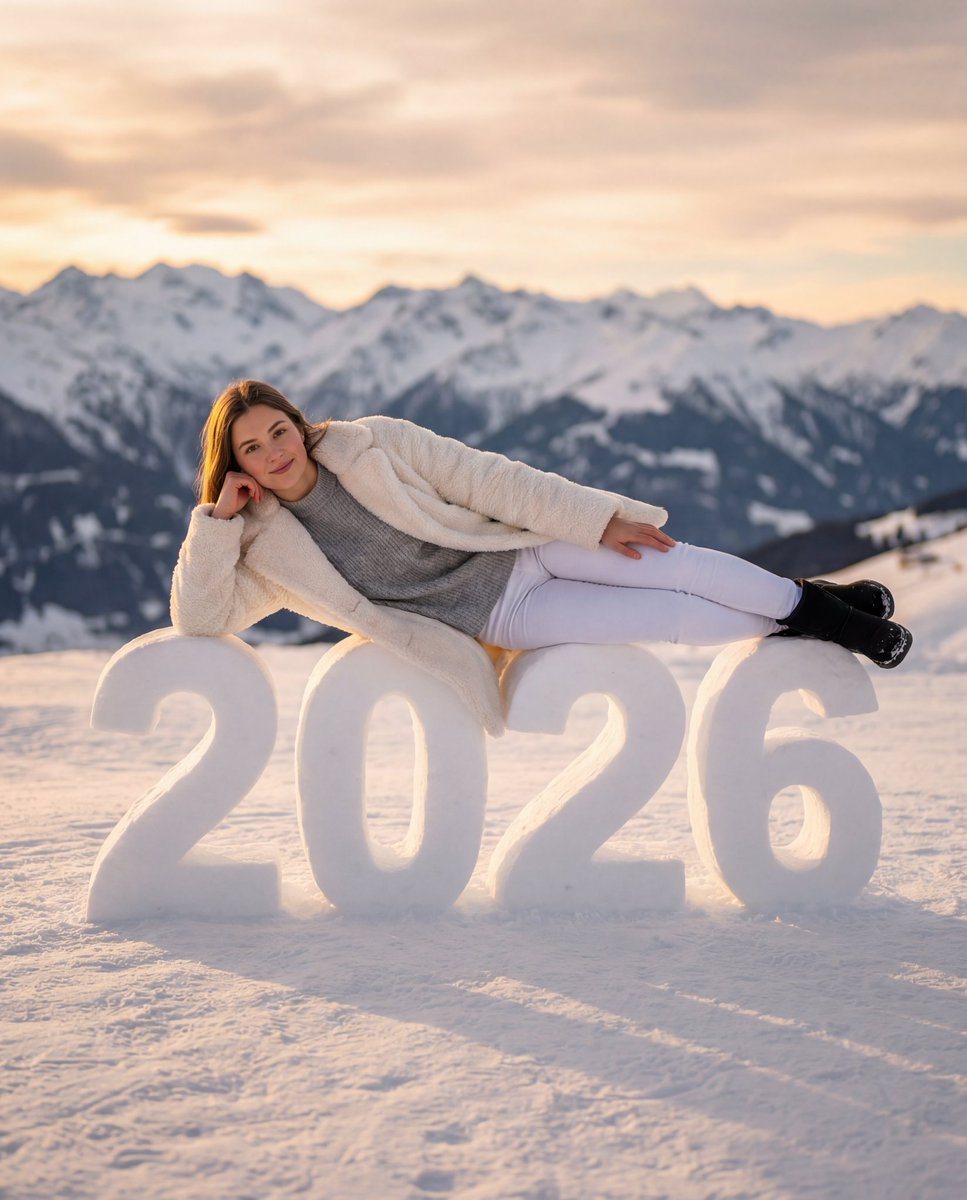
Cozy New Year 2026 Winter Portrait
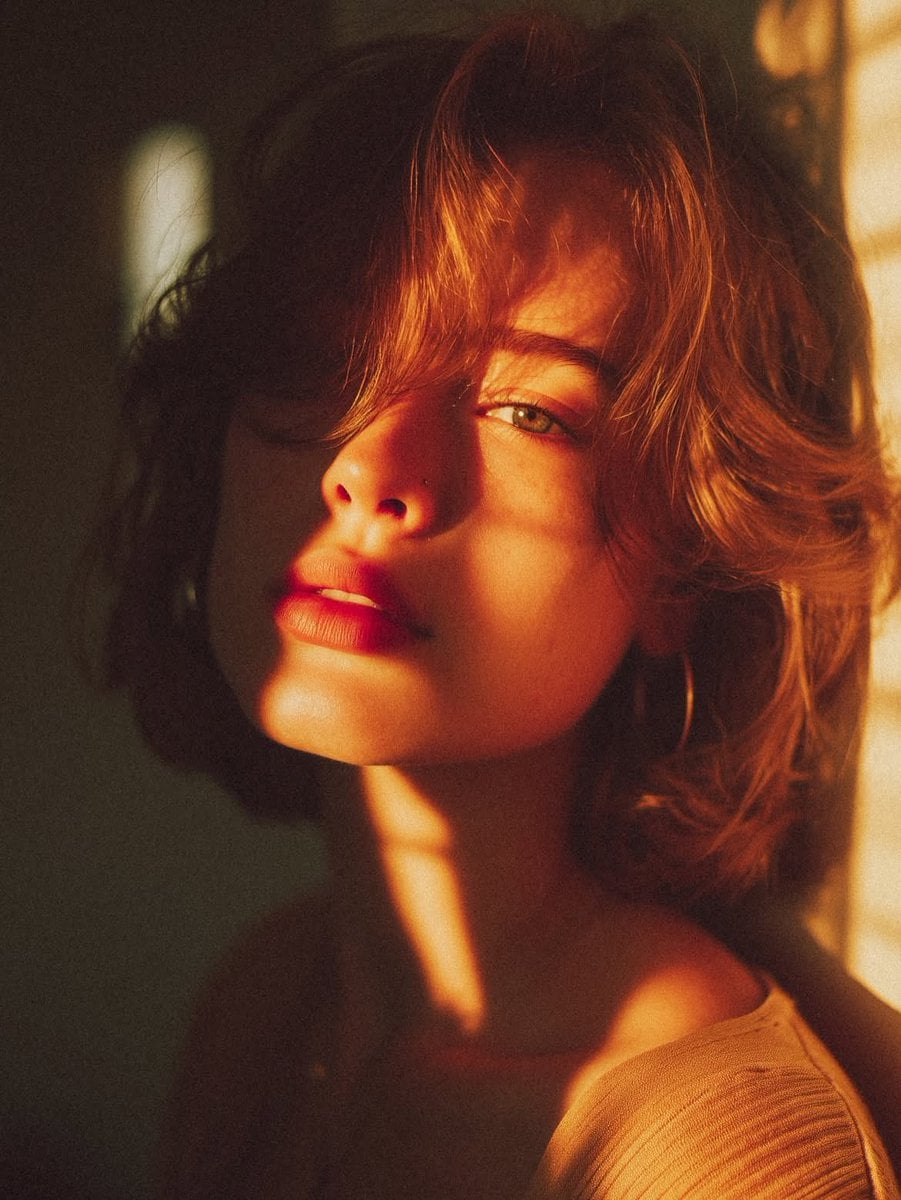
Cinematic Golden Hour Portrait
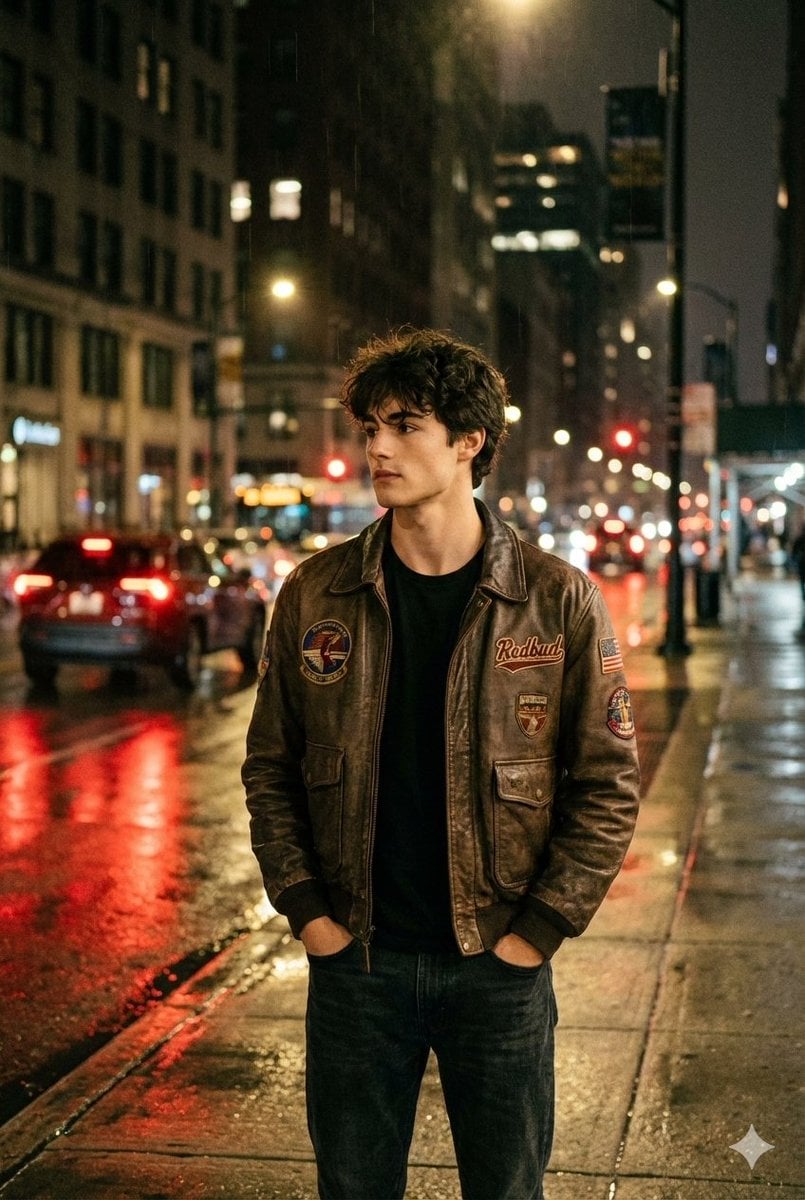
Nighttime Street Portrait with Wet Pavement
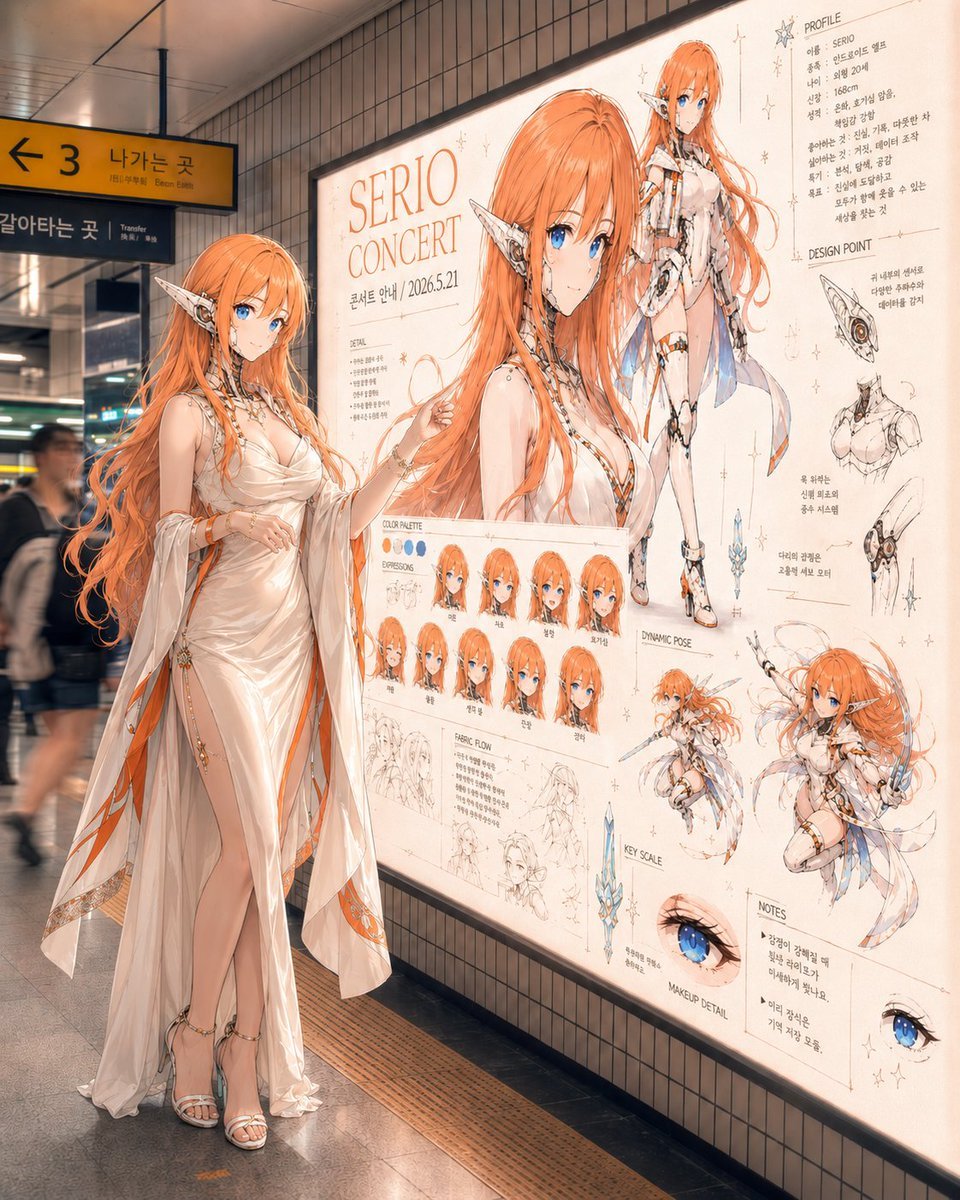
Elf Idol Subway Poster Scene
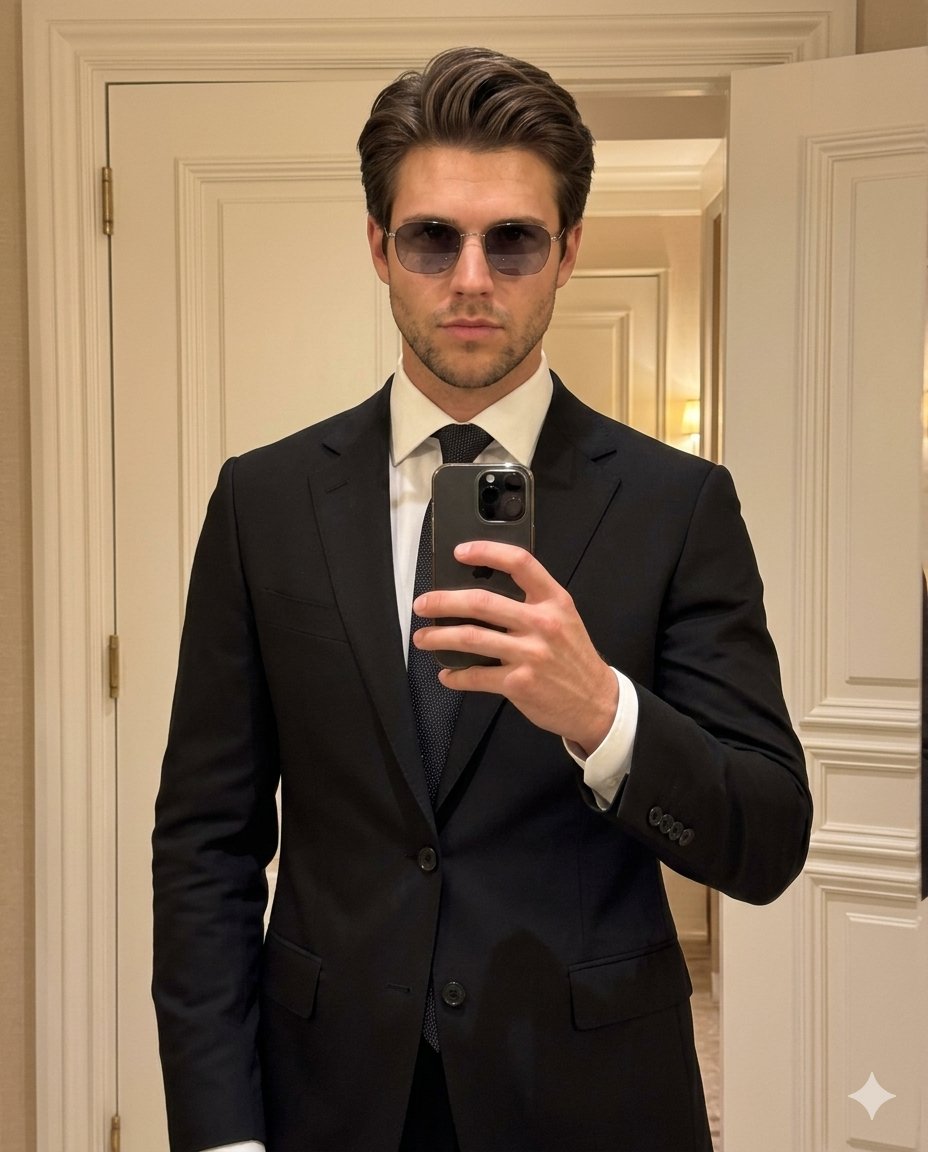
High-Fashion Mirror Selfie Identity Reference
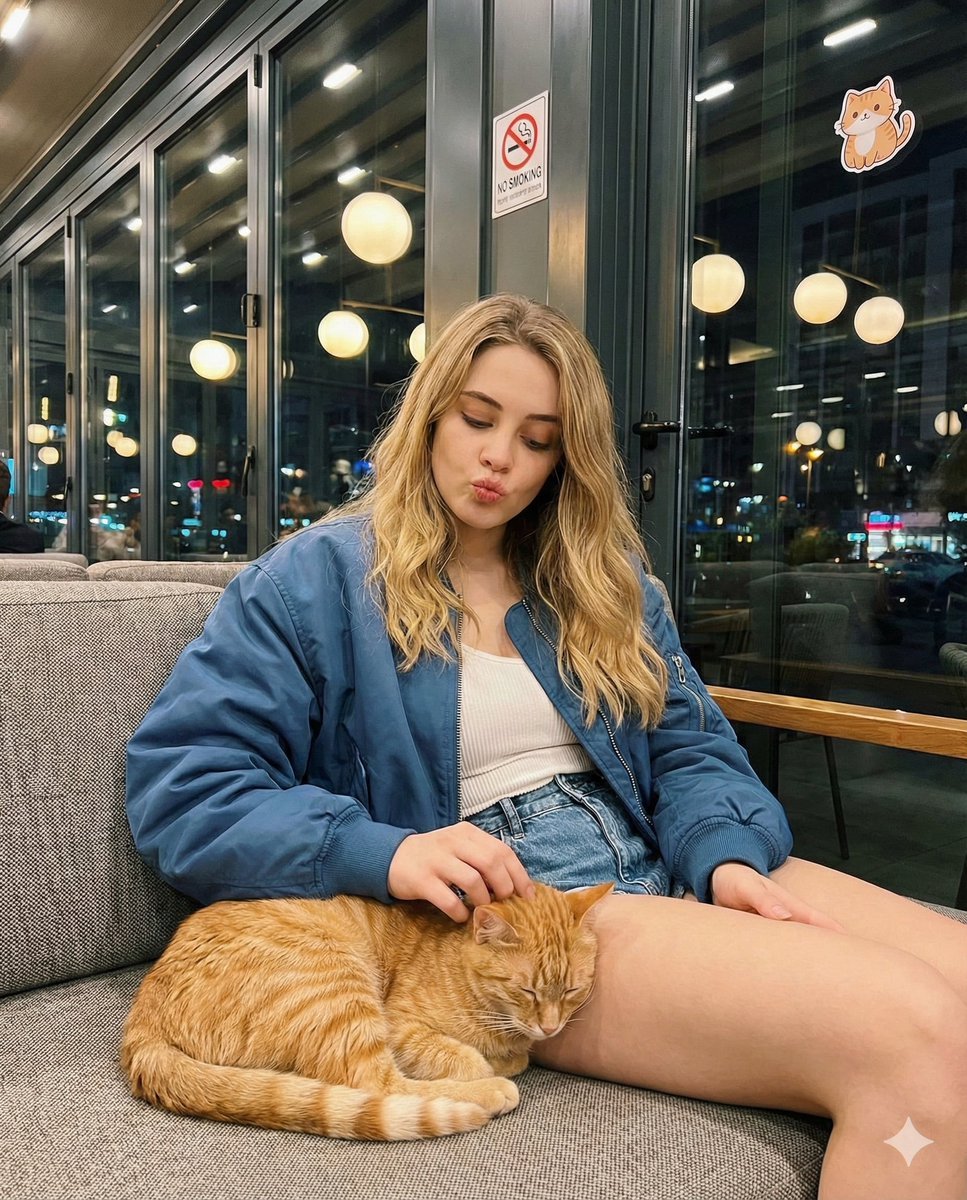
Candid cafe snapshot with a cat
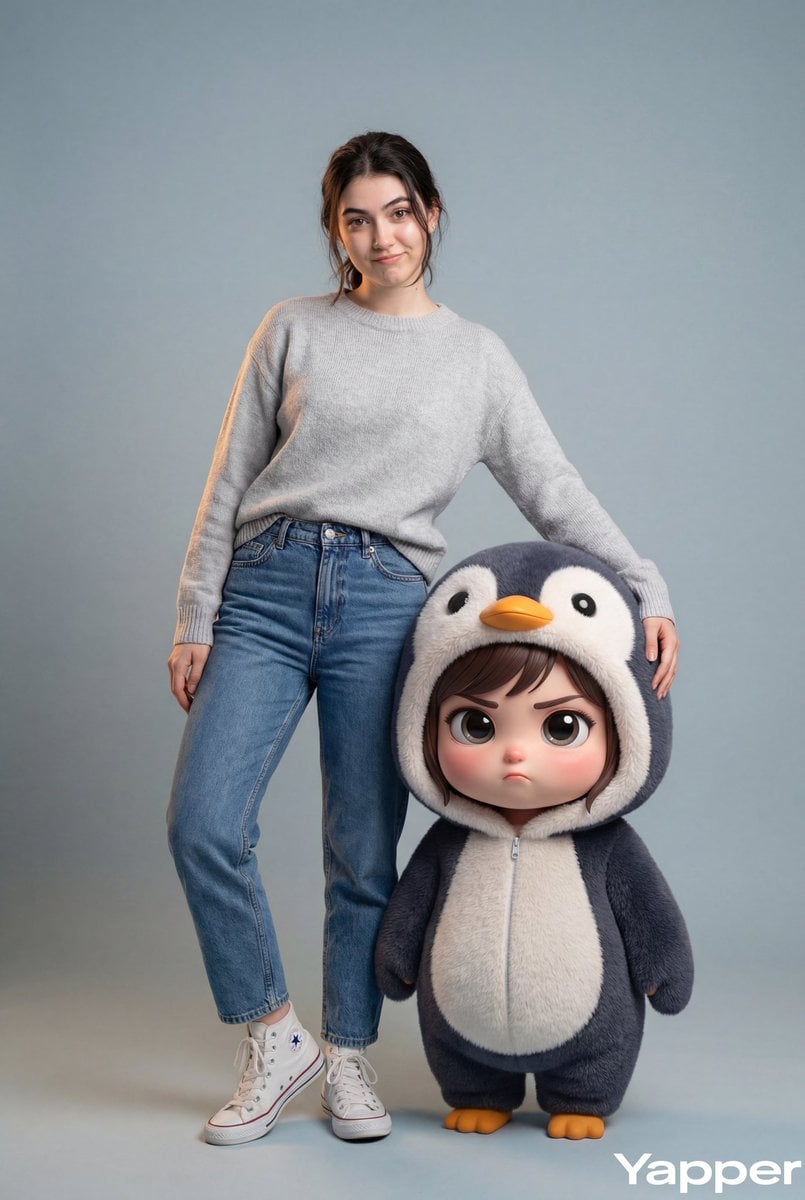
Hyper-Realistic Portrait with Chibi Penguin Character
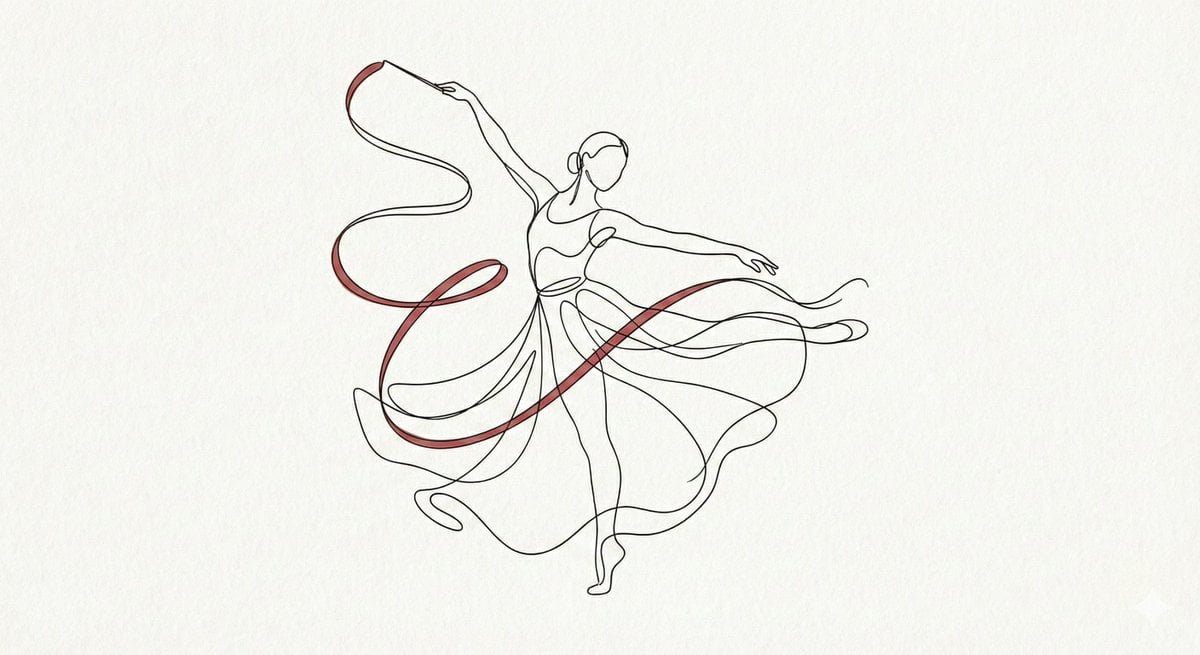
Minimalist Continuous Line Art Illustration
Browse template categories
Typography Small, clean sans-serif and typewriter-style text blocks questions
How do I use the Typography Small, clean sans-serif and typewriter-style text blocks template?
Add your photo if the template asks for one, edit the prompt if you like — the template's model and format are already selected — and press Generate. Your version opens in PicX Studio.
Can I customize the Typography Small, clean sans-serif and typewriter-style text blocks template?
Yes. You can change the subject, setting, lighting, mood, format, and available model controls before creating your image.
Is the Typography Small, clean sans-serif and typewriter-style text blocks template free?
Opening and editing this template is free. Generating uses credits, shown on the Generate button when you are signed in.
Which AI model should I use?
Start with Nano Banana 2, which is the model associated with this template. You can compare another compatible model for a different finish.
Looking for something else? Browse all templates.

Your photo, any look
Thousands of ready templates for every top image and video model, from one credit balance.