
请根据 主题 生成一张高质量竖版 科普百科图
请根据【主题】生成一张高质量竖版「科普百科图」。 这张图不是普通海报,也不是单纯插画,而是一张兼具“图鉴感、百科感、信息结构感、收藏感”的模块化科普信息图。整体风格参考高级博物图鉴、现代百科书页、生活方式知识卡和社交媒体高传播信息图的结合。 请让画面包含: - 一个清晰漂亮的主题主视觉 - 若干局部特征放大细节 - 多个圆角模块化信息分区 - 清楚的标题层级与重点标签 - 简洁但丰富的百科内容 - 可视化评分、要点总结或Top 5模块…
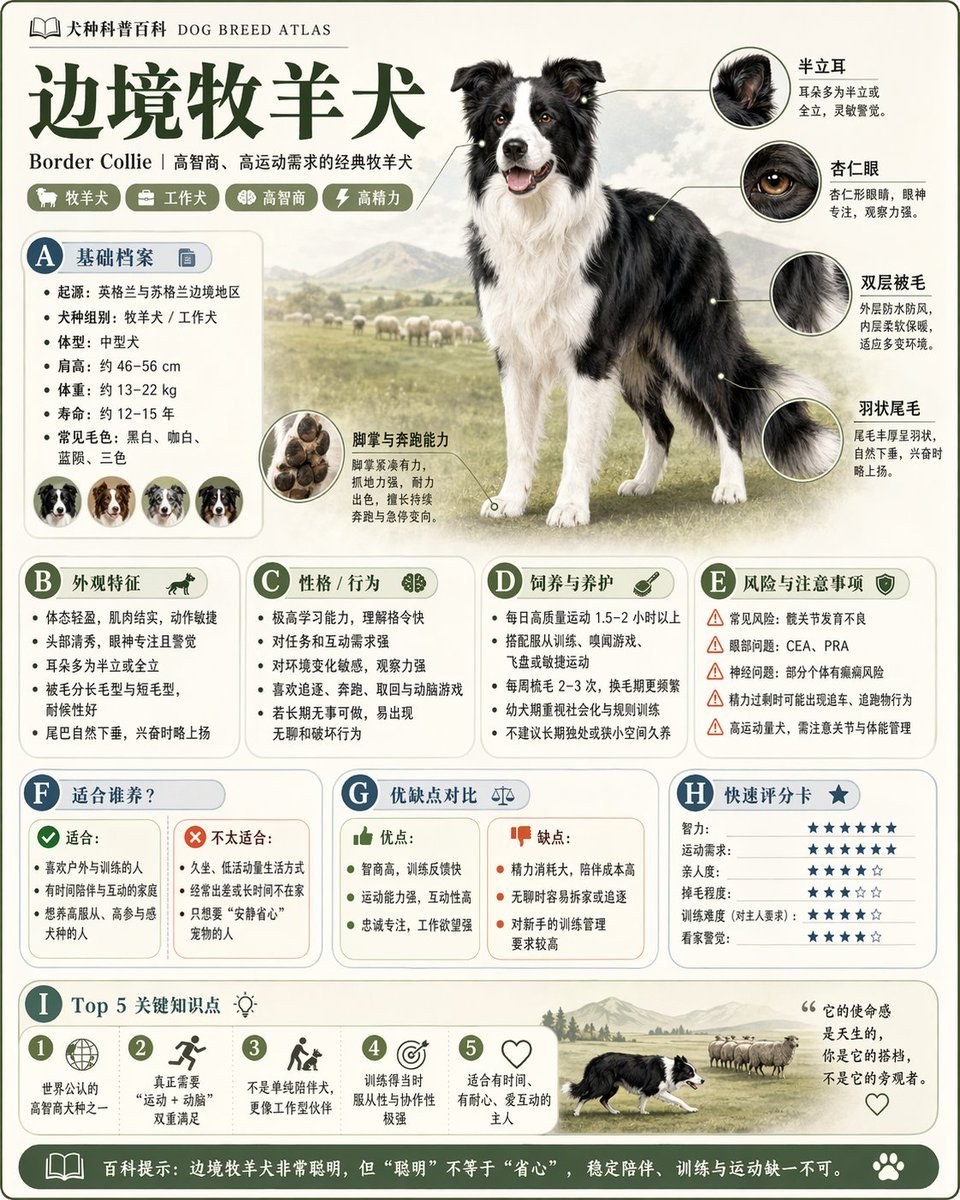
- Prompt included
- Model and format preset
- Free template
The prompt behind this image
Copy the exact prompt behind 请根据 主题 生成一张高质量竖版 科普百科图, or open it in the studio and make it yours.
请根据【主题】生成一张高质量竖版「科普百科图」。 这张图不是普通海报,也不是单纯插画,而是一张兼具“图鉴感、百科感、信息结构感、收藏感”的模块化科普信息图。整体风格参考高级博物图鉴、现代百科书页、生活方式知识卡和社交媒体高传播信息图的结合。 请让画面包含: - 一个清晰漂亮的主题主视觉 - 若干局部特征放大细节 - 多个圆角模块化信息分区 - 清楚的标题层级与重点标签 - 简洁但丰富的百科内容 - 可视化评分、要点总结或Top 5模块 内容栏目请根据主题自动适配,优先从这些方向中选择并合理组合: 基础档案、分类信息、外观特征、习性/生态、形成机制/结构组成、生长或使用条件、养护或维护建议、风险与注意事项、适合人群或适用场景、优缺点对比、快速评分卡。 视觉要求: 浅色干净背景,柔和配色,轻阴影,精致小图标,圆角信息框,整洁排版,信息密度高但不拥挤,阅读体验好。整体必须像真正可以发布、阅读、收藏、系列化生产的科普百科卡,而不是广告图。 请不要做成普通商业宣传海报。要突出“知识整理 + 模块信息 + 图鉴式展示”的特征。
How to use 请根据 主题 生成一张高质量竖版 科普百科图 in 3 steps
- 1
Open
The prompt is already in the box next to the preview, with the template's model and format selected.
- 2…a portrait of your subject in softgolden-hour light, 85mm…
Personalize
Edit the subject and creative details for your destination.
- 3Generate
Generate
Press Generate — your image is created in PicX Studio, so you can compare it with the original and refine one variable at a time.
More like this
Templates with the same subject, style or setup. Open one to see its prompt.
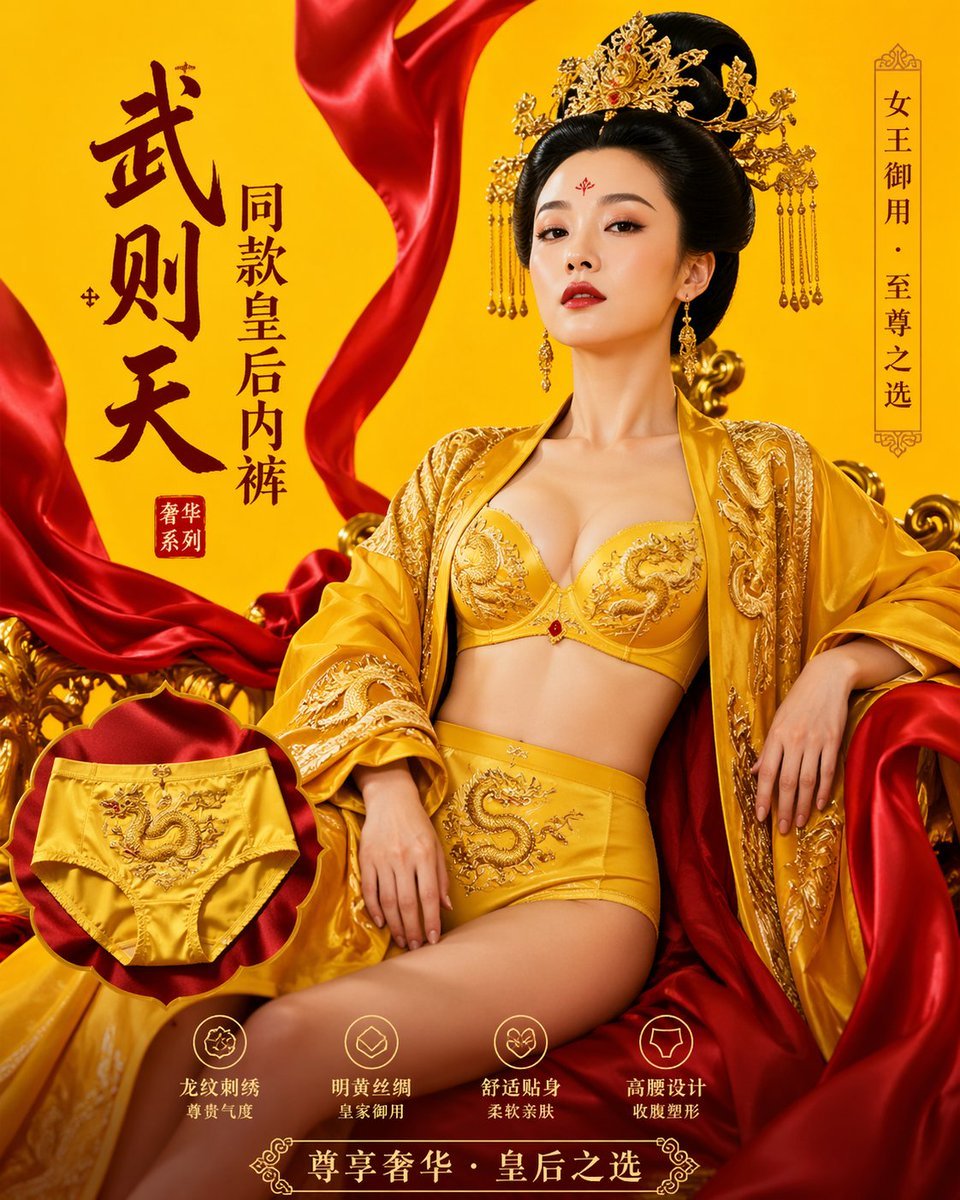
武则天同款皇后内衣广告大片,明黄底色龙纹刺绣,大红丝绸飘带衬托
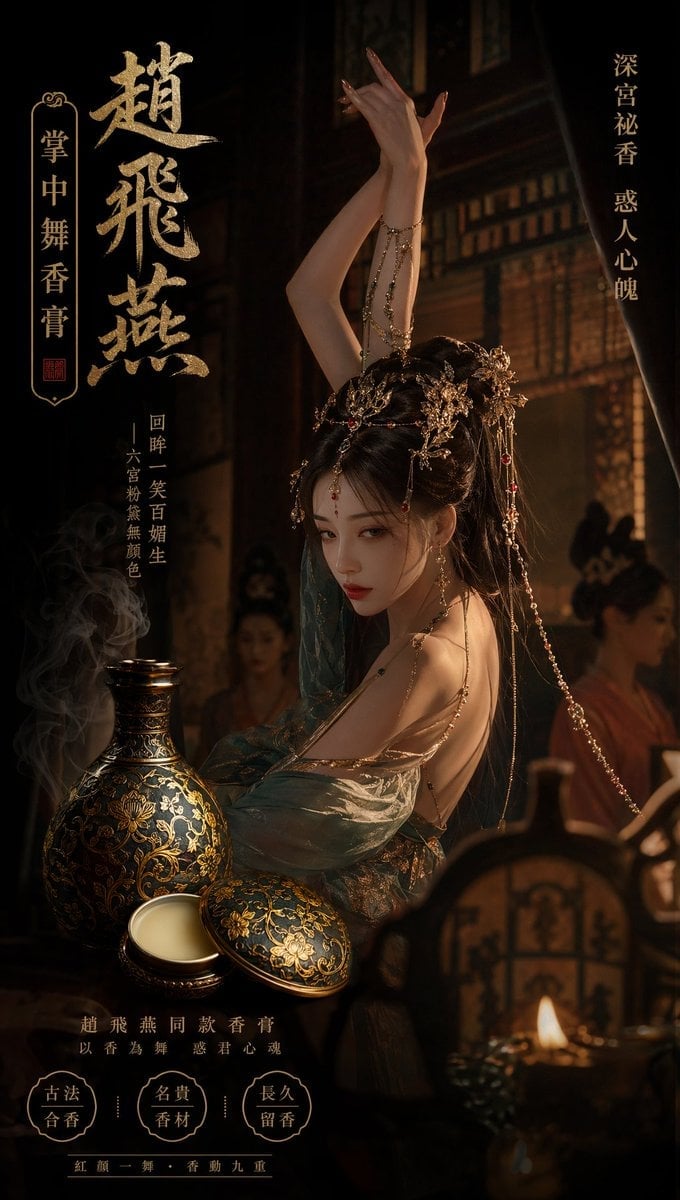
赵飞燕同款掌中舞香膏广告,错金缠枝莲铜瓶,冷艳诡谲深宫氛围感,竖屏9 16
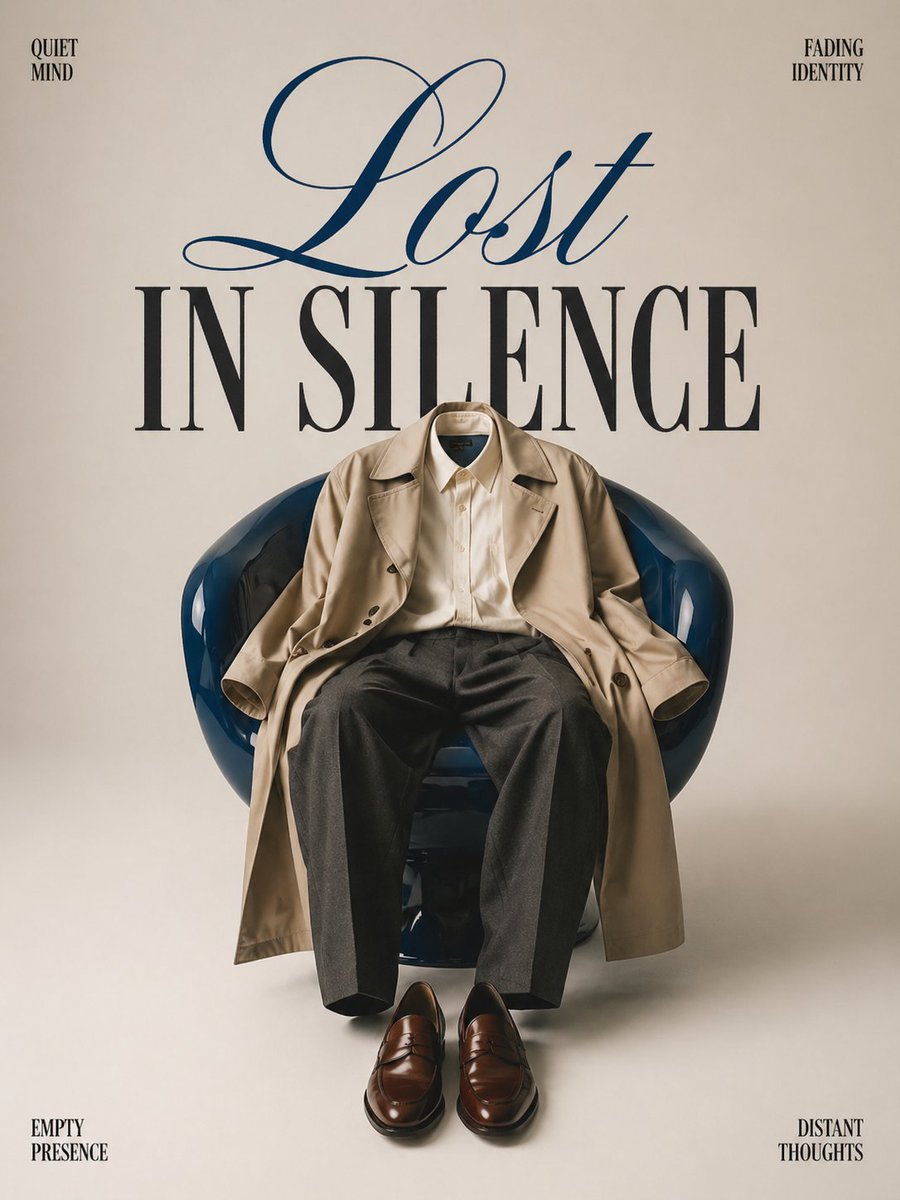
Minimalist conceptual fashion editorial poster, studio shot on a clean
Act as a Senior Art Director
Multiple dark purple berries erupting from inside the can
Travel Ad Phone Portal 3D Effect
Music Album Cover Abstract Liquid Mercury
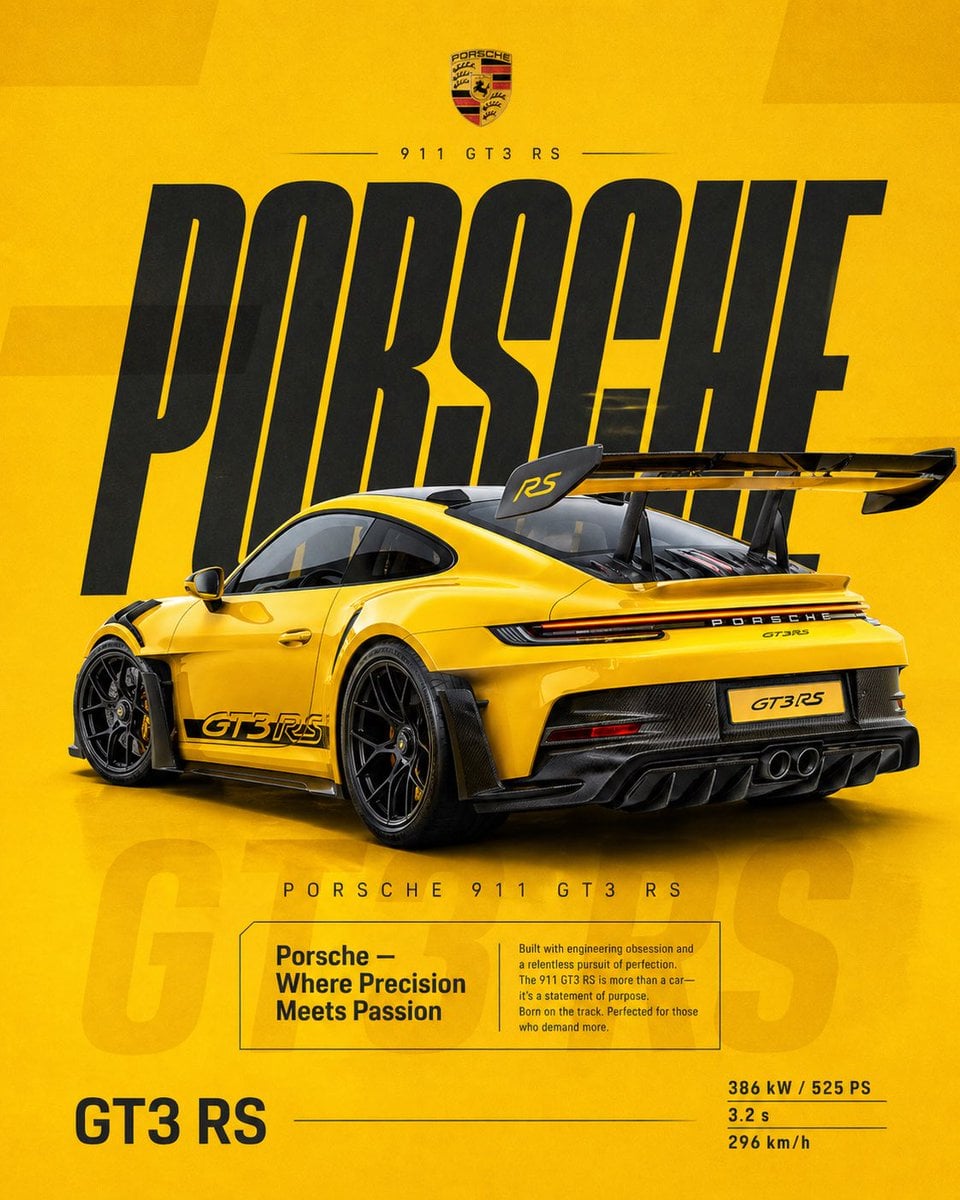
Dual Car Typography Poster Series

Pixar Style Ensemble Movie Poster
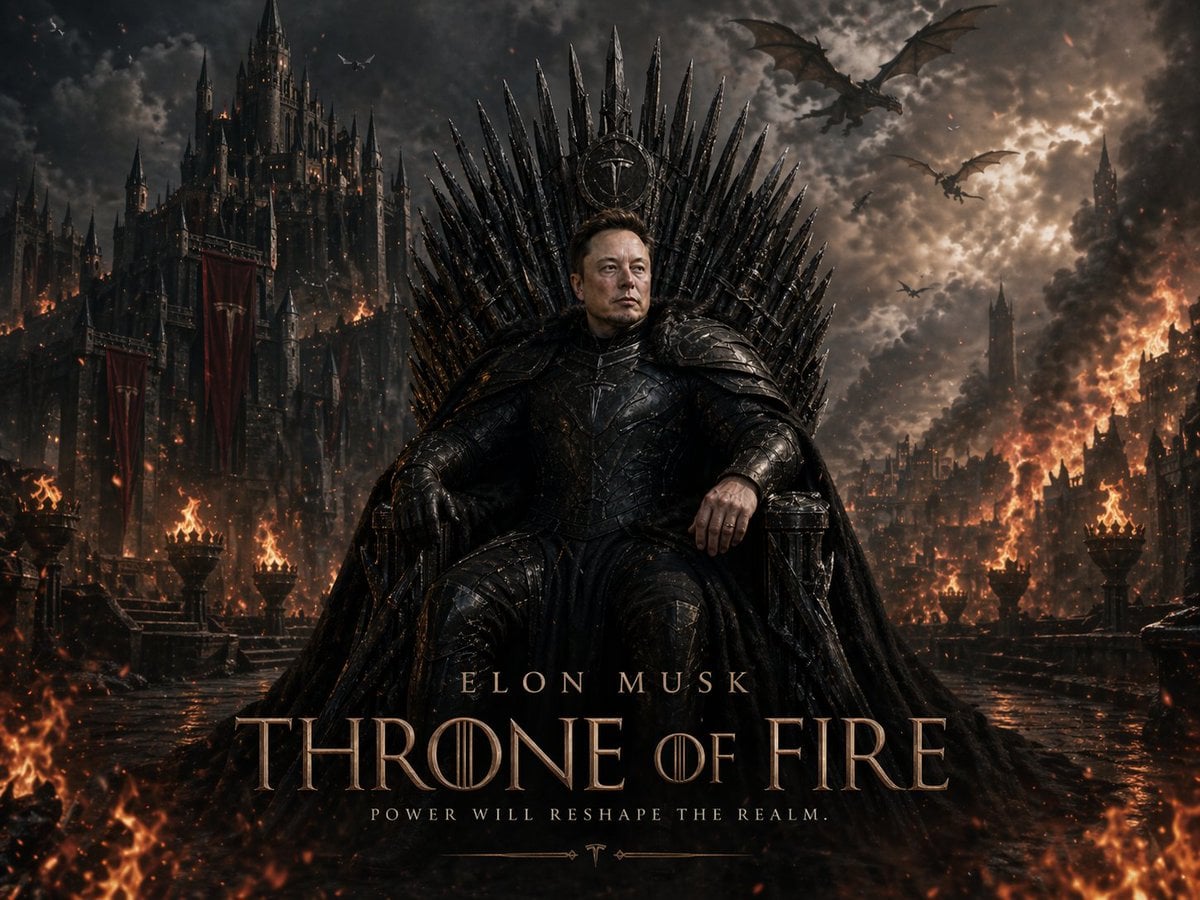
Sci-Fi AI Battle Movie Poster
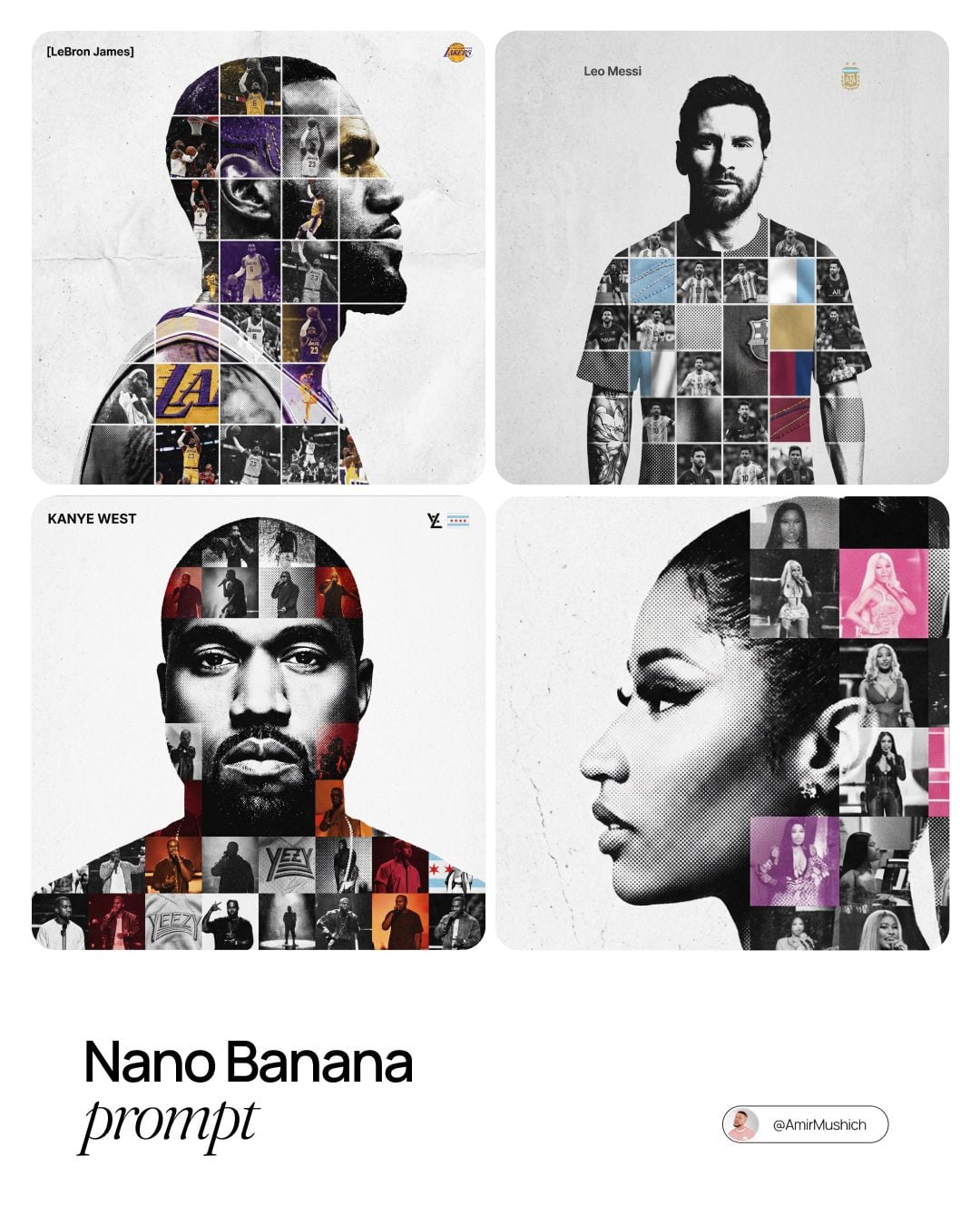
Sports Tribute Photo Mosaic Poster
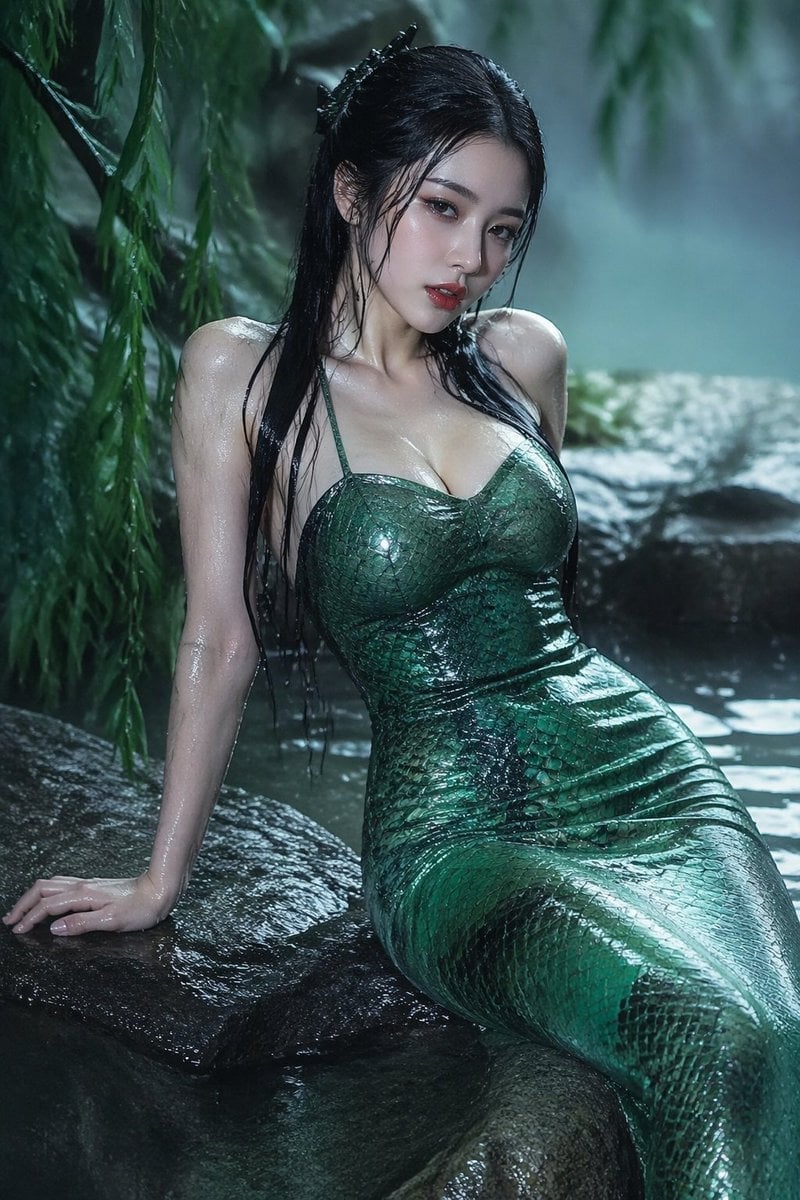
青蛇小青写真大片,绿色紧身蛇鳞裙,湿发红唇,妖娆妩媚
Make it yours
请根据 主题 生成一张高质量竖版 科普百科图 works as-is. These are the safest ways to change it without losing the look.
Change one field
Copy a single group, rewrite it, and generate again so you can see what that field is doing.
Keep the frame, change the subject
Hold the composition and light of 请根据 主题 生成一张高质量竖版 科普百科图, then swap wardrobe, props or the person for a new take.
| If the result… | Why | Fix |
|---|---|---|
| The result drifts from the preview | Too many fields changed at once. | Reuse 请根据 主题 生成一张高质量竖版 科普百科图 as-is first, then change one group — subject, light, or setting. |
| The model over-stylizes the scene | The prose prompt leaves finish and camera underspecified. | Add one camera or lighting sentence and stay on GPT Image 2. |
More GPT Image 2 templates
Other prompts made for GPT Image 2.

Six VTuber Japanese Logo Sheet
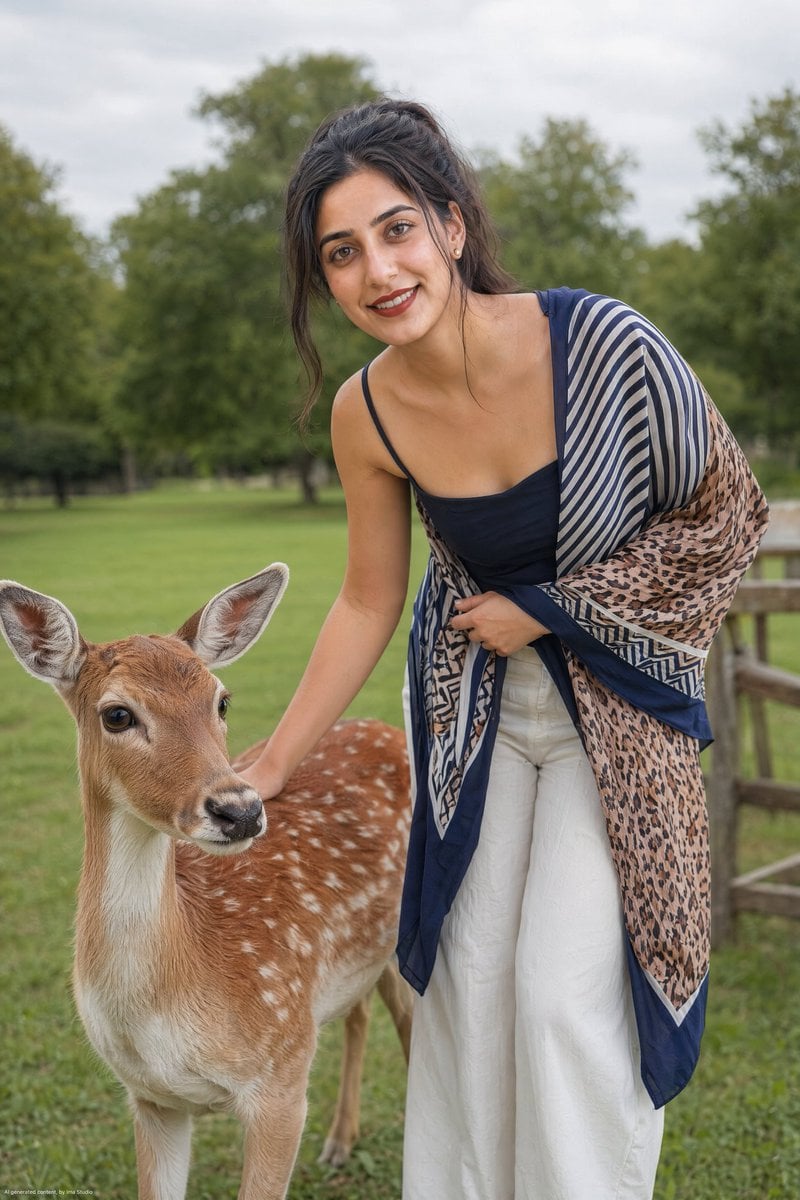
Realistic Portrait of Woman and Deer
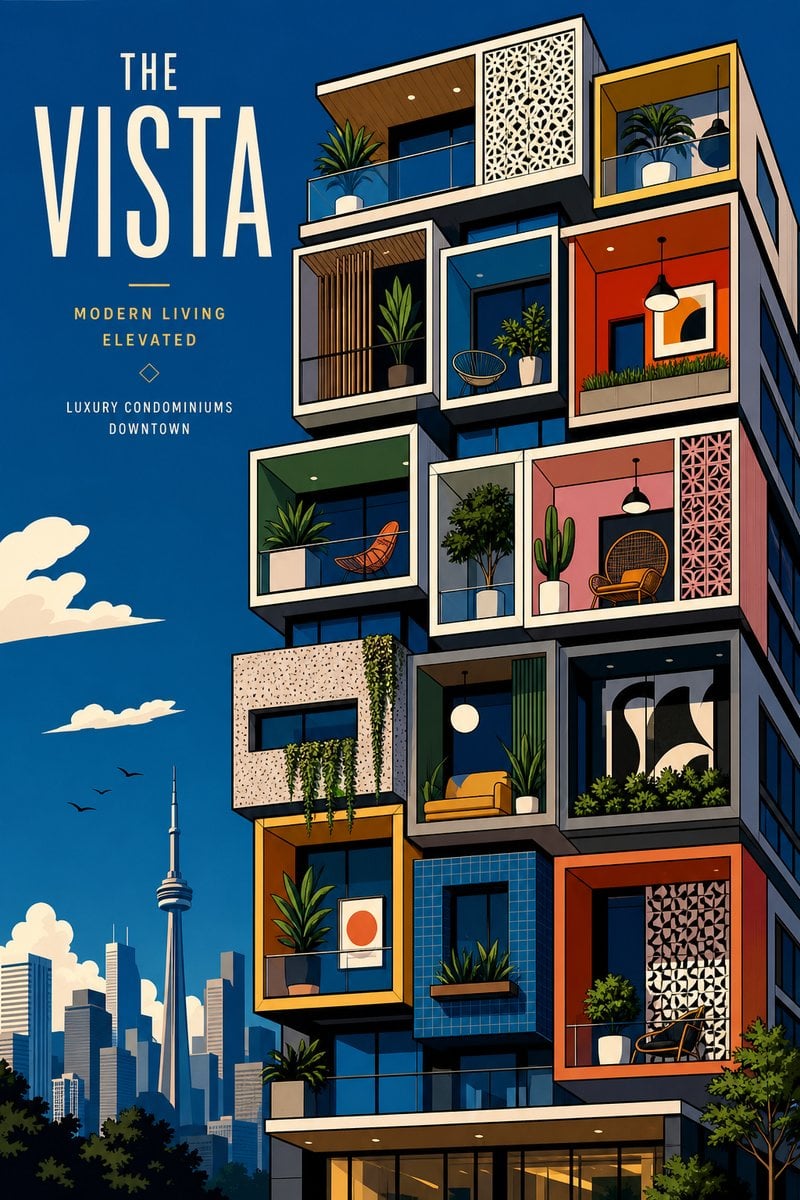
The Vista Modular Condo Poster
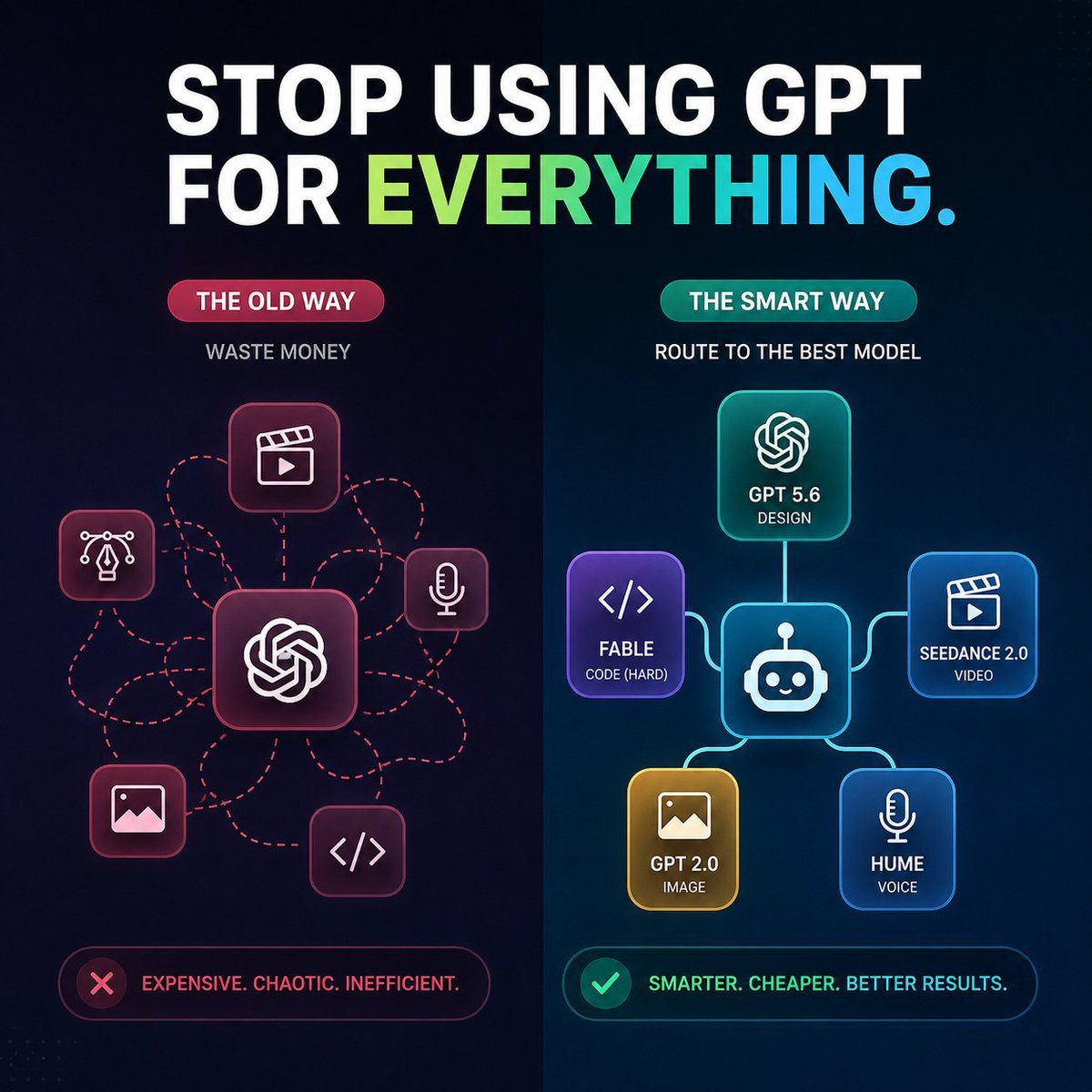
AI Model Routing Comparison Infographic
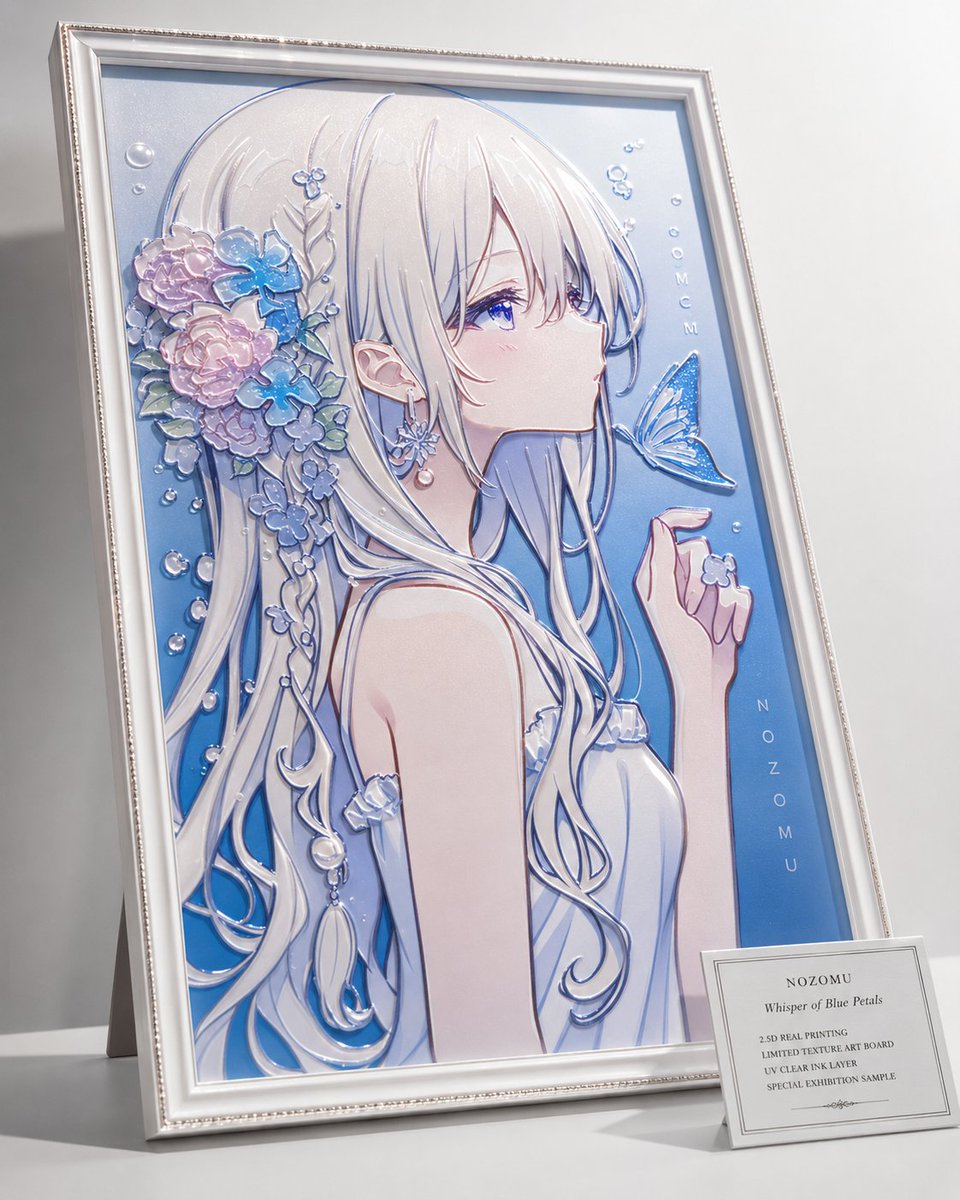
2.5D Anime Art Board

Isometric Productivity Desk Scene
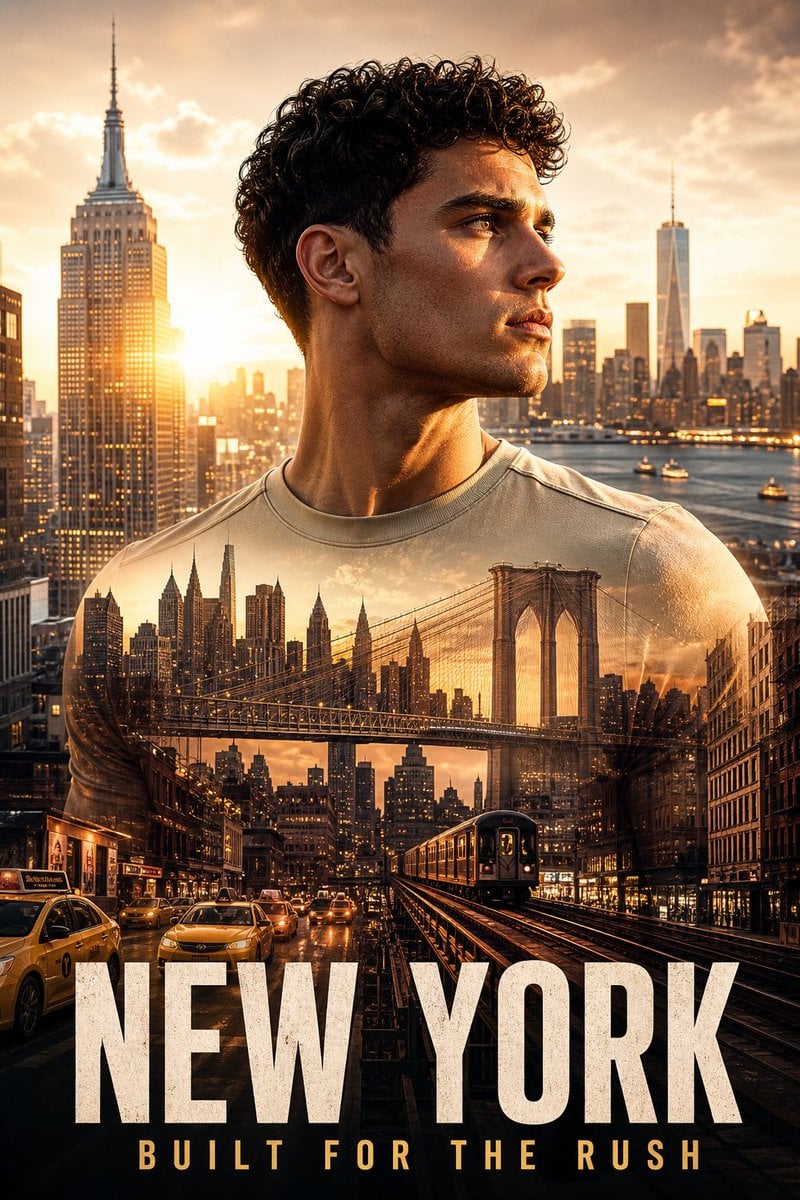
New York Double Exposure Poster
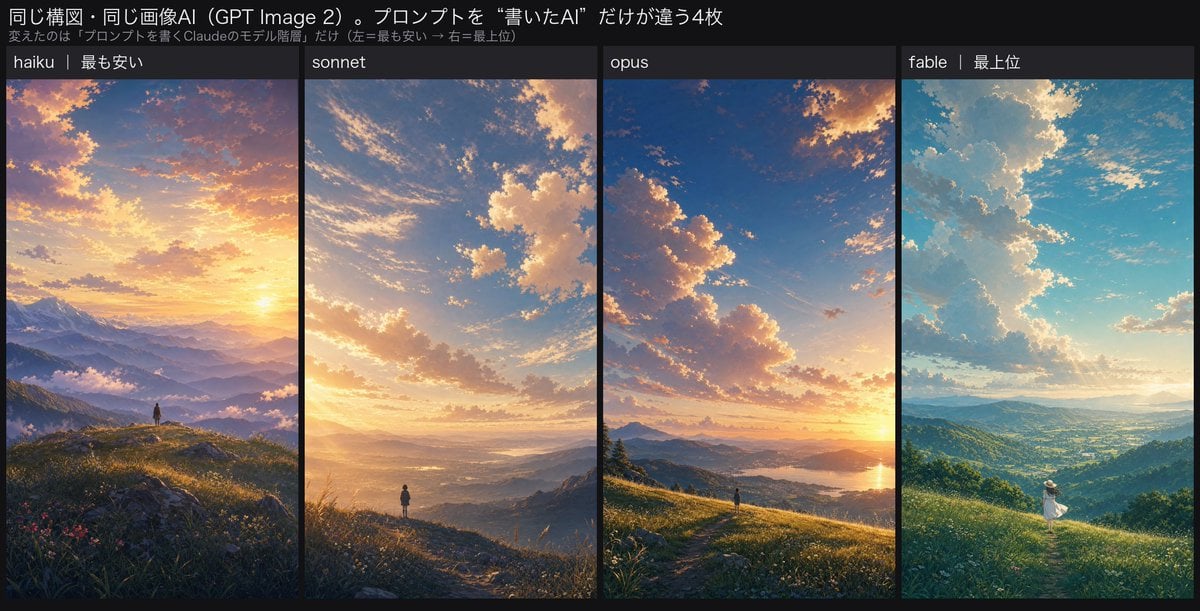
Four-Panel AI Landscape Comparison
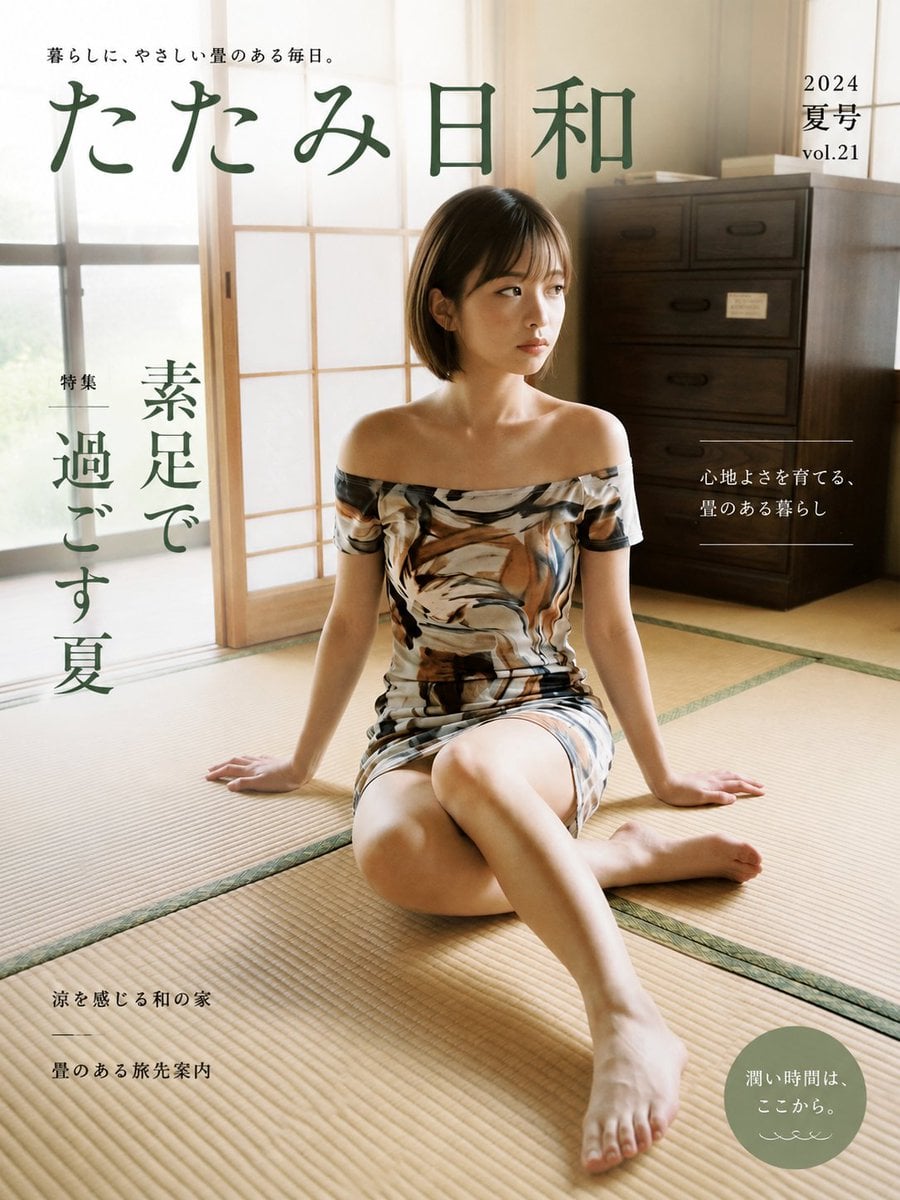
Japanese Tatami Lifestyle Magazine Cover
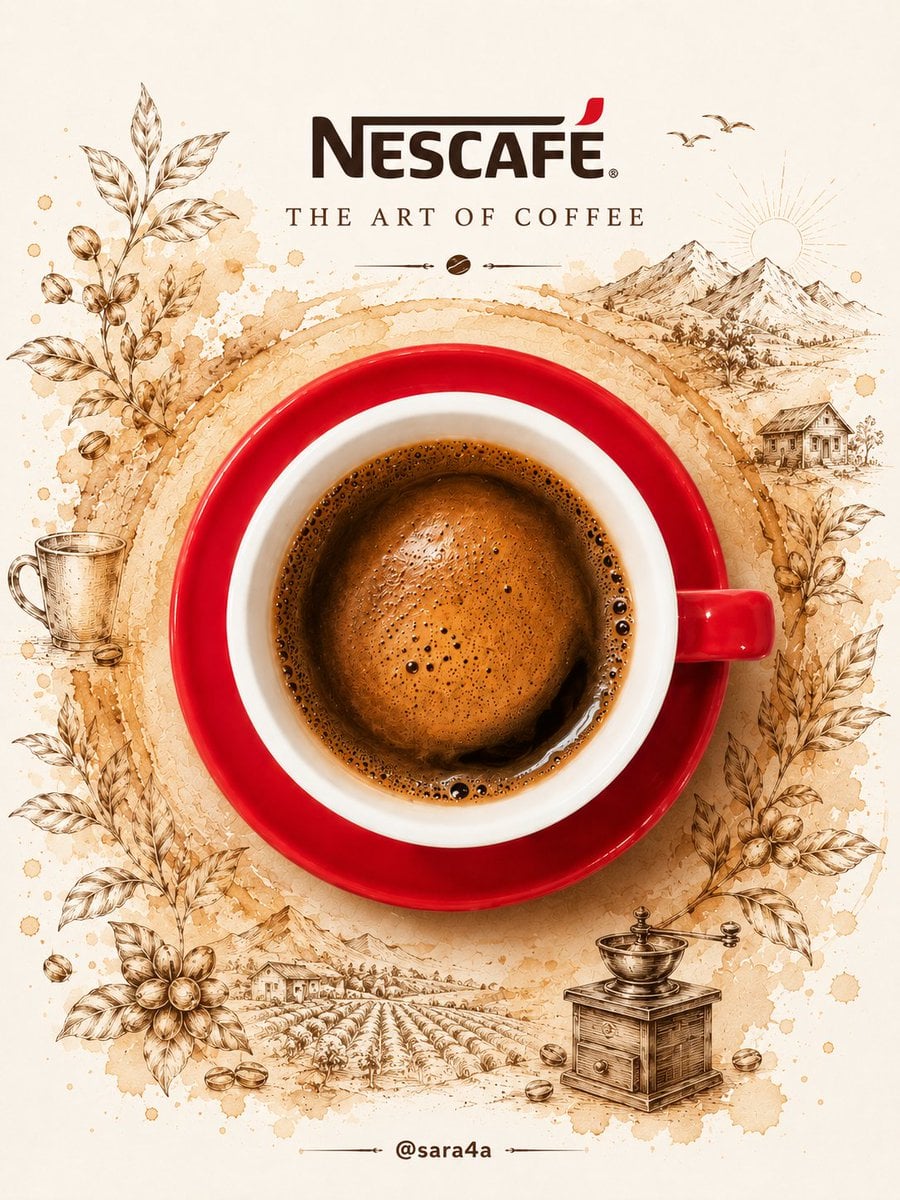
NESCAFÉ Coffee Map Poster
More image prompts
Fresh picks from across the catalog.
Ultra-realistic cinematic 9-photo collage of a gym girl's fitness journey
Scientific field researcher's documentation board prompt
Cinematic Energy Drink Ad
Boho Editorial Portrait in Pine Forest
Cute Retro Tokyo Cartoon Cityscape
Hyper-Realistic Snow Sculpture Artist Prompt
Wes Anderson-designed X App Mobile Interface
Adidas Originals Fashion Ad
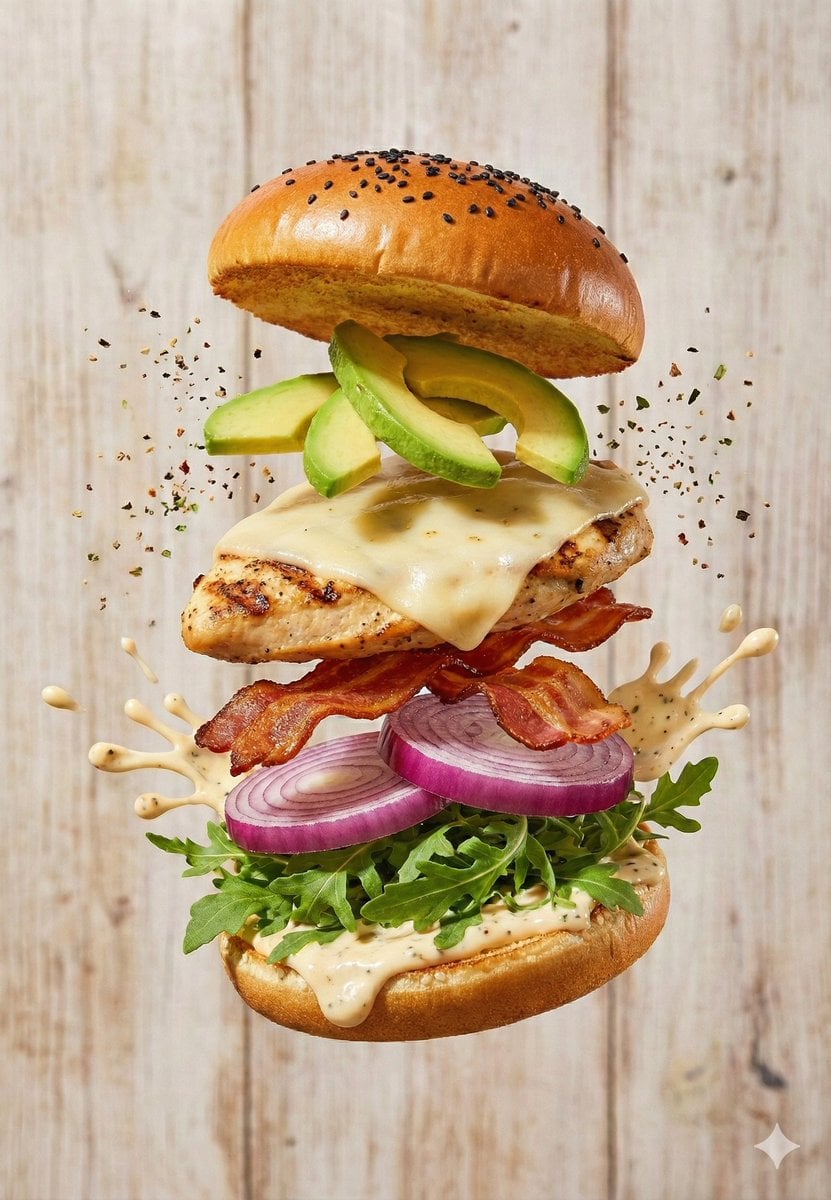
Floating Gourmet Burger Commercial Shot
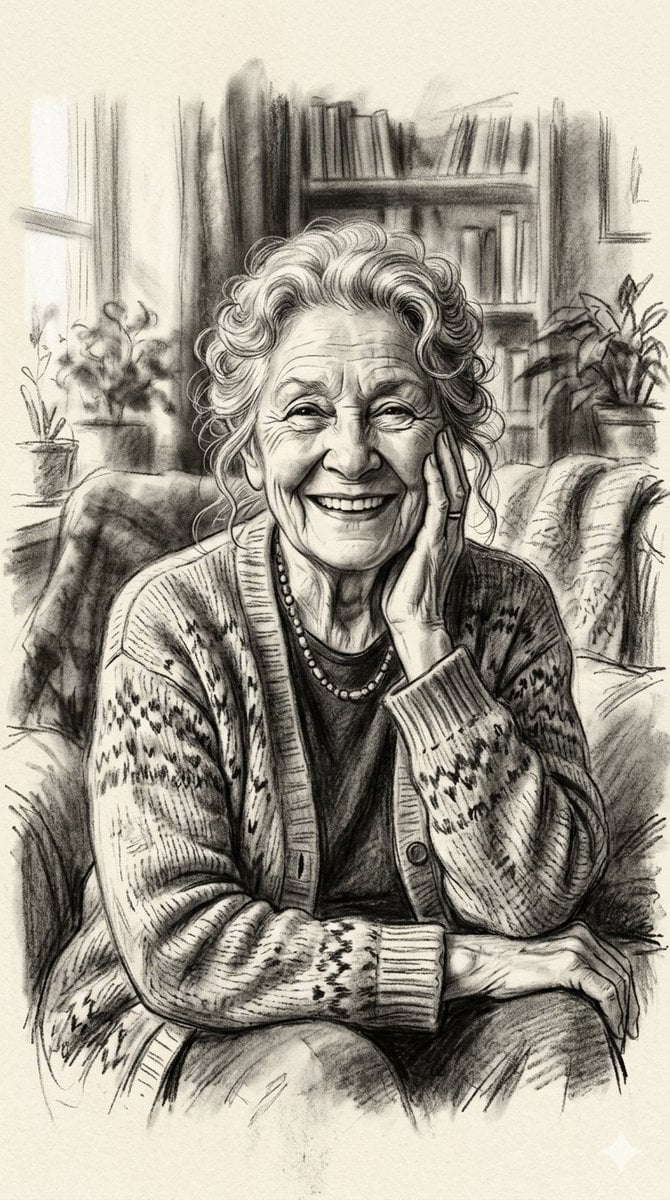
X Minahil42298354 Subject a Heartwarming Portrait
Browse template categories
请根据 主题 生成一张高质量竖版 科普百科图 questions
How do I use the 请根据 主题 生成一张高质量竖版 科普百科图 template?
Add your photo if the template asks for one, edit the prompt if you like — the template's model and format are already selected — and press Generate. Your version opens in PicX Studio.
Can I customize the 请根据 主题 生成一张高质量竖版 科普百科图 template?
Yes. You can change the subject, setting, lighting, mood, format, and available model controls before creating your image.
Is the 请根据 主题 生成一张高质量竖版 科普百科图 template free?
Opening and editing this template is free. Generating uses credits, shown on the Generate button when you are signed in.
Which AI model should I use?
Start with GPT Image 2, which is the model associated with this template. You can compare another compatible model for a different finish.
Looking for something else? Browse all templates.

Your photo, any look
Thousands of ready templates for every top image and video model, from one credit balance.