
Multiple dark purple berries erupting from inside the can
{ "global_settings": { "resolution": "8K UHD", "aspect_ratio": "3:4", "image_type": "AI-edited hyper-realistic commercial product photography", "camera": { "focus": "ultra-sharp center focus", "depth_of_field": "shallow…

- Prompt included
- Model and format preset
- Premium template
The prompt behind this image
Copy the exact prompt behind Multiple dark purple berries erupting from inside the can, or open it in the studio and make it yours.
{ "global_settings": { "resolution": "8K UHD", "aspect_ratio": "3:4", "image_type": "AI-edited hyper-realistic commercial product photography", "camera": { "focus": "ultra-sharp center focus", "depth_of_field": "shallow DOF with soft background falloff", "angle": "straight-on frontal view", "lens": "macro-commercial lens look" }, "lighting": { "style": "studio lighting", "key_light": "strong frontal soft light", "rim_light": "subtle edge highlights on fruits and splashes", "reflections": "specular highlights on liquid droplets and metal can" }, "textures": [ "highly detailed aluminum can surface", "realistic liquid physics", "sharp fruit skin texture", "visible condensation droplets" ], "quality_flags": [ "extreme detail", "photorealistic", "AI-enhanced clarity", "no motion blur", "clean background" ] }, "Module_1_Image_1_Style_Orange": { "subject": "Orange flavored soda can", "can_details": { "material": "metal aluminum", "condition": "top torn open with jagged sharp cracks", "crack_position": "irregular split at the top rim, metal bent outward", "surface": "covered with water droplets and condensation" }, "fruit_elements": { "whole_oranges": "multiple whole oranges floating behind and above the can", "orange_slice": "one visible half-cut orange slice near the top center", "leaves": "green citrus leaves attached to some oranges" }, "liquid_effects": { "splash_color": "bright orange liquid", "motion": "liquid bursting upward and outward from inside the can", "droplets": "numerous suspended droplets frozen mid-air", "base_splash": "orange liquid pooling and splashing at the bottom" }, "background": { "color": "solid warm orange", "gradient": "slight tonal variation, no patterns" } }, "Module_2_Image_2_Style_Acai": { "subject": "Açaí flavored soda can", "can_details": { "material": "metal aluminum", "condition": "can split horizontally into two broken sections", "cracks": "jagged tearing edges with visible sharp metal folds", "surface": "covered with condensation droplets" }, "fruit_elements": { "acai_berries": "multiple dark purple berries erupting from inside the can", "berry_motion": "berries floating upward and outward", "leaves": "few green leaves visible on sides" }, "liquid_effects": { "splash_color": "deep purple liquid", "motion": "explosive splash radiating outward", "droplets": "fine droplets suspended in air" }, "background": { "color": "warm beige to light brown gradient", "tone": "soft neutral backdrop" } }, "Module_3_Image_3_Style_Goiaba_Guava": { "subject": "Guava flavored soda can", "can_details": { "material": "metal aluminum", "condition": "vertical split down the center of the can", "cracks": "uneven torn edges exposing inside", "surface": "visible water droplets and moisture" }, "fruit_elements": { "guava_halves": "multiple guava halves with pink interiors", "whole_guavas": "several whole green guavas around the can", "leaves": "green guava leaves scattered" }, "liquid_effects": { "splash_color": "red guava juice", "motion": "juice bursting upward and sideways", "droplets": "dense red droplets suspended mid-air" }, "background": { "color": "solid deep red", "tone": "high contrast with fruit and liquid" } }
How to use Multiple dark purple berries erupting from inside the can in 3 steps
- 1Upload ImagePNG, JPG or paste
Add your photo
Upload the photo the template builds on. The prompt, model and format are already set.
- 2…a portrait of your subject in softgolden-hour light, 85mm…
Personalize
Edit the subject and creative details for your destination.
- 3Generate
Generate
Press Generate — your image is created in PicX Studio, so you can compare it with the original and refine one variable at a time.
More like this
Templates with the same subject, style or setup. Open one to see its prompt.
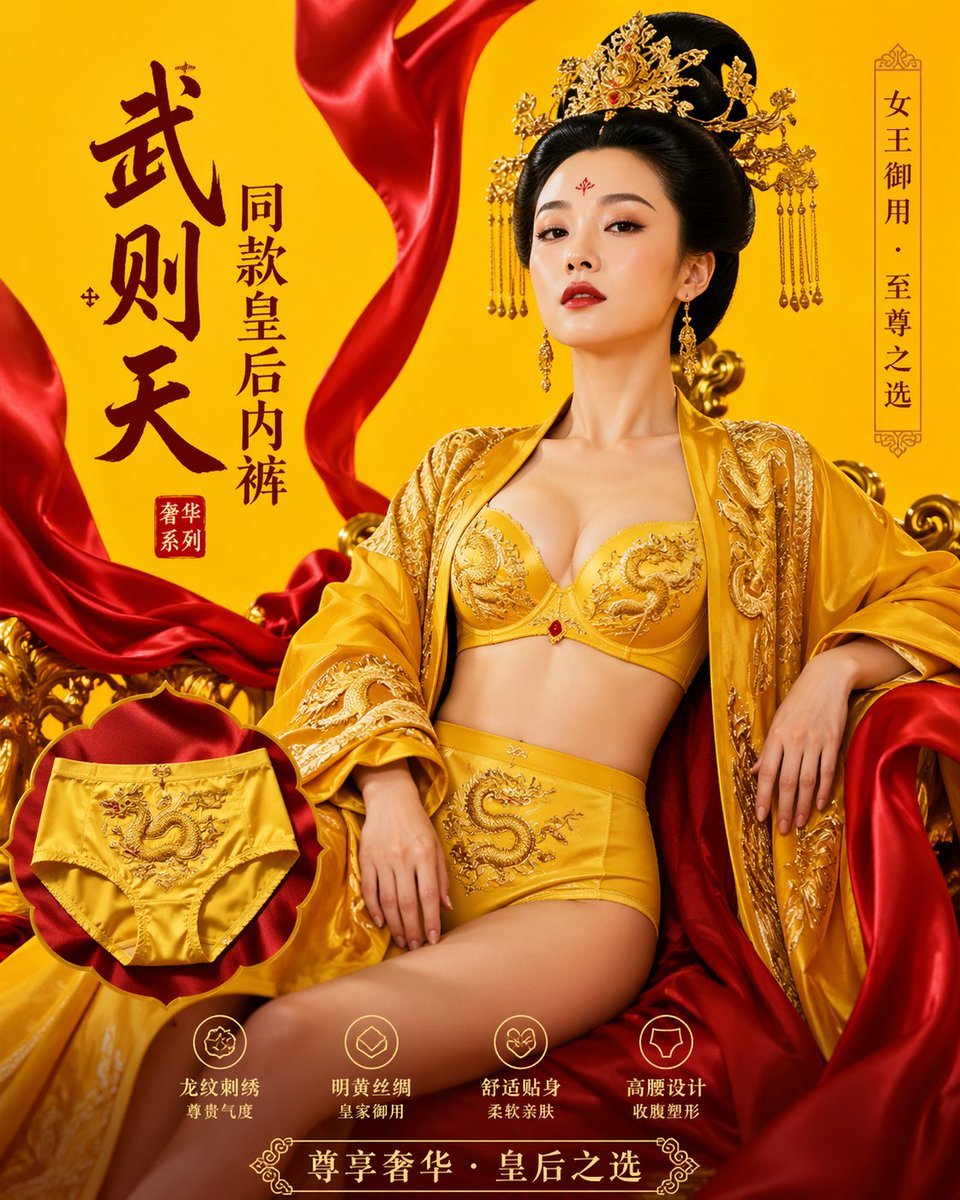
武则天同款皇后内衣广告大片,明黄底色龙纹刺绣,大红丝绸飘带衬托
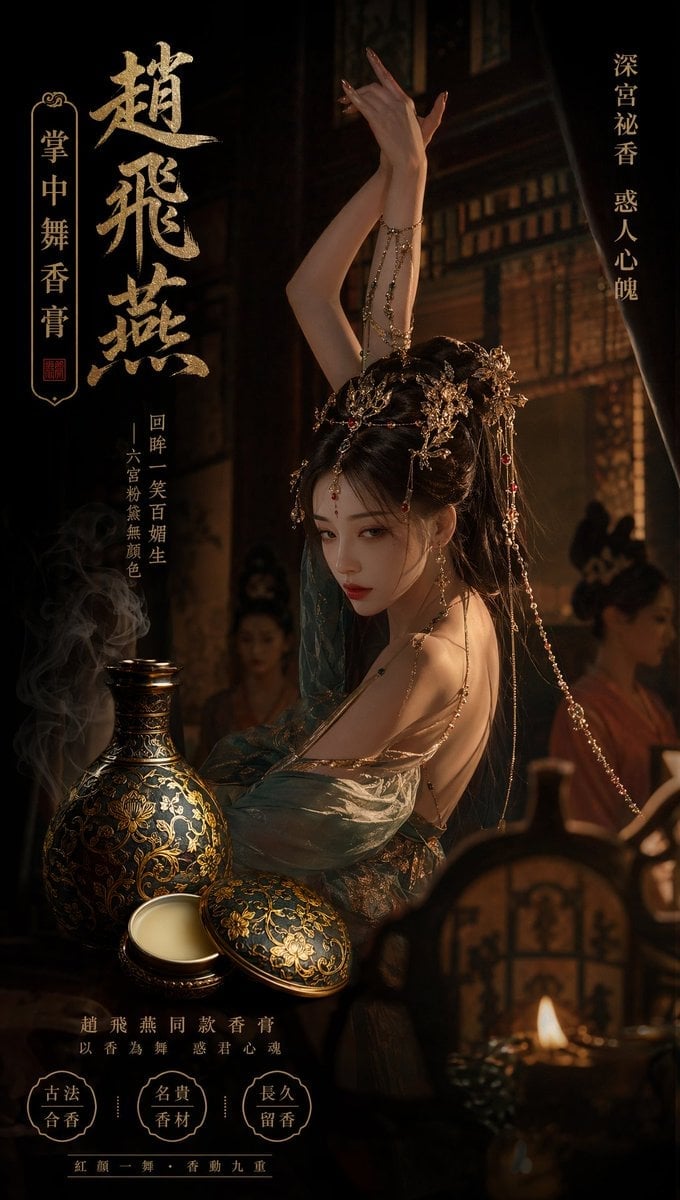
赵飞燕同款掌中舞香膏广告,错金缠枝莲铜瓶,冷艳诡谲深宫氛围感,竖屏9 16
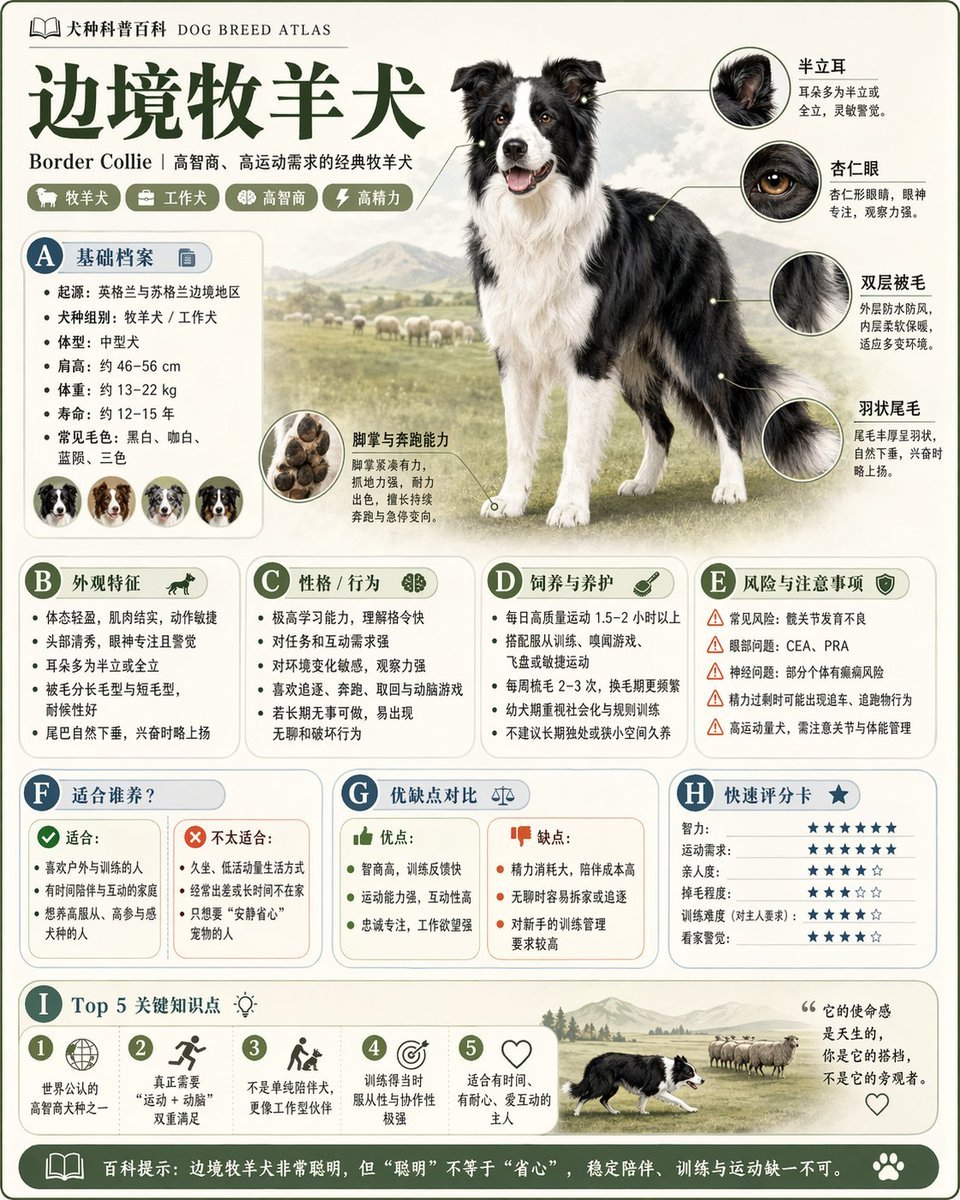
请根据 主题 生成一张高质量竖版 科普百科图
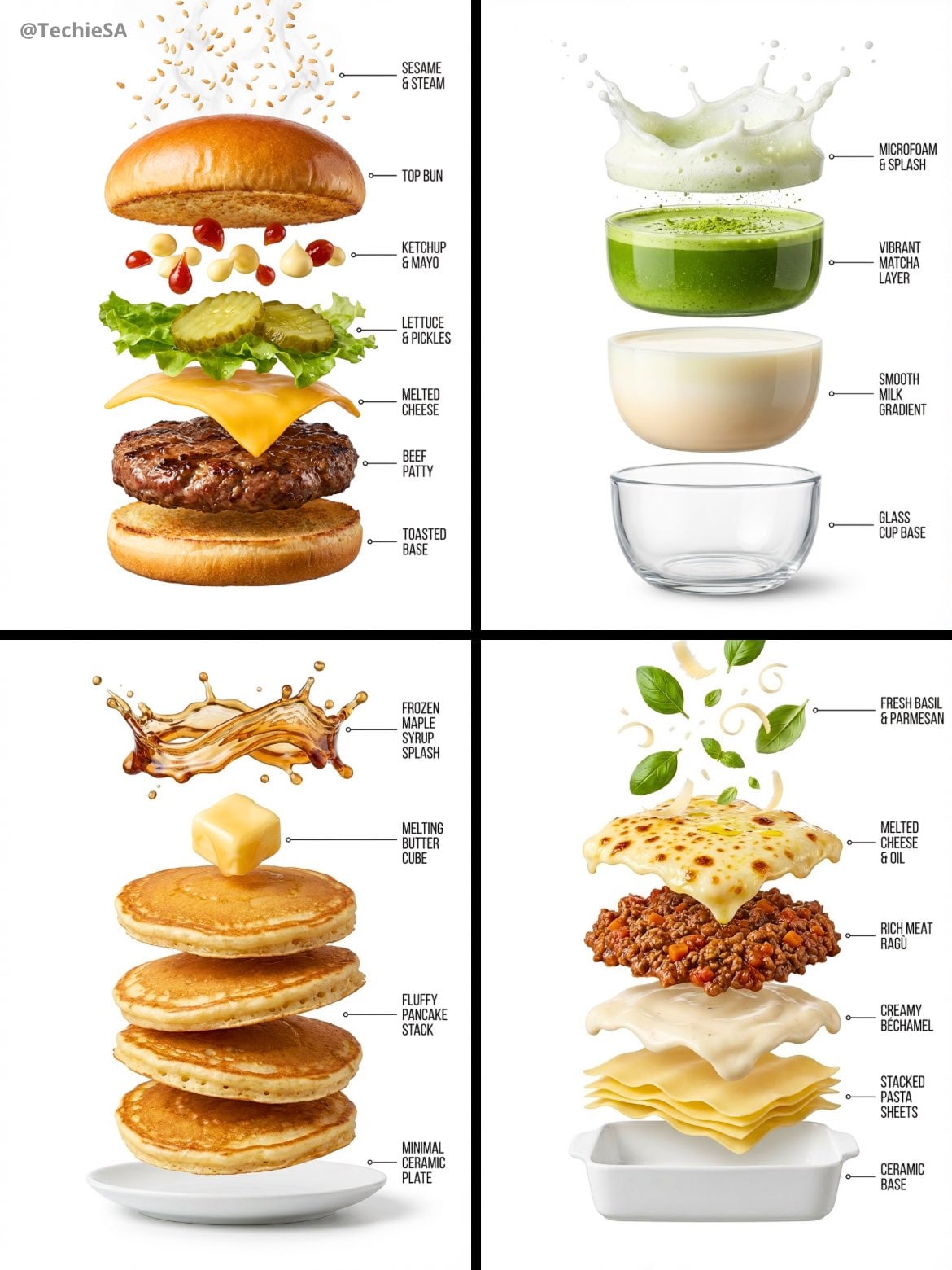
Hyper-realistic exploded vertical infographic composition
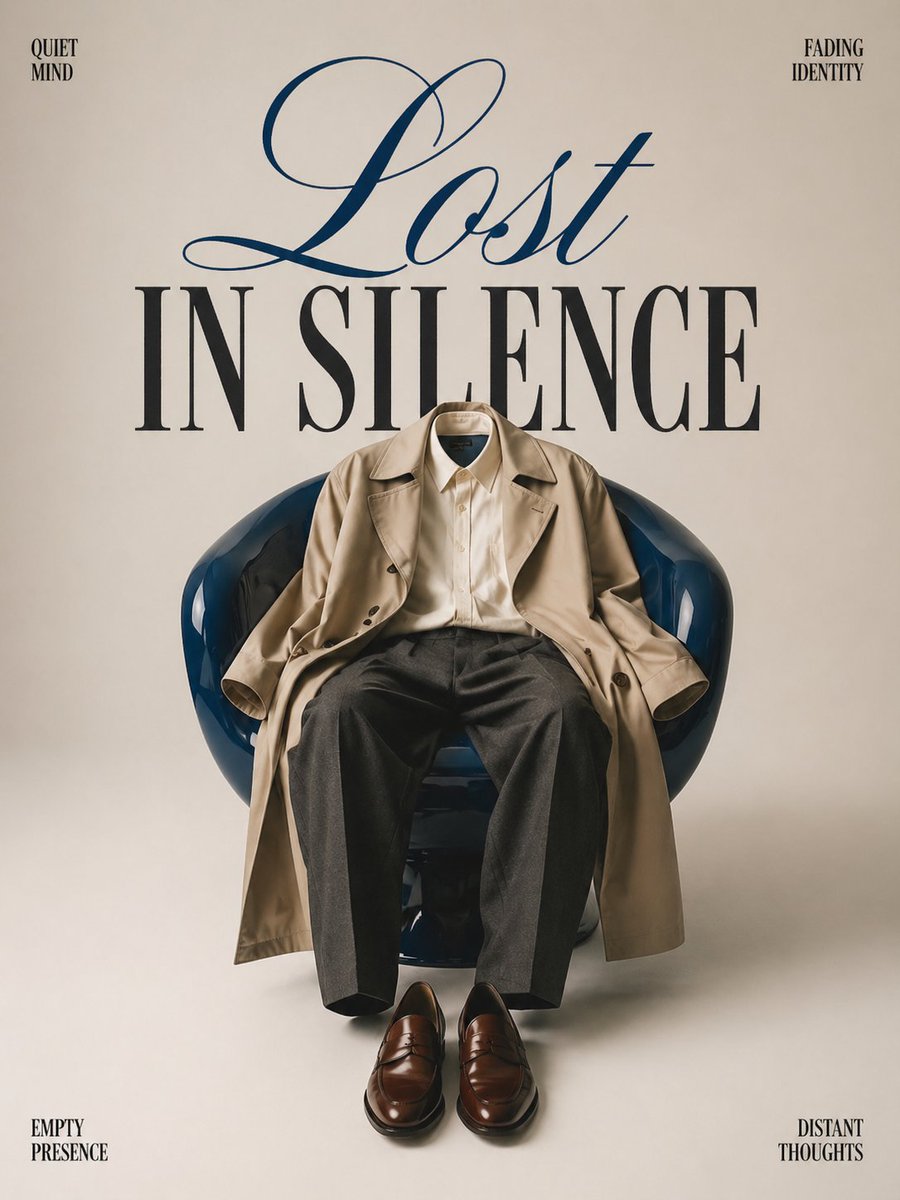
Minimalist conceptual fashion editorial poster, studio shot on a clean
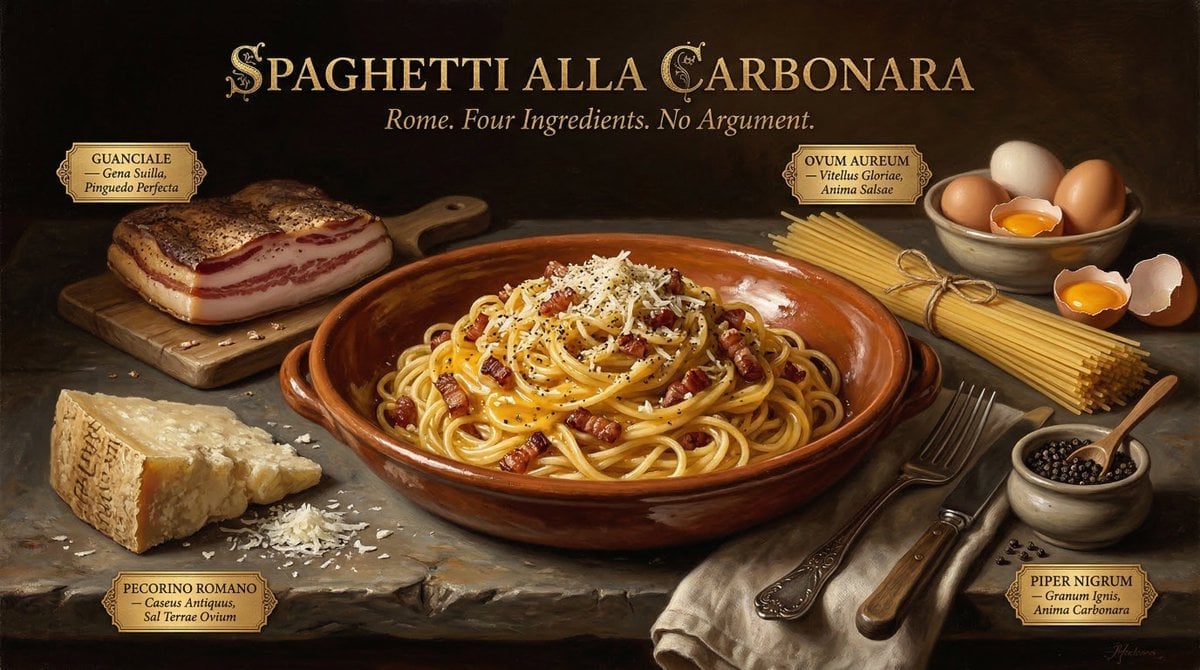
Food & Drink Prompt #913
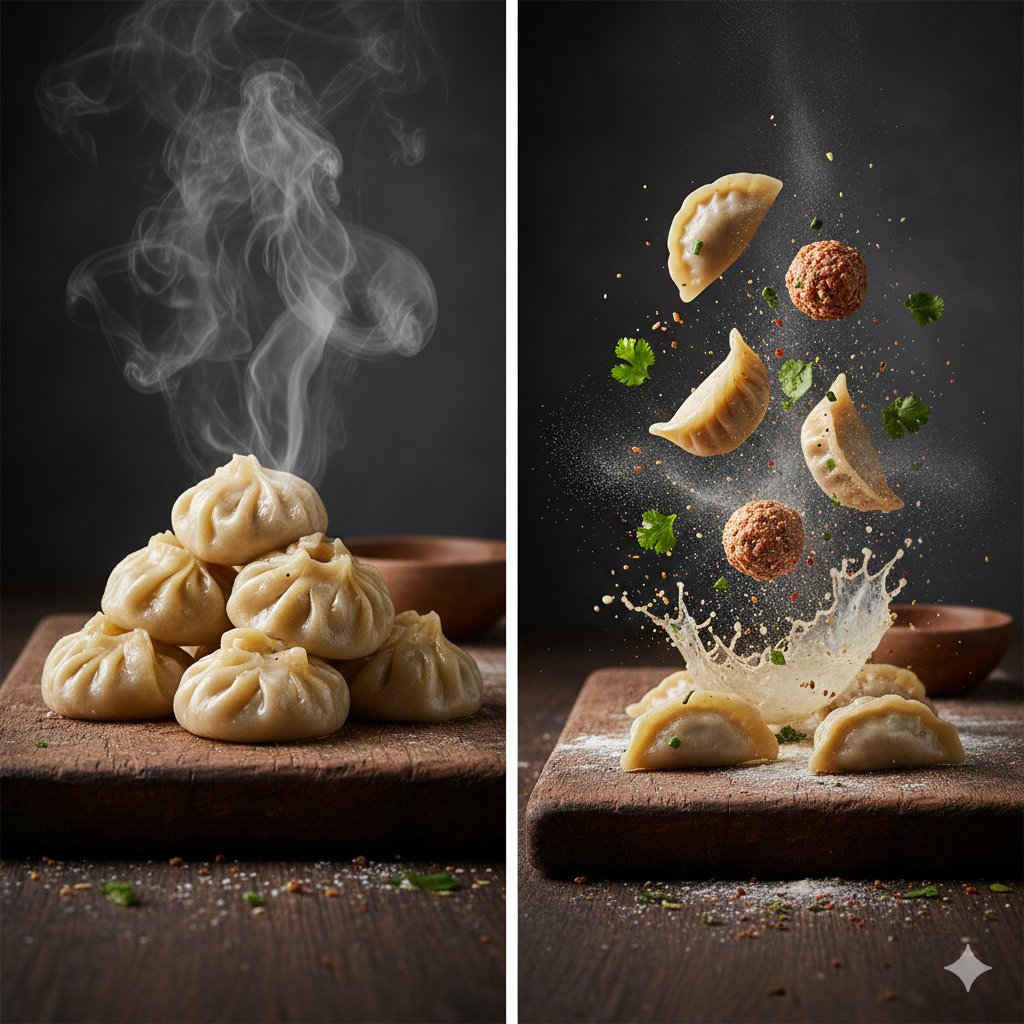
The Cinematic Momo Duo
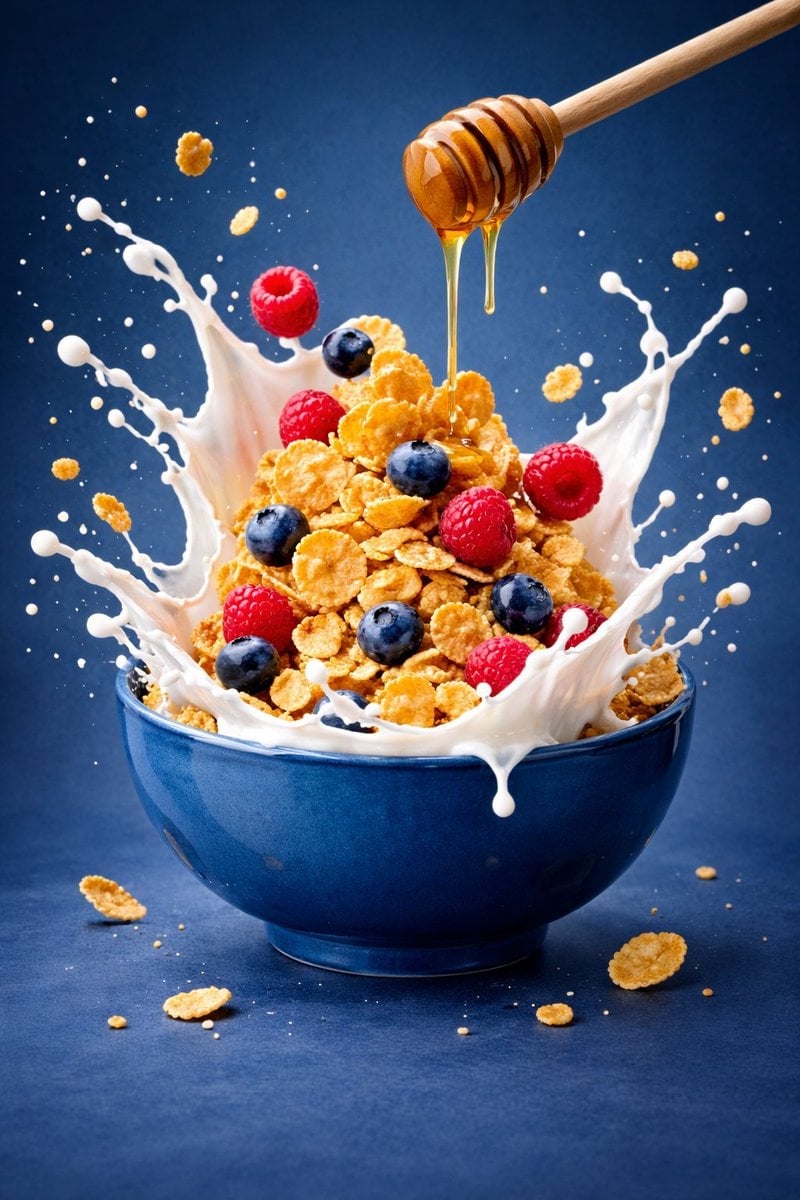
Ultra-premium cinematic food photography, 8K UHD, 3 4 aspect ratio
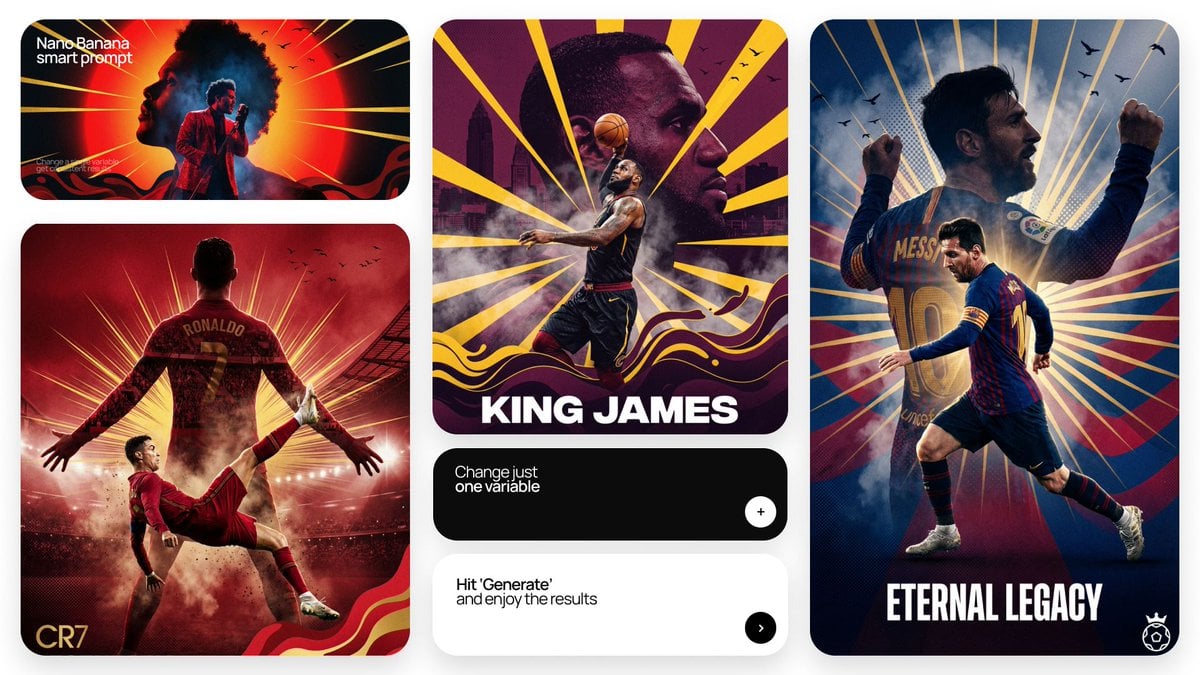
Act as a Senior Art Director
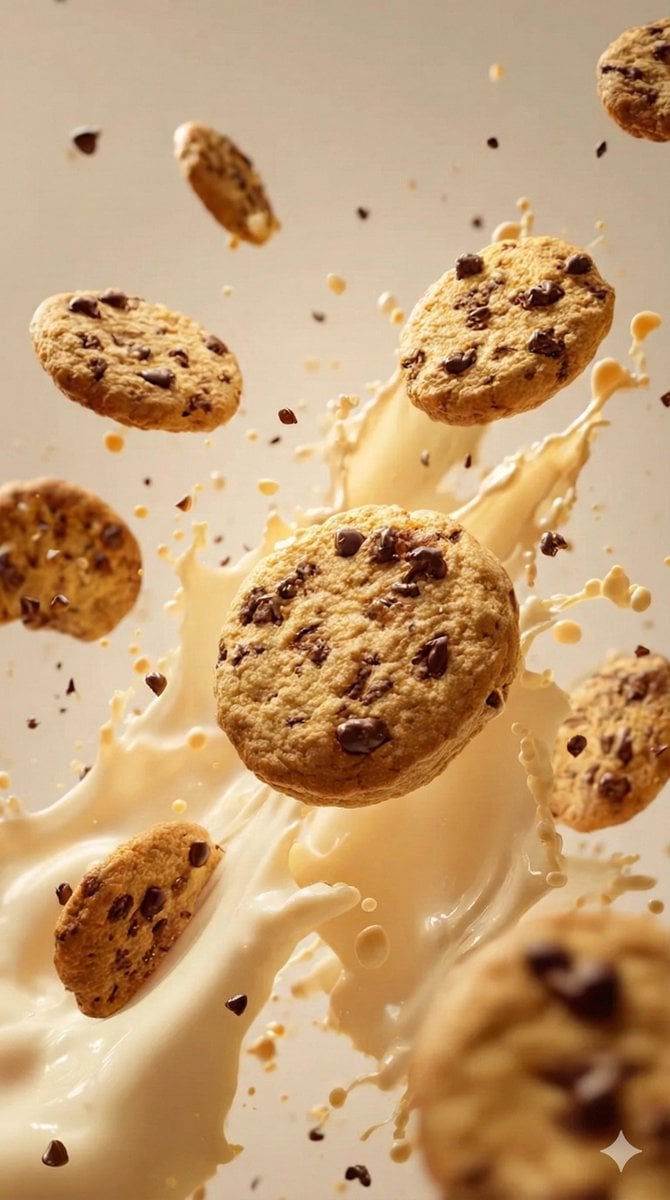
Food & Drink Prompt #1406

Bold, intense, premium, cinematic, high-impact food commercial aesthetic
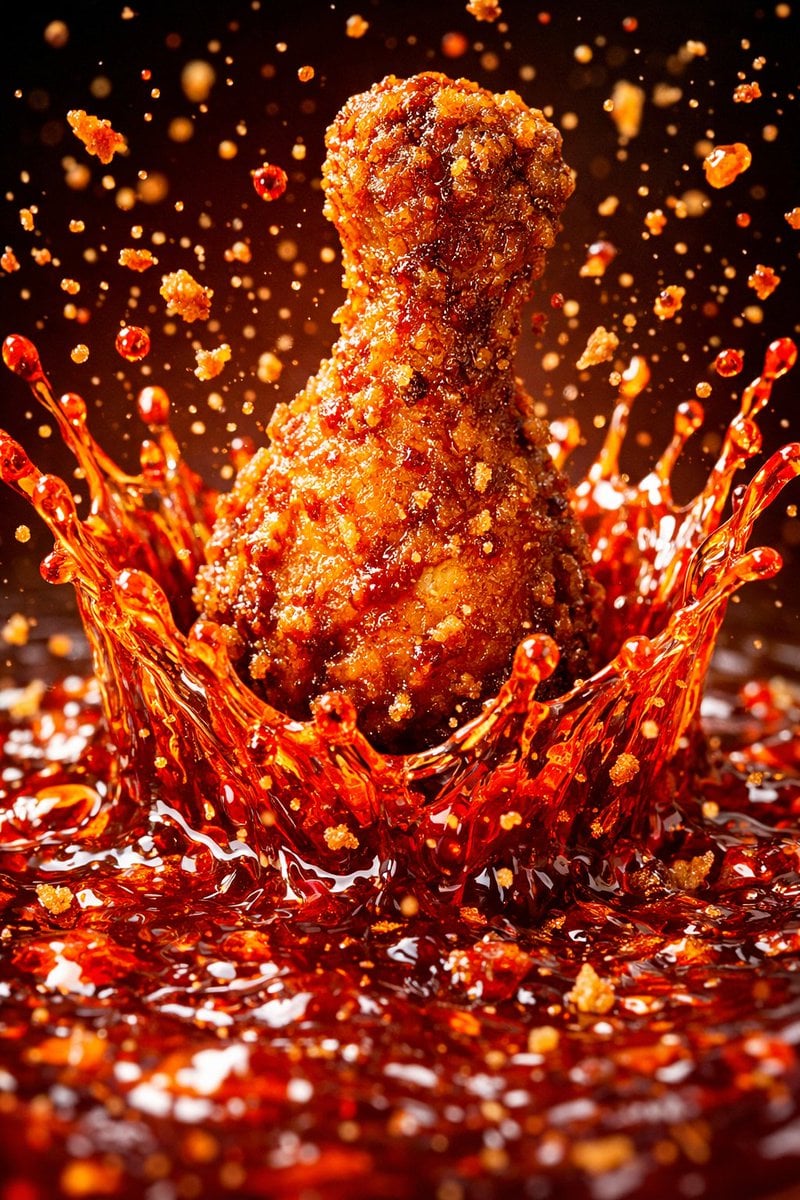
Each module shares structure but maintains unique visual dynamics
Make it yours
Multiple dark purple berries erupting from inside the can works as-is. These are the safest ways to change it without losing the look.
Change one field
Copy a single group, rewrite it, and generate again so you can see what that field is doing.
Keep the frame, change the subject
Hold the composition and light of Multiple dark purple berries erupting from inside the can, then swap wardrobe, props or the person for a new take.
| If the result… | Why | Fix |
|---|---|---|
| The result drifts from the preview | Too many fields changed at once. | Reuse Multiple dark purple berries erupting from inside the can as-is first, then change one group — subject, light, or setting. |
| The model over-stylizes the scene | The prose prompt leaves finish and camera underspecified. | Add one camera or lighting sentence and stay on GPT Image 2. |
More GPT Image 2 templates
Other prompts made for GPT Image 2.

Six VTuber Japanese Logo Sheet

Realistic Portrait of Woman and Deer

The Vista Modular Condo Poster

AI Model Routing Comparison Infographic

2.5D Anime Art Board

Isometric Productivity Desk Scene

New York Double Exposure Poster

Four-Panel AI Landscape Comparison

Japanese Tatami Lifestyle Magazine Cover

NESCAFÉ Coffee Map Poster
More image prompts
Fresh picks from across the catalog.
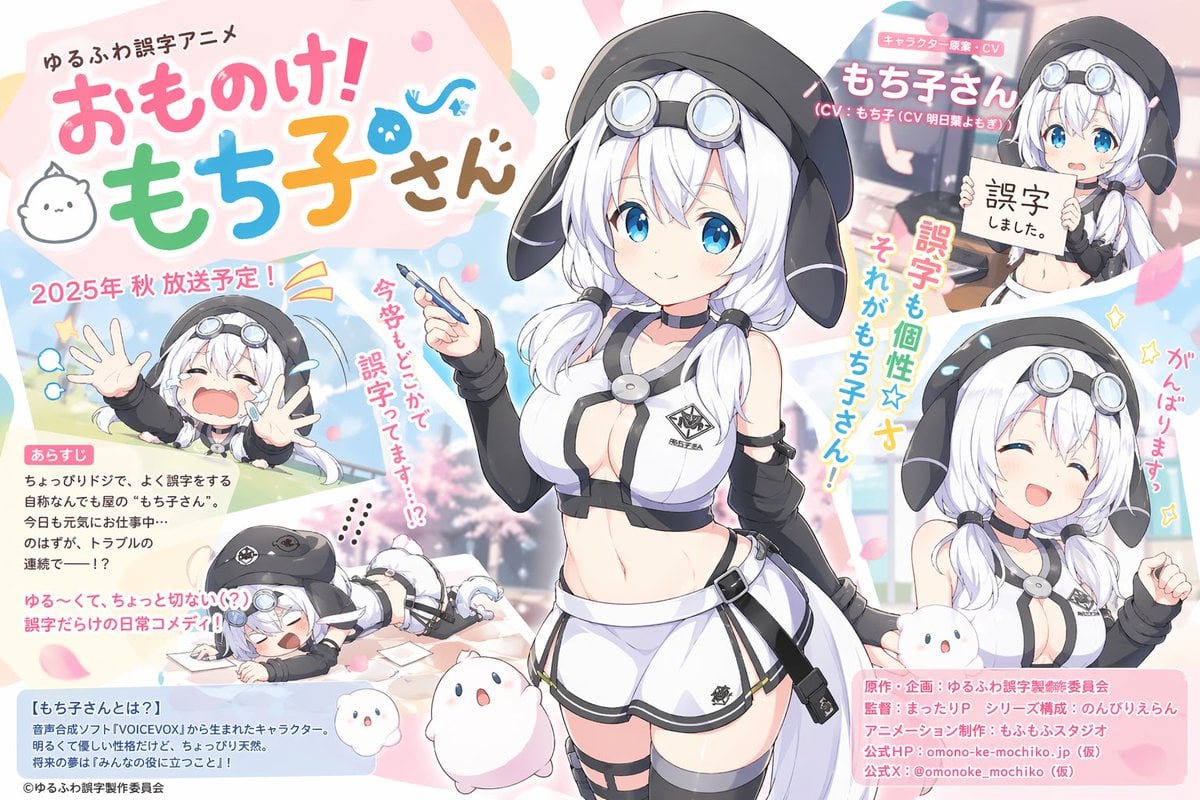
Pastel Anime Promo Poster
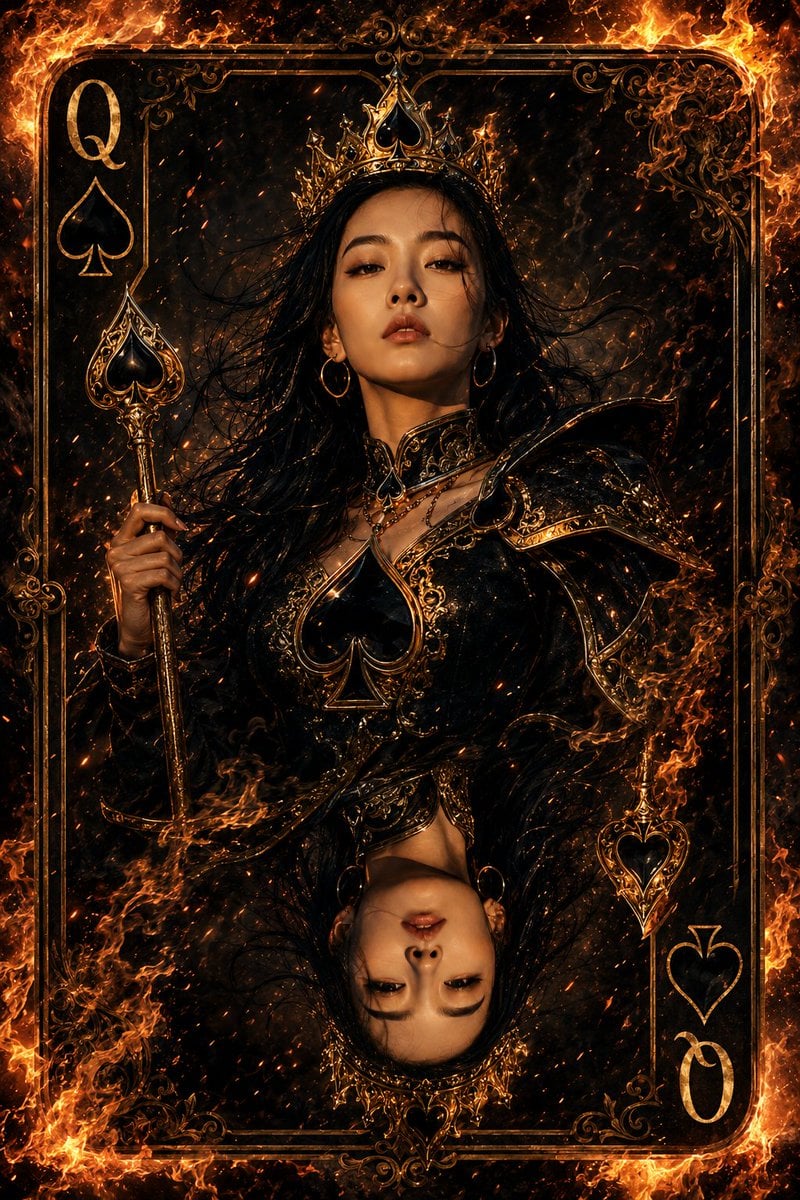
Queen of Spades Fantasy Playing Card
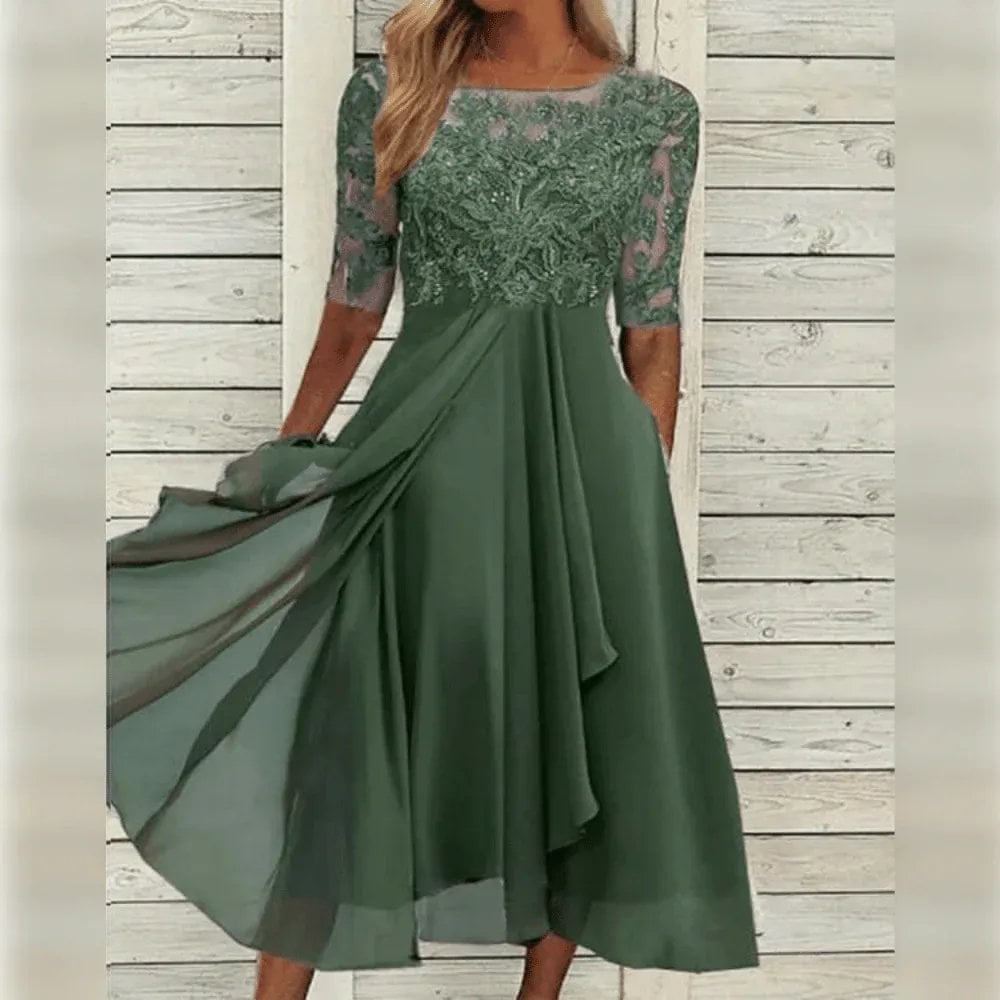
Lifestyle Product Integration Prompt for Nano Banana Pro
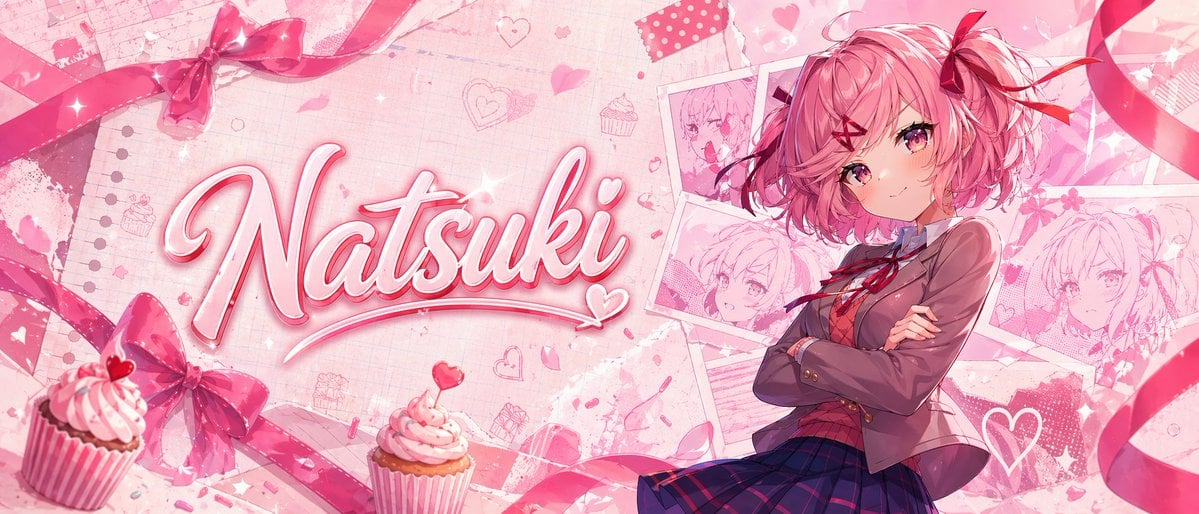
Gpt2 Youtube Thumbnail Pink Anime Natsuki Banner
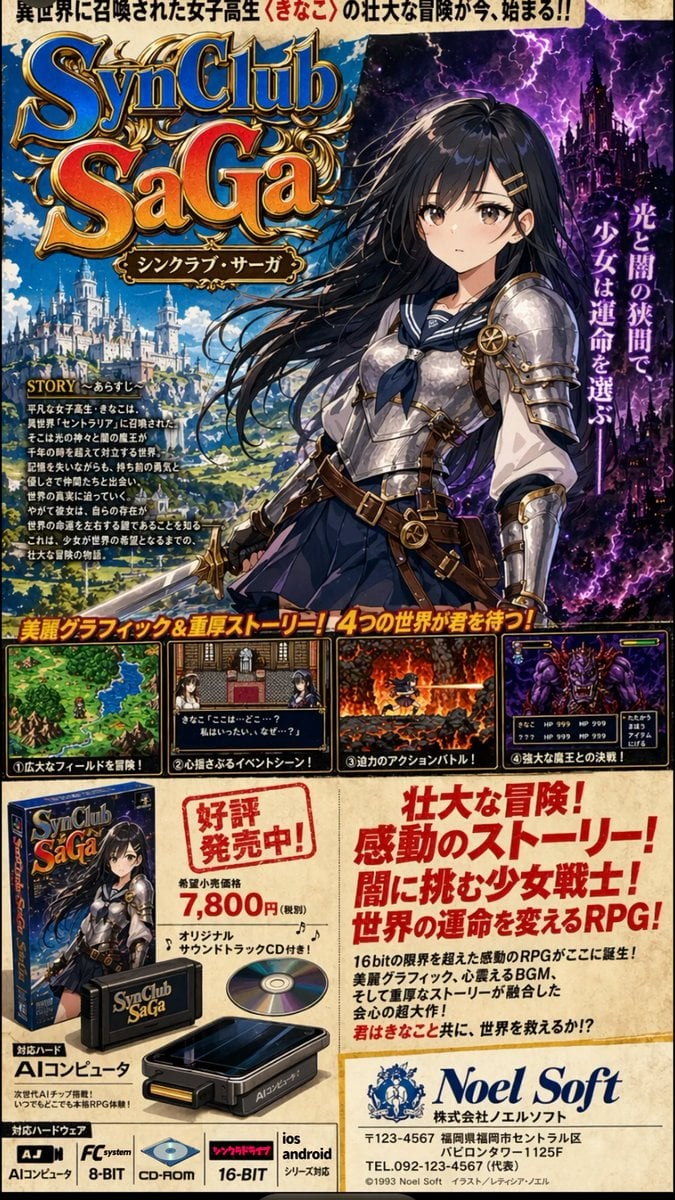
Retro JRPG Magazine Ad
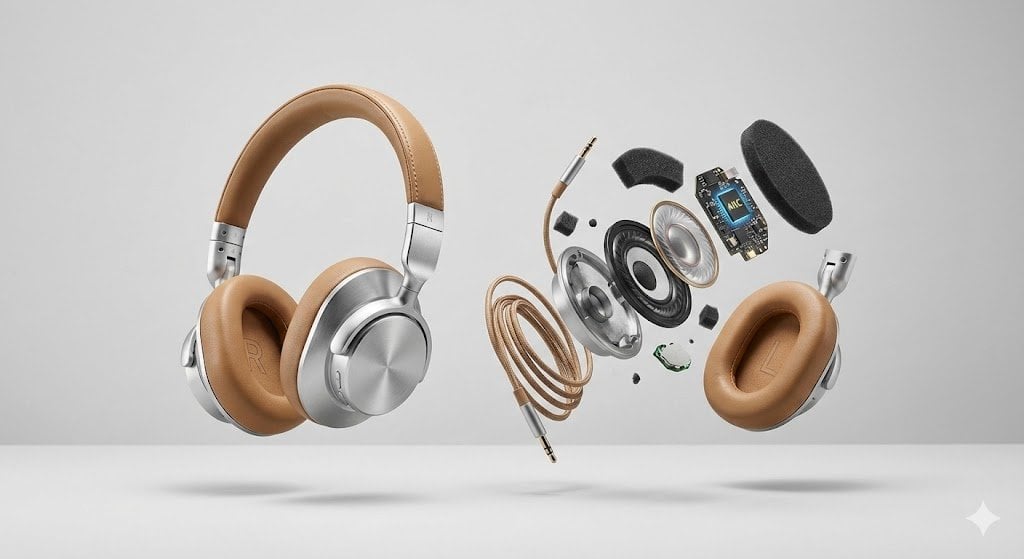
Advertising Visual Prompt: High-End Headphone Product Shot
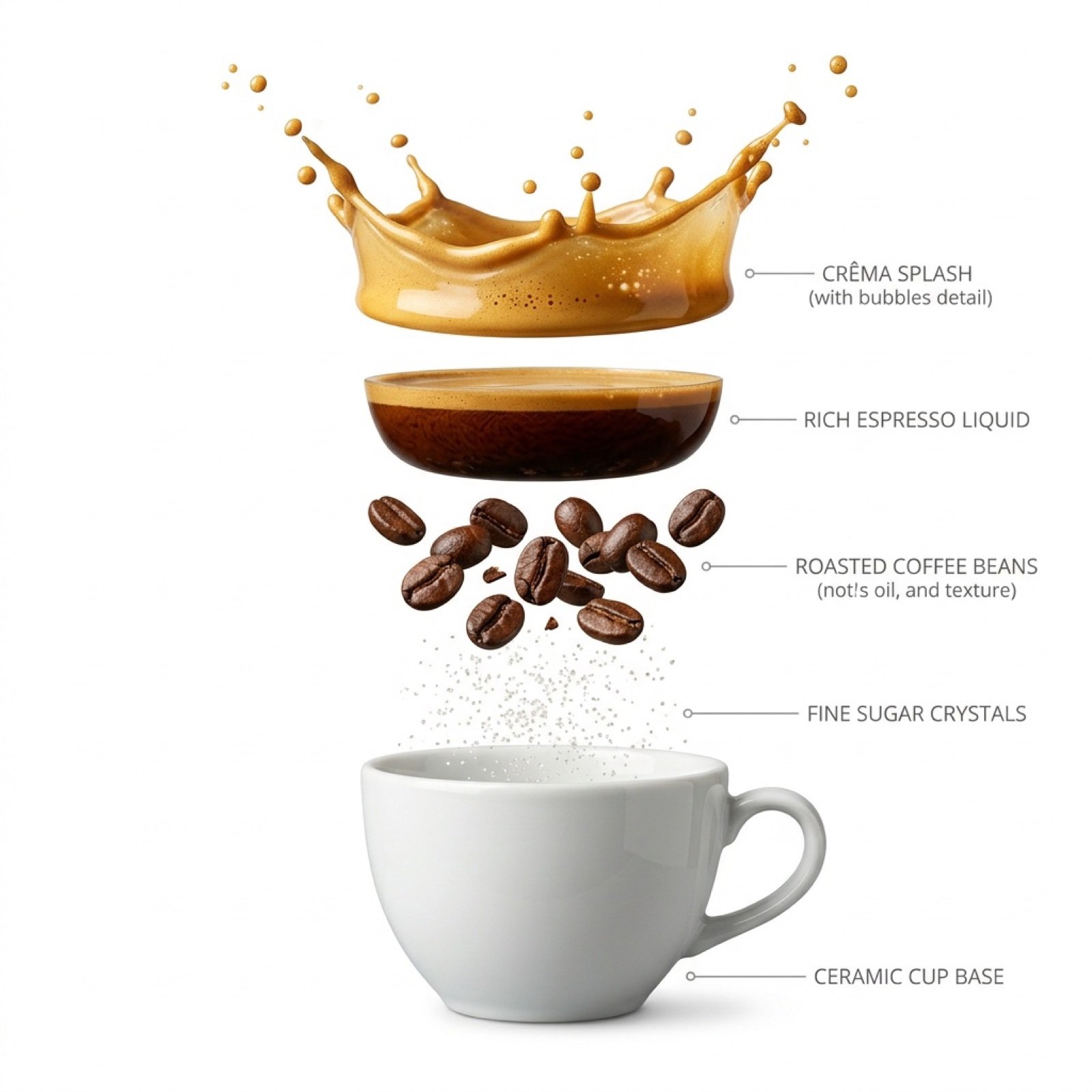
Hyper-Realistic Exploded Infographic of Morning Coffee
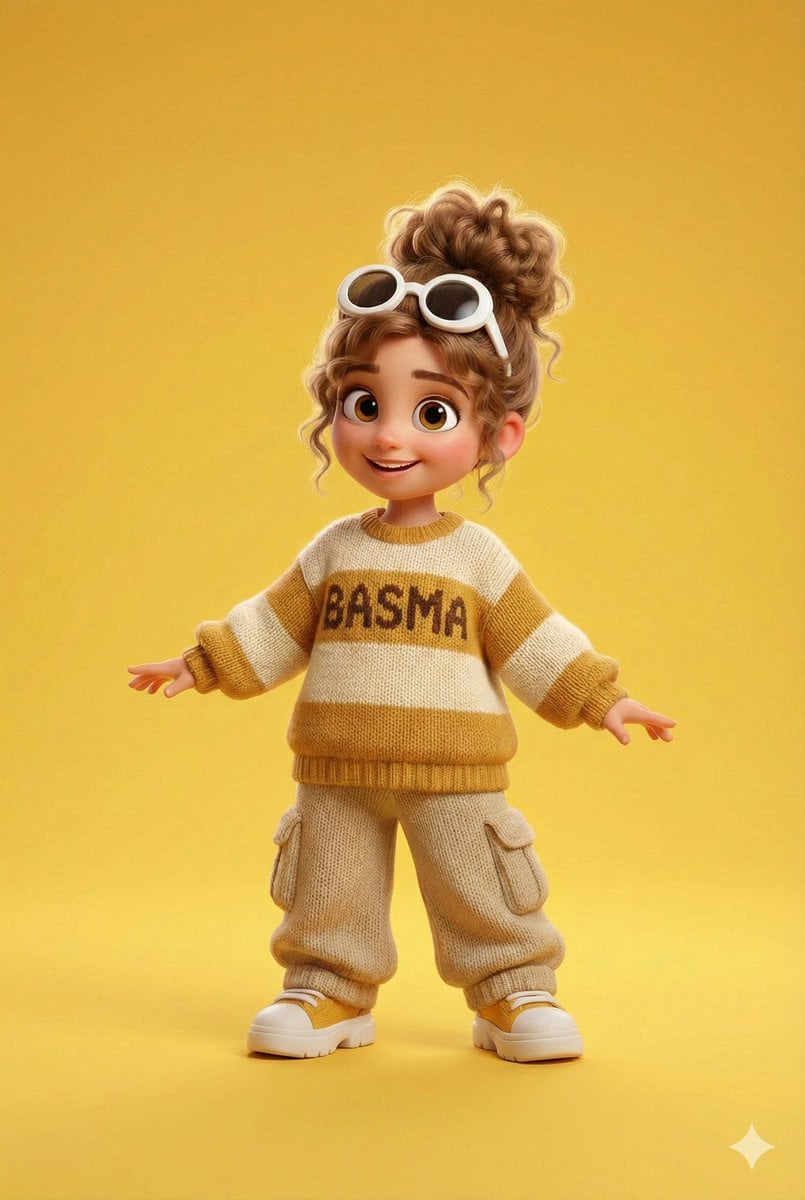
Pixar/Disney 3D Cartoon Character with Knitted Name

Step 1: Professional Photography Enhancement

Black and White Pensive Portrait with Single Light Beam
Browse template categories
Multiple dark purple berries erupting from inside the can questions
How do I use the Multiple dark purple berries erupting from inside the can template?
Add your photo if the template asks for one, edit the prompt if you like — the template's model and format are already selected — and press Generate. Your version opens in PicX Studio.
Can I customize the Multiple dark purple berries erupting from inside the can template?
Yes. You can change the subject, setting, lighting, mood, format, and available model controls before creating your image.
Is the Multiple dark purple berries erupting from inside the can template free?
Opening and editing this template is free. Generating uses credits, shown on the Generate button when you are signed in.
Which AI model should I use?
Start with GPT Image 2, which is the model associated with this template. You can compare another compatible model for a different finish.
Looking for something else? Browse all templates.

Your photo, any look
Thousands of ready templates for every top image and video model, from one credit balance.