
Food & Drink Prompt #1406
{ "production_manifest": { "metadata": { "series_id": "CIN-FOOD-2025", "aspect_ratio": "9:16", "resolution_target": "8k_uhd" }, "technical_stack": { "hardware": { "camera": "ARRI Alexa 65", "lens_profile": "Large format…
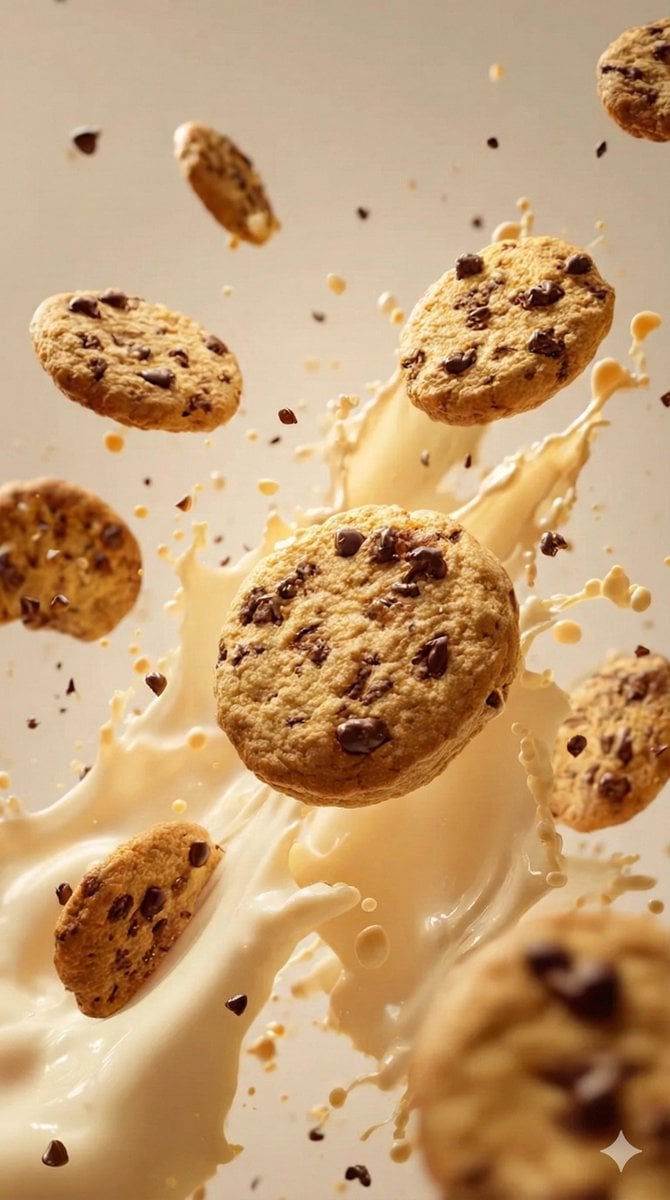
- Prompt included
- Model and format preset
- Premium template
The prompt behind this image
Copy the exact prompt behind Food & Drink Prompt #1406, or open it in the studio and make it yours.
- Production Manifest › Metadata › Series Id
- CIN-FOOD-2025
- Production Manifest › Metadata › Aspect Ratio
- 9:16
- Production Manifest › Metadata › Resolution Target
- 8k_uhd
- Production Manifest › Technical Stack › Hardware › Camera
- ARRI Alexa 65
- Production Manifest › Technical Stack › Hardware › Lens Profile
- Large format cinematic prime
- Production Manifest › Technical Stack › Film Emulation › Stock
- Kodak Portra 400
- Production Manifest › Technical Stack › Film Emulation › Characteristics
- Fine grain, Natural skin tones, Warm highlights
- Production Manifest › Technical Stack › Lighting Rig › Style
- Cinematic soft glow
- Production Manifest › Technical Stack › Lighting Rig › Atmosphere
- Timeless indoor
- Production Manifest › Technical Stack › Lighting Rig › Diffusion
- High
- Production Manifest › Artistic Direction › Visionary Style
- Greta Gerwig
- Production Manifest › Artistic Direction › Composition Rule
- Graphic centered symmetry
- Production Manifest › Artistic Direction › Physics Engine
- Suspended animation / Zero gravity
- Production Manifest › Artistic Direction › Background Specification
- Flat off-white / Studio bone
- Production Manifest › Variant Registry › 0 › Id
- VAR-001
- Production Manifest › Variant Registry › 0 › Flavor Profile
- Dark Chocolate Chip & Oat
- Production Manifest › Variant Registry › 0 › Tonal Emotion
- Playful, cheeky yet chic
- Production Manifest › Variant Registry › 0 › Ingredients › Primary Solids
- Dark chocolate chip cookies
- Production Manifest › Variant Registry › 0 › Ingredients › Fluid Fx
- Oat milk splash
- Production Manifest › Variant Registry › 0 › Ingredients › Debris
- Cookie crumbs
- Production Manifest › Variant Registry › 1 › Id
- VAR-002
- Production Manifest › Variant Registry › 1 › Flavor Profile
- Red Velvet
- Production Manifest › Variant Registry › 1 › Tonal Emotion
- Bold, playful chic
- Production Manifest › Variant Registry › 1 › Ingredients › Primary Solids
- Red velvet cake pieces
Raw JSON
{
  "production_manifest": {
    "metadata": {
      "series_id": "CIN-FOOD-2025",
      "aspect_ratio": "9:16",
      "resolution_target": "8k_uhd"
    },
    "technical_stack": {
      "hardware": {
        "camera": "ARRI Alexa 65",
        "lens_profile": "Large format cinematic prime"
      },
      "film_emulation": {
        "stock": "Kodak Portra 400",
        "characteristics": ["Fine grain", "Natural skin tones", "Warm highlights"]
      },
      "lighting_rig": {
        "style": "Cinematic soft glow",
        "atmosphere": "Timeless indoor",
        "diffusion": "High"
      }
    },
    "artistic_direction": {
      "visionary_style": "Greta Gerwig",
      "composition_rule": "Graphic centered symmetry",
      "physics_engine": "Suspended animation / Zero gravity",
      "background_specification": "Flat off-white / Studio bone"
    },
    "variant_registry": [
      {
        "id": "VAR-001",
        "flavor_profile": "Dark Chocolate Chip & Oat",
        "tonal_emotion": "Playful, cheeky yet chic",
        "ingredients": {
          "primary_solids": ["Dark chocolate chip cookies"],
          "fluid_fx": ["Oat milk splash"],
          "debris": ["Cookie crumbs"]
        }
      },
      {
        "id": "VAR-002",
        "flavor_profile": "Red Velvet",
        "tonal_emotion": "Bold, playful chic",
        "ingredients": {
          "primary_solids": ["Red velvet cake pieces"],
          "fluid_fx": ["Cream cheese frosting swirls"],
          "debris": ["Cocoa dust", "Fine red cake crumbs"]
        }
      },
      {
        "id": "VAR-003",
        "flavor_profile": "Pistachio Macaron",
        "tonal_emotion": "Refined, playful chic",
        "ingredients": {
          "primary_solids": ["Pistachio macarons"],
          "fluid_fx": ["Cream filling swirls"],
          "debris": ["Crushed pistachio nuts"]
        }
      },
      {
        "id": "VAR-004",
        "flavor_profile": "Strawberry Shortcake",
        "tonal_emotion": "Sweet, playful yet chic",
        "ingredients": {
          "primary_solids": ["Fresh strawberry slices"],
          "fluid_fx": ["Whipped cream swirls"],
          "debris": ["Shortcake biscuit crumbs"]
        }
      }
    ]
  }
}How to use Food & Drink Prompt #1406 in 3 steps
- 1
Open
The prompt is already in the box next to the preview, with the template's model and format selected.
- 2…a portrait of your subject in softgolden-hour light, 85mm…
Personalize
Edit the subject and creative details for your destination.
- 3Generate
Generate
Press Generate — your image is created in PicX Studio, so you can compare it with the original and refine one variable at a time.
More like this
Templates with the same subject, style or setup. Open one to see its prompt.
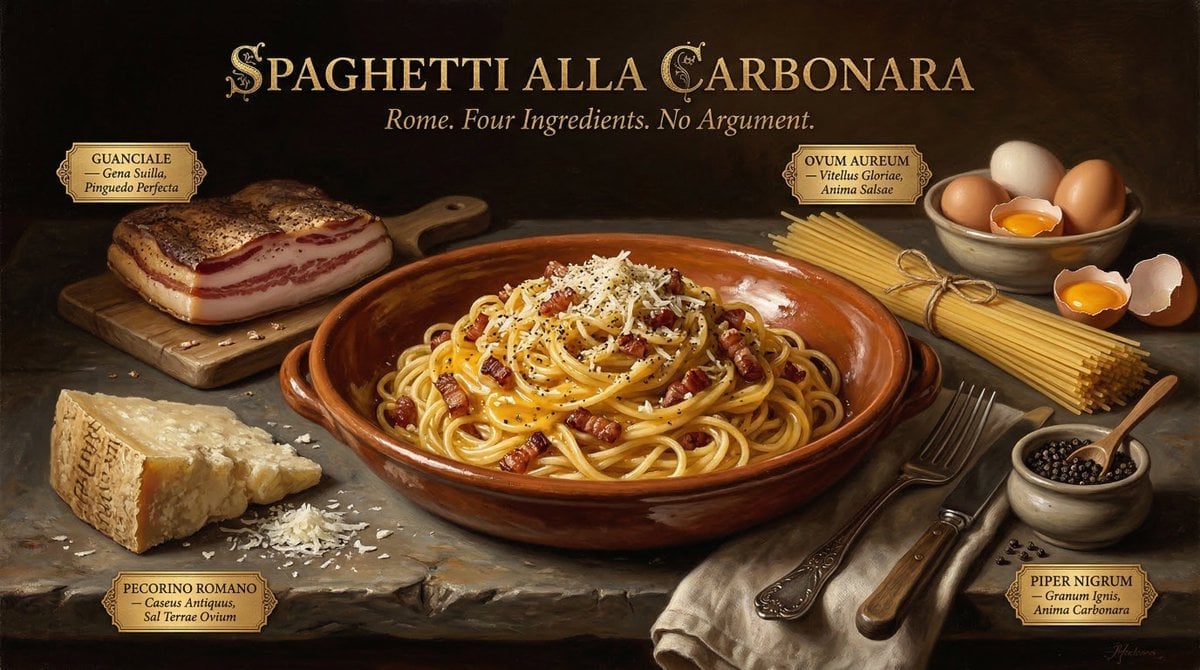
Food & Drink Prompt #913
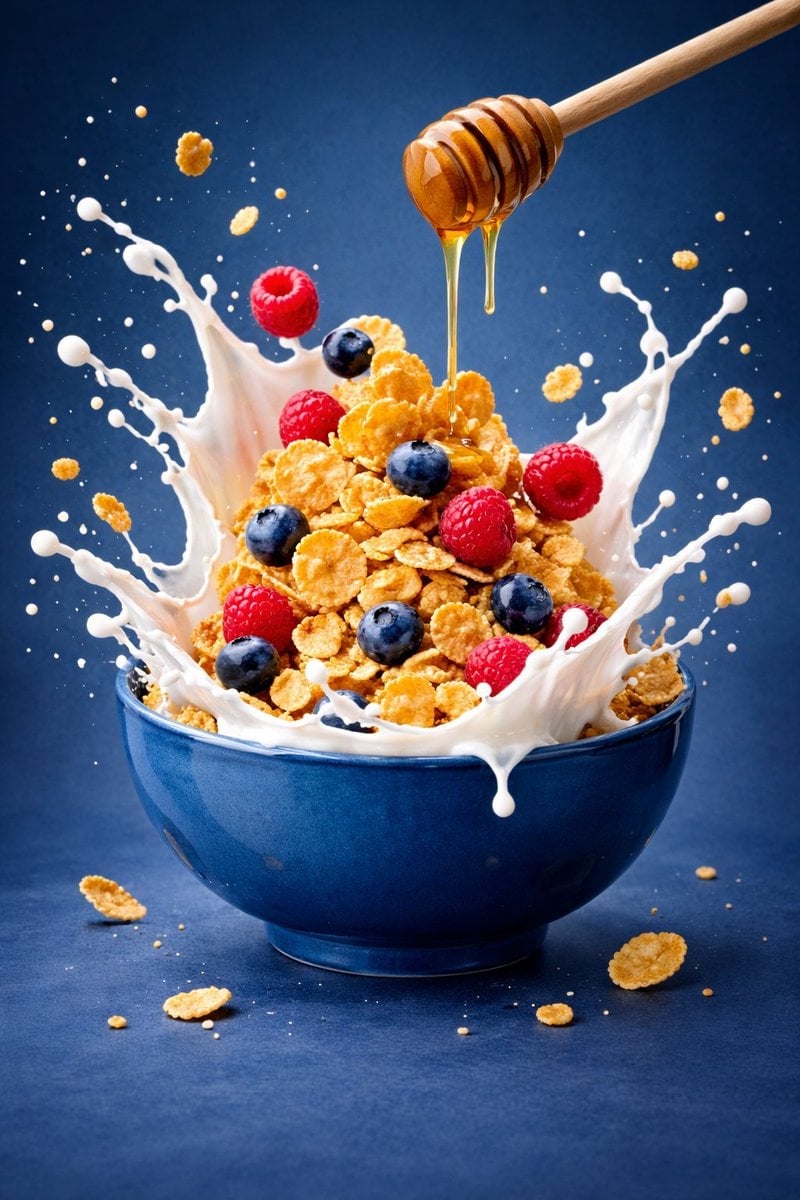
Ultra-premium cinematic food photography, 8K UHD, 3 4 aspect ratio

Bold, intense, premium, cinematic, high-impact food commercial aesthetic
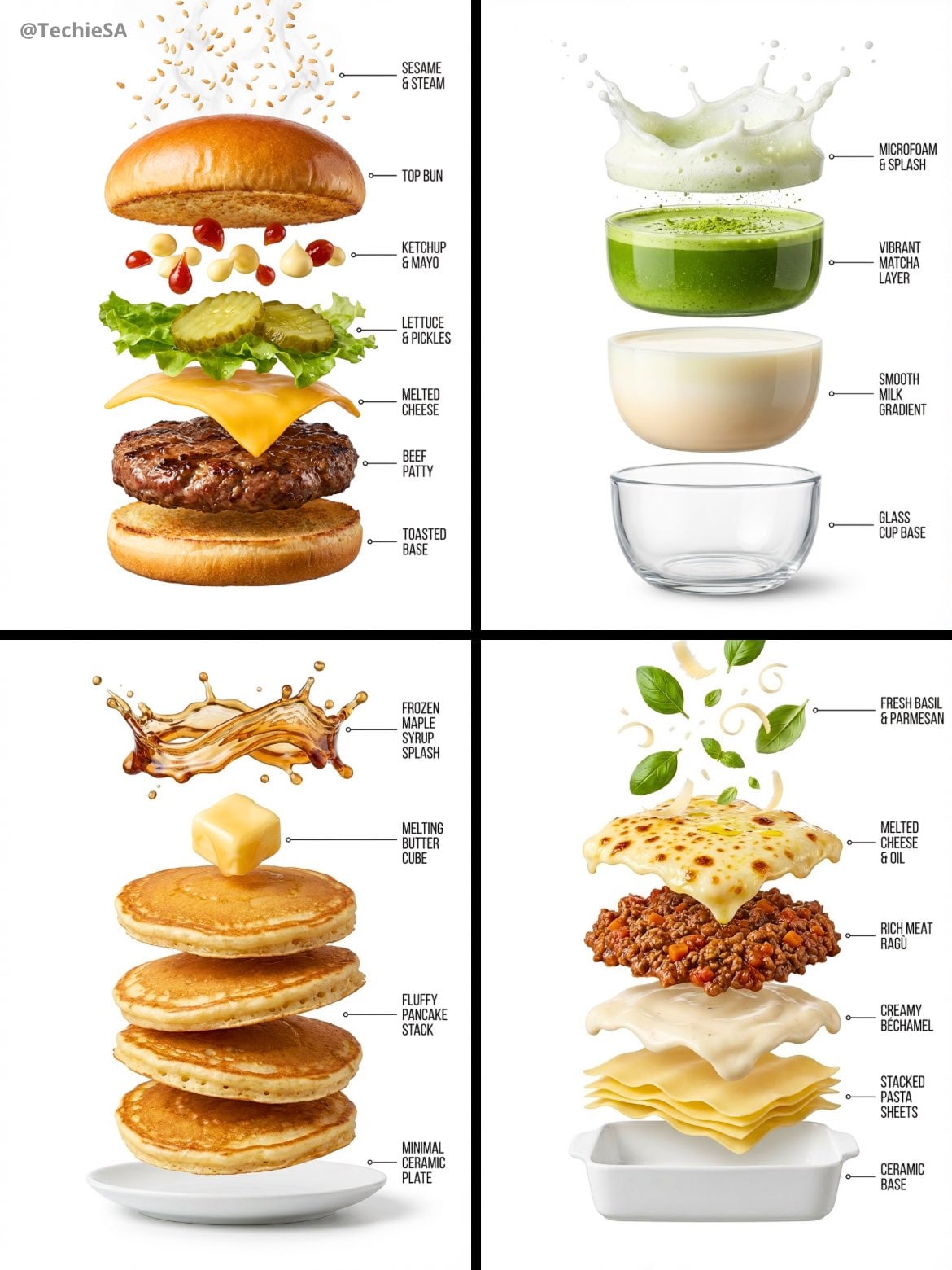
Hyper-realistic exploded vertical infographic composition
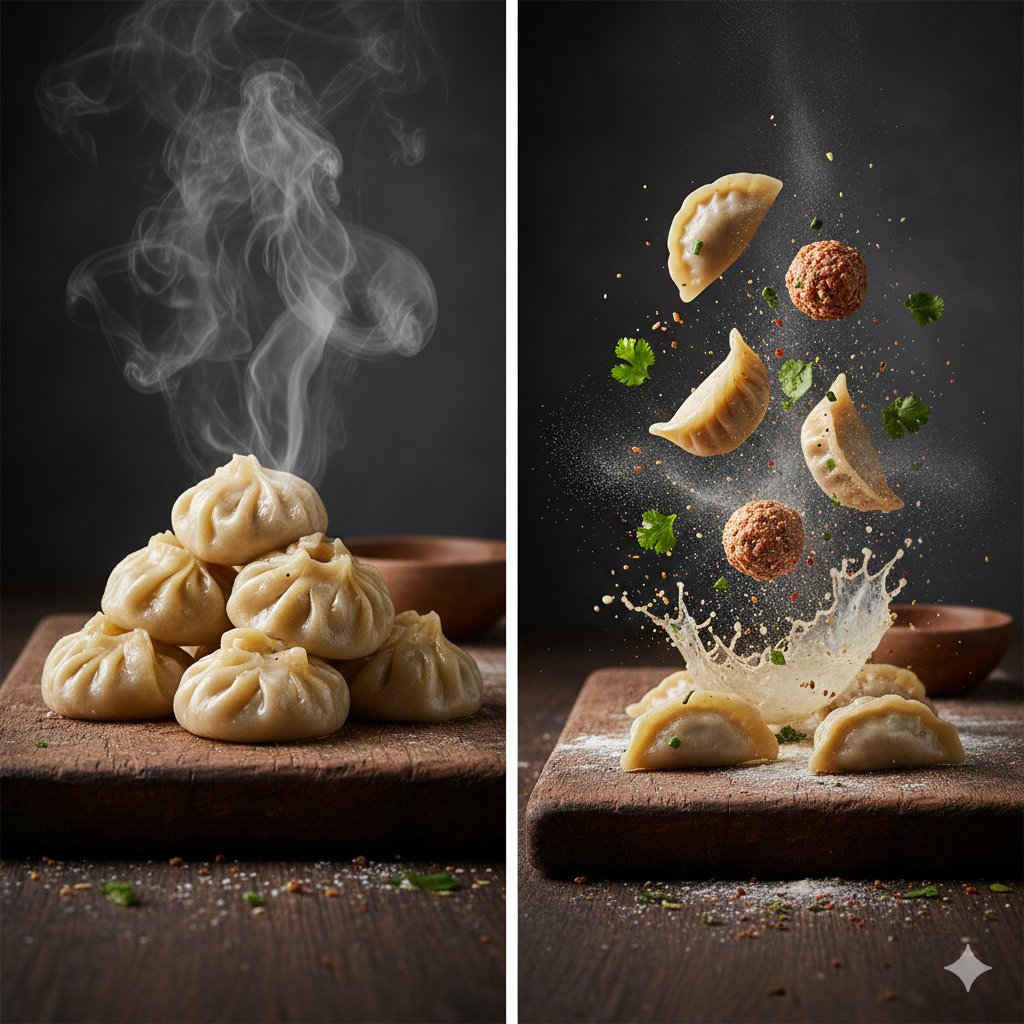
The Cinematic Momo Duo

Multiple dark purple berries erupting from inside the can
Each module shares structure but maintains unique visual dynamics
Enhanced realism, minimal alteration from original composition
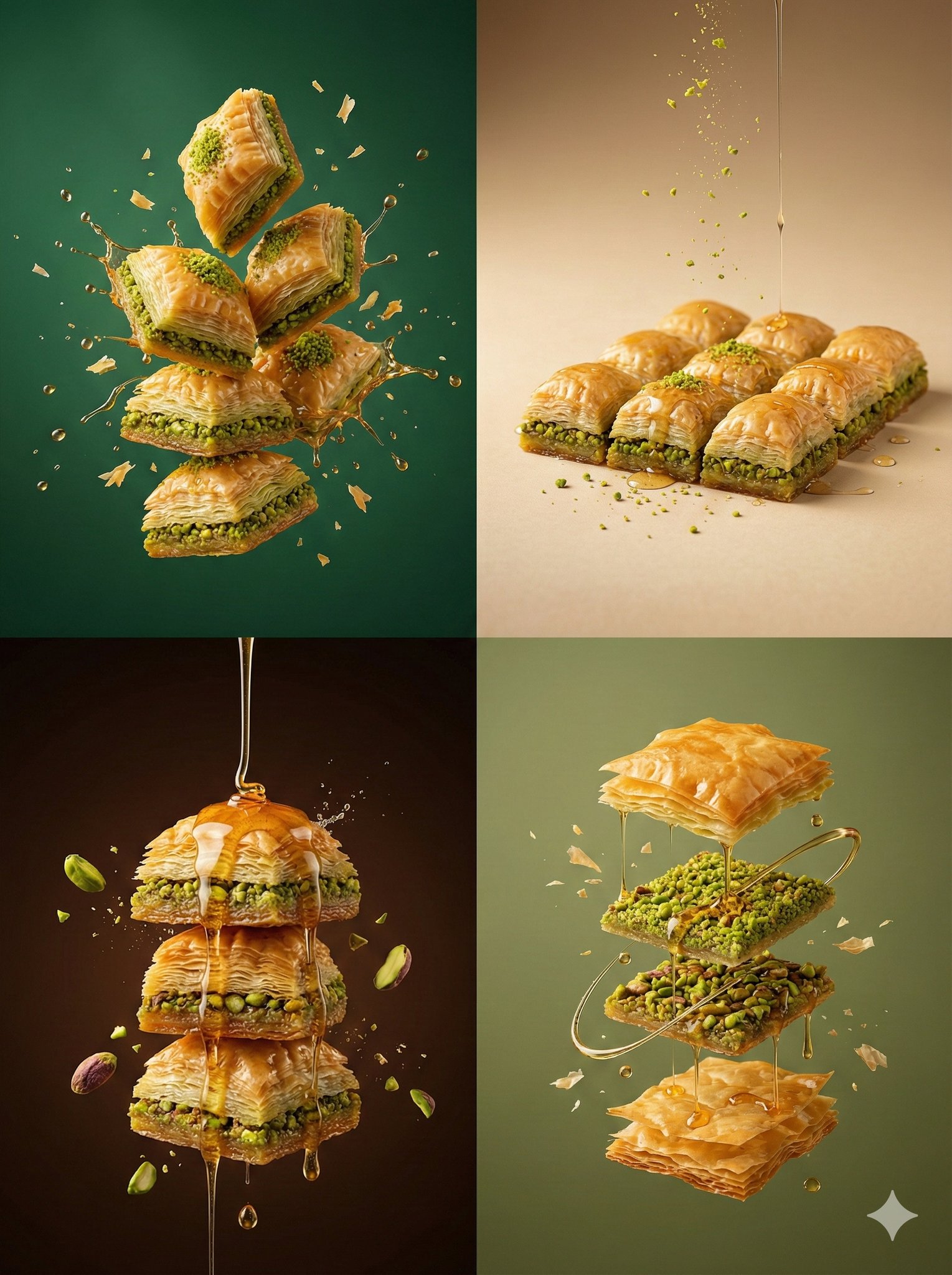
Controlled studio lighting emphasizing texture, layers, and syrup
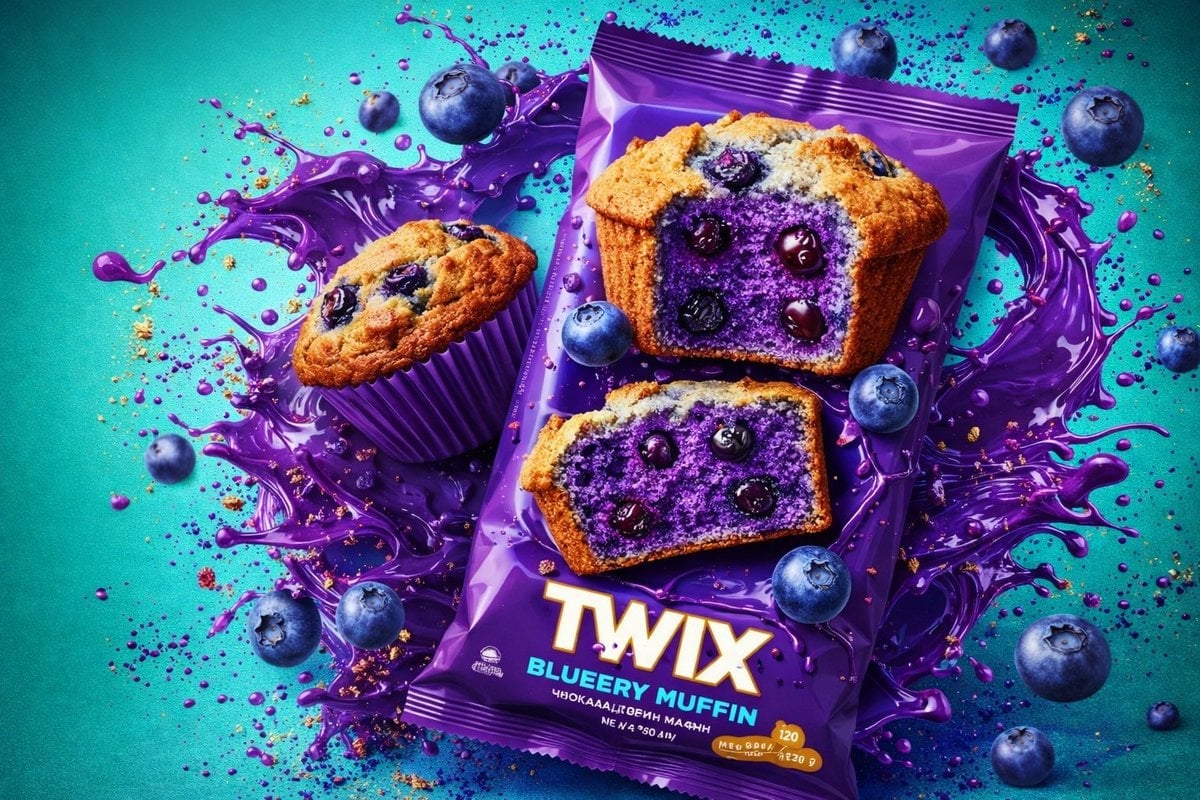
Thick molten chocolate splashes wrapping around the package
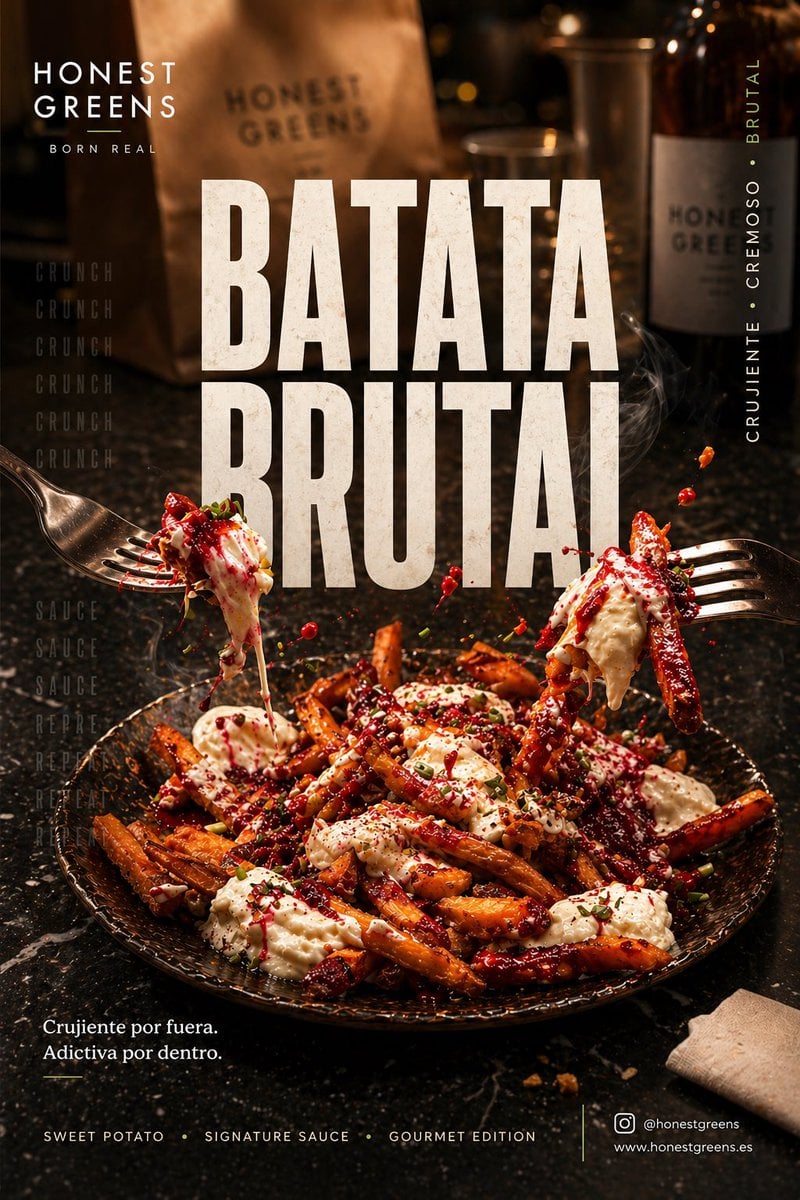
Póster social premium 4 5 vertical para Instagram, ultra alta
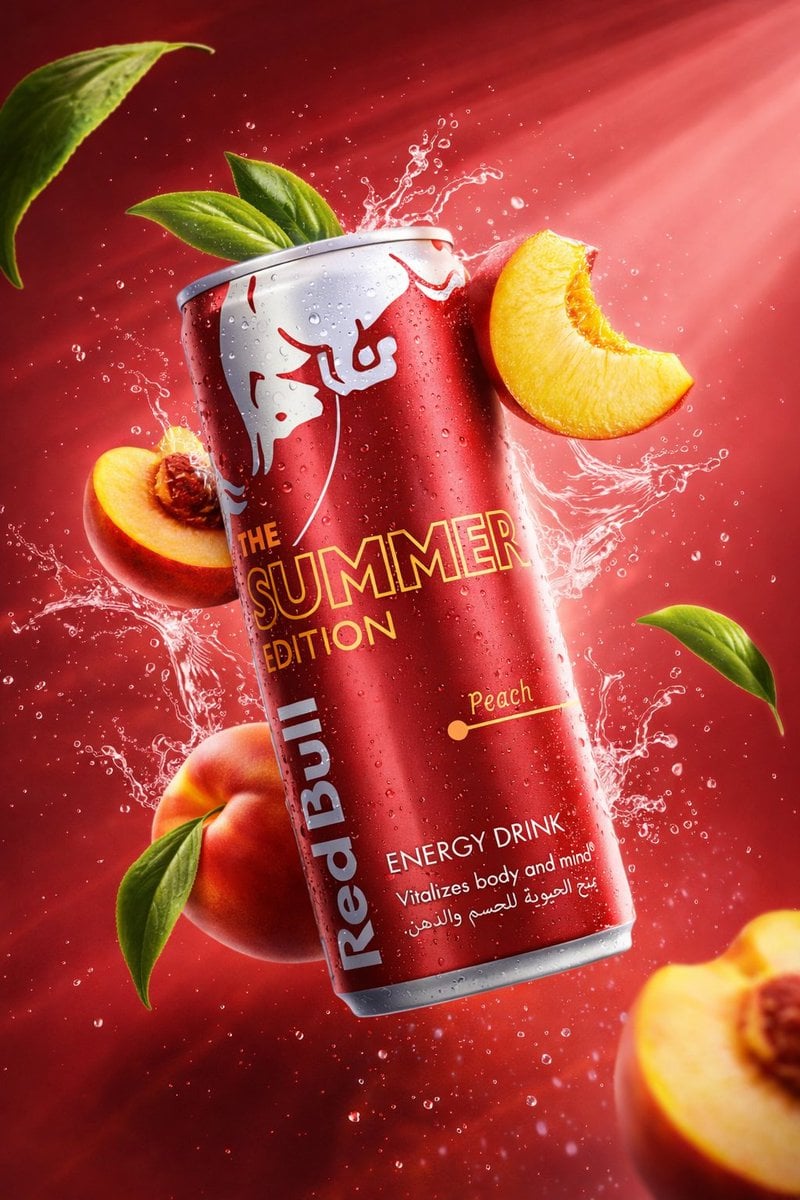
Cinematic studio lighting with volumetric light rays
Make it yours
Food & Drink Prompt #1406 works as-is. These are the safest ways to change it without losing the look.
Swap the setting
Keep the rest of the prompt and replace the location block. The current setting is “Flat off-white / Studio bone”.
Swap the light
One lighting change is enough to compare takes. Current light: “Cinematic soft glow”.
Change one field
Copy a single group, rewrite it, and generate again so you can see what that field is doing.
| If the result… | Why | Fix |
|---|---|---|
| The result drifts from the preview | Too many fields changed at once. | Reuse Food & Drink Prompt #1406 as-is first, then change one group — subject, light, or setting. |
| Nano Banana 2 ignores part of the JSON | Some models flatten or skip nested keys. | Keep the same values and paste them as a short paragraph instead. |
More Nano Banana 2 templates
Other prompts made for Nano Banana 2.

Photorealistic Leaf Shaped Like a Dragon

K-Pop Idol Portrait Grid for Rapid Selection

Poetic Rain Forest Portrait During Golden Hour

Urban Street Portrait with Cartoon Inner Self Duo

Candid Nighttime Photo with Cat Prompt

High-Concept 3D Diorama Generation Prompt

Cinematic Futuristic Studio Portrait Template

Skincare Editorial Photography Collage Prompt

Hyper-Realistic Commercial Product Photography (Splash Effect)

Hyper-Realistic Nightclub Portrait Prompt
More image prompts
Fresh picks from across the catalog.
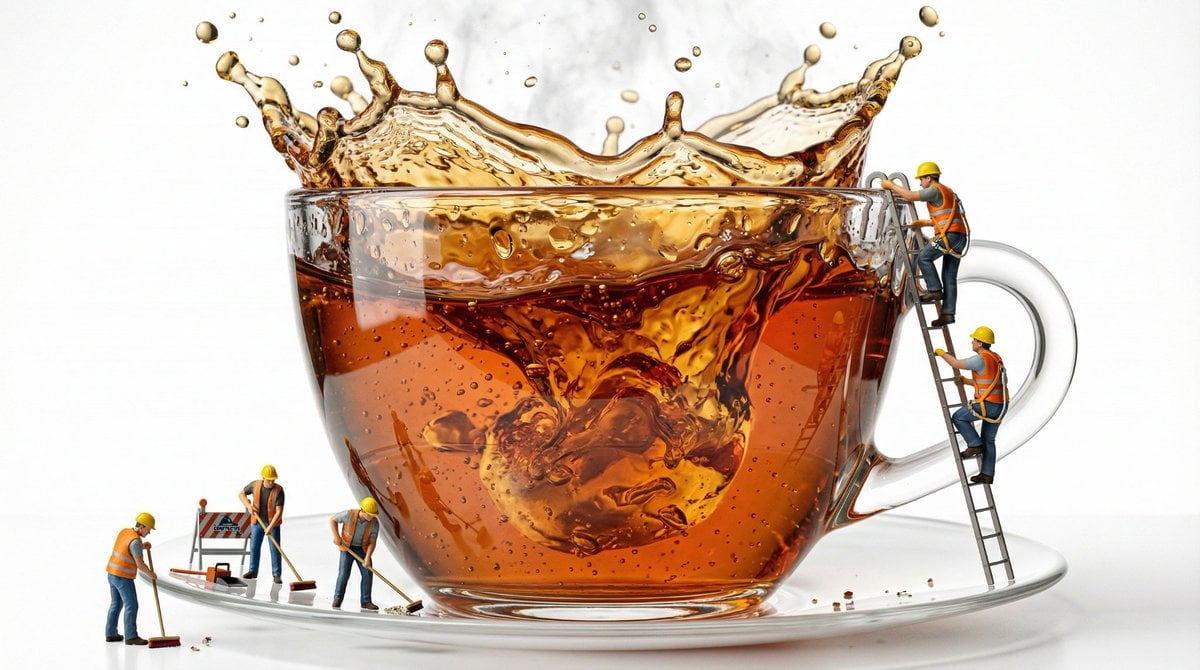
Macro Product Shot of Teacup with Construction Workers
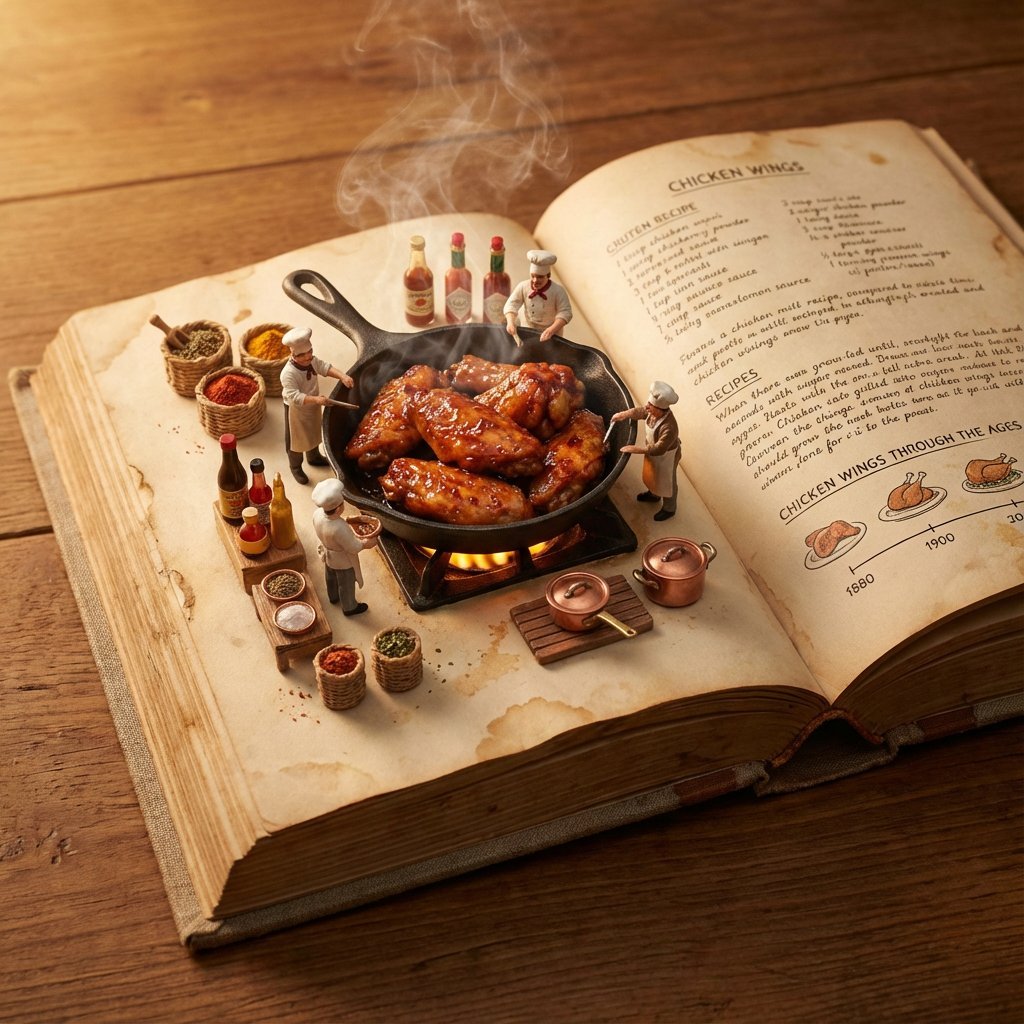
Vintage Cookbook Food Scene
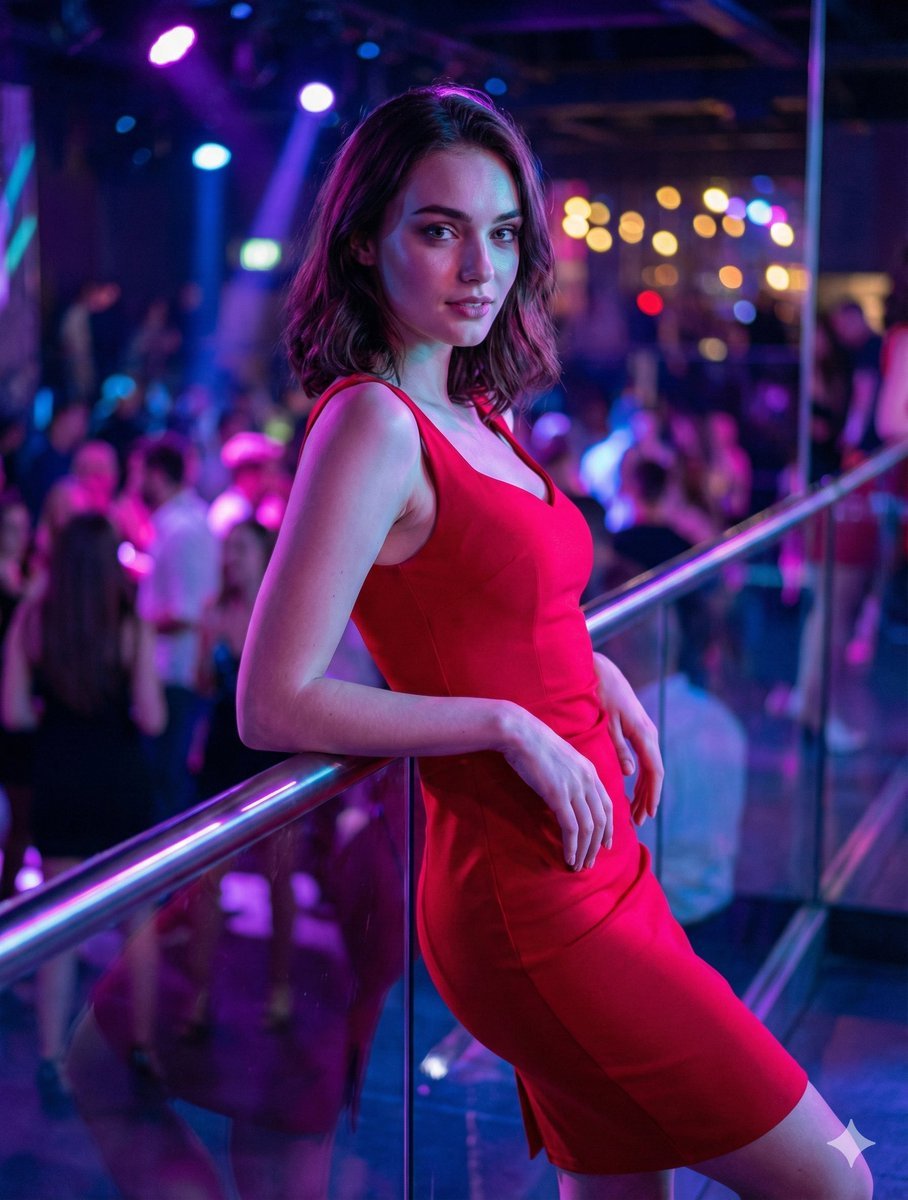
Identity-Preserving Portrait Prompts for Nightclub and Festive Scenes
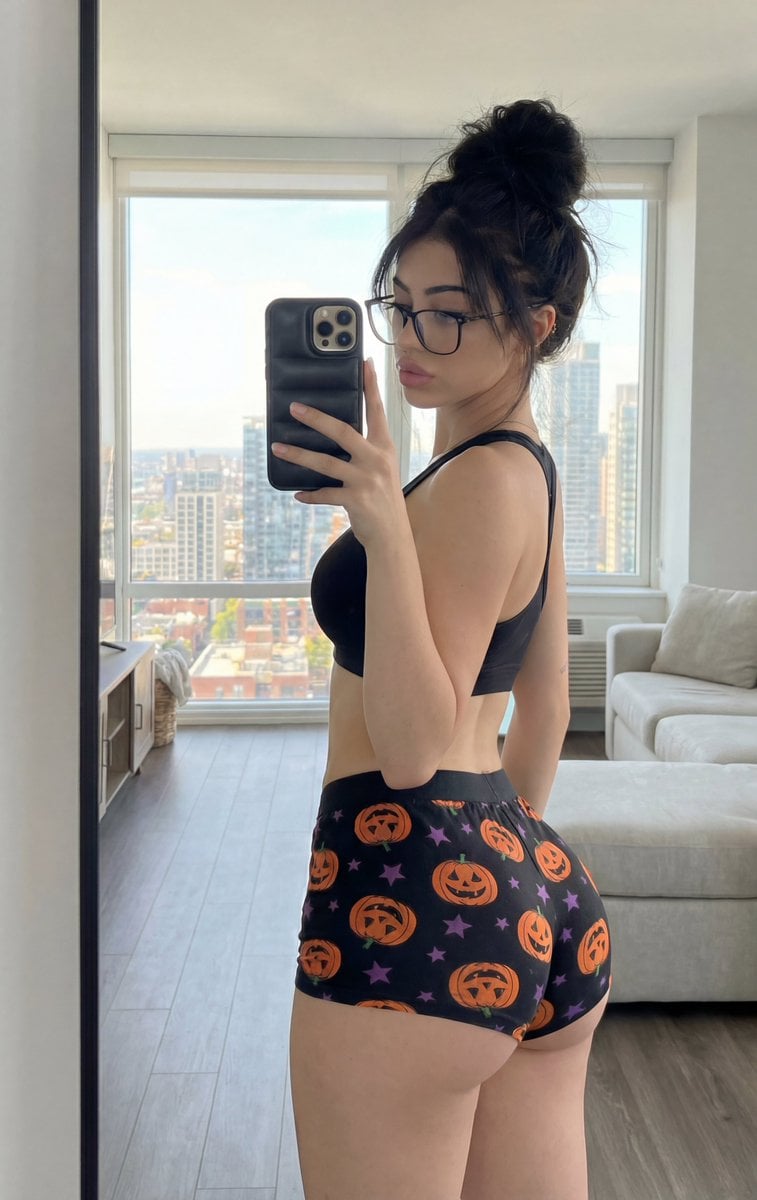
Detailed structured prompt for a photorealistic mirror selfie of an athletic woman
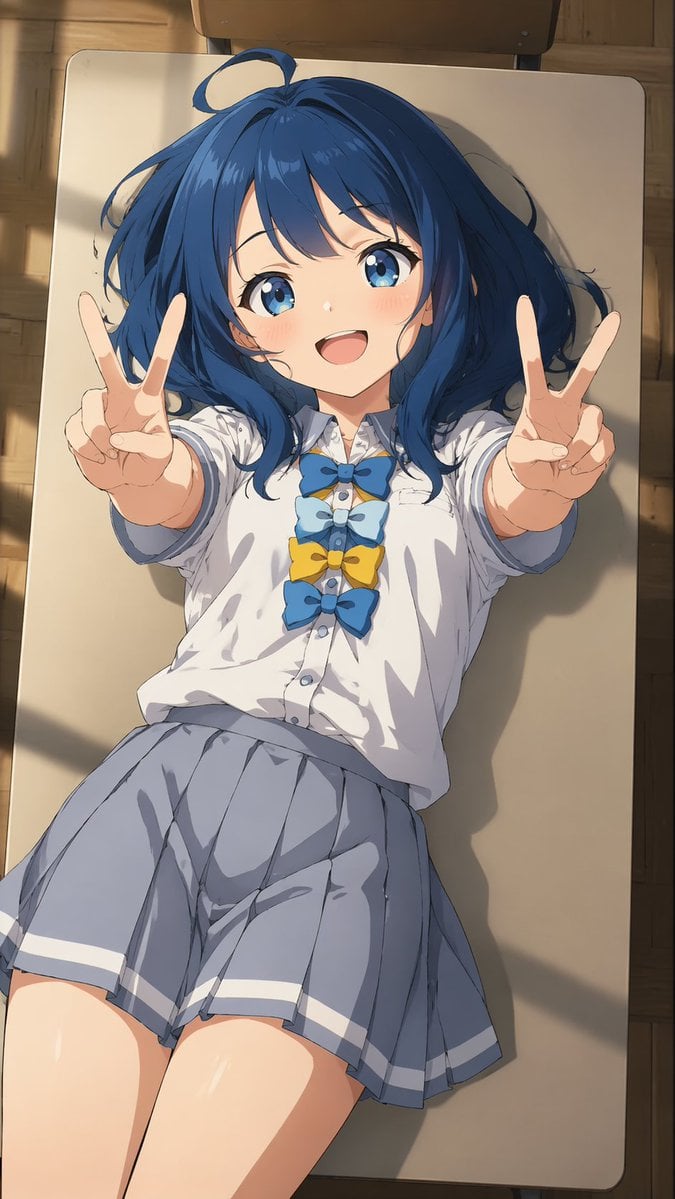
Overhead Anime Girl Peace Sign Portrait
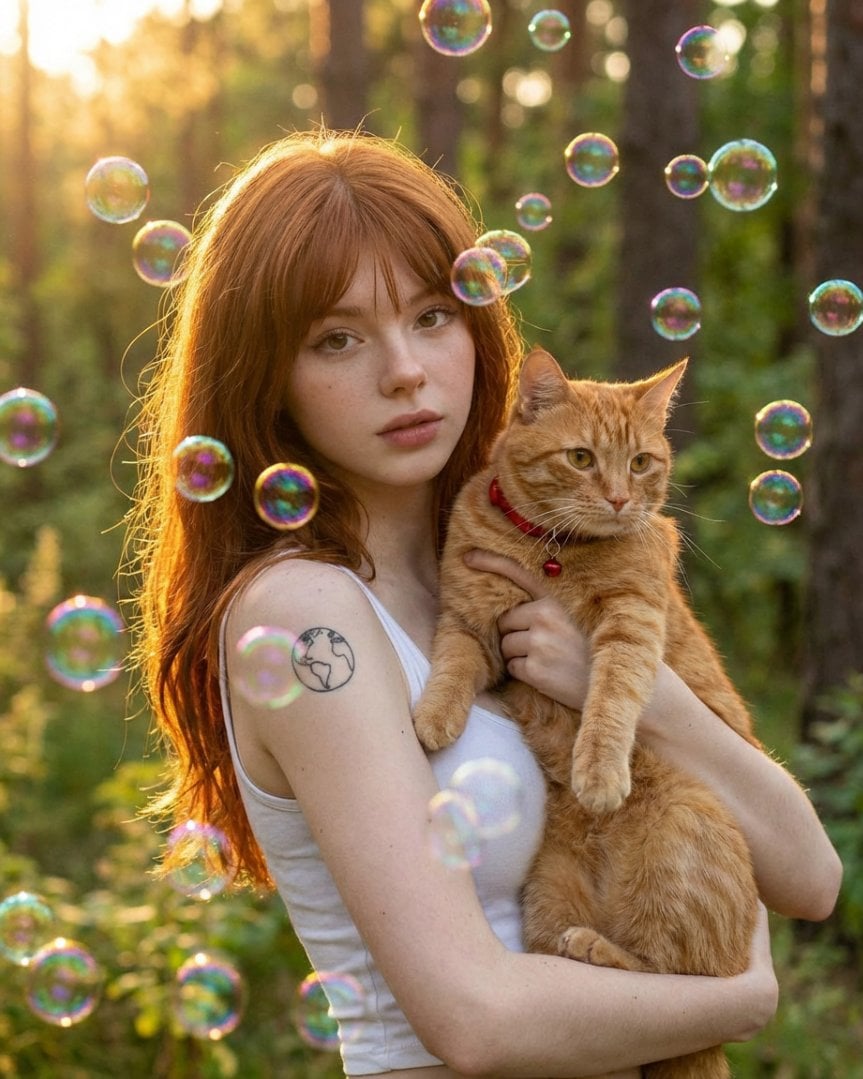
Dreamy Golden Hour Portrait with Cat and Soap Bubbles
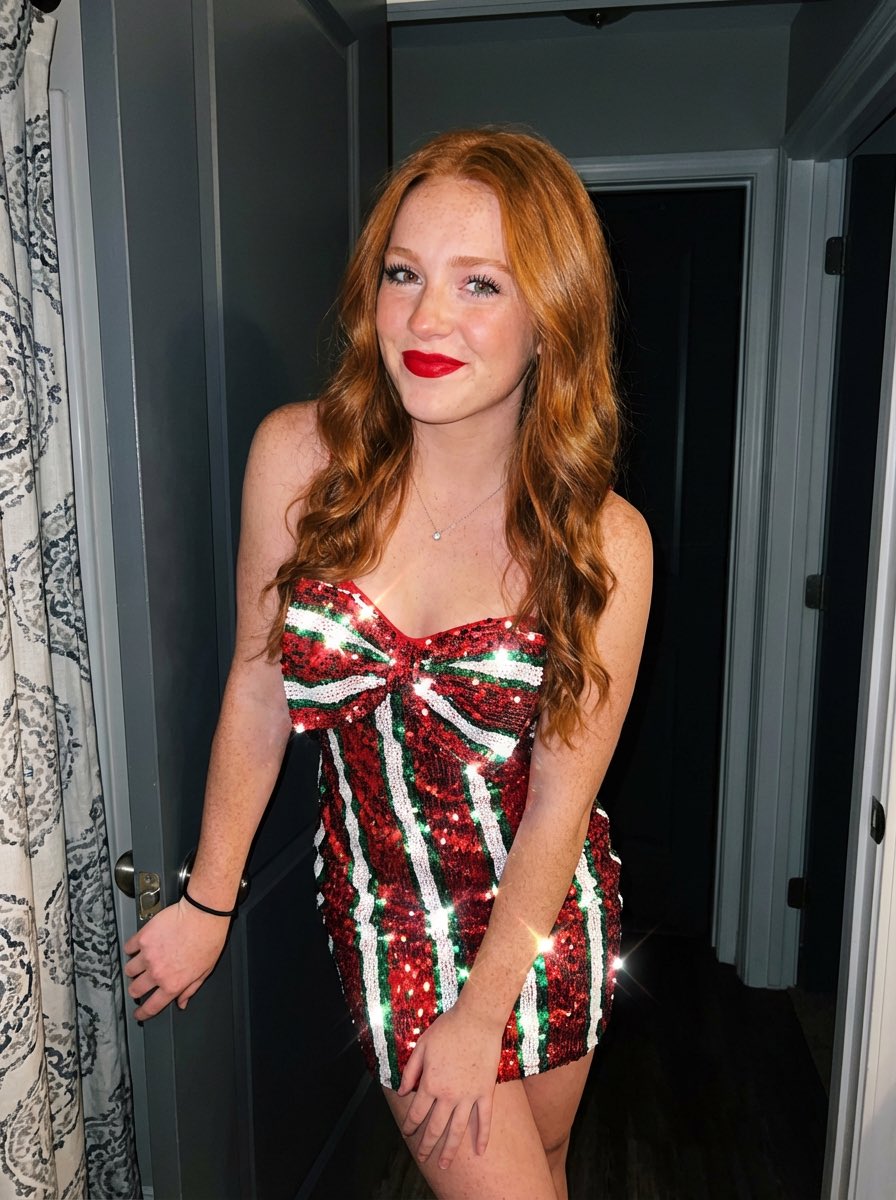
Image generation prompt for a young woman with red hair and sequin dress
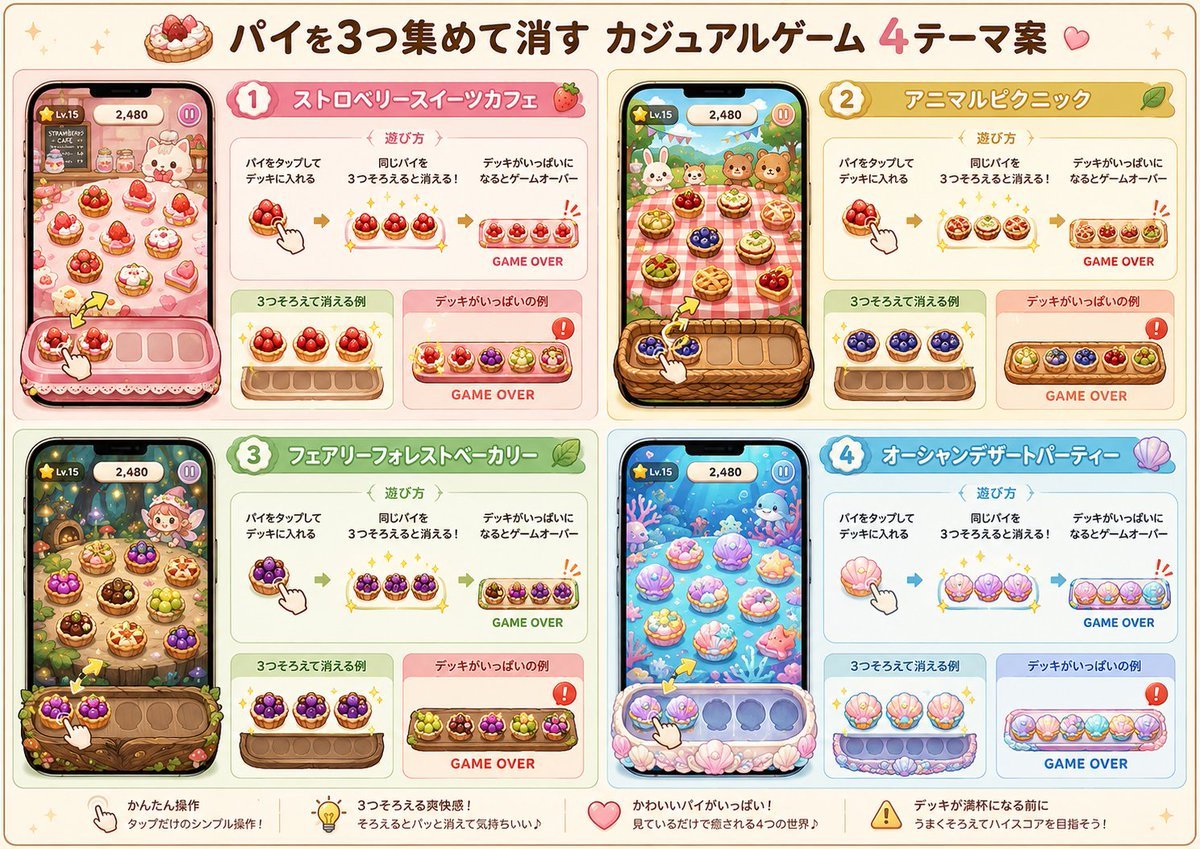
Four Theme Pie Puzzle Game Sheet
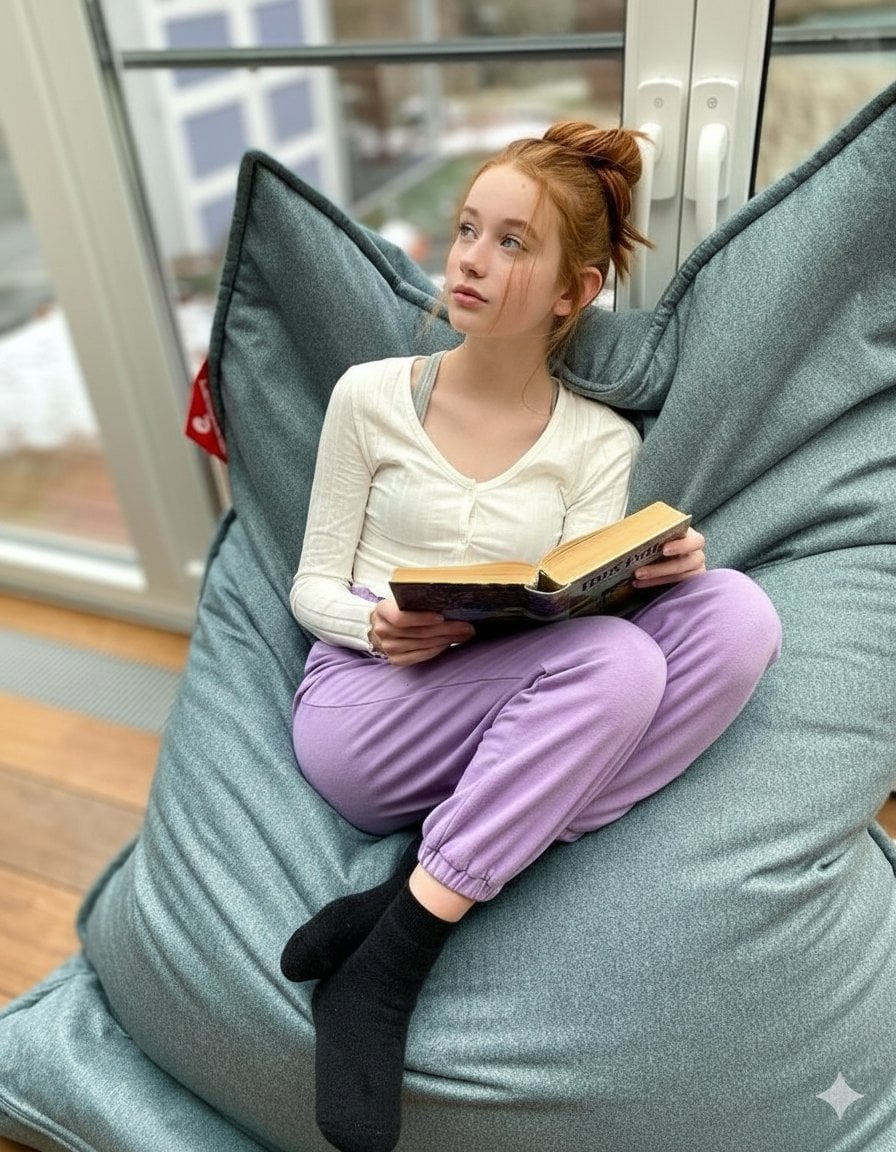
Cozy Teenage Girl Reading Portrait Prompt
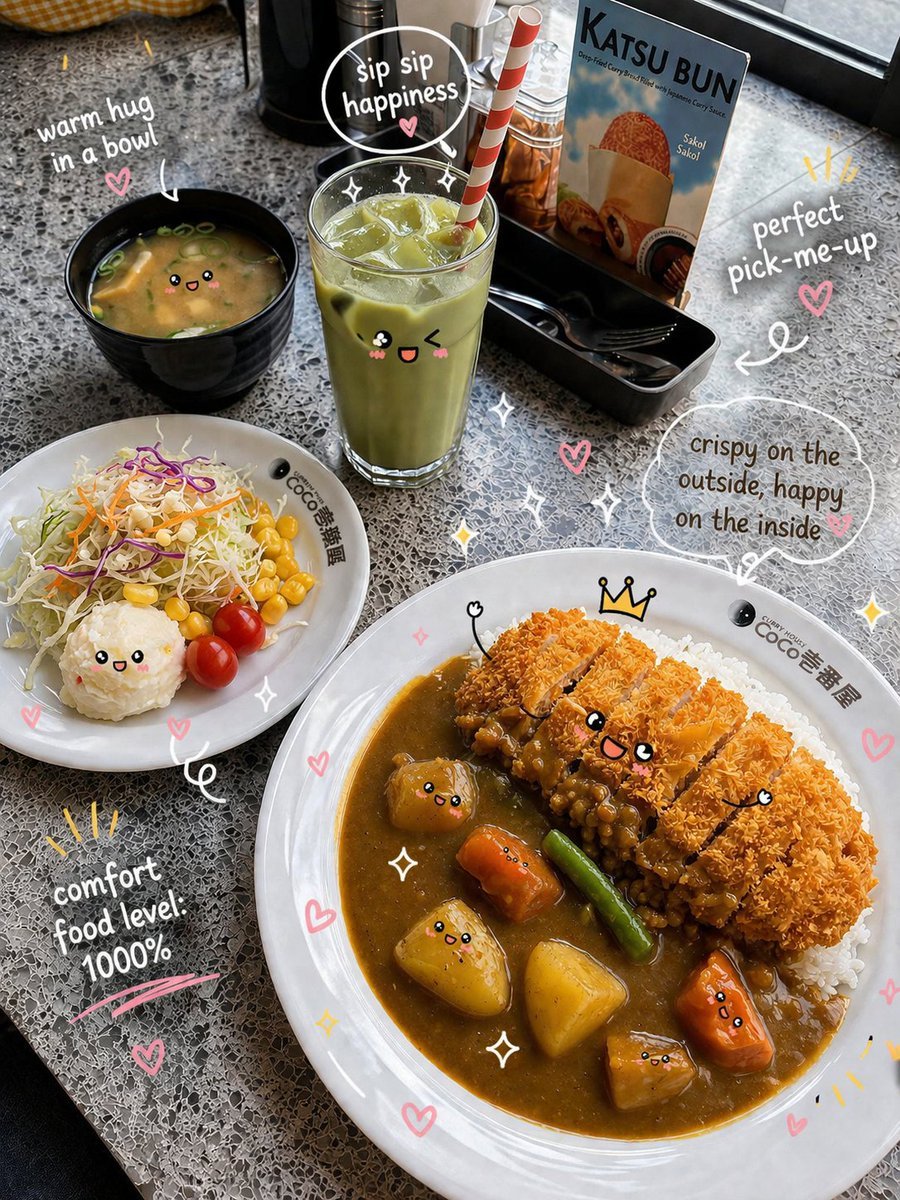
Kawaii Katsu Curry Food Photography
Browse template categories
Food & Drink Prompt #1406 questions
How do I use the Food & Drink Prompt #1406 template?
Add your photo if the template asks for one, edit the prompt if you like — the template's model and format are already selected — and press Generate. Your version opens in PicX Studio.
Can I customize the Food & Drink Prompt #1406 template?
Yes. You can change the subject, setting, lighting, mood, format, and available model controls before creating your image.
Is the Food & Drink Prompt #1406 template free?
Opening and editing this template is free. Generating uses credits, shown on the Generate button when you are signed in.
Which AI model should I use?
Start with Nano Banana 2, which is the model associated with this template. You can compare another compatible model for a different finish.
Looking for something else? Browse all templates.

Your photo, any look
Thousands of ready templates for every top image and video model, from one credit balance.