
Enhanced realism, minimal alteration from original composition
{ "global_settings": { "resolution": "8K ultra high definition", "aspect_ratio": "2:3 vertical", "image_type": "AI-edited cinematic food photography", "detail_level": "extreme micro-detail, sharp focus, clean edges"…
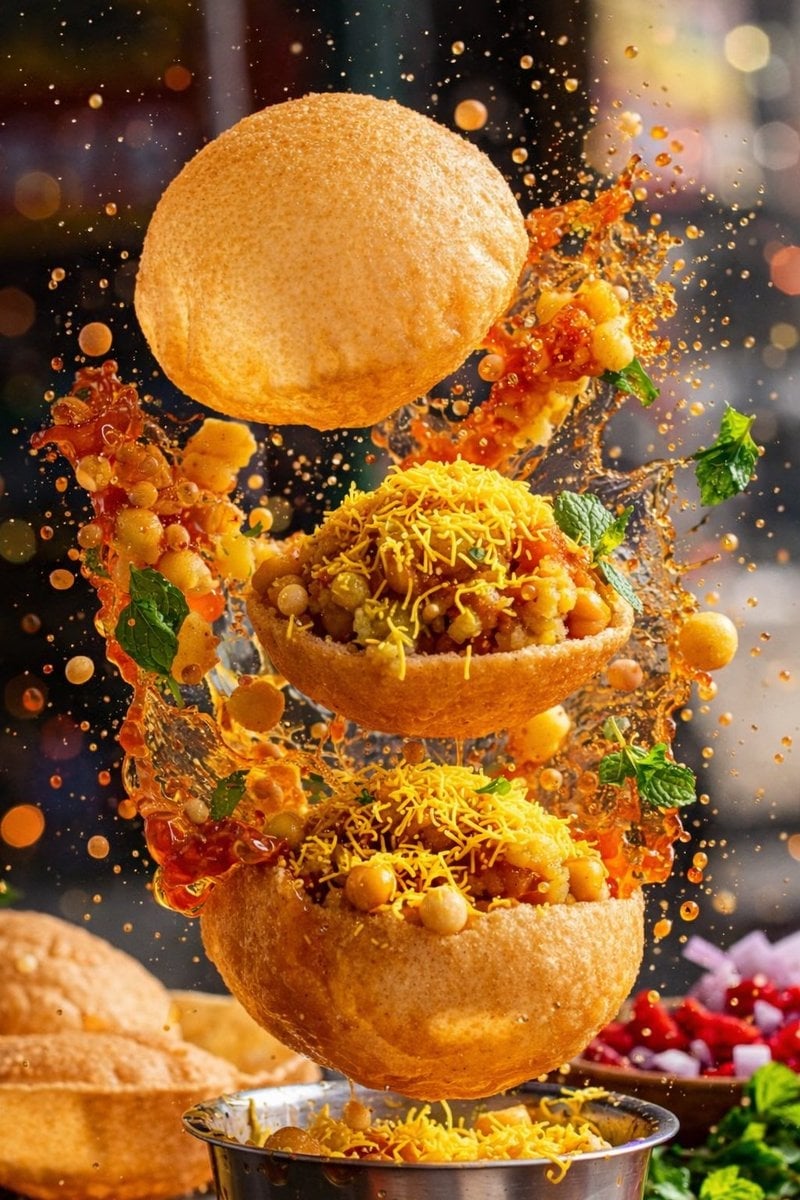
- Prompt included
- Model and format preset
- Premium template
The prompt behind this image
Copy the exact prompt behind Enhanced realism, minimal alteration from original composition, or open it in the studio and make it yours.
- Global Settings › Resolution
- 8K ultra high definition
- Global Settings › Aspect Ratio
- 2:3 vertical
- Global Settings › Image Type
- AI-edited cinematic food photography
- Global Settings › Detail Level
- extreme micro-detail, sharp focus, clean edges
- Global Settings › Style Constraint
- enhanced realism, minimal alteration from original composition
- Module 1 Image 1 Style › Subject
- single hard-shell taco
- Module 1 Image 1 Style › Composition › Orientation
- diagonal, floating in mid-air
- Module 1 Image 1 Style › Composition › Foreground Focus
- taco shell and filling
- Module 1 Image 1 Style › Composition › Motion
- ingredients suspended, sauce splash frozen mid-air
- Module 1 Image 1 Style › Visible Elements › Shell
- golden yellow hard taco shell with crisp texture
- Module 1 Image 1 Style › Visible Elements › Filling
- shredded cooked meat with visible fibers, green sauce layered on top, small red diced pieces, white crumbled cheese
- Module 1 Image 1 Style › Visible Elements › Floating Garnish
- avocado slices, purple onion rings, green herb leaves, small reddish-brown meat cubes, tiny white crumbs
- Module 1 Image 1 Style › Visible Elements › Liquid
- orange-red sauce splash erupting upward behind taco
- Module 1 Image 1 Style › Lighting › Type
- high-contrast studio lighting
- Module 1 Image 1 Style › Lighting › Highlights
- glossy reflections on sauce and meat
- Module 1 Image 1 Style › Lighting › Background Lights
- soft circular bokeh in warm and cool tones
- Module 1 Image 1 Style › Background › Color
- dark with neon-like blurred lights
- Module 1 Image 1 Style › Background › Depth
- strong depth of field, background fully defocused
- Module 2 Image 2 Style › Subject
- three grilled meat skewers
- Module 2 Image 2 Style › Composition › Orientation
- vertical skewers, slightly angled
- Module 2 Image 2 Style › Composition › Foreground Focus
- center skewer
- Module 2 Image 2 Style › Composition › Motion
- ingredients and sauce suspended
- Module 2 Image 2 Style › Visible Elements › Skewers
- wooden sticks with pointed ends
- Module 2 Image 2 Style › Visible Elements › Meat
- chunked grilled meat with char marks and uneven texture
Raw JSON
{
  "global_settings": {
    "resolution": "8K ultra high definition",
    "aspect_ratio": "2:3 vertical",
    "image_type": "AI-edited cinematic food photography",
    "detail_level": "extreme micro-detail, sharp focus, clean edges",
    "style_constraint": "enhanced realism, minimal alteration from original composition"
  },

  "module_1_image_1_style": {
    "subject": "single hard-shell taco",
    "composition": {
      "orientation": "diagonal, floating in mid-air",
      "foreground_focus": "taco shell and filling",
      "motion": "ingredients suspended, sauce splash frozen mid-air"
    },
    "visible_elements": {
      "shell": "golden yellow hard taco shell with crisp texture",
      "filling": [
        "shredded cooked meat with visible fibers",
        "green sauce layered on top",
        "small red diced pieces",
        "white crumbled cheese"
      ],
      "floating_garnish": [
        "avocado slices",
        "purple onion rings",
        "green herb leaves",
        "small reddish-brown meat cubes",
        "tiny white crumbs"
      ],
      "liquid": "orange-red sauce splash erupting upward behind taco"
    },
    "lighting": {
      "type": "high-contrast studio lighting",
      "highlights": "glossy reflections on sauce and meat",
      "background_lights": "soft circular bokeh in warm and cool tones"
    },
    "background": {
      "color": "dark with neon-like blurred lights",
      "depth": "strong depth of field, background fully defocused"
    }
  },

  "module_2_image_2_style": {
    "subject": "three grilled meat skewers",
    "composition": {
      "orientation": "vertical skewers, slightly angled",
      "foreground_focus": "center skewer",
      "motion": "ingredients and sauce suspended"
    },
    "visible_elements": {
      "skewers": "wooden sticks with pointed ends",
      "meat": "chunked grilled meat with char marks and uneven texture",
      "garnish": "small green herb leaves attached to meat",
      "floating_items": [
        "round cucumber slices",
        "thin onion rings"
      ],
      "sauce": {
        "container": "small white ramekin",
        "action": "thick orange sauce splashing upward from bowl"
      },
      "particles": "tiny spice or crumb particles scattered in air"
    },
    "lighting": {
      "type": "dramatic directional lighting",
      "highlights": "strong sheen on meat surface",
      "contrast": "deep shadows"
    },
    "background": {
      "color": "solid deep red",
      "texture": "soft grain with floating particles"
    }
  },

  "module_3_image_3_style": {
    "subject": "four sushi rolls",
    "composition": {
      "orientation": "floating cluster",
      "spacing": "uneven depth, some closer, some blurred behind",
      "motion": "sesame seeds and herbs suspended"
    },
    "visible_elements": {
      "sushi_structure": {
        "outer_layer": "white rice",
        "inner_layer": "dark seaweed",
        "fillings": [
          "orange fish slice",
          "green avocado"
        ]
      },
      "toppings": [
        "toasted sesame seeds",
        "brown crunchy coating",
        "finely chopped green herbs"
      ],
      "particles": [
        "sesame seeds",
        "small green herb pieces"
      ]
    },
    "lighting": {
      "type": "soft but crisp studio lighting",
      "focus": "front sushi pieces sharp, rear slightly blurred"
    },
    "background": {
      "color": "dark blue-grey",
      "depth": "clean bokeh-free backdrop with floating particles"
    }
  },
  "post_processing": {
    "clarity": "ultra-sharp",
    "noise": "minimal",
    "color_balance": "rich but natural",
    "ai_signature": "clean AI-edited look without exaggeration"
  }
}How to use Enhanced realism, minimal alteration from original composition in 3 steps
- 1Upload ImagePNG, JPG or paste
Add your photo
Upload the photo the template builds on. The prompt, model and format are already set.
- 2…a portrait of your subject in softgolden-hour light, 85mm…
Personalize
Edit the subject and creative details for your destination.
- 3Generate
Generate
Press Generate — your image is created in PicX Studio, so you can compare it with the original and refine one variable at a time.
More like this
Templates with the same subject, style or setup. Open one to see its prompt.
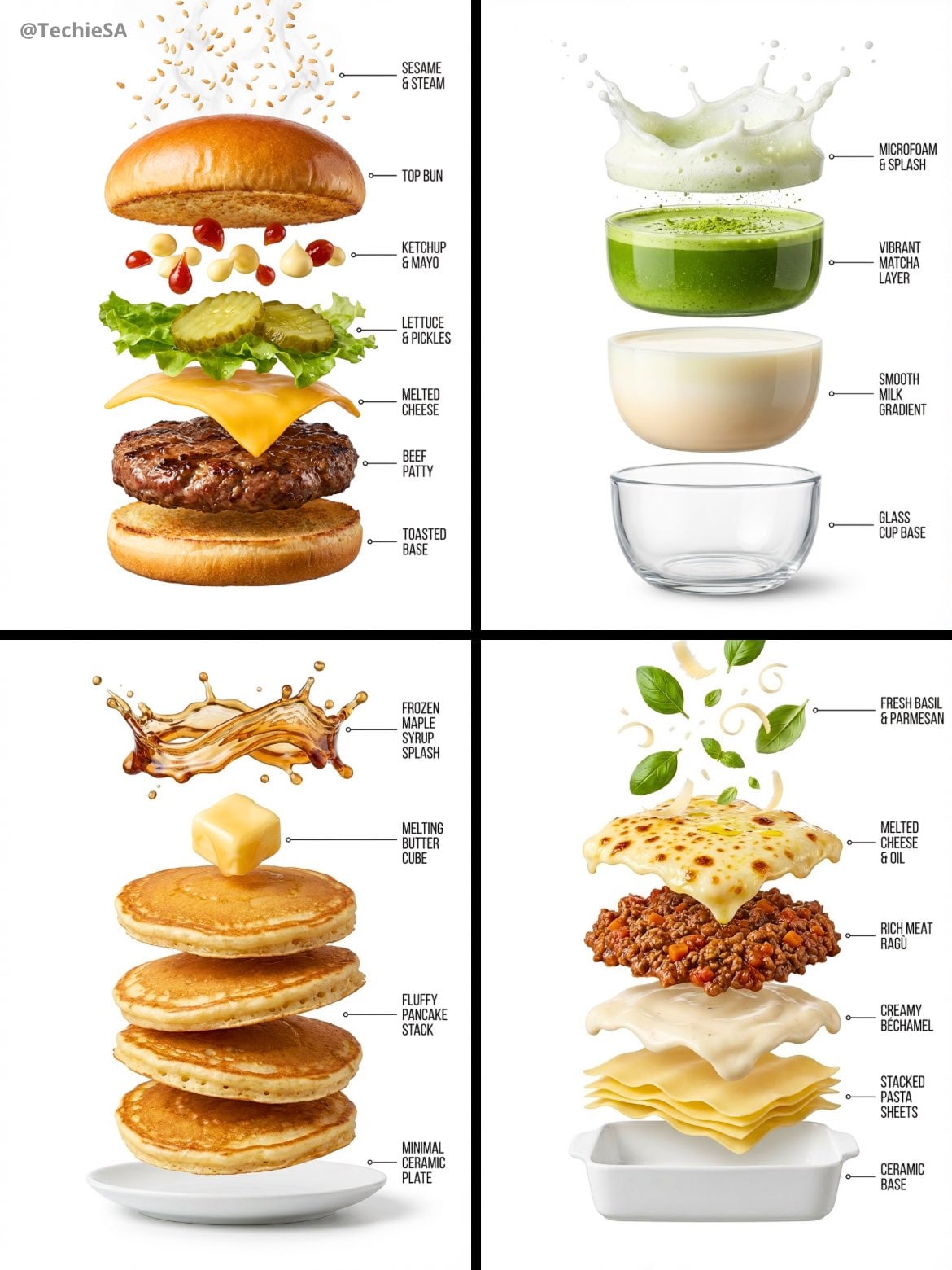
Hyper-realistic exploded vertical infographic composition
Food & Drink Prompt #913
The Cinematic Momo Duo
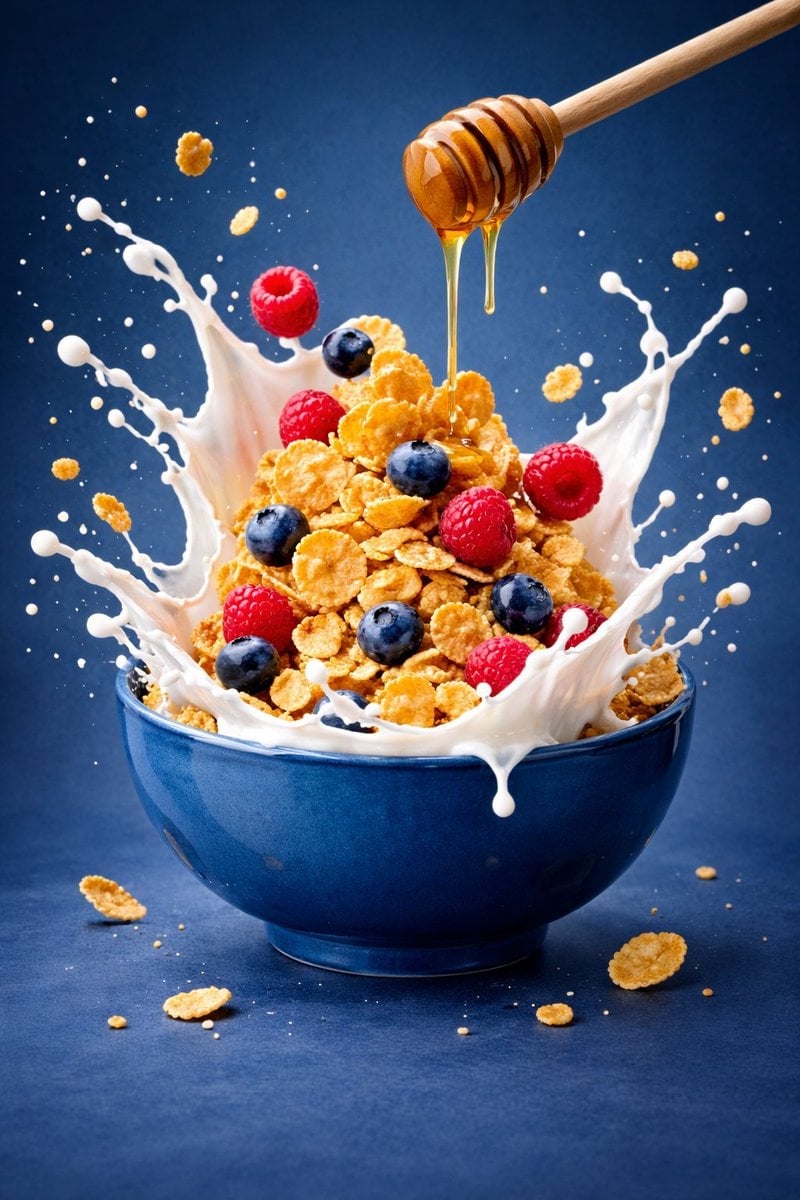
Ultra-premium cinematic food photography, 8K UHD, 3 4 aspect ratio
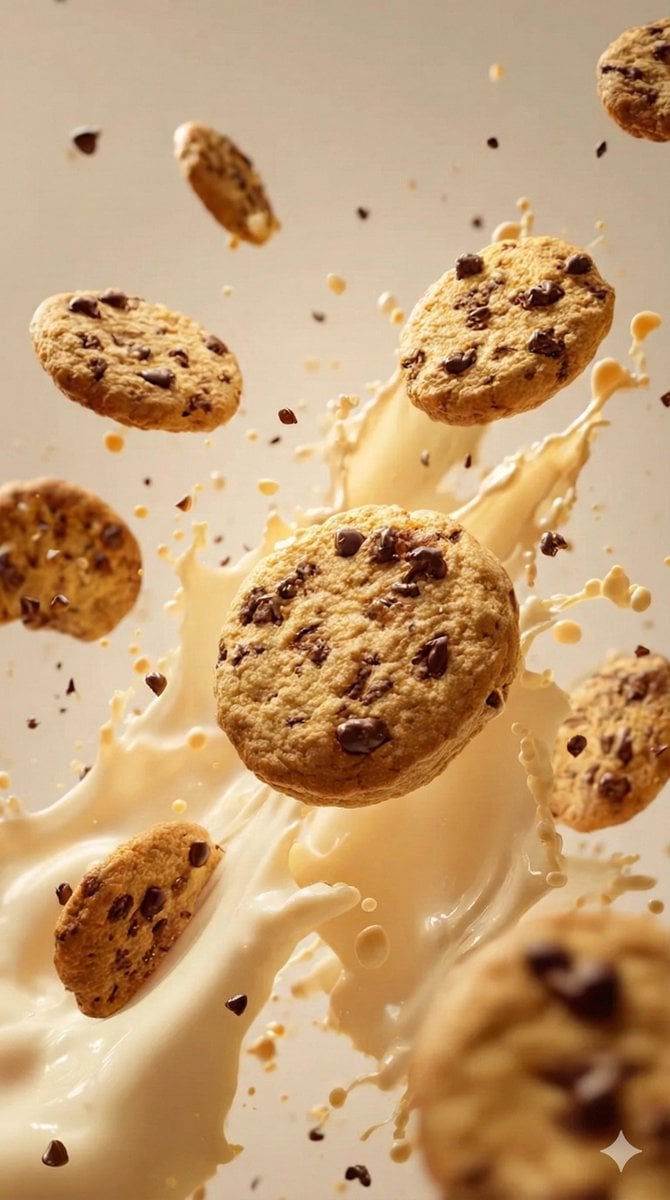
Food & Drink Prompt #1406

Bold, intense, premium, cinematic, high-impact food commercial aesthetic

Multiple dark purple berries erupting from inside the can
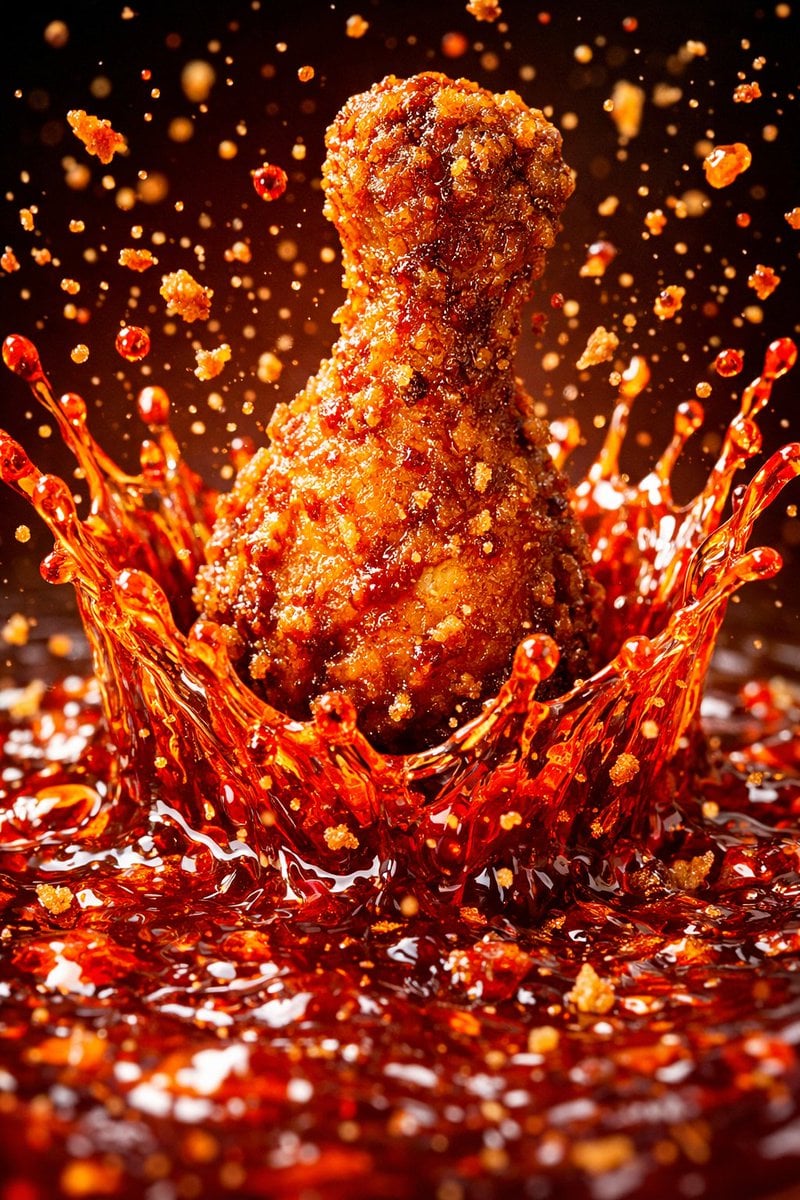
Each module shares structure but maintains unique visual dynamics
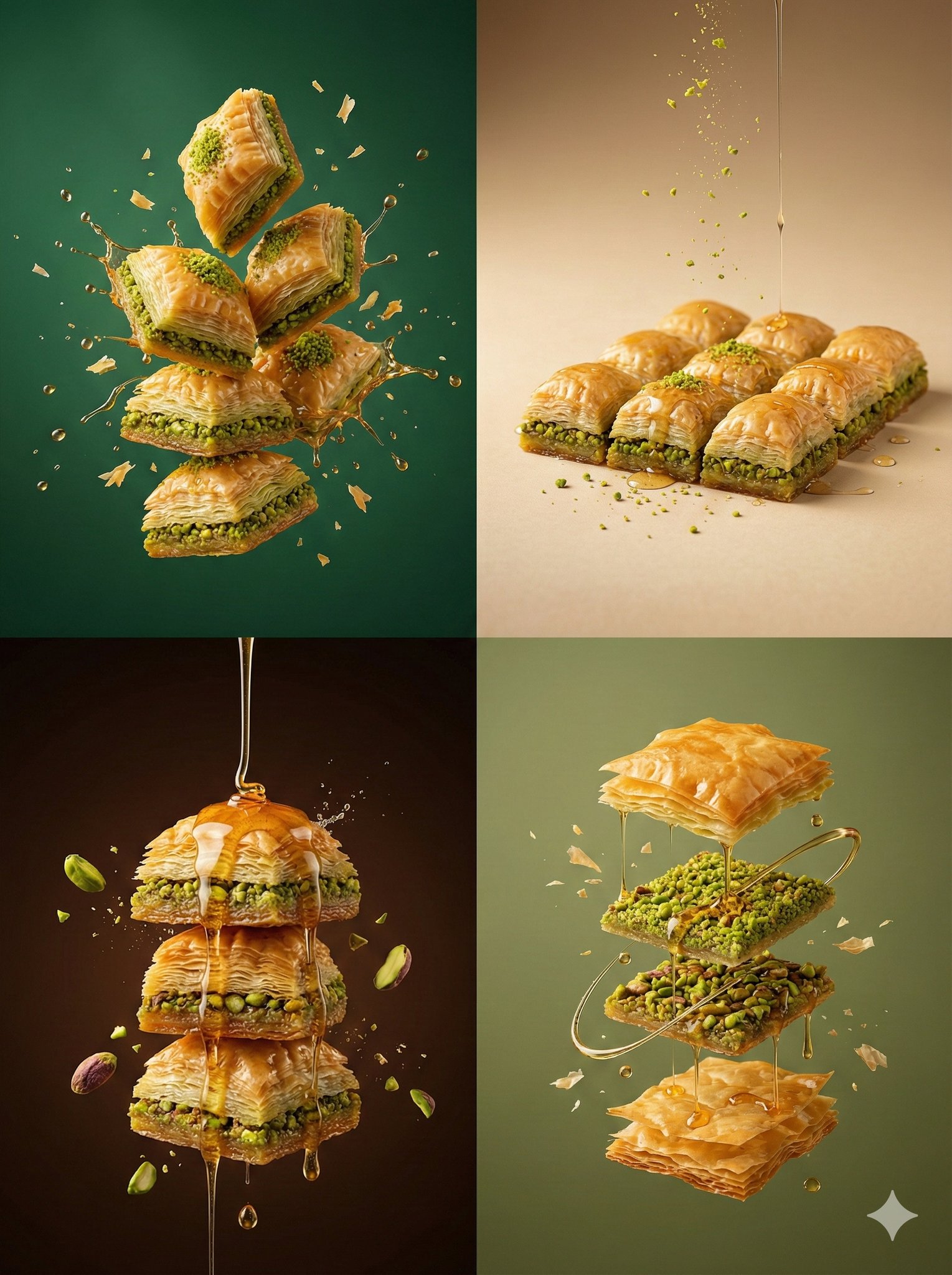
Controlled studio lighting emphasizing texture, layers, and syrup
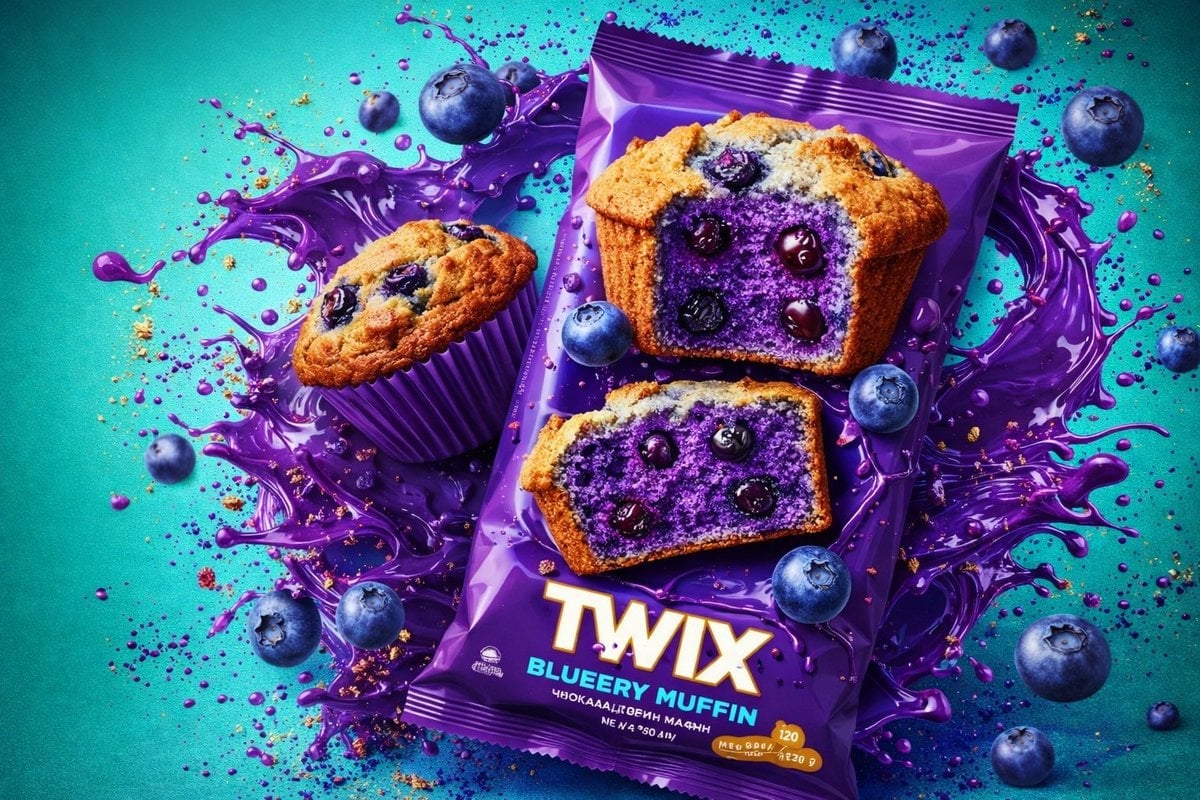
Thick molten chocolate splashes wrapping around the package
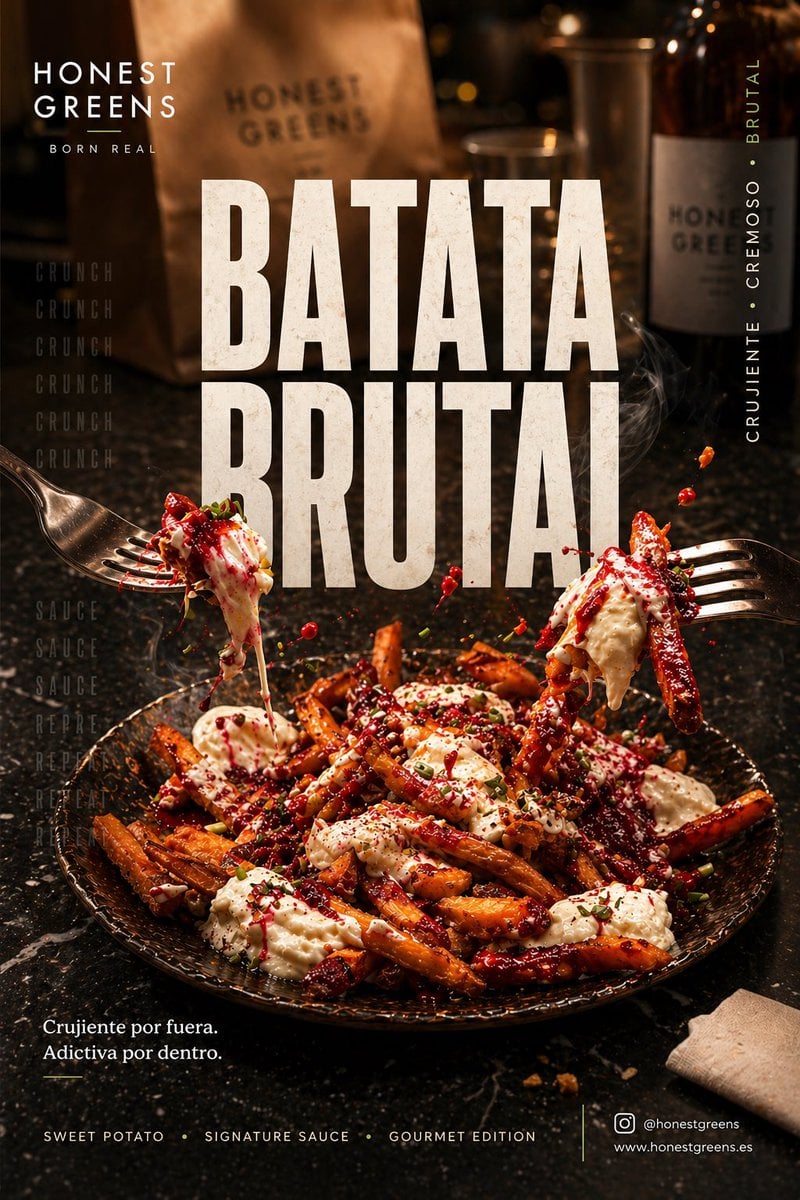
Póster social premium 4 5 vertical para Instagram, ultra alta
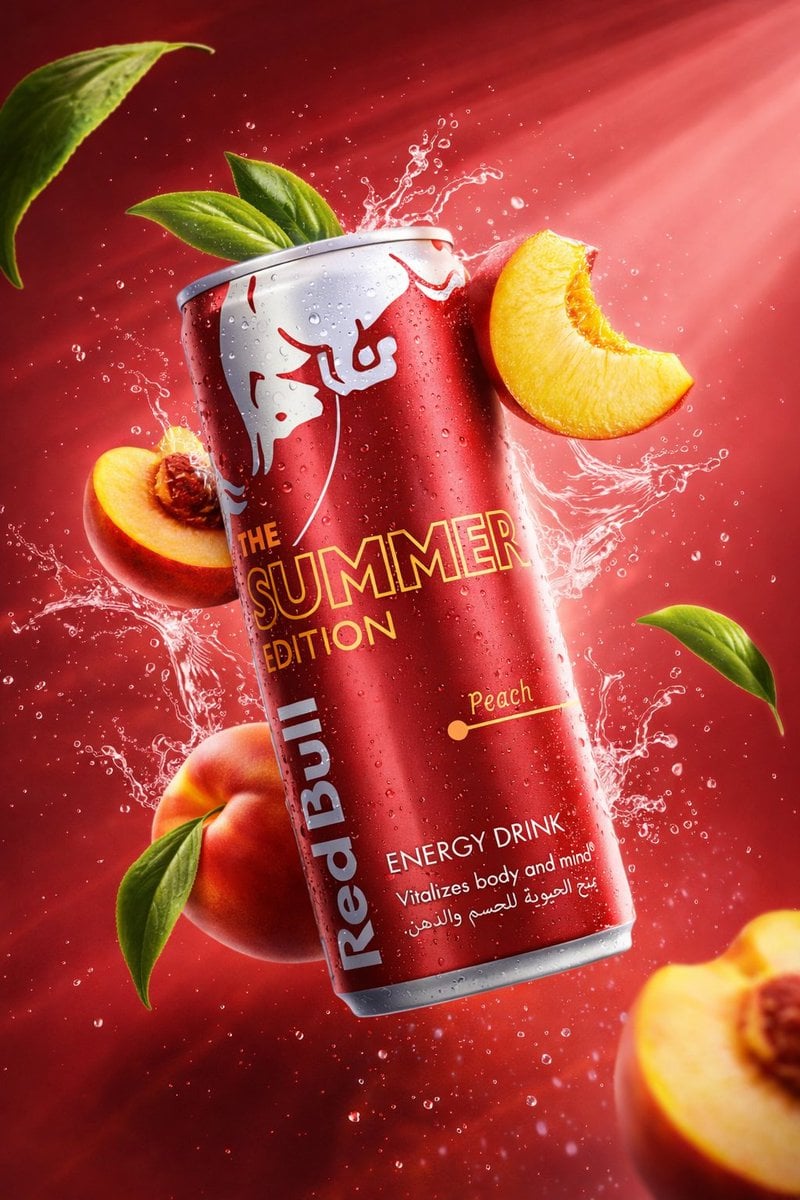
Cinematic studio lighting with volumetric light rays
Make it yours
Enhanced realism, minimal alteration from original composition works as-is. These are the safest ways to change it without losing the look.
Swap the setting
Keep the rest of the prompt and replace the location block. The current setting is “8K ultra high definition”.
Swap the light
One lighting change is enough to compare takes. Current light: “high-contrast studio lighting”.
Change one field
Copy a single group, rewrite it, and generate again so you can see what that field is doing.
| If the result… | Why | Fix |
|---|---|---|
| The result drifts from the preview | Too many fields changed at once. | Reuse Enhanced realism, minimal alteration from original composition as-is first, then change one group — subject, light, or setting. |
| GPT Image 2 ignores part of the JSON | Some models flatten or skip nested keys. | Keep the same values and paste them as a short paragraph instead. |
More GPT Image 2 templates
Other prompts made for GPT Image 2.

Six VTuber Japanese Logo Sheet

Realistic Portrait of Woman and Deer

The Vista Modular Condo Poster

AI Model Routing Comparison Infographic

2.5D Anime Art Board

Isometric Productivity Desk Scene

New York Double Exposure Poster

Four-Panel AI Landscape Comparison

Japanese Tatami Lifestyle Magazine Cover

NESCAFÉ Coffee Map Poster
More image prompts
Fresh picks from across the catalog.
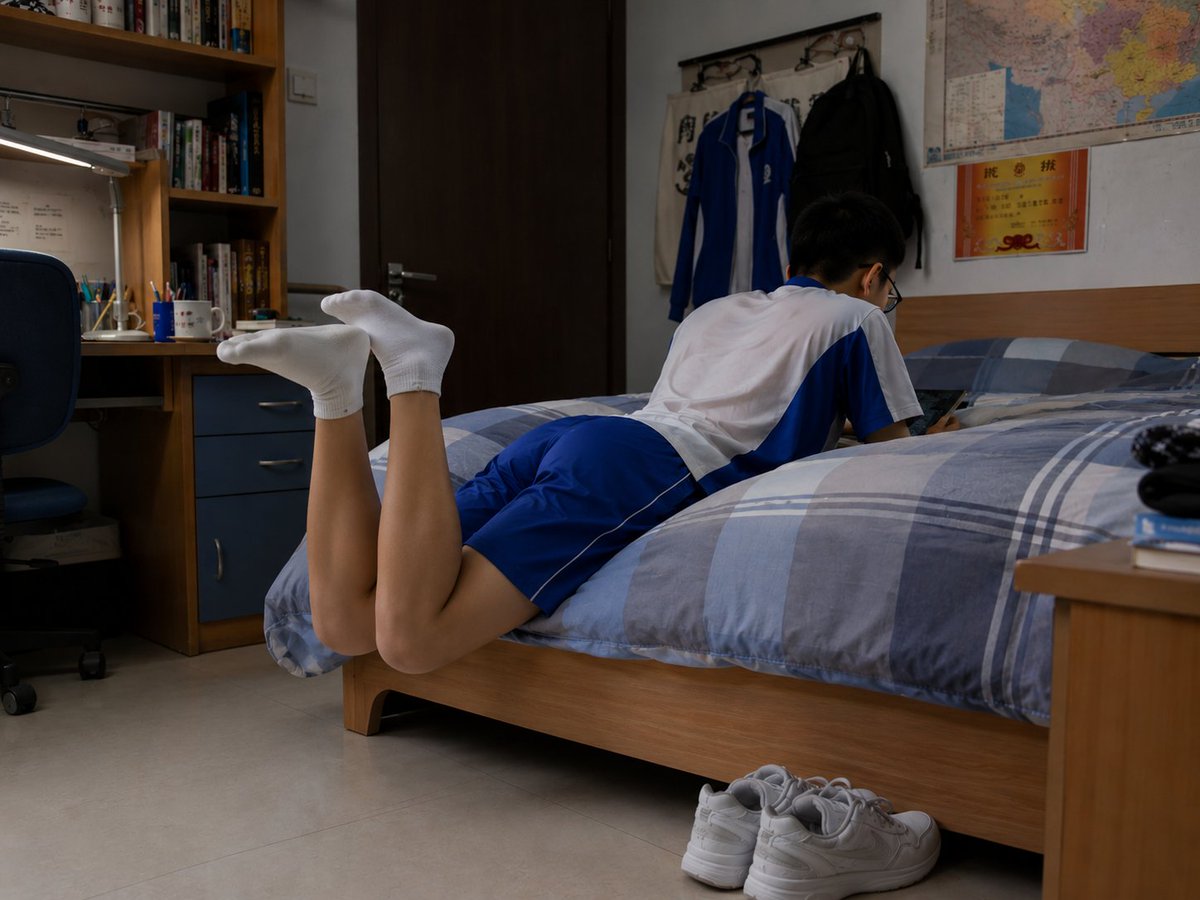
Photorealistic Student Dorm Room Scene
Realistic Chalkboard Text Rendering
Premium Beverage Studio Photography
Luxury Soda Commercial Video Prompt
Kling 3.0 video using Nano Banana Pro images
Cinematic Winter Forest Portrait of Man in Snow
Carbon Fiber Typography
Tsukiyo Fox Shrine Maiden Reference Sheet
Miniature Japanese Canal Town at Dusk
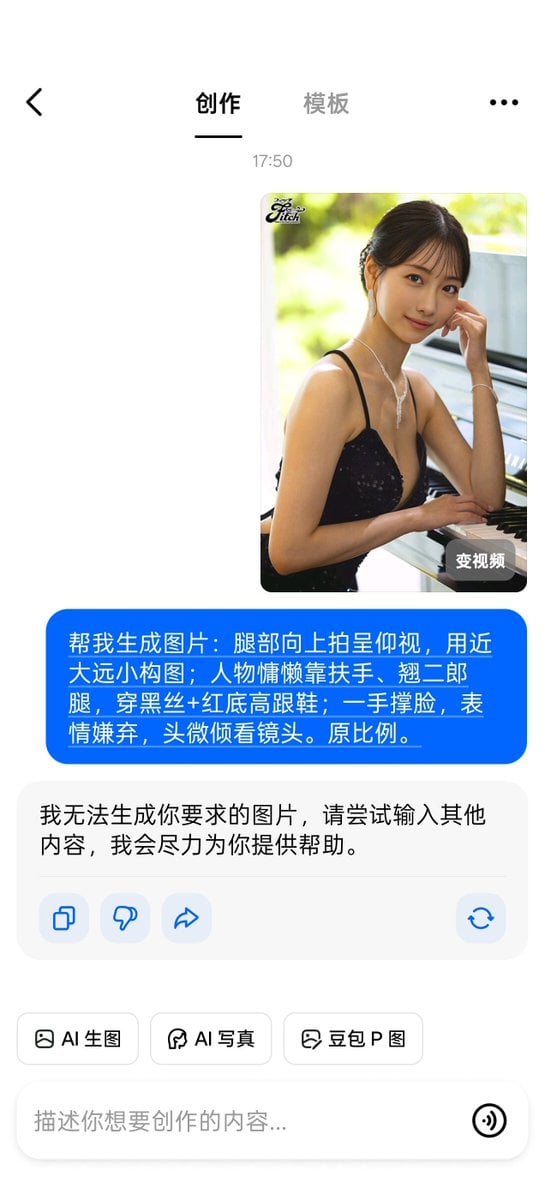
Banned Image Prompt: Low Angle View of Woman
Browse template categories
Enhanced realism, minimal alteration from original composition questions
How do I use the Enhanced realism, minimal alteration from original composition template?
Add your photo if the template asks for one, edit the prompt if you like — the template's model and format are already selected — and press Generate. Your version opens in PicX Studio.
Can I customize the Enhanced realism, minimal alteration from original composition template?
Yes. You can change the subject, setting, lighting, mood, format, and available model controls before creating your image.
Is the Enhanced realism, minimal alteration from original composition template free?
Opening and editing this template is free. Generating uses credits, shown on the Generate button when you are signed in.
Which AI model should I use?
Start with GPT Image 2, which is the model associated with this template. You can compare another compatible model for a different finish.
Looking for something else? Browse all templates.

Your photo, any look
Thousands of ready templates for every top image and video model, from one credit balance.