
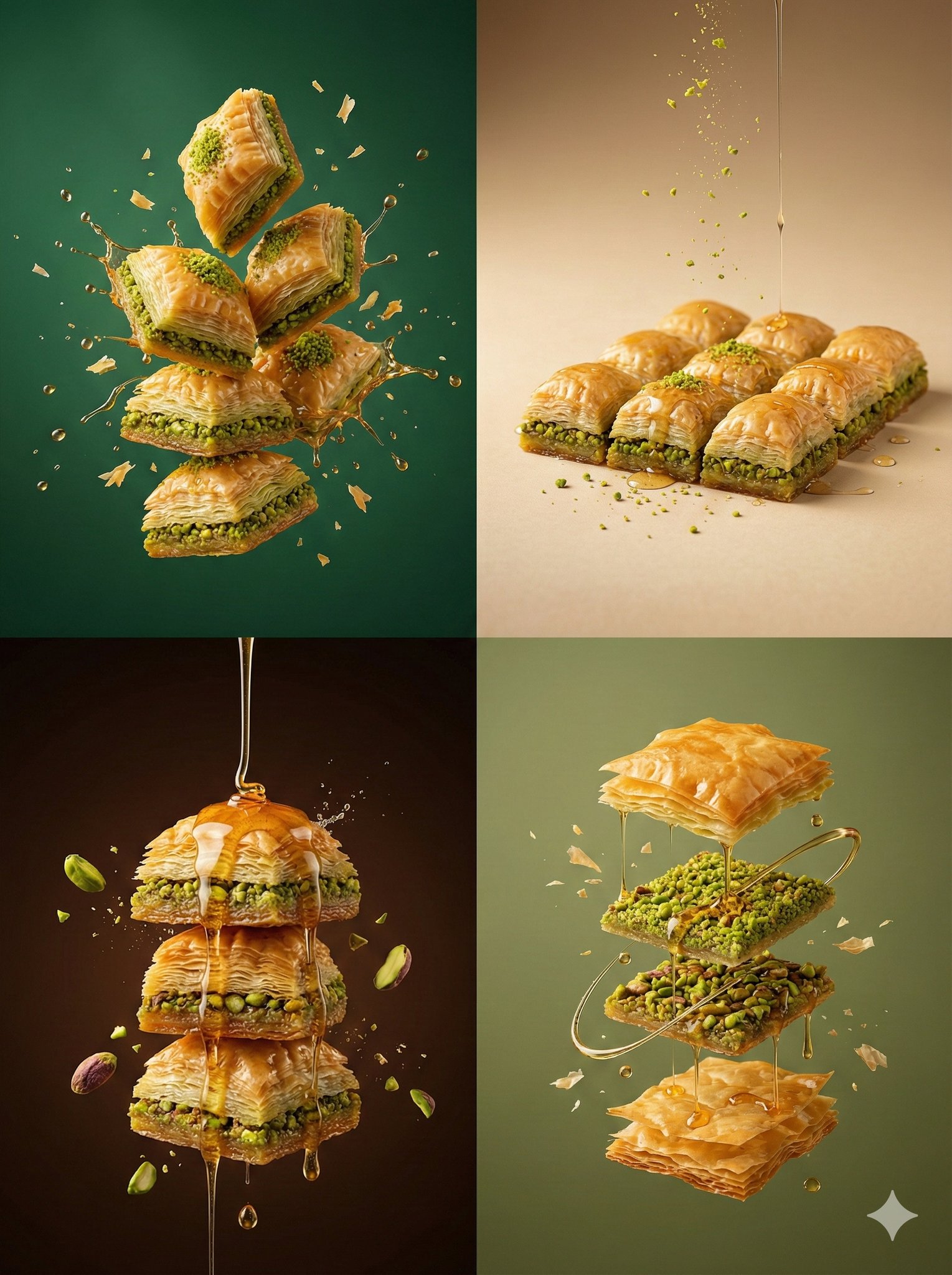
Controlled studio lighting emphasizing texture, layers, and syrup
{ "resolution": "8K UHD", "aspect_ratio": "3:4", "image_style": "hyper-realistic commercial dessert photography", "global_settings": { "quality": "Ultra-high detail, razor-sharp focus, luxury dessert clarity"…
- Prompt included
- Model and format preset
- Premium template
The prompt behind this image
Copy the exact prompt behind Controlled studio lighting emphasizing texture, layers, and syrup, or open it in the studio and make it yours.
- Resolution
- 8K UHD
- Aspect Ratio
- 3:4
- Image Style
- hyper-realistic commercial dessert photography
- Global Settings › Quality
- Ultra-high detail, razor-sharp focus, luxury dessert clarity
- Global Settings › Lighting
- Controlled studio lighting emphasizing texture, layers, and syrup highlights
- Global Settings › Motion
- Frozen mid-air elements with subtle gravity realism
- Global Settings › Background Style
- Solid or smooth gradient background, color varies per module
- Global Settings › Camera
- High-speed photography look, shallow to medium depth of field
- Global Settings › Post Processing
- Rich contrast, warm tones, natural shine, no artificial glow
- Modules › Module 1 Classic Baklava Stack Explosion › Scene Description
- A dramatic stack of classic pistachio baklava with flying syrup droplets
- Modules › Module 1 Classic Baklava Stack Explosion › Baklava › Type
- Traditional pistachio baklava
- Modules › Module 1 Classic Baklava Stack Explosion › Baklava › Layers
- Ultra-thin phyllo layers clearly visible
- Modules › Module 1 Classic Baklava Stack Explosion › Baklava › Cut
- Diamond-shaped pieces
- Modules › Module 1 Classic Baklava Stack Explosion › Baklava › Position
- Stacked and floating mid-air
- Modules › Module 1 Classic Baklava Stack Explosion › Details › Nuts
- Finely ground bright green pistachios between layers
- Modules › Module 1 Classic Baklava Stack Explosion › Details › Syrup
- Golden sugar syrup glistening on edges
- Modules › Module 1 Classic Baklava Stack Explosion › Motion Effects › Syrup
- Small syrup droplets splashing outward
- Modules › Module 1 Classic Baklava Stack Explosion › Motion Effects › Crumbs
- Tiny phyllo flakes suspended in air
- Modules › Module 1 Classic Baklava Stack Explosion › Background › Color
- Deep emerald green
- Modules › Module 1 Classic Baklava Stack Explosion › Background › Texture
- Smooth, seamless
- Modules › Module 2 Minimal Baklava Plate Floating › Scene Description
- Minimalist premium baklava presentation with controlled floating crumbs
- Modules › Module 2 Minimal Baklava Plate Floating › Baklava › Type
- Single-layer pistachio baklava pieces
- Modules › Module 2 Minimal Baklava Plate Floating › Baklava › Arrangement
- Neatly aligned rectangular cuts
- Modules › Module 2 Minimal Baklava Plate Floating › Baklava › Surface
- Glossy with light syrup sheen
Raw JSON
{
  "resolution": "8K UHD",
  "aspect_ratio": "3:4",
  "image_style": "hyper-realistic commercial dessert photography",
  "global_settings": {
    "quality": "Ultra-high detail, razor-sharp focus, luxury dessert clarity",
    "lighting": "Controlled studio lighting emphasizing texture, layers, and syrup highlights",
    "motion": "Frozen mid-air elements with subtle gravity realism",
    "background_style": "Solid or smooth gradient background, color varies per module",
    "camera": "High-speed photography look, shallow to medium depth of field",
    "post_processing": "Rich contrast, warm tones, natural shine, no artificial glow"
  },
  "modules": { "module_1_classic_baklava_stack_explosion": {
      "scene_description": "A dramatic stack of classic pistachio baklava with flying syrup droplets",
      "baklava": {
        "type": "Traditional pistachio baklava",
        "layers": "Ultra-thin phyllo layers clearly visible",
        "cut": "Diamond-shaped pieces",
        "position": "Stacked and floating mid-air"
      },
      "details": {
        "nuts": "Finely ground bright green pistachios between layers",
        "syrup": "Golden sugar syrup glistening on edges"
      },
      "motion_effects": {
        "syrup": "Small syrup droplets splashing outward",
        "crumbs": "Tiny phyllo flakes suspended in air"
      },
      "background": {
        "color": "Deep emerald green",
        "texture": "Smooth, seamless"
      }
    }, "module_2_minimal_baklava_plate_floating": {
      "scene_description": "Minimalist premium baklava presentation with controlled floating crumbs",
      "baklava": {
        "type": "Single-layer pistachio baklava pieces",
        "arrangement": "Neatly aligned rectangular cuts",
        "surface": "Glossy with light syrup sheen"
      },
      "accent_elements": {
        "nuts": "Crushed pistachio dust lightly floating",
        "syrup": "Thin syrup drizzle frozen mid-air"
      },
      "motion_effects": {
        "particles": "Subtle floating crumbs and nut dust"
      },
      "background": {
        "color": "Warm beige",
        "gradient": "Very soft tonal gradient"
      }
    }, "module_3_baklava_syrup_pour_drama": {
      "scene_description": "Cinematic syrup pour over baklava stack",
      "baklava": {
        "type": "Thick stacked baklava slices",
        "texture": "Highly detailed crispy layers"
      },
      "additional_elements": {
        "syrup": {
          "state": "Thick golden syrup pouring from above",
          "motion": "Frozen in elegant flowing strands"
        },
        "nuts": [
          "Whole pistachio kernels",
          "Crushed pistachio fragments"
        ]
      },
      "motion_effects": {
        "splashes": "Micro syrup splashes on impact points",
        "particles": "Floating nut fragments"
      },
      "background": {
        "color": "Dark chocolate brown",
        "tone": "High contrast, luxury feel"
      }
    }, "module_4_modern_baklava_floating_composition": {
      "scene_description": "Modern deconstructed baklava composition in mid-air",
      "elements": {
        "phyllo": "Crispy golden phyllo sheets floating separately",
        "nuts": "Pistachio layers suspended between sheets",
        "syrup": "Glossy syrup threads connecting elements"
      },
      "motion_effects": {
        "flakes": "Ultra-fine pastry flakes suspended",
        "drops": "Minimal syrup droplets"
      },
      "background": {
        "color": "Muted olive green",
        "texture": "Smooth, seamless"
      }
    }
  },
  "negative_prompt": [
    "text",
    "logos",
    "branding",
    "hands",
    "people",
    "utensils",
    "plates",
    "tables",
    "cartoon style",
    "excessive syrup pooling",
    "burnt pastry",
    "overexposure",
    "artificial glow",
    "low detail textures"
  ]
}How to use Controlled studio lighting emphasizing texture, layers, and syrup in 3 steps
- 1
Open
The prompt is already in the box next to the preview, with the template's model and format selected.
- 2…a portrait of your subject in softgolden-hour light, 85mm…
Personalize
Edit the subject and creative details for your destination.
- 3Generate
Generate
Press Generate — your image is created in PicX Studio, so you can compare it with the original and refine one variable at a time.
More like this
Templates with the same subject, style or setup. Open one to see its prompt.
Controlled studio lighting emphasizing meat texture, char marks
Soft but controlled studio lighting with visible highlights and splash
Hyper-realistic exploded vertical infographic composition
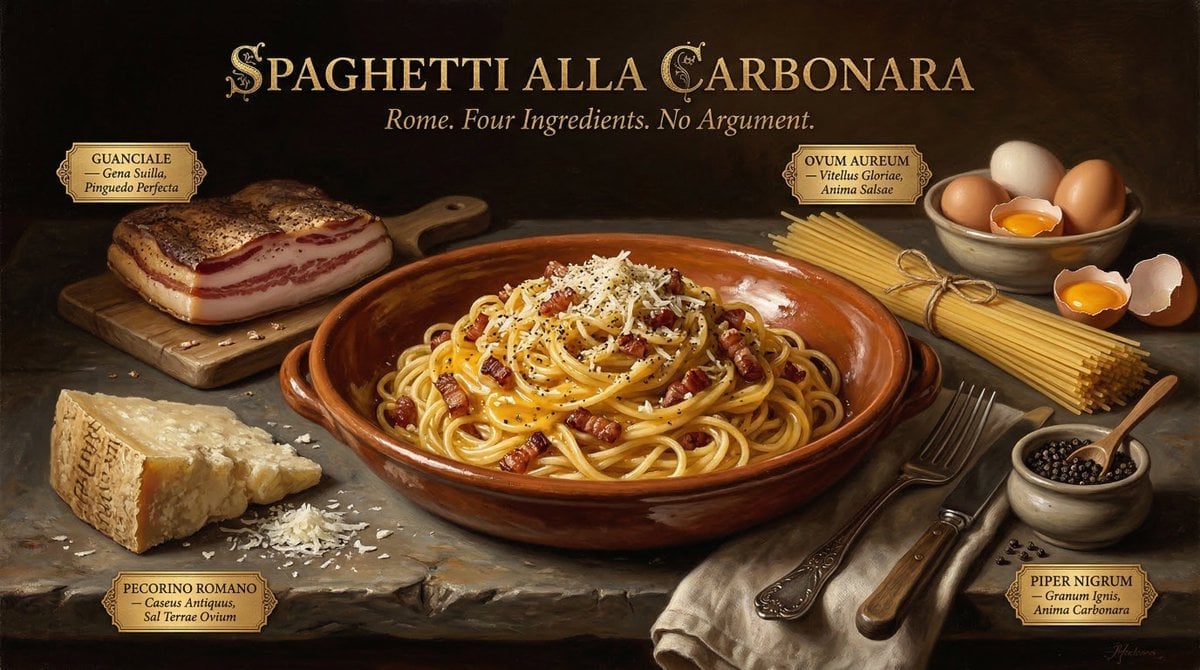
Food & Drink Prompt #913
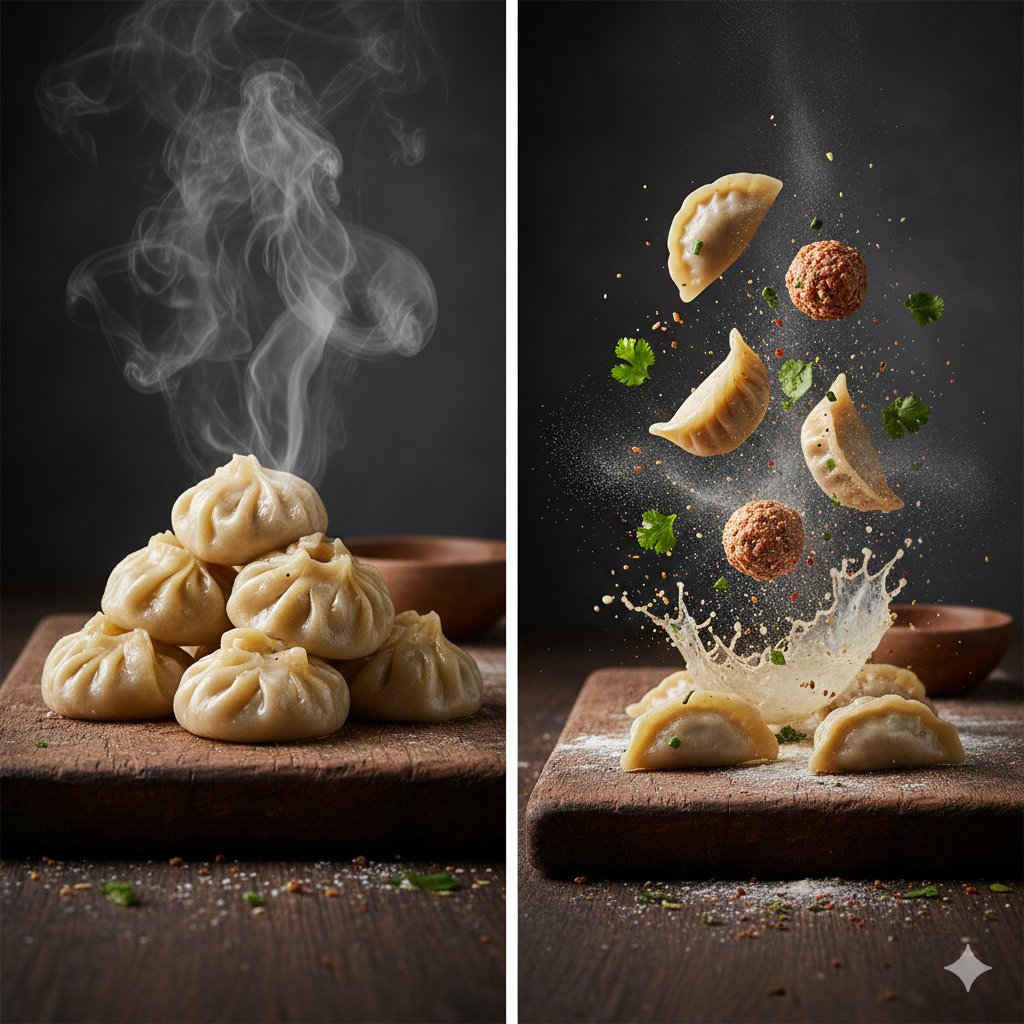
The Cinematic Momo Duo
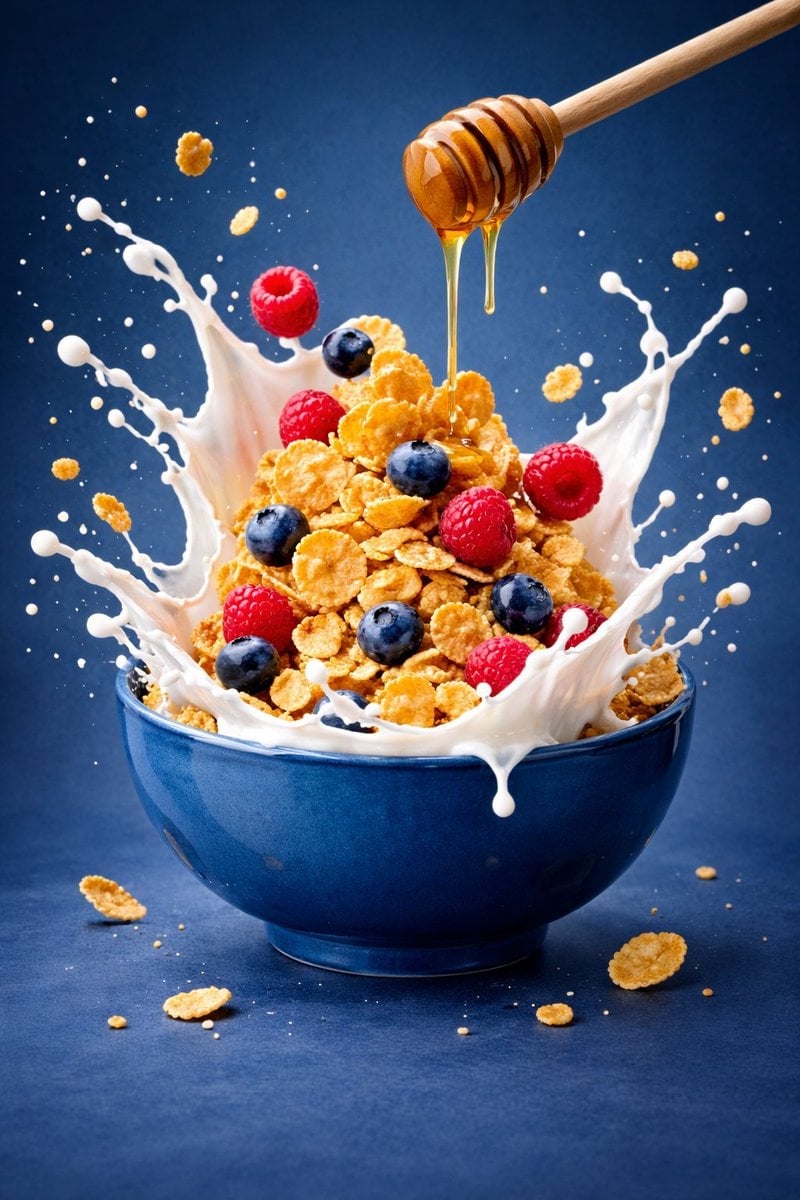
Ultra-premium cinematic food photography, 8K UHD, 3 4 aspect ratio
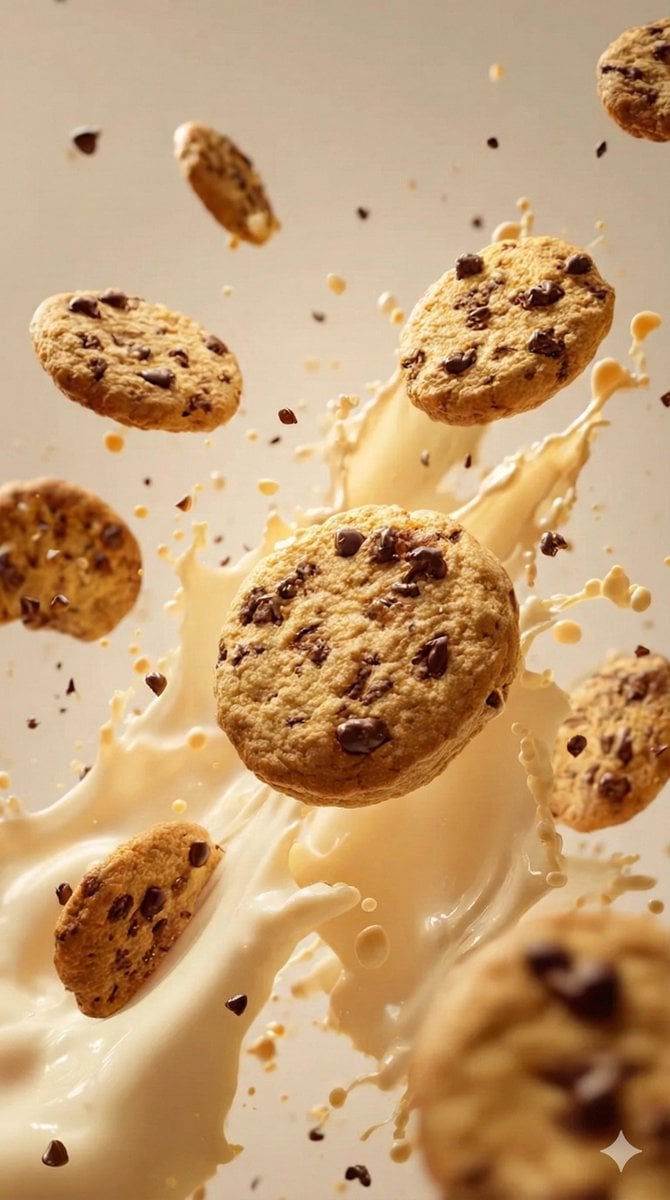
Food & Drink Prompt #1406

Bold, intense, premium, cinematic, high-impact food commercial aesthetic

Multiple dark purple berries erupting from inside the can
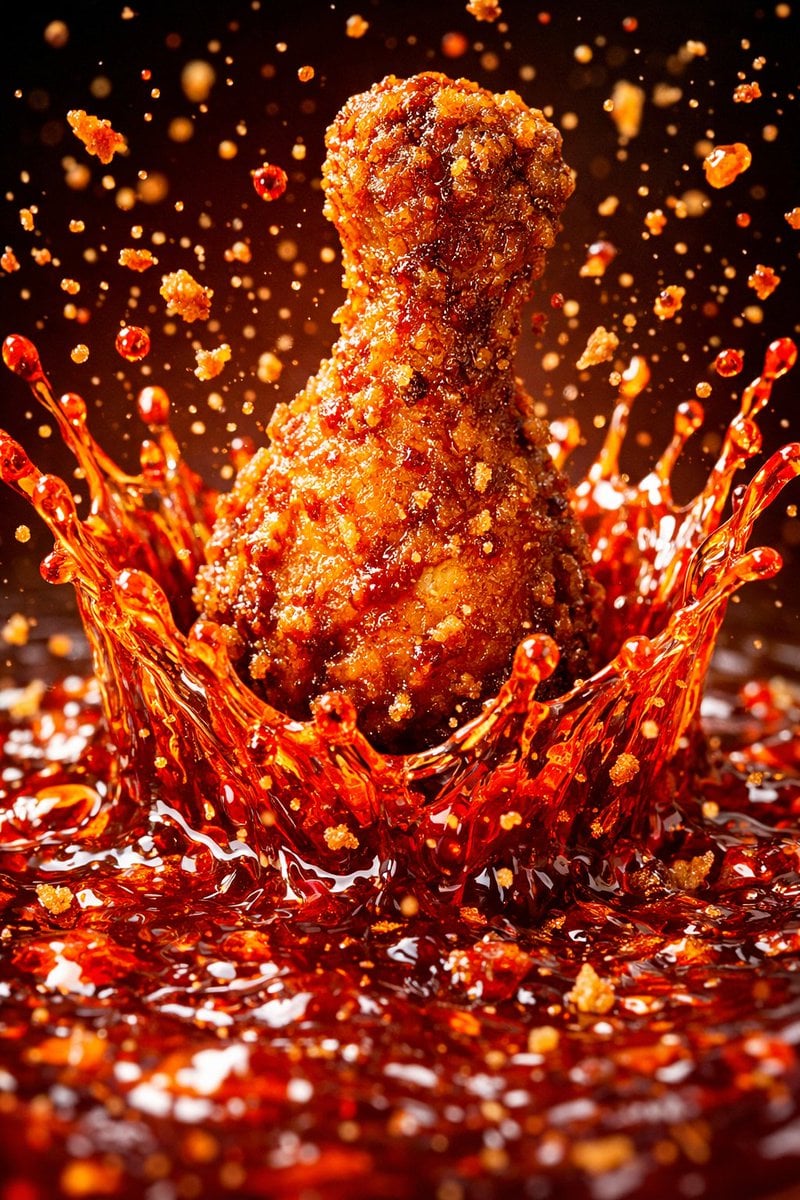
Each module shares structure but maintains unique visual dynamics
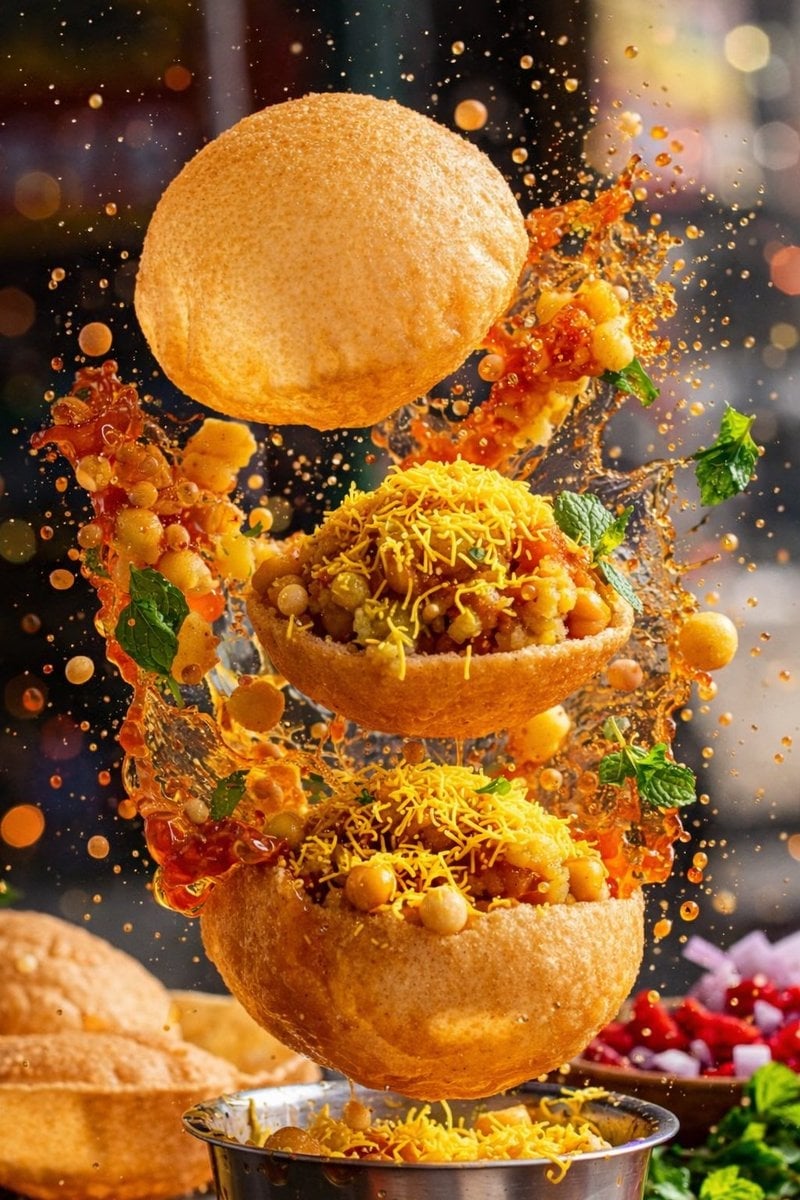
Enhanced realism, minimal alteration from original composition
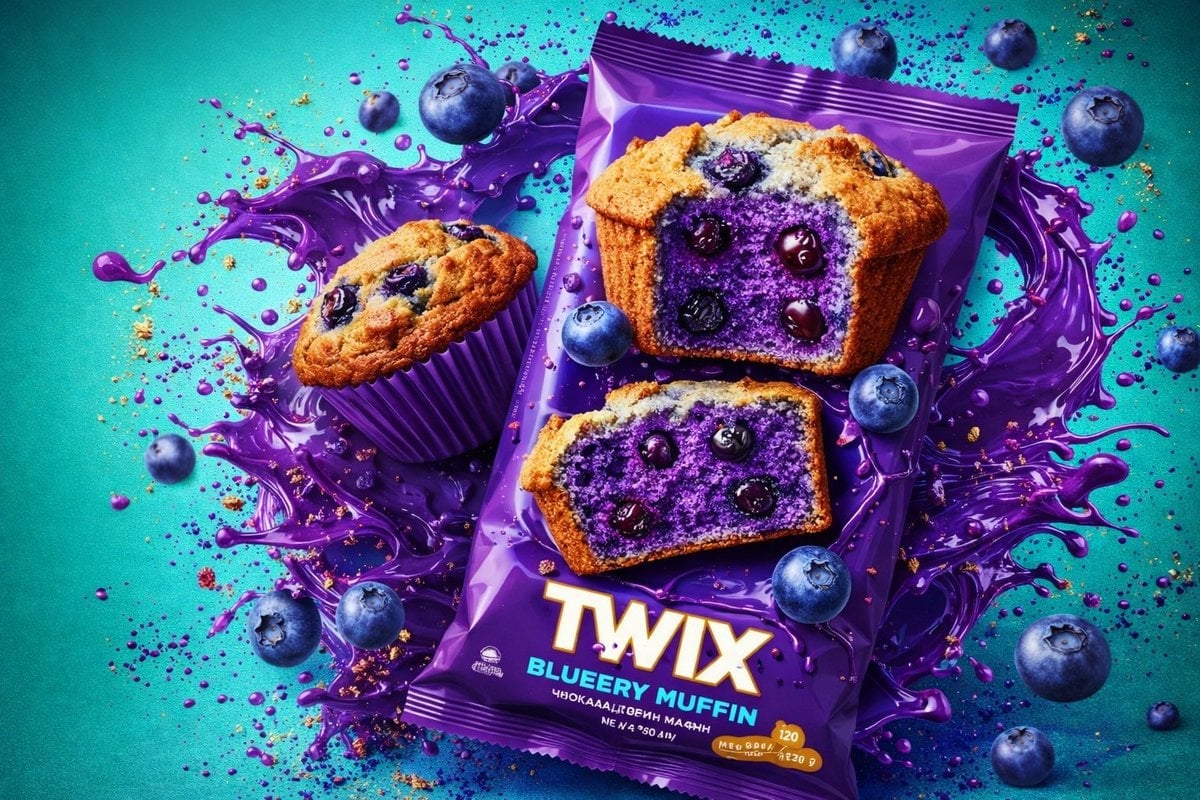
Thick molten chocolate splashes wrapping around the package
Make it yours
Controlled studio lighting emphasizing texture, layers, and syrup works as-is. These are the safest ways to change it without losing the look.
Swap the setting
Keep the rest of the prompt and replace the location block. The current setting is “Ultra-high detail, razor-sharp focus, luxury dessert clarity”.
Swap the light
One lighting change is enough to compare takes. Current light: “Controlled studio lighting emphasizing texture, layers, and syrup highlights”.
Change one field
Copy a single group, rewrite it, and generate again so you can see what that field is doing.
| If the result… | Why | Fix |
|---|---|---|
| The result drifts from the preview | Too many fields changed at once. | Reuse Controlled studio lighting emphasizing texture, layers, and syrup as-is first, then change one group — subject, light, or setting. |
| Nano Banana 2 ignores part of the JSON | Some models flatten or skip nested keys. | Keep the same values and paste them as a short paragraph instead. |
More Nano Banana 2 templates
Other prompts made for Nano Banana 2.

Photorealistic Leaf Shaped Like a Dragon

K-Pop Idol Portrait Grid for Rapid Selection

Poetic Rain Forest Portrait During Golden Hour

Urban Street Portrait with Cartoon Inner Self Duo

Candid Nighttime Photo with Cat Prompt

High-Concept 3D Diorama Generation Prompt

Cinematic Futuristic Studio Portrait Template

Skincare Editorial Photography Collage Prompt

Hyper-Realistic Commercial Product Photography (Splash Effect)

Hyper-Realistic Nightclub Portrait Prompt
More image prompts
Fresh picks from across the catalog.
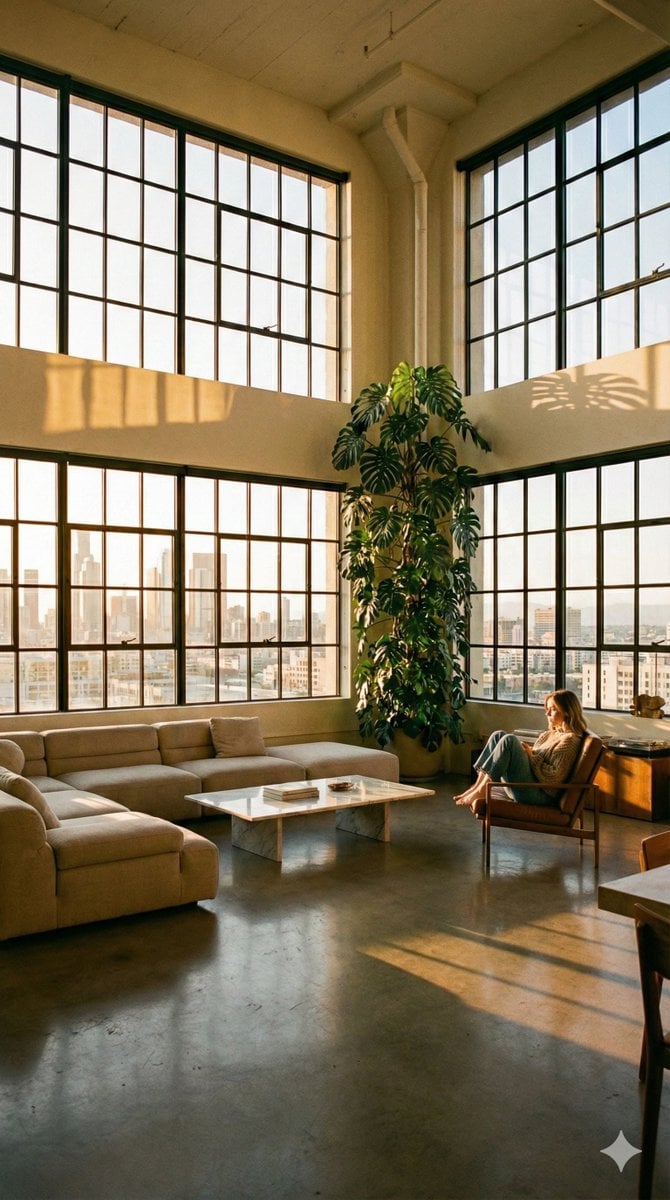
Modern Minimalist Loft Architecture Photography
Stylish Mirror Selfie in Modern Bedroom
Athlete on Giant Tennis Ball
Split-Reality Street Art Portrait with Identity Lock
Professional Trading Card Illustration
MS Paint Style Soulful Sketch
Seamless Pattern of Cartoonish Fancy Goldfish
Cozy Winter Cafe Scene in Shimla
Photorealistic Split-Screen Collage Prompt
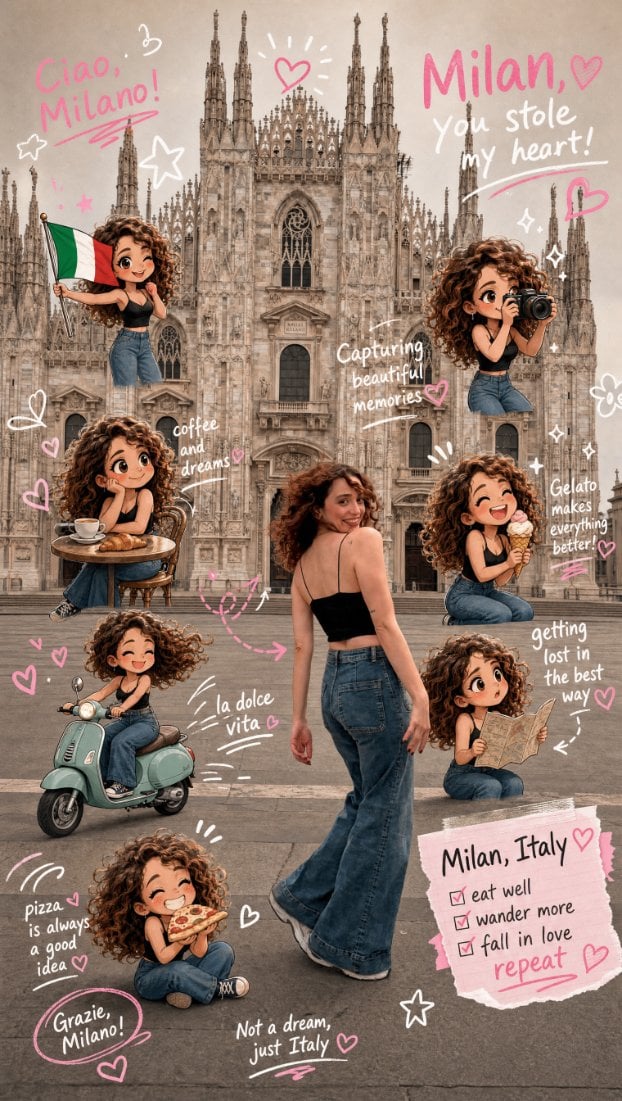
Chibi Scrapbook Photo Transformation
Browse template categories
Controlled studio lighting emphasizing texture, layers, and syrup questions
How do I use the Controlled studio lighting emphasizing texture, layers, and syrup template?
Add your photo if the template asks for one, edit the prompt if you like — the template's model and format are already selected — and press Generate. Your version opens in PicX Studio.
Can I customize the Controlled studio lighting emphasizing texture, layers, and syrup template?
Yes. You can change the subject, setting, lighting, mood, format, and available model controls before creating your image.
Is the Controlled studio lighting emphasizing texture, layers, and syrup template free?
Opening and editing this template is free. Generating uses credits, shown on the Generate button when you are signed in.
Which AI model should I use?
Start with Nano Banana 2, which is the model associated with this template. You can compare another compatible model for a different finish.
Looking for something else? Browse all templates.

Your photo, any look
Thousands of ready templates for every top image and video model, from one credit balance.