
Professional Trading Card Illustration
A comprehensive prompt for creating a high-quality trading card game illustration with a structured UI, rarity indicators, and character stats.
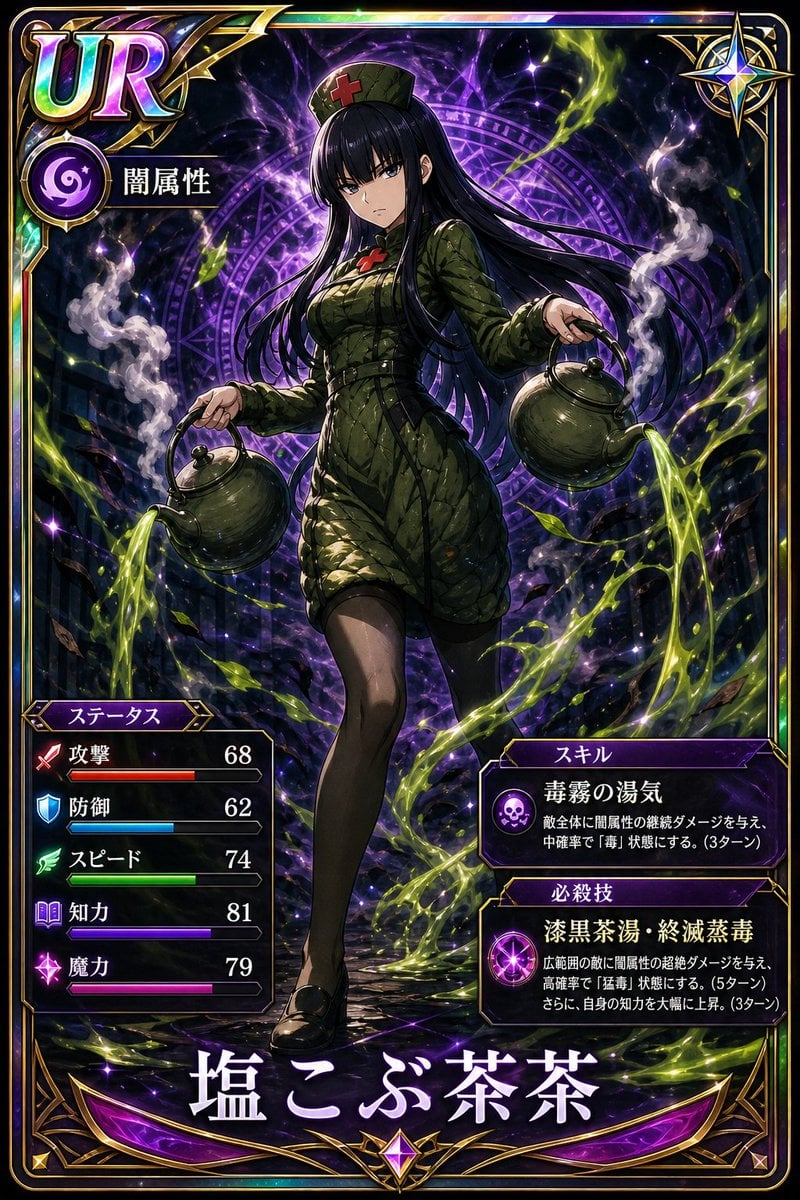
- Prompt included
- Model and format preset
- Free template
The prompt behind this image
Copy the exact prompt behind Professional Trading Card Illustration, or open it in the studio and make it yours.
Please generate a high-quality trading-card-style illustration. [Reference] Base it on the provided character image. (Do not reference any text in the image.) Keep the character's face, outfit, features, and identity intact. [Style] Modern Japanese trading-card-game style. High detail, dynamic composition, dramatic lighting, vivid colors, sharp rendering. A premium feel like holographic foil processing. Text should be easy to read, in an organized UI design. [Layout (Fixed)] Use a vertical card with the following structure: ・Upper left: rarity indicator (text) ・Directly below the rarity indicator: attribute/element (icon + text) ・Center: full-body character (with effects matching their abilities) ・Lower left: stats box ・Lower right: skill/finishing-move description ・Bottom center: character name (large and prominent) [Text Elements] ・Name: {{★Enter manually or auto-generate from appearance}} ・Attribute: auto-generate from appearance ・Rarity: auto-generate from appearance [Stats (auto-generate a 0–100 value and gauge for each item based on appearance)] ・Attack High: large weapon, aggressive pose, red/orange tones Low: defensive, soft design ・Defense High: armor, heavy equipment, sense of weight, shield-like elements Low: light equipment, slender build ・Speed High: slender build, dynamic pose, speed effects Low: large build, solid stance ・Intelligence High: calm expression, sharp eyes, blue/purple tones, mechanical/magical symbols Low: emotional, brute-force impression ・Magic Power High: glow, aura, magical effects, surreal expression Low: realistic style, fewer effects [Important Rule] Do not max out every stat. Create a balance of strengths and weaknesses. [Rarity Criteria] N: Standard R: Strong aura and presentation SR: Overwhelming presence and information density UR: Overwhelming presence and information density, with gloss and shine across the entire card [Skill Generation] Auto-generate the following: ・Skill (name + effect) ・Finishing move (flashy name + powerful effect) [Presentation] Add effects matching the attribute and magic power (fire, lightning, darkness, etc.) [Output] Make it a well-organized, professional-grade card design where the text doesn't overlap and stays easy to read.
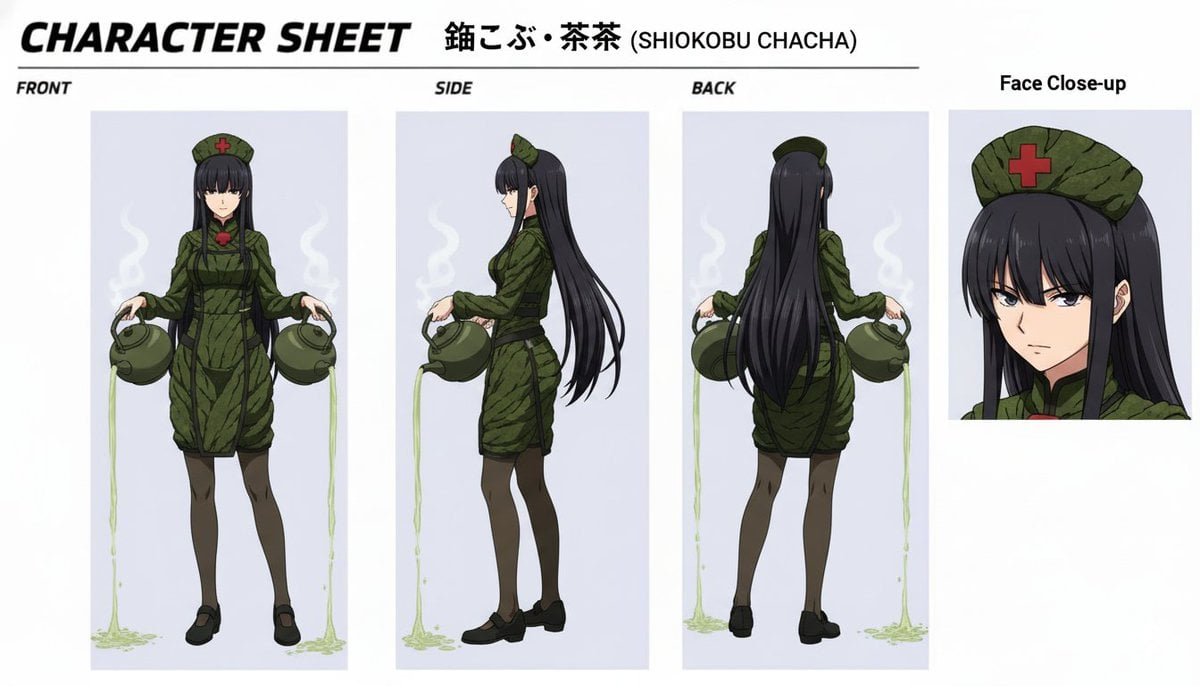
Reference images included
Professional Trading Card Illustration needs input media to work. They load alongside the prompt when you open it in the studio.
How to use Professional Trading Card Illustration in 3 steps
- 1Upload ImagePNG, JPG or paste
Add your photo
Upload the photo the template builds on. The prompt, model and format are already set.
- 2…a portrait of your subject in softgolden-hour light, 85mm…
Personalize
Edit the subject and creative details for your destination.
- 3Generate
Generate
Press Generate — your image is created in PicX Studio, so you can compare it with the original and refine one variable at a time.
More like this
Templates with the same subject, style or setup. Open one to see its prompt.

Character Archive — Blueprint Concept Sheet
Racing Car Trading Card Illustration
Streamer Trading Card Product Shot

Fictional Soccer Snack Trading Card Product Photo

Quiet Minimalist Anime Style Guide

Real Illustration Split Portrait Transition
Quiet Minimalist Anime Style Guide

Watercolor Café Cheesecake Editorial Illustration
Real Illustration Split Portrait Transition

Bold Side Profile Superhero Poster

Hero Portrait Comic Multi-Panel Poster

Spider-Verse Painterly Portrait Poster
Make it yours
Professional Trading Card Illustration works as-is. These are the safest ways to change it without losing the look.
Change one field
Copy a single group, rewrite it, and generate again so you can see what that field is doing.
Keep the frame, change the subject
Hold the composition and light of Professional Trading Card Illustration, then swap wardrobe, props or the person for a new take.
| If the result… | Why | Fix |
|---|---|---|
| The result drifts from the preview | Too many fields changed at once. | Reuse Professional Trading Card Illustration as-is first, then change one group — subject, light, or setting. |
| The model over-stylizes the scene | The prose prompt leaves finish and camera underspecified. | Add one camera or lighting sentence and stay on GPT Image 2. |
More GPT Image 2 templates
Other prompts made for GPT Image 2.

Six VTuber Japanese Logo Sheet

Realistic Portrait of Woman and Deer

The Vista Modular Condo Poster

AI Model Routing Comparison Infographic

2.5D Anime Art Board

Isometric Productivity Desk Scene

New York Double Exposure Poster

Four-Panel AI Landscape Comparison

Japanese Tatami Lifestyle Magazine Cover

NESCAFÉ Coffee Map Poster
More image prompts
Fresh picks from across the catalog.
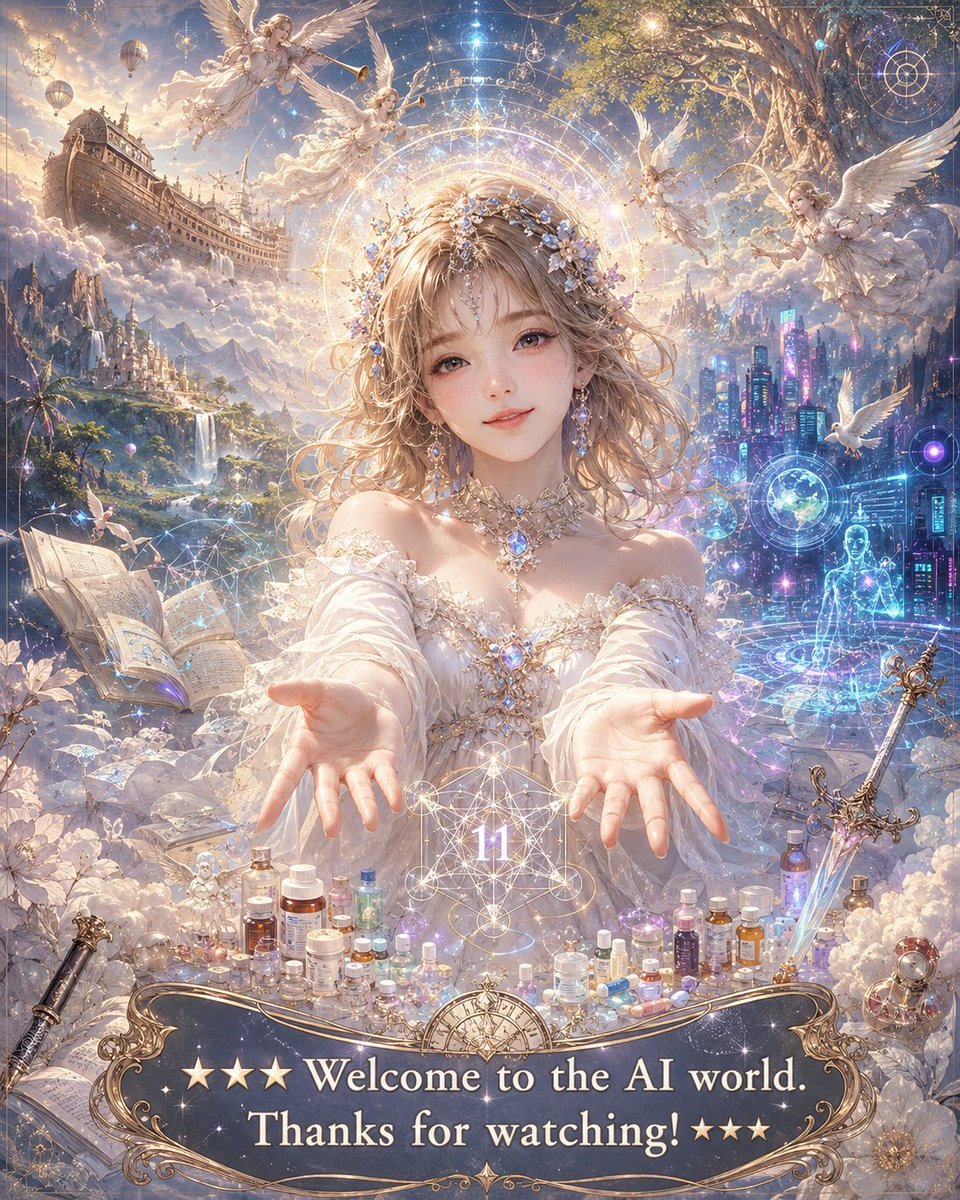
Angelic Anime Mercy Scene
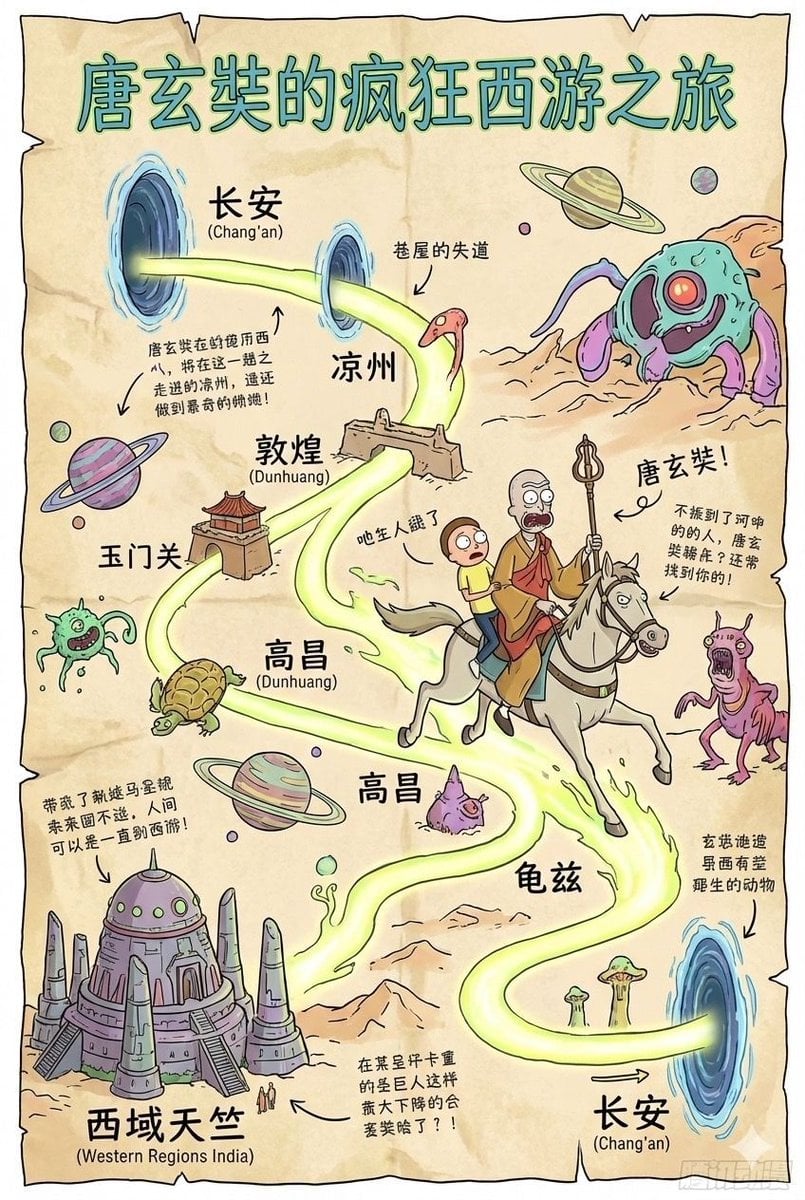
Tang Xuanzang journey route in Rick and Morty style
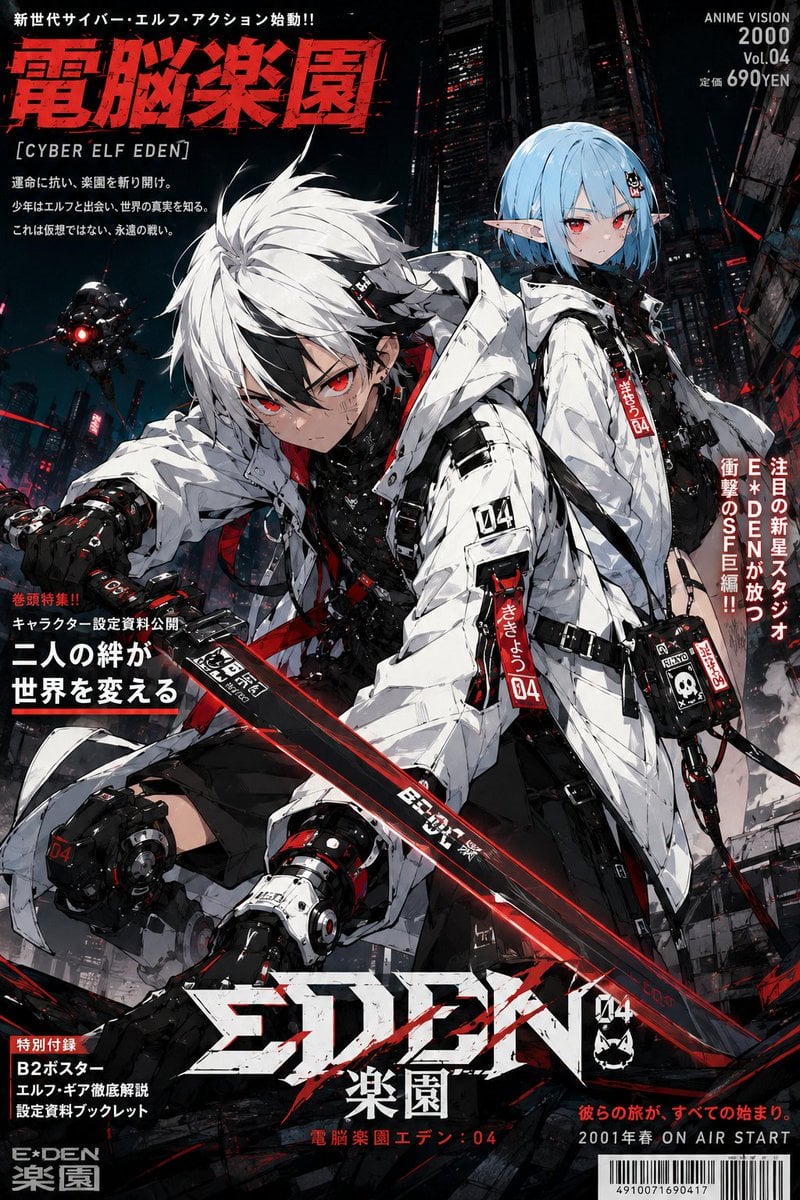
Anime Protagonist and Companion Generator
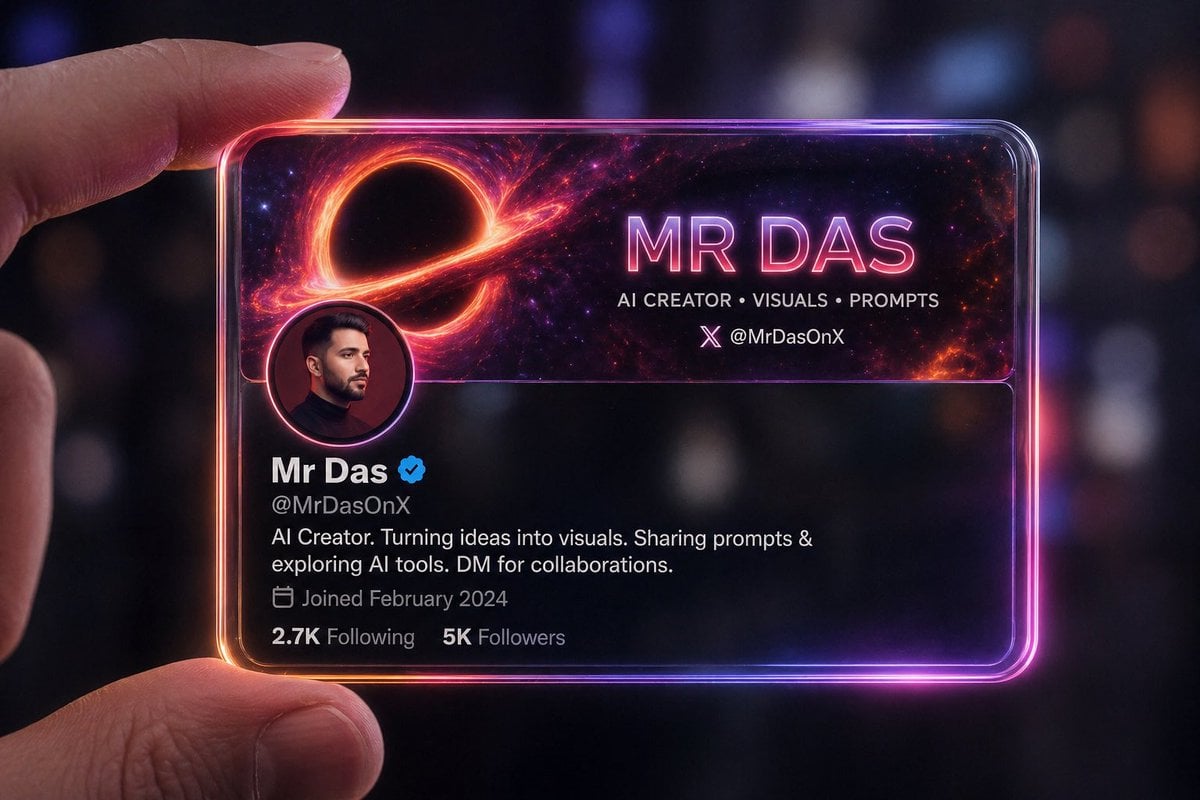
Futuristic Glass Profile ID Card
Radiant Purple Bob Portrait
Vintage Writer Cinematic Portrait
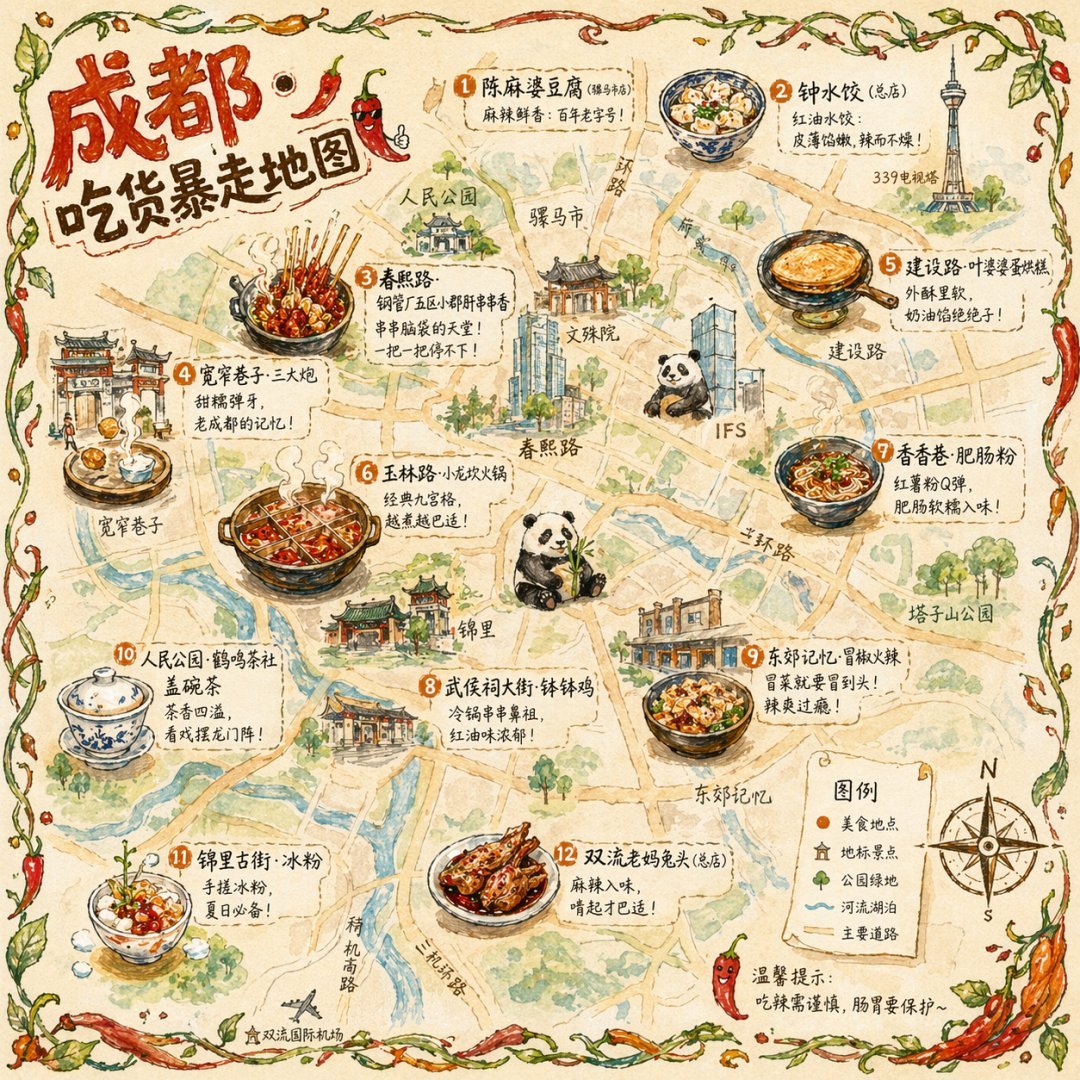
Hand-drawn Chengdu Food Map
Line Art Illustration Style
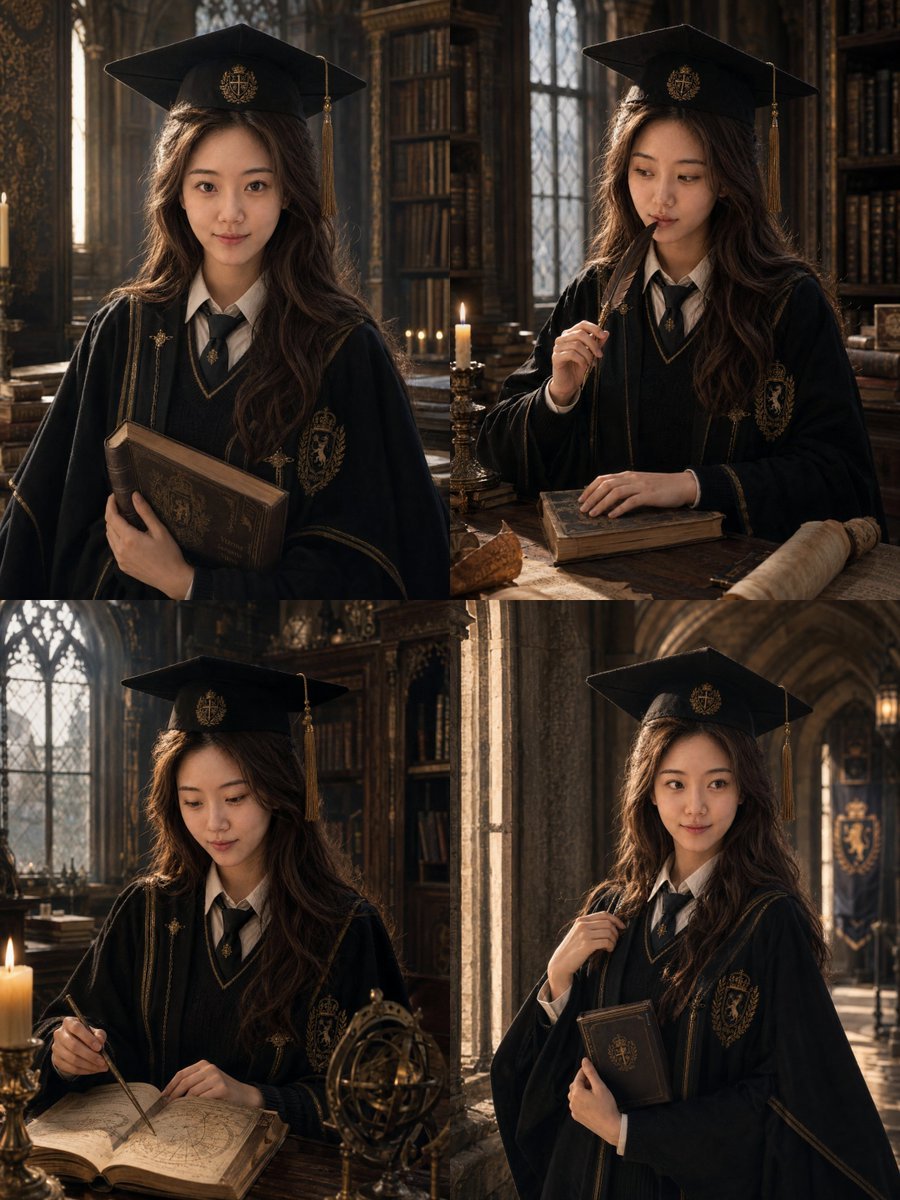
Luxury Magazine Graduation Portraits
GPT-Image V2 Feature Announcement
Browse template categories
Professional Trading Card Illustration questions
How do I use the Professional Trading Card Illustration template?
Add your photo if the template asks for one, edit the prompt if you like — the template's model and format are already selected — and press Generate. Your version opens in PicX Studio.
Can I customize the Professional Trading Card Illustration template?
Yes. You can change the subject, setting, lighting, mood, format, and available model controls before creating your image.
Is the Professional Trading Card Illustration template free?
Opening and editing this template is free. Generating uses credits, shown on the Generate button when you are signed in.
Which AI model should I use?
Start with GPT Image 2, which is the model associated with this template. You can compare another compatible model for a different finish.
Looking for something else? Browse all templates.

Your photo, any look
Thousands of ready templates for every top image and video model, from one credit balance.