
Hand-drawn Chengdu Food Map
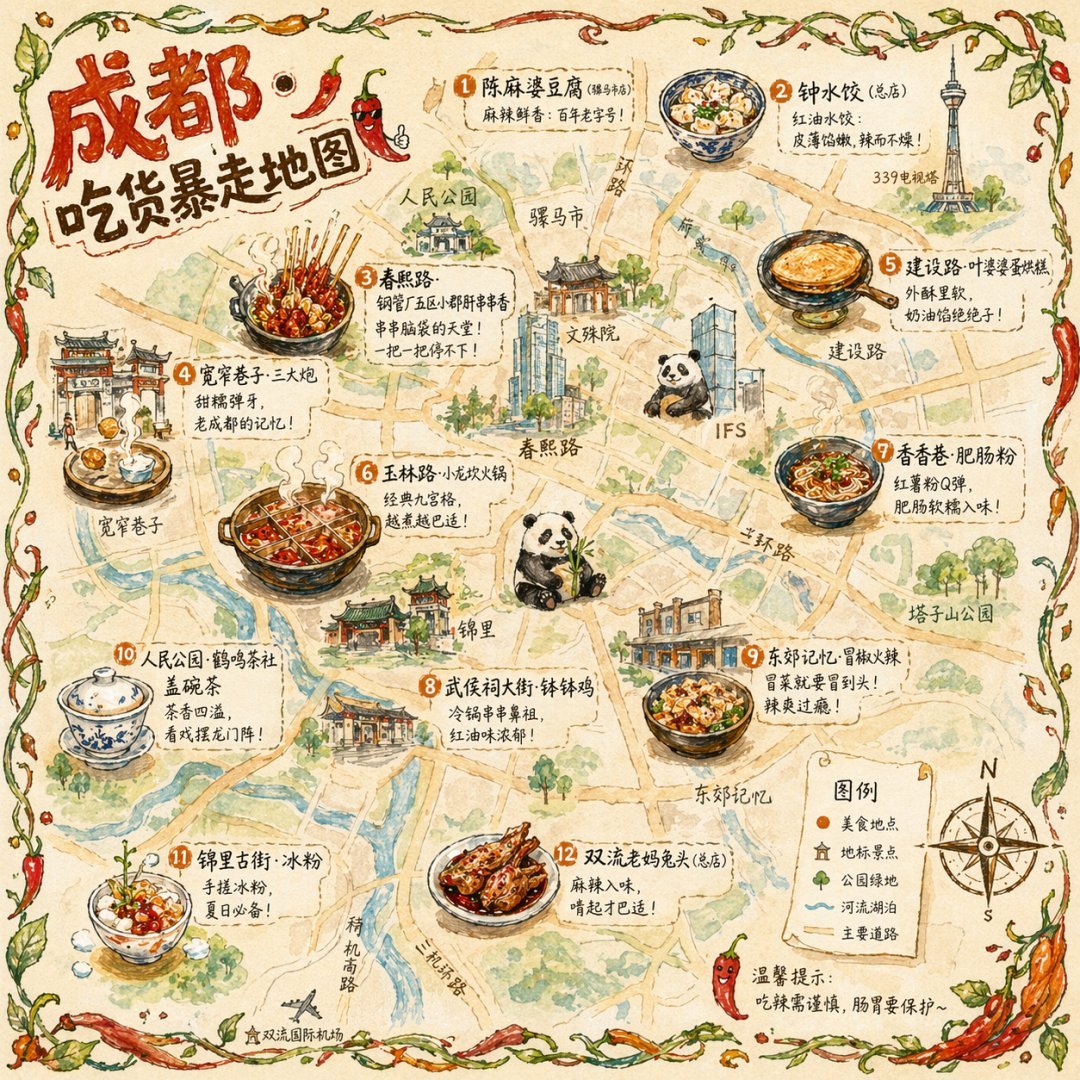
A detailed prompt for a watercolor and colored pencil style illustrated map of Chengdu's famous food locations.
- Prompt included
- Model and format preset
- Free template
The prompt behind this image
Copy the exact prompt behind Hand-drawn Chengdu Food Map, or open it in the studio and make it yours.
A hand-drawn-style city food map themed around {argument name="city" default="Chengdu"}. The image is based on a simplified, bird's-eye-view hand-drawn city map, labeling major roads and landmarks, not aiming for precise scale but for a cute, hand-drawn feel. Scattered across the map are 12 exquisite hand-drawn illustrations of food spots: {argument name="landmark" default="chuan chuan xiang (skewered hot pot) on Chunxi Road"} (a bunch of bamboo skewers with various ingredients, steaming hot), sāndàpào ("three cannons," glutinous rice balls flying toward a brass plate) in Kuanzhai Alley, egg crepe cakes (golden and crispy, being flipped) on Jianshe Road, hot pot (a nine-square-grid pot bubbling and boiling) on Yulin Road, and so on. Each illustration takes up about 5% of the map's area, with the shop name and a recommendation line such as "the place that's still got a line at 2am" labeled beside it in handwriting. The edges of the map are decorated with a hand-drawn vine-and-chili-pepper border. In the bottom right corner is a hand-drawn compass and legend. In the top left corner, the title "{argument name="title" default="Chengdu · Foodie's Rampage Map"}" is done in plump, rounded hand-lettering with chili pepper decorations. The overall art style is a watercolor + colored-pencil hand-drawn texture, with warm colors (chili red, ginger yellow, emerald green) as the main palette, image ratio 1:1.
How to use Hand-drawn Chengdu Food Map in 3 steps
- 1
Open
The prompt is already in the box next to the preview, with the template's model and format selected.
- 2…a portrait of your subject in softgolden-hour light, 85mm…
Personalize
Edit the subject and creative details for your destination.
- 3Generate
Generate
Press Generate — your image is created in PicX Studio, so you can compare it with the original and refine one variable at a time.
More like this
Templates with the same subject, style or setup. Open one to see its prompt.
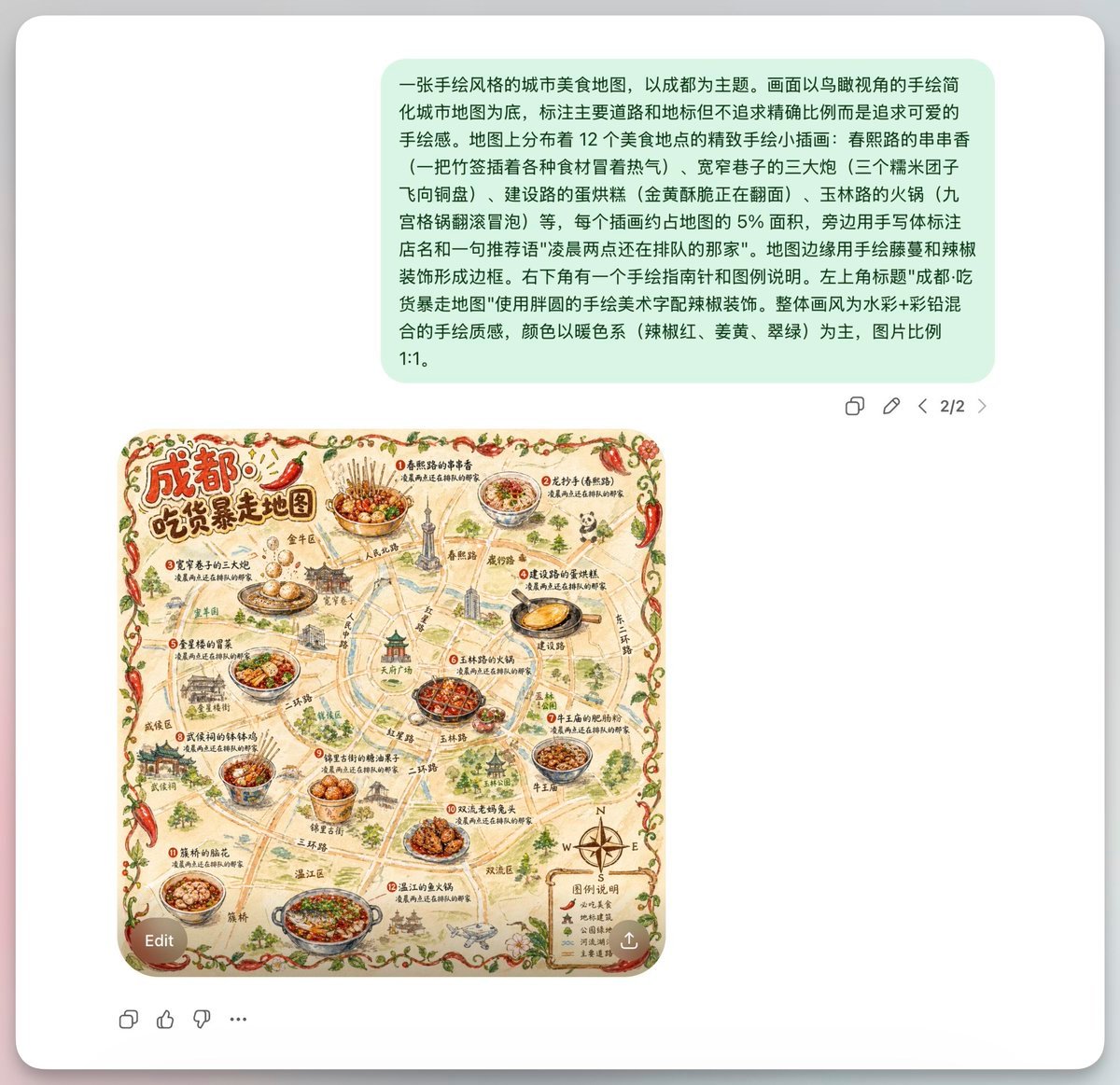
Chengdu Hand-Drawn Food Map UI
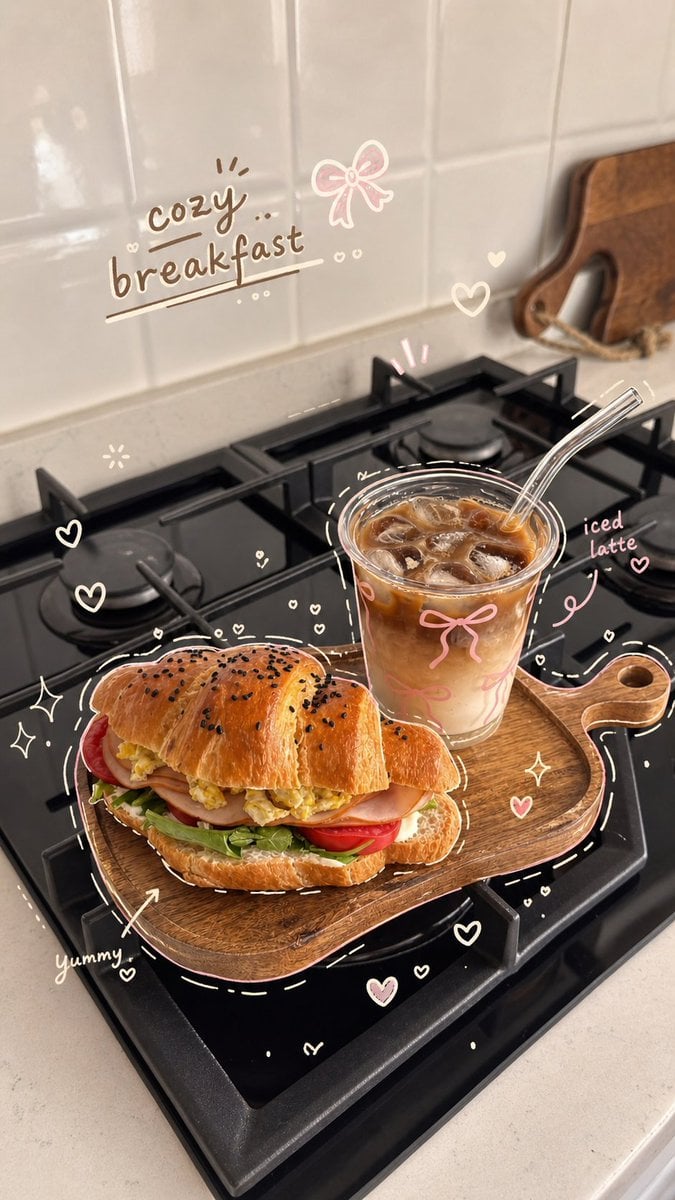
Cozy Hand-Drawn Food Doodle
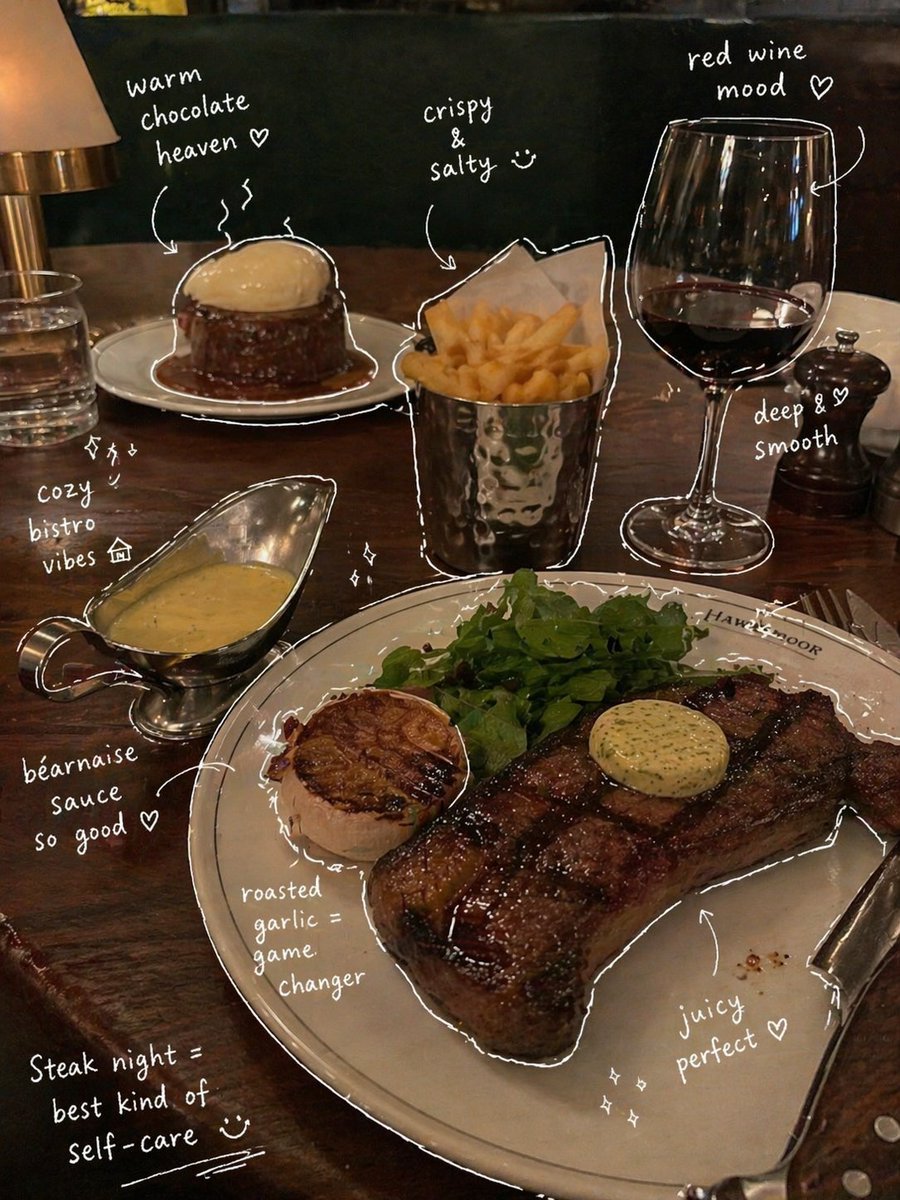
Hand-Drawn Annotated Food Diary Style
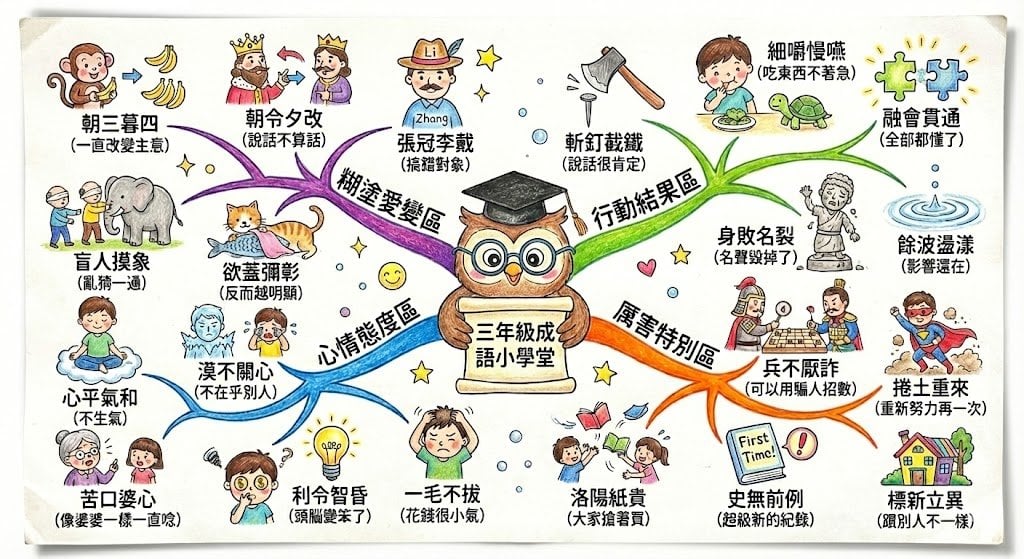
Hand-drawn mind map for explaining Chinese idioms
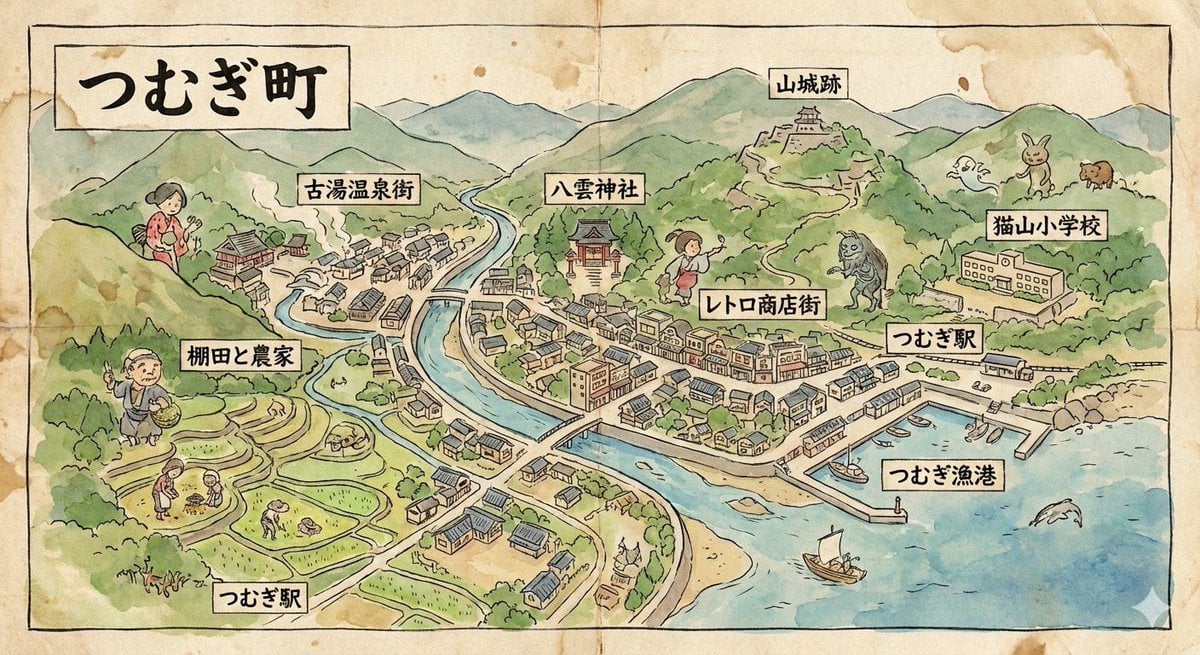
Hand-drawn map of a fictional Japanese town
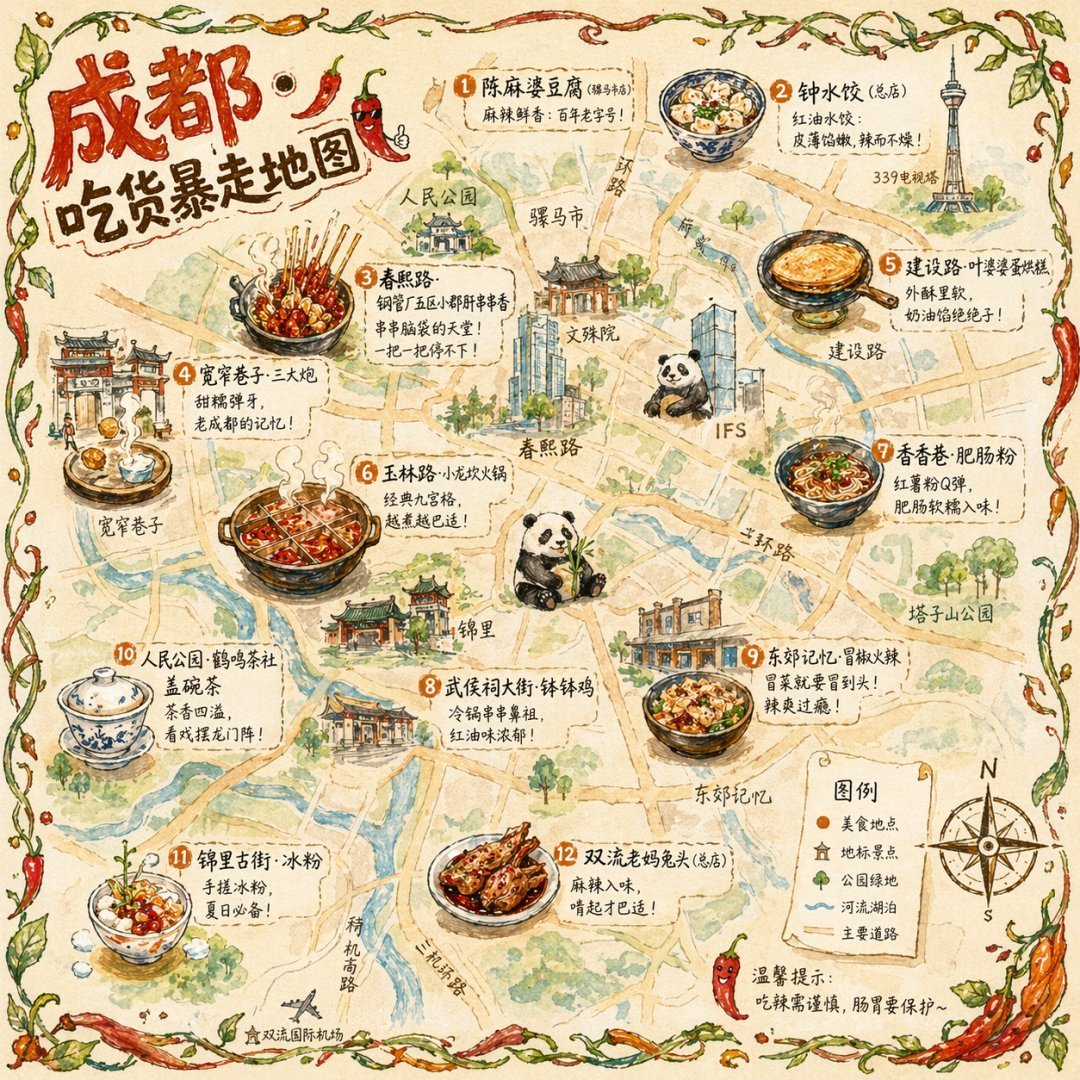
Gpt2 Illustrated City Food Map
Simple Hand-Drawn Koala Mascot

Hand-Drawn Doodle Grid Poster

Hand-drawn Breakfast Journal Aesthetic Poster
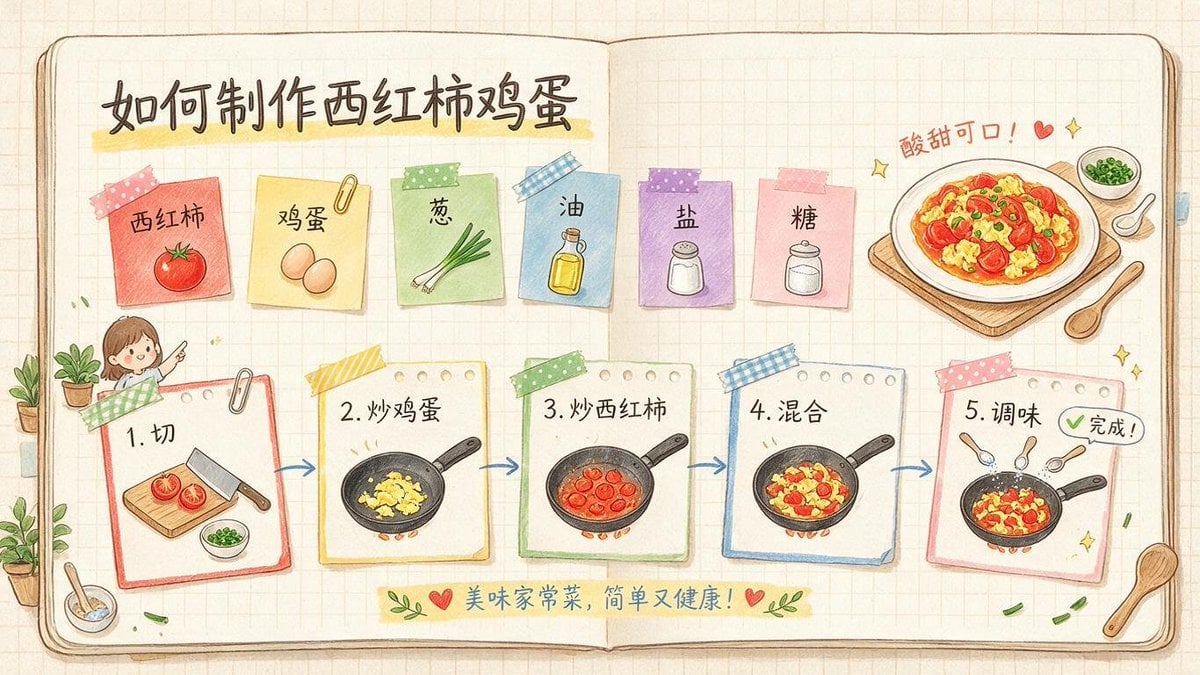
Hand-Drawn Tomato Egg Recipe Infographic
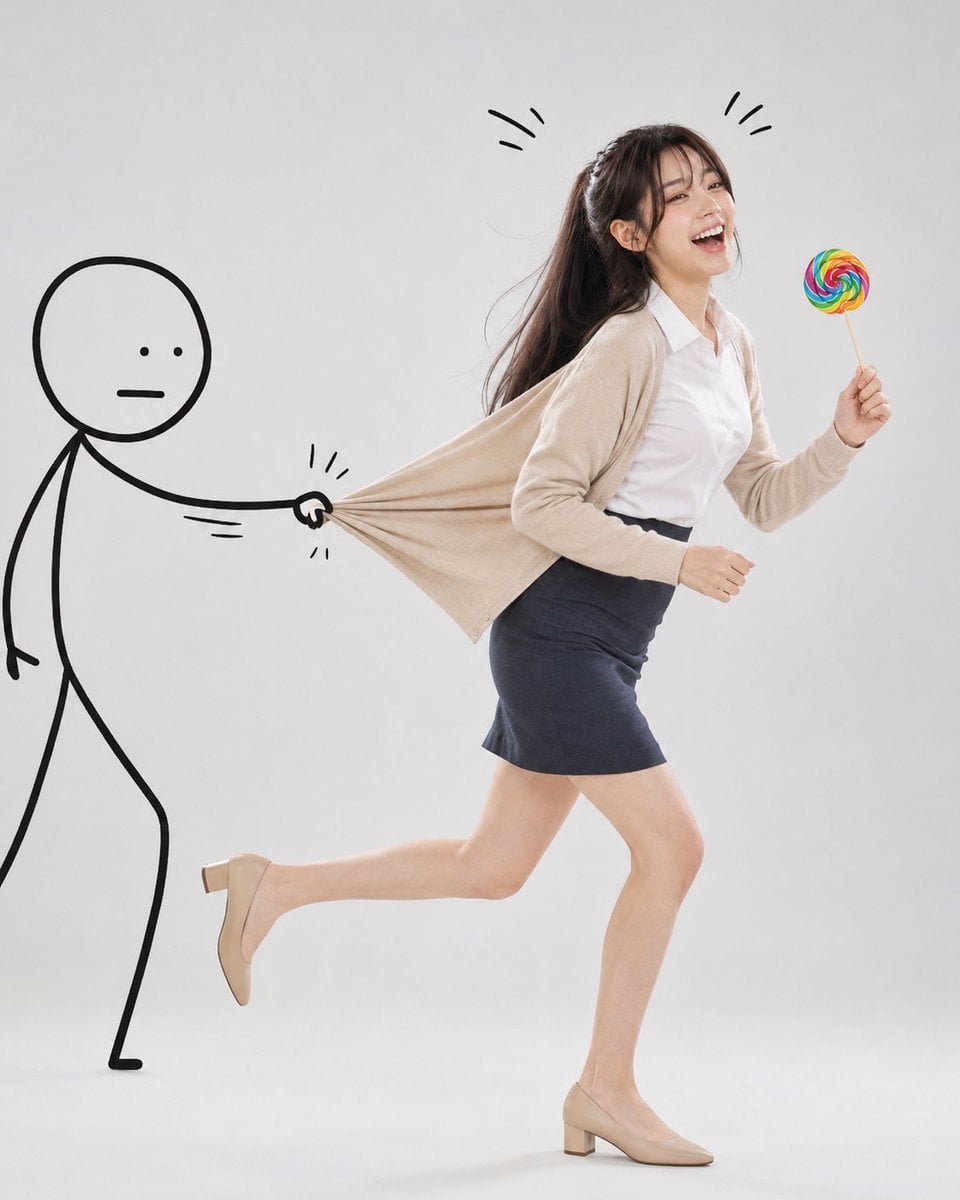
Surreal Studio Photography with Hand-Drawn Doodle

Minimal Hand-Drawn Sketch Watercolor Portrait
Make it yours
Hand-drawn Chengdu Food Map works as-is. These are the safest ways to change it without losing the look.
Change one field
Copy a single group, rewrite it, and generate again so you can see what that field is doing.
Keep the frame, change the subject
Hold the composition and light of Hand-drawn Chengdu Food Map, then swap wardrobe, props or the person for a new take.
| If the result… | Why | Fix |
|---|---|---|
| The result drifts from the preview | Too many fields changed at once. | Reuse Hand-drawn Chengdu Food Map as-is first, then change one group — subject, light, or setting. |
| The model over-stylizes the scene | The prose prompt leaves finish and camera underspecified. | Add one camera or lighting sentence and stay on GPT Image 2. |
More GPT Image 2 templates
Other prompts made for GPT Image 2.

Six VTuber Japanese Logo Sheet

Realistic Portrait of Woman and Deer

The Vista Modular Condo Poster

AI Model Routing Comparison Infographic

2.5D Anime Art Board

Isometric Productivity Desk Scene

New York Double Exposure Poster

Four-Panel AI Landscape Comparison

Japanese Tatami Lifestyle Magazine Cover

NESCAFÉ Coffee Map Poster
More image prompts
Fresh picks from across the catalog.
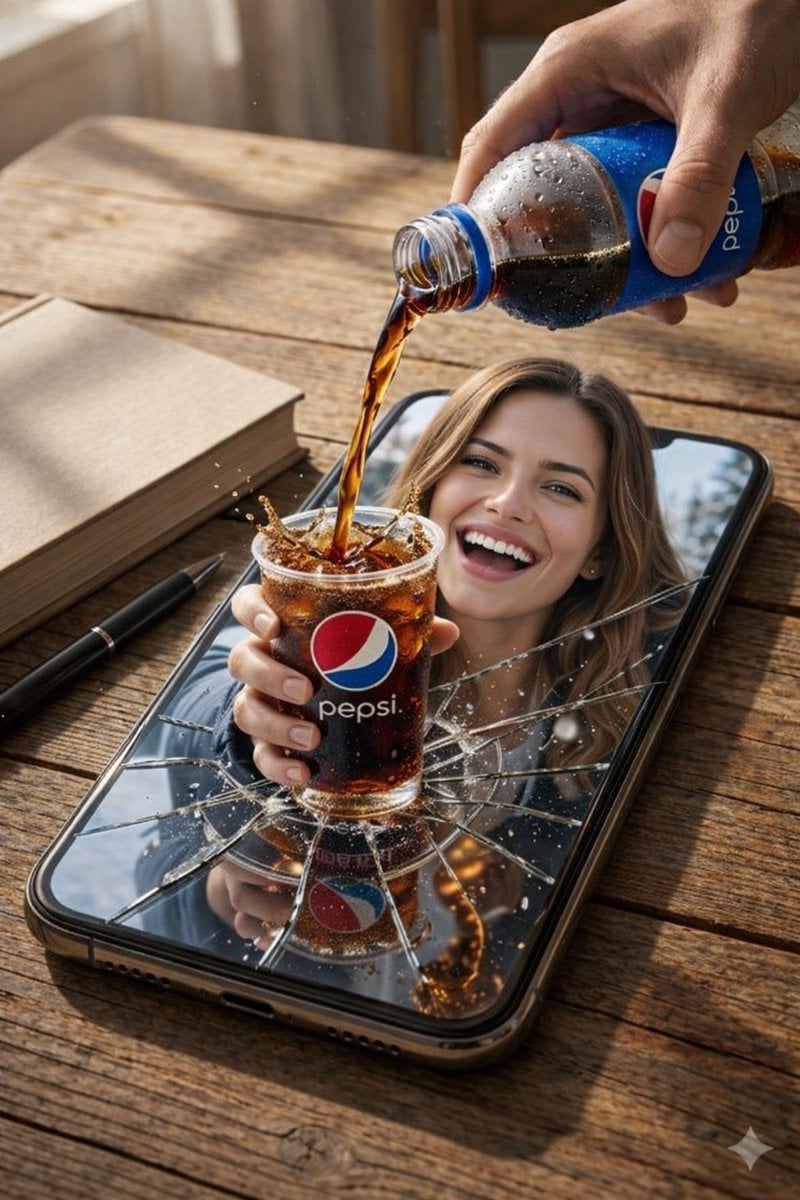
Surreal Product Composite: Subject Emerging from Cracked Phone Screen
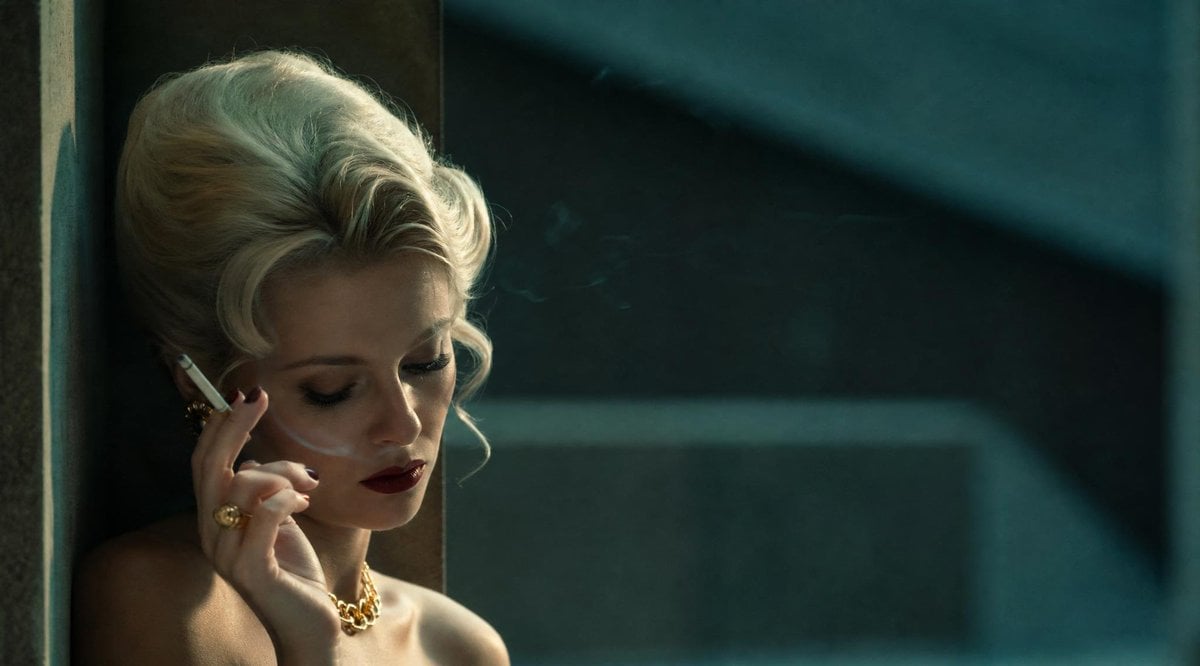
Censored Vintage Smoking Film Still
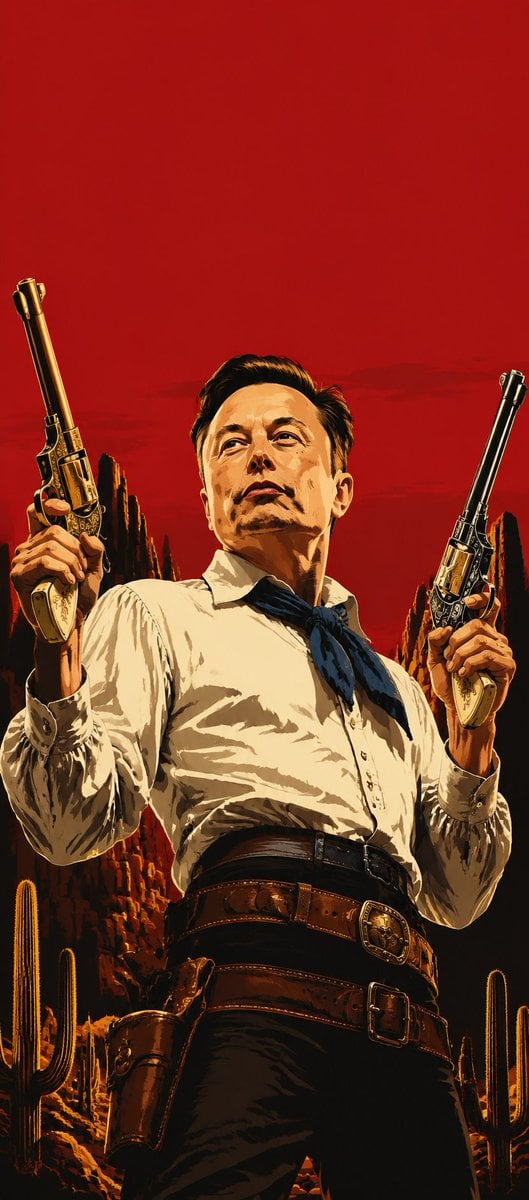
Blood-Red Western Gunslinger Poster
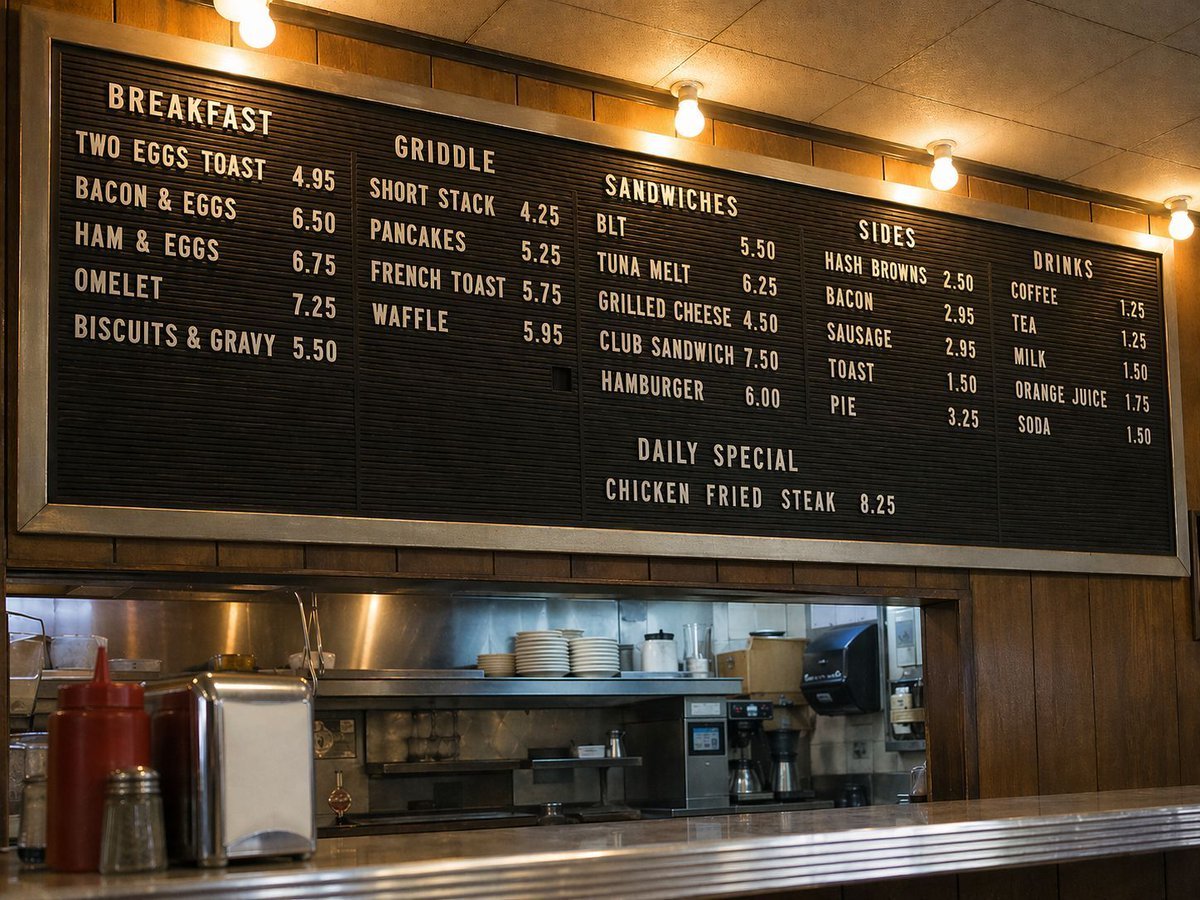
Vintage Diner Menu Board Scene
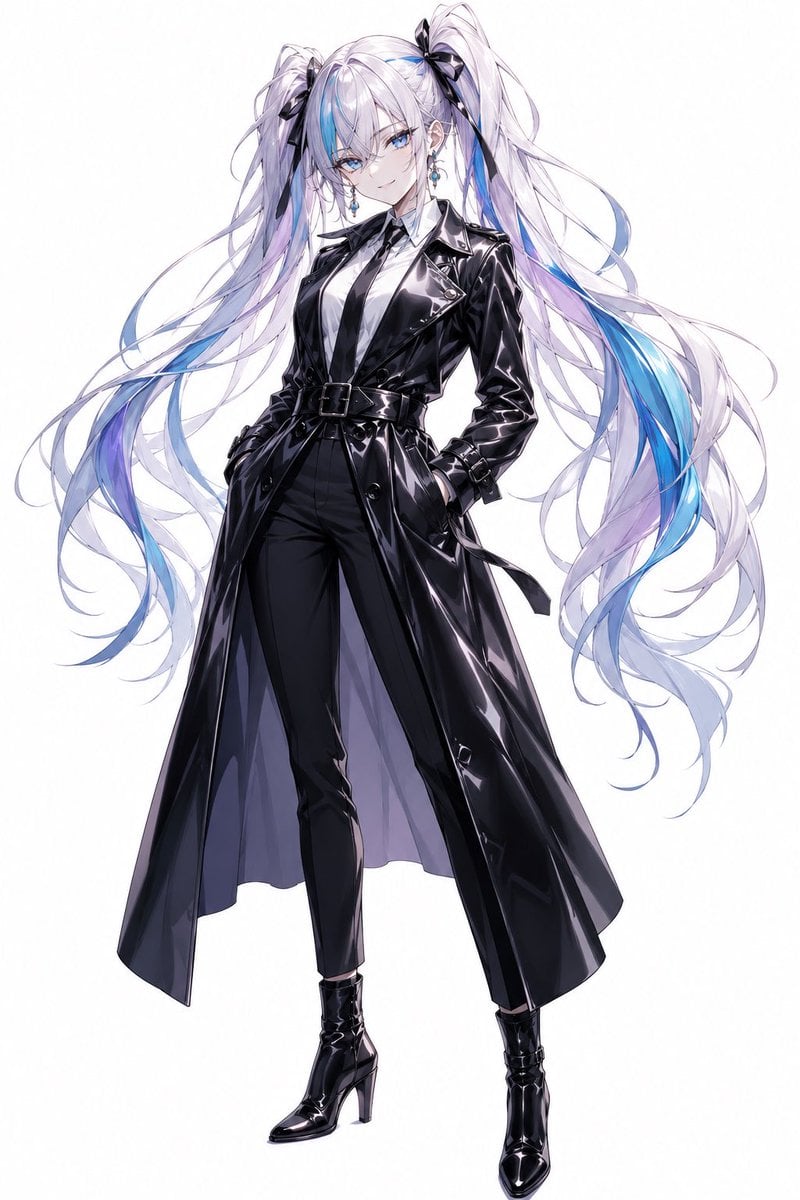
Anime Twin-Tail Patent Trench Fashion
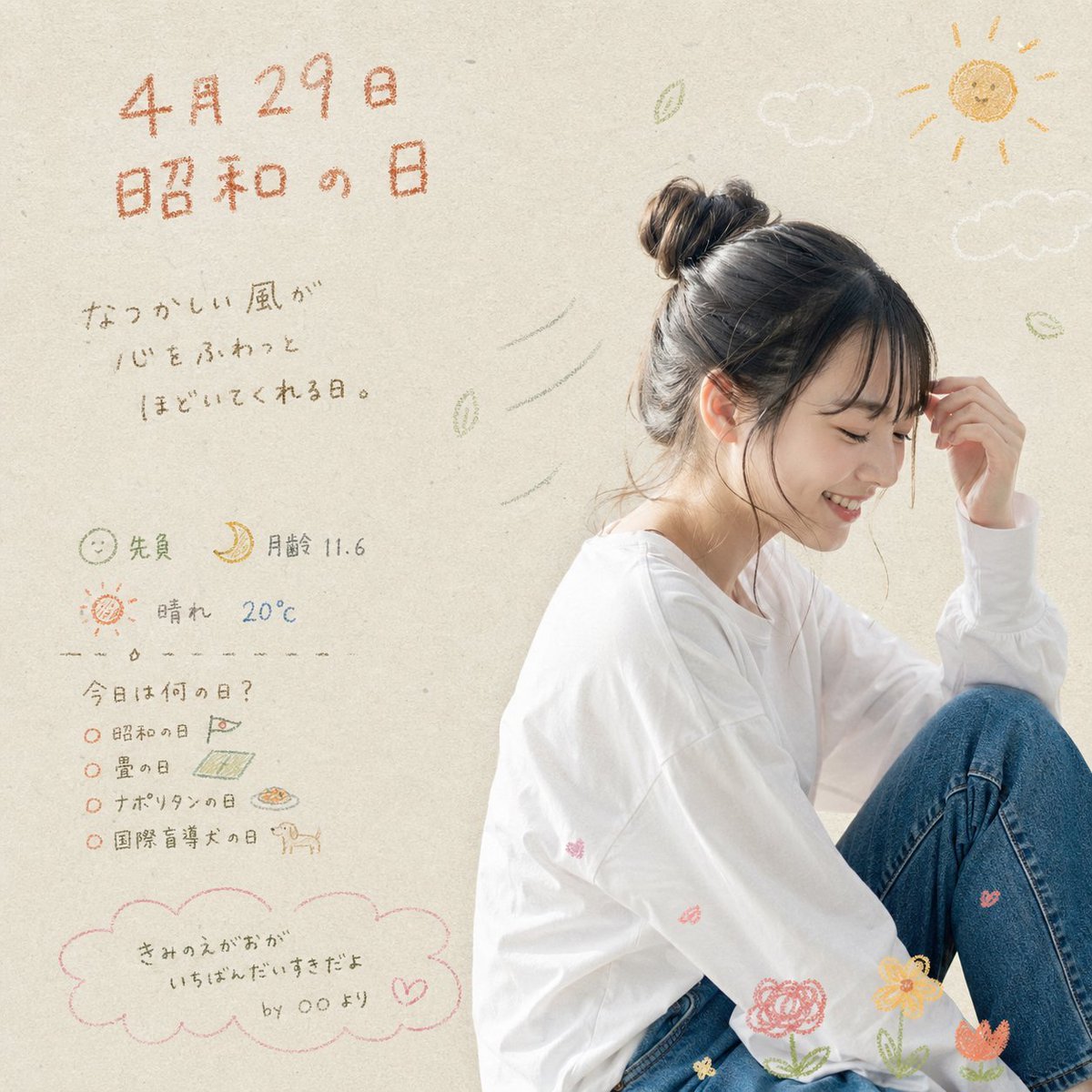
Showa Day Scrapbook Portrait
Retro and Modern Name Poster Prompts
Photorealistic Couple Portrait with Harsh Midday Sun and Red Roses

Business Presentation Icon Set
Gourmet Burger Commercial Photography
Browse template categories
Hand-drawn Chengdu Food Map questions
How do I use the Hand-drawn Chengdu Food Map template?
Add your photo if the template asks for one, edit the prompt if you like — the template's model and format are already selected — and press Generate. Your version opens in PicX Studio.
Can I customize the Hand-drawn Chengdu Food Map template?
Yes. You can change the subject, setting, lighting, mood, format, and available model controls before creating your image.
Is the Hand-drawn Chengdu Food Map template free?
Opening and editing this template is free. Generating uses credits, shown on the Generate button when you are signed in.
Which AI model should I use?
Start with GPT Image 2, which is the model associated with this template. You can compare another compatible model for a different finish.
Looking for something else? Browse all templates.

Your photo, any look
Thousands of ready templates for every top image and video model, from one credit balance.